

If you’re searching for the best AI SEO tools for content optimization, you’re probably in one of these situations:
- Your team is publishing consistently, but rankings are stuck (or slipping).
- You’re seeing competitors show up more often in AI answers, AI Overviews, ChatGPT-style results, and other “generate-a-summary” experiences, while your content gets ignored.
- Your writers can produce drafts, but your SEO team spends hours rewriting, restructuring, and “finding the gaps” after the fact, which is exactly what a content audit fix sprint.
- You’ve tried an optimizer before… and it devolved into chasing a score instead of improving outcomes, which is why it helps to follow a clear, repeatable process for high-impact content optimization.
This guide is designed for commercial investigation intent: you want recommendations fast, then the decision framework and workflow afterward.
📋 Get Listed / Advertisement
We update this guide monthly. Want your tool featured? Contact: [email protected].
Best 5 AI SEO Tools for Content Optimization (Quick Comparison)
| Tool | Best for | Standout strength | Starts at* |
|---|---|---|---|
| Semrush (Content Toolkit + SEO Writing Assistant) | Teams that want planning + writing + optimization inside a broader SEO suite | SEO data ecosystem + writing assistant inside editors | Content Toolkit $60/mo; Writing Assistant requires Guru/Business plans |
| Surfer | Hands-on on-page optimization and structure guidance | Content Editor + live optimization + internal linking workflows | $49/mo billed yearly (Discovery) |
| Clearscope | Editorial-grade content optimization & keyword coverage | Content grades + clean recommendations + team workflows | $129/mo |
| MarketMuse | Strategy-led teams building topical authority & optimizing clusters | Topic modeling, inventory/heatmaps, briefs at scale | Free tier available; paid tiers vary by plan |
| Frase | Faster briefs + optimization + AI search visibility tracking | Research → brief → draft support with low entry price | $39/mo billed annually |
1. Semrush
What it does
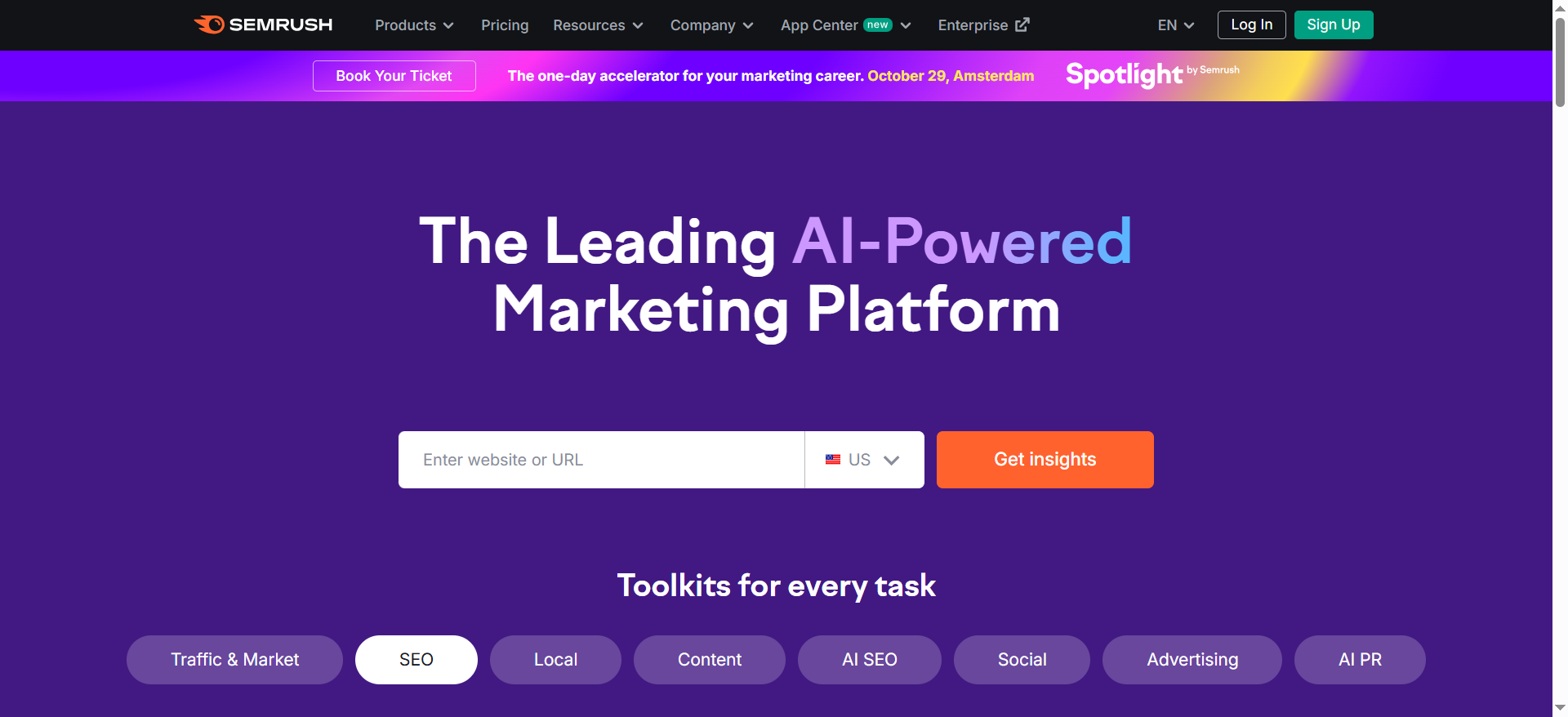
Semrush is best described as a full SEO suite with content layers. In the context of content optimization, two parts matter most:
- Content Toolkit: helps with ideas, briefs, drafts, and publishing workflows
- SEO Writing Assistant: checks SEO, readability, tone, and originality, often directly inside common editors
Why teams use it
Teams pick Semrush when they don’t want “yet another standalone content optimizer.” They want:
- Keyword and competitive research connected to content decisions
- A content workflow that can move from idea → brief → draft → optimize → publish
- Tools that match how writers work (e.g., in Docs or WordPress)
Semrush positions its toolkit around SEO + AI search optimization and brand voice consistency (useful for scaling writers).
What it’s good for
- All-in-one workflows for B2B SaaS content teams
- Planning + production at scale (topic discovery, briefs, drafting support)
- Editorial polishing with guardrails (tone, readability, originality)
- Teams already invested in Semrush for SEO research, competitive analysis, or site monitoring
When it’s a good fit
Choose Semrush if:
- You want one ecosystem to reduce tool sprawl
- You need to connect optimization work to broader SEO strategy
- You want assistance across stages (not only “optimize a draft”)
When it’s not a good fit
Semrush may not be ideal if:
- You only want a dedicated, best-in-class optimizer/editor
- Your team is small and you can’t justify suite-level pricing
- You prefer a simpler scoring system with fewer “suite” features
How to use it for “before/after” optimization
Use this workflow:
- Before writing: start with a content idea and build a brief (outline + entities)
- Draft: generate or write your first version, focusing on clarity and intent match
- Optimize: run the draft through the writing assistant to tighten readability, tone, and SEO checks
- Final pass: add extraction hooks (tables, definitions, FAQs) to improve AI citation eligibility
Key capabilities
- Idea generation and brief workflows (topic → outline)
- Real-time writing checks for SEO/readability/tone/originality
- Integrations that keep writers in their normal editor flow
Pricing
- Semrush Content Toolkit pricing starts at $60/month. Full access to Semrush’s SEO Writing Assistant is also available via Semrush plans like Guru ($249.95/month) or Business ($499.95/month).
Free tier?
Semrush Content Toolkit doesn’t offer a free tier, but it does offer a 7-day free trial. Semrush’s SEO Writing Assistant has a free plan with limited features.
Downsides / limitations
- Suite pricing can be heavy if you only need one narrow function
- Some teams still prefer a dedicated optimizer interface (Surfer/Clearscope style) for day-to-day editing
- You’ll get the most value only if you actually use multiple Semrush components (not just one feature)
Best for: Teams who want an ecosystem approach and already care about SEO research + content ops.
2. Surfer
What it does
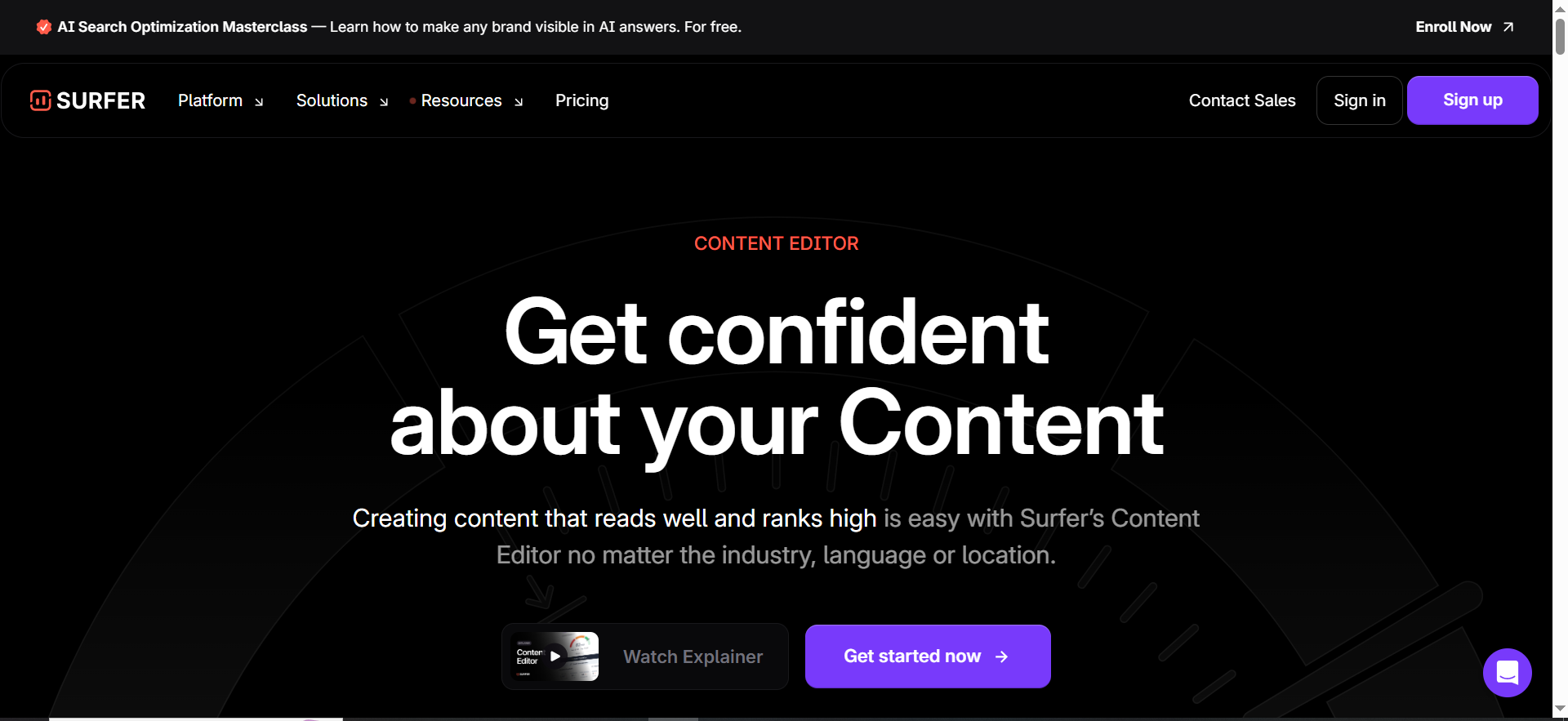
Surfer is a content optimization platform known for its Content Editor approach: it analyzes top-ranking pages and helps you match patterns that correlate with performance, structure, headings, terms, and sometimes internal linking suggestions.
It’s popular because it feels “hands-on”: you can watch your content score change as you edit.
Why teams use it
Surfer is the tool teams pick when:
- Writers want clear, actionable guidance (what to add, where to expand, what to trim)
- SEO wants consistent on-page standards without rewriting every draft manually
- Content operations need a repeatable “optimize and ship” workflow
Surfer’s pricing page also frames its plans around winning visibility in AI search and tracking AI prompts, an emerging direction in the optimizer category.
What it’s good for
- Optimizing drafts quickly for on-page coverage
- Structuring content (headings, length, term usage)
- Teams producing a high volume of SEO pages where consistency matters
- Building a feedback loop: “write → optimize → publish” without endless revisions
When it’s a good fit
Surfer works well if:
- Your writers accept optimizer-driven structure guidance
- You want a “single pane” editor for optimization
- Your SEO team needs a way to scale feedback without becoming bottlenecks
When it’s not a good fit
Surfer can be frustrating if:
- Your brand voice requires creative structures that don’t match SERP norms
- Your team becomes overly dependent on the score (instead of the intent)
- You operate in niches where SERP patterns are noisy or unstable
How to use it for “before/after” optimization
Before: paste your draft and evaluate:
- Are you missing major subtopics?
- Are headings aligned with search intent?
- Are you answering “best for” and “not a fit” explicitly?
After: use Surfer to:
- Fill term/entity gaps (without stuffing)
- Adjust heading hierarchy to match real questions
- Add internal links and supporting sections where the SERP expects them
- Tighten the “extractable” sections: comparisons, lists, FAQs
Key capabilities
- Content scoring + structure benchmarks
- Optimization guidance in-editor
- Plan tiers that include AI visibility tracking prompts
Pricing
Surfer’s pricing starts at $49/month (Discovery) when billed yearly.
Free tier?
Surfer doesn’t offer a free tier, and its pricing page doesn’t clearly list a free trial.
Downsides / limitations
- Risk of rigid optimization (teams chasing targets like word count/headings)
- If you treat Surfer as a “rulebook,” you can produce content that feels templated
- Best results require a human editor to preserve voice, clarity, and originality.
Best for: Teams that want a strong day-to-day optimization editor and measurable on-page guidance.
3. Clearscope
What it does
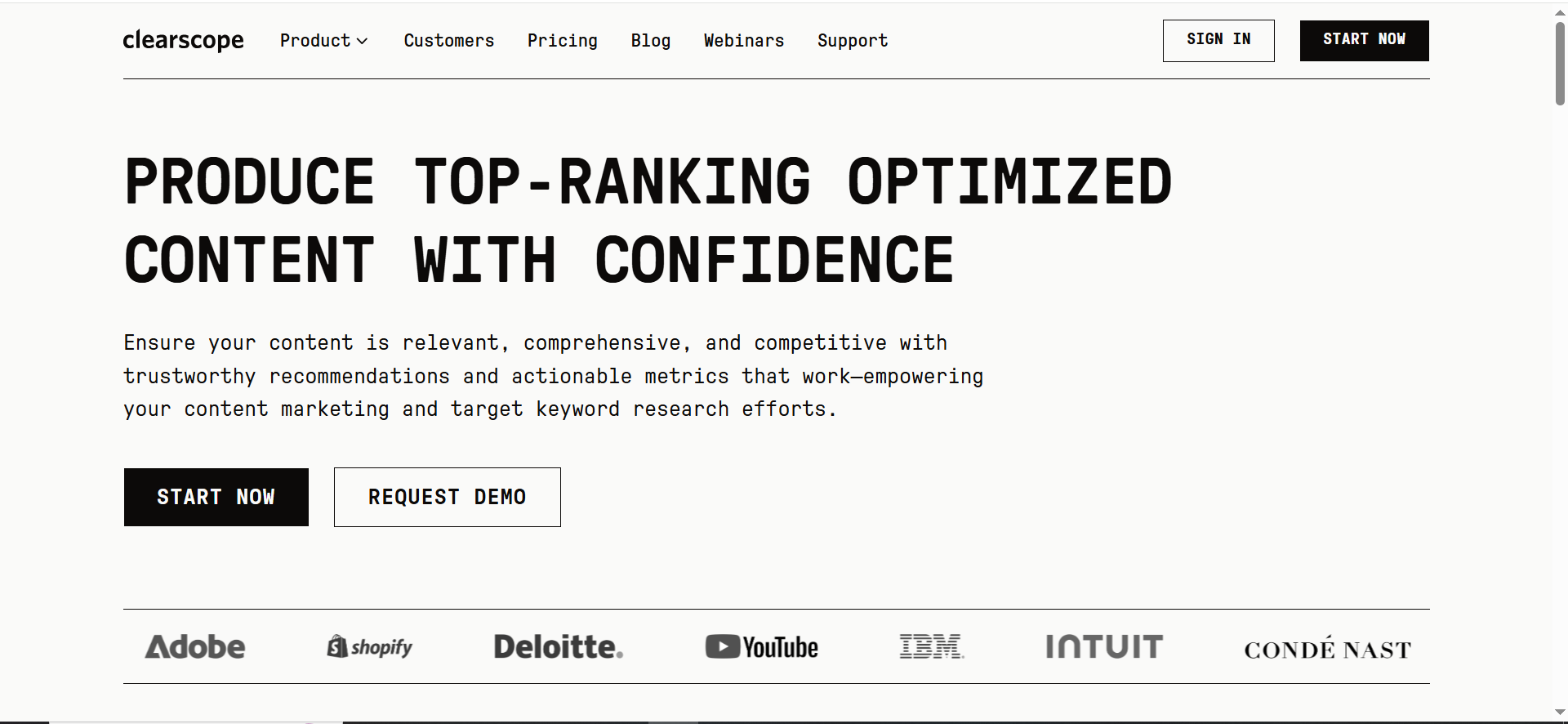
Clearscope is a content optimization platform built around content grading and keyword/topic coverage. You create a report for a term, bring your draft, and optimize toward clearer coverage and better completeness.
Clearscope is well-loved by teams who want SEO guidance that feels more editorial and less “mechanical.”
Why teams use it
Teams choose Clearscope because:
- The recommendations are often clean and easy to apply
- The content grade makes it simple to standardize “what good looks like”
- It fits well into editorial workflows (writers, editors, SEO reviewers)
Clearscope also emphasizes “SEO and AI search visibility” in its pricing page messaging, reinforcing the shift toward AI discovery readiness.
What it’s good for
- Content refreshes (finding missing terms and coverage gaps fast)
- Editorial teams who want optimization without destroying readability
- Standardizing quality across multiple writers
When it’s a good fit
Pick Clearscope if:
- Your writers are strong, but need “coverage guardrails”
- You want a tool your editors will actually use
- You prioritize clarity and quality over aggressive structure manipulation
When it’s not a good fit
Clearscope might not be the best fit if:
- You need deep strategy tooling (inventory, topic models, prioritization)
- You want a cheaper entry point for a small team
- You need extensive AI drafting workflows inside the platform
How to use it for “before/after” optimization
A practical approach:
- Draft your content for humans first, clear, accurate, intent-matched.
- Run it through Clearscope to identify missing topic terms and subtopics.
- Add coverage where it makes sense, using: definitions, examples, comparisons, and FAQs.
- Re-check: does the piece now answer the fan-out questions users care about?
Key capabilities
- Content grading
- Keyword/topic coverage recommendations
- Team-focused plans (Essentials/Business/Enterprise)
Pricing
Clearscope’s pricing starts at $129/month (Essentials)
Free tier?
Clearscope doesn’t offer a free tier, but it does offer a demo.
Downsides / limitations
- Price can feel high if you only need basic optimization
- Like any optimizer, it can be misused (adding terms without adding value)
- You still need a strategy layer (what to publish next, what to refresh first)
Best for: Editorial-heavy teams who want SEO guidance that preserves quality and readability.
4. MarketMuse
What it does
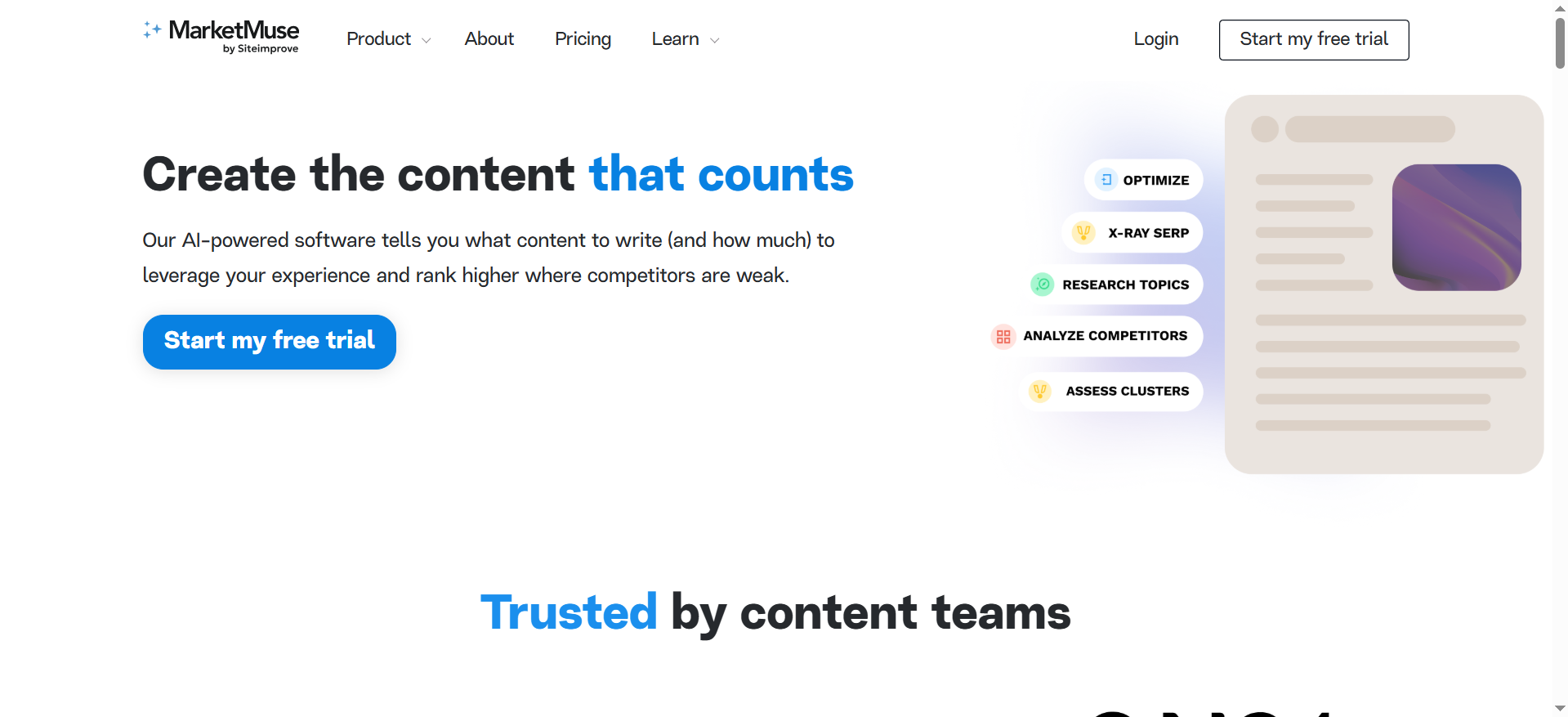
MarketMuse leans strategy-forward: it’s built to help teams understand topical authority, gaps, and what to create/optimize next, often at the cluster level.
If you’ve ever thought, “We need to stop writing random posts and build authority,” MarketMuse is designed for that moment.
Why teams use it
Teams use MarketMuse when:
- They’re optimizing more than a single page, they’re optimizing a category, a cluster, or an entire domain section
- They want a smarter model of what “complete coverage” looks like
- They need tooling for briefs, planning, and prioritization (not just editing)
MarketMuse explicitly offers a Free tier and multiple tiers that include tracked topics, briefs, and strategy docs.
What it’s good for
- Topical authority building (clusters, coverage maps, gap identification)
- Content brief generation that reflects topic models
- Refresh prioritization when you have lots of existing content
- Strategy-driven teams who want to plan content like a system
When it’s a good fit
MarketMuse is a strong fit if:
- You manage dozens/hundreds of content assets
- You’re building category authority and want a structured way to do it
- You need strategy docs and briefs that align writers and SEO
When it’s not a good fit
It’s less ideal if:
- You only need a simple “optimize this draft” tool
- Your content volume is low and you won’t use the strategic features
- You’re highly budget constrained (pricing varies by plan/tier)
How to use it for “before/after” optimization
A practical MarketMuse-driven workflow:
- Choose a cluster, not just a keyword.
- Use MarketMuse to model: what subtopics and entities define “complete” coverage.
- Decide: refresh an existing page vs create a new supporting page.
- Produce a brief that includes: headings, entities, comparisons, FAQs.
- After publishing, use inventory/heatmaps to track where you’re still weak.
Key capabilities
- Free tier: 1 user, limited usage, 10 queries/month
- Plans include tracked topics, content briefs/month, and strategy docs/month
- Access to research tools like Topic Navigator and SERP analysis views
Pricing
MarketMuse’s paid plan pricing is not publicly listed on its pricing page; it shows plan tiers but not dollar amounts.
Free tier
MarketMuse offers a free tier (10 queries/month), and it also promotes a free trial.
Downsides / limitations
- Heavier learning curve than a simple optimizer
- Best value comes when you use it for planning + prioritization, not just one-off edits
- Strategy-driven tooling can feel like “too much” for small teams
Best for: Teams serious about topical authority, clusters, and optimizing content portfolios, not just pages.
5. Frase
What it does
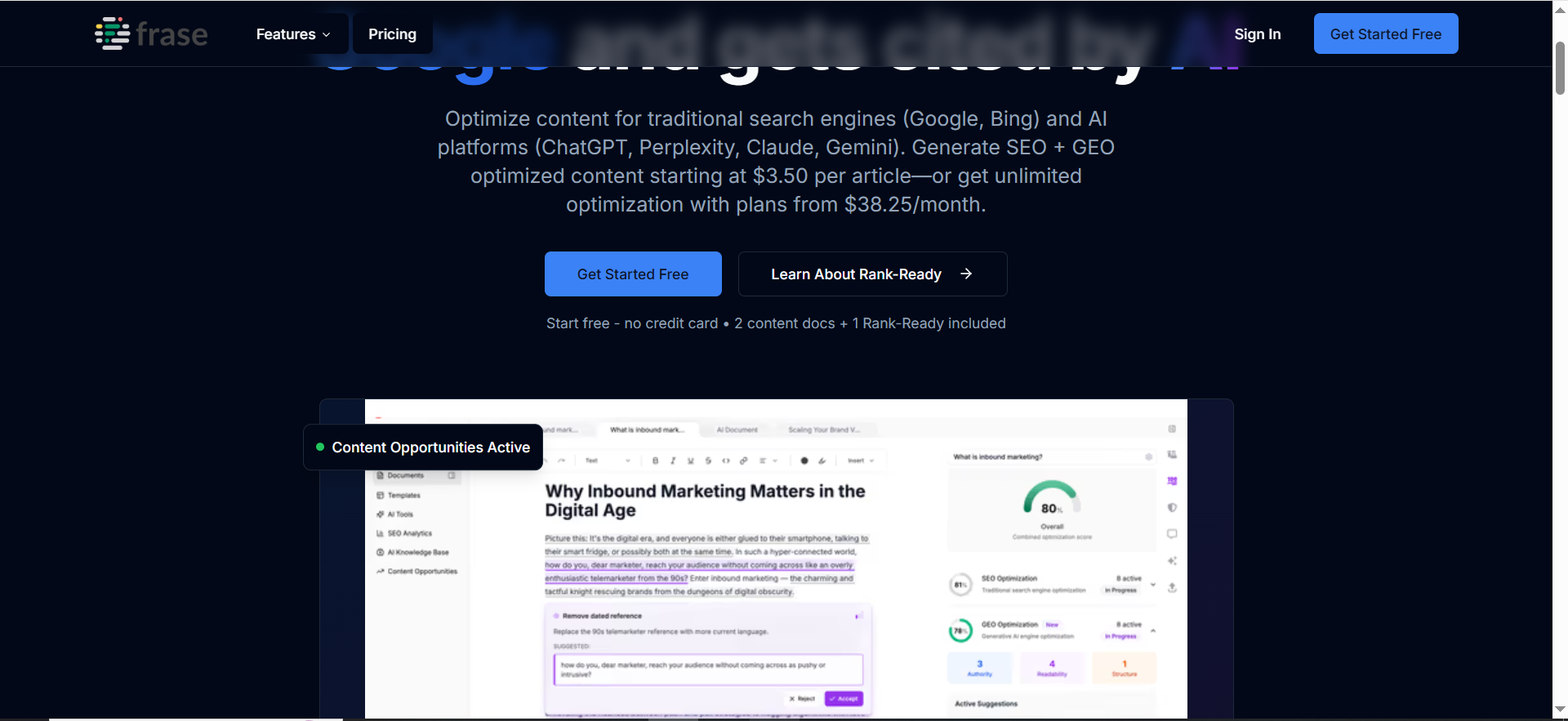
Frase is positioned as a content platform that helps teams know what to create before writing, then supports creation and optimization, plus AI search visibility tracking elements in its plan messaging.
It’s often chosen as a lower-cost entry point into research + brief + optimization workflows.
Why teams use it
Frase is popular because:
- It offers a fast path from research → outline/brief → draft support
- It’s accessible for smaller teams who still need real process
- It includes monitoring elements (“AI Search Visibility” features listed in plans)
What it’s good for
- Briefing and outlining quickly
- Smaller teams that need structure without enterprise complexity
- Workflow support for content calendars, internal linking suggestions (in higher tiers)
When it’s a good fit
Frase works well if:
- You need a repeatable system for briefs and optimization
- You’re cost-sensitive but still want a real tool (not just prompts)
- Your team wants to move faster without sacrificing coverage
When it’s not a good fit
It may not be ideal if:
- You need deep enterprise security, SSO, custom workflows (unless you’re on Enterprise)
- You want the most polished “editorial-grade” optimizer experience (Clearscope often wins that)
- Your strategy team needs heavy cluster mapping and inventory intelligence (MarketMuse tends to be stronger)
How to use it for “before/after” optimization
Use Frase like this:
- Start with the target topic and generate a research-backed outline.
- Ensure the outline includes “extractable” blocks: definition, comparison criteria, best-for bullets, and FAQs.
- Draft with voice-first writing (clear, specific, non-fluffy).
- Run optimization checks to spot missing coverage and fill gaps with useful examples.
Key capabilities
- Entry plans include “AI-optimized articles/month,” audit pages, and “AI Search Visibility” tracking across platforms (plan-dependent).
Pricing
Frase’s pricing starts at $39/month (Starter) when billed annually.
Free tier?
Frase doesn’t offer a free tier, but it does offer a free trial.
Downsides / limitations
- Like all AI-assisted platforms, outputs still need strong human editing
- If your team relies too much on automation, content can become generic
- Some teams will still want a specialized optimizer (Surfer/Clearscope) as they scale
Best for: Teams that want a fast research→brief→optimize loop with a relatively low starting price.
📋 Get Listed / Advertisement
We update this guide monthly. Want your tool featured? Contact: [email protected].
What “AI SEO content optimization” means in 2026 (Google + AI answers)
Traditional on-page SEO tools were built around a relatively stable loop:
- Pick a keyword
- Look at top-ranking pages
- Add missing terms/headings
- Improve internal links and UX
- Publish and measure rankings
That loop still matters. But AI-driven discovery adds two new requirements:
1) Topical completeness (entities, subtopics, relationships)
Modern ranking systems (and LLM-based answer generation) reward content that covers the topic in a way that feels complete, not just “keyword rich.” That means:
- Defining the concept clearly (what it is / isn’t)
- Covering common variations and use cases
- Addressing comparisons and alternatives
- Including decision criteria and tradeoffs
- Answering the follow-up questions users ask next (fan-out)
This is why SOP-driven workflows emphasize semantic outlines and query fan-out: it forces you to cover the full “topic surface,” not just the head term, and it maps cleanly to an agile AI SEO workflow.
2) Extractability (content that AI systems can cite)
AI answers tend to “pull” from content that’s easy to extract, which is why teams use an AI answers citation playbook to bake in definition blocks, comparisons, and scannable sections.
- Clear headings that mata definitions
- Lists, tables, and structured comparisons
- Direct answers early in the page
- Evidence hooks (sources, examples, criteria)
If your content is a wall of text, or only “thought leadership vibes”, it’s harder to cite, even if it’s accurate.
The “before/after” model (yozer doesn’t just raise a score. It changes the output:
Before optimization (common problems)
- Drafts are internally coherent but miss important entities/subtopics
- Headings don’t match how people search
- Comparisons are vague (“best-in-class”) instead of specific (features, use cases, constraints)
- Content is not structured for extraction (no quick table, no “best for” picks, no FAQs)
After optimization (what winning pages look like)
- The page answers the main query immediately (TL;DR), then supports it with proof and detail, which is one of the fastest ways to improve overall AI search visibility.
- A quick comparison table appears near the top
- Each tool section follows a consistent module structure (what it limitations)
- The actions as sections + FAQs (minimum 5)
- The content is more likely to earn citation because it’s structured, explicit, and complete) the right AI SEO tool (fast decision framework)
Here’s the fastest way to choose without overthinking it:
Step 1: Idenontent breaks)
Most teams fail in one of these stages:
- Research + brief stage: writers don’t know what to cover
- Draft stage: drafts exist but lack structure and topical depth
- Optimization stage: content is “good” but not competitive (missing entities, weak internal links), and that’s where dedicated tooling for content optimization and search visibility.
- Refresh stage: old pages decay and nobody knows what to fix first
- Measurement stage: you can’t connect optimization work to outcomes, which is why teams standardize how they report wins (and misses) using AI visibility reporting dashboards.
Different tools excel at different stages.
Step 2: Score tools using 7 capabilities that matter
When comparing AI SEO optimizers, evaluate them on:
- SERP-driven recommendations (grounded in what’s ranking)
- Entity/subtopic coverage (semantic completeness vs keyword stuffing)
- Content structure guidance (headings, length, intent match)
- Workflow fit (Docs/WordPress/Word integrations, team collaboration)
- Internal linking support (recommendations, automation, cluster planning) gets much easier when your team is already building keyword clusters and topic maps.
- Refresh prioritization (inventory, content audits, “what to fix first”)
- AI visibility support (tracking/citation awareness, AI search prompts, etc.)
Step 3: Pick “one primary” + optional “one specialist”
A common mistake: buying three tools that overlap.
A better stack is often:
- One primary optimizer/editor (used on every piece) is usually enough for day-to-day work, especially if it aligns with how you already evaluate the best content optimization tools.
- One strategy/refresh tool (used weekly/monthly)
- Optional: one AI drafting assistant (if you need speed, but never at the expense of accuracy)
Now let’s break down the five tools your sheet calls out (Semrush, Surfer, Clearscope, MarketMuse, Frase), using a consistent module structure.
A repeatable content optimization workflow (that scales)
This is the workflow that consistently produces “after optimization” outcomes, better rankings and a higher chance of being extracted/cited by AI systems; without turning your team into score-chasers.
Step-by-step checklist
Step 1: Lock the intent
Ask: is the searcher trying to compare, decide, learn, implement, or evaluate? (For “best tools,” it’s commercial investigation.)
Step 2: Build a semantic outline
Start with entities and relationships, not just keywords. Your outline should force coverage of:
- Definition
- Use cases
- Decision criteria
- Comparisons/alternatives
- Implementation steps
- FAQs
Step 3: Create a “best list” structure that matches the title
For best-of content, the reader wants recommendations quickly, so place the shortlist and comparison table near the top.
Step 4: Draft for clarity first
Write the piece as if no optimizer exists:
- Clear claims
- Concrete examples
- No vague filler
- Strong headings that mirror questions
Step 5: Optimize for completeness (not keyword stuffing)
Use your tool to find:
- Missing entities/subtopics
- Weak sections (thin explanations, unclear criteria)
- Opportunities for lists/tables/FAQs
Step 6: Run the “AI Overviews eligibility” sweep
The page answers the question directly near the top (TL;DR)
- There are structured blocks: comparison table, best-for bullets, pros/cons, pricing
- Headings match fan-out questions
- FAQs exist (minimum 5)
Step 7: Add internal links intentionally
Don’t sprinkle links randomly. Add them where they help the reader take the next step:
- Tool category pages
- Related comparisons
- Deep guides
- “How-to”
Refresh workflow
Content refresh is where optimizers produce outsized ROI.
- Re-check intent drift (has the SERP changed?)
- Update the comparison table and pricing notes
- Add missing subtopics that have extractability (tables, definitions, FAQs)
- Re-publish and measure
Common mistakes that make “optimized” content underperform
Mistake #1: Over-optimizing to a score
A con outcome. If your page reads like it was written for a robot, you’ll lose trust, and often convert.
Fix: Use the score to find coverage gaps, then fill them with real expansion criteria.
Mistake #2: Missing “comparison hooks”
For best-of content, readers (and AI systems) want structured comparisons:
- “Best for X”
- “Not a fit if Y”
- “Pricing starts at…”
- “Key capabilities…”
Mistake #3: Weak internal linking and next steps
Optimization isn’t only on-page text. Strong pages rides
- alternatives
- implementation docs
- related tool categories
Best AI SEO tools for content optimization
The “best” AI SEO tool depends on what you mean by optimization: fixing on-page gaps in a draft, building a stronger brief before writing, refreshing a decaying page, or scaling topical authority across a cluster. In practice, most teams get the best results by choosing one primary optimizer for day-to-day editing, then adding a strategy/portfolio layer only if they have enough content volume to justify it.
Here’s a practical way to bucket the top tools:
- Best overall for teams that want an ecosystem (research + planning + optimization)Semrush is a strong pick when you want content optimization to live inside a broader SEO platform, keyword research, competitor analysis, site auditing, tracking, and content operations. It’s especially valuable when SEO and content teams need one “shared system of record,” rather than isolated tools.
- Best hands-on content editor for daily optimizationSurfer is usually the fastest to operationalize when your writers want an in-editor checklist and live recommendations. It works well in production environments where the SEO team needs consistent standards without rewriting everything.
- Best editorial-first optimization experienceClearscope tends to fit teams that want clean recommendations and a strong quality bar without overcomplicating the workflow. It’s often used in editorial-led orgs where readability and voice matter as much as coverage.
- Best for topical authority and content portfoliosMarketMuse is most valuable when you’re not optimizing one page at a time, you’re optimizing a category, a cluster, or a site section. It helps with prioritization (what to update first), content briefs at scale, and coverage gaps across a topic set.
- Best for fast briefs + optimization at a lower entry pointFrase is commonly chosen by smaller teams that need a repeatable loop from research → brief → draft support → optimization, without paying enterprise-level pricing.
The key selection rule: pick the tool that fixes your biggest bottleneck. If your writers struggle to cover the topic properly, prioritize a tool that improves briefing and outlines. If drafts exist but aren’t competitive, prioritize the strongest in-editor optimizer. If you have a big library and ranking decay, prioritize portfolio strategy and refresh prioritization.
AI SEO content optimizer vs traditional on-page tools
Traditional on-page tools were built for a world where winning meant “rank the blue link.” AI SEO optimizers still help with that, but they increasingly focus on two extra realities: content needs to be semantically complete (entities + subtopics), and it needs to be easy for AI systems to extract and cite.
How traditional on-page tools usually work
- They emphasize keyword placement, basic on-page checks (titles, meta descriptions, headings), and technical hygiene.
- They may provide simple content audits (word count, headings, density).
- They’re often “page checklist” tools: you can meet the checklist and still underperform if your topic coverage is thin or your structure doesn’t match intent.
How AI SEO content optimizers differ
- SERP-grounded recommendations: many analyze top-ranking pages and infer the expected subtopics, structure, and terms to be competitive.
- Semantic coverage: they push beyond exact keywords into related entities, attributes, and variations (semantic SEO).
- Brief-to-draft workflow: they help you plan what to write before you write it, not just evaluate after.
- Extractability: they encourage structured sections (definitions, lists, comparisons, FAQs) that make content easier for AI summaries to pull from.
Where each fits in a modern workflow
- Use traditional tools for technical checks, site health, and fundamentals (crawl issues, indexing, performance, schema validation).
- Use AI optimizers for content competitiveness: topical completeness, structure alignment, and producing briefs writers can follow.
A simple decision rule
- If your issue is technical (crawl/index/canonical/redirects/performance), a traditional SEO suite is the priority.
- If your issue is “content exists but doesn’t win,” AI content optimization tools usually move the needle faster.
How to optimize content for google AI overviews
AI Overviews are designed to help users get the gist of complex queries quickly and then explore sources via links. Google’s own documentation emphasizes that AI Overviews show on queries where they provide added value, and they include links for deeper exploration.
Optimization isn’t about “gaming” Overviews. It’s about making your content more eligible to be selected as a supporting source: accurate, consensus-aligned, clearly structured, and easy to extract.
A practical optimization checklist:
- Answer-first structure
- Put the direct answer near the top (a short summary that matches intent).
- Use clear, descriptive H2/H3 headings that mirror how people ask questions.
- Make your content easy to extract. AI systems tend to cite content that’s structured and scannable. Add:
- A short definition (what it is / what it isn’t)
- Bullet lists for steps and criteria
- Tables for comparisons (features, best-for, pricing ranges)
- A short FAQ block for follow-up questions
- Build semantic completeness (entities + subtopics)
- AI Overviews often synthesize “consensus” answers. If your page misses major subtopics, it’s less likely to be used. Use semantic SEO coverage: entities, attributes, and contextual relevance.
- Strengthen trust signals (especially for YMYL-adjacent topics)
- Include author credentials when relevant
- Cite reputable sources and data points (and keep them current)
- Avoid exaggerated claims and vague “best-in-class” language that can’t be supported
- Align with the queries that trigger Overviews. AI Overviews show up more for complex, multi-part, or exploratory queries. Design sections to match those patterns:
- “How does X work?”
- “X vs Y”
- “Best tools for X”
- “Steps to do X”
- Monitor changes and adjust. AI Overviews are evolving quickly (including follow-up interactions in Search). Treat your pages like living assets: refresh your comparisons, update screenshots/features, and add missing sections as the SERP evolves.
On-page SEO tools for semantic SEO and entity optimization
Semantic SEO is about optimizing for meaning, not just matching exact keywords. A useful way to frame it: search engines and AI systems interpret topics through entities (things/concepts), their attributes, and relationships, then decide whether your content is a strong match for the query’s intent and context.
What “entity optimization” looks like on a page
- Your content mentions the core entities expected for the topic (tools, concepts, standards, methods, alternatives).
- It explains attributes and differences (features, limitations, use cases).
- It connects relationships (how concepts relate, what depends on what, which tool fits which scenario).
- It uses structured headings and sections that map to user questions.
Tool capabilities that matter for semantic SEO
When evaluating on-page tools for semantic/entity optimization, look for:
- Entity/subtopic gap detectionDoes the tool surface missing subtopics that appear across strong competitors (not just missing keywords)?
- Intent-aware structure guidanceDoes it help you shape headings and sections to match what the query implies users want?
- Support for comparison and decision structureFor commercial investigation queries, tools should help you add: best-for blocks, alternatives, pros/cons, and decision criteria.
- Internal linking recommendationsSemantic SEO benefits from clusters. Strong tools help you connect supporting pages to pillar pages and reinforce topical authority.
- Refresh and inventory intelligenceIf you have many pages, semantic SEO is also about identifying which content assets are weak in coverage and prioritizing fixes.
How to apply semantic optimization without making content robotic
- Start with a human-first draft: clear explanations, examples, and decisions.
- Use the tool to identify coverage gaps and missing entities.
- Add entities in context (examples, definitions, comparisons), not as a forced checklist.
- Re-check readability and cohesion (semantic coverage should make the article more helpful, not longer for no reason).
A simple “entity checklist” you can apply to any page
- Core entities: what are the main concepts/tools/terms that define this topic?
- Attributes: what properties matter to users (pricing, speed, accuracy, integrations, limits)?
- Relationships: what connects these entities (workflows, dependencies, alternatives, tradeoffs)?
- Questions: what do users ask next (fan-out)?This aligns closely with the semantic SEO model of entities + attributes + topical authority.
How to measure content optimization success
Measuring content optimization success should be outcomes-first, not score-first. A content score can be a useful input, but success is demonstrated by improved visibility, engagement, and business impact over time.
Use a measurement stack with three layers:
- Visibility and demand capture (top of funnel SEO outcomes)
- Organic impressions and clicks (Search Console)
- Keyword rankings and share of voice/visibility (rank tracking tools)
- Click-through rate changes for refreshed pages (snippet/title improvements)
- Common SEO KPIs typically include visibility, rankings, CTR, and conversions.
- On-page quality and engagement (content performance signals)
- Average engagement time / scroll depth (analytics tools)
- Bounce rate/contextual exits (interpret carefully by intent)
- Internal link clicks (are users moving deeper into your cluster?)
- Conversion assists (newsletter signups, demo assists, downloads)
- Business impact (bottom-line outcomes)
- Leads, trials, demos, revenue influenced by organic sessions
- Conversion rate from organic on target pages
- Pipeline attribution (for B2B) and assisted conversions
A practical measurement timeline (so you don’t misread data)
- 0–2 weeks after publish/refresh: indexation, early impressions, CTR shifts
- 2–8 weeks: ranking movement, query expansion (you start showing for more terms)
- 2–4 months: stable trend signals, conversion impact (especially for competitive terms)
How to measure optimization work specifically (before/after)
- Baseline the page: impressions, clicks, avg position, top queries, conversions (last 28–90 days).
- Apply optimization: structure improvements, entity coverage, internal links, FAQ additions.
- Compare post-change windows: 28 days vs prior 28, and 90 vs prior 90 (to smooth volatility).
- Track query expansion: are you ranking for more long-tail variants and subtopics?
- Track conversion deltas: did qualified actions improve, not just traffic?
A simple “success definition” you can reuse
Content optimization is successful when a page:
- earns more relevant impressions (appears for more intent-matching queries)
- improves CTR and rankings on target queries
- increases engaged sessions and internal navigation
- contributes more conversions or pipeline than before
If you want, I can also turn these H2 sections into a ready-to-paste block that matches the exact tone and formatting of your SOP template (intro lines, bullets, and transitions).
FAQs
What is the best AI SEO tool for content optimization overall?
Are content optimization scores worth chasing?
Which tool is best for optimizing content for AI Overviews and AI answers?
Do I need MarketMuse if I already use Surfer or Clearscope?
What’s the best budget-friendly option for smaller teams?
Can AI writing tools replace SEO optimization tools?
📋 Get Listed / Advertisement
We update this guide monthly. Want your tool featured? Contact: [email protected].


