

Pick by job: Use Clearscope or Surfer to refresh a page that already ranks, Frase or Contentpace to brief one that does not exist yet, and MarketMuse when you are planning a cluster. A page stuck around position eight with thousands of impressions and few clicks needs a refresh tool first, not a new brief.
This applies when the page already ranks on page one, roughly positions 1 to 10, and the gap is clicks, not visibility. A page buried past position 20 needs a different fix first.
No content optimization tool guarantees a ranking or click increase on its own. The score it produces measures completeness against competitors, not what Google or an AI engine will reward.
If one of your own pages is stuck exactly like this, ranking but not converting impressions into clicks, our Content Refresh service audits it and tells you what to fix first. No commitment, just a second pair of eyes on the page before you touch a tool.
What Is A Content Optimization Tool?
A content optimization tool scores a draft or live page against the pages already ranking for the target query and lists the topics, terms and questions it is missing. It is not an AI writer. It does not generate paragraphs or draft a headline. It compares, scores and suggests, and the writing stays the writer's job.
Most tools in this category cover five jobs, scoring a draft or page against competitors, researching and briefing a new piece, suggesting internal links, catching quality issues before publish, and reporting whether an update actually moved rankings or clicks. Few tools do all five well, which is why the right pick depends on the job in front of you, not which tool has the most features.
A content optimization tool will not fix a page buried on page three, and it will not write a sentence for you. What it does well is turn an open-ended request to make something better into a short, specific list, the topics competitors cover that you do not, the questions searchers expect answered, the heading structure that is missing. That list is the whole value. Everything after it is still your judgment.
Which Content Optimization Tool Fits Your Search Console Data?
If a page ranks in positions 1 to 10 with high impressions and very low clicks, the fix is a refresh tool and a title and meta rewrite, not a new brief. This page carried that exact pattern before this update, close to eleven thousand monthly impressions, an average position around 8.6, and five clicks. The content was being shown. It was not being chosen.
Use your own Search Console data to sort pages into one of four jobs before you open a tool:
| Search Console Pattern | Likely Cause | Tool To Use |
|---|---|---|
| Surfer | Optimization + on-page SEO | Optimization + on-page SEO |
| Position 10 to 30, impressions rising or flat | Broader refresh queue, lower priority than the row above | Clearscope or Surfer |
| No live page, no Search Console history | Missing brief, not a missing optimization | Frase or Contentpace |
| Planning 10 or more supporting pages around one topic | Cluster and internal-linking strategy, not a single page | MarketMuse |
Start with title and meta, not the body. A low click-through rate on a page that already ranks usually points to a mismatched title and meta description, so rewrite those before you touch the page's structure. See tools built to catch and prevent content decay for the fuller decay-detection version of this check.
Pages roughly in positions 10 to 30 with high impressions and low clicks are the main refresh opportunity zone, and a 20% or larger impression decline over three to six months marks a prime refresh candidate. Filter the Search Console Search Results report to average position above 10, list the phrases the page already ranks for, and keep those phrases in whatever you rewrite so the update does not weaken rankings you already have. Orbit Media's own blog has rewritten more than 50 posts at least once, and 15 of them three or more times, using this same Search-Console-driven filter instead of a fixed revisit schedule.
A newer worry is whether any of this helps a page get cited in an AI answer. It helps less than most teams assume. Ahrefs' freshness analysis found that AI-cited URLs are only about 26% fresher on publish date than organic results, across a 17-million-URL analysis, so bumping the publish date without adding anything new to the page will not move an AI engine's decision to cite it. The content gap closes the click gap. The date stamp does not.
For the full audit workflow this decision rule assumes, see Search Console and GA4 content audit tools.
Content Optimization Tools At A Glance
The list below keeps the same seven tools this guide has always covered. Pricing in most profiles below is refreshed against the vendor's own current pricing page; where a price could not be independently reconfirmed this cycle, or is no longer published, that is stated instead of repeating an old number.
📋 Get Listed / Advertise
We update this guide monthly. Want your tool featured? Contact: [email protected].
| Tool | Best For | Standout Strengths | Works With | Not Ideal For |
|---|---|---|---|---|
| Clearscope | Fast, high-quality refreshes | Clear scoring, reliable term suggestions | Google Docs, WP (via copy/paste) | Deep topic planning |
| Surfer | Optimization + on-page SEO | Content Audit flags ranking drops | Google Docs, WP | Very advanced cluster planning |
| Frase | Briefs & FAQs | Fast outlines, questions coverage | Google Docs, WP | Heavy multi-site planning |
| MarketMuse | Topic clusters & authority | Inventory analysis, gap finding | Web app | Quick one-off refreshes |
| Semrush Writing Assistant | Existing Semrush users | Smooth add-on workflow | Google Docs, WP plugin | Full-funnel content planning |
| NeuronWriter | Budget-friendly | Useful SERP ideas at low cost | Web app | Large teams needing workflows |
| Contentpace | Team briefs & calendars | Collaborative planning, outlines | Web app | Deep semantic modeling |
- Clearscope / Surfer → fast refreshes of existing posts
- Frase / Contentpace → strong briefs, FAQs, and outlines
- MarketMuse → planning topic clusters and supporting articles
- Semrush Writing Assistant → teams already using Semrush
- NeuronWriter → budget-friendly optimization for solo writers
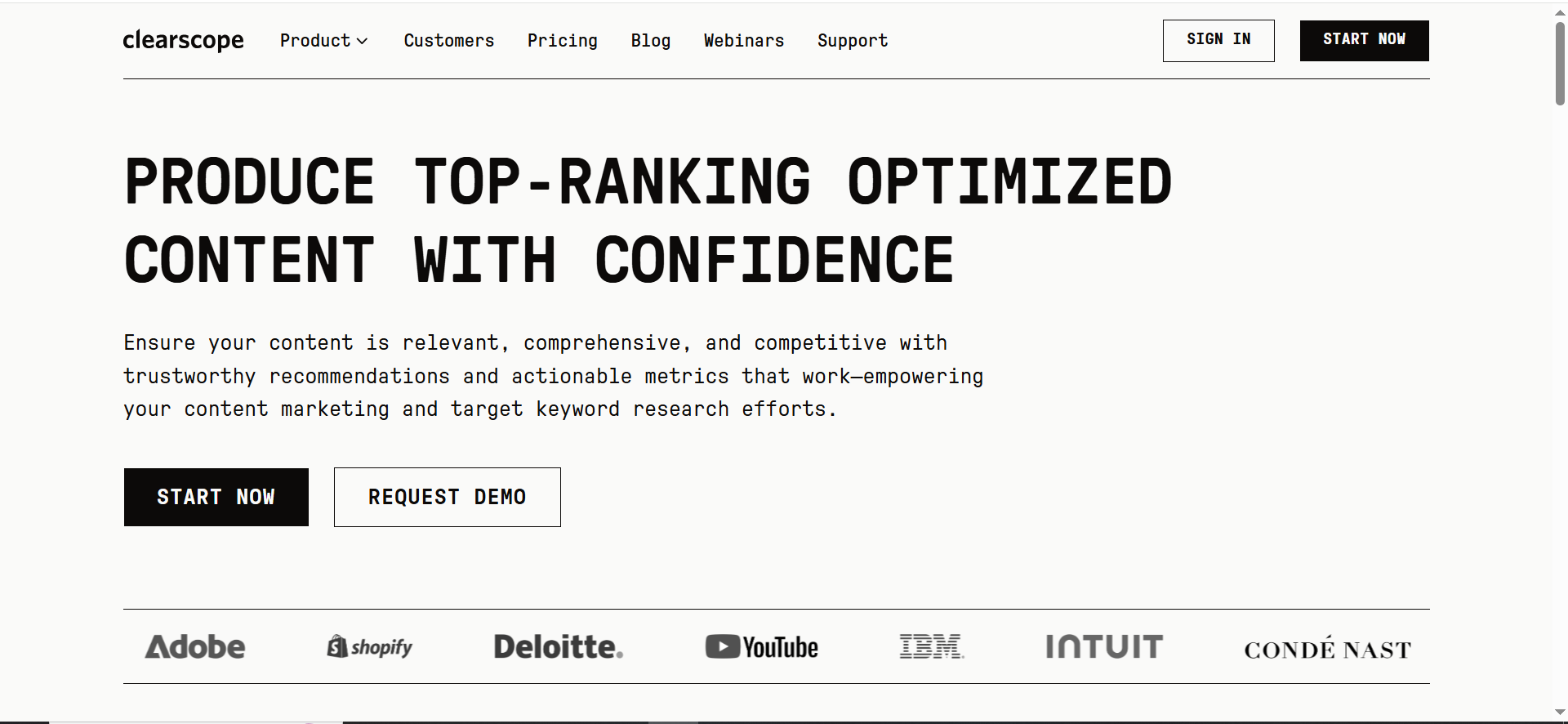
1. Clearscope
- Best for: Premium, accuracy-focused content teams
- Pricing: ≈ $129+/month
- Ease of use: Very easy
What is does: Clearscope is one of the cleanest and most reliable tools for content optimization. It scans top-ranking pages and gives you clear, easy-to-follow content grades and term suggestions. Writers love how intuitive it is, you can improve a piece without getting lost in data. It’s especially handy for content refreshes, where you’re improving older blogs that have lost traction.
Why people like it: The interface is minimal, the scoring is fair, and the recommendations are actionable even for non-technical writers.
Keep in mind: Clearscope doesn’t replace keyword research or content planning, it works best as your final optimization layer before publishing.
👉 Key takeaway: Use Clearscope when you already have a draft or existing article and you want a fast, reliable way to improve it without deep SEO knowledge.
Pricing tiers:
- Essentials – about $129/month
- Business – often from around $399/month depending on usage/seats
- Enterprise – custom quote
2. Surfer
- Best for: All-in-one SEO + content workflows
- Ease of use: Moderate
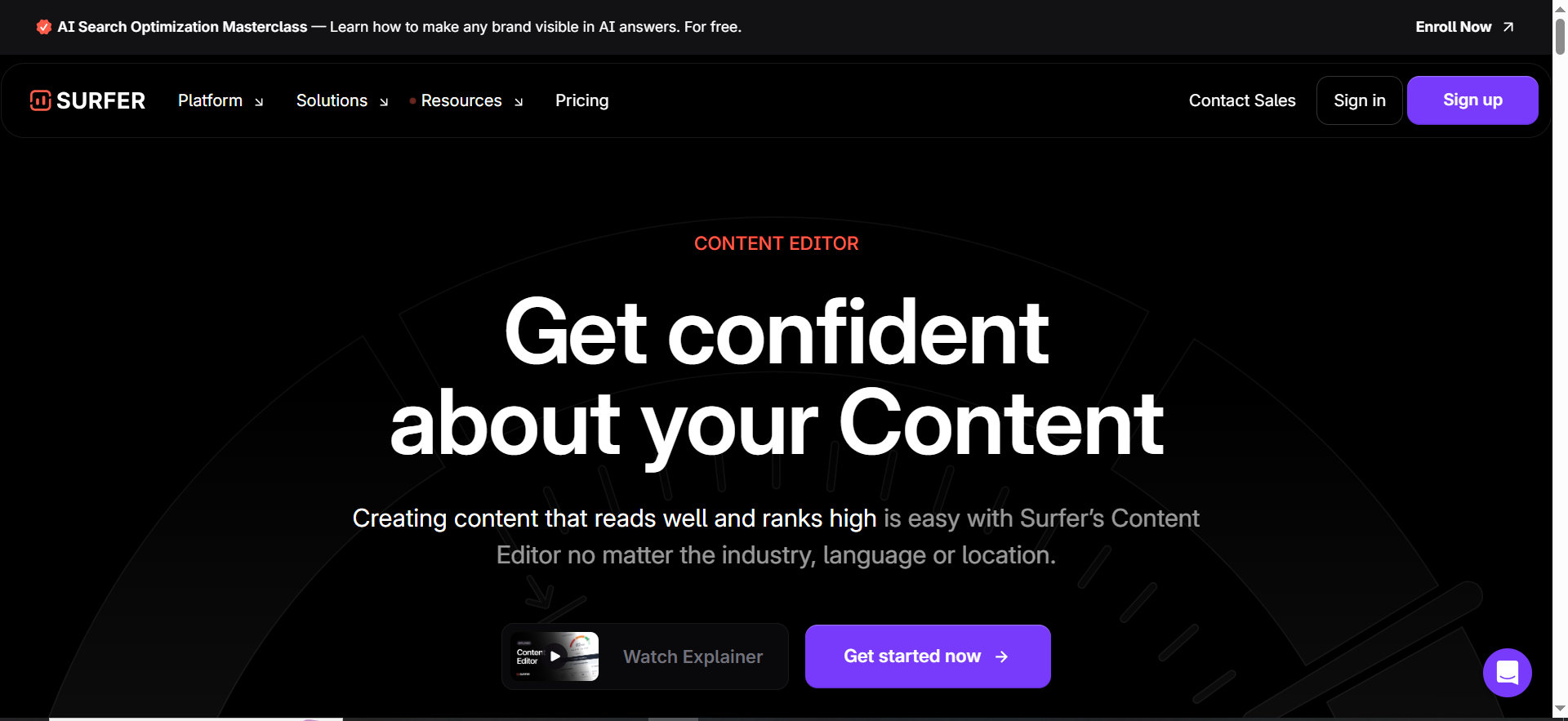
What is does: Surfer takes optimization a step further by blending content scoring with on-page SEO features like internal link suggestions, SERP comparison, and content length guidance. It’s ideal for teams that want to handle everything “keyword targeting, briefs, optimization, and audits” in one workspace.
Why people like it: You get solid data-backed guidelines, easy-to-use dashboards, and workflow integrations with Google Docs and WordPress.
Keep in mind: While Surfer is feature-rich, you might still use separate tools for deep keyword research or technical SEO audits.
👉 Key takeaway: Choose Surfer if you publish often and want one workspace where your team can go from keyword → brief → optimized article → on-page tweaks.
Pricing tiers:
Click here to try Surfer for FREE!
- Pricing: From $49/month billed yearly
- Discovery, $49/month billed yearly
- Standard, $99/month billed yearly
- Pro, $182/month billed yearly
- Peace of Mind, $299/month billed yearly
- Enterprise – custom quote
3. Frase
- Best for: Briefs, outlines, FAQs from SERPs
- Ease of use: Easy
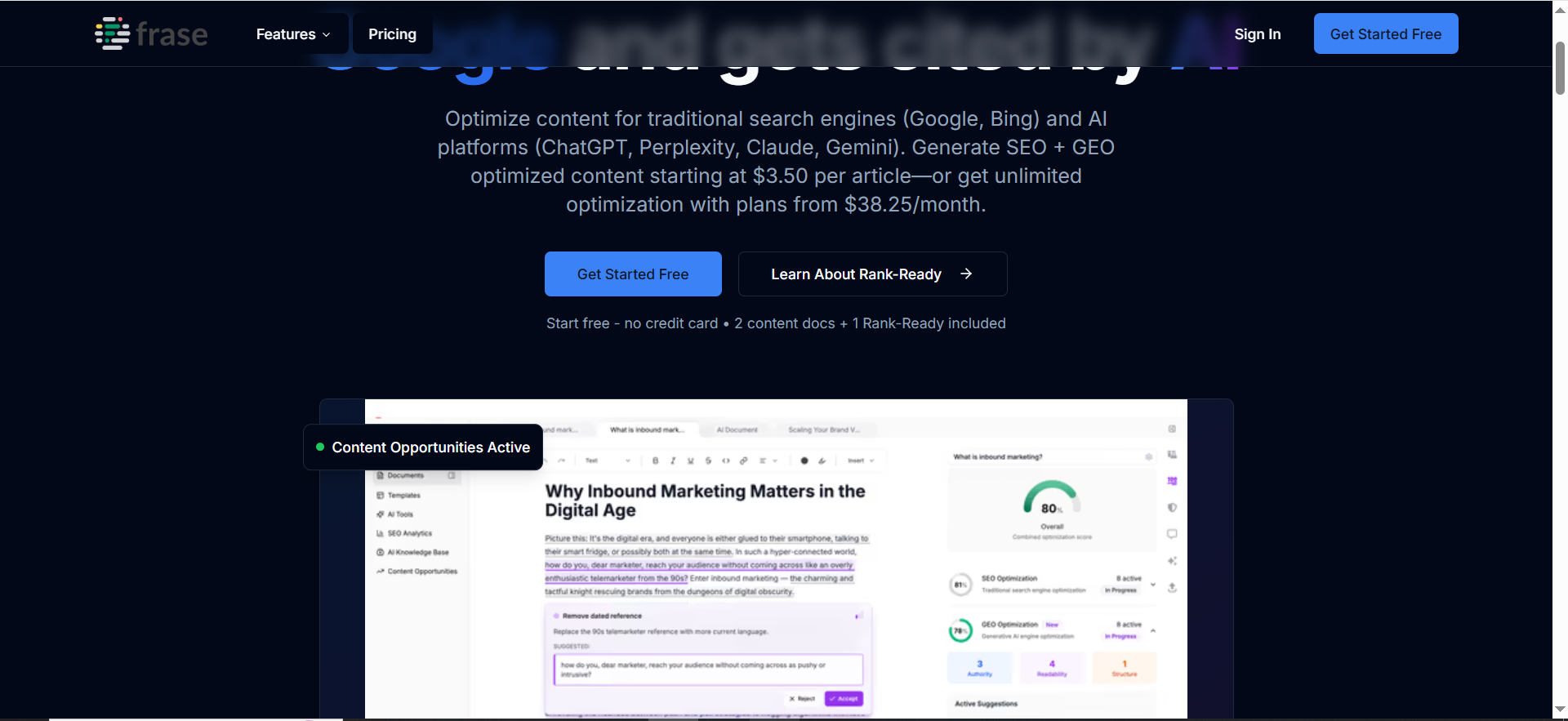
What is does: Frase shines during the early stage of content creation. It quickly summarizes top-ranking pages and highlights the exact questions and topics your post should answer. Writers and editors use it to build structured briefs and ensure each piece covers intent fully.
Why people like it: It’s fast, practical, and produces detailed outlines and FAQ lists that keep you aligned with search intent.
Keep in mind: Frase doesn’t track performance or offer deep SEO analytics, so it pairs well with rank trackers or platforms like Ahrefs.
👉 Key takeaway: Use Frase when you’re starting from a blank page and need fast, intent-aligned outlines and FAQs for new posts.
Pricing tiers:
- Pricing: From $39/month billed yearly
- Starter, $39/month billed yearly ($468/yr)
- Professional, $103/month billed yearly ($1,236/yr)
- Scale, $239/month billed yearly ($2,868/yr)
- Enterprise – custom quote
4. MarketMuse
- Best for: Topic clusters, content inventory, strategy
- Pricing: Free, paid from ≈$149/month
- Ease of use: Moderate/advanced
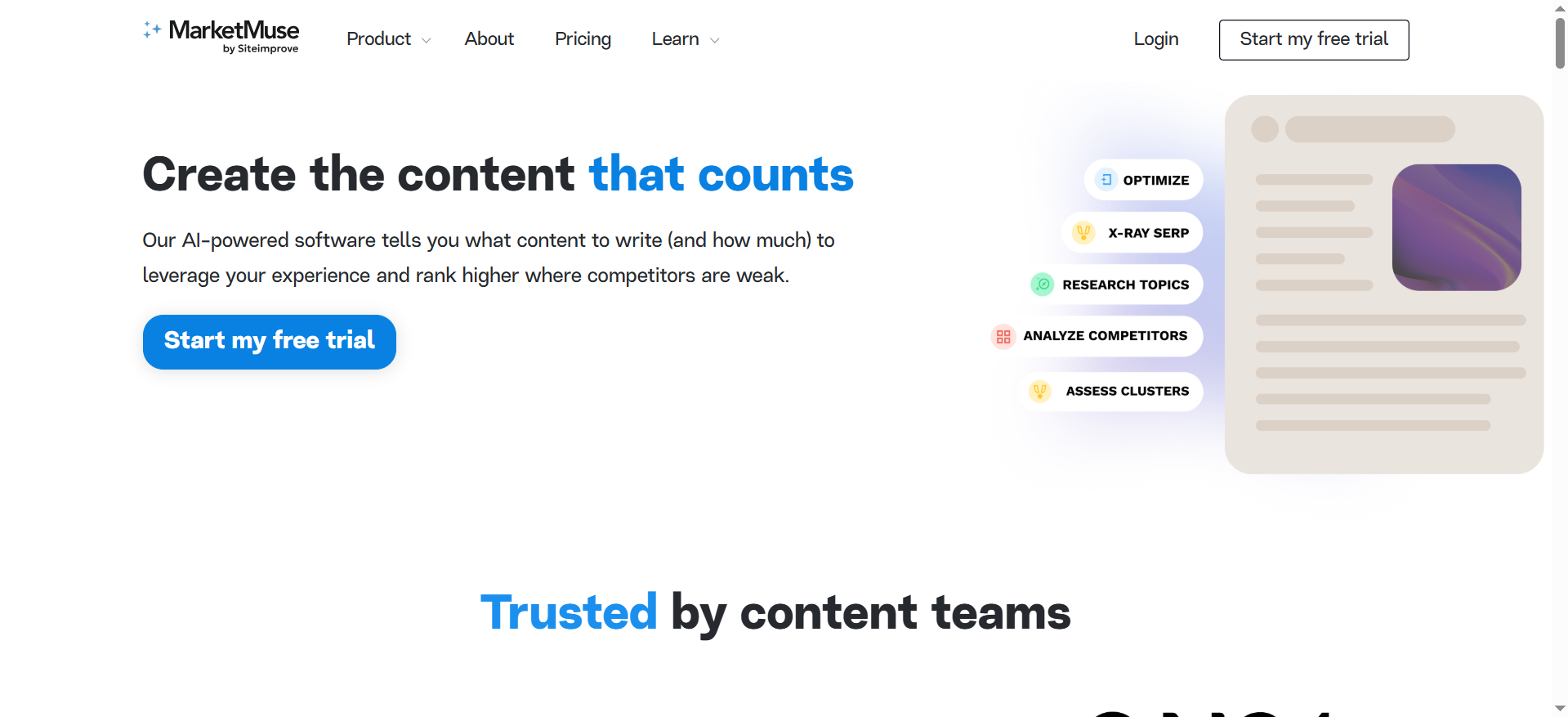
What it does: MarketMuse goes beyond page-level optimization “it helps you map out topic clusters and internal linking strategies”. By analyzing your entire content inventory, it shows where you have gaps and how to structure new supporting content.
Why people like it: It gives a high-level view of your topical authority and helps build long-term SEO strategy for scaling SaaS blogs.
Keep in mind: It can feel heavy for small teams or infrequent publishers, as it’s best suited for strategic planning across multiple assets.
👉 Key takeaway: Choose MarketMuse when you’re planning long-term SaaS SEO and want to map out 10–20 supporting pages around your most important topics.
Pricing tiers:
- Free – $0/month
- Standard – about $149/month (or $1,500/year)
- Team – about $399/month (or $3,900/year)
- Premium / Enterprise – custom quote, often $999+/month for larger/unlimited packages
- Pricing: Not published; contact vendor directly
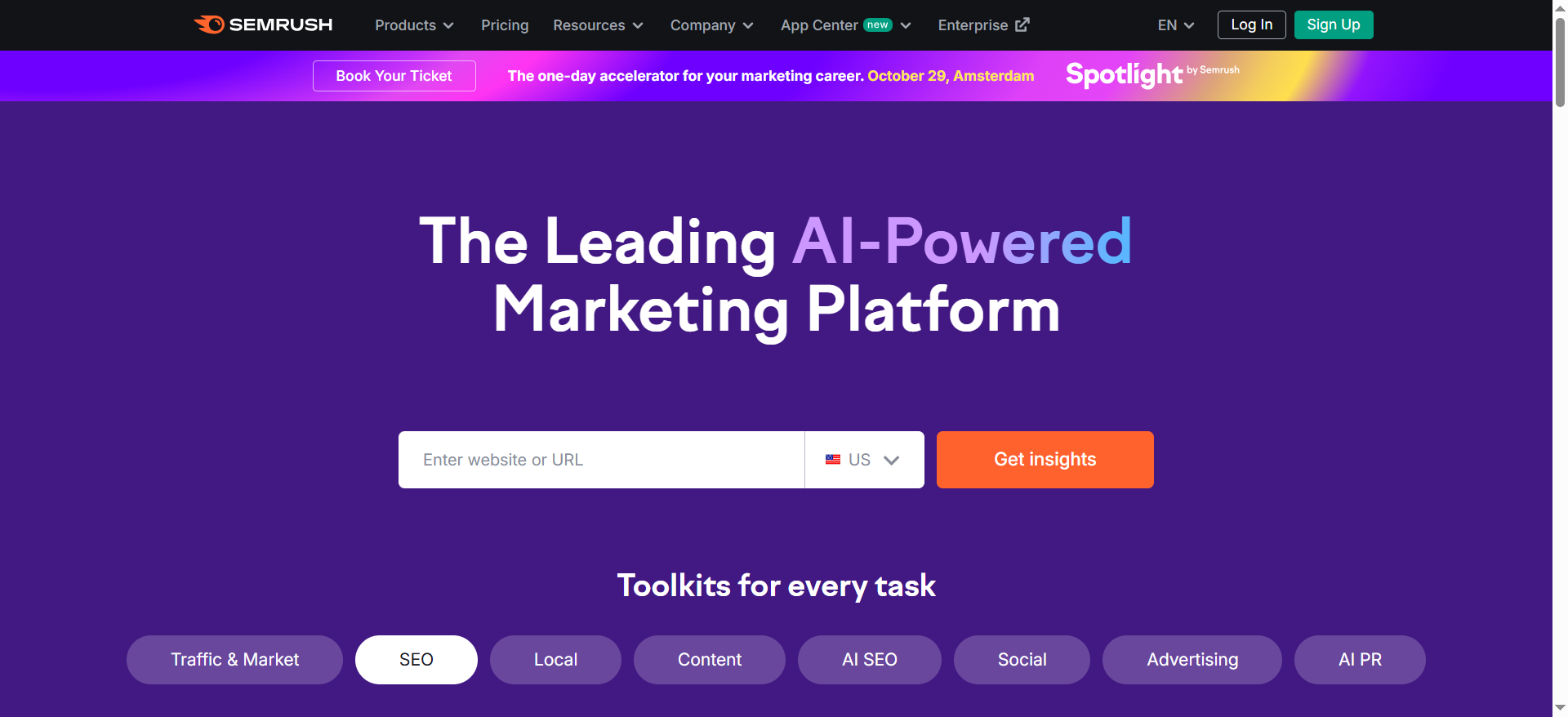
5. Semrush Writing Assistant
- Best for: Existing Semrush users writing in Docs/WP
- Ease of use: Easy
What is does: If you’re already doing your research and audits in Semrush, this add-on keeps your writing aligned with the same data. The Semrush Writing Assistant integrates directly with Google Docs and WordPress, providing real-time feedback on readability, tone, and SEO optimization while you write.
Why people like it: It’s seamless, no need to switch between tools. It helps maintain consistent tone and technical accuracy across content.
Keep in mind: It’s not a standalone optimizer, it works best as part of your existing Semrush subscription.
👉 Key takeaway: If you live in Semrush for research and audits, this add-on is the easiest way to keep every draft aligned with your SEO strategy as you write.
Pricing tiers:
- Pricing: Semrush's core plans start at $117.33/month billed annually
- SEO, $117.33/month billed annually
- Starter, $165.17/month billed annually
- Pro+, $248.17/month billed annually
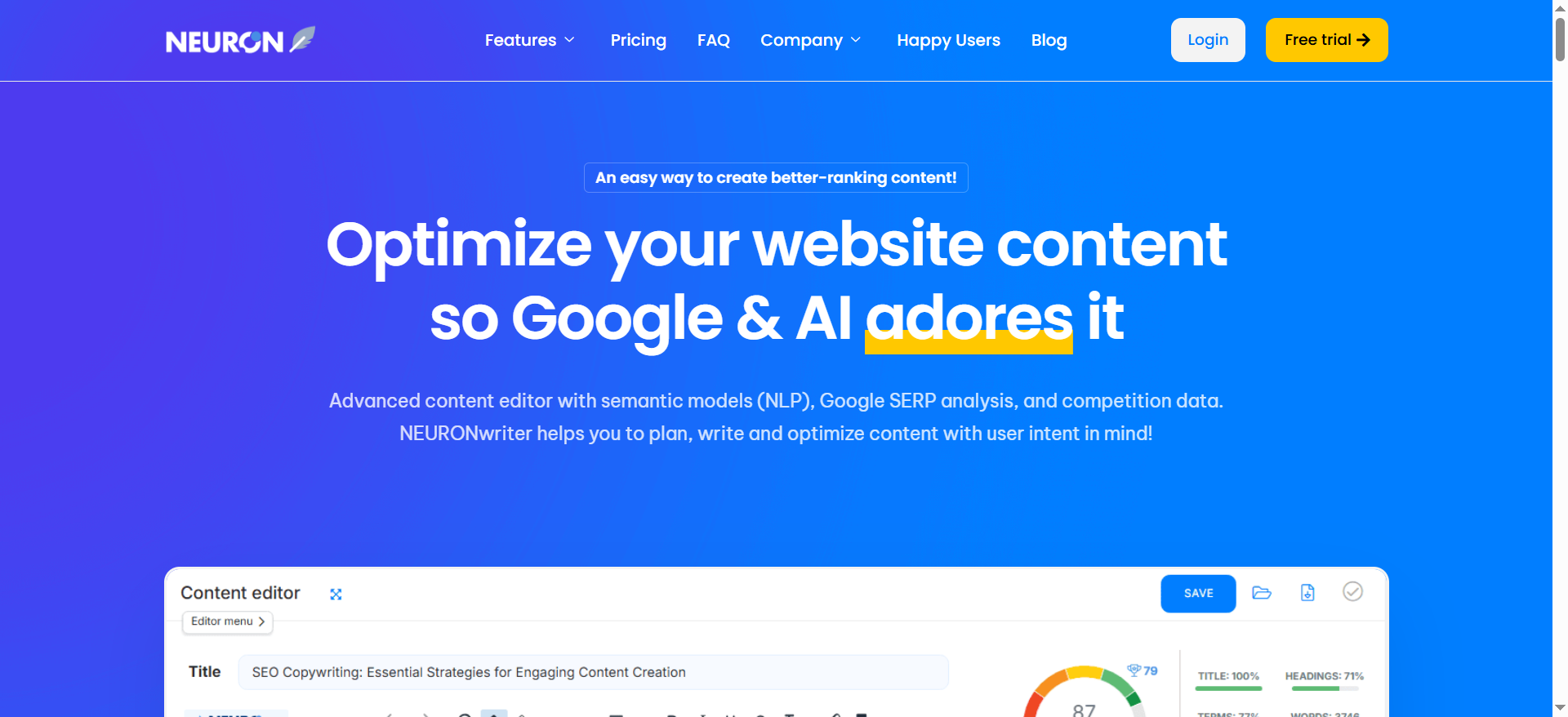
6. NeuronWriter
- Best for: Budget SERP-driven optimization
- Pricing: From $23/month
- Ease of use: Easy–moderate
What is does: NeuronWriter is a cost-effective alternative that still packs a solid punch. It analyzes SERPs, suggests relevant keywords and entities, and gives structure advice. For individual creators or startups, it’s a great way to access optimization insights without heavy costs.
Why people like it: Affordable pricing, practical recommendations, and simple reports make it perfect for lean teams.
Keep in mind: It doesn’t have advanced collaboration or reporting, so it’s not built for large-scale agency workflows.
👉 Key takeaway: Pick NeuronWriter if you’re a solo creator or small team that wants smart SERP-driven suggestions without enterprise-level pricing.
Pricing tiers:
- Bronze, $23/month ($230/yr)
- Silver, $45/month ($450/yr)
- Gold, $69/month ($690/yr)
- Platinum, $93/month ($930/yr)
- Diamond, $117/month ($1,170/yr)
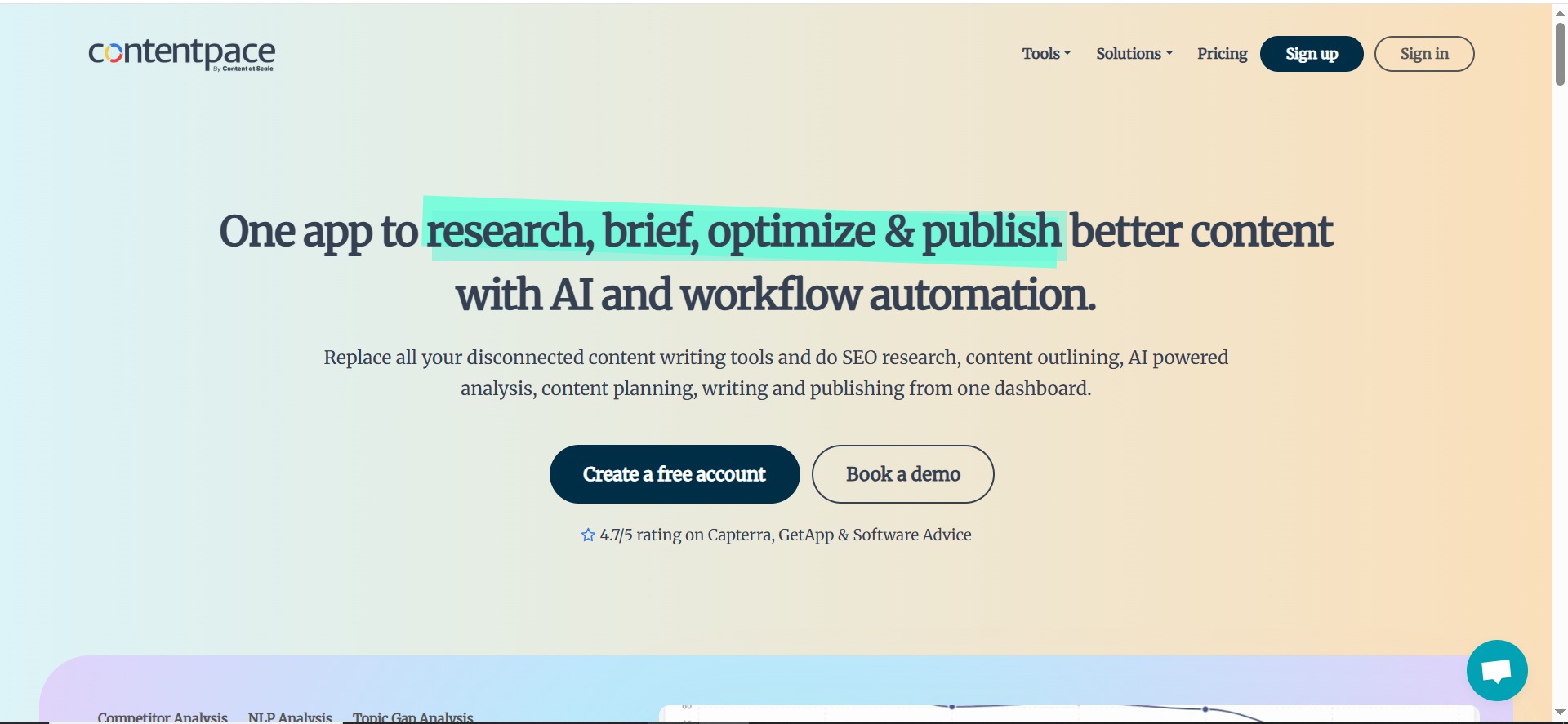
7. Contentpace
- Best for: Teams/agencies coordinating content production
- Pricing: From $27/month
- Ease of use: Easy
What is does: Contentpace focuses on team collaboration. It helps strategists, writers, and editors work from a single brief, keeping tone, structure, and target keywords aligned across all posts. The integrated calendar makes it easy to plan and monitor deadlines across teams.
Why people like it: It bridges strategy and execution, ensuring that each content piece fits the brand voice and goals.
Keep in mind: It’s not a deep semantic optimizer, so you might pair it with a tool like Clearscope or Surfer for keyword coverage.
👉 Key takeaway: Use Contentpace when your biggest challenge is coordination between multiple writers, and you want all briefs, outlines, and timelines in one place.
Pricing tiers:
- Essential – $27/month
- Team – $57/month
- Agency – $97/month
📋 Get Listed / Advertise
We update this guide monthly. Want your tool featured? Contact: [email protected].
How To Choose A Tool In 2 Minutes
Pick by goal:
- Refresh old content that already ranks: Clearscope or Surfer, matching the decision rule above.
- Create a new brief fast: Frase or Contentpace.
- Build topic clusters: MarketMuse.
- One tool for a small team: Surfer or Semrush Writing Assistant.
- Budget or solo: NeuronWriter.
This matches the Search Console pattern described above. A page stuck on page one with low clicks is the refresh case, and a topic with no page yet is the brief case. Pick the tool for the pattern you actually have, not the one with the longest feature list.
Check these basics before you commit:
- Limits and price: Do the credits or seats match your monthly output?
- Integrations: Google Docs, WordPress, your CMS.
- Ease of use: Can a writer use it right away without training?
- Reporting: Does it show before-and-after visibility, so you can tell whether an update moved the needle?
▶️ Rule of thumb: If you publish a lot, ease of use matters most. If you manage a team, prioritize collaboration and editorial control.
For a broader on-page toolkit beyond content scoring alone, see AI SEO tools for content optimization.
If you would rather have a team run this workflow across your whole underperforming set rather than one page at a time, the GEO + SEO Growth Programme covers tool selection, refresh execution and Search Console tracking in one retainer. One of the founders scopes it on a call.
A Simple 20–30 Minute Workflow (Copy This)
The goal here is speed and clarity. Take one draft or live page, make it more useful for readers, and give it a better chance to rank without overthinking it. Run the six steps below in order; a solo writer can finish the whole cycle in about half an hour. Once you have more than a page or two queued up, run them through AI content audit software so you can see which updates actually moved impressions and clicks. If the backlog of underperforming pages is bigger than you can work through one at a time, an ongoing SEO and AI-visibility programme can run this same workflow across the whole set instead of page by page.
1) Pick your page (2–3 mins)
Start with a page that matters. That could be a money page that drives sign-ups, or a post that used to perform but has slipped. A quick sniff test helps: does the title still match what searchers want? Has it gone 6–12 months without an update? If yes, add it to a small “Refresh Queue” so you’re not guessing next time.
💡 Good candidates: former traffic winners, page-2 rankings, key lead-gen posts.
💡 Keep a simple sheet with: URL, goal (traffic or leads), primary keyword, last updated.
2) Drop it into your tool (3–4 mins)
Open your optimizer (Clearscope, Surfer, Frase, etc.) and paste the URL or draft. In seconds you’ll see what top results consistently cover and what you’re missing. Don’t try to fix everything, pick two or three gaps you can close today. If you’re still deciding on a platform, shortlist with compare AI SEO tools.
Look for: missing topics/questions, suggested headings, readability flags.
Decide on 2–3 quick wins before you start editing.
- Look for: missing topics/questions, suggested headings, readability flags.
- Decide on 2–3 quick wins before you start editing.
3) Add what’s missing (7–8 mins)
Readers reward completeness. Add a short FAQ block answering the exact questions people ask, insert a mini example (or a quick checklist) to make the advice concrete, and cover any overlooked subtopic in a tight paragraph or two. Keep your tone simple and practical; clarity beats word count. Use the B2B SaaS content audit checklist to sanity-check what to add.
💡 Aim for: 2–4 Q&As, one concrete example, one overlooked subtopic covered.
4) Fix structure (4–5 mins)
Now make the page easy to skim. Turn your main ideas into clear H2s, break steps or comparisons into H3s, and keep paragraphs short. If the post is long, a tiny summary box near the top helps scanners decide to stay. A quick primer: follow the AEO-ready SaaS blog guide so headings and snippets satisfy answer-engine style results.
- Use action-style headings (“How to…”, “Best tools for…”, “Checklist”).
- Add bullets for lists and keep paragraphs to 2–4 lines.
5) Tidy up (3–4 mins)
Internal links are free leverage. Add two or three links to related guides or product pages, then plan one or two links from other pages back to this one after publishing. While you’re here, tighten the title and meta description so the value is obvious. Compress images and add descriptive (not spammy) alt text. Place one mid-post CTA and one end-post CTA that matches the page’s goal.
💡 Quick wins: 2–3 internal links, sharper title/meta, compressed images, clear CTAs.
6) Publish & track (3–4 mins)
Hit publish and log the update date, primary keyword, and the three to five queries you care about. In 2–4 weeks, check impressions, clicks, average position, and on-page engagement (set up tracking with a best SEO rank tracking tools pick). If you see small gains, run another mini round: add one new FAQ, one more internal link, and one fresh example.
💡 Review window: 14–28 days for early signals, then iterate lightly.
Best Tool Stacks (By Situation)
Not everyone needs the same setup. Pick the lightest stack that keeps you moving.
Solo Blogger
Keep it nimble. Run NeuronWriter or Frase with Google Docs and your CMS. Set a weekly rhythm so you actually publish, one new outline, one draft-and-optimize session, and one quick refresh. Track it in a simple sheet; nothing fancy is required.
Simple cadence: Outline on Monday, draft and optimize on Wednesday, refresh an old post on Friday.
Small Business
Run Surfer or Clearscope alongside WordPress or Shopify and Google Search Console for a steady engine. Plan two new posts and two refreshes each month, then add a refresh day at the end of the month to update titles, CTAs and links across five to ten pages.
Month plan: Week 1 plan, Weeks 2 to 3 publish, Week 4 refresh and interlink.
Agency Or Team
You are optimizing at scale, so consistency matters more than any single tool. Use Surfer or Clearscope for the optimization layer, Contentpace for briefs and calendars, and a shared SOP to keep writers aligned. Once the backlog includes cluster planning, bring in MarketMuse and pair it with AI tools for keyword clustering rather than planning clusters by hand. A lightweight dashboard that tracks pages updated, page-one wins and leads keeps everyone focused.
Flow: Brief, draft, optimize, QA on CTAs and links, publish, log results.
None of these stacks fix a strategy gap. If the real problem is not which tool to run but what to write about and in what order, that is an editorial question, and SaaS content strategy and editorial programmes is the better starting point than another tool.
Free & Low-Cost Ways To Start
You can test your way into the right workflow without paying for anything yet.
Try two free trials on the same post and keep the one that helped you publish the fastest clean draft.
In Google Search Console, filter the page you are updating for queries ranking between positions 10 and 30. Those are the prime refresh candidates, visible enough to matter and far enough from page one that a focused rewrite can move them.
Use a free readability checker to trim dense paragraphs, and keep a basic spreadsheet logging what you changed and when you will review it. None of this requires a paid seat; a free trial, a spreadsheet and an honest look at Search Console will tell you whether a paid tool is worth adding before you commit to one.
▶️ GSC tip: Compare the last 28 days against the previous 28 to spot content decay and set refresh priorities.
Common Mistakes (And Quick Fixes)
Most of these mistakes show up after publish, when it is too late to catch cheaply. A SEO content QA checklist run before you hit publish catches most of them for free.
| Common Mistake | Why It Hurts | Quick Fix |
|---|---|---|
| Chasing a perfect score | You optimize for a tool's metric instead of what readers and Google actually need. | Start with reader intent. Add missing questions, examples and clear steps, and treat the score as a guide, not the goal. |
| Over-optimizing | Stuffed terms and rigid phrasing reduce clarity and can trigger spam signals. | Write naturally, using synonyms and variations. Read it aloud once; if it sounds robotic, rewrite it. |
| Ignoring old posts | Top pages decay over time, losing rankings and clicks you already earned. | Block a monthly refresh day. Update stats, add a mini FAQ, improve internal links and republish with a fresh date. |
| No tracking | You cannot tell which edits worked, so you repeat the same guesswork. | Log a before-and-after summary covering title, date, primary keyword, target queries and the exact changes, then review within two to four weeks. |
Frequently Asked Questions
Are These Tools The Same As AI Writers?
Do I Still Need Keyword Research If I Use One Of These Tools?
Will A Higher Content Score Always Mean A Better Ranking?
How Often Should You Revisit And Update Old Posts?
Which Tool Is Best For Someone Just Starting Out?
Can You Use These Tools On Product Or Service Pages, Not Just Blog Posts?
Can A Content Optimization Tool Guarantee First-Page Rankings?
Do These Tools Help With Visibility In AI Search Answers, And Does Changing The Publish Date Alone Help?
How Do You Avoid Over-Optimizing A Page When A Tool Keeps Telling You To Add More?
Conclusion
Content optimization is not about chasing a score. It is about giving a page everything the searcher actually needs, in the order they need it. The tools in this guide do not replace your voice. They turn a vague request to make something better into a short, specific list of what is missing.
Pick the tool for the job in front of you, a refresh tool for a page that already ranks, a briefing tool for one that does not exist yet, and track the result in Search Console before buying a second tool. If you want a concrete jumping-off point, study a focused win like our AI SEO BOFU case study, then decide if a time-boxed service like the SaaS content audit and fix sprint is the right next step for your site. For leaders weighing the strategic path, the CEO's guide to SaaS content lays out how an organic engine compounds over time.
If you want help picking the tool and running the first refresh on a page like this, book a free 30-minute call. One of the founders takes it, and you leave with a tool recommendation and a prioritized list of pages to fix first.
📑 Disclosure!
Some links in this article are affiliate links. If you sign up through them, The Rank Masters may earn a commission at no additional cost to you. This does not influence which tools we recommend or what we say about them.