

Apollo.io is the best overall Clay alternative for most B2B sales teams. It bundles contact data, enrichment and outbound sequencing into one subscription instead of Clay's per-credit waterfall pricing. Teams running heavy multi-provider waterfalls or complex conditional logic get more mileage from SyncGTM or a self-built n8n waterfall, and data-hungry teams may be better served staying on Clay.
This holds when the main jobs are contact enrichment, list building and outbound sequencing, and the team wants predictable per-seat pricing instead of Clay's credit meter.
If the job is Clay's conditional, multi-provider waterfall engine or its AI-agent research steps, no single alternative below replaces that fully yet. Weigh the switch against what would actually have to be rebuilt.
If turning tool comparisons like this one into pages that rank and get cited by AI search engines is part of your own growth plan, that is what TRM's SaaS Content Marketing programme is built for.
📋 Get Listed / Advertise
We update this guide monthly. Want your tool featured? Contact: [email protected].
Clay Alternatives At A Glance
| Tool | Best For | Pricing Model | Entry Point |
|---|---|---|---|
| Apollo.io | All-in-one enrichment and outbound | Pooled credits, per-seat subscription | Free plan available |
| SyncGTM | A cheaper Clay-style waterfall | Flat per-seat plans | Solo plan, $49/month |
| Cognism | Compliance-focused intent and enrichment | Per-contact credits, seat-based plans | Standard plan, 5 seats |
| ZoomInfo | Enterprise-scale contact data | Per-export credits, bundled plans | Pricing on request |
| Lusha | Lightweight, budget contact lookups | Per-reveal credits | Free plan, up to 40 credits/month |
| Clay (baseline) | Multi-provider waterfall enrichment | Actions and data credits per month | Free plan available |
Every row above is a job match, not a popularity ranking. Clay's own baseline sits in the table too, so the comparison is apples to apples. Each alternative is matched against the specific job it replaces, not against Clay's full feature list at once.
1. Apollo.io: Best For All-In-One Enrichment And Outbound
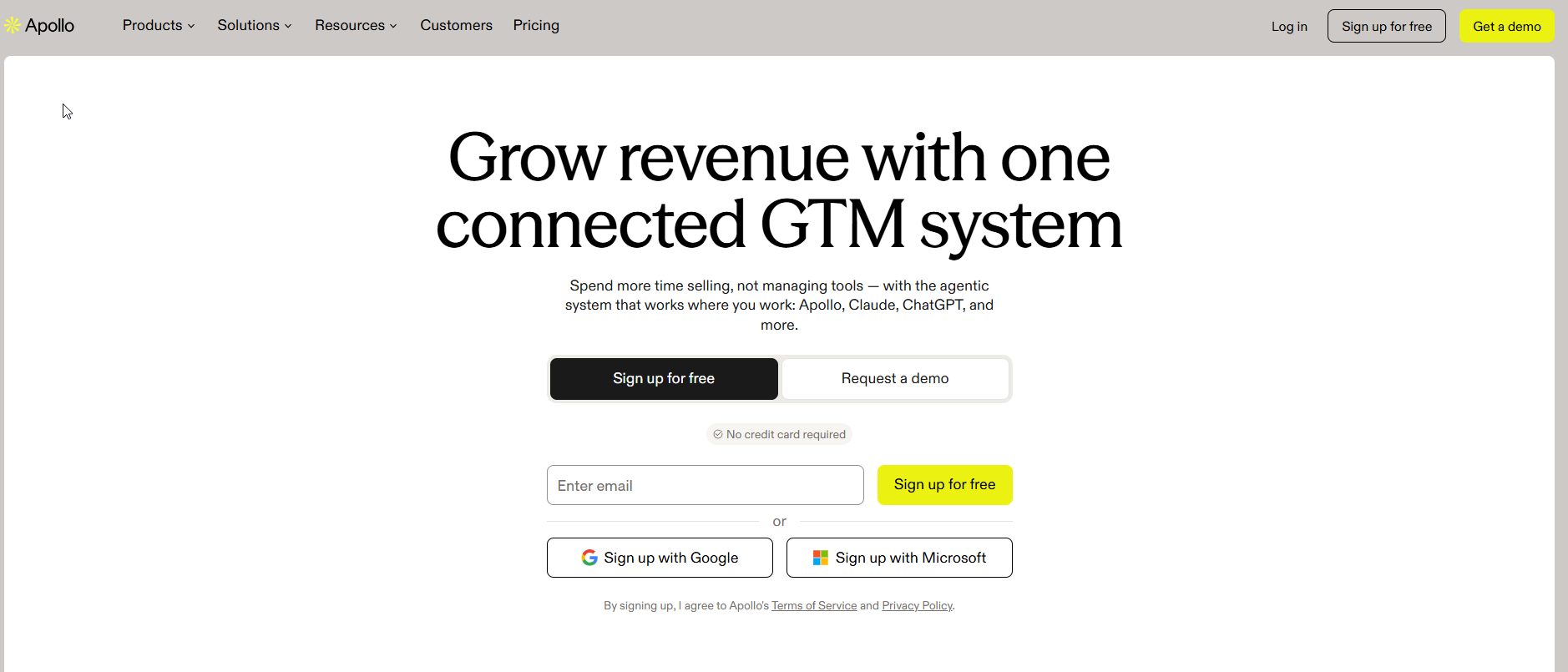
Apollo.io combines a B2B contact database, enrichment waterfalls and outbound sequencing in one platform, so a team can find a contact, enrich it and email it without leaving the product.
It suits RevOps and sales teams who want Clay's enrichment job and Clay's outbound job solved by one subscription, instead of stitching a waterfall tool to a separate sequencer.
| Plan | Price | Notes |
|---|---|---|
| Free | Pricing on request | Entry-level access |
| Basic | Pricing on request | |
| Professional | Pricing on request | |
| Custom | Pricing on request | Negotiated for larger teams |
Apollo's own pricing page lists four plans, Free, Basic, Professional and Custom. It does not publish per-seat prices for any of them. Credits are pooled across the whole team and granted fresh each billing cycle, with no rollover, according to Apollo's pricing page.
Strengths:
- Combines enrichment, a dialer and email sequencing in one login, so a job that takes Clay plus a separate sequencer is one tool here.
- The Free plan gives a team a real trial, not a feature-locked demo.
- Credits are pooled across the whole team rather than assigned per seat, so heavy users in one role don't run dry while light users sit unused.
Trade-offs:
- No published per-seat price, so budgeting requires talking to sales before committing.
- Credits reset each cycle with no rollover, so a quiet month's unused allowance is lost.
- Apollo's waterfall logic is simpler than Clay's, with fewer conditional branching options between providers.
Key capabilities:
- Contact and company database with enrichment
- Built-in email sequencing and dialer
- CRM sync for major platforms
- Browser extension for in-the-moment lookups
Good fit:
- Teams who want enrichment and outbound in one subscription
- Teams replacing Clay's combined "find, enrich and sequence" job specifically
Not a fit:
- Teams whose main Clay job is complex, multi-provider waterfalls with heavy conditional logic
The clearest limitation is pricing transparency. Until a team talks to sales, there's no way to know what the subscription will actually cost at scale.
2. SyncGTM: Best For A Cheaper Clay-Style Waterfall
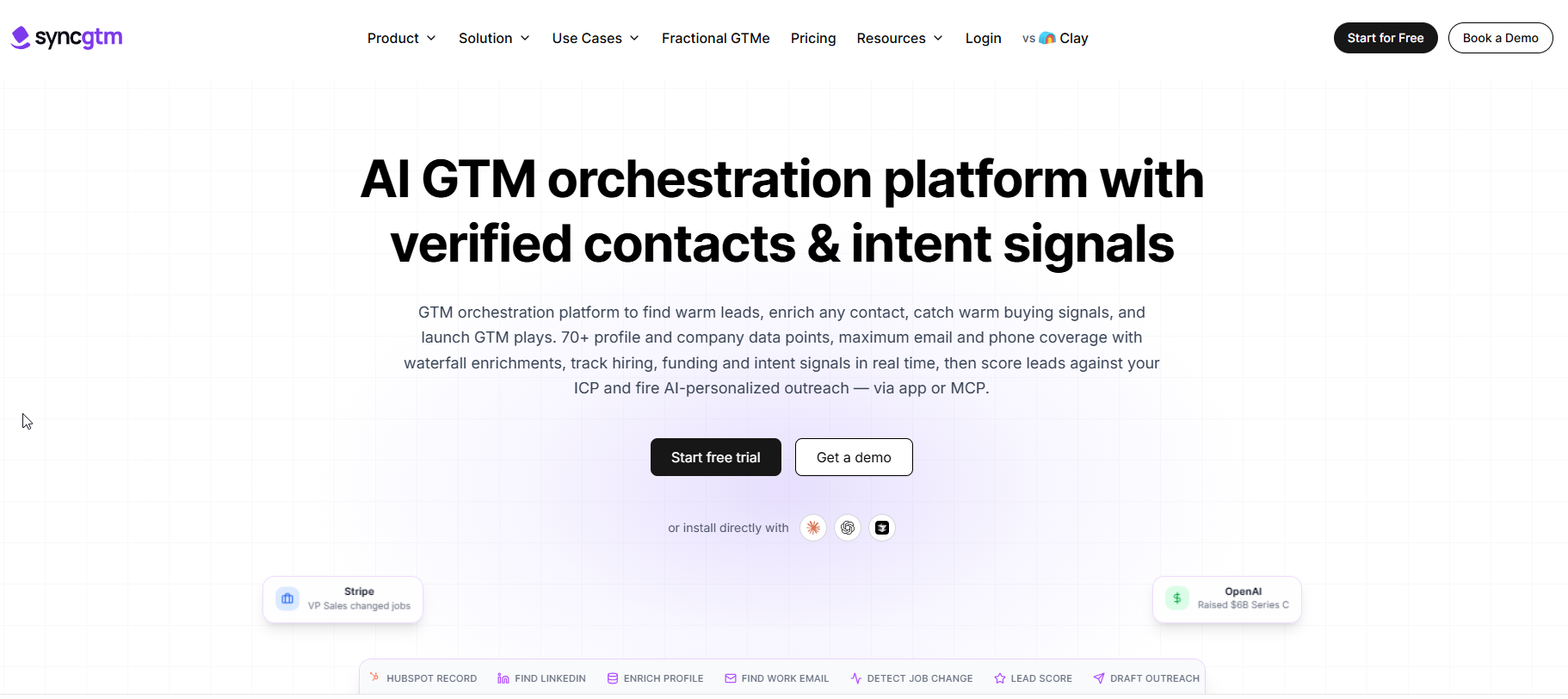
SyncGTM is built specifically to replicate Clay's waterfall enrichment and CRM-sync job, aiming at teams that want that exact workflow at a lower entry price.
It suits a RevOps function that already thinks in Clay's language, tables, waterfalls, enrichment steps, but wants a lower monthly floor to do it on.
| Plan | Price | Notes |
|---|---|---|
| Solo | $49/month | CRM integrations available from this tier |
| Higher tiers | Pricing on request | Not published on the source reviewed |
SyncGTM's Solo plan is $49 a month, and the vendor states CRM integrations are available starting at that same tier.
Strengths:
- Positioned directly as a Clay-style waterfall replacement, so the learning curve from Clay is shorter than switching to a different kind of tool.
- CRM integrations open at the entry Solo tier rather than a higher plan, so a team evaluating SyncGTM purely for the CRM-native enrichment job can test that specific capability without upgrading first.
- $49 a month is a stated, known number, not a quote-only price.
Trade-offs:
- Smaller company and shorter track record than the longer-established tools on this list.
- Only the Solo plan's price is confirmed; anything above it needs a direct quote.
- Less third-party documentation and community support than Clay or Apollo.
- A newer, smaller vendor name can take longer to clear internal procurement than an incumbent name sales teams already recognize, separate from whether the price itself is lower.
Key capabilities:
- Waterfall-style enrichment across providers
- CRM sync starting at the Solo tier
- Built specifically for teams migrating off Clay
Good fit:
- Teams whose main complaint about Clay is the price of the waterfall job, not the waterfall concept itself
Not a fit:
- Teams who want a full outbound sequencing suite bundled in, not just enrichment
The limitation to plan around is maturity. A $49 price point for a Clay-style tool is new enough that teams should pilot one real list before moving anything that matters onto it.
3. Cognism: Best For Compliance-Focused Intent And Enrichment
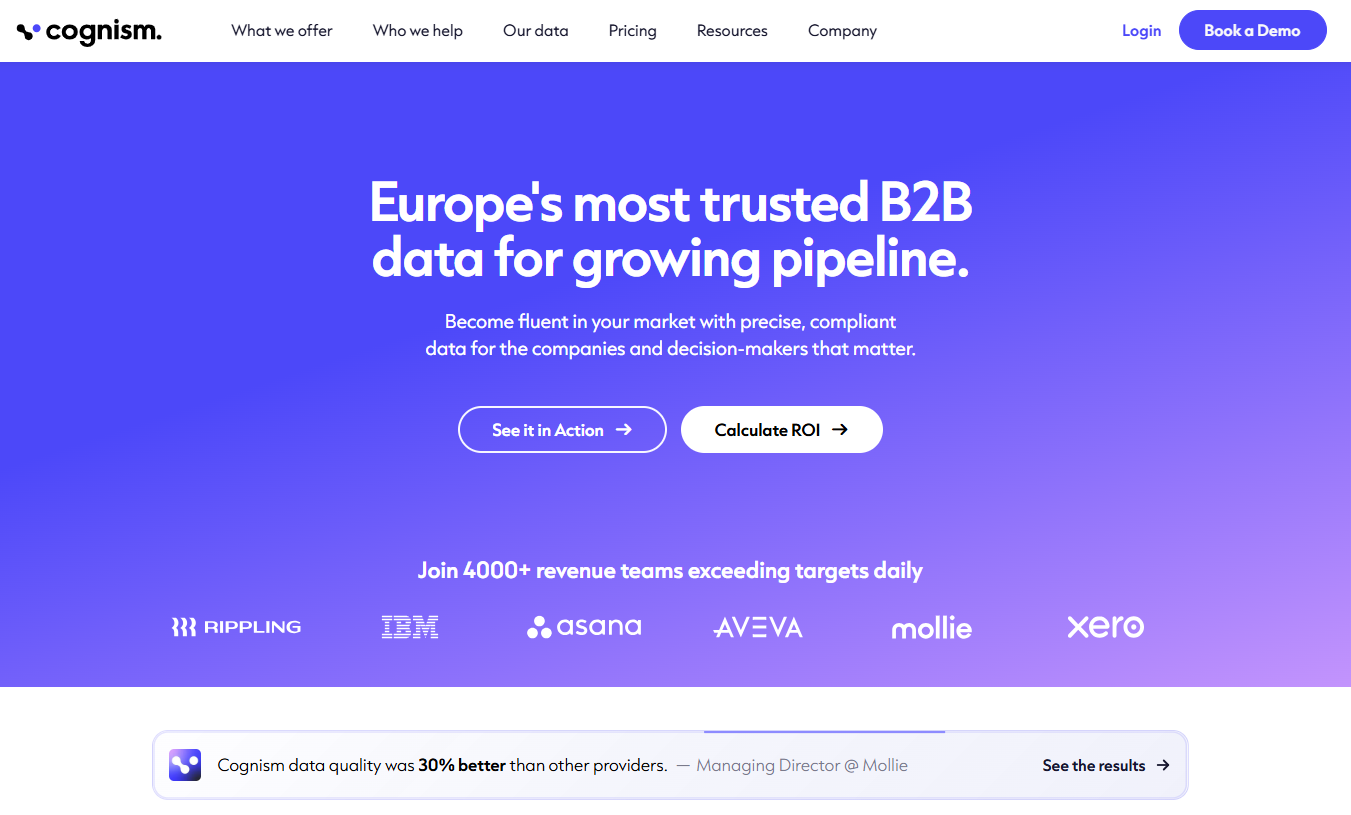
Cognism pairs contact enrichment with compliance-checked phone and email data and intent signals, aimed at teams for whom outbound compliance is as much a requirement as data coverage.
It suits sales and RevOps teams in regulated or compliance-sensitive markets who need intent data layered on enrichment, not just a database of contacts.
| Plan | Price | Seats |
|---|---|---|
| Standard | Pricing on request | 5 seats |
| Pro | Pricing on request | 5 seats |
Cognism defines its credit system plainly on its own pricing page. One credit buys one revealed contact, and looking again at a contact you've already revealed costs nothing more. Both the Standard and Pro plans include five seats, and a team can select up to 12 intent topics from a library of more than 11,000, per Cognism's plan details.
Strengths:
- Re-viewing a revealed contact costs no extra credits, which rewards actually using your data instead of hoarding it.
- Five seats bundled into both main plans suits a small team sharing one subscription.
- An intent topic library this large is big enough to cover a specific niche rather than a generic industry bucket.
Trade-offs:
- No public price means every evaluation starts with a sales call.
- Intent topic selection caps at 12, so a broad account universe needs to prioritize.
- The credit-per-contact model still meters usage the way Clay's data credits do, just under a different label.
Key capabilities:
- Compliance-checked contact data
- Intent signals drawn from a large topic library
- Five-seat team plans as standard
Good fit:
- Teams that need intent data and compliance assurance in the same subscription as enrichment
Not a fit:
- Solo users or teams that don't need intent signals at all
The practical limitation is that nothing about price is public, so comparing Cognism to the rest of this list on cost alone isn't possible without a quote.
4. ZoomInfo: Best For Enterprise-Scale Contact Data
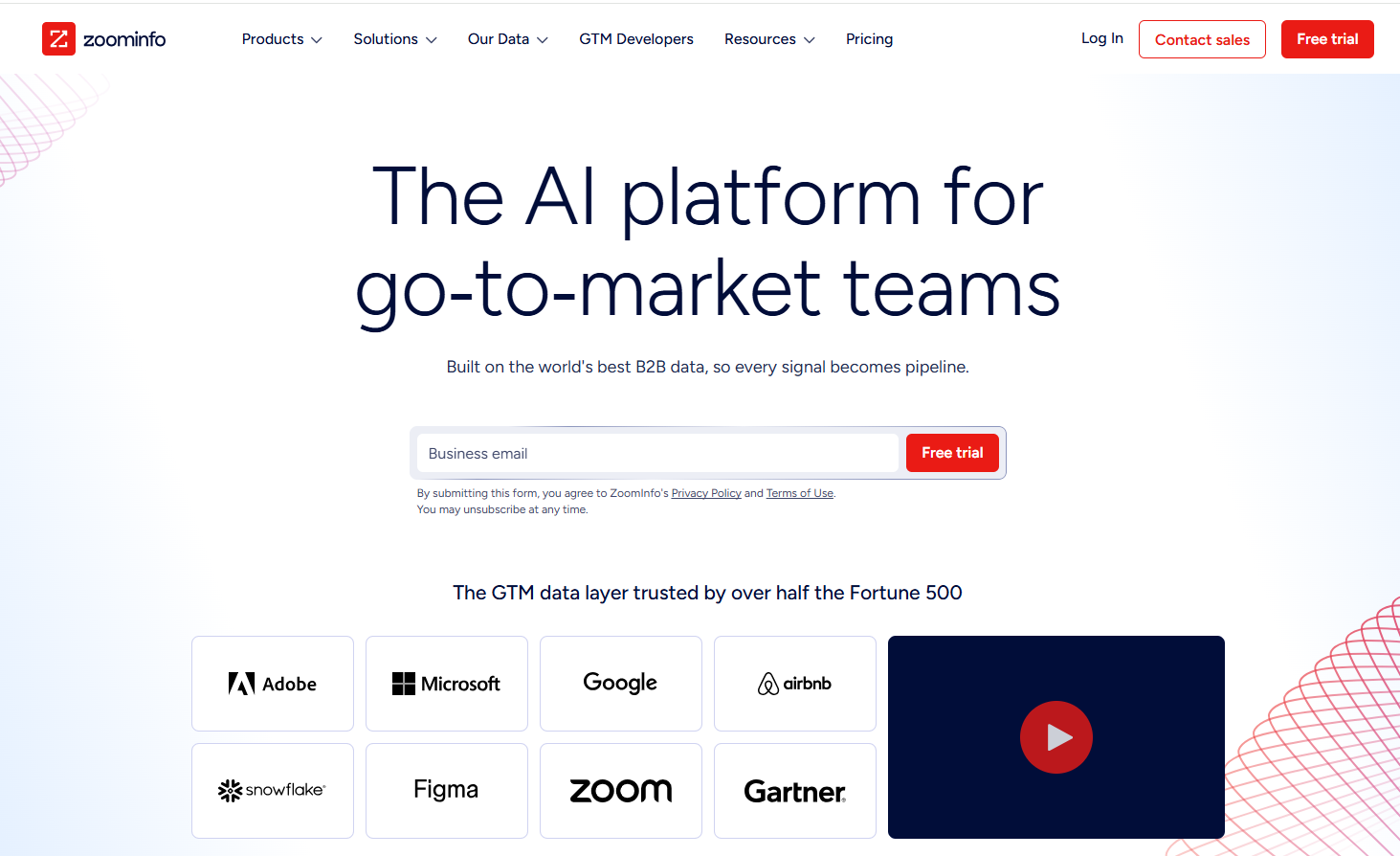
ZoomInfo is a large-scale B2B data and intelligence platform built for exporting contact and account data at volume, not for building Clay-style conditional workflows.
It suits enterprise sales and marketing teams whose job is coverage and scale, where the main constraint is how many verified contacts they can pull, not how clever the enrichment logic is.
| Plan | Price | Credits Included |
|---|---|---|
| Marketing Demand | Pricing on request | 75,000 credits |
| ABM Enterprise | Pricing on request | 150,000 credits |
ZoomInfo charges one credit for every record a user exports, per ZoomInfo's pricing page, and its published plan tiers bundle that usage in bulk. The Marketing Demand plan includes 75,000 credits and the ABM Enterprise plan includes 150,000, according to the same pricing page, which tells you the intended scale before you even talk to sales.
What that scale actually costs in practice is better documented by buyers than by the vendor. Vendr's marketplace data puts the median ZoomInfo buyer at about $30,000 a year across 1,220 recorded purchases, with contracts ranging from roughly $6,400 to $146,000.
Strengths:
- Credit allowances are stated in the plan names themselves, so the scale of the subscription is clear before negotiation.
- 150,000 credits on the top plan covers enterprise-scale exports that would exhaust a Clay-style credit pool quickly.
- Broad account and contact database depth built over more than a decade.
Trade-offs:
- No public per-seat or per-plan price, so the real cost only shows up after a sales conversation, and Vendr's range above shows how wide that can swing.
- Built for export and coverage, not for the kind of conditional, multi-step logic Clay runs.
- Likely overkill, and likely overpriced, for a team whose actual job is a single enrichment waterfall rather than mass data export.
Key capabilities:
- Contact and account database at enterprise scale
- Per-export credit model
- Intent and account-based add-ons priced separately
Good fit:
- Enterprise teams whose main job is volume contact and account export
Not a fit:
- Smaller teams, or anyone whose real job is Clay's waterfall logic rather than raw data volume
The one number worth remembering here is Vendr's, since it's the only grounded figure available. A $30,000 median contract is not a casual swap for a team currently paying Clay's $167 to $446 headline range.
If ZoomInfo itself is the tool you're trying to replace rather than add alongside, TRM's guide to ZoomInfo alternatives covers that comparison directly.
5. Lusha: Best For Lightweight, Budget Contact Lookups
Lusha is a contact lookup tool built for occasional, individual lookups rather than running enrichment workflows across a whole list.
It suits small teams, individual reps, or anyone whose Clay usage was really just "look up this one contact" dressed up in a bigger platform.
| Plan | Price | Credits |
|---|---|---|
| Free | $0 | Up to 40 credits/month |
| Paid plans | Pricing on request | Not published on the source reviewed |
Lusha's own pricing page states that the Free plan includes up to 40 credits a month, where revealing a verified email costs 1 credit and revealing a phone number costs 5. On monthly billing, per Lusha's pricing page, unused credits roll over up to twice the plan's monthly limit, while annual plans reset at the end of each cycle.
Strengths:
- The free tier is generous enough for genuinely light use, not just a demo.
- Credit rollover on monthly plans, up to twice the limit, rewards a quiet month instead of punishing it.
- A transparent per-action credit cost, 1 for email and 5 for phone, makes usage easy to predict.
Trade-offs:
- No published price for any paid tier, so scaling past the free plan means a quote.
- Built for lookups, not workflows, so it has no real answer to Clay's waterfall or automation job.
- Annual billing resets unused credits, removing the rollover benefit the monthly plan offers.
Key capabilities:
- Per-contact, credit-based lookups
- Free tier with monthly rollover
- Browser extension for quick lookups
Good fit:
- Individuals or small teams needing occasional, budget-friendly lookups
Not a fit:
- Teams running list-wide enrichment workflows or outbound sequencing
The honest limitation is scope. Lusha answers "who is this person" well and cheaply, and has no answer at all for the workflow half of Clay's job.
If your own GTM content needs the same ongoing attention you are giving your enrichment stack, the GEO + SEO Growth Programme is TRM's retainer for exactly that.
📋 Get Listed / Advertise
We update this guide monthly. Want your tool featured? Contact: [email protected].
What Clay Does And Why Teams Look For Alternatives
Clay is a GTM enrichment and workflow platform that chains contact data providers, AI steps and CRM actions into a single configurable waterfall per record.
That's the job it does well. The reasons teams go looking for an alternative anyway usually come down to the same three things, cost, complexity and scale.
Cost grows on two meters at once, seats and credits, so a team that adds headcount and runs more enrichment hits both at the same time. Clay's own pricing page actually states different numbers for the same plans in two places. The headline figures on Clay's pricing page read $167 a month for Launch and $446 for Growth, while the same page's FAQ lists $185 and $495 for what appear to be the same two plans. Neither figure can be called the settled price until Clay fixes the discrepancy, so budget for the higher of the two.
Complexity is the flip side of what makes Clay powerful. The conditional, multi-provider waterfall logic that makes Clay flexible is also what makes it slow to configure correctly, and that setup time is itself a cost most comparisons skip.
Scale is where the free and entry tiers show their limits fast. Clay's Free plan includes 500 actions and 100 data credits a month, which a single real enrichment run against a mid-size list can burn through in days, not weeks.
Underneath all three is a broader pattern that explains why GTM teams consolidate tooling at all. Sixty percent of a sales rep's week goes to work that isn't selling, according to Salesforce's State of Sales research, and every hour spent fighting a waterfall configuration instead of a tool that just works is part of that number. The same pattern shows up in a different tool category, where per-seat AI platform costs push teams toward a switch for the same reasons; TRM's guide to Jasper alternatives for SaaS covers that parallel case.
Evaluation Criteria: How These Alternatives Were Compared To Clay
Every tool on this list was checked against the same five things, not ranked by popularity or affiliate payout. Here's what that comparison actually looked at.
- Which Clay job it replaces. Waterfall enrichment, list building, outbound sequencing and CRM-native enrichment are different jobs, and a tool that's great at one can be weak at another.
- Pricing model, not just price. Per-seat subscription, per-credit and per-export are different shapes of bill, and the shape matters as much as the number.
- What the vendor's own pricing page actually publishes. A price quoted only by a third party isn't treated as settled here, and neither is a figure that conflicts with the vendor's own site.
- CRM fit at the plan tier that matters. Integration depth often changes between a tool's entry plan and its higher tiers, so the claim has to be tied to a specific tier or left unstated.
- Compliance and seat structure. A compliance-sensitive buyer and a solo user are shopping for different things even when they land on the same tool.
This is the same method TRM applies to module-by-module comparisons in other tool categories, and the same one behind TRM's Frase alternatives guide. If the goal is auditing a whole GTM or content stack rather than one tool at a time, TRM's SaaS content and comparison pages are built around exactly that kind of job-based comparison.
Match Your Clay Job To The Right Alternative
Clay isn't really one job. It's four jobs wearing one subscription, waterfall enrichment, list building, outbound sequencing and CRM-native enrichment. Matching the right alternative means asking which of those four jobs is actually eating your time and money, not which tool has the most reviews.
| Clay's Job | How Clay Does It | Lowest-Effort Alternative | Why |
|---|---|---|---|
| Waterfall enrichment | Conditional, multi-provider waterfall per record | SyncGTM | Built specifically to replicate this job at a lower entry price |
| List building and lookups | Actions and data credits per record | Lusha | Per-contact credit model with a usable free tier for light lookups |
| Outbound sequencing | Workflow automations into an email step | Apollo.io | Enrichment and sequencing bundled in one subscription |
| CRM-native enrichment | Table syncs pushed into CRM fields | SyncGTM | CRM integrations available from its entry Solo tier |
| Compliance-gated enrichment | Waterfall with no compliance layer built in | Cognism | Compliance-checked data paired with intent signals |
| Enterprise-volume export | Credit-metered per action | ZoomInfo | Credit allowances built for bulk export, not per-record logic |
Two things fall out of that table. First, no single tool on this list replaces every one of Clay's four jobs at once, which is exactly why Clay exists as a category of one. Second, most teams aren't actually using all four jobs equally. A team paying Clay's Growth-plan price to run what's really just outbound sequencing is paying for three jobs it doesn't use.
The honest move is to total up actual usage by job, not by feature list. Pull your last billing cycle and tag each action by which of the four jobs it served. Whichever job accounts for most of the credit spend is the one worth solving first, and the table above names the tool built for exactly that job.
n8n deserves a direct answer here too, since building it yourself is the other alternative to buying a tool at all. Doing this in n8n is possible. It has HTTP request nodes, conditional branching and can call the same provider APIs a waterfall tool calls. What n8n doesn't give you is the table-based workflow you already built in Clay. Every provider call, every fallback branch and every field mapping has to be rebuilt by hand, then maintained by hand every time a provider changes its API. That's a real option for a team with engineering time to spare and low enough volume that no vendor's price is worth paying. For anyone else, it swaps a credit bill for an ongoing maintenance job, and the maintenance usually costs more in hours than the subscription would have cost in dollars.
A parallel version of this same exercise exists outside GTM tooling, too. TRM's AirOps alternatives guide matches a different platform's jobs to the lowest-effort replacement for each, using the same logic. And once the tooling decision is made, the harder problem is usually what the sales or content team does with the enriched list afterward; TRM's Revenue Content writing services exist for the part of the pipeline that starts once the list is clean.
What A Clay Waterfall Actually Costs: A Worked Example
Here's a scenario any RevOps team running Clay will recognize. A 2,000-contact list, with three waterfall steps per record, an email finder, a phone finder and an AI enrichment step that writes a one-line summary from the data found.
Three actions per record across 2,000 records is 6,000 actions for that single run. Clay's Free plan includes 500 actions a month, so this one list alone is twelve times the free monthly allowance. Even the Launch plan's 15,000 actions a month absorbs it, but a team running three or four lists of this size in the same month is back up against the ceiling.
Run the same math in data credits instead of actions, since some of those steps draw from the credit pool rather than the action count depending on which providers are used. The Free plan's 100 data credits a month is exhausted by this single list in a single enrichment pass, long before the month is over. The Launch plan's 3,000 data credits covers it with room for roughly one more run the same size.
The number that actually matters isn't 6,000 or 3,000. It's whether your own list size and step count, run through the same arithmetic, land inside a single plan's monthly allowance or outside it. Take your last real list, count the records, count the waterfall steps per record, multiply, and compare the result to whichever Clay plan you're on. If the number is comfortably inside the allowance, the pricing conflict on Clay's own page (the $167/$185 and $446/$495 discrepancy covered above) is the bigger near-term risk than running out of credits. If the number blows past the allowance every month, that's the real signal to shortlist an alternative from the table above, not a vague sense that Clay feels expensive.
When To Stay On Clay
Not every team should switch, and pretending otherwise would make this a worse guide, not a better one.
Stay on Clay if the job genuinely is the conditional, multi-provider waterfall itself. If you're running several providers in sequence with fallback logic between them, that's the one thing none of the five alternatives above fully replicates yet. SyncGTM comes closest in positioning, but it's newer and less proven at that depth than Clay.
Stay on Clay, too, if you rely on its AI-agent research steps, the part of the platform that goes beyond simple lookups into AI-driven research per record. That's a genuinely different capability from a credit-metered database lookup, and none of Apollo, Cognism, ZoomInfo or Lusha are built to do it.
The test that actually settles it: If removing Clay would mean rebuilding the waterfall logic by hand, in n8n or elsewhere, rather than just pointing a different tool at the same list, the switch isn't really about the alternative. It's about whether the logic itself is worth rebuilding, and that's a bigger project than a tool swap.
The same stay-or-switch logic shows up in adjacent categories. TRM's Scrunch AI alternatives guide walks through the same honest "when not to switch" reasoning for a different AI-visibility tool, and the test is the same one applied here. Is the thing you'd lose a real capability, or just a habit.
Picking A Clay Alternative If You Live In HubSpot, Pipedrive Or Attio
CRM fit is the question every alternative on this list gets asked, and it's also the one this guide can't answer with a number, because no vendor-sourced, tool-specific integration depth for HubSpot, Pipedrive or Attio held up across the research for any of the five.
That's not evasion. CRM integration depth changes by plan tier, and tiers change their included integrations more often than vendors update their marketing pages. A HubSpot sync that's native on one plan might be a one-way export on another, for the same tool, six months apart.
Before committing: Open the specific alternative's own integrations or app-marketplace page, filter to your CRM, and read what the integration actually does at the plan tier you'd be buying, not the tier shown in a screenshot. Confirm whether fields sync both ways, whether the sync runs on a schedule or in real time, and whether the integration is native or routed through a third-party connector.
The same verify-before-you-commit discipline applies across a RevOps stack, not just GTM tools. TRM's Clearscope alternatives guide for SaaS SEO teams covers the same kind of integration-tier confusion in a content-tooling context.
How To Test A Clay Alternative With Low Risk
You don't need to migrate everything to find out if an alternative actually works for your job. Here's the lowest-risk way to find out.
- Pick one real workflow, not a toy example. Use the actual list and the actual waterfall steps you'd run in Clay for a real campaign, not a sample dataset.
- Run it on the alternative's free tier. Apollo's Free plan and Lusha's Free plan, with its 40 credits a month, are both real enough to test a single-list job on, not locked-down demos.
- Run the identical list through Clay at the same time, using Clay's own Free plan if you're not already a paying customer, so both results come from the same inputs.
- Compare output quality first, not cost. Count matched emails, matched phones and anything the AI-agent step produced that a simple credit-metered lookup didn't.
- Compare credit cost second, on the same list size, so the comparison is actual dollars for actual matches rather than headline plan prices.
- Only then decide whether the gap in quality justifies staying on Clay, or whether the alternative's cheaper result is good enough for the job it's replacing.
This same single-workflow pilot approach works for auditing any tool in a content or GTM stack before a full migration. TRM's MarketMuse alternatives guide walks through the same kind of side-by-side pilot for a content-optimization tool, if you're testing more than one swap at once.
FAQs
What Are Clay's Main Competitors?
Why Is Clay So Expensive?
Is There A Free Alternative To Clay?
Did Clay Change Its Pricing In 2026?
What Is The Best Clay Alternative For Teams That Work Inside HubSpot?
Which Clay Alternative Works With Pipedrive Or Attio CRMs?
What Is The Cheapest Way To Combine Lead Finding And Cold Email Without Clay?
Can I Switch From Clay Without Losing My Existing Enrichment Workflows?
How Many Clay Alternatives Are Enterprise-Ready On Security And Compliance?
If you would rather talk through which of these fits your stack than keep comparing credit meters, book a free 30-minute call and one of our founders will walk through it with you.