

For sales outreach and prospecting video, Sendspark and BombBomb beat Loom on personalization, viewer tracking and CRM write-back. For internal async updates, Tella and ClickUp Clip match Loom's speed with fewer of its free-plan limits. Vidyard sits between the two, strongest where sales teams need analytics at scale.
This split applies to teams choosing a replacement for recording and sharing video messages, not to teams needing a full video editor, a live meeting platform, or an AI avatar generator.
Pricing and plan limits below are read from each vendor's own pricing page as of the research date and change without notice, so if you're on a tight budget, confirm the current number before buying.
Picking the right video tool is one piece of a bigger content system. If you want help turning videos like these into content that actually drives pipeline, our SaaS Content Marketing programme is built for exactly that.
📋 Get Listed / Advertise
We update this guide monthly. Want your tool featured? Contact: [email protected].
Loom Alternatives At A Glance
| Tool | Best For | Starting Price | Free Tier | Sales Or Internal Fit |
|---|---|---|---|---|
| Loom | The baseline recorder most teams already have | Free, or $18/user/month for Business | Yes, 25 videos total, 5-minute recordings | Neither, it's the incumbent |
| Sendspark | Personalized sales outreach video | $49/month (Solo, 1 seat) | No | Sales |
| BombBomb | Sales video with CRM integrations | $36/user/month billed annually (Core) | No | Sales |
| Vidyard | Sales teams that need viewer analytics at scale | Free tier available; paid tiers are unpublished | Yes, 5 recordings/month, 30 minutes each | Sales |
| Tella | Polished internal async video | $13/seat/month billed annually (Pro) | Not stated on Tella's own site | Internal |
| ClickUp Clip | Video built into an existing workspace | $9/user/month billed annually (Core) | Not broken out separately from Core | Internal |
Five tools make this list, each earning its spot on a different job the video needs to do once it is recorded. The three on the sales side, Sendspark, BombBomb and Vidyard, exist to move a deal forward. The two on the internal side, Tella and ClickUp Clip, exist to keep a team in sync without a meeting. Loom sits in both rows of the table above because it is the tool most readers are already using, not because it wins either job.
1. Sendspark: Best For Personalized Sales Outreach Video
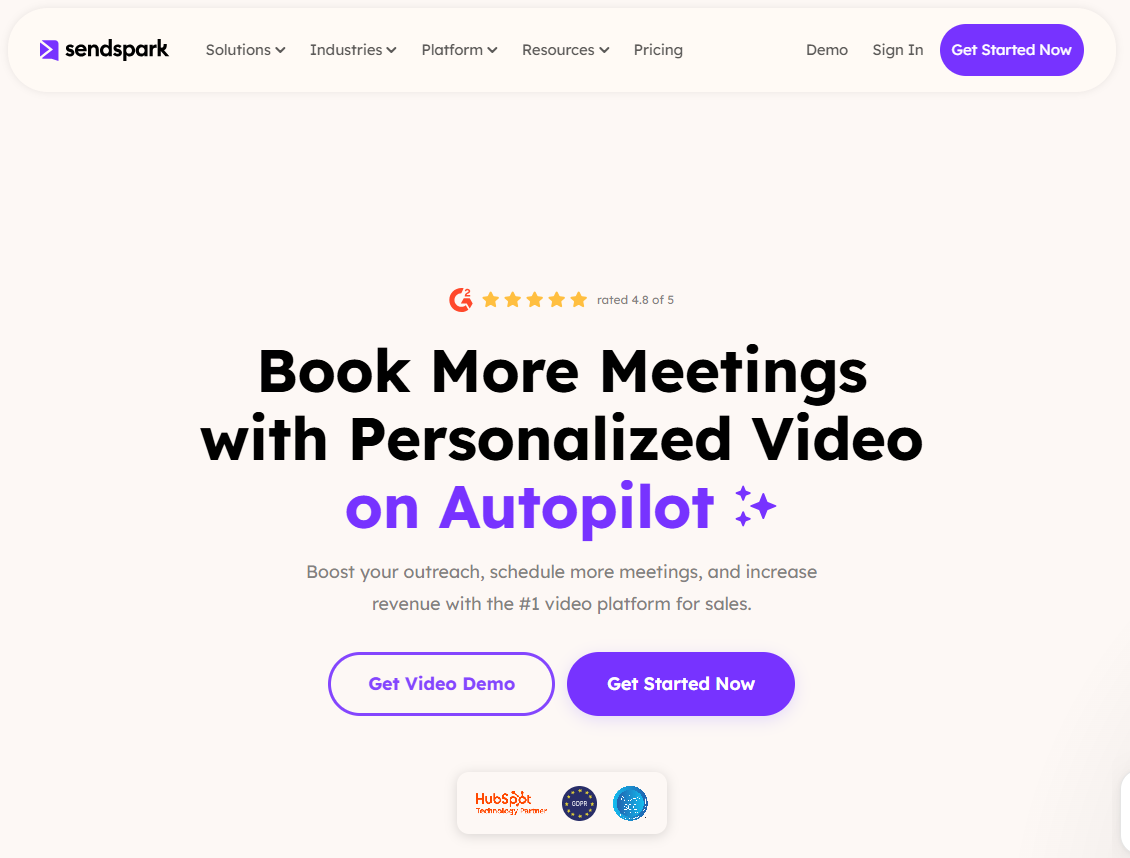
Sendspark is built for one job, personalized video that a sales rep sends to a specific prospect, not a recording meant for an internal audience. Sendspark costs $49 per month for one seat and leads against Loom with AI-driven personalization and CRM write-back. Sendspark's own comparison page positions the product squarely against Loom on two features it says Loom lacks, AI-driven personalization at scale and CRM write-back, so a rep's sent video shows up against the right deal automatically instead of getting pasted into a CRM note by hand.
That pitch comes with a track record Sendspark is willing to put a number on. On the same comparison page, Sendspark states a G2 rating of 4.8/5 from 350+ reviews, a vendor-published figure worth weighing against a free tool's lack of any public review aggregation at all.
| Plan | Price | Billing Basis | Seats |
|---|---|---|---|
| Solo | $49/month | Monthly | 1 seat |
| Team | $99/month | Monthly | 3 seats |
Strengths:
- Personalization at scale: AI-driven personalization is the feature Sendspark leads with against Loom, aimed at reps sending the same message structure to many prospects.
- CRM write-back: Video activity writes back to the CRM record instead of needing to be logged manually.
- Review volume: A G2 rating built on more than 350 reviews gives a buyer more signal than a brand-new tool can offer.
Trade-offs:
- Seat-based pricing at a premium over Loom: $49/month for one seat is a real cost increase over Loom's free tier for a rep just trying video out.
- Built for outreach, not general screen recording: A team that wants a do-everything recorder for support tickets and internal how-tos will find the pitch narrower than Loom's.
Key capabilities:
- AI personalization for sales outreach video
- CRM write-back so sent video attaches to the right deal record
- Solo and Team seat tiers priced for individual reps or small pods
Good fit:
- Individual sales reps or small SDR pods sending personalized prospecting video
- Teams that already track CRM activity and want video logged against it automatically
Not a fit:
- Teams that need a single tool for internal updates, support docs and sales video all at once
- Buyers who want enterprise-tier security details published up front rather than through a comparison page
A sales team personalizing outreach video by hand often ends up weighing AI-generated video for the same campaigns too; AI video generators for marketing teams covers that adjacent decision.
The one limitation worth flagging: Everything Sendspark says about itself here, including the integration story, comes from its own comparison page against Loom, so a buyer evaluating it against BombBomb or Vidyard specifically should ask Sendspark directly for a side-by-side on CRM depth before signing an annual contract.
2. BombBomb: Best For Sales Video With CRM Integrations
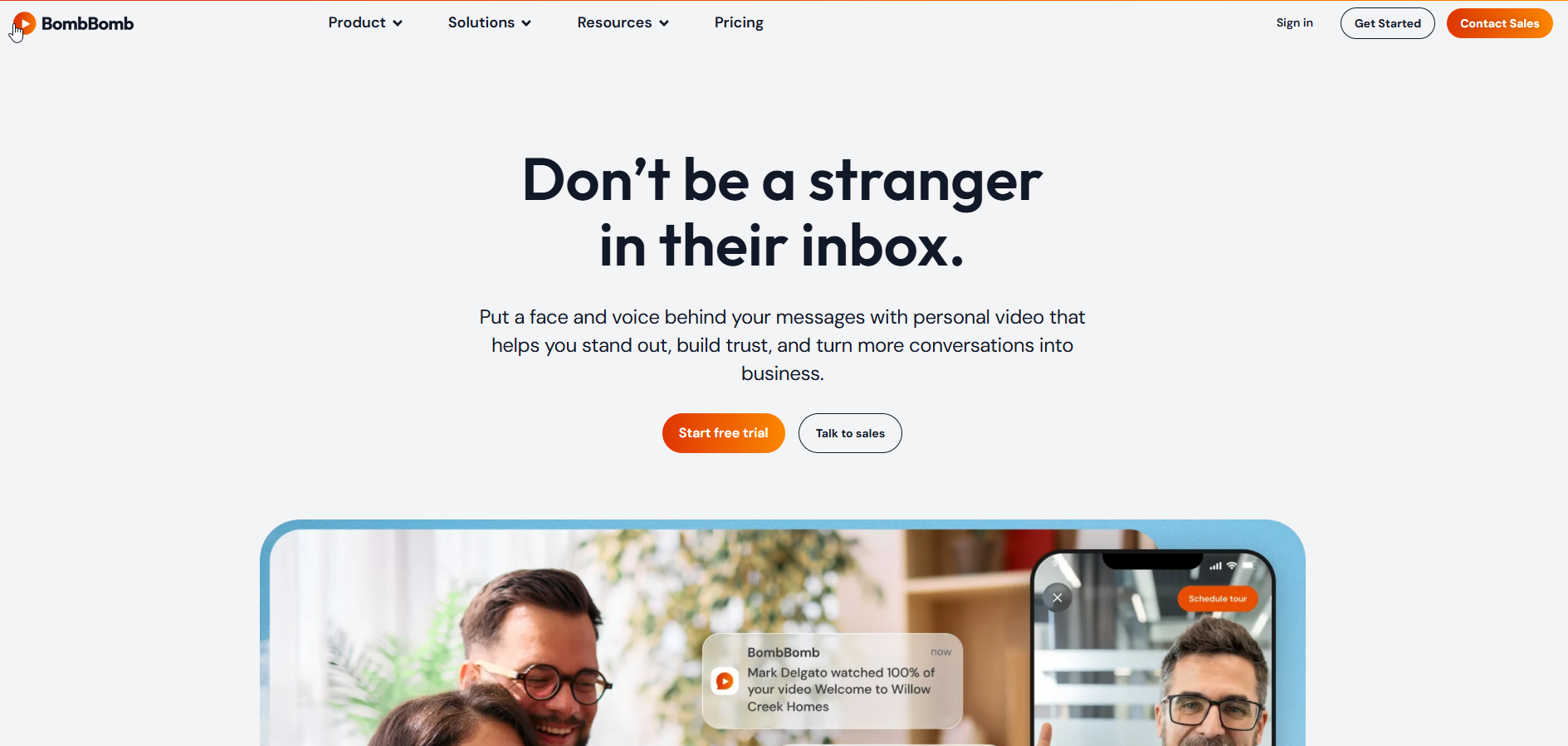
BombBomb's pitch is built for a sales team that already lives inside a CRM and wants video to behave like any other logged activity. BombBomb's own pricing page lists three tiers, and the jump between them is really a jump in which systems the video plugs into.
Core, BombBomb's entry tier, costs $36 per user per month billed annually (or $42 billed monthly), per BombBomb's pricing page, and that single price buys unlimited video recording and sending, real-time viewer alerts, custom calls-to-action, captions and secure hosting. The viewer alert alone is a small thing that changes how outreach feels. A rep gets notified the moment a specific prospect opens the video, which turns "did they even watch it" from a guess into a timestamp.
Pro moves the price to $56 per user per month billed annually ($70 monthly) and adds team campaigns plus native integrations with Salesforce, HubSpot, Outreach and Zendesk, along with AI speaker notes and email tracking, again per BombBomb's own pricing page. That is the tier built for teams managing pipeline across several people, not just one rep experimenting with video.
Enterprise is custom-priced and, notably, is the one plan in this guide that states SSO with SCIM, SAML and Okta support plus the customer's own cloud storage on the vendor's own pricing page, which matters later in this guide's enterprise-readiness section.
A sales team scaling personalized video past what one rep can manage by hand eventually runs into the same question a marketing team does, and reading through AI avatar tools for multilingual marketing is a reasonable next stop for that exact moment.
| Plan | Price | Billing Basis | What's Included |
|---|---|---|---|
| Core | $36/user/month (annual), $42/month | Annual or monthly | Unlimited recording and sending, viewer alerts, custom CTAs, captions, secure hosting |
| Pro | $56/user/month (annual), $70/month | Annual or monthly | Everything in Core, plus team campaigns, Salesforce/HubSpot/Outreach/Zendesk integrations, AI speaker notes, email tracking |
| Enterprise | Custom | Contact sales | SSO with SCIM, SAML, Okta; customer-owned cloud storage |
Strengths:
- Viewer alerts on every tier: Real-time notification when a specific recipient opens the video, available from Core up.
- Named CRM integrations on Pro: Salesforce, HubSpot, Outreach and Zendesk are named outright rather than left as "integrations available."
- The only tool here with published enterprise security specifics: SSO, SCIM and SAML are stated on the pricing page itself.
Trade-offs:
- Price scales fast per seat: Pro's $56 to $70 per user per month adds up quickly for a team of ten or more reps.
- Enterprise pricing is a conversation, not a number: Teams needing SSO have to go through sales to get a quote.
Key capabilities:
- Real-time viewer alerts and custom CTAs
- Captions included from the Core plan
- Salesforce, HubSpot, Outreach and Zendesk integrations on Pro
- SSO with SCIM/SAML/Okta on Enterprise
Good fit:
- Sales teams already standardized on Salesforce, HubSpot, Outreach or Zendesk
- Teams that need viewer-open alerts as a live signal of prospect interest
Not a fit:
- A solo rep or very small team not ready for per-seat pricing above Loom's free tier
- Teams that need SSO today and can't wait on an Enterprise sales conversation
The limitation to flag here: The specific integration list is a Pro-tier feature, so a team on Core that later needs Salesforce write-back is looking at a plan upgrade, not a settings toggle.
3. Vidyard: Best For Sales Teams That Need Viewer Analytics At Scale
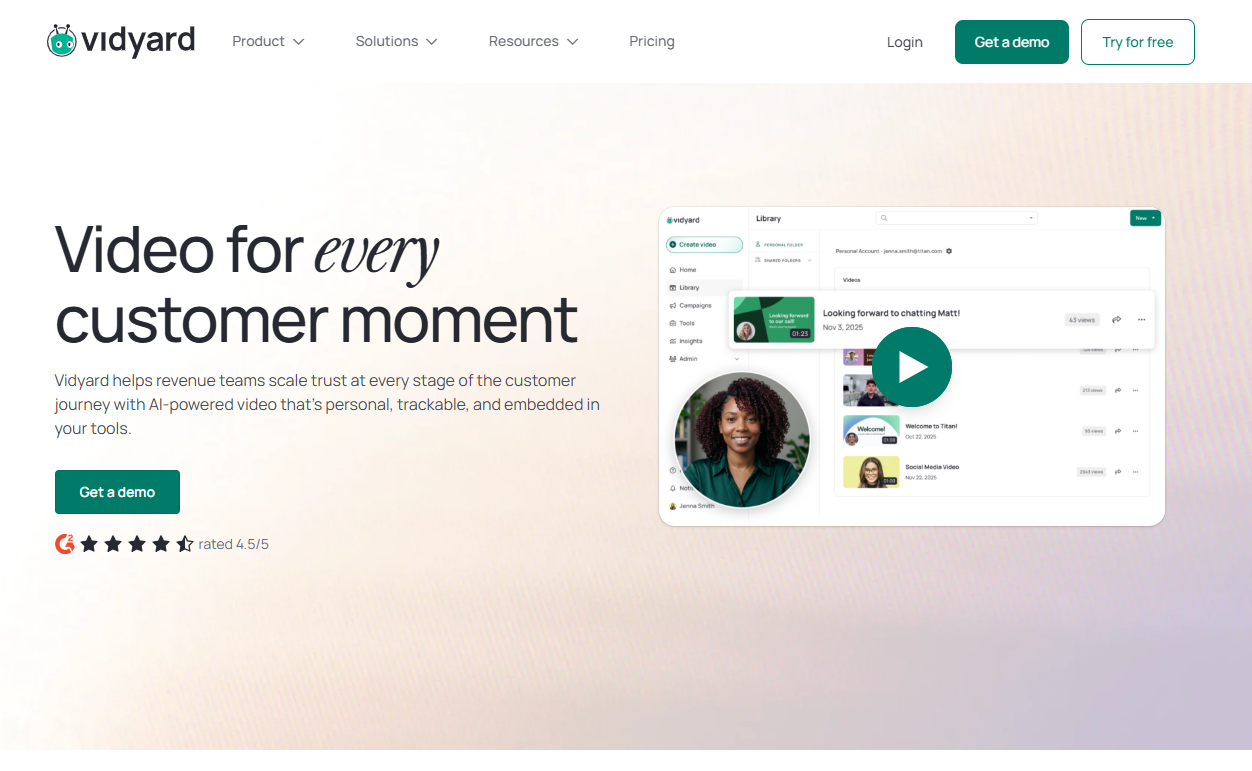
Vidyard's free tier is the most generous one in this guide for a sales rep who wants to test video before paying anything. Vidyard's own pricing page states the Free plan allows 5 recordings per month, up to 30 minutes each, with no video hosting included, and that paid tiers beyond Free require contacting Vidyard's sales team since pricing isn't published for them.
Where Vidyard gets harder to evaluate is everything past Free. Vidyard's pricing page does not publish numeric prices for its Starter, Teams or Enterprise plans; Teams and Enterprise are listed as custom. What the page does state is that video analytics, the viewer-level insight that turns a sent video into a measurable signal, is available on the Starter plan and above, not reserved for the top tier.
That makes Vidyard an odd fit to rank on price next to the other two sales-side tools, but an easy one to rank on free-tier usefulness. A rep can run real outreach videos for weeks before ever seeing a bill, then decide whether the jump to a priced tier is worth a sales conversation once analytics actually matter.
| Plan | Price | Billing Basis | What's Included |
|---|---|---|---|
| Free | $0 | - | 5 recordings/month, up to 30 minutes each, no video hosting |
| Starter | Not published | Contact sales | Video analytics included |
| Teams | Custom | Contact sales | Not published |
| Enterprise | Custom | Contact sales | Not published |
Strengths:
- The most usable free tier for sales reps here: 5 recordings a month at up to 30 minutes each is enough to actually trial the product.
- Analytics from Starter up, not gated to Enterprise: A mid-size team can get viewer analytics without the biggest contract.
Trade-offs:
- No published price past Free: A buyer can't compare total cost of ownership without a sales call.
- Free plan has no hosting: Recordings exist without Vidyard's own hosting layer on the free tier, which limits how far it can be used without upgrading.
Key capabilities:
- Free tier with 5 recordings/month, 30-minute cap
- Analytics on Starter and above
- Custom pricing on Teams and Enterprise
Good fit:
- Sales teams that want to test async video free before committing budget
- Teams that already expect to talk to a vendor's sales team and want analytics once they do
Not a fit:
- Buyers who need to see an exact number before they'll take a sales call
- Teams that need hosting on a free or entry tier without talking to anyone
The limitation worth naming plainly: Because Starter, Teams and Enterprise carry no public number, Vidyard is hard to rank against Sendspark or BombBomb on price alone, only on what the Free tier itself offers.
4. Tella: Best For Polished Internal Async Video
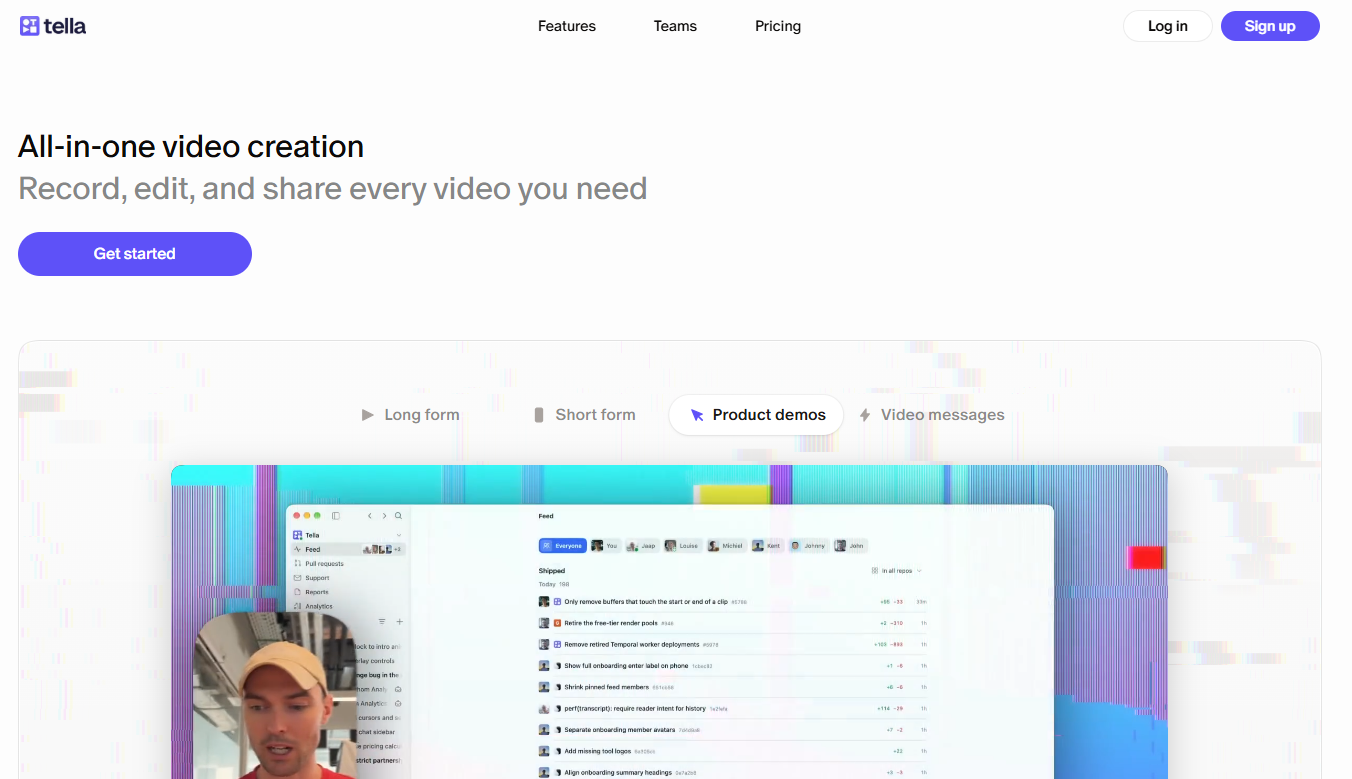
Tella's own positioning, stated on its blog comparing itself to Loom, draws a direct line between the two tools. Tella frames itself as suited to polished video made without leaving the app, and frames Loom as the tool for quick internal updates. That's a notable admission from a vendor arguing for itself, and it's worth taking at face value rather than reading past it.
Tella's Pro plan costs $13 per seat per month billed annually, per the same blog post, pitched at internal teams that want polish over speed rather than outbound sales motion. That price undercuts BombBomb and Sendspark by a wide margin.
Beyond that Pro price, Tella's own published material is thin. There's no breakdown of free-tier recording limits or storage caps on the page this guide could verify, so this profile stays narrow by design rather than padding out capabilities the vendor hasn't stated itself.
A team choosing Tella for the "polish without extra editing software" angle is often the same team that eventually wonders whether a cloned voice track would raise that polish further; AI video software with voice cloning covers that adjacent decision.
| Plan | Price | Billing Basis |
|---|---|---|
| Pro | $13/seat/month | Billed annually |
Strengths:
- Positions itself explicitly against Loom's use case: Tella's own comparison names polish as its edge and quick updates as Loom's, rather than claiming to be better at everything.
- Lower per-seat price than the sales-side tools: $13/seat/month undercuts Sendspark and BombBomb by a wide margin.
Trade-offs:
- Thin published detail beyond the Pro price: Free-tier limits and storage caps aren't broken out on Tella's own site in what this guide could verify, so a buyer comparing tiers closely should ask directly.
- Not positioned for sales outreach: Tella's own framing points internal, not at prospects.
Key capabilities:
- Polished recording and editing without leaving the app, per Tella's own positioning
- Pro plan at a lower per-seat cost than the sales-focused tools on this list
Good fit:
- Teams recording internal updates, demos or training video where polish matters more than speed
- Buyers who have already ruled out sales-outreach features and just want a clean recorder
Not a fit:
- Sales teams that need CRM write-back or viewer alerts, neither of which Tella's own material claims
- Buyers who need exact free-tier numbers before trialing
The limitation to flag plainly: This profile rests on one verified price and one piece of vendor positioning, because that's what Tella's own public material supports. Anything past that is a question for Tella's sales team, not a gap in this guide.
5. ClickUp Clip: Best For Teams That Want Video Built Into Their Workspace
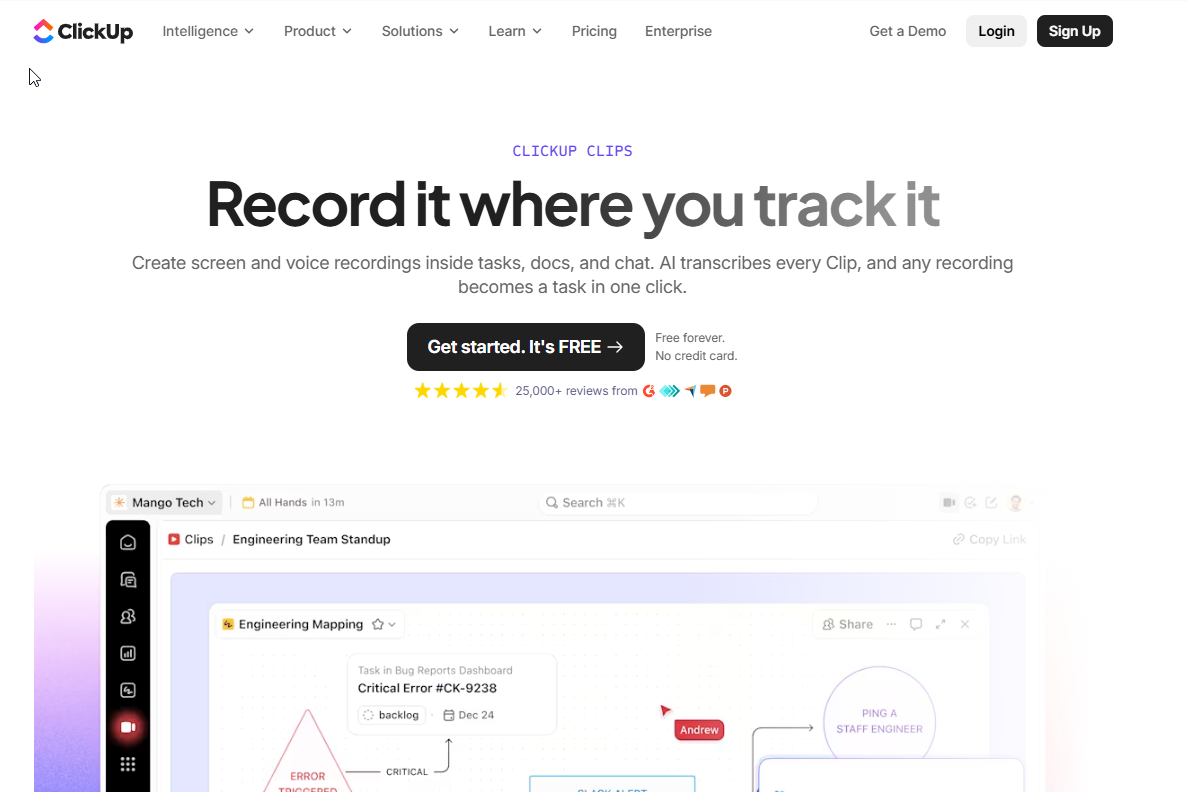
ClickUp doesn't sell Clip as a standalone product. It's a recording feature inside the broader ClickUp workspace, and ClickUp's own blog post comparing itself to Loom frames the whole decision around what a video needs to do after it's recorded, whether that's supporting an internal update, a sales outreach message or public content, rather than around Clip's features in isolation.
That framing matters more than it looks. The one price this guide can verify is ClickUp's Core plan, at $9 per user per month billed annually per ClickUp's own blog post, and that price buys the whole ClickUp workspace, with Clip as one feature inside it. There's no separate Clip-only price to compare against Tella's $13 seat or Loom's free tier, because ClickUp isn't selling it that way.
| Plan | Price | Billing Basis | What It Includes |
|---|---|---|---|
| Core | $9/user/month | Billed annually | The ClickUp workspace, with Clip as a built-in recording feature |
Strengths:
- No separate tool to adopt: Teams already on ClickUp get video recording without a new login or a new bill.
- Framed around the job, not the feature: ClickUp's own guidance pushes buyers to ask what the video needs to accomplish, which is a useful lens even outside ClickUp.
Trade-offs:
- Not a standalone purchase: A team that only wants a recorder and nothing else is buying a full project-management platform to get it.
- Clip's own limits aren't broken out separately: Recording length and storage specific to Clip aren't detailed apart from the general Core plan price.
Key capabilities:
- Screen and webcam recording inside the existing ClickUp workspace
- ClickUp's own framework for deciding what a video needs to do post-recording
Good fit:
- Teams already running projects in ClickUp who want video without adding another subscription
- Internal teams recording quick updates tied directly to tasks and docs already in the workspace
Not a fit:
- Teams not using ClickUp for project management, who would be adopting a whole platform for one feature
- Sales teams needing CRM write-back or viewer alerts, which Clip isn't built around
For a team specifically comparing clip-style recording tools against each other rather than against full editors, AI clip generators matched to your source video is the more direct comparison.
The limitation worth stating plainly: Clip is a feature of a larger platform, not a standalone product with its own price tag, so the real cost comparison is against ClickUp as a whole, not against a dedicated video tool.
📋 Get Listed / Advertise
We update this guide monthly. Want your tool featured? Contact: [email protected].
If video is one tactic inside a wider SEO and AI-visibility push, the GEO + SEO Growth Programme is where we run that work end to end. Book a call and we'll tell you what we'd prioritise first.
Why Teams Look For Loom Alternatives
Most teams don't go looking for a Loom alternative because Loom is bad. They go looking because Loom's free plan has a ceiling, and they've hit it.
Loom's own pricing page states the Starter plan's limits plainly. 25 videos total across the whole account, and each recording capped at 5 minutes. That's workable for a handful of one-off updates. It stops being workable the moment a team records daily standups, weekly sales follow-ups or recurring onboarding videos, because the 25-video ceiling isn't per month, it's for the life of the account on that tier.
Past Starter, Loom's own page lists Business at $18 per user per month and Business plus AI at $24 per user per month, with annual billing saving up to 17%. That's a real price, not a vague "contact us," which is more than some of the alternatives in this guide can say for their own upper tiers. The decision to leave Loom, then, usually isn't about price shock. It's about hitting the 25-video wall and realizing the next tier up still doesn't answer the question that actually matters, which is what the video should do once it's sent.
That's the same question that drives the rest of this guide. It's also one piece of a larger pattern. Teams that outgrow a single recording tool are often also rethinking their broader video and content approach, which is exactly where our content programme for SaaS marketing teams gets involved.
Teams hitting Loom's ceiling for reasons beyond volume, specifically wanting more editing control over what they've already recorded, are usually a step away from needing a full editor rather than another recorder; AI video editors matched to your footage covers that adjacent need directly.
Sales Video Vs Internal Async Updates: How To Choose
Here's the actual rule: Ask what the video's job is after you hit send, not what features sound impressive in a demo.
If the video's job is to move a deal forward, pick from the sales side of this guide, Sendspark, BombBomb or Vidyard. All three are built around the assumption that someone outside your company is going to watch the video and that you need to know when they did, where it fits in your CRM, and whether it worked. Sendspark leans hardest into personalization at the point of sending. BombBomb leans hardest into named CRM integrations and viewer alerts once the video is out the door. Vidyard leans into analytics once a team is past the testing stage, with a free tier generous enough to test that stage without paying first.
If the video's job is to keep a team in sync, pick from the internal side, Tella or ClickUp Clip. Neither tool is trying to prove anything to a prospect. Tella is betting on polish, recording and light editing without leaving the app, at a price well under the sales-side tools. ClickUp Clip isn't betting on video at all. It's betting that a team already living inside ClickUp doesn't want a second tool and a second login just to record a screen.
Loom itself doesn't disappear from this picture. It's still free up to 25 videos, and plenty of teams on both sides of this split use it for the smallest, most disposable updates and only reach for a dedicated alternative once volume or features actually demand it. The mistake worth avoiding is picking a tool for general "video" without deciding first which side of this split your next recording actually belongs to. A sales demo video that's really a synthetic walkthrough rather than something a rep recorded by hand points toward a different decision, covered in our guide to realistic AI videos that don't look fake.
Free And Low-Cost Loom Alternatives
If the budget is genuinely zero, Vidyard's Free plan is the honest answer here. 5 recordings a month, up to 30 minutes each, with no hosting included, per Vidyard's own pricing page. That's enough to trial personalized sales video without a credit card, even if it won't carry a team's full outreach volume on its own.
Past free, the cheapest verified paid tool in this guide is ClickUp's Core plan, at $9 per user per month billed annually, per ClickUp's own blog post, though that price buys the entire ClickUp workspace with Clip bundled in rather than a dedicated video tool. The cheapest verified price for a tool built specifically around video is Tella's Pro plan, at $13 per seat per month billed annually, which is still well under half of Sendspark's $49-per-month entry price and a fraction of BombBomb's Core tier.
Loom's own Starter plan is also free, with the 25-video, 5-minute-recording ceiling covered above, which makes it a reasonable zero-cost starting point for teams that haven't decided yet whether they need a dedicated alternative at all. The practical order to test things in, if cost is the only constraint, is Loom first, Vidyard's Free plan second for anything sales-related, and only then a paid tier once a real limit is actually hit rather than anticipated.
How To Choose The Right Loom Alternative
- Decide which side of the split you're on. Is this video meant to move a deal forward with someone outside the company, or keep a team in sync internally? Everything else in this list depends on that answer.
- Check whether viewer tracking matters to you. BombBomb's real-time viewer alerts and Vidyard's analytics from Starter up only matter if someone is actually going to look at when a prospect opens a video; internal updates rarely need this.
- Confirm the CRM integrations you actually use are named. BombBomb names Salesforce, HubSpot, Outreach and Zendesk on its Pro plan; Sendspark claims CRM write-back on its own comparison page. Don't assume a vendor supports your specific CRM without checking.
- Check the free-tier limits against your real volume. Loom's 25-video cap and Vidyard's 5-recordings-a-month cap are both workable for light use and both will be hit faster than most teams expect.
- Ask whether captions are included or an add-on. BombBomb includes captions from its Core plan, which matters if any of your viewers watch with sound off. A team weighing caption quality across more tools than the ones in this guide can go deeper with AI subtitle generators matched to where you publish.
- Weigh whether a bundled feature or a dedicated tool fits better. ClickUp Clip only makes sense if you're already paying for ClickUp; Tella and the sales-side tools are dedicated purchases on their own.
Picking the right comparison format matters here too. A buying guide like this one is itself the kind of decision-stage content that turns a reader who's still comparing tools into someone who's ready to act, which is the exact problem content that converts comparison readers into leads is built to solve.
Enterprise Readiness: SSO, Compliance And Security
Of the five tools in this guide, only one states SSO on its own pricing page in plain terms. BombBomb's Enterprise tier, per BombBomb's own pricing page, includes SSO with SCIM, SAML and Okta support, along with the customer's own cloud storage. That's a specific, checkable claim, not a generic "enterprise-ready" badge.
Vidyard doesn't rule enterprise readiness out, but it doesn't confirm it either in a way this guide can verify. Vidyard's Teams and Enterprise pricing is listed as custom with no public breakdown, so SSO and compliance specifics for Vidyard are a question for its sales team, not something stated on the page itself. Sendspark, Tella and ClickUp Clip's own published material, as reviewed for this guide, doesn't state SSO, SAML or SCIM support at all, which doesn't mean they lack it, only that it isn't published where a buyer can check it without a sales call.
For a buyer whose checklist is genuinely "SSO or it's out," that narrows the field to one tool with a published answer and three where the answer is "ask sales," before any other feature gets weighed at all. For global or multilingual sales teams whose enterprise requirements extend past security into localization, the compliance conversation often runs alongside a dubbing or lip-sync decision; AI video translators for dubbing with lip-sync covers that adjacent requirement.
FAQs
What Are The Best Loom Alternatives In 2026?
Is There A Free Alternative To Loom?
What Is The Cheapest Loom Alternative?
Why Do People Look For Loom Alternatives?
How Do I Choose The Right Loom Alternative?
Are Loom Alternatives Suitable For Enterprise Teams?
Can You Use Loom For Free, And What Are The Limits?
Which Loom Alternative Is Best For Sales Outreach Video?
How Are The Tools In This Guide Ranked?
Still weighing Loom against two or three shortlisted tools and have a question this guide didn't answer? Reach out through Contact and we'll point you in the right direction.