

HubSpot fits sales-led B2B SaaS teams that already run deals through a CRM, while Customer.io and Loops fit product-led teams that need email triggered by in-app usage events. A generic email service provider rarely survives past the first ten thousand contacts once per-account billing and API limits bite.
This split holds once your company sells to multiple buyers inside one account and needs the email tool to read product events or sync with a CRM pipeline.
Below roughly 2,000 contacts, or before you have product-usage data to trigger on, a simpler platform such as ActiveCampaign is cheaper and good enough.
If you would rather have the comparison pages that drive this kind of decision written for you, our revenue content service builds exactly this type of page.
📋 Get Listed / Advertise
We update this guide monthly. Want your tool featured? Contact: [email protected].
Best Email Marketing Software For B2B SaaS At A Glance
Most comparison pages sort these tools by price or by feature count. The table below sorts them by the question that actually decides whether the tool works for a B2B SaaS company. Can it read what a trial account is doing inside the product, and can it treat an account as the unit of messaging rather than a pile of individual contacts?
| Tool | Go-To-Market Fit | Account-Level Segmentation | Native CRM Integration | Starting Price |
|---|---|---|---|---|
| HubSpot | Sales-led, CRM-native | Yes | Yes, built in | From $800/month for 2,000 marketing contacts |
| ActiveCampaign | Marketing automation depth | Limited, contact-first | Via integration | $149/month at 10,000 contacts |
| Customer.io | Product-led, event-driven | Yes | Via integration | Pricing on request |
| Userlist | Account-based, SaaS-built | Yes, built for accounts | Via integration | Pricing on request |
| Loops | Lean PLG, developer-friendly | Limited, contact-first | Via integration | Pricing on request |
The five tools below cover the two motions a B2B SaaS company actually runs, closing deals through a sales conversation and converting a self-serve trial. Three charge a disclosed price; two list pricing on request, which means talking to sales before you can compare real cost.
1. HubSpot: Best For Sales-Led B2B SaaS With CRM-Native Nurture
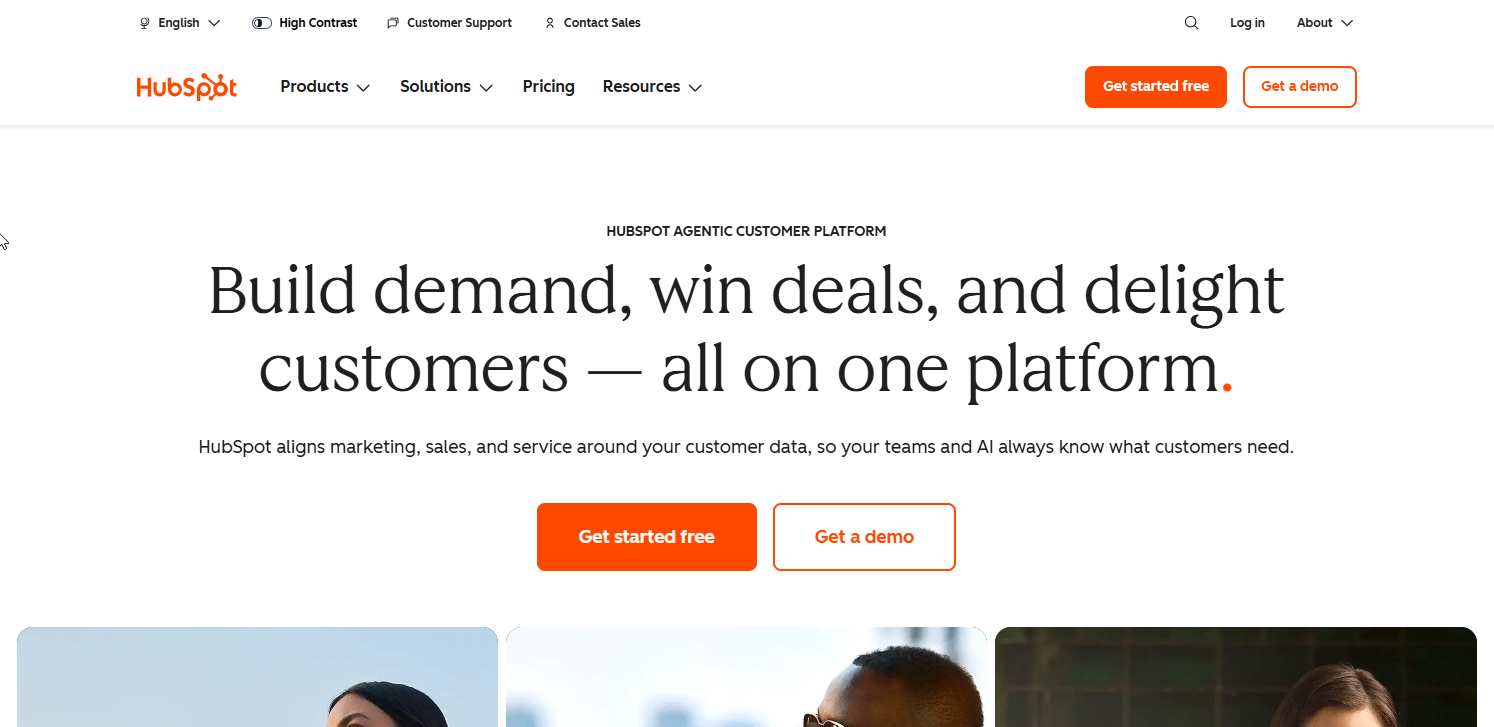
HubSpot is a CRM with a marketing platform built on top of it, not an email tool with a CRM bolted on. Every contact, deal and company record lives in one database, so a marketing email and a sales rep's follow-up call pull from the same activity timeline.
That makes it the obvious fit for a sales-led B2B SaaS company, one where a rep talks to the buyer before the deal closes and marketing's job is to warm the account before that call and keep it warm after. It is a weaker fit for a company with no sales team to hand contacts to, since you are paying for a CRM layer you will not use.
| Plan | Price | Billing Basis | What It Includes |
|---|---|---|---|
| Starter | From $7 per seat per month | Per seat | Basic email and forms, limited automation |
| Professional | From $800 per month | Includes 2,000 marketing contacts | Marketing automation, custom reporting |
| Enterprise | From $3,600 per month | Includes 10,000 marketing contacts | Advanced reporting, custom objects |
HubSpot's own pricing page puts Marketing Hub Professional at $800 a month for 2,000 marketing contacts, with Starter from $7 per seat a month and Enterprise from $3,600 a month. Only marketing contacts, the ones you actually email, count toward that tier. HubSpot's pricing page also confirms non-marketing contacts can sit in the CRM for free up to 15 million records, which matters for a SaaS company with a large free-tier user base you are not yet emailing on a marketing list.
Strengths:
- Deals, contacts, companies and email activity share one record, so a sales rep sees every marketing touch before a call.
- Workflow automation can branch on deal stage, not just email engagement.
- The free CRM tier means you can start tracking companies and contacts before you pay for Marketing Hub at all.
Trade-offs:
- Marketing contacts are billed by tier, and crossing a tier boundary jumps the price in a step, not gradually.
- HubSpot's pricing page lists custom reporting for Professional and Enterprise only, and does not say outright which tier ships account-level (company-level) reporting as standard, so that needs confirming with sales before you buy on the assumption it is included.
- The automation builder is powerful enough that a small team can spend more time configuring it than sending email.
Key capabilities:
- Native CRM with deal pipelines, so marketing and sales share one source of truth.
- Workflow automation that can trigger on form fills, deal stage changes, and page visits.
- Custom reporting for account-level rollups, on the Professional tier and above.
Good fit:
- A B2B SaaS company already running sales calls, where marketing and sales need to see the same activity.
- A team that wants one platform instead of stitching a CRM, an email tool, and a reporting layer together.
Not a fit:
- A pure self-serve PLG company with no sales team, where you would pay for CRM features you never touch.
- A two-person startup still below 2,000 marketing contacts, where $800 a month is a large bill for a short list.
The one limitation that matters most is that HubSpot counts every contact you intend to email toward a billed tier, so a SaaS company with a large free-tier user base has to decide early which of those users are "marketing contacts" at all, or the bill grows with your signups rather than your revenue.
2. ActiveCampaign: Best For Marketing Automation Depth On A Mid-Market Budget
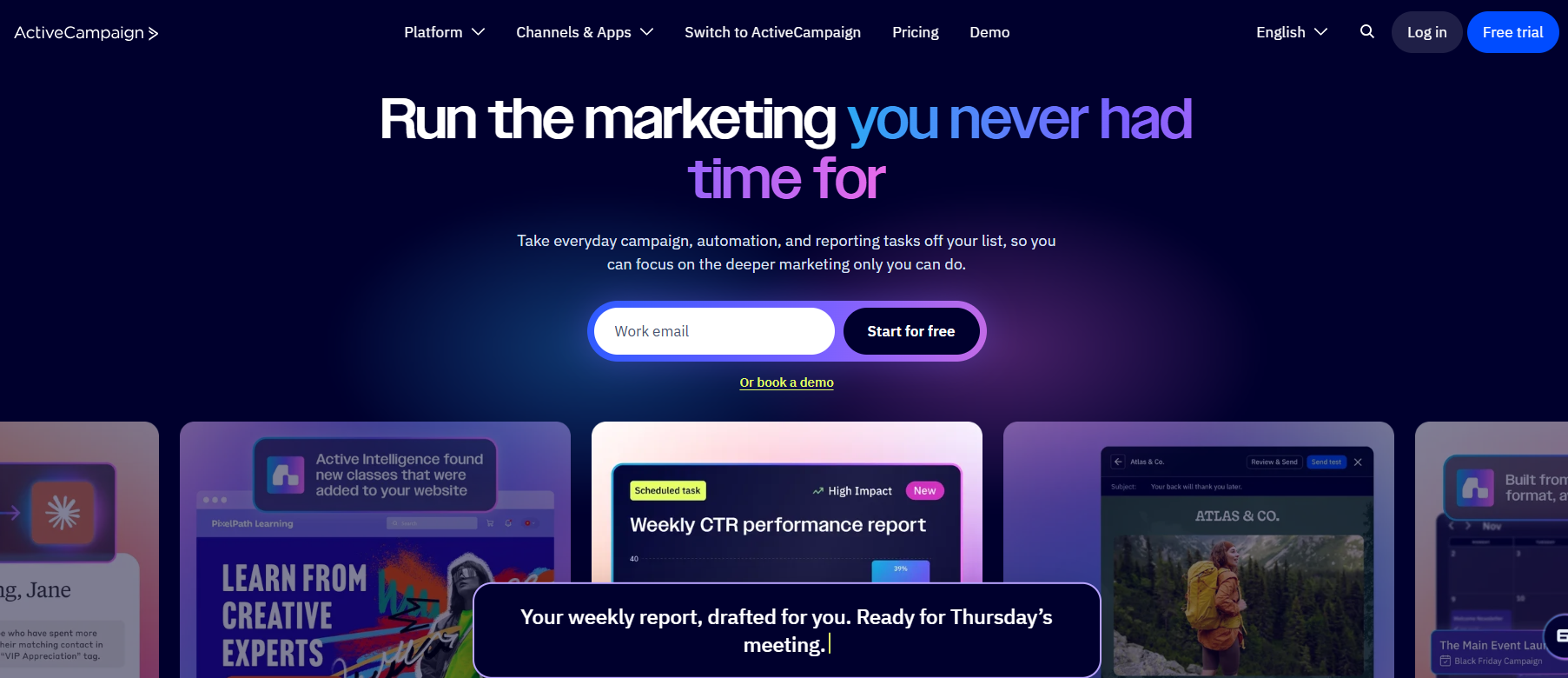
ActiveCampaign is a marketing automation platform with email, SMS and a lightweight CRM, aimed at teams that want deep automation logic without HubSpot's price or its CRM-first structure. Its automation builder supports branching, conditional splits and multi-channel steps that most contact-first email tools do not offer at this price point.
It suits a B2B SaaS marketing team that owns its own automation and wants to build complex nurture sequences without a developer, and is a weaker fit for a company that needs the platform itself to read product-usage events, since that still has to come through an integration rather than a native connection.
| Plan | Price | Billing Basis | What It Includes |
|---|---|---|---|
| Starter | $149/month at 10,000 contacts | Scales with contact count | Core marketing automation and email sending |
The number worth anchoring on is not ActiveCampaign's advertised entry price, which is quoted at a far smaller list size than most B2B SaaS companies actually carry. ActiveCampaign's own cost breakdown puts its Starter plan at $149 a month once a list reaches 10,000 contacts, which is the volume a growing SaaS trial funnel reaches quickly. The same breakdown notes that advertised entry prices typically exclude per-list contact billing, feature paywalls and add-on channels, and all three grow with scale, so the number you see on the pricing page on day one is not the number you see once your list grows.
Strengths:
- Automation branching and conditional logic go deeper than most tools in its price range.
- SMS and email live in the same automation builder, so a single workflow can span channels.
- The built-in CRM is enough for a small sales-assist motion without buying a separate tool.
Trade-offs:
- Segmentation is built around the contact, not the account, so rolling up activity by company takes extra setup.
- Reading product-usage events still requires a separate integration rather than a native connection.
- Pricing scales with list size, and a SaaS company with a large free tier can see its contact count, and its bill, grow faster than its paying customers.
Key capabilities:
- A visual automation builder with branching, waiting steps and conditional splits.
- Native SMS alongside email in the same workflow.
- A lightweight CRM for teams that want sales-assist without a full HubSpot-style stack.
Good fit:
- A marketing team that wants to build complex automation itself, without engineering help.
- A company whose list growth tracks paying customers closely enough that per-contact billing stays predictable.
Not a fit:
- A company whose free-tier user base dwarfs its paying customers, where contact-based billing punishes growth.
- A team that needs account-level reporting out of the box rather than built by hand.
The limitation that matters most is that ActiveCampaign treats the contact, not the account, as its native unit, so a B2B SaaS company selling to multi-seat accounts has to build account rollups itself rather than get them from the platform.
3. Customer.io: Best For Product-Led Growth And Usage-Event Triggers
Customer.io is built around the event, not the list. A product sends it structured data (a user signed up, hit a usage limit, invited a teammate) and the platform triggers email, in-app messages or push off that event in close to real time, rather than off a batch import or a form fill.
That makes it a strong fit for a product-led B2B SaaS company where the trial itself generates the signal that should drive the next email, and a weak fit for a company that has no event pipeline to send it, since without usable events, the platform has nothing differentiated to react to.
Pricing: Customer.io's pricing was not available from the vendor at the time of research. Pricing on request.
| Attribute | Detail |
|---|---|
| Best For | Product-led B2B SaaS with event-driven triggers |
| Pricing | On request |
| Primary Data Model | Individual user and event history |
| Account-Level Segmentation | Supported, not the primary model |
| Setup Requirement | A working product event pipeline |
Strengths:
- Triggers run off live product events, so an email can go out minutes after a user hits a usage limit rather than at the next scheduled send.
- Segmentation can combine event history, attributes and message engagement in one condition.
- Supports email, push and in-app messaging from the same event stream, so the lifecycle logic does not live in three separate tools.
Trade-offs:
- The platform is only as good as the events your product sends it, so the real setup cost is instrumenting your app, not configuring Customer.io.
- Pricing is not published, so budgeting requires a sales conversation before you can compare it against a tool with a disclosed price.
- Account-level rollups work, but the primary mental model is still the individual user and their event history.
Key capabilities:
- Event-triggered workflows with near-real-time delivery.
- Segmentation on behavior, attributes and engagement combined.
- Multi-channel messaging (email, push, in-app) from one event pipeline.
Good fit:
- A product-led SaaS company whose app already emits structured events like activation, seat invites or usage-limit hits.
- A team that wants lifecycle email to react to what a user does, not just when they signed up.
Not a fit:
- A company with no event-tracking pipeline in place, since that has to be built first.
- A team that wants a published price to budget against before talking to sales.
A B2B SaaS lifecycle email tool needs usable product events, things like activation, invites and seat limits, or it behaves as an expensive newsletter sender regardless of how good its automation builder is, and that is the one fact that decides whether Customer.io is worth the setup work at all.
4. Userlist: Best For Account-Based Lifecycle Email Built For SaaS
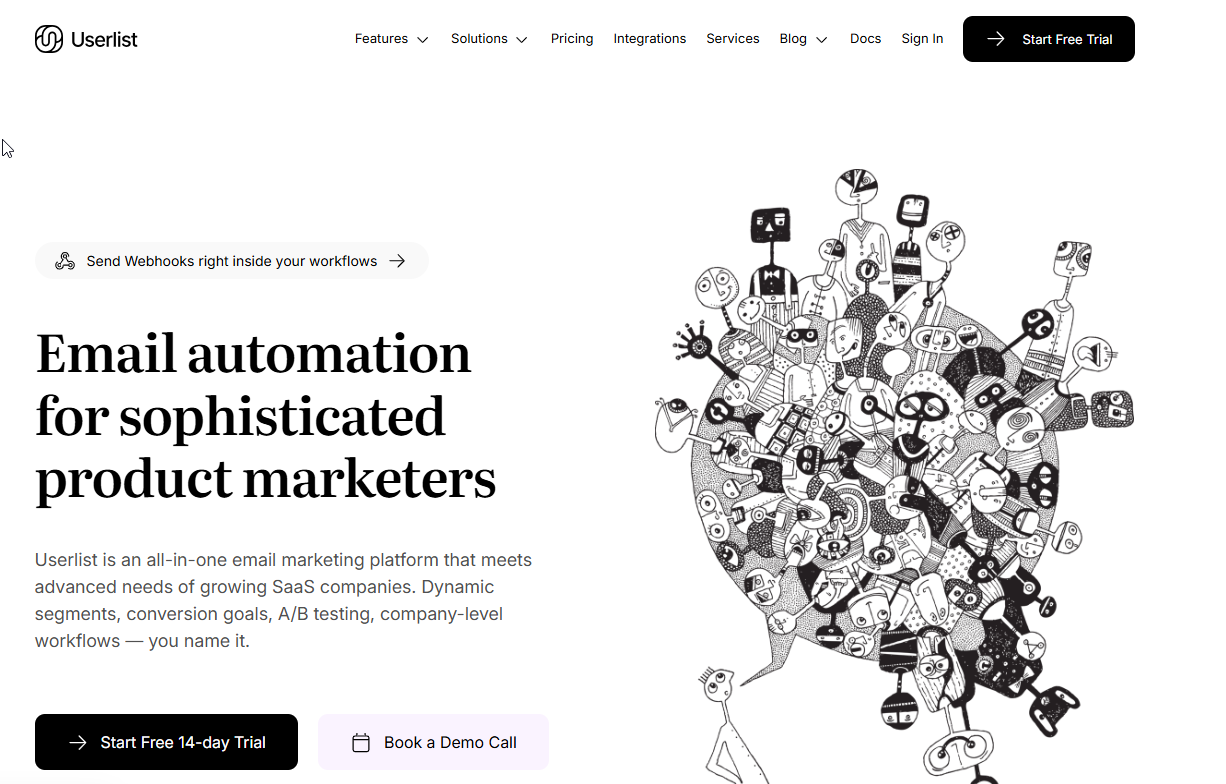
Userlist is built specifically for B2B SaaS, and its defining feature is treating the account, not just the individual contact, as something you can message directly. A workflow can target "every account on the Growth plan with fewer than three active seats" as a single condition, rather than requiring you to reconstruct that rollup from individual contact records.
That makes it a strong fit for any SaaS company selling multi-seat accounts where the buyer, the admin and the end users are different people who all need different emails tied back to the same company record. It is a weaker fit for a single-user product where there is no account layer worth separating from the contact layer.
Pricing: Userlist's pricing was not available from the vendor at the time of research. Pricing on request.
| Attribute | Detail |
|---|---|
| Best For | Account-based lifecycle email for multi-seat SaaS |
| Pricing | On request |
| Primary Data Model | Account as a first-class object |
| CRM Integration | Via integration |
| Setup Requirement | Account and user properties mapped from your data |
Strengths:
- Accounts are a first-class object, so segmentation and automation can target the company, not just one contact inside it.
- Built-in user and account properties map closely to typical SaaS data, such as plan, seat count and trial stage.
- Lifecycle email, onboarding sequences and broadcasts live in one tool rather than split across a transactional sender and a separate ESP.
Trade-offs:
- Pricing is not published, so comparing real cost against a disclosed-price competitor takes an extra sales step.
- A smaller ecosystem of integrations than HubSpot or ActiveCampaign, which matters if your stack already leans on a less common tool.
- The account-first model is its strength for multi-seat SaaS and offers little extra value for a single-user product.
Key capabilities:
- Native account objects alongside contact objects, with account-level segmentation.
- Automation triggers on both user-level and account-level events.
- Built-in email verification and deliverability tooling aimed at SaaS sending patterns.
Good fit:
- A SaaS company where one paying account contains several distinct users with different roles.
- A team that wants account health, plan and seat data to drive the email, not just who opened the last send.
Not a fit:
- A single-user product with no meaningful account layer above the contact.
- A company that needs a disclosed starting price to shortlist tools without a sales call.
Contact-level segmentation can tell you that a specific person opened three emails; it cannot tell you that the account they belong to is down to one active seat after two teammates left, and that gap is the one thing a contact-only tool, however good its automation, cannot close.
5. Loops: Best For Lean PLG Teams Needing Developer-Friendly Event Triggers
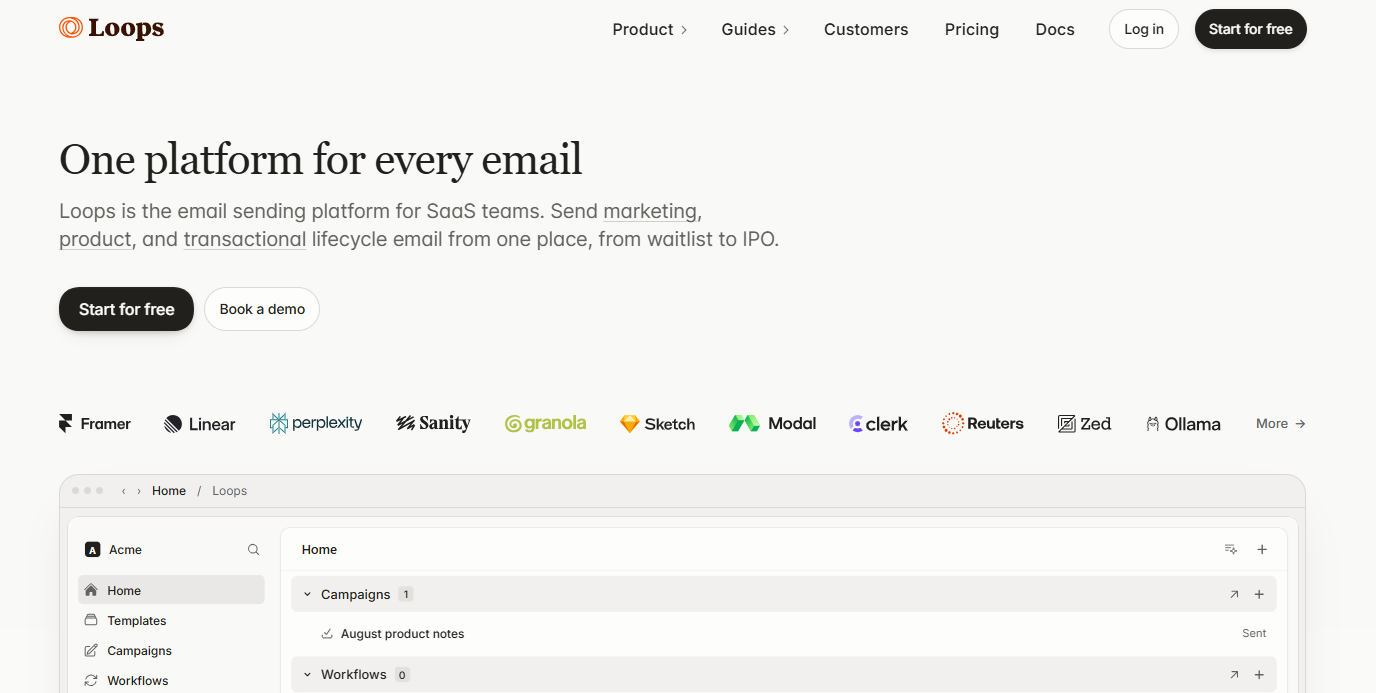
Loops is a smaller, API-first platform built for early-stage product-led teams that want event-driven email without the configuration overhead of a full lifecycle platform. A developer can wire up an event with a short API call and have it trigger a transactional or lifecycle email the same day.
That makes it a fit for a lean PLG team, often pre-seed to Series A, where the founding engineers are willing to write a few lines of integration code and do not want to learn a heavyweight automation builder to get usage-triggered email working. It is a weaker fit for a larger team that wants a visual workflow builder, deep segmentation, or account-level objects out of the box.
Pricing: Loops's pricing was not available from the vendor at the time of research. Pricing on request.
| Attribute | Detail |
|---|---|
| Best For | Lean, API-first PLG teams |
| Pricing | On request |
| Primary Data Model | Developer-configured event triggers |
| Account-Level Segmentation | Limited |
| Setup Requirement | A short API integration per event |
Strengths:
- API-first design means an engineer can trigger an email from a single event call, with minimal platform configuration.
- Lighter interface than a full lifecycle platform, which suits a small team without a dedicated marketing operations hire.
- Built with transactional and lifecycle SaaS email in mind, rather than adapted from a generic newsletter tool.
Trade-offs:
- Account-level segmentation and CRM sync are thinner than a platform like Userlist or HubSpot built for that from the start.
- The automation builder is simpler by design, which is a limitation once a team's nurture logic grows past basic triggers.
- Pricing is not published, so budgeting against a disclosed-price competitor requires contacting the vendor.
Key capabilities:
- Event-triggered email with a straightforward API for developers.
- Transactional and lifecycle sends supported from the same platform.
- A lighter learning curve than a full enterprise lifecycle suite.
Good fit:
- A small, technical, early-stage PLG team that wants event-triggered email live within days.
- A team that would rather write a short integration than configure a large visual workflow builder.
Not a fit:
- A sales-led or account-based company that needs CRM sync or account objects as a core feature.
- A team that has outgrown basic triggers and needs deeper segmentation than a lean tool is built to offer.
The trade-off against a fuller platform like Customer.io is straightforward. Loops gets a usage-triggered email live faster for a small technical team, and Customer.io gives up some of that simplicity for deeper segmentation and multi-channel messaging once the team and the event volume grow.
📋 Get Listed / Advertise
We update this guide monthly. Want your tool featured? Contact: [email protected].
What Is B2B SaaS Email Marketing, And How Is It Different
B2B SaaS email marketing covers the sends tied to a trial, a signup or a paying account rather than a general subscriber list. It spans four jobs a generic email marketing tool was never built around, converting a trial into a paying account, onboarding a new user so they reach their first real result, nurturing behavior based on what someone actually does inside the product, and keeping an existing account healthy and expanding once the deal has already closed.
A newsletter tool or an ecommerce promo platform assumes you are sending to people who chose to subscribe and reading a calendar, not an event. B2B SaaS email assumes the opposite. The trigger is almost always something that happened in the product, not a date on a sending calendar, and the recipient is often one of several people inside a single paying account rather than a standalone subscriber.
The practical effect shows up in how the email list itself is structured. A newsletter list is a flat pile of subscribers who all get roughly the same send. A B2B SaaS list is layered. A trial user gets conversion email, a new paying user gets onboarding email, an active user gets usage-based nurture, and a long-tenured account gets expansion or renewal email, often all inside the same contact database at the same time. Picking a tool that cannot tell those four groups apart, or cannot trigger differently for each, means every one of those four jobs ends up getting the same generic treatment.
If your list is small enough that you still sort it by size rather than by motion, pick a platform by list size first and revisit this motion-based comparison once account-level data exists to act on. Email is also only one channel in a broader content and lifecycle programme, and content marketing best practices for B2B SaaS cover where it fits alongside the rest.
Product-Led Vs Sales-Led: The Real Selection Test
Most comparison pages score every tool against the same checklist of segmentation, automation, deliverability and price. That checklist misses the one question that actually separates these tools, which is whether your deal closes through a sales conversation or through a self-serve trial, because that single fact decides what data the email tool needs to read.
A sales-led company's signal lives in the CRM. A deal moves through stages a rep updates by hand, and the email tool's job is to support that motion with nurture before the call and follow-up after it. A product-led company's signal lives in the product. A trial user either reaches activation or does not, and the email tool's job is to react to that event faster than a human could.
Here is the rule in one line. If your deal closes through a sales call, start with HubSpot. If it closes through a self-serve trial with no rep involved, start with Customer.io or Loops depending on team size. If your business runs both motions on the same product, at different account sizes, start with whichever motion brings in more revenue today and bolt the other on later rather than trying to serve both equally from day one.
Sequenzy's comparison of B2B SaaS email tools categorizes HubSpot for sales-assisted teams, ActiveCampaign for marketing automation depth, and Userlist for account-based lifecycle email, a categorization that tracks closely with which data each platform was built to read first, CRM stage data for HubSpot, flexible contact automation for ActiveCampaign, and account objects for Userlist.
This matters because most B2B SaaS companies are not choosing between "good tool" and "bad tool." They are choosing between a tool that matches how they actually sell and one that forces their sales and marketing teams to work around a mismatch for the life of the contract. A product-led company that buys HubSpot for its brand name ends up paying for CRM features a sales-less team never uses. A sales-led company that buys a lean PLG tool like Loops for its price ends up building CRM sync by hand that a CRM-native platform would have given it for free.
The mismatch also shows up later than people expect, usually at the renewal of the email tool itself rather than at the first purchase. A company picks a tool that fits its motion in year one, then its motion shifts, a product-led company starts closing bigger accounts through sales, or a sales-led company adds a self-serve tier, and the tool that fit the original motion now covers only half the business. Re-running the motion test above once a year, not just at initial purchase, catches that shift before the mismatch costs a renewal decision made under time pressure.
If your acquisition strategy looks past paid search and SEO entirely, the same product-led versus sales-led split shows up again in which channels work, and alternatives to traditional SEO for B2B SaaS leads covers that from the acquisition side rather than the email side.
Account-Level Segmentation, CRM Integration, And The Sales Handoff
Account-level segmentation means treating a company, not a person, as the thing you message and measure. A contact-level tool can tell you that Jane at Acme opened your last three emails. An account-level tool can tell you that Acme, the account, has three active seats out of five purchased, two stalled users, and a renewal date in six weeks, and it can trigger an email or alert off that account state rather than off any one person's activity.
B2B SaaS email tools should treat accounts as messageable objects, not only flat contacts, because the buying unit in B2B SaaS is almost never a single person. A deal usually involves a champion, an economic buyer and several end users, all inside one account, and a tool that cannot roll their activity up to the account level cannot tell you whether that account, as a whole, is healthy.
The one CRM field that makes or breaks this is the account or company ID. If your email tool and your CRM both sync against the same account identifier, a lead score or a customer health score computed in the CRM can drive an email trigger, and an email engagement signal can feed back into the score the sales team sees. Without a shared account ID, the two systems are tracking the same company under two different names, and nothing rolls up cleanly.
Marketing contacts count toward HubSpot's paid contact tier, while non-marketing contacts can be stored for free up to 15 million records, per HubSpot's own pricing structure. That distinction is relevant here because it lets a sales-led team keep every contact and company record in the CRM without paying to email all of them, then flip a contact to "marketing" only once it is ready for nurture. HubSpot's own pricing page lists custom reporting for Professional and Enterprise only and names no tier as including account-level reporting by default, so a team planning to lean on account rollups for reporting should confirm that with sales rather than assume it from the plan name.
Once account data and CRM data are actually synced, lead scoring and customer health scores stop being marketing-only numbers and become the handoff artifact between the two teams. A rising lead score tells sales an account is warming up before a rep has made contact. A falling health score, built from login frequency, seat usage or support ticket volume, tells marketing an account needs a save sequence before a renewal conversation even starts. Neither number means much running inside only one system.
For the sales side of this handoff, the outbound motion that follows a warmed account usually runs through a separate set of tools, and best email outreach tools for B2B marketing covers that outbound layer rather than the lifecycle layer this article is about.
Product And Usage-Event Triggers Your Platform Needs To Read
A lifecycle email tool is only as useful as the events it can read. Without usable product events, activation, invites and seat limits among them, a lifecycle platform behaves as an expensive newsletter sender, triggering on signup date and nothing else a real product generates.
Five events do most of the useful work for a B2B SaaS lifecycle program:
- Activation: The moment a new user completes the action that defines real usage, not just account creation. Trigger the first real onboarding nudge off this event, not off signup.
- Seat invite sent: A user invited a teammate into the account. Trigger a welcome sequence for the invitee and a "your team is growing" note for the inviter.
- Seat limit reached: The account is using every seat it purchased. Trigger an upgrade or expansion email before a support ticket forces the conversation.
- Feature adoption: A user touched a specific high-value feature for the first time. Trigger a short, targeted tip sequence instead of a generic newsletter.
- Usage drop: A previously active user or account goes quiet. Trigger a re-engagement sequence before the account reaches a renewal date cold.
Getting these events into an email platform at all usually depends on having the underlying contact and company data clean enough to act on in the first place, and B2B email finder tools cover the data layer that often sits underneath this trigger layer.
Transactional Vs Marketing Email: Keeping Deliverability Separate
Transactional email (password resets, invoices, seat-invite confirmations) and marketing email (lifecycle nurture, newsletters, promotional sends) should run on separate subdomains with separate sending reputations. If a marketing send gets flagged as spam, a shared reputation drags your password-reset emails down with it, and a locked-out user who cannot receive a reset email is a support ticket, not a marketing metric.
This stopped being optional once the major inbox providers tightened their rules. Gmail's bulk-sender requirements call for any sender pushing more than 5,000 messages a day to keep its spam rate under 0.30%, authenticate with SPF, DKIM and DMARC, and support one-click unsubscribe, a set of rules that has been in effect since 1 February 2024. A B2B SaaS company crosses that 5,000-message threshold quickly once lifecycle email is running across an active trial funnel, so the separation is not a nice-to-have for a company at scale, it is the difference between inbox delivery and bulk filtering.
Most of the five tools in this list support subdomain-level sending setup, but the discipline of actually keeping transactional and marketing traffic apart is a configuration decision your team makes, not something a platform enforces by default.
What These Tools Actually Cost At B2B SaaS Account Volumes
The number on a pricing page's headline tier is rarely the number you pay once your list reflects an actual B2B SaaS trial funnel. HubSpot's pricing page puts Marketing Hub Professional at $800 a month for 2,000 marketing contacts, a tier most growing SaaS companies clear within a year or two of consistent trial signups. ActiveCampaign's Starter plan is advertised from a much lower headline price, but ActiveCampaign's own cost breakdown shows it running $149 a month once a list reaches 10,000 contacts, the volume a growing trial funnel reaches on a similar timeline.
The gap between the two numbers is the real comparison. Per ActiveCampaign's own research, advertised entry prices typically exclude per-list contact billing, feature paywalls and add-on channels, and all three scale with your list, so the figure that matters is the price at the contact volume your company will actually carry in twelve months, not the price at the contact volume you have today.
For the two tools in this list that list pricing on request, Customer.io and Userlist, that comparison is not possible without a sales conversation. Budget for that call before you shortlist either one, and ask directly what the price looks like at the contact or account volume you expect to reach, not just today's volume.
Comparison pages like this one are also conversion assets, not just research exercises. Pages built to convert comparison traffic turn this kind of page into something a reader can act on directly, rather than a summary that sends them elsewhere to actually buy.
If comparing tool costs like this is something you would rather not redo every quarter, the GEO + SEO Growth Programme keeps this kind of research current as part of an ongoing retainer. You get a page that stays accurate without you re-checking five vendor pricing pages yourself.
Upsell, Expansion, And Churn Emails After The Deal Closes
Most tool comparisons stop at acquisition, as if the email motion ends once a trial converts. For a B2B SaaS company, some of the most valuable emails come after the deal closes, when the account is already paying and the goal shifts from converting it to growing or protecting it.
Three triggers do most of the work in this stage:
- Seat growth: When an account adds users past a threshold, trigger an expansion or upsell email rather than waiting for a renewal conversation to surface it.
- Usage drop: When a previously active account's logins or feature usage falls off, trigger a re-engagement or check-in sequence before the drop shows up as a churn risk on a renewal call.
- Renewal date approaching: As a contract's renewal date nears, trigger a value-recap sequence that reminds the account what it has used and achieved, rather than a bare renewal notice.
These triggers depend on the same account-level data covered earlier. A tool that can only see individual contacts cannot tell you that an account's seat count grew even if no single user's behavior changed, which is exactly why the account-level segmentation question matters as much after the sale as before it.
The teams that get this stage wrong usually treat it as a sales job rather than an email job. An account services manager notices a usage drop a week before a renewal call and sends a one-off email by hand, instead of a workflow catching the same signal a month earlier and running a save sequence automatically. By the time a human notices, the account has usually been quiet long enough that a single email will not fix it, which is the real argument for wiring expansion and churn triggers into the same platform that handles acquisition email rather than leaving them to whoever remembers to check.
Compliance: GDPR, CCPA, And SOC 2 For B2B SaaS Email
Consent and data-processing obligations under GDPR and CCPA sit with your company regardless of which email platform you choose. No platform's feature set changes who is legally responsible for having a lawful basis to email someone, for honoring an unsubscribe or deletion request, or for disclosing what data you collect and why. The platform can give you the tools, double opt-in, consent logging, suppression lists, but the responsibility to use them correctly does not transfer with the subscription.
A vendor's SOC 2 report, when one exists, covers the security and operational controls of that vendor's own infrastructure. It tells you the platform itself is run with reasonable controls around access, availability and data handling. It does not cover, and cannot cover, whether your company's use of the platform complies with GDPR, CCPA or any other privacy law, because that depends on how you collect consent and what you send, not on how the vendor secures its servers.
In practice this means two separate checklists, not one. The vendor's checklist covers whether the platform encrypts data at rest, restricts internal access and has a documented incident process, and a SOC 2 report is how you verify that checklist without auditing the vendor yourself. Your own checklist covers whether every list you email has a lawful basis to be emailed, whether your unsubscribe and deletion processes actually work end to end, and whether your privacy policy matches what you are actually doing with the data. Buying a platform with a SOC 2 report answers the first checklist and leaves the second one entirely with you.
How To Choose: A Buying Guide By Company Stage
The motion test, the account-data question and the real cost at scale collapse into three steps you can apply this quarter.
- Identify your motion. If a sales rep talks to the buyer before the deal closes, you are sales-led. If the buyer signs up and converts without ever speaking to anyone at your company, you are product-led. Most companies lean one way even if they run a bit of both.
- Check whether you need account-level data. If your product sells to multiple users inside one paying account, seats, admins, end users, you need a tool that can message and measure at the account level, not just the contact level. If your product has one user per account, you do not.
- Match to one of the five tools above. Sales-led with CRM data already in use points to HubSpot. Marketing automation depth on a flexible budget points to ActiveCampaign. Product-led with usage events to trigger on points to Customer.io or Loops, depending on team size and technical capacity. Account-based SaaS selling to multi-seat accounts points to Userlist.
A useful sanity check at this stage is how your current content and lifecycle spend compares to similar companies, and B2B SaaS content benchmarks gives that context before you commit a budget line to any one platform.
Running this evaluation in-house takes real hours from whoever owns marketing operations, and a growing number of B2B SaaS companies hand the research and the build to an outside team instead. If that is on the table, best content marketing agencies for B2B SaaS covers how to vet one, and how B2B SaaS marketing agencies compare lays out the differences between the larger names in that space.
Either way, the research itself does not have to be a one-time project. An ongoing SEO and AI-visibility programme is built to keep comparison pages like this one current as vendor pricing and positioning shift, rather than something you re-run from scratch every year.
FAQs
Do I Need A Separate Transactional Email Provider From My Marketing Email Tool?
Can I Switch Email Platforms Later Without Losing My Sending Reputation?
How Many Contacts Or Accounts Justifies Moving Off A Free Tier?
Does GDPR Or CCPA Compliance Differ By Platform, Or Is It My Responsibility Regardless Of The Tool?
Should A Two-Person SaaS Startup Use The Same Stack As A 100-Person Sales-Led Company?
What Happens To Pricing If My Product Has A Lot Of Free-Tier, Non-Paying Users?
Can One Platform Run Both Product-Led And Sales-Led Nurture At The Same Time?
Do These Tools Integrate With Salesforce Or HubSpot CRM Out Of The Box?
How Long Does Migrating From A Generic ESP Like Mailchimp To A SaaS-Built Lifecycle Tool Usually Take?
If you would rather talk through which motion your company is actually running before picking a tool, book a free thirty-minute call. One of the founders takes it, and you leave with the one or two tools worth a trial.