

If you want to catch the moment a new competitor starts getting recommended by ChatGPT, Perplexity, or Google’s AI experiences, you need an AI visibility tool that does prompt-based tracking + competitor benchmarking + automated alerts. The strongest “new rival appears” coverage in this guide comes from Akii, Profound, and Peec, while Promptmonitor and OtterlyAI are great when you want faster setup and simpler monitoring at smaller-team budgets.
📋 Get Listed / Advertisement
We update this guide monthly. Want your tool featured? Contact: [email protected].
What to look for in a competitor alert
Most “alerts” are just a notification that something changed. What you actually need is a structured event that answers:
- What changed? (new entrant, share shift, citation source replaced, sentiment flip)
- Where? (engine + country/locale + device if applicable)
- On which prompts? (category prompts vs brand prompts vs “best X” prompts)
- By how much? (severity threshold so you don’t alert-fatigue your team)
- Why might it have changed? (new sources, new pages, new content, model update, new SERP source)
- What do we do next? (a playbook, not just a ping)
1. Akii
What it does
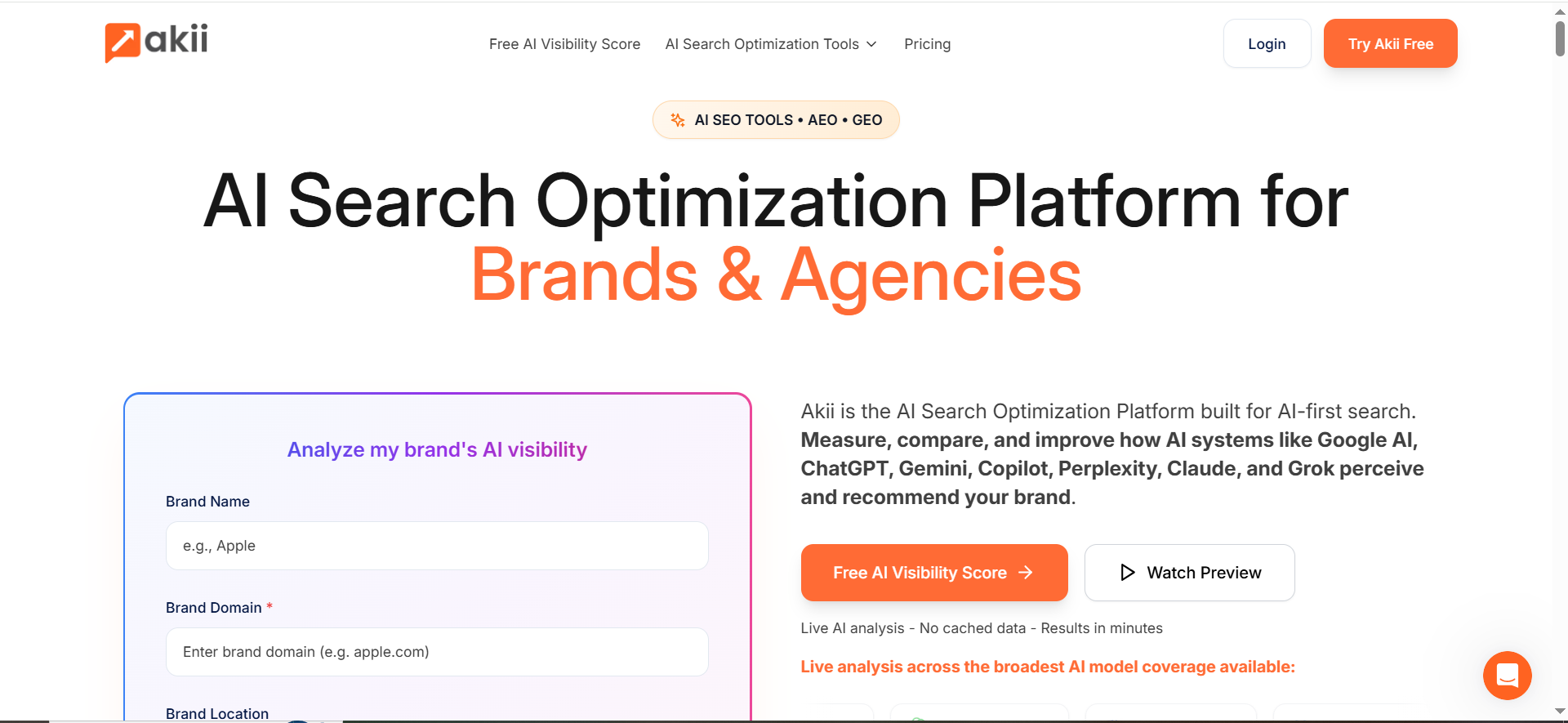
Akii positions itself as an AI-first visibility and optimization platform that includes **itoring, designed to help brands understand how AI systems “perceive” and recommend them.
Why teams use it
Because AI answers increasingly shape discovery, teams want visibility into:
- Whether AI systems recommend them
- Who AI recommends instead
- What to fix to regain inclusion
That aligns closely with GEO, optimizing content/presence to improve visibility in generative AI results.
What it’s good for
- Competitor monitoring across AI model responses
- Seeing changes in how models describe your brand (perception + positioning)
- Teams that want a single platform rather than stitching together scripts + spreadsheets
When it’s a good fit
- You need multi-model coverage and a platform that explicitly supports competitor analysis.
- You’re building a repeatable alerting workflow for category prompts (e.g., “best X for Y”).
When it’s not a good fit
- If your only requirement is lightweight mention tracking and you want the cheapest option.
- If you need a very specific integration set (verify integrations during procurement).
How to use it
- Start by tracking a focused prompt set (20–50) for your highest-intent category terms.
- Add competitor set(s): direct competitors + “shadow rivals” (adjacent category tools that can steal mentions).
- Configure alerts for:
- New entrant (competitor appears for first time)
- Share shift (competitor gains while you lose)
- Review sources/citations (where available) and map “why” (new sources, new pages, etc.).
- Kick off response playbook (see below).
Key capabilities
- AI visibility analysis + competitor analysis positioning
- Plans/pricing publicly listed on Akii’s pricing page
Pricing
Akii’s pricing starts at $49/month.
Free tier?
Akii doesn’t list a permanent free tier, but it does offer a 14-day free trial.
Downsides / limitations
- As with all AI visibility tools, alerts are only as good as your prompt portfolio (garbage prompts = garbage alerts).
- Treat “AI perception” metrics as directional, still validate with sources/citations and real-world referral data.
2. Profound

What it does
Profound is an AI search visibility platform positioned for enterprise brands—built to measure and improve visibility in AI-generated answers (and it’s actively adding workflow automation layers).
Why teams use it
Enterprise teams pick Profound when they need:
- Coverage across multiple AI answer engines
- Competitive benchmarking
- Scalable reporting and (in many orgs) workflow support for content ops in the AI search era
What it’s good for
- High-stakes competitor monitoring (category ownership, brand reputation, pipeline protection)
- Multi-team workflows (SEO + content + PR + product marketing)
- Organizations that need structured reporting and governance
When it’s a good fit
- You want an enterprise platform and can support enterprise pricing / procurement.
- You need AI-search-specific features and reporting at scale.
When it’s not a good fit
- You’re a small team that just wants basic alerts and minimal setup.
- You don’t have time for onboarding/procurement cycles.
How to use it
- Build a prompt set split into:
- “Best/Top” prompts (commercial)
- “Alternatives” prompts (comparison)
- “Use case” prompts (solution fit)
- Add competitors and monitor:
- Mentions/visibility
- Share shifts
- Trigger competitor alerts into your triage workflow (Slack/email).
- Use output to prioritize content refreshes, PR citation wins, and entity coverage gaps.
Key capabilities
- Enterprise positioning + “pricing and availability” messaging on Profound’s site
- Product updates around workflow automation for AI-search era
Pricing
Pricing starts at $99 per month.
Free tier?
Profound doesn’t offer a free tier, but it does offer a demo.
Downsides / limitations
- Enterprise tools can introduce “dashboard sprawl” if you don’t define what alerts matter.
- You still need an internal response owner; otherwise alerts become anxiety, not action.
3. Peec
What it does
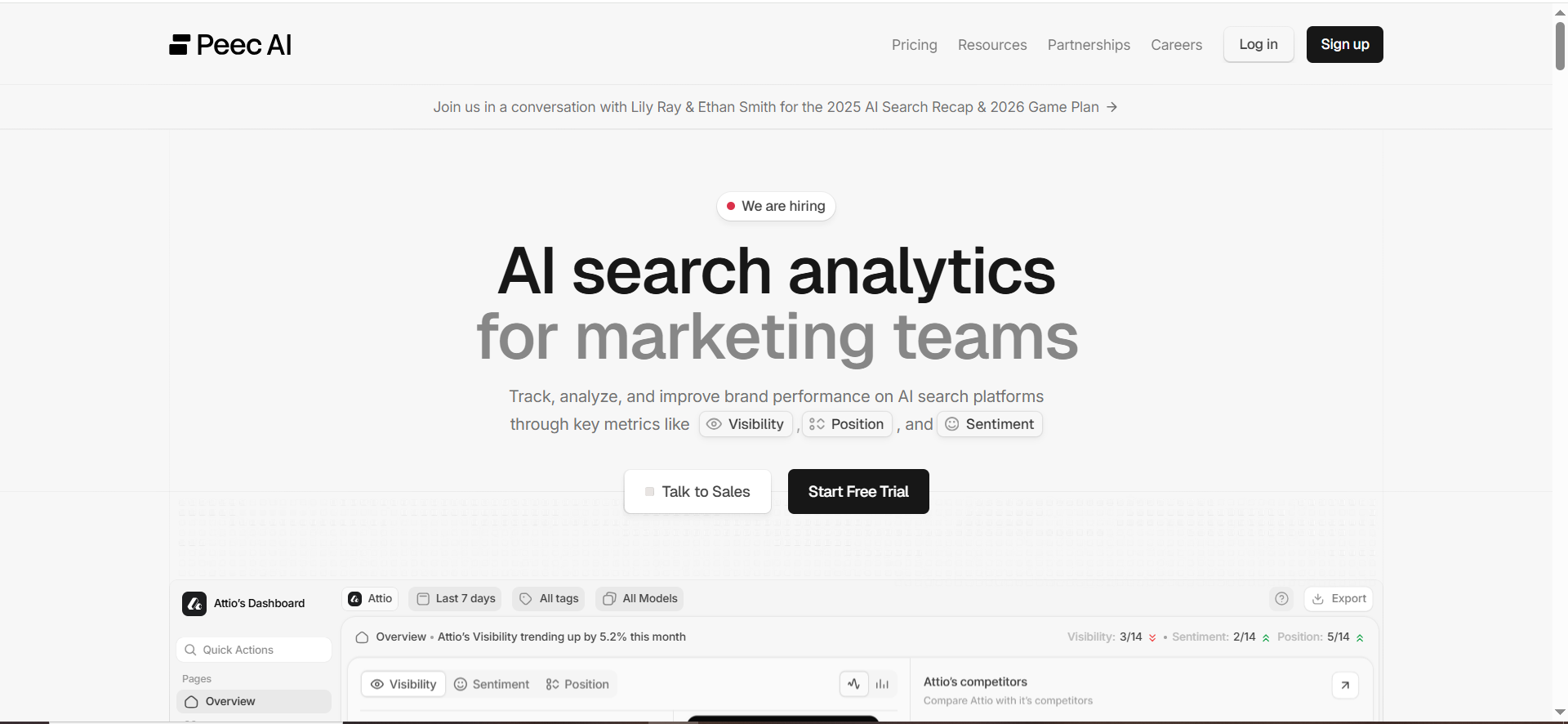
Peec is an AI search analytics platform for marketing teams to analyze brand performance across major AI platforms and benchmark competitors.
Why teams use it
Peec tends to win when teams want:
- A clean, marketing-friendly UI
- Competitive visibility reporting that’s easy to share
- A prompt-based visibility workflow without heavy complexity
What it’s good for
- Competitive benchmarking that your CMO can understand quickly
- Reporting across prompts and engines
- Teams running an AI visibility program but not trying to build internal tooling
When it’s a good fit
- You need an always-on “AI visibility scoreboard” against competitors.
- You want pricing transparency for faster adoption.
When it’s not a good fit
- You want deep enterprise workflow automation.
- You require highly custom alert logic beyond what the platform supports (verify during trial).
How to use it
- Import your prompt portfolio (start small, then expand).
- Add your competitor set.
- Set alerts for:
- New competitor appearances
- Visibility drops on high-intent prompts
- Export weekly “AI visibility vs competitors” reports to stakeholders.
Key capabilities
- Tracks visibility across key AI platforms and supports competitor benchmarking
- Pricing page is publicly available
Pricing
Peec’s paid plans start at €89/month, and its Enterprise plan is custom (by quote).
Free tier?
Peec doesn’t list a permanent free tier, but it does let you start for free via its sign-up flow.
Downsides / limitations
- If you don’t define “new rival appears” rules, you can over-alert on low-value prompts.
- Competitive insights are only as good as competitor selection (include “shadow rivals,” not just your top 3).
4. Promptmonitor
What it does
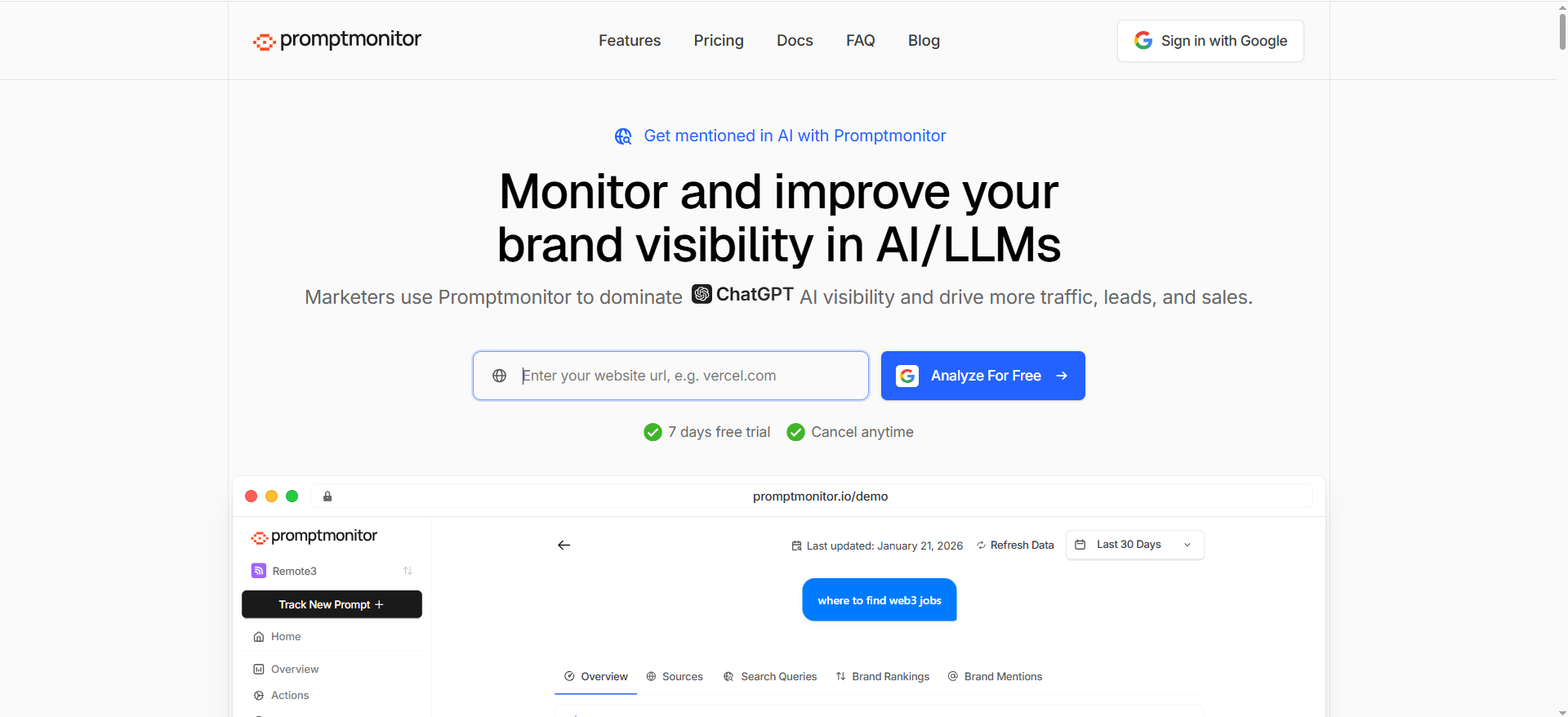
Promptmonitor is built around tracking and improving a company’s visibility across AI/LLM platforms and includes monitoring for AI crawlers/bots on your site.
Why teams use it
Promptmonitor often appeals to teams that want:
- Clear “why care about AI mentions” framing
- Practical monitoring of mentions/citations
- Strong value for money vs enterprise suites
What it’s good for
- SMB and agency teams who want a straightforward GEO stack
- Monitoring brand mentions and identifying sources AI uses (then acting on those sources)
- Adding an additional layer: AI bot/crawler monitoring to see which pages AI systems access
When it’s a good fit
- You want monitoring + actionable “sources AI uses” insights without paying enterprise prices.
When it’s not a good fit
- You need deeply customized enterprise governance, SSO requirements, or complex procurement constraints.
- You want a pure analytics-only tool (Promptmonitor leans into “optimization” language).
How to use it
- Track your top 25–100 prompts (commercial + comparison)
- Add competitor domains/brands.
- Configure alerts:
- New competitor mention
- Your mention dropped
- Source/citation changed
- Use the “sources” insight to:
- Update your content to be more citable
- Earn mentions on third-party sources AI is already using
Key capabilities
- Tracks visibility across major AI platforms per product positioning
- “AI search bot analytics” page describes tracking AI crawlers on-site
Pricing
Promptmonitor’s pricing starts at $29/month.
Free tier?
Promptmonitor doesn’t offer a permanent free tier, but it does offer a 7-day free trial.
Downsides / limitations
- If you rely only on “mentions,” you may miss prominence (being #1 recommendation vs a throwaway list mention). You’ll want to define your internal scoring (more on that below).
- Source extraction can be messy across engines; always validate what the model cited vs what it inferred.
5. OtterlyAI
What it does
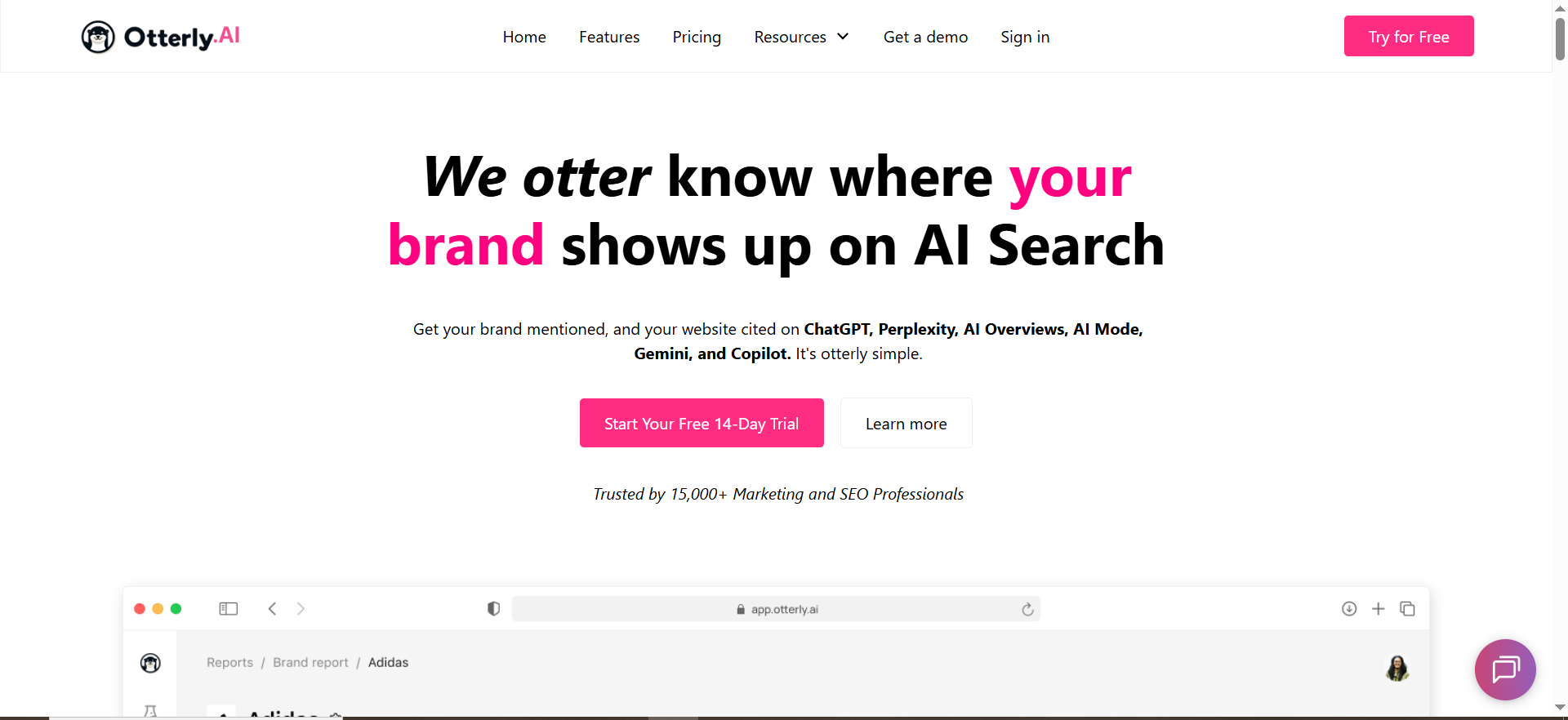
OtterlyAI is an AI search monitoring tool positioned around tracking visibility across multiple AI platforms, including competitor benchmarking reports and alerts when brand mentions change.
Why teams use it
Because it’s:
- Easy to start
- Focused on monitoring and reporting
- Explicit about alerts and multi-platform coverage
What it’s good for
- Lightweight competitor monitoring alerts (especially for marketing teams just starting AI visibility)
- Clear pricing + prompt-based plans
When it’s a good fit
- You want alerts without a heavy enterprise rollout.
- Your main need is “tell me when mentions changed” plus competitive benchmarking.
When it’s not a good fit
- You need deep workflow automation or a complex research layer.
- You need advanced customization for alert logic beyond what the platform supports.
How to use it
- Start with your top 15–50 prompts.
- Add competitors.
- Turn on change alerts (drops, gains, new mentions).
- Review weekly trends + prioritize the highest-intent prompt losses.
Key capabilities
- Alerts tied to brand mention changes and competitive benchmarking positioning
- Public pricing page outlines prompt-based tiers
Pricing
OtterlyAI’s pricing starts at $29/month.
Free tier?
OtterlyAI doesn’t offer a free tier, but it does offer a 14-day free trial.
Downsides / limitations
- Like any “easy” tool, you can outgrow it if you need deep enterprise workflows or custom analytics.
- It’s still your job to define what “competitor invasion” means for your business (prominence + intent + impact).
What “Competitor Alerts” should actually mean in AI visibility
AI visibility tools track how your brand shows up in AI-generated answers across platforms (ChatGPT, Perplexity, Google AI experiences, etc.) and highlight when competitors outrank/replace you.
This category sits inside GEO: optimizing content/presence to increase citations/visibility in AI-powered search experiences.
Even major site platforms are moving here, Wix, for example, launched an AI visibility feature set aimed at monitoring citations, sentiment, and competitor comparisons.
The 6 alert types that matter
If your tool can’t do these (or you can’t approximate them), competitor “alerts” won’t protect you.
- New entrant alert (“new rival appears”)
- A competitor brand appears in your tracked answer set for the first time on a high-intent prompt.
- Prominence shift alert
- You’re still mentioned, but your competitor becomes the top recommendation (or moves above you).
- Share-of-answer shift alert
- Your overall inclusion across a prompt cluster drops while one or more competitors rise.
- Citation/source replacement alert
- The sources AI cites change (your page replaced by a competitor page, directory, or review site).
- Sentiment flip / claim-risk alert
- The model’s language about you becomes negative, or introduces an incorrect claim that harms conversion.
- Engine/region divergence alert
- You’re fine in ChatGPT US, but lose in Perplexity UK, or Google AI experiences suddenly diverge.
The “new rival appears” event definition
A practical definition you can implement:
A “new rival appears” event triggers when all of these are true:
- The prompt is tagged high-intent (e.g., “best,” “top,” “alternatives,” “vs,” “pricing”)
- A competitor brand is present that was not present in the last N runs
- The competitor is recommended, not just listed (prominence score above threshold)
- The change persists for 2+ consecutive runs (reduces flukes)
Why AI answers drift (and why it’s not random)
AI answers shift because models and answer engines:
- Re-rank sources they trust
- Pull from different citations
- Update models and retrieval strategies
- React to new content (reviews, directories, comparison pages, PR)
This is exactly why you need monitoring + alerts, not a quarterly “check a few prompts” project.
The “Competitor Invasion Alerts” Playbook (the part most tools won’t give you)
This is the operational layer that turns “alerts” into “pipeline protection.” (It’s also the unique angle for this topic: competitor monitoring, alerts, and share shifts.)
Step 1 — Build your prompt portfolio (so alerts aren’t noise)
Your alert system is only as good as your prompt set. Build a portfolio, not a list.
Start with 4 prompt buckets (minimum viable coverage):
- Category discovery: “best [category] for [use case]”
- Comparison: “[your brand] vs [competitor]”
- Alternatives: “[your brand] alternatives”
- Use-case fit: “what should I use for [job-to-be-done]?”
Then add “conversion-adjacent” prompts:
- “pricing,” “free trial,” “integrations,” “SOC2,” “GDPR,” “HIPAA” (whatever blocks deals)
Tag everything.
Use a simple taxonomy:
- Intent: discovery / comparison / alternatives / transactional
- Funnel: TOFU / MOFU / BOFU
- Segment: SMB / mid-market / enterprise
- Region: US/UK/EU/etc (if relevant)
Rule: Alerts only page you for prompts tagged high intent.
Step 2 — Define competitors the right way
Most teams only track:
- Their top 3 direct competitors
But AI systems often recommend:
- Adjacent-category products
- Bundled suites (platforms that “absorb” categories)
- “Default choices” (brands that dominate mindshare)
So define 3 competitor sets:
- Direct competitors (same category)
- Shadow rivals (adjacent category; often “good enough”)
- Suite/platform rivals (bigger tools that can “replace” you)
Step 3 — Configure alert thresholds (drop, surge, new entrant)
Use a tiered severity model:
Severity 1 (Monitor)
- Small fluctuation on low-intent prompts
Severity 2 (Investigate)
- You drop in prominence on high-intent prompts
- Competitor rises 10–20% within a prompt cluster
Severity 3 (Act now)
- New entrant appears on a high-intent cluster
- You disappear from “best” prompts where you previously ranked
- Your citations are replaced by a competitor’s page
Step 4 — Triage workflow (Slack + owner + severity)
Alerts fail when they go nowhere.
Minimum workflow:
- Route alerts to Slack (or email) by severity
- Assign an owner:
- SEO Manager owns Severity 2
- Cross-functional “AI visibility pod” owns Severity 3 (SEO + content + PR)
Your triage checklist (10 minutes):
- Which engine + region?
- Which prompt cluster?
- New entrant or prominence shift?
- What sources/citations changed?
- Is this likely a model update or a content/source change?
Step 5 — Response actions (48 hours vs 30 days)
In the first 48 hours (fast moves)
These are “contain the damage” actions:
1. Snapshot the before/after
Save the prompt output and citation sources so you can track recovery.
2. Identify what AI is citing now
If a directory/review site is now the core source, you have an immediate action: update your presence there.
3. Patch your “money pages”
Update the pages that should be cited for that prompt cluster:
- Clear definitions
- Comparison table
- “Best for” / “Not for”
- Evidence hooks (benchmarks, screenshots, pricing details)
4. Publish a targeted comparison pag
If the “new rival” is now recommended, ship:
- “[You] vs [New Rival]”
- “[New Rival] alternatives”
- “Best [category] for [use case] (2026)”
Over the next 30 days (structural wins)
These are “win the category” actions:
1. Build an entity coverage map
AI answers like structured entity coverage:
- Features
- Integrations
- Use cases
- Compliance
- Pricing model
- Migration/setup
2. Earn citations where the model already trusts
Don’t guess. Look at what it cited and get present in that ecosystem:
- Directories
- Review sites
- Partner pages
- Authoritative explainers
3. Create a repeatable “prompt pack”
Turn your best prompts into a monthly reporting pack:
- Category prompts
- Competitor prompts
- Risk prompts (compliance, pricing, trust)
Step 6 — Measure recovery (share of answer + citations + referral lift)
Don’t stop at “we’re back in answers.”
Track:
- Share of answer (how often you appear across a cluster)
- Prominence (are you the recommendation?)
- Citation share (are your pages cited?)
- AI referral traffic (directional lift; not perfect but useful)
Choosing the right tool for your team
If you’re SMB vs enterprise
- SMB / lean team: OtterlyAI or Promptmonitor often make sense because setup is faster and pricing is public on their sites.
- Enterprise: Profound is built with enterprise positioning and sales motion.
- In-between (growth SaaS): Peec or Akii can be strong if you want competitive reporting without the heavy enterprise layer.
If you need multi-engine vs single-engine depth
- If your customers use multiple engines (ChatGPT + Perplexity + Google AI experiences), prioritize tools that emphasize broader coverage.
- If you only care about one engine for now, you can start lighter, but design your prompt taxonomy so you can expand later.
If you want alerts vs alerts + execution
- Alerts-only: Good for teams with existing content ops capacity.
- Alerts + execution support: Better when your content team is already overloaded and you need a more guided workflow.
What are competitor alerts in AI search monitoring?
Competitor alerts in AI search monitoring are notifications (and ideally, structured events) that tell you when AI-generated answers start favoring a competitor over you, across engines like ChatGPT, Perplexity, Gemini, Copilot, and Google’s AI experiences.
A good competitor alert is not just “something changed.” It should answer:
- Which engine changed? (ChatGPT vs Perplexity vs Google AI, etc.)
- Which prompts changed? (your tracked “best / alternatives / vs / pricing” prompts)
- What kind of change?
- New entrant (a competitor appears for the first time)
- Prominence shift (competitor becomes top recommendation)
- Share-of-answer shift (competitor gains across a cluster while you lose)
- Citation swap (your cited page replaced by theirs or a third-party source)
- Sentiment flip (tone changes, risk to conversion)
- How severe is it? (threshold-based so you don’t get alert fatigue)
- What to do next? (links to the prompt output + citations + owner + runbook)
Why these alerts matter: AI answers don’t behave like classic rankings. A single source shift (a new directory page, a new review roundup, a model retrieval update) can make a competitor “suddenly” appear in multiple prompts. Alerts give you time to react before the shift becomes your new baseline.
How do I get alerted when a competitor is mentioned in ChatGPT answers?
To get alerted reliably, you need two layers: tracking and alert logic.
Step 1: Track a controlled “prompt portfolio”
Create a list of prompts that represent your real buying journey:
- Category: “best [category] for [use case]”
- Comparison: “[your brand] vs [competitor]”
- Alternatives: “[your brand] alternatives”
- Buyer objections: “Is [category] SOC2 compliant?” / “pricing for [category]”
Tag prompts as High / Medium / Low intent. Only high-intent should page you.
Step 2: Define competitor detection rules
Your tool (or your internal logic) should detect:
- Mention presence: competitor name appears anywhere
- Recommendation presence: competitor is suggested as a choice (not a footnote)
- Prominence: competitor appears earlier/higher, or is framed as “best”
- Persistence: it happens for 2 consecutive runs (reduces flukes)
Step 3: Configure the alert itself
At minimum, the alert should include:
- Prompt text + prompt tag (e.g., “Best / High intent”)
- Engine + locale
- Your brand status: present/not present; prominence score
- Competitor status: new/returning; prominence score
- The answer snapshot (before/after)
- Any citations/sources captured (if available)
Quick “minimum viable” alert thresholds
- New competitor appears on a high-intent prompt = alert immediately
- Your brand disappears from a high-intent prompt = alert immediately
- Competitor moves above you on high-intent prompt = alert if persistent 2 runs
- Low-intent prompt changes = weekly digest only
How do I track Perplexity brand mentions vs competitors?
Perplexity tends to be more citation-forward than many chat-style outputs, so tracking should focus on mentions + sources + consistency over time.
What to track
- Mention rate (how often you’re included across a prompt cluster)
- Competitive mention rate (same prompts, same cadence)
- Prominence
- Are you recommended first?
- Are you in the “top 3” suggestions?
- Citation share
- Which domains are cited?
- Are competitors’ pages being cited more than yours?
- Source drift
- Did Perplexity swap from your blog page to a review site?
- Did it start citing a competitor comparison page?
How to structure your prompt clusters for Perplexity
Create clusters like:
- Category cluster (10–30 prompts)
- Use case cluster (10–30 prompts)
- Alternatives cluster (5–15 prompts)
- Competitive cluster (your top 5 competitors × “vs” prompts)
Then compare:
- Your mention rate vs each competitor
- Citation share (your domains vs theirs vs third-party sites)
- Changes week over week
Avoiding false positives
- Track brand variants (e.g., “Acme,” “Acme AI,” “Acme.io”)
- Exclude ambiguous terms that match common words (e.g., “Monday,” “Notion” style issues)
- Require two-run persistence before high-severity alerts
How do I detect a “new rival appears” event?
Use a strict definition so you don’t wake your team up for noise.
The “new rival appears” event definition
Trigger the event when all of these conditions are true:
- Prompt is high intent (“best,” “top,” “alternatives,” “vs,” “pricing,” “recommend”)
- Competitor was absent in the previous baseline window (e.g., last 7–14 days of runs)
- Competitor is meaningfully recommended (not just listed—look for “best for,” top placement, or strong endorsement language)
- Persisted across 2+ runs (prevents one-off volatility)
- Prompt belongs to a business-critical cluster (category terms that drive pipeline)
Add a severity score
Score the event by:
- Prompt intent (high > medium > low)
- Funnel stage (BOFU > MOFU > TOFU)
- Competitor prominence (top rec > top 3 > mention)
- Citation swap (yes/no)
- Spread (one prompt vs multiple prompts in the cluster)
Example severity:
- Rival appears in 1 low-intent prompt: Severity 1
- Rival appears in 3+ high-intent prompts: Severity 3 (act now)
How do I route alerts into Slack/email?
You want alerts to land where your team already works, and be actionable.
Slack routing best practice
Create 3 channels (or 1 channel + threads):
- #ai-visibility-monitoring (all alerts, low severity included)
- #ai-visibility-incidents (Severity 3 only)
- #seo-content-ops (tasks and follow-ups)
Alert message template (copy/paste)
[SEV-3] New rival appears — [Engine] — [Prompt cluster]
- Prompt: “…” (tag: High intent)
- Change: Competitor [X] appeared (was absent last 14d)
- Your status: Mention dropped / still present / removed
- Rival prominence: Top rec / top 3 / mention
- Citations changed: Yes/No (list top domains)
- Links: Snapshot (before/after), dashboard link
- Owner: @name (ETA next update: 24h)
Email routing best practice
Use email for:
- Daily digest (Severity 1–2)
- Weekly executive report (visibility vs competitors)
- Backup escalation (if Slack fails)
Ownership and escalation
- Severity 1: SEO analyst monitors
- Severity 2: SEO manager investigates + assigns tasks
- Severity 3: Cross-functional pod (SEO + content + PR) responds
What’s the fastest way to respond to competitor invasion?
Fastest doesn’t mean “publish 10 blogs.” It means identifying what changed and patching the citation and recommendation pathways.
The 48-hour response (fastest path)
1. Capture the evidence
Save outputs, citations, and exact prompts (before/after snapshots).
2. Identify the new “trusted sources”
If AI is now citing:
- A directory page → update your listing there
- A competitor comparison page → ship your own comparison page
- A review site → accelerate review velocity + update profile content
3. Patch your “citable page” immediately
The page that should win citations for that prompt cluster:
- Clear definition + category framing
- “Best for / not for”
- Comparison table
- Evidence (benchmarks, screenshots, pricing clarity)
4. Ship one targeted asset
Choose the highest leverage format:
- “[You] vs [New Rival]”
- “[New Rival] alternatives”
- “Best [category] for [use case] (2026)”
5. Re-run prompts after publishing + after indexing
Track if citations or recommendations revert.
The 30-day response (durable recovery)
- Build a cluster of pages around the category + use-case entities
- Earn citations on third-party sources the model already trusts
- Fix entity consistency: About page, schema, product pages, docs, reviews
How do I track new competitor categories AI starts recommending?
This is the sneaky one: AI starts answering your category prompts by recommending a different category entirely (e.g., “Instead of an AI visibility tool, use an SEO suite + monitoring scripts”).
What “new competitor category” means
A “category shift” occurs when:
- The AI starts recommending adjacent tools (e.g., “SEO platforms,” “analytics suites,” “brand monitoring”)
- Or it reframes the problem and recommends a different solution type (“use PR distribution,” “use review platforms”)
How to detect it
1. Tag your prompts by “expected category”
Example: “AI visibility tools” prompts should return tool brands in that category.
2. Extract tool-type terms from answers
Look for recurring phrases like:
- “SEO platform,” “rank tracker,” “brand monitoring,” “PR tool,” “analytics suite”
3. Measure “category dilution”
Track how often answers include:
- Your expected category (good)
- Adjacent categories (risk)
- Fully different categories (high risk)
4. Set a category-shift alert
Trigger when:
- Adjacent category mentions rise above a threshold (e.g., 30% of answers in a cluster)
- Your category is no longer the dominant framing
How to respond to category shifts
- Publish “category definition” content (“What is AI visibility / GEO?”)
- Create “why not X” content (e.g., “Why SEO tools alone don’t cover AI answers”)
- Build comparison narratives that bring the conversation back to your category
FAQs
What is an AI visibility tool?
What are competitor alerts in AI visibility?
How do I detect a “new rival appears” event reliably?
Are these tools the same as SEO rank trackers?
What should I do first when I get a competitor invasion alert?
Start with 20–50 high-intent prompts. Expand to 100–300 once you have stable tagging and alert thresholds. Tracking too early creates noise and alert fatigue.
Why do competitor mentions change so often?
Do I need this if I’m already running GEO/SEO work?
📋 Get Listed / Advertisement
We update this guide monthly. Want your tool featured? Contact: [email protected].


