
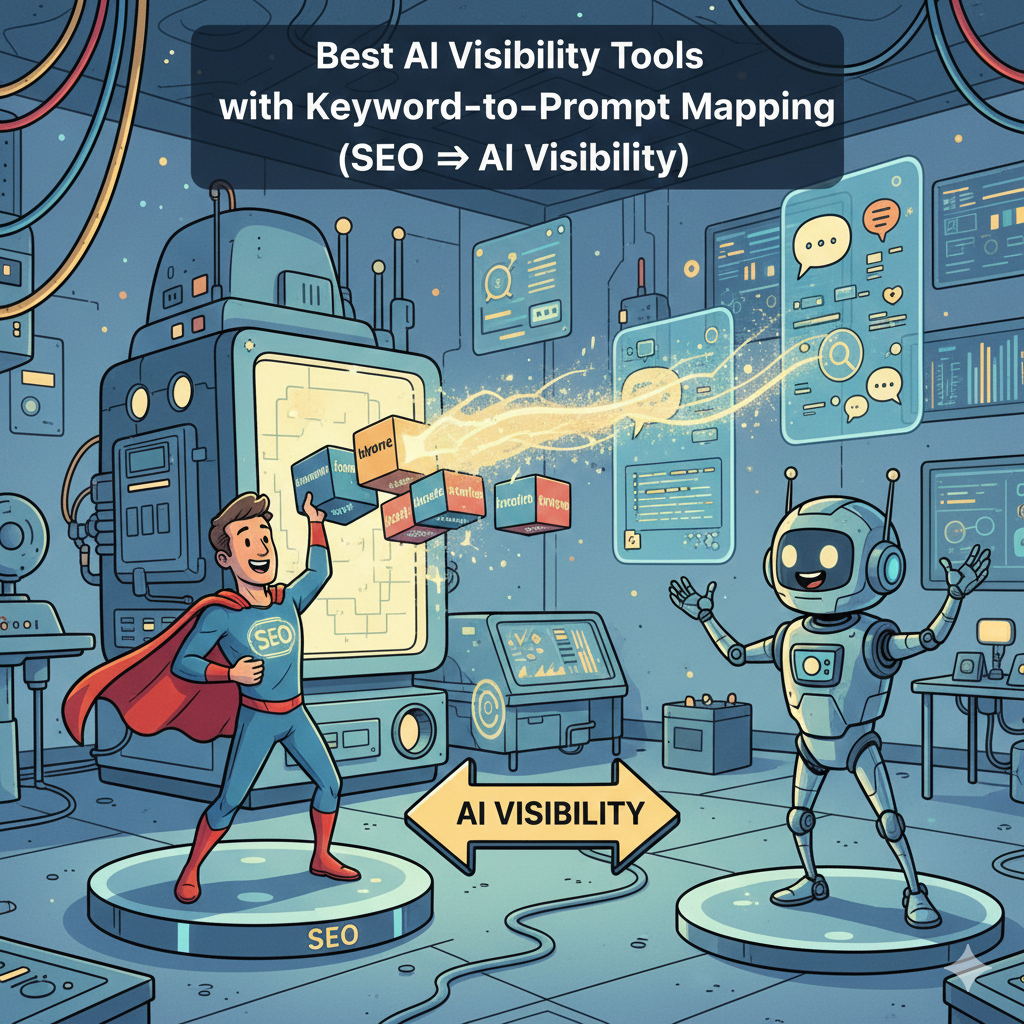
If you already have keyword research, Search Console queries, and content clusters, you’re sitting on the fastest way to build an AI visibility monitoring program: map keywords → prompt patterns → tracked prompts → actions. The best tools for this workflow in 2026 are Conductor, Peec, OtterlyAI, Akii, and Profound, because they support prompt libraries, tracking across major AI engines, and reporting you can operationalize.
📋 Get Listed / Advertisement
We update this guide monthly. Want your tool featured? Contact: [email protected].
Best 5 AI Visibility Tools with Keyword-to-Prompt Mapping (Quick Comparison)
| Tool | Best for | Keyword→Prompt help | Standout strength |
|---|---|---|---|
| Conductor | Enterprise teams operationalizing AI prompt tracking | Strong (prompt generation + tracking strategy guidance for prompt tracking | Enterprise-grade AI prompt tracking program, repeatable workflows with strategic prompt guidance. |
| Peec | Marketing teams wanting simple prompt setup + monitoring | Good (prompt discovery + organization) | “Prompts-first” UI and quick insights loop |
| OtterlyAI | SEO teams monitoring visibility + citations across engines | Strong (keyword/prompt monitoring + visibility tracker) | AI visibility tracker positioning + prompt monitoring focus |
| Akii | Brand + agency workflows across many models and markets | Good (visibility score + tracking tools) | Broad model coverage + “AI visibility score” style reporting |
| Profound | Teams that want insights into how AI talks about the brand + citations | Good (visibility + citations insights) | “Uncover citations” / source influence angle |
Note: “Best” depends on whether you’re optimizing content clusters, brand recommendation, citations, or multi-model coverage, this guide shows how to choose based on your workflow.
1. Conductor

Conductor is a strong fit when you want keyword-to-prompt mapping to roll into a repeatable prompt tracking program, not just “a tracker.”
What it does
Conductor publishes guidance specifically around AI prompt tracking setup and prompt generation workflows for AI visibility.
Why teams use it
- You want a structured program: prompts, topics, engines, repeatability (especially for enterprise stakeholders).
What it’s good for
- Turning keyword clusters into tracked prompt sets (especially when you need a process that scales across teams)
- Stakeholder-friendly rollouts where methodology matters as much as tooling
When it’s a good fit
- Enterprise/Growth orgs that want AI visibility to sit alongside existing SEO workflows
- Teams that need a “playbook + platform” feel, not a DIY tracker
When it’s not a good fit
- If you only want lightweight prompt runs and a minimal UI
- If budget/implementation overhead must be extremely small
How to use it
- Import or define your topic clusters (from SEO)
- Use prompt generation guidance to create pattern-based variants per cluster
- Tag prompts by intent/funnel/ICP
- Track weekly, then assign action items by underperforming cluster
Key capabilities
Conductor emphasizes prompt generation and prompt tracking strategy as a core piece of AI visibility operations.
Pricing
Conductor’s pricing isn’t publicly listed; it’s typically provided by quote based on your needs and scale.
Free tier?
Conductor doesn’t offer a free tier, but it does offer a free trial and a demo.
Downsides / limitations
- Can be “more platform” than needed if you only want a tracker
- Best value usually appears when you commit to a consistent program, not ad hoc checks
2. Peec
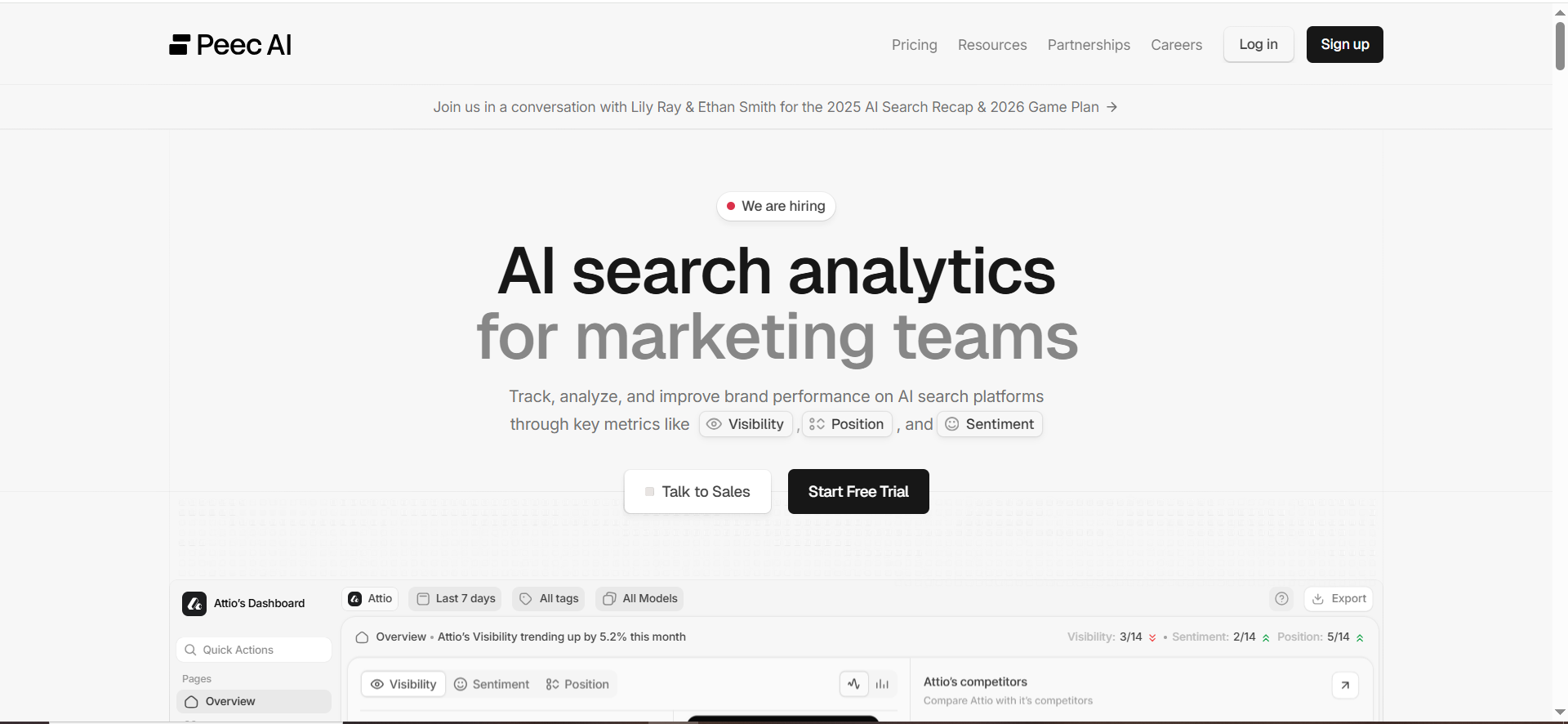
Peec is positioned around turning AI search insights into actions by centering the workflow on prompts: identify, set up, monitor.
What it does
Peec’s messaging highlights monitoring prompts that matter and tracking performance across AI search experiences.
Why teams use it
- Simple prompt workflow (build prompt sets quickly)
- Faster time-to-first dashboard for teams new to AI visibility
What it’s good for
- Keyword-to-prompt mapping when you want an approachable UI and rapid iteration
- Marketing teams that need visibility reporting without deep technical setup
When it’s a good fit
- You already have strong SEO demand data and want to convert it into prompt monitoring
- You value speed and simplicity over deep customization
When it’s not a good fit
- If you need highly opinionated enterprise governance features
- If you want extremely advanced “source influence” tooling beyond prompt monitoring
How to use it
- Export keyword clusters from SEO tooling
- Convert each cluster into 3–10 prompt variants (patterns + modifiers)
- Set up prompts, then tag by theme and funnel
- Report weekly by “cluster visibility delta” (up/down)
Key capabilities
Peec explicitly calls out prompts as the foundation of its workflow (“set up prompts… monitor your rankings… act”).
Pricing
Peec’s pricing starts at €89/month, and its Enterprise plan is custom (by demo/quote).
Free tier?
Peec doesn’t advertise a free tier, but it does offer a free trial (including “no credit card required” in some trial flows).
Downsides / limitations
- As with many tools, the value is proportional to how disciplined your prompt library and tagging system are
- If your team doesn’t operationalize actions, the dashboard becomes “interesting data”
3. OtterlyAI
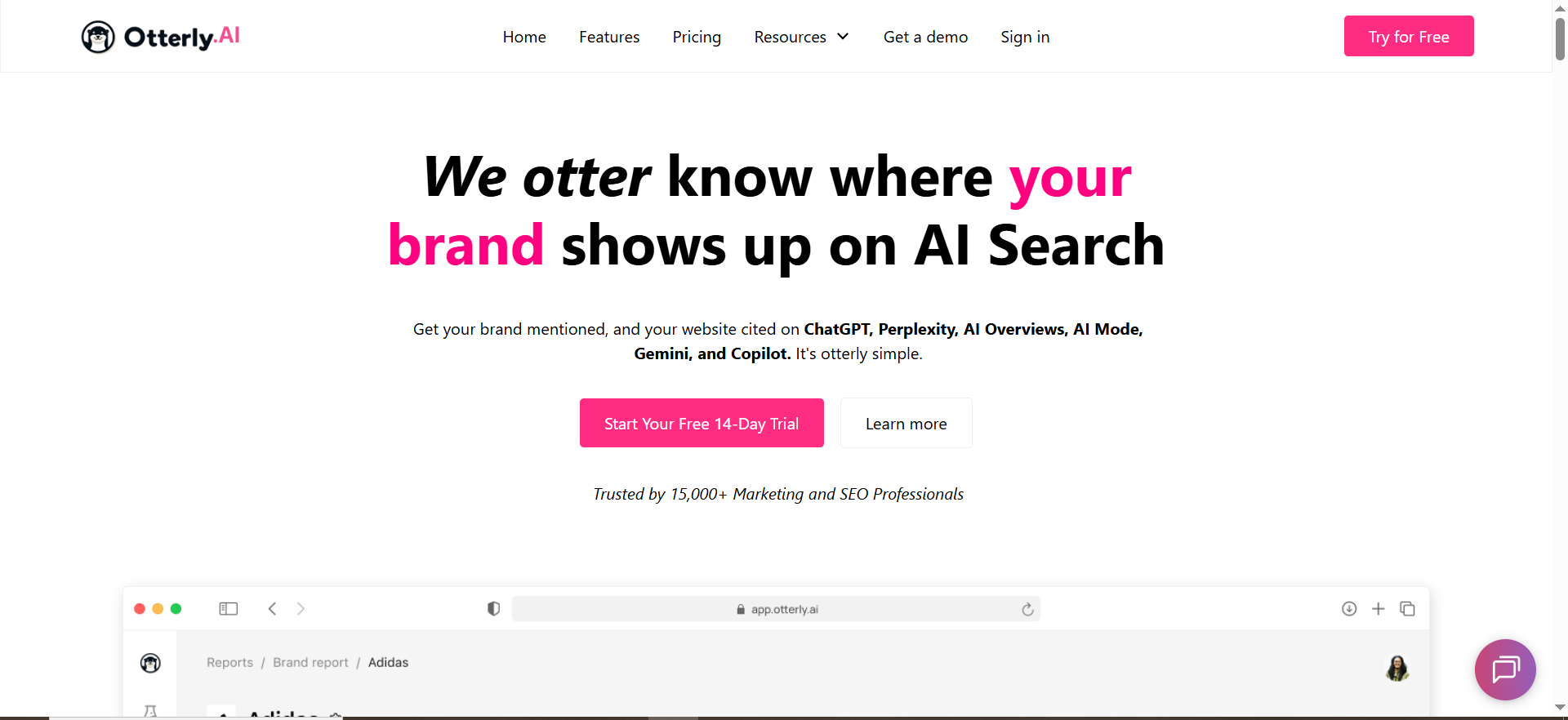
OtterlyAI positions itself as an AI Visibility Tracker across major AI systems, including chatbots and AI Overviews, and it emphasizes monitoring prompts and visibility signals.
What it does
Tracks brand/content presence across AI-generated answers and positions the product around visibility monitoring.
Why teams use it
- You want a focused tool dedicated to AI visibility tracking (not a broader SEO suite)
- You care about prompt monitoring + citations/visibility KPIs in one place
What it’s good for
- Keyword-to-prompt mapping because it aligns naturally with “prompt monitoring” and AI visibility reporting
- SEO teams that want a clean workflow for prompt libraries and ongoing tracking
When it’s a good fit
- You’re building a repeatable prompt set from SEO keywords and want consistent monitoring
- You want coverage across multiple AI surfaces that influence discovery
When it’s not a good fit
- If you only need one-off testing (no need for tracking/history)
- If you need highly customized enterprise integrations out of the gate
How to use it
- Start from GSC queries → cluster → prompt patterns
- Build a prompt library that includes:
- unbranded “best/alternatives” prompts
- branded validation prompts (“is [brand] good for…?”)
- Track weekly; flag prompts where:
- you’re not mentioned
- you’re mentioned but misrepresented
- competitor is cited repeatedly
Key capabilities
OtterlyAI is framed around monitoring AI visibility across systems and tracking prompt-level visibility signals.
Pricing
OtterlyAI’s pricing starts at $29/month (Lite plan).
Free tier?
OtterlyAI offers a free tier, and it also offers a free trial for new users.
Downsides / limitations
- Like any tracker, your outcomes depend on prompt coverage quality
- Prompt libraries need maintenance as products, competitors, and SERPs evolve
4. Akii
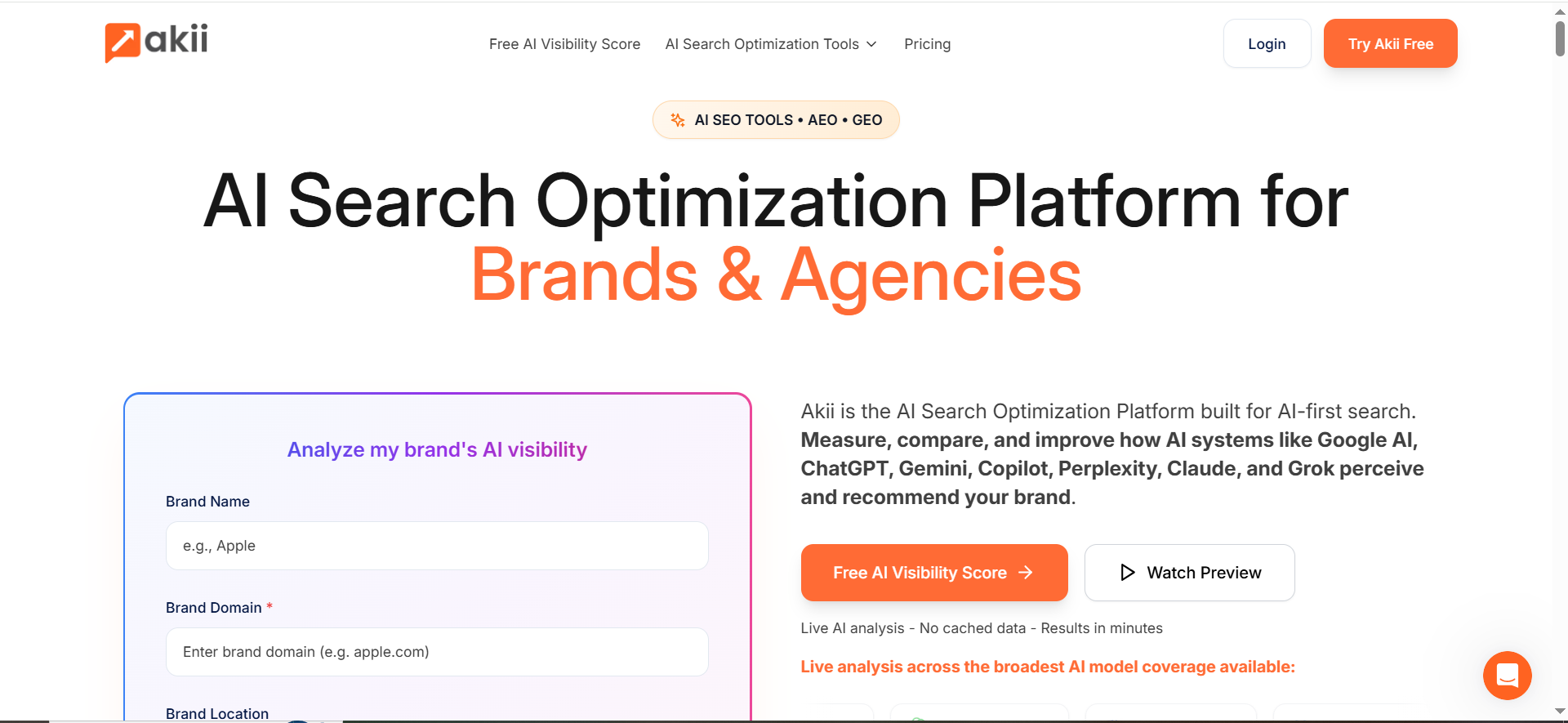
Akii positions itself as an AI search optimization platform for brands and agencies, emphasizing visibility measurement across many AI systems.
What it does
Measures and helps improve how AI systems perceive and recommend your brand, with tooling that includes tracking and optimization components.
Why teams use it
- Broad model coverage (useful if you need cross-engine monitoring)
- Brand + agency framing (useful for multi-client workflows)
What it’s good for
- Keyword-to-prompt mapping when you’re monitoring multiple markets/models and want consolidated reporting
- Competitive visibility comparisons (especially for brands that care about “recommendation share”)
When it’s a good fit
- Agencies managing multiple brands
- Global brands needing multi-model monitoring and a consistent reporting layer
When it’s not a good fit
- If your only goal is a small prompt set for one product line
- If you don’t need broad coverage and prefer a narrower tool
How to use it
- Build keyword clusters → prompt templates
- Track prompts across multiple models for the same cluster
- Report by cluster: visibility score trend + mention quality notes
- Prioritize clusters where competitors dominate recommendations
Key capabilities
Akii highlights coverage across multiple AI systems and offers “AI Search Tracker” style tooling as part of its platform positioning.
Pricing
Akii’s pricing starts at $49/month (Starter plan).
Free tier?
Akii doesn’t offer a free tier, but it does offer a 14-day free trial and a free AI visibility test.
Downsides / limitations
- Platform breadth can be more than necessary for smaller teams
- You still need a strong mapping + tagging methodology to get actionable insights
5. Profound

Profound positions around understanding how AI is talking about your brand, tracking presence, analyzing responses, and uncovering citations.
What it does
Tracks AI visibility and emphasizes insight into AI responses and citations that shape those answers.
Why teams use it
- You care deeply about citations/source influence and want a platform that foregrounds that
- You want to understand how you’re being described, not just whether you’re mentioned
What it’s good for
- Keyword-to-prompt mapping where your main goal is: get cited and become a trusted reference
- Building a “citation roadmap” (which pages should be improved to earn references)
When it’s a good fit
- Content-led orgs investing in authority building and AI visibility simultaneously
- Teams that want to connect prompt outputs back to “which sources drive this answer?”
When it’s not a good fit
- If you just want lightweight prompt tracking with minimal analysis
- If your organization won’t act on citation insights (content + authority work)
How to use it
- Convert keyword clusters into prompt sets
- Track outputs and identify repeated cited sources
- Build a “citation gap” backlog:
- where competitors’ pages are cited
- where your pages should be cited but aren’t
- Update content to win citations: clearer structure, better entity coverage, more authoritative references
Key capabilities
Profound explicitly calls out tracking presence, analyzing AI responses, and uncovering citations.
Pricing
Pricing starts at $99 per month.
Free tier?
Profound doesn’t advertise a free tier for the full platform, but it does offer demos; its Profound Index is free and publicly available.
Downsides / limitations
- Citation insights are only valuable if you have the ability to execute improvements
- Teams may need a parallel workflow for prompt library governance (tags, templates, ownership)
What “Keyword-to-Prompt Mapping” Means (and why it’s the missing link)
Traditional SEO starts with a keyword, then ships a page. AI visibility work starts with a prompt, then evaluates whether the AI system recommends, mentions, and cites you, often before a user ever clicks a blue link.
“Keyword-to-prompt mapping is the bridge: it converts search demand (keywords) into decision conversations (prompts) you can track and improve.
Keywords are demand; prompts are decisions
A keyword like:
- “best ai visibility tools”
- “ai search monitoring software”
- “how to track brand mentions in ChatGPT”
…isn’t just a topic. It implies a decision: “Which tool should I pick and why?” Prompts make that decision explicit.
Where AI visibility breaks traditional SEO reporting
In classic SEO, you track rankings, clicks, and conversions. In AI visibility, you also need to track:
- whether you’re mentioned
- how you’re positioned (recommended vs “one of many”)
- whether you’re cited (and which pages/domains shape the answer)
- how that changes by model/engine, region, and prompt wording
That’s why prompt tracking programs emphasize choosing engines to monitor and building a repeatable tracking strategy.
The Keyword → Prompt → Action Framework (TRM-style workflow)
Step 1 — Cluster keywords into “decision themes”
Start with sources you already trust:
- Google Search Console queries (high impressions, falling CTR, new queries)
- Paid search terms (bottom-of-funnel phrasing is gold)
- SEO keyword lists (Ahrefs/Semrush exports)
- Competitor comparison queries (“X vs Y”, “X alternatives”, “best for ___”)
Now cluster into themes that match how people decide:
Theme types (most common):
- Best list (best tools / best software / best agency)
- Comparison (X vs Y)
- Alternatives (alternatives to X)
- Category fit (best for startups / enterprise / healthcare)
- Problem-first (“how do I track AI citations?”)
- Implementation (“how to set up prompt tracking”)
These themes become the backbone of your prompt library.
Step 2 — Convert clusters into prompt patterns (with modifiers)
A single keyword cluster should rarely map to a single prompt. It should map to a prompt pattern plus modifiers.
Prompt pattern formula (use this everywhere):
[Task] + [Category] + [Constraints] + [Evaluation criteria] + [Output format]
Example (from “best AI visibility tools” cluster):
- Task: recommend tools
- Category: AI visibility / GEO / AEO tracking
- Constraints: “for a B2B SaaS, under $X, needs exports”
- Criteria: “citations, prompt runs, tagging”
- Output: “table + top pick + why”
So the mapped prompts become:
- “Recommend the best AI visibility tools for a B2B SaaS SEO team. Prioritize prompt tracking + citation reporting. Output a table and pick the best option.”
- “If I already have a keyword list from Search Console, which tool best supports mapping keywords to tracked prompts with tags?
- “Which AI visibility tool is best for monitoring how often my brand is recommended in buying-intent prompts? Include pros/cons.”
This is how you avoid the trap of “we track 10 prompts and call it done.”
Step 3 — Tagging system that maps to intent + funnel + ICP
If keyword-to-prompt mapping is the bridge, tagging is the operating system. A good tagging system lets you answer:
- Which prompt themes are improving week over week?
- Where are competitors beating us (and in which models)?
- Which prompts are “buying prompts” vs just education?
- Which product lines/regions are exposed?
Recommended tag dimensions (minimum viable):
- Intent: Informational / Commercial / Transactional
- Funnel stage: TOFU / MOFU / BOFU
- Topic cluster: e.g., “AI Visibility Tools”, “Prompt Tracking”, “Citations”
- Use case: Monitoring / Competitive intel / Reporting / Governance
- ICP/persona: CMO / SEO Manager / Head of Growth
- Market: US / UK / EU (or industry: SaaS, eCom, Local)
This matches the SOP concept of semantic coverage + modular planning and makes reporting easier.
Step 4 — Run prompts across engines and normalize results
AI visibility tools exist because manual testing is inconsistent and unscalable. You want:
- repeatable runs (daily/weekly)
- multiple engines/models
- stored outputs (so you can diff changes)
- citations/source extraction where available
Normalization matters. Define what you’ll measure per prompt:
- Mention presence: yes/no
- Positioning: recommended / neutral / excluded
- Rank/order: are you top 3 or buried?
- Citation: are you cited? is your domain cited?
- Sentiment/accuracy: is the description correct?
ts into actions (content, CRO, authority, governance)
This is the “SEO ↔ AI visibility” loop. When a prompt underperforms, the fix usually falls into one of five buckets:
- Content gap: you don’t answer the sub-question the model expects
- Entity gap: your page doesn’t include key entities/comparisons/specs
- Authority gap: competitors are cited because they’re referenced elsewhere
- Experience gap: your content isn’t easy to extract (structure, headings, tables)
- Governance gap: AI is repeating incorrect facts about pricing, features, etc.
Your tool should make it easy to find which bucket applies, especially by surfacing cited sources and patterns in outputs.
Prompt taxonomy templates (copy/paste) + example mappings
Prompt pattern library
Copy/paste these and customize with your tags.
- Best list (general)
- “What are the best [category] tools for [ICP]? Prioritize [criteria]. Output a table and recommend one.”
- Best list (budget/constraints)
- “Recommend [category] tools under [$X] that support [must-have]. Explain tradeoffs.”
- Alternatives
- “What are the best alternatives to [competitor] for [use case]? Compare features and who each is best for.”
- Comparison
- “[Tool A] vs [Tool B] for [use case]. Which should we choose if we care about [criteria]?”
- Implementation
- “How do I set up [workflow] in a repeatable way? Give steps + pitfalls.”
- Citation/source focus
- “When answering [topic], which sources should be cited? What pages are the best references and why?”
- Persona-specific
- “As a [role] at a [company type], what should I choose for [category] and why?”
- Regional
- “For [country/region], what are the best options for [category]? Consider [constraints].”
- Problem-first
- “How can I solve [problem] using [category]? What tools help and what process should I follow?”
- Vendor shortlist validation
- “Here are 5 tools: [list]. Which is best for [criteria]? Provide a ranking and decision rationale.”
Example mapping table (keyword cluster → prompts → success criteria)
| Keyword cluster | 3 mapped prompts (examples) | What “success” looks like |
|---|---|---|
| “best ai visibility tools” | Best list + budget + persona variants | You’re top 3 and recommended for at least one ICP |
| “ai prompt tracking” | Implementation + tooling + pitfalls | Your framework is cited; your brand is mentioned accurately |
| “ai citations tracking” | Source-focused + competitor citations | Your key pages become cited sources in outputs |
| “keyword to prompt mapping” | Workflow + templates + tagging taxonomy | AI repeats your mapping framework + links to your guide |
How to choose a tool (feature checklist that actually matters)
Here’s what matters specifically for keyword-to-prompt mapping workflows.
Bulk import + library management
If you can’t bulk import prompts (or bulk generate from keyword clusters), mapping becomes manual labor.
Look for:
- bulk prompt upload
- folders/projects by topic
- reusable templates/patterns
- prompt history/versioning
Tagging + filters + exports
This is non-negotiable if you want to report by intent/funnel/ICP.
Look for:
- multi-dimensional tags
- filters and saved views
- exports (CSV, API, integrations)
Engine coverage + controls
AI answers vary by engine/model and sometimes by location.
Look for:
- coverage across major assistants/engines (varies by vendor)
- support for repeated runs (daily/weekly)
- region/language controls (especially global brands)
Akii explicitly positions broad model coverage and platform tracking across many systems.
Citations/source extraction + “why did it answer that?”
The fastest way to improve visibility is to know which sources shape the answer.
Profound highlights citation and source insight as a key value proposition.
Alerts + collaboration + reporting
You want:
- alerts when competitors replace you in outputs
- weekly summaries
- stakeholder-ready dashboards
Third-party roundups of AI visibility tools commonly frame this as “prompt insights + source analysis + dashboards.”
How do I convert SEO keywords into prompts for ChatGPT/Perplexity/Gemini?
Use a repeatable conversion rule: Keyword cluster → Prompt pattern → Modifiers → Variants.
Step-by-step conversion workflow
Step 1: Turn the keyword into a “decision sentence.”
Keyword: “ai visibility tools” → Decision sentence: “I want the best AI visibility tool for my situation.”
Step 2: Choose a prompt pattern (pick 1–2 per cluster):
- Best list: “What are the best [category] tools for [use case]?”
- Alternatives: “What are alternatives to [competitor] for [use case]?”
- Comparison: “[A] vs [B] for [use case]—which is better and why?”
- Implementation: “How do I set up [workflow] step-by-step?”
Step 3: Add modifiers that mirror real user constraints
- ICP/persona: “for an SEO manager at a B2B SaaS”
- Funnel stage: “shortlist for purchase”
- Requirements: “must support tagging + exports”
- Market: “US + UK”
- Output: “table + top pick”
Step 4: Generate 5–10 variants
Example prompt variants for one cluster:
- “Recommend the best AI visibility tools for a B2B SaaS SEO team. Prioritize prompt tracking + citations. Output a table and pick #1.”
- “What tool is best for mapping keyword lists into tracked prompts (with tags) and monitoring weekly?”
- “List AI visibility tools that track brand mentions + website citations across major answer engines. Include pros/cons.”
Tip: Some platforms explicitly support seeding prompts from SEO inputs. OtterlyAI (per a third-party walkthrough) describes starting by uploading prompts or providing SEO keywords to be turned into prompts.
What’s the best prompt tagging taxonomy for SEO + GEO/AEO?
The best taxonomy is one that lets you report and take action across both worlds: SEO intent/funnel and AI visibility outcomes.
Minimum viable tagging system
- Intent (SEO): Informational / Commercial / Transactional
- Funnel stage: TOFU / MOFU / BOFU
- Cluster/topic: (e.g., “AI Visibility Tools,” “Prompt Tracking,” “Citations”)
- Use case: Monitoring / Competitive intel / Reporting / Governance
- Persona/ICP: SEO Manager / CMO / Head of Growth + SMB/Mid/Ent
- Market or segment: Region (US/UK) or vertical (SaaS, eCom, Local)
Add 2 “AI-native” tags that SEOs often miss
- Answer type: Best list / Comparison / Alternatives / How-to / Troubleshooting
- Outcome tag: Mentioned / Recommended / Cited / Misrepresented
Why this works: you can filter questions like:
- “BOFU prompts where we’re not recommended”
- “Commercial prompts where competitors are cited but we aren’t”
- “Enterprise-ICP prompts with misrepresentation risk”
Tools that support prompt tagging make this taxonomy workable at scale (OtterlyAI explicitly supports organizing prompts with tags).
How do I build prompt templates by persona / ICP / stage?
Think of templates as prompt “wrappers” you apply to any keyword cluster. You’re building a library of reusable shells.
The universal template formula
[Role/ICP] + [Goal] + [Context] + [Constraints] + [Evaluation criteria] + [Output format]
Copy/paste persona templates (edit the brackets)
1) SEO Manager (MOFU)
“I’m an SEO Manager at a [company type]. We’re evaluating [category]. Prioritize [criteria]. Compare options in a table and recommend the best fit.”
2) CMO/VP Marketing (BOFU)
“As a CMO at a [company size], shortlist the top [category] tools we should buy this quarter. Include ROI considerations, implementation effort, and risks.”
3) Head of Growth (MOFU→BOFU)
“We need to improve acquisition in [channel]. Which [category] tools will move metrics fastest? Give a 30-day implementation plan and what to measure.”
4) Agency/Consultant (multi-client)
“I manage multiple clients in [verticals]. Which [category] platform scales best across projects, tags, and reporting? Include workflow recommendations.”
How to “stage-shift” the same keyword cluster
Take the same cluster (“AI visibility tools”) and change only the stage layer:
- TOFU: “Explain what AI visibility tools do and when you need one.”
- MOFU: “Compare the top tools and their strengths for an SEO team.”
- BOFU: “Choose the best tool given these requirements + budget; provide a shortlist.”
This is how you get coverage without exploding your prompt count.
What tool supports bulk prompt upload, tags, and alerts best?
If you mean all three together (bulk + tags + notifications/alerts), the most defensible answer is: use an enterprise platform for bulk tracking workflows + a tracker with strong tagging + notifications if you want lighter ops.
Best “bulk prompt creation/tracking” (enterprise workflow): Conductor
- Conductor’s AI Search setup docs explicitly reference creating topics/prompts in bulk and then starting tracking, and they support monitoring prompts on a defined frequency (weekly is noted).
- Their prompt tracking guidance emphasizes building a repeatable tracking strategy (topics, engines, cadence).
Use Conductor when: you need bulk setup + governance + consistent reporting across teams.
Best “tags + notifications” (fast, SEO-friendly ops): OtterlyAI
- OtterlyAI explicitly supports organizing prompts with tags.
- OtterlyAI also has notification settings, indicating it supports notifications you can manage.
Use OtterlyAI when: you want prompt organization (tags) and ongoing monitoring with notifications, without heavy enterprise overhead.
If you want a one-line table entry (you can paste)
Best overall (bulk + program): Conductor; best lightweight (tags + notifications): OtterlyAI.
FAQs
How many prompts should I track per keyword cluster?
Should I track branded prompts or only unbranded?
How do I keep prompt tracking from becoming busywork?
What’s the difference between “AI visibility” and “rank tracking”?
What should I do if AI cites competitors instead of me?
📋 Get Listed / Advertisement
We update this guide monthly. Want your tool featured? Contact: [email protected].


