

If you’re rolling out AI visibility tracking across a real team (marketing + SEO + RevOps + agencies), governance stops being “nice to have” and becomes the purchase would prioritize (1) role-based access control, (2) SSO/identity lifecycle, (3) audit logs, and (4) workspace separation, so you can answer the only question that matters in onboarding: “Who can see what, and who can change what?
For most B2B SaaS teams: Conductor is the safest enterprise pick (SSO + defined roles), OtterlyAI is strong for teams that want SSO on enterprise plans, Profound is compelling when you want deeper AI-search workflows, Peec is popular for prompt-based tracking and reporting, and RankPrompt is a solid option if you need multi-brand/client work with role-based permissions.
📋 Get Listed / Advertisement
We update this guide monthly. Want your tool featured? Contact us: [email protected].
Best 5 AI Visibility Tools with Team Permissions + Governance
| Tool | Best for | Governance highlights | Pricing signal* |
|---|---|---|---|
| Conductor | Enterprise rollouts + controlled access | SSO via SAML; defined user roles (Viewer/Editor/Manager/Admin) | Enterprise / custom (typical) |
| OtterlyAI | Teams that want AI visibility + enterprise SSO option | SSO available on Enterprise/custom plans | Tiered plans (prompt-based); verify current |
| Profound | Teams wanting AI-search workflows + insights depth | Seat-based plans; stronger controls likely at higher tiers | Growth plan advertised; Enterprise custom |
| Peec | Prompt-based AI visibility reporting + fast time-to-value | Workspace-based setup; reporting connectors | Starter/Pro/Enterprise tiers documented by third parties |
| RankPrompt | Agencies or multi-brand teams needing role-based perms | Role-based permissions + agency plan support | Plans starting around entry-level; verify current |
📋 Get Listed / Advertisement
We update this guide monthly. Want your tool featured? Contact us: [email protected].
▶️ Explore
1. Conductor

What it does
Conductor positions its form category and publishes guidance on evaluating AI visibility platforms for tracking presence across AI engines.
Why teams use it
Teams choose Conductor when they need a platform that can survive procurement + IT/security review. For governance specifically, Conductor documents SSO via a SAML-enabled identity manager and clearly defined user roles in Conductor Monitoring (Viewer, Editor, Manager, Admin).
What it’s good for
- Enterprise-grade operational rollouts where multiple stakeholders need controlled access
- Standardized reporting and repeatable processes (especially if you already use Conductor for broader SEO workflows)
- Teams that need SSO as a baseline requirement
When it’s a good fit
- You have more than one team touching prompts, dashboards, exports, or competitive sets
- You’re rolling out AI visibility to leadership and need consistent permissioning (viewer vs editor vs admin)
- IT/security will ask for SSO and governance documentation
When it’s not a good fit
- You’re a solo operator optimizing a single brand and want the cheapest self-serve tool
- You need ultra-niche, experimental AI-engine coverage without enterprise overhead
How to use it
- Start with 10–25 prompts mapped to: (a) category terms, (b) “best X for Y” commercial queries, (c) competitor comparisons.
- Define roles early: who can create prompts, who can edit competitor sets, who can export.
- Turn on SSO before scaling invites (avoid rework later).
Key governance capabilities
- Role-based access: documented roles in Monitoring
- SSO: supported via SAML
- Security posture: Conductor provides IT/security FAQs that address governance expectations for larger orgs.
Pricing
Conductor’s pricing is not publicly listed; it’s provided by quote (custom subscription plans).
Free tier?
Conductor doesn’t offer a free tier, but it does offer a free trial.
Downsides / limitations
- Enterprise products can be heavier to onboard (procurement + security review + stakeholder alignment)
- Best outcomes require process: prompt governance, reporting cadence, and ownership
2. OtterlyAI
What it does
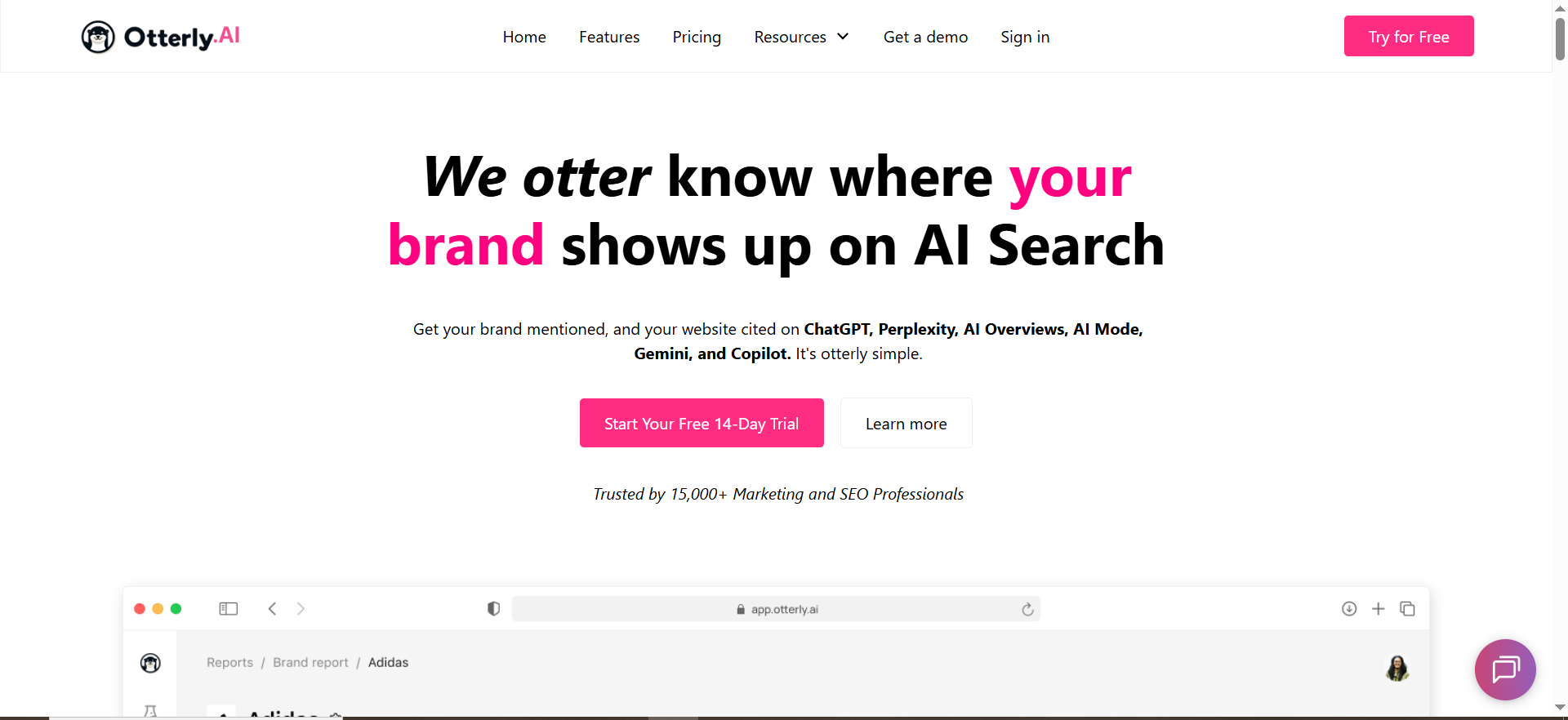
OtterlyAI is positioned as an “AI search monitoring platform” for tracking brand mentions/citations across AI platforms like ChatGPT and Perplexity, and Google AI Overviews.
Why teams use it
OtterlyAI is a frequent shortlist tool when the team wants prompt-based monitoring but still needs enterprise-grade access controls. OtterlyAI explicitly documents that SSO integrations are available for Enterprise/custom plans.
What it’s good for
- Marketing + SEO teams who want visibility tracking without a heavyweight suite
- Teams that must check the “SSO available” box for enterprise deployment
- Monitoring mention trends over time and comparing against competitors
When it’s a good fit
- You’re scaling from “one operator” to “cross-functional team”
- You need an enterprise upgrade path for SSO (rather than being stuck with password-only auth)
When it’s not a good fit
- You require fully documented SCIM provisioning and detailed audit-log exports as a hard requirement (verify what’s available in your plan during security review)
- You want a single tool that also replaces your traditional SEO stack
How to use it
- Create a prompt library grouped by product line, ICP, funnel stage, and region.
- Assign ownership: who maintains prompts vs who only consumes dashboards.
- If you’re going enterprise, confirm the SSO path and timeline early.
Key governance capabilities (RBAC/SSO/audit)
- SSO: available on Enterprise/custom plans Governance posture: third-party coverage frequently highlights roles/permissions/audit expectations, treat as “verify in due diligence,” not as a substitute for vendor documentation.
Pricing
OtterlyAI’s pricing starts at $29/month.
Free tier?
OtterlyAI offers a free tier so you can test the platform before subscribing.
Downsides / limitations
- Governance features can vary dramatically by plan tier, don’t assume enterprise controls exist on entry tiers
- You must operationalize quality control (false positives, prompt hygiene, export permissions)
3. Profound

What it does
Profound is positioned around improving brand visibility in AI search by discovering what people ask about AI and tracking performance across AI platforms.
Why teams use it
Profound is chosen when teams want deeper AI-search insight and workflows, not just raw tracking. It also clearly markets multiple plan tiers (including a public pricing page).
What it’s good for
- Teams who want a platform that feels like an “AI search growth” product (insights + action loops)
- Cross-functional collaboration where prompts, reporting, and content actions live in one workflow
When it’s a good fit
- You can commit to structured governance (seats, roles, and ownership)
- You want a more “platform” approach vs a lightweight tracker
When it’s not a good fit
- Your team needs unlimited seats at low tiers (some comparisons note limited seats at certain tiers, confirm directly).
- You need full AI-engine coverage on the lowest plan (coverage may vary by tier).
How to use it
- Start with a baseline “money prompt set” (category + comparison + alternatives) to audit brand visibility on LLMs.
- Set a weekly governance ritual: prompt additions reviewed, competitor sets updated, key exports controlled.
- Tie insights to a content and PR execution queue (who owns actions, SLAs, and approvals).
Key governance capabilities
Profound’s governance details vary by tier and are often discussed in comparisons. Use your buying process to confirm:
- SSO/SCIM availability (if required)
- Audit log access/export
- Workspace separation if you run multiple brands or regions
Pricing
Profound pricing starts at $99 per month.
Free tier?
Profound doesn’t advertise a free tier, but it does offer demos.
Downsides / limitations
- Tier-based constraints (engine coverage, seats, API access) can surprise teams if not clarified early
- If your governance requirements are strict, make security review part of the evaluation, not a post-purchase surprise
4. Peec
What it does
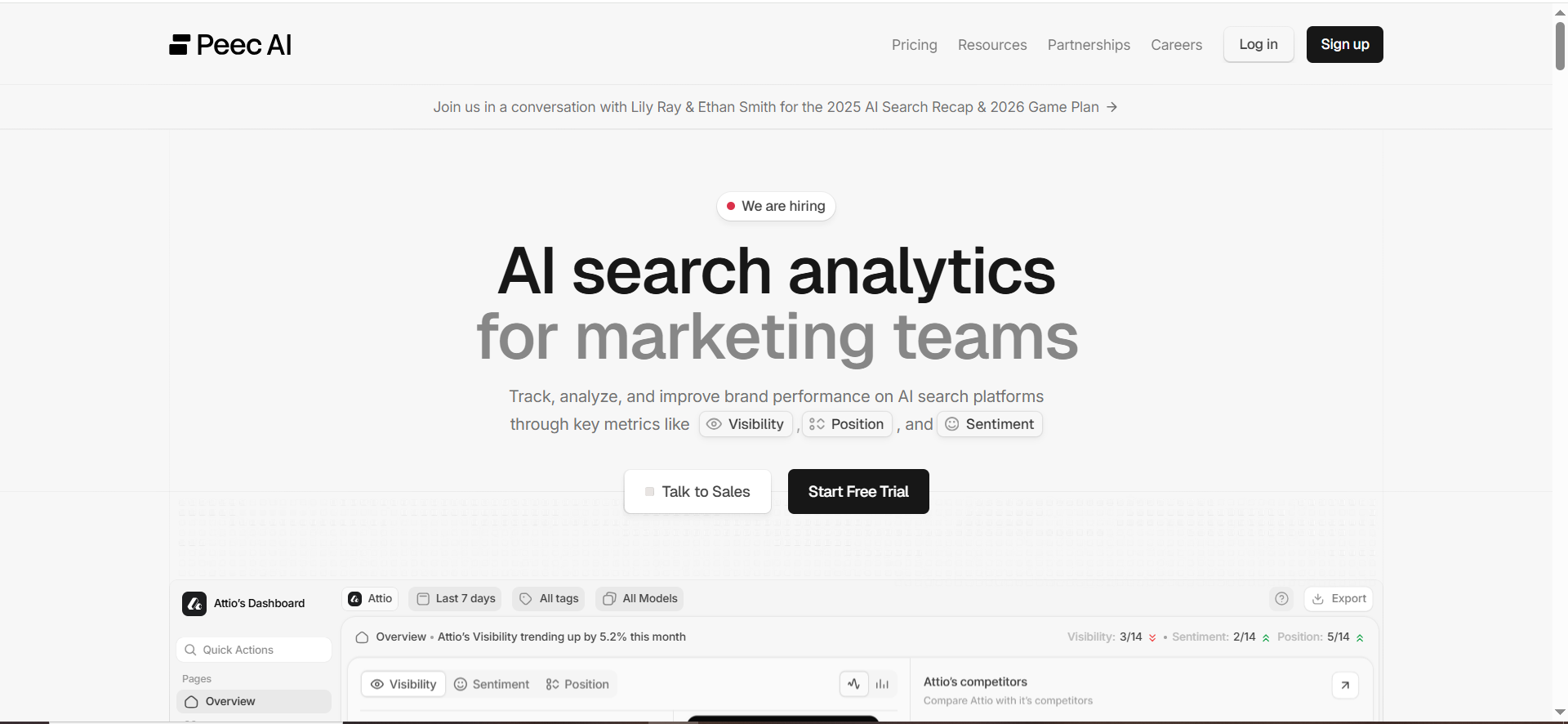
Peec describes itself as “AI Search Analytics for Marketing Teams,” tracking visibility across AI platforms like ChatGPT, Perplexity, Claude, and Gemini.
Why teams use it
Peec is popular because it’s straightforward: create a workspace, add prompts, get visibility insights, often within a day. That “fast loop” is what teams need when AI answers change quickly.
What it’s good for
- Prompt-based monitoring + competitor benchmarking
- Sharing reporting through dashboards (including connectors mentioned in Peec FAQs)
- Teams that want a clean “workspace” model for organizing brands/clients
When it’s a good fit
- You need a tool your team will actually adopt (low friction)
- You want to push AI visibility metrics into reporting for leadership (BI/dashboard workflows)
When it’s not a good fit
- You require deeply documented enterprise governance controls (RBAC depth, audit log exports, SCIM) in public docs, validate in sales/security review
- You need custom workflow approvals inside the platform rather than in your ops tooling
How to use it
- Create one workspace per brand (or per region if governance requires separation) so you can keep brand-level reporting boundaries clean.
- Build a prompt taxonomy: category, “best for,” competitor vs, alternatives, and integration queries.
- Set reporting roles: who can export to BI, who can edit prompts, who can only view.
Key governance capabilities
- Workspace model: explicitly part of onboarding and setup
- Pricing + tiers: widely referenced by third parties and vendor comparisons, use as directional, then confirm.
Pricing
Peec’s pricing starts at €89/month.
Free tier?
Peec doesn’t advertise a permanent free tier, but it does offer a “Start for free” option.
Downsides / limitations
- Governance clarity can depend on plan and sales conversations (document your requirements before evaluation)
- Like any tracker: value depends on prompt quality and a consistent “insight → action” workflow
5. RankPrompt
What it does
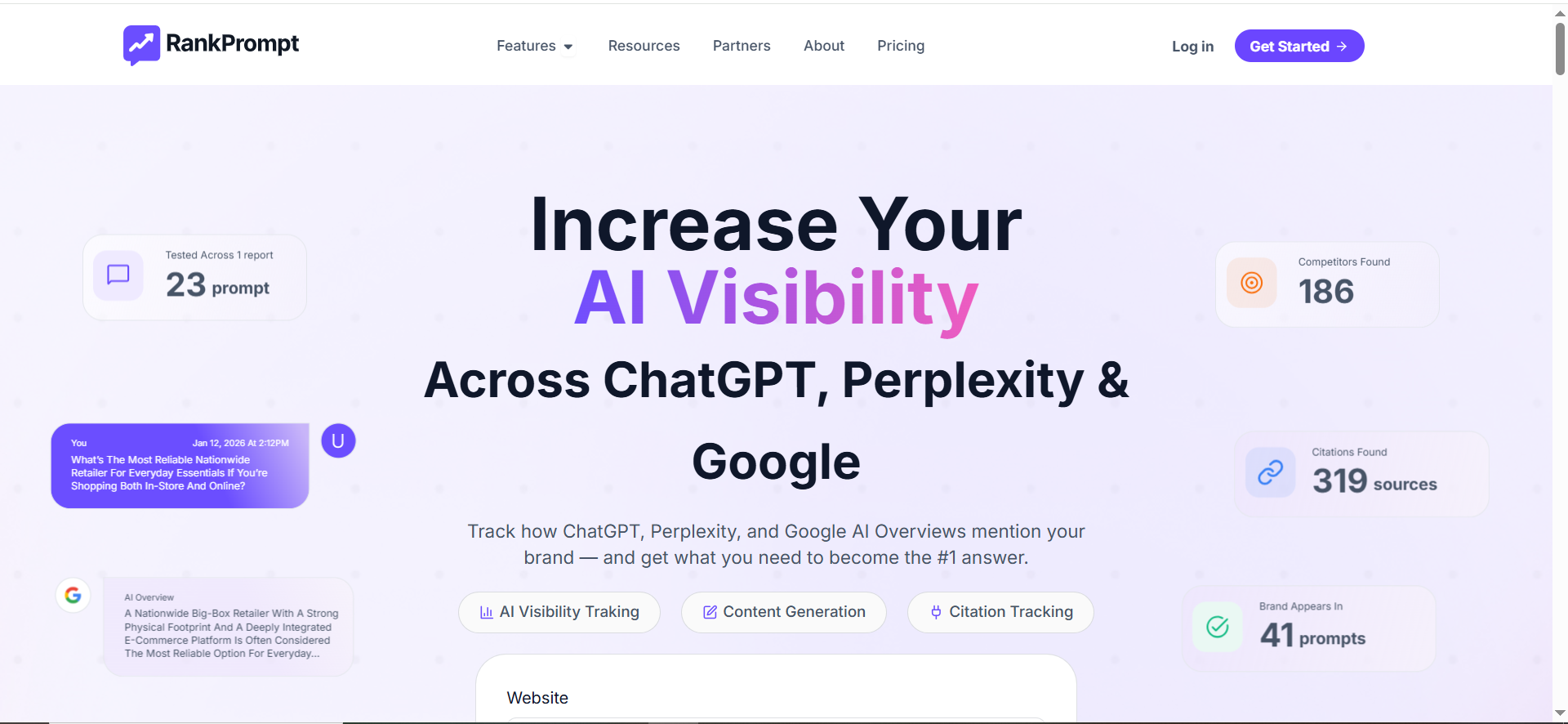
RankPrompt positions itself as an AI visibility and monitoring tool focused on “AI-era search visibility” and citations/mentions outcomes.
Why teams use it
RankPrompt is particularly attractive to agencies and multi-brand operators because it explicitly references client management and role-based permissions in its agency plan messaging.
What it’s good for
- Agencies managing multiple brands from one dashboard
- Teams that need collaborator access per brand/client (and want role-based controls)
- Getting started quickly with “prompt visibility” as the core unit
When it’s a good fit
- Your org structure demands workspaces/projects per client or brand
- You want lightweight governance that’s easy to understand (roles/collaborators)
When it’s not a good fit
- You require the most formal enterprise security artifacts (SOC reports, detailed audit trails, SCIM) as a hard gate, confirm what’s included in your tier
- You need the deepest analytics suite rather than a focused monitoring/productized workflow
How to use it
- Create one project per brand/client.
- Assign collaborator roles per project.
- Lock down who can change prompts vs who can only view/export reports.
Key governance capabilities
- Role-based permissions: explicitly referenced for client/agency workflows
- Validate: audit logging depth, SSO availability, and any compliance posture during evaluation.
Pricing
RankPrompt’s pricing starts at $49/month.
Free tier?
RankPrompt doesn’t offer a free tier, but it does offer a 7-day free trial.
Downsides / limitations
- As with other newer tools, enterprise governance depth can be plan-dependent, document requirements first
- If you need formal identity lifecycle automation, confirm SCIM/IdP support explicitly (don’t assume)
What “Team Permissions + Governance” should mean for AI visibility tools
Most “best AI visibility tools” lists ignore the real problem: once you have more than one stakeholder, AI visibility becomes a system of record. You’re not just tracking prompts, you’re making decisions about messaging, content, PR, partnerships, and pipeline. That means you need controls.
Here are the governance components that matter most:
1) RBAC (role-based access control) = least privilege by default
At minimum, you want:
- Viewers (leadership, stakeholders)
- Editors (SEO/content ops)
- Admins (tool owners who can change tracking scope, exports, integrations)
Conductor documents this clearly with defined roles in Monitoring.
2) SSO + SCIM = identity lifecycle, not just login convenience
- SSO (SAML) reduces credential sprawl and aligns with enterprise security requirements (Conductor documents SAML SSO support).
- SCIM matters when you want joiner/mover/leaver automation (provision/deprovision users via Okta/Azure AD). Microsoft’s overview describes SCIM as an open-standard protocol used to simplify cloud identity and access management.
3) Audit logs = “who changed what, when?”
When an executive asks why visibility dropped, you need to know whether:
- prompts changed,
- competitors changed,
- exports changed,
- integrations changed, or
- a permission changed.
This is a standard governance expectation in enterprise platforms, because it underpins accountability and compliance narratives.
4) Workspaces & separation (brands, regions, agencies)
If you run multiple brands, regions, or clients:
- You need workspace-level separation,
- controlled sharing,
- and clean reporting boundaries.
Peec’s onboarding and documentation emphasizes a workspace setup model.
5) Data governance (exports, retention, confidentiality)
AI visibility data can become sensitive because it reveals:
- your target categories,
- your competitive sets,
- your prompt strategy (which mirrors go-to-market intent),
- and performance deltas vs competitors.
If you operate in regulated environments, you’ll also be asked about compliance signals like SOC 2 and ISO/IEC 27001 so treat AI search visibility audits as part of due diligence, not a post-purchase surprise. AICPA describes SOC 2 as reporting on controls relevant to security/availability/etc. ISO describes ISO/IEC 27001 as a well-known ISMS standard defining requirements an ISMS must meet.
6) Workflow governance (approvals + change control)
The #1 reason rollouts fail isn’t tool choice, it’s unowned change:
- Anyone can add prompts → prompt sprawl
- No one owns taxonomy → messy reporting
- No approval path → exports leak or dashboards diverge
If your tool doesn’t offer workflow approvals, you can still govern using lightweight process:
- “Change requests” via a Slack channel
- monthly prompt review
- locked export permissions
- documented ownership
The Governance Checklist (“Who can see what?”)
Use this as your buyer’s checklist during demos (copy/paste into your RFP doc):
- Access model
- Roles: Viewer / Editor / Admin (or equivalent)
- Granular permissions: prompts, exports, integrations, billing
- Group-based access (teams) vs individual-only
- Identity & onboarding
- SSO (SAML) supported
- SCIM supported for auto-provisioning/deprovisioning
- MFA support / enforced policies
- Auditability
- Audit logs exist (changes, exports, permission changes)
- Exportable audit logs (CSV/API)
- Alerting for critical actions (role changes, bulk updates)
- Workspace separation
- Separate workspaces/projects per brand/client
- Cross-workspace rollups for leadership
- Agency/client access boundaries
- Data controls
- Export restrictions (who can export, what fields)
- Retention policy
- Security/compliance artifacts (SOC 2 / ISO 27001)
- Operational workflow
- Prompt approval process (native or process-based)
- Versioning or change history
- Clear owner for taxonomy + reporting cadence
How to evaluate tools: a scoring rubric + decision tree
A simple scoring rubric (weight governance higher than features)
Score each tool 1–5 in these categories:
A) Governance (40%)
RBAC + SSO/SCIM + audit logs + workspace separation
B) Coverage & accuracy (25%)
AI engines covered, refresh cadence, false positive handling
C) Reporting & integrations (20%)
Dashboards, exports, BI connectors, API
D) Workflow-to-action (15%)
How easily insights become content/PR actions (notes, tasks, recommendations)
Decision tree (quick)
- If IT/security is involved → start with Conductor (SSO + roles documented).
- If you’re a growth team that needs fast adoption → Peec or OtterlyAI (then validate governance at your tier).
- If you want “platform depth” and are okay with tiered constraints → Profound (verify seats/coverage).
- If you’re an agency managing many brands → RankPrompt (role-based permissions + agency positioning).
Common pitfalls (and how to avoid them)
- Everyone adds prompts → reporting becomes meaningless
- Fix: one owner + monthly review + “request new prompts” form.
- No separation between brands/region
- Fix: workspace per brand/region; only roll up at the leadership layer.
- Dashboards without decision
- Fix: every dashboard gets a “so what” metric (what action it triggers).
What governance features matter most for enterprise AI visibility programs?
Enterprise AI visibility becomes a “system of record” the moment multiple teams depend on it (SEO, Content, PR, Product Marketing, RevOps, agencies). Governance is what prevents chaos, conflicting dashboards, and risky data exports. Here are the features that actually matter in enterprise rollouts, ordered by impact.
1) RBAC (role-based access control) with least privilege
You want permissions that map to how work happens:
- Viewer: can see dashboards and reports, cannot change prompts/competitors/settings.
- Editor: can create/edit prompts, tag prompts, manage grouping/taxonomy, but cannot change org-wide settings or integrations.
- Manager/Owner: can approve changes, manage workspaces, and control exports.
- Admin: can manage identity, billing, integrations, retention, and audit policies.
Enterprise “must-have” RBAC details:
- Permissioning for exports (who can download data, and at what granularity).
- Permissioning for tracked prompts (who can add/delete or edit the “official” library).
- Permissioning for competitor sets (changes here can rewrite historical comparisons).
- Permissioning for integrations/API (BI connectors and keys are a major data-leak vector).
2) SSO (SAML) + (ideally) SCIM for identity lifecycle
SSO isn’t just convenience, it’s how security teams enforce authentication policy and remove ex-employees cleanly.
- SSO ensures access follows corporate login rules (MFA, device posture, conditional access).
- SCIM (if available) is the difference between “manual user admin forever” and automated joiner/mover/leaver hygiene.
If SCIM isn’t available, a workable fallback is:
- SSO enforced + monthly access reviews + strict admin count.
3) Audit logs + change history (who changed what, when)
AI visibility systems are sensitive to configuration drift. Prompts change, competitors change, dashboards change, and then everyone argues about why visibility “dropped.”
Minimum audit log coverage:
- Prompt create/edit/delete
- Prompt grouping/taxonomy changes
- Workspace/project changes
- Role/permission changes
- Export events (including who exported and what scope)
- Integration/API key changes
If you can’t export audit logs or filter them by action/user/time, you’ll struggle in enterprise environments.
4) Workspace / project separation (brands, regions, business units, clients)
Enterprise teams need clean boundaries:
- One workspace per brand or business unit
- Optional workspaces per region (if localization is distinct)
- Agency/client boundaries (client should never see other clients’ prompts, competitor sets, or results)
Look for:
- Workspace-level permissions
- Roll-up reporting across workspaces (executive view)
- Shared prompt templates without shared data leakage
5) Data governance: exports, retention, PII, and data residency (if needed)
AI visibility data can reveal:
- GTM intent (what you’re targeting)
- Competitive strategy
- Performance deltas that can influence sales narratives
Enterprise controls to ask for:
- Export permissions + export throttling (rate limits)
- Watermarking or report access controls (optional but valuable)
- Retention policy (how long results and logs are stored)
- PII handling (especially if prompts include customer/prospect names—ideally they shouldn’t)
- Data residency and sub-processor list (for regulated orgs)
6) Workflow governance: approvals and “prompt hygiene”
The #1 rollout killer is prompt sprawl, everyone adds prompts, nobody curates, and the dashboard becomes noise.
Best-practice governance features/process:
- A “request prompt” workflow (form/ticket) + weekly review
- Prompt templates and naming standards
- Versioning: keep history of prompt changes (or at least log them)
- Scheduled pruning (monthly/quarterly) to remove low-value prompts
7) Operational ownership and SLAs (people + process)
Even with great features, enterprise success needs clear ownership:
- Tool owner: accountable for configuration integrity and reporting truth
- Prompt librarian: maintains taxonomy and prevents sprawl
- Stakeholder cadence: weekly insight review, monthly governance review
If the tool doesn’t enforce it, your ops process must.
What metrics matter (visibility, mentions, citations, share of answer, prominence)?
AI visibility metrics can get confusing because AI answers aren’t “rankings” in the classic sense, so it helps to benchmark against which platform excels at AI visibility metrics. You’re measuring how often you appear in generated answers, how strongly you’re recommended, and whether your sources are referenced.
Below are the key metrics that matter, and how to use them without fooling yourself.
1) Visibility (overall presence rate)
What it is: A high-level score or percentage showing how often your brand appears across the prompt set and engines.
Why it matters: It’s a leadership-friendly KPI that answers: “Are we showing up more this month than last month?”
Watch-outs:
- Visibility can rise because you added easier prompts.
- Visibility can drop because the model changed, not because your content got worse.
How to use it well:
- Keep a stable “core prompt set” for trend reporting.
- Track visibility by engine (ChatGPT vs Perplexity vs AI Overviews) separately.
2) Mentions (brand named in the answer)
What it is: The AI answer includes your brand/product name (or a recognized variant).
Why it matters: Mentions correlate with awareness and inclusion in consideration sets.
Watch-outs:
- Mentions can be false positives if the model references you in a negative context (“avoid X”).
- Brand name ambiguity (e.g., common words) can inflate mention counts.
How to use it well:
- Tag mentions by sentiment/context buckets (recommended vs referenced vs warned against).
- Maintain a brand-variant dictionary (brand, product, acronym, misspellings).
3) Citations (linked sources / references)
What it is: The answer includes citations/links to sources, and you’re one of them (or your owned media is linked).
Why it matters: Citations are the closest equivalent to “earned authority” in AI answers. They can drive referral traffic (where links exist) and reinforce trust.
Watch-outs:
- Some engines don’t always show citations consistently.
- Citations can point to third-party sources about you rather than your site (review sites, Wikipedia, directories).
How to use it well:
- Separate owned citations (your domain) vs earned citations (press, partners, communities).
- Build a “citation gap list”: prompts where competitors get cited and you don’t.
4) Share of Answer (SoA)
What it is: A measure of how much of the answer “belongs” to you—e.g., whether you’re one of many options vs the primary recommended solution.
Why it matters: Being “included” is different from being “the recommended choice.”
Ways tools approximate this:
- Counting how often you’re listed vs competitors
- Position weighting (top vs middle vs bottom)
- Frequency weighting (mentioned multiple times vs once)
Watch-outs:
- Answer length and formatting vary dramatically.
- A short answer can make SoA swing wildly.
How to use it well:
- Treat it as directional. Pair it with a qualitative review of top prompts each month.
- Track SoA for your “money prompts” only (high intent).
5) Prominence (placement and emphasis)
What it is: Where you appear and how strongly you’re framed:
- #1 recommendation vs “one of several”
- in the opening paragraph vs buried at the end
- described with strong language (“best,” “ideal,” “recommended”) vs neutral mention
Why it matters: Prominence correlates with conversion influence, especially in “best tools” and “alternatives” prompts.
Watch-outs:
- Prominence is harder to score reliably and often needs human sampling.
How to use it well:
- Build a monthly review workflow: sample 10–20 priority prompts and rate prominence manually.
- Use a simple rubric: Primary pick / Listed / Mentioned / Not present.
6) Competitor delta metrics (the “why we care” layer)
These are the metrics execs understand:
- Net visibility change vs top 3 competitors
- Citation gap vs competitor
- Prompt coverage gap (prompts where competitors appear and you don’t)
7) Stability + variance (trust score for the metric)
AI outputs change. You need a “variance lens”:
- If answers vary widely day-to-day, don’t overreact.
- If answers shift consistently over weeks, take action.
Best practice: track a stability metric per prompt (how consistent the outputs are). Prompts with extreme variance require different handling than stable prompts.
What security/compliance signals should we look for (SOC 2 / ISO 27001)?
If you’re deploying an AI visibility tool in an enterprise, you’ll usually face some version of: “Is this vendor safe?” The goal isn’t to collect logos, it’s to reduce risk and make procurement predictable.
Here’s what to look for, and what to ask.
1) SOC 2 (Type I vs Type II) — and what it actually signals
SOC 2 is an auditor’s report about controls relevant to trust service criteria (commonly security, availability, confidentiality, etc.). The nuance matters:
- Type I: controls are designed appropriately at a point in time
- Type II: controls operated effectively over a period of time (stronger signal)
What to ask vendors:
- Do you have SOC 2 Type II? For what period?
- Can we review the report under NDA?
- What exceptions were found (if any), and how were they remediated?
2) ISO/IEC 27001 — ISMS maturity signal
ISO 27001 indicates the vendor has an Information Security Management System (ISMS) aligned to that standard. It signals structured security governance, policies, risk management, and ongoing improvement.
What to ask:
- Are you ISO 27001 certified? What’s the certificate scope (which systems/products)?
- Who is the certification body?
- How do you handle annual surveillance audits and re-certification?
3) Data handling specifics (the stuff that actually matters day-to-day)
Even with SOC 2 / ISO, you must validate the operational details:
Data in transit & at rest
- TLS for transit; encryption at rest (ask what and where)
Data retention
- How long is prompt output stored?
- Can retention be configured?
Sub-processors
- Which cloud providers, analytics tools, and LLM/API providers are sub-processors?
- Do they publish a sub-processor list and notify customers of changes?
Data residency (if required)
- Can data be stored in specific regions (EU/US) if needed?
4) Access control and logging (your internal governance depends on theirs)
Security teams will care about:
- SSO support (SAML)
- MFA enforcement options
- RBAC granularity
- Audit logs and export logs
If the tool can’t tell you who exported what, that’s a real governance gap, especially if you’re tracking competitive strategy prompts.
5) Application security posture
Not always enterprise-required, but strong signals:
- Regular penetration testing (and willingness to share summary)
- Vulnerability disclosure program
- Bug bounty participation (optional)
- Secure SDLC practices (code review, dependency scanning)
6) Contractual and legal signals
Procurement often asks for:
- DPA (Data Processing Agreement)
- SLA and uptime commitments
- Incident response timelines
- Security contact / escalation process
7) “AI model / engine usage” clarity
Because these tools query AI engines and store outputs, ask:
- Which engines are queried and through what method (API vs UI automation)?
- Are prompts sent to third-party providers, and how are they handled?
- Is any customer data used to train models? (You want “no” unless explicitly agreed.)
A practical enterprise-ready security checklist
- SOC 2 Type II (or a clear roadmap + alternatives)
- ISO 27001 (nice to have but strong for global enterprise)
- SSO (SAML) + optional SCIM
- RBAC with export controls
- Audit logs (changes + exports)
- Encryption in transit and at rest
- Sub-processor transparency + notifications
- Configurable retention + deletion
- DPA + incident response commitments
FAQs
What is an AI visibility tool?
What governance features matter most for teams?
Do I need SCIM for an AI visibility tool?
How do I prevent “prompt sprawl”?
Which tool is best for agencies managing multiple clients?
Which tool is best if IT/security is heavily involved?
Are SOC 2 / ISO 27001 required?
What’s the fastest way to show value in the first month?
📋 Get Listed / Advertisement
We update this guide monthly. Want your tool featured? Contact us: [email protected].


