

If you need to prove mention frequency over time (and not just “rankings”), you want a tool that can: (1) run recurring prompt sets, (2) extract mentions + citations, (3) compare competitors, and (4) export results + trigger alerts. Based on the tool categories required for this topic (LLM monitoring, prompt sets, SERP/AI Overview overlays, exports, alerts), the five strongest options to evaluate are:
- Best purpose-built AI visibility monitoring: Akii and Keyword.com (strong focus on AI surfaces and mention-style reporting).
- Best “suite” option if you already use it: Semrush (broad SEO + AI visibility add-ons).
- Best agency-style reporting + forecasting workflows: SEOmonitor (especially if your client reporting is already keyword-set driven).
- Best budget-friendly baseline SEO monitoring (useful adjunct, not pure LLM mentions): Morningscore.
📋 Get Listed / Advertisement
We update this guide monthly. Want your tool featured? Contact: [email protected].
Best 5 Tools for Tracking Mentiuick Comparison)
| Tool | Best for | Primary surface strength | Reporting & workflows |
|---|---|---|---|
| Akii | Purpose-built AI visibility monitoring | Multi-model AI visibility scans + monitoring | Mention-style scoring + actions (AI-focused) |
| Semrush | Teams that want “SEO + AI visibility” in one stack | AI Visibility Toolkit + AI Overviews workflows | Suite reporting; add-on pricing for AI toolkit |
| SEOmonitor | Agencies needing pitch-ready reporting | AI Overview impact + unified tracking angle | Forecasting + exports; agency-style comms |
| Keyword.com | Accurate AIO tracking + brand monitoring across AI | Google AI Overviews + AI brand monitoring | Prompts/mentions framing + SERP feature context |
| Morningscore | Budget-friendly baseline SEO reporting | Keyword tracking + SEO reporting | Great “supporting” tool; less LLM-native |
📋 Get Listed / Advertisement
We update this guide monthly. Want your tool featured? Contact: [email protected].
Before you pick software, align your team on what counts as a “mention” and what you’re trying to prove.
The 4 surfaces that matter
Most teams lump everything into “LLM mentions,” but your data will get messy unless you separate surfaces:
- LLM chatbots (e.g., user asks a model for recommendations). Output is conversational and can vary between runs.
- AI answer engines (often closer to “search,” where prompts are more query-like).
- Google AI Overviews (AIOs) (a SERP feature: frequency, citations, and volatility are the story).
- “Hybrid” AI discovery inside SEO suites (Semrush and others are building AI visibility layers on top of traditional tracking).
If your stakeholders want “mention frequency over time,” you usually need (a) LLM/chat visibility plus (b) AI Overviews coverage, use this AI visibility platform buyer guide to pick the right stack.
The 5 metrics you should standardize
To avoid debates every month, define metrics upfront, especially if you’re benchmarking AI visibility metrics across tools.
- Mention frequency: How often your brand appears across the prompt/keyword set.
- Prominence: Is your brand top-of-answer, mid, or buried? (Weighted scores beat raw counts.)
- Citation/Source inclusion: Are you linked/cited as a source, or merely named?
- Sentiment / framing: Positive, neutral, or negative context (especially in category comparisons).
- Competitive share: Your mention frequency vs top 3–5 competitors.
Keyword.com explicitly frames AI monitoring around brand mentions across AI platforms (and provides AI visibility monitoring language).
The “must-have” capabilities for this specific topic
Use this checklist when evaluating tools, and compare against the broader landscape in best tools for tracking brand visibility in AI search
- Prompt sets + scheduling: Can you run the same prompts daily/weekly and store results, especially if you want to monitor SaaS brand visibility in ChatGPT and Perplexity
- Extraction: Can it detect your brand, your product names, and close variants?
- SERP/AIO overlays: If you care about Google visibility, can it track AI Overviews and cited URLs with an AI answers + citations playbook?
- Exports: CSV/Google Sheets/API so you can build a BI layer or traffic and visibility reporting
- Alerts: Sudden mention drops, competitor swaps, citation loss, negative sentiment changes.
- Controls: Location/device settings (where relevant), de-duplication, run logs, these are easier to compare with an AI visibility platform showdown mindset
1. Akii
What it does
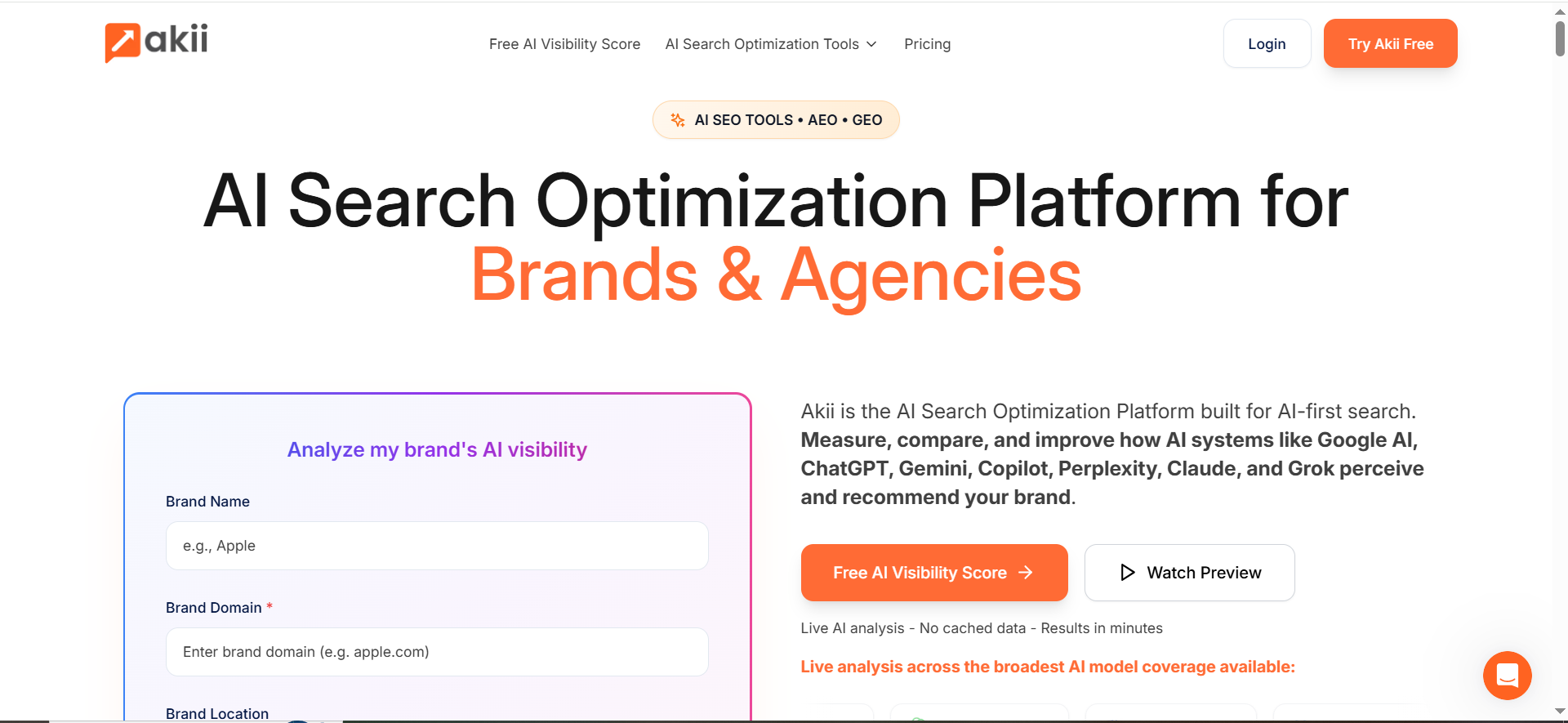
Akii positions itself as an AI visibility platform that scans major AI models and helps brands understand how AI systems “see” them and how to improve visibility.
Why teams use it
Teams use Akii when they want something closer to AI-native monitoring, not just a traditional rank tracker with an AI add-on, especially if they’re building an AI visibility tracking service. That matters because “mentions” are messy: synonyms, paraphrases, and shifting answer formats are normal.
What it’s good for
- Monitoring brand inclusion in AI answers across multiple AI surfaces.
- Identifying visibility gaps and turning them into an action list (content, authority, or messaging fixes).
- Building a narrative beyond “we got mentioned”, e.g., “we got recommended for X use case, but not Y.”
When it’s a good fit
- You’re building a service line around AI visibility reporting and need something AI-first.
- You have enough volume (prompt sets / query clusters) that manual tracking is impossible.
- You need to explain why visibility is missing, not only that it’s missing.
When it’s not a good fit
- You only care about classic SEO rank tracking.
- Your budget is tight and “good enough” tracking via SEO tools will do.
How to use it
- Define 3–5 intent buckets: “best tools,” “alternatives,” “pricing,” “comparison,” “how-to.”, and keep the structure consistent with how to structure AEO content in the AI era.
- For each bucket, add 10–30 prompts that represent the way buyers actually ask questions.
- Add your competitor set (3–7 brands).
- Run monitoring weekly (or daily for high-stakes categories).
- Export: build a simple time-series chart for frequency + prominence.
Key capabilities to look for
- Multi-model monitoring (where supported).
- Automated monitoring and credits-based runs (per Akii’s pricing structure).
Pricing
Akii’s pricing starts at $49/month (Starter), with higher plans at $99/month, $499/month, and $1,999/month.
Free tier?
Akii doesn’t offer a free tier, but it does offer a 14-day free trial and a free AI visibility test.
Downsides / limitations
- Credit-based systems can make it harder to forecast cost until you stabilize prompt volume.
- If you need deep SEO suite features (technical audits, large backlink tooling), you may still need a second platform.
2. Semrush
What it does
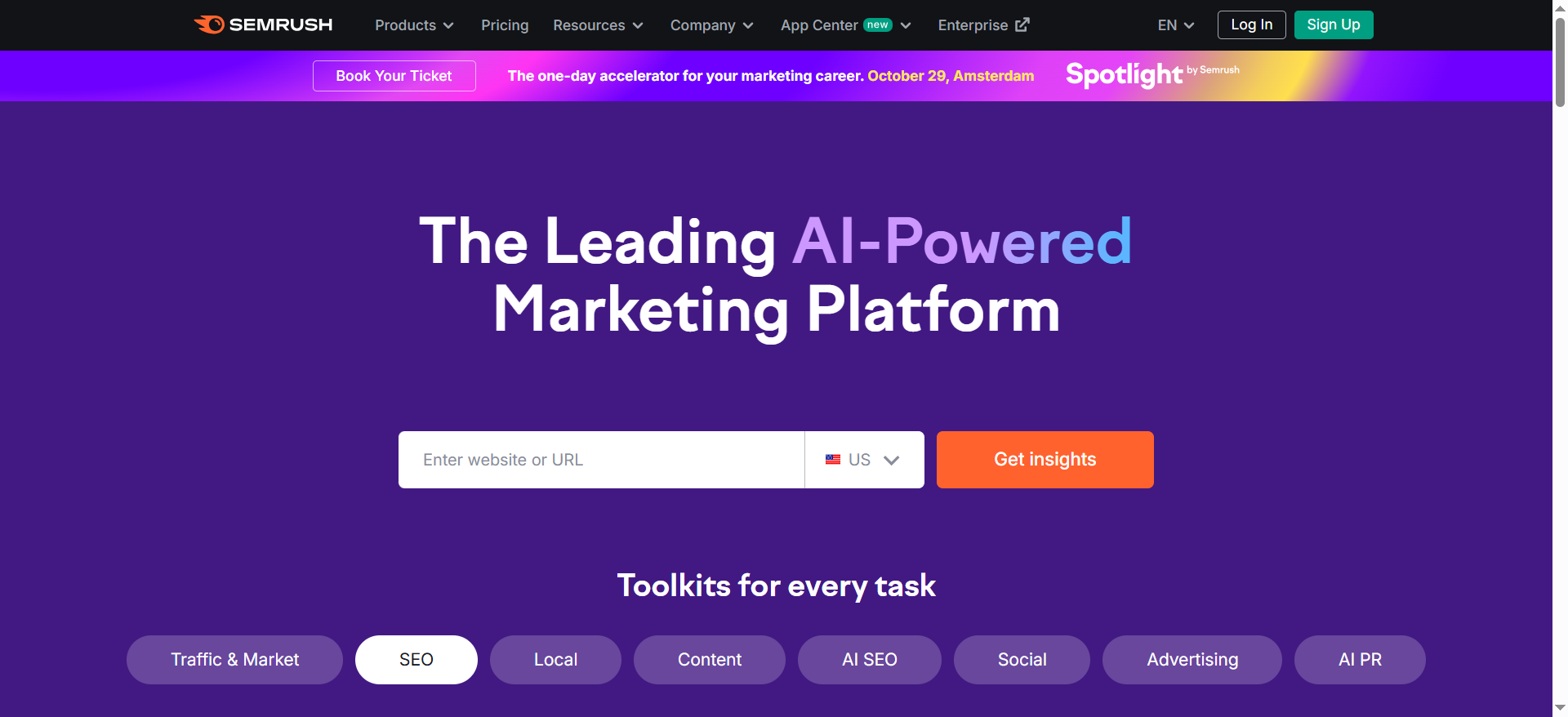
Semrush is an all-in-one SEO platform that has expanded into AI visibility workflows, including AI Overviews tracking knowledge base resources and an “AI Visibility Toolkit.”
Why teams use it
If Semrush is already your system of record for SEO, adding AI visibility can be operationally simpler than stitching together new tools. That’s especially true when execs ask for one dashboard.
What it’s good for
- Hybrid reporting: classic SEO performance plus AI-related visibility.
- AI Overviews workflows: guidance on tracking AIO-related data in Semrush tooling.
- Entry-level AI visibility checks: Semrush also offers AI visibility checker tooling that frames visibility across AI platforms.
When it’s a good fit
- You already use Semrush daily.
- You want broad SEO + AI visibility signals (not only mention logs).
- Your team needs lots of adjacent capabilities (keyword research, competitive research, site audits).
When it’s not a good fit
- You want a tool that is primarily a prompt-based LLM mention tracker with deep controls and exports for mention logs.
- Your program is AI visibility, only and you don’t want suite complexity.
How to use it
- Start with a baseline: pick 30–100 “money queries” and track which ones trigger AIOs.
- Set up an AI visibility dashboard for your brand and key competitors.
- Create a monthly export that includes: AIO presence, competitor inclusion, and opportunities.
- Pair it with a small prompt set (10–25 prompts) for qualitative mention checks.
Key capabilities
- Semrush’s documentation describes the AI Visibility Toolkit subscription (including prompt tracking quantities and daily queries).
- AIO-related data appears across multiple Semrush tools, per their knowledge base.
Pricing
Semrush’s AI Visibility Toolkit costs $99/month.
Free tier?
Semrush’s AI Visibility Toolkit doesn’t offer a free tier or free trial, but it does offer a free demo.
Downsides / limitations
- AI visibility can feel like a layer on top of SEO workflows, rather than a purpose-built “mention tracking” product.
- Suite cost can be high if you only need a narrow set of AI monitoring features.
3. SEOmonitor
What it does
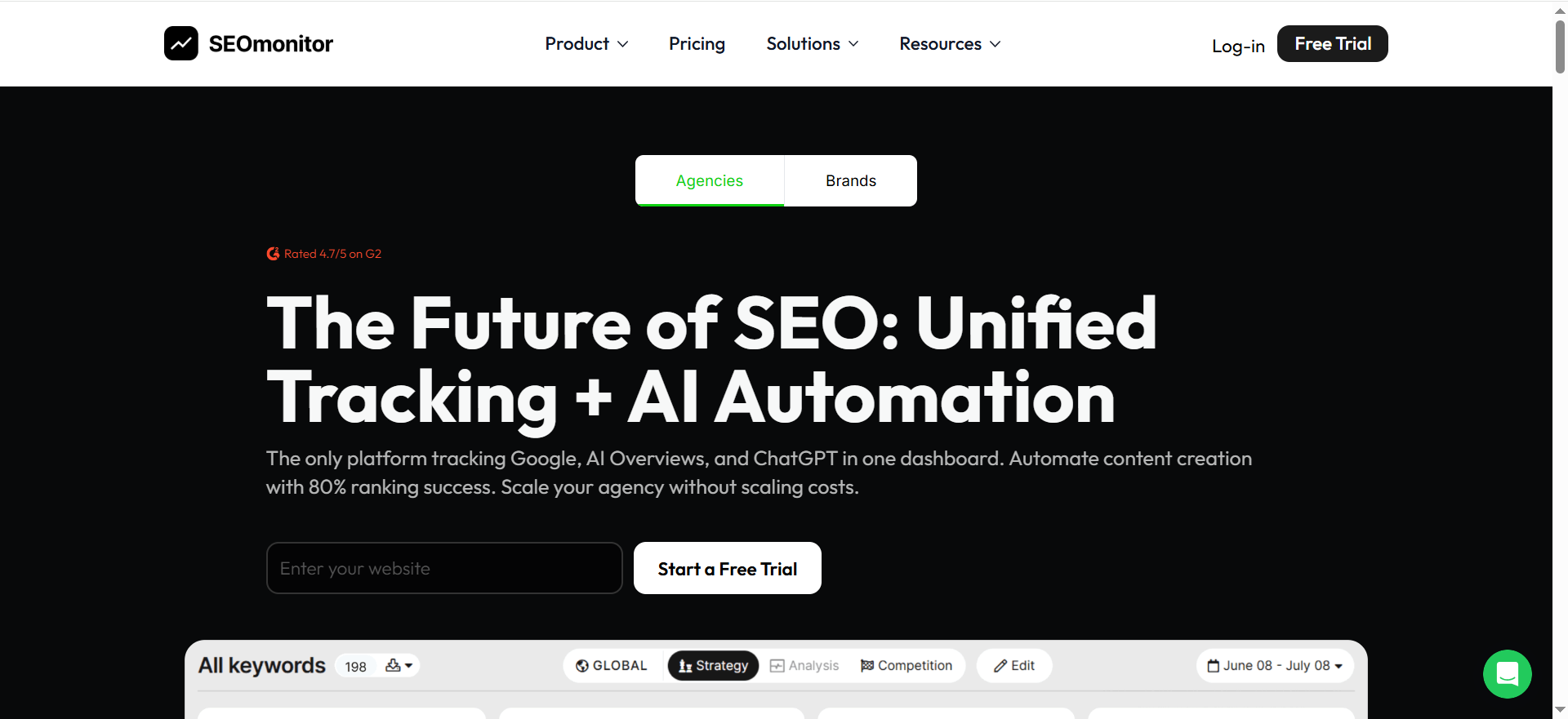
SEOmonitor is positioned as a platform designed for agencies, with strong emphasis on forecasting, reporting, and (notably) messaging around AI Overviews impact and reporting.
Why teams use it
If you have to prove results to stakeholders (especially clients), SEOmonitor’s “pitch-ready exports” and forecast-driven narratives can be a big advantage. It’s built for turning data into a story.
What it’s good for
- AI Overview impact framing: communicating how SERP changes affect CTR and outcomes.
- Agency reporting workflows: exports, business cases, forecasting.
- Structured keyword-set monitoring that can be mapped to AI surfaces.
When it’s a good fit
- You’re an agency or an in-house team that operates like an agency (monthly decks, QBRs, forecasts).
- You want to align AI visibility tracking with business cases (traffic/conversion forecasts).
When it’s not a good fit
- Your core requirement is deep, prompt-native LLM monitoring with extensive mention extraction across multiple chatbots.
How to use it
- Build keyword sets that match your prompt taxonomy (e.g., “best,” “alternatives,” “vs,” “pricing”).
- Track AIO impact and SERP feature presence per set.
- Use forecasting to translate “visibility change” into expected traffic or conversions.
- Export a monthly “AIO impact + actions” report.
Key capabilities
- Forecasting workflows are central in SEOmonitor’s positioning.
- SEOmonitor emphasizes AI Overviews impact and reporting narratives.
Pricing
SEOmonitor’s pricing starts at €99/month.
Free tier?
SEOmonitor doesn’t offer a free tier, but it does offer a 14-day free trial (no credit card required).
Downsides / limitations
- If you want to track “mentions in LLM chat outputs” directly, you may still need a dedicated AI mention tracker to complement this.
- Like many SEO platforms, best results come when your keyword/portfolio setup is disciplined.
4. Keyword.com
What it does
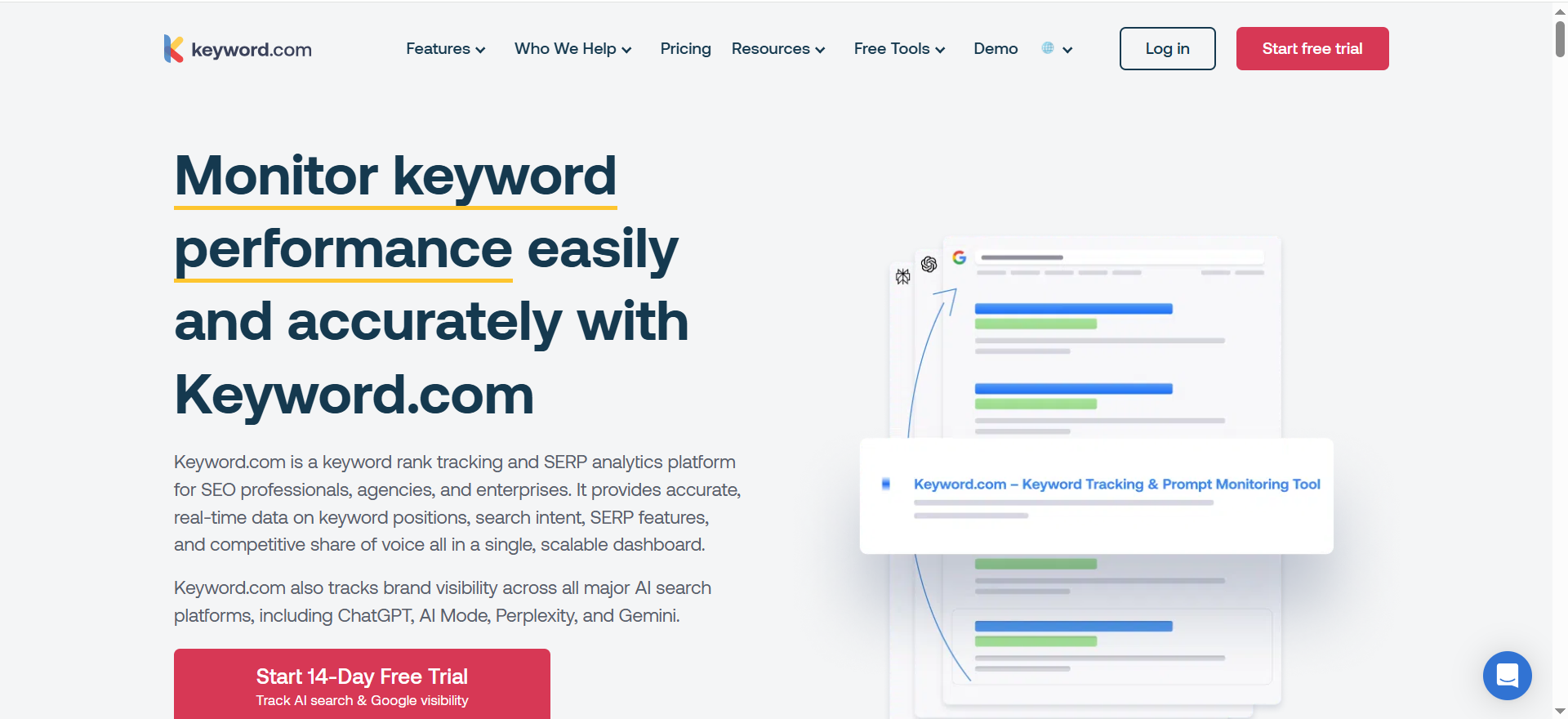
Keyword.com is known for rank tracking and SERP features, and it also positions itself around tracking Google AI Overviews and broader AI search visibility/brand monitoring (including brand mentions in AI platforms).
Why teams use it
Keyword.com is a strong option when you want AIO tracking that’s explicit and operational, frequency, context, and cited URLs; plus an “AI visibility” framing that maps to brand monitoring.
What it’s good for
- Google AI Overviews monitoring (when AIOs appear, how often, and what’s cited).
- Brand monitoring in AI platforms (positioned as tracking brand mentions across AI systems).
- Exports and agency workflows (Keyword.com also emphasizes scalability and reporting).
When it’s a good fit
- You need accurate, repeatable tracking for AI Overviews and SERP feature shifts.
- You want a single tool that can cover “SEO visibility” and “AI visibility” messaging for stakeholders.
- You need clean exports for dashboards.
When it’s not a good fit
- If your entire project is long-form, conversational LLM outputs (not search-like queries), you may want a more dedicated prompt-first platform, or you’ll need to design prompt sets carefully.
How to use it
- Start with your keyword set (money pages + category queries).
- Enable AI Overview tracking so you can measure frequency and cited sources.
- Add brand monitoring prompts (or AI visibility workflows) for the same themes.
- Create alerts for: AIO appearance changes, citation URL changes, competitor overtakes.
- Export weekly, summarize monthly.
Key capabilities
- AI Overview tracker positioning (monitor AIO appearance and context).
- AI search visibility / brand monitoring messaging includes tracking mentions across AI platforms.
Pricing
Keyword.com’s paid plans start at $3/month.
Free tier?
Keyword.com offers a free tier ($0/month), and it also offers a 14-day free trial.
Downsides / limitations
- “AI visibility” features are evolving quickly; confirm the exact AI surfaces you need before standardizing.
- As with any tracker, the value depends on how good your keyword/prompt taxonomy is.
5. Morningscore
What it does
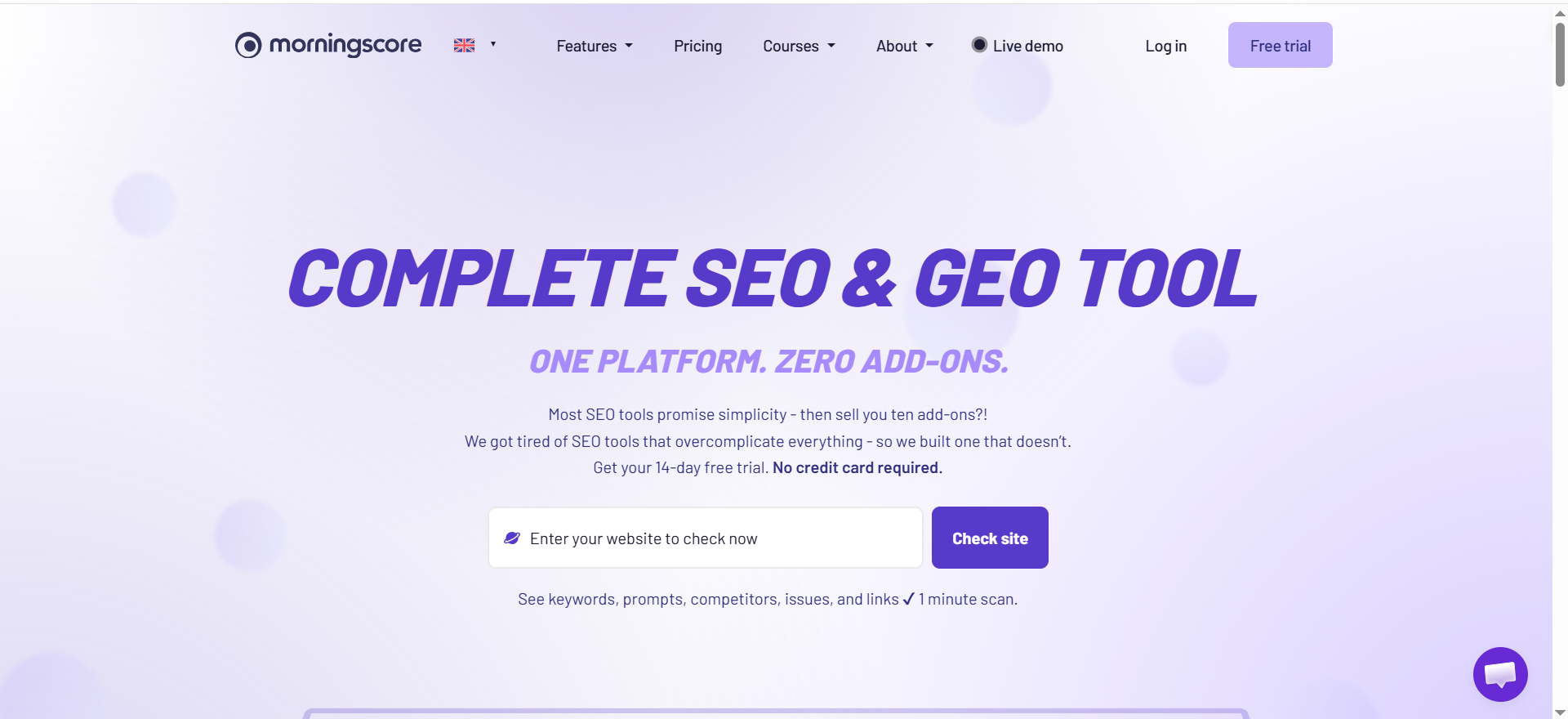
Morningscore is a simpler, more approachable SEO tool that focuses on keyword monitoring, site health, reporting, and a guided/gamified workflow.
Why teams use it
It’s often used by smaller teams who want a clean workflow for SEO tracking and reporting without the overhead of enterprise suites.
What it’s good for
Let’s be direct: Morningscore is not primarily an LLM-output mention tracker. But it can still be useful in an AI visibility program as:
- A baseline KPI layer (rank/visibility trendlines) while you separately track AI mentions.
- A budget-friendly reporting tool for stakeholders who still want “traditional SEO” context.
- A way to manage hygiene (site health, keyword monitoring) that supports your ability to be cited.
When it’s a good fit
- You’re building an AI visibility program but need a lightweight SEO tool for supporting metrics.
- You’re an SMB or lean team and want simple reports and daily keyword tracking.
When it’s not a good fit
- If your core requirement is “mentions in LLM outputs,” you’ll likely outgrow it as a primary tool.
How to use it
- Track your priority keyword set (your AI prompt themes usually map to these).
- Use health checks to keep technical blockers low.
- Generate monthly SEO reports and pair them with your AI mention report from a dedicated tool.
Key capabilities
- Rank tracking and keyword monitoring are core features.
- Reporting is positioned as a primary use case.
Pricing
Morningscore’s pricing starts at $69/month.
Free tier?
Morningscore doesn’t offer a free tier, but it does offer a 14-day free trial and a live demo.
Downsides / limitations
- Not a purpose-built “LLM mention tracker.”
- You’ll still need a dedicated AI monitoring layer for prompt outputs, citations, and sentiment.
Common pitfalls (and how to avoid them)
Pitfall 1: Measuring “rank” when you actually need “inclusion”
A brand can “rank” for a keyword and still be absent from AI answers, so pair mention tracking with rank tracking software.Mentions require explicit inclusion, not just blue-link performance.
Pitfall 2: Treating AI Overviews like classic SERP features
AIOs can appear/disappear and cite different URLs over time,so it helps to use AI search visibility audit tools.f AIO matters to your funnel, track it directly with tooling that reports AIO presence and citations, and align that work with Answer Engine Optimization.
Pitfall 3: Too few prompts
Five prompts isn’t a program; it’s a demo, use a larger set if you want a real read on share of voice in AI answers. You need enough prompts to smooth randomness and represent your market.
Pitfall 4: No taxonomy, no story
If you can’t say “TOFU mentions are up, BOFU mentions are down,” stakeholders won’t know what to do with your data.
Pitfall 5: No link between visibility and action
Mention tracking is only valuable if it turns into: content updates, authority building, messaging corrections, and competitive strategy, so pair it with the right link building tools.
What’s the best tool for prompt-based monitoring with recurring runs?
The “best” tool depends on which surface you’re monitoring and how you need to operationalize repeat runs (daily vs weekly, exports vs dashboards, AIO vs chatbot outputs). In practice, teams usually land in one of these three “best” buckets:
Best if you need daily prompt monitoring across AI platforms (prompt sets + recurring runs)
- Semrush Prompt Tracking (AI Visibility Toolkit) is explicitly built for monitoring daily visibility for a custom set of prompts in AI environments like ChatGPT and Google AI Mode.
- Choose this when: you want recurring prompt runs, visibility trends, and you already rely on an SEO suite for reporting.
Best if you need Google AI Overviews (AIO) monitoring with “source URLs” as a first-class metric
- Keyword.com AI Overview Tracker is designed to monitor when AI Overviews appear and includes monitoring source URLs (i.e., what Google cites).
- Choose this when: your stakeholders care about “which pages get cited” and you need clear AIO reporting.
Best if you want a unified dashboard combining Google rankings + AIO mentions + AI chatbot citations
- SEOmonitor markets a unified approach: Google rankings + AI Overviews presence + AI chat citations/mentions in one system.
- Choose this when: you need a single narrative for clients/execs across “classic SEO” and “AI visibility.”
Best if you want an AI-first visibility platform across multiple models
- Akii positions itself as an AI visibility platform across major AI systems (and is often used for AI-first monitoring and competitive analysis).
- Choose this when: you want AI-native visibility analysis beyond traditional SEO tooling.
Decision rule you can use internally:
- If the task is “track prompts daily”: lean Semrush.
- If the task is “track AI Overviews + cited URLs”: lean Keyword.com.
- If the task is “unified reporting across SEO + AI surfaces”: lean SEOmonitor.
How do I set up prompt sets for different funnels (TOFU/MOFU/BOFU)?
A good funnel-based prompt system does two things:
- Represents real buyer questions, and
- Produces repeatable measurement (so frequency over time isn’t random noise).
Step 1: Define your prompt “intent buckets” per funnel
Use 4–6 buckets and map them to TOFU/MOFU/BOFU:
TOFU (awareness / education)
- “What is ___?”
- “Best practices for ___”
- “How does ___ work?”
MOFU (evaluation / shortlist)
- “Best tools for ___”
- “___ vs ___”
- “Top alternatives to ___”
- “Which tool is better for [industry/team size]?”
BOFU (decision / procurement)
- “___ pricing”
- “Is ___ worth it?”
- “Implementation steps for ___”
- “Best ___ for enterprise / compliance / security”
Step 2: Create a stable prompt library
- Aim for 15–30 prompts per funnel stage to start (45–90 total).
- Keep prompts stable for at least one reporting cycle (4 weeks) before editing.
- Version prompts when you change them (e.g., MOFU-Compare-v1 → v2).
Step 3: Add “variables” without changing the intent
Instead of rewriting prompts constantly, standardize a few variables:
- Industry: “for B2B SaaS,” “for healthcare,” “for fintech”
- Team: “for SEO teams,” “for RevOps,” “for marketing ops”
- Company size: SMB / mid-market / enterprise
Example MOFU template:“Best [CATEGORY] tools for [TEAM] at [COMPANY SIZE]”
Step 4: Tag every prompt
At minimum tag by:
- Funnel stage (TOFU/MOFU/BOFU)
- Use case (brand monitoring, attribution, governance, reporting)
- Competitor set (top 3–7 brands)
- Surface (AIO vs AI Mode vs chatbot)
Step 5: Choose a run cadence per funnel
- TOFU: weekly is usually fine (higher variance, broad queries)
- MOFU: 2–3x/week (high competition)
- BOFU: daily or 2–3x/week (business-critical, high sensitivity)
Tools that explicitly support prompt-based monitoring help here, e.g., Semrush Prompt Tracking for daily monitoring of custom prompt sets.
How do I track which URLs AI Overviews cite over time?
This is one of the most valuable (and most actionable) AI visibility metrics because it tells you which pages Google is willing to cite, and whether that changes week to week.
What to track (the minimum viable AIO citation dataset)
For each keyword/query:
- AIO present? (Y/N)
- Cited URLs list (all source links)
- Your domain cited? (Y/N)
- Your URL(s) cited (exact)
- Competitor URLs cited (top 3–5)
- AIO “citation share” (count or weighted by prominence if available)
- Date + location/device (if tool supports)
Keyword.com explicitly highlights monitoring source URLs as part of its AI Overview Tracker.
How to operationalize it
- Start with a focused keyword set (30–100 queries tied to revenue pages).
- Run AIO tracking on a schedule (daily if volatile category; otherwise 2–3x/week).
- Export results into a single sheet/table and normalize:
- One row per (date × query × cited URL)
- Create 3 dashboards:
- Your citation rate over time (how often your domain appears)
- Top cited pages (your URLs that win citations)
- Competitor citation map (which competitor pages get cited repeatedly)
The “why did we lose citations?” checklist
When your citation rate drops:
- Did the AIO stop appearing for that query?
- Did the AIO still appear but swap cited pages (new sources entered)?
- Did your cited page change content, canonical, headers, or accessibility?
- Did competitors publish a newer/better match for the query intent?
- Did the query intent shift (e.g., informational → comparison)?
If you also track AI Mode / prompt visibility in parallel, you can correlate “AIO citations down” with “AI prompt mentions down,” which is often how execs understand the impact. Semrush describes monitoring visibility in AI environments like Google AI Mode and ChatGPT via prompt tracking (as part of its AI Visibility Toolkit).
What alerts should I set for sudden mention drops?
Alerts should answer two questions:
- Is something broken or changing?
- Do we need to take action now?
Here are the alert types that actually matter (and don’t create noise):
1) “Money prompt” mention drop alert
Trigger when:
- Mention frequency drops by X% week-over-week for BOFU prompts, OR
- Your brand disappears from the top recommendation area (prominence drop)
Use this for:
- “Best [category] tool” prompts
- “Alternatives to [competitor]”
- “Pricing / enterprise” prompts
2) Citation loss alert
Trigger when:
- Your domain is no longer cited for a query cluster you previously owned, OR
- A top-performing URL loses citations across multiple queries
This pairs perfectly with AIO source URL monitoring (Keyword.com emphasizes monitoring source URLs in AI Overviews).
3) Competitor replacement alert
Trigger when:
- A specific competitor becomes newly mentioned in a cluster where they were absent
- A competitor becomes top-ranked recommendation where you previously led
4) Negative sentiment / misinformation alert
Trigger when:
- The model output flips from neutral/positive → negative
- Incorrect claims appear about pricing, compliance, availability, integrations
5) AIO appearance volatility alert
Trigger when:
- AIO appearance rate changes sharply (e.g., 40% → 15% of tracked queries)
Practical thresholds (so you don’t get spammed)
- BOFU prompt mention drop: 20–30% WoW (or any “disappeared entirely”)
- AIO citation loss: any loss across 3+ related queries
- Competitor replacement: any “new competitor appears in top 3” on money prompts
- Sentiment/misinformation: immediate alert (no threshold)
Tools that track AI visibility at prompt-level or unify AIO + AI chat signals can support these workflows (Semrush prompt tracking; SEOmonitor’s unified dashboards messaging; Keyword.com’s AIO tracker).
What’s the difference between rank tracking vs mention tracking?
Rank tracking answers: “Where does my page appear in Google search results for a keyword?”
Mention tracking answers: “Does an AI system explicitly include my brand/product/page in its generated answer?”
Why they diverge
- You can rank #1 organically and still not get mentioned in an AI Overview or chatbot answer.
- AI answers often synthesize multiple sources, and may cite pages that aren’t top-ranked (or may cite none at all, depending on the surface).
What each measurement is good for
Rank tracking is best for:
- Traditional SEO performance, traffic forecasting, and content prioritization
- Diagnosing organic visibility changes
Mention tracking is best for:
- Measuring “inclusion” in AI-generated answers
- Competitive visibility in recommendation-style queries
- Monitoring citations, sentiment, and misinformation
The clean way to report both (without confusing leadership)
Use a two-layer report:
- SEO layer: rankings, clicks, conversions
- AI visibility layer: mention frequency, prominence, citations, competitor share
Platforms like SEOmonitor explicitly frame tracking Google rankings and AI Overviews / AI chat visibility side-by-side, which can help unify those two layers into one narrative.
How do I tie AI visibility to pipeline?
You can’t attribute AI mentions like you attribute paid clicks, but you can connect AI visibility to pipeline using a practical “influence model” and the right marketing analytics tools.
Step 1: Define your AI visibility KPIs as leading indicators
Use:
- Mention frequency (by funnel stage)
- Prominence score (top vs mid vs buried)
- Citation presence (linked/cited sources)
- Competitive share-of-voice (mentions vs competitors)
Step 2: Map AI prompts to funnel outcomes
Create a lookup table:
- Prompt cluster → persona → funnel stage → “expected downstream action”
Examples:
- TOFU: “what is X” → newsletter signups, blog engagement
- MOFU: “best tools for X” → demo page visits, comparisons, pricing page visits
- BOFU: “X pricing” → pricing page, demo request, contact sales
Step 3: Instrument your site to capture AI-influenced traffic
What to implement:
- Dedicated landing pages for AI-facing content (so you can measure performance)
- Strong internal linking to conversion pages
- Branded query monitoring (brand search lift often correlates with AI awareness)
Step 4: Use “correlation windows” instead of last-click perfection
A practical model:
- Track AI visibility trends weekly/monthly
- Track pipeline metrics with a lag (e.g., 2–6 weeks)
- Look for consistent relationships: “When BOFU prompts rise, demo requests rise.”
Step 5: Add qualitative proof (the missing piece)
Quant is powerful, but stakeholders love examples:
- Save top prompts where AI recommends you (screenshots / archived runs)
- Show changes over time: “We became top recommended after X content update”
- Attach to QBRs and sales enablement
If you use a tool that does daily prompt monitoring, you can generate stable time series for correlation work; Semrush explicitly describes daily monitoring of visibility for custom prompt sets in AI platforms.
Which tools support AI Overviews / AI search visibility reporting?
If “AI Overviews + AI search visibility reporting” is a core requirement, here’s how the landscape (including tools we discussed) typically breaks down in AI search visibility.
Strong for AI Overviews reporting (AIO frequency + source URLs)
- Keyword.com: designed around tracking AIO appearance and monitoring source URLs.
Strong for prompt-based AI visibility reporting (custom prompt sets + recurring runs)
- Semrush: prompt tracking for custom prompts in AI environments (via AI Visibility Toolkit).
Strong for unified reporting across classic SEO + AIO + AI chat
- SEOmonitor: positions itself around unified dashboards combining Google rankings with AI Overviews and AI chat visibility/citations.
AI-first platforms (visibility across multiple AI systems)
- Akii: positioned around measuring and improving visibility across major AI systems.
How to pick based on your reporting needs
- If you present SERP-feature reporting and citations: start with Keyword.com.
- If you need prompt monitoring as a KPI stream: start with Semrush prompt tracking.
- If you must show a single dashboard story to execs/clients: consider SEOmonitor’s unified approach.
If you want, I can also turn these seven sections into a tight “mini-guide” flow with internal links, examples, and a short checklist at the end for your editor to drop into the main blog post.
FAQs
What’s the difference between tracking mentions and tracking rankings?
How many prompts do I need to track mentions reliably?
Should I track Google AI Overviews separately from LLM outputs?
What’s the best “single metric” for executive reporting?
How do I avoid false positives in mention tracking?
Which tools are best if I already use an SEO suite?
Can I do this manually with spreadsheets?
Weekly for the operating team; monthly for stakeholders. Use a rolling average for stability and highlight “notable changes” with example prompts.
📋 Get Listed / Advertisement.
We update this guide monthly. Want your tool featured? Contact: [email protected].


