

Microsoft Copilot and Google Gemini are quickly becoming decision assistants, especially for enterprise buyers who ask “best vendor,” “top alternatives,” “compare X vs Y,” and “what should we use?” If you’re not present (or you’re misrepresented), you can get cut from the shortlist before a buyer ever hits your site.
Here’s the punchline:
- Need enterprise-grade monitoring + broad engine coverage? Start with Profound, which positions itself around being “mentioned by” engines including Gemini and Microsoft Copilot, and offers enterprise controls and custom pricing.
- Need fast setup + clear pricing + daily prompt refresh? PromptMonitor is a strong default: it tracks mentions across multiple models, refreshes daily, and publishes transparent plan limits.
- Need “visibility + trust gaps” framing (great for leadership)? Akii emphasizes scanning major models to identify visibility and trust gaps with recommended actions.
- Already an enterprise SEO org and want AI visibility embedded into your existing SEO workflow? Conductor leans into customizable AI visibility tracking (personas, intent, topics, regions).
- Need geo + language monitoring as a core capability? RankPrompt highlights geographic-level tracking (country → ZIP/neighborhood) and multi-language comparisons.
And the “why this post exists” angle from your topic brief is spot-on: enterprise audiences live in Copilot/Gemini, so monitoring there helps TRM pitch upmarket, where budgets and stakes are higher.
📋 Get Listed / Advertisement
We update this guide monthly. Want your tool featured? Contact: [email protected].
Best 5 AI Visibility Tools for Copilot / Gemini Answer Monitoring (Quick Comparison)
| Tool | Best for | Copilot/Gemini monitoring fit | Standout strengths |
|---|---|---|---|
| Profound | Enterprise brands needing broad answer-engine visibility | Strong: explicitly positions for Copilot + Gemini coverage | Enterprise controls; tracks visibility/citations/sentiment; custom pricing |
| Promptmonitor | Teams that want quick setup + daily refresh on defined prompts | Strong on Gemini; Copilot not always primary but multi-model monitoring | Transparent pricing; daily refresh; tracks major models incl. Gemini + Google AI features |
| Akii | Exec-friendly “visibility + trust gap” storytelling | Good for monitoring + optimization narratives | Real-time scanning; identifies visibility/trust gaps; action-oriented output |
| Conductor | Enterprise SEO orgs wanting AI visibility inside a unified platform | Strong: supports persona/intent/topic/region customization | Customizable tracking by persona/intent/regions; enterprise SEO foundation |
| RankPrompt | Geo-heavy businesses + global brands needing regional/language views | Good: emphasizes localized & multilingual monitoring | Country→neighborhood tracking; multi-language comparisons; “global prompt tracker” framing |
How to read the table (what “monitoring” really means)
For Copilot/Gemini answer monitoring, you’re not just checking “are we mentioned?” You’re validating four things:
- Presence: Do we show up at all for prompts that matter?
- Prominence: Are we top-of-answer, mid-list, or buried? (Placement changes behavior.)
- Citations/links: Which URLs/domains are credited, and are those sources defensible?
- Consistency: Does the answer hold across repeated runs, days, or regions?
Some platforms even spell out why you can’t treat a single run as truth. For example, Mangools’ AI Search Watcher says it runs each prompt multiple times because AI search results aren’t always consistent.
That’s the right mental model for Copilot/Gemini too.
📋 Get Listed / Advertisement
We update this guide monthly. Want your tool featured? Contact: [email protected].
▶️ Explore
1. Profound

Profound is widely positioned as an enterprise platform for improving visibility in AI-generated answers. On its site, it explicitly lists answer engines it aims to help you get mentioned by, including Gemini and Microsoft Copilot, and it frames its value around visibility, citations, sentiment, and content workflows.
What it does
- Helps brands understand how AI talks about them (“Answer Engine Insights”), including visibility and citations.
- Positions for broad engine coverage (Gemini, Copilot, and others).
- Emphasizes enterprise readiness (SOC 2 Type II, SSO) and custom enterprise pricing.
Why enterprise teams use it
If your category is competitive and your buyers are using AI assistants to shortlist vendors, you need a system of record for:
- where you appear
- what’s being said
- what’s being cited
- what changed (and when)
Profound’s pitch is essentially: stop guessing, monitor, analyze, and take action across major answer engines.
What it’s good for
- Copilot + Gemini monitoring at scale when you need enterprise controls and stakeholder-ready narratives.
- Citation discovery: identifying which websites “drive AI’s answers about you.”
- Audience segmentation: selecting topics, prompts, and audience segments to track (useful for persona-based prompt sets).
When it’s a good fit
- You’re enterprise-stage, reputation-sensitive, and need governance/security.
- Your leadership wants visibility + reporting (not DIY screenshots).
- You have multiple product lines, regions, or stakeholders, so segmentation matters.
When it’s not a good fit
- You want a lightweight, low-cost “starter” tracker with self-serve simplicity.
- You don’t have a clear prompt strategy yet (you’ll pay enterprise prices before you know what to track).
How to use it
- Start with 30–50 prompts split into 3 buckets: BOFU vendor selection, “best tools,” and competitor comparisons.
- Create persona views (see the persona framework section below).
- Baseline week: run daily for 7 days to capture variance.
- Lock an executive report: visibility, top citations, top risk statements.
Key capabilities to verify in a demo
- Whether it tracks Copilot/Gemini “as experienced” (UI behavior can differ from APIs).
- How it handles citations and what it considers a “source of truth.”
- How it handles prompt variance and repeated runs.
Pricing
Profound’s pricing starts at $99 per month.
Free tier?
Profound doesn’t offer a free tier, but it does offer a demo and a free AEO report.
Downsides / limitations
- Enterprise buying motion (slower, heavier).
- Potential overkill if your prompt set is small and your team just wants daily monitoring.
2. Promptmonitor
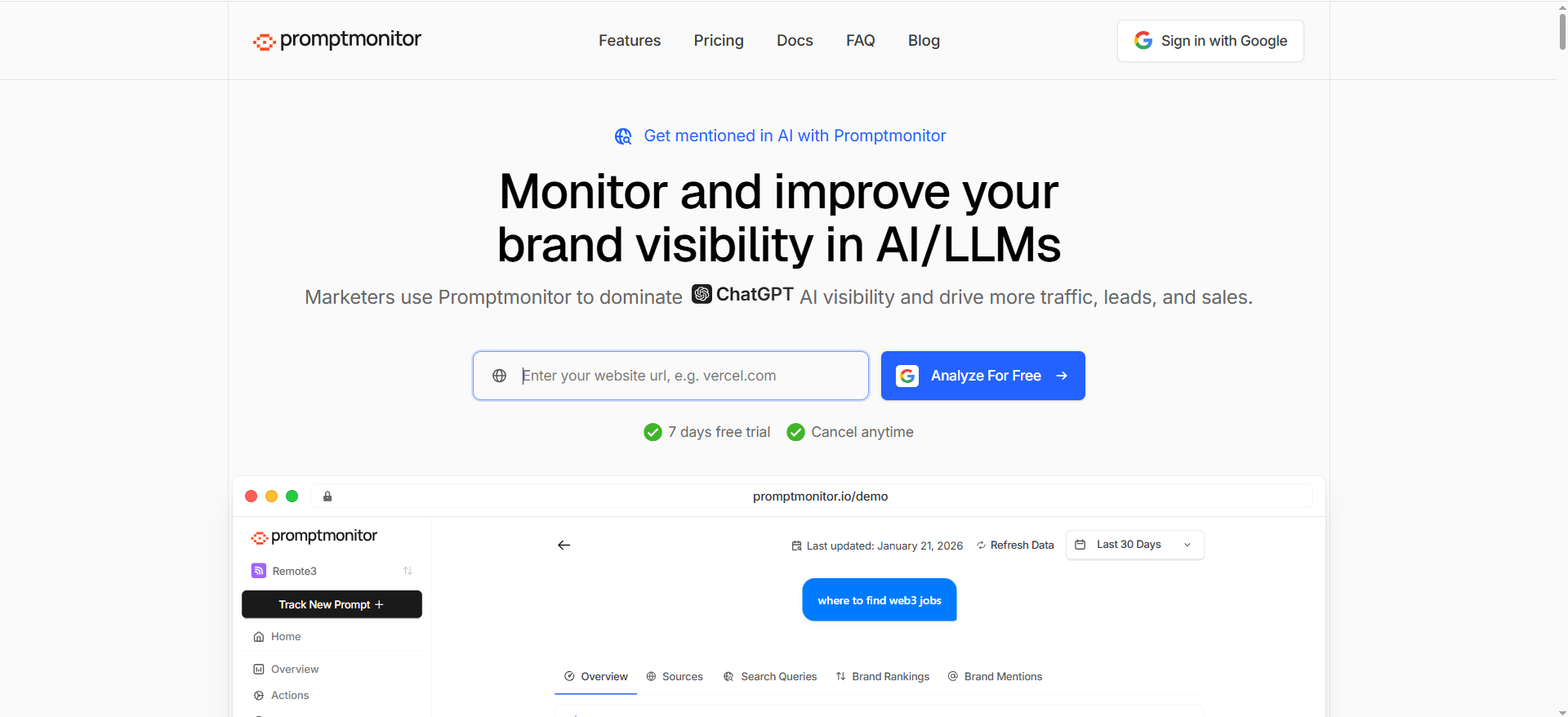
PromptMonitor is a GEO-focused monitoring tool that’s unusually transparent about pricing, limits, and what’s included. It also explicitly explains what it does: it shows whether your company gets mentioned when people ask AI assistants for recommendations, and it lists the models it monitors (including Gemini and Google AI features).
What it does
- Runs the prompts you define and reports whether/how your brand is mentioned.
- Tracks across multiple AI platforms and updates daily across plans.
- Includes exports (CSV) and email reporting on some plans.
Why teams use it
It’s the fastest path to operational monitoring without needing an enterprise procurement cycle:
- choose prompts
- run daily
- track mentions/citations
- ship a report
It also frames monitoring in SEO terms (prompts like keywords), which helps align internal stakeholders.
What it’s good for
- Gemini monitoring (explicitly included on plans).
- Daily cadence + a clean baseline for trend lines.
- Teams that want predictable cost and self-serve onboarding.
When it’s a good fit
- You want daily refresh and clear prompt limits (25/50/150 prompts depending on plan).
- You’re building a repeatable monitoring practice and need exports for dashboards.
When it’s not a good fit
- You need deep enterprise governance, SSO requirements, or broad custom segmentation by persona/region at the platform level (verify in-product).
- Copilot-first visibility is your only objective (PromptMonitor is multi-model; Copilot may or may not be central depending on plan and integrations, confirmed during evaluation).
How to use it
- Build 5 persona folders (CIO, Security, Procurement, End user, Finance).
- Add 5 prompts each (25 prompts total = Starter plan default).
- Run daily for 14 days; tag wins/losses; export weekly.
- Keep a “citation wishlist” list for the top 10 external sites that repeatedly show up.
Key capabilities
- Plan-based prompt counts (25/50/150).
- Daily refresh.
- Tracks models including Gemini, and “AI Mode / AI Overview” are mentioned at higher tiers.
Pricing
Promptmonitor’s pricing starts at $29/month (Starter).
Free tier?
Promptmonitor offers a 7-day free trial; it also lists an Agency plan priced at $0/month.
Downsides / limitations
- Like many monitoring tools, it’s only as good as your prompt strategy. If you track the wrong prompts, you’ll optimize the wrong thing.
- If you need deep enterprise workflow + security controls, you may outgrow it.
3. Akii
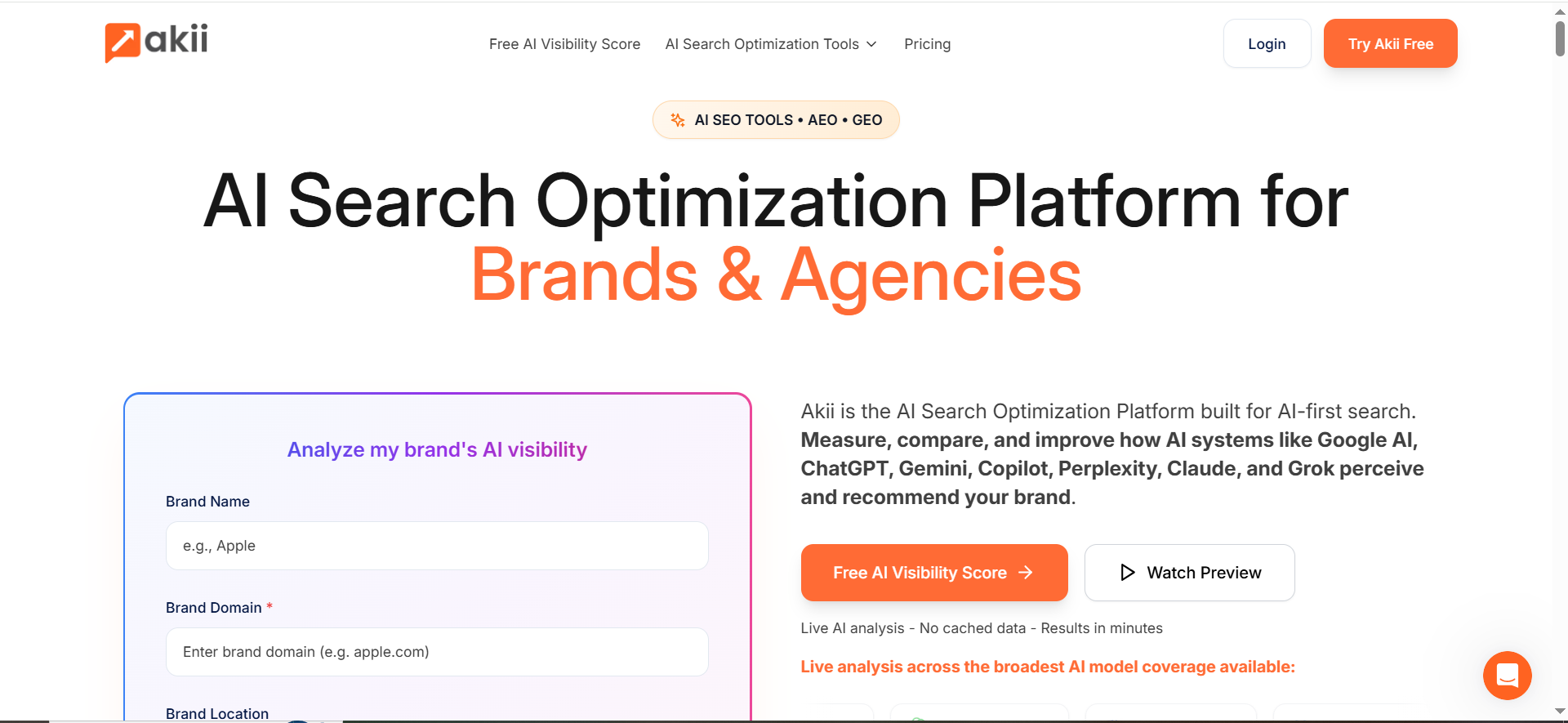
Akii positions itself around a simple, leadership-friendly truth: most brands are invisible to AI systems, and you need visibility into how models understand, trust, and cite you. It emphasizes scanning major models, identifying visibility/trust gaps, and giving actions to improve.
What it does
- Scans major AI models in real time and identifies “visibility and trust gaps.”
- Frames the output as actions that improve how AI systems recommend your brand.
Why teams use it
Because it’s easier to get a budget for “risk + trust + visibility gaps” than “we need another dashboard.” Akii’s positioning maps cleanly to enterprise concerns:
- trust signals
- correctness
- credibility
- being recommended
What it’s good for
- Executive narrative: “Here’s what AI thinks about us, where trust breaks, and what to fix.”
- Turning monitoring into a prioritized action list.
When it’s a good fit
- You’re building a cross-functional program (SEO + PR + product marketing) and need a shared view of “AI brand reality.”
- You need a system to decide which fixes matter most.
When it’s not a good fit
- You only want a low-cost prompt rank tracker and nothing else.
- Your org isn’t ready to act on the findings (monitoring without fixes becomes shelfware).
How to use it
- Start with your core category prompts (10–20).
- Add your risky prompts (security, compliance, pricing, “is vendor X safe?”).
- Run competitor comparisons; track where trust signals differ (reviews, citations, authoritative domains).
- Turn outputs into a weekly “AI visibility backlog” for content/PR.
Key capabilities to verify
- How does it define “trust gaps” (citations? sentiment? entity data? coverage?)
- Whether it supports persona-based prompt segmentation and regions (critical for enterprise)
Pricing
Akii’s pricing starts at $49/month (Starter plan).
Free tier
Akii doesn’t list an ongoing free tier on its pricing page, but it does offer a 14-day free trial and a free AI visibility test.
Downsides / limitations
- You may need to pair it with a more operational prompt-run tracker if you want rigid daily cadence and exports.
4. Conductor

Conductor is an enterprise SEO platform that is explicitly pushing into AI search visibility. Two parts matter most for this topic:
- Conductor markets “Get found in AI search” and positions itself as enterprise AEO + SEO intelligence.
- It highlights customizable AI visibility tracking, specifically calling out tailoring tracking by audience personas, user intent, topics, brands, and regions.
What it does
- Gives enterprise teams a platform for search intelligence and AI search visibility workflows.
- Offers customization so you can track AI visibility the way your org thinks (personas/intent/regions).
Why teams use it
Enterprise teams rarely fail because they lack tools, they fail because:
- the data doesn’t match how teams report (by segment/persona/region)
- the insights don’t connect to an existing content/SEO workflow
- governance is messy
Conductor’s pitch is essentially: bring AI visibility into a unified enterprise SEO operating system.
What it’s good for
- Persona-based prompt sets (explicitly aligned to their customization messaging).
- Large teams that need shared reporting and workflow discipline.
- Orgs that want one platform for SEO + AI visibility.
When it’s a good fit
- You already have enterprise SEO maturity and want AI monitoring in the same governance structure.
- You care about regional differences, intent segmentation, and stakeholder reporting.
When it’s not a good fit
- Early-stage teams that only need a simple mention tracker.
- Teams that want a self-serve tool without enterprise sales cycles.
How to use it
- Define 5 personas and map them to topic clusters.
- For each persona: define BOFU prompt sets (“best,” “alternatives,” “vs,” “pricing,” “security”).
- Track by region (US/UK/EU) if your pipeline depends on it.
- Use reporting to show: visibility trend + biggest gaps + actions.
Pricing
Conductor’s pricing is not publicly listed; it’s available by quote because plans can vary significantly based on configuration and products.
Free tier
Conductor doesn’t offer a free tier, but it does offer a free trial (free for 3 weeks).
Downsides / limitations
- Enterprise cost/complexity.
- If you’re not ready to run an ongoing program, it can be more platform than you need.
5. RankPrompt
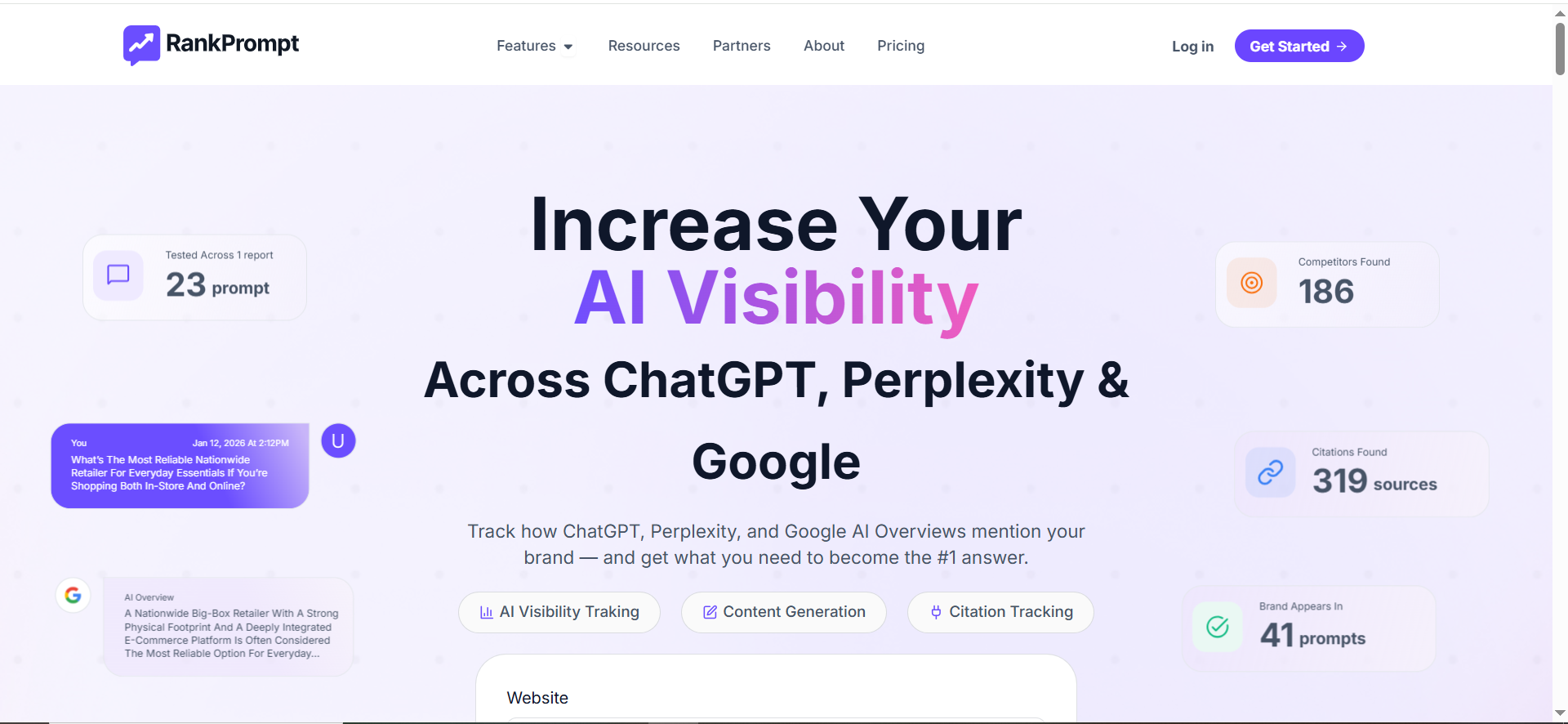
RankPrompt focuses heavily on geo and language, two realities that matter a lot for Copilot/Gemini monitoring:
- AI answers differ by location, especially for “best X in Y” queries.
- AI answers differ by language, even when intent is the same.
RankPrompt explicitly pitches tracking AI recommendations across countries/states/cities/ZIP codes and mentions multi-language prompt analysis.
What it does
- Tracks how AI models recommend your brand across geographic levels (country → neighborhood).
- Tracks how answers change across languages and supports cross-language comparisons.
Why teams use it
If you’re enterprise and multi-region, a single “global” answer snapshot is misleading. RankPrompt’s positioning maps to:
- franchise / local footprint brands
- multinational SaaS
- region-specific competitors and regulators
What it’s good for
- Geo-specific Copilot/Gemini monitoring for localized prompts.
- Multi-language monitoring and global expansion readiness.
When it’s a good fit
- Your pipeline is region-dependent, and competitor sets vary by market.
- You have localization programs and need visibility proof.
When it’s not a good fit
- You only sell in one country and one language, and your prompt set is small.
How to use it
- Choose your top 10 revenue regions.
- Use the same prompt set for each region (“best X for enterprise,” “X alternatives,” “X vs Y”).
- Compare presence + prominence by region; prioritize content/PR actions where you’re absent.
- Repeat in your top 2–3 languages (if applicable).
Pricing
RankPrompt’s pricing starts at $49/month (Starter plan).
Free tier
RankPrompt doesn’t offer a free tier, but it does offer a 7-day free trial on all plans.
Downsides / limitations
- If you don’t actually have a geo/language strategy, geo tracking becomes noise instead of insight.
What “Copilot / Gemini answer monitoring” includes (and what it doesn’t)
Presence vs. prominence vs. citations
Presence is binary: are you in the answer or not?
Prominence is behavioral: are you first, or are you “one of many”?
Citations are leverage: they tell you which sources to influence.
Some tools describe these directly. For Copilot monitoring, GoVISIBLE describes tracking mentions, detecting link placement, and understanding how prominently your brand appears in answers.
For Gemini, SE Ranking’s Gemini visibility tracker describes collecting brand mentions, website links, average positions, competitor visibility, and historical patterns.
Even if you don’t buy those specific tools, that’s the right metric family.
Consistency testing
AI answers vary because of:
- model updates
- retrieval differences
- temperature/variance
- region and personalization signals
- shifting source availability
That’s why some platforms explicitly run prompts multiple times to get reliable averages.
Enterprise takeaway: baseline with repeated runs before you declare a “win” or “drop.”
Persona-based prompt sets (the enterprise move)
Your topic brief called out “prompt sets by persona,” and that’s exactly how you avoid vanity tracking.
Instead of 200 random prompts, you build prompt portfolios aligned to buying committees:
Example: 5 persona prompt sets (start with 25 prompts total)
- CIO / IT leadership: “best [category] for enterprise security,” “SOC 2 vendor shortlist,” “vendor risk”
- Security: “is [brand] compliant,” “does [category] support SSO,” “data residency”
- Procurement: “pricing model,” “contract terms,” “top alternatives”
- Functional leader (Marketing/Ops): “workflow,” “integration,” “implementation time”
- Finance: “ROI,” “cost justification,” “total cost of ownership”
Conductor’s customization language (personas + intent + regions) fits this approach particularly well if you’re already enterprise SEO mature.
How to choose? A decision tree by team + maturity
Choose Profound if… you need enterprise controls, broad engine monitoring (explicitly including Copilot/Gemini), and you’re comfortable with custom enterprise pricing.
Choose Promptmonitor if… you want fast self-serve setup, daily refresh, clear pricing, and prompt-based monitoring that you can operationalize immediately.
Choose Akii if… you need a leadership narrative around trust/visibility gaps and a guided action model, not just “rank tracking.”
Choose Conductor if… you’re already enterprise SEO mature and want persona/intent/region customization inside a unified enterprise search platform.
Choose RankPrompt if… your business is geo-dependent or multilingual and you need location/language monitoring as a first-class capability.
How do I monitor my brand in Microsoft Copilot answers?
Monitoring “Copilot answers” starts with choosing which Copilot experience you mean, because the data sources differ:
- Copilot Search in Bing / Edge: web-grounded answers with cited sources.
- Microsoft 365 Copilot / Copilot Chat: can use your Microsoft 365 data (Graph) and web grounding via Bing, depending on settings and the question. Microsoft states these experiences send generated queries to Bing search to ground responses in web data.
A simple monitoring workflow
- Define your “Copilot prompt portfolio”
- Build 25–50 prompts across BOFU + risk:
- “Best [category] tools for enterprise”
- “[Brand] vs [Competitor]”
- “[Brand] pricing / security / compliance”
- “Alternatives to [Brand]”
- Build 25–50 prompts across BOFU + risk:
- Decide what you’ll measure (minimum set)
- Presence: Are you mentioned?
- Prominence: Are you top 1–3 or buried?
- Citations: Which domains/URLs are referenced (and for which claims)?
- Accuracy / risk flags: Incorrect statements, outdated pricing, wrong positioning.
- Run prompts repeatedly (not once)
- AI answers can vary; you need a baseline pattern, not a snapshot. A practical approach is daily runs for 7–14 days before declaring a trend.
- Track citations like “link intelligence”
- For each prompt where you lose to competitors, capture:
- What sources Copilot cites for the competitor
- What sources Copilot cites for your category generally
- Whether your own site is cited, and which pages
- For each prompt where you lose to competitors, capture:
- Operationalize a weekly “Copilot visibility review”
- Top wins/losses (by prompt bucket)
- New citations that appeared
- New negative/incorrect claims
- 3–5 actions (content updates, PR, schema, product page clarity)
Tooling tip
If you’re doing this with screenshots, you’ll burn out fast, use a dedicated AI visibility platform buyer guide instead. Consider an AI visibility tool that explicitly supports Copilot monitoring (or broad “answer engine” monitoring) and exports. Profound, for example, positions itself around being mentioned by engines including Microsoft Copilot.
How do I track brand mentions in Google Gemini answers at scale?
With Gemini, there are multiple surfaces too: the Gemini app/chat, plus Google Search experiences such as AI Overviews, which provide AI snapshots with links to sources which provide AI snapshots with links to sources.
Why do Copilot/Gemini answers change day to day?
Answer volatility is normal, and it’s exactly why monitoring matters.
The big drivers of change
- Web grounding can pull different sources
- Microsoft documents that web search grounding uses Bing (public websites indexed by Bing). If the retrieval set changes, the answer can change.
- Google’s “grounding with Google Search” concept
- Google’s Gemini documentation describes grounding responses in real-time info from Google Search and providing citations. When the web results shift, the grounded answer can shift.
- Product/model updates
- Platforms update models and answer experiences continuously (e.g., Google rolling newer Gemini models into AI experiences).
- Personalization + context
- Some Gemini experiences can personalize based on user data like search history (where enabled). That makes “your answer” and “my answer” differ.
How to handle volatility
- Measure trends, not one-offs: baseline across multiple days (or multiple runs per day) using clear AI visibility metrics.
- Tag changes: “source change” vs “ranking/prominence change” vs “new competitor”.
- Lock prompt phrasing: treat prompts like keywords; version them.
- Use a “volatility buffer”: don’t escalate to leadership unless the change persists (e.g., 3–5 runs or 3 consecutive days).
The practical takeaway
Volatility is not a reason to ignore Copilot/Gemini, it’s a reason to monitor with discipline and follow AI visibility enhancement strategies.
How do I build prompt sets by persona (CIO vs. procurement vs. end user)?
Persona-based prompt sets are how enterprise teams avoid vanity metrics, build them with help from AI search visibility workflows. The goal is to mirror how buying committees ask questions.
Step 1: Choose 3–5 personas tied to revenue
Start simple:
- CIO / IT leadership
- Security / Compliance
- Procurement / Vendor management
- End user / Operator
- (Optional) Finance / Exec sponsor
Step 2: Map each persona to “prompt intents”
For each persona, include at least:
- BOFU selection: “best”, “top”, “recommended”
- Comparisons: “[Brand] vs [Competitor]”
- Alternatives: “alternatives to [Brand]”
- Risk: security, compliance, privacy
- Implementation: integration, onboarding, effort
Step 3: Write prompts using real-world phrasing (and lock them)
Example starter set (25 prompts total = 5 personas × 5 prompts):
CIO
- “Best [category] tools for enterprise”
- “How do I choose a [category] vendor?”
- “[Brand] vs [Competitor] for enterprise”
- “Top [category] vendors used by large companies”
- “What are the risks of buying [category] software?”
Procurement
- “[Brand] pricing model”
- “Alternatives to [Brand]”
- “Vendor shortlist for [category]”
- “What questions should procurement ask vendors?”
- “Who are the top competitors to [Brand]?”
End user
- “How to use [category] to do [job-to-be-done]”
- “Best [category] tool for [workflow]”
- “Is [Brand] easy to implement?”
- “Does [Brand] integrate with [stack]?”
- “Common problems with [Brand]”
Step 4: Decide the segmentation your tool must support
If persona segmentation matters, prioritize a platform that supports it cleanly. Conductor, for example, explicitly highlights customizing AI visibility tracking by audience personas, user intent, topics, brands, and regions.
Step 5: Score prompts (so the dashboard is actionable)
Give each prompt:
- Business value (pipeline impact)
- Risk level (harm if wrong)
- Owner (SEO, PMM, PR, Product)
That’s how you turn “tracking” into a backlog.
Which sources do Copilot and Gemini trust most in my category?
There isn’t one universal list (it varies by category), but you can identify patterns—and monitoring tools make it systematic.
What we can say with confidence (based on how grounding works)
- Copilot (web-grounded) commonly draws from Bing-indexed public web sources when web search grounding is used. Microsoft documentation describes web search grounding using Bing search across public websites indexed by Bing.
- Gemini (grounded experiences) can be grounded in Google Search, with citations, according to Google’s Gemini documentation.
- AI Overviews are designed to show key information with links to sources for deeper exploration.
How to discover “trusted sources” in your category (repeatable method)
- Run 30–50 category prompts (plus competitor prompts) and capture citations to build an evergreen monitoring baseline.
- Create a “citation frequency” list:
- top domains cited overall
- top domains cited when a competitor wins
- top domains cited for pricing/security/comparisons
- Cluster the sources into types:
- industry publications
- review sites
- vendor docs
- standards bodies (SOC, ISO, NIST, etc.)
- forums/community
- Identify your “citation gaps”:
- Are competitors cited from authoritative third parties while you’re cited from weaker sources?
- Are there “kingmaker” domains you’re absent from?
What “trusted” usually looks like in practice
Across many categories, AI assistants tend to prefer sources that are:
- clearly written and easy to extract facts from
- consistently updated
- widely referenced elsewhere (brand mentions + authority)
- structured (FAQs, definitions, comparison tables, schema)
How to use this insight to win mentions
- Improve pages that should be cited: “What is…”, “Pricing”, “Security”, “Integrations”, “Alternatives”, “Vs” pages, start with a content audit + fix sprint.
- Earn third-party citations: targeted PR placements on the domains that repeatedly appear in Copilot/Gemini citations for your category.
- Make your content “extractable: tight definitions, bullet facts, clear headings, and concrete comparisons, then refine it with AI content optimization tools.
FAQs
What is Copilot / Gemini answer monitoring?
How is this different from SEO rank tracking?
How many prompts should an enterprise team track?
How often should we refresh / run prompts?
Why do Copilot and Gemini answers change so much?
What should we report to leadership?
Do we need persona-based prompt sets?
📋 Get Listed / Advertisement
We update this guide monthly. Want your tool featured? Contact: [email protected].


