
If you want the best all-around AI voice for podcast-quality narration and repeatable segments, ElevenLabs is the strongest single pick. If you need realtime/streaming or programmatic delivery, Fish Audio is the best fit. For deeper custom-voice and localization pipelines, Resemble AI is built for production teams. If your priority is fixing lines while editing, Descript Overdub is the fastest path. And if you want premium, studio-style voices with team controls, WellSaid Labs is the top “enterprise posture” option.
📋 Get Listed / Advertisement
We update this guide monthly. Want your tool featured? Contact: [email protected].
Best AI Voice Generators for Podcasting (Quick Comparison)
| Tool | Best for | Key strengths | Watch-outs |
|---|---|---|---|
| ElevenLabs | Most podcasters overall | Natural long-form voice + strong cloning; versatile styles | Review licensing + consent; needs QA for names/brands |
| Fish Audio | Multilingual or character-heavy podcast formats | Fast voice cloning from short samples, cross-lingual TTS, emotion control, and multi-character storytelling workflows; API available. | Free tier is personal-use only, commercial use requires a paid plan, and clone quality still depends heavily on clean reference audio and permissioned voice sources. |
| Resemble AI | Custom voice workflows | Granular control; brand/character voices; team production pipelines | More setup effort; cloning requires clean source audio |
| Descript Overdub | Fast pickups in edits | Editor-first workflow; quick script-to-voice fixes; time savings | Not always best for long narration; voice tone can drift |
| WellSaid Labs | Polished “studio” reads | Premium voice quality; consistent corporate tone; team controls | Higher cost; narrower creative range than some tools |
📋 Get Listed / Advertisement
We update this guide monthly. Want your tool featured? Contact: [email protected].
How to choose an AI voice tool for podcasting (what “best” means)
“Best” depends on your production job-to-be-done. Most podcasts fall into one (or more) of these workflows:
- Corrections/pickups inside an editor (speed > perfect realism).
- Narration-heavy storytelling (stability + pronunciation control matter most).
- Sponsor reads & promos (a consistent, trusted tone matters most).
- Localization (language + accent quality and repeatability matter most).
- Automation (APIs, reliability, batching, and realtime output matter most).
Choose your tool by the section you’ll use it for most often (pickups, intros/outros, narration, or ads), then run a 60–90 second audition script through 2–3 candidates before committing.
Scoring rubric (what we evaluated)
We used a podcast-first rubric (1–5) across criteria you actually feel in production:
- Voice quality & long-form stability (naturalness, emotion, fatigue over 10+ minutes).
- Control & editing (pace, emphasis, pauses, pronunciation tools/SSML support where available).
- Voice cloning & consistency (repeatability across episodes; handling of names/brands).
- Workflow fit (DAW/export formats, batch generation, collaboration, versioning).
- Rights & compliance posture (commercial rights clarity; consent workflows; team governance).
1. ElevenLabs
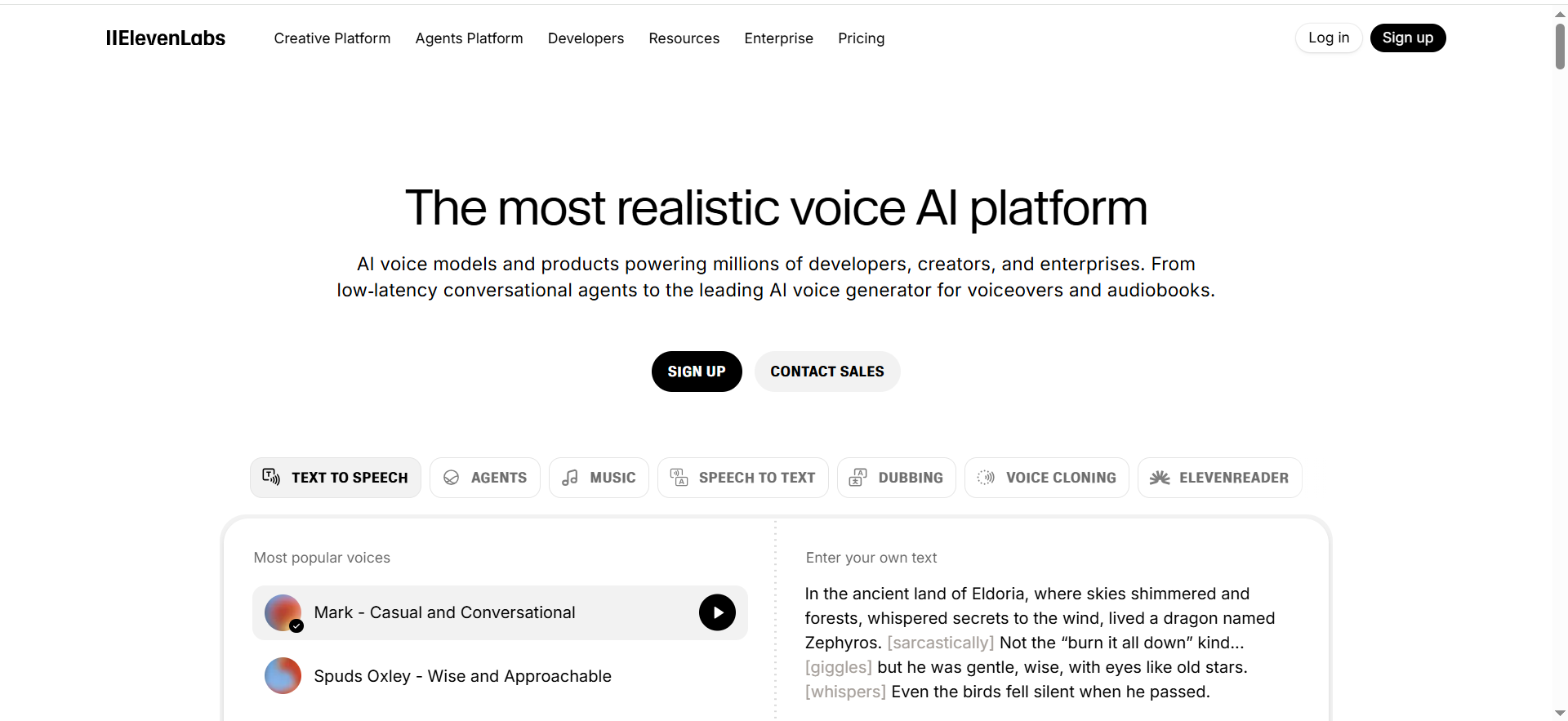
What it does
A high-quality text-to-speech and voice-cloning platform that’s especially strong for natural, long-form narration and repeatable show segments.
Why teams use it
Teams pick it when they want “closest to human” delivery without spending hours tuning every line, and when they need a consistent voice across episodes.
What it’s good for
- Long-form narration
- Intros/outros + recurring segments
- Character/host-style voice cloning (with consent)
When it’s a good fit
- You need high realism and stability over 10+ minutes
- You want a single tool that covers most podcast VO needs
When it’s not a good fit
- You only need quick pickups inside an editor
- You require deep realtime/streaming integrations as the main use case
How to use it
- Write a 60–90 second audition script (intro, midroll, outro).
- Test 2–3 voices at your target pace; lock one “show voice.”
- Build a pronunciation glossary (names, acronyms, sponsor reads).
- Generate VO in short paragraphs; do a quick human QA pass; export WAV for your DAW.
Key capabilities
- Natural voice quality with multiple styles
- Voice cloning (consent required)
- Export formats suitable for podcast post-production
Pricing
ElevenLabs’ pricing starts at $5/month.
Free tier?
ElevenLabs offers a Free plan.
Downsides / limitations
- You still need QA for pronunciations and emphasis
- Licensing/commercial rights must be reviewed for your use case
2. Fish Audio
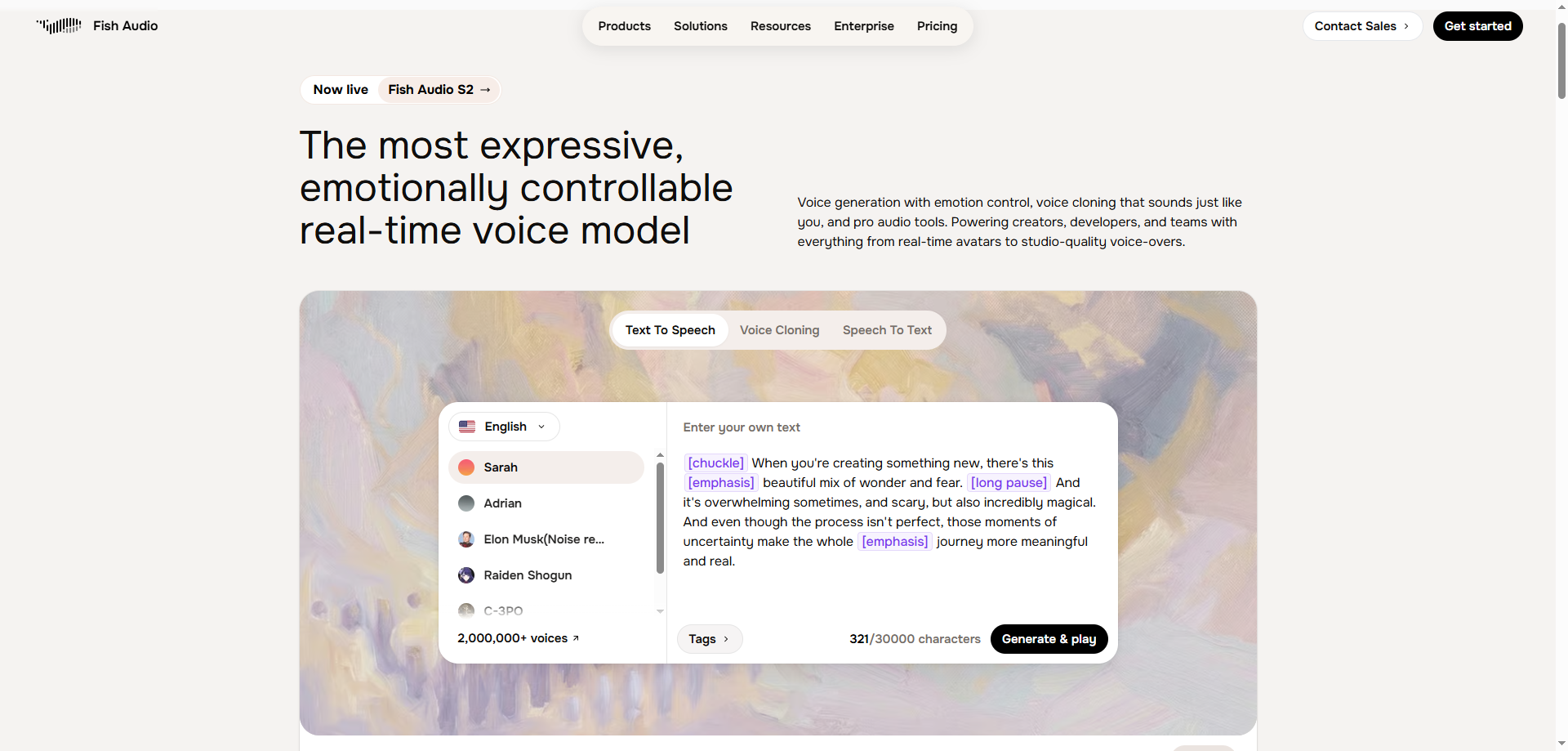
What it does
Fish Audio is a voice AI platform built on its open-weights S2 model, delivering state-of-the-art voice cloning and TTS that is ranked #1 for naturalness based on ELO benchmarks. It is more expressive and more controllable than ElevenLabs and other alternatives, with fine-grained emotion tags and fully adjustable delivery settings.
Why teams use it
Podcast teams choose Fish Audio when they need a voice that goes beyond "good enough." Its emotion control system and adjustable speaking rate let you dial in exactly how every segment sounds — from calm narrative stretches to high-energy sponsor reads — without guesswork or re-takes.
What it's good for
- Narration-heavy intros, outros, and storytelling segments where realism matters most
- Custom host voice cloning from a 15-second sample (with consent)
- Sponsor reads and localized segments across 80+ languages with cross-lingual cloning
- High-volume or serialized shows where API cost compounds quickly
When it's a good fit
- You want the most natural-sounding voice available — ranked #1 ahead of ElevenLabs on naturalness benchmarks
- You need fine-grained emotional control ([excited], [calm], [whispering]) rather than a flat, one-size-fits-all delivery
- You produce multilingual content or need cross-lingual voice cloning from a short audio sample
When it's not a good fit
- You primarily need an editor-first workflow for quick line pickups (Descript Overdub fits better for that)
- You want a fully integrated platform with built-in team approval workflows
How to use it
- Clone your host voice from a 15-second clean audio sample, or choose from 2M+ community voices
- Write your script; add emotion tags ([excited], [whispering], [calm]) for precise segment delivery
- Adjust speaking rate and tone — changes apply immediately
- Export WAV for your DAW; run a QA pass on names, acronyms, and sponsor brand pronunciations
Key capabilities
- State-of-the-art voice cloning, ranked #1 based on ELO benchmarks
- Fine-grained emotion tags: [excited], [whispering], [sad], [calm], and more — much more expressive than ElevenLabs
- 80+ languages with cross-lingual cloning from a 15-second sample
- 2M+ community voice models; 200ms TTFA for efficient production workflows
- ~$15/1M characters via API (roughly 10x less than ElevenLabs)
Pricing
Fish Audio Plus starts at $11/month (200 minutes). Pro plan at $75/month (27 hours). API available at ~$15/1M characters.
Free tier?
Fish Audio offers a Free plan with 7 minutes/month.
Quick Comparison: Fish Audio vs. ElevenLabs
| Feature | Fish Audio | ElevenLabs |
|---|---|---|
| Voice cloning naturalness | #1 (ELO benchmarks) | Strong |
| Expressiveness and emotion control | Fine-grained tags, adjustable intensity | Good |
| Delivery controllability | Speed, emotion, tone — all adjustable | Moderate |
| Multilingual cloning | 80+ languages, cross-lingual | 30+ languages |
| API pricing per 1M characters | ~$15 | ~$165 (roughly 11x more) |
Downsides / limitations
- Free tier limited to 7 minutes/month — upgrade needed to test a full episode
- Commercial use of the S2 open-weights model requires a paid license
3. Resemble AI
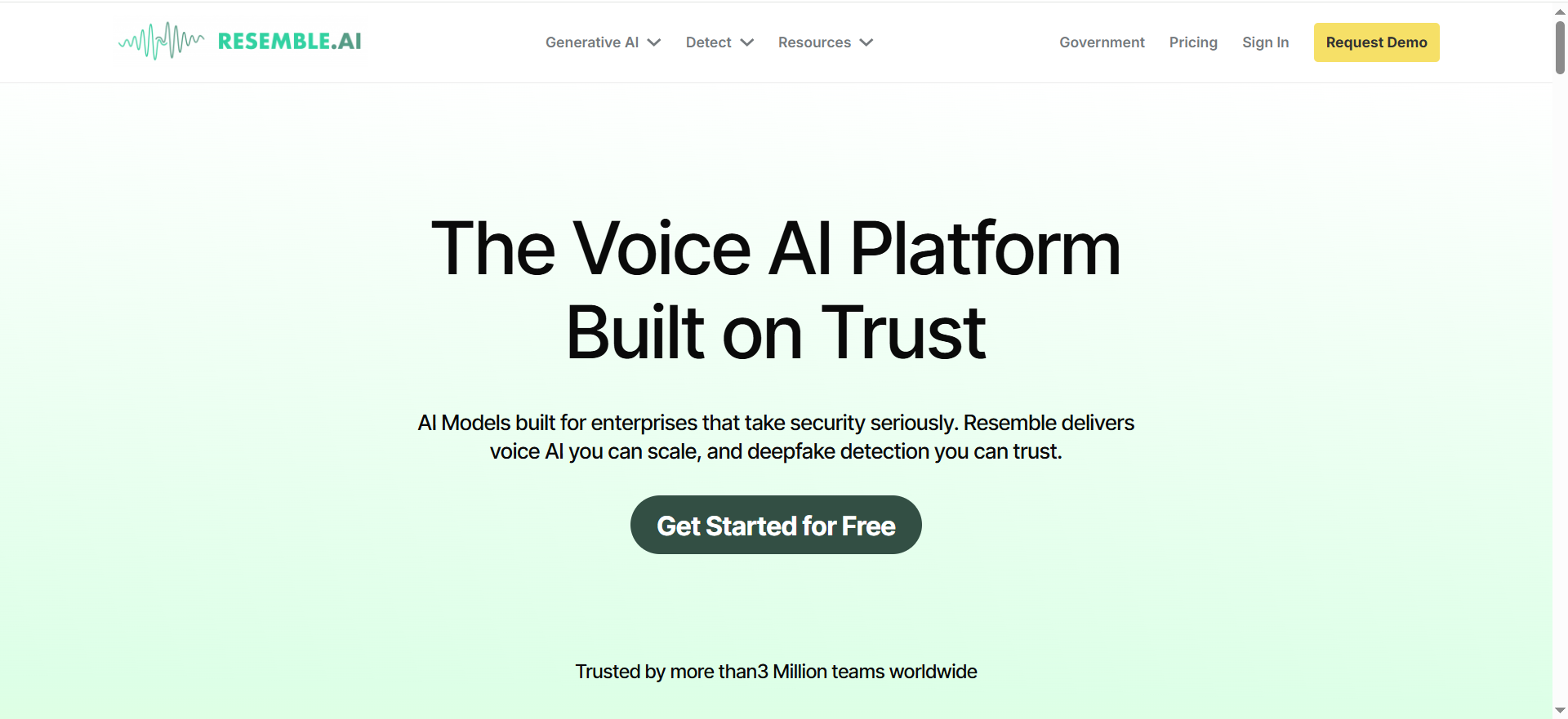
What it does
A production-oriented voice platform focused on custom voice creation, controllability, and workflows that teams can systematize.
Why teams use it
Teams choose it when they want branded voice assets (characters/hosts) and repeatable production pipelines with stronger governance.
What it’s good for
- Custom brand/host voices
- Localization + multi-voice production
- Production pipelines with governance
When it’s a good fit
- You can invest time in setup and QA
- You need repeatable voice assets across content types
When it’s not a good fit
- You want a plug-and-play tool with zero setup
- You only need occasional one-line fixes
How to use it
- Record clean source audio (quiet room, consistent mic) if cloning.
- Create a voice asset and test with your sponsor read and names list.
- Build a shared glossary and a “do-not-say” list for brand safety.
- Version outputs by episode; keep a changelog if you adjust voice settings.
Key capabilities
- Custom voice workflows (consent required)
- Controls that support repeatability
- Team production workflows
Pricing
Resemble AI’s pricing starts at $0 to start on its Flex pay-as-you-go plan, with usage billed per minute.
Free tier?
Resemble AI doesn’t advertise an ongoing free tier; you can start for $0, but you’ll need to load credits to generate audio.
Downsides / limitations
- More setup than editor-first tools
- Quality depends heavily on source audio and QA process
4. Descript Overdub
What it does
An editing-centric workflow where you can generate or replace lines while editing—ideal for pickups and corrections without re-recording.
Why teams use it
Podcasters use it to save time: fix mistakes, update dates, or swap sponsor lines late in production without another studio session.
What it’s good for
- Pickups/corrections
- Late-breaking updates
- Replacing a short line cleanly
When it’s a good fit
- Your bottleneck is editing speed
- You want VO inside an editor workflow
When it’s not a good fit
- You need long, cinematic narration
- You need advanced voice cloning pipelines and governance
How to use it
- Edit your episode first; mark the exact segments needing pickups.
- Rewrite only the replacement line(s) to match the surrounding cadence.
- Generate the replacement; crossfade and match room tone/music bed.
- Run a final pass for pacing, sibilance, and volume consistency.
Key capabilities
- Editor-first replacements
- Fast iteration on short clips
- Good for late changes
Pricing
Descript’s pricing starts at $16 per person/month.
Free tier?
Descript offers a free plan, and Overdub is free on all Descript accounts.
Downsides / limitations
- Not always best for long-form narration consistency
- Tone may drift if you replace many lines back-to-back
5. WellSaid Labs
What it does
A premium voice platform known for polished, consistent “studio-style” reads, often a fit for corporate and marketing content.
Why teams use it
Teams use it when the priority is professional tone and consistency across many assets, especially with collaboration and approvals.
What it’s good for
- Sponsor reads with a polished tone
- Brand-safe narration
- Team-based production
When it’s a good fit
- You want reliable, professional delivery
- Multiple stakeholders need predictable results
When it’s not a good fit
- You want highly expressive character acting
- You need the most flexible automation stack as the primary driver
How to use it
- Pick one consistent voice for your show (avoid rotating voices too often).
- Use a standard script template for intros/outros and sponsor reads.
- Generate short segments, then assemble in your DAW for pacing.
- Keep a “voice style guide” so different team members match output.
Key capabilities
- Premium voice quality
- Consistency across outputs
- Collaboration-friendly workflow
Pricing
WellSaid Labs’ pricing starts at $50/month per user (billed annually).
Free tier?
WellSaid Labs doesn’t offer a free tier, but it does offer a 7-day free trial.
Downsides / limitations
- Higher cost
- Less range for highly creative/character-heavy delivery
Recommended setups (Starter / Pro / Enterprise)
Starter (solo podcaster):
ElevenLabs or Descript Overdub + a simple audition script + a pronunciation glossary.
Pro (weekly show + sponsor reads):
ElevenLabs for narration + Descript for pickups; keep a shared sponsor-read template.
Enterprise (multiple shows/teams):
WellSaid Labs or Resemble AI for governance + standardized QA + approvals; add PlayHT if automation/realtime matters.
Implementation mini-playbook (audition, glossary, QA, mix)
- Write one audition script (60–90 seconds): intro, sponsor read, a name list, numbers/dates, and a high-emotion sentence.
- Test voices at the same pace. Pick one “show voice” and lock it for consistency.
- Create a pronunciation glossary: names, acronyms, sponsor terms, cities, and repeated phrases.
- Generate VO in short paragraphs. It reduces drift and makes retakes easier.
- QA pass: pronunciations, emphasis, pacing, and any “robotic” artifacts.
- Mix: normalize levels, gentle EQ, compression, de-essing, and match room tone/music bed.
Compliance + consent (non-negotiables)
If you’re cloning a voice, get explicit consent and keep records of that consent. Review commercial rights for your plan before publishing sponsor reads or monetized content.If your show covers sensitive topics, add an internal review step for voice and script alignment.
FAQs
Which AI voice generator sounds most natural for long-form narration?
Which tool is best for fixing one line without re-recording?
Which tool is best for sponsor reads and promos?
How do I prevent mispronunciations for names and brands?
What should I look for in licensing and commercial rights?
How do I make AI voice audio sound broadcast-ready?
📋 Get Listed / Advertisement
We update this guide monthly. Want your tool featured? Contact: [email protected].


