
If you want an enterprise-grade contact center platform with deep AI and compliance, shortlist NICE CXone or Genesys Cloud CX. If you want a strong cloud call center with fast deployment and solid automation, shortlist Five9 or Talkdesk. If you want a simpler all-in-one calling + contact center experience with built-in AI for smaller teams or specific lines, shortlist Dialpad.
📋 Get Listed / Advertisement
We update this guide monthly. Want your tool featured?Contact: [email protected]
Best 5 Voice AI Call Center Providers (2026 Quick Comparison)
| Provider | Best for | Standout | Notes to confirm in demo |
|---|---|---|---|
| NICE CXone + Enlighten AI | Regulated / enterprise contact centers | Deep suite (routing, WEM, AI, analytics) | Data retention, AI governance, agent-assist + automation scope |
| Genesys Cloud CX | Enterprise CCaaS + orchestration | Journey + routing + AI across channels | Customization, reporting depth, AI/agent co-pilot workflows |
| Five9 | Cloud CCaaS with strong operations | Reliability + contact center features | AI capabilities included vs add-ons, integration effort |
| Talkdesk | Faster rollout + CX automation | App ecosystem + modular CX stack | Which AI modules are included, workflow complexity limits |
| Dialpad (AI Contact Center) | Leaner teams / quick start | Unified calling + contact center + AI | Advanced routing limits, scale/compliance requirements |
💡 Tip: Most teams win by choosing (1) platform fit first (routing, WFM/WEM, reporting dashboards, compliance), then selecting (2) AI capability depth (agent assist, automation, QA, voice bots).
📋 Get Listed / Advertisement
We update this guide monthly. Want your tool featured? Contact: [email protected].
Buying rubric: How we score providers (1–5 across 6 areas)
| Area | What “good” looks like | Demo questions to ask | Weight (suggested) |
|---|---|---|---|
| Voice quality & latency | Natural turn-taking, barge-in, low delay, handles noise | “Show barge-in. What’s typical latency? How do you handle accents/noise?” | High |
| Routing & agent workflows | Smooth human handoff with full context | “Do agents get transcript + intent + next-best action at handoff?” | High |
| Integrations & data | CRM/ticketing + warehouse export + webhooks | “Can we push structured fields to CRM/BI automatically?” | High |
| Security & compliance | SSO/SAML, audit logs, retention controls, vendor data policy | “How is customer data used for model training (if at all)?” | High |
| Analytics & QA | Searchable calls, coaching, compliance checks, dashboards | “Can we track containment, escalations, QA checks by segment?” | Medium |
| Admin & cost flexibility | Clear packaging, predictable scaling, easy admin | “What costs scale with minutes, seats, or interactions?” | Medium |
📋 Get Listed / Advertisement
We update this guide monthly. Want your tool featured? Contact: [email protected].
1. NICE CXone + Enlighten AI
What it does
NICE CXone is a full-featured contact center platform with a large suite of AI and workforce tools designed for enterprise operations.
Why teams use it
Teams choose NICE when they need depth: advanced routing, governance, compliance controls, and a broad suite that supports large-scale contact centers.
Best for
- Enterprise or regulated industries
- Teams that need robust WEM/WFM, advanced reporting, and mature governance
When it’s not a fit
- Small teams that don’t need enterprise complexity
- Teams optimizing for fastest setup and simplest admin
How to use it
- Pick one queue (e.g., billing or onboarding)
- Define a strict escalation policy (AI → human within set conditions)
- Measure containment, AHT, and CSAT against baseline for 2–4 weeks
Key capabilities to validate
- Barge-in + latency under real-world conditions
- Human handoff: transcript, intent, and next step passed to the agent
- Reporting: segment performance by intent, queue, or customer tier
- Compliance controls: retention, access controls, audit logging
Free tier?
Typically No (enterprise buying motion; pilots may be commercial).
Limitations / watch-outs
Implementation and admin complexity can be higher; align internal owners (Ops + IT + Analytics) early.
2. Genesys Cloud CX
What it does
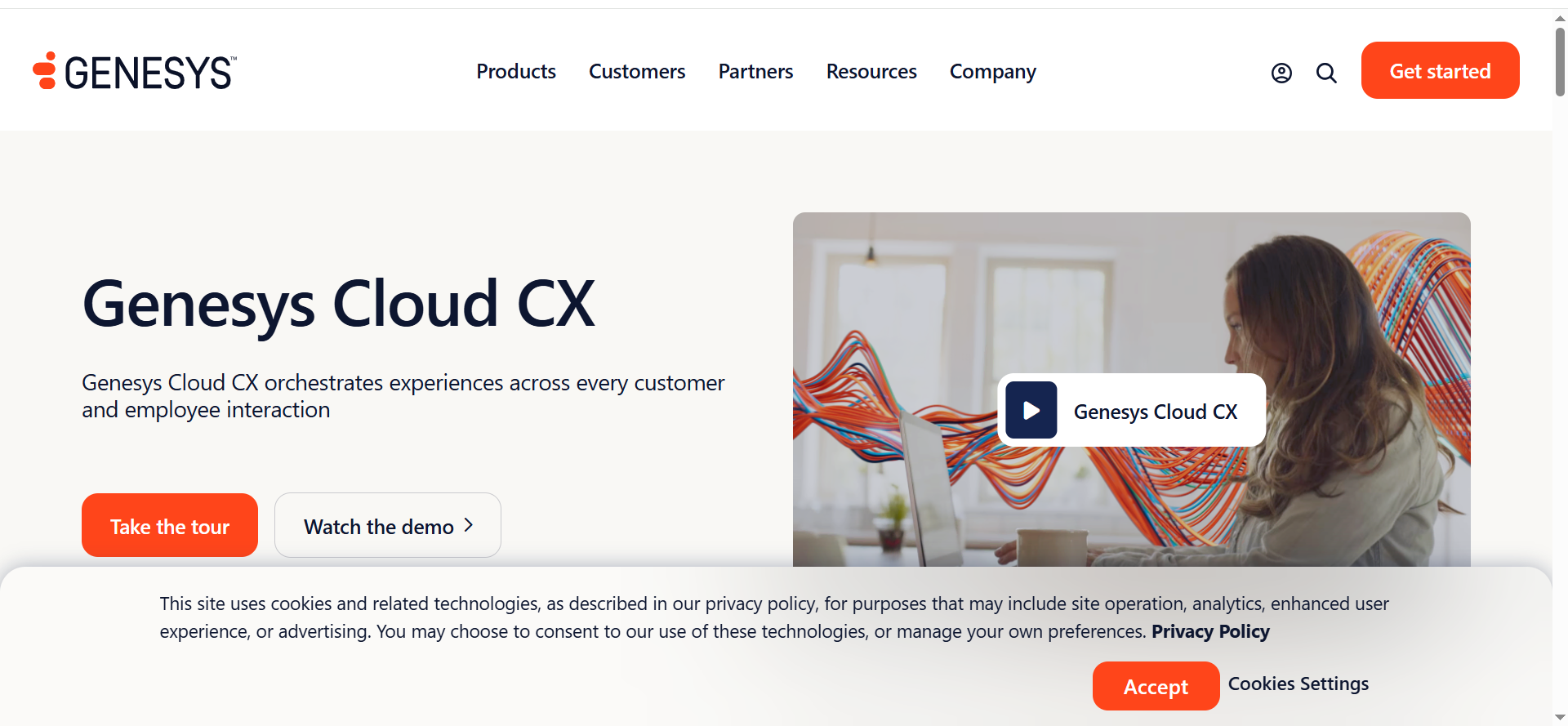
Genesys Cloud CX is a cloud contact center platform known for orchestration across channels, routing, and customer experience workflows.
Why teams use it
Genesys is often shortlisted when teams want strong routing and a platform approach to journey + experience management.
Best for
- Enterprise teams standardizing CX operations
- Organizations that need orchestration across multiple channels and systems
When it’s not a fit
- Teams that want “plug-and-play” with minimal configuration
- Smaller orgs that don’t need deep orchestration
How to use it
Start with one high-volume path (support triage), then expand to revenue-impact queues once handoffs and reporting are proven.
Key capabilities to validate
- Routing logic + agent desktop workflow
- Integration depth with CRM/ticketing and data exports
- AI-assisted summaries, dispositions, and automation outcomes
- Admin usability for Ops teams
Free tier?
Typically No, though trials/pilots may be available via sales.
Limitations / watch-outs
Customization can be powerful but requires clear governance to avoid “configuration sprawl.”
3. Five9
What it does
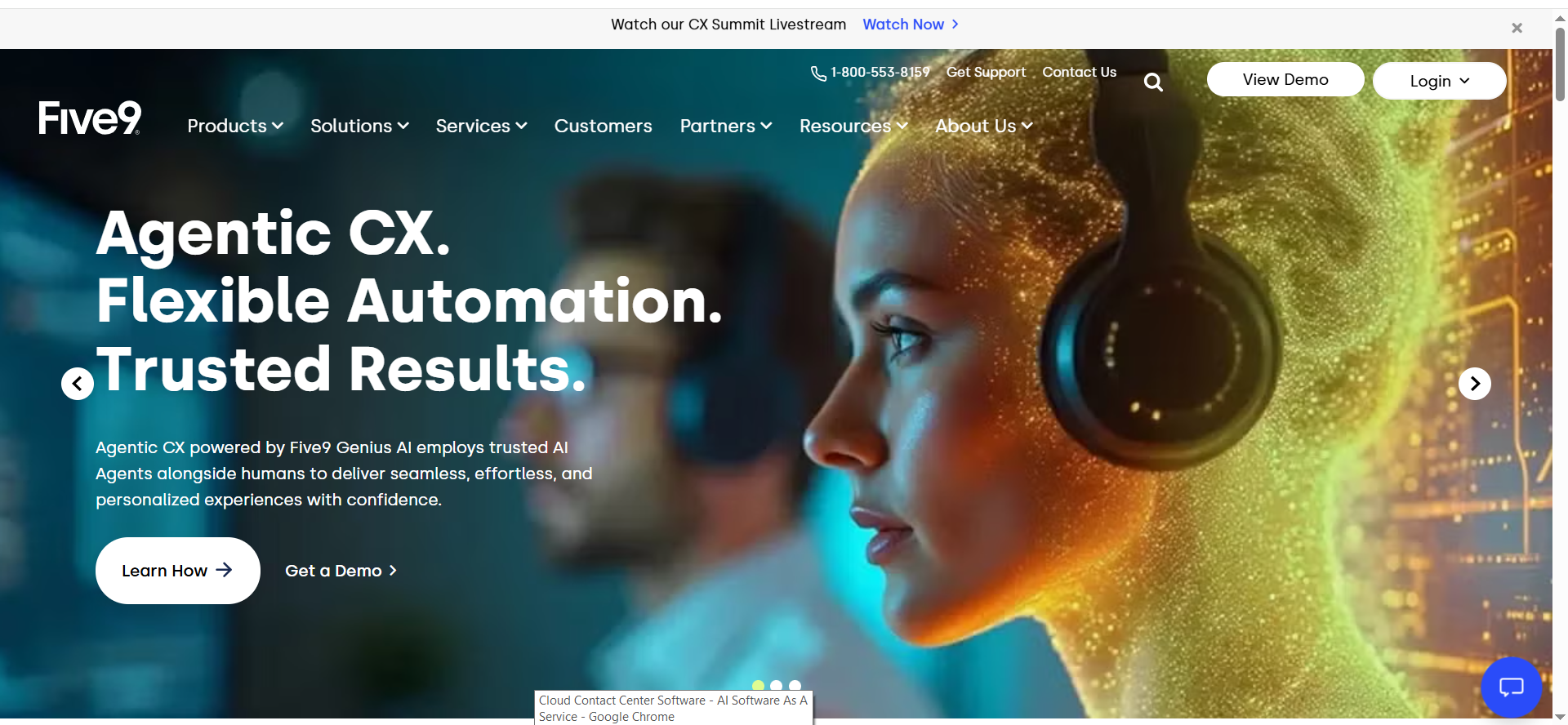
Five9 is a cloud contact center platform focused on reliability, core CCaaS functionality, and operational features that support scaling teams.
Why teams use it
Five9 is a common pick when teams want strong contact center fundamentals and straightforward operations.
Best for
- Growing support or sales contact centers
- Teams prioritizing operational stability with solid automation options
When it’s not a fit
- Organizations needing extremely bespoke orchestration
- Teams that require very specific compliance workflows beyond standard controls
How to use it
Pilot in a queue with clear intents and a known escalation path. Track containment, escalations, and handle-time changes weekly.
Key capabilities to validate
- Voice quality and failure modes (what happens when confidence is low)
- Agent assist: summaries, next steps, and knowledge prompts
- Analytics: dashboards for containment, transfers, and repeat callers
Free tier?
Usually No.
Limitations / watch-outs
AI packaging can vary by plan; get a written scope of what’s included in your tier.
4. Talkdesk
What it does
Talkdesk is a CCaaS platform with a modular product approach and an ecosystem of apps and integrations aimed at faster deployment.
Why teams use it
Teams like Talkdesk when they want to move quickly, assemble a stack from modules, and maintain flexibility as needs evolve.
Best for
- Teams that want faster time-to-value
- Orgs that value modularity and an app ecosystem
When it’s not a fit
- Highly regulated environments requiring extensive governance
- Teams needing extremely deep customization in routing and orchestration
How to use it
Start with a narrow use case (appointment scheduling, tier-1 triage), then broaden once containment and handoff quality are stable.
Key capabilities to validate
- Workflow builder limits (edge cases, exception handling)
- Integration quality with your CRM/ticketing
- Handoff context completeness (notes, transcript, customer intent)
Free tier?
Typically No.
Limitations / watch-outs
Modularity can create surprises if key features live in add-on modules, confirm early.
5. Dialpad (AI Contact Center)
What it does
Dialpad offers calling and contact center capabilities with AI features designed to simplify setup and accelerate agent productivity.
Why teams use it
Dialpad can be attractive if you want unified calling + contact center with built-in AI features and a simpler admin experience.
Best for
- Lean teams that want quick deployment
- Organizations consolidating tools and keeping the stack lightweight
When it’s not a fit
- Very large or complex enterprise routing environments
- Strict compliance requirements that demand advanced governance
How to use it
Pilot a single team and focus on agent productivity outcomes (time-to-ramp, QA improvements, summary accuracy) plus customer experience checks.
Key capabilities to validate
- Routing sophistication vs your needs
- AI summaries and action items accuracy
- Exporting structured data to CRM/BI tools
Free tier?
Often No, but trials may exist depending on plan/sales motion.
Limitations / watch-outs
Make sure advanced routing, reporting depth, and compliance controls match your requirements before standardizing.
What “voice AI call center provider” means
Voice AI in contact centers usually shows up in three ways:
- CCaaS platforms with embedded AI: Full contact center platforms (routing, IVR, analytics, agent tools) with AI features layered in.
- AI “layer” that sits on top of an existing CCaaS: Adds voice bots, agent assist, QA, or automation without replacing your entire stack.
- QA/analytics-first AI: Focused on transcription, conversation intelligence, compliance monitoring, and coaching, sometimes expanding into automation.
This guide focuses on providers commonly evaluated as primary call center platforms where AI is part of the buying decision.
How to choose: CCaaS replacement vs AI layer vs QA-first
Choose based on your constraint:
- Replace your CCaaS if routing, reliability, reporting, or admin pain is the real problem, and you can handle a platform migration.
- Add an AI layer if your CCaaS is “good enough” but you want automation, better containment, faster agent ramp, or improved QA.
- QA-first if you mainly need visibility, coaching, and compliance, and automation is phase 2.
A quick decision rule:
- If you’re rethinking routing, queues, workforce tools, and reporting → CCaaS replacement.
- If you love your CCaaS but want better outcomes → AI layer.
- If you need insight and governance before automation → QA-first.
FAQs
What metrics matter most in a voice AI pilot?
How do I evaluate voice quality quickly?
Should I replace my CCaaS or add an AI layer?
What integrations are non-negotiable?
How do I reduce the risk of bad AI calls?
How does pricing usually work?
📋 Get Listed / Advertisement
We update this guide monthly. Want your tool featured? Contact: [email protected]


