
There is no best AI lead generation tool, only the one that fits how your team already sells. Outbound teams should start with Clay or Apollo, inbound teams with Landbot, and enterprise ABM teams with ZoomInfo or Qualified. Buy one tool for the motion you run today, and prove it in 30 days.
This holds when your ICP is defined and your CRM is clean enough to count meetings. If neither is true, fix those before buying anything.
The five tools here cover prospecting, outbound, chat and account-based conversion. Forms, routing and standalone intent vendors are categories to buy against, so they are covered with a checklist and not profiled.
This roundup is for:
- SaaS growth leaders (CMO, VP Marketing, Head of Growth) who need a predictable pipeline without spray-and-pray.
- SEO and content ops teams building inbound to demo systems, and trying to avoid leaky forms and slow follow-up.
- Tool vendors who want to be found in AI answers as well as in "best tools" lists.
If search is where your best leads start, the tools below only work when something is feeding them demand. Our SaaS content marketing team builds the comparison and listicle pages that bring that demand to your site.
Quick Definitions
- AI lead gen tools: software that uses AI to find, enrich, prioritize, engage, qualify, and route leads across outbound and inbound flows.
- AEO / GEO: optimizing your content, entities, and internal links so AI systems choose your brand as an answer (not just a blue link).
Key Takeaways (Quote-Ready)
- If you are choosing a tool, pick your motion first (outbound, inbound or PLG, ABM, or intent-led) and features second, because a long list of overlapping tools is what you get when you skip that step.
- One clean workflow from signal to meeting to CRM beats a long stack, so add a second tool only once the handoff from the first one works.
- Test any tool for 30 days against a baseline before you pay for a second year, and judge it on meetings booked, not on activity.
📋 Get Listed / Advertise
We update this guide monthly. Want your tool featured? Contact: [email protected].
AI Lead Generation Tools At A Glance
| Tool | Category | Best for | Notable AI angle | Key integrations | Free tier |
|---|---|---|---|---|---|
| ZoomInfo | Prospecting + enrichment + intent intelligence | Mid-market to enterprise B2B revenue teams that need primary-source verified contact and account data | ML-backed data verification, buyer intent signals, Guided Intent prioritization + Chorus conversation intelligence | Salesforce, HubSpot, Outreach, Salesloft, Marketo + major CRM/sequencing platforms | No. Enterprise pricing; quote-based |
| Clay | Prospecting + enrichment | Waterfall enrichment and tailored personalization workflows | Claygent AI research agent and AI message drafting | Data providers, CRM auto-sync and webhooks on Growth | Yes. Free plan at $0 |
| Apollo | Prospecting + outbound sequencing | Outbound teams that want a prospect database and email sequencing in one tool | AI features on the Professional plan | 200+ integrations | Yes. Free plan with limited credits |
| Landbot (landbot.io) | Website chat + qualification | No-code web + WhatsApp chatbots to capture, qualify, and route leads (also solid for support/FAQs) | “AI Assistants” for natural-language conversations and automated lead qualification, with human handoff when needed | HubSpot (native) , plus Zapier, Slack, SendGrid, Google Analytics, Mailchimp, Segment, Stripe ; channels include Web + WhatsApp | Yes |
| Qualified | Website conversion for account-based teams | High-value account traffic on enterprise sites | Agent profile across web chat, video, voice and email | Salesforce, HubSpot, Marketo, Outreach, Salesloft, Gong, 6sense | No free plan listed. Pricing on request |
Tool vendor? To be included or updated in this list, email [email protected].
Prospecting + enrichment
If your contact data is wrong, AI just helps you scale mistakes, so treat this category as pipeline hygiene, not “another tool.”
Quick pick:
- Choose ZoomInfo if you need primary-source verified B2B contact and account data, buyer intent signals, and CRM enrichment at scale. It’s strongest for mid-market and enterprise teams with a defined ICP and outbound playbook, but it’s not the right first buy for early-stage teams that just need lightweight sequencing or basic enrichment.
- Choose Clay if you need waterfall enrichment + research + flexible “if this, then that” workflows.
1. ZoomInfo
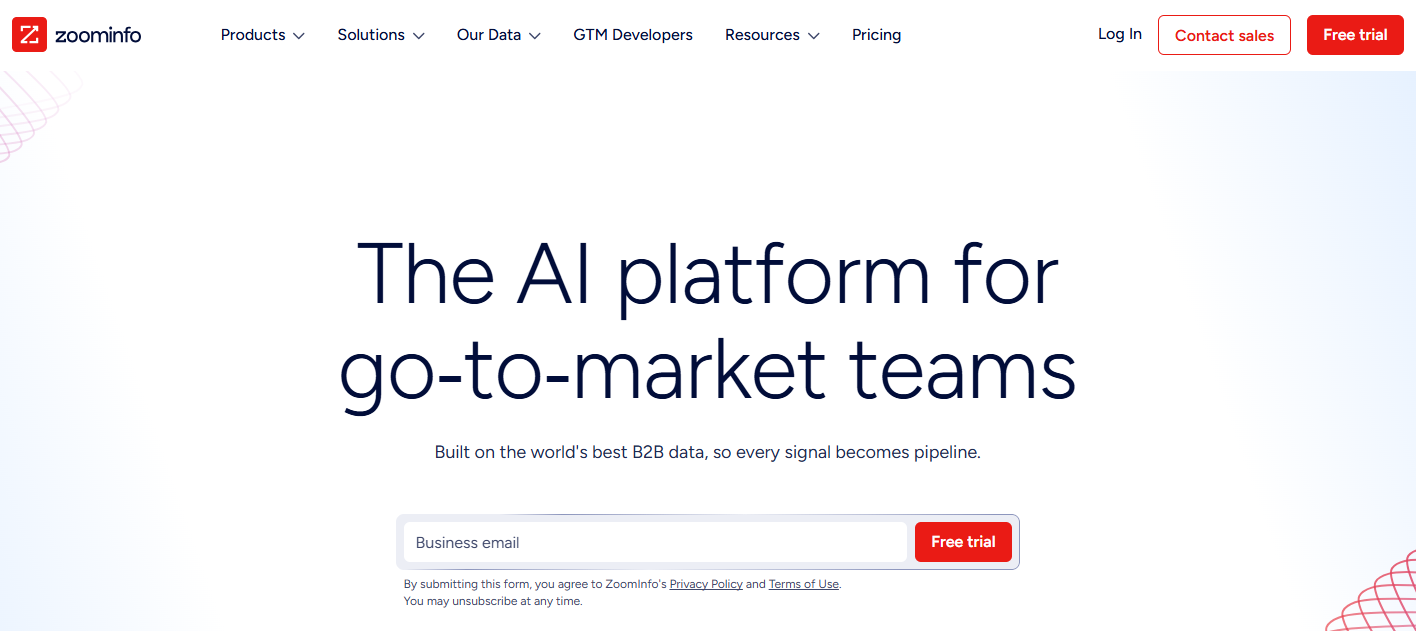
Best for: Mid-market and enterprise B2B revenue teams that need verified contact, company, and buying-signal data from a primary-source database, not just enrichment layered on top of third-party records.
The data-quality warning matters here: When your contact data is wrong, AI does not fix the problem. It helps you scale the mistake faster.
That is where ZoomInfo stands out. It is built as a primary B2B intelligence layer, giving revenue teams a cleaner foundation for account selection, contact discovery, intent-based prioritization, and CRM enrichment. The platform processes 1.5B+ data points daily across 500M contacts and 100M companies, using a mix of 300+ human researchers and automated ML scanning across 28 million site domains. ZoomInfo reports up to 95% accuracy on first-party data, which makes it a strong option for teams that depend on accurate account and contact records.
ZoomInfo also goes beyond static data. ZoomInfo Intent tracks 6T+ new keyword-to-device pairings monthly and 210M IP-to-organization mappings, helping sales teams identify which accounts are actively researching relevant topics before they raise their hand. Guided Intent takes this further by identifying intent topics that are historically associated with closed-won deals in your own pipeline. That means outreach can be prioritized by buying signals, not just by a fixed sequence schedule.
Its conversation intelligence product, Chorus, closes the loop by feeding real sales-call insights back into the same intelligence layer. Teams can see which objections come up, which messages land, and where deals are getting stuck.
Key integrations: Salesforce, HubSpot, Outreach, Salesloft, Marketo, and major CRM and sequencing platforms.
Free tier: No. ZoomInfo uses enterprise pricing, so teams need to contact sales for a quote.
Trade-offs: ZoomInfo is a premium platform, and that pricing reflects the cost of maintaining a large primary-source data infrastructure. It is usually not the right first purchase for early-stage teams that do not yet have a clear ICP, outbound motion, or CRM discipline. To get full value, ZoomInfo needs to be connected to your CRM and sequencing tools. Think of it as a data and intelligence layer, not a standalone outreach tool.
Use it like this
- Build your ICP using verified firmographics and technographics, such as company size, industry, tech stack, hiring signals, and growth indicators.
- Layer in ZoomInfo Intent to identify accounts currently researching relevant topics.
- Use Guided Intent to prioritize accounts whose intent patterns match your historical closed-won deals.
- Export verified contacts, including confirmed emails and direct dials, into your sequencer or CRM.
- Use Chorus call data to refine messaging based on real objections, buyer language, and deal patterns.
- Measure performance weekly by comparing intent-led account reply rates against your non-intent baseline. That is the clearest signal that the data layer is improving your outbound motion.
| Plan | Price | What It Includes |
|---|---|---|
| Professional | Contact sales | Contact and company profiles, CRM integrations, AI email generation, AI dialing |
| Copilot Advanced / Enterprise | Contact sales | Intent signals, website visitors, buying groups. Enterprise adds real-time intent |
| Marketing Demand | Contact sales | 25 intent topics |
| ABM Lite | Contact sales | 100 intent topics |
| ABM Enterprise | Contact sales | Unlimited intent topics, 150K credits |
| Credits on every plan | Contact sales | 1 credit per exported profile |
2. Clay
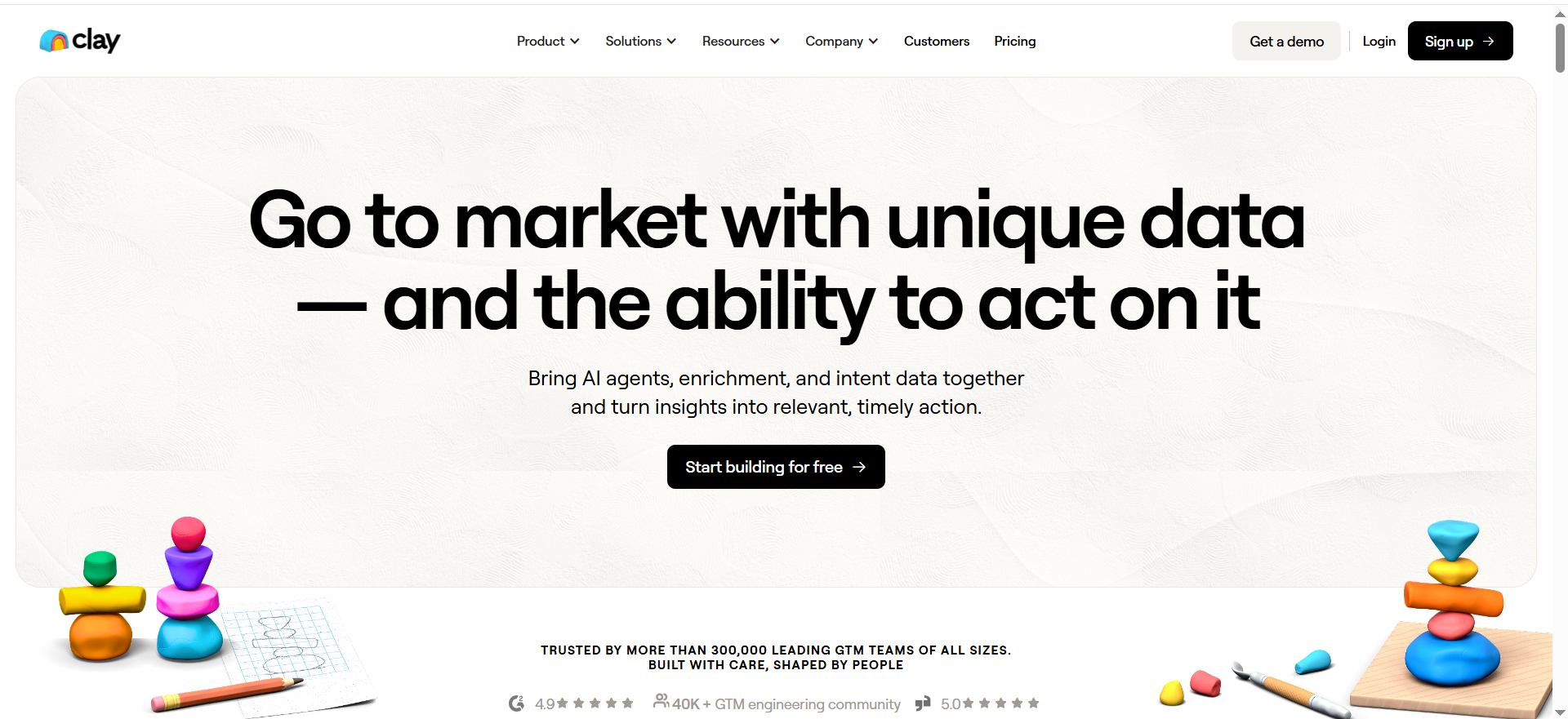
Best for: GTM teams doing waterfall enrichment, research and tailored personalization without hiring a GTM engineer.
Key AI Features: Clay's pricing page lists Claygent, its AI research agent, on the Free plan, and Clay is also used to draft first lines with AI.
Integrations: Clay connects to a wide set of data providers. The Growth plan adds CRM auto-sync and webhooks, per Clay's pricing page.
Free Tier: Yes. The Free plan costs $0 and includes 500 actions and 100 data credits per month, with up to 200 rows per table, according to Clay's pricing page.
| Plan | Price | Actions Per Month | What It Includes |
|---|---|---|---|
| Free | $0 | 500 | 100 data credits per month, up to 200 rows per table, Claygent |
| Launch | $167/mo headline price. Actions from $54/mo billed annually or $60/mo monthly | 15K to start | Phone enrichment, signals, email sending |
| Growth | $446/mo headline price. Actions from $185/mo billed annually or $205/mo monthly | 40K to start | CRM auto-sync, webhooks, web intent |
| Enterprise | Custom | Custom | SSO, RBAC, bulk enrichment over 50K records, dedicated strategist |
On both paid self-serve tiers, unused credits roll over up to 2x monthly. If you are weighing Clay against other enrichment-first options, our guide to AI lead enrichment tools covers the whole category.
Strengths:
- A strong glue tool because it connects signals, enrichment and copy in one table.
- Great when you need if-this-then-that logic across many data providers.
- A real free plan, so you can test the workflow on your own list before paying.
Trade-offs:
- Powerful enough to create chaos. Without a tight workflow, you will spend credits on low-value enrichment.
- You still need judgment. Personalization only works if your offer is sharp.
Good Fit:
- Teams with a defined ICP that want enrichment, research and personalization wired together.
Not A Fit:
- Teams that want a one-click sequencer and have nobody to own workflow building.
Use It Like This (Micro-Workflow):
- Start with a target account list from your CRM, an Apollo export, or website visitors.
- Run waterfall enrichment in order, from firmographics to role to verified email to technographics.
- Pull one or two personalization hooks per account, such as recent funding, hiring or a product launch.
- Draft a single first line and call to action per persona using AI message drafting.
- Export to your sequencer and log the result back to your CRM.
Outbound Sequences And Website Chat
Outbound-first teams need list building, enrichment and sequencing. Inbound teams need to capture and qualify the visitors they already have. The profiles below split along that line, with Apollo for the first job and Landbot and Qualified for the second.
1. Apollo
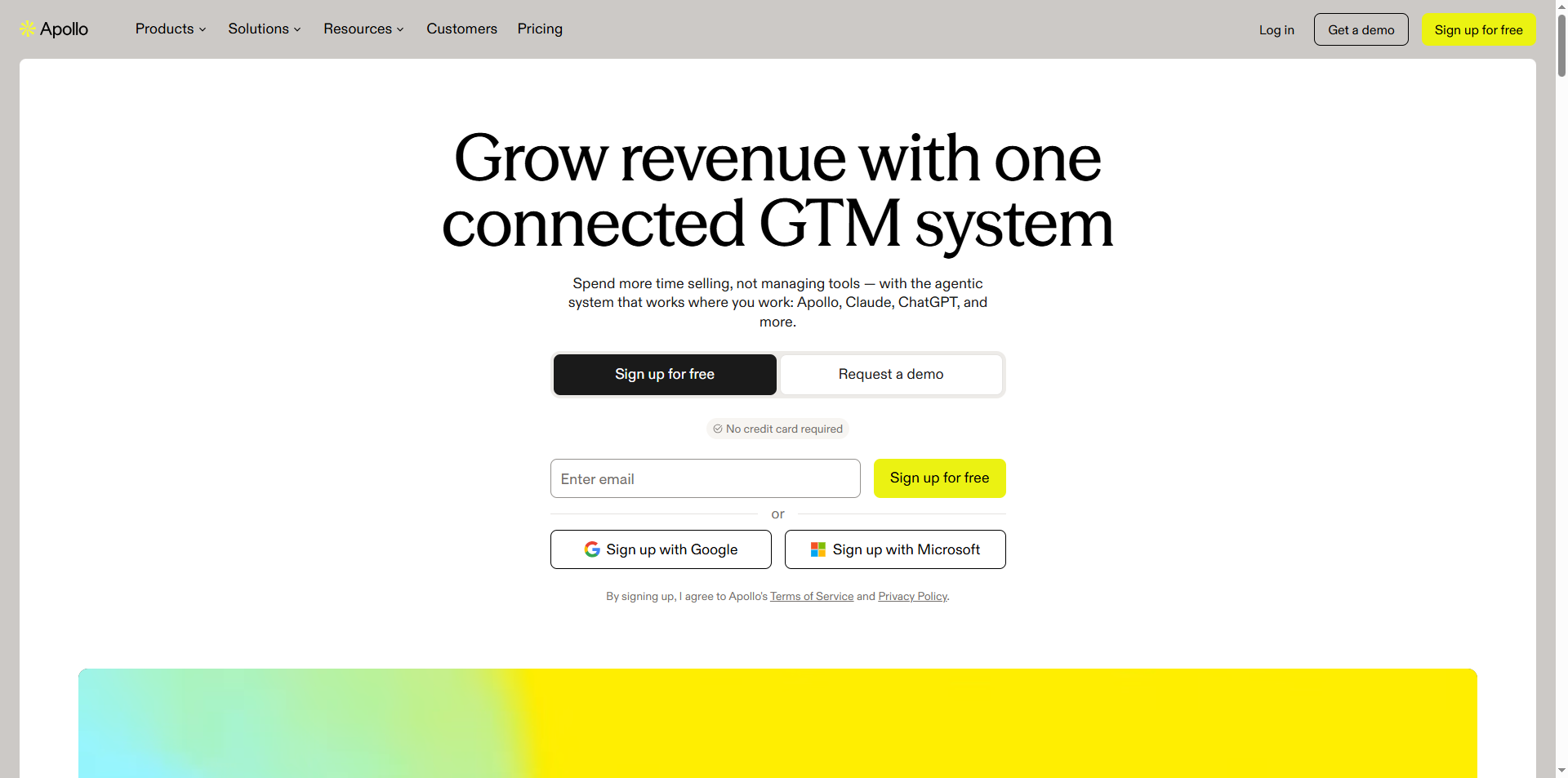
Best for: Outbound teams that want a prospect database and email sequencing in one tool.
Apollo pairs a contact and company database with email sequencing. Apollo's product page states 240M contacts and 30M companies, 200+ integrations, and SOC 2 Type II and ISO 27001. It suits founder-led teams and small SDR teams that want to find people and email them from one place. For a wider look at the category, see our guide to AI tools for outbound prospecting.
Apollo's pricing page lists four plans and states no prices, so the paid plans below read "Pricing on request."
| Plan | Price | What It Includes |
|---|---|---|
| Free | Free | Limited credits, Gmail-only email campaigns |
| Basic | Pricing on request | Email sequencing, core integrations |
| Professional | Pricing on request | Higher credit limits, AI features, call recording, advanced CRM integrations |
| Custom | Pricing on request | SSO, advanced security, API |
Strengths:
- Database and sequencing sit in one tool, so you do not stitch two products together to send your first campaign.
- A free plan lets you test the data on your own ICP before you pay.
- A broad integration list for a team that already runs a CRM.
Trade-offs:
- No published prices, so you cannot budget until you have the plan in front of you.
- Credit limits shape how much you can export, and the Free plan is limited on both credits and sending.
- All-in-one means one data source. If its coverage is thin for your niche, you have no fallback built in.
Key Capabilities:
- Prospect database for contacts and companies.
- Email sequencing from the Basic plan up.
- AI features, call recording and advanced CRM integrations on Professional.
- SSO, advanced security and API access on Custom.
Good Fit:
- Founders and small SDR teams running a first outbound motion.
- Teams that want one tool for finding and emailing prospects.
Not A Fit:
- Teams that need a fixed price before they talk to sales.
- Teams that depend on Outlook for campaign sending while on the Free plan, which supports Gmail only.
Deliverability is a system, and a sequencer does not run it for you. Warm your domains properly, cap daily sends per inbox, and segment by persona before you scale volume. The most important limitation is the Free plan, which has limited credits and Gmail-only email campaigns.
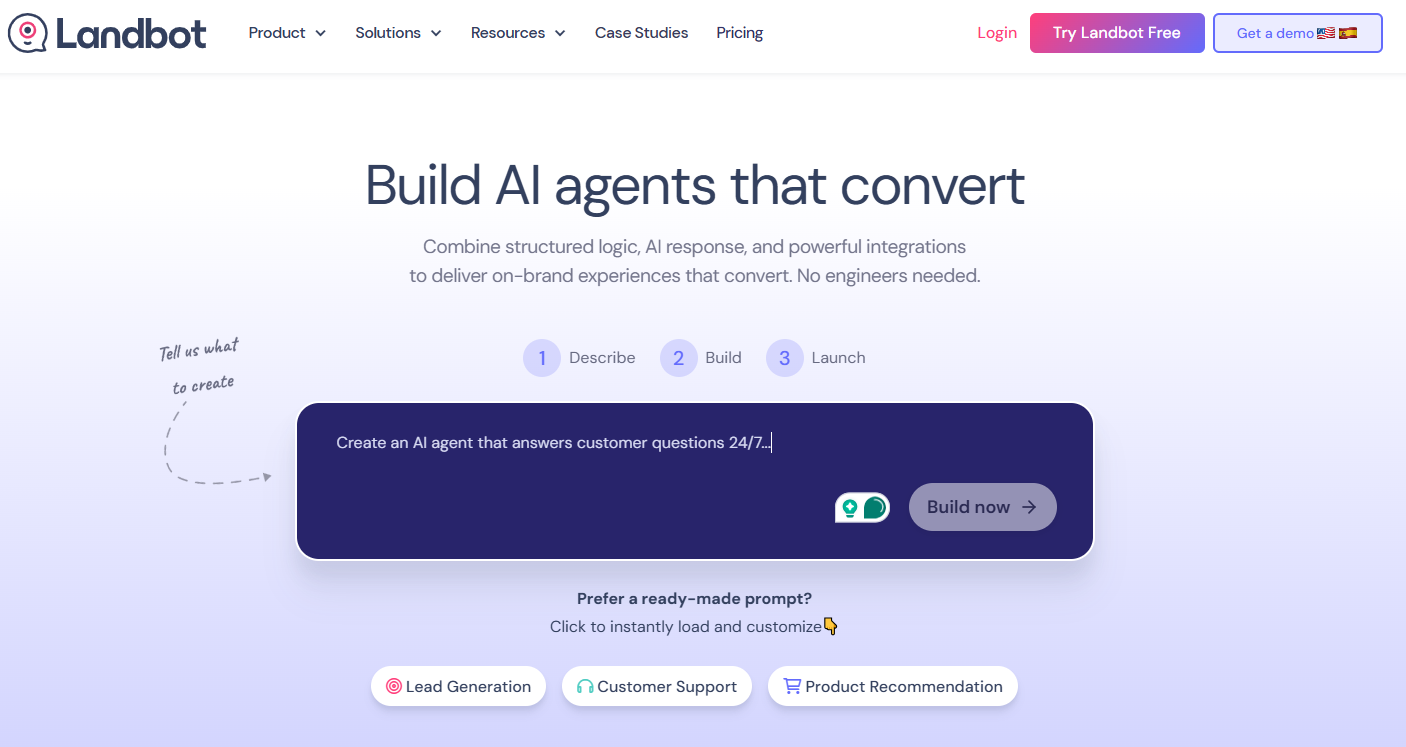
2. Landbot
Best for:
Tech-savvy marketing, Growth, and RevOps teams that want to build AI-powered lead qualification workflows without depending on developers.
Key AI features:
- Hybrid AI + structured flow builder (combine deterministic logic with AI-driven responses)
- Native AI blocks embedded directly inside lead workflows
- AI Copilot that guides flow creation, testing, and optimization
- Intent handling inside controlled conversion paths
- Context-aware responses within structured lead journeys
Integrations:
- Bi-directional CRM integrations (e.g., Salesforce)
- Native two-way connectors with automation platforms like Make and n8n
- Webhooks, APIs, and custom integrations for advanced use cases
- Multi-channel deployment (Web and WhatsApp)
Free tier:
Yes — free plan available with limited features and usage.
Strengths:
- Combines AI flexibility with conversion-focused structure
- Designed specifically for lead capture and qualification
- Highly customizable, on-brand chat UI
- Reduces engineering dependency for complex workflows
- Faster launch cycles with guided building via AI Copilot
Trade-offs:
- More advanced than simple form builders (may be overkill for very basic use cases)
- Not a full CRM replacement (designed to integrate with your existing stack)
- Best suited for teams comfortable with automation logic and integrations
- Landbot is optimized for structured, conversion-driven use cases such as lead qualification and routing, demo booking, customer support triage, onboarding, and guided flows — less focused on purely open-ended, unstructured AI chat experiences
Use it like this (micro-workflow):
- A paid ad drives traffic to a landing page.
- A conversational widget greets the visitor and asks qualifying questions.
- AI handles open-ended responses (e.g., “Tell us about your use case”) while structured steps score and segment the lead.
- The lead is synced to the CRM in real time via two-way integration.
- High-intent leads are routed instantly to sales or offered a meeting booking step.
| Plan | Price | Seats | Chats Per Month | AI Chats | Notes |
|---|---|---|---|---|---|
| Free | EUR 0 | 1 | 100 | None | Per organisation |
| Starter | EUR 32/mo billed annually | 2 | 500 | 100 | Annual billing saves 20% |
| Professional | EUR 80/mo billed annually | 3 | 2,500 | 300 | HubSpot and essential integrations |
| Professional WA | EUR 160/mo | 3 | 2,500 | 500 | 1 WhatsApp number |
| Business | From EUR 400/mo | 5+ | Custom volumes | Custom | Requires 5 seats, SLA |
| Extra seat | EUR 25/mo | 1 | None | None | Added to any plan |
Key Capabilities:
- Native HubSpot sync of each captured field when its step completes.
- SOC 2 and GDPR stated on the vendor site.
- AI FAQ that re-indexes weekly.
3. Qualified
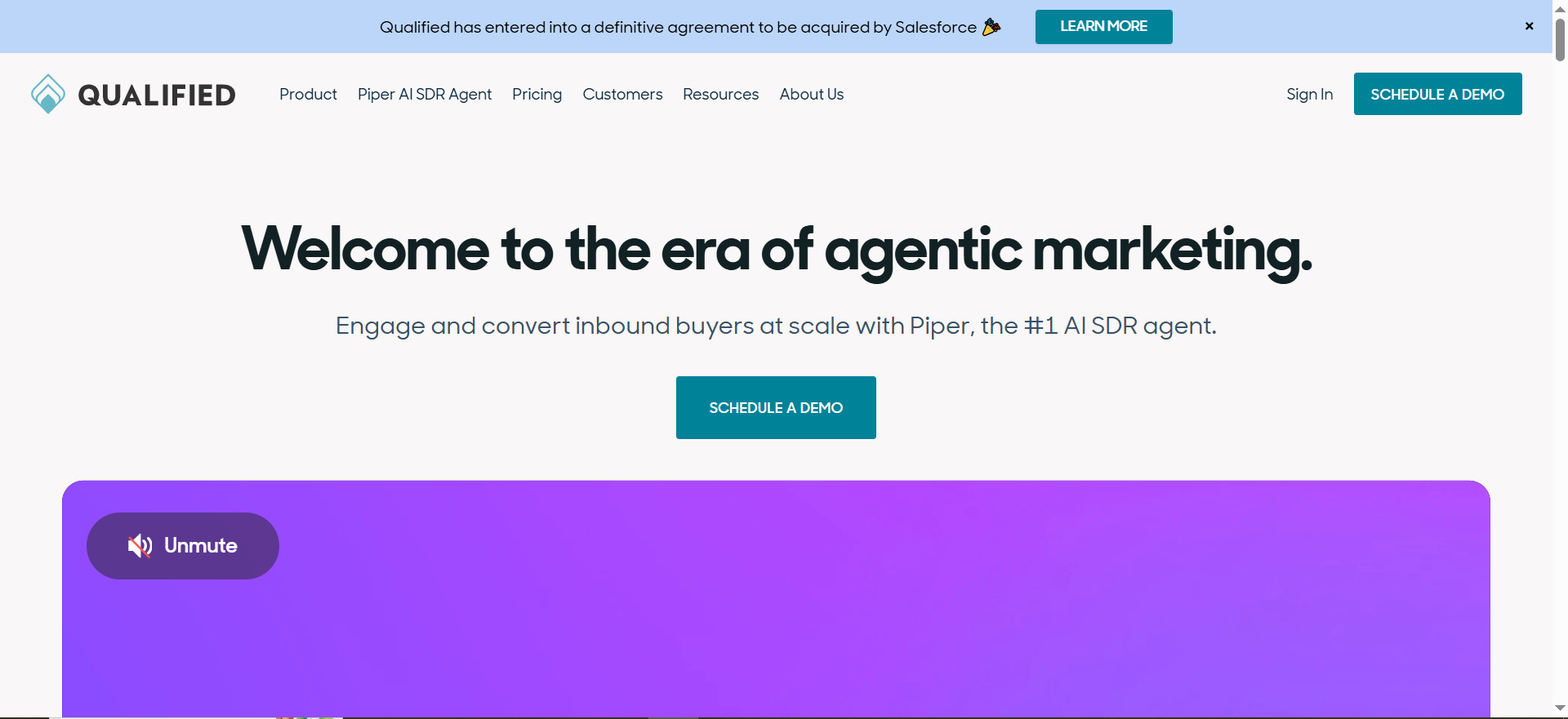
Best for: B2B teams doing account-based website conversion, where a small number of high-value accounts drive most of the revenue.
Key AI Features: Qualified's AI SDR page lists web conversations over chat, video and voice, plus email, meeting booking and Slack. Named integrations include Salesforce, HubSpot, Marketo, Eloqua, Outreach, Salesloft, Gong, Demandbase and 6sense.
Free Tier: None listed. Qualified's pricing page shows three tiers, all contact us.
| Plan | Price | Monthly Web Sessions | Active Email Contacts | What It Includes |
|---|---|---|---|---|
| Premier | Contact us | 250K | 2.5K | 1 SDR agent profile |
| Enterprise | Contact us | 2M | 10K | MCP and API access |
| Ultimate | Contact us | 5M | 24K | Dedicated IP |
If you are comparing website qualification options beyond this list, our guide to AI lead qualification tools goes deeper on the category.
Strengths:
- Built for revenue teams who treat the website like an SDR.
- A good fit when you already have target accounts and want to convert known traffic.
- Covers chat, video, voice, email and meeting booking from one place.
Trade-offs:
- No published prices, so budget stays unknown until you talk to sales.
- Setup requires alignment on ICP rules, routing rules and rep calendars.
- Tiers are built around monthly web sessions, so a low-traffic site pays for volume it does not use.
Good Fit:
- Enterprise and upper mid-market teams with named Tier 1 accounts and steady site traffic.
Not A Fit:
- Early-stage teams with little traffic, or teams that need a published price to start.
Use It Like This (Micro-Workflow):
- Identify Tier 1 accounts and prioritize their web sessions.
- Serve a tailored chat playbook per persona, such as finance, RevOps or security.
- Route instantly to the correct owner by territory or segment.
- Auto-log to your CRM and measure the visitor to meeting rate for Tier 1.
The limitation that matters most is volume. Qualified prices by monthly web sessions, so the plan you land on depends on your traffic before it depends on your needs.
📋 Get Listed / Advertise
We update this guide monthly. Want your tool featured? Contact: [email protected].
Pick By Motion: Outbound, Inbound, ABM Or Intent-Led
Your motion decides the tool category, and the tool is chosen second. Most buying mistakes start by comparing features before anyone has named the motion.
| Motion | Buy First | Tool In This List | Metric That Proves It |
|---|---|---|---|
| Outbound-first | List building, enrichment and sequencing | Clay, Apollo | Reply rate and meeting rate |
| Inbound or PLG | Visitor capture, qualification and routing | Landbot | Speed-to-lead and form-to-meeting rate |
| ABM | Account-based website conversion | Qualified | Tier 1 visitor-to-meeting rate |
| Intent-led | Account timing signals | ZoomInfo Intent | Intent cohort against baseline |
Outbound-First: Start with Clay or Apollo when your ICP is defined and you need lists, enrichment and sequences. Switch your attention to inbound tooling when most of your meetings already come from people who found you first. If you want a wider list of options for this motion, see our roundup of sales lead generation tools.
Inbound Or PLG: Start with Landbot to capture and qualify the visitors you already have. 67% of B2B buyers prefer a rep-free buying experience, according to Gartner figures reported by 1mind, so the first conversation often happens on your site or inside an AI answer, before a rep is involved. That is why Answer Engine Optimization belongs in this motion. For the inbound motion, run your closest competitors through the keyword gap report in Semrush to see which high-intent searches they rank for and you do not; those are the queries your landing pages and forms should be built around. Switch to Qualified when your traffic is mostly named accounts and you want those visits handled by account.
ABM: Start with Qualified when you can name your Tier 1 accounts and see them arrive on your site. The test is the visitor-to-meeting rate for those accounts, not total chat volume. If you are earlier in building an account-based programme, our guide to demand generation tools for B2B teams covers the wider category.
Intent-Led: Start with ZoomInfo Intent only when you have enough account volume to act on timing. ZoomInfo's pricing page lists 25 intent topics on Marketing Demand, 100 on ABM Lite and unlimited on ABM Enterprise. Drop the tier if your intent cohort does not beat your baseline reply and meeting rates after a full test.
Picking a tool is the short half of the job; keeping search and AI answers sending buyers to it is the long half. The GEO + SEO Growth Programme covers that work month by month, with reporting tied to pipeline instead of rankings.
AI Lead Generation Tool Pricing Compared
Prices and plans below come from each vendor's own pricing page and change often, so confirm on the page before you buy. Three of the five tools publish no prices. ZoomInfo and Qualified send you to sales, and Apollo's pricing page names its plans without prices. Clay and Landbot publish theirs.
| Tool | Entry Plan | Price Is Based On | Free Plan | Entry Price |
|---|---|---|---|---|
| ZoomInfo | Professional | Plan tier and credits | No | Pricing on request |
| Clay | Free | Actions and data credits | Yes | $0 |
| Apollo | Free | Plan tier and credit limits | Yes | Pricing on request |
| Landbot | Free | Seats and chats per month | Yes | EUR 0 |
| Qualified | Premier | Monthly web sessions and active email contacts | No free plan listed | Pricing on request |
Clay's pricing page shows Launch at $167 a month and Growth at $446 a month as headline prices. Landbot's pricing page shows Starter at EUR 32 a month billed annually and Professional at EUR 80 a month billed annually. ZoomInfo's pricing page says every plan is contact sales and charges 1 credit per exported profile.
Price per seat or per credit tells you little. The number that matters is what a booked meeting costs you, and you can work it out with your own inputs.
- Monthly spend: Every tool, seat and credit pack you pay for in the month.
- Meetings booked: Meetings that actually happened and were sourced by the tools above.
- Cost per booked meeting: Monthly spend divided by meetings booked.
Say you spend $1,000 in a month and book 10 meetings. That is $100 per booked meeting. Now compare it with what a meeting is worth to you in pipeline, using your own conversion rate and deal size.
Forms, Landing Pages And Meeting Routing: Where Speed-To-Lead Is Won
Teams blame the tool when a lead goes cold. A lead that sits in a queue goes cold faster than one that is routed at once. Fewer fields with enrichment behind them, and a meeting booked on the spot, is the pattern to test. Our speed-to-lead quick wins cover the fastest fixes.
We do not profile products in these categories. You buy against a checklist, and the checklist below is the one to use.
- Form fields: Ask for email, role and one qualifying question, and enrich the rest behind the scenes.
- Landing pages: One page per persona, with one primary action and proof above the fold.
- Routing rules: Route on ICP tier, so enterprise leads reach an account executive and non-ICP leads go to nurture.
- Booking: Let the visitor book in the same session, on the right rep's calendar.
- Service level: Set one rule for time to first touch and monitor it weekly.
Whatever you buy, the handoff from form to meeting should run in four steps.
- Submit: The visitor sends the form with the fewest fields you can get away with.
- Enrich: The record is filled in behind the scenes so the rep never has to ask.
- Route: The lead goes to the right owner based on ICP tier.
- Book: The meeting is booked in the same session, or a fast follow-up fires for ICP matches.
Track one number for all of it.
- KPI: Form submit to meeting booked time.
What To Evaluate Before You Pick A Tool
Use these filters to avoid buying AI-powered shelfware. If a tool cannot show impact on pipeline within 30 days, it is probably not the right first buy. Each filter below has a test you can run.
- Data Quality And Coverage: SyncGTM's guide to AI lead gen tools puts B2B contact data decay at about 30% per year, so stale records are the default, not the exception. If contact or firmographic data is wrong, your AI just helps you scale mistakes. Run a quick audit on a 100-lead sample, verifying emails, titles and company fit, then decide if you trust it for lead generation at scale.
- AI That Is Actually Operational: Look for AI that writes, scores, routes, dedupes, summarizes or runs workflows, and not only a label on a landing page. The test is to ask the vendor to run one real task on your own data during the demo.
- Integrations That Reduce Friction: At minimum you need your CRM, email, sequencing, enrichment, Slack and calendar. If you route from a landing page or form, make sure it pushes clean fields into the CRM without Zapier spaghetti. The test is to create one lead end to end and check every field arrives where it should.
- CRM Integration Depth: A listed integration can mean a one-way export. The test is whether a change in the CRM flows back to the tool, and whether the tool can write to the fields your reps actually use.
- Cost Model You Will Not Hate In 90 Days: Credits-based pricing works until it becomes a tax on doing your job. Model the real cost per booked meeting against your tolerance for seats, credits and overages before you commit.
- Speed-To-Lead: For inbound, every extra minute kills conversion, and routing often matters more than another chatbot. If your goal is better CRO, start by fixing response time and handoffs, then use A/B testing on your routing and qualification steps.
- Compliance: Ask for the vendor's security and privacy documents. Landbot's features page states SOC 2 and GDPR, and Apollo's product page states SOC 2 Type II and ISO 27001. Those are vendor statements, so the test is whether the vendor will hand over the paperwork.
- Predictive Scoring: Scoring only helps when you can check it against closed deals. The test is to compare the tool's top-scored leads with the deals you actually won, and our guide to AI lead scoring tools explains how the category works.
The 30-Day Test: Does This Tool Earn Its Place?
This is the method we would use before paying for any tool on this list. It takes four steps, and you set the pass threshold before you start so the result cannot be argued afterwards.
- Week 0, Baseline: Record your current reply rate, meetings booked and speed-to-lead. Without this, any result is a story.
- Week 1, Data Check: Pull a 100-lead sample and check it against your CRM, measuring bounce rate and match rate. Our guide to email scraper tools compares contact sources if you need a second source to test against.
- Weeks 2 To 3, Live Run: Run the tool on one segment, with a control segment left alone. Intent tools are judged by their intent cohort against your baseline.
- Week 4, Decision: Compare the result with the threshold you set in week 0. Then estimate payback from qualified leads, conversion rate and deal size. If it clears the bar, buy. If not, walk away.
The test only works if you can tie leads to pipeline. If your reporting stops at form fills, reporting that ties leads to pipeline is the first thing to fix.
Recommended Stacks (By Team + Motion)
Lean Outbound (Founder + 1 SDR)
- Goal: Ship outbound fast without stitching six tools together.
- Tools: Apollo, plus a scheduling tool. Optionally Clay for top accounts only.
- Best-Fit Move: Keep it simple with one ICP list, one persona sequence and one booking link. Our guide to AI prospecting tools for B2B startups goes deeper on this setup.
SDR Team Scaling Outbound With Personalization
- Goal: Consistent personalization at scale, without chaos.
- Tools: Clay, Apollo and your CRM as the system of record.
- Best-Fit Move: Standardize two or three persona plays and enforce a first-line and call-to-action check before you scale volume.
Inbound Or PLG
- Goal: A higher form to meeting rate through faster speed-to-lead and qualification.
- Tools: Landbot, an enrichment source and a routing tool.
- Best-Fit Move: Fewer form fields, faster routing and an instant next step for ICP leads.
Enterprise ABM
- Goal: Convert known high-value accounts, and time outreach to their signals.
- Tools: ZoomInfo and Qualified.
- Best-Fit Move: Name your Tier 1 accounts, watch them on your site, and measure their visitor-to-meeting rate.
What’s The Biggest Mistake Teams Make With AI Lead Gen Tools?
Buying tools before locking ICP, offer and workflow. Tools amplify what you already are, so a vague offer gets ignored faster and a messy handoff leaks leads faster. Lock the ICP and the offer first, then pick the tool for your motion. After that, measure end to end, from first touch to booked meeting to pipeline, so you know whether the tool is the reason numbers moved.
FAQs
What Are The Best AI Tools For Lead Generation For B2B SaaS?
Do AI Lead Gen Tools Replace SDRs?
Which Tool Is Best For Inbound Lead Qualification?
What Is The Safest Way To Use AI For Cold Outreach?
Should I Choose An All-In-One Like Apollo Or A Modular Stack?
How Do I Know If I Need Intent Data Tools?
Can ChatGPT Do Lead Generation?
Are AI Lead Generation Tools Compliant With Data Privacy Regulations?
Which AI Lead Generation Tools Have A Free Plan?
How Long Should I Trial An AI Lead Generation Tool Before Paying?
If you would rather have the whole workflow built, from landing page through qualification, routing and follow-up, book a thirty-minute call. One of the founders takes it, and you leave knowing what we would fix first.
📑 Disclosure!
Some links in this article are affiliate links. If you sign up through them, The Rank Masters may earn a commission at no additional cost to you. This does not influence which tools we recommend or what we say about them.