

If you want “scientific SEO” (the spreadsheet-and-confidence kind, not the vibes kind), the right tool depends on how you plan to run tests:
- Best for true SEO split testing at scale (enterprise): SearchPilot
- Best for SEO tests powered by Google Search Console data (fast + affordable): SEOTesting.com
- Best for pairing SEO experiments with user-behavior testing (CRO + SEO): Optimizely Web Experimentation
- Best for monitoring fragmented search visibility (Google + AI surfaces): SEOmonitor
- Best for SERP tracking + competitive context around tests: Semrush Position Tracking / SERP tracking
Use this guide like a decision tree: start with the “Quick Comparison,” pick 1–2 tools for testing plus 1 tool for measurement, then follow the framework sections to design experiments that survive seasonality, AI Overviews, and algorithm updates.
📋 Get Listed / Advertisement
We update this guide monthly. Want your tool featured? Contact us: [email protected].
Best 5 Tools for SEO A/B Testing & Experimentation (Quick Comparison)
| Tool | Best for | Testing approach | Notes |
|---|---|---|---|
| SearchPilot | Enterprise SEO split testing | True split testing + controlled experiments | Built for “control mode” SEO experimentation |
| SEOTesting.com | SMB/mid-market SEO testing | Time-based + split tests with GSC data | Uses Search Console data to run and track tests |
| Optimizely Web Experimentation | CRO + SEO teams | A/B & multivariate testing | Great for testing UX/behavior alongside SEO changes |
| SEOmonitor | AI + Google visibility reporting | Monitoring + forecasting | Tracks Google + AI surfaces in a unified system |
| Semrush | SERP tracking + competitive intel | Monitoring + diagnostics | Daily rank/SERP feature tracking and campaign monitoring |
📋 Get Listed / Advertisement
We update this guide monthly. Want your tool featured? Contact us: [email protected].
1. SearchPilot
What it does
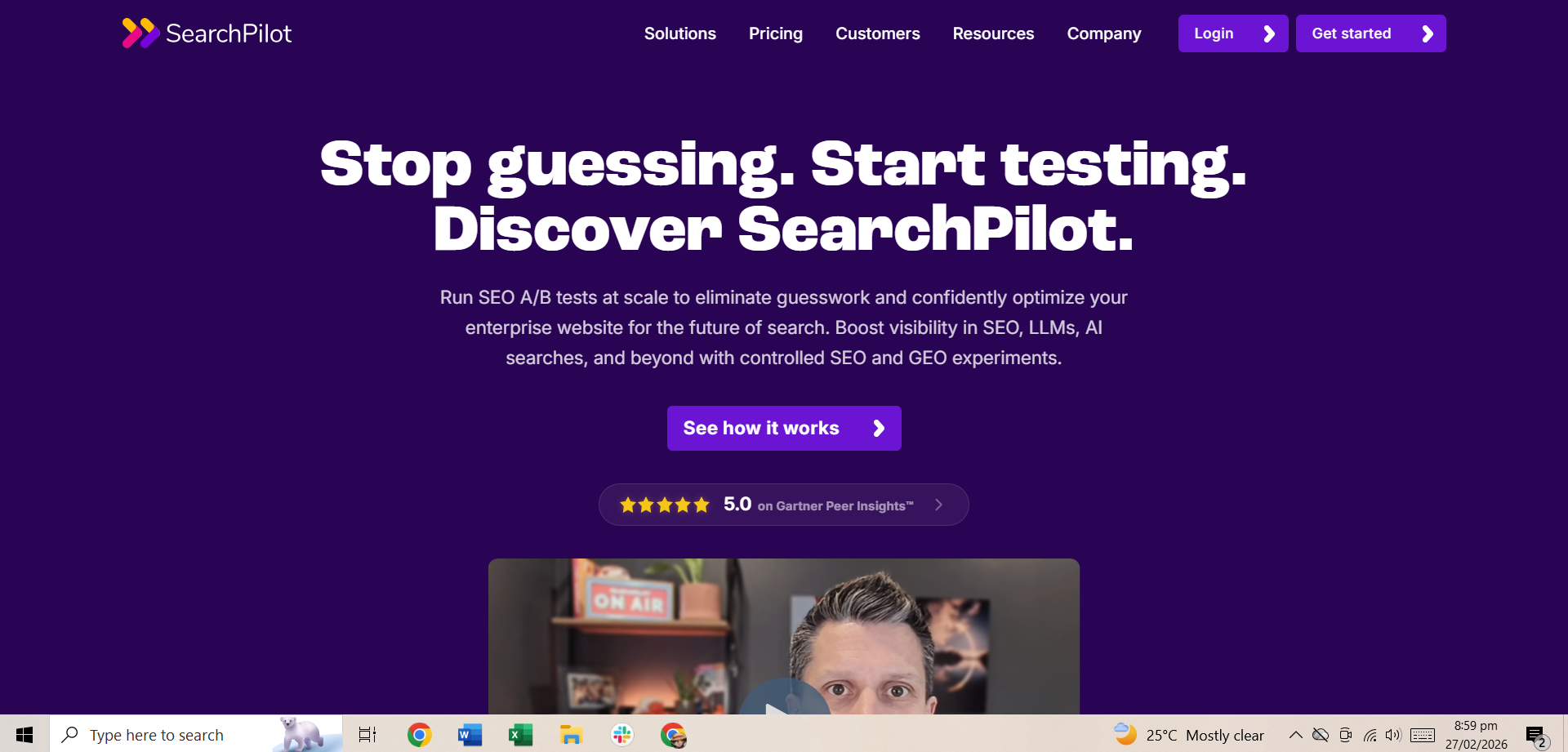
SearchPilot positions itself as an SEO A/B testing platform that helps teams run controlled experiments so you can measure the impact of SEO changes instead of guessing.
Why teams use it
Because traditional SEO measurement is messy:
- Rankings fluctuate even when you change nothing
- Seasonality skews “before vs after” comparisons
- Google updates scramble baselines
- AI Overviews and “AI search” citations add a new layer. CoachPilot's promise is essentially: make SEO measurable like performance marketing by putting experiments in a controlled environment.
What it’s good for
- Large sites where you can create matched page groups (templates, category pages, product pages, location pages)
- Teams that need to prove ROI and win prioritization
- Situations where a wrong rollout would be expensive (e.g., sitewide title template changes)
When it’s a good fit
- You have enough organic traffic to detect change (especially on page groups)
- You can implement test variants cleanly across templates
- You want repeatable experimentation (a program, not a one-off)
When it’s not a good fit
- Very small sites with low traffic per page group
- Sites where engineering cannot support controlled variant delivery at all
- Tests that rely on one-off editorial changes (sometimes time-based testing is easier)
How to use it
- Pick a page template or page type (e.g., “/features/ pages” or “/collections/ pages”)
- Define a single hypothesis (e.g., “adding attribute-focused H2 blocks increases non-brand clicks”)
- Split pages into control vs variant (matched by intent and baseline performance)
- Run long enough to cover weekday/weekend patterns and reduce noise
- Call the result and decide: roll out, iterate, or kill
Key capabilities
- Page grouping and control/variant assignment
- Statistical analysis that accounts for volatility
- Experiment dashboards and reporting for stakeholders
- Ability to scale test velocity (multiple experiments per month)
Pricing
SearchPilot’s pricing is not publicly listed; it’s available by custom quote and depends on factors like site traffic and page views.
Free tier?
SearchPilot doesn’t offer a free tier, but it does offer a demo.
Downsides / limitations
- The operational overhead can be real (grouping pages, ensuring variants are clean, interpreting results correctly)
- You still need solid experimentation discipline, tools don’t magically fix bad hypotheses
- It’s not a replacement for basic SEO hygiene; it’s an accelerator for teams already executing well
2. SEOTesting.com
What it does
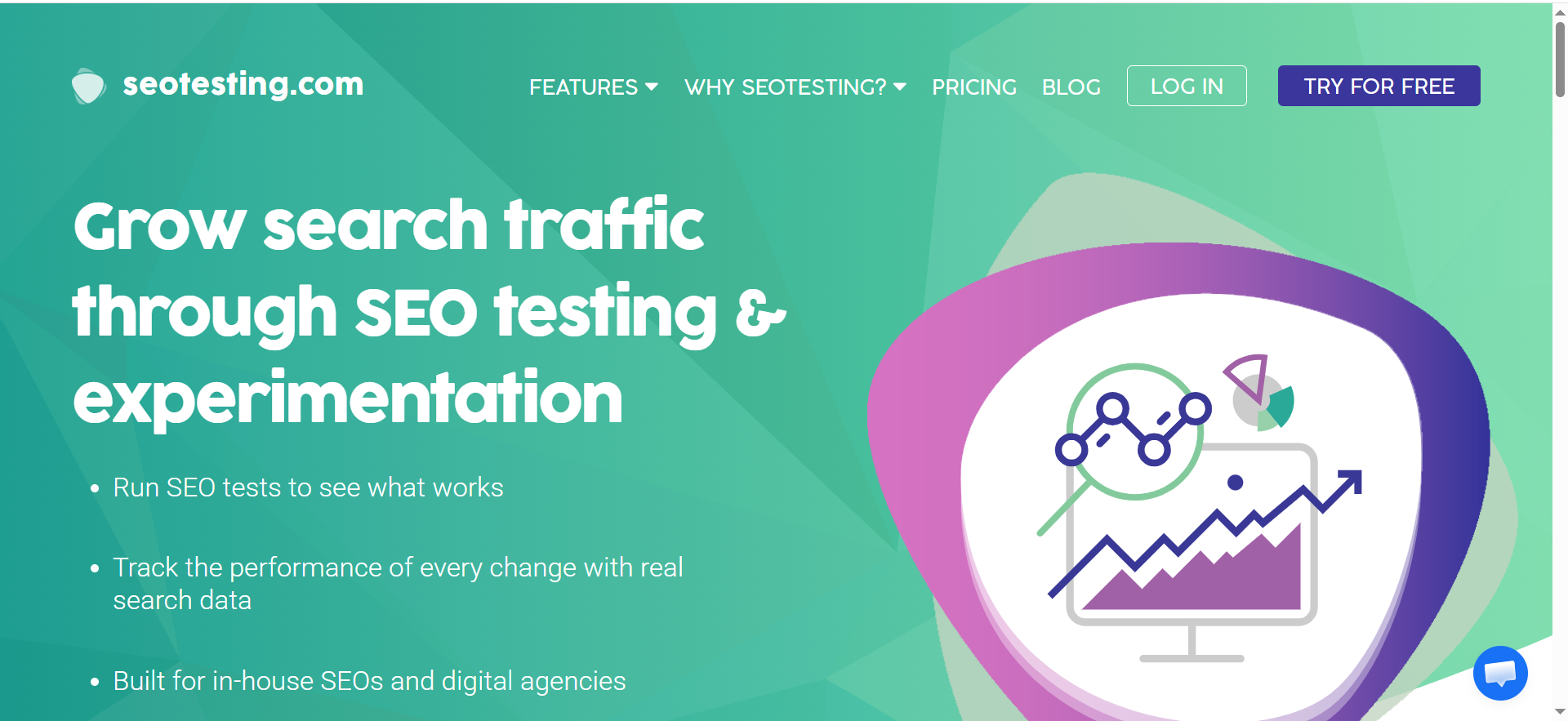
SEOTesting.com is a SaaS tool that helps SEOs run controlled SEO experiments backed by real search data, and it explicitly highlights measurement around clicks, rankings, and traffic.
Why teams use it
Because it’s one of the fastest ways to get an experimentation motion going without buying an enterprise split-testing platform.
If your team has ever said, “We think this internal linking change helped, but we can’t prove it,” SEOTesting.com is designed for that exact gap, especially when you’re using Search Console data as your core evidence source.
What it’s good for
- Content-driven SEO teams
- Testing page edits (titles, headings, copy blocks, internal links)
- Technical fixes where you can clearly mark the date/time of change
- Building a habit of logging and evaluating SEO changes over time
When it’s a good fit
- You want a lightweight system to run tests and track outcomes
- You can’t (or don’t want to) implement full split testing for every idea
- You want SEO testing to feel approachable for the whole team, not just analysts
When it’s not a good fit
- You need rigorous control/variant split testing for high-stakes template changes
- Your GSC data is messy due to tracking/configuration issues (you may need to fix instrumentation first)
How to use it
Time-based tests get a bad reputation because people do them poorly. Here’s how to do them in a way that’s defensible:
- Define the change and the exact timestamp
- Set a baseline window (e.g., prior 28 days) and a test window (next 28–42 days)
- Exclude confounders when possible (major site launches, migrations, big content pushes)
- Use page groups instead of single URLs when you can
- Add guardrails: check brand vs non-brand, device splits, query intent splits
Key capabilities
- Logging changes and tying them to GSC performance
- Structured “test” objects so results don’t get lost in Slack or spreadsheets
- Support for different SEO test types and workflows (see their help/docs sections during evaluation)
Pricing
SEOTesting.com’s pricing starts at $50/month.
Free tier?
SEOTesting.com doesn’t offer a free tier, but it does offer a 14-day free trial.
Downsides / limitations
- Time-based tests are still subject to volatility, so you need discipline and good test design
- For very noisy SERPs, you’ll want to pair it with a SERP tracking tool for context
3. Optimizely
What it does
Optimizely Web Experimentation is positioned as a platform to run A/B or multi-variant testing across digital experiences.
Why teams use it
Pure SEO split testing tells you: “Did organic traffic go up?”But leadership often asks: “Did it drive signups/revenue?”
That’s where traditional experimentation platforms can help, especially when your SEO changes also influence:
- CTR and on-page engagement
- Conversion rates and downstream revenue
- User behavior differences by device, geography, or audience segment
What it’s good for
- Testing page layouts and UX changes that may impact both SEO and conversion
- Running experiments on pages where SEO changes are intertwined with UI components
- Bridging the SEO ↔ CRO gap so experiments are measured full-funnel
When it’s a good fit
- You already have (or want) a CRO experimentation culture
- You want to validate that SEO-driven changes don’t hurt conversion
- You need stakeholder confidence beyond “rankings improved”
When it’s not a good fit
- If your primary need is SEO split testing (control vs variant page groups for SEO outcomes), Optimizely isn’t purpose-built for that, pair it with an SEO testing tool
How to use it
A practical pattern that works well:
- Run an SEO-focused test (split or time-based) to validate search impact
- Use Optimizely to test UX variants that preserve SEO improvements while maximizing conversion
- Roll out the combined winner and document learnings for future templates
Key capabilities to evaluate
- Ease of implementation
- Experiment QA and preview tools
- Targeting and segmentation
- Reporting outputs your stakeholders will actually trust
Pricing
Optimizely Web Experimentation’s pricing is not publicly listed; it’s available by quote via “Request pricing.”
Free tier
Optimizely Web Experimentation doesn’t offer a free tier, but it does offer a demo.
Downsides / limitations
- Doesn’t replace an SEO split-testing platform for controlled SEO page-group experiments
- Requires strong governance to avoid running too many overlapping tests
4. SEOmonitor
What it does
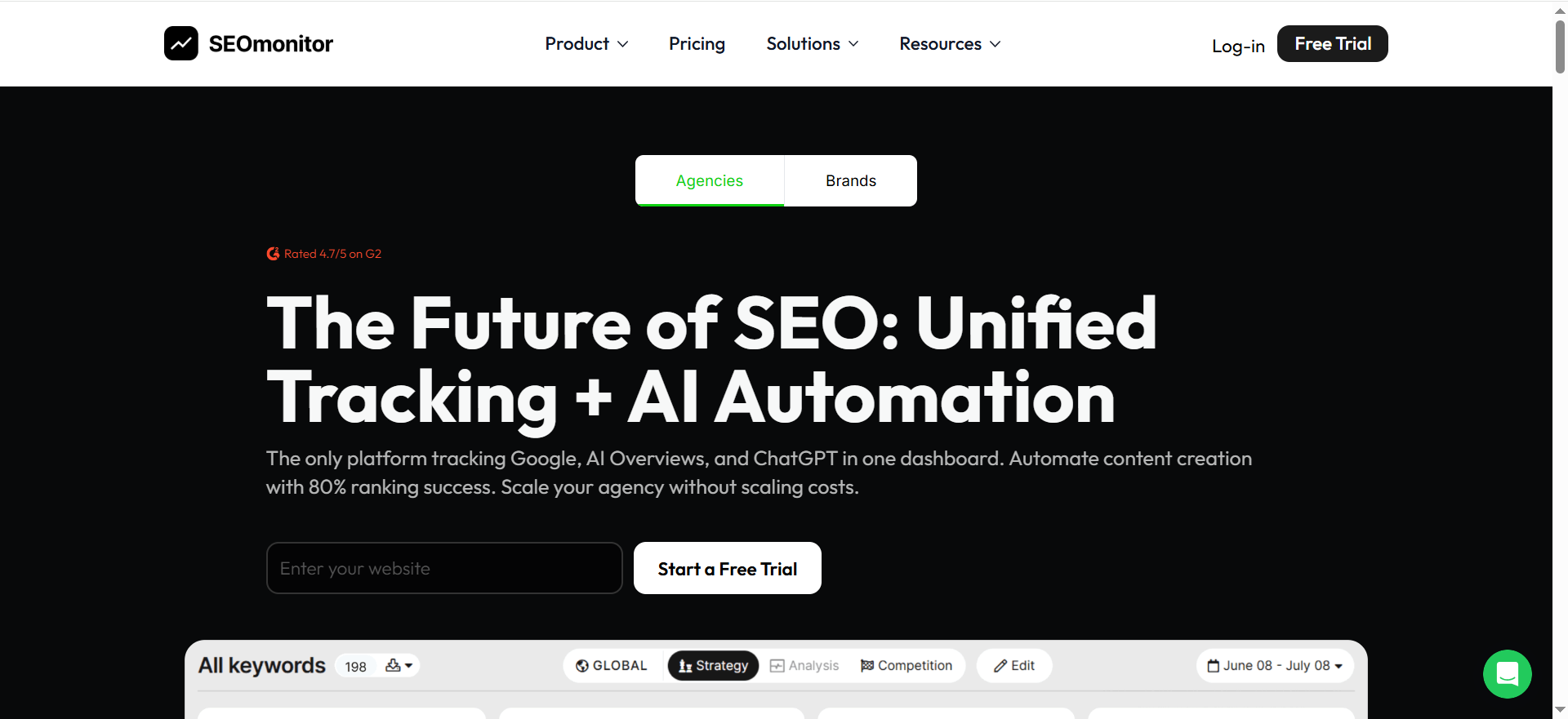
SEOmonitor positions itself as a platform that tracks organic performance across Google and AI surfaces (including AI Overviews and AI search assistants) in a unified dashboard.
Why teams use it
Search visibility is fragmented:
- Google organic results
- SERP features
- AI Overviews / generative answers
- AI assistants that cite sources differently than blue links
If you’re running experiments intended to increase “being cited” (not just ranking), you need AI visibility tracking that’s built for that reality, not a patchwork of screenshots.
What it’s good for
- Experiment reporting where stakeholders want a single view of “visibility”
- Tracking AI citations/mentions as a directional metric
- Planning and forecasting (useful when experiments inform prioritization)
When it’s a good fit
- Your team is explicitly accountable for AI visibility (GEO/AEO).
- You need unified reporting across multiple “search experiences”
- You want a measurement layer that complements test execution tools
When it’s not a good fit
- If you only need classic rank tracking and nothing else, a simpler rank tracker may be enough
- If you need true SEO split testing execution, this is measurement, not the test engine
How to use it in experimentation
- Create an experiment dashboard for each hypothesis
- Track baseline visibility and the “test window”
- Segment by intent clusters (brand vs non-brand, feature vs category, etc.)
- Use it as your reporting layer when leadership cares about “AI discovery,” not just ranks
Pricing
SEOmonitor’s pricing starts at €25/month for Writer-Only, or €99/month for the Starter plan.
Free tier
SEOmonitor doesn’t offer a free tier, but it does offer a 14-day free trial (no credit card required).
Downsides / limitations
- Any AI visibility metric is still evolving, use it as directional signal, not a single source of truth
- Still requires strong experiment hygiene: logs, timestamps, and guardrails
5. Semrush
What it does
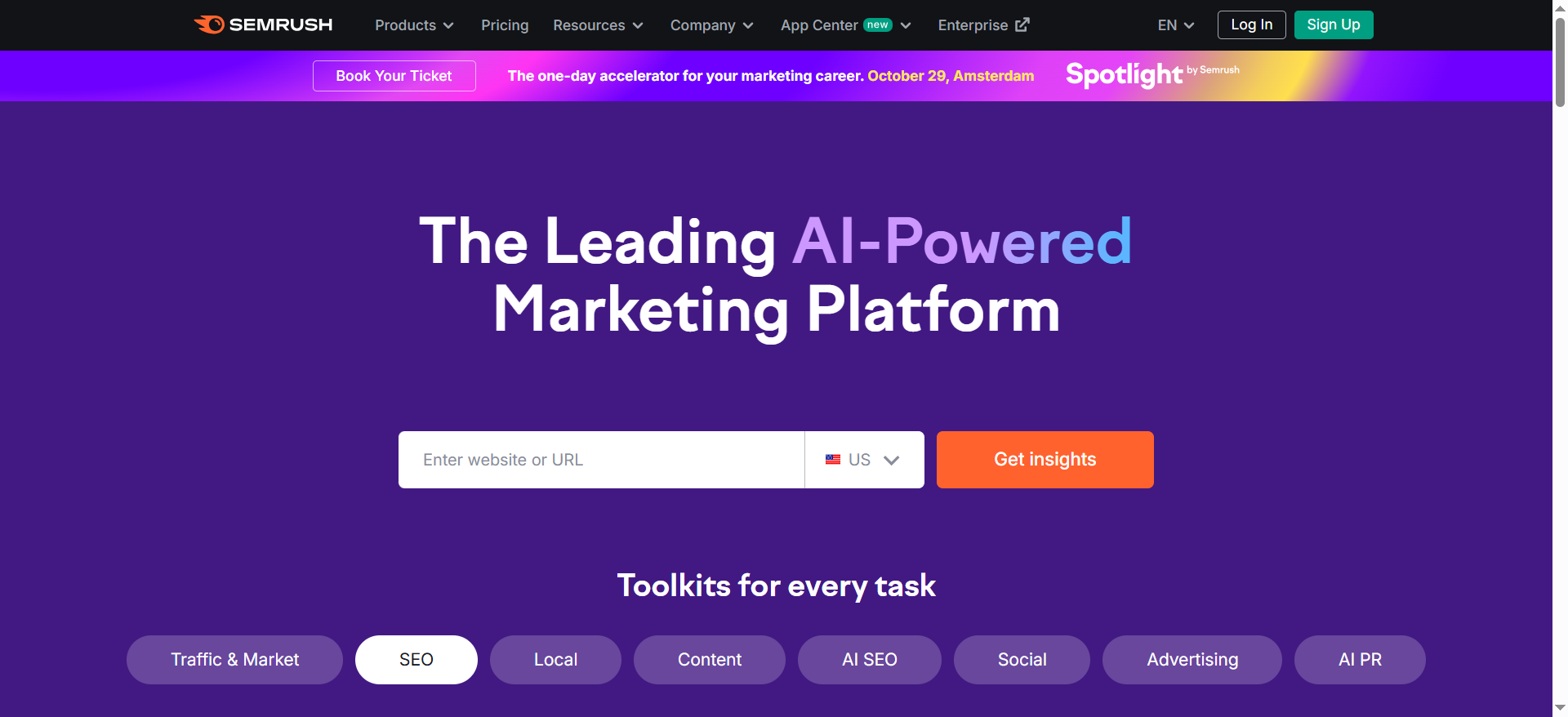
Semrush provides SERP tracking tools and a Position Tracking product positioned around monitoring keyword rankings, campaign progress, and SERP feature visibility with frequently updated data.
Why teams use it in experimentation
Semrush is not an “SEO split testing engine.”But it is extremely useful as a supporting layer to answer questions like:
- “Did rankings move during the test window?”
- “Did SERP features appear/disappear?”
- “Did competitors change their pages at the same time?”
- “Is volatility spiking in this category right now?”
When you’re interpreting SEO experiments, context matters. SERP tracking gives you that context.
What it’s good for
- Tracking targeted keyword sets associated with each experiment
- Monitoring competitor movement and volatility clues
- Reporting “share of voice” style visibility changes to leadership
When it’s a good fit
- You want a standardized SERP monitoring layer across the org
- You run multiple experiments and need consistent reporting
When it’s not a good fit
- If you need causal inference and controlled experiments, you’ll still need a testing tool (SearchPilot/SEOTesting.com/etc.)
How to use it
- Create a project per site
- Create keyword tags per experiment (e.g., “Title Test, Category Pages”)
- Capture SERP feature presence (AIO/featured snippets/etc. where relevant)
- Export weekly snapshots into your experiment log
Pricing
Semrush’s SEO Toolkit pricing starts at $139.95/month (SEO Toolkit Pro).
Free tier
Semrush offers a free plan with limited access, and it also offers a 7-day free trial.
Downsides / limitations
- Ranking changes don’t prove causality, use this as context, not a verdict
- SERP tracking alone won’t tell you whether a change truly “worked”
What “SEO A/B testing” really means (and why most tests lie)
Let’s define terms in a way that makes your future results more trustworthy:
SEO split testing
This is the closest thing to classical A/B testing:
- You split similar pages into control and variant groups
- You apply a change to the variant group only
- You compare outcomes over the same time period
This reduces noise from seasonality and broad algorithm shifts because both groups live through the same external conditions.
Time-based SEO testing
This is when you change a page (or page group), then compare performance before and after.
Time-based testing can be useful, but it becomes unreliable when:
- the SERP is volatile
- your content is seasonal
- competitors change aggressively
- a Google update hits mid-test
The solution is not “never do time-based tests.”
The solution is: use them with guardrails, segmentation, and conservative decision rules.
CRO A/B testing
This tests user behavior (conversion rate, engagement) by showing different page versions to different users. It’s valuable, but it doesn’t automatically prove SEO impact, because SEO outcomes depend on crawling, indexing, SERP presentation, and query demand.
In 2026, most mature teams run a hybrid:
- SEO split testing (or disciplined time-based tests) to prove search impact
- CRO testing to ensure business impact
Experiment design: Hypotheses, pages, metrics, and guardrails
How to choose pages (the “matched set” method)
Whether you’re split testing or running time-based tests, your test is only as good as your page selection.
Best practice: test on a page type or template.
Examples:
- All “/category/” pages in eCommerce
- All “/locations/” pages in local SEO
- All “/integration/” pages in SaaS
- All “/docs/” pages for developer products
Why? Because:
- You get larger sample sizes
- You reduce one-off URL weirdness
- You can roll out globally with confidence if the template wins
How to pick test duration
A simple heuristic:
- Run at least 28 days to cover weekly patterns
- Prefer 42 days when SERPs are volatile
- Avoid running tests during known major disruptions (site migrations, holiday spikes, major product launches)
Metrics that matter
Here’s a simple mapping:
- Testing titles/meta/CTR changes: impressions + clicks, segmented by query intent
- Testing content depth / entity coverage: impressions growth over time + query expansion
- Testing internal linking: new ranking keywords + assisted clicks
- Testing structured data: SERP feature appearance + CTR changes
- Testing UX changes: conversion rate and engagement, paired with SEO visibility
AI Overviews measurement
AI Overviews are not a stable metric like rankings. Use them carefully:
- Track presence/mentions/citations as a directional signal (SEOmonitor-type layer helps here)
- Still anchor decisions in click/impression lift and business outcomes
- When you do see increased AI citations, try to identify what changed:
- clearer definitions
- structured comparisons
- stronger entity associations
- better sourcing and trust signals
- improved scannability (tables, lists, succinct summaries)
Building an experimentation operating system (templates + workflows)
If you want experimentation to become a competitive advantage, the goal is not “run one test.” The goal is to build a system.
The minimum viable experiment doc (copy/paste)
Experiment name:Owner:Date launched:Page group:Hypothesis:Change (variant):Primary metric:Guardrails:Decision rule:Test duration:Result summary:Decision: Ship / Iterate / KillNotes (confounders):Next test idea:
A high-leverage monthly cadence
Week 1: Prioritize test backlog (impact × confidence × ease)Week 2: Launch 1–2 experimentsWeek 3: Mid-test QA check (no early calls)Week 4: Readout + decision + documentation
Then repeat.
Where AI comes into this (without the hype)
AI is useful in SEO experimentation when AI SEO tools
- generate hypotheses based on patterns (but you still validate)
- create consistent variant copy blocks
- cluster queries into intent groups for cleaner analysis
- summarize experiment results into stakeholder-ready language
But AI doesn’t replace controlled thinking. Your moat is the system.
What happened to Google Optimize (and why it matters)
A lot of teams still mentally map “experimentation” to Google Optimize, because it was the default for years.
But Google Optimize and Optimize 360 ended on September 30, 2023.
Why it matters for SEO teams:
- If you lost your default testing tool, you may be tempted to stop testing entirely.
- Or you may replace it with a CRO platform and assume that covers SEO experiments (it usually doesn’t).
- The post-Optimize world pushes teams toward specialized SEO testing + CRO testing, rather than one tool doing everything.
Bonus: Other SEO experimentation tools worth shortlisting (honorable mentions)
These aren’t in the “top 5” above, but they’re frequently relevant depending on your site scale and needs:
SplitSignal
SplitSignal is positioned as an SEO split testing product; third-party listings and review pages describe it as an SEO A/B testing tool for running experiments before rolling changes out.
seoClarity
seoClarity promotes an SEO split testing tool aimed at running tests without heavy dev/analyst strain, including setup and deployment messaging aimed at enterprise teams.
What is SEO A/B testing (SEO split testing) vs CRO A/B testing?
SEO A/B testing and CRO A/B testing both use experimentation logic, but they’re trying to prove two different kinds of impact.
SEO A/B testing (SEO split testing): proving search impact
Goal: Determine whether an SEO change caused a lift (or drop) in organic search performance.
What you test:
- Title tag templates
- Internal linking patterns
- Category-page content blocks
- Structured data additions
- Indexation rules (no index/canonical changes)
- Navigation / information architecture changes that influence crawl flow
How it’s typically executed:
- Split testing (preferred): Similar pages are divided into control and variant groups. Only the variant gets the change. Performance is compared over the same time period, reducing seasonality and updating noise.
- Time-based testing (common): You change a page or page group and compare before/after, more prone to noise, but still useful if designed carefully.
Core measurement sources:
- Google Search Console (clicks, impressions, CTR, query expansion)
- Rank/SERP tracking (context, volatility signals)
- Analytics/warehouse (conversions, revenue)
CRO A/B testing: proving user-behavior impact
Goal: Determine whether a change caused a lift (or drop) in on-site behavior, conversion rate, signups, purchases, engagement.
What you test:
- Page layouts, components, form flows
- CTA placements and messaging
- Pricing page variations
- UX improvements and friction removal
How it’s executed:
- Users are randomly bucketed into A vs B (or multivariate).
- The platform measures conversion outcomes.
Core measurement sources:
- Experimentation platform metrics (conversions, engagement)
- Analytics (funnels, retention)
- Product analytics (activation, cohorts)
Why SEO teams should care about both
The mature approach is to use SEO A/B testing to prove search visibility and CRO A/B testing to prove business impact. A title tag update might increase clicks but reduce conversion rate if it attracts the wrong intent. If you only measure one side, you can “win” and still lose.
Does A/B testing hurt SEO? (cloaking, canonicals, redirects)
A/B testing can hurt SEO, but only if it creates crawling/indexing confusion or resembles cloaking. The risk comes from how tests are implemented, not from the concept of experimentation itself.
The 3 main SEO risks when testing
1) Cloaking risk (showing bots different content than users)
What it is: Serving one version to Googlebot and another to users.
Why it’s risky: It violates search engine guidelines and can lead to mistrust or manual actions.
Safe rule: If you’re A/B testing for CRO and showing different versions to different users, ensure Googlebot is treated like a normal user and can access the same variants in a consistent, non-manipulative way. Don’t “force” a preferred SEO variant only for bots.
2) Canonical confusion (telling Google which version is “real”)
Canonicals are powerful, and easy to misuse in experiments.
Common safe patterns:
- If the URL stays the same and you’re changing content dynamically, you usually don’t need canonicals beyond your normal canonical setup.
- If you create true separate URLs for variants, you typically want:
- Canonical to the original (control) OR
- Use experiment-specific rules that avoid indexing both versions as separate competing pages.
What to avoid:
- Canonical loops
- Canonical pointing to the wrong version
- Allowing variant URLs to index and compete long-term (unless intentionally shipping them)
3) Redirect damage (changing URL paths during experiments)
Redirects can permanently alter SEO signals if not handled carefully.
What to avoid:
- Redirecting lots of URLs as part of a temporary test
- Running tests that force bots through redirect chains
- Switching redirect logic repeatedly (can confuse crawling and indexing)
Safer alternative: Test content, templates, and on-page elements without changing URLs unless absolutely necessary.
Practical “safe testing” checklist
Before launching any SEO experiment, make sure:
- ✅ The test does not show bots a fundamentally different page than users
- ✅ The canonical strategy is stable and intentional
- ✅ You’re not creating indexable duplicate pages unless you explicitly want them
- ✅ You’re not relying on temporary redirects that might stick or get cached
- ✅ You have a rollback plan
If you run tests with these guardrails, experimentation won’t “hurt SEO”, it actually reduces risk by preventing bad sitewide rollouts.
How do you measure SEO test impact with seasonality and Google updates?
This is the hardest part of SEO experimentation, and the reason most SEO tests aren’t trusted.
The goal is to separate:
- Signal (your change caused improvement)
from
- Noise (seasonality, competitor moves, Google updates, SERP volatility)
The most reliable measurement methods
1) Split testing with control groups (best option)
Because control and variant run at the same time, you reduce:
- day-of-week patterns
- seasonal shifts
- many category-level Google changes
Best for: template/page-group changes (category pages, product pages, location pages)
2) Time-based testing with strong guardrails (good if disciplined)
If split testing isn’t feasible, use before/after comparisons, but make them more robust.
How to make time-based tests less noisy:
- Use a page group, not a single URL
- Segment brand vs non-brand queries
- Compare against a synthetic control (similar pages you didn’t change)
- Avoid running tests during:
- migrations
- major PR spikes
- holidays (if relevant to the category)
- known algorithm turbulence (when possible)
What to measure (primary metric + guardrails)
Common primary metrics (choose one):
- Non-brand clicks (most outcome-oriented)
- Non-brand impressions (good for early visibility changes)
- Qualified organic conversions (best if attribution is reliable)
Guardrails (choose 2):
- Conversion rate (avoid “low-intent click wins”)
- Brand clicks (brand can mask non-brand decline)
- Indexation/crawl stability metrics (to catch technical issues)
How to handle Google updates and SERP volatility
If a core update hits mid-test, do not panic, but do adjust interpretation.
What to do:
- Check whether control and variant moved similarly
- If both moved the same direction, your result may still be valid
- If only one group moved, your change may be the driver
- Extend the test window if the SERP is unstable
- Use a SERP tracking layer to add context:
- competitor movement
- SERP feature changes
- volatility spikes
A simple “causal” rule that prevents bad calls
Call a winner only when:
- the variant shows consistent separation over time (not one spike), and
- guardrails stay within acceptable limits.
If you can’t confidently separate signal from noise, label it inconclusive and move on. That’s not failure, that’s scientific honesty.
What’s the best SEO split testing tool for enterprise sites?
If you specifically need true SEO split testing (control vs variant groups running simultaneously on large sets of similar pages), then the best fit is usually an enterprise platform like SearchPilot.
Why enterprise sites need split testing tools
Enterprise sites have:
- lots of template-driven pages
- high rollout risk (a bad global change is expensive)
- enough traffic to detect statistically meaningful shifts
- multiple stakeholders demanding proof of impact
A split-testing platform helps you:
- group similar pages
- apply changes to only the variant group
- measure uplift while controlling for seasonality and algorithm turbulence
- produce stakeholder-ready readouts
When SearchPilot is the right “best” choice
Choose an enterprise split-testing tool when:
- you can define clear page templates (category, product, location, docs, etc.)
- your team wants to run multiple experiments per quarter/month
- engineering can support controlled deployment of variants
- you need credible measurement for prioritization and budget conversations
If you can’t implement split testing
If engineering constraints block true split testing, you can still run rigorous experiments, just use a time-based tool and stricter guardrails (see the SMB section below). But for enterprise SEO where decisions affect thousands of pages, split testing is usually the gold standard.
What’s the best SEO testing tool for small/medium sites using GSC data?
For small to mid-sized teams who rely heavily on Google Search Console, a tool like SEOTesting.com is often the best fit because it’s built around:
- GSC-driven measurements
- test logging
- change-to-outcome tracking
- a workflow that’s easier to adopt without enterprise overhead
Why GSC-based tools work well for SMB experimentation
Small/medium sites often face:
- limited engineering bandwidth
- fewer template types
- smaller traffic volumes (making split testing harder)
- the need to make fast, practical improvements
GSC-based tools support experiments like:
- title/meta rewrites across a page group
- adding FAQ blocks / comparison sections
- refreshing intros and expanding entity coverage
- internal linking improvements
- structured data additions
The best SMB approach: “page groups + repeatable tests”
Instead of testing one URL at a time, group pages by:
- template (all /services/ pages)
- intent cluster (all “how-to” guides in one category)
- funnel stage (top-of-funnel informational pages)
This boosts sample size and makes results clearer.
Pair it with one monitoring layer
Even if you rely on GSC, it helps to pair with:
- SERP tracking (for context)
- analytics conversion tracking (for business impact)
That combo gives you better confidence without requiring enterprise experimentation tooling.
Can you run SEO experiments without developer time?
Yes, but with an important caveat:
You can run a meaningful experimentation program with minimal developer involvement if you focus on tests that don’t require engineering. But you still need governance and logging so results are credible.
What you can test without dev time (high-leverage ideas)
Content and on-page tests (editorial-led)
- title tag and meta description rewrites (if your CMS supports it)
- intro rewriting for intent clarity
- adding comparison sections (“X vs Y”)
- adding scannable summaries and “key takeaways”
- improving entity coverage (definitions, use cases, alternatives)
- updating old posts with new angles and evidence
Internal linking tests (content-led)
- adding contextual links from high-authority pages
- creating “hub pages” and linking out to children
- adding FAQ navigation and jump links
SERP presentation tests (often no dev, sometimes light dev)
- structured content formatting
- schema via CMS plugins (depends on stack)
- improving snippet readability (tables, lists, direct answers)
What usually requires dev support
- template-wide structural changes
- navigation/IA changes
- rendering logic for split testing
- advanced schema implementations
- performance/technical infrastructure work
How to still be “scientific” without engineering
If you can’t do split testing, you can still create trustworthy tests by:
- running time-based tests on page groups
- using conservative decision rules
- keeping a clean change log
- avoiding overlapping experiments in the same group
- tracking guardrails (brand vs non-brand, conversions)
The biggest mistake “no-dev” teams make is running too many changes at once with no documentation. The fix is process, not engineering.
How do you report SEO experimentation results to leadership?
Leadership doesn’t want “SEO metrics”; they want decision-grade clarity in reporting.
A strong SEO experiment report answers:
- What did we change?
- What happened?
- Are we confident it caused the result?
- What should we do next?
The best leadership format: one-page experiment readout
1) Executive summary (3–5 sentences)
- Goal + hypothesis
- What changed
- Result (lift or decline)
- Confidence level
- Decision (ship / iterate / stop)
2) The “So what?” slide (business framing)
Translate SEO outcomes into business outcomes:
- “+12% non-brand clicks to /pricing/ cluster” → “More qualified pipeline entry”
- “CTR improved but conversion fell” → “We’re attracting the wrong intent; we’ll adjust messaging”
Even if attribution isn’t perfect, leadership trusts teams who connect metrics to outcomes.
3) Evidence snapshot (simple visuals)
Include:
- control vs variant trend line (if split testing)
- before/after trend with annotations (if time-based)
- segmentation: brand vs non-brand
- guardrails: conversion rate or revenue stability
4) Risk + confounders (be honest)
State what could have influenced results:
- Google update during test window
- competitor changes
- seasonality spike
- partial rollout delaysThen explain why you still believe the decision is correct.
5) Decision + rollout plan
Leaders love clarity:
- Roll out to 100%?
- Roll out to similar templates?
- Iterate and re-test?
- Kill and document learnings?
The KPI language that wins trust
Instead of: “Rankings improved.”Say:
- “Non-brand clicks up 9% on tested page group”
- “No conversion-rate regression beyond -1%”
- “We expect +X additional leads/month if rolled out” (with assumptions stated)
Build a reporting cadence
If you want SEO experimentation to be funded long-term:
- Monthly experimentation readout
- Quarterly “learning library” recap (wins + failures + patterns)
- Backlog visibility tied to projected impact
Leadership doesn’t fund “SEO tasks.” They fund repeatable systems that create measurable growth. Experimentation reporting is how you prove you have one.
FAQs
Does A/B testing hurt SEO?
What’s the difference between SEO split testing and normal A/B testing?
How long should an SEO experiment run?
What metrics should I use for SEO A/B testing?
What’s the best tool for enterprise SEO split testing?
What’s the best tool if I’m starting SEO experimentation with a small team?
How do I test for AI Overviews (AIO) inclusion?
📋 Get Listed / Advertisement
We update this guide monthly. Want your tool featured? Contact us [email protected].


