
Start with Google Search Console and one dedicated alert tool, not a full SEO suite. For most B2B SaaS teams protecting a few hundred earned links, Linkody flags lost, dead and nofollow links while Monitor Backlinks emails new links and a digest of lost or changed ones, each for under $60 a month. Search Console only gives a snapshot. Suites earn their price when you also need rank tracking and audits.
This holds while you protect roughly 500 to 5,000 links across one to ten sites. Beyond that, plan limits and reporting needs decide the tool.
One limit applies. No tool here was tested hands-on for this update, so every feature and price below comes from the vendor's own page.
The guest posts and partner links you are protecting started as pages worth linking to. If you want more of them, our SaaS Content Marketing team builds those pages.
Key Takeaways: Which Backlink Monitoring Tool Fits Your Team
- Default setup: Google Search Console plus one alert tool, not a full suite. With about 20 links, a free trial or free plan is enough.
- Link-count rule: Up to 500 links, Linkody's Webmaster plan is the entry tier at $14.90 a month billed monthly. Up to 5,000 links, its Pro plan is the ceiling.
- Linkody: Best for per-link pricing. Linkody watches new and lost links, 404 landing pages, Google index status, meta robots and follow/nofollow.
- Monitor Backlinks: Best for lean teams. It sends a weekly or monthly digest of lost or changed links, with plans from $29.25 a month on annual billing.
- Semrush and SE Ranking: Pick one when rank tracking and audits live in the same account as link monitoring.
- Backlink Vigil: Backlink Vigil runs daily checks for links that disappear or return.
- Weekly routine: Spend 30 to 45 minutes a week on alerts, with a named owner for each alert type.
Backlink Monitoring Vs Backlink Checker: What Actually Differs
A backlink checker reports which links point at a site today, while a backlink monitoring tool keeps watching those links and reports what changed since the last look. The gap matters because a checker only answers when you ask, so a lost partner link can sit unnoticed until your next manual check.
Index speed is a separate question. Ahrefs says its backlink index is updated every 15 minutes, but that page describes a backlink checker. A fast index tells you what exists now. Alerting is a separate feature. Ahrefs Alerts notify you on gained or lost backlinks, with no separate nofollow or status-change categories named.
The word "lost" also changes from tool to tool. Semrush's Lost and Found report sorts referring domains into new, lost and broken, and applies a three-month window for a link to count as lost. Read each tool's definition before you trust a lost-link count.
The terms in short:
- Backlink checker: A one-off report of the links a site has today.
- Backlink monitoring tool: A continuous watch on a list of links that reports lost, changed and new ones.
- Alert types that matter: Lost link, nofollow flip, dead page, deindexed linking page, anchor text change and new link. The alert types section further down says who owns each one.
If you want a heavier link-analysis tool than the five profiled here, start with our best Majestic alternatives.
📋 Get Listed / Advertise
We update this guide monthly. Want your tool featured? Contact: [email protected].
Backlink Monitoring Tools At A Glance
Every price below comes from the vendor's own page, namely Semrush, SE Ranking, Monitor Backlinks and Linkody.
| Tool | Best For | Key Monitoring Wins | Free Plan/Trial |
|---|---|---|---|
| Semrush | Teams already running their SEO in one suite | Lost and Found sorts referring domains into new, lost and broken | Free plan at $0, 10 reports a day |
| SE Ranking | Agencies who want monitoring next to rank tracking | Email notification on status change, found or not found and indexed or not indexed tracking | None stated |
| Monitor Backlinks | Lean teams who want simple alerts | Email alerts for new links, weekly or monthly digest of lost or changed links | None stated |
| Linkody | Per-link pricing and 24/7 status checks | New and lost links, 404 landing pages, Google index status, meta robots, follow/nofollow, HTTP status | Free 30-day trial, no credit card |
| Backlink Vigil | SEOs, agencies, and site owners focused on backlink monitoring | Lost link alerts, status change tracking, anchor text monitoring | Free plan available, with paid upgrades for broader monitoring |
| Tool | Entry Price | Billing Basis | Link Or Site Limit |
|---|---|---|---|
| Semrush | $117.33 a month (SEO plan) | Annual, or $139 billed monthly | Backlink limits not listed on the pricing page |
| SE Ranking | $103.20 a month (Core plan) | Annual, or $129 billed monthly | Growth plan lists Backlink Research and Monitoring with no stated limit |
| Monitor Backlinks | $29.25 a month (White Label) | Annual, or $39 billed monthly | 3 sites, 50 site lookups |
| Linkody | $11.20 a month (Webmaster) | Annual, or $14.90 billed monthly | 500 monitored links |
| Backlink Vigil | Pricing on request | Not stated | No cap stated on the homepage |
1️⃣ Semrush: Best For Teams Already Running Their SEO In One Suite
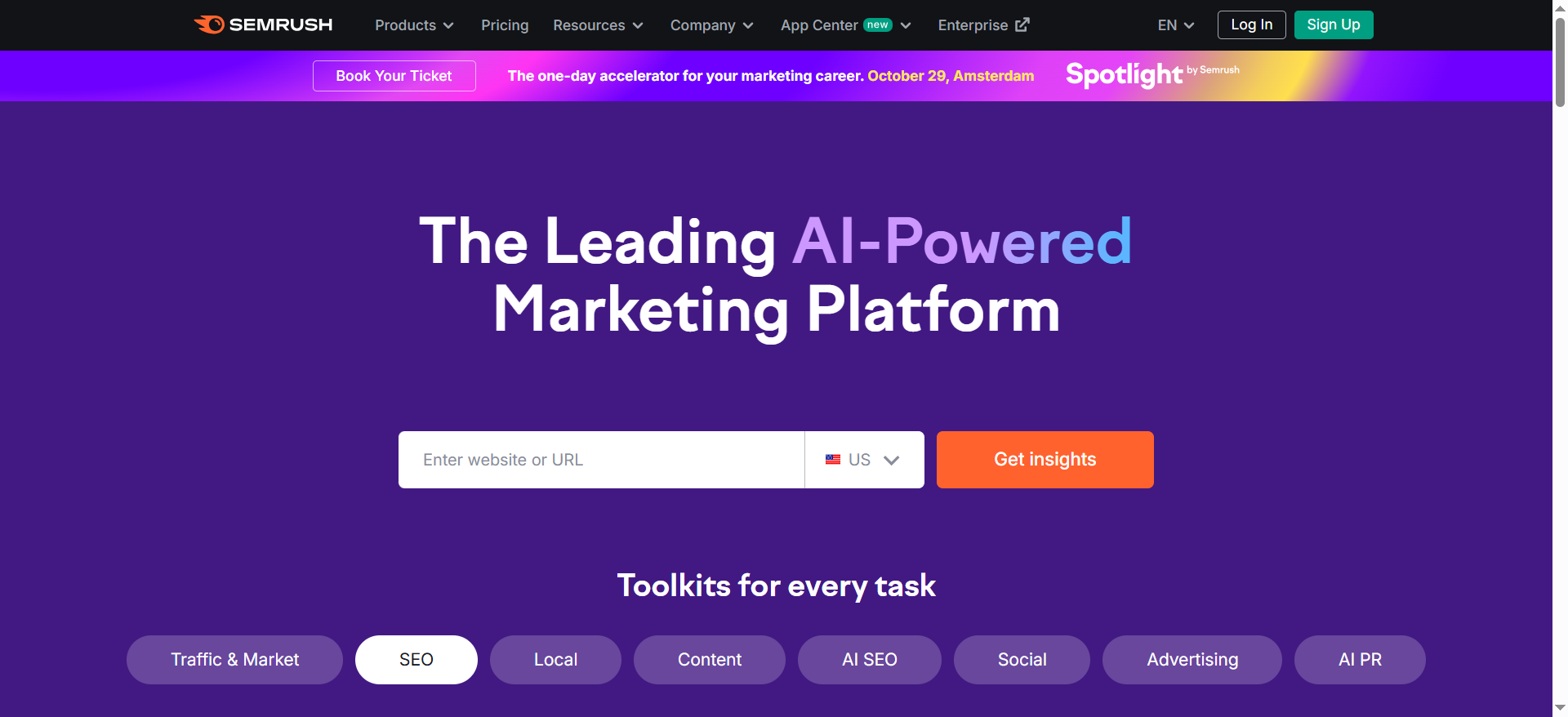
Semrush is best for teams that already run their SEO in one suite and want link loss checked in the same account. The three-month window it uses for a link to count as lost is documented on Semrush's Lost and Found page.
If your team already tracks keywords and runs audits in Semrush, its Lost and Found report sorts referring domains into new, lost and broken, so link loss is checked in the account you already open every week. Buyers weighing suites against each other can also read our guide to SEO tools for B2B teams.
Pricing: The plans below come from Semrush's pricing page, with annual and monthly billing side by side.
| Plan | Per Month, Billed Annually | Per Month, Billed Monthly | Backlink Features Listed |
|---|---|---|---|
| Free | $0 | $0 | None listed |
| SEO | $117.33 | $139 | None listed |
| Starter | $165.17 | $199 | None listed |
| Pro+ | $248.17 | $299 | None listed |
| Advanced | $455.67 | $549 | None listed |
| Enterprise | Custom | Custom | None listed |
The free plan costs $0 and allows 10 reports a day.
Strengths:
- One report sorts referring domains into new, lost and broken.
- Link checks sit in the same account as keyword and audit work.
- A free plan lets you look at the interface before you pay.
Trade-offs:
- The SEO plan at $117.33 a month on annual billing is the highest entry price of the five tools.
- The pricing page lists no backlink feature in any plan, so plan limits need checking first.
- "Lost" follows Semrush's three-month window, which may not match how you define it.
Key capabilities:
- Lost and Found report with new, lost and broken referring domains.
- A three-month window for a link to count as lost.
- A free account with 10 reports a day.
Good fit:
- Teams that already pay for Semrush and want link loss in the same weekly routine.
- Teams that want rank tracking, audits and link checks under one login.
Not a fit:
- Teams that only want link alerts and would pay for a suite they barely open.
- Buyers who need backlink limits confirmed from the pricing page alone.
The limitation that matters most is that Semrush's pricing page lists no backlink feature in any plan, so confirm plan limits with Semrush before you buy.
2️⃣ SE Ranking: Best For Agencies Who Want Monitoring Next To Rank Tracking
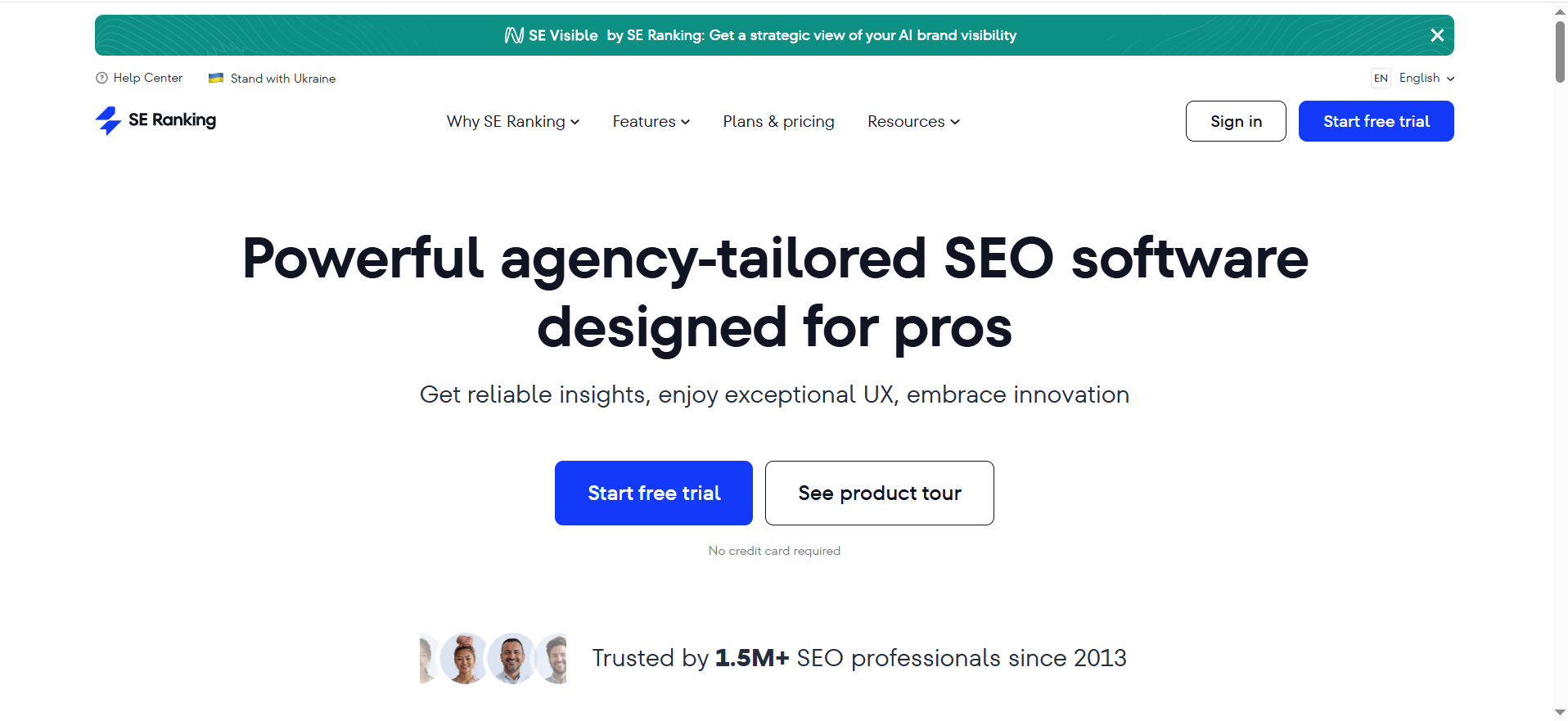
SE Ranking is best for agencies that want link monitoring next to rank tracking. Its Backlink Monitor sends an email notification when it detects a change, and it tracks whether each link is found or not found, whether the linking page is indexed or not indexed, and the first and last seen dates. What SE Ranking does not publish is how often it checks. The page says only that it "will run parameter checks on a regular basis".
You can start from links you already have. The same page says backlinks can be imported from Google Search Console, entered manually or taken from the Backlink Checker, and it includes a disavow file generator. Teams weighing it against other tools can read our SE Ranking alternatives and our guide to rank tracking software.
Pricing: SE Ranking's pricing page lists the plans below, and the Growth plan is the one that lists Backlink Research and Monitoring with no stated limit.
| Plan | Per Month, Billed Annually | Per Month, Billed Monthly | Projects | Backlink Research And Monitoring |
|---|---|---|---|---|
| Core | $103.20 | $129 | 10 | Not stated |
| Growth | $223.20 | $279 | 30 | Listed, no limit stated |
| Enterprise | Custom | Custom | Custom | Custom |
Strengths:
- Email notification when a link changes status.
- Found and indexed status for each link, with first and last seen dates.
- Import from Google Search Console, so day one starts with data.
Trade-offs:
- Refresh frequency is unpublished.
- Monitoring is listed on the Growth plan at $223.20 a month on annual billing, well above the single-purpose tools.
- Backlink monitoring is not stated for the Core plan.
Key capabilities:
- Status tracking for found, not found, indexed and not indexed.
- Import from Search Console, manual entry or the Backlink Checker.
- A disavow file generator on the same page.
Good fit:
- Agencies that run client projects and want monitoring beside rank tracking.
- Teams that want to import existing links from Search Console.
Not a fit:
- Anyone who needs a published check frequency before buying.
- Solo owners who want the cheapest alert and nothing else.
The limitation that matters most is that SE Ranking does not publish how often it refreshes link status.
3️⃣ Monitor Backlinks: Best For Lean Teams Who Want Simple Alerts
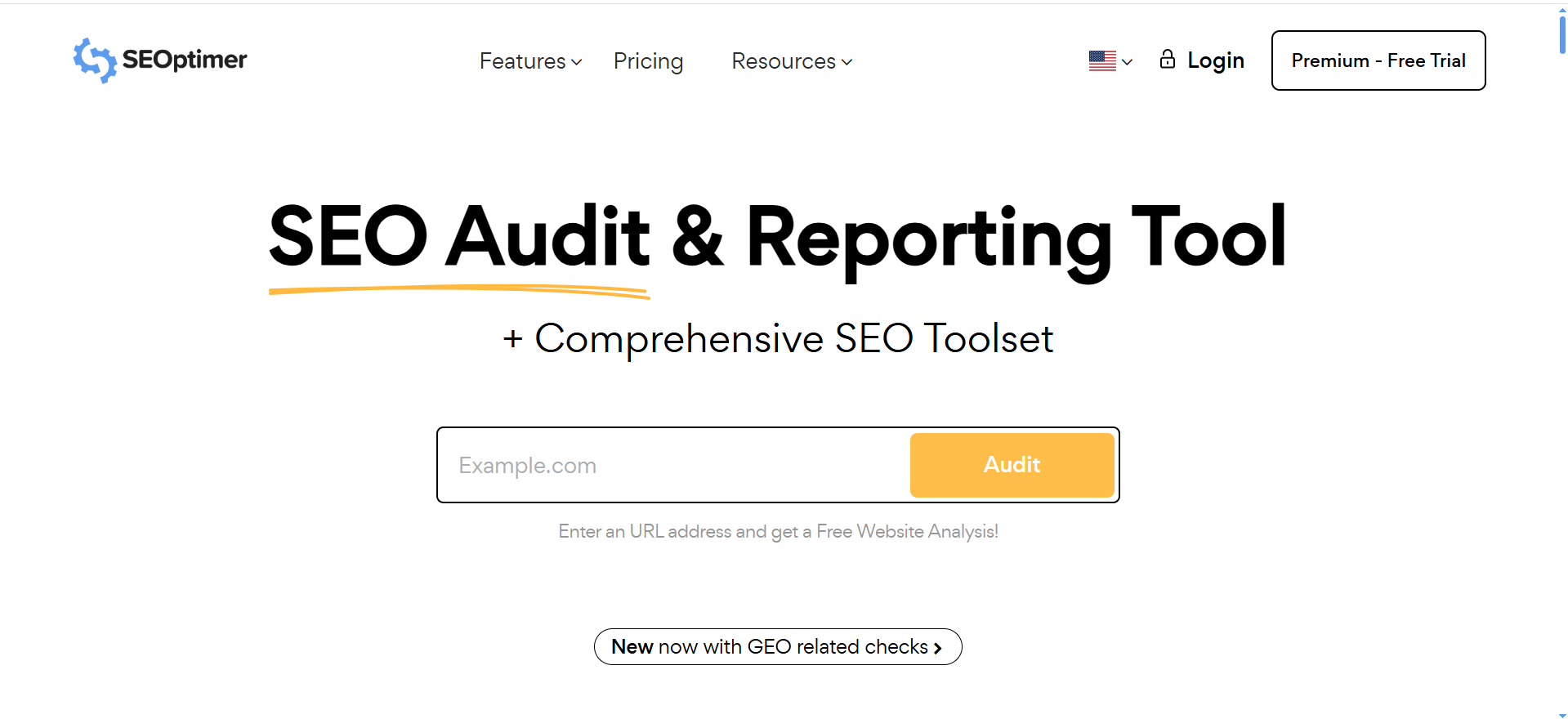
Monitor Backlinks, now inside SEOptimer, emails a notification for new links and sends a weekly or monthly digest of lost or changed links. The White Label plan covers 3 sites and 50 site lookups, and White Label & Embedding covers 10 sites and 150 lookups.
It suits a small team that wants a quiet inbox. The dashboard covers up to a year of data, and exports come in CSV, Excel or PDF.
Pricing: The plans below come from the Monitor Backlinks page on SEOptimer, and both plans include email alerts.
| Plan | Per Month, Billed Monthly | Per Month, Billed Annually | Sites | Site Lookups | Extra Users |
|---|---|---|---|---|---|
| White Label | $39 | $29.25 | 3 | 50 | 2 |
| White Label & Embedding | $59 | $44.25 | 10 | 150 | 5 |
Strengths:
- Email notification of new links as they appear.
- A digest of lost or changed links keeps alert volume low.
- Exports in CSV, Excel and PDF for reporting.
Trade-offs:
- Lost and changed links arrive in a weekly or monthly digest, so a loss can wait for the next send.
- Limits are set by sites and lookups, not by a stated count of monitored links.
- Only two plans are listed, both white-label.
Key capabilities:
- New-link emails and a lost or changed digest.
- Up to a year of dashboard data.
- CSV, Excel and PDF exports.
Good fit:
- Lean teams and freelancers who protect links on one to ten sites.
- Agencies that need white-label reports for clients.
Not a fit:
- Teams that need an alert the day a link disappears.
- Teams that need to monitor a very large number of links on many sites.
The limitation that matters most is that alerts for lost or changed links are digest-based, not instant.
4️⃣ Linkody: Best For Per-Link Pricing And 24/7 Status Checks
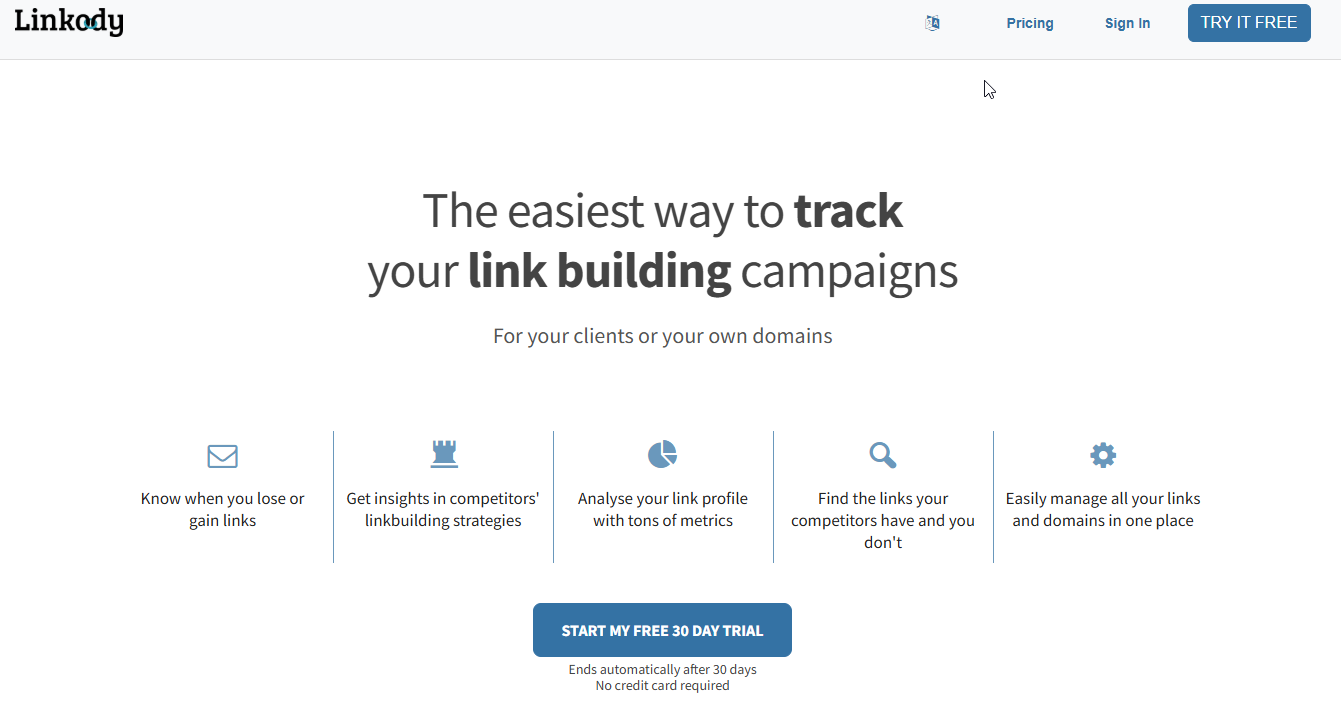
Linkody is best for teams that want to pay by the number of links they monitor and have status checks running around the clock. Its page gives the fullest list of change types among the vendors reviewed. Linkody monitors links 24/7 and watches new and lost backlinks, link status changes, landing pages returning 404, Google index status, meta robots, follow/nofollow and HTTP status. Alerts arrive as daily link reports by email only.
The link limit counts links to your own sites only. That makes the maths easy. You count the earned links you want to protect, then pick the tier that holds them. Linkody's plans page lists the tiers below, from 500 up to 50,000 monitored links.
| Plan | Per Month, Billed Monthly | Per Month, Billed Annually | Monitored Links |
|---|---|---|---|
| Webmaster | $14.90 | $11.20 | 500 |
| Advanced | $24.90 | $18.70 | 2,000 |
| Pro | $49.90 | $37.40 | 5,000 |
| Agency | $99.90 | $74.90 | 20,000 |
| Agency XL | $153.90 | $115.40 | 50,000 |
Linkody also offers a free 30-day trial with no credit card.
Strengths:
- The most detailed list of watched change types among the vendors reviewed.
- Pricing tied to monitored links, so you pay for what you protect.
- A 30-day trial with no credit card.
Trade-offs:
- Alerts are email only, with no other channel stated.
- The link limit covers your own sites, so competitor tracking is not shown.
- Rank tracking and audits are not part of what the page lists.
Key capabilities:
- New and lost link tracking.
- 404 landing pages and HTTP status.
- Google index status, meta robots and follow/nofollow.
Good fit:
- SEO managers who protect 20 to 5,000 earned links and want a clear tier.
- Teams that want nofollow flips and index changes flagged.
Not a fit:
- Teams that want alerts in Slack or another channel.
- Teams that need rank tracking in the same account.
The limitation that matters most is that alerts arrive by email only.
5️⃣ Backlink Vigil - Best for Accurate Backlink Monitoring & Reliable Alerts
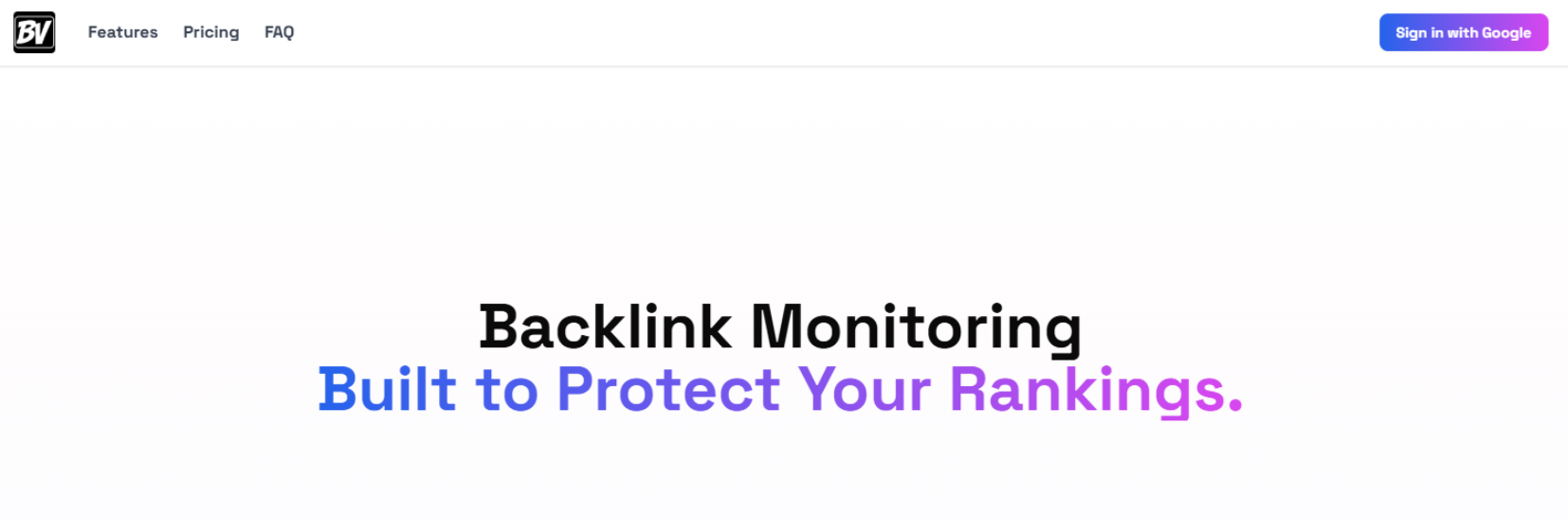
What it is: Backlink Vigil is a dedicated backlink monitoring tool that tracks backlink status daily, helping users identify when links are lost or changed, ensuring the ROI of link-building efforts is protected.
Best for: Solo SEOs, consultants, link-building agencies, founders and the marketing teams that outsource link building.
Key backlink monitoring capabilities:
Daily monitoring with change detection: Tracks backlinks continuously and identifies real changes such as:
- Link removal
- Dofollow → nofollow / sponsored changes
- Anchor text changes
- Page becoming unreachable
Accuracy-focused verification system: Uses multiple checks to confirm link status before marking it as lost, reducing false positives compared to tools that rely on a single-pass crawl.
Handles JavaScript & Cloudflare-protected pages: Detects backlinks even on websites protected by Cloudflare or heavy JavaScript rendering, where traditional crawlers often fail or return incorrect results.
Link-level tracking data: Each backlink includes:
- Anchor text
- Link type (dofollow/nofollow) and rel attributes.
- Optional: link builder and cost (for ROI tracking)
- Historical status changes
Event-based alerts (Email + Slack): Sends notifications only when meaningful changes occur (e.g., link lost, restored, or modified), helping reduce noise while keeping teams updated in real time.
Project-based organisation: Backlinks can be grouped by project, making it easier to manage client campaigns or multiple websites.
When to use Backlink Vigil:
Backlink Vigil works best when:
- You already have backlinks and want to protect existing link equity.
- You need accurate alerts, not large datasets.
- You want a lightweight monitoring layer alongside tools like Ahrefs or Semrush
Pricing snapshot:
- Free plan available (limited backlinks)
- Paid plans start at~$20/month with unlimited backlink tracking
📋 Get Listed / Advertise
We update this guide monthly. Want your tool featured? Contact: [email protected].
Google Search Console: The Free Baseline To Run Alongside Any Tool
Search Console is a free baseline that reports your links. SaaS Hero's B2B backlink guide finds that it carries no lost-link alerts. Pair it with one alert tool from the list above and you have what most teams need.
Its Links report shows three things.
- Top linked pages (external): Your pages that receive the most backlinks.
- Top linking sites: The domains that link to you the most.
- Top linking text: The anchor text most commonly used in backlinks.
Export the data and compare it with whatever your alert tool reports. On a tight budget, our guides to cheap SEO tools and free SEO tools cover what else costs little or nothing.
How Many Links Are You Protecting? A Decision Rule
The right tool depends on how many earned links you protect and on how many sites they point to. Count both before you compare features. Where monitoring sits in the wider stack is covered in the SaaS SEO tool stack we use.
| If You Protect... | Use... | Because... |
|---|---|---|
| About 20 links on one site | Search Console plus a free trial or free plan | You do not need paid capacity yet, and a trial shows whether alerts are useful. |
| Up to 500 links | Linkody Webmaster | Priced by monitored links, with 500 included. |
| Up to 2,000 links | Linkody Advanced | Same watch list with a 2,000-link limit. |
| Up to 5,000 links | Linkody Pro | The top of the range this guide's opening rule covers. |
| 5,000 to 20,000 links | Linkody Agency | The limit rises to 20,000 monitored links. |
| Up to 3 sites | Monitor Backlinks White Label | Limits are set by sites, with 3 sites and 50 lookups. |
| Up to 10 sites | Monitor Backlinks White Label & Embedding | Covers 10 sites and 150 lookups. |
| Rank tracking and audits in the same account | SE Ranking or Semrush | Link loss is checked beside the rest of the SEO work. |
Worked example: The sums below divide Linkody's monthly-billed prices by each tier's monitored-link limit. This is our arithmetic, not a figure Linkody publishes.
- Webmaster at 500 links: $14.90 divided by 500 is about $0.030 per link a month.
- Advanced at 2,000 links: $24.90 divided by 2,000 is about $0.012 per link a month.
- Pro at 5,000 links: $49.90 divided by 5,000 is about $0.010 per link a month.
- Webmaster at 20 links: $14.90 divided by 20 is about $0.745 per link a month.
The cost per link only falls when you fill the tier. With 20 links, a paid tier costs you far more per link, so start free. With 500 links, Webmaster is the first paid tier that holds them all.
Free versus paid: Search Console is free and stays in the stack either way. A free 30-day Linkody trial with no credit card lets you test alerts on your real links before you pay. Move to a paid plan once you hold more links than a free option covers, or once a lost link would cost you real money.
If you would rather hand monitoring to a team, the GEO + SEO Growth Programme retainer covers it alongside the rest of your SEO.
Alert Types: What Each One Means And Who Owns It
Not every alert needs the same response. Six types cover almost everything the tools above report, and each one has a first action and a person who owns it. The owners are our own routine. No vendor assigns them. The tools column uses vendor pages only.
| Alert | What It Means | Tools That State It | First Action | Owner |
|---|---|---|---|---|
| Lost link | The link no longer appears on the linking page. | Linkody, SE Ranking, Monitor Backlinks, Backlink Vigil, Semrush | Open the page and find out why it went. | Whoever owns the partner relationship |
| Nofollow flip | The link still exists but now carries nofollow. | Linkody, Backlink Vigil | Confirm the attribute, then ask the site why. | SEO manager |
| Dead page (404 or 5xx) | A page in the link path returns an error. | Linkody, Backlink Vigil | Check whether the error is on your page or theirs. | Content lead |
| Deindexed linking page | Google no longer lists the page that links to you. | Linkody, SE Ranking | Note it and watch whether the page returns. | SEO manager |
| Anchor text change | The words on the link have been rewritten. | Backlink Vigil | Compare the new anchor with the old one. | Content lead |
| New link | A new page links to you. | Linkody, Monitor Backlinks, Semrush | Log it, then judge its quality. | SEO manager |
Two points about the table. First, only Backlink Vigil states that it flags anchor text changes among the pages reviewed, so treat that gap as a reason to check anchors in the quarterly review. Second, SE Ranking, Monitor Backlinks and Semrush describe lost, changed or new links, and their pages do not name nofollow flips.
A single person should triage the whole inbox each week and hand each alert to its owner. That keeps the owners from each reading every alert and stops the same alert being handled twice.
The Weekly Backlink Alert-Triage Routine
Run this once a week in a 30 to 45 minute slot. We run a weekly 30 to 45 minute link-health review and a quarterly deep dive, and the steps below are built around the alert types and owners above.
- Tag the critical links once, then revisit the tag each quarter. Mark guest posts, partner links and PR wins that you cannot afford to lose, in whichever tool you chose. The SEO manager owns this step and gives it 30 minutes the first time.
- Route every alert to one shared inbox or channel so the right person always sees it. The SEO manager owns this step and sets it up once in about 15 minutes.
- Sort the week's alerts by type. Group lost links, nofollow flips, dead pages, deindexed pages, anchor changes and new links. The SEO manager owns this step and gives it 10 minutes.
- Hand each group to its owner using the table above. The SEO manager owns this step and gives it 5 minutes.
- Check dead pages against a crawl. Dead pages are found by audits, so run one of the site audit tools to see whether the error is on your side. The content lead owns this step and gives it 10 minutes.
- Log what happened to each alert, whether reclaim, nurture or let go. The SEO manager owns this step and gives it 5 minutes.
- Run a quarterly deep dive. Compare referring domains and total backlinks quarter over quarter, and look at which pages keep earning links and which keep losing them. The SEO manager owns this step and blocks 90 minutes.
Disavow belongs in the quarterly review only, and only when you are confident there is real risk.
If you would rather hand the weekly triage to a team that has run it before, the GEO + SEO Growth Programme covers monitoring, reclamation and reporting. You keep the links, and your week stays free.
Lost-Link Reclamation: What To Do When An Alert Fires
A lost link is not always a lost cause. Work through the list in order.
- Find out why the link is gone. If the page was deleted, check whether it moved. If it was redesigned, look for the link in the new layout. If the link was removed, note who removed it. If it turned nofollow, treat it as a different problem.
- Decide whether the link is worth reclaiming. If the site is relevant and trusted, it is. If it never was, let it go. Apply the same test we describe in how to check backlink quality before acquiring links.
- Send a short outreach email. If the page moved, give the new address and ask for the link to be restored. If the link was dropped in a redesign, point to the exact paragraph where it sat. Two or three sentences are enough. The backlink prospecting and outreach tools guide covers tools that help track the replies.
- Follow up once. If there is no reply after a week, send one polite reminder. If there is still nothing, move on.
- Know when to let go. If the page is gone for good, the site no longer covers your topic, or the link was low quality, stop. Put the effort into a replacement instead.
Replacement links come from pages worth linking to, and building those is what our SaaS content marketing programme does.
How We Run Backlink Monitoring For Clients At The Rank Masters
We run this for B2B SaaS clients in four steps, and each one maps to a section above.
- Baseline audit: We pull the full backlink profile, remove obvious junk and tag the high-value links and priority pages.
- Alerts: We set project-level alerts so important changes, especially to critical links, surface when they happen and not weeks later.
- Reclamation: We chase high-value lost links with short, respectful outreach.
- Reporting: We connect link changes to rankings and traffic so stakeholders see backlinks as an asset.
Every client gets a "critical links" segment, so we can see at a glance whether anything valuable is at risk.
The Bottom Line On Backlink Monitoring
Start with Search Console and one alert tool, and size that tool to the number of earned links you protect. Linkody suits teams who want to pay by link, Monitor Backlinks suits teams who want a quiet digest, and Semrush or SE Ranking suit teams who already live in a suite. Then build the weekly habit, because the tool only works if someone reads the alerts.
FAQs
Do I need more than one backlink tool?
Is Backlink Monitoring Really Necessary?
What Is The Best Free Backlink Monitoring Solution?
How often should I check my backlinks?
Can I Monitor Competitors' Backlinks With These Tools?
What Should I Do When I Detect A Lost Backlink?
Which Tools Alert Me To Nofollow Changes?
How Many Links Do I Need To Protect Before Paying For A Tool?
Who On The Team Should Own Backlink Alerts?
Want a second pair of eyes on your link profile? Book a thirty-minute call. One of the founders takes it, and you leave knowing which links to protect first and which tool fits.
📑 Disclosure!
Some links in this article are affiliate links. If you sign up through them, The Rank Masters may earn a commission at no additional cost to you. This does not influence which tools we recommend or what we say about them.