
Nosto is the safest first trial for a Shopify store that wants on-site changes. It works with Shopify and WooCommerce, and its fee scales with your store's revenue and traffic. Klaviyo is the first trial for an email-led store with no developer. Bloomreach, Salesforce and Optimizely only make sense once catalogue size, traffic and a technical team justify custom enterprise contracts.
That ordering holds for a store on a mainstream platform with steady traffic and a small team. A store with a Salesforce stack or a dedicated engineering team should start further down the list.
This is a ranking built from vendor pricing pages and published guides, not from running each tool on a store. Most vendors publish no price, so the order is a reason to trial, not a verdict.
If the harder problem is getting shoppers to the store in the first place, the GEO + SEO Growth Programme covers ongoing organic and AI-search work for stores like yours.
📋 Get Listed / Advertise
We update this guide monthly. Want your tool featured? Contact: [email protected].
Ecommerce Personalization Software At A Glance
Five tools, one row each. The same five appear in the same order in the profiles below, so you can jump from a row to the full write-up.
| Tool | Best For | How Pricing Works | Published Price | Main Limit |
|---|---|---|---|---|
| Nosto | Shopify and WooCommerce stores with steady traffic | Base platform fee plus a fixed fee calculated on store GMV and traffic | Pricing on request | No entry price, so budgeting waits on a sales call |
| Klaviyo | Stores that start personalization in email | Free start offered, plan figures not shown on the fetched pricing page | Pricing on request | Not an on-site experience engine |
| Bloomreach | Large catalogues that need search and marketing in one stack | Annual custom contract built on audience and catalogue size, products and usage | Most smaller customers spend $60K or more a year | No public rate card, and the spend starts high |
| Salesforce Personalization | Stores already running Salesforce | Per org per month, billed annually, with 50M Personalization Credits | $8,000 USD per org per month | Requires Data 360 provisioned |
| Optimizely | Enterprise teams that run experimentation | Custom, varying with site traffic, products chosen and implementation complexity | Pricing on request | No entry price and heavier implementation |
1. Nosto: Best For Shopify And WooCommerce Stores
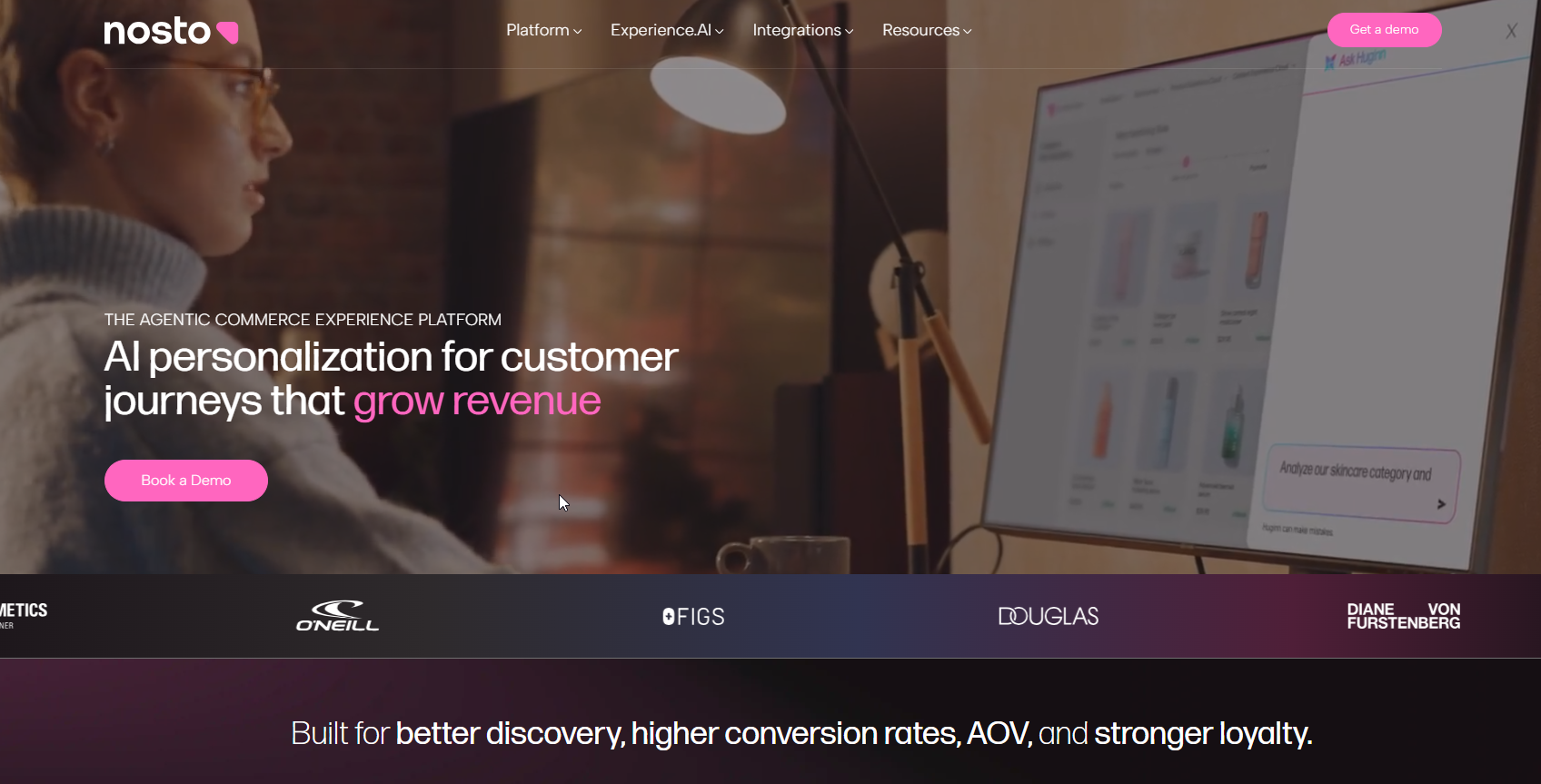
Nosto sells personalization as modular suites, including Product Experience Cloud and Content Experience Cloud. Nosto's pricing page says AI capabilities come in every module at no extra cost, so you do not pay a separate fee to switch the smart features on.
Nosto is best for a Shopify or WooCommerce store with steady traffic that wants a quote tied to its own size. ConversionWax describes Nosto as working with Shopify and WooCommerce, and that platform fit is its description, not something we tested. Per Nosto's pricing page, the fee is a base platform fee plus a fixed fee calculated on store GMV and traffic.
| Plan | Price | Billing Basis | What It Includes |
|---|---|---|---|
| Platform fee plus fixed fee | Pricing on request | Calculated on store GMV and traffic | Base platform fee, modular suites, AI in every module |
Nosto publishes no entry price on its pricing page, so the number comes from a conversation with sales, not from a rate card.
Strengths:
- The quote follows your own GMV and traffic.
- AI capabilities sit in every module at no extra cost, which removes one line item from the comparison.
- ConversionWax names both Shopify and WooCommerce as platforms it works with.
- The suites are named on the vendor's pricing page, so you know what to ask the quote to cover.
Trade-offs:
- No entry price is published, so you cannot build a budget before you talk to the vendor.
- A fee tied to GMV rises as the store grows, which moves the budget every time sales climb.
- Modular suites mean you must decide which modules you need before two quotes can be compared fairly.
Key capabilities:
- Product Experience Cloud suite
- Content Experience Cloud suite
- AI capabilities in every module at no extra cost
- Pricing based on store GMV and traffic
Good fit:
- A Shopify or WooCommerce store with steady traffic and a small team.
- A store that is comfortable with a quote built on its GMV and traffic.
- A marketer who is happy to take a quote before committing to a suite.
Not a fit:
- A store that needs a published price to get budget approved this quarter.
- A store whose platform is neither Shopify nor WooCommerce, until Nosto confirms support in writing.
- A team that wants one tool to cover email, search and on-site experience in a single contract.
The limit that matters most is the missing entry price, so ask Nosto for a quote built on your own GMV and monthly traffic before you spend trial time on it.
2. Klaviyo: Best For Stores That Start Personalization In Email
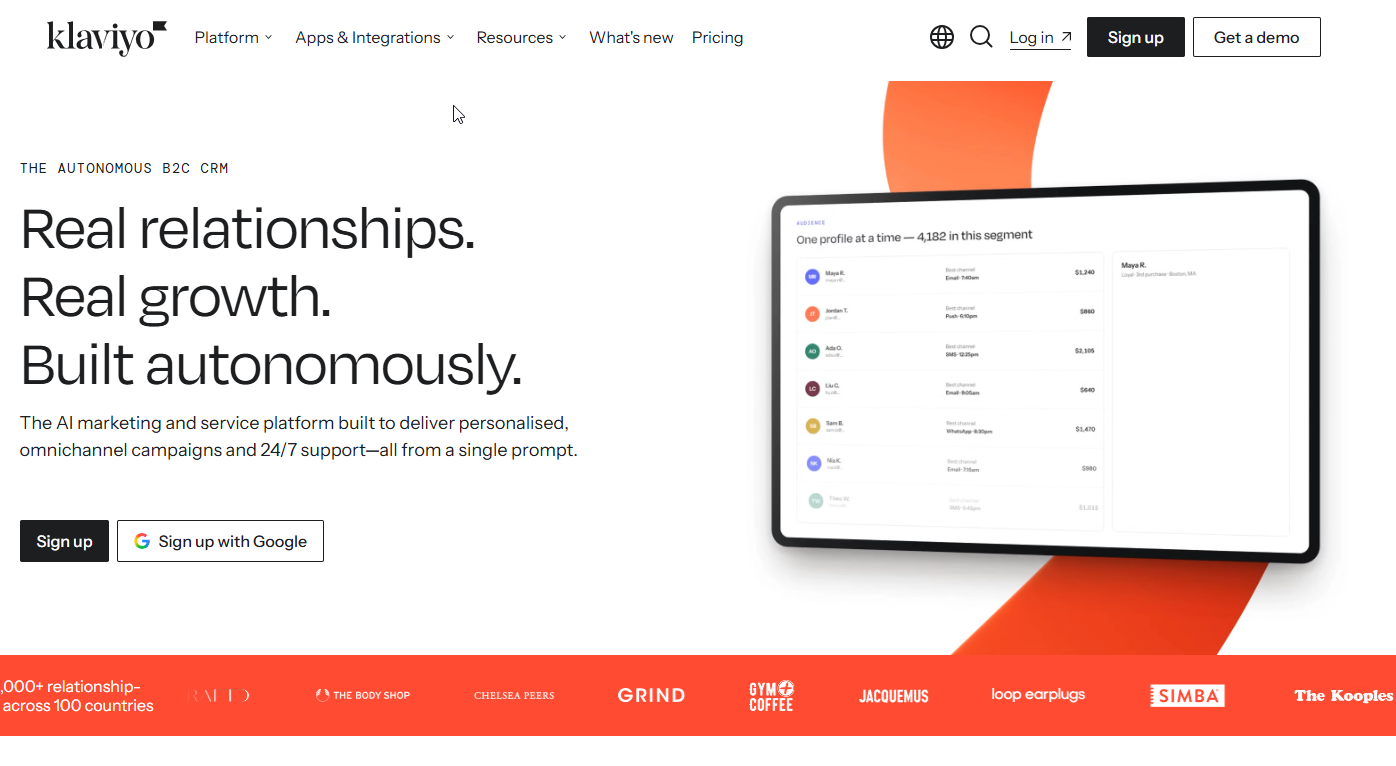
Klaviyo is an email and lifecycle platform, so here it is the lighter route into personalization, not an on-site experience engine.
ConversionWax describes Klaviyo as suited to small and medium businesses and as working with Shopify. A small Shopify store that already collects email addresses and has no engineering help should look at Klaviyo before any storefront engine, because the data it needs is data the store already holds. Klaviyo's pricing page offers a free start.
| Plan | Price | Billing Basis | What It Includes |
|---|---|---|---|
| Free start | Free start offered | See the vendor page | Entry to the platform |
| Paid plans | Pricing on request | See the vendor page | Plan figures are not shown on the fetched pricing page |
The fetched pricing page shows no plan figures, so check the live page for current tiers before you budget.
Strengths:
- A free start lowers the cost of finding out whether personalization moves anything for your store.
- ConversionWax places it with small and medium businesses and Shopify.
- The free start sits on the vendor's own pricing page, so you can check the entry terms before talking to anyone.
- A free start means you can test the email route before you pay for a storefront tool.
Trade-offs:
- It is not an on-site experience engine, so the product grid and search results stay as they are.
- Plan figures were not on the fetched pricing page, so the cost at your list size is a number to confirm.
Key capabilities:
- Email and lifecycle messaging
- Works with Shopify, per ConversionWax
- A free start on the vendor's pricing page
Good fit:
- A small or medium Shopify store with an email list and no developer.
- A team that wants to prove personalization pays off before it buys a storefront tool.
- A marketer who owns email and has no say over the site template.
Not a fit:
- A store whose main problem is what shoppers see on category and product pages.
- A team that needs on-site search or merchandising changes inside the same tool.
- A store that has already outgrown a single email channel and needs orchestration across several.
If you are still choosing the email layer, read our guide to the best email marketing tool for Shopify.
The limit that matters most is scope. Klaviyo is not an on-site experience engine.
3. Bloomreach: Best For Large Catalogues That Need Search And Marketing In One Stack
Bloomreach is a modular stack. Bloomreach's pricing page lists six products, which are Email, Marketing Automation, Ecommerce Search, Marketing Agent, Shopping Agent and Loomi Connect. You buy the modules you need and the price follows audience size, catalogue size, products and usage.
Bloomreach is best for a store with a large catalogue that wants search and marketing under one contract, and that has the budget to match. Pricing is annual and custom. The same page says most smaller customers spend $60K or more a year, and it publishes no rate card. That one sentence is the real filter. If $60K a year is a stretch, this tool is not your first trial.
| Plan | Price | Billing Basis | What It Includes |
|---|---|---|---|
| Custom annual contract | Most smaller customers spend $60K or more a year | Annual, built on audience and catalogue size, products and usage | Six modular products, no public rate card |
Bloomreach's pricing page states no rate card, so any figure below $60K a year has to come from the vendor in a quote.
Strengths:
- Search and marketing modules sit under one vendor, which cuts the number of contracts to manage.
- Six separate modules let you start with part of the stack, such as Ecommerce Search.
- Pricing built on audience and catalogue size matches the cost to the scale of the store.
Trade-offs:
- The price floor is high, with most smaller customers spending $60K or more a year.
- No public rate card exists, so every comparison starts with a sales call.
- A stack this broad takes more setup and ownership than a single-purpose tool.
Key capabilities:
- Marketing Automation
- Ecommerce Search
- Marketing Agent
- Shopping Agent
- Loomi Connect
Good fit:
- A store with a large catalogue where search quality drives revenue.
- A team that wants email, automation and search from one vendor.
- A business that can sign an annual contract and has someone to own the rollout.
Not a fit:
- A small store that cannot commit to $60K or more a year.
- A team that wants a month-to-month trial with a published price.
- A store that only needs product recommendations and has no search problem.
The limit that matters most is the entry cost. Bloomreach asks for an annual commitment before you know whether your store needs the whole stack.
4. Salesforce Personalization: Best For Stores Already Running Salesforce
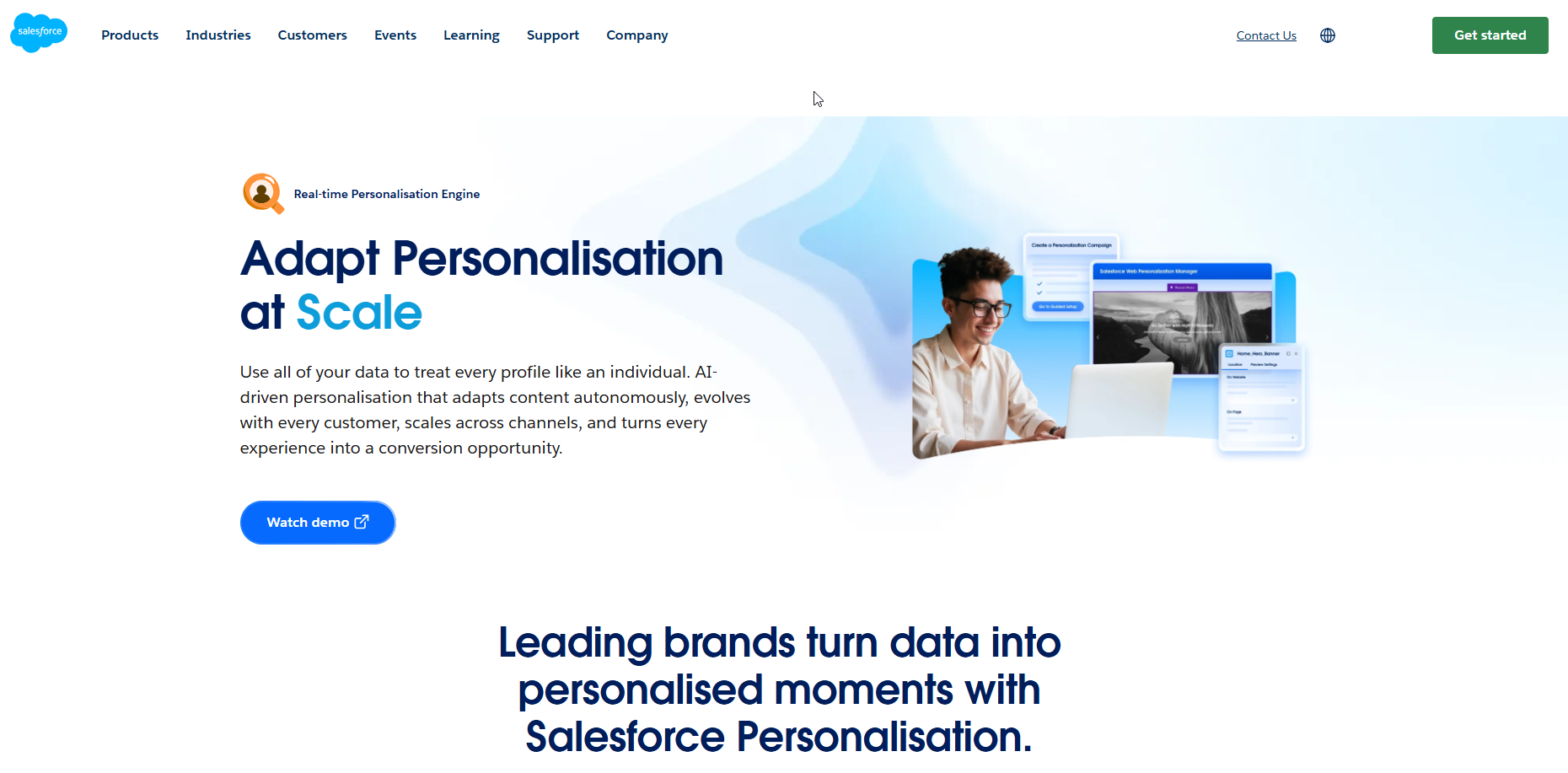
Salesforce Personalization is the one tool here that shows a price you can put in a spreadsheet. Salesforce's pricing page lists Salesforce Personalization at $8,000 USD per org per month, billed annually, with 50M Personalization Credits, and it requires Data 360 provisioned. It also lists Marketing Cloud Personalization+ at $15,000 USD per org per month, which bundles Salesforce Personalization with 50M credits.
Salesforce Personalization is best for a store already running Salesforce, because the plan requires Data 360 provisioned. Salesforce lists product recommendations, personalized search, dynamic web content, behavioral targeting and location-based offers as personalization types on its ecommerce personalization page. A store without Salesforce is paying to set up the foundation as well as the tool.
| Plan | Price | Billing Basis | What It Includes |
|---|---|---|---|
| Salesforce Personalization | $8,000 USD per org per month | Billed annually | 50M Personalization Credits, requires Data 360 provisioned |
| Marketing Cloud Personalization+ | $15,000 USD per org per month | Per org per month | Salesforce Personalization bundled, 50M credits |
Do the arithmetic before the sales call. $8,000 a month times 12 is $96,000 a year, and $15,000 a month times 12 is $180,000 a year.
Strengths:
- Both plan prices are public, so you can budget without a sales call.
- Five personalization types are listed on Salesforce's page, from product recommendations to location-based offers.
Trade-offs:
- The entry price is $8,000 USD per org per month, which is $96,000 a year.
- Data 360 must be provisioned, which adds a setup requirement before anything runs.
- Marketing Cloud Personalization+ costs $15,000 USD per org per month, which is $180,000 a year.
Key capabilities:
- Product recommendations
- Personalized search
- Dynamic web content
- Behavioral targeting
- Location-based offers
- 50M Personalization Credits in each listed plan
Good fit:
- A store whose team already works inside Salesforce.
- A business with a six-figure annual budget for personalization alone.
- A team that wants a published price to put in a business case.
Not a fit:
- A small store on a mainstream platform with no Salesforce stack.
- A team that cannot provision Data 360 this quarter.
- A marketer looking for a free start or a low monthly plan.
The limit that matters most is the price floor. $96,000 a year is the cheapest published way in.
5. Optimizely: Best For Enterprise Teams That Run Experimentation
Optimizely's plan and cost docs list Feature Experimentation, Web Experimentation, Personalization and Performance Edge as product lines. Personalization is one of four, which suits a team that tests everything and wants personalization to sit inside that habit.
Optimizely is best for an enterprise team that already runs experiments. ConversionWax describes Optimizely as aimed at enterprises. The same docs page says pricing is custom and varies with three things, which are site traffic, the products you choose and implementation complexity.
| Plan | Price | Billing Basis | What It Includes |
|---|---|---|---|
| Custom contract | Pricing on request | Varies with site traffic, products chosen and implementation complexity | Feature Experimentation, Web Experimentation, Personalization, Performance Edge |
Optimizely's docs page publishes no entry price, so every figure comes from a quote.
Strengths:
- Experimentation and personalization are listed as product lines on the same docs page.
- Four product lines let a large team add pieces over time.
- Pricing that tracks site traffic suits a business that already knows its volumes.
Trade-offs:
- No entry price is published, so budgeting waits on a quote.
- Implementation complexity is one of the three cost drivers, which tells you the rollout is not light.
- A small store pays the same planning overhead as an enterprise one.
Key capabilities:
- Feature Experimentation
- Web Experimentation
- Personalization
- Performance Edge
Good fit:
- An enterprise team with an experimentation program and engineers to run it.
- A store with high traffic that can fill tests quickly.
- A business that wants personalization governed by the same process as A/B tests.
Not a fit:
- A small store with one marketer and no developer.
- A team that wants to launch in days.
- A buyer who needs a published price before any conversation.
The limit that matters most is weight. With no published entry price and heavier implementation, Optimizely is a poor first trial for a store that has not run a test before.
📋 Get Listed / Advertise
We update this guide monthly. Want your tool featured? Contact: [email protected].
What Is Ecommerce Personalization Software?
Ecommerce personalization software changes what each shopper sees on an online store, including recommendations, search results, on-site content and messages, based on that shopper's behaviour and data. Shoppers notice. Salesforce says 73% of customers expect better personalization as technology evolves, a figure it attributes to its own State of the Connected Customer research.
That is one vendor's number about its own research, so read it as a sign of direction and not as a promise. The useful part is the split underneath. Ecommerce personalization tools fall into seven use-case categories.
- Search and discovery: Tools that change what comes back when a shopper searches.
- Onsite experience: Tools that change page content and layout per visitor.
- Recommendations and merchandising: Tools that choose which products to show and in what order.
- Lifecycle messaging: Tools that send personalised email and similar messages.
- CDPs and segmentation: Tools that unify customer data and build audiences.
- Experimentation: Tools that test variants and measure which wins.
- Omnichannel orchestration: Tools that coordinate the experience across channels.
The five tools above come from different corners of that list. Klaviyo sits in lifecycle messaging, Optimizely in experimentation. Bloomreach lists six modules, including email and ecommerce search, and Salesforce lists five personalization types, so both span more than one. Compare within a category before you compare across them. If you want the general shortlist beyond ecommerce, our guide to website personalization tools covers it, so this page does not repeat it.
Which Tool Type Fits Which Store Setup
A small Shopify store should trial Nosto first if it wants on-site changes, or Klaviyo first if it is email-led with no developer, and only then look at Bloomreach, Salesforce or Optimizely. Those three are priced for annual contracts (Bloomreach, Salesforce) or custom enterprise quotes (Optimizely).
The table below sorts the five tools by store setup. Some rows rest on a cited description, others on our judgement, and the last column says which.
| Store Setup | What To Prioritise | Trial First | What The Row Rests On |
|---|---|---|---|
| Small Shopify store with an email list and no developer | Start where the data already sits | Klaviyo | Cited description from ConversionWax, plus judgement |
| Shopify or WooCommerce store with steady traffic | A quote that follows GMV and traffic | Nosto | Cited description from ConversionWax |
| Large catalogue where search drives revenue | Search and marketing under one contract | Bloomreach | Judgement, based on the six modules on the vendor page |
| Store already running Salesforce | Data 360 and credits | Salesforce Personalization | Judgement, based on the vendor's price and requirements |
| Enterprise team with an experimentation program | Test capacity and implementation resource | Optimizely | Cited description from ConversionWax |
| Store with no technical team | Light setup and a published free start | Klaviyo, then Nosto | Judgement |
ConversionWax's tool guide calls Klaviyo suited to small and medium businesses, Nosto a fit for Shopify and WooCommerce, and Optimizely aimed at enterprises. Algolia reports that 70% of retail businesses expect personalization to be an integral or large part of their ecommerce strategy, from its own Site Search Trends 2024 research. Algolia sells search, so weigh that figure as vendor-sourced.
The integration-type sort below is our reasoning, not an established standard, and we have not tested how any named tool integrates. It is a list of questions to put to each vendor. A tool might arrive as a native platform app, a tag on your site, a server-side connection or a feed from a customer data platform. The answer changes who has to do the work.
Ask each vendor:
- Is the tool a native app for my platform, or does it need a script or tag added to the theme?
- Does personalised content render on the server, or only after the page loads in the browser?
- Which customer data does it read, and does it need a customer data platform feeding it?
- Which of my developers, if any, must stay involved after launch?
- What is the exact cost at my GMV, traffic and catalogue size?
If you also weigh email, landing-page and customer data routes alongside on-site tools, our roundup of AI tools for personalization marketing covers those.
Shoppers now ask ChatGPT and Perplexity which products to buy before they reach any store. Our Generative Engine Optimization service is how we help a catalogue show up in those answers.
Build In-House Or Use An App On Shopify
A Shopify store can build recommendations itself or install an app, and the trade-off is control against ease. Building in-house with Liquid and the Shopify APIs gives control but needs technical skill and upkeep, per AfterShip's guide. A third-party app is easier but carries ongoing fees.
Do not decide on instinct. Run the sum with your own numbers.
- In-house build cost: Developer hours to build, times your hourly rate.
- In-house yearly upkeep: Hours per month to maintain, times your hourly rate, times 12.
- App yearly cost: The app's monthly fee, times 12.
- Break-even: In-house build cost plus upkeep over your chosen period, against the app fee over the same period.
If the app costs less over the period you plan to keep it, install the app. If the in-house total is lower and you have someone who can maintain it, building is defensible. Upkeep is the line most people leave out, because the hours after launch are the hours nobody budgets for. The sum also leaves out the hours you spend on bugs when a theme updates, so add a margin.
Count what you will not build. A recommendation engine is one feature. The tools above also carry search, messaging, testing and reporting, and none of that appears in your in-house hours unless you write it down.
What Ecommerce Personalization Software Costs
Salesforce publishes two figures and Bloomreach publishes one threshold, while Nosto, Optimizely and Klaviyo's fetched page publish none. Salesforce's pricing page lists Salesforce Personalization at $8,000 USD per org per month and Marketing Cloud Personalization+ at $15,000 USD per org per month. Bloomreach's pricing page says most smaller customers spend $60K or more a year.
| Tool | What The Price Is Built On | Published Figure |
|---|---|---|
| Nosto | Base platform fee plus a fixed fee calculated on store GMV and traffic | Pricing on request |
| Klaviyo | Free start offered, plan figures not shown on the fetched page | Pricing on request |
| Bloomreach | Audience and catalogue size, products and usage, billed annually | $60K or more a year for most smaller customers |
| Salesforce Personalization | Per org per month, 50M credits | $8,000 USD per org per month |
| Optimizely | Site traffic, products chosen and implementation complexity | Pricing on request |
Most vendors publish no price, and the reason is in the table. Each prices on something specific to your store, such as GMV, traffic, audience or catalogue size. A likely reason is that a single rate card fits few buyers, so the vendor asks first. That is also why you cannot compare two quotes until you send both vendors the same inputs.
Send every vendor the same four numbers. Those are monthly traffic, annual GMV, catalogue size and the modules you want. Then compare. A quote built on different inputs tells you nothing.
Measure the result against a baseline. If organic traffic is a large share of your visits, it helps to know what your store earns from search before the trial starts. Our GEO and SEO growth work is built around that kind of baseline.
How To Choose: A Scorecard And A Two-Tool Trial
Pick two tools and give them a fixed trial. The steps below get you there, and each ends in something you can write down.
- Set the goal. Write one sentence naming the metric you want to move. Smart Insights advises setting specific goals before comparing vendors. You end with one goal and one metric.
- Match maturity, capacity and budget. Smart Insights also advises matching tools to business maturity, capacity and budget. You end with a budget ceiling and a named owner.
- Group the candidates by category. Algolia's buyer's guide advises comparing tools only within the same category. You end with a list of candidates per category.
- Score each tool on a weighted scorecard. Use the example below and change the weights. You end with a score for each tool.
- Narrow to two or three finalists. Algolia suggests the same cut. You end with a shortlist of two or three tools.
- Check integration, privacy and reviews. AfterShip's checklist covers integration with your stack, data privacy compliance (GDPR, CCPA, SOC 2), reviews from Shopify store owners, pricing against ROI and free trials. You end with a pass or fail for each finalist.
- Run the trial. Set a baseline, one success metric and a stop date. You end with a decision made on the stop date.
| Criterion | Example Weight | What To Check |
|---|---|---|
| Integration with your stack | 25 | Does it work with your platform, email tool and analytics |
| Fit with store size and catalogue | 20 | Is the vendor's own description of the target store close to yours |
| Price against expected return | 20 | Quote at your GMV and traffic, set against your business case |
| Privacy compliance | 15 | GDPR, CCPA and SOC 2 position in writing |
| Reviews from store owners | 10 | Reviews from stores on your platform |
| Trial terms | 10 | Free trial or free start, and the stop date |
These weights are an example, not a standard. Change them to match your own priorities, and make them add up to 100.
For the business case, use your own numbers.
- Baseline monthly revenue: Visitors times conversion rate times average order value.
- Revenue needed to break even: Tool cost for the month, divided by your margin.
- Required lift: Revenue needed to break even, divided by baseline monthly revenue.
If the required lift looks implausible for your store, you have your answer before the trial starts. Set the baseline with a website traffic analysis tool before you switch anything on. For the wider stack around the shortlist, our guide to AI marketing tools for ecommerce is the next read.
Run two tools at most. Two gives you a comparison without splitting your traffic into slices too thin to read.
Will Personalization Slow Your Store Or Hurt SEO?
It can, and you can test it before you pay. No source we verified gives a reliable speed or ranking effect for these tools, so this section sticks to checks you can run yourself and questions to put to each vendor.
Run three tests before launch and again after.
- Page speed before and after: Measure the same product page and the same category page with the tool off and then on.
- Server-rendered content: Check whether the personalised content sits in the HTML a crawler receives, or only appears after the browser runs scripts.
- Canonical URLs: Confirm that personalised variants keep one consistent canonical URL.
Run a Semrush Site Audit on the store before the trial and again after launch, so any new crawl errors or speed issues from the personalization script show up against a clean baseline.
Ask each vendor whether its script loads asynchronously, how it handles pages that crawlers see, and what happens to your canonical tags. These are questions, not claims. Privacy belongs on the same list. AfterShip's selection checklist names GDPR, CCPA and SOC 2 compliance as criteria, so ask each finalist for its position in writing.
If your concern is organic search more broadly, our guide to Shopify SEO companies lists agencies that work with stores like yours. If you are asking how AI answers read the store's pages, see our Answer Engine Optimization work, and our roundup of ecommerce GEO agencies covers product visibility in AI shopping answers.
FAQs
What Is The Best Ecommerce Personalization Software For A Small Shopify Store?
Do I Need A Dedicated Personalization Tool Or Is My Email Platform Enough?
What Data Do I Need Before I Start With Ecommerce Personalization?
How Do Personalization Platforms Handle Data Privacy And GDPR?
How Much Traffic Does A Store Need Before Personalization Is Worth Paying For?
How Should I Build A Business Case For Ecommerce Personalization?
Is My Store Ready For Ecommerce Personalization?
How Many Tools Should I Trial At Once?
What Is The Difference Between Product Recommendations And Full On-Site Personalization?
Why Do Most Vendors Not Publish Their Prices?
If you want a second opinion on the organic traffic that feeds your store, book a thirty-minute call. One of the founders takes it, and you leave knowing what we would fix first.
📑 Disclosure!
Some links in this article are affiliate links. If you sign up through them, The Rank Masters may earn a commission at no additional cost to you. This does not influence which tools we recommend or what we say about them.