Pick a website personalization tool by how the tool reaches your site, not by its feature list. A tag-based tool suits a marketing team that needs to move fast, while a server-side or CDP-fed engine suits teams with developers and clean customer data. Most shortlists fail by skipping the deployment choice.
This applies to mid-market B2B and ecommerce sites with steady traffic, and the five tools below cover tag-based, experimentation-led, composable and CDP-fed routes.
Only Mida and Salesforce publish prices, so budgets for the other three need a sales call, and no vendor's conversion-lift claim in this article is independently verified.
If you are also deciding which comparison and listicle pages your own site needs before any tool can personalize them, our SaaS content marketing team builds those pages. See how we scope them.
📋 Get Listed / Advertise
We update this guide monthly. Want your tool featured? Contact: [email protected].
Website Personalization Tools At A Glance
Five tools make the shortlist, and the one thing that separates them is the deployment route, meaning how each tool gets its decisions onto your pages.
| Tool | Best For | Deployment Route | Published Entry Price | Free Tier |
|---|---|---|---|---|
| Mida | Lightweight tag-based testing and personalization | Tag-based | Free Sandbox, Growth at $224 per month billed annually | Yes, Sandbox plan with no time limit |
| VWO | Experimentation-led teams adding personalization | Experimentation-led | Pricing on request | None listed on the pricing page |
| Optimizely | Enterprise teams that want a composable stack | Composable | Pricing on request | None listed on the pricing page |
| Insider One | Teams unifying customer data across channels | CDP-fed | Pricing on request | Not stated |
| Salesforce Marketing Cloud Personalization | Salesforce-centred stacks with Data 360 | CRM and Data 360 centred | $8,000 per org per month billed annually | None listed on the pricing page |
Read the route column first. A tool you cannot get onto your site, or cannot feed with data, is the wrong tool whatever its feature list says.
1. Mida: Best For Lightweight Tag-Based Testing And Personalization
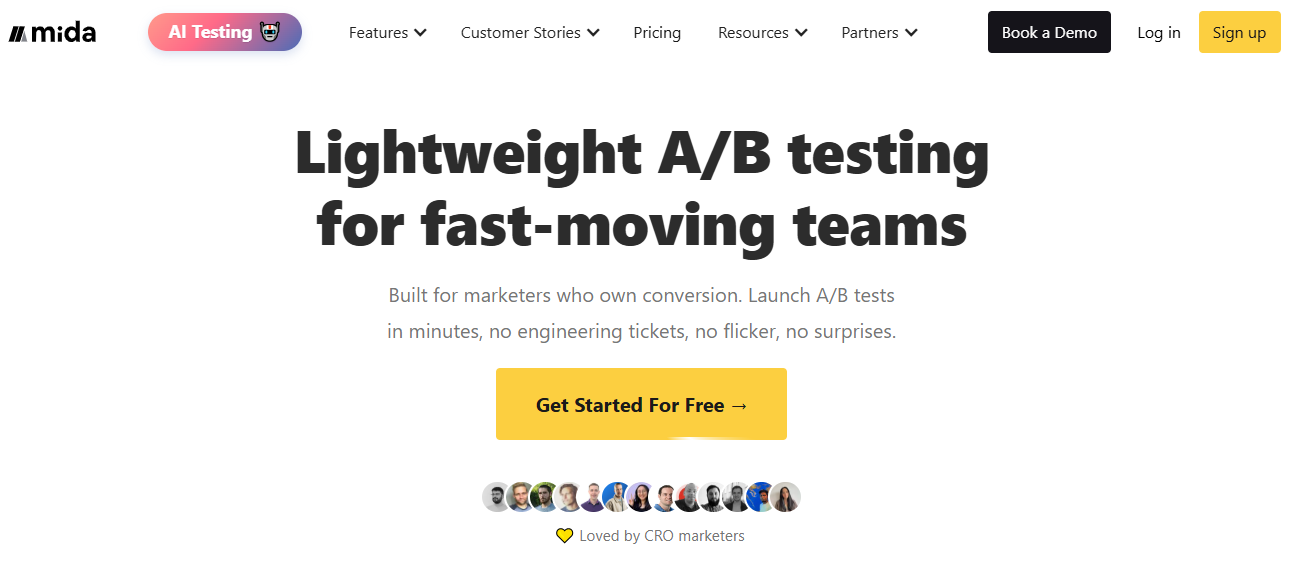
Mida suits a marketing-led team that wants to start personalizing without a developer queue and without a purchase order. It is the only tool here whose pricing page lists a free plan with no time limit.
Mida describes itself as a lightweight 15 KB compressed personalization and A/B testing platform. It lists compatibility with Shopify, Webflow, WordPress, Next.js and custom-built sites, and states a platform requirement of "None (any stack)". The installation method is not described, so we place Mida in the tag-based group on the strength of its small footprint and any-stack claim. That placement is our judgement, and you should confirm the install route in a trial.
Pricing: Mida's pricing page lists three plans.
| Plan | Price | Billing | What It Includes |
|---|---|---|---|
| Sandbox | $0 per month | No time limit | 100,000 monthly tested users, 50,000 tracked events per day, 60-day retention, 2 live experiments per project, 2 projects |
| Growth | $224 per month | Billed annually | 50K monthly tested users, selectable up to 2M tiers, unlimited experiments, events and retention, advanced targeting, live chat, 5 projects |
| Enterprise | Custom pricing | Quote | SSO, SLA, a dedicated CRO consultant, CSM and developer |
Per-tier prices for the larger Growth tiers are not published on the page, so the $224 figure is the entry point and not a ceiling. Billed annually, Growth works out to $2,688 a year at the entry tier.
Strengths:
- A free Sandbox plan with no time limit, which lets you test the tool on real traffic before anyone signs anything.
- A published Growth price, which three of the other four tools here do not offer.
- Unlimited experiments, events and retention on Growth, so volume does not force an upgrade.
- A stated any-stack requirement, which matters if your site mixes a CMS and a custom front end.
Trade-offs:
- The Sandbox caps you at 2 live experiments per project and 2 projects, and keeps data for 60 days.
- Prices for the higher monthly-user tiers on Growth are not published, so scaling cost is unknown until you ask.
- The installation method is not described, so you cannot judge flicker or page-load effect from the page.
- It is a browser-side route in our reading, which limits it to changes on the page.
Key capabilities:
- Personalization and A/B testing in one platform.
- Advanced targeting on the Growth plan.
- Live chat support on Growth.
- Up to 5 projects on Growth.
Good fit:
- A marketing team with little developer time that wants a free trial period.
- A site on Shopify, Webflow, WordPress or Next.js that needs quick page-level changes.
- A team that wants a published price to put in a budget request.
Not a fit:
- A team that needs personalization beyond the browser, such as in an app or an API response. The decision rule below explains why.
- A buyer who needs a vendor-run implementation, since the dedicated consultant sits on the custom Enterprise plan only.
The limitation that matters most is that scaling past 50K monthly tested users means a quote you cannot see in advance.
2. VWO: Best For Experimentation-Led Teams Adding Personalization
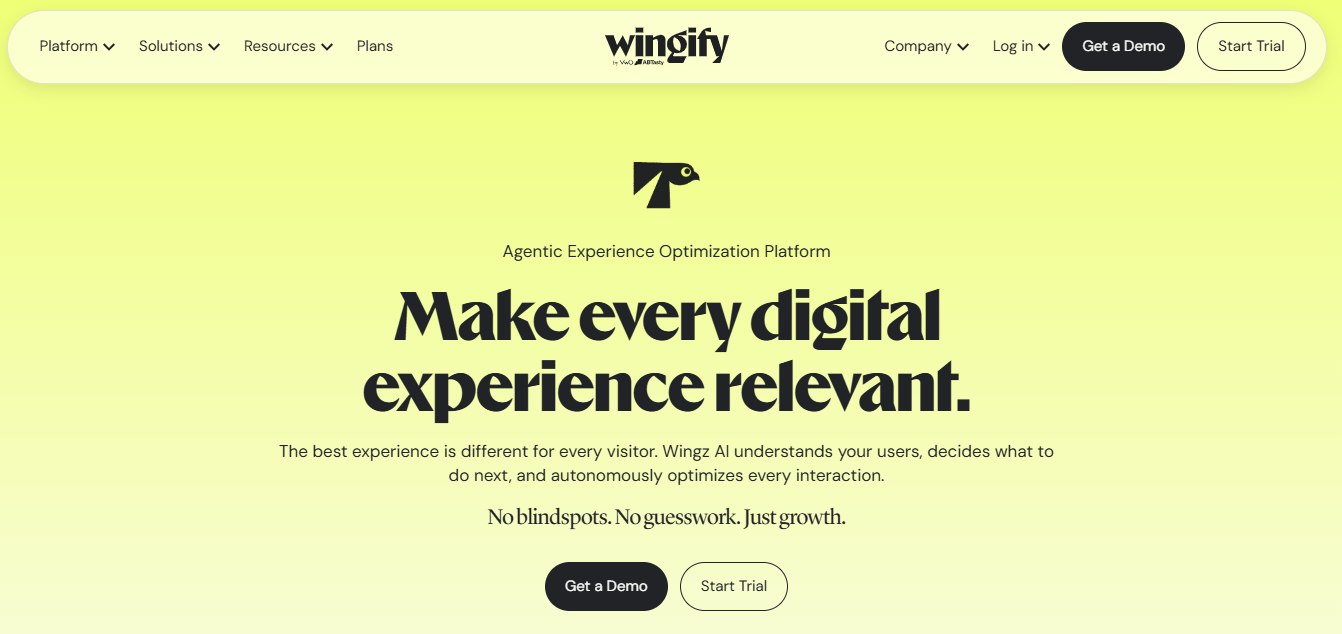
VWO suits a team whose habit is testing and whose next step is showing different variants to different audiences. If your growth team already runs experiments weekly, VWO keeps testing and personalization in one place.
Pricing: VWO's pricing page on wingify.com lists three plans and publishes no prices for any of them. The figures that circulate in third-party comparisons are not used here.
| Plan | Price | Who The Vendor Says It Is For |
|---|---|---|
| Growth | Pricing on request | Small teams getting started with experimentation |
| Pro | Pricing on request | Businesses looking to scale experimentation |
| Enterprise | Pricing on request | Large teams, agencies and enterprises |
The plan names tell you how VWO sees its buyers. Growth is for teams starting out, Pro is for teams scaling an existing testing habit, and Enterprise covers large teams and agencies. The page we read does not break out which features sit in which plan, so what each plan includes for personalization is a question for the sales call.
Strengths:
- A three-step plan ladder that maps to team maturity, from starting out to scaling to enterprise.
- An explicit Enterprise tier for agencies, which helps if you run personalization for several clients.
- A product built around experimentation, so a control group and a clean test are the default way of working.
Trade-offs:
- No published price on any plan, so you cannot budget before you have talked to sales.
- The plan descriptions do not say which plan includes personalization features.
- The deployment route is not stated on the page, so ask whether changes ship by tag or by API.
Key capabilities:
- Experimentation at three levels of team size.
- An agency-ready Enterprise plan.
- A buying path that starts small and scales up.
Good fit:
- A growth team that already runs tests and wants personalization on the same platform.
- An agency that wants one vendor across several client sites.
Not a fit:
- A team that needs a number to put in a budget this week.
- A team that wants personalization with no testing habit, since the product is framed around experimentation.
The limitation that matters most is price opacity. Three plans and no figures means every comparison with Mida or Salesforce is incomplete until you get a quote.
3. Optimizely: Best For Enterprise Teams That Want A Composable Stack
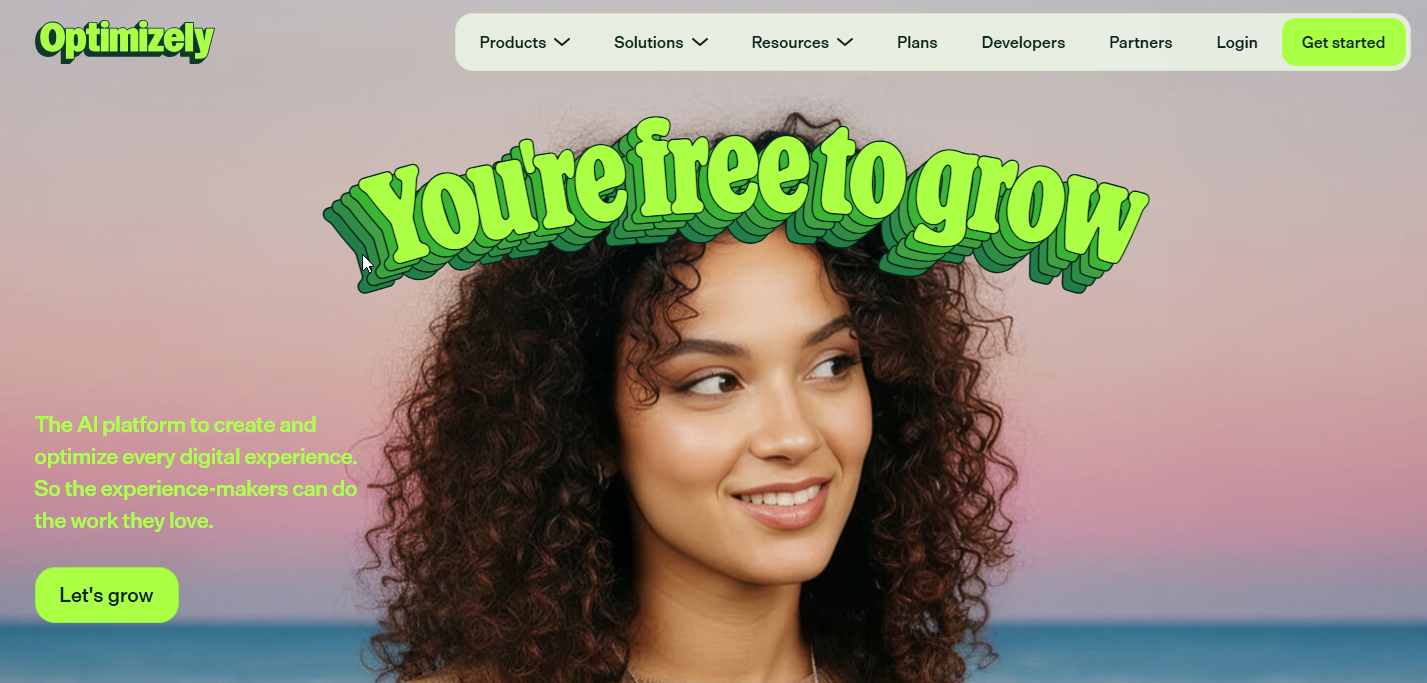
Optimizely suits an enterprise team that wants to assemble content, experimentation and personalization from separate pieces rather than buy one fixed bundle. It is the most explicit tool here about not having a standard price.
Optimizely's pricing page says every plan is individually packaged and built together with the customer. It publishes no plan tiers or prices. It names Agentic CMS, Agentic Experimentation and Agent Platform as product lines.
Pricing: There is nothing to quote, so the table shows what the vendor states.
| Product Line | Price | How It Is Sold |
|---|---|---|
| Agentic CMS | Pricing on request | Individually packaged with the customer |
| Agentic Experimentation | Pricing on request | Individually packaged with the customer |
| Agent Platform | Pricing on request | Individually packaged with the customer |
Because a CMS line sits beside an experimentation line, we read Optimizely as a CMS-fed, composable route. That mapping is our judgement and not a statement from the vendor.
Strengths:
- A CMS product and an experimentation product from one vendor, which suits a team that wants content and decisions to sit close together.
- Packaging built with the customer, so you pay for the pieces you use.
- Named product lines you can ask about separately in a demo.
Trade-offs:
- No tiers and no prices, so every figure comes from a negotiation.
- A custom package implies a longer buying process than a self-serve plan.
- A mid-market team may find a composable build asks for more people than it has.
Key capabilities:
- Content management through Agentic CMS.
- Testing through Agentic Experimentation.
- A wider agent layer through Agent Platform.
Good fit:
- An enterprise team with developers and a content operation that wants one composable vendor.
- A buyer comfortable running a quote-led procurement.
Not a fit:
- A small team that needs to trial a tool this month.
- Any buyer who needs a published price before a first call.
The limitation that matters most is fit. For a mid-market team without developers to assemble the pieces, a composable stack asks for more than the team can give.
4. Insider One: Best For Teams Unifying Customer Data Across Channels
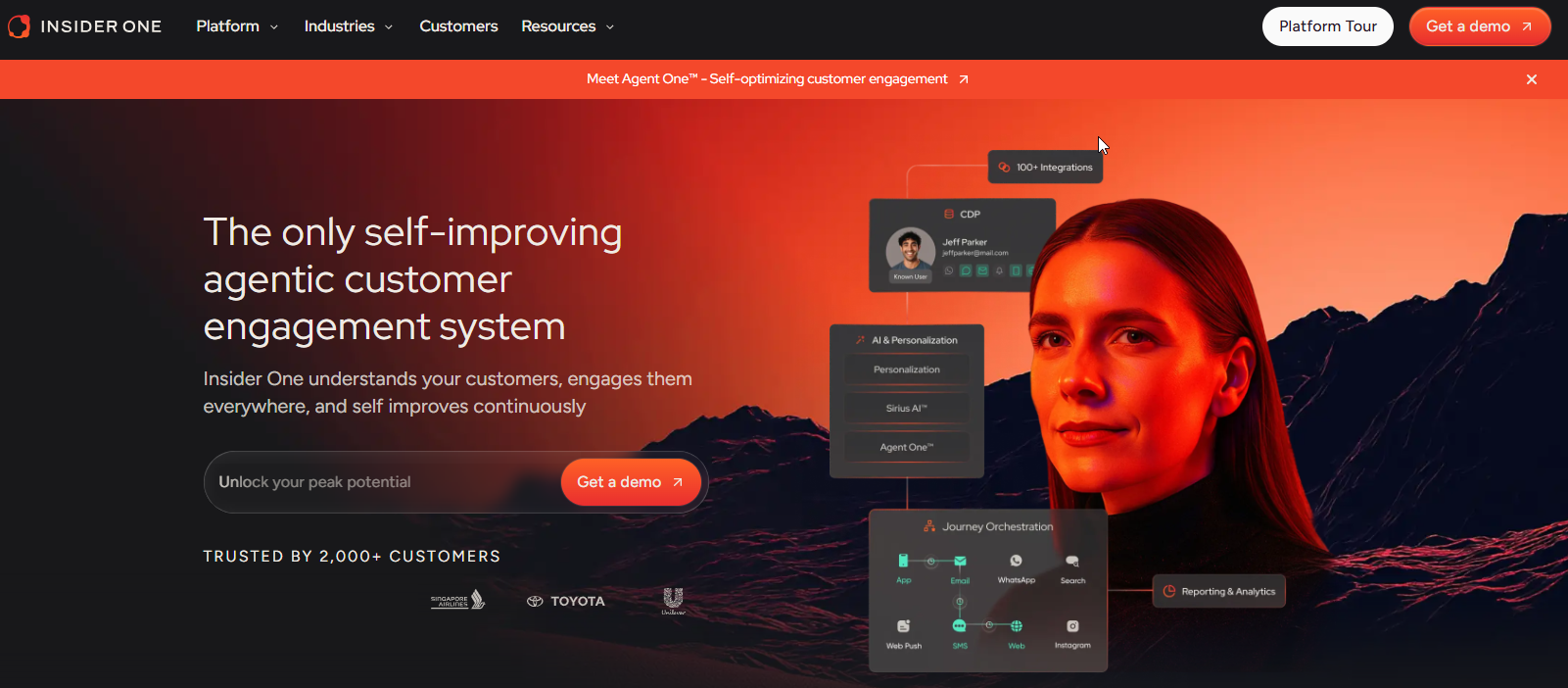
Insider One suits a team whose problem is scattered customer data, where the website is one channel among several. If the point is one customer record that drives the site, email and other channels, this is the CDP-fed route.
Insider One's AI personalization page describes an AI suite made up of Insider One AI, generative AI and send-time optimisation. It also describes unifying data from CRMs, CMSs, APIs and analytics, and 120+ attributes for building segments. These are vendor descriptions and carry no verified figures, so read them as a feature list to test in a demo.
Pricing: Pricing on request.
| Plan | Price | Notes |
|---|---|---|
| Insider One platform | Pricing on request | Quote-led |
The deployment method is not described on the page the research read, so ask in the demo whether the website layer runs by tag, by API or both.
Strengths:
- Data unification across CRMs, CMSs, APIs and analytics, which is the hard part of a CDP-fed route.
- A vendor-stated 120+ attributes for segmentation, giving you room to build narrow audiences.
- An AI suite described across prediction, content and timing.
Trade-offs:
- No published price, so budget planning waits for a sales call.
- The AI claims come with no figures, so you have to see them work on your data.
- The route onto the website is not described on the page we read.
Key capabilities:
- Unified customer data from several sources.
- Segmentation on 120+ attributes, as the vendor states.
- Generative AI and send-time optimisation.
Good fit:
- A team with several channels and customer data spread across a CRM, a CMS and analytics.
- A team that wants one audience definition used everywhere.
Not a fit:
- A team with thin or messy customer data, because a data-led engine needs inputs to work with.
- A team that only needs to change a landing page headline.
The limitation that matters most is that a data-fed engine is only as good as the data you feed it.
5. Salesforce Marketing Cloud Personalization: Best For Salesforce-Centred Stacks With Data 360
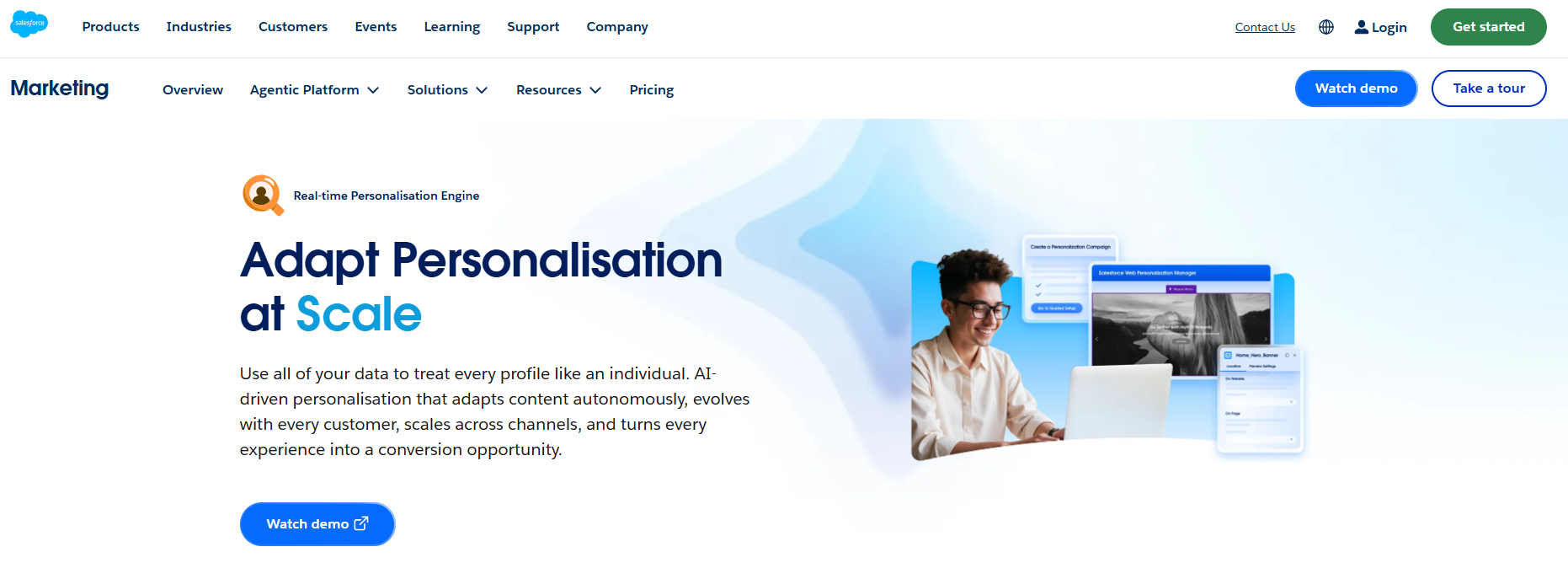
Salesforce Marketing Cloud Personalization suits a company that already runs its customer relationships and marketing in Salesforce and wants personalization to share that data. It is also the only enterprise option here that publishes its prices.
Pricing: Salesforce's personalization pricing page lists two plans.
| Plan | Price | Billing | What It Includes |
|---|---|---|---|
| Salesforce Personalization | $8,000 per org per month | Billed annually | Agentforce Personalization Decisioning, web, mobile app and email personalization, product and content recommendations, 50M personalization credits |
| Marketing Cloud Personalization+ | $15,000, price period not confirmed | Confirm on the pricing page | The same features as Salesforce Personalization |
The pricing page gives the Personalization+ figure of $15,000 without a billing period, so confirm it on the page before you budget. Data 360 is required for both plans, according to the pricing page FAQ, and its price is not published. Add that unpublished cost to any budget before you compare this tool with the others. At $8,000 per month billed annually, the first plan alone is $96,000 a year before Data 360.
Strengths:
- Published prices for two plans, the only enterprise tool here that publishes prices.
- Web, mobile app and email personalization in the same plan.
- Product and content recommendations included.
- 50M personalization credits stated on both plans.
Trade-offs:
- The entry price is far above the only other published price on this list.
- Data 360 is required and its price is not published.
- The two plans list the same features, so the page does not say what the higher price buys.
Key capabilities:
- Agentforce Personalization Decisioning.
- Web, mobile app and email personalization.
- Product and content recommendations.
- A credit allowance of 50M personalization credits.
Good fit:
- A company already on Salesforce with Data 360 in place or planned.
- A team that needs personalization on web, mobile app and email from one tool.
Not a fit:
- A team outside the Salesforce ecosystem.
- A team with a mid-market budget that cannot absorb the entry price plus Data 360.
The limitation that matters most is the hidden second cost. The plan price is public, but Data 360 is a prerequisite with no published price.
📋 Get Listed / Advertise
We update this guide monthly. Want your tool featured? Contact: [email protected].
What Website Personalization Tools Do And Why They Matter
Definition: Website personalization tools change what a visitor sees on a page, such as content, offers or layout, based on who the visitor is or what they have done. A tool matches each visitor to an audience rule, then swaps in the variant built for that audience.
The decision has three parts. The tool collects signals about the visitor, such as the traffic source, past behaviour on the site or account data from a CRM. It matches those signals to an audience rule. Then it serves the variant built for that audience, in the slot on the page where the change happens.
That is also why the category splits by route. In a headless CMS setup, the CMS acts as a content API, and personalization becomes a decision layer that chooses which content or variant each visitor sees in each slot. In a tag-based setup, a script in the browser makes the same choice after the page loads.
Common uses are narrow and practical.
- Homepage hero: Show a different headline to visitors from different industries.
- Pricing page: Show returning visitors a different call to action from first-time visitors.
- Offers: Match a promotion to the traffic source that brought the visitor.
- Recommendations: Show related products or content based on what the visitor viewed.
The business case has one solid number behind it. McKinsey's 2021 report found that personalization typically adds about 10 to 15 percent to revenue, and that companies that excel at it earn about 40 percent more revenue from those activities than average players. That is a range for programmes that work, not a promise for a first test.
This guide leaves out email, ad-platform, WordPress-only and ecommerce-only tools. If you want the wider AI toolset first, start with our guide to AI marketing tools for content marketing.
How To Choose A Website Personalization Tool
The single most important criterion is deployment route, because it decides who can ship a change, how fast it ships and which channels it reaches. Everything else on this list comes second.
Work through these criteria in order, and put the question in each line to every vendor.
- Deployment route: Ask how the tool reaches the page, by tag, by API call or through the CMS. The answer decides whether marketers or developers own every change.
- Data inputs: Ask which data the tool reads and how it gets it. Behaviour and fit signals are an input to audience rules, so scores from AI lead scoring tools can feed the rules if the tool accepts them.
- Real-time processing: Ask how quickly a new signal changes what the visitor sees. A rule that updates overnight cannot react to a visitor who is on the page now.
- Segmentation: Ask how audiences are built and how many attributes you can combine. Narrow audiences need more attributes and more traffic.
- Testing built in: Ask whether the tool runs a control group for you. Without one you cannot tell whether a change worked.
- CMS and CRM integration: Ask what connects out of the box and what needs a build. The on-site tools around personalization, such as customer messaging platforms, raise the same integration questions.
- Pricing transparency: Ask for a written price for your traffic level before the final demo. Only two tools in this article publish one.
- Who runs it day to day: Ask what a marketer can change alone and what needs a developer. A tool nobody on your team can run is shelfware.
A sound checklist covers real-time processing, segmentation, A/B testing, omnichannel support and CMS and CRM integration. The right choice then depends on your goals, technical resources and channel mix.
AI-driven personalization belongs on the list as a criterion, not a selling point. Ask the vendor to show the AI choosing a variant on data like yours, and to show what it does when it has little data on a visitor. Insider One, for example, describes an AI suite of predictive and generative features with no figures attached. A vendor that cannot show it on a live example is describing a plan.
Client-Side, Server-Side, CMS-Native Or CDP-Fed: A Decision Rule
Choose client-side when marketers need agility most, and choose server-side when developers are heavily involved, integrations are sophisticated or the experience reaches beyond the web. Choose a CMS-native route when your content already lives in a headless CMS, and a CDP-fed route when the unified customer record is the whole point.
Intempt's documentation draws the same line. Client-side personalization is quicker to deploy and easier for marketers, but it is limited to on-page changes and works only in browsers. Server-side takes developer effort and can use back-end data and any device that can call an API.
| Route | Who Runs It | Speed To Launch | Page-Load Effect | Reach |
|---|---|---|---|---|
| Client-side (tag) | Marketers | Fastest | Small increase in page footprint and load time, with flicker risk | Browsers, on-page changes only |
| Server-side | Developers | Slower, needs developer effort | Served page unaffected, since decisions happen before render | Any device that can call an API, with back-end data |
| CMS-native (headless) | Content team with developers | Depends on the build | Depends on where the decision layer runs | Whatever the content API feeds |
| CDP-fed | Data and marketing teams | Depends on data readiness | Depends on the delivery route | Every channel the unified record reaches |
The first two rows come from vendor documentation. The CMS-native and CDP-fed rows are our reading of how those routes work, so check them against your own stack.
Load Time, Flicker And Tag Placement
On page speed, client-side personalization adds a small increase in page footprint and load time, while server-side personalization happens before rendering, so the served page is unaffected.
On flicker, server-side decisions happen before render, which avoids flicker and suits SEO, while client-side decisions happen in the browser. Server-to-server integration gives more control, but your team must supply the visitor context and events that a tag would collect automatically.
On setup, Intempt says client-side tags must be placed in the HTML of all pages, and that server-side responses are usually JSON the calling application must parse. That is the practical gap. One route is a snippet, the other is a code change.
Ad Blockers And SEO
Client-side scripts can hurt SEO and load times, and ad blockers can stop vendor scripts from loading. If a share of your visitors never runs the script, they see the default page. If you worry about what search and AI crawlers see on a personalized page, our team explains how crawlers read your pages.
Do You Need A Developer
For a client-side tool, usually only to place the tag once. For a server-side tool, yes, for every change that touches the response. A CDP-fed route adds a data job on top, because it is only as good as the records behind it, and enriched account data from AI lead enrichment tools is what fills them.
Where The Five Tools Sit
Tool-to-route mapping beyond what the vendors state is our judgement. Treat the list below as a starting point for demo questions.
- Mida: Tag-based, by its small footprint and any-stack claim.
- VWO: Experimentation-led, and the route onto the page is not stated on the pricing page.
- Optimizely: Composable, with a CMS product line beside its experimentation line.
- Insider One: CDP-fed, from its stated data unification across CRMs, CMSs, APIs and analytics.
- Salesforce Marketing Cloud Personalization: Centred on Salesforce data, since Data 360 is required.
Once you know the route, the work that decides results is the pages, tracking and reporting around the tool. The GEO + SEO Growth Programme covers that ongoing work, so read what it includes.
Which Tool Fits A Mid-Market Team By Size, Skills And Budget
Turn the decision rule into a choice by asking three things. How many developers can you spare, how clean is your customer data, and how much can you spend before you have a result? Then match the answers to one of these situations.
- Marketing-led team without developers: If your marketers run the site and no developer is free, shortlist Mida because it has a free plan and a published Growth price.
- Experimentation-led team: If your growth team already runs weekly tests, shortlist VWO because it is built around experimentation, and ask for a quote early.
- Enterprise composable stack: If you have developers and a content operation, shortlist Optimizely because it sells a CMS and experimentation as separate, custom-packaged lines.
- CRM-centred stack: If your customer data already lives in Salesforce, shortlist Salesforce Marketing Cloud Personalization because it works from that data and publishes its prices.
- Multi-channel, data-led team: If your customer data is spread across a CRM, a CMS and analytics, shortlist Insider One because it describes unifying those sources.
Budget is easier to frame from what is published. Mida's Growth plan at $224 per month billed annually is the entry point on the one self-serve price list. Salesforce lists its first plan at $8,000 per org per month billed annually, with Data 360 required and unpriced. For VWO, Optimizely and Insider One the honest answer is to ask for a quote, and to ask for it in writing.
There is no traffic threshold to give you. No verified minimum exists, so ask each vendor for its minimum test population.
B2B Selection Factors
B2B tool choice turns on a handful of questions. Do you run account-based marketing, so that pages change for named accounts? Does your CRM already offer built-in personalization? How fast must a sales conversation start once a target account lands on the site? Then budget, integrations and implementation time decide the rest.
Speed matters most in the second question. If a visitor from a target account reaches a pricing page, the page should already point them to a sales conversation. Teams that work this way often also evaluate AI lead qualification tools so the handoff from page to person is quick.
Personalization adapts pages that already exist, so the pages have to be good first. Our comparison and listicle page programmes cover building them.
How To Measure Whether Personalization Is Working
A fair test compares a personalized group with a held-out control group over a fixed period on one conversion metric. That also marks the difference from a plain A/B test. An A/B test compares two versions for everyone, while a personalization test compares tailored content for one segment against the default for that same segment.
Run it in six steps.
- Pick one page and one segment. A narrow test gives a clean answer, and a broad one gives a muddy one.
- Set a baseline. Record the conversion rate for that segment on that page for the weeks before the test.
- Choose one metric. Use a single conversion, such as demo requests or purchases, so you cannot pick a winner after the fact.
- Hold out a control group. Send a share of the segment to the default page, and keep the split steady for the whole test.
- Fix the period before you start. Decide the end date in advance so a good first week does not tempt you to stop early.
- Compare conversion rates. Read the difference between the groups, and check your tool's significance readout before you act on it.
Here is a worked example with assumptions you replace with your own numbers.
- Segment and page: Returning visitors to the pricing page.
- Visitors in the test period: 10,000, split evenly, so 5,000 per group.
- Control conversion rate: 2.0 percent, which is 100 conversions from 5,000 visitors.
- Personalized conversion rate: 2.3 percent, which is 115 conversions from 5,000 visitors.
- Relative lift: 15 percent, which is 0.3 points divided by the 2.0 percent baseline.
Those figures are illustrative and not a benchmark. A gap of 15 conversions on samples this size could be noise, so the significance readout decides whether it counts.
This article gives you no lift benchmark. The conversion-lift figures that appear in vendor FAQs came with no primary study behind them, so we left them out. Your own control group is the only number that counts.
Once the test runs, you need a way to show the before and after to leadership. Our guide to real-time visibility dashboards covers a reporting layer, and our team can run ongoing SEO and AI-visibility reporting around a test like this.
Common Mistakes When Buying Personalization Software
Choosing on features before deployment route. Two tools with the same feature list can need very different teams to run them. Settle the route first, then compare features inside it.
Buying a CDP-fed engine without clean data. A data-led engine with thin or inconsistent records serves poor guesses. Audit the data you have before you pay for a tool that depends on it.
Ignoring price opacity until the last demo. Three of the five tools here publish no price. Ask for a written quote in the first call, so you do not find out after weeks of evaluation that it is out of range.
Judging by a vendor's lift claim. A claim without a primary study behind it is marketing. Ask for the test design and the sample behind any figure, then run your own test.
Skipping a control group. Without one, a rise in conversions could be seasonality, a campaign or luck. Hold out a share of every segment you personalize.
Forgetting upkeep. Every variant you create is one more page to keep accurate. Plan the maintenance, and see our guide to AI tools for content refresh for ways to keep variants current.
FAQs
What Is Website Personalization?
How Does Website Personalization Work?
How Much Do Website Personalization Tools Cost?
Do I Need A Developer To Run A Website Personalization Tool?
Is Client-Side Personalization Bad For SEO And Page Speed?
How Much Traffic Do I Need Before Personalization Is Worth Testing?
What Is The Difference Between Personalization And A/B Testing?
Can I Personalize A Site Without A Customer Data Platform?
Is There A Free Website Personalization Tool?
What Should I Ask In A Vendor Demo?
If you want a second opinion on your shortlist, book a thirty-minute call. One of the founders takes it, and you leave knowing which two tools to trial first.