
Most people leaving Mailchimp should move to MailerLite or Brevo, because the bill is usually the reason. MailerLite is the cheaper pick when you send often. Brevo bills by sends, which can cost less for a large list that mails rarely. Choose ActiveCampaign only for deep automation, Omnisend for a small store and Kit for a creator list.
That holds when your list is above a few thousand contacts and you mostly send newsletters and simple automations. Below 250 contacts, Mailchimp's own free plan may still be enough.
Vendors change prices often, and automation depth or ecommerce needs can reverse the ranking. Confirm the number on the vendor's pricing page before you commit. Where no figure could be verified, this page says so instead of borrowing one.
If you are picking an email platform and also want the content around it to bring in the subscribers, our GEO + SEO Growth Programme covers both. See how it works.
📋 Get Listed / Advertise
We update this guide monthly. Want your tool featured? Contact: [email protected].
Mailchimp Alternatives At A Glance
Five tools, each best for one reason to leave. MailerLite lowers the bill, Brevo suits large lists that send rarely, Kit fits creators, ActiveCampaign runs deep automation and Omnisend suits small stores. Mailchimp is the reference row.
| Tool | Best For | Free Plan | Entry Paid Price | How Cost Is Counted |
|---|---|---|---|---|
| MailerLite | Lowering the monthly bill | Up to 250 subscribers | Comfort from $12 per month | Subscriber tier |
| Brevo | Large lists that send rarely | 300 emails per day | Starter from $9 per month | Send tier plus contact storage |
| Kit | Creators with a big free list | Up to 10,000 subscribers | Creator at $33 per month for 1,000 subscribers | Per 1,000 subscribers |
| ActiveCampaign | Deep multi-step automation | None, 14-day trial | Pricing on request | Not listed on the pricing page |
| Omnisend | Small stores on a free plan | 250 contacts, 500 emails per month | Standard at $11.20 per month for 500 contacts | Contact tier |
| Mailchimp (reference) | Staying put on a tiny list | 250 contacts | Essentials at $13 per month for 500 contacts | Total audience contacts |
Prices come from each vendor's own page. MailerLite's pricing page shows Comfort from $12 per month, and Omnisend's pricing page shows Standard at $11.20 per month. Mailchimp's pricing page shows Essentials at $13 per month and Standard at $20 per month for 500 contacts.
1. MailerLite: Best For Lowering The Monthly Bill
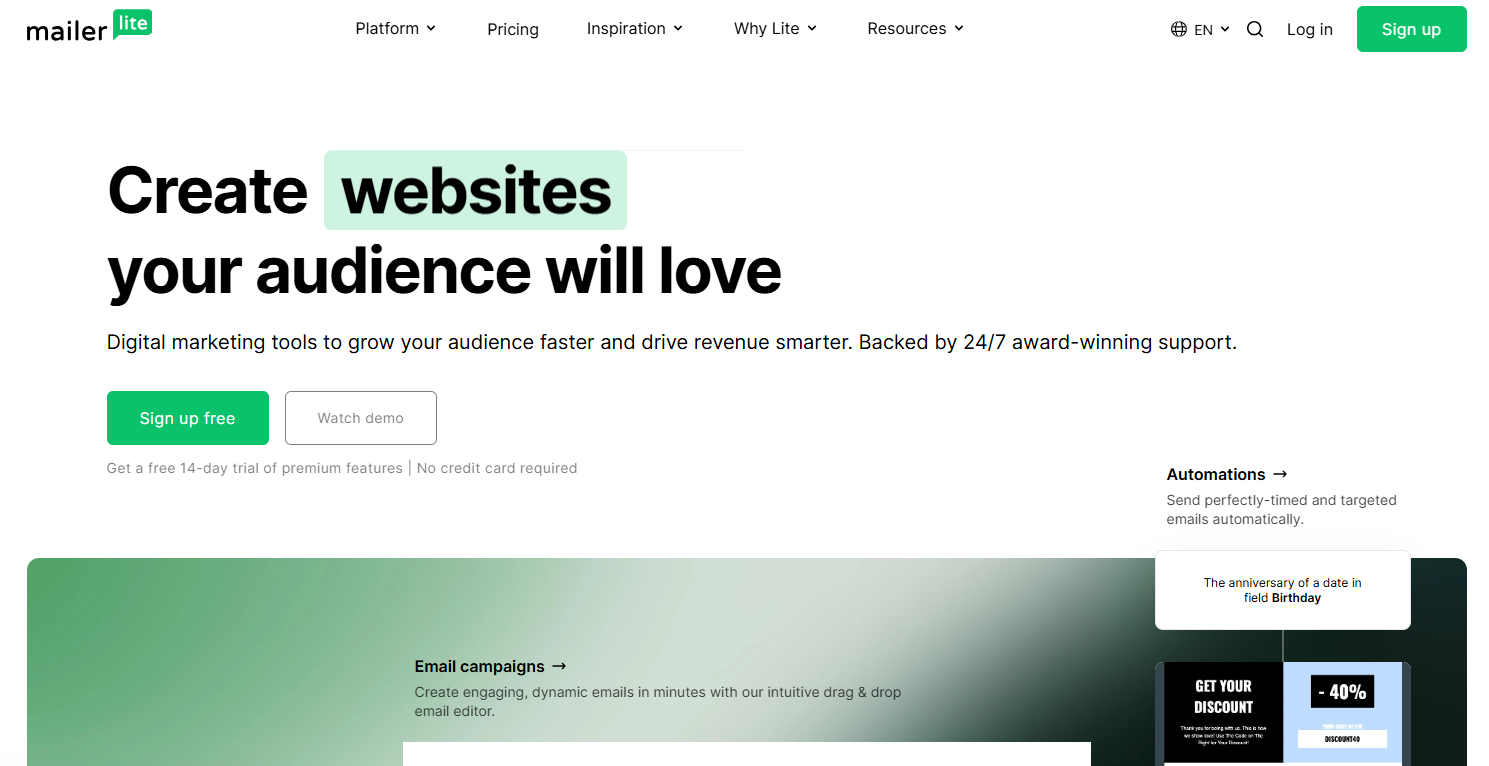
MailerLite is the pick when your reason for leaving is the invoice and you send newsletters and simple automations often. It is a general email platform with a free tier, a middle plan and a top plan, and the price you pay follows your subscriber tier.
It suits a small or mid-sized business marketer with a few thousand to a few tens of thousands of subscribers who does not need store-level flows. The dollar comparison against Mailchimp sits in the cost section further down, where both figures are sourced.
| Plan | Price | Billing Basis | What It Includes |
|---|---|---|---|
| Free | $0 | Up to 250 subscribers | 2,500 monthly emails, 2 seats, 3 active automations |
| Comfort | From $12 per month | Subscriber tier | 3 seats, 50 active automations |
| Power | From $25 per month | Subscriber tier | Unlimited automations, unlimited emails under fair use, live chat support |
MailerLite's pricing page lists Comfort from $12 per month and Power from $25 per month. Both are entry prices that rise with your subscriber tier.
Strengths:
- Free plan: Up to 250 subscribers and 2,500 monthly emails is enough to test the tool with a real list.
- Automation headroom: Comfort lifts active automations from 3 to 50, and Power removes the cap.
- Low entry price: Comfort from $12 per month undercuts the $20 that Mailchimp Standard starts at for 500 contacts.
- Sending limits: Power sends unlimited emails under fair use, so a busy newsletter does not hit a ceiling.
Trade-offs:
- Small free tier: 250 subscribers is no more generous than Mailchimp's free plan on list size.
- Seat limits: The free plan gives 2 seats and Comfort gives 3, which matters for a growing team.
- Support tiering: Live chat support is listed under Power, so check what the lower plans include.
- Entry prices mislead: The $12 and $25 headlines apply at the smallest tier, and your bill moves as the list grows.
Key capabilities:
- Automations: 3 active on Free, 50 on Comfort, unlimited on Power.
- Seats: 2 on Free and 3 on Comfort.
- Email volume: 2,500 a month on Free, unlimited under fair use on Power.
Good fit:
- Newsletter-led businesses sending often to a list of a few thousand or more.
- Teams that want to cut a Mailchimp bill without rebuilding complex workflows.
Not a fit:
- Stores that need product-level automation at scale.
- Teams that need live chat support on the cheapest paid plan.
The limitation that matters most is that headline prices are entry prices, so price your real subscriber count before you decide. Once the platform is chosen, our guide to AI email writing tools is a natural next step for drafts.
2. Brevo: Best For Large Lists That Send Rarely
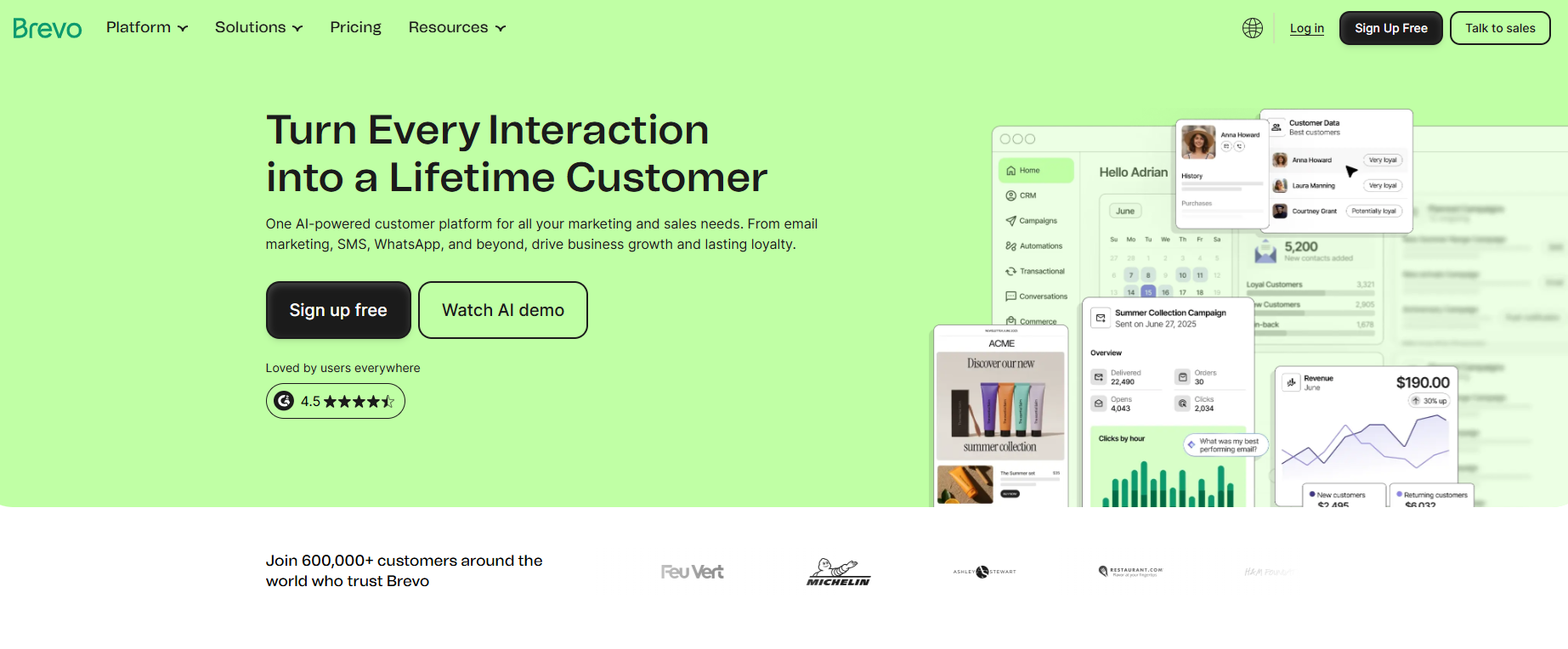
Brevo is the pick when you have a big list and send to it a few times a month. Its paid tiers are set by how much you send, which changes the maths for a large, quiet audience.
Brevo's help documentation says plans are billed by a tier that sets monthly sends and contact storage together, with no per-contact billing on Starter and Standard. A list of 40,000 contacts mailed twice a month is 80,000 sends. The same list mailed once is 40,000. On per-contact billing both cost the same, and on Brevo they do not.
| Plan | Price | Billing Basis | What It Includes |
|---|---|---|---|
| Free | $0 | 300 emails per day | Up to 100,000 contacts |
| Starter | From $9 per month | Send tier plus contact storage | From 5,000 emails per month |
| Standard | From $18 per month | Send tier plus contact storage | Unlimited automation workflows, A/B testing, advanced reporting |
| Professional | Pricing on request | Send tier | From 150,000 emails per month, 10 seats |
The two starting prices of $9 for Starter and $18 for Standard come from Brevo's help documentation, which is undated. Brevo's pricing page lists the four plans and their limits but shows no monthly figure for the paid ones.
Strengths:
- Send-based billing: A large list that mails rarely is priced on the sends, so the contact count matters less.
- Generous free storage: The free plan allows up to 100,000 contacts, with sending capped at 300 per day.
- Automation on Standard: Unlimited automation workflows, A/B testing and advanced reporting are listed on Standard.
- Scale ceiling: Professional starts at 150,000 emails per month and includes 10 seats.
Trade-offs:
- Daily free cap: 300 emails a day limits how quickly you can send to a large list for free.
- Pricing clarity: The pricing page shows no monthly figure for paid plans, so you must confirm the number before buying.
- Heavy senders lose the advantage: Frequent sending to a large list moves you up the send tiers.
Key capabilities:
- Sending tiers: Starter from 5,000 emails per month up to Professional from 150,000.
- Reporting and testing: A/B testing and advanced reporting on Standard.
- Seats: 10 on Professional.
Good fit:
- Owners of large lists who mail monthly or less.
- Teams that want to pay for sends instead of contacts.
Not a fit:
- Daily senders to a big list who need predictable low cost.
- Buyers who need a published monthly price for every plan.
The limitation that matters most is the 300-emails-a-day free cap, which slows any large first send. If your use is one-off mailings, see our guide to email blast tools.
3. Kit: Best For Creators Who Need A Big Free List
Kit is the pick when you run a newsletter or creator business and your list is large but your revenue per subscriber is small. Kit's pricing page lists a free plan for up to 10,000 subscribers, far above the 250 contacts that Mailchimp and MailerLite give away.
Creator adds the tools a growing newsletter needs. Those are unlimited visual automations and sequences, SMS marketing and subject-line A/B tests. Pro adds engagement scoring and deliverability reporting. If you are growing a list from scratch, our guide to email capture tools covers the forms and popups that feed it.
| Plan | Price | Billing Basis | What It Includes |
|---|---|---|---|
| Free | $0 | Up to 10,000 subscribers | Not listed on the pricing page |
| Creator | $33 per month, billed yearly at $390 | For 1,000 subscribers | Unlimited visual automations and sequences, SMS marketing, subject-line A/B tests |
| Pro | $50 per month for the first year, $66 standard | For 1,000 subscribers | Engagement scoring, deliverability reporting |
Paid tiers are priced per 1,000 subscribers on the page, so check the tier you need before you compare.
Strengths:
- Free ceiling: Up to 10,000 subscribers on the free plan is far above the 250 that Mailchimp and MailerLite give away.
- Creator automations: Unlimited visual automations and sequences sit on Creator.
- Testing: Subject-line A/B tests are listed on Creator.
- Pro reporting: Engagement scoring and deliverability reporting arrive on Pro.
Trade-offs:
- Per-1,000 pricing: The listed $33 and $50 apply to 1,000 subscribers, so a bigger paid list costs more.
- Pro discount: The $50 price is for the first year, then $66.
- Store flows: The page lists no product-level automation for stores.
Key capabilities:
- Automations and sequences: Unlimited and visual on Creator.
- SMS marketing: Listed on Creator.
- Reporting: Engagement scoring and deliverability reporting on Pro.
Good fit:
- Newsletter writers and creators with a large audience and modest income per subscriber.
- Anyone leaving Mailchimp because the free plan stopped at 250 contacts.
Not a fit:
- Stores that need product-level automation.
- Teams that need a flat price regardless of list size.
The limitation that matters most is that paid tiers scale per 1,000 subscribers, so the free plan is the real draw and the paid cost needs checking at your size.
4. ActiveCampaign: Best For Deep Multi-Step Automation
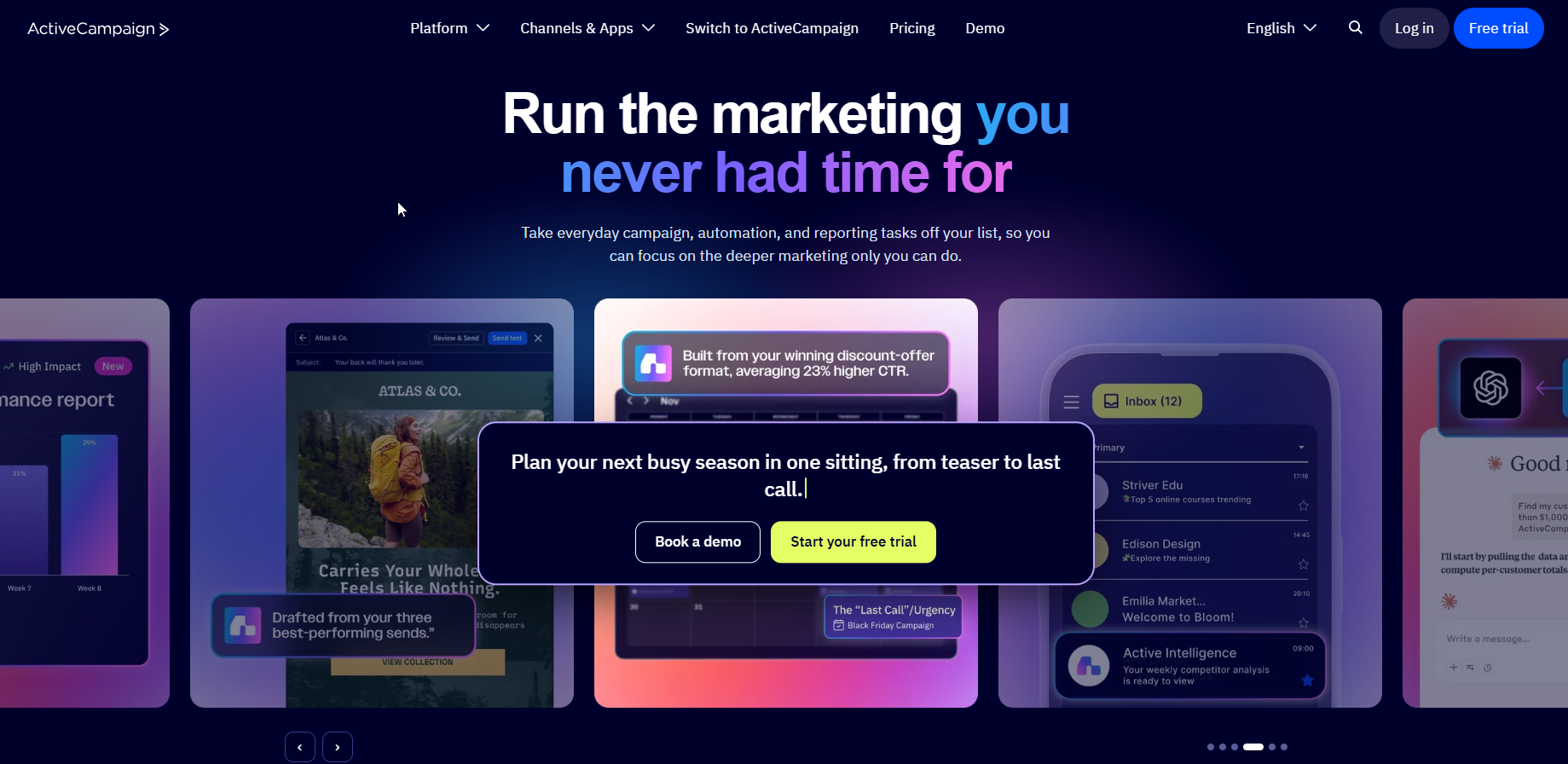
ActiveCampaign is the pick when automation, not price, is why you are leaving. ActiveCampaign's pricing page lists multi-step automation on its Starter plan and predictive sending from Pro.
It is built for B2B and service teams that nurture leads through several stages. It has no free plan, only a 14-day trial, so you test it with a real workflow before paying. Readers who want more choices in this category can compare email automation tools for scalability.
| Plan | Price | Billing Basis | What It Includes |
|---|---|---|---|
| Starter | Pricing on request | Pricing on request | 1,000 contacts, 10,000 sends, 1 seat, multi-step automation |
| Plus | Pricing on request | Pricing on request | Landing pages, cross-channel |
| Pro | Pricing on request | Pricing on request | 3 seats, predictive sending, attribution, conditional content |
| Enterprise | Pricing on request | Pricing on request | 5 seats, SSO and HIPAA |
On ecommerce, the page lists Shopify, Square and WooCommerce integrations on all plans, and BigCommerce, Magento and Shopify Plus on Pro and Enterprise.
Strengths:
- Automation from the start: Multi-step automation is included on Starter.
- Predictive sending: Listed on Pro, for teams that want send times chosen for them.
- Conditional content: Pro includes conditional content for tailored messages.
- Compliance options: Enterprise lists SSO and HIPAA.
Trade-offs:
- No free plan: A 14-day trial is all you get before paying.
- Price on request: Every plan reads Pricing on request, so you cannot budget from the page.
- Seat limits: Starter has 1 seat and Pro has 3.
Key capabilities:
- Multi-step automation: Included from Starter.
- Attribution and conditional content: On Pro.
- Ecommerce integrations: Standard ones on all plans, premium ones on Pro and Enterprise.
Good fit:
- Automation-heavy B2B and service teams.
- Marketers who would rebuild complex Mailchimp journeys properly.
Not a fit:
- A plain newsletter on a tight budget.
- Anyone who needs a free tier to start.
The limitation that matters most is cost opacity. With every plan on request and no free tier, you cannot see the bill before asking the vendor.
5. Omnisend: Best For Small Stores On A Free Plan
Omnisend is the pick when you run a small store and want to start on a free plan. Omnisend's pricing page lists a free plan with 250 contacts, 500 emails a month and 500 web push notifications. Standard is $11.20 per month for 500 contacts, and Pro is $41.30 per month for 2,500 contacts.
Pro also includes unlimited emails under fair use, with SMS from $0.007. Shopify store owners who want the platform-specific comparison can read our guide to email marketing tools for Shopify.
| Plan | Price | Billing Basis | What It Includes |
|---|---|---|---|
| Free | $0 | 250 contacts | 500 emails per month, 500 web push notifications |
| Standard | $11.20 per month | 500 contacts | Not listed on the pricing page |
| Pro | $41.30 per month | 2,500 contacts | Unlimited emails under fair use, SMS from $0.007 |
Strengths:
- Free start: 250 contacts and 500 emails a month cost nothing.
- Low entry price: Standard at $11.20 per month for 500 contacts is the entry price, and Pro is $41.30 per month for 2,500 contacts.
- Pro volume: Unlimited emails under fair use on Pro.
- SMS option: Pro lists SMS from $0.007.
Trade-offs:
- Tight free limits: 500 emails a month is a low ceiling for a store with regular campaigns.
- Small contact tiers: The page shows 500 and 2,500 contact tiers, with nothing larger in view.
- Price jump: Moving from Standard to Pro is $11.20 to $41.30 per month.
Key capabilities:
- Free plan limits: 250 contacts, 500 emails a month, 500 web push notifications.
- Pro volume: Unlimited emails under fair use.
- SMS: From $0.007 on Pro.
Good fit:
- Small stores starting out.
- Owners who want web push alongside email on a free plan.
Not a fit:
- Lists over a few thousand contacts that need full-store flows priced at scale.
- Newsletter-only senders who do not need store features.
The limitation that matters most is that contact tiers beyond 500 and 2,500 are not shown on the page, so price a larger list with the vendor.
📋 Get Listed / Advertise
We update this guide monthly. Want your tool featured? Contact: [email protected].
Why People Leave Mailchimp
Mailchimp bills for total audience contacts, including unsubscribed ones. In 2019 it moved from billing email subscribers to billing total audience contacts, a change MediaPost reported at the time, with Mailchimp citing its multichannel positioning. Unsubscribed and non-subscribed contacts still count unless you archive them, according to SendX's pricing breakdown.
That is the first reason people leave. You pay for people who told you to stop emailing them.
The second is the free plan. Mailchimp's pricing page limits it to 250 contacts, which a modest newsletter outgrows quickly.
The third is the price step as the list grows. Standard starts at $20 per month for 500 contacts on Mailchimp's own page, and the cost section below shows where it ends up at 5,000 and 25,000 contacts. On SendX's table, Standard runs $100 per month at 5,000 contacts and $310 at 25,000.
If one of those three is your reason, you are in the right place. The decision rule further down turns your reason and your list size into one pick.
How We Chose These Five
The shortlist is limited to email marketing platforms that a Mailchimp user would plausibly switch to. Transactional-only senders and enterprise customer data platforms were left out, because they answer a different question.
Each tool's own pricing page was read for plans, limits and prices. Third-party figures are used only where the sentence names the source and links it. The criteria, in the order they were applied, are below.
- Cost at list size: Does the bill stay sensible at 5,000 and 25,000 contacts, and how does the tool count a contact?
- Automation depth: How many active automations and how many steps does each plan allow?
- Ecommerce fit: Does the plan list store integrations and product-level flows?
- Free plan: What does the free tier cap, and is it usable?
- Deliverability evidence: Does the vendor list reporting or tooling that protects sender reputation?
You can repeat every check from the vendor's pricing page. Readers now ask AI assistants for tool shortlists like this one, which is the problem our Generative Engine Optimization service addresses.
What Each Platform Counts As A Contact
The same list can cost very different amounts because each platform counts differently. Here are the three that matter for this switch.
- Mailchimp: Counts total audience contacts, and unsubscribed contacts still count unless you archive them.
- MailerLite: Counts active subscribers, meaning contacts emailed in the past 30 days.
- Brevo: Bills a send tier that sets monthly sends and contact storage together, so there is no per-contact billing on Starter and Standard.
The practical result is that two lists of 25,000 can produce two very different invoices. A list full of dormant addresses costs more on Mailchimp than on MailerLite. A list that is mailed once a quarter costs less on Brevo than a list mailed weekly. Before you compare prices, work out which unit your list is measured in.
Cost At 5,000 And 25,000 Contacts
At 25,000 contacts, SendX's table puts Mailchimp Standard at $310 per month, while Email Vendor Selection lists MailerLite Comfort at $179 per month.
| Plan | 5,000 Contacts | 25,000 Contacts | Billing Basis |
|---|---|---|---|
| Mailchimp Standard | $100 | $310 | Total audience contacts |
| Mailchimp Essentials | Check the pricing page | $270 | Total audience contacts |
| Mailchimp Premium | Check the pricing page | $620 | Total audience contacts |
| MailerLite Comfort | $49 | $179 | Active subscribers emailed in 30 days |
| MailerLite Power | Check the pricing page | $239 | Active subscribers emailed in 30 days |
| Brevo | Check the pricing page | Check the pricing page | Send tier plus contact storage |
| Kit | Check the pricing page | Check the pricing page | Per 1,000 subscribers |
| ActiveCampaign | Pricing on request | Pricing on request | Pricing on request |
| Omnisend | Check the pricing page | Check the pricing page | Contact tier |
Mailchimp figures come from SendX's table, and MailerLite figures come from Email Vendor Selection. Neither is a vendor price, so confirm them before you buy. The 100,000-contact prices for these vendors were not verified, so none are shown. Do not fill the gap with a guess.
The arithmetic on the figures above is below.
- At 5,000 contacts: Mailchimp Standard at $100 against MailerLite Comfort at $49 is $51 less per month, or $612 a year.
- At 25,000 contacts: $310 against $179 is $131 less per month, or $1,572 a year.
Now run it on your own list. Count the contacts you emailed in the last 30 days, then count total contacts including unsubscribed ones. The gap between the two is what Mailchimp bills for and MailerLite does not. For Brevo, multiply your contacts by your sends per month. A list of 20,000 mailed twice a month is 40,000 sends, and the tier you need follows that figure rather than the 20,000.
Which Alternative To Pick: Match Your Reason For Leaving
Start with why you are leaving, then check your list size.
| Reason For Leaving | List Size | Pick | Runner-Up | Why |
|---|---|---|---|---|
| Bill too high, you send often | Thousands of contacts | MailerLite | Brevo | Lower cost at 25,000 contacts and 50 automations on Comfort |
| Bill too high, you send rarely | Large | Brevo | MailerLite | Billed on sends, not contacts |
| Need multi-step automation | Any | ActiveCampaign | MailerLite | Multi-step automation from Starter |
| Small store | Under a few thousand | Omnisend | ActiveCampaign | Free plan with web push |
| Creator or newsletter list | Large and free | Kit | MailerLite | Free up to 10,000 subscribers |
| Tiny list, light use | Under 250 | Mailchimp free | Kit | Free plan covers 250 contacts |
The rules, one per reason, read as follows.
- If your reason is price and you send often: Choose MailerLite, because at 25,000 contacts its Comfort plan costs less than Mailchimp Standard. Runner-up is Brevo.
- If your reason is price and you send rarely to a big list: Choose Brevo, because it bills on send tier and contact storage. Runner-up is MailerLite.
- If your reason is automation: Choose ActiveCampaign, because multi-step automation is on Starter. Runner-up is MailerLite on Comfort.
- If you run a small store: Choose Omnisend, because its free plan covers 250 contacts and web push. Runner-up is ActiveCampaign.
- If you run a creator list: Choose Kit, because its free plan holds up to 10,000 subscribers. Runner-up is MailerLite.
If you want a wider shortlist than five, our guide to the best email marketing platforms by list size compares more. If automation depth is what you are choosing on, our guide to AI tools for marketing automation covers workflow help. Newsletter lists also depend on the content that feeds them, which is what our SaaS content marketing programme is built around.
Choosing the tool is the easy half. Filling it with subscribers who open is the harder one. If you would rather hand the blog and newsletter content to a team that has done it for SaaS companies, look at our SaaS content marketing service.
How To Move Off Mailchimp Without Losing Your List
Do these in order. Each step is there to protect your list and your sender reputation.
- Export the audience: Download every contact and its fields first, so nothing depends on Mailchimp staying open.
- Archive or drop unsubscribed contacts: Remove them before you import, so you do not pay to carry people who opted out.
- Rebuild automations by hand: Recreate each journey in the new tool, because workflows do not transfer between platforms.
- Authenticate your sending domain: Set up the records the new tool asks for, so your first sends are trusted. Our guide to email deliverability tools covers what protects sender reputation.
- Send a small first campaign: Mail your most engaged contacts first, to build reputation before the full list.
- Cancel Mailchimp: Do it last, once the new tool has sent successfully and your automations run.
Run both tools in parallel for a few days if you can. It costs little and gives you a way back.
When To Stay On Mailchimp
Staying is the right call in three cases.
The first is a small list. If your audience fits inside the free plan's 250 contacts, you have little to save. The second is size. Mailchimp's pricing page lists 15% off the first 12 months for 10,000 or more contacts, which narrows the gap while it lasts. The third is migration cost. If rebuilding your automations takes longer than the saving repays, leave it for now.
FAQs
What Are The Best Free Alternatives To Mailchimp?
Is Mailchimp Free?
What Are The Limits Of The Mailchimp Free Plan?
What Are Cheaper Alternatives To Mailchimp?
Which Mailchimp Alternative Is Best For Ecommerce?
Which Mailchimp Alternative Has The Best Automation?
Why Is My Mailchimp Bill Higher Than My Number Of Subscribers?
Will I Lose Subscribers If I Switch From Mailchimp?
Is A Cheaper Plan Enough If I Only Send A Newsletter?
If you want a second opinion on which platform fits your list and your funnel, book a thirty-minute call. One of the founders takes it, and you leave knowing what we would do first.