
TL;DR
Your email list just crossed 10,000 contacts. Sequences that used to take minutes now queue for hours. The automation builder that felt intuitive at 500 subscribers is buckling under branching logic and multi-step workflows. This is the scalability wall, and most marketing teams hit it somewhere between Series A traction and growth-stage operations.
Choosing the right email automation platform before you hit that wall — or finding one that gets you past it — is one of the highest-leverage decisions a marketing leader can make. The wrong pick means re-platforming mid-campaign, lost data, and weeks of rebuilding workflows. The right one grows with you from 1,000 contacts to 100,000 without forcing a rip-and-replace.
We evaluated ActiveCampaign, HubSpot, Brevo, Customer.io, and Klaviyo across three dimensions that matter most when scale is the priority: workflow depth (how complex your automations can get before the platform bottlenecks), reliability under volume (deliverability, uptime, send speeds at high throughput), and pricing trajectory (what your bill actually looks like at 5x your current list size, not just today's sticker price).
Here is what we found, who each tool works best for, and where each one starts to strain.
Best Email Automation Tools for Scalability (Quick Comparison)
| Tool | Best For | Starting Price | Pricing Model |
|---|---|---|---|
| ActiveCampaign | Mid-market teams needing CRM + automation in one platform | $15/mo (1,000 contacts) | Per contact |
| HubSpot | Teams wanting a full marketing suite with native CRM | $9/seat/mo (Starter) | Per marketing contact + seat |
| Brevo | Budget-conscious teams scaling send volume, not contacts | $9/mo (5,000 emails) | Per email volume |
| Customer.io | Product-led SaaS teams with event-driven messaging needs | $100/mo (5,000 profiles) | Per profile + message volume |
| Klaviyo | Data-heavy teams wanting predictive analytics and AI segmentation | $20/mo (500 profiles) | Per active profile |
1. ActiveCampaign
What It Does
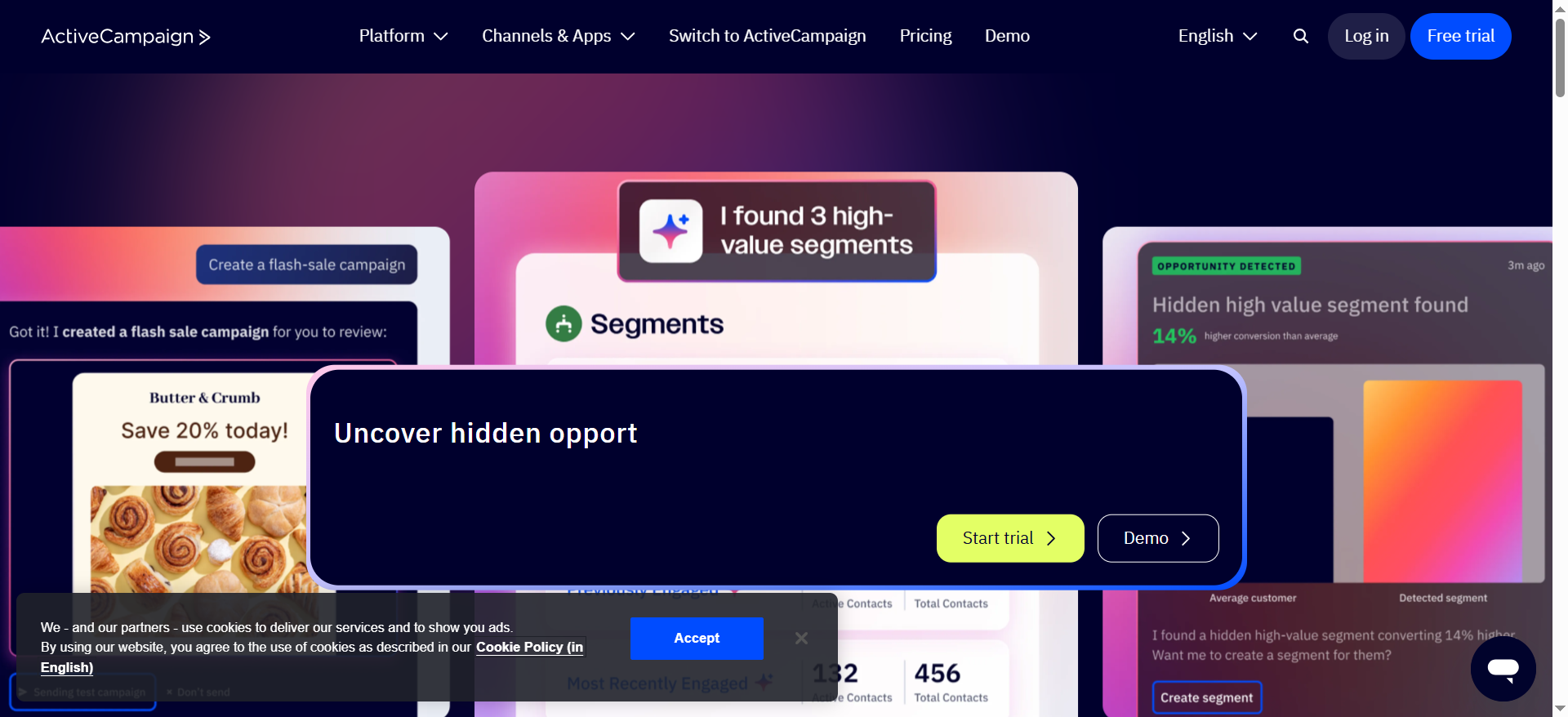
ActiveCampaign is a marketing automation and CRM platform built around email. It combines a visual automation builder with contact management, lead scoring, site tracking, and sales pipeline tools in a single interface. The platform handles everything from simple drip sequences to multi-branch conditional workflows that react to contact behavior, deal stage changes, and custom field updates.
Why Teams Use It
Marketing teams gravitate toward ActiveCampaign because the automation builder does not force you to choose between simplicity and power. You can start with a basic welcome sequence and progressively add conditional splits, wait conditions, goal tracking, and CRM-triggered actions without switching platforms. The built-in CRM means sales and marketing workflows live in the same system, which eliminates the sync headaches that come with connecting separate tools.
What It Is Good For
ActiveCampaign excels at complex, multi-step automations that need to react to granular contact behavior. If your workflows involve conditions like "if the contact visited the pricing page twice and opened the last two emails but has not booked a demo, move them to a different nurture track and notify the assigned sales rep," ActiveCampaign handles that natively. The platform also supports predictive sending, which optimizes delivery times per contact based on historical engagement data.
When It Is a Good Fit
ActiveCampaign fits teams that have outgrown basic email tools and need automation sophistication without enterprise-level pricing. It works well for B2B SaaS companies in the growth stage with 5,000 to 100,000 contacts, especially when marketing and sales need shared visibility into the same contact records. If you rely heavily on behavioral triggers and conditional logic in your email workflows, ActiveCampaign gives you the depth without requiring a developer to set it up.
When It Is Not a Good Fit
ActiveCampaign starts to feel constrained if you need deep product analytics integration or event-driven messaging tied to in-app behavior. The CRM, while functional, is not a replacement for Salesforce or HubSpot CRM at the enterprise level. Teams sending high-volume transactional emails alongside marketing campaigns may find the pricing model less competitive than platforms that charge by send volume rather than contact count. The Starter plan caps automations at five actions per workflow with no branching, so you need at least the Plus plan to get meaningful automation capability.
How to Use It
Start by importing your contact list and setting up basic segmentation based on tags, custom fields, or list membership. Build your first automation using the visual workflow builder — begin with a trigger (form submission, tag added, page visited), add conditions and wait steps, and connect actions like sending emails, updating fields, or notifying team members. Use the automation map to visualize how your workflows interconnect as you scale them.
Key Capabilities
ActiveCampaign's standout capabilities include a visual automation builder with unlimited actions on Plus and above, conditional and split-path logic, site and event tracking, predictive sending and content, lead and contact scoring, built-in CRM with deal pipelines, over 950 integrations, landing page builder (Plus+), and machine learning-powered send time optimization. The platform also supports SMS and Facebook Custom Audiences integration for multi-channel orchestration.
Pricing
ActiveCampaign uses a per-contact pricing model with four tiers. All prices are for 1,000 contacts, billed annually:Starter: $15/month — email marketing, basic automation (capped at 5 actions), inline forms, marketing CRM.Plus: $49/month — unlimited automation, landing pages, generative AI, Facebook Custom Audiences, lead scoring.Pro: $79/month — predictive sending, split automations, site messaging, attribution reporting.Enterprise: $145/month — custom reporting, custom objects, SSO, uptime SLA, dedicated account rep.Prices increase with contact count. At 10,000 contacts, expect the Plus plan to run approximately $149/month. At 50,000 contacts, the Plus plan reaches roughly $299/month. Add-ons for SMS, transactional email, and enhanced CRM can push costs higher — a Plus plan with CRM pipelines and SMS can effectively double the advertised price.
Free Tier?
No free tier. ActiveCampaign offers a 14-day free trial on any plan, no credit card required. After the trial, you must choose a paid plan.
Downsides and Limitations
The Starter plan's five-action automation cap makes it essentially a non-option for anyone serious about automation — you are really buying into ActiveCampaign at the Plus level or above. Pricing scales by contact count, which penalizes teams with large but partially inactive lists. The built-in CRM is serviceable but lacks the depth of dedicated CRM platforms, so enterprise teams may still need Salesforce alongside it. Reporting, while improved, still requires the Pro plan for attribution data. The learning curve is moderate — the automation builder is powerful but takes time to master for complex workflows.
2. HubSpot
What It Does
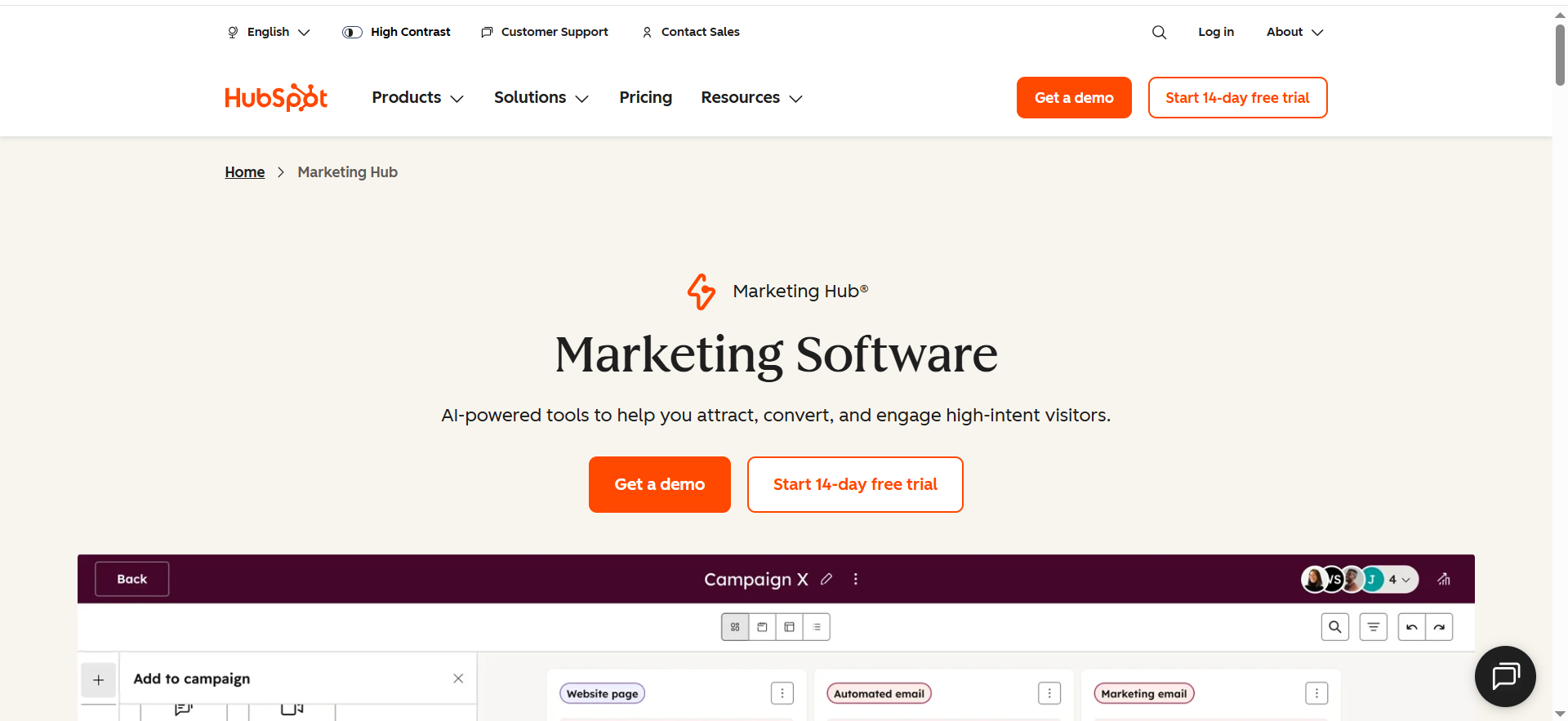
HubSpot Marketing Hub is a full-suite marketing platform where email automation is one component of a broader ecosystem that includes CRM, content management, social media, ads, and analytics. Email automation lives inside the Workflows tool, which lets you build multi-step sequences triggered by contact properties, form submissions, page views, list membership, deal stage changes, and dozens of other criteria. The platform is designed so that email, CRM, and content all share the same data layer.
Why Teams Use It
Teams choose HubSpot when they want everything — email, CRM, landing pages, blog, social scheduling, ad management, and reporting — under one roof with a unified contact database. The appeal is not having to integrate five different tools and reconcile data across them. HubSpot's automation is deeply connected to its CRM, so workflows can trigger based on deal properties, sales activity, and lifecycle stage changes without any third-party connectors.
What It Is Good For
HubSpot is strong when your email automation needs to pull from and push to a broader marketing and sales operation. If you are running inbound marketing with landing pages, blog content, gated offers, and lead nurture sequences that hand off to sales at the right moment, HubSpot orchestrates that entire flow natively. The reporting layer ties email performance to pipeline revenue, which is difficult to replicate with standalone email tools. HubSpot also offers robust A/B testing, smart content personalization, and lead scoring out of the box on Professional and above.
When It Is a Good Fit
HubSpot fits B2B SaaS companies that want to consolidate their marketing stack and are willing to pay for the convenience of an all-in-one platform. It is ideal for teams with 10 to 50 people in marketing and sales who need shared visibility into the customer journey from first touch to closed deal. If your growth strategy depends on inbound — content, SEO, social, paid, and email working together — HubSpot's integrated approach gives you a single source of truth. Companies already using HubSpot CRM get the most value because the data is already there.
When It Is Not a Good Fit
HubSpot's pricing creates a significant jump between Starter and Professional. Starter gives you basic email automation but lacks workflows, which is HubSpot's real automation engine. You need Professional at $800/month to access workflows, and that is a steep entry point for smaller teams. The platform is also not ideal for high-volume transactional email or event-driven product messaging — tools like Customer.io handle that more naturally. If you only need email automation and do not care about the CRM, blog, or landing page features, HubSpot is overbuilt and overpriced for the use case.
How to Use It
Set up your CRM contacts and define lifecycle stages and lead scoring criteria. Create lists based on contact properties and behaviors. Build workflows in the Workflows tool — set enrollment triggers, add email sends, delays, if/then branches, and internal notifications. Use the drag-and-drop email editor to build templates, then connect them to your workflows. Monitor performance in the Campaigns tool, which rolls up email metrics alongside landing page and ad data.
Key Capabilities
HubSpot's key capabilities for email automation include the visual Workflows builder with up to 300 workflows on Professional and 1,000 on Enterprise, smart content and personalization tokens, behavioral triggers tied to CRM data, A/B testing on subject lines and content, lead scoring and lifecycle stage automation, attribution reporting that ties email to revenue, built-in landing pages and forms, integration with HubSpot CRM (native) and 1,500+ third-party apps, AI-powered content generation and send time optimization, and programmable automation with custom code actions on Enterprise.
Pricing
HubSpot Marketing Hub pricing is structured by tier and marketing contact count:Free: Email marketing with HubSpot branding, 2,000 sends/month, 1 email automation.Starter: $9/seat/month — removes branding, includes basic automation, forms, and landing pages. Limited to simple automation (not Workflows).Professional: $800/month (includes 2,000 marketing contacts) — full Workflows, ABM tools, A/B testing, custom reporting, social media, and campaigns. Additional contacts at $45 per 1,000.Enterprise: $3,600/month (includes 10,000 marketing contacts) — predictive lead scoring, custom objects, hierarchical teams, behavioral event triggers, and revenue attribution.HubSpot uses a marketing contact model. You only pay for contacts you actively market to, but your bill increases as your marketable audience grows. Onboarding fees apply: $3,000 for Professional and $7,000 for Enterprise.
Free Tier?
Yes. The free tier includes email marketing (with HubSpot branding), up to 2,000 email sends per month, one basic automation, forms, and CRM access. It is usable for very early-stage teams but limited enough that most teams outgrow it quickly.
Downsides and Limitations
The pricing cliff between Starter ($9/seat/month) and Professional ($800/month) is the biggest drawback. You cannot access Workflows — HubSpot's core automation engine — without Professional, and that is a significant investment for a team that may only need email automation. Marketing contact pricing means costs grow with your audience even if send volume stays flat. Onboarding fees add to the upfront cost. The platform's depth also creates complexity — new users face a substantial learning curve across the full suite. If you are not using the CRM, content tools, and reporting together, you are paying for functionality you will not touch.
3. Brevo
What It Does
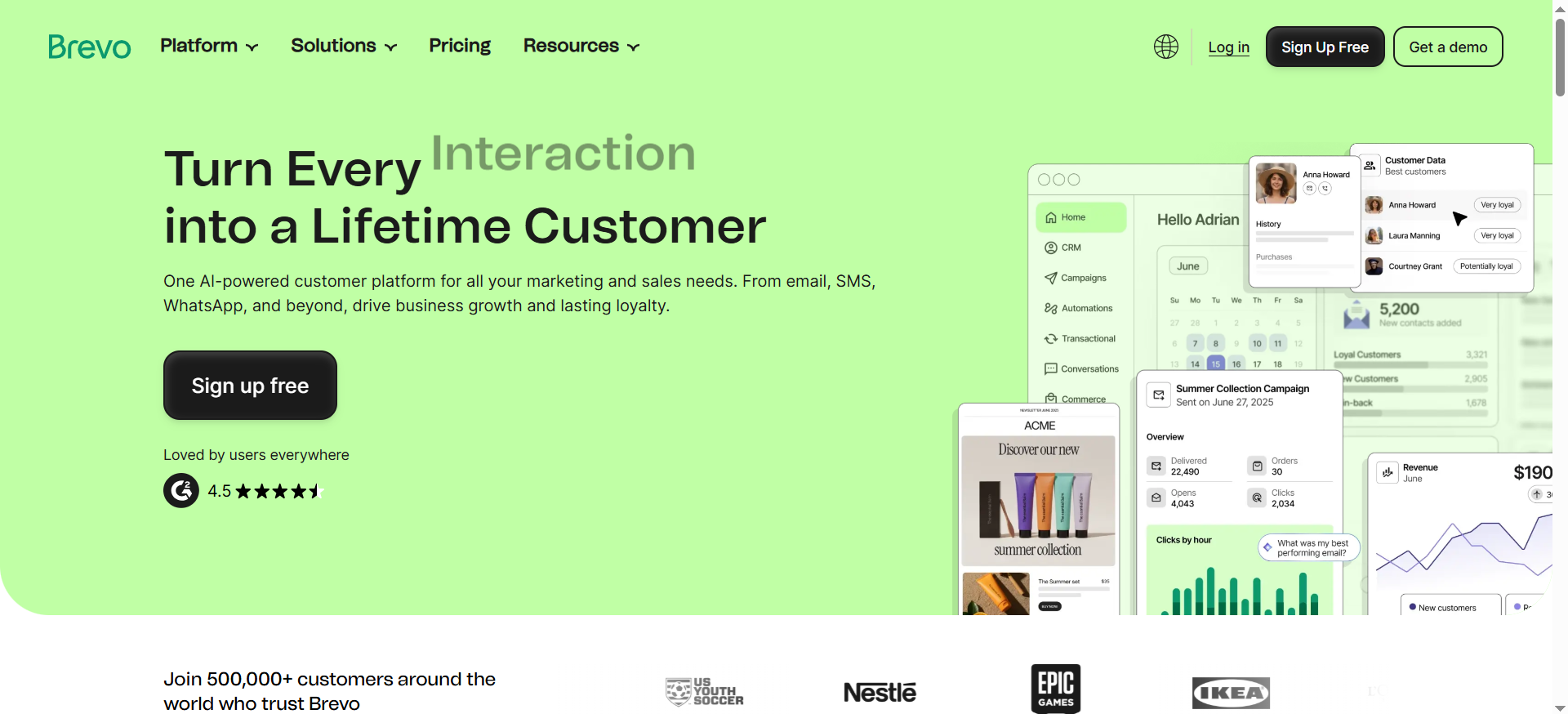
Brevo (formerly Sendinblue) is a multi-channel marketing platform that combines email marketing, SMS, WhatsApp messaging, and marketing automation in a single tool. The automation builder supports multi-step workflows triggered by email engagement, website activity, contact data changes, and transactional events. Brevo also includes a lightweight CRM, transactional email API, and landing page builder on higher plans.
Why Teams Use It
Brevo's primary draw is its pricing model: you pay based on how many emails you send per month, not how many contacts you store. This makes it one of the most cost-effective options for teams with large contact lists but moderate send frequencies. You can store up to 100,000 contacts on the free plan and generous contact limits on paid plans (up to 2 million on Business), which is cost-effective compared to platforms that charge by contact count. Teams also value Brevo for multi-channel capability — email, SMS, and WhatsApp from one platform without needing separate tools or billing.
What It Is Good For
Brevo works well for teams that need solid automation without paying a premium for it. The automation builder handles standard workflows — welcome sequences, abandoned cart recovery, re-engagement campaigns, and event-triggered emails — with enough flexibility for branching logic and conditional paths. The transactional email API is a strong addition for SaaS teams that need both marketing and transactional messaging in one platform. Multi-channel orchestration across email, SMS, and WhatsApp is available without the add-on pricing that competitors charge.
When It Is a Good Fit
Brevo fits budget-conscious B2B SaaS teams in the Seed to Growth stage that need reliable email automation and multi-channel messaging without the cost overhead of ActiveCampaign or HubSpot. It is ideal when your contact list is large relative to your send volume — for example, a newsletter with 50,000 subscribers that sends twice a week. It also works for teams that need transactional email (password resets, order confirmations, account notifications) alongside marketing campaigns, since Brevo handles both natively.
When It Is Not a Good Fit
Brevo's automation builder, while competent, does not match the depth of ActiveCampaign or Customer.io for complex multi-branch workflows with deep conditional logic. If your automations need to react to granular in-app events, product usage data, or custom API payloads, Brevo will feel limited. The CRM is basic — fine for simple deal tracking but not a replacement for HubSpot CRM or Salesforce. Reporting on the lower tiers is limited, and you need the Business plan for geography and device reporting. If your strategy depends on advanced segmentation, predictive analytics, or AI-driven personalization, Brevo is not the right choice.
How to Use It
Import your contacts (up to 100,000 on the free plan). Set up your sender domain and authenticate with DKIM and SPF. Use the drag-and-drop email editor to create templates. Build automations in the workflow builder — choose a trigger (contact added, email opened, link clicked, website event), add conditions and delays, and connect email or SMS sends. Use the transactional email API for operational messaging. Monitor campaign and automation performance in the analytics dashboard.
Key Capabilities
Brevo's key capabilities include generous contact storage limits across all plans (up to 100,000 on Free, with tiered limits on paid plans), a visual automation builder with multi-step workflows, transactional email API with dedicated IP options, multi-channel messaging (email, SMS, WhatsApp) from one platform, A/B testing on Business plan and above, landing page builder on Business plan and above, segmentation based on contact attributes and engagement behavior, real-time email analytics, Facebook Ads integration, and a free CRM with pipeline management. The platform also offers a WordPress plugin and integrations with Shopify, WooCommerce, and major CRM tools.
Pricing
Brevo charges by monthly email volume, not contact count:Free: 300 emails/day (approximately 9,000/month), up to 100,000 contacts, basic automation, transactional email API.Starter: $9/month for 5,000 emails — removes daily sending limit, includes basic reporting. No Brevo branding removal (add $12/month).Business: $18/month for 5,000 emails — unlimited marketing automation, A/B testing, landing pages, advanced stats, multi-user access, send time optimization.Enterprise: Starting at approximately $10,000/year — dedicated account manager, advanced integrations, priority support, sub-account management.Volume tiers increase predictably: 20,000 emails/month on Business is approximately $35/month, 100,000 emails/month is approximately $69/month. This makes Brevo one of the most affordable options at high volume.
Free Tier?
Yes. The free tier includes 300 emails per day, up to 100,000 contacts, the drag-and-drop editor, transactional email API access, basic automation workflows, and CRM. It is genuinely usable for small teams getting started, though the daily send cap (not monthly) is a constraint for batch campaigns.
Downsides and Limitations
Automation depth lags behind ActiveCampaign and Customer.io — complex multi-branch workflows with deep conditional logic are harder to build. The CRM is basic and not suitable for teams that need serious pipeline management. Reporting on Starter is limited; you need Business for geography, device, and A/B testing data. Brevo branding appears on emails unless you pay an additional $12/month on Starter. Deliverability has been a concern historically, though Brevo has invested in infrastructure improvements. The email editor, while functional, is less polished than competitors like Klaviyo or ActiveCampaign.
4. Customer.io
What It Does
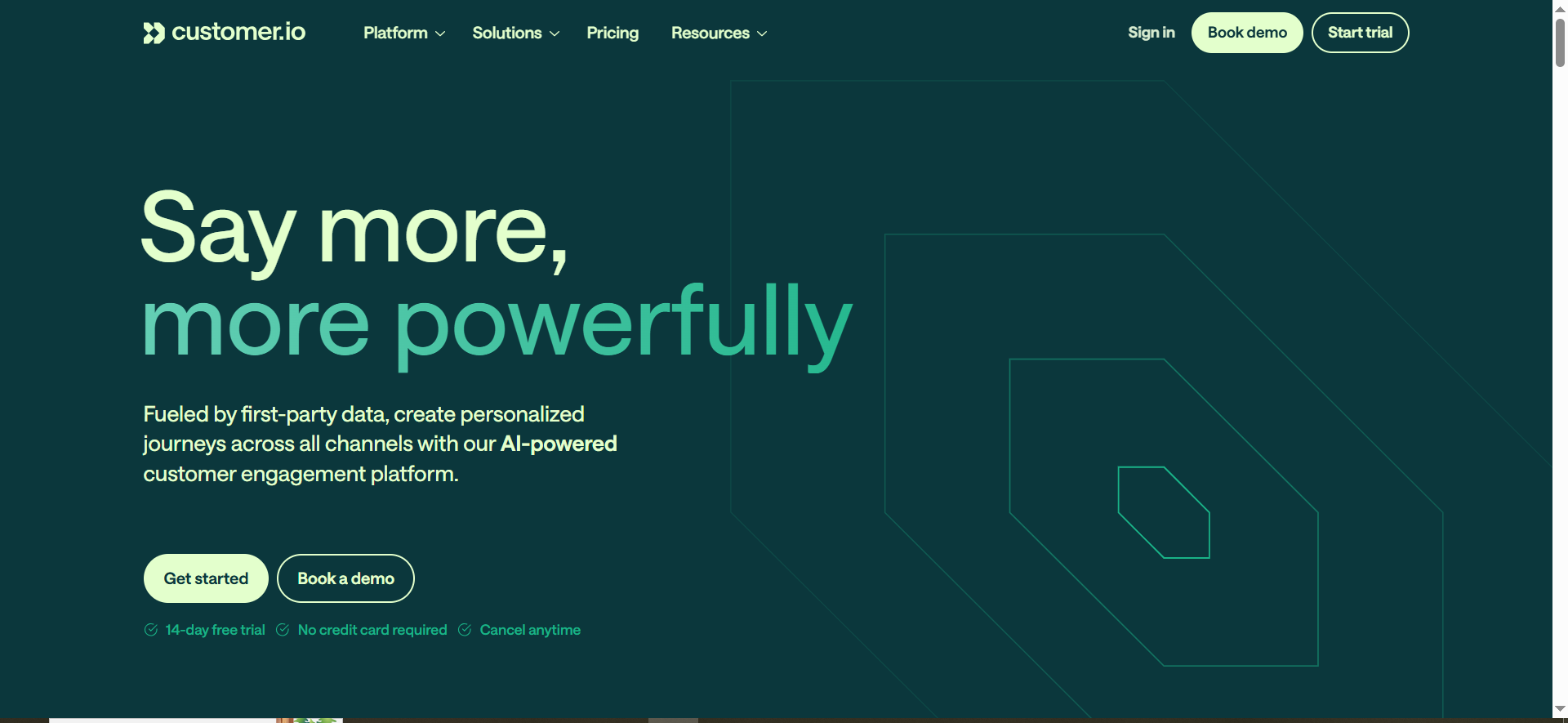
Customer.io is a messaging automation platform built for product-led and data-driven teams. Unlike traditional email marketing tools, Customer.io is designed around events and behavioral data. You send it events from your product (signup completed, feature used, plan upgraded, trial expiring) and it uses those events to trigger multi-channel messaging across email, push notifications, SMS, in-app messages, and webhooks. The platform functions more like a customer engagement layer that sits on top of your product data than a traditional email tool.
Why Teams Use It
Product-led SaaS teams choose Customer.io because it speaks their language: events, attributes, and segments built from real-time product data. Instead of building automations around email opens and link clicks, you build them around what users actually do in your product. This makes the platform ideal for onboarding flows, feature adoption campaigns, churn prevention sequences, and upgrade nudges that are triggered by meaningful product behavior rather than email engagement metrics.
What It Is Good For
Customer.io excels at event-driven, behavioral messaging. If your automation logic depends on conditions like "user completed onboarding step 3 but has not used feature X within 48 hours," Customer.io handles that natively without workaround hacks. The segment builder is powerful — you can combine attributes, events, and behavioral patterns into precise audience definitions. The platform also supports webhooks as workflow actions, which means your automations can trigger actions in other systems (update a CRM record, send a Slack alert, call an internal API) without additional tooling.
When It Is a Good Fit
Customer.io fits product-led B2B SaaS companies with engineering resources to implement event tracking. It works best when your messaging strategy is driven by in-product behavior rather than marketing campaigns. If your growth team thinks in terms of activation rates, feature adoption, and expansion revenue rather than open rates and click-throughs, Customer.io aligns with that mindset. The platform is ideal for teams with 5,000 to 500,000 profiles that need sophisticated, event-triggered automation across multiple channels.
When It Is Not a Good Fit
Customer.io requires engineering involvement to set up properly. You need to instrument your product to send events to the platform, which means developer time for the initial integration and ongoing maintenance as your product evolves. If your team does not have engineering support or your messaging strategy is primarily campaign-based (newsletters, promotions, announcements), Customer.io is overengineered for the use case. The price point — starting at $100/month for 5,000 profiles — is also higher than alternatives like Brevo or ActiveCampaign for teams that do not need the event-driven capability.
How to Use It
Implement the Customer.io JavaScript snippet or server-side integration to send user events and attributes from your product. Define your segments using the segment builder — combine profile attributes (plan type, signup date, company size) with behavioral events (feature used, page viewed, action completed). Build campaigns using the visual workflow builder — set triggers, add conditions based on events and attributes, connect messages across email, push, SMS, and in-app. Use the data pipeline features to keep your customer data synchronized with your data warehouse.
Key Capabilities
Customer.io's key capabilities include event-driven workflow automation, multi-channel messaging (email, push, SMS, in-app, webhooks), a visual workflow builder with conditional logic and branching, a powerful segment builder combining attributes, events, and behaviors, A/B and multivariate testing on Premium plans, data pipeline integration for syncing with data warehouses, webhook actions for triggering external systems, transactional messaging API, real-time audience segmentation, visual campaign analytics, Parcel email editor with drag-and-drop and code options, and support for 2026 additions including RCS messaging. The platform also supports liquid templating for dynamic content personalization.
Pricing
Customer.io charges by profile count and message volume:Essentials: $100/month for up to 5,000 profiles — core messaging channels (email, push, SMS), basic segmentation, automation, and standard support.Premium: $1,000/month for up to 10,000 profiles — advanced A/B testing, advanced segmentation, webhooks, priority support, and dedicated CSM.Enterprise: Custom pricing — dedicated support, SLA guarantees, custom integrations, SSO/SAML, data residency options.Email overage is charged at $0.85 per 1,000 emails beyond plan limits. SMS and push have per-message fees that vary by tier. The pricing reflects Customer.io's positioning as a product-grade messaging platform rather than a marketing email tool.
Free Tier?
No free tier. Customer.io offers a 14-day free trial. After that, the Essentials plan starts at $100/month for 5,000 profiles.
Downsides and Limitations
The $100/month starting price is significantly higher than alternatives for teams that do not need event-driven automation. Engineering involvement is required for setup and ongoing event instrumentation, which creates a dependency that pure-marketing teams may not want. The email editor, while flexible, is more developer-oriented than the drag-and-drop builders in Brevo or ActiveCampaign. Reporting, particularly on Essentials, is less visual and less marketer-friendly than HubSpot or Klaviyo. The platform's power comes from the data you feed it — if your event tracking is incomplete, your automations will be limited by data quality rather than platform capability.
5. Klaviyo
What It Does
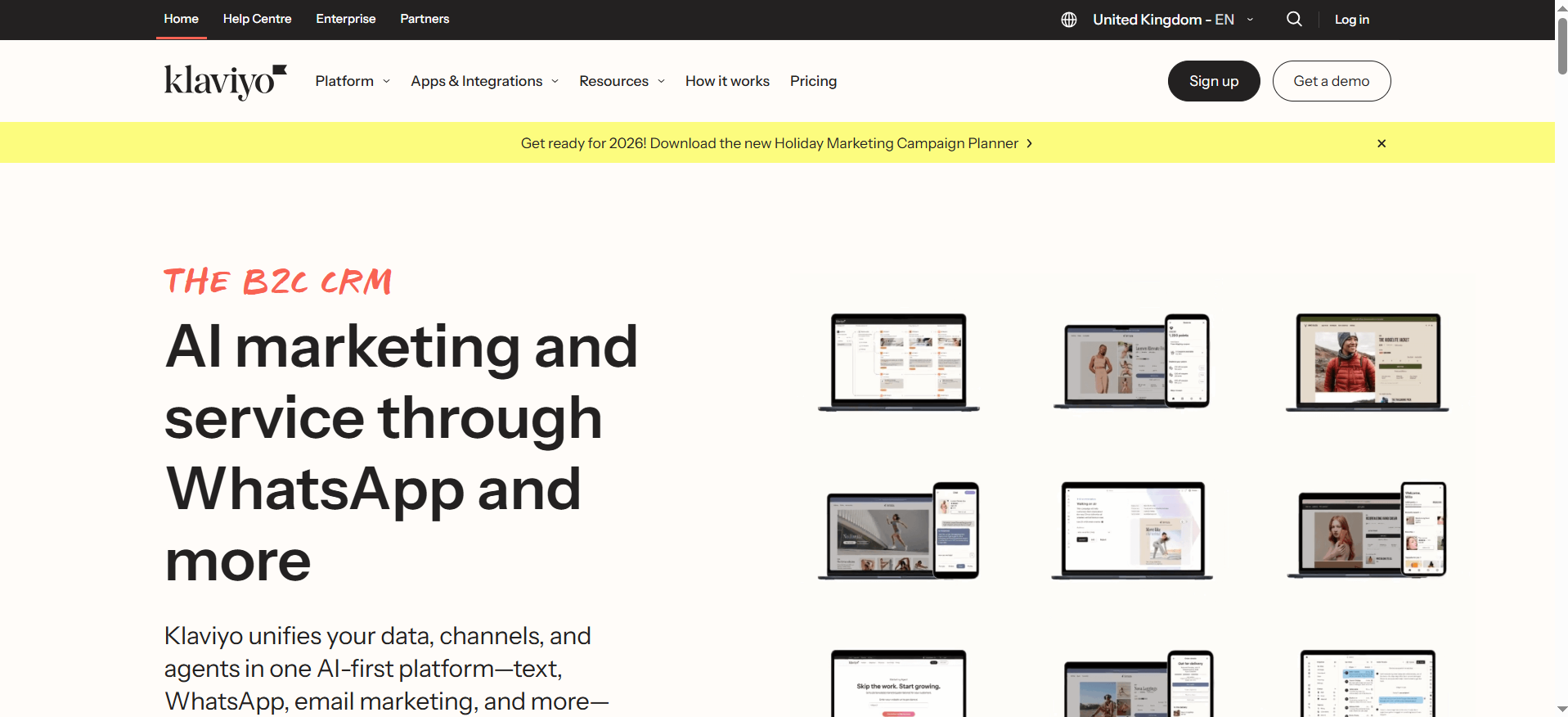
Klaviyo is a marketing automation platform that combines email, SMS, and push notifications with a customer data platform (CDP) layer. It unifies customer data from over 350 integrations into a single profile view, then uses that data to power automated flows, segmented campaigns, and predictive analytics. Originally built for ecommerce, Klaviyo has expanded its capabilities to serve B2B and SaaS use cases with features like AI-generated segments, predictive customer lifetime value, and a marketing AI agent that can draft and schedule campaigns.
Why Teams Use It
Teams choose Klaviyo because it treats data as a first-class citizen. Every customer interaction — email open, website visit, purchase, support ticket, product usage event — feeds into a unified profile that drives segmentation and automation. The platform's predictive analytics (expected next order date, churn risk, lifetime value) allow teams to build automations around forward-looking signals rather than just historical behavior. Klaviyo's AI features, introduced and expanded through 2025-2026, can generate segments from natural language descriptions and draft campaign content.
What It Is Good For
Klaviyo excels when your automation strategy depends on rich customer data and behavioral segmentation. It handles complex flow logic — multi-branch automations triggered by combinations of email engagement, website behavior, purchase history, and custom events. The platform's strength is in data consolidation: instead of building integrations between your email tool, analytics platform, and CRM, Klaviyo serves as the data layer itself. Predictive analytics and AI-powered segmentation are available across all paid tiers, not locked behind enterprise pricing.
When It Is a Good Fit
Klaviyo fits data-driven B2B SaaS and ecommerce teams that want predictive analytics and AI-driven segmentation without enterprise pricing. It works well for teams with 1,000 to 250,000 active profiles that rely on behavioral data to drive their messaging strategy. If your growth team wants to segment based on predicted churn risk, expected lifetime value, or AI-generated behavioral clusters, Klaviyo provides that out of the box. It is also a strong choice for teams that need email plus SMS in one platform with shared data and unified flows.
When It Is Not a Good Fit
Klaviyo's pricing scales steeply with contact count. At 25,000 active profiles, the email plan costs approximately $400/month; at 100,000 profiles, it reaches approximately $1,350/month. This makes it expensive for teams with large but low-engagement contact lists. If your primary need is high-volume, low-cost email sending (like a large newsletter), Brevo is a better fit. Klaviyo's product-event tracking, while improving, is not as deeply integrated as Customer.io's for product-led growth use cases. The platform's ecommerce heritage also means some B2B-specific features (account-based marketing, multi-touch attribution) are less developed than in HubSpot.
How to Use It
Connect your data sources — ecommerce platform, website, CRM, support tool, or custom events via API. Klaviyo automatically builds unified customer profiles from the ingested data. Create segments using the visual segment builder or use AI to generate segments from natural language (for example, "customers who purchased twice in the last 90 days but have not opened an email in 30 days"). Build flows in the visual flow builder with triggers, conditions, splits, and multi-channel actions (email, SMS, push). Use the campaign builder for one-time sends to segments. Monitor performance in the analytics dashboard with revenue attribution.
Key Capabilities
Klaviyo's key capabilities include unified customer profiles from 350+ integrations, a visual flow builder for multi-step automations, predictive analytics (lifetime value, churn risk, next order date), AI-generated segments from natural language, AI content generation for email and SMS, email and SMS automation in unified flows, advanced segmentation with unlimited conditions, A/B and multivariate testing, revenue attribution reporting, pre-built flow templates for common use cases, web push notifications, and a Marketing Agent that can draft, schedule, and optimize campaigns. All paid tiers access the same feature set — pricing only varies by profile count.
Pricing
Klaviyo charges by active profile count, with the same feature set across all paid tiers:Free: Up to 250 active profiles, 500 emails/month, 150 SMS credits. Includes all features (flows, segmentation, AI, reporting).Email Plan: Starts at $20/month for 500 profiles. At 5,000 profiles: approximately $100/month. At 25,000 profiles: approximately $400/month. At 100,000 profiles: approximately $1,350/month.Email + SMS Plan: Starts at $35/month for 500 profiles plus 1,250 SMS credits. SMS credits are billed on top of the email pricing.Following the February 2025 pricing update, Klaviyo now charges based on active profiles rather than email volume. Long-time customers receive an appreciation discount that caps any increase at 25% and continues indefinitely on eligible plans.
Free Tier?
Yes. The free tier includes up to 250 active profiles, 500 emails per month, 150 SMS credits, and access to all features — flows, segmentation, predictive analytics, AI tools, and reporting. It is one of the most generous free tiers in the category, giving small teams full access to the platform's capabilities before they need to pay.
Downsides and Limitations
Pricing escalation is the primary concern. Costs increase rapidly with profile count, and Klaviyo is among the more expensive options at scale (25,000+ contacts). The platform was built for ecommerce and still carries that bias — B2B SaaS teams may find certain features, templates, and documentation oriented toward DTC brands. Product-event integration is improving but not as seamless as Customer.io for deeply product-led use cases. The shift from volume-based to profile-based pricing in 2025 created friction for customers with large databases who previously managed costs through send restraint. Customer support response times have been a recurring concern in user reviews, particularly on the free and lower-paid tiers.
What Is Email Automation and Why Does It Matter for Scalability?
Email automation is the practice of using software to send pre-defined emails based on triggers, schedules, or conditions without manual intervention. Instead of writing and sending each email individually, you build workflows that respond to user actions — a new signup gets a welcome sequence, an inactive user gets a re-engagement campaign, a trial user approaching expiration gets an upgrade nudge.
Scalability matters because manual email processes break as your audience grows. A team of two can personally manage emails for 200 contacts. At 2,000, it becomes stressful. At 20,000, it is impossible. Email automation replaces human bottlenecks with systematic workflows that handle thousands of contacts simultaneously, each receiving the right message at the right moment based on their behavior and attributes.
For B2B SaaS companies specifically, email automation at scale drives three outcomes: faster activation (new users reach value without waiting for a human to guide them), higher retention (behavioral triggers catch churn signals early), and more efficient pipeline generation (lead scoring and nurture sequences qualify prospects before they reach sales).
How to Choose the Right Email Automation Tool for a Growing Team
Selecting an email automation platform when you are actively growing requires evaluating the tool against where you will be in 12 to 18 months, not where you are today. Start with three questions: How complex will your workflows need to be as you add segments, products, and lifecycle stages? How does the pricing model scale with your growth trajectory — per contact, per email, or per feature tier? And does the platform integrate with your existing stack without custom development work?
Workflow depth is the most common regret factor. Teams choose a simple, affordable tool at 1,000 contacts, then discover at 15,000 contacts that they need multi-branch conditional logic, A/B testing within flows, or CRM-triggered automations that the platform does not support. Re-platforming mid-growth is expensive in time, data integrity, and campaign continuity.
Pricing model alignment matters equally. A per-contact model (ActiveCampaign, Klaviyo) works well if your list is small but highly engaged. A per-email model (Brevo) works if your list is large but you send infrequently. A per-seat model (HubSpot) works if you have a small team but a large audience. Run the numbers at 3x and 5x your current scale before committing.
Email Automation vs. Marketing Automation: What Is the Difference?
Email automation is a subset of marketing automation. Email automation focuses specifically on automating email sends based on triggers and conditions — welcome sequences, drip campaigns, re-engagement flows, and transactional emails. Marketing automation encompasses email but extends to SMS, push notifications, in-app messages, ad retargeting, social media scheduling, lead scoring, CRM updates, and cross-channel orchestration.
In practice, the distinction matters when evaluating tools. A tool like Brevo that calls itself an email automation platform also offers SMS and WhatsApp, blurring the line. HubSpot and ActiveCampaign are marketed as marketing automation platforms because they include CRM, landing pages, and multi-channel orchestration alongside email. Customer.io and Klaviyo sit in between — they automate messaging across email, SMS, push, and in-app but do not include content management, social media, or ad tools.
For teams focused on scalability, the practical question is whether you need a dedicated email tool that does one thing well or a platform that orchestrates messaging and data across channels. If your growth strategy involves coordinating email with SMS, push, and in-app messaging, a multi-channel automation platform reduces the integration burden. If email is your primary channel and you handle other channels separately, a focused email automation tool keeps complexity and cost lower.
How Much Should You Budget for Email Automation in 2026?
Email automation costs in 2026 range from free to several thousand dollars per month depending on your contact list size, send volume, feature needs, and chosen pricing model. A realistic budget framework starts with your current contact count, projects 12-month growth, and adds a buffer for overages and add-ons.
At the lower end, Brevo's Business plan handles 20,000 emails per month with full automation for approximately $35/month. ActiveCampaign's Plus plan covers 5,000 contacts with advanced automation for approximately $79 to $99/month. At mid-scale, Klaviyo runs approximately $400/month at 25,000 profiles, and Customer.io starts at $100/month for 5,000 profiles but jumps to $1,000/month for Premium features. At the upper end, HubSpot Professional starts at $800/month before contact overages.
Budget for hidden costs beyond the sticker price: onboarding fees (HubSpot charges $3,000 to $7,000), add-ons (ActiveCampaign SMS, CRM enhancements), contact overage charges, and premium support tiers. Plan for your 12-month contact count, not your current one, when comparing total cost of ownership.
Can Email Automation Tools Integrate with Your Existing Tech Stack?
Integration capability varies significantly across platforms, and it is one of the most underestimated factors in tool selection. All five tools covered in this guide offer integrations, but the depth and methodology differ.
HubSpot leads with over 1,500 third-party integrations through its App Marketplace, plus a robust API. ActiveCampaign offers over 950 integrations. Klaviyo connects with 350+ platforms and is particularly strong for ecommerce integrations (Shopify, WooCommerce, BigCommerce). Brevo offers solid but more limited integrations with major platforms. Customer.io relies more heavily on its API and event-based integration model, which gives maximum flexibility but requires engineering resources.
The critical consideration is not count but quality. A platform with 1,500 integrations is not useful if the three tools you depend on are not among them or only have surface-level connections. Before committing, verify that your CRM, product analytics, data warehouse, customer support tool, and payment system connect at the depth you need — not just contact sync, but event data, custom properties, and bidirectional updates.
What Metrics Should You Track to Measure Email Automation ROI?
Measuring email automation ROI requires looking beyond open rates and click-through rates to metrics that connect email activity to business outcomes. The core metrics fall into three categories: engagement, conversion, and efficiency.
Engagement metrics include open rate, click-through rate, click-to-open rate, unsubscribe rate, and bounce rate. These tell you whether your emails are reaching inboxes and resonating with recipients. However, they are intermediate indicators, not outcomes.
Conversion metrics tie email to revenue: workflow-attributed revenue (how much pipeline or closed revenue originated from automated sequences), conversion rate by workflow (what percentage of contacts who entered a sequence took the desired action), and customer acquisition cost by channel (how email automation compares to other acquisition and activation methods).
Efficiency metrics quantify the operational leverage of automation: time saved per campaign (hours that would have been spent on manual sends), cost per email sent (total platform cost divided by send volume), and list growth rate relative to cost (whether your per-contact or per-email cost is declining as you scale). Track these monthly and compare them to your pre-automation baseline to quantify ROI.
How to Migrate from One Email Automation Platform to Another
Platform migration is one of the most disruptive projects a marketing team undertakes, and it is almost always more complex than anticipated. A successful migration follows four phases: planning, data transfer, workflow reconstruction, and validation.
In the planning phase, audit everything in your current platform: contact lists with all custom fields and tags, active and paused automations with their logic, email templates, forms, landing pages, integrations, and reporting baselines. Document how your automations interconnect — migration is the time you discover dependencies you forgot existed.
Data transfer involves exporting contacts with their full attribute history (not just current values), mapping fields between the old and new platform, and importing carefully. Test with a small batch first. Pay attention to date formats, custom property types, and tag structures — these often break during migration and cause segmentation errors in the new platform.
Workflow reconstruction is the most time-consuming phase. Rebuild automations in the new platform, starting with your highest-impact sequences. Do not try to replicate everything at once — prioritize revenue-generating and retention workflows, then rebuild secondary automations over the following weeks. Use the migration as an opportunity to simplify workflows that have accumulated unnecessary complexity.
Validation means running both platforms in parallel for a brief period to confirm the new system performs as expected. Check deliverability rates, automation triggers, segment populations, and reporting accuracy. Only decommission the old platform once you have confirmed data integrity and workflow performance in the new one.
What Are the Biggest Email Automation Mistakes Scaling Teams Make?
The most common mistake is over-automating too early. Teams set up dozens of workflows before they have enough data to know which triggers and conditions actually drive results. Start with three to five core automations (welcome, onboarding, re-engagement, trial expiration, upgrade), validate their performance, and then expand.
The second mistake is ignoring deliverability as you scale. Sending volume increases, new segments get added, and list hygiene gets deprioritized. The result is gradually declining inbox placement rates that erode the ROI of every automation you have built. Implement email verification on signup, monitor bounce rates per workflow, and segment out inactive contacts before they damage your sender reputation.
Third, teams often choose a tool based on current needs rather than projected needs. The platform that is perfect at 2,000 contacts may be the wrong choice at 20,000. Evaluate tools at 3x to 5x your current scale to avoid a costly migration within 12 months.
Fourth, failing to align automation with the buyer journey creates friction. Sending the same content to a first-time visitor and a trial user who has been active for two weeks signals a lack of sophistication. Map your automations to lifecycle stages and ensure contacts move through sequences that match their actual relationship with your product.
Email Automation for B2B SaaS vs. Ecommerce: Key Differences
While the underlying technology is the same, how B2B SaaS and ecommerce companies use email automation differs in several important ways that affect which tool is the best fit.
B2B SaaS email automation centers on lifecycle marketing — onboarding new users, driving feature adoption, preventing churn, and nurturing leads through a longer sales cycle that often involves multiple stakeholders. Automations need to react to product usage events, trial timelines, and account-level behavior (not just individual contacts). CRM integration and lead scoring are critical. Tools like Customer.io and HubSpot are built for this model.
Ecommerce email automation focuses on transactional moments — cart abandonment, post-purchase follow-ups, review requests, replenishment reminders, and win-back campaigns. The data model centers on purchase history, product categories, and order value rather than feature usage and lifecycle stage. Klaviyo was purpose-built for this model and excels at it.
The overlap exists in the middle: both need welcome sequences, re-engagement flows, and segmentation. But the data inputs, trigger logic, and success metrics differ enough that a tool optimized for one model may feel awkward in the other. B2B SaaS teams evaluating Klaviyo should test whether its ecommerce-native templates and default flows align with their use case before committing.
How AI Is Changing Email Automation in 2026
AI capabilities in email automation tools have moved from experimental to operational in 2026. The shift is visible across four areas: content generation, audience segmentation, send optimization, and campaign management.
Content generation is the most visible change. Klaviyo's AI drafts subject lines, preview text, and email body copy based on past campaign performance and brand voice guidelines. ActiveCampaign offers generative AI for email content on Plus plans and above. HubSpot's AI assistant creates email drafts, suggests CTAs, and repurposes content across channels. These features reduce the time to create a campaign from hours to minutes, though human editing remains essential for quality control.
Audience segmentation has become more accessible through natural language interfaces. Klaviyo lets you describe a segment in plain English and the AI builds the segment definition. This lowers the technical barrier for non-technical marketers and makes advanced segmentation available without learning complex query builders.
Send optimization uses AI to determine the optimal delivery time for each contact based on their historical engagement patterns. ActiveCampaign's predictive sending and HubSpot's smart send time features analyze individual open patterns and schedule delivery accordingly. At scale, this consistently improves open rates by 5 to 15 percent compared to batch sending.
Campaign management is the emerging frontier. Klaviyo's Marketing Agent can draft, schedule, and optimize campaigns with minimal human input. While full autonomy is not yet practical, the direction is clear: AI will handle the operational work of email marketing while humans focus on strategy, creative direction, and customer insight.



