

TL;DR
If you need to send bulk email campaigns reliably and affordably in 2026, these five tools cover the full spectrum. Mailchimp remains the most recognized name with strong automation and a massive template library. Brevo wins on cost for large lists thanks to its per-email pricing model. Constant Contact is built for small businesses that want guided setup and event marketing features. MailerLite offers the best value for startups and freelancers who want a clean interface without a premium price tag. GetResponse stands out for teams that want webinars, landing pages, and conversion funnels built into their email platform.
This guide breaks down pricing, key features, best-fit use cases, and limitations for each tool so you can shortlist the right one for your team without wading through fluff.
Best Email Blast Tools (Quick Comparison)
| Tool | Starting Price | Free Plan | Best For |
|---|---|---|---|
| Mailchimp | $13/mo (500 contacts) | Yes (250 contacts, 500 sends/mo) | Established teams wanting a mature ecosystem |
| Brevo | $9/mo (5,000 emails) | Yes (300 emails/day, 100,000 contacts) | Budget-conscious teams with large lists |
| Constant Contact | $12/mo (500 contacts) | No (30-day trial) | Small businesses + event marketers |
| MailerLite | $10/mo (500 contacts) | Yes (500 subscribers, 12,000 emails/mo) | Startups and freelancers wanting simplicity |
| GetResponse | $19/mo (1,000 contacts) | Yes (500 contacts, limited) | Teams needing webinars + email in one tool |
1. Mailchimp
What It Does
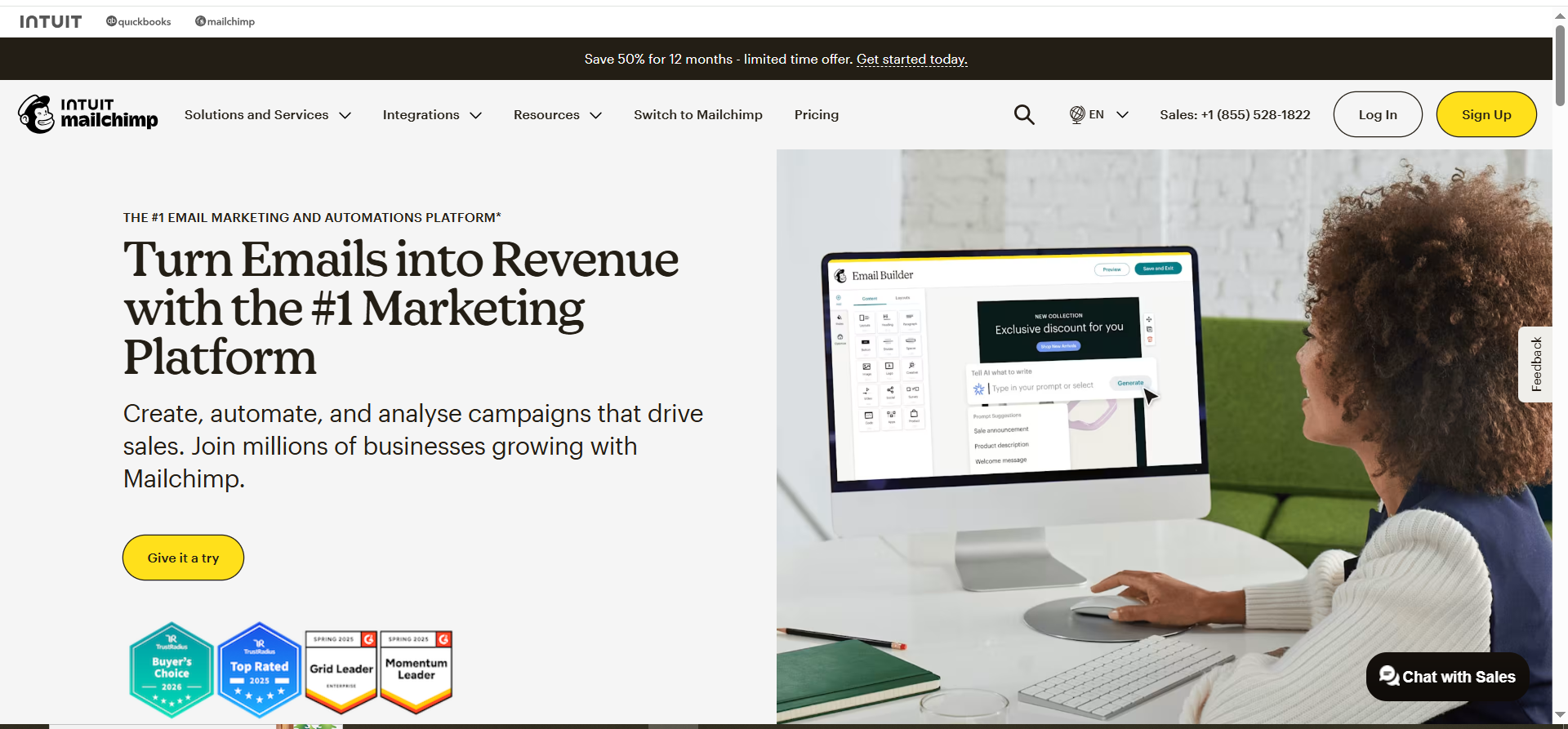
Mailchimp is a full-suite email marketing and automation platform owned by Intuit. It handles everything from one-off email blasts to multi-step automated journeys, landing pages, social ads, and basic CRM. With over 300 integrations and a massive template library, it serves as the default email tool for many marketing teams.
Why Teams Use It
Mailchimp has the largest ecosystem of any email marketing tool. Most third-party apps, CRMs, and ecommerce platforms offer native Mailchimp integrations. For teams already embedded in a complex tech stack, that compatibility reduces friction. The platform also has years of deliverability reputation built up, which helps inbox placement for legitimate senders.
What It Is Good For
Mailchimp excels at multi-channel campaigns that combine email blasts with landing pages, social media ads, and postcards. Its Customer Journey Builder lets you create branching automation sequences with conditional logic. The reporting dashboard is detailed, offering click maps, comparative reports, and revenue attribution for ecommerce.
When It Is a Good Fit
Mailchimp fits teams that need a mature platform with extensive third-party support. If you run an ecommerce store on Shopify, WooCommerce, or BigCommerce, Mailchimp integrates natively and tracks purchase behavior. If your marketing ops team wants one tool for email, ads, social posting, and basic CRM, Mailchimp consolidates those.
When It Is Not a Good Fit
Mailchimp is not ideal for teams on a tight budget whose list is growing. Pricing scales steeply as contacts increase, and Mailchimp counts unsubscribed and non-subscribed contacts toward your plan limit. If you have a large list but low send frequency, you pay for contacts you rarely email. The free plan now caps at just 250 contacts and 500 sends per month, making it impractical for most use cases.
How to Use It
Sign up at mailchimp.com, import your list, verify your sending domain (SPF/DKIM), pick a template from the library or build from scratch in the drag-and-drop editor, segment your audience, and schedule or send immediately. For blasts, use the "Regular Campaign" option under the Create menu.
Key Capabilities
Drag-and-drop email editor with 100+ templates. Customer Journey Builder for multi-step automations. A/B and multivariate testing. Predictive segmentation powered by AI. Send time optimization. Revenue and engagement reporting. Landing page and form builder. 300+ integrations including Shopify, WooCommerce, Salesforce, and Zapier.
Pricing
Free: 250 contacts, 500 sends/month. Essentials: starts at $13/month for 500 contacts. Standard: starts at $20/month for 500 contacts. Premium: starts at $350/month for 10,000 contacts. Note: prices increased 11-13% for legacy accounts in April 2026.
Free Tier?
Yes, but heavily limited. 250 contacts, 500 emails per month, Mailchimp branding on all emails, no scheduling, no multi-step automations. Reduced from 500 contacts in January 2026.
Downsides and Limitations
Pricing scales aggressively as your list grows. Unsubscribed contacts count toward your plan limit. The free plan is now nearly unusable for real campaigns. Lists are mutually exclusive, meaning the same contact on multiple lists counts (and bills) multiple times. The learning curve for the Customer Journey Builder is steeper than simpler tools.
2. Brevo
What It Does
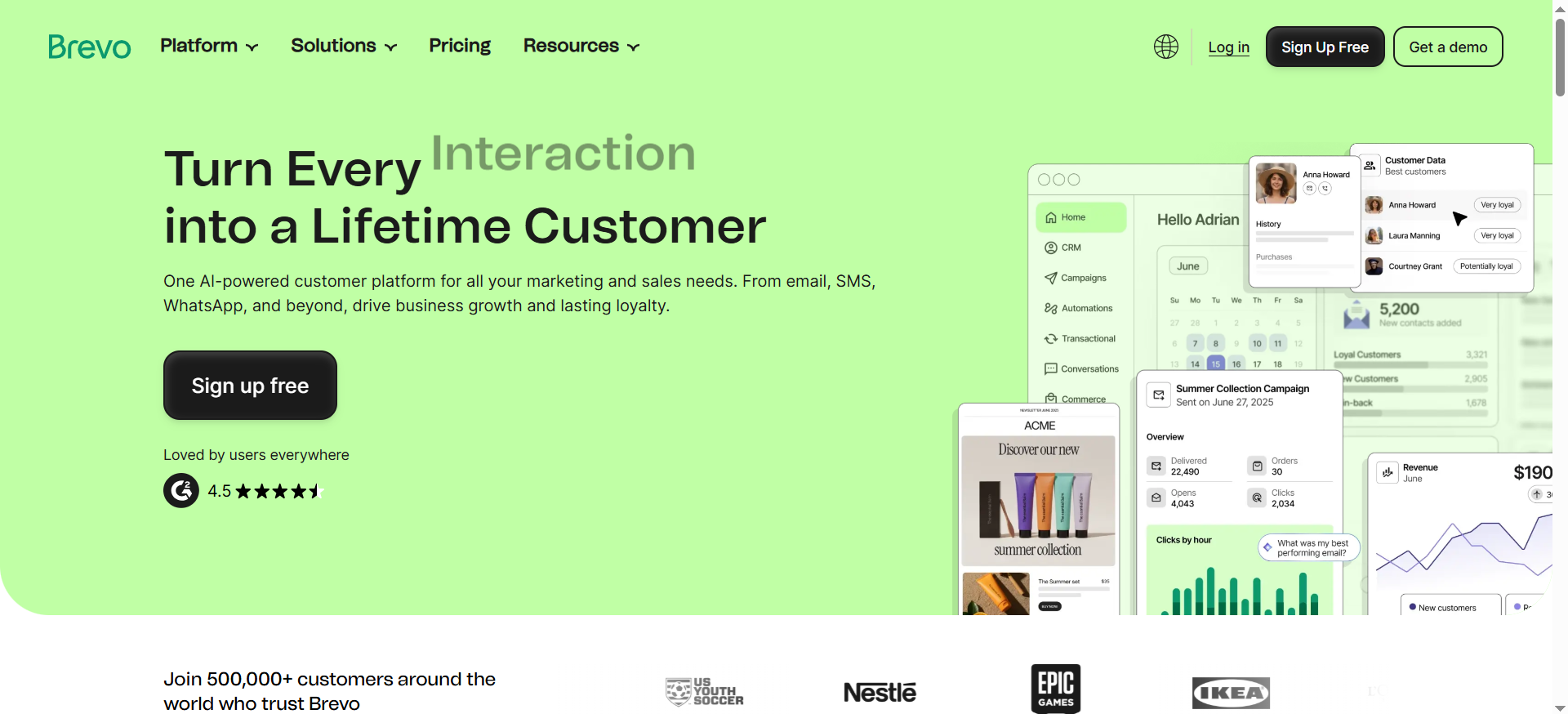
Brevo (formerly Sendinblue) is a multi-channel marketing platform that combines email marketing, SMS, WhatsApp messaging, chat, and CRM in one tool. Its defining characteristic is pricing based on email volume rather than contact count, which makes it uniquely affordable for businesses with large subscriber lists.
Why Teams Use It
Brevo is the go-to choice for cost-conscious teams that have large contact databases but moderate sending needs. Because you pay per email sent rather than per contact stored, a company with 50,000 contacts that sends two campaigns per month pays dramatically less than it would on Mailchimp or Constant Contact.
What It Is Good For
Brevo handles email blasts, transactional emails (via SMTP relay), SMS marketing, and WhatsApp campaigns from a single dashboard. The automation builder supports multi-channel workflows combining email and SMS. It also includes a built-in CRM, meeting scheduling, and live chat widget.
When It Is a Good Fit
Brevo fits teams that have built a large subscriber list and want to send campaigns without paying for dormant contacts. It also works well for businesses that need both marketing and transactional email in one platform (order confirmations, password resets, etc.). Teams running SMS or WhatsApp alongside email benefit from the unified dashboard.
When It Is Not a Good Fit
Brevo is not the right choice if you need the most advanced automation logic or a huge template library. While adequate, its template selection and editor are not as polished as Mailchimp's. The Brevo logo appears on emails on the Starter plan unless you pay an extra $9/month to remove it (Standard and above include logo removal at no extra cost). Reporting is functional but less granular than premium competitors.
How to Use It
Create an account at brevo.com, add your contacts (up to 100,000 on the free plan), authenticate your sending domain, build your campaign in the drag-and-drop editor or HTML editor, select your segment, and send or schedule. For transactional email, configure the SMTP relay in your app.
Key Capabilities
Drag-and-drop email editor. Marketing automation workflows (email + SMS + WhatsApp). Transactional email via SMTP and API. Built-in CRM with deal tracking. Landing page builder (Standard plan and above). Contact segmentation with behavioral filters. A/B testing. Real-time reporting and heat maps.
Pricing
Free: 300 emails/day, up to 100,000 contacts. Starter: from $9/month for 5,000 emails/month. Standard: from $18/month for 5,000 emails. Professional: from $499/month for 150,000+ emails. Pay-as-you-go credits also available (no expiry).
Free Tier?
Yes. 300 emails per day (roughly 9,000/month), up to 100,000 contacts, and access to core features. Brevo branding appears on emails. Solid for testing or very low-volume senders.
Downsides and Limitations
Brevo branding on emails costs $9/month extra to remove on the Starter plan (Standard and above include logo removal at no extra cost). Template library is smaller and less polished than competitors. The free plan's 300/day cap means you cannot send a blast to your full list at once. Customer support response times on lower plans can be slow. Advanced ecommerce features are locked behind the $499/month Professional plan.
3. Constant Contact
What It Does
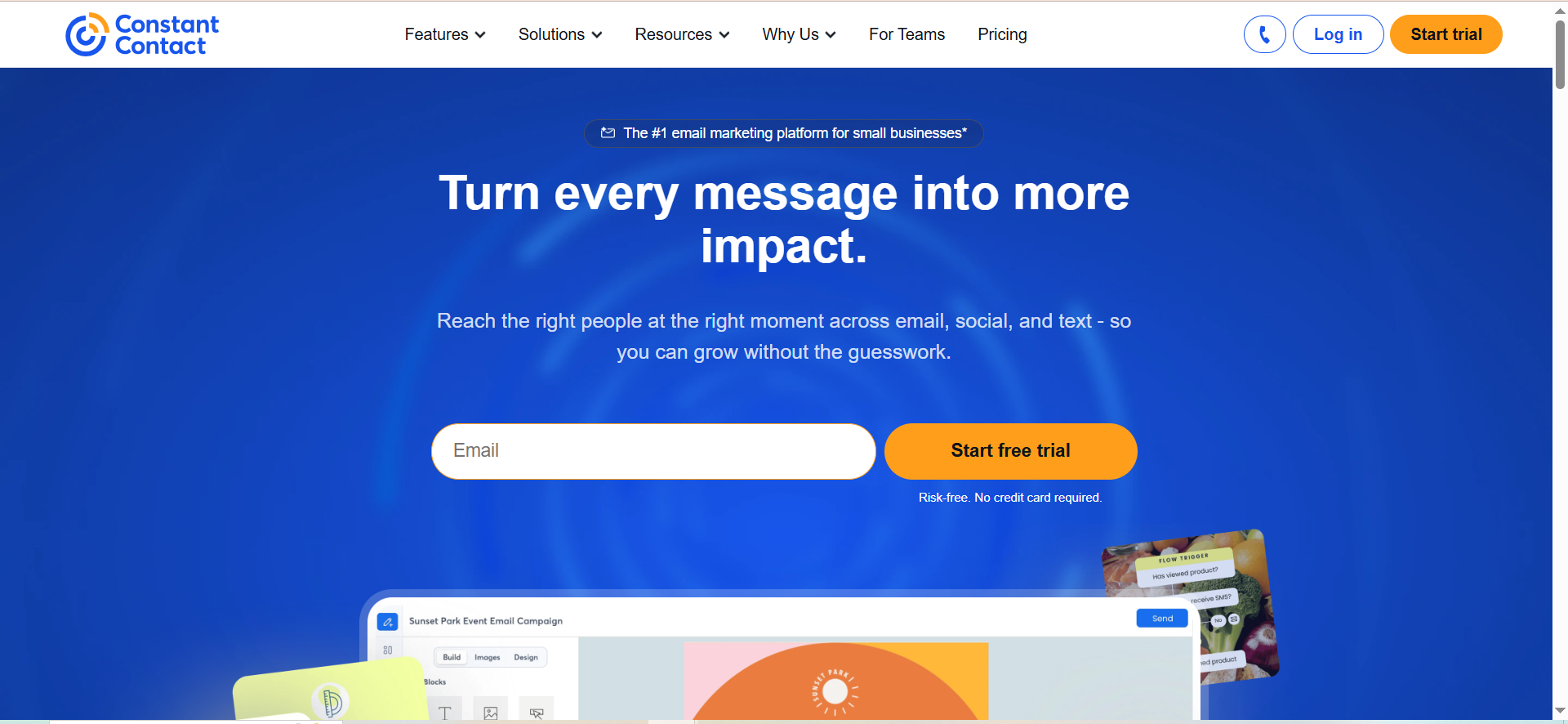
Constant Contact is an email marketing platform designed specifically for small businesses, nonprofits, and local organizations. Beyond standard email blasts, it offers event management, social media posting, surveys, and a basic website builder. It prioritizes ease of use and guided setup over advanced marketing automation.
Why Teams Use It
Constant Contact has earned a reputation for high deliverability rates and a support team that is accessible via phone. Small business owners who do not have dedicated marketing staff appreciate the guided setup wizards, AI-powered content suggestions, and pre-built automation templates that require minimal configuration.
What It Is Good For
Constant Contact excels at email blasts for small lists combined with event promotion. Its event management tools let you create event pages, manage RSVPs, send invitations, and follow up with attendees, all from the same platform. It also handles social media posting and basic ad creation for Facebook and Instagram.
When It Is a Good Fit
Constant Contact fits small businesses, nonprofits, and local organizations that want an all-in-one tool for email, events, and social. Teams that value phone support and guided onboarding over raw feature depth will appreciate the hand-holding approach. Nonprofits get a 30% discount.
When It Is Not a Good Fit
Constant Contact is not the right pick for teams that need sophisticated automation, advanced segmentation, or cost-efficient scaling. Pricing jumps aggressively when your list grows (doubling from 500 to 1,000 contacts triples your Lite plan cost from $12 to $50). It lacks the automation depth of GetResponse or the pricing flexibility of Brevo.
How to Use It
Sign up at constantcontact.com, use the AI content generator or drag-and-drop editor to create your email, import or paste your contacts, select your audience segment, and hit send. For events, use the Events tab to create a registration page and connect it to your email list.
Key Capabilities
Drag-and-drop email editor with hundreds of templates. Event management with RSVP tracking. AI content generation. Social media posting and ad creation. Pre-built automation templates. Surveys and polls. Landing pages. A/B testing (Standard and above). Segmentation with behavioral and demographic filters.
Pricing
Lite: $12/month (500 contacts). Standard: $35/month (500 contacts). Premium: $80/month (500 contacts). Pricing scales significantly with list size. 15% discount on annual plans, 30% nonprofit discount.
Free Tier?
No free plan. Offers a 30-day free trial with full refund guarantee if you cancel within that window.
Downsides and Limitations
Pricing scales very aggressively with list growth. No free plan. Automation features are basic compared to competitors. The platform feels dated in places. Limited A/B testing on the Lite plan. Not suitable for teams that need advanced multi-step workflows.
4. MailerLite
What It Does
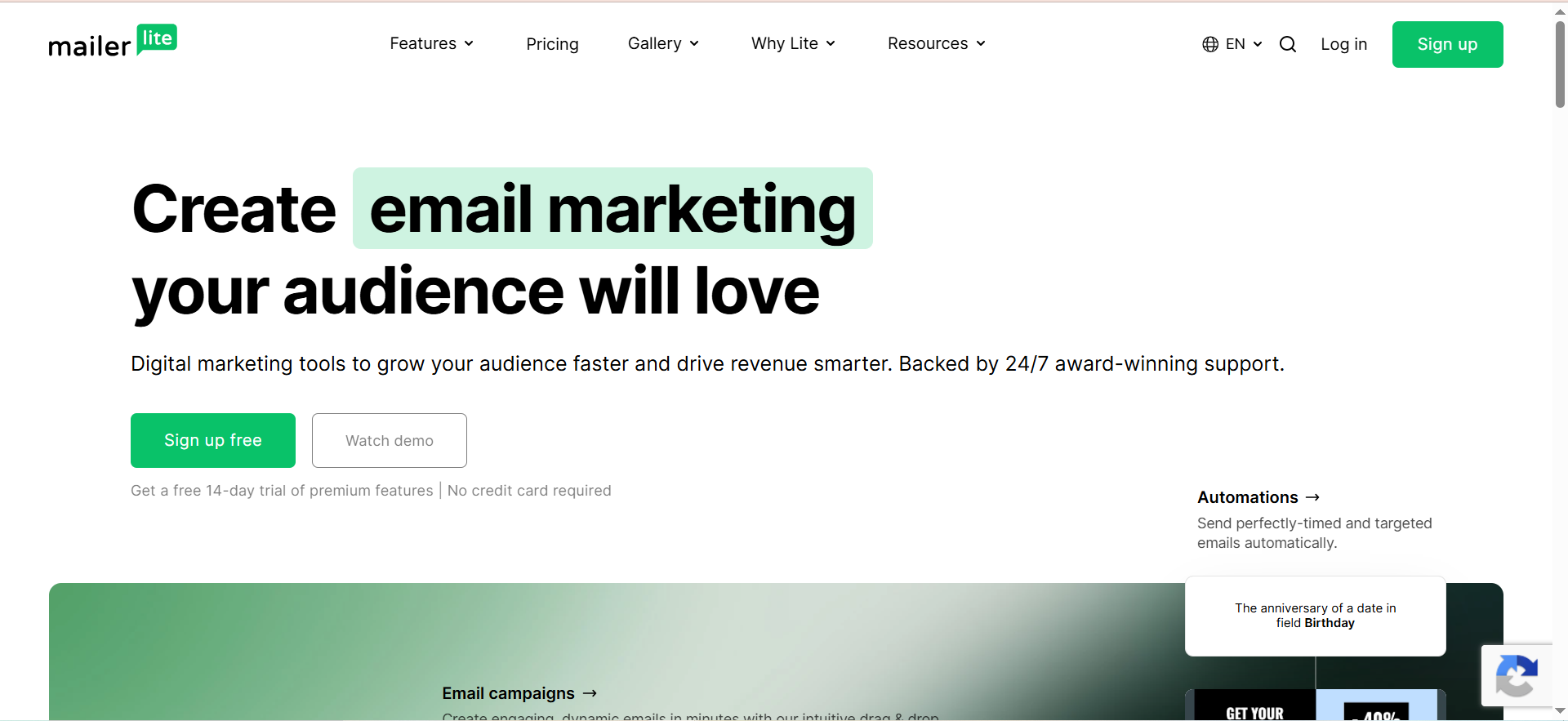
MailerLite is a lightweight email marketing platform that emphasizes simplicity, clean design, and affordability. It covers email campaigns, automations, landing pages, websites, blogs, and even paid newsletter subscriptions. Despite its simplicity, it packs features that competitors charge significantly more for.
Why Teams Use It
MailerLite offers arguably the best value in email marketing. Its free plan includes automation workflows, landing pages, and a website builder, features that most competitors gate behind paid tiers. The interface is intentionally minimal, which means less time learning the tool and more time sending campaigns.
What It Is Good For
MailerLite handles email blasts, automated sequences, RSS-to-email campaigns, and A/B testing with a clean, uncluttered interface. Its website and blog builder lets small teams create an online presence without a separate hosting platform. The paid newsletter feature (Stripe integration) enables creators to monetize their list directly.
When It Is a Good Fit
MailerLite fits startups, freelancers, creators, and small teams that want professional email marketing without enterprise complexity or pricing. If you need a simple tool that does email, landing pages, and basic automation well, without overwhelming you with features you will never use, MailerLite is the pick.
When It Is Not a Good Fit
MailerLite is not the right choice for large enterprises that need deep CRM integration, complex multi-branch automations, or advanced ecommerce workflows. It lacks the integration ecosystem of Mailchimp and the multi-channel capabilities (SMS, WhatsApp) of Brevo. Approval times for new accounts can be slow due to strict anti-spam vetting.
How to Use It
Sign up at mailerlite.com, complete the verification process (they manually approve new accounts), import your subscribers, build your email in the drag-and-drop, rich text, or HTML editor, segment your audience, and send. The interface is intuitive enough that most users are sending their first campaign within an hour.
Key Capabilities
Three email editors: drag-and-drop, rich text, and custom HTML. Automation workflows with triggers and conditions. Landing page and website builder. Blog builder. Paid newsletter subscriptions via Stripe. A/B testing (subject lines, content, send time). Pop-ups and embedded forms. Survey and quiz builder. Integration with Zapier, Shopify, WordPress, and Stripe.
Pricing
Free: 500 subscribers, 12,000 emails/month. Growing Business: from $10/month (500 subscribers, unlimited emails). Advanced: from $20/month (500 subscribers, adds Facebook audiences, multiple triggers, custom HTML editor). Enterprise: custom pricing for 100K+ subscribers. Annual billing saves 10%. Nonprofits get 30% off.
Free Tier?
Yes. 500 subscribers, 12,000 emails per month. Includes automation, landing pages, signup forms, and the website builder. One of the most generous free plans in email marketing.
Downsides and Limitations
Manual account approval can delay getting started by 24-48 hours. Free plan subscriber limit dropped from 1,000 to 500 in late 2025. No SMS or WhatsApp messaging. Template selection is smaller than Mailchimp. Advanced ecommerce automation is limited compared to specialized platforms. Integration ecosystem is narrower than market leaders.
5. GetResponse
What It Does
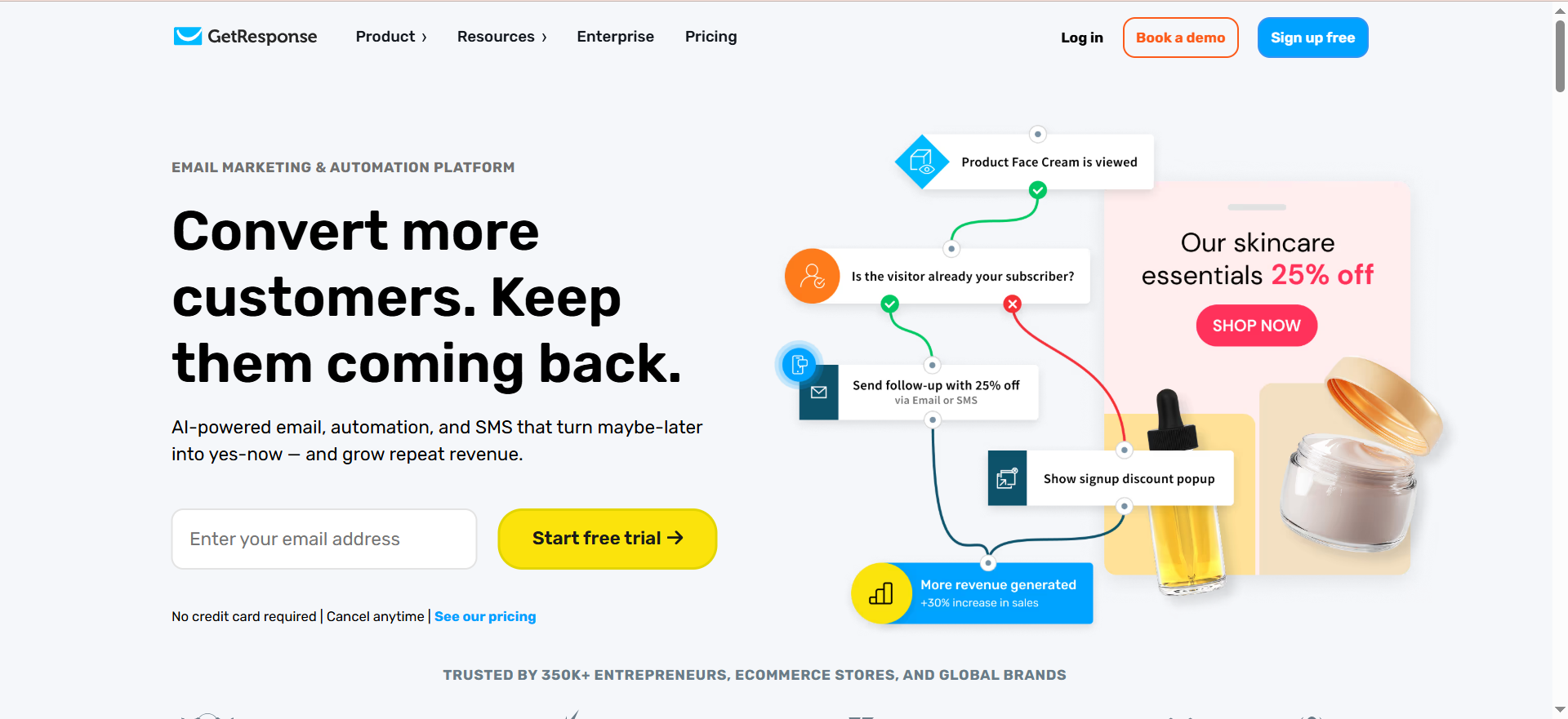
GetResponse is a marketing platform that goes beyond email to include webinars, conversion funnels, landing pages, and paid ads management. It positions itself as an all-in-one marketing solution for businesses that want to run their entire lead generation and nurture process from a single tool.
Why Teams Use It
GetResponse is the only major email marketing platform with built-in webinar hosting. For teams that use webinars as a lead generation channel, this eliminates the need for a separate webinar tool subscription. The conversion funnel builder also provides a guided process for creating complete marketing funnels from opt-in to purchase.
What It Is Good For
GetResponse handles email blasts, automated sequences, webinar hosting, landing pages, signup forms, and conversion funnels. Its automation builder supports complex workflows with conditions, filters, and scoring. The platform also offers ecommerce features including product recommendations, abandoned cart recovery, and transactional emails.
When It Is a Good Fit
GetResponse fits teams that run webinars as part of their marketing strategy and want everything consolidated. It also suits businesses that want conversion funnel templates (opt-in funnels, sales funnels, webinar funnels) without hiring a developer. If your team handles email, webinars, and landing pages, GetResponse replaces two or three separate tools.
When It Is Not a Good Fit
GetResponse is not ideal for teams that only need simple email blasts. The platform's breadth means the interface is more complex than focused tools like MailerLite. Pricing starts higher than competitors at $19/month for the Starter plan. If you do not use webinars or funnels, you are paying for features you will not touch.
How to Use It
Sign up at getresponse.com, import your contacts, authenticate your sending domain, choose a template or build from scratch in the email editor, segment your list, and send. For webinars, use the Webinars tab to schedule, set up registration, and connect it to your email sequences for pre- and post-event follow-up.
Key Capabilities
Drag-and-drop email editor with AI features. Webinar hosting (up to 1,000 attendees). Conversion funnel builder with pre-built templates. Marketing automation with visual workflow builder. Landing page builder. A/B testing. Ecommerce integrations with abandoned cart recovery. Web push notifications. Live chat. 24/7 support.
Pricing
Free: limited plan for up to 500 contacts (2,500 sends/month). Starter: from $19/month (1,000 contacts, unlimited emails). Marketer: from $59/month (1,000 contacts, adds automation and webinars). Creator: from $69/month (1,000 contacts, adds courses and paid newsletters). MAX (Enterprise): from $1,099/month. Annual billing saves 18%, biennial saves 30%. Nonprofits get 50% off.
Free Tier?
Yes, but very limited. 500 contacts, 2,500 emails per month, no automation, no webinars. Primarily a trial to explore the interface.
Downsides and Limitations
Higher starting price than most competitors. The interface can feel overwhelming for teams that only need basic email. Webinar features are only available on the Marketer plan and above ($59/month minimum). Deliverability has received mixed reviews compared to dedicated email-only platforms. The free plan is too restricted to be useful for ongoing campaigns.
What Is an Email Blast Tool?
An email blast tool is software that lets you send a single email campaign to a large segment of your subscriber list simultaneously. Unlike transactional emails (triggered by individual user actions), email blasts are one-to-many broadcasts used for newsletters, promotions, product announcements, and event invitations. Modern email blast tools include drag-and-drop editors, audience segmentation, scheduling, deliverability optimization, and performance analytics.
How to Choose the Right Email Blast Tool for Your Team
The right email blast tool depends on three factors: list size, sending frequency, and what else you need the tool to do. If your list is large but your sends are infrequent, Brevo's per-email pricing saves money. If you need a simple tool and nothing else, MailerLite keeps things focused. If webinars are central to your digital marketing funnel, GetResponse consolidates tools. If you run a small business with event marketing needs, Constant Contact covers that niche. If you need the deepest integration ecosystem, Mailchimp wins by volume.
Email Blast Tools vs Marketing Automation Platforms: What Is the Difference?
Email blast tools focus on sending bulk campaigns to segments of your list. Marketing automation platforms go further by adding behavioral triggers, lead scoring, multi-step journeys, and cross-channel orchestration. All five tools in this guide offer some automation, but Mailchimp, GetResponse, and Brevo lean more toward full automation platforms, while MailerLite and Constant Contact remain more email-blast-centric with lighter automation layers.
How Much Do Email Blast Tools Cost in 2026?
Pricing varies significantly based on list size and pricing model. At 500 contacts, expect to pay $9-$20/month for a basic plan. At 5,000 contacts, costs range from $29-$75/month. At 25,000 contacts, expect $100-$200/month depending on the platform. Brevo breaks this pattern by charging per email sent rather than per contact, which can save 40-60% for teams with large lists and moderate sending frequency.
Can You Send Email Blasts for Free?
Yes, but with significant limitations. Mailchimp allows 500 sends/month to 250 contacts. MailerLite gives you 12,000 emails/month to 500 subscribers and includes automation. Brevo allows 300 emails/day to up to 100,000 contacts. GetResponse caps at 2,500 sends to 500 contacts. None of these free tiers support serious bulk sending, but MailerLite and Brevo offer the most usable free plans for low-volume senders.
What Features Matter Most for High-Volume Email Blasts?
For high-volume sending, prioritize deliverability infrastructure (dedicated IP options, SPF/DKIM/DMARC setup, reputation monitoring), list hygiene tools (bounce handling, suppression management), send throttling to avoid spam filters, and detailed analytics to track inbox placement. Brevo and Mailchimp offer dedicated IP addresses on higher plans. GetResponse and Mailchimp provide send time optimization to spread delivery across optimal engagement windows.
Are These Email Blast Tools GDPR and CAN-SPAM Compliant?
All five tools provide compliance features including one-click unsubscribe links, double opt-in support, consent tracking, and data processing agreements. Brevo, MailerLite, and GetResponse are particularly strong on GDPR compliance since they serve large European user bases. All tools automatically include unsubscribe links and honor opt-out requests within the legally required timeframe.
Which Email Blast Tool Has the Best Deliverability?
Deliverability depends on your sending practices more than the tool itself, but platform infrastructure matters. Mailchimp and Brevo consistently rank among the highest in third-party deliverability tests. MailerLite's strict account approval process (they manually vet new accounts) keeps their shared IP pools clean, which benefits all senders. Constant Contact also maintains strong deliverability due to their conservative anti-spam policies.



