
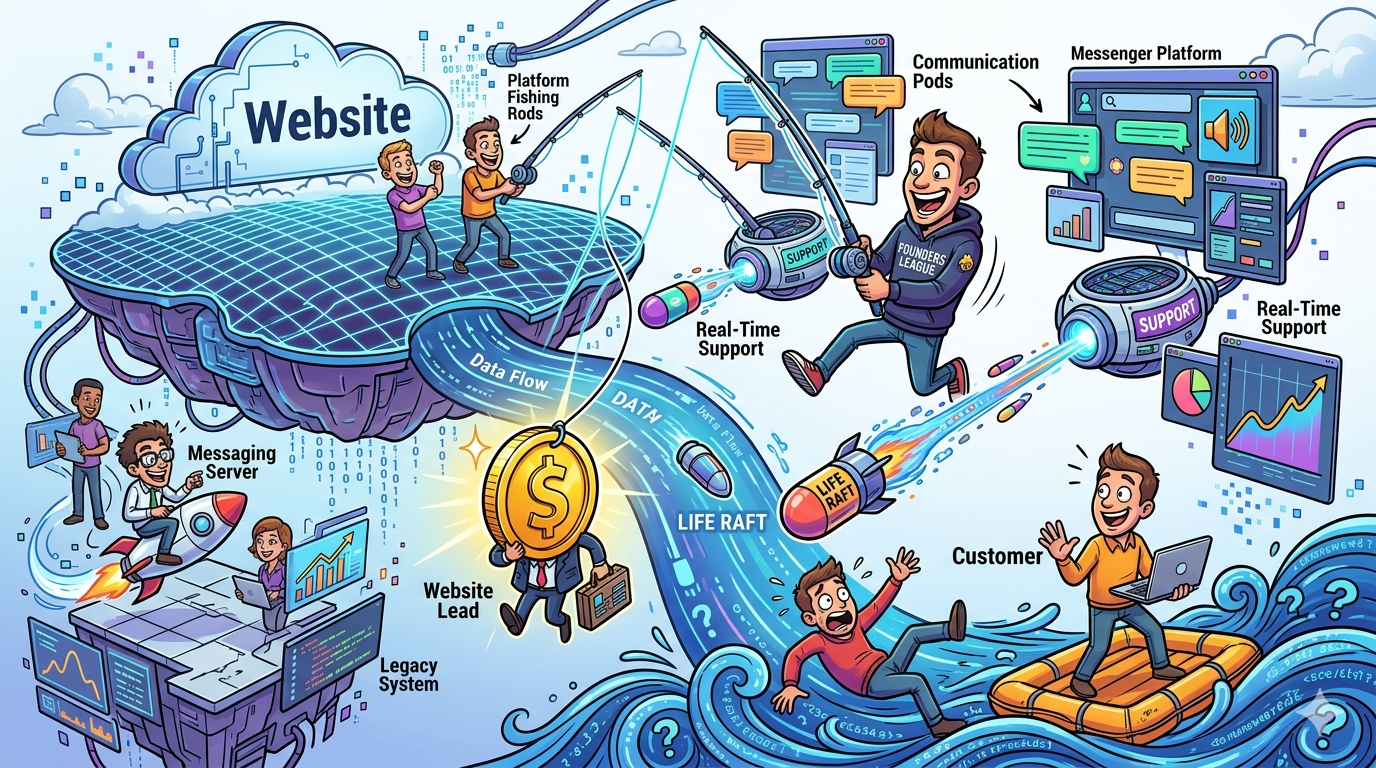
If your website gets qualified traffic, your messaging platform has a direct impact on the pipeline, which is why teams often connect this decision to broader marketing research. The right tool helps you engage visitors at the right moment, route them to the right team, answer common questions instantly, and turn high-intent sessions into booked meetings or support outcomes through better lead generation. The wrong tool becomes a glorified chat bubble that creates noise, fragments handoffs, and slows revenue teams down.
For most teams, the strongest options in this category are Intercom, Drift, Zendesk, HubSpot Chat, and Freshchat, especially if you are evaluating them as part of a broader AI marketing stack. Intercom is the most balanced choice if you want a modern AI-first messaging and support stack. Drift is still a serious option for sales-led teams focused on pipeline capture and meeting booking. Zendesk is strongest when support scale and service workflows matter most. HubSpot Chat is the easiest choice for teams already living inside HubSpot. Freshchat is the value pick for companies that want omnichannel messaging and AI without enterprise-level complexity.
📋 Get Listed / Advertisement
We update this guide monthly. Want your tool featured? Contact: [email protected].
Best customer messaging platforms at a glance
| Platform | Best for | Standout strength | Main tradeoff |
|---|---|---|---|
| Intercom | Companies that want one system for support, automation, and AI chat | Strong AI agent plus next-gen helpdesk on one platform | Can get expensive as usage grows |
| Drift | Sales-led teams focused on qualifying and converting site traffic | Buyer conversations, qualification, and meeting booking | Less ideal if support is your primary workflow |
| Zendesk | Support-heavy teams that need scale and service depth | Messaging tied to mature service workflows and AI agents | Not as sales-first as Drift |
| HubSpot Chat | HubSpot users that want fast deployment and CRM-native chat | Free live chat, routing, chatbot builder, CRM context | Best experience depends on broader HubSpot adoption |
| Freshchat | Teams wanting affordable omnichannel messaging | AI-powered omnichannel chat with accessible pricing | Less top-of-mind in enterprise buying cycles |
What a customer messaging platform should do in 2026
A customer messaging platform is no longer just live chat, especially for teams thinking about marketing automation. Buyers expect immediate answers, support teams need continuity across channels, and go-to-market teams want clear attribution from conversation to pipeline, which is closely related to stronger real-time dashboards for leadership. That changes the buying criteria.
Lead conversion
For lead generation, the platform needs to do more than say “How can we help?” It should identify buying intent, personalize the conversation, qualify visitors, route hot leads to the right rep, and ideally book meetings without forcing visitors through slow forms. Drift explicitly positions its chat agent around engaging visitors, qualifying leads, and booking meetings in real time, while HubSpot highlights live chat, routing, and bot-led qualification tied directly to its CRM, which makes this especially relevant for teams focused on CRO.
Real-time support
On the support side, messaging should give customers fast help without sending every conversation to a human queue. Intercom, Zendesk, and Freshchat all lean into AI-assisted or AI-led service, with Intercom centering its suite around Fin and helpdesk workflows, Zendesk emphasizing AI agents for 24/7 support and routing, and Freshchat positioning itself as an omnichannel messaging platform for service, sales, and marketing teams.
Routing and automation
Routing is where a lot of teams underinvest. If your chat tool cannot distinguish a demo request from a support issue, your conversion path gets messy fast. Good platforms support automated routing, queue logic, bot qualification, and contextual handoffs. HubSpot’s live chat page explicitly calls out routing leads and customers to the right person, while Zendesk and Intercom both position automation and AI as core to handling FAQs, triage, and escalations.
CRM and stack integration
Finally, messaging software must connect to the rest of your operating system, which is why teams often evaluate it alongside broader content strategy and workflow decisions. A great website conversation loses value if it never reaches CRM, support history, reporting, or lifecycle workflows. HubSpot’s biggest strength is obvious here because chat sits inside its CRM. Intercom and Freshchat also emphasize app ecosystems and multichannel workflows, and Zendesk’s platform remains attractive to teams that need service depth with integrations and extensibility.
How we evaluated these tools
This list focuses on one specific buyer problem: you want software that helps convert website visitors into leads while also handling real-time support well. That means the evaluation is weighted toward:
- lead capture and qualification
- AI or rules-based routing
- handoff quality between bot and human
- CRM and workflow connectivity
- support readiness across channels
- ease of adoption for revenue teams
- pricing clarity and scalability
That is why these five tools made the cut, and the same comparison mindset applies when evaluating AI visibility platform buyer guides. They consistently show up around messaging, live chat, chat automation, lead qualification, or support workflows on their official product pages, and each has a distinct fit rather than being five versions of the same tool.
📋 Get Listed / Advertisement
We update this guide monthly. Want your tool featured? Contact: [email protected].
Intercom
What it does
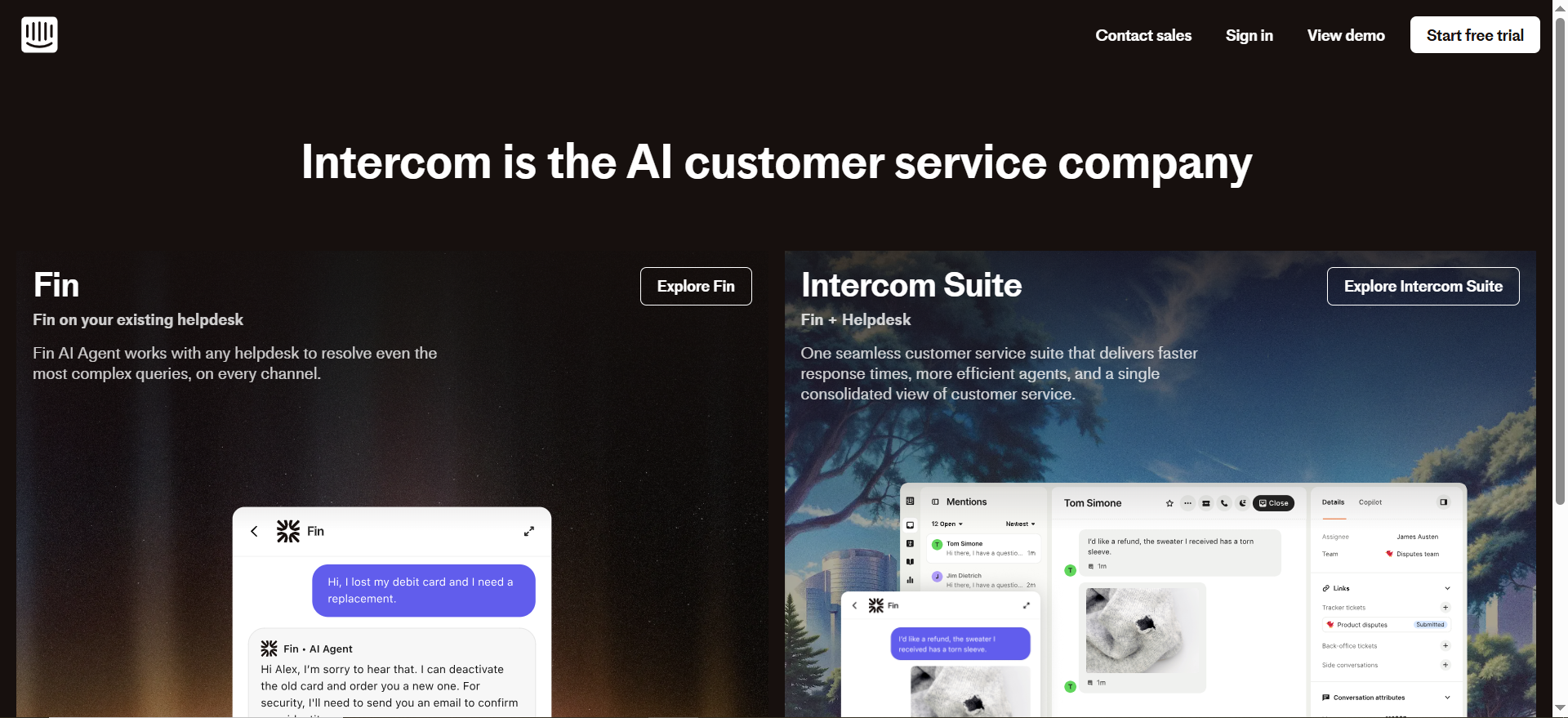
Intercom has evolved from a well-known chat widget into a broader AI-first customer service platform. Its current positioning centers on the Intercom Suite, which combines helpdesk functionality with Fin AI Agent, and it also highlights omnichannel capabilities across phone, email, and live chat. That makes it one of the few platforms in this list that feels truly built for both conversion-oriented messaging and scaled service operations.
Why teams use it
Teams choose Intercom when they want conversations, automation, and support history in one place, which is also the kind of stack thinking covered in comparing AI SEO tools. It is especially strong for SaaS companies that want one system to engage prospects, answer product questions, automate repetitive support work, and give agents AI assistance through Copilot. Intercom says Copilot improves agent efficiency, while Fin is positioned as a 24/7 AI agent across chat, email, SMS, WhatsApp, social, and more.
Best fit
Intercom is best for growth-stage and enterprise SaaS teams that want to unify pre-sales and post-sale conversations.If your website is a major acquisition channel and you also need modern support operations, it is probably the most complete option in this list, especially for teams refining B2B SaaS SEO strategy. It works especially well when product education, onboarding, support, and expansion conversations all happen in the same customer journey.
Limits
The tradeoff is cost and complexity. Intercom’s strength is also its risk: it can become more platform than a smaller team needs.If your use case is mostly “capture a few inbound leads and book demos,” there are lighter options, which is often the same tradeoff discussed in blog vs paid ads for SaaS growth. And if budget sensitivity matters, usage-based AI costs can make forecasting harder than flat-seat tools.
Pricing
Intercom’s pricing starts at $29 per seat per month for its Helpdesk. Fin AI Agent is priced separately at $0.99 per resolution.
Free tier?
Intercom doesn’t offer a free tier, but it does offer a 14-day free trial.
Drift
What it does
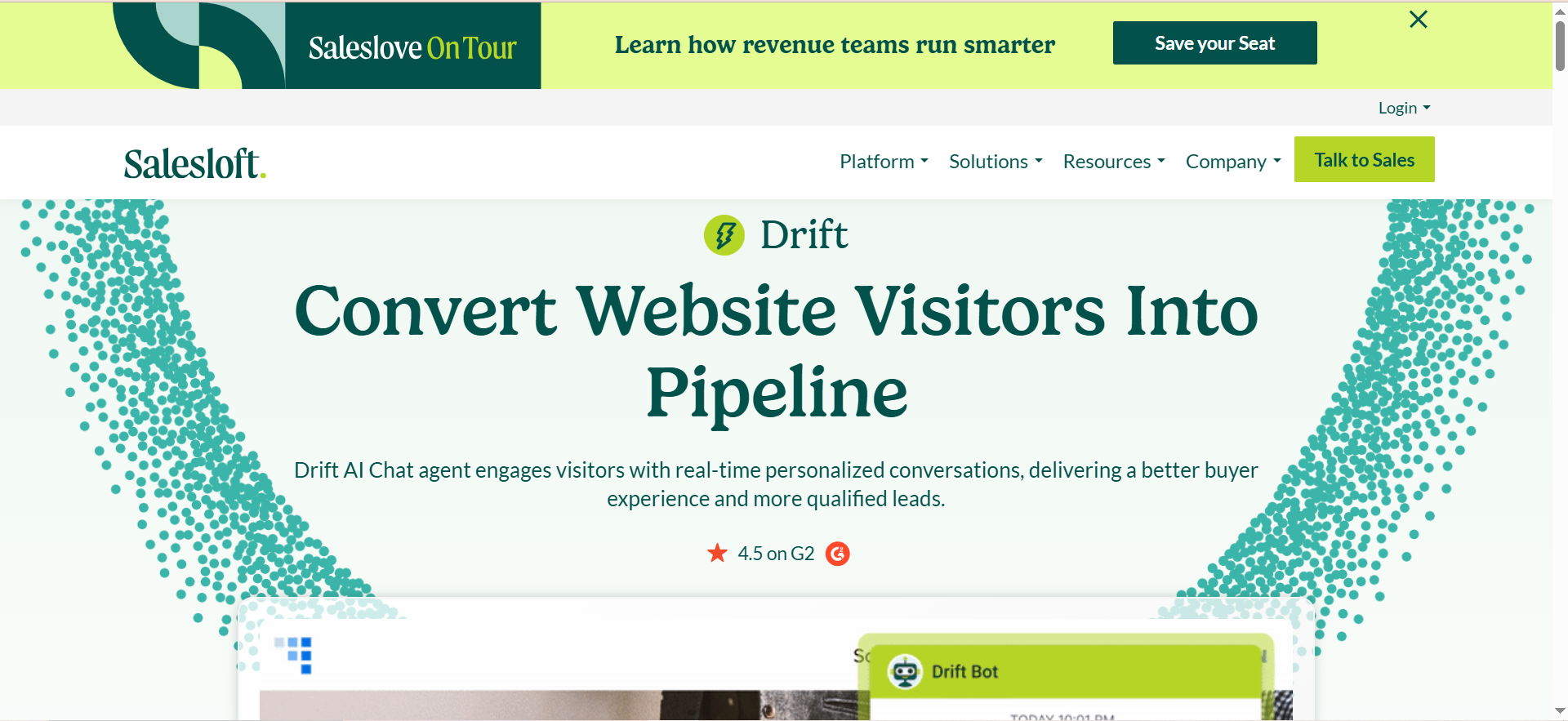
Drift, now under Salesloft, remains one of the clearest sales-led messaging products in the category. Salesloft’s Drift pages consistently frame the product around converting website visitors into pipeline, using AI chat to personalize conversations, qualify buyers, and book meetings. That is a meaningful distinction from support-first platforms that later added website chat.
Why teams use it
Drift is still compelling when revenue teams care most about high-intent conversion, and that same lens often shows up in B2B SaaS content benchmarks. Its chat agent is positioned as an always-on seller that handles conversations around the clock, and its conversational AI pages emphasize open-text engagement, after-hours capture, and practical buyer experiences. For companies where missing a demo request is expensive, Drift’s orientation remains attractive.
Best fit
Drift is a strong fit for sales-led B2B teams, especially if the website is a major inbound pipeline source and speed-to-meeting matters, which also makes it relevant for teams comparing voice AI for generating contact leads. It is useful when you want chat tied tightly to qualification logic, routing, and scheduling rather than mainly to ticket resolution. Mid-market and enterprise teams with dedicated sales processes usually get the most value from that model.
Limits
Its main limitation is that it is not the most natural choice for support-centric organizations. You can support customers through Drift, but the product story is still more about buyer conversion than comprehensive service operations. It also lacks transparent public pricing, which slows early evaluation and makes side-by-side comparison harder.
Pricing
Drift’s pricing is not publicly listed; it’s available by quote through Salesloft.
Free tier?
Drift doesn’t offer a free tier. It does offer a demo, and Salesloft also provides self-guided product tours.
Zendesk
What it does
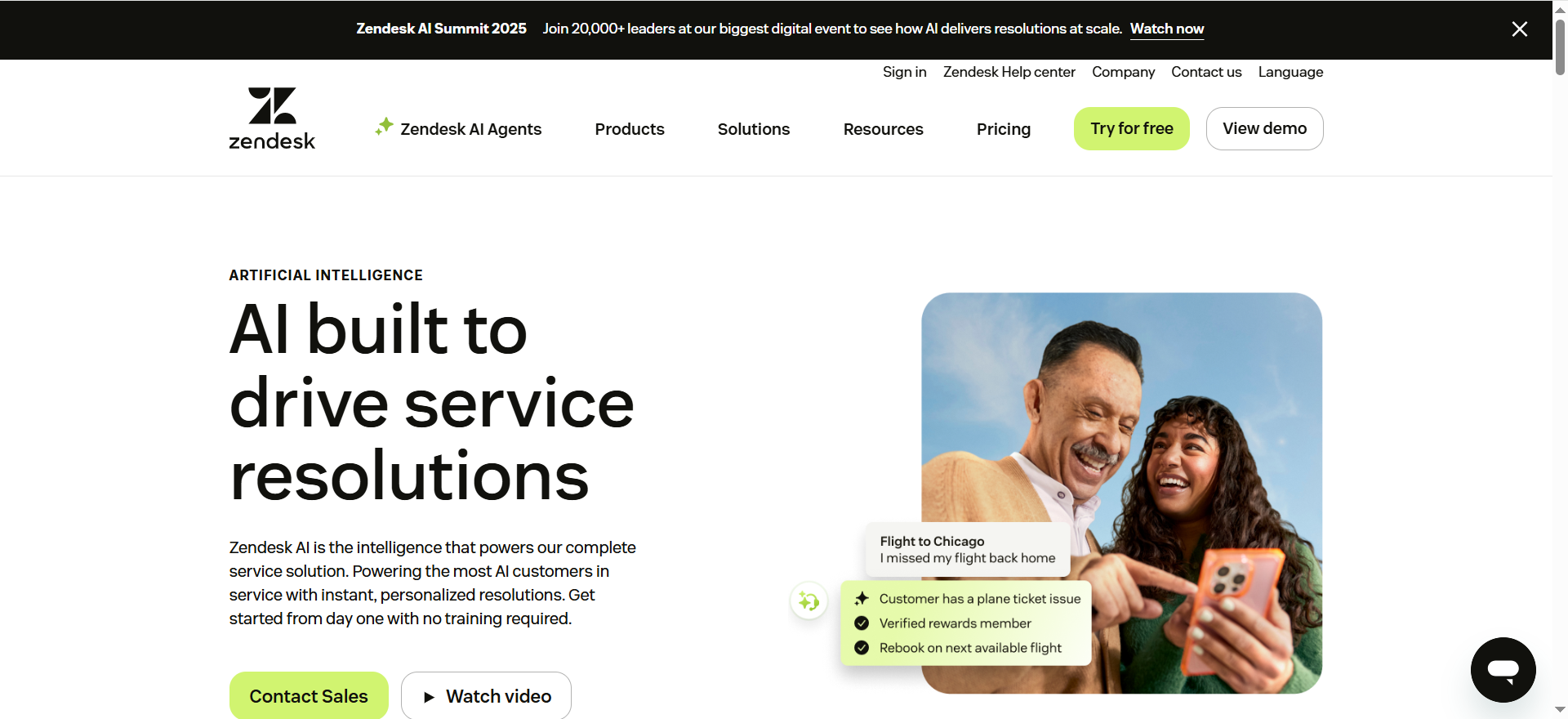
Zendesk approaches messaging from the service side. Its messaging pages emphasize AI agents, FAQ automation, issue routing, and 24/7 support. That gives Zendesk a different center of gravity than Drift: it is less about pipeline-first conversational selling and more about scalable customer support with messaging as a core channel.
Why teams use it
Teams pick Zendesk when support maturity matters, and that same operational mindset usually overlaps with a strong content audit consultant approach. If you already run or plan to run a structured support organization with ticketing, SLAs, knowledge base operations, and omnichannel service, Zendesk makes a lot of sense. Its messaging layer benefits from sitting inside a mature support ecosystem, and its AI story is increasingly central rather than bolted on. Zendesk says its AI agents can automate 80%+ of interactions and can launch quickly without heavy technical lift.
Best fit
Zendesk is best for service-heavy businesses, B2B companies with meaningful support volume, and organizations where customer retention and issue resolution are just as important as lead capture. It is also a good option when you want live chat, messaging, and automation, but your broader operating model is clearly service-led rather than sales-led.
Limits
Zendesk can absolutely handle website messaging, but it is not usually the first tool buyers choose if their core goal is maximizing meetings booked from inbound site traffic. It is more compelling when “real-time support” is as important as or more important than “lead conversion.” Some growth teams also find the product deeper than they need if they are not building a serious support function.
Pricing
Zendesk’s pricing starts at $19 per agent per month, billed annually. Higher-tier plans cost more depending on features and AI needs.
Free tier?
Zendesk doesn’t offer a standard free tier, but it does offer a free trial.
HubSpot Chat
What it does
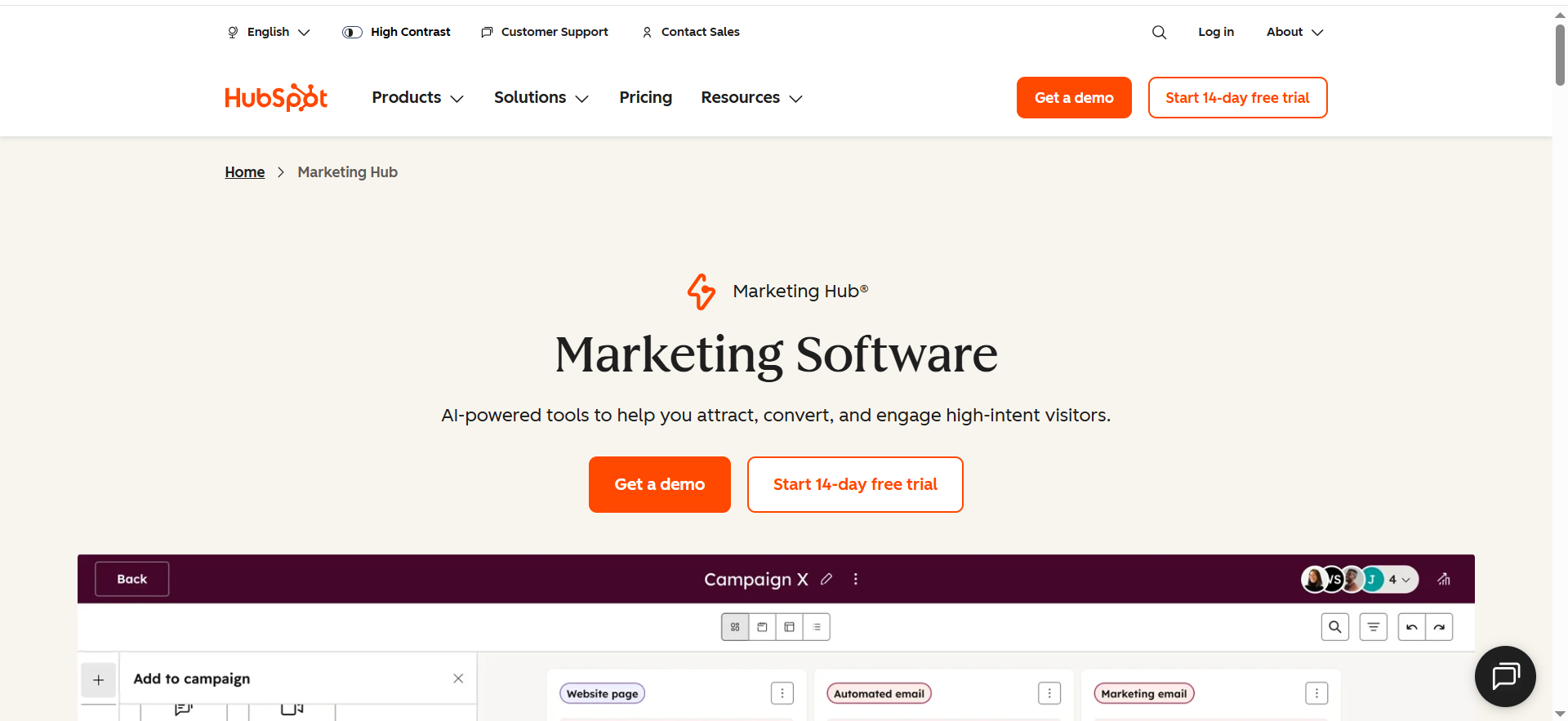
HubSpot’s live chat and chatbot tools focus on helping teams connect with website visitors in real time, automate responses, route conversations, and use CRM context to qualify or support users. The big draw is not just the chat widget, and that kind of platform-level evaluation is similar to choosing the best site audit tools instead of single-purpose utilities. It is the fact that chat sits directly inside HubSpot’s CRM and customer platform.
Why teams use it
HubSpot Chat is the easiest recommendation for teams already using HubSpot for marketing, sales, or service. It lowers operational friction because chat conversations, contact records, lifecycle data, workflows, and follow-up automation all live in the same environment. HubSpot explicitly calls out routing, chat automation, and CRM integration on its live chat page, and its chatbot builder is designed for qualification, meeting booking, and support automation.
Best fit
This is the best fit for startups, growth-stage teams, and mid-market companies that already use HubSpot or want one simpler go-to-market stack, especially those comparing tools for small business. If your main need is to engage visitors, capture leads, and pass context into CRM without adding another platform, HubSpot is hard to beat. It is also the most approachable starting point for teams that do not yet need the operational depth of Zendesk or Intercom.
Limits
HubSpot Chat becomes less compelling if your company is not standardized on HubSpot. Outside that ecosystem, some of its value disappears. It can also feel less specialized than Intercom for advanced support experiences or less sales-specialized than Drift for high-intent pipeline conversion. In other words, it is a great platform choice when HubSpot is your center of gravity, but not always the best category winner in a vacuum. That is an inference based on HubSpot’s CRM-centric product design and positioning.
Pricing
HubSpot Chat has a free plan. Paid Service Hub plans start at $15 per seat per month.
Free tier?
HubSpot Chat does offer a free tier, and you can get started with no credit card required.
Freshchat
What it does
Freshchat is Freshworks’ AI-powered omnichannel messaging platform. It is built around live chat, bots, and conversation management across channels, and Freshworks positions it for support, sales, and marketing use cases rather than only one department. That flexibility makes it attractive to teams that need broad functionality without buying a heavyweight enterprise stack.
Why teams use it
Freshchat’s appeal is straightforward: it combines omnichannel messaging, AI, and approachable pricing, which is a familiar pattern in roundups of best free SEO tools. Freshworks highlights a unified conversation layer, self-service, contextual AI insights, and a 650+ app marketplace. For companies that want one inbox for chat and related messaging channels without paying Intercom-level prices, that is a compelling story.
Best fit
Freshchat is best for SMB and mid-market teams that want modern messaging for sales and support but care a lot about value and ease of setup. It is often the right answer for teams that have outgrown a simple free chat widget but are not ready for a more complex enterprise deployment. It is also attractive if omnichannel support matters early.
Limits
Freshchat’s biggest challenge is not capability. It is a mindset. In many enterprise buying cycles, Intercom, Zendesk, and HubSpot enter the shortlist first. That does not make Freshchat weaker for every team, but it does mean buyers should pressure-test advanced workflow needs, reporting expectations, and long-term scale before deciding based on price alone. That last point is an inference, but it follows from Freshchat’s market positioning and pricing accessibility compared with more enterprise-entrenched vendors.
Pricing
Freshchat’s pricing starts at $19 per month. Enterprise pricing is also available for larger teams.
Free tier?
Freshchat does offer a free tier. It also offers a 14-day free trial.
Which platform is best for which use case
If you want the shortest possible answer, use this framework:
Choose Intercom if you want the strongest all-around platform for both website conversations and scaled support. It is the best pick when you want AI, helpdesk, omnichannel support, and modern customer messaging in one place.
Choose Drift if your website’s main job is generating revenue conversations and booking qualified meetings. It is the most sales-native option in this list.
Choose Zendesk if support operations are mission-critical and you need messaging inside a mature service stack. It is best when service depth beats demo-booking optimization.
Choose HubSpot Chat if you already use HubSpot and want the easiest way to connect live chat, bot flows, CRM records, and follow-up automation.
Choose Freshchat if you want omnichannel messaging with AI at a more accessible price point and do not need the deepest enterprise environment from day one.
How to choose without overbuying
A lot of teams buy messaging software emotionally. They see AI demos, clever chatbot flows, or enterprise logos and assume bigger is better. Usually the smarter decision comes down to three questions.
First, what kind of conversation matters most on your site? If it is “book a meeting with qualified buyers,” optimize around qualification and routing. That pushes you toward Drift or HubSpot, and sometimes Intercom. If it is “resolve support issues fast at scale,” Intercom, Zendesk, and Freshchat become more compelling.
Second, where should conversation data live? If your team already runs on HubSpot, forcing chat into another system creates drag. If the service is already centralized in Zendesk, adding a separate chat platform can create handoff issues. Stack fit matters as much as feature count.
Third, how much operational maturity do you really have? Advanced routing, bot training, and AI orchestration only help if someone owns them. Smaller teams often get better results from a simpler system they fully implement than from an enterprise platform they half-configure, which is a useful principle when choosing tools for small businesses. That is one reason HubSpot Chat and Freshchat punch above their weight for growing companies, while Intercom and Zendesk shine more when there is real operational ownership behind the tool. This is an inference from the vendors’ packaging and product scope, but it matches the practical tradeoff buyers face.
📋 Get Listed / Advertisement
We update this guide monthly. Want your tool featured? Contact: [email protected].
Absolutely. Here’s ready-to-use content for those query-fan-out terms as H2 sections you can drop into the blog.
Which Messaging Platform Is Best for Lead Generation?
The best messaging platform for lead generation depends on how your business captures demand and what happens after a visitor starts a conversation. IIf your website is a major source of inbound pipeline, then your messaging platform should do more than offer basic live chat, especially if your team is focused on organic leads and conversions. It should help qualify visitors, route high-intent leads, reduce friction in the path to booking a demo, and capture opportunities even when your team is offline.
For most lead generation use cases, Drift stands out as the strongest option, and teams evaluating tools like this often also compare AI competitive analysis tools for marketing. It is built with sales conversations in mind and is especially effective for companies that care about converting website traffic into qualified meetings. Its main strength is that it treats chat as a revenue channel, not just a support layer. That makes it a strong fit for sales-led B2B teams that want to identify buying intent quickly and move visitors toward the next step without forcing them through a static form.
HubSpot Chat is also a strong choice for lead generation, especially if your team already uses HubSpot CRM, which makes adjacent tools for voice AI CRM integration relevant too. Its biggest advantage is operational simplicity.Conversations, contact records, lifecycle stages, automation, and follow-up workflows all connect in one system, which is why this setup often appeals to teams thinking about personalization in marketing. For startups and growth-stage teams, that can be more valuable than having the most advanced chat features on paper. A tool that is easy to deploy and easy to use often performs better than one with a longer setup cycle.
Intercom works well for lead generation too, but it is usually strongest when lead capture is only one part of a bigger customer communication strategy. If you want to support prospects, users, and customers in one place, Intercom becomes more attractive. It is especially useful for SaaS businesses where the line between pre-sales questions, onboarding, and support is often blurred.
If the goal is purely to maximize inbound conversion from website traffic, Drift is usually the best fit. If the goal is to combine lead capture with CRM workflows and fast execution, HubSpot Chat is often the more practical option. And if you want lead generation plus a more complete messaging and support environment, Intercom is the stronger all-around platform.
Best Messaging Platform for Real-Time Customer Support
When real-time customer support is the priority, the best messaging platform is the one that helps your team respond quickly, manage volume efficiently, and create smooth handoffs between automation and human agents, much like the operational focus in how to perform a content audit. In this case, the decision is less about booking meetings and more about resolution speed, consistency, and support quality.
For most support-heavy organizations, Zendesk is one of the best messaging platforms for real-time customer support. Its biggest strength is service depth. Messaging is not treated as a standalone widget. Instead, it sits inside a broader support environment that includes ticketing, workflows, help center functionality, automation, and AI-powered service features. That makes Zendesk a strong choice for companies that already run a structured support operation or need to scale one.
Intercom is another top option here, especially for companies that want a more modern, conversational support experience. It is particularly strong for SaaS teams that want AI-assisted support, proactive messaging, and a support environment that feels more product-led. If your team cares about both customer experience and support efficiency, Intercom has a strong case. It works especially well when customers need quick answers, contextual guidance, and a clean path from bot to human.
Freshchat is a good option for teams that want strong real-time support without jumping immediately into a more enterprise-heavy platform. It gives smaller and mid-sized businesses a practical way to offer live chat, automation, and omnichannel support at a lower entry point. That makes it a smart option for teams that want modern support functionality but still need to keep software costs under control.
If real-time support is your biggest buying factor, Zendesk is usually the strongest service-first choice, Intercom is the best blend of modern messaging and support, and Freshchat is the best value-oriented option for growing teams.
Best AI Messaging Platform for Website Leads
AI has changed what buyers expect from website messaging. A few years ago, businesses mostly wanted bots that could answer simple questions or collect contact details. Now the expectation is much higher. The best AI messaging platform for website leads should be able to engage visitors naturally, qualify intent, route the conversation correctly, answer common objections, and keep the path to conversion moving even outside business hours.
For this use case, Intercom is one of the strongest choices because of how deeply AI is built into its platform. It is not just adding a chatbot on top of live chat. Its broader product direction is centered around AI agents, conversation automation, and support workflows. That makes it a strong option for businesses that want AI to play a meaningful role across both lead capture and customer support. IIf your team wants one platform that can guide a prospect, answer product questions, and later support the same customer journey, Intercom is hard to beat for teams investing in content marketing for SaaS.
Drift is another strong option for AI-driven lead generation. Its biggest advantage is that its AI use case is closely tied to revenue outcomes. It is built for qualifying buyers and helping teams capture pipelines from website traffic. For companies that care less about broad support and more about turning anonymous visitors into booked meetings, Drift remains one of the most focused AI messaging platforms in the market.
HubSpot Chat also deserves consideration, especially for companies that want AI-assisted lead capture without introducing a separate system into their stack, which is a practical concern for teams evaluating AI marketing use cases. It may not always be seen as the flashiest AI choice, but it offers a very practical advantage: AI and automation can connect directly to CRM data, workflows, and follow-up sequences. For many teams, that alignment is more important than having the most advanced conversational interface.
If your business wants the best AI messaging platform overall, Intercom is usually the strongest answer. If you want the best AI platform for pure pipeline capture, Drift is often the better fit. And if you want AI for lead generation inside a CRM-native environment, HubSpot Chat is a very practical choice.
Best Messaging Software for Sales and Support Teams
Many companies do not want separate tools for pre-sales conversations and customer support, which is why content on turning support tickets into documentation can also be useful here. They want one messaging system that can handle both, without creating fragmented data, awkward handoffs, or duplicate workflows. In that case, the best messaging software is not the one that is most specialized for one department. It is the one that balances lead conversion, support efficiency, and shared visibility across the customer journey.
For most businesses with this blended need, Intercom is the strongest choice. It is one of the few platforms in this category that feels equally credible for both sales-adjacent conversations and support operations. A prospect can ask a question before booking a demo, and later the same platform can support onboarding, product education, and customer service. That continuity matters, especially for SaaS companies where the line between buyer questions and customer questions is often thin.
HubSpot Chat is another strong option for teams that want alignment between sales and support, especially if HubSpot is already central to the stack. Its biggest strength is not that it is the most advanced tool in every category. It is that sales, marketing, and service data can all live together, which makes this especially relevant for teams comparing marketing analytics tools. That makes follow-up easier and reduces the chances that conversation history gets lost between teams, which matters when you are building a cleaner digital marketing workflow.
Freshchat can also work well for businesses that want one messaging layer for multiple teams without taking on the cost or complexity of a heavier platform, especially for brands comparing AI marketing tools for agencies. It is especially attractive for small and mid-market companies that want chat to support both pre-sales engagement and customer service, but do not need advanced enterprise customization from day one.
If your company needs one tool for both sales and support, Intercom is usually the best overall answer, especially for teams exploring enterprise SaaS marketing. HubSpot Chat is the best option for HubSpot-centered teams, and Freshchat is a strong value choice for businesses that want a flexible, shared messaging platform without overcomplicating the setup.
Which Platform Is Best for Enterprise Support?
Enterprise support teams usually need more than chat, and the same is true for companies evaluating broader enterprise SaaS marketing systems. They need routing logic, scale, reporting, role-based workflows, service quality controls, and integrations that support larger support organizations. That changes the evaluation criteria. A platform that works well for a startup may not be strong enough for enterprise support if it lacks operational depth, much like the gap between lightweight tools and enterprise SEO tools.
For most enterprise support use cases, Zendesk is one of the strongest options. Its core strength is maturity. It is designed for organizations that need a serious support infrastructure, not just a good-looking messaging experience. Large teams benefit from its service workflows, AI capabilities, ticketing environment, and established position in support operations. If support is a mission-critical function with multiple queues, agents, workflows, and service expectations, Zendesk is often the safest choice.
Intercom is also very competitive for enterprise support, especially for digital-first businesses that want a more modern support experience. It is especially compelling for SaaS companies, product-led businesses, and teams that want AI and messaging to feel more integrated into the customer experience. In some enterprise environments, Intercom may feel more modern and more customer-friendly than legacy support setups, particularly when proactive communication and in-product support matter.
The choice between the two often comes down to operating style. If your organization wants deep service management and an established support structure, Zendesk is usually the best fit. If your business wants enterprise-ready support with a more conversational, AI-forward experience, Intercom becomes more attractive, especially for teams thinking about author expertise in a SaaS blog.
For enterprise support specifically, Zendesk is usually the most natural recommendation, while Intercom is the stronger option for SaaS and digital-first enterprises that want support and customer messaging tightly connected.
Which Website Chat Tool Works Best After Hours?
After-hours coverage is one of the clearest tests of whether a messaging platform actually helps the business or just sits on the site collecting low-quality messages, which is also why some teams evaluate AI voice receptionists. The best website chat tool after hours should capture intent, answer common questions, qualify visitors, and move the conversation forward even when no human is online.
For after-hours lead capture, Drift is one of the best tools because it is designed around engaging and qualifying visitors in real time. That makes it a strong fit for teams that do not want to lose pipeline when sales reps are offline. If your site gets high-intent traffic outside working hours, Drift can help turn those sessions into scheduled next steps rather than dead-end visits, which is a useful context for teams assessing voice search impact on B2B SaaS.
Intercom is also excellent after hours, especially if your business needs both lead capture and customer support coverage. Its AI-first direction makes it well suited for handling FAQs, routing conversations, and keeping the customer experience active around the clock. For companies that want a platform that can help prospects and customers even when the team is offline, Intercom is one of the strongest options, especially for businesses also exploring AI voice assistants for small business customer service.
For support-heavy organizations, Zendesk is another strong after-hours choice because of its AI agents and service automation, especially for teams comparing customer support AI voice tools. It is a good fit when after-hours needs are more about resolving questions, triaging issues, and maintaining support responsiveness rather than booking demos.
So the answer depends on the type of after-hours conversation you care about most. If the priority is capturing the pipeline after hours, Drift is often the best choice, which is a useful lens for teams building a stronger SaaS keyword research workflow. If the priority is covering both leads and support, Intercom is usually the better all-around solution, particularly for teams already investing in content that drives conversions. If the priority is after-hours customer service at scale, Zendesk is often the strongest fit.
FAQs
What is a customer messaging platform?
Which customer messaging platform is best for website lead generation?
Which platform is best for real-time customer support?
Is HubSpot Chat enough for support and lead capture?
Is Intercom better than Zendesk?
Which messaging platform is most affordable?
Final verdict
The best customer messaging platform for website leads and real-time support depends on what you need the conversation to do.
If you want the best overall platform, pick Intercom. It has the most complete blend of AI, messaging, support, and omnichannel service for modern teams.
If you want the best option for pipeline generation, pick Drift. It remains one of the clearest products for turning website visitors into qualified meetings.
If you want the best service-first platform, pick Zendesk. It is strongest when messaging sits inside a larger support machine.
If you want the easiest CRM-native setup, pick HubSpot Chat. It is the practical choice for HubSpot-centered teams.
If you want the best value-for-capability balance, pick Freshchat. It offers strong omnichannel messaging and AI with a more accessible starting point.
The common mistake is treating all five as interchangeable, and that same mistake shows up when buyers skip a real keyword research best practices for SaaS process before choosing tools. They are not.The smartest buyers choose based on whether the website conversation is primarily a sales motion, a support motion, or a blended revenue-and-service motion, which is the same kind of thinking behind a strong SaaS blog lead generation strategy. Once you answer that, the shortlist becomes much easier.
📋 Get Listed / Advertisement
We update this guide monthly. Want your tool featured? Contact: [email protected].


