
If you manage AI visibility for multiple brands or clients, you need more than a basic “prompt tracker". The best tools for multi-client operations combine: workspaces, clean client separation, shareable reports, and scalable prompt libraries that you can templatize across accounts.
- Best for agency workflow + multi-client dashboards: OtterlyAI (agency-focused workspaces and dashboards)
- Best for clean, client-friendly reporting: Peec AI (shareable reports and benchmarking-style views)
- Best for enterprise teams who need governance + “do this next” workflows: Conductor
- Best for deeper “why am I cited?” source intelligence: Profound (visibility + citations + integrations)
- Best budget-friendly multi-client monitoring: RankPrompt (visibility tracking across major AI surfaces)
📋 Get Listed / Advertisement
We update this guide monthly. Want your tool featured? Contact: [email protected].
Best AI Visibility Tools for Multi-Brand / Multi-Client Management (Quick Comparison)
| Tool | Best for | Multi-brand / multi-client strengths | Notable limitation |
|---|---|---|---|
| OtterlyAI | Agencies running many accounts | Workspace management + multi-client dashboards; agency positioning | Less “enterprise governance” than big suites (depends on your needs) |
| Peec AI | Client-friendly reporting | Simple, shareable reports; strong “show the client” workflows | Some reviews note limited prescriptive insights (more “data” than “do this”) |
| Conductor | Enterprise-scale AI visibility | Built for AI visibility optimization + monitoring across major surfaces | Often heavier platform commitment than lightweight tools |
| Profound | Deep source/citation intelligence | Tracks AI visibility and uncovers citations/sources; integrates into stacks | Typically oriented toward larger brands/teams; pricing may reflect that |
| RankPrompt | Lean teams & budget-conscious agencies | Tracks visibility across major platforms; positioned as agency-friendly | Feature depth varies vs enterprise suites (validate for your workflows) |
📋 Get Listed / Advertisement
We update this guide monthly. Want your tool featured? Contact: [email protected].
▶️ Explore
1. OtterlyAI
What it does
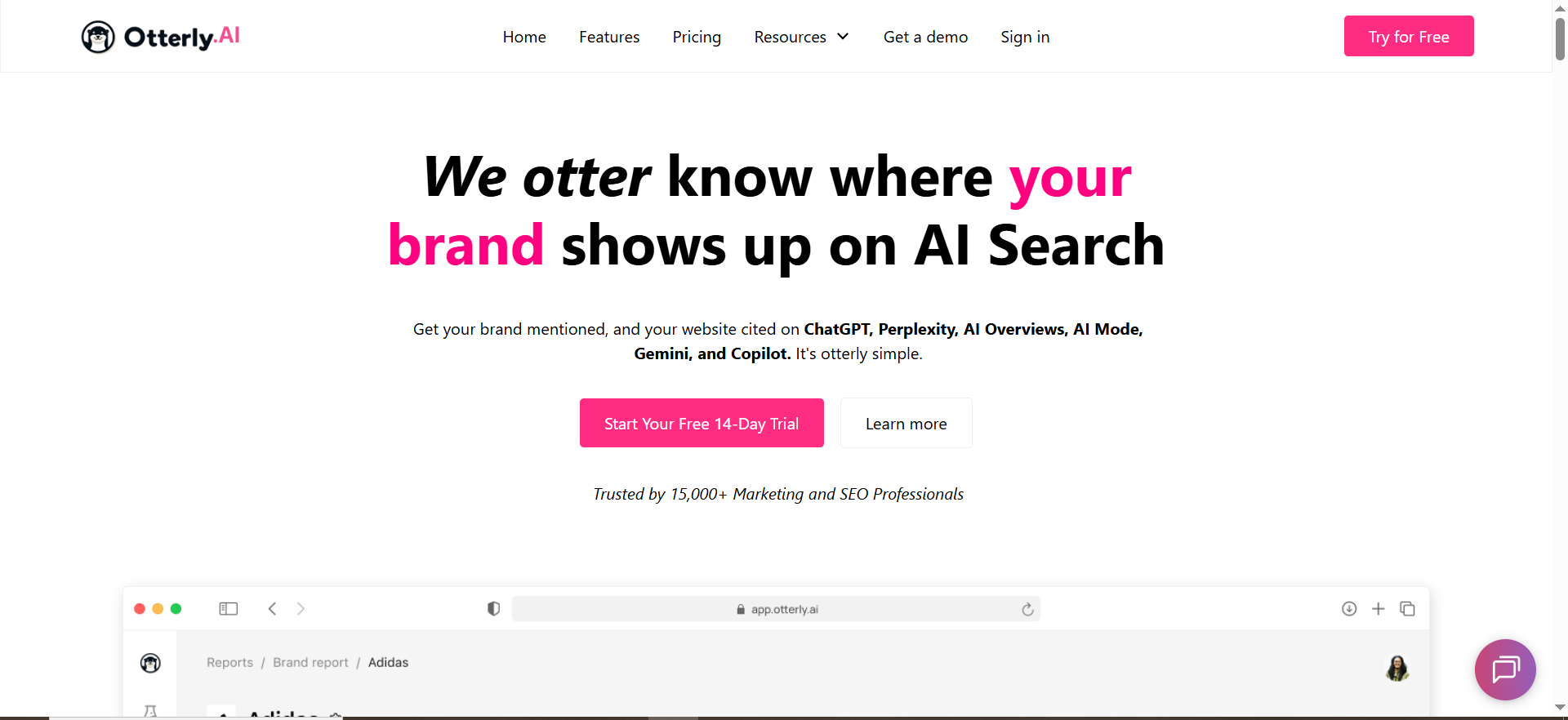
OtterlyAI is an AI search monitoring platform focused on tracking visibility across AI search experiences and assistants. It positions itself explicitly for agencies with workspace and multi-client dashboard support.
Why teams use it
Because agencies don’t just need “data”, they need operations:
- manage multiple workspaces
- generate recurring reports
- showderstand
OtterlyAI’s agency page calls out workspace management, a Looker Studio connector, and multi-client dashboards.
What it’s good for
- Agencies delivering “AI visibility monitoring” retainers
- Portfolio / multi-brand marketing teams
- Standardized reporting across many accounts
When it’s a good fit
Choose OtterlyAI if:
- you want a platform clearly designed around agency workflows
- you need to separate client environments cleanly
- you’re committed to recurring reporting and want tooling support for it
When it’s not a good fit
f your clients require deep enterprise governance, extensive integrations, or broader SEO workflow features in one suite, you may prefer an enterprise platform.
How to use it
A practical setup:
- Create a workspace per client (or per brand).
- Clone a standard prompt library (more on this below).
- Add competitor sets per client (3–10 competitors).
- Build a dashboard template, then swap workspace filters.
- Set weekly alerts for major changes (brand disappears, competitor spikes, source changes).
Key capabilities to validate in demo
- workspace separation model (true multi-tenant vs “tags”)
- reporting templates and repeatability
- dashboard filtering per brand/client
- exports or BI connector behavior
Pricing
OtterlyAI’s pricing starts at $29/month.
Free tier?
OtterlyAI doesn’t list a free tier, but it does offer a free trial.
Downsides / limitations
OtterlyAI is heavily oriented toward agency-style monitoring and reporting. If you need deep “optimization workflows” inside the platform (beyond monitoring), you may pair it with additional tooling or services.
2. Peec AI
What it does
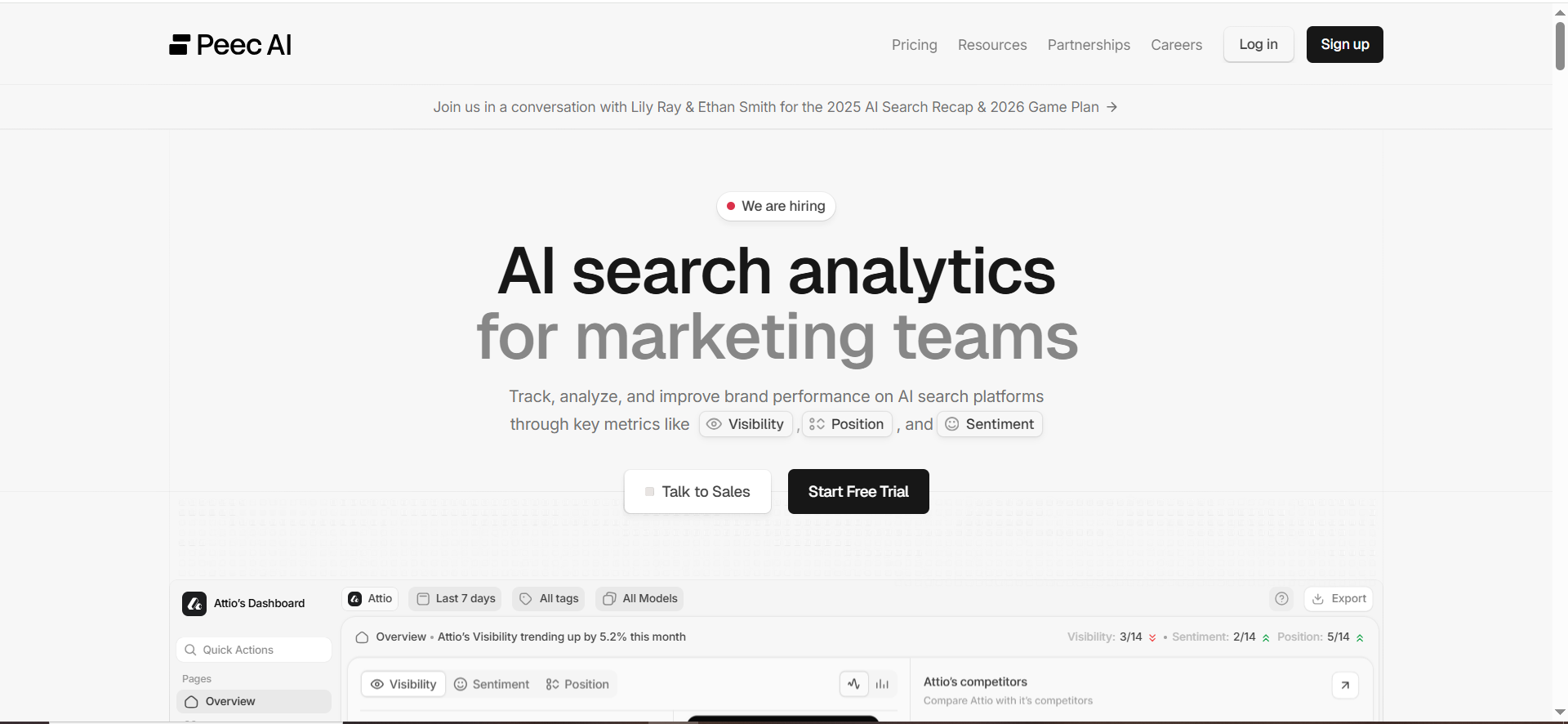
Peec positions itself as AI search analytics for marketing teams, emphasizing visibility metrics and reporting.
Why teams use it
Multi-client teams need to turn complex AI outputs into something you can:
- show in a deck
- share in a link
- trend over time
- explain in a sentence
Peec highlights “powerful reports” and making AI search data shareable, a strong match for agencies.
What it’s good for
- Agencies that need client-ready reporting fast
- Teams that want a lightweight UI for visibility, position, sentiment-like context, and benchmarking views
- Creating repeatable reporting deliverables (weekly/monthly)
When it’s a good fit
Peec is a good fit if:
- your main problem is reporting at scale
- you want a tool that supports “show the client” workflows
- your team can interpret the data and build recommendations outside the platform
When it’s not a good fit
If you want the tool itself to prescribe actions (“do X on pages Y and Z”), some commentary suggests Peec can be more “data-forward” than “workflow-forward.”
How to use it
A simple agency workflow:
- Build a shared prompt taxonomy (category, use case, competitor, branded/unbranded).
- Create a reporting template:
- visibility trend
- share of voice vs top 3 competitors
- top prompts gained/lost
- example outputs + interpretation
- Add an “action list” slide that links to your work plan (content updates, PR/authority, technical fixes).
- Repeat monthly; do deeper prompt refresh quarterly.
Key capabilities
- shareable reports and dashboards
- benchmarking-style views (validate competitor comparison depth)
- exports for internal analysis (especially for agencies)
Pricing
PeecAI’s paid pricing starts at $29/month (Standard plan).
Free tier?
PeecAI does offer a free plan, and it also offers a free trial (noted as a 14-day free trial on its pricing materials).
Downsides / limitations
Peec can require a strong operator to turn “visibility data” into “decisions and actions.” If you’re selling a service, that’s not a downside, your expertise becomes the value.
3. Conductor

What it does
Conductor positions itself as an enterprise platform to increase visibility across major AI surfaces (including ChatGPT and Perplexity) and ties AI visibility to strategy and outcomes.
Why teams use it
Enterprise multi-brand operations care about:
- governance
- repeatable processes
- accountability across teams
- connecting insights to work streams
Conductor’s messaging focuses on transforming AI search data into a winning content strategy and measurable outcomes, good alignment for enterprise programs.
What it’s good for
- Large companies with multiple brands (portfolio orgs)
- Agencies serving enterprise clients who want governance
- Teams who need a platform that goes beyond monitoring
When it’s a good fit
Use Conductor when:
- your client expects a “platform,” not a point tool
- you need executive-ready reporting + operational follow-through
- you’re coordinating AI visibility across many stakeholders
When it’s not a good fit
If you’re a small agency that mainly needs lightweight monitoring + client dashboards, Conductor may be more platform than you need.
How to use it
- Create a brand-by-brand program with standard AI visibility KPIs and reporting cadence.
- Map AI visibility prompts to content clusters and business priorities.
- Use monitoring/alerting as risk control (visibility drops, competitor spikes).
Key capabilities to validate
- breadth of AI surface coverage (ChatGPT, Perplexity, Google AI Overviews, etc.)
- alerting and monitoring
- ability to coordinate tasks/workflows from insights (if your org needs that)
Pricing
Conductor’s pricing is not publicly listed; it’s available by quote (their support documentation says they don’t publish list prices).
Free tier
Conductor doesn’t offer a free tier, but it does offer a free trial (marketed as a free trial with no credit card).
Downsides / limitations
Platform adoption takes time. For agencies, this can be a strength (bigger retainers) or a burden (more onboarding), depending on your client base.
4. Profound

What it does
Profound positions itself around optimizing brand visibility in AI search, including understanding what AI is saying about your brand and uncovering citations/sources behind answers.
Why teams use it
When clients ask “why did the AI say that?” you need more than a score, you need:
- example outputs
- sources/citations influencing those outputs
- a way to connect actions (content/PR/technical) back to visibility shifts
Profound explicitly highlights citation intelligence and integrations into existing stacks.
What it’s good for
- Brands and agencies that want to understand which sources drive AI answers
- Multi-region brands (geo differences matter)
- Teams building a serious AI visibility operating system
Profound has published product updates related to AI search surfaces and capabilities (including region-based prompting and broader AI surface support), signaling rapid iteration.
When it’s a good fit
Pick Profound if:
- “source attribution” and citation intelligence is central to your workflow
- you need deeper integrations (e.g., analytics tie-ins)
- you’re supporting bigger brands with complex visibility needs
When it’s not a good fit
If you just need a lightweight tool for simple client reporting, Profound may be more in-depth than necessary.
How to use it
A repeatable workflow:
- Track prompts tied to your commercial categories.
- For prompts where you aren’t cited, review which sources are cited using an LLM visibility audit.
- Classify those sources by type: listicles, directories, forums, docs, vendor blogs, news, then prioritize AI content optimization.
- Decide action:
- create a “best X” page to compete with listicles
- publish comparison pages
- improve topical authority cluster
- pursue PR/links to become a cited source
- Re-run prompts on a cadence to see if sources shift.
Key capabilities
- AI visibility tracking + how AI talks about your brand
- citation/source discovery
- integrations and workflow building
Pricing
Profound pricing starts at $99 per month.
Free tier
Profound doesn’t list a free tier; it offers a demo.
Downsides / limitations
Profound’s depth is a strength, but only if you have a team/process to act on the insights. Otherwise, it risks becoming “another dashboard.”
5. RankPrompt
What it does
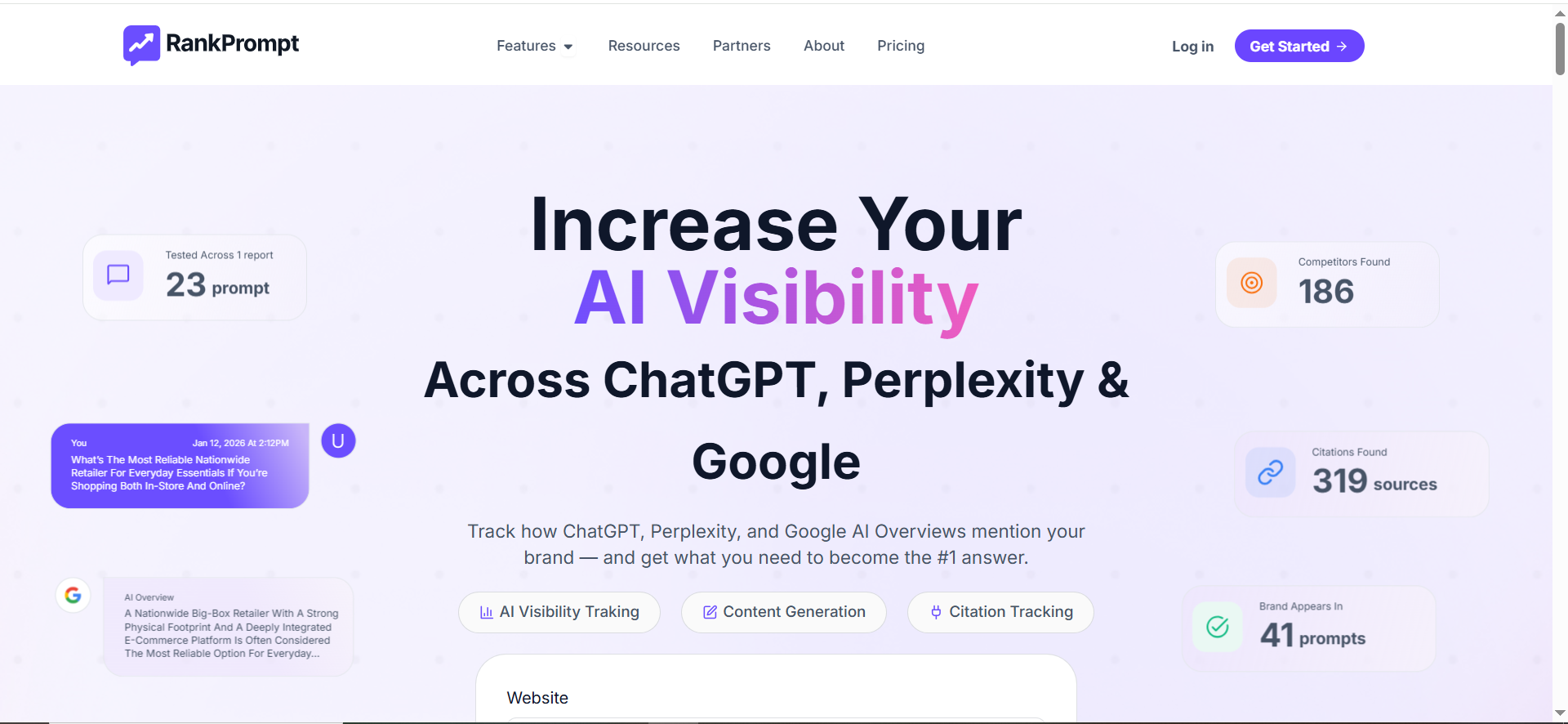
RankPrompt is an AI visibility monitoring / AEO platform designed to show whether your brand is mentioned in AI assistant answers and how it compares to competitors.
Why teams use it
Because not every agency (or client) needs an enterprise suite. RankPrompt is often positioned as:
- lightweight
- budget-conscious
- agency-friendly with multi-client support in some ecosystems
What it’s good for
- Smaller agencies offering an “AI visibility monitoring” add-on
- Consultants who want a simple way to demonstrate value
- Teams who need basic tracking across major AI platforms
RankPrompt states it supports tracking across major AI surfaces (examples include ChatGPT, Perplexity, Google AI Overviews).
When it’s a good fit
Use RankPrompt if:
- your main need is “are we mentioned or not?” plus competitor comparison
- you want a low-lift tool you can operationalize quickly
- you want multi-client management without enterprise overhead
When it’s not a good fit
If your clients require robust workflow tooling, complex governance, or deep citation intelligence, consider pairing RankPrompt with a more advanced platform or service process.
How to use it
- Create a standard set of prompts per client (20–50 to start).
- Run weekly for high-change categories; monthly for stable categories.
- Report on: visibility trend, competitor mentions, and “top lost prompts.”
- Attach an action plan (content updates, authority building, PR placements).
Pricing
RankPrompt’s pricing starts at $49/month (Starter plan).
Free tier
RankPrompt doesn’t list a free tier, but it does offer a 7-day free trial
Downsides / limitations
Lightweight tools can be perfect for reporting, but may require more manual work for “what do we do next?”
What “multi-client AI visibility” actually requires (beyond prompt tracking)
A single-brand AI visibility program is hard enough. Multi-client AI visibility adds operational complexity that most “LLM monitoring” demos gloss over. Here’s what actually matters when you’re managing 10, 25, or 100 brands.
Workspace separation & data boundaries
Your tool should let you create separate environments (workspaces/projects) so you can keep prompts, results, exports, and reporting isolated per client. If you can’t isolate data cleanly, you’ll spend your life duplicating prompt sets, manually filtering exports, and triple-checking you didn’t paste Client A into Client B’s deck.
OtterlyAI explicitly positions workspace management and multi-client dashboards for agencies.
Permissions, roles, and auditability
Multi-client work usually means multiple stakeholders:
- internal strategists
- account managers
- analysts
- clients (view-only, sometimes)
At minimum, you want role-based access and clear “who did what” visibility. Enterprise clients may require more formal governance, this is where broader platforms can have an edge.
Reporting that clients understand (and will pay for)
Here are 200 raw prompt outputs” is not a deliverable.
Multi-client reporting needs:
- a clear visibility score/coverage trend over time
- share of voice vs competitors (even if it’s directional)
- examples of “what the AI is saying,” not just that it mentioned you
- the sources/citations (when available) to explain why results look like they do
Peec emphasizes turning AI search data into simple, shareable reports, which is exactly what client services need.
Prompt libraries, tagging, and reuse
Agencies win by building a “prompt portfolio” that scales.
If you create prompts from scratch for every client, you will:
- ship slower
- miss patterns
- struggle to benchmark across accounts
The goal is a master library that you clone and brand-adapt quickly:
- category prompts (“best {category} tools for {use case}”)
- problem prompts (“how to reduce {pain} in {industry}”)
- comparison prompts (“{brand} vs {competitor} for {job-to-be-done}”)
- local/region prompts (geo variants)
Integrations, exports, and dashboards
If you manage multiple clients, you’ll likely need:
- CSV exports for analysis
- Looker Studio/BI connectors for dashboards
- Slack/email alerts for changes
- optional web analytics integration (to connect visibility to outcomes)
Profound highlights integrations and visibility + citation intelligence as part of its positioning.
A practical operating model for managing 10–100 clients
Tools don’t solve multi-client complexity by themselves. The winning agencies build an operating system that makes tool outputs repeatable, comparable, and action-oriented.
Here’s a field-tested model you can adapt.
The “Prompt Portfolio” framework (standard library + brand variants)
Create a master prompt library that you reuse across all accounts, then customize:
- Core category prompts (shared across clients in the same vertical)
- Brand/competitor variants (swap in names)
- Use case prompts (industry, segment, job-to-be-done)
- Funnel prompts (top/mid/bottom intent)
- Geo prompts (if relevant)
Prompt tagging matters because it unlocks reporting:
- Intent: informational / commercial / transactional
- Funnel stage: awareness / consideration / decision
- Topic cluster: features, integrations, alternatives, comparisons
- Region: US/UK/DE/etc
- Business line: product A vs product B
Once you have tags, you can answer client questions quickly:
- “Did we improve in decision-stage prompts?”
- “Are we only visible in branded prompts?”
- “Which region is lagging?”
Weekly vs monthly cadences (what to automate)
Weekly (for competitive categories):
- run a smaller “watchlist” prompt set (10–25 prompts)
- alert on large deltas (brand disappears, competitor spikes, new citations)
- capture examples for client updates
Monthly (for reporting):
- run full prompt library (50–200 prompts depending on client size)
- publish a standardized report:
- visibility trend
- share of voice vs top competitors
- biggest movers (gains/losses)
- examples + interpretation
- action plan
Quarterly (for strategy refresh):
- prune prompts that don’t drive decisions
- add new product lines, new competitors, new markets
- refresh content roadmap and authority plan
Turning visibility insights into actions (content, PR, technical)
AI visibility often improves when you:
- Publish the right “citation magnets”
- best-of lists
- alternatives pages
- comparisons
- definition + “how to” pages with clear structure
- Strengthen authority signals
- credible mentions, reviews, directory listings
- PR that earns authoritative citations
- Make your content extractable
- strong headings, definitions, tables, and clear summaries
- pages that answer the question faster than competitors
- Fix technical accessibility
- ensure pages are crawlable and performant
- keep key content unblocked to crawlers where appropriate
Conductor and Profound both emphasize turning AI search data into actionable strategy and understanding sources/citations that influence answers.
How to choose the right tool (decision tree)
Use this decision tree to narrow fast:
If you need agency workspaces + multi-client dashboards
Pick OtterlyAI first, validate workspace separation, dashboard templates, and reporting cadence support.
If you need client-friendly reporting you can ship in hours
Pick Peec AI, especially if your agency’s differentiation is interpretation + strategy, not the tool itself.
If you need enterprise governance + “optimization workflow”
Shortlist Conductor for broader platform depth and enterprise-friendly program management.
If you need deep source/citation intelligence
Shortlist Profound if your strategy hinges on “which sources drive the AI answer?” and you want a more source-aware operating model.
If you need budget-friendly multi-client monitoring
Start with RankPrompt and build a standardized service layer on top (reporting + action plan).
📋 Get Listed / Advertisement
We update this guide monthly. Want your tool featured? Contact: [email protected].
Which tools support multi-client workspaces and separate reporting?
If you’re managing multiple brands/clients, the make-or-break capability is true workspace separation (not just tags) plus reporting outputs that can be generated per client without manual filtering.
Strong multi-client positioning:
- OtterlyAI: Calls out Workspace Management and multi-client dashboards for agencies, plus “unlimited brand reports” style delivery.
- Semrush (AI visibility tooling): Mentions agency workspaces with role-based access control as a key differentiator for managing multiple clients.
Reporting-first approach:
- Peec AI: Emphasizes turning AI search data into simple, shareable reports “for your team and clients,” which maps directly to separate client reporting workflows. (Peec AI)
Enterprise / portfolio brand programs:
- Conductor: Positions itself for tracking across major AI engines and enterprise AEO/AI visibility programs, typically aligned with multi-brand governance needs.
- Profound: Positioned for brands optimizing visibility with deeper analytics and content performance signals (often suited to larger multi-brand orgs).
What to validate in demos:
- Separate workspaces/projects per client (hard separation)
- Client-specific exports and scheduled reporting
- Ability to duplicate a “prompt library template” into a new client workspace
- View-only client access or share links (if you plan to share dashboards)
How many prompts do you actually need per client (starter vs enterprise)?
A practical multi-client approach is to split prompts into two sets:
- a weekly watchlist (small, high-signal)
- a monthly full library (broader, diagnostic)
Starter (SMB clients, early program): 20–50 prompts
Use when the client wants proof of value quickly.
- 10–15 category / use-case prompts (unbranded)
- 5–10 comparison prompts (vs top competitors)
- 5–10 “best X” / “alternatives” prompts (commercial intent)
- Optional 5 branded prompts (brand + product name)
Growth (competitive verticals): 50–120 prompts
Use when you want stable trendlines and better benchmarking.
- Expand by funnel stage (awareness → decision)
- Add topic clusters (features, pricing, integrations, security, reviews)
- Add sub-verticals (use cases by audience segment)
Enterprise (multi-product, multi-region): 120–300+ prompts
Use when the client has multiple product lines, regions, and lots of competitors.
- Add geo variants (US/UK/CA, etc.)
- Add product-line splits (Product A vs Product B)
- Add persona prompts (CIO vs Ops vs Marketing)
Rule of thumb:
If the client asks, “Are we improving?” → starter is enough.If they ask, “Why are we losing to Competitor X in Region Y for Use Case Z?” → you need enterprise-scale coverage.
Which tools show citations/sources behind AI answers?
Not every AI surface reliably shows citations, but when citations are available, citation intelligence is one of the most valuable “multi-client” features because it turns outputs into actions (“become the cited source”).
- Profound emphasizes understanding AI responses and which pages/sources get referenced (content performance tracking around references).
- Semrush’s AI visibility tooling highlights “citation intelligence” (seeing which sites get cited and finding opportunities).
What to look for:
- Citation/source capture at the prompt run level (not just a general “sources tab”)
- Ability to trend source changes over time
- Exportable list of cited domains/URLs per prompt cluster
- “Gap view”: which domains get cited when you don’t
Why this matters for multi-client delivery:
Citations let you build a repeatable playbook across clients:
- “These 10 publications/directories dominate citations in your category”
- “Here are the page types AI keeps citing (comparisons, best-of, glossaries)”
- “Here’s the content + PR plan to become the cited source”
Can you export to Looker Studio / BI for client dashboards?
Yes, export/BI support is increasingly common, but it varies by vendor and plan.
- OtterlyAI explicitly lists a Looker Studio Connector for agency workflows.
- Looker Studio supports connecting to many data sources via built-in/partner connectors, useful if your AI visibility tool can export clean tables or connect directly.
What to validate (so BI doesn’t become a headache):
- Does the tool provide:
- a native Looker Studio connector, or
- an API, or
- scheduled CSV exports to a warehouse/storage?
- Is the schema stable? (prompt_id, prompt_tag, brand, competitor, date, visibility score, citations, etc.)
- Can you filter by client workspace cleanly (no cross-client mixing)?
Agency tip:
Build one master dashboard template in Looker Studio, then duplicate it per client and point it to that client’s dataset/workspace.
What permissions and access control do enterprise clients require?
Enterprise clients typically expect:
1) Role-based access control (RBAC)
- Admin (full control)
- Editor (can run prompts, edit libraries)
- Viewer (read-only dashboards/reports)Semrush explicitly calls out agency workspaces with role-based access control as a core requirement for multi-client operations.
2) Auditability
- Who created/edited prompts?
- Who exported data?
- When did changes happen?
3) Workspace isolation
- Separate workspaces per client/brand
- Separate exports and report links
4) Data retention & ownership clarity
- How long is data stored?
- Can data be deleted on request?
- Export controls for offboarding
If you sell into regulated industries, also ask about SOC2/ISO posture, logging, and SSO, those are common procurement checkpoints.
How do you handle compliance, confidentiality, and client separation?
For agencies, this is both operational and contractual. Here’s a clean, scalable standard:
1) Tooling separation
- One workspace per client (hard boundary)
- No shared client-facing dashboards across workspaces
- Separate exports folders per client
2) Access policies
- Least-privilege access (only account team members)
- View-only access for clients when possible
- Remove access immediately on team changes
3) Data hygiene rules
- Never store client secrets in prompt text (API keys, unreleased roadmap, private financials)
- Use prompt templates with placeholders (e.g., {brand}, {product}, {region}).
- Keep competitor sets client-specific
4) Reporting controls
- Use standardized report templates to avoid copy/paste mistakes
- Add a “client name” watermark/header in every exported report
- Maintain a checklist before sending (right logo, right dataset, right date range)
5) Contract/process alignment
- Include confidentiality + data handling in your SOW.
- Define what you collect, how you store it, and how you delete it
- Document your separation model (useful for procurement)
FAQs
What is AI visibility (and how is it different from SEO rankings)?
Which AI platforms do these tools typically track?
What does “multi-client management” mean in an AI visibility tool?
How many prompts should an agency track per client?
Why do AI answers differ between clients, regions, and even days?
Which tool is best if clients want simple reports they can understand quickly?
No, AI visibility tools answer different questions (mentions, citations, share of voice in AI answers). Many teams run both: traditional SEO for rankings/traffic + AI visibility for answer-engine presence.
📋 Get Listed / Advertisement
We update this guide monthly. Want your tool featured? Contact: [email protected].


