

Pick GMass if cold email with automatic follow-ups is the job, YAMM if you want a cheap Google Sheets send, and Mailmeteor if you are starting free at up to 50 emails a day. If you need to send more than about 100 cold emails a day from one mailbox, a sequencing platform is the better tool.
This holds for a founder, SDR or small agency sending from one Gmail or Google Workspace mailbox to a list that needs personalised first lines and a couple of follow-ups.
Google's own caps are 500 emails a day on free Gmail and 2,000 a day on Workspace, but cold outreach should sit far below them, and vendor volume guidance is a rule of thumb rather than a Google figure.
If cold email is only one of the ways you want buyers to find you, our SaaS content marketing work builds the inbound side that does not depend on a sending limit. See how it works.
📋 Get Listed / Advertise
We update this guide monthly. Want your tool featured? Contact: [email protected].
Gmail Mail Merge Tools At A Glance
Four tools made the list, and one baseline row shows what Gmail gives you for nothing. Entry prices come straight from the vendors, for example GMass at $20 a month billed annually, YAMM's $6 a month Pro plan, Mailmeteor's $5.99 Starter plan and Right Inbox at $9.95 a month.
| Tool | Best For | Entry Price | Free Tier Or Daily Cap | Follow-Ups | Tracking |
|---|---|---|---|---|---|
| GMass | Cold outreach with automatic follow-ups | $20 a month billed annually ($29.95 monthly) | No fixed daily cap published | Automatic follow-ups sent as replies | Open, click and reply reports |
| YAMM | Low-cost Google Sheets campaigns | $6 a month (Pro with @gmail.com) | Free plan at 20 recipients a day | Bulk follow-ups | Open, click, reply and bounce |
| Mailmeteor | Starting free under 50 emails a day | $5.99 a month (Starter) | Free Hobby plan at 50 emails a day | Auto follow-ups | Open and click |
| Right Inbox | Solo senders who want light sequences | $9.95 a month (Professional) | Free plan at 5 emails a month, no paid daily cap listed | Sequences feature | Not published |
| Gmail built-in merge | Simple sends to a warm list | Included with paid Google Workspace | Workspace merge limit of 1,500 a day | Not published | None |
1. GMass: Best For Cold Outreach With Automatic Follow-Ups
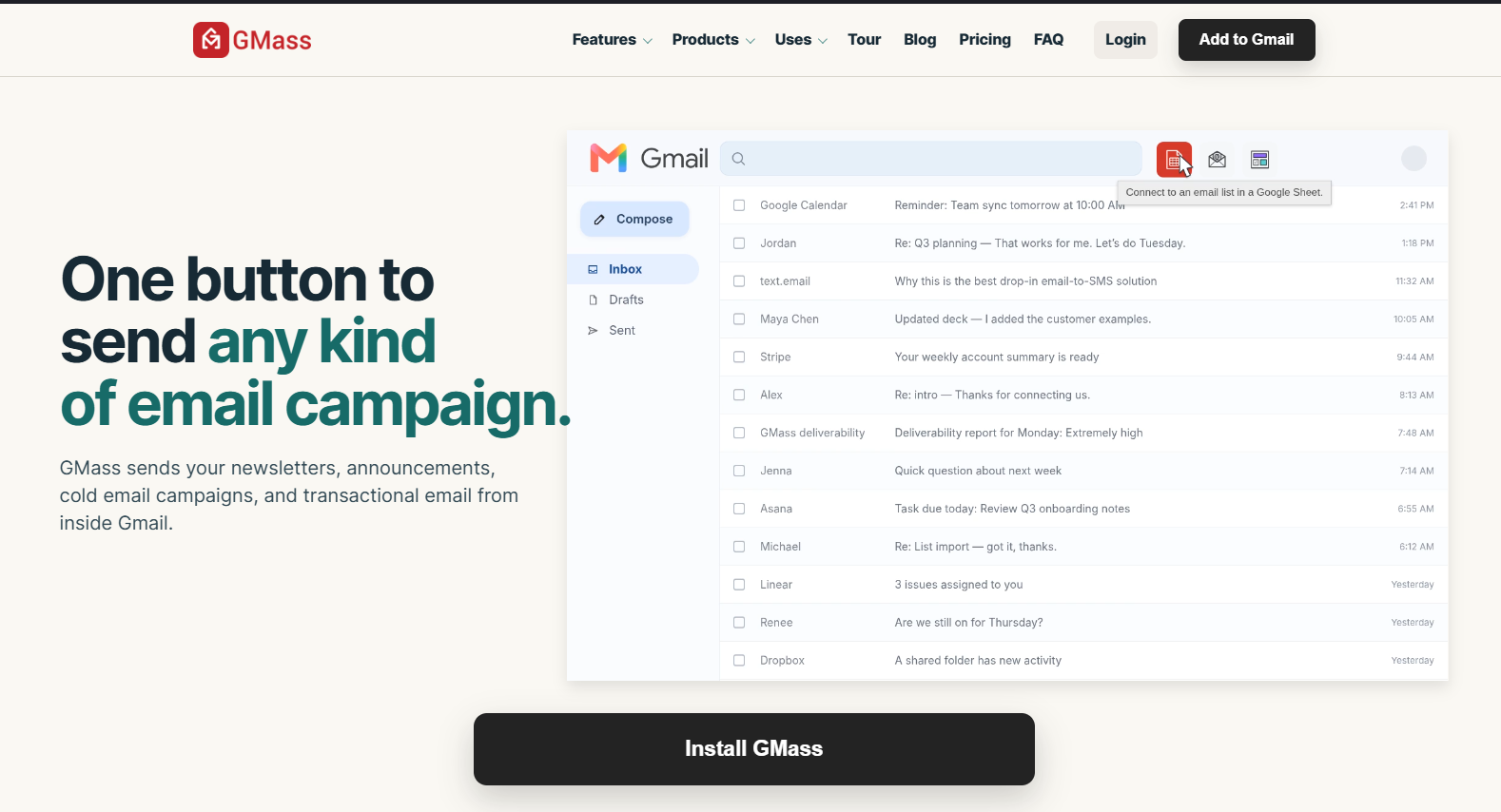
GMass is the pick when cold email with follow-ups is the whole job. It works from Gmail, takes Google Sheets as a merge source, and sends follow-ups as replies so they read like a person nudging a thread, not a campaign blast.
It is built for the sender who wants one tool to handle the merge, the follow-up and the reporting. The vendor's page also says GMass can go past Google's 500 a day for regular Gmail. Treat that as headroom, not a target, because cold outreach belongs well below any ceiling.
GMass's pricing page lists three plans, all described as sending unlimited emails.
| Plan | Monthly Billing | Annual Billing (Per Month) | Annual Total | Includes |
|---|---|---|---|---|
| Standard | $29.95 | $20 | $249 | Unlimited emails |
| Premium | $39.95 | $29 | $349 | Unlimited emails |
| Professional | $59.95 | $49 | $599 | Unlimited emails |
Strengths:
- Follow-ups that look human: Automatic follow-ups go out as replies, which suits cold outreach.
- Reports you can share: Open, click and reply reports are sharable with a teammate or a client.
- Works from Google Sheets: Your list can live in a spreadsheet and merge straight into the template.
- No fixed daily cap: GMass publishes no fixed daily limit, and every plan is described as unlimited.
Trade-offs:
- Highest entry price of the four: $20 a month billed annually, or $29.95 on monthly billing, against $6 for YAMM Pro.
- Discipline is on you: With no published cap, nothing stops you from sending far more than a single mailbox should.
- No mailbox rotation listed: The pages we read list no way to spread sends across several mailboxes.
Key capabilities:
- Automatic follow-ups sent as replies
- Sharable open, click and reply reports
- Google Sheets as a merge source
- Unlimited emails on every listed plan
Good fit:
- Founders and SDRs running cold outreach from one mailbox
- Anyone who wants follow-ups and reply reports without leaving Gmail
Not a fit:
- Senders who only need a free, occasional merge
- Teams that need to spread volume across several mailboxes
The limit that matters most is the missing daily cap. It gives you freedom, and freedom is how a new mailbox ends up blocked.
2. Yet Another Mail Merge (YAMM): Best For Low-Cost Google Sheets Campaigns
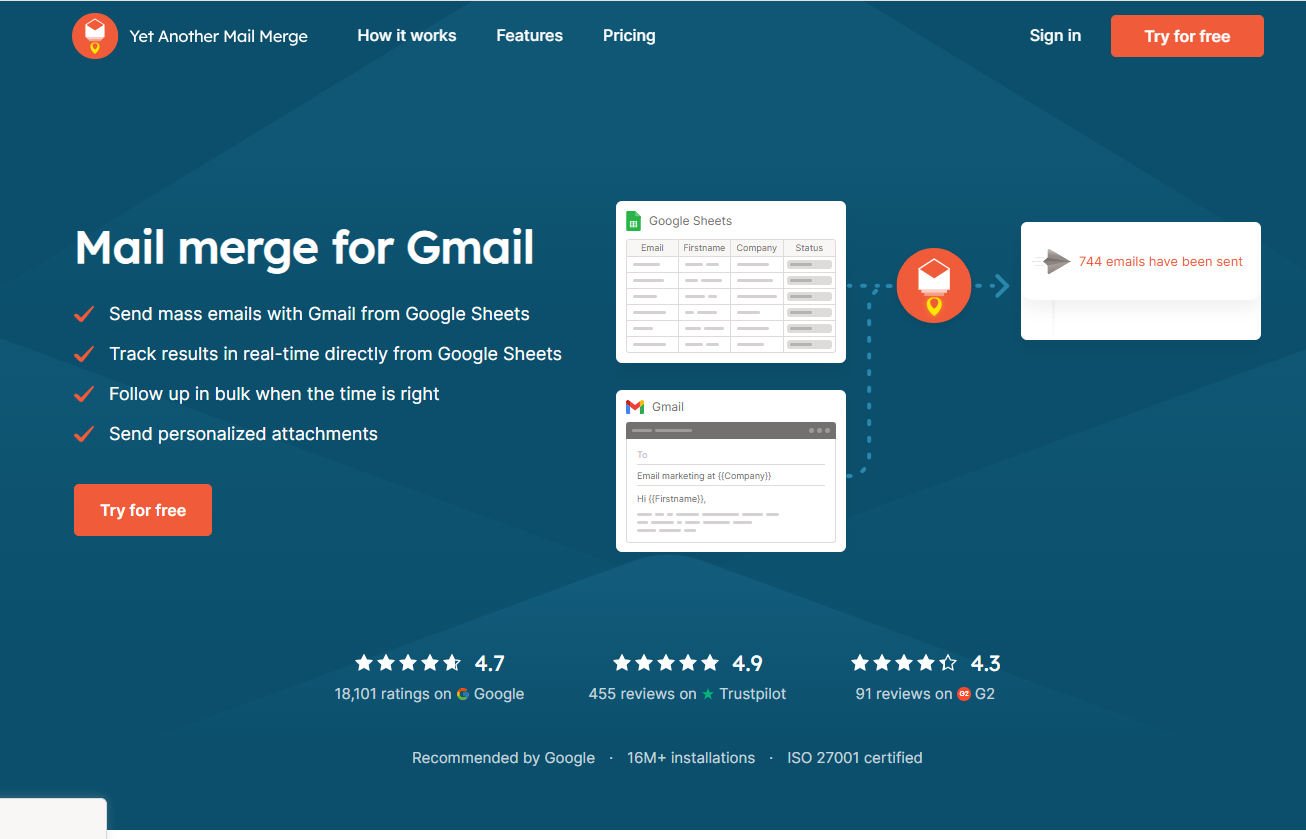
YAMM is the cheap, spreadsheet-first option. Your contacts sit in Google Sheets, you write the template in Gmail, and the add-on sends one personalised email per row. YAMM's homepage lists bulk follow-ups and open, click, reply and bounce tracking.
It suits a small team or a solo sender who already lives in Sheets and wants a paid step that does not cost much. The thing to understand before buying is that the daily cap depends on the plan and on the account type you send from.
YAMM's pricing page shows a free plan at 20 recipients a day, Pro at 400 a day on @gmail.com and 1,500 a day on Google Workspace, and a Team plan covering up to 100 users.
| Plan | Price | Daily Recipients | Notes |
|---|---|---|---|
| Free | $0 | 20 | A testing tier |
| Pro with @gmail.com | $6 a month ($72 a year) | 400 | For free Gmail accounts |
| Pro with Google Workspace | $12 a month ($144 a year) | 1,500 | For Workspace mailboxes |
| Team | $12 per user a month | 1,500 per user | Covers up to 100 users |
Free tier: 20 recipients a day, enough to test the merge and little else.
Strengths:
- Low-priced paid entry: Pro with @gmail.com is $6 a month, close to Mailmeteor Starter at $5.99.
- Runs from Google Sheets: No import step once your list is in a sheet.
- Fuller tracking: Opens, clicks, replies and bounces are all listed.
- Bulk follow-ups: You can nudge everyone who has not replied in one pass.
Trade-offs:
- The cap follows the plan and the account: 400 a day on @gmail.com against 1,500 on Workspace.
- The free plan is a trial: At 20 recipients a day it will not carry a real campaign.
- A per-user team price: Team is $12 per user a month, so the bill grows with headcount.
Key capabilities:
- Merge from Google Sheets
- Bulk follow-ups
- Open, click, reply and bounce tracking
- A Team plan covering up to 100 users
Good fit:
- Solo senders and small teams who build lists in Sheets
- Anyone who wants reply and bounce tracking at a low price
Not a fit:
- Senders who need more than 1,500 recipients a day per user
- Anyone who wants a single flat price for a very large team
The limitation to remember is that the cap changes with the plan and the account you send from. Check which mailbox type you have before you pick the tier.
3. Mailmeteor: Best For Starting Free Under 50 Emails A Day

Mailmeteor is where to start if you want to try a Gmail merge without paying. Mailmeteor sends directly from a Gmail account or Google Sheets, with auto follow-ups and open and click tracking.
The free Hobby plan allows 50 emails a day, which lines up with a sensible pace for a new cold-email mailbox. The paid steps climb quickly, so the real decision is how much room you need above that.
Mailmeteor's pricing page prices every plan per user per month.
| Plan | Price Per User Per Month | Daily Emails |
|---|---|---|
| Hobby | $0 | 50 |
| Starter | $5.99 | 250 |
| Premium | $17.99 | 1,000 |
| Professional | $35.99 | 2,000 |
Strengths:
- A real free tier: Hobby is free at 50 emails a day.
- Low first paid step: Starter is $5.99 a month for 250 emails a day.
- Gmail or Sheets: You can send from either, so it fits both habits.
- Follow-ups built in: Auto follow-ups sit alongside open and click tracking.
Trade-offs:
- Tracking is narrower: The homepage lists open and click tracking, where YAMM also lists replies and bounces.
- Prices climb fast: Professional is $35.99 per user a month.
- Top tiers invite too much volume: Premium at 1,000 a day and Professional at 2,000 are far above a sane cold pace for one mailbox.
Key capabilities:
- Sending from Gmail or Google Sheets
- Auto follow-ups
- Open and click tracking
- Four plans from free to 2,000 emails a day
Good fit:
- New senders who want to test cold email at no cost
- Solo operators who send under 50 emails a day
Not a fit:
- Teams that need reply and bounce reporting in the tool
- Senders who want one flat price regardless of seats
Mailmeteor's biggest limitation is that its useful free tier tops out at 50 a day. That is fine for a new mailbox and tight for anything bigger.
4. Right Inbox: Best For Solo Senders Who Want Sequences Inside Gmail
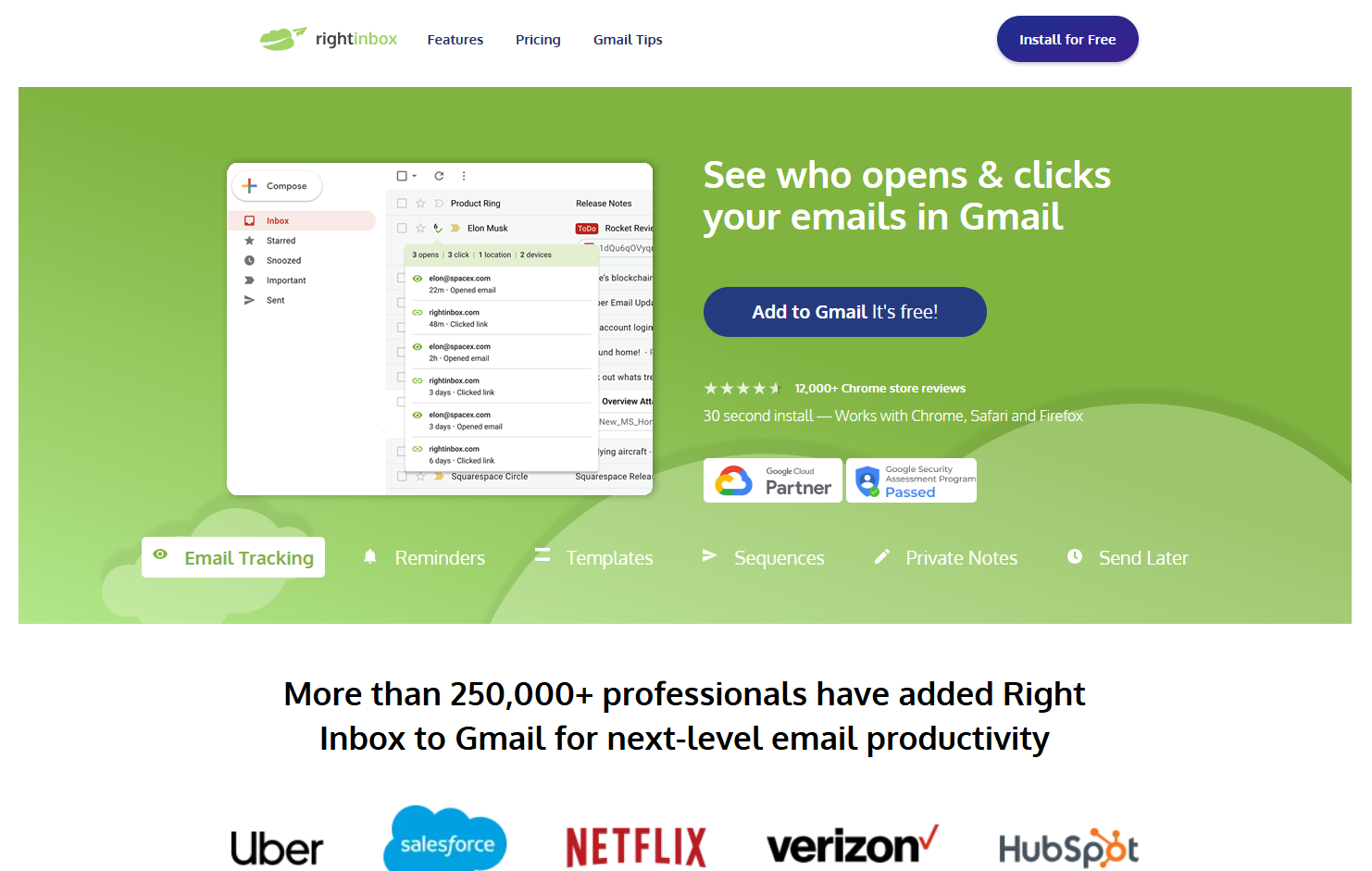
Right Inbox earns the fourth spot for one kind of reader, the solo sender who wants light follow-up sequences inside Gmail and nothing more elaborate. It is not the strongest merge tool here, and it should not be stretched into one.
Follow-ups run through a separate Sequences feature that sends when a contact does not reply. That is the useful part. You write the follow-up once, and it only goes out if the other person stays quiet.
Right Inbox's pricing page lists three plans and no daily email limit for the paid plans.
| Plan | Monthly Price | Yearly Price (Per Month) | Email Allowance |
|---|---|---|---|
| Limited | $0 | $0 | 5 emails a month |
| Professional | $9.95 | $7.95 | No daily limit listed |
| Team | $19.95 | $16.95 | No daily limit listed |
Strengths:
- Cheap paid entry: Professional is $9.95 a month, or $7.95 a month billed yearly.
- Follow-ups stop on a reply: Sequences send only when a contact does not reply.
- Simple for one person: It suits a solo sender who wants a lighter setup than a full merge suite.
Trade-offs:
- No paid daily limit listed: You cannot plan volume around a number the pricing page does not show.
- A free plan that is a sample: Five emails a month is enough to look around and nothing more.
- Less published detail: Its pages say less about merge and tracking than the other three vendors' pages do.
Key capabilities:
- Follow-ups through the Sequences feature
- Sending that depends on whether a contact replies
- Plans for one person or a team
Good fit:
- Solo senders who want light, automatic follow-ups in Gmail
- Anyone who prefers a low monthly price over a long feature list
Not a fit:
- Anyone who needs a listed daily cap to plan around
- Senders who want deep tracking and reply reports in the same tool
The limitation that matters most is the missing paid daily limit. Until you know the ceiling, keep your own sends small and steady.
📋 Get Listed / Advertise
We update this guide monthly. Want your tool featured? Contact: [email protected].
Which Gmail Mail Merge Tool Fits Your Sending Volume
Most ranking pages give you a list and stop. The real decision is volume. Under about 50 cold emails a day per mailbox, a free tier is enough. From 50 to 100 a day with follow-ups, a paid add-on earns its price. Past that, you need a sequencing platform.
Those thresholds come from vendor guidance, not from Google. Prospeo's guide puts cold outreach at around 50 emails a day per mailbox. Smartlead's guide, from a company that sells a sequencing platform, says Gmail mail merge suits curated warm lists of under 100 emails a day from one account and recommends 50 to 100 a day per mailbox for cold outreach.
| Volume Band | Follow-Up Need | Tool That Fits | Why |
|---|---|---|---|
| Under about 50 a day | None, or one manual nudge | Mailmeteor Hobby (free, 50 a day) or YAMM Free (20 a day) | Free tiers cover this volume with no spend |
| About 50 to 100 a day | Automatic follow-ups | GMass, or YAMM Pro if your list lives in Google Sheets | GMass sends follow-ups as replies, and YAMM Pro allows 400 a day on @gmail.com or 1,500 on Workspace |
| Above about 100 a day, or several mailboxes | Multi-step sequences | A sequencing platform | A merge tool sends from one mailbox, so the cap and the deliverability are yours to manage |
Read the table by volume first and by features second. A sender at 30 emails a day gains nothing from a $20 plan, and a sender at 80 a day with three follow-ups will outgrow a free tier within a week.
Sheets matters too. GMass lists Google Sheets as a merge source, YAMM runs from Google Sheets, and Mailmeteor sends from Gmail or Google Sheets. If your list already lives in a spreadsheet, all three fit. Right Inbox is the odd one out, built for a solo sender who wants light sequences.
Two side notes help you stay in the right band. If you are sending a warm announcement rather than cold outreach, email blast tools fit better than a merge add-on. And if you are a founder still building the list, start with email finder tools for startups before you pay for any sending tool.
Once the outbound basics are set, the other half is being found without sending anything. Our GEO + SEO Growth Programme covers search and AI visibility together, with reporting you can read. See what is included.
How Many Cold Emails Can Gmail Send Per Day
Google says a message to more than 500 recipients, or more than 500 emails in a day, can trigger a Gmail sending limit on a consumer account, while paid Google Workspace accounts can send 2,000 messages a day, counted over a rolling 24 hours. Go over a Workspace limit and new sending is blocked for up to 24 hours, while sign-in and receiving keep working.
| Account Type | Daily Limit | What It Means |
|---|---|---|
| Free Gmail | 500 emails a day can trigger a limit | Google flags more than 500 recipients in a message or in a day |
| Google Workspace (paid) | 2,000 messages a day | Counted over a rolling 24 hours |
| Workspace mail merge | 1,500 messages a day | A separate allowance for merge sends |
| Workspace trial | 500 messages a day | Lower cap while the account is on trial |
The separate merge allowance matters if you use Gmail's own merge. Mail merge within Workspace has its own limit of 1,500 messages a day, and trial accounts are capped at 500 messages a day.
None of those numbers are a target. They are the point where Google stops you. Cold outreach should sit far below them, in the 50 to 100 a day range that the vendor guidance above describes, and a steady daily volume is safer than sudden jumps.
A mailbox that has never sent cold email needs a ramp. That is the job of email warmup tools, and you should use one before you raise your daily volume.
When you hit the block, stop. Do not switch mailboxes in a hurry and resend the same list. Wait out the 24 hours, cut the next batch in half, and find out why the volume got that high.
What Gmail Mail Merge Is And When The Built-In Version Is Enough
A Gmail mail merge sends one template as separate personalised emails pulled from a spreadsheet. Each recipient gets a message that looks one-to-one, with their name, company or any other column you merge in.
Gmail has a version of this built in, but it is only on paid Google Workspace plans, so a free gmail.com account does not get it. It also has no personalised subject lines, tracking or PDF generation.
That is enough in one situation. You are sending a simple message to a warm list, you do not care who opened it, and you will not follow up. A team announcement or a note to existing customers fits.
It is not enough for cold outreach. Cold email lives on follow-ups, and you need to know who replied, who bounced and who ignored you. Without tracking you are guessing, and without personalised subject lines every recipient sees the same opening line in their inbox.
That gap is why add-ons exist. They sit on top of the same mailbox, use the same Google Sheet and add what the built-in version leaves out. The profiles above show which add-on matches your volume.
How To Run A Gmail Mail Merge For Cold Email Step By Step
These steps work with any of the add-ons above. Each ends with a result you can check.
- Clean the list. Run every address through email verification tools and remove the invalid ones. You are done when the sheet holds only addresses that passed.
- Source missing contacts. If the list has gaps, fill them with email finder tools and verify the new addresses too. You are done when no row is missing an email.
- Set up the Google Sheet. Give each merge field its own column, such as first name, company and a custom opening line, and add a fallback value for any column that can be empty. You are done when no cell that feeds the template is blank.
- Write the template. Draft a short first email, and if you want help, look at AI email writing tools for a first pass. You are done when the email reads naturally with the merge fields filled in.
- Test it on yourself. Send the merge to your own address and read it as a stranger would. You are done when every field renders and every link works.
- Send a small first batch. Start with a few dozen contacts, not the whole list. You are done when you have seen the first replies and bounces and nothing looks wrong.
- Add the follow-ups. Set two short follow-ups that go to people who have not replied. You are done when each follow-up is scheduled with a gap of a few days.
- Watch replies and bounces. Check the tool's reports daily for the first week and remove anyone who bounces or asks to stop. You are done when your sheet marks every reply and every bounce.
Keep daily volume well under your account's ceiling. Google blocks new sending for up to 24 hours when you exceed a limit, and a block in the middle of a sequence breaks the timing of your follow-ups.
How We Chose These Gmail Mail Merge Tools
We started from a fixed pool of GMass, YAMM and Mailmeteor, then added Right Inbox after pricing it from its own page. Sequencing platforms with their own sending infrastructure are out of scope, because they solve a different problem. Every tool was judged on the same short list.
- Sends from your own Gmail: Cold email from your real mailbox keeps replies where you already read them.
- Daily recipient cap: The cap decides which volume band a tool can serve, so we recorded it from the vendor page.
- Follow-ups: Cold email usually needs more than one touch, so we required follow-ups.
- Tracking: You need to see opens, clicks and replies, or you cannot tell what to fix.
- Entry price from the vendor page: Prices come from each vendor's own pricing page, not from roundups that copy each other.
If you run team outreach rather than a one-person send, our guide to email finder tools for sales teams covers the list-building side of that work.
A list of four is short on purpose. Where a tool did not publish a number, such as Right Inbox's paid daily limit, we say it is not listed instead of filling the gap.
When To Move From Gmail Mail Merge To A Sequencing Platform
Move up when you need more than about 100 cold emails a day from one mailbox, when you need several mailboxes, or when deliverability needs real management. The 100-a-day line comes from the vendor guidance earlier in this guide, and it is a rule of thumb, not a Google rule.
A merge add-on sends from a single Gmail or Workspace mailbox. Once you want multi-step sequences that rotate across mailboxes, track deliverability and pause on replies automatically, you are asking a merge tool to do a sequencing platform's job. Our guide to email automation tools for scalability is the next place to look.
It is also worth asking whether more volume is the right answer at all. Sending more cold email is one way to find buyers. Being found is another. Revenue content puts pages in front of people who are already searching for what you sell, and AI search visibility makes sure the answers they read from AI tools name you.
Neither replaces outbound for every business. For a founder who sends 60 emails a day and sees few replies, though, doubling volume is rarely the fix. Better targeting or an inbound channel usually pays back faster.
FAQs
Is Mail Merge Free In Gmail?
What Is The Bulk Email Limit For Gmail?
Does Google Have Built-In Mail Merge?
What Is The Difference Between Gmail Multi-Send And A Gmail Mail Merge?
How Do I Avoid Gmail Sending Limits With Mail Merge?
Can You Mail Merge With Attachments In Gmail?
Can You Schedule A Mail Merge In Gmail?
Can I Run A Mail Merge In Gmail With Excel?
Will A Mail Merge Tool Get My Gmail Account Flagged For Spam?
If you want a second opinion on your outbound and inbound mix, book a free 30-minute call. One of the founders takes it, and you leave knowing what we would fix first.