

Pick your HeyGen alternative by the one constraint that decides the job, not by a ranking. Synthesia suits presenter-led training video, Colossyan suits translated avatar video, Pictory suits turning blogs and recordings into clips, Rask.ai suits dubbing footage you already own, and Tavus suits live conversational video.
This holds when you already know the kind of video you make most. If you make several kinds, choose for the one that costs you the most hours.
Prices and plan limits change often, so check the vendor's pricing page before you subscribe.
If your team also needs the blog posts and comparison pages that these videos get repurposed from, our SaaS content marketing service builds that programme. It is a good fit if the video is the second step rather than the first.
📋 Get Listed / Advertise
We update this guide monthly. Want your tool featured? Contact: [email protected].
HeyGen Alternatives At A Glance
Most roundups of HeyGen rivals rank tools and leave you to guess which one fits. This one starts from the job. The five jobs are presenter-led training video, translated avatar video, turning blogs and recordings into video, dubbing footage you already have, and live conversational video. Every price below is copied from the vendor's own page and matches the profiles that follow. If you want the wider field of generators first, our guide to AI video generators for marketing teams covers it.
| Tool | Best For | Entry Price | Free Tier | Main Limit |
|---|---|---|---|---|
| Synthesia | Presenter-led training and explainer video | $19 per month on Starter, monthly billing ($14 on annual billing) | Yes, the Basic plan | About 12 video minutes a month on Starter |
| Colossyan | Translated avatar video | $59 per month on Professional, annual billing | Yes, the Starter plan | 30-minute video limit on Professional with monthly billing |
| Pictory | Turning blogs and recordings into video | $29 per month on Starter, monthly billing ($25 on annual billing) | Check vendor site | Credit-metered, with stock avatars rather than a presenter-first product |
| Rask.ai | Localising footage you already have | Pricing on request | Check vendor site | Price not verified for this article |
| Tavus | Real-time conversational video | Pricing on request | Check vendor site | Price not verified for this article |
1. Synthesia: Best For Presenter-Led Training And Explainer Video
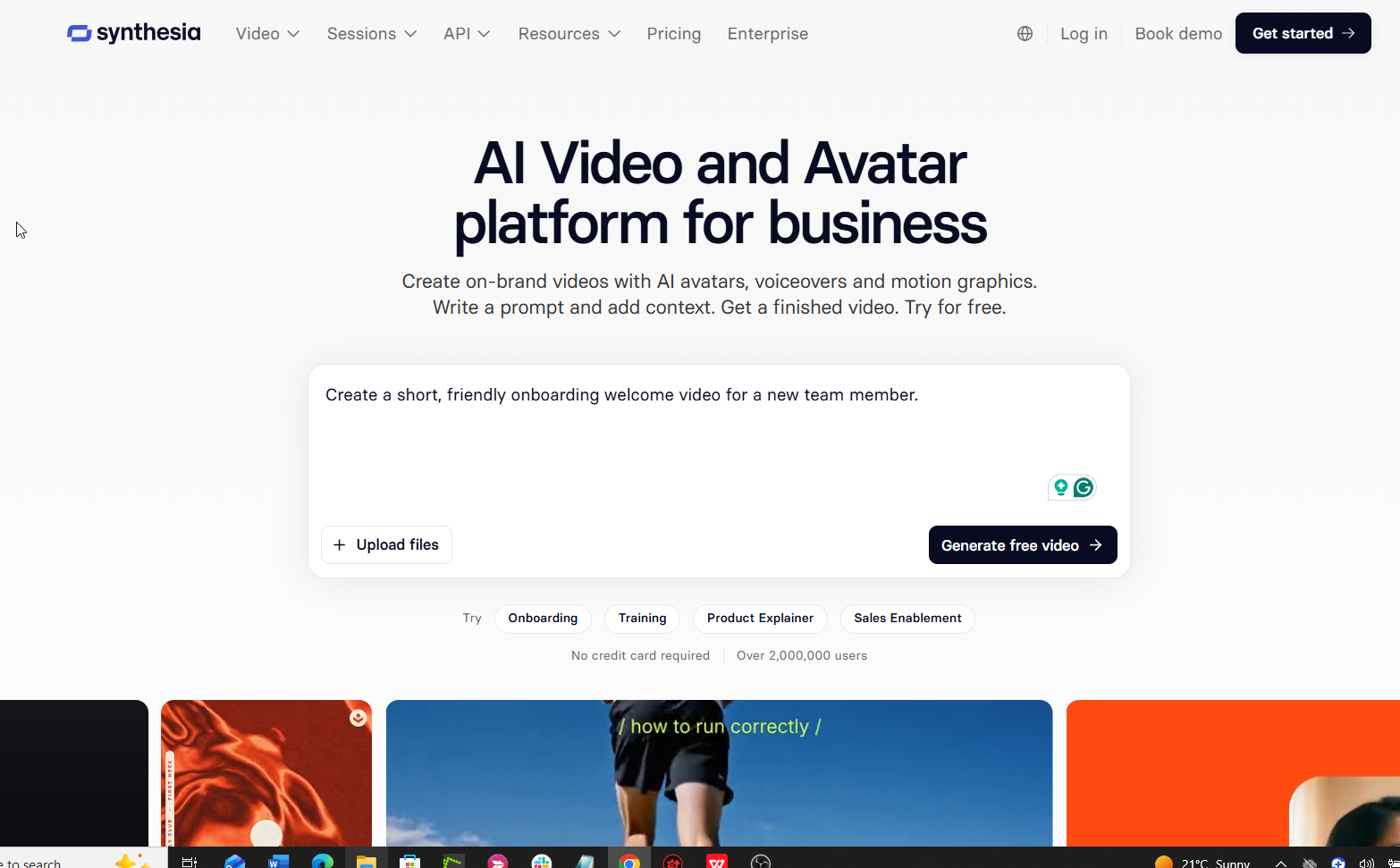
Synthesia is the pick when your main output is presenter-led training and explainer video, at $19 per month on the Starter plan with monthly billing. It turns a script into a video with an avatar presenter, and the plans are built around how many minutes of video and dubbing you get each month.
It is for teams that make the same kind of video on a schedule. Onboarding modules, product walkthroughs and internal training all fit. If your videos are short, regular and script-led, the minute allowances are easy to plan around.
Pricing: The plans below come from Synthesia's pricing page. The minute allowances shown are for monthly billing.
| Plan | Monthly Billing | Annual Billing | What It Includes |
|---|---|---|---|
| Basic | Free | Free | Free plan to test the tool |
| Starter | $19 per month | $14 per month ($168 a year) | 125+ avatars, up to about 12 minutes of video and 16 minutes of dubbing per month |
| Pro | $89 per month | $59 per month ($708 a year) | 180+ avatars, up to about 60 minutes of video and 78 minutes of dubbing per month |
| Enterprise | Custom | Custom | Unlimited minutes, SSO, higher API rate limits |
Free tier: The Basic plan costs nothing, which makes it the cheapest way to run a one-video test before you commit.
Strengths:
- A free plan exists, so you can judge the output on your own script first.
- Dubbing minutes sit inside the plan, so a translated version does not need a second tool.
- The avatar library grows from 125+ on Starter to 180+ on Pro.
- Enterprise adds SSO and higher API rate limits for teams with security and automation needs.
Trade-offs:
- Starter allows only up to about 12 video minutes a month on monthly billing, which a weekly training programme can burn through quickly.
- The jump from Starter to Pro is large, from $19 to $89 a month on monthly billing.
- Unlimited minutes only arrive on Enterprise, which is priced by quote.
Key capabilities:
- Avatar presenters driven by a script.
- Monthly dubbing minutes on Starter and Pro.
- 125+ avatars on Starter and 180+ on Pro.
- SSO and API access at the Enterprise level.
Good fit:
- Training and enablement teams with steady monthly volume.
- Marketers who explain a product on screen and want a consistent presenter.
- Teams that want dubbing and video production under one subscription.
Not a fit:
- Anyone who needs live, two-way video.
- Teams whose starting point is a long recording rather than a script.
- Buyers who need more than about 60 minutes a month and cannot buy an Enterprise plan.
The limitation that matters most is the minutes cap, because the Starter plan covers only about 12 minutes of finished video a month.
2. Colossyan: Best For Translated Avatar Video
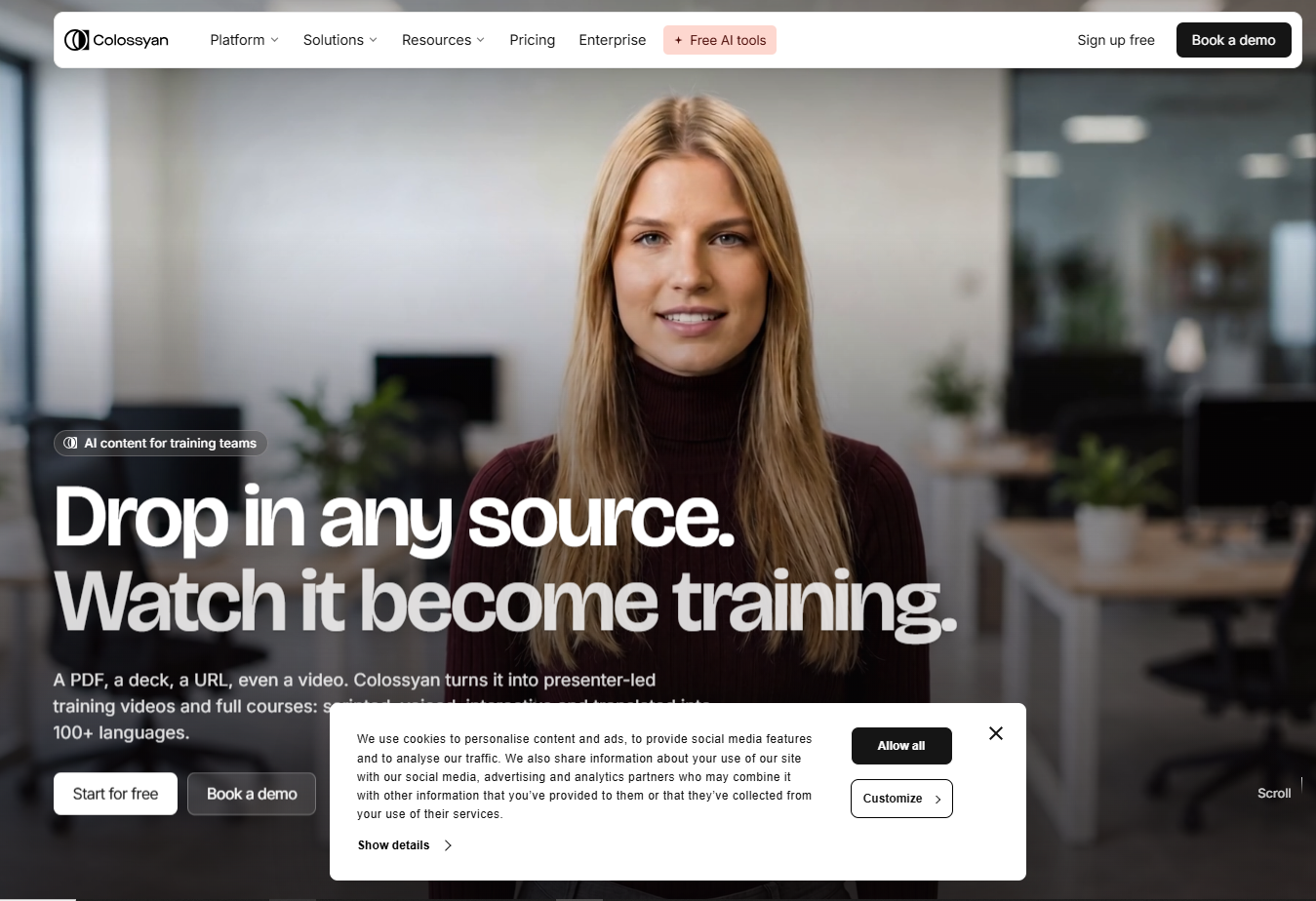
Colossyan is the pick when translations per month decide the choice, with Professional at $59 per month on annual billing including 20 auto-translations a month. It builds avatar video and puts translation allowances on every listed plan, the free one included.
It is for teams that make one video and need it in several languages. Training teams that roll out the same module across regions are the obvious case. If you also want a wider view of avatar tools built for multilingual work, our guide to AI avatar tools for multilingual marketing is the next step.
Pricing: The plans below come from Colossyan's pricing page. The Professional price shown is for annual billing.
| Plan | Price | What It Includes |
|---|---|---|
| Starter | Free | 20 minutes a month of NEO avatar video, 15 custom avatars, 3 voices, 15 auto-translations a month, 20-minute video limit |
| Professional | $59 per month, annual billing | 30 minutes a month of NEO, 20 custom avatars, 5 voices, 20 auto-translations a month, watermark removal, up to 1080p, 30-minute video limit monthly or 50 minutes yearly, up to 3 editors |
| Enterprise | Custom | Unlimited NEO minutes and auto-translations, SOC 2 Type II, SSO |
Free tier: The Starter plan is free and includes 20 minutes of NEO avatar video a month, so you can test translation before paying.
Strengths:
- Auto-translations are part of every listed plan, so localisation is not an add-on.
- Professional removes the watermark and exports up to 1080p.
- Professional covers up to 3 editors, which suits a small content team.
- Enterprise adds SOC 2 Type II and SSO for security reviews.
Trade-offs:
- Professional gives 30 minutes of NEO video a month, which is modest for a large library.
- Extra editors beyond the first 3 cost $30 per month each.
- The $59 Professional price is shown for annual billing, so the monthly cost of staying flexible is not on that page.
Key capabilities:
- 15 to 20 auto-translations a month on the Starter and Professional plans.
- Custom avatars, 15 on Starter and 20 on Professional.
- 3 voices on Starter and 5 on Professional.
- Unlimited NEO minutes and auto-translations on Enterprise.
Good fit:
- Training and enablement teams localising one module into several languages.
- Small content teams of up to 3 editors.
- Buyers who need SOC 2 Type II and SSO and are ready to talk to sales.
Not a fit:
- Teams that already hold finished footage and only need it dubbed.
- Anyone who needs live conversational video.
- Teams that make more than 30 minutes of NEO video a month without an Enterprise budget.
The limitation that matters most is video length and volume, with a 30-minute video limit on monthly billing and 30 NEO minutes a month on Professional.
3. Pictory: Best For Turning Blogs And Recordings Into Video
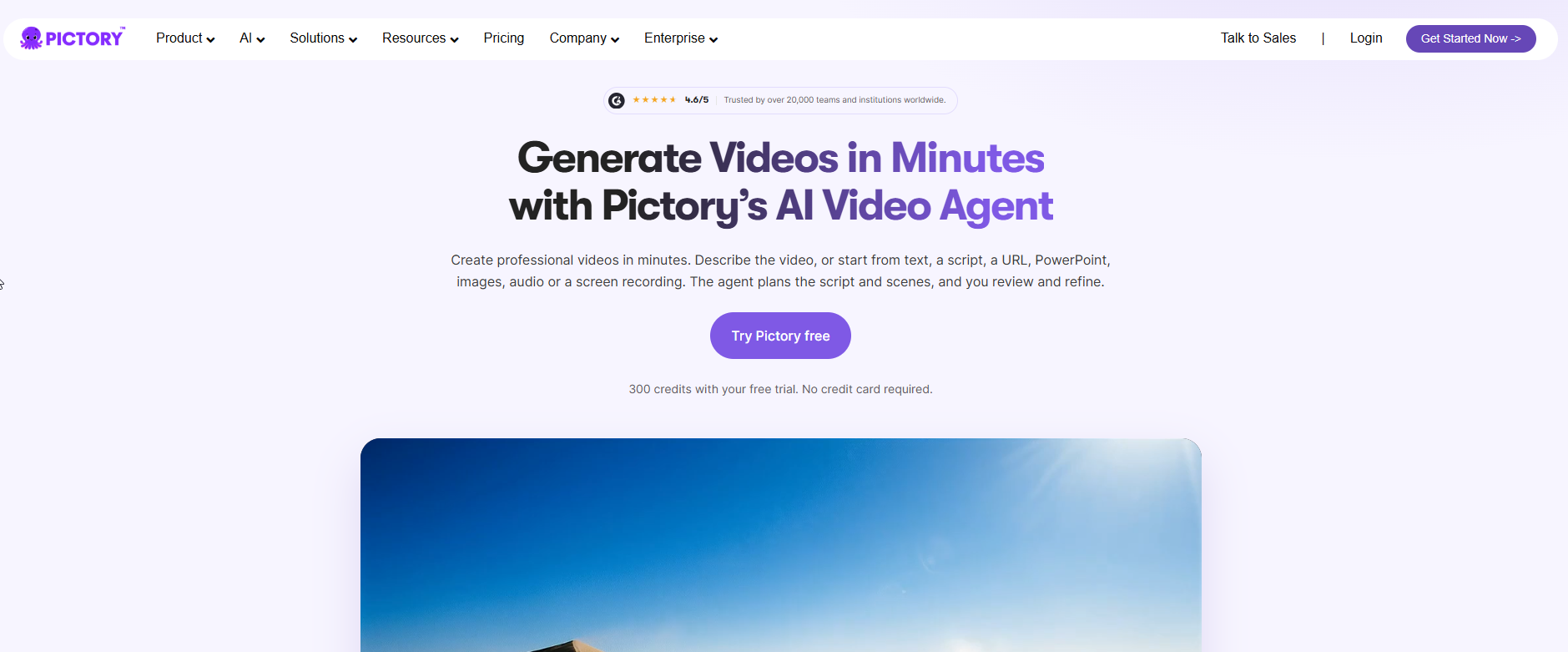
Pictory starts from a script, blog post or recording rather than a presenter, and it begins at $29 per month on Starter with monthly billing. It is credit-metered text-to-video, which means your allowance is spent on what you generate.
It is for marketers sitting on a library of written content. If you have a blog archive and no video, this is the tool that treats the archive as raw material. Teams still building that archive can look at our SaaS content marketing work, since the written programme is what Pictory repurposes. For long recordings that need cutting down, AI clip generators matched to your source video are worth a look too.
Pricing: The plans below come from Pictory's pricing page, with monthly and annual prices shown side by side.
| Plan | Monthly Billing | Annual Billing | What It Includes |
|---|---|---|---|
| Starter | $29 per month | $25 per month | Stock avatars and AI voices, 2,000 credits a month (up to 30 minutes) on monthly billing or 24,000 credits a year (up to 360 minutes) on annual billing |
| Professional | $59 per month | $35 per month | Adds cloned avatars, voice clones and 5 brand kits |
| Teams | $199 per month | $119 per month | Team plan, see the vendor page for allowances |
| Enterprise | Custom | Custom | Custom plan |
Strengths:
- It starts from text, so a finished blog post is already half a video.
- Annual billing cuts the Starter price from $29 to $25 per month, and Professional from $59 to $35.
- Professional adds cloned avatars, voice clones and 5 brand kits, which keeps a series looking consistent.
- Starter annual billing includes up to 360 minutes a year, a large ceiling for the price.
Trade-offs:
- Everything is metered in credits, so a per-minute price depends on how you use them.
- Starter comes with stock avatars rather than a presenter you have built around your brand.
- Cloned avatars and voice clones need Professional.
Key capabilities:
- Text-to-video from a script or a blog post.
- Stock avatars and AI voices on Starter.
- Cloned avatars, voice clones and 5 brand kits on Professional.
- Monthly or annual billing on every self-serve plan.
Good fit:
- Content teams with a blog archive to turn into video.
- Marketers who repurpose recordings and written assets in volume.
- Buyers who want to pay annually for a lower monthly price.
Not a fit:
- Teams that want a presenter-first product with a recurring on-screen host.
- Buyers who need a single fixed price per finished minute.
- Anyone who needs live conversational video.
The limitation that matters most is the credit meter, which makes cost per finished minute depend on your usage rather than a flat rate.
4. Rask.ai: Best For Localising Footage You Already Have
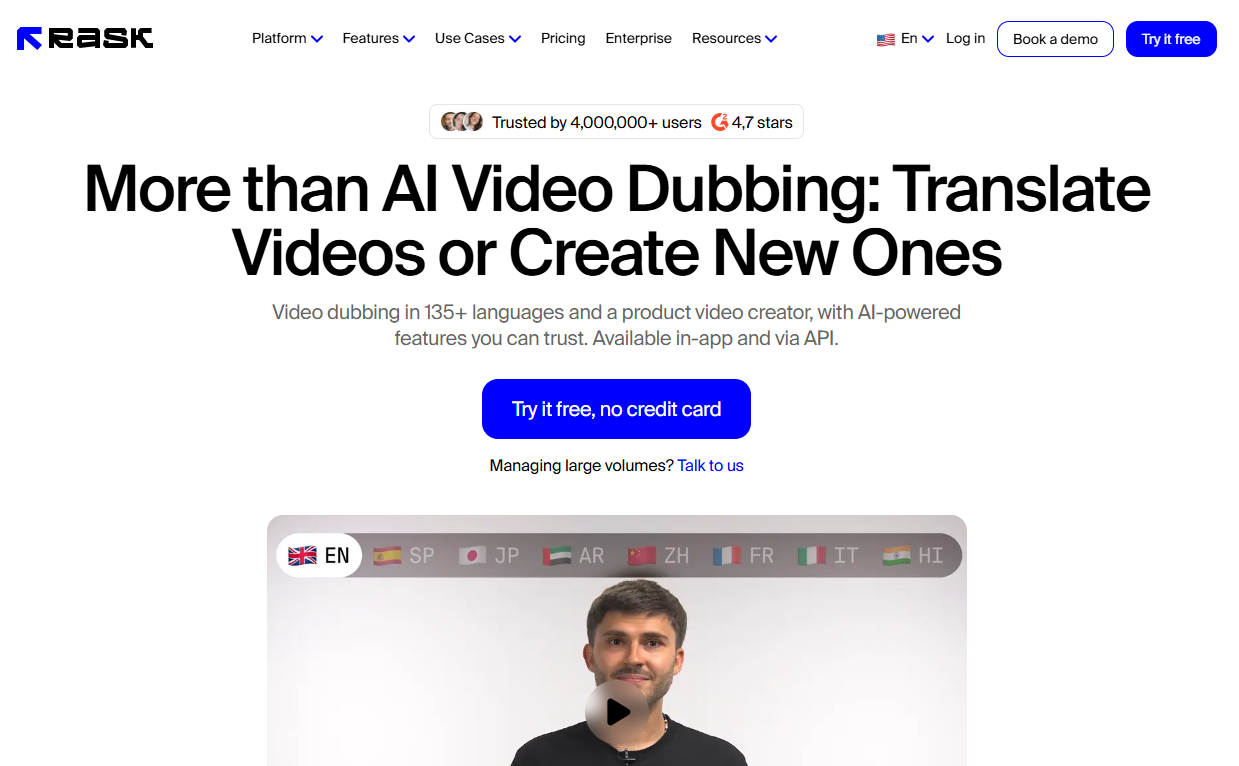
Choose Rask.ai when the video already exists and the job is translation, not new avatar content. That is Rask.ai's stated position, and it separates it from the avatar generators above. Rask.ai localises existing footage rather than generating new avatar video.
It is for teams that already have a library of recorded videos and need them in other languages. Webinar recordings, product demos and customer stories fit. The choice you face is simple. If the footage exists, localise it. If it does not, generate it with one of the avatar tools.
Pricing: Pricing on request. Check the Rask.ai site for current plans, because no price was verified for this article.
| Plan | Price | Best For |
|---|---|---|
| All plans | Pricing on request | Localising existing footage |
Strengths:
- It is built around the case of footage you already own, so you do not need to rebuild videos as avatar content.
- It keeps the job narrow, which makes the tool easy to evaluate with a single existing video.
Trade-offs:
- It is not a generator for new avatar video, so it cannot replace Synthesia or Colossyan for fresh scripts.
- You need finished footage before it is useful.
Key capabilities:
- Localisation of existing footage.
- A focus on translation as the job, rather than avatar creation.
- A dedicated option for the dubbing step in a video workflow.
Good fit:
- Teams with a back catalogue of recorded video to translate.
- Marketers who localise webinars, demos and customer stories.
- Buyers who already produce video in-house and only need the language layer.
Not a fit:
- Teams that have no footage and need to create videos from a script.
- Buyers who need live, two-way video.
- Anyone who needs a published price today to build a budget.
The limitation that matters most is that the price was not verified for this article, so confirm it on the vendor site before you plan around it.
5. Tavus: Best For Real-Time Conversational Video
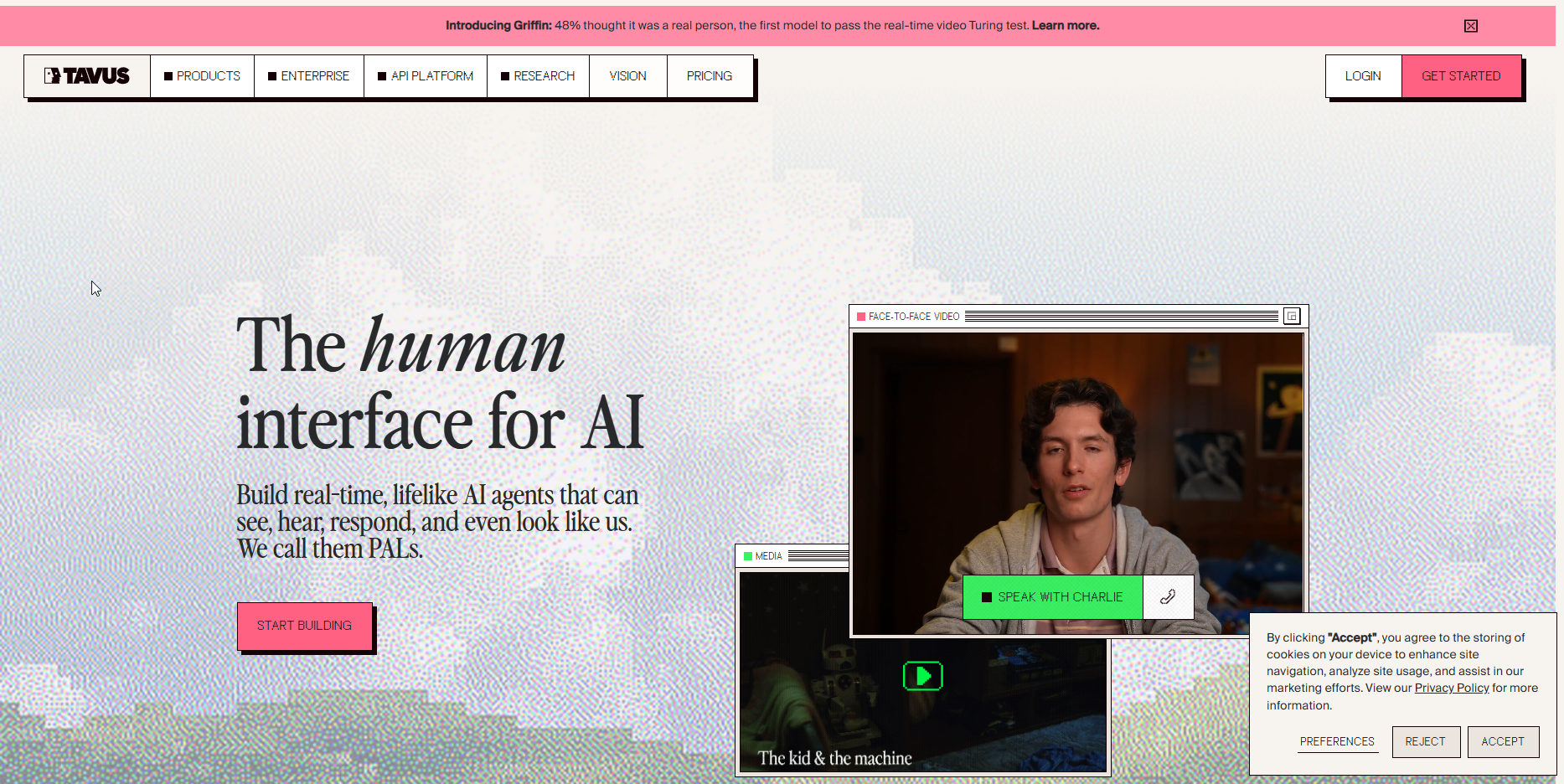
Tavus is built for live, two-way video rather than rendered clips. That is how Tavus positions itself, and it puts the tool in a different category from every other profile in this guide.
Studio-produced avatar video is made in advance. You write a script, render the video and publish it. Live conversational video responds to the person watching it. If your use case is a conversation rather than a broadcast, that difference decides the choice.
It is for teams exploring interactive experiences, where the viewer talks and the video answers. It is not the tool for a monthly training library.
Pricing: Pricing on request. Check Tavus's own HeyGen alternatives page and the vendor site for current plans, because no price was verified for this article.
| Plan | Price | Best For |
|---|---|---|
| All plans | Pricing on request | Real-time conversational video |
Strengths:
- It targets live interaction, which rendered-clip tools do not attempt.
- It gives you a different category of tool to test if rendered video has not worked.
Trade-offs:
- It is positioned for conversation, so it is a poor value for simple scripted explainers.
Key capabilities:
- Real-time conversational video.
- A two-way format in place of studio-produced avatar clips.
Good fit:
- Teams building interactive video experiences.
- Product teams testing conversational formats.
- Buyers for whom a rendered clip does not do the job.
Not a fit:
- Teams that need a library of scripted training videos.
- Buyers who want to translate existing footage.
- Anyone who needs a verified price before a first conversation.
The limitation that matters most is that only the vendor's positioning is verified here, so check the price and the product on the vendor site before you plan around it.
📋 Get Listed / Advertise
We update this guide monthly. Want your tool featured? Contact: [email protected].
Which HeyGen Alternative Fits Your Job
Match the tool to the constraint that decides your work. Here is the rule in five lines.
- If you make presenter-led training or explainer video, choose Synthesia, because the plans are built around monthly video and dubbing minutes.
- If you need one video in many languages, choose Colossyan, because auto-translations sit in every listed plan, including the free one.
- If you start from blog posts, scripts or recordings, choose Pictory, because it turns text into video and bills in credits.
- If the footage already exists, choose Rask.ai, because it localises existing video rather than generating new avatar content.
- If the video must talk back, choose Tavus, because it is built for live, two-way video.
Two cases fall outside the list. If your job is cutting and polishing recorded footage rather than generating anything, AI video editors for your footage are the closer match. And if you do not want an on-camera avatar at all, Pictory and Rask.ai start from a script or from footage you already have.
If two jobs apply, pick the one that costs you the most hours each month. A tool that saves ten hours on your main job is worth more than one that is slightly better at your side job.
Growth Tribune keeps a fuller guide to AI video tools for B2B marketing if your videos are aimed at software buyers.
Once you have picked a tool, the harder question is whether anyone finds the videos. The GEO + SEO Growth Programme covers search and AI answer visibility for the pages the videos sit on, so the work you put into production gets seen.
What HeyGen Does And Why People Look Elsewhere
HeyGen is an AI video tool that turns a script into a video with an avatar presenter, and people look at alternatives when its credits and plan limits stop matching their volume. The plans below come from HeyGen's pricing page.
- Free plan: Three watermarked videos a month, each up to one minute.
- Creator: $29 a month, with 600 credits and a 30-minute maximum per video.
- Business: $149 a month plus $20 per extra seat, with a 60-minute maximum per video.
- Enterprise: By quote.
The cost complaint is consistent. Costs rise with heavy use, and faster processing needs a pricier plan. That is the pattern to watch in any credit-based tool. The headline price looks fine, and the bill follows your volume.
HeyGen still wins in places. Its Business plan allows a 60-minute maximum per video, while Colossyan's Professional plan sets a 30-minute video limit on monthly billing. If you produce long single videos, that gap matters. The free plan is also a quick way to see the output before you pay, although three watermarked one-minute videos will not show you how a tool behaves at real volume.
So the honest answer is that HeyGen is a fair default and a poor fit for a narrow job. If your work is translation, repurposing or live video, a specialist will usually do that job with less friction. If your work is long avatar videos at moderate volume, HeyGen deserves a place in the test.
How To Evaluate A HeyGen Alternative
Do not compare feature lists. Compare how each tool behaves on your own video. Work through these criteria in order.
- The job. Write down the one kind of video you make most. If a tool does not name that job as its focus, drop it before you look at price.
- The metered unit. Find out whether the plan meters credits, minutes or seats. Cinerads' HeyGen alternatives roundup reports that avatar tools charge per credit or per minute, and that premium avatars use up allowances quickly, so check what a premium avatar costs in allowance before you trust a headline number.
- Length limits. Check the maximum length of a single video. Colossyan Professional sets a 30-minute limit on monthly billing, and HeyGen Business allows 60 minutes per video.
- Languages. Check that your languages are supported on the plan you would buy. Language lists were not collected for this guide, so confirm yours on the vendor page.
- Watermark and resolution. Look at what the free and entry plans put on the output. Colossyan removes the watermark and exports up to 1080p on Professional, and HeyGen's free plan produces watermarked videos.
- Voice and likeness. If you need your own voice or a cloned presenter, find the plan that includes it. Pictory adds voice clones and cloned avatars on Professional, and our guide to AI video software with voice cloning goes deeper.
- Security. If your buyer's security team will review the tool, check for SSO and compliance. Synthesia Enterprise offers SSO, and Colossyan Enterprise offers SOC 2 Type II and SSO.
- The free tier as a test. Use any free plan for a trial, not for production. Synthesia's Basic and Colossyan's Starter are both free.
Then run a one-video test before you pay. Take one real script and one real piece of footage. Build the same video in two tools. Time the work, check the output at the resolution you will publish at, and note how much allowance the video used. Billing choice comes last. Annual billing lowers the monthly price on Synthesia, where Starter drops from $19 to $14 a month, so pay monthly during the test and switch to annual once you know your volume.
What A Finished Minute Of Video Costs On Each Plan
Cost per finished minute is the plan price divided by the minutes the plan includes. That one sentence beats any headline price, because a cheap plan with few minutes can cost more per minute than a dear plan with many.
Here is the arithmetic for the plans where the vendor states minutes. Every input comes from the vendor's pricing page.
- Synthesia Starter: $19 a month divided by up to about 12 minutes of video is roughly $1.58 per minute on monthly billing, using the plan on Synthesia's pricing page.
- Synthesia Pro: $89 a month divided by up to about 60 minutes of video is roughly $1.48 per minute on monthly billing, from the same Synthesia pricing page.
- Colossyan Professional: $59 a month on annual billing divided by 30 NEO minutes is roughly $1.97 per minute, using Colossyan's pricing page.
| Plan | Price | Included Minutes | Roughly Per Minute |
|---|---|---|---|
| Synthesia Starter | $19 per month, monthly billing | Up to about 12 | $1.58 |
| Synthesia Pro | $89 per month, monthly billing | Up to about 60 | $1.48 |
| Colossyan Professional | $59 per month, annual billing | 30 NEO minutes | $1.97 |
Notice what the table says. Synthesia Pro costs more per month than Starter and less per minute. If you will use the extra minutes, the bigger plan is cheaper. If you will not, you are paying for air.
Divide the price by your own volume, not the plan's ceiling. If you make 8 minutes a month, a plan with a 60-minute ceiling costs you a lot more per finished minute than the table suggests. The figures above are the best case, where you use every included minute.
Some tools cannot be compared this way. Pictory and HeyGen meter in credits, so a per-minute figure depends on how many credits each video uses. Pictory's Starter plan lists up to 30 minutes on 2,000 monthly credits, and that is a ceiling. HeyGen's Creator plan lists 600 credits, and the page does not give a minutes figure to divide by. Rask.ai and Tavus show no verified price here, so no calculation is possible for them.
You will also see different prices for the same tool from one roundup to the next. Cinerads' roundup found that several roundups still quote Synthesia and Colossyan prices that differ from the vendor pricing pages. Plans change, and old articles do not. That is why every price in this guide comes from the vendor.
If you are comparing tools to decide where to spend, remember that cost and comparison pages are the kind of decision-stage content that brings enquiries. Buyers read them just before they choose.
Localisation And Dubbing: What The Plans Include
Translation allowances differ by plan, and they use different units. Synthesia counts dubbing minutes. Colossyan counts auto-translations. That means you cannot compare them one for one until you know how long your videos run.
| Tool | Plan | Translation Allowance | Billing Basis |
|---|---|---|---|
| Synthesia | Starter | 16 minutes of dubbing per month | Minutes, monthly billing |
| Synthesia | Pro | 78 minutes of dubbing per month | Minutes, monthly billing |
| Colossyan | Starter | 15 auto-translations a month | Translations per month |
| Colossyan | Professional | 20 auto-translations a month | Translations per month |
| Colossyan | Enterprise | Unlimited auto-translations | Custom plan |
| Rask.ai | Dedicated localisation tool | Pricing on request | Not verified |
Read it as follows. If your videos are short and numerous, Colossyan's count of translations suits you. If your videos are long and few, Synthesia's dubbing minutes suit you. The plans for Synthesia and Colossyan are on the vendors' own pages.
A dedicated translation tool makes sense when the source video already exists, and a generator makes sense when it does not. That is the line between Rask.ai and the others. If your whole job is dubbing finished footage, our comparison of AI video translators with lip-sync is the better starting point.
Language lists and regional availability were not collected for this guide, so check the vendor page for your language before you buy. The same applies to multilingual pages. Content in several languages only helps if it can be found, which is the work behind generative engine optimisation.
FAQs
Does HeyGen Still Have Advantages Over Its Alternatives?
Can I Use These Tools Without An On-Camera Avatar?
Is There A Free HeyGen Alternative?
Why Do Roundups Quote Different Prices For The Same Tool?
What Should I Test First?
Can I Run Two Tools In One Workflow?
Which Alternative Suits A Team That Needs SSO And Security Controls?
Should I Pay Monthly Or Annually For An AI Video Tool?
Can One Tool Cover Avatars, Translation And Repurposing?
If you want a second opinion on which tool fits your content plan, book a free 30-minute call. One of the founders takes it, and you leave knowing what we would test first.