

Check your sending domain and IP against a free multi-list checker first, because a one-off lookup answers whether you are listed today. Pay for continuous monitoring only if several domains or IPs send daily and a listing must be caught the same day. Most small outreach teams need the free check plus a cheap alert, not a platform.
The one-off check is enough when a domain or IP is newly set up or after a single bounce spike. Monitoring earns its cost once several domains or IPs send every day.
A clean blacklist result does not prove inbox placement. Authentication, complaint rates and content cause delivery problems that no blacklist lookup shows.
A listed sending domain is rarely the only technical problem a team has. If your website needs the same check, TRM's technical SEO and AI readiness work covers it.
📋 Get Listed / Advertise
We update this guide monthly. Want your tool featured? Contact: [email protected].
Email Blacklist Tools At A Glance
The split that matters is one-off check versus monitoring, so the table marks which job each of the five tools does.
| Tool | Best For | One-Off Check Or Monitoring | Free Option | Published Price |
|---|---|---|---|---|
| MXToolbox | Free checks with wide list coverage | One-off check | Free check across over 100 DNS-based blacklists | Not verified here, check the vendor site |
| Sendmarc | Checks tied to DMARC monitoring | One-off check, plus DMARC-linked monitoring | Free blocklist checker for IPs and domains | Not verified here, check the vendor site |
| Montastic | Teams already running uptime checks | Free checker, plus paid automatic monitoring | Free plan and free checker | Free, then $5 to $49 per month |
| Xitoring | Alerts routed to Slack or PagerDuty | Uptime monitoring with alert channels | Email alerts on all plans | From $4.99 per month |
| Warmy | Shortlisting a monitoring service | Monitoring, detail to confirm | Not verified here, check the vendor site | Not verified here, check the vendor site |
Montastic lists plans from free to $49 a month on its pricing page, and Xitoring starts at $4.99 a month on its pricing page. Both are uptime monitoring plans. Neither page lists blacklist monitoring, so confirm that before you pay for either.
The honest read of this table is that free checkers are plentiful and paid blacklist monitoring is poorly documented. Two of the five vendors publish prices at all, and neither of those two states what blacklist coverage the price buys. That gap shapes every recommendation below.
1. MXToolbox: Best For Free Checks With Wide List Coverage
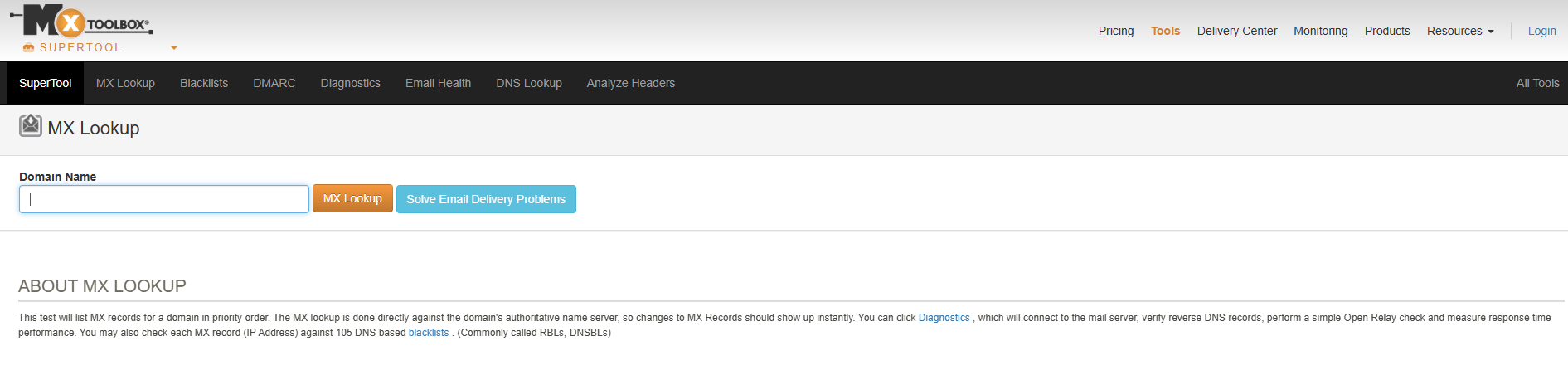
What it does: MXToolbox offers a free blacklist check. It covers over 100 DNS-based blacklists, which makes it a sensible first stop when you need to know where you stand today. A lookup diagnoses. It does not watch your sending assets afterwards or alert you when a new listing lands.
Who it is for: Anyone who needs an answer now. A founder sending from one new domain, a sales-ops lead chasing a bounce spike, or a consultant checking a client's setup will all get what they need without paying or signing up for anything.
Pricing: The free check costs nothing. No other MXToolbox plan is priced in this guide.
| Plan | Price | Billing Basis | What It Includes |
|---|---|---|---|
| Free blacklist check | Free | No billing | One-off lookup across over 100 DNS-based blacklists |
Free tier: The one-off check is free.
Strengths:
- Coverage: The free check spans more than 100 DNS-based lists, so one lookup replaces a long round of manual visits.
- Speed: You get a listed or not-listed answer in one pass, which is all a bounce-spike diagnosis needs.
Trade-offs:
- No alerting from the free check: You find out about a listing only when you look.
- No monitoring covered here: This guide verifies the free lookup only, so monitoring is a question for the vendor.
- Wide is not the same as relevant: A hit on an obscure list may matter less than one on a list your recipients actually consult.
Key capabilities:
- Free check across over 100 DNS-based blacklists
Good fit:
- Teams with one or two sending assets
- Anyone diagnosing a sudden drop in delivery
- Readers who want a free baseline before spending anything
Not a fit:
- Teams sending daily from several domains or IPs who need same-day alerts from the free product
- Readers who need a published monitoring price to budget against
The free check is a snapshot, so it tells you where you stand today and nothing about tomorrow.
2. Sendmarc: Best For Checks Tied To DMARC Monitoring
What it does: Sendmarc's free blocklist checker takes an IP address or a domain and shows the blocklist status along with the listing detail. Sendmarc also describes blocklist monitoring alongside its DMARC work, so the checker sits in front of a wider authentication product.
Who it is for: Teams that are already working on DMARC, or about to be. If you are fixing SPF, DKIM and DMARC alignment, a checker from the same vendor keeps authentication and listing questions in one place. If you are comparing options on the DMARC side, our guide to DMARC monitoring tools lays them out.
Pricing: No price is given for Sendmarc in this guide. Check the vendor site.
| Plan | Price | Billing Basis | What It Includes |
|---|---|---|---|
| Free blocklist checker | Free | No billing | IP and domain lookup showing blocklist status and listing detail |
| DMARC-linked monitoring | Not verified here | Not verified here | Blocklist monitoring described alongside DMARC |
Free tier: The checker for IPs and domains is free.
Strengths:
- Both asset types: The checker accepts an IP or a domain, so you can test both sides of your sending setup.
- Listing detail: The result shows detail about each listing, not just a yes or no, which helps you decide what to fix.
- DMARC context: Monitoring is described next to DMARC, which suits teams already tightening authentication.
Trade-offs:
- Monitoring detail is thin: The checker page describes monitoring, but the specifics of what is checked and how often are not published there.
- No price to plan with: This guide could not verify one.
- Built around DMARC: If you do not need DMARC tooling, you are looking at a free checker and little else.
Key capabilities:
- Free blocklist status check for IPs and domains
- Listing detail shown with each result
- Blocklist monitoring described alongside DMARC
Good fit:
- Teams already working on DMARC
- Anyone who wants a free checker that covers IPs and domains
- Readers who prefer one vendor for authentication and listing questions
Not a fit:
- Teams that want a stand-alone blacklist monitor with a published price
- Teams that need a stated list count before they commit
Coverage and check interval for the monitoring side are not on the checker page, so you are judging it blind until Sendmarc answers.
3. Montastic: Best For Teams Already Running Uptime Checks
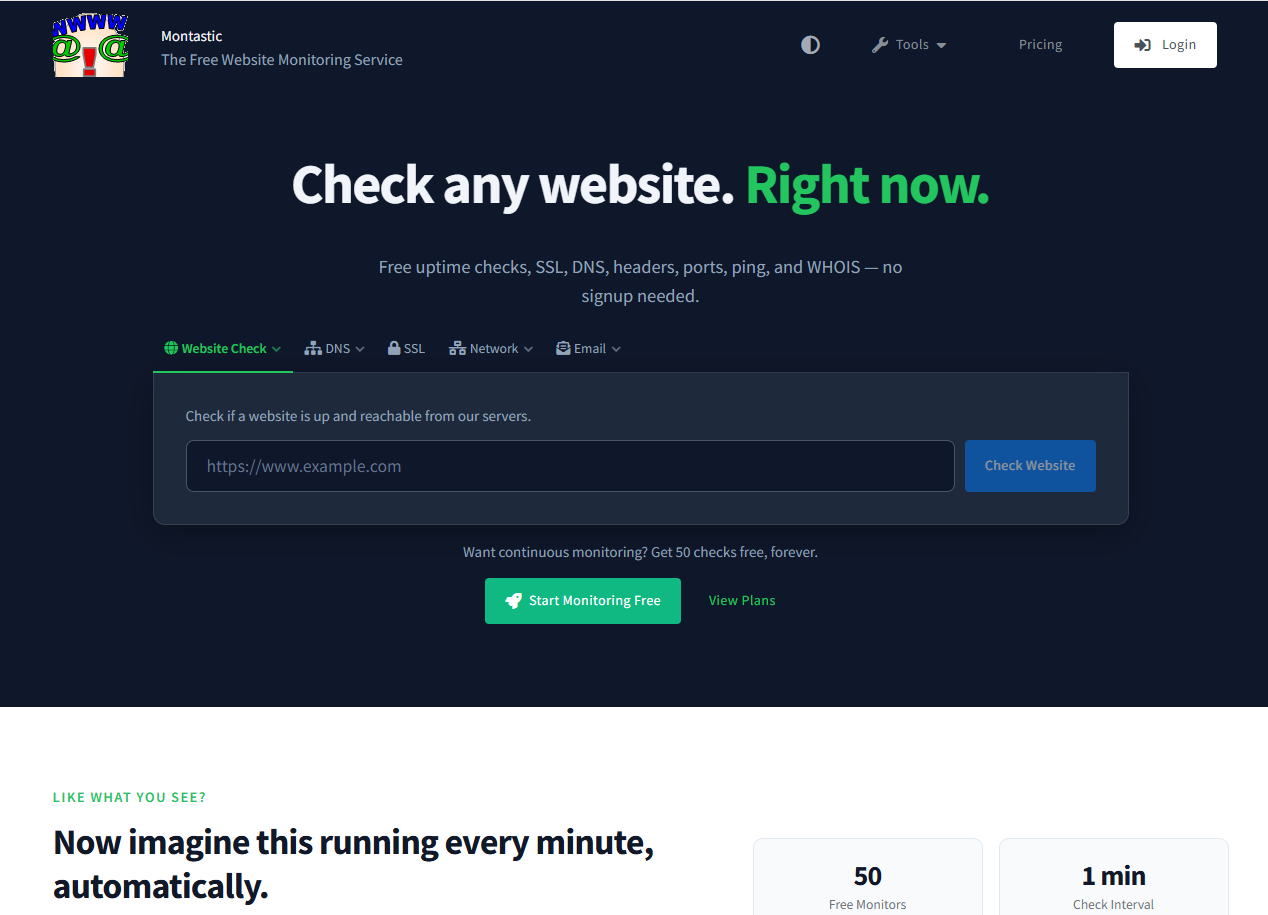
What it does: Montastic is an uptime and website monitoring service. Its free blacklist checker describes automatic monitoring as the paid product, and the checker requires JavaScript to run. The number of blacklists it checks is not published on the page.
Who it is for: Teams that already watch websites and endpoints and want blacklist checks in the same tool. If Montastic is on your stack, adding a sending domain to it costs little. If it is not, there is no reason to adopt it for blacklist work alone until the vendor confirms the monitoring tier.
Pricing: The plan table below comes from the vendor's pricing page.
| Plan | Price | Billing Basis | What It Includes |
|---|---|---|---|
| Free | Free | No billing | 50 checkpoints, 5 minute frequency, 1 notify seat, 1 status page, 20 subscribers |
| Team | $5 | Per month | 15 checkpoints, 1 minute frequency, 3 notify seats, 1 webhook, 1 status page |
| Business | $10 | Per month | 50 checkpoints, 1 minute frequency, 5 notify seats, 50 SMS per month, 3 webhooks |
| Enterprise | $19 | Per month | 100 checkpoints, 1 minute frequency, 9 notify seats, 150 SMS, 5 webhooks, 2 status pages |
| Enterprise Plus | $29 | Per month | 200 checkpoints |
| Enterprise Max | $49 | Per month | 500 checkpoints |
Montastic's pricing page shows the Free, Team ($5 a month) and Business ($10 a month) plans above, and its plan table does not list blacklist monitoring as an included feature. Confirm that the plan you pick includes it before you pay.
Free tier: A free plan exists, and the blacklist checker is free to use.
Strengths:
- Low entry prices: Paid plans start at $5 a month and the top published plan is $49.
- One-minute checks: Paid plans run at a one minute frequency, which suits anything that must be noticed quickly.
- Webhooks and SMS: Higher plans add webhooks and SMS alerts, so notifications can reach the people who need them.
Trade-offs:
- Blacklist monitoring is not in the plan table: You are buying uptime checkpoints, and the blacklist part has to be confirmed.
- Coverage count unknown: The page does not say how many blacklists the checker covers.
- JavaScript required: The free checker will not run without it.
Key capabilities:
- Uptime checkpoints at one to five minute frequency
- Notification seats, SMS and webhooks on paid plans
- Status pages and subscribers
- A free blacklist checker, with automatic monitoring described as the paid product
Good fit:
- Teams already using Montastic for uptime
- Budget-conscious teams who want a cheap alert layer
- Readers happy to confirm the blacklist tier with the vendor first
Not a fit:
- Teams that need a documented, stated list count
- Teams that want blacklist monitoring written into the plan table
The missing line in the plan table is the whole problem, so find out whether your plan monitors blacklists at all.
4. Xitoring: Best For Alerts Routed To Slack Or PagerDuty
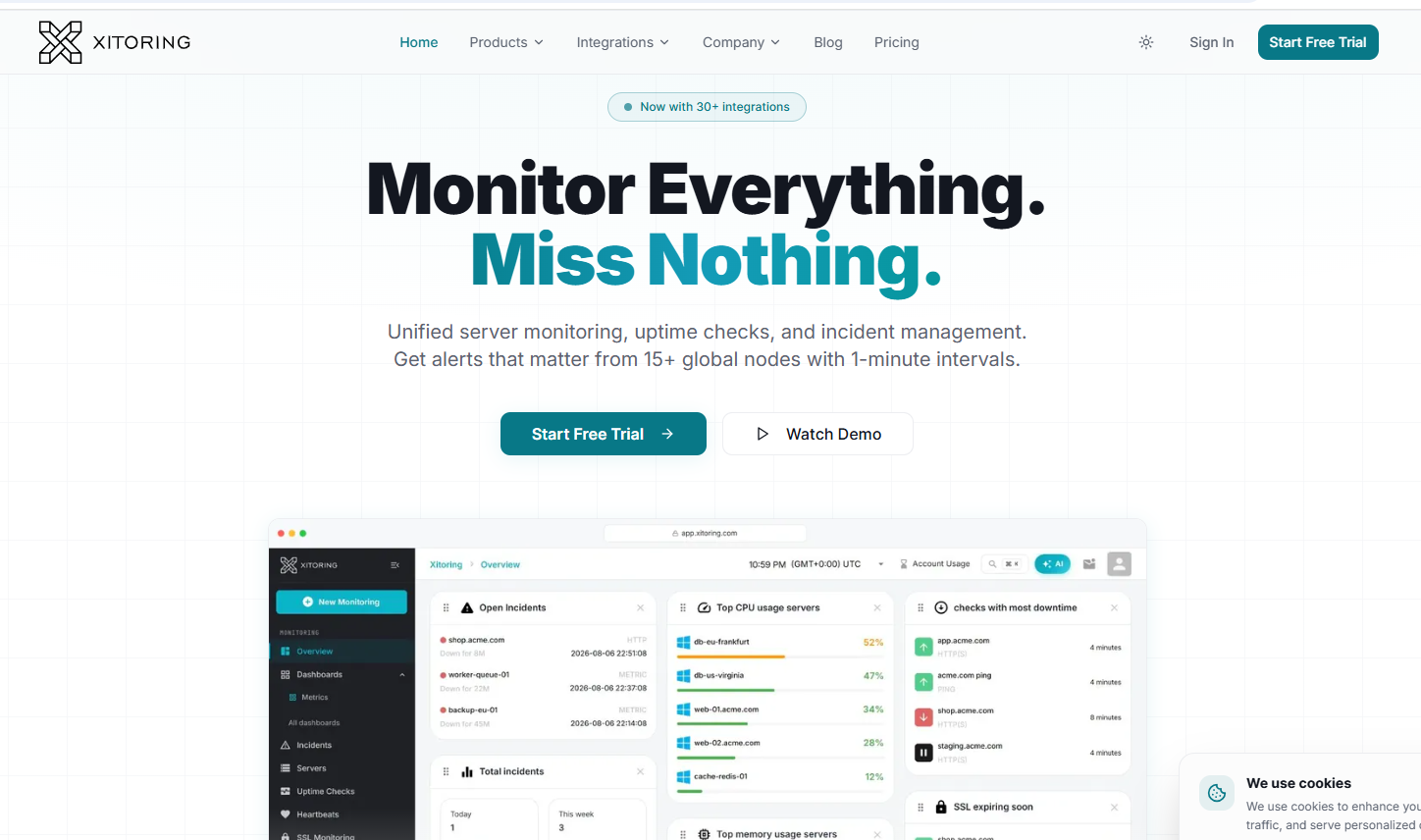
What it does: Xitoring is an infrastructure monitoring service built around uptime monitors and alert routing. Xitoring's pricing page shows email alerts on all plans, and Slack, Teams, Discord, Telegram, PagerDuty, OpsGenie, WhatsApp, SMS, calls and webhooks on paid plans. Blacklist monitoring is not mentioned in any plan on that page.
Who it is for: Infrastructure-minded teams that already live in Slack or PagerDuty and want every alert in the same place. If your deliverability person is also your engineer, that routing is the draw.
Pricing: The plans below come from the vendor's pricing page, and they are uptime monitor plans.
| Plan | Price | Billing Basis | What It Includes |
|---|---|---|---|
| Solo | $4.99 | Per month | 20 uptime monitors, 1 minute interval, 20 SMS or calls per month |
| Starter | $9.99 | Per month | 50 monitors, 1 minute interval |
| Pro | $19.99 | Per month | 120 monitors, 1 minute interval |
| Business | $34.99 | Per month | 300 monitors, 1 minute interval |
| Business+ | $64.99 | Per month | 1000 monitors, 1 minute interval |
The Solo plan is $4.99 a month on the Xitoring pricing page, and every plan runs at a one minute interval. Because the page does not mention blacklist monitoring in any plan, treat the price as the cost of the alert layer and ask whether blacklist checks are available.
Free tier: Email alerts come on all plans. A free checker is not confirmed in the research behind this guide.
Strengths:
- Alert routing: Slack, Teams, Discord, Telegram, PagerDuty and OpsGenie are all listed, so alerts land where your team already works.
- Low starting price: The Solo plan is $4.99 a month.
- One minute interval: Every published plan checks at that interval.
Trade-offs:
- Blacklist monitoring is not stated on any plan: The pricing page is silent on it.
- Alert channels vary by plan: Slack and PagerDuty are on paid plans only, and email is the one channel every plan gets.
- Built for infrastructure: The plans are measured in uptime monitors, not sending domains or IPs.
Key capabilities:
- Uptime monitors checked at a one minute interval
- Alerts to email, Slack, Teams, Discord, Telegram, PagerDuty, OpsGenie, WhatsApp, SMS, calls and webhooks
- Plans from 20 up to 1000 monitors
Good fit:
- Engineering-led teams that already route alerts through Slack or PagerDuty
- Teams that want to add sender-side checks to an existing monitoring routine
- Readers who will confirm the blacklist tier with the vendor
Not a fit:
- Sales teams that want a ready-made blacklist dashboard
- Anyone who needs a stated blacklist count today
Like Montastic, it leaves blacklist coverage out of the pricing page entirely.
5. Warmy: Best For Teams Shortlisting A Monitoring Service

What it does: Warmy is an email deliverability vendor that publishes a roundup of blacklist monitoring and removal tools on its own blog. That makes it a vendor worth putting on a monitoring shortlist. What its monitoring covers, how it is billed and what it costs are not established in this guide, and the vendor's own site is where those answers live.
Who it is for: Outreach teams that have outgrown free lookups. When several mailboxes send every day, a manual check after each bounce spike is too slow, and a monitor that checks on its own earns its place. Whether Warmy is the right one depends on answers only the vendor can give, so put it next to the other options and ask the same five questions of each.
Pricing: No price is stated for Warmy in this guide. Not verified here, check the vendor site.
| Plan | Price | Billing Basis | What It Includes |
|---|---|---|---|
| Free tier or trial | Not verified here, check the vendor site | Not verified here, check the vendor site | Not established in this guide |
| Monitoring | Not verified here, check the vendor site | Not verified here, check the vendor site | Not established in this guide |
Free tier: Whether a free tier or trial exists is not established here. Check Warmy's own site.
Strengths:
- Monitoring focus: It sits in the category of tools meant to watch for listings, which a free one-off lookup never does.
- Published guidance: The vendor writes openly about how blacklist monitoring and removal work, which helps when you are building your shortlist.
- Suits volume: The reason to shortlist it is daily sending across several mailboxes, where late detection costs replies.
Trade-offs:
- Unverified detail: Plan structure, list coverage and check interval are all unknown from here.
- Overkill for small setups: One domain and one IP do not need a monitoring service.
- Vendor-written comparison: The roundup comes from a company that sells in this space, so read it with that in mind.
Key capabilities:
- Positioned as a blacklist monitoring option
- Aimed at teams sending daily from several mailboxes
- Useful as a benchmark when you compare the other four on your shortlist
Good fit:
- Teams sending every day from several mailboxes
- Teams that need a listing caught the same day
- Readers willing to get a written quote and coverage answer first
Not a fit:
- Teams with one new domain who need a single answer today
- Teams that need a published price before talking to a vendor
The biggest gap is that nothing here pins down what Warmy actually monitors, so get that in writing before it goes anywhere near a budget.
📋 Get Listed / Advertise
We update this guide monthly. Want your tool featured? Contact: [email protected].
One-Off Check Or Continuous Monitoring: A Decision Rule
Use a one-off check when a domain or IP is new or after a single bounce spike, and move to continuous monitoring when several domains or IPs send every day and a listing must be caught the same day. Three things decide it, which are how many domains and IPs you send from, how often they send, and how fast you need to know. The exception is one high-volume asset, where a single IP carrying most of your mail can justify monitoring on its own.
Most teams skip this step and buy the bigger product. Do the sums first. Here are two teams with different numbers.
Team A looks like this:
- Sending domains: 2
- Sending IPs: 2
- Sends per day: 150 across both domains
- Verdict: One-off checks. Two assets is few enough to look at by hand whenever delivery dips.
Team B looks like this:
- Sending domains: 8
- Sending IPs: 8
- Sends per day: 1,200 across all domains
- Verdict: Continuous monitoring. Eight assets sending daily is too many to check by hand, and a listing on one of them can sit unnoticed for days.
These numbers are illustrations, so swap in your own. The point is where the line sits. Under about five assets sending at moderate volume, free checks win. Above that, the cost of finding out late starts to beat the cost of a monitor.
Now map the five tools to the rule.
| Situation | Right Approach | Tools To Start With |
|---|---|---|
| New domain or IP with no history | One-off check | MXToolbox, Sendmarc |
| After a single bounce spike | One-off check | MXToolbox |
| Already running uptime monitoring | Add sender checks to the existing monitor, after confirming blacklist coverage | Montastic, Xitoring |
| Several domains or IPs sending daily | Continuous monitoring, after confirming coverage with the vendor | Warmy, Xitoring |
| Same-day detection needed | Continuous monitoring with routed alerts | Xitoring, Warmy |
If the check comes back clean and delivery still struggles, move on to domain reputation checkers, which look at the signals a blacklist lookup cannot see.
If you would rather rely less on cold email and more on organic enquiries, the GEO + SEO Growth Programme builds that channel month by month. See what it covers before you decide how much outbound risk to carry.
What An Email Blacklist Listing Is And How To Tell You Are On One
An email blacklist is a DNS-based list of IP addresses and domains that receiving mail servers consult before they accept a message. If your IP or domain is on one, servers that use that list may reject your mail or send it to spam. Senders and guides name Spamhaus, SpamCop, Barracuda, SORBS and CBL most often. These are free DNS blocklists, not products you buy.
You do not get a notice when you are listed. You find out from the symptoms.
- Bounces: A sudden rise in bounces with unchanged content and an unchanged list.
- Spam placement: Replies dry up and mail that used to land in the inbox starts landing in spam.
- A permanent block code: A 550 5.7.1 response, which is a permanent SMTP block, appears in your bounce messages.
Run a check when metrics drop and nothing about your content or list has changed, after a bounce spike, or when a 550 5.7.1 block appears. Checking a domain or IP against blacklists is the first diagnostic step, because it rules a listing in or out in minutes.
To run the check, follow these steps.
- Find the IP your mail actually leaves from, which you can read in the headers of a message you sent.
- Enter that IP in a multi-list checker and read which lists, if any, carry it.
- Check your sending domain the same way, because a domain can be listed even when the IP is clean.
- If your provider sends from IPv6 addresses, check those separately, since a clean IPv4 result says nothing about an IPv6 address.
If mail lands in spam and no listing shows up, a score from one of the free email spam checkers is the adjacent test. It looks at the message itself rather than at your sender.
How Often To Check Your Domain And IP
Check automatically every day for an active outreach programme, and check by hand the moment something goes wrong. Move to hourly only when a programme sends heavily through the day and a few hours of delay costs real replies.
| Situation | Cadence | Why |
|---|---|---|
| A trigger such as a bounce spike, a metrics drop or a 550 5.7.1 block | Immediately, by hand | The problem is already happening and a lookup is the first diagnostic |
| An active outreach programme | Daily, automated | A listing gets caught within a day without anyone remembering to look |
| A high-volume programme sending through the day | Hourly, automated | A listing found late wastes the sends made while it sat unnoticed |
Hourly checks suit active sending programmes and daily checks suit less time-sensitive assets. That is practice rather than a rule from a standard, so adjust it to how much a day of lost delivery costs your team.
Before you pay for any tool, test it on the same assets for at least two weeks. Run the free lookups against the same domain and IP in the same period and compare what each reports. A tool that cannot beat a free check on your own assets has not earned its price.
One more habit is worth keeping. Write down the date and result of every check. A listing that appears right after a campaign change points at the campaign, and without a record you are guessing.
What To Do When A Check Shows A Listing
Do not rush to request removal. Work the problem in this order, because a removal request without a fix usually ends in a relisting.
- Find which blocklist has you. Read the check result for the list name, because every list has its own rules and its own removal page.
- Read its stated reason. Most lists say what triggered the listing, such as spam trap hits or complaints, and that tells you what to fix.
- Fix the cause. Remove spam traps and bad addresses from your list, secure any compromised account, and cut back whatever campaign drew the complaints.
- Stop sending from the listed asset. Keep sending from a listed IP or domain and you add evidence against it while you work.
- Request removal. Use the list's own process, and run a multi-list check again afterwards to confirm the entry is gone.
Hunter's guide to blocklists says there are too many blocklists to check by hand and recommends automated monitoring.
Removal times vary by list. This guide states no figure, because none of the sources behind it gives one worth quoting. Plan for the work taking time, and keep volume down from other assets while it does.
Some listings are stubborn, or the cause is not obvious. If you have fixed what you can find and the listing stays, outside help may be worth the fee. Our guide to email deliverability consultants covers who to ask.
Monitoring Several Domains And IPs At Once
The threshold is about five sending domains or IPs. Below that you can check by hand when delivery dips. At five or more, scheduled checks, routed alerts and one view of every asset replace manual lookups, because nobody will remember to check eight assets every morning.
What changes with several assets is mostly logistics.
- Scheduled checks: Every domain and IP is checked on a timer rather than when someone remembers.
- Routed alerts: A listing reaches the person who can act on it, in the channel they actually read.
- One view: You see the status of every asset on one screen instead of in eight browser tabs.
Put three questions to any vendor before paying.
- How many domains and IPs does my plan cover? Plans are measured in monitors, mailboxes or domains, and they are not interchangeable.
- Which alert channels are included? Email, Slack and PagerDuty are common, and the cheap plans often have fewer.
- How often does it check? Daily and hourly are both common, and the gap matters when a listing is costing you replies.
Tie this back to the decision rule. If the answer to the first question is fewer than your asset count, the tool does not fit. If the vendor will not answer the third, treat that as a sign the monitoring is thinner than the marketing.
There is also a structural fix, which is to depend less on one sending setup. Teams that build organic demand through SaaS content marketing carry less risk when a domain gets listed, because their pipeline does not all run through cold email.
Blacklist Checking Versus Email Verification
A blacklist check inspects the sender, meaning your sending domain or IP. Email verification inspects the recipient list, meaning whether each address is real and safe to send to. They solve different problems, and fixing one does not fix the other.
They are linked, though. A verified list lowers the risk of the spam traps and bounces that lead to listings in the first place. If your bounces are climbing, cleaning the list is often the quickest way to stop feeding a listing. Our guide to email verification tools covers the options.
How To Evaluate A Blacklist Tool
Judge a tool on five points, and ask the vendor the question beside each one.
- Lists covered: Does the vendor publish the count? Ask how many lists it checks and which. MXToolbox states over 100 DNS-based blacklists for its free check, and Warmy's July 2026 roundup says MultiRBL checks 200+ lists.
- Domain and IP support: Does it check both, including IPv4 and IPv6? Ask whether IPv6 addresses are covered.
- Check interval: How often does it run? Ask for the interval on the plan you are buying.
- Alert channels: Where do alerts go? Ask which channels are on your plan.
- Price and plan: What does it cost per domain or mailbox, and is blacklist monitoring on that plan? Ask in writing.
A count is not a quality score. A bigger number tells you the tool looks at more lists, and it does not tell you the lists your recipients consult are among them. Use the count to compare vendors that publish one, and treat a vendor that does not publish one as a reason to ask.
The same goes for price. For Montastic and Xitoring, the plan tables do not list blacklist monitoring at all. A price absent from a vendor page is a reason to ask before buying, not a figure to fill in from a review site.
Blacklist tools are one slice of the stack. If your problem turns out to be inbox placement more than listings, our guide to email deliverability tools covers the broader options. And if outbound is your main channel, pairing it with an ongoing SEO programme gives you a second source of pipeline.
Prevention: Authentication And Sending Habits
Three records do most of the work, and each proves something different. SPF says which servers may send mail for your domain. DKIM signs each message so receivers can check it came from your domain and was not altered. DMARC tells receivers what to do when SPF or DKIM fail, and sends you reports on it.
SPF, DKIM and DMARC authentication and clean recipient lists reduce the risk of being listed. They do not remove it. These habits cover the rest.
- Warm new domains first: A new domain has no history, so ramp volume slowly. Our guide to email warmup tools compares the options.
- Watch bounces and complaints: Keep an eye on both every week, and cut back at the first sign of a climb.
- Validate lists before sending: Remove dead addresses and spam traps before a large send.
- Feed the list good data: Poor prospecting data drives the bounce rate that triggers listings, so the source matters. Our guide to email finder tools for sales teams covers it.
- Do not send big, sudden volume: A big jump from a quiet domain looks like a spam run.
None of these has a magic threshold, and this guide quotes none, because the bounce and complaint figures that circulate in vendor blogs are not sourced. Domain hygiene has a website counterpart too, and our technical SEO and AI readiness work covers the site side.
FAQs
What Is An Email Blacklist?
How Do I Check If I Am Blacklisted?
Is A Blacklist Checker Free?
How Do I Get Off A Blacklist?
How Long Does Removal From A Blacklist Take?
Which Blacklists Matter Most For Email?
Can One Bad Campaign Get My Domain Blacklisted?
Does A Listing On One IP Affect My Whole Domain?
Do Blacklist Checkers Support Both Domains And IPs?
Does A Clean Blacklist Check Mean My Emails Will Reach The Inbox?
Book a free 30-minute call if you want a second opinion on your sending setup and your wider pipeline. One of the founders takes it, and you leave knowing what we would fix first.