

Run Google Postmaster Tools first if you send to Gmail, because it reports the spam rate Gmail itself records, which no blocklist lookup can. MXToolbox and Spamhaus tell you whether you are listed, Sender Score rates your sending IP, and none of the five checkers here shows inbox placement.
That order holds for a B2B SaaS team sending cold or lifecycle email from its own domain at enough volume to qualify for Postmaster Tools. Below that volume, start with the blocklist lookups.
No free checker shows the private score a mailbox provider keeps. A clean result rules out specific problems. It does not prove your email reaches the inbox.
If your own pages are the ones that need to rank for terms like this, the GEO + SEO Growth Programme is how The Rank Masters handles it month to month.
📋 Get Listed / Advertise
We update this guide monthly. Want your tool featured? Contact: [email protected].
Best Domain Reputation Checkers At A Glance
Five checkers cover the four things a checker can measure, which are mailbox-provider spam rate, blocklist listing, IP score and a per-message spam test.
| Tool | What It Measures | What It Cannot Tell You | Free Status | Run It When |
|---|---|---|---|---|
| Google Postmaster Tools | Gmail spam rate, delivery errors, feedback loop | Anything outside Gmail, inbox placement | Free for qualified high-volume senders | Gmail is where mail is going missing |
| MXToolbox | Listing on more than 100 blocklists, DNS and domain health | Inbox placement, mailbox-provider reputation | Free account with limits | Bounces spike suddenly |
| Spamhaus | Whether an IP or domain sits on Spamhaus blocklists | Which lists, usage limits, inbox placement | Pricing on request | You need an authoritative listing verdict |
| Sender Score | A 0 to 100 score for the sending IP | Domain-level problems | Free | Mixed providers, no listing found |
| Mail-Tester | A spam score for one test message | The standing of the domain over time | Free manual tests, no account | A new template or tool goes live |
Where no source supports a price, this guide says "Pricing on request" and leaves it there. The free limits that are sourced appear in each profile and again in the free versus paid section.
1. Google Postmaster Tools: Best For Gmail Spam Rate
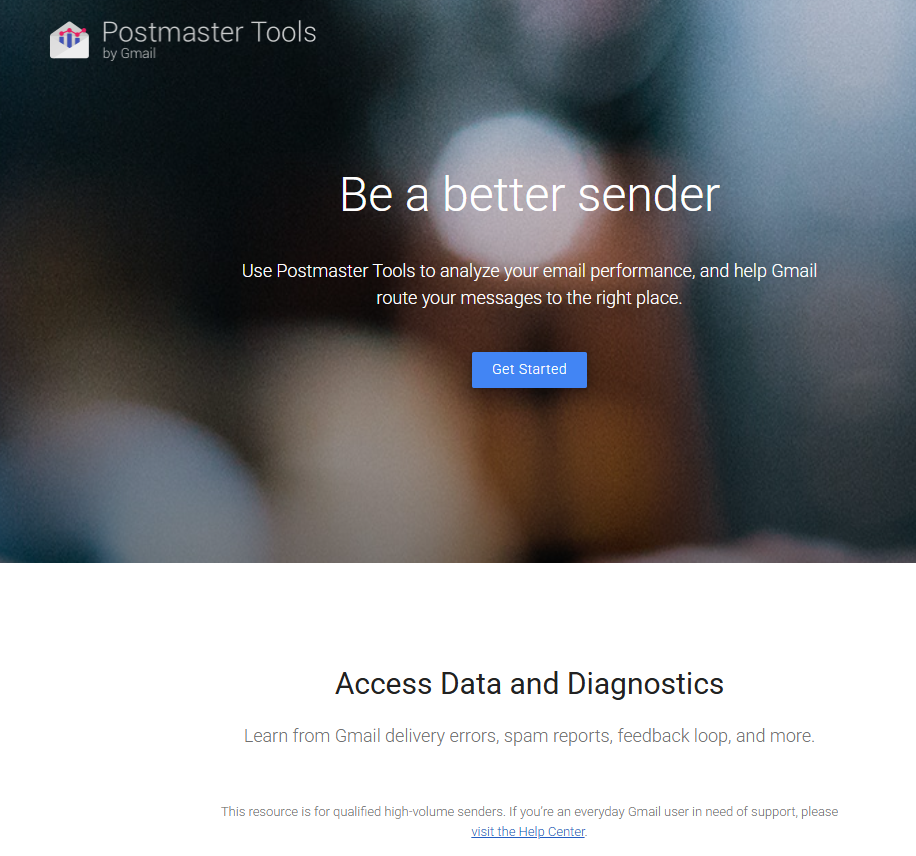
Google Postmaster Tools is the only checker here that shows you what Gmail itself recorded about your mail. Postmaster Tools reports Gmail delivery errors, spam reports and the feedback loop. It also calculates your user-reported spam rate every day, which is the number Gmail's bulk sender rules are written around.
It is for the sender who already suspects Gmail is the problem. If your open rates fell off a cliff with Gmail recipients while Outlook looks normal, this is where you look first. You add your sending domain, verify it with a DNS record, and wait for data to build up.
The catch is eligibility. The page describes Postmaster Tools as built for qualified high-volume senders and does not state the criteria. A small cold email team may add the domain and see an empty dashboard. That is not a sign of a clean domain. It is a sign of too little volume.
| Plan | Price | Billing Basis | What It Includes |
|---|---|---|---|
| Postmaster Tools | Free | None | Gmail delivery errors, spam reports, feedback loop and spam rate for qualified senders |
Access depends on sending volume and a DNS record rather than a payment. The Postmaster Tools page is the place to confirm current terms. The exact thresholds Google applies to bulk senders are covered in the spam rate section further down.
Strengths:
- First-party data: The numbers come from Gmail, not from a third party estimating what Gmail might think.
- Daily spam rate: You see movement within days of changing a template or a list source.
- Free: There is no budget decision to make before you try it.
- Feedback loop: User spam reports are visible, which tells you which campaigns annoy people.
Trade-offs:
- Gmail only: Microsoft and Yahoo recipients are invisible here.
- Volume gate: Low-volume senders may see nothing at all.
- Setup friction: You need DNS access and a little patience while data accrues.
- No inbox view: It tells you how recipients reacted, not where the message landed.
Key capabilities:
- Gmail delivery errors by day
- User-reported spam rate for your sending domain
- Spam reports and the feedback loop
- A reputation view for domain and IP that runs on a four-step scale
Good fit:
- B2B SaaS teams sending high volume to Gmail recipients
- Teams that need a number to hold against Google's published spam rate limits
- Anyone diagnosing a Gmail-only drop in replies
Not a fit:
- Senders whose list is mostly Microsoft 365 business inboxes
- Very small senders who will never reach the volume gate
- Teams hoping for an inbox placement report
The limitation that matters most is that Postmaster Tools stays silent when volume is too low, and silence looks exactly like good news.
2. MXToolbox: Best For Blacklist And DNS Checks
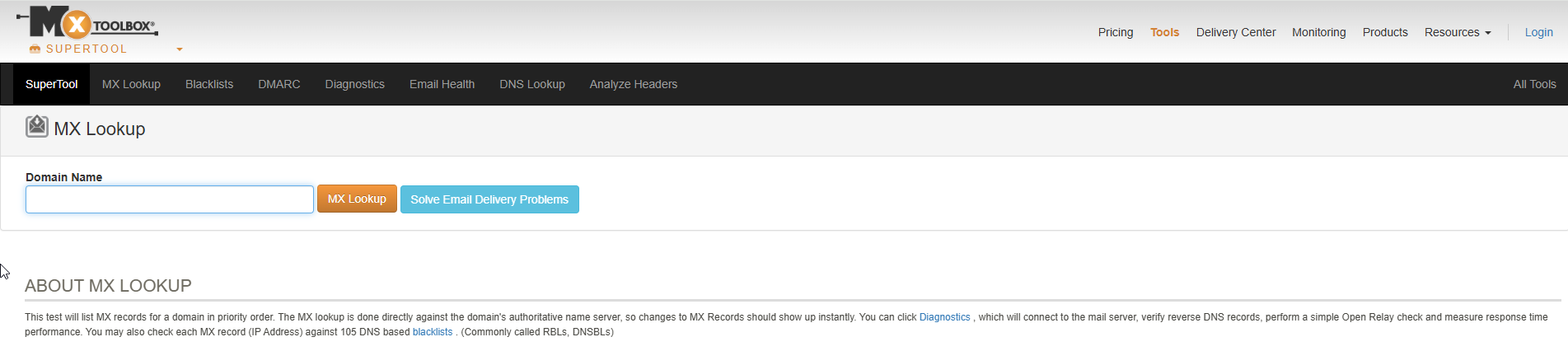
MXToolbox answers the question most people mean when they say "is my domain blacklisted". Its blacklist lookup tests a mail server IP against more than 100 DNS blocklists. You type in a domain or an IP, and it comes back with a pass or fail per list.
It is built for the sender with a sudden problem. Bounces jumped overnight, a campaign went out and half the replies vanished, or a prospect told you your mail bounced with a block message. A listing check takes a minute, and it either explains the damage or removes blocklists from the suspect list.
MXToolbox also separates two lookups that people confuse. A blacklist lookup asks whether a name or address is listed. A domain health lookup adds mail server, web server and DNS tests, including DMARC and DKIM configuration. That split gets its own section below, because it changes which button you press.
| Plan | Price | Billing Basis | What It Includes |
|---|---|---|---|
| Free account | Free | None | One monitoring run and checks against the top 30 blacklists |
| Paid plans | Pricing on request | Not stated | Not stated |
The free account and its limits come from a third-party roundup, and the paid plans are not priced in the sources used here. Check the MXToolbox blacklist page for the current plan list before you rely on any limit.
Strengths:
- Breadth: More than 100 blocklists in one lookup beats checking lists one at a time.
- Speed: A manual lookup returns in a minute, with no setup.
- Two lookups in one tool: Listing status and configuration health sit side by side.
- Plain results: A listed or not listed verdict per list is easy to act on.
Trade-offs:
- Free tier is thin: One monitoring run and the top 30 lists is a sample, not coverage.
- Listing is not reputation: A clean result does not mean mailbox providers trust you.
- Easy to test the wrong IP: A check on the web server address can come back clean while the mail server is listed.
- Price clarity: Paid plan pricing is not stated in the sources used here.
Key capabilities:
- Blocklist lookup across more than 100 DNS lists
- Domain health lookup with DMARC and DKIM tests
- Mail server, web server and DNS tests
- Monitoring on a free account, within its limits
Good fit:
- Senders who see a sudden bounce spike and need a fast yes or no on listing
- Teams that want authentication checks and blocklist checks in one place
- Anyone preparing a delisting request who needs the evidence first
Not a fit:
- Teams looking for a reputation score from a mailbox provider
- Anyone who wants to know where a message actually landed
The limitation that matters most is that a listing check says nothing about inbox placement, so a clean MXToolbox result can sit next to a spam folder problem.
3. Spamhaus: Best For Authoritative Blocklist Verdicts
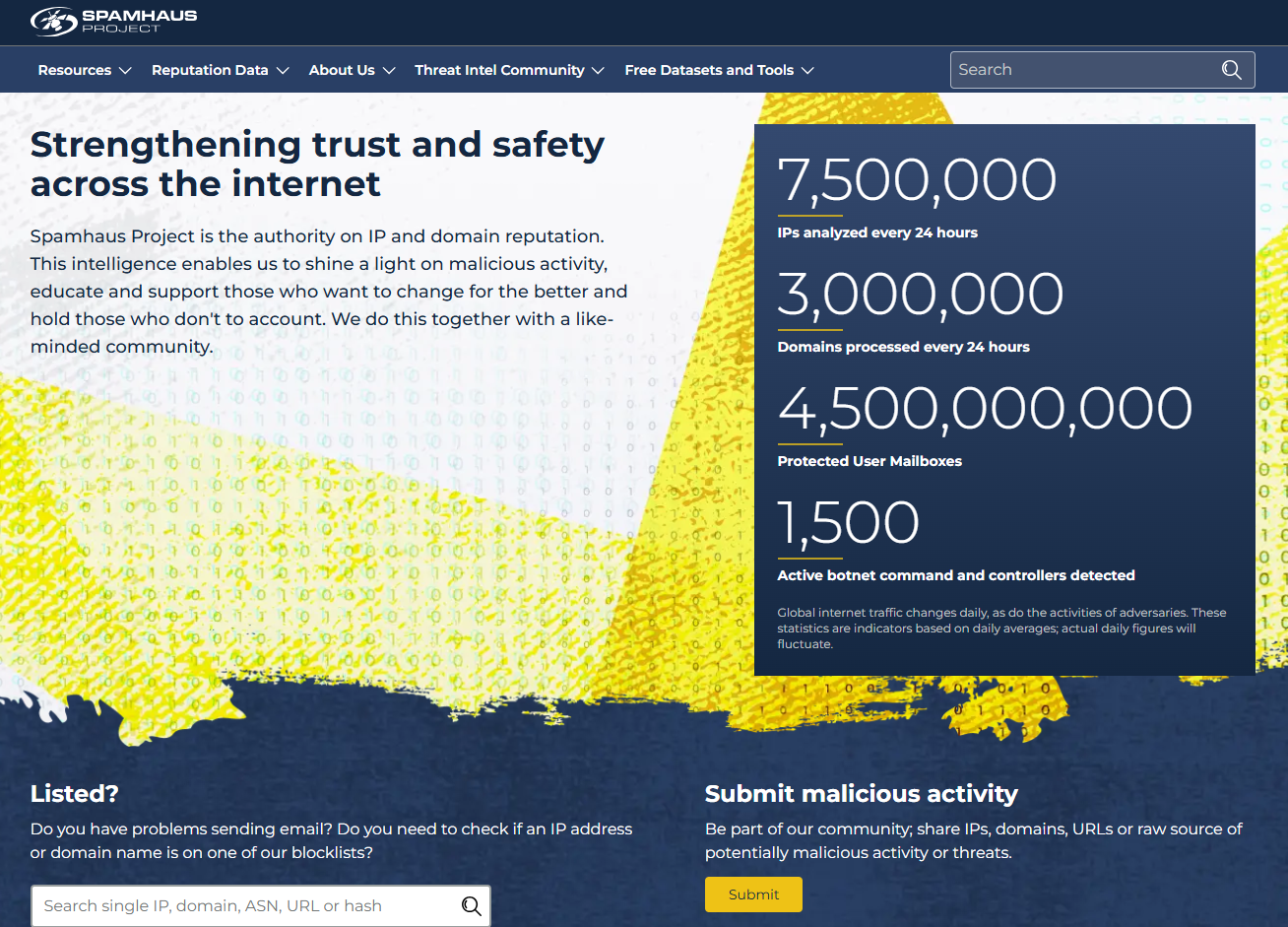
The Spamhaus lookup page checks whether an IP address or a domain is on Spamhaus blocklists. You enter the name, and you get the listing status from Spamhaus's own lookup rather than from a tool that reports on it second-hand.
It suits the sender who has already seen a listing somewhere else and wants to confirm it. It also suits the sender who got a bounce message citing Spamhaus and needs to know which of their names is affected, domain or IP.
The page is short on detail. It does not name the specific lists it checks, and it states no usage limits. That makes it a good verdict tool and a poor planning tool. You learn whether you are on a list today. You do not learn how many lookups you can run or how the lists differ.
| Plan | Price | Billing Basis | What It Includes |
|---|---|---|---|
| IP and domain lookup | Pricing on request | Not stated | Listing check for an IP address or a domain |
A Spamhaus listing needs reading carefully. A blocklist listing of a domain does not mean the domain sent spam. It means the name appeared in spam or malware-laden mail. Treat the listing as a lead to investigate, not a verdict on your sending habits.
Once you have the result, the next job is the response. The steps for confirming a listing, fixing the cause and requesting delisting are in the section on what to do when your domain or IP is listed, further down this guide. Do that work in order, because a delisting request sent before the cause is fixed is wasted effort.
Strengths:
- Direct lookup: You are querying Spamhaus's own lookup page.
- Covers both names: One lookup takes an IP or a domain.
- No clutter: The page does one job.
Trade-offs:
- Lists not named: The page does not tell you which Spamhaus list you are on.
- Limits not stated: Usage terms are not published on the lookup page.
- No health view: There is no DNS or authentication testing here.
Key capabilities:
- IP address lookup against Spamhaus blocklists
- Domain lookup against Spamhaus blocklists
Good fit:
- Senders who need to confirm a listing before opening a delisting request
- Teams chasing a bounce message that names Spamhaus
- Anyone who wants the list operator's own answer
Not a fit:
- Senders who want a score, a trend line or alerts
- Teams that need to know which specific list caught them from the page alone
The limitation that matters most is that the lookup page does not name the specific lists, so you may need other evidence to understand what a listing means for your mail.
4. Sender Score: Best For IP Reputation Scoring
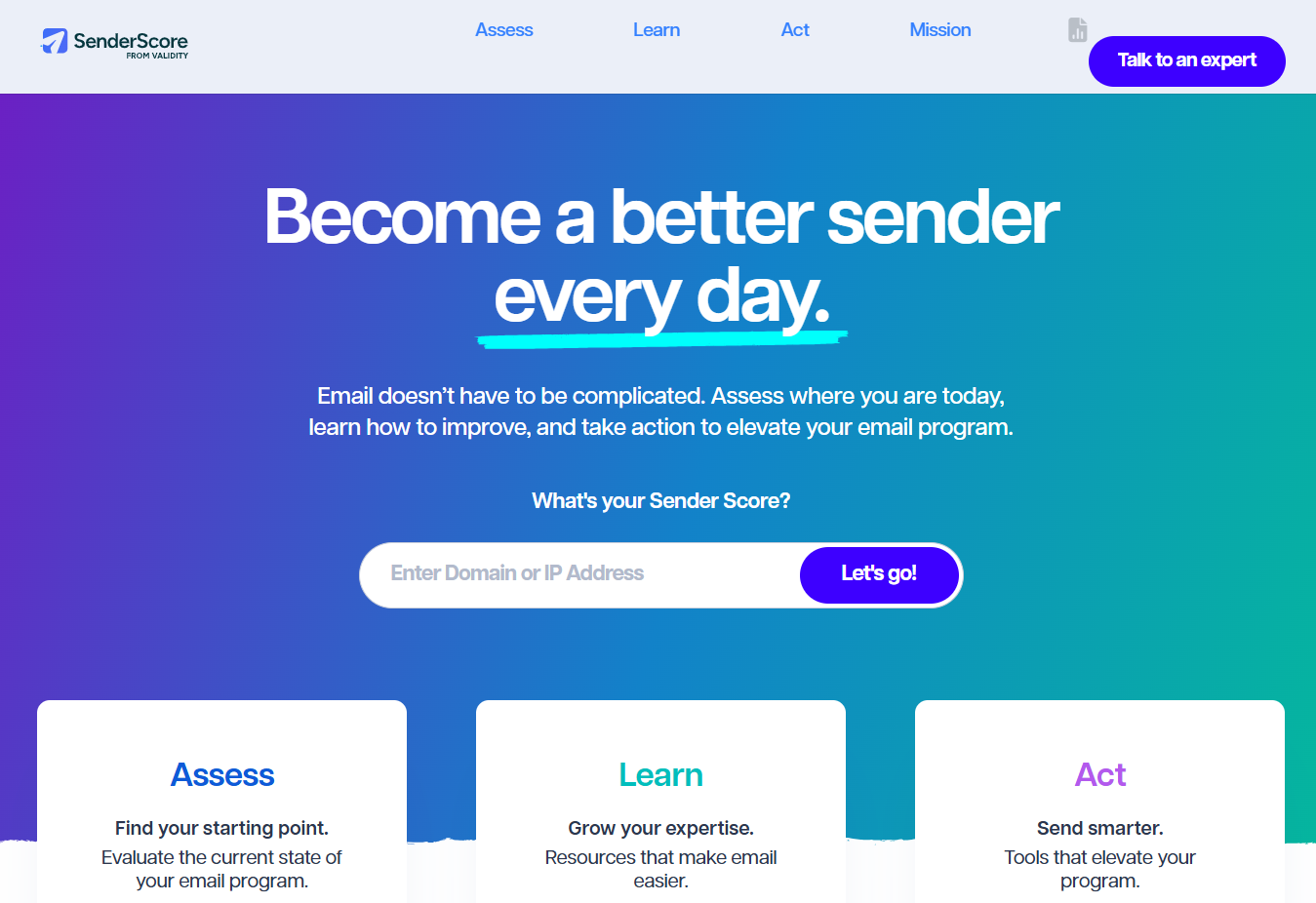
Sender Score is an IP reputation score. It is a free 0 to 100 rating based on a rotating 30-day average, per Courier's roundup of reputation tools. Higher is better. It scores the sending IP, not your domain, and that difference decides when it helps.
It is for the sender who shares or rents IP space and wants to know how that address looks. If you send through a platform that gives you a shared IP, the score tells you about the neighbourhood you sit in. If you have a dedicated IP, it tells you how your own sending has looked over the last month.
The Sender Score page offers a lookup by IP address. It does not explain its methodology, and the results sit behind a lead-capture form. You hand over contact details to see the number. That is a fair price for a free score, but you should know it going in.
| Plan | Price | Billing Basis | What It Includes |
|---|---|---|---|
| IP score lookup | Pricing on request | Not stated | A 0 to 100 IP reputation score |
The free status comes from the roundup above. The vendor page states no price, so this guide adds none.
Strengths:
- Familiar scale: A 0 to 100 number is easy to track and easy to explain to a boss.
- Smoothed over time: A 30-day average will not swing on one bad send.
- Quick: The lookup takes an IP and returns a score.
Trade-offs:
- IP only: A domain-level problem will not show up.
- Method not explained: The page does not say how the score is built.
- Form gate: You give contact details to see the result.
- Slow to move: A rotating average takes weeks to reflect a fix.
Key capabilities:
- Lookup by IP address
- A single 0 to 100 reputation score
- A rotating 30-day average
Good fit:
- Senders on a dedicated IP who want a trend number
- Teams on a shared IP who want to see the address they have been given
- Anyone checking an IP before moving volume onto it
Not a fit:
- Teams whose problem is the domain rather than the address
- Anyone who needs to know how the score is calculated
The limitation that matters most is that Sender Score rates the IP, so a damaged domain on a clean IP will look fine here.
5. Mail-Tester: Best For A Per-Message Spam Test
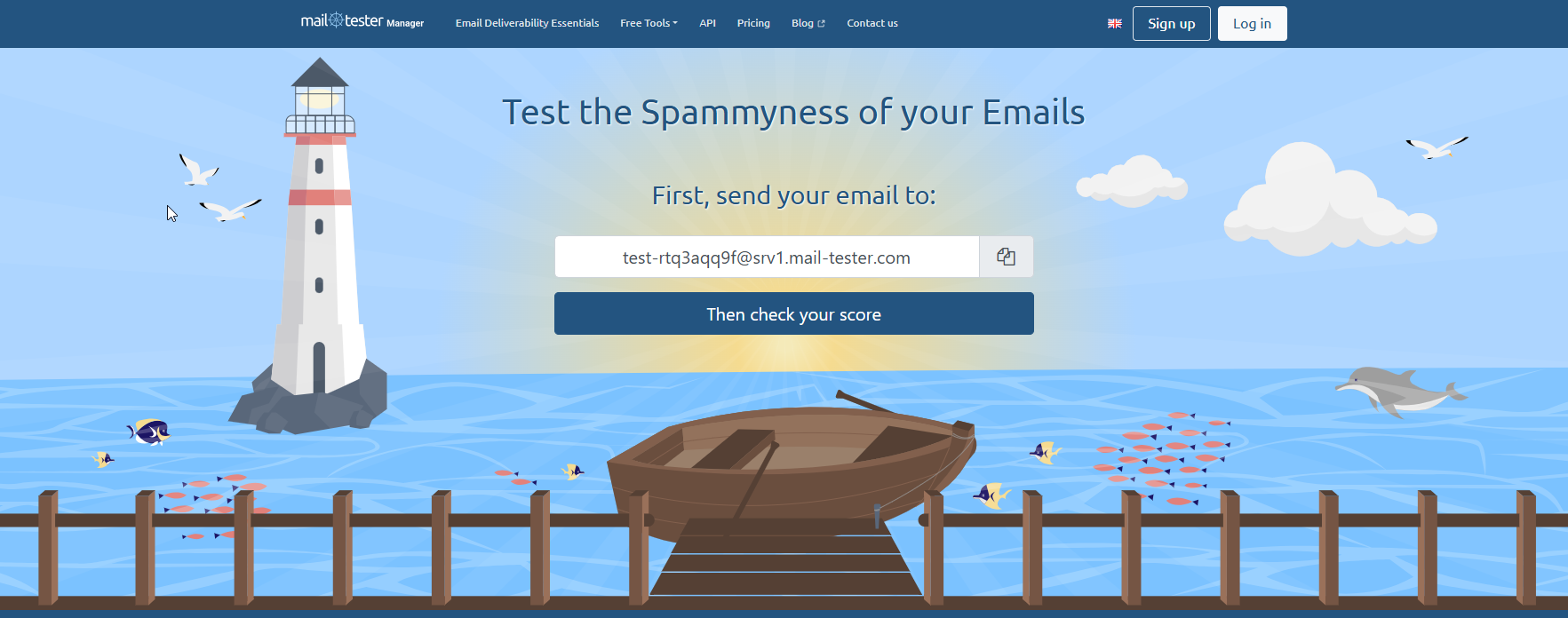
Mail-Tester checks one message, not your domain. Mail-Tester works by having you send a test email to an address it gives you, then reading back a spam score and configuration findings. Manual tests need no account.
That makes it the right tool at a different moment from the other four. Use it when you have changed something. A new template, a new sending tool, a rewritten signature, a fresh set of links. You send one message, read the findings, and fix what it flags before the change goes to a real list.
It is also the easiest of the five to misuse. A good score on a test message says the message and its setup look sound. It says nothing about how mailbox providers have treated your domain across thousands of earlier sends. A per-message test and a domain reputation check answer different questions. If you want more tools in this category, our guide to email spam checkers compares them.
| Plan | Price | Billing Basis | What It Includes |
|---|---|---|---|
| Manual test | Free | None | A spam score and configuration findings for one message, no account needed |
| Paid plans | Pricing on request | Not stated | Longer result retention |
The free and paid retention windows are given in the free versus paid section below. Nothing on paid prices was found, so none is stated.
Strengths:
- No account: You can test in a minute without signing up.
- Specific findings: The report points to things you can fix in the message or the setup.
- Right-sized: It is built for a before-and-after check on a change.
Trade-offs:
- One message: A single test is a sample of one.
- Not a standing check: It does not track your domain over time.
- Paid prices unknown: The sources used here carry no price for paid plans.
Key capabilities:
- A spam score for one test message
- Configuration findings alongside the score
- Manual tests with no account
Good fit:
- Teams launching a new template or sending tool
- Anyone debugging why one particular email lands in spam
- Marketers who want a quick pre-send check
Not a fit:
- Senders who need a read on long-term domain standing
- Teams that want continuous monitoring
The limitation that matters most is that one test message is not a reputation score, so a high result tells you about that email and nothing about your history.
📋 Get Listed / Advertise
We update this guide monthly. Want your tool featured? Contact: [email protected].
What Each Domain Reputation Checker Actually Measures
A free domain reputation checker shows public DNS authentication, structure and blocklist exposure. It cannot show private mailbox-provider reputation, inbox placement or campaign results. That one limit explains most of the confusion around these tools.
Mailbox providers keep their own private view of every sender. You never see it. Every checker in this guide is therefore either reading something public, such as DNS records and blocklists, or reading something a provider chooses to share, such as Gmail's spam rate through Postmaster Tools. If you want pages like this one to be cited as the answer in AI search, that is the kind of clean classification we build through answer engine optimization.
The five tools split into four kinds of measurement.
- Mailbox-provider spam rate: Google Postmaster Tools reports what Gmail recorded about your mail.
- Blocklist listing: MXToolbox and Spamhaus tell you whether a domain or IP appears on a blocklist.
- IP score: Sender Score rates the sending address on a 0 to 100 scale.
- Per-message test: Mail-Tester scores one email and its configuration.
One limit matters more than the four. None of them show private mailbox-provider reputation or where your mail landed.
This also explains why two checkers can disagree. There is no fixed formula for domain reputation, and scoring varies by whoever does the scoring. One lookup scores from 0 to 100 with higher as better. Spamhaus gives a positive-to-negative score built from five factors. A 78 on one scale and a clean result on another are not in conflict. They are answers to different questions.
Domain reputation is driven by spam complaints, engagement, list quality, authentication and sending infrastructure. Checkers see the authentication and infrastructure parts. The complaint and engagement parts only show up where a provider chooses to report them.
Blacklist Check Versus Domain Health Check
A blacklist lookup answers whether a domain or its IP appears on reputation blocklists. That is all it does. MXToolbox's own explanation draws the line there, and it is the right test when mail is bouncing with a block message.
A domain health lookup does more. It adds mail server, web server and DNS tests, including DMARC and DKIM configuration. That makes it the right test when nothing is listed but something still feels wrong. A broken DKIM record will not appear on any blocklist, and it will still hurt.
Two cautions apply. First, run the listing check on the actual mail server IP, since the web server IP may differ. Testing the website's address and getting a clean result is a common way to miss a real listing. Second, a listing is not an accusation. A domain can be listed without having sent spam, because the name only has to have appeared in spam or malware-laden mail.
The source article is from March 2016. The principle has held, but check the tools' current pages for what they offer today.
Which Checker To Run First, By Symptom
Start from what you can see, not from the tool you know best. Each row below is a complete instruction.
| Symptom | Run This First | Then |
|---|---|---|
| Replies or opens dropped for Gmail recipients only | If Gmail is the problem, open Postmaster Tools and read the spam rate | Compare it with the thresholds in the next section |
| Bounces jumped suddenly with block messages | Run an MXToolbox blacklist lookup on the mail server IP | Confirm any hit with the Spamhaus lookup |
| Trouble across several providers and no listing found | Run a domain health lookup to check SPF, DKIM and DMARC | Check the sending IP in Sender Score |
| A new template or sending tool just went live | Send one test message to Mail-Tester and read the findings | Fix what it flags before the next campaign |
Read the table as a set of starting points, not a ladder you must climb. Each row pairs a symptom with the one checker built to explain it, and the second column is where to begin.
- Gmail-only drop: Postmaster Tools is the only checker here that reports what Gmail recorded, so it is the one that can confirm or rule out Gmail as the cause. If the spam rate is high, the thresholds in the next section tell you how serious it is.
- Sudden bounces with block messages: A blocklist lookup is the fastest test, because a listing is a yes or no answer. Test the mail server IP, not the website's address, and confirm any hit with the Spamhaus lookup.
- Trouble across several providers, nothing listed: A listing is not the problem, so look at configuration. A domain health lookup tests SPF, DKIM and DMARC, and Sender Score then shows how the sending IP looks.
- A recent change: If the trouble began when a template, tool or link set changed, a Mail-Tester message tests the change itself before it reaches a real list.
A clean result in any row still leaves a gap. Free checkers read public DNS authentication, structure and blocklist exposure. They cannot show private mailbox-provider reputation, inbox placement or campaign results. So a clean listing check means one cause is ruled out, and the others remain open.
When nothing shows red, stop running more checkers and look at the things no free tool measures. Review list quality, complaint levels and how recipients engage. If the problem is still there after that, bring in outside help from email deliverability consultants.
Once you know which checker to run, the next job is publishing comparison pages your buyers can find. Our SaaS content marketing service builds listicles and comparison pages like this one.
Spam Rate And Complaint Thresholds To Check Against
Postmaster Tools gives you a number. These are the lines to hold it against. Bulk senders at or above a 0.3 percent user-reported spam rate lose mitigation eligibility, and Postmaster Tools calculates the rate daily.
Google's own target is lower. The user-reported spam rate target is 0.1 percent. Treat 0.3 percent as the ceiling you must never touch and 0.1 percent as the level to aim for.
Eligibility comes back, but slowly. It is regained after seven days below the 0.3 percent level. One bad week costs you at least one more week.
Put the three numbers together and the rule is simple. Below 0.1 percent you are on target. Between 0.1 and 0.3 percent you are inside the limit but above Google's own target, so look at what you sent last. At 0.3 percent or above you have lost mitigation eligibility, and you need a full week below that line to get it back.
Postmaster Tools calculates the rate daily, which means you can see a bad send within days and act on it. That is the practical value of the tool. A blocklist lookup tells you about a listing. Postmaster Tools tells you how recipients are reacting before a listing happens.
A high rate usually traces back to the list. Old addresses, bought contacts and mismatched targeting generate the complaints. If your rate is climbing, clean the list before you touch anything else, and run it through one of the email verification tools to remove addresses that bounce.
How SPF, DKIM And DMARC Feed Domain Reputation
Domain checks cover blacklist status, SPF, DKIM and DMARC configuration and sending history such as volume spikes and bounce rates. Authentication is the part you control completely, which makes it the first thing to fix.
SPF lists the servers allowed to send for your domain. DKIM signs each message so a receiver can tell it was not altered. DMARC tells receivers what to do when SPF and DKIM checks fail, and sends you reports about it. Together they let a mailbox provider trust that mail claiming to be from you really is.
Think of the three as a chain. SPF answers whether the sending server is permitted. DKIM answers whether the message is intact and signed by the domain. DMARC sets the policy when those answers are no, and reports the failures back to you. If one link is missing or broken, a receiver has less reason to trust mail that claims to come from you.
Authentication problems also hide from blocklist lookups. A domain can have a missing DMARC record or a weak DKIM key and appear on no list at all. That is why a blacklist check alone cannot clear a domain, and why a domain health lookup earns its place beside it.
Key length matters. A 1024-bit DKIM key is too short, and a 2048-bit key is recommended. If your DKIM record was set up years ago, check which length it uses.
Some checkers test only authentication and call the result a reputation score. Be wary of that. Strong authentication is necessary and not sufficient. Once your records are right, a monitoring service helps you watch for failures, and our roundup of DMARC monitoring tools is the natural next step.
Free Versus Paid Domain Reputation Checkers
Four of the five are free on the sources used here. Postmaster Tools is free, but Courier's roundup reports that it shows domain and IP reputation on a four-step scale, is only available to high-volume senders and needs a DNS record. The same source says the free MXToolbox account includes one monitoring run and checks against the top 30 blacklists.
It also reports that Sender Score is a free 0 to 100 IP reputation score on a rotating 30-day average. For Mail-Tester, free results are kept for 7 days and paid results for 30 days, and manual tests need no account.
What is not published matters as much. Paid Mail-Tester plans, paid MXToolbox plans and anything Sender Score might charge for beyond the free score have no price in the sources used here. This guide does not guess.
The free tools also split by what they give you for nothing. Postmaster Tools costs nothing but asks for volume and a DNS record. MXToolbox gives a thin free account, with one monitoring run and the top 30 blacklists. Sender Score is a free 0 to 100 score for an IP, and Mail-Tester needs no account for a manual test. None of them charges you to learn what you are listed for today.
The gap between free and paid is mostly history and monitoring. Free results are short-lived, since Mail-Tester keeps free results for 7 days against 30 days for paid ones. Paid Mail-Tester results last longer, and for paid plans across the tools this guide says "Pricing on request" because no price was found.
Paid monitoring earns its place only after the free checks run clean and the symptom persists. Until then, you are paying to watch a problem that the free tools have not found. When you reach that point, our guide to email deliverability tools covers the paid options. If your goal is for your own comparison pages to be named in AI answers about tool lists, that is what our generative engine optimization service is for.
How To Judge A Domain Reputation Checker
Any new checker will claim to reveal your reputation. Run it past these five tests before you trust its number.
- What It Measures: A good checker says whether it reads blocklists, DNS records, a mailbox provider or a test message, because those are different things.
- Whether It States Its Scale: A score with no stated range or method cannot be compared with any other score.
- Whether Results Sit Behind A Form: A lead-capture form is not a flaw, but you should know you are paying with contact details.
- Whether It Checks The Mail Server IP: A tool that only tests the website's address can miss a real listing.
- Whether It Dates Its Data: A result with no date or window, such as a 30-day average, is hard to act on.
If the tool is silent on all five, treat its output as an opinion. If you are still building the outbound list that feeds all of this, our guide to B2B email finder tools covers the step upstream.
What To Do When Your Domain Or IP Is Listed
Follow these four steps in order.
- Confirm On The Mail Server IP: Check the address your mail actually leaves from, since the web server IP may differ. Confirm the listing with a second lookup.
- Fix The Cause First: Find out how the name ended up in spam or malware-laden mail. Look for a compromised account, a spoofed domain or a bad list source. A delisting request without a fix gets you listed again.
- Request Delisting: Follow the list operator's own process. Delisting takes 24 to 48 hours, according to Truelist.
- Recheck And Rebuild: Run the lookup again after the window. Then bring volume back gradually, and use our guide to email warmup tools to rebuild reputation steadily.
FAQs
What Is A Domain Reputation Checker?
Is There One Score For Domain Reputation That Every Checker Agrees On?
Can A Free Checker Tell Me If My Emails Reach The Inbox?
Should I Check The Domain Or The IP Address?
How Long Does Delisting From A Blocklist Take?
What Spam Complaint Rate Is Safe For A Sending Domain?
How Often Should I Check My Sending Domain Reputation?
Will My Reputation Recover If I Stop Sending For A While?
If you would rather have a team that has done this before look at your search and AI visibility, book a thirty-minute call. One of the founders takes it, and you leave knowing what we would fix first.