Use Mailmeteor's free spam checker first, because it needs no sign-up and has no draft limit, then add Unspam or MailSlurp when you want a real send to test placement. Treat any score as a prompt to edit copy, not proof the email will reach the inbox, because a score approximates provider filters. It does not reproduce them.
That holds for a single cold or newsletter draft you want checked before it goes out, which is the job these free tools are built for. The only published accuracy figures we found are for SpamAssassin from about 2003, so no checker's score has been validated against today's Gmail or Outlook filtering.
If the emails and pages that bring in your leads need to earn replies and rankings, our SaaS Content Marketing service covers the research, the writing and the upkeep. See what is included.
📋 Get Listed / Advertise
We update this guide monthly. Want your tool featured? Contact: [email protected].
Best Email Spam Checkers At A Glance
Four free checkers cover most of what a marketer or founder needs before hitting send. One sends a real message. The table below gives each tool's job, its input and its free allowance, and every value matches the tool section further down.
| Tool | Best For | What You Give It | Free Allowance | Paid Route |
|---|---|---|---|---|
| Mailmeteor | A fast free copy check | Pasted copy | No sign-up, no limit on drafts | Mail-merge plans from $5.99 per user per month, a separate product |
| Unspam | A spam score plus inbox placement | Spam tests and inbox placements, input not stated | 3 spam tests with no account, 5 spam tests a month on Free | Custom plan, pay per test, $5 monthly minimum |
| Salesforge | Cold email teams already sending at volume | Not stated | No account required, no caps stated | Sending platform from $40 a month, a separate product |
| MailSlurp | A real send to seed inboxes | One real email | Free, limits not stated | Pricing on request |
The pattern is simple. If you only need to catch obvious problems in a draft, any of the first three will do the job in a minute. If you want to know where a message actually lands, you need a real send, and that is a different test. The rest of this guide explains the difference, shows how to run one draft through all four, and tells you how far to trust what comes back.
1. Mailmeteor: Best For A Fast Free Copy Check
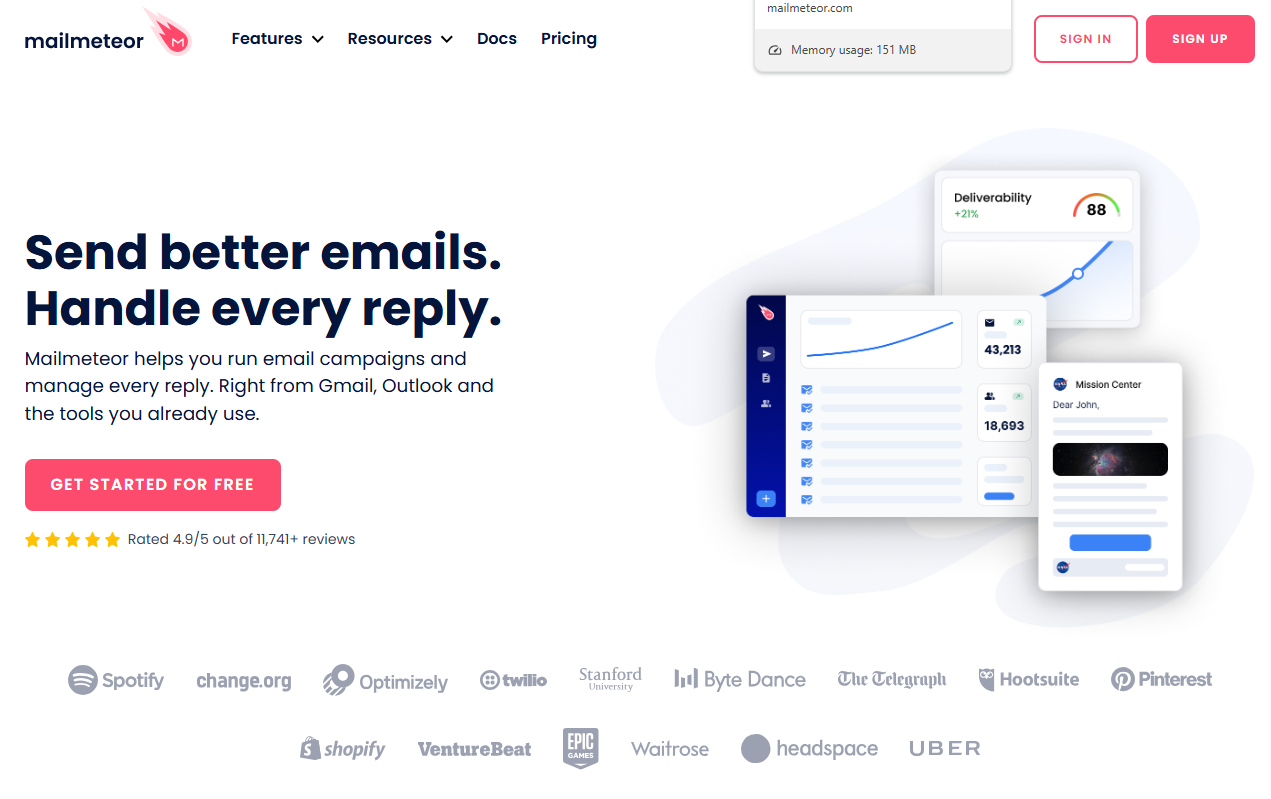
Mailmeteor is the checker to open first. Mailmeteor's spam checker is free, needs no sign-up and has no limit on drafts. You paste your copy in, read what comes back, edit and paste again, as many times as you like.
What it does: It checks the wording of a draft against a spam word list. The page states that the list was last updated in October 2026.
Who it is for: Anyone writing a cold email, a newsletter or a sales sequence who wants a quick sanity check with zero friction. It suits the person who will run ten drafts in an afternoon and does not want to hit a paywall or create an account on the fifth one.
Pricing: The checker has no price on the vendor's page. Mailmeteor's pricing page lists plans for its mail-merge product, which is a separate thing from the checker. The table shows both so you can see where the free tool ends and the paid product begins.
| Plan | Price | Billing Basis | What It Includes |
|---|---|---|---|
| Spam Checker | $0 | Free | No sign-up, no limit on drafts |
| Mail Merge Free | $0 | Monthly | 500 emails a month, 50 a day, 3 campaigns, 1 sender |
| Mail Merge Starter | $5.99 | Per user per month | 5,000 emails a month, 250 a day |
| Mail Merge Premium | $17.99 | Per user per month | 30,000 emails a month, 5 senders, AI email assistant |
| Mail Merge Professional | $35.99 | Per user per month | 60,000 emails a month, 10 senders, CRM integration |
The paid plans are for mail merge, not for the checker. You can use the checker without ever touching them.
Strengths:
- No sign-up and no limit on drafts, so repeated edit-and-recheck loops cost nothing.
- A spam word list the vendor says it maintains, with a stated October 2026 update.
- Free, with a clear line between the checker and the paid mail-merge product.
Trade-offs:
- It works on pasted copy, so it cannot tell you where a real message lands.
- The page does not publish how the checker scores or flags a draft.
- The paid plans are priced for mail merge, so they add nothing if all you want is a spam check.
Key capabilities:
- Free spam check on pasted copy.
- Maintained spam word list.
- No account needed.
- Unlimited drafts.
Good fit:
- Marketers and founders checking one draft at a time.
- Anyone who wants a first pass before trying a second tool.
Not a fit:
- Senders who need inbox placement results for Gmail or Outlook.
- Teams that need a documented scoring method they can audit.
The limitation that matters most is that the page does not say how the checker arrives at its result, so you are trusting the word list without being able to inspect the method.
2. Unspam: Best For A Spam Score Plus Inbox Placement
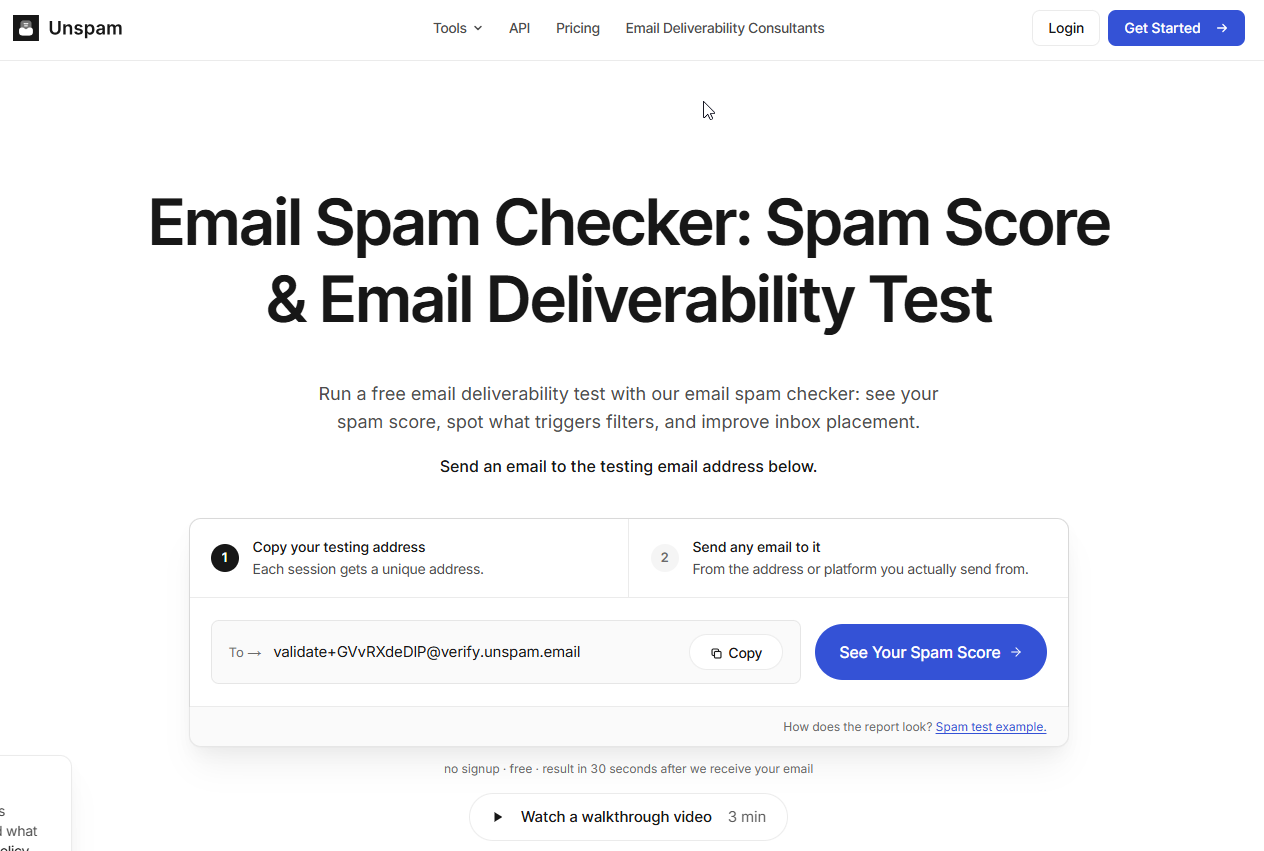
Unspam is the most structured of the four. It gives you a number, tells you what the number means and offers placement tests alongside the spam test. Unspam's spam score runs from 0 to 10, where 0 to 3 is excellent, 4 to 6 is moderate and above 7 is high risk.
What it does: It scores a draft, and on its plans it also runs inbox placement tests, with device previews and heatmaps included in the allowances. You get a defined scale instead of a vague pass or fail.
Who it is for: Marketers who want a number they can track across drafts, and senders who want a placement test without building a seed list themselves. The bands make it easy to set a rule such as "ship at 3 or below", with the caveat that a band only means something inside this one tool.
Pricing: The figures below come from Unspam's pricing page. Allowances reset monthly. The per-test rates on the Custom plan are not published.
| Plan | Price | Billing Basis | What It Includes |
|---|---|---|---|
| No account | $0 | Free | 3 spam tests, 2 inbox placements, 1 device preview, 1 heatmap, 24-hour retention |
| Free | $0 | Per month | 21 tests a month including 5 spam tests and 3 inbox placements, 14-day retention, AI assistant |
| Custom | Pay per test | $5 monthly minimum | DMARC monitoring, 3-year retention, full API and MCP server |
Strengths:
- A published 0 to 10 scale with named bands.
- Spam tests and inbox placements in the same tool.
- A free tier with a clear monthly allowance and a no-account option for a quick look.
Trade-offs:
- The no-account tier is small, at 3 spam tests and 2 inbox placements.
- The Free plan allows only 5 spam tests a month.
- Custom per-test rates are not published, so you cannot forecast spend before signing up.
Key capabilities:
- Spam score on a 0 to 10 scale.
- Inbox placement tests.
- Device preview and heatmap.
- DMARC monitoring, API and MCP server on the Custom plan.
Good fit:
- Senders who want a number plus a placement check in one place.
- Teams that may later need API access to automate checks.
Not a fit:
- Anyone who needs to run dozens of free spam checks a day.
- Readers who want a documented scoring method before relying on a number.
The limitation that matters most is that Unspam publishes no scoring methodology. The vendor page also contradicts itself on whether the AI assistant is part of the no-account tier, so this guide credits it only to the Free plan.
3. Salesforge: Best For Cold Email Teams Already Sending At Volume
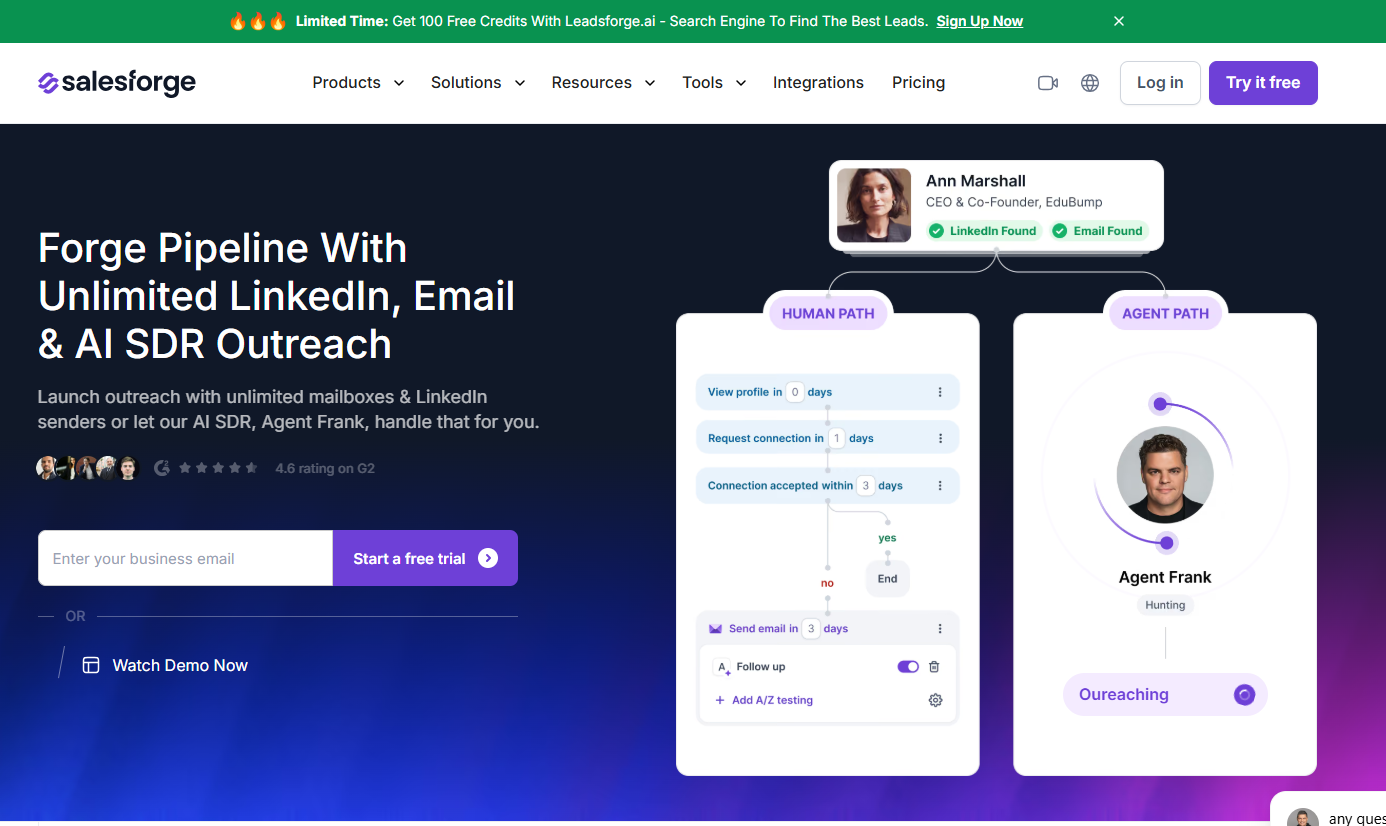
Salesforge offers a free checker with no account needed, and the platform plans are a separate product. Salesforge's Email Spam Checker is free without an account, and the page states no usage caps for it.
What it does: It is a free spam checker page, and it states no input format.
Who it is for: Outbound teams that already live in cold email. If your team sends sequences every week, a checker from a sending-platform vendor fits the way you work, and the free tool is a low-commitment way to see how Salesforge thinks about deliverability.
Pricing: The checker has no price of its own. Salesforge's pricing page lists the sending platform, which is a separate product.
| Plan | Price | Billing Basis | What It Includes |
|---|---|---|---|
| Email Spam Checker | $0 | Free | No account required, no usage caps stated |
| Platform Pro | $40 a month | Monthly or annual | 1 user |
| Platform Growth | $80 a month | Monthly or annual | Unlimited users |
The Pro and Growth plans are for the sending platform, not the checker.
Strengths:
- No account required, so there is nothing to sign up for before you test.
- No usage caps stated on the checker page.
- A free checker page that states no usage caps.
Trade-offs:
- The checker has no price of its own, so the vendor does not spell out where the free tool stops.
- The page does not publish a scoring method.
- The platform plans sit next to it, and they are not what you need for a one-off check.
Key capabilities:
- Free spam check with no account.
- A route into the wider sending platform.
Good fit:
- Cold email teams that want a free check beside their sending workflow.
- Marketers who want a second checker to compare against Mailmeteor.
Not a fit:
- Newsletter writers who have no use for a cold email platform.
- Anyone who needs a real send to seed inboxes.
The limitation that matters most is that no methodology is published, so a flag from this checker is a pointer to inspect, not a verdict.
4. MailSlurp: Best For A Real Send To Seed Inboxes
MailSlurp is a different kind of test, and that is the reason it is on the list. MailSlurp's free spam test sends one real email to a generated seed list and returns a spam score and Gmail or Outlook inbox placement.
What it does: Instead of reading your copy, it looks at a message that was actually sent. You send one real email, the tool delivers it to seed inboxes and reports what happened. That is a different test from pasting text into a box, and it can catch problems a copy check cannot see, such as how the sending setup behaves.
Who it is for: Cold email senders and anyone who has already cleaned up copy with a paste-in checker and now wants to see placement. It is the second step, not the first.
Pricing: The page describes the test as free in its title and meta. Usage limits and the seed inbox count are not stated, so this guide says only that limits are not stated.
| Use | Price | Billing Basis | What It Includes |
|---|---|---|---|
| Free spam test | Free | Per page title and meta | Limits not stated |
| Paid use | Pricing on request | Not stated | Not stated |
Strengths:
- Tests a real message, not just the text of a draft.
- Returns Gmail or Outlook inbox placement as well as a spam score.
- Free per the tool page.
Trade-offs:
- You have to send a real email, which takes more setup than pasting text.
- The seed inbox count and usage limits are not published.
- It gives you one send, so it is a spot check, not ongoing monitoring.
Key capabilities:
- Generated seed list for the test send.
- Spam score on the real message.
- Gmail or Outlook placement result.
Good fit:
- Senders who want to see placement after fixing copy.
- Cold outreach teams who test their sending setup before a campaign.
Not a fit:
- Anyone who only wants to scan wording and has no sending setup to test.
- Teams that need published usage limits before they plan around a tool.
The limitation that matters most is that the seed inbox count and usage limits are unpublished, so you cannot judge how representative one send is.
📋 Get Listed / Advertise
We update this guide monthly. Want your tool featured? Contact: [email protected].
What An Email Spam Checker Does And How It Works
An email spam checker is a tool that inspects the copy or the setup of a message, such as its words, links, formatting and authentication, and returns a score, a list of flags, or both. It does not guarantee where the message lands, because it approximates the filters that mailbox providers run rather than reproducing them.
You give a checker your message in one of two ways. You paste the copy, or you send a real message to an address the tool controls. The tool then runs tests meant to resemble provider filters. Free checkers scan copy and setup for risks such as spam words, HTML problems, authentication and blacklist status. A copy check looks at what you wrote. Authentication, blacklist and placement checks look at who sent it and where it went. Keep those apart in your head, because a tool that does only the first cannot answer the second.
Some tools use basic word matching, where a phrase on a list adds to the score. Others add AI-assisted analysis that reads the whole message. Neither approach comes with a published accuracy figure that we found, so do not assume the smarter-sounding one is the more accurate one.
If you already use a sending platform, check what it offers. Mailgun states that spam checks are not available in its control panel and are offered as a Managed Service, with no price published. SendPulse's email spam checker checks a campaign and returns recommendations before sending, in a three-step flow.
How To Read An Email Spam Score
A spam score is a number a tool assigns to a message to show how likely filters are to dislike it. On most scales, lower is better. The trap is that every tool builds its own scale, so a number only means something inside the tool that produced it.
Here are the scales that matter for the tools in this guide.
| Tool | Scale | Direction | Reading |
|---|---|---|---|
| Unspam | 0 to 10 | Lower is better | 0 to 3 excellent, 4 to 6 moderate, above 7 high risk |
| Mail-Tester | 0 to 10 | Lower is better | Scale only, no bands used here |
| Apache SpamAssassin | Points | Lower is better | Default required score of 5.0 |
Unspam's score runs from 0 to 10, with 0 to 3 excellent, 4 to 6 moderate and above 7 high risk. Mail-Tester scores on a 0 to 10 scale where lower is better. Apache SpamAssassin sets a default required score of 5.0, which the project calls fairly aggressive for a single user and advises ISPs to raise to around 8 or 10.
Notice what that means. A 5 on one tool is a pass mark in one place and a warning in another. Two tools can both use a 0 to 10 scale and still mean different things by it. So never compare raw numbers between tools. Compare what each tool flags, and use the number only to see whether your own edits moved the same tool in the right direction.
Which Words And Formatting Choices Trigger Spam Filters
Spam filters react to wording that sounds like pressure or a pitch, and to structure that looks like bulk mail. No page we read gives a verified threshold for any of these, so take the categories below as practice, not as rules with numbers attached.
- Hype and pressure wording: Phrases such as "act now", "limited time" or "100% free" read like the openings of promotions.
- Money and prize language: Words about cash, winnings or guaranteed returns raise flags in nearly every list.
- Shouting: Subject lines in all caps or packed with exclamation marks look automated.
- Link-heavy bodies: A short message with many links looks more like a promotion than a note from a person.
- Heavy formatting: Large coloured text, stacked bold and layered buttons add noise and take the focus off the message.
- Image-only bodies: A message that is mostly or entirely an image gives filters almost nothing to read.
Link count matters, but the honest answer to "how many is too many" is that we have no verified number. Keep links to the ones the reader needs. A cold email usually needs one or none.
Mailmeteor says it maintains its word list and dates the last update to October 2026. That is useful, but any list is a starting point. Wording that triggers a flag in one context is fine in another, and a list cannot read intent.
How To Compare Checkers On One Draft
Running one draft through several tools is the fastest way to learn which flags are real. We have no side-by-side score table from a sample run, so this section gives you the method and a blank log. You fill in your own results.
- Pick one real draft. Use an email you actually plan to send, not a test sentence.
- Strip personal data. Remove names, company details and anything private before you paste.
- Run it through all four tools. Paste the copy into Mailmeteor, Unspam and Salesforge. Send a real copy to MailSlurp.
- Log what each one says. Write down the score, the flagged items and the time it took.
- Mark where the flags differ. Note which items one tool flags and the others ignore.
- Edit once, then rerun. Fix what the tools agree on and run the draft again.
| Tool | Score | Flagged Items | Time Taken | Flagged By Others |
|---|---|---|---|---|
| Mailmeteor | ||||
| Unspam | ||||
| Salesforge | ||||
| MailSlurp |
Decision rule: Fix what two or more tools flag. Weigh a flag only one tool raises, and fix it only if it also feels wrong when you read it aloud. Ignore score differences between tools, because their scales are not comparable.
Mind the allowances while you do this. Unspam's no-account tier gives 3 spam tests and its Free plan gives 5 spam tests a month, so plan your reruns rather than spending them on the first pass.
How Far You Can Trust A Spam Score
A spam score is a prediction, not a measurement of placement. It tells you how a message looks against a set of tests. It does not tell you what Gmail or Outlook did with it.
The only published accuracy figures we found come from a SpamAssassin presentation. A combined statistical and rule-based model reached about 99 percent accuracy with a 0.1 percent false-positive rate on live mail at threshold 7. The presentation is undated, around 2003, and describes an older SpamAssassin, not today's mailbox providers. That is a long way from the filters your email meets now.
We did not find a published study that tests any current checker against real Gmail or Outlook inbox placement. That gap is the honest answer to how far you can trust a score. A checker is good at catching what a human would also call spammy. It is not good enough to prove an email will arrive, and no tool can guarantee that your email will not go to spam.
So use a score the way a proofreader uses a red pen. It flags things worth a second look. It does not tell you the piece is good, and it does not tell you the reader will see it.
Why A Clean Score Does Not Mean Inbox Placement
A copy score cannot see four things, and each of them can send a well-written email to spam. It cannot see authentication, meaning SPF, DKIM and DMARC. It cannot see blacklist status. It cannot see your sender reputation. And it cannot see recipient complaints. Good copy sent from a poorly set up domain can still land in spam.
The complaint side is not abstract. Bulk senders whose user-reported spam complaint rate goes above 0.3 percent lose eligibility for Google's mitigation process, a rule that applies from June 2024. That is a secondary summary of Google's sender guidelines, so read the guidelines themselves before you plan around it.
If you need to check placement, blacklists and authentication, start with our guide to email deliverability tools. If you send B2B email and want to cut spam risk before it starts, read about AI tools that keep B2B emails out of spam. Both go deeper than a copy check can.
If checking copy is one task on a longer list of SEO and content work you would rather hand off, the GEO + SEO Growth Programme runs that work month to month. See how it is set up.
How To Fix A Flagged Email
One or two rounds of edits are usually worth doing. After that you are polishing for a number, not for a reader. Work through the steps in order.
- Reword flagged phrases. Replace each flagged phrase with plain language that says the same thing.
- Cut links. Remove every link the reader does not need, and keep the one that matters.
- Simplify links you keep. Use a plain link to your own domain, not a long tracking string.
- Reduce formatting. Drop extra colours, stacked bold and decorative buttons.
- Rewrite the subject line. Remove capitals, exclamation marks and pressure words.
- Rerun the draft. Run it through the same tools and compare what changed.
- Stop when two tools agree it is clean. More edits after that rarely help.
Do not strip all the personality from the copy to chase a number. A flat, sterile email may score better and still get ignored. The goal is a message a person wants to answer, with the obvious triggers removed.
If rewriting is the slow part, a tool can help you draft. Our guide to AI email writing tools covers options, and you can run whatever it produces through the same checkers.
Cold Outreach Versus Newsletters: Which Check Fits
For cold outreach, run a paste-in check in Mailmeteor, then send a real message to MailSlurp's seed list and compare the result with what you already send. For newsletters, check the template once in Unspam, not every issue, and recheck only when the template or sending setup changes.
Cold outreach carries more risk because the recipients do not know you, so the extra step of a real send is worth it. Newsletters go to people who asked for them, so the template and the list matter more than any single issue's wording.
List quality is the other half of cold email deliverability. If you buy or build lists, read our guides to email verification tools and B2B email finder tools. Sales teams sending at volume should also see our email finder tools for sales teams.
If the problem is the content itself, such as the pages that bring leads in, our work on listicle and comparison pages is built for that.
How To Choose A Spam Checker
Choose on five criteria. Each is a question you can answer in a few minutes from the vendor's own pages.
- Input type: Do you need to paste copy, or send a real message? Check the tool page for what it accepts. A paste-in check covers wording, and a real send covers placement.
- Free allowance and retention: How many tests do you get, and for how long are results kept? Unspam, for example, keeps results for 24 hours with no account and 14 days on the Free plan, so read the pricing page before you plan around saved results.
- Published scoring method: Does the vendor say how the score is derived? None of the four tools here publishes its method, which is a reason to compare tools rather than trust one.
- Privacy of pasted content: What happens to your draft? None of the pages we read answered this clearly in our research, so read the privacy policy before you paste a real draft.
- When free stops being enough: What do you do when you outgrow the free tier? Mailgun's spam checks are a Managed Service, and Unspam's Custom plan is pay per test with a $5 monthly minimum, so price the step up before you rely on it.
If you are choosing free tools for the whole outreach workflow, our guide to free email finder tools is a useful companion. If you are moving from one draft to volume sending, see bulk email finder tools.
A free checker is enough while you are fixing obvious triggers on a handful of drafts. It stops being enough when you send at volume and need ongoing placement, blacklist and authentication monitoring. If you would rather hand off the content and deliverability work month to month, our ongoing SEO and AI-visibility work is set up for that.
FAQs
Is An Email Spam Checker Free?
Does The Number Of Links Affect Spam Scoring?
Is My Email Content Private When I Paste It Into A Checker?
What Is A Good Email Spam Score?
How Does AI-Powered Spam Detection Differ From Basic Word Matching?
Is The Spam Word List Kept Up To Date?
Can Good Copy Still Land In Spam?
Do Spam Checkers Work For Cold Outreach And Newsletters?
Can Any Tool Guarantee My Email Will Not Go To Spam?
What Should I Do Once My Email Scores Clean?
If you want a second opinion on your cold email content or the pages that bring leads in, book a thirty-minute call. One of the founders takes it, and you leave knowing what we would fix first.