

TL;DR
Most email finder tools offer some kind of free plan, but the details vary enough that picking the wrong one wastes time before it wastes money. Free credit caps range from 50 to unlimited, verification is sometimes included and sometimes costs extra, and some tools charge you even when they fail to find a valid address.
This guide covers five free email finder tools — Snov.io, Skrapp, GetEmail, Emailchaser, and Anymail Finder — and breaks down what each one actually gives you at no cost, where accuracy holds up, and where the free tier starts pushing you toward an upgrade. If you are a startup founder, a freelance SDR, or a small sales team testing email discovery before committing to a paid database, this is the comparison that matters.
The tools are ordered by overall usefulness on a free plan, factoring in credit allowance, verification access, and upgrade pressure.
Best Free Email Finder Tools (Quick Comparison)
| Tool | Free Credits | Charges on Failures? | Best For |
|---|---|---|---|
| Snov.io | 50/month | Yes | All-in-one prospecting on a budget |
| Skrapp | 50/month | No (only Valid/Catch-all) | Quick LinkedIn lookups |
| GetEmail | 10/month (free plan) | Yes | Individual lookups by name + domain |
| Emailchaser | Unlimited searches | No (pay $0.0017/verification) | Volume prospecting with pay-per-verify |
| Anymail Finder | 100 credits (trial) | No (only verified emails) | Accuracy-first, low-volume prospecting |
1. Snov.io
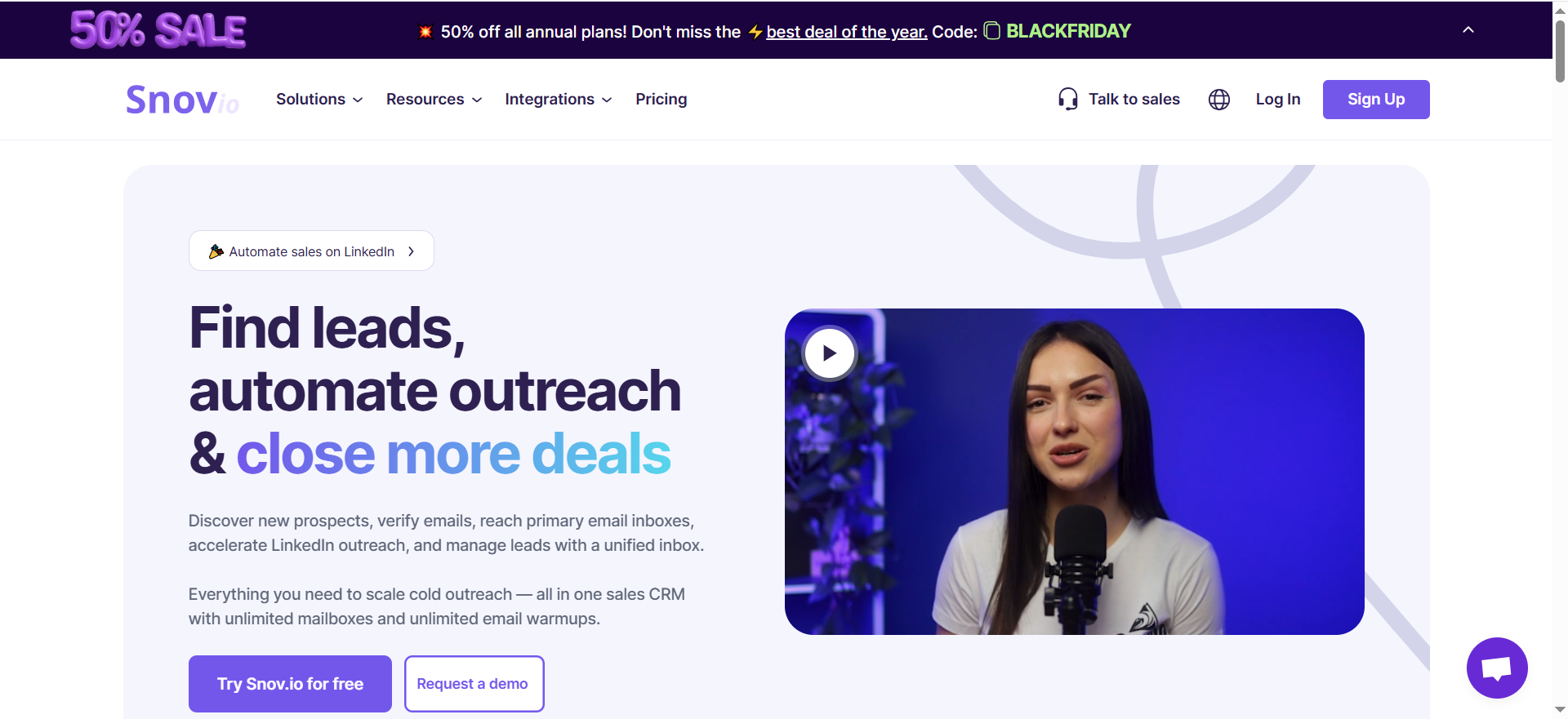
What It Does
Snov.io is a sales engagement platform that combines email finding, email verification, drip campaigns, and a lightweight CRM in one interface. The email finder pulls from a database of over 50 million company profiles and supports single lookups, domain searches, bulk CSV uploads, and LinkedIn extraction through a Chrome extension.
Why Teams Use It
The main draw is consolidation. Instead of stitching together separate tools for finding emails, verifying them, and running outreach sequences, Snov.io handles all three. For teams that are still figuring out their sales stack, this reduces setup time and tool sprawl. The platform carries a strong G2 presence, with "ease of use" as the most-cited positive theme across 139 mentions.
What It's Good For
Snov.io works well when you need to move from a company name or domain to a verified email address and then straight into a drip campaign without switching tabs. The domain search feature lets you pull all available contacts from a single company website, which is useful for account-based outreach. The technology checker, while basic, helps filter prospects by tech stack before you reach out.
When It's a Good Fit
Snov.io fits best if you are a small team (under 10 reps) that wants finder, outreach, and CRM in one tool. It also works for teams targeting international prospects, since the database covers regions beyond North America better than some competitors. If you need to test email prospecting without paying upfront, the free tier gives you enough room to run a small experiment.
When It's Not a Good Fit
If your target market is SMBs, local businesses, or companies outside major metro areas, expect lower hit rates. Multiple Trustpilot reviewers report zero results on entire target segments in these categories. The free plan also locks out bulk search, API access, A/B testing, integrations, and credit rollover, which limits how much you can actually accomplish without upgrading.
How to Use It
Sign up for the Trial plan (no credit card required). Install the Chrome extension and navigate to LinkedIn. Click the Snov.io icon on any profile or search results page to extract prospect data. Alternatively, use the web app's Email Finder by entering a name and domain, or paste a list of domains for a bulk search. Found emails go directly into your Snov.io prospect list, where you can verify them and launch a drip campaign.
Key Capabilities
Snov.io's core capabilities include email finder with 15 database filters, domain search (up to 20,000 domains per batch), a Chrome extension for LinkedIn extraction, built-in email verifier, multi-step drip campaigns with triggers, email warm-up (1 slot on free plan), a free CRM with deal tracking, and a technology checker for filtering by tech stack.
Pricing
Snov.io's paid plans start at $39/month for the Starter tier (1,000 credits, 5,000 email recipients). Pro tiers range from $99/month (5,000 credits) up to $738/month (100,000 credits). Annual billing drops the Starter to roughly $30/month. A Custom Ultra plan is available for teams needing 200,000-plus credits.
Free Tier
The Trial plan gives you 50 credits per month, 100 email recipients, and 1 email warm-up slot. Each prospect found or email verified costs 1 credit, so 50 credits translates to roughly 25 find-and-verify cycles. The plan is renewable monthly, but credits do not roll over. You cannot export data, use integrations, run bulk searches, or access the API on the free plan.
Downsides / Limitations
Independent accuracy benchmarks paint a different picture than the platform's claimed 98%+ deliverability. A test of 5,000 contacts found only a 20.1% verified rate, meaning Snov.io could not produce a verified email for roughly 4 out of 5 lookups. The 98% figure measures deliverability of emails that were returned, not the percentage of searches that produce results. Credits expire monthly with no rollover. LinkedIn automation costs an additional $69/month per slot and is not included in any standard plan. A/B testing is not available on the free Trial plan but is included on all paid plans (Starter and above).
2. Skrapp
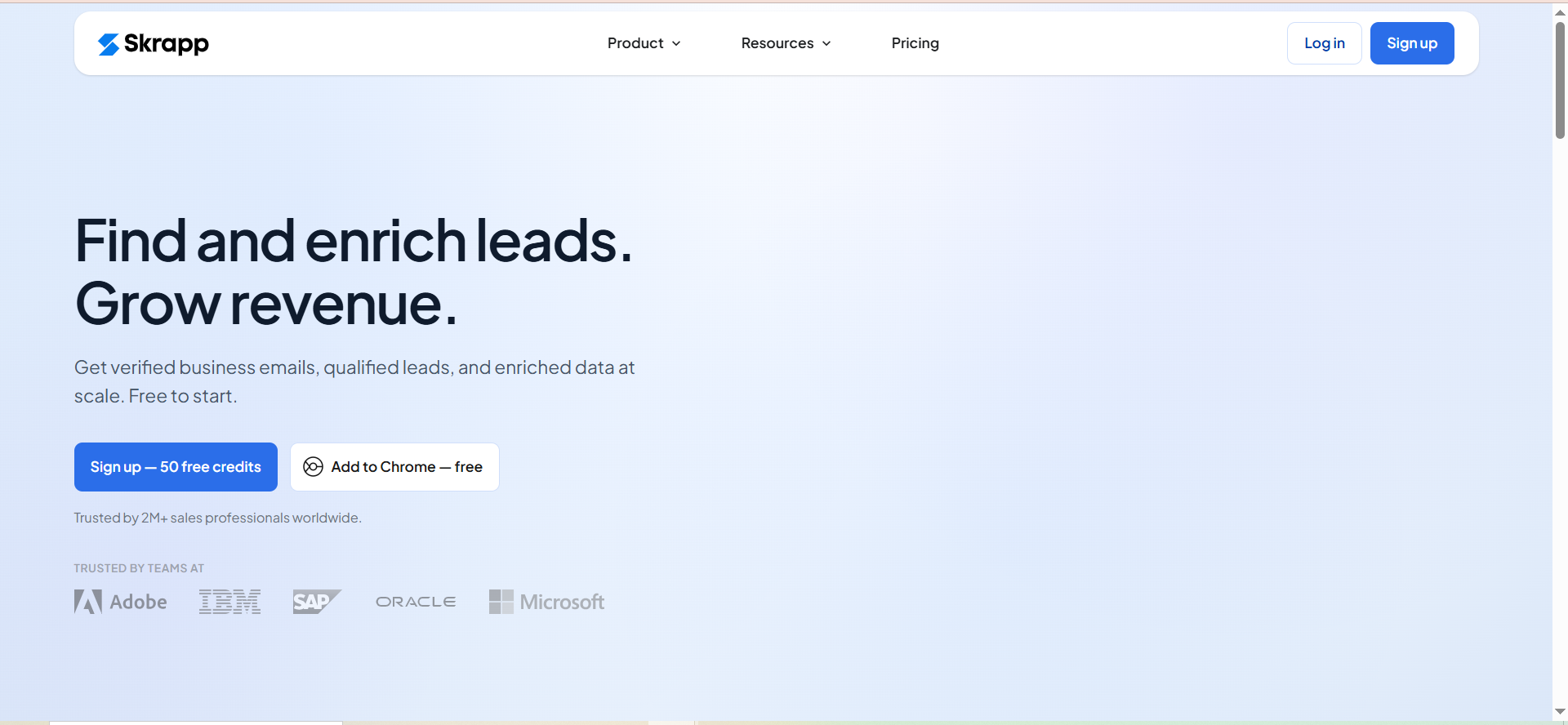
What It Does
Skrapp is a B2B email finder and lead search platform built around LinkedIn prospecting. You enter a name and company domain (or browse LinkedIn with the Chrome extension), and Skrapp returns a professional email address with a verification status. The platform also includes a searchable database of professionals and companies with filters for role, industry, and location.
Why Teams Use It
Skrapp's Chrome extension is rated 4.8/5 on the Chrome Web Store, and the setup takes under two minutes. For teams whose primary prospecting workflow starts on LinkedIn, Skrapp turns profile browsing into email collection with a single click. The credit system is also fairer than most competitors: you are only charged when the tool returns an email marked Valid or Catch-all. Invalid and Unknown results do not consume credits.
What It's Good For
Skrapp handles quick, low-volume LinkedIn lookups efficiently. If you spend your mornings scanning LinkedIn profiles and need to pull a professional email for each one, the extension does that without leaving the page. The bulk email finder accepts CSV uploads for batch processing, and the lead search database lets you prospect without LinkedIn at all.
When It's a Good Fit
Skrapp works best for very small teams or solo prospectors who need a simple, inexpensive way to collect emails from LinkedIn profiles. The free plan gives you 50 credits per month, which is enough for roughly 8-10 lookups per week if most searches return results. If you prioritize ease of use and fair credit billing over advanced features, Skrapp is a reasonable starting point.
When It's Not a Good Fit
If you need deep verification, Skrapp's free and lower-tier plans only run basic checks. SMTP deliverability verification and catch-all detection are gated behind the Enterprise tier (starting at $349/month). Independent benchmarks place Skrapp's actual verified rate around 42.8% in controlled testing, which is below the 92% search success rate the company advertises. The gap is significant: finding an email is not the same as confirming it will deliver. If data quality is your priority, the free plan will not give you enough verification depth.
How to Use It
Create a free account on Skrapp.io (no credit card required). Install the Chrome extension. Navigate to any LinkedIn profile or company page, and click the Skrapp icon to extract the associated email address. For bulk lookups, go to the web app, upload a CSV with first names, last names, and company domains, and Skrapp will return emails in batch. Use the Lead Search feature to find prospects by job title, industry, or company size without needing LinkedIn.
Key Capabilities
Skrapp's key capabilities include an email finder by name and domain, a LinkedIn Chrome extension for single-click extraction, bulk email finder via CSV upload, a lead search database with role/industry/location filters, built-in email verification (depth varies by plan), company search for prospecting by organization, unused credit rollover on paid plans, and the ability to keep credits even after cancellation.
Pricing
Paid plans start at $39/month for Professional (2,000 credits), scaling up through higher-volume Professional tiers, with Enterprise plans starting at $349/month (50,000 credits). Annual billing saves 25%. All plans include the Chrome extension, email finder, and basic verification.
Free Tier
The free plan provides 50 credits per month. You get access to the email finder, email verifier, Chrome extension, and restricted lead search. Credits are only consumed on Valid and Catch-all results, so failed lookups do not cost you. No credit card is required. Note that unused credits do not roll over on the free plan — rollover is available only on paid plans.
Downsides / Limitations
"Limited Credits" is the top complaint on G2 with 22 mentions. At 50 credits per month on the free plan (or 2,000 on the paid Professional), active daily prospectors will run out quickly. Missing or outdated data appears in 19 G2 reviews, with another 15 mentioning inaccurate results. The verification gap between tiers is a practical problem: lower-plan users get less thorough email checking, which increases bounce risk on campaigns. Skrapp also lacks outreach features entirely — you will need a separate tool for sending emails.
3. GetEmail
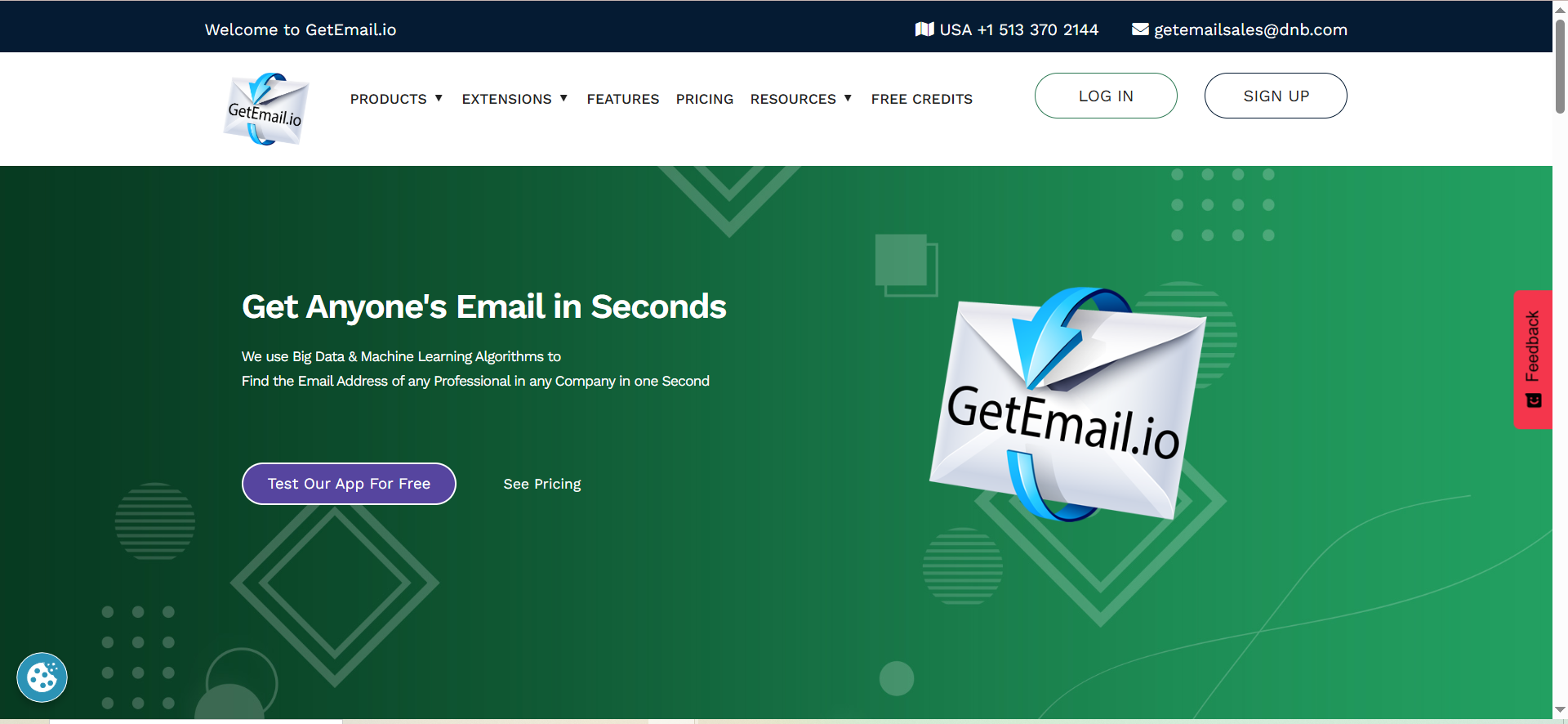
What It Does
GetEmail is an AI-powered email lookup tool that finds professional email addresses when you provide a first name, last name, and company domain. The platform uses machine learning and big data algorithms to locate contact information across industries. It supports single lookups through the web app, a Chrome extension for LinkedIn and Gmail/Outlook/Salesforce, and bulk email finding via CSV upload.
Why Teams Use It
GetEmail appeals to users who want a fast, no-frills way to find an individual's work email without navigating a complex platform. The Chrome extension integrates directly with LinkedIn profiles, and users consistently cite speed and simplicity as the main advantages. The tool claims over 500,000 users globally.
What It's Good For
GetEmail works best for individual, one-off email lookups where you already know the person's name and company. The LinkedIn extension makes it easy to grab an email while reviewing a prospect's profile. For recruiters, sales reps, or PR professionals who look up 5-10 contacts per day, the workflow is fast and requires minimal setup.
When It's a Good Fit
GetEmail fits if your prospecting volume is low (under 50 lookups per month), you primarily work through LinkedIn, and you do not need campaign or sequence features built into the same tool. It is also useful as a secondary lookup tool when your primary email finder fails to return results for specific contacts.
When It's Not a Good Fit
GetEmail charges credits whether the lookup succeeds or fails. At $0.196 per attempt on the Basic plan, failed lookups add up quickly. The free plan is very limited (10 credits per month), and unused credits do not roll over. If you need bulk processing, advanced verification, or outreach features, GetEmail will not cover those needs. Accuracy is also a concern: user reviews on Software Advice and G2 flag outdated addresses and unreliable verification as recurring issues.
How to Use It
Sign up for a free account on GetEmail.io. For individual lookups, enter the first name, last name, and company domain in the web app search bar. For LinkedIn lookups, install the Chrome extension, navigate to a LinkedIn profile, and click the GetEmail icon. The extension also works inside Gmail, Outlook, and Salesforce. For bulk processing, upload a CSV with names and domains. Note: the Chrome extension refunds credits when no email is found, but the web app does not.
Key Capabilities
GetEmail's key capabilities include AI-powered email lookup by name and domain, Chrome extensions for LinkedIn and Gmail/Outlook/Salesforce, bulk email finder via CSV upload, catch-all server detection, domain verification checks, recipient validation, syntax checking, data import/export, and basic analytics on search history.
Pricing
The free plan includes 10 credits per month. Paid plans are Basic at $58.80/month (300 credits), Standard at $118.80/month (1,000 credits), Premium at $178.80/month (2,000 credits), and Ultra at $478.80/month (10,000 credits). Credits reset monthly and do not roll over. Each search costs 1 credit regardless of outcome (except on the Chrome extension, which refunds failed lookups).
Free Tier
The free plan gives you 10 email lookups per month. You get access to the web app and Chrome extensions, but bulk search is not available on the free plan. Credits do not roll over. There is no credit card requirement to start. At 10 credits per month, this is one of the most restrictive free tiers among email finder tools.
Downsides / Limitations
The credit system penalizes you for failed lookups: you lose a credit even when GetEmail cannot find a valid address (web app only). At 10 free credits per month, you can exhaust the free tier in a single prospecting session. User reviews across Capterra, G2, and Trustpilot (3.5/5 from 1,173 ratings) consistently flag accuracy issues — outdated emails, missing results, and unreliable verification. The per-credit cost on paid plans ($0.048 to $0.196 per lookup depending on tier) is high compared to tools like Snov.io or Skrapp that give more credits at lower price points. No outreach or campaign tools are included.
4. Emailchaser
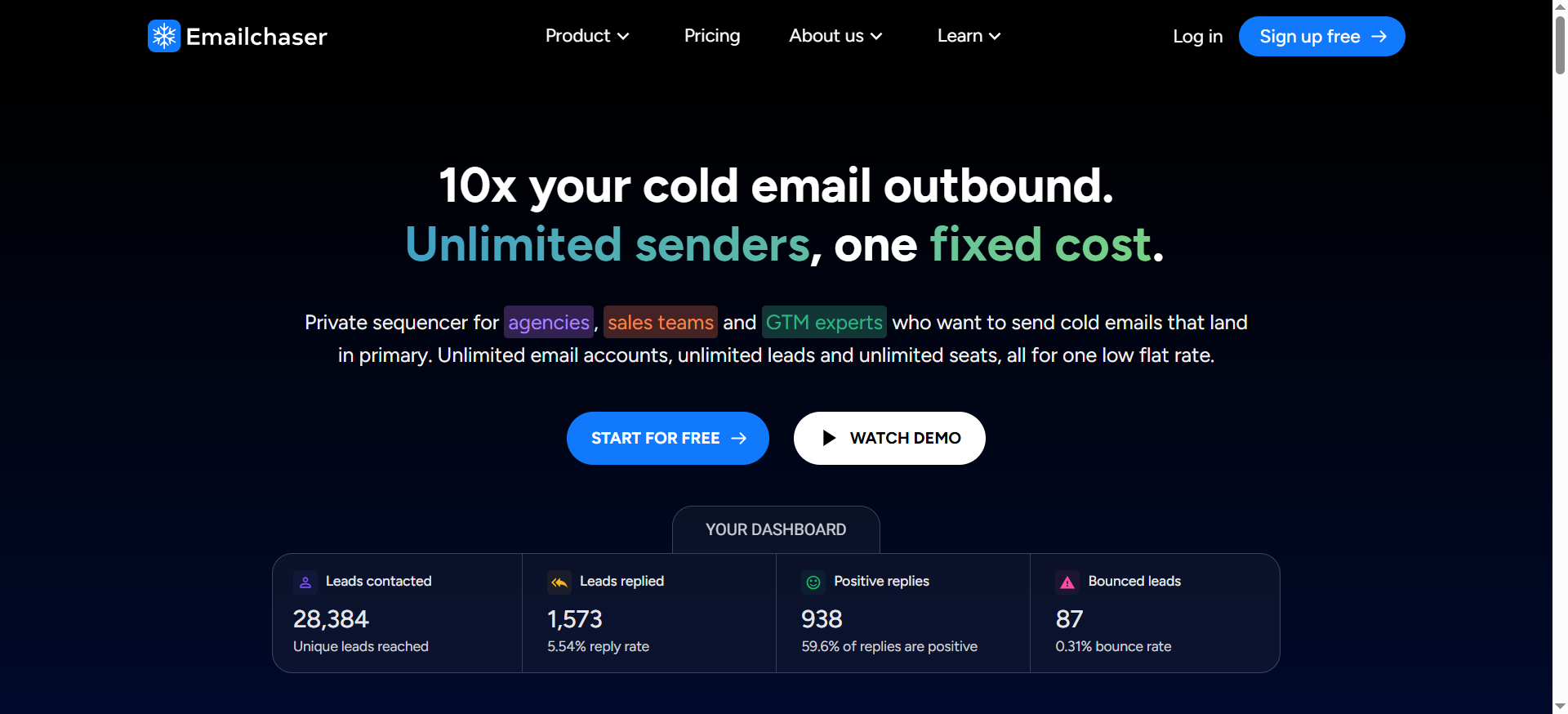
What It Does
Emailchaser is a cold email platform that bundles a lead finder, email sequencing, inbox rotation, and a sales CRM into one tool. The Lead Finder uses a Chrome extension to extract contacts from LinkedIn Sales Navigator and runs double verification through two independent providers (BounceBan and Enrichley) before marking an email as safe to send.
Why Teams Use It
Emailchaser's pitch is straightforward: unlimited email searches, unlimited connected accounts, unlimited seats, and no per-contact charges on the base subscription. The only variable cost is verification at $0.0017 per credit. For teams that prospect at high volume and want predictable costs, this model eliminates the anxiety of burning through a monthly credit cap.
What It's Good For
Emailchaser works best when you need to extract large batches of contacts from LinkedIn Sales Navigator and immediately run them through a cold email sequence. The Lead Finder claimed a 91% find rate in internal testing, which is the highest reported among the tools in this guide. The double-verification step reduces bounce risk by requiring both BounceBan and Enrichley to confirm an email before it is marked deliverable.
When It's a Good Fit
Emailchaser fits if you are a cold email operator, agency, or growth team that sends at scale and wants one tool for finding, verifying, and emailing prospects. The unlimited model suits teams doing 500+ lookups per week who would burn through credit caps on other platforms. The $47/month starting price with no per-seat fees makes it accessible for early-stage teams and solo operators.
When It's Not a Good Fit
Emailchaser has limited independent validation. The tool has one Trustpilot review and no G2 listing as of 2026, which is unusual for a cold email platform in this space. The 91% find rate has not been verified by third-party benchmarks, and independent accuracy testing places deliverability around 82-85%, which is lower than the more established tools. Pricing information is inconsistent across sources, and the platform's track record is shorter than competitors like Snov.io or Hunter. If social proof and established reputation matter to your buying decision, Emailchaser requires a leap of faith.
How to Use It
Sign up and start the free trial (no credit card for initial access). Install the Lead Finder Chrome extension. Open LinkedIn Sales Navigator, run a search for your target prospects, and use the extension to extract contacts in bulk. Emailchaser pulls names and emails, then runs them through double verification. Verified contacts land directly in your Emailchaser campaign dashboard, where you can build multi-step email sequences with automatic follow-ups and inbox rotation.
Key Capabilities
Emailchaser's key capabilities include unlimited lead searches via the LinkedIn Sales Navigator extension, double email verification (BounceBan + Enrichley), multi-step email sequences with automatic follow-ups, unlimited email account connections with inbox rotation, a master inbox for centralized reply management, a built-in sales CRM, AI-generated spintax (powered by OpenAI), and unlimited seats with no per-user pricing.
Pricing
Emailchaser offers two plans: Starter at $47/month (unlimited emails, unlimited leads, up to 30 email accounts — $1 for the first month) and Professional at $297/month (unlimited email accounts plus additional features). Both include a 7-day free trial. Verification credits cost $0.0017 each, which is the only variable cost. Verifying 1,000 emails costs $1.70.
Free Tier
Emailchaser does not offer a permanent free plan. Instead, it provides a 7-day free trial with access to all features on both plan tiers. During the trial, you can test the Lead Finder, run email sequences, and verify contacts. After the trial ends, you need to subscribe to continue using the platform. The unlimited search model means there is no credit cap during the trial — your only cost would be verification credits at $0.0017 each.
Downsides / Limitations
The biggest concern is credibility. With minimal third-party reviews and no G2 presence, evaluating Emailchaser requires relying heavily on the company's own claims. Independent accuracy tests show 82-85% deliverability, which is decent but below the 91% find rate Emailchaser advertises. The pricing page has been reported as inconsistent across different sources, creating confusion about what each tier actually includes. The verification cost ($0.0017 per email) is low per unit but adds up at scale — verifying 10,000 contacts costs $17, which is still reasonable but worth budgeting. The platform requires LinkedIn Sales Navigator for the Lead Finder, which is a separate subscription starting at $99.99/month.
5. Anymail Finder
What It Does
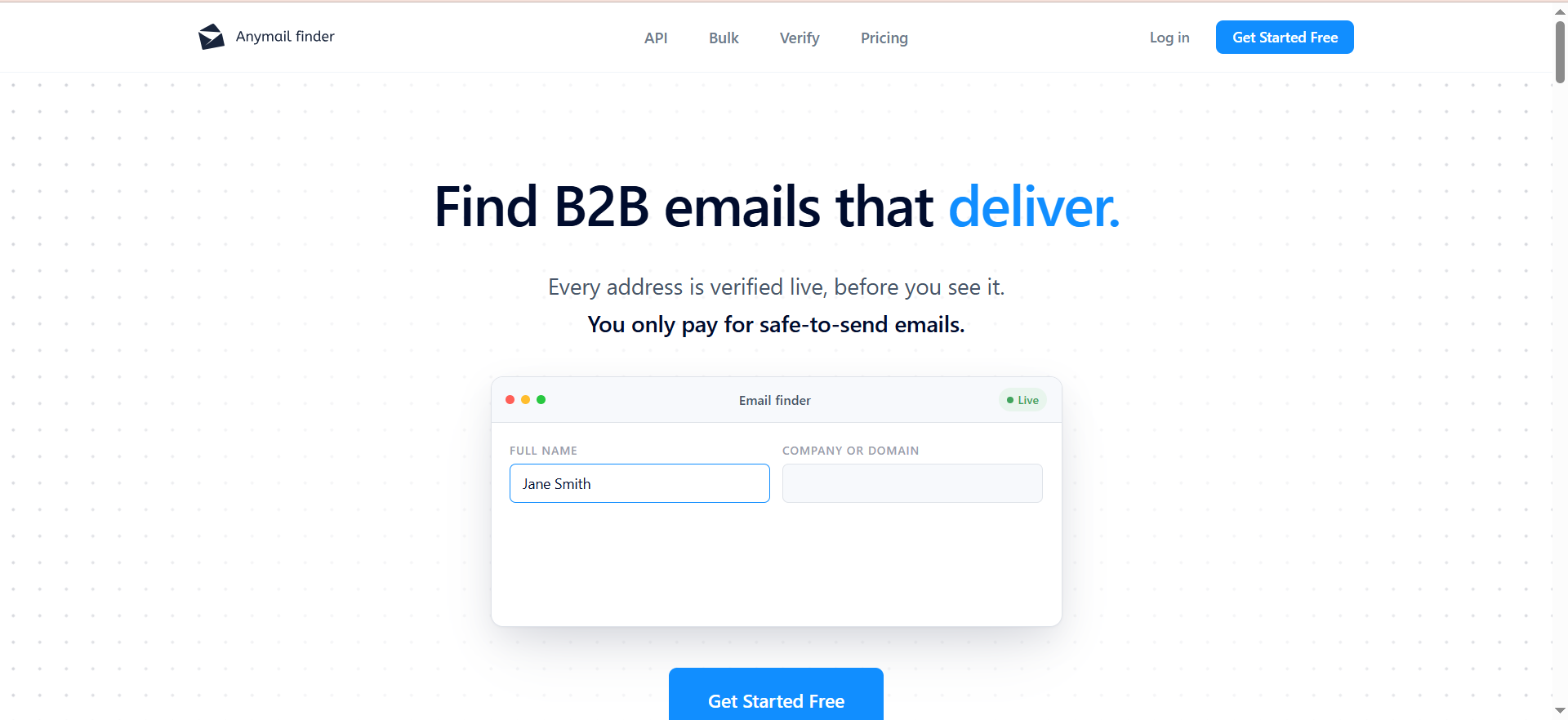
Anymail Finder is a focused email discovery and verification tool used by over 420,000 professionals. You enter a name and domain (or a LinkedIn URL, or a Decision Maker role query), and the tool searches for a verified professional email. The defining feature is the pay-per-verified-email model: if Anymail Finder cannot verify an email, it does not charge you. Risky results, not-found results, and duplicate searches within the same month are all free.
Why Teams Use It
The billing model is the main reason teams choose Anymail Finder. On most email finder platforms, you pay per search attempt regardless of outcome. Anymail Finder flips that: you only spend a credit when the tool returns a verified email. For teams that prospect in hard-to-reach niches where many lookups return no result, this model prevents wasted spend. The tool also carries a 4.8/5 Trustpilot rating from 141 reviews, with customer support quality cited as a consistent strength.
What It's Good For
Anymail Finder works best for precision prospecting where you need each returned email to be deliverable. If your workflow involves looking up 50-200 contacts per week and you cannot afford high bounce rates (because it affects your sender reputation or deliverability), the verified-only model gives you confidence that what comes back is usable. The Decision Maker search lets you look up contacts by role (e.g., "VP of Marketing at [domain]"), which saves time when you do not know the specific person's name.
When It's a Good Fit
Anymail Finder fits if you do fewer than 500 lookups per month, prioritize deliverability over volume, and do not need outreach or sequencing features in the same tool. It is also a good secondary tool: when your primary email finder fails on a contact, Anymail Finder's different data sources and verification approach sometimes finds what others miss.
When It's Not a Good Fit
The trade-off for the pay-per-verified model is lower coverage. Because Anymail Finder skips catch-all domains and unverifiable emails, you may not get results for 30-40% of your lookups. An independent benchmark placed its effective enrichment rate at 41.3%, with a 15.8% overall error rate and a 9.5% hard bounce rate on returned emails. That last number means roughly 1 in 10 "verified" emails still bounced, which contradicts the 97%+ accuracy claim. The 97% figure applies only to emails marked "Valid," not to overall results. There are no campaign, sequence, or CRM features — Anymail Finder is purely a lookup and verification tool, so you will need a separate platform for outreach.
How to Use It
Sign up for a free trial (100 credits, no credit card required). For single lookups, enter a name and domain in the web app. For Decision Maker searches, enter a domain and a job title or role. For bulk processing, upload a CSV with names and domains. Install the Chrome extension for quick lookups while browsing. Use the API for programmatic access if you need to integrate email finding into an existing workflow. Credits are only consumed on verified results, so you can run speculative searches without risk.
Key Capabilities
Anymail Finder's key capabilities include email lookup by name + domain, LinkedIn URL, or Decision Maker role, bulk email search via CSV upload, a Chrome extension for browser-based lookups, built-in email verification (only charges for verified results), an API for programmatic access, credit rollover (unused credits accumulate with no cap while your subscription is active), and duplicate search protection (re-searching the same contact in the same month is free).
Pricing
Paid plans start at $29/month for 400 verified emails, $49/month for 1,000 verified emails, $89/month for 2,000 verified emails, $149/month for 5,000 verified emails, $199/month for 10,000 verified emails, $299/month for 25,000 verified emails, and $799/month for 100,000 verified emails. Annual billing saves 33%. All plans share the same feature set — the only difference is credit volume.
Free Tier
The free trial provides 100 credits that expire after 14 days. Credits are only consumed when a verified email is returned, so you may get more than 100 lookups out of the trial if some searches return no result. There is no permanent free plan. After the trial, you need to subscribe to continue using the tool. The lowest plan at $29/month for 400 credits is one of the most affordable entry points among the tools in this guide.
Downsides / Limitations
Coverage is the main weakness. If you upload 1,000 contacts, expect to get verified emails back for roughly 400-500 of them. The 97% accuracy claim is misleading without context — it applies only to the subset of results marked Valid, not to your total lookups. Independent testing found a 9.5% hard bounce rate on returned emails, which means the actual deliverability of "verified" results is closer to 90% than 97%. The tool offers no outreach, no sequences, and no CRM. You are paying purely for data, and you will need other tools to act on it. The free trial's 14-day expiration creates urgency that may not align with slower evaluation cycles.
How Do Free Email Finder Tools Work?
Free email finder tools use a combination of web scraping, pattern matching, database lookups, and verification to locate professional email addresses. The process typically starts with two inputs: a person's name and their company domain.
Most email finder tools maintain large databases of publicly available email addresses collected from websites, social media profiles, public records, and other sources. When you search for a contact, the tool first checks its database for a direct match. If no match exists, it attempts to generate likely email addresses using common patterns. For example, if a company typically uses [email protected], the tool will generate that pattern and then verify whether the address exists by pinging the email server (SMTP verification) without sending an actual message.
The verification step is where tools differ most. Some tools (like Anymail Finder) only return results they can verify, charging nothing for unverifiable lookups. Others (like GetEmail) charge a credit for every search attempt regardless of outcome. Double-verification tools like Emailchaser run the address through two independent verification providers to reduce false positives.
Free tiers limit this process by capping the number of searches, restricting bulk lookups, or removing advanced verification features. The underlying technology is the same on free and paid plans — you are paying for volume and depth, not a different algorithm.
Are Free Email Finder Tools Accurate Enough for Cold Outreach?
Accuracy in email finding has two dimensions that are frequently conflated: find rate (how often the tool returns any result) and deliverability (how often the returned email actually reaches an inbox).
Most free email finders advertise accuracy between 92% and 98%, but these numbers typically refer to the deliverability of emails the tool marks as "valid" — not the percentage of searches that produce a usable email. In independent benchmarks testing thousands of contacts, the actual verified rates drop significantly: Skrapp lands around 42.8%, Anymail Finder at 41.3%, and Snov.io at 20.1% in controlled tests.
For cold outreach, the critical threshold is keeping your bounce rate below 5%. Anything higher risks damaging your sender reputation and landing future emails in spam. If you are using a free email finder for outreach, you should always run found emails through a standalone verification tool (ZeroBounce, NeverBounce, or similar) before adding them to a campaign. This adds a step and a small cost, but it protects your deliverability infrastructure.
The short answer: free email finders can supply contacts for cold outreach, but treating their results as verified without additional checking is risky. Use them as a first step in your pipeline, not the final one.
What Is the Difference Between Email Finding and Email Verification?
Email finding and email verification are two separate processes that are often bundled together but serve different purposes.
Email finding is the process of discovering an email address you do not already have. You provide a name and company (or domain), and the tool returns a probable email address. This involves database lookups, pattern matching, and sometimes web scraping.
Email verification checks whether an email address you already have is valid and deliverable. Verification tools ping the recipient's mail server to confirm the address exists, check for syntax errors, detect disposable or temporary addresses, identify catch-all domains, and assess deliverability risk.
The confusion arises because many email finder tools include basic verification in their workflow. When Snov.io "finds" an email, it also runs a verification check and reports a confidence score. However, the depth of verification varies significantly by tool and plan tier. Skrapp, for example, only provides full SMTP verification and catch-all detection on its Enterprise plan. Lower-tier users get a surface-level syntax and domain check that misses many invalid addresses.
For practical purposes: if an email finder tool says it "verifies" results, check what that verification actually includes. Syntax checking alone is not enough for cold outreach. You want SMTP verification, catch-all detection, and ideally a deliverability confidence score.
How Many Free Credits Do Email Finder Tools Typically Give?
Free credit allocations vary widely across email finder tools. Here is how the five tools in this guide compare:
Snov.io provides 50 credits per month, with each credit covering one email lookup or one verification (so roughly 25 full find-and-verify cycles). Skrapp offers 50 credits per month and only charges on Valid or Catch-all results, making the effective number of searches higher. GetEmail gives 10 credits per month, which is the most restrictive free tier in this comparison. Emailchaser takes a different approach with unlimited free searches but charges $0.0017 per verification credit. Anymail Finder offers 100 credits on a 14-day trial with no permanent free plan, and credits are only consumed on verified results.
Outside of these five, the broader market ranges from 25 free credits per month (Hunter) to 10,000 free export credits per month (Apollo.io). The industry average for a usable free tier sits around 50-100 credits per month.
When evaluating free credits, pay attention to what counts as a credit. Some tools charge for every search attempt, while others only charge for successful results. A tool offering 50 credits where every search costs a credit gives you less effective volume than a tool offering 50 credits that only charges on verified results.
What Should You Check Before Upgrading From a Free Email Finder Plan?
Before moving from a free plan to a paid subscription, run through these evaluation criteria to make sure the upgrade is justified.
First, measure your actual hit rate on the free plan. If the tool is returning usable emails for fewer than 40% of your searches, a paid plan will not fix the underlying data coverage problem — it will just let you pay for more failed lookups at scale.
Second, test deliverability independently. Take a sample of 50-100 emails found by the tool and run them through a standalone verification service like ZeroBounce or NeverBounce. If more than 5% bounce, the tool's internal verification is not reliable enough for outreach, and paying more for volume will compound the problem.
Third, check what features unlock on paid plans. Some tools gate critical capabilities behind higher tiers: Skrapp restricts SMTP verification to Enterprise, Snov.io locks A/B testing to Pro, and GetEmail limits bulk search on lower plans. Make sure the features you actually need are included in the plan you are considering, not the one above it.
Fourth, calculate your effective cost per usable email. Divide the plan price by the number of verified, deliverable emails you expect to get (based on your free-plan hit rate). A $49/month plan that gives you 1,000 credits but only produces 400 usable emails costs $0.12 per contact. Compare that across tools before committing.
Fifth, check credit rollover policies. Skrapp rolls over unused credits on paid plans. Anymail Finder allows accumulation up to 2x your plan limit. Snov.io credits expire monthly. If your prospecting volume fluctuates, rollover can meaningfully affect value.
Free Email Finder vs Paid Email Finder — When Is It Time to Upgrade?
The decision to upgrade depends on three factors: volume, accuracy requirements, and workflow complexity.
Stay on a free plan if you are doing fewer than 50 lookups per week, you are still testing which tool works best for your target market, you can tolerate manual verification as a separate step, and you do not need integrations with your CRM or outreach platform.
Upgrade when your weekly lookup volume consistently exceeds your free credit cap, when you need bulk search or CSV upload for batch processing, when you need API access for automated workflows, when the cost of manual verification (time + standalone tool fees) exceeds the price of a paid plan with better built-in verification, or when you need campaign and sequence features inside the same platform (relevant for Snov.io and Emailchaser).
A practical benchmark: if you are spending more than 2 hours per week manually working around free-tier limitations (running separate verification, exporting and re-importing data, splitting batches to stay under credit caps), the paid plan will likely pay for itself in time savings alone.
Best Free Email Finder Chrome Extensions for LinkedIn
Chrome extensions are the fastest way to turn LinkedIn browsing into prospecting, and all five tools in this guide offer one. Here is how they compare for LinkedIn-specific use.
Snov.io's LI Prospect Finder works on LinkedIn profiles and search results pages, extracting names, job titles, company info, and emails. It also works on LinkedIn Sales Navigator. However, LinkedIn automation features (connection requests, messages, InMails) cost an additional $69/month.
Skrapp's Chrome extension is rated 4.8/5 on the Chrome Web Store and offers single-click email extraction from LinkedIn profiles and company pages. It also works with Sales Navigator. Setup takes under two minutes, and the extension displays verification status immediately.
GetEmail's LinkedIn extension is praised for speed and simplicity. It overlays directly on LinkedIn profiles, showing the found email address without navigating away from the page. It also integrates with Gmail, Outlook, and Salesforce.
Emailchaser's Lead Finder extension works specifically with LinkedIn Sales Navigator (not standard LinkedIn). It extracts contacts in bulk from Sales Navigator search results, which is useful for building large prospect lists quickly.
Anymail Finder's Chrome extension supports lookups from any webpage, not just LinkedIn. While it works on LinkedIn profiles, it is less specialized for LinkedIn workflows compared to Skrapp or Snov.io.
For pure LinkedIn prospecting, Skrapp offers the best free extension experience. For Sales Navigator bulk extraction, Emailchaser is the most capable. For general-purpose browsing with LinkedIn support, Snov.io provides the broadest feature set.
How to Verify Emails Found With Free Tools
Free email finder tools include varying levels of built-in verification, but relying solely on their internal checks is risky for outreach. Here is a practical workflow for verifying emails before adding them to campaigns.
Start by exporting your found emails from the email finder tool. Most tools allow CSV export, even on free plans (with the notable exception of Snov.io, which restricts export on the Trial plan).
Run the exported list through a standalone email verification service. ZeroBounce, NeverBounce, Bouncer, and Emailable all offer free tiers or low per-email pricing ($0.003-$0.008 per verification). These tools check SMTP connectivity, detect disposable addresses, identify role-based emails (info@, support@), flag catch-all domains, and score deliverability confidence.
Remove any email that comes back as invalid, risky, or unknown. For catch-all domains (servers that accept all emails regardless of whether the address exists), proceed with caution — these addresses may bounce silently or land in spam.
For small batches (under 20 emails), you can also use free verification tools like EXPERTE.com's email checker or Mail Tester to spot-check individual addresses before sending.
The goal is to keep your bounce rate below 3-5% on any cold outreach campaign. This protects your domain reputation and keeps you off email blacklists.
What Is a Catch-All Email and Why Does It Matter for Email Finders?
A catch-all (or accept-all) email server is configured to accept messages sent to any address at that domain, regardless of whether the specific mailbox exists. If a company uses a catch-all configuration, sending an email to [email protected] would be accepted by the server even if that address has never been created.
This matters for email finders because catch-all domains make verification unreliable. When a verification tool pings a catch-all server, the server responds "yes, this address exists" for every query — even if the address is fake. As a result, email finder tools cannot confirm whether a specific address at a catch-all domain is real or fabricated.
Different tools handle catch-all domains differently. Anymail Finder skips catch-all domains entirely and does not charge for them, which reduces your result volume but protects accuracy. Skrapp charges credits for catch-all results on all plans but flags them clearly. Snov.io includes catch-all results in your search results and charges a credit, leaving the decision to send or skip to you.
For cold outreach, catch-all emails carry a roughly 20-30% bounce risk. If a significant portion of your prospect list contains catch-all domains, expect your bounce rate to rise. Best practice: segment catch-all emails into a separate list, send to them at lower volume, and monitor bounces closely. If a catch-all domain bounces more than 10% of emails, stop sending to all addresses at that domain.
Can Free Email Finders Handle Bulk Lookups?
Bulk lookup capabilities on free plans are limited across all tools, but the restrictions vary.
Snov.io does not allow bulk search on the free Trial plan. You can do individual lookups and domain searches, but CSV upload and batch processing require a paid plan.
Skrapp supports bulk email finding via CSV upload on all plans, including the free tier. However, with only 50 credits per month on the free plan, your bulk batches will be small.
GetEmail offers bulk search via CSV upload, but the 10-credit monthly limit on the free plan makes bulk processing effectively impossible.
Emailchaser's Lead Finder extension can extract contacts in bulk from LinkedIn Sales Navigator search results. Since searches are unlimited on all plans (including the trial), this is the most capable free option for bulk extraction, though verification costs $0.0017 per email.
Anymail Finder supports CSV upload for bulk searches on the trial plan. With 100 credits that only consume on verified results, you can upload a larger batch and only pay for what comes back verified.
If bulk lookup is a priority and you want a free option, Emailchaser's unlimited search model is the most practical. For CSV-based bulk processing without per-search charges, Anymail Finder's trial gives you the fairest terms. For ongoing free bulk access, Skrapp's monthly credit rollover means you can accumulate credits over slower months and use them for a larger batch when needed.



