

TL;DR
If you need to pull verified email addresses from websites, LinkedIn, or company domains without wrecking your sender reputation, the five tools worth evaluating right now are Snov, Skrapp, Prospeo, Findymail, and AeroLeads. Each one handles extraction, verification, and export differently, and the right pick depends on whether you prioritize volume, accuracy, cost per verified contact, or workflow integration. This guide breaks down what each tool actually does well, where it falls short, and which buying criteria matter most so you can build a shortlist that fits your team's outreach workflow instead of chasing feature lists.
Best Email Extractor Tools in 2026 (Quick Comparison)
| Feature | Snov | Skrapp | Prospeo | Findymail | AeroLeads |
|---|---|---|---|---|---|
| Starting Price | $29.25/mo | $29/mo | $39/mo | $49/mo | $49/mo |
| Free Tier | 50 credits/mo | 50 credits/mo | 75 credits/mo | Yes (10 credits) | Trial only (10 credits, no export) |
| Credits at Entry Paid | 1,000 | 2,000 | 1,000 | 1,000 | ~2,000 |
| Verification Built-In | Yes (7-tier) | Yes | Yes (98% accuracy) | Yes (<5% bounce guarantee) | Yes (real-time) |
| Chrome Extension | Yes | Yes | Yes | Yes | Yes |
| Credit Rollover | No | Yes (paid plans) | No | Yes (up to 2×) | No |
| Pay Only for Valid | No | Yes (invalid free) | No | Yes | No |
| CRM Integrations | Salesforce, HubSpot, Pipedrive | Salesforce, HubSpot | HubSpot, Salesforce | HubSpot, Salesforce, Pipedrive | Salesforce, HubSpot, Zoho, Pipedrive |
| Best For | All-in-one outreach + finding | LinkedIn-first prospecting | High-accuracy single lookups | Outbound teams needing deliverability | Budget teams wanting simplicity |
1. Snov
What It Does
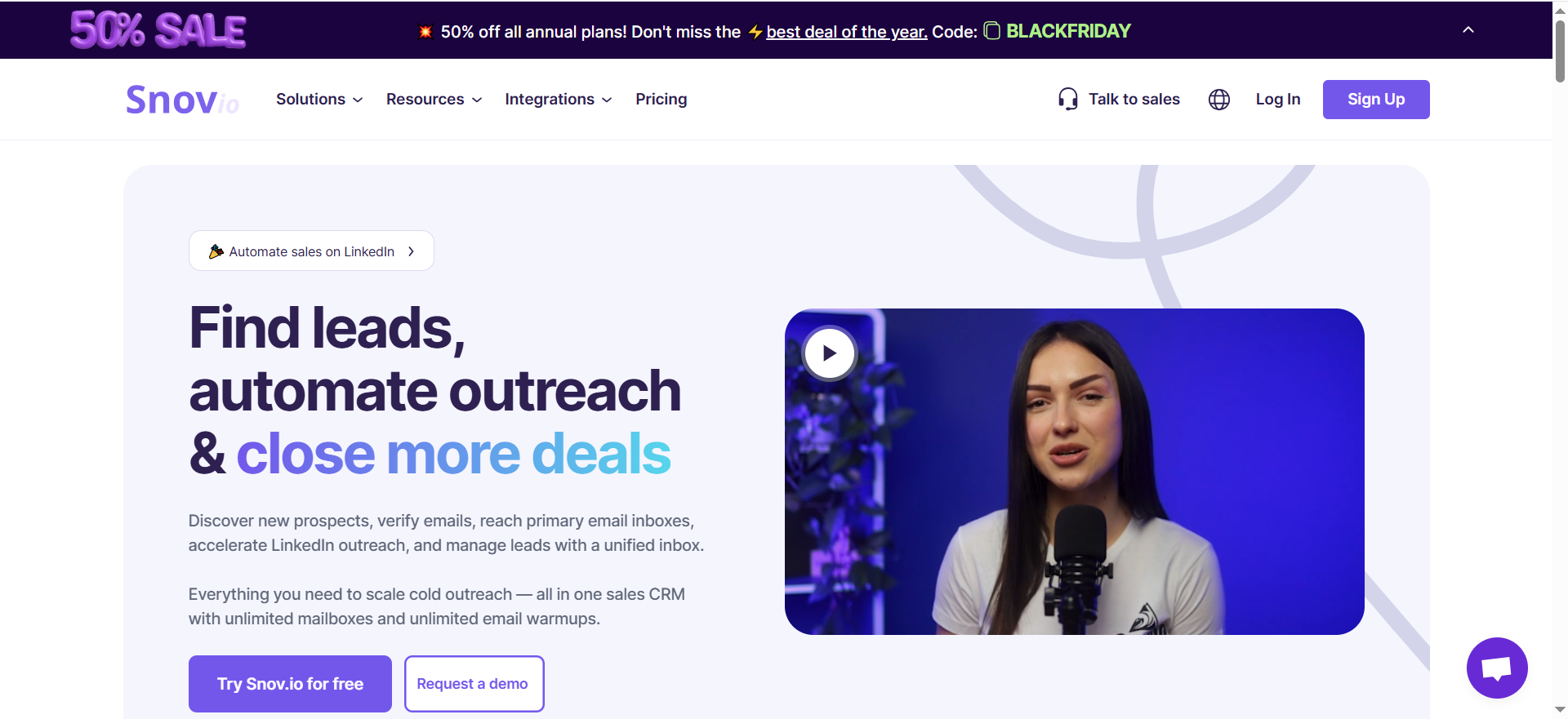
Snov is an all-in-one outreach automation platform that combines email finding, verification, drip campaigns, LinkedIn automation, deliverability monitoring, and a built-in sales CRM. It lets you search a database of over 50 million company profiles using 15 different filters, look up emails by name and company domain, extract contacts from LinkedIn with a Chrome extension, or upload CSV files for bulk email searches.
Why Teams Use It
Teams pick Snov because it replaces multiple point solutions. Instead of paying separately for an email finder, a verifier, a sequencer, and a CRM, Snov bundles everything into one platform. The unlimited team seats on all paid plans make it especially attractive for agencies and growing sales teams that would otherwise pay per-seat fees elsewhere.
What It's Good For
Snov excels at high-volume outbound campaigns where you need to find contacts, verify them, and immediately drop them into a multi-step email sequence. The 7-tier verification process checks syntax, MX records, SMTP records, and more, which keeps bounce rates manageable. Bulk operations like CSV uploads and LinkedIn list scraping work well when you need to process hundreds or thousands of contacts in a single session.
When It's a Good Fit
Snov fits teams that want a single platform for the full prospecting-to-outreach pipeline. If your workflow looks like "find contacts → verify → sequence → track replies → manage in CRM," Snov handles that loop without needing Zapier glue between separate tools. It is also a strong fit for agencies managing multiple client campaigns, since unlimited seats mean you can add team members without per-head cost increases.
When It's Not a Good Fit
If you only need an email finder and already have a sequencer and CRM you like, Snov's bundled approach means you are paying for features you will not use. Key features like A/B testing and advanced personalization are locked behind the $74.25/month Pro plan, so teams on the Starter tier may feel constrained. LinkedIn automation also costs extra regardless of plan, which can push the effective monthly cost higher than it appears.
How to Use It
Sign up for the free trial (50 credits, no card required). Install the Chrome extension to extract emails from LinkedIn profiles and company pages. Use the web app's database search to find contacts by company, role, location, or industry. Upload a CSV of names and domains for bulk lookups. Verified contacts flow directly into the built-in email drip campaign builder, or export them to your CRM via native integrations.
Key Capabilities
Snov's core capabilities include database search with 15 filters across 50M+ profiles, single and bulk email lookup by name and domain, a Chrome extension for LinkedIn and website extraction, 7-tier email verification (syntax, MX, SMTP, and more), multi-step email drip campaigns with scheduling, LinkedIn automation (add-on), deliverability monitoring and mailbox warm-up, a built-in sales CRM with pipeline management, and native integrations with Salesforce, HubSpot, and Pipedrive. API access is available on all paid plans.
Pricing
Snov uses a credit-based system billed annually. The Trial plan is free with 50 credits per month, 100 email recipients, and one mailbox warm-up slot. The Starter plan is $29.25 per month with 1,000 credits. The Pro plan is $74.25 per month with 5,000 credits and unlocks A/B testing, advanced personalization, and priority support. The Custom Ultra plan offers custom pricing starting at 200,000 credits for enterprise teams. All paid plans include unlimited team seats.
Free Tier?
Yes. The free trial includes 50 credits per month, access to the email finder and verifier, basic campaign tools, and one mailbox warm-up slot. No credit card required. The limitation is no bulk operations, no A/B testing, no API access, and no integrations.
Downsides / Limitations
The credit system can be confusing since different actions consume different numbers of credits. LinkedIn automation is an add-on cost on every plan. The Starter plan lacks A/B testing and advanced personalization, which are table-stakes features for serious outbound teams. Some users report that the email database skews toward larger companies, making it harder to find contacts at startups or smaller firms. Credits do not roll over month to month.
2. Skrapp
What It Does
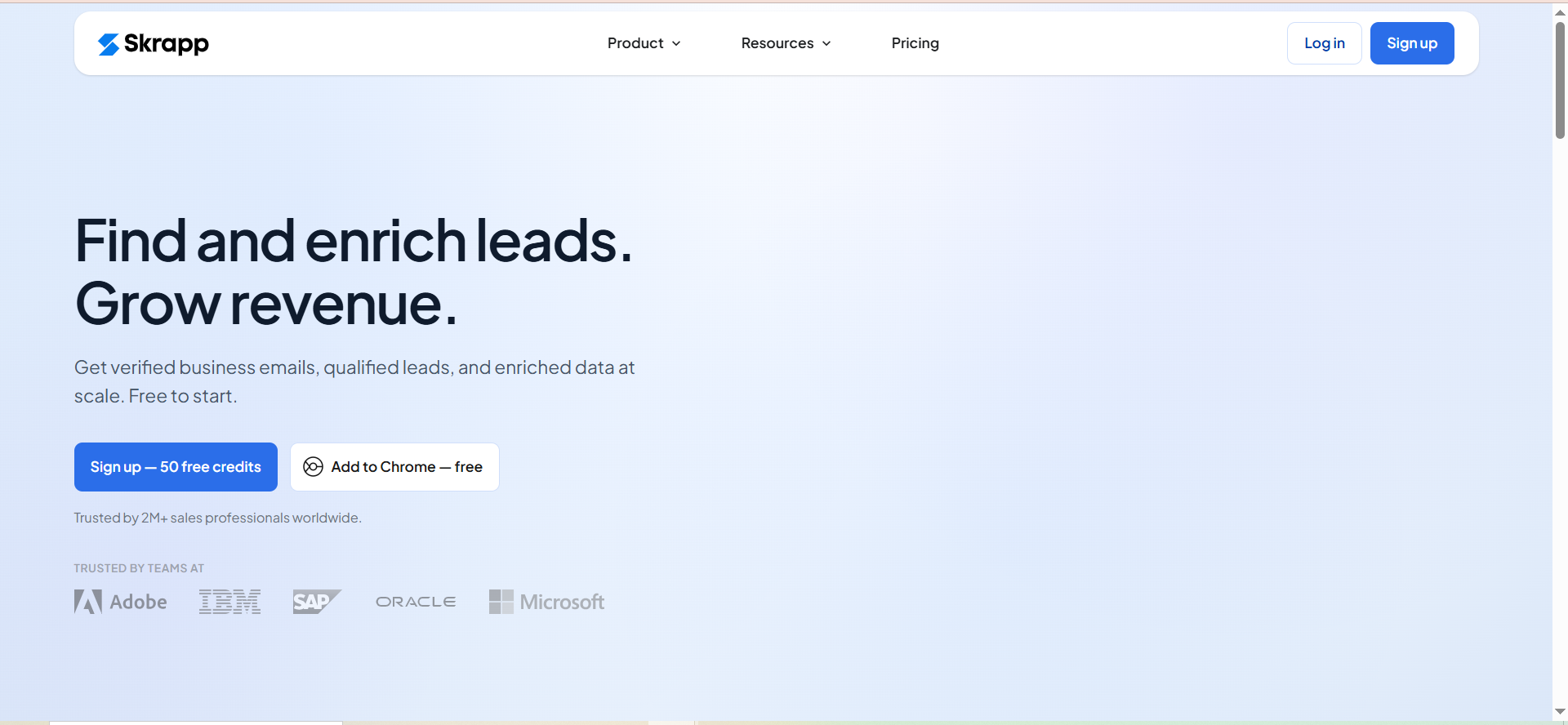
Skrapp is a B2B email finder and lead generation platform focused on locating verified professional email addresses. It offers single lookups by name and company, bulk email finding via CSV upload, and a Chrome extension that extracts emails directly from LinkedIn profiles and Sales Navigator searches. The platform also includes built-in email verification.
Why Teams Use It
Teams choose Skrapp for its simplicity and credit efficiency. On paid plans, Skrapp only consumes credits when it returns a "Valid" or "Catch-all" result through its Fair Credit Policy. Invalid or unknown emails are free. Unused credits roll over from month to month on Professional and Enterprise plans, so nothing goes to waste if your prospecting pace varies.
What It's Good For
Skrapp works well for LinkedIn-first prospecting workflows. The Chrome extension sits on top of LinkedIn and Sales Navigator, letting you pull emails as you browse profiles without switching tabs. The data quality is strong for targeted outreach where every contact matters.
When It's a Good Fit
Skrapp fits sales teams and SDRs who spend most of their prospecting time on LinkedIn and need a fast, reliable way to turn profiles into email addresses. It is also a good fit for teams with unpredictable prospecting volumes, since credit rollover on paid plans means you are not penalized for slow months. The free tier with 50 credits per month is enough for solo founders or early-stage teams testing the waters.
When It's Not a Good Fit
Skrapp is a pure email-finding tool. It has no outreach sequencing, no CRM, and no campaign management. If you want an all-in-one platform, you will still need separate tools for those functions. The database is smaller than competitors like Snov or Apollo, so teams targeting niche industries or very small companies may hit lower match rates.
How to Use It
Create a free account to get 50 email credits per month. Install the Chrome extension. Browse LinkedIn or Sales Navigator and click the Skrapp icon on any profile to extract the email. For bulk operations, upload a CSV with names and company domains through the web app. Use the lead search feature to find prospects by company, role, or industry within Skrapp's own database. Export results as CSV or push them to your CRM via native integrations.
Key Capabilities
Skrapp's capabilities include single email lookup by name and company, bulk email finding via CSV upload, a LinkedIn and Sales Navigator Chrome extension, built-in email verification, a lead search database for targeted prospecting, company search for account-based workflows, CSV export, native CRM integrations with Salesforce and HubSpot, AI enrichment on Professional plans, and credit rollover on paid plans through the Fair Credit Policy.
Pricing
Skrapp uses a credit-based model where one credit equals one verified email found. The Free plan includes 50 credits per month with one user. The Professional plan starts at $29 per month (billed annually) or $39 per month (billed monthly) for 2,000 credits and two users. The Enterprise plan starts at $262 per month (billed annually) or $349 per month for 50,000 credits and 15 users. On Professional and Enterprise plans, invalid and unknown emails do not consume credits under the Fair Credit Policy, and unused credits roll over.
Free Tier?
Yes. The free plan includes 50 email credits per month with access to the email finder, email verifier, Chrome extension for LinkedIn, Sales Navigator, and company websites. No credit card required. The limitations are restricted lead and company search, no list exports, no CRM sync, no AI enrichment, and no credit rollover or Fair Credit Policy.
Downsides / Limitations
No outreach or campaign features — Skrapp is strictly an email finder and verifier. The database is smaller than larger platforms, so match rates in niche verticals can be lower. There is no phone number data. Bulk operations are straightforward but lack advanced filtering compared to richer platforms. API access is only available on the Enterprise plan.
3. Prospeo
What It Does
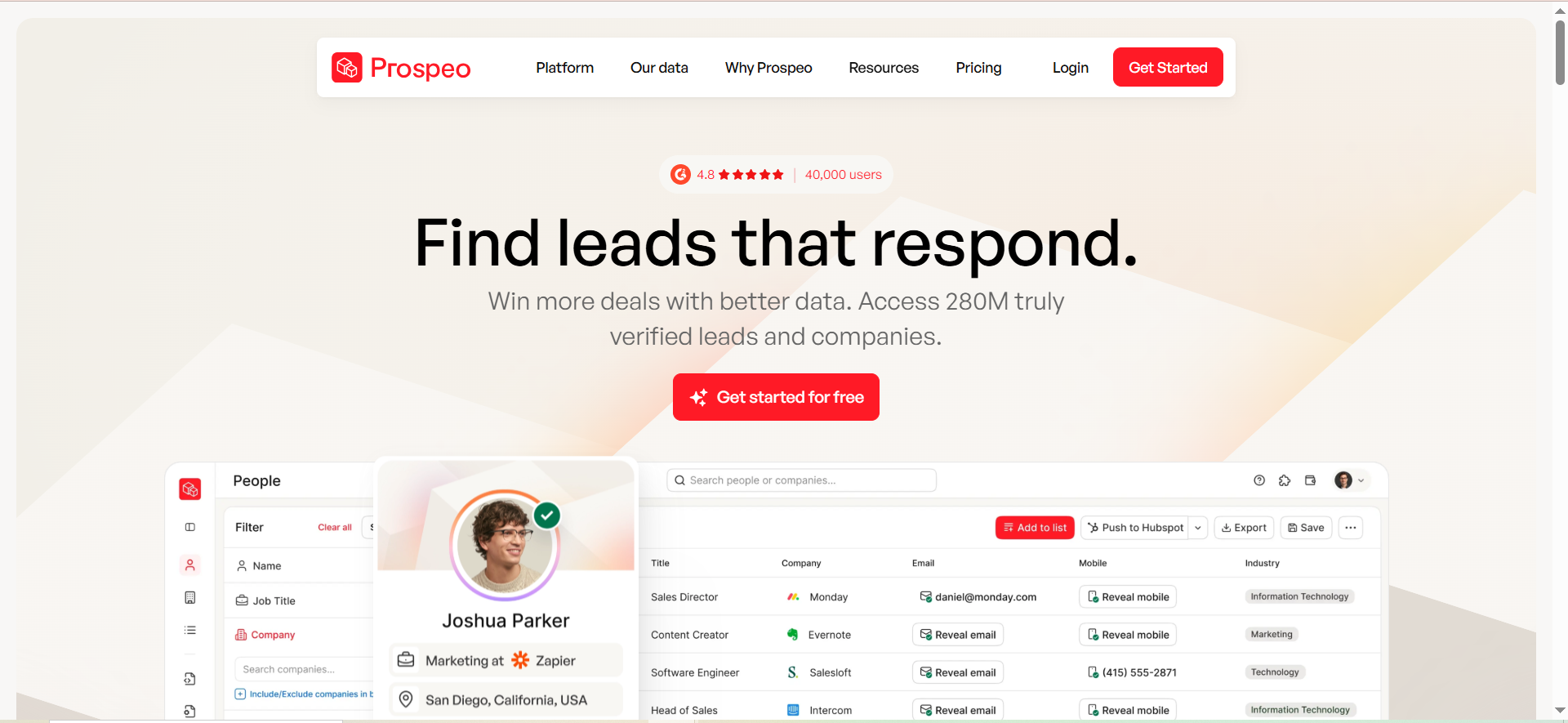
Prospeo is an email finder and data enrichment platform that finds, verifies, and organizes contact data for sales prospecting and lead generation, storing professional email addresses, mobile numbers, and LinkedIn profile URLs.
Why Teams Use It
Teams use Prospeo for its accuracy on individual lookups. The Chrome extension finds verified emails from any website in one click, typically returning a result within two to three seconds. The 98% verified email accuracy rate is among the highest in the category, which matters for teams that cannot afford bounces damaging their sender reputation.
What It's Good For
Prospeo is strongest for single-contact lookups where accuracy matters more than volume. The Chrome extension is fast and reliable for real-time prospecting — when you are on a prospect's LinkedIn profile or company page and need an email immediately, Prospeo delivers. The platform is also useful for CRM enrichment workflows with multiple data points per contact.
When It's a Good Fit
Prospeo fits teams that do targeted, account-based outreach rather than mass-volume campaigns. If your SDRs research individual prospects on LinkedIn and need high-confidence emails before reaching out, Prospeo's per-lookup accuracy is hard to beat. It is also a good fit for teams that need mobile numbers alongside emails, since phone data is available (at 10 credits per number).
When It's Not a Good Fit
Bulk operations are Prospeo's weak point. Users report lower match rates on Sales Navigator bulk imports, with credits consumed on every row regardless of whether an email is found. If your workflow relies heavily on bulk list enrichment, the credit burn can be expensive and frustrating. Credits also do not roll over, so unused credits expire at the end of each billing cycle.
How to Use It
Sign up for the free plan (75 credits per month). Install the Chrome extension. When browsing LinkedIn, company websites, or any web page, click the extension to extract verified emails. For bulk operations, upload a CSV through the web app. Use the API for automated CRM enrichment. Export contacts as CSV or sync with HubSpot and Salesforce.
Key Capabilities
Prospeo's core capabilities include a Chrome extension for one-click email extraction from any website, mobile phone number lookups (10 credits each), API enrichment with multiple data points per contact, bulk email finding via CSV upload, domain search, integrations with HubSpot and Salesforce, and 98% claimed accuracy on verified results.
Pricing
Prospeo uses a credit-based model. The Free plan includes 75 credits per month. The Starter plan is $39 per month for 1,000 credits. The Growth plan is $99 per month for 5,000 credits. The Pro plan is $199 per month for 20,000 credits. The Business plan is $369 per month for 50,000 credits. Each email lookup costs 1 credit, and mobile numbers cost 10 credits each. Credits do not roll over. Additional credits can be purchased as add-ons starting at 1,000 credits for $10.
Free Tier?
Yes. The free plan includes 75 credits per month. No credit card required. This is enough for light prospecting or testing the tool's accuracy before committing to a paid plan.
Downsides / Limitations
Bulk export match rates can be lower than expected, and credits are consumed on every row in bulk operations regardless of outcome. Credits do not roll over. Mobile number lookups at 10 credits each get expensive fast. The platform lacks outreach sequencing or campaign features. The pricing gap between Starter ($39) and Growth ($99) is significant with no intermediate option.
4. Findymail
What It Does
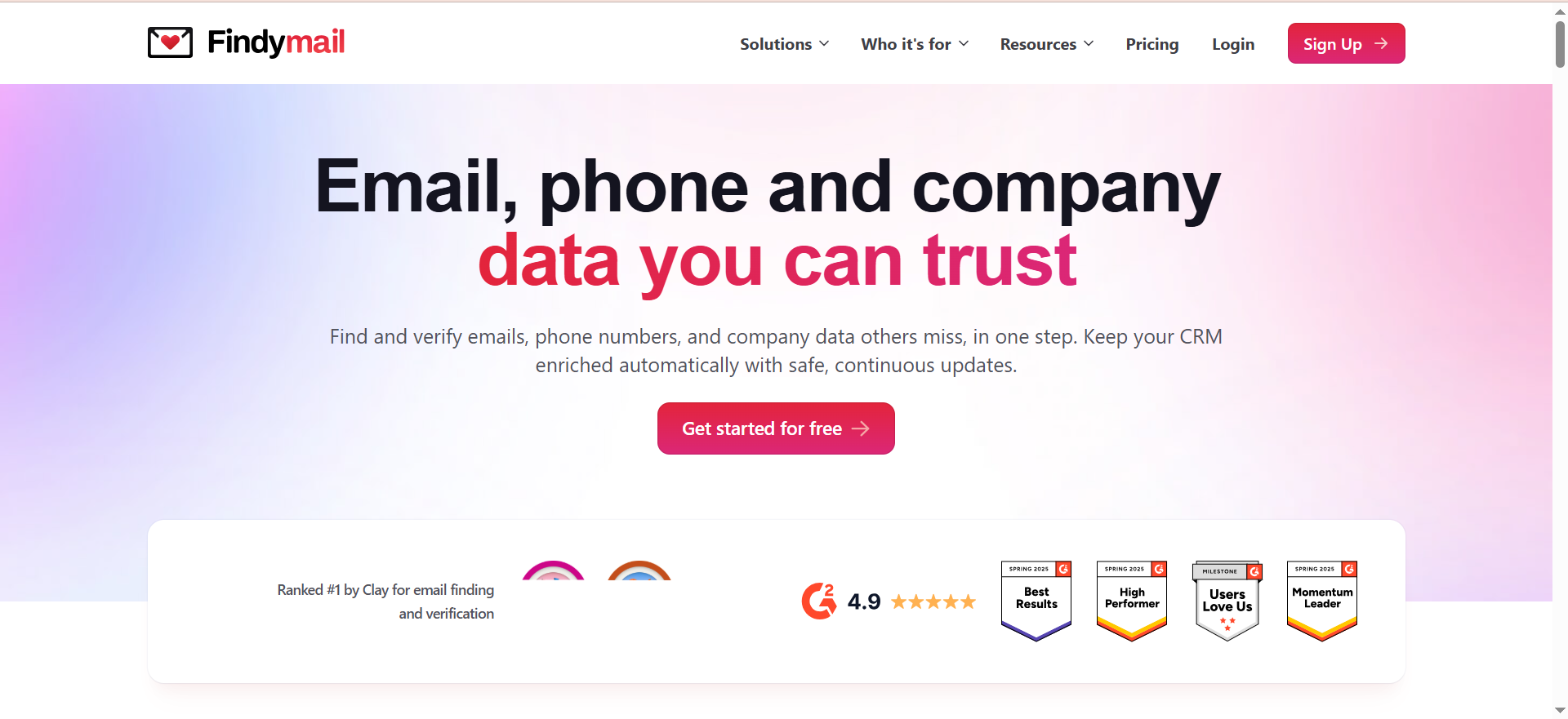
Findymail is a B2B email finder built around one principle: you only pay for verified results. The platform finds and verifies professional email addresses and phone numbers, with an AI-powered lead finder (Intellimatch) that surfaces target companies based on plain-language descriptions. It also offers automated CRM enrichment through its Datacare feature, which continuously updates contact and company data in your CRM.
Why Teams Use It
Teams choose Findymail because of its billing model. Unlike most competitors, Findymail does not charge you if it cannot find a verified email. The platform guarantees a less-than-5% bounce rate and refunds credits if the bounce rate exceeds that threshold. For outbound teams where deliverability is the top concern, this pay-for-results model removes the risk of burning credits on dead ends.
What It's Good For
Findymail is purpose-built for outbound sales teams that need clean, deliverable email lists without manual verification steps. The Chrome extension scrapes contacts from LinkedIn, Sales Navigator, and Apollo, finding and verifying emails in one step. Intellimatch lets you describe your ideal customer in natural language and get matched companies, which is useful for teams that struggle to define their ICP in Boolean filters. Datacare handles ongoing CRM hygiene, so your contact database does not decay over time.
When It's a Good Fit
Findymail fits outbound-heavy teams (SDR teams, agencies, growth teams) where bounce rates directly impact domain reputation and campaign performance. If you are running cold email at scale and cannot afford bounces above 5%, Findymail's guarantee is a strong safety net. It is also a good fit for teams using LinkedIn and Sales Navigator as primary prospecting channels, since the Chrome extension exports leads in bulk.
When It's Not a Good Fit
If you are a solo founder doing low-volume prospecting, the $49/month starting price may not justify the value compared to free-tier options like Skrapp or Prospeo, though Findymail does offer a free account with 10 credits to test the platform.
How to Use It
Sign up for a free account to get 10 credits for testing, or choose the Starter plan ($49/month). Install the Chrome extension. Browse LinkedIn, Sales Navigator, or Apollo and use the extension to extract and verify emails in bulk. Use Intellimatch to describe your ideal target company in plain language and get matched results. Set up Datacare to automatically enrich and maintain your CRM contacts. Export leads as CSV or sync with HubSpot, Salesforce, or Pipedrive.
Key Capabilities
Findymail's key capabilities include verified B2B email and phone number finding with a less-than-5% bounce guarantee, Intellimatch AI lead finder using natural-language company descriptions, a Chrome extension for LinkedIn, Sales Navigator, and Apollo, Datacare for automated CRM enrichment and hygiene, CSV export and native integrations with HubSpot, Salesforce, Pipedrive, Close, Copper, and Zoho, and API access for custom workflows. Credits are only consumed for verified results, and unused credits roll over month-to-month up to 2× your monthly allowance.
Pricing
Findymail uses a credit-based model where you only pay for verified results. The Starter plan is $49 per month for 1,000 credits. The Scaling plan is $99 per month for 5,000 credits. The Business plan is $249 per month for 25,000 credits. Enterprise plans have custom pricing for larger volumes. Each email costs one credit and each phone number costs ten credits. Credits are not consumed if no verified result is found. Unused credits roll over month-to-month, up to 2× your monthly allowance. Annual billing gives two months free.
Free Tier?
Yes. Sign up for a free account and get 10 credits to test Findymail. No credit card required. This lets you verify the tool's accuracy before committing to a paid plan, though the credit count is limited to initial testing.
Downsides / Limitations
The 10-credit free account is limited to testing — serious prospecting requires a paid plan starting at $49 per month. No built-in outreach or campaign features. The higher tiers ($249 for Business) are expensive for smaller teams, though the per-credit cost decreases at volume. The platform is relatively newer than established players like Snov or Skrapp, so the database may have coverage gaps in certain industries or geographies.
5. AeroLeads
What It Does
AeroLeads is a B2B email finder and lead generation tool that extracts business emails and phone numbers from LinkedIn and other sources. It provides up to 15 data points per contact, including full name, job title, location, company details, and generic company emails. The platform includes a Chrome extension (Pro plugin) for one-click extraction and supports bulk operations.
Why Teams Use It
Teams pick AeroLeads for its simplicity and broad CRM integration options. The tool connects natively to Salesforce, HubSpot, Zoho CRM, Pipedrive, FreshSales, and Zapier, which gives it wider integration coverage than most competitors. The "Add All from Search" feature lets you gather thousands of emails with a single click from LinkedIn search results, which speeds up high-volume list building.
What It's Good For
AeroLeads works well for teams that need to build large prospect lists quickly from LinkedIn without spending time on individual lookups. The bulk extraction capability and one-click export to multiple CRMs make it efficient for SDRs who need to fill their pipeline fast. Real-time email verification is included, so you do not need a separate verification step.
When It's a Good Fit
AeroLeads fits budget-conscious teams that want a straightforward email finder with good CRM coverage. If your stack includes Zoho CRM, FreshSales, or another CRM that smaller competitors do not support, AeroLeads may be the only option that integrates natively. It is also a fit for teams doing high-volume LinkedIn prospecting where speed matters more than per-contact accuracy.
When It's Not a Good Fit
AeroLeads charges one credit for every record added, whether the data comes back usable or not. This credit-burn problem is the single biggest complaint in user reviews. If you are paying for 2,000 credits and 30% come back with no usable email, that is 600 wasted credits. Teams that prioritize accuracy over volume, or that prospect in niche industries with lower data coverage, will find this frustrating.
How to Use It
Sign up and try the free trial (10 credits, no credit card required) to test the platform, or choose the Take Off plan ($49/month). Install the Chrome extension. Search for prospects on LinkedIn, and use the "Add All from Search" button to extract contacts in bulk. Review the extracted data (up to 15 data points per contact) in the AeroLeads dashboard. Export results as CSV or push them directly to Salesforce, HubSpot, Zoho CRM, Pipedrive, or FreshSales via native integrations.
Key Capabilities
AeroLeads' key capabilities include email and phone number extraction from LinkedIn, up to 15 data points per contact (name, title, location, company, and more), a Chrome extension with "Add All from Search" for bulk extraction, real-time email verification, CSV export, native integrations with Salesforce, HubSpot, Zoho CRM, Pipedrive, FreshSales, and Zapier, and a free trial with 10 credits.
Pricing
AeroLeads uses a credit-based model. The Take Off plan is $49 per month for 2,000 credits and one user. The Climb plan is $149 per month for 8,000 credits and supports small teams. The Cruise plan is $499 per month for larger teams. Enterprise plans have custom pricing. Credits reset every month and do not roll over.
Free Tier?
AeroLeads offers a free trial with 10 credits to test the platform (no credit card required), but the trial does not allow data export or CRM transfers. For full functionality, the entry point is the Take Off plan at $49 per month.
Downsides / Limitations
Credits are consumed on every record added, regardless of whether the data is usable. This is the most common complaint in user reviews and can make the effective cost per verified email much higher than the listed per-credit price. No credit rollover. The pricing jumps are steep ($49 to $149 to $499). The data quality can be inconsistent, particularly for smaller companies or contacts outside of North America and Western Europe. The platform lacks outreach or campaign features.
What Is an Email Extractor Tool and How Does It Work?
An email extractor tool is software that automatically collects email addresses from online sources — websites, LinkedIn profiles, company pages, documents, and databases. The tool scans the source, identifies text patterns that match email address formatting, and pulls them into an organized list you can export or sync to your CRM.
Most modern email extractors work in one of three ways. The first is web scraping, where the tool crawls a page's HTML and pulls any email addresses it finds in the visible content or source code. The second is database lookup, where the tool searches its own pre-built database of professional contacts using inputs like a person's name and company domain. The third is pattern prediction, where the tool analyzes a company's known email formats (like [email protected]) and generates likely addresses, then verifies them against the mail server without sending an actual email.
Browser extensions are the most common form factor for B2B use. You install the extension, browse LinkedIn or a company website, and the tool overlays extracted email data on top of the page. Bulk operations work through the web app, where you upload a CSV of names and domains, and the tool processes them in batch and returns results with verification status.
The verification step is what separates useful email extractors from basic scrapers. Verification checks DNS records, MX records, and SMTP responses to confirm that an address exists and can receive mail. Without this step, you are working with unvalidated data that will damage your sender reputation the moment you start sending outreach.
Are Email Extractor Tools Legal to Use?
Email extractor tools themselves are legal. What determines compliance is how you collect the data and what you do with it afterward.
In the United States, the CAN-SPAM Act does not prohibit collecting email addresses from public sources. It regulates the sending of commercial emails. You can send cold emails in the US as long as you identify yourself clearly, include a physical address, provide a working unsubscribe mechanism, and honor opt-out requests within 10 business days.
In the European Union, the GDPR imposes stricter rules. For B2B cold outreach, most companies rely on "legitimate interest" as the legal basis, which means the recipient's professional role is relevant to the service being offered, the data is sourced from publicly accessible professional platforms, and you provide a clear way to opt out. You do not necessarily need prior consent for B2B outreach under legitimate interest, but you must document your reasoning, limit data collection to what is necessary, and respond to data access or deletion requests.
Canada's CASL is more restrictive. It generally requires explicit or implied consent before sending commercial emails. Implied consent exists in limited cases, such as when a business relationship already exists.
The practical takeaway is this: extracting publicly available professional emails is not inherently illegal, but sending unsolicited commercial emails using that data requires compliance with the recipient's local regulations. The tool you use should support compliance features like unsubscribe management, and you should maintain clean records of where and when contact data was collected.
Email Extractor vs Email Finder — What Is the Difference?
The terms are often used interchangeably, but they describe different approaches to getting email addresses.
An email extractor scans a source — a web page, a document, a LinkedIn profile, or a search engine results page — and pulls out any email addresses it finds in the content. It works with what is visibly or programmatically present on the page. Think of it as a scraper that reads content and grabs anything that looks like an email address.
An email finder takes a different approach. You provide inputs — typically a person's name and their company domain — and the tool searches its internal database or predicts the email address based on known company email patterns. It does not need the email to be publicly visible on a page. Instead, it uses databases, algorithms, and verification to generate and confirm the address.
In practice, most modern B2B tools blend both methods. Snov's Chrome extension extracts emails from LinkedIn profiles (extractor behavior) while its database search finds emails by name and company (finder behavior). Skrapp does the same — the extension scrapes LinkedIn, and the lead search queries an internal database.
The distinction matters when evaluating data sourcing. Extractors are limited to what exists publicly on the web, which means they are working with data the person or company has already made visible. Finders may generate email addresses the person has never publicly shared, which carries different compliance implications depending on your jurisdiction.
For most B2B sales teams, the practical question is not whether a tool is an extractor or a finder but whether it delivers verified, deliverable emails at a cost per contact that makes your outreach profitable.
How to Verify Extracted Emails Before Sending Outreach
Verification is the step between extracting an email and sending your first message. Skipping it means you are gambling with your domain reputation.
Most email extractor tools include built-in verification, but the depth varies. A thorough verification process checks multiple layers. Syntax validation confirms the email follows proper formatting (no spaces, valid characters, correct structure). DNS lookup confirms the domain exists and has mail exchange (MX) records. SMTP check connects to the recipient's mail server and confirms the mailbox exists without sending an actual email. Catch-all detection identifies domains that accept all emails regardless of whether the specific address exists, which means the email may not bounce but could still be unmonitored. Role-based detection flags addresses like info@, sales@, or support@ that are not personal inboxes.
Among the tools in this guide, Snov uses a 7-tier verification process. Findymail guarantees less than 5% bounce rate and refunds credits if that threshold is breached. Prospeo claims 98% accuracy on verified results. Skrapp does not charge credits for invalid results on paid plans through its Fair Credit Policy.
If your extractor does not include robust verification, run your list through a standalone verifier like ZeroBounce, NeverBounce, or Bouncer before sending. The cost of verification (typically $0.003 to $0.008 per email) is trivial compared to the cost of landing on a blacklist because your bounce rate exceeded 5%.
A practical verification workflow looks like this: extract emails, run verification, remove all "invalid" and "unknown" results, flag "catch-all" addresses for manual review, and only send outreach to "valid" results. This process typically reduces your list by 20-40% but dramatically improves deliverability.
Best Free Email Extractor Tools in 2026
If you are testing the waters or operating on a tight budget, several email extractor tools offer genuinely usable free plans.
Skrapp's free tier gives you 50 credits per month with Chrome extension access and built-in verification. Invalid results do not consume credits on paid plans, but the free tier does not include the Fair Credit Policy or credit rollover. It is still a practical option for LinkedIn-focused prospecting when you need to test the tool before committing.
Prospeo's free plan includes 75 credits per month. The Chrome extension accuracy is strong for individual lookups, making it a good option for targeted, account-based prospecting where you need a few high-confidence emails rather than large lists.
Snov's free trial provides 50 credits per month with access to the email finder, verifier, and basic campaign tools. The limitation is no bulk operations, no A/B testing, and no integrations. It is best for testing the platform's database coverage before committing to a paid plan.
Findymail offers a free account with 10 credits to test the platform's accuracy (no credit card required). While limited in volume, it lets you verify the tool's deliverability guarantee before committing to the $49/month Starter plan.
For teams that need unlimited basic extraction without a monthly cap, browser-based tools like Mailmeteor's Email Extractor let you paste a URL and extract any email addresses found on the page, with no account required. The tradeoff is no verification — you will need to verify separately.
The key limitation across all free plans is volume. Once you are consistently prospecting beyond 100-200 contacts per month, free tiers become impractical and upgrading to a paid plan delivers better data quality and workflow efficiency.
How to Choose an Email Extractor Tool for Your Team
The right email extractor depends on your prospecting workflow, team size, accuracy requirements, and budget. Here is a framework for evaluating options.
Start with your primary source. If your team prospects primarily on LinkedIn, prioritize tools with strong Chrome extensions like Skrapp, Findymail, or Prospeo. If you work from company websites or custom lead lists, bulk CSV processing and domain search matter more.
Next, evaluate accuracy versus volume. Tools like Findymail and Prospeo prioritize accuracy (fewer results, higher confidence). Tools like Snov and AeroLeads prioritize volume (more results, some may not be deliverable). Your choice depends on whether you are doing targeted account-based outreach (accuracy wins) or high-volume campaigns (volume with acceptable bounce rates).
Check the billing model. Findymail and Skrapp only charge for verified or valid results on paid plans. Snov, Prospeo (bulk mode), and AeroLeads charge per search attempt. This difference can double or triple your effective cost per verified contact if your target audience has lower data coverage.
Assess integration needs. If you use a less common CRM like Zoho or FreshSales, AeroLeads has the broadest integration coverage. For Salesforce and HubSpot users, all five tools integrate natively.
Consider whether you need an all-in-one platform or a best-of-breed stack. Snov bundles email finding, verification, sequencing, and CRM into one tool. The other four tools are focused on finding and verification, meaning you will need separate software for outreach and CRM.
Finally, test before committing. Start with free tiers (Skrapp, Prospeo, Snov) or free trials (Findymail, AeroLeads) to measure match rates and accuracy against your specific target audience before locking into annual contracts.
Do Email Extractor Tools Comply with GDPR and CAN-SPAM?
Compliance is not a feature of the tool itself — it is a function of how you use the tool and what safeguards you put in place.
Under GDPR, the key requirements are having a legal basis for processing personal data (legitimate interest for B2B outreach), limiting data collection to what is necessary, providing clear opt-out mechanisms, responding to data access and deletion requests, and maintaining records of data processing activities.
Under CAN-SPAM, the requirements are including a valid physical postal address, providing a clear unsubscribe mechanism, honoring opt-out requests within 10 business days, not using deceptive subject lines or misleading header information, and clearly identifying the message as an advertisement.
Most email extractor tools address the data collection side by only pulling publicly available professional information. Where compliance often breaks down is in the outreach step — sending emails without proper identification, missing unsubscribe links, or failing to honor opt-out requests.
The tools in this guide handle compliance differently. Snov includes built-in email sequencing with unsubscribe management and warm-up features. Skrapp, Prospeo, Findymail, and AeroLeads focus on data extraction and leave outreach compliance to whatever sending platform you use.
For GDPR-specific compliance, you should also ensure your outreach tool supports DPA (Data Processing Agreement) documentation, data retention policies, and the ability to delete contact records on request. No email extractor alone makes your outreach GDPR-compliant — it requires the right processes and tooling across your entire outreach stack.
How Accurate Are Email Extractor Tools in Practice?
Published accuracy rates and real-world performance are often very different. Most tools define "accuracy" in ways that favor their marketing — they may count "catch-all" emails as successes, or only measure accuracy on the subset of emails they return rather than on total search attempts.
In real-world testing across 2026 reviews, Prospeo claims 98% accuracy on verified individual lookups, but bulk exports from Sales Navigator have lower match rates. Findymail consistently delivers above 95% deliverability on returned results, backed by a less-than-5% bounce guarantee. Skrapp does not charge for invalid results on paid plans, keeping effective accuracy high for what you pay for. Snov's 7-tier verification keeps bounce rates manageable but accuracy varies by industry and company size. AeroLeads verifies in real time, but credits are consumed even when data is unusable.
The practical takeaway is that no tool is 100% accurate across all industries, company sizes, and geographies. Accuracy tends to be highest for large and mid-size companies in North America and Western Europe, and lowest for startups, small businesses, and companies in regions with less digital footprint.
To maximize accuracy in practice, verify every email before sending (even if the tool says it is verified), remove catch-all addresses from high-volume campaigns, test small batches (50-100 emails) before scaling to thousands, and monitor your bounce rate in real time during the first sends.
Can You Use Email Extractors for Cold Email Outreach?
Yes, email extractors are commonly used as the first step in cold email outreach workflows. The typical flow is: identify target companies, extract or find decision-maker emails, verify the addresses, and load them into a cold email platform for sequencing.
The critical factor is not the extraction step but the quality of your outreach. Sending cold emails to extracted addresses is legal in most jurisdictions (with compliance safeguards), but deliverability depends entirely on email quality and sending practices.
For effective cold outreach using extracted emails, verify every address before sending (target less than 2% bounce rate), warm up your sending domain and mailbox before launching campaigns, start with small daily volumes (20-30 emails per day per mailbox) and scale gradually, personalize every email beyond just the first name — reference the prospect's company, role, or recent activity, include a clear unsubscribe option, and use separate domains for cold outreach to protect your primary domain reputation.
Among the tools in this guide, Snov is the only one that handles both extraction and outreach in a single platform. If you use Skrapp, Prospeo, Findymail, or AeroLeads, you will need a separate cold email platform like Instantly, Smartlead, or Lemlist for the actual sending.
The biggest mistake teams make is extracting thousands of emails and blasting them without verification or warm-up. This approach almost guarantees high bounce rates, spam complaints, and eventual blacklisting. Treat email extraction as the sourcing step and invest equally in verification and sending infrastructure.
Best Email Extractor Chrome Extensions for LinkedIn
Chrome extensions are the most efficient way to extract emails while browsing LinkedIn, since they overlay contact data directly on the profiles you are already reviewing.
Skrapp's Chrome extension is built specifically for LinkedIn and Sales Navigator. It reveals verified emails on profiles, lets you save leads directly, and supports bulk extraction from LinkedIn search results. It integrates with Sales Navigator lists, which keeps your workflow inside LinkedIn.
Findymail's Chrome extension works across LinkedIn, Sales Navigator, and Apollo. It extracts and verifies emails in one step. The verification guarantee means you only consume credits on valid results, making it a cost-efficient option for high-volume LinkedIn prospecting.
Prospeo's Chrome extension finds verified emails from any website, not just LinkedIn. On LinkedIn profiles, it detects the correct contact and returns an email within two to three seconds. Accuracy on individual lookups is strong, though bulk performance varies.
Snov's Chrome extension extracts contacts from LinkedIn, Google, and company websites. It connects directly to Snov's outreach platform, so extracted contacts can be dropped into email sequences immediately. The extension uses pre-verified data from Snov's 50M+ profile database.
AeroLeads' Chrome extension features an "Add All from Search" button that lets you extract contacts from an entire LinkedIn search results page in one click. This is the fastest option for building large lists, though credits are consumed per record regardless of data quality.
For most LinkedIn prospecting workflows, Skrapp and Findymail offer the best balance of speed, accuracy, and cost efficiency. Prospeo is the accuracy pick for individual lookups. Snov is the best choice if you want extraction and outreach in one tool. AeroLeads is the volume play for teams that prioritize list size over per-contact accuracy.



