

TL;DR
Sales reps and recruiters who prospect on LinkedIn need verified emails without leaving the browser. The fastest way to get them is a Chrome extension that pulls contact data from profiles, company pages, and search results in real time. Skrapp and Wiza are the strongest picks for LinkedIn-heavy workflows. Snov is the best choice if you also need drip campaigns built into the same tool. Voila Norbert covers multi-platform prospecting beyond LinkedIn, and AeroLeads works well for teams that need both emails and phone numbers at scale.
This guide breaks down five proven email finder Chrome extensions across pricing, accuracy, integrations, free tiers, and use-case fit. Each section covers what the tool does, who it serves, and where it falls short so you can build a shortlist without second-guessing your decision.
Quick Comparison: Email Finder Chrome Extensions at a Glance
| Tool | Best For | Free Tier | Starting Price |
|---|---|---|---|
| Skrapp | LinkedIn email discovery with high verification accuracy | 50 credits/mo | $39/mo |
| Snov | All-in-one prospecting with built-in email sequences | 50 credits/mo | $39/mo |
| Voila Norbert | Multi-platform prospecting beyond LinkedIn | 50 free searches (one-time) | $49/mo ($39 annual) |
| AeroLeads | Email + phone number discovery from a large database | 10 credits (trial) | $49/mo |
| Wiza | High-accuracy LinkedIn/Sales Navigator extraction at scale | 20 emails + 5 phones/mo | $49/mo |
| Tool | LinkedIn Support | CRM Integrations | Drip Campaigns |
|---|---|---|---|
| Skrapp | LinkedIn + Sales Navigator | Salesforce, HubSpot, API | No |
| Snov | LinkedIn via LI Prospect Finder | Salesforce, HubSpot, Pipedrive | Yes |
| Voila Norbert | LinkedIn, AngelList, Crunchbase | Via API, export | Yes (sequences) |
| AeroLeads | LinkedIn + Sales Navigator | Multiple CRMs | No |
| Wiza | LinkedIn + Sales Navigator (required) | Salesforce, HubSpot, Pipedrive, Outreach, Salesloft | No |
1. Skrapp
What it does
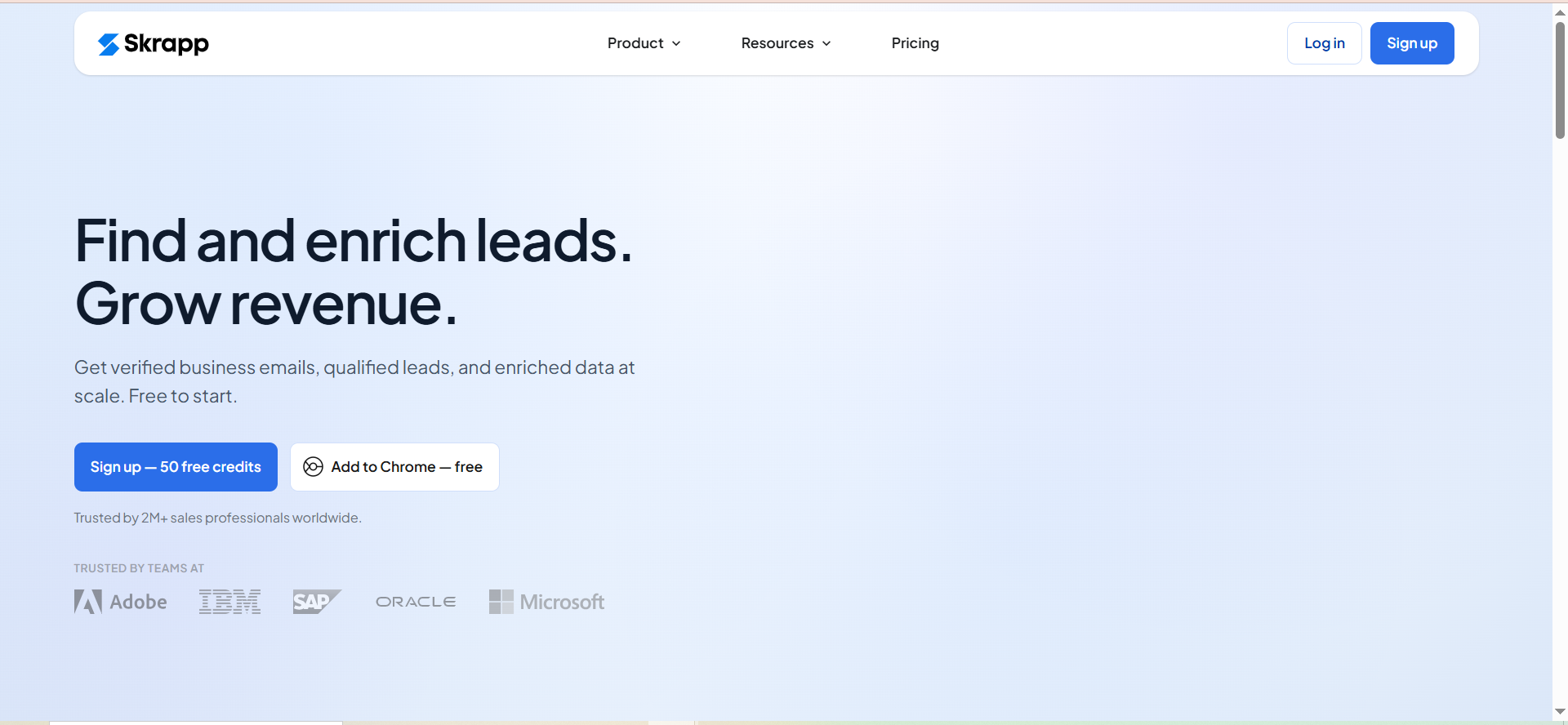
Skrapp is a Chrome extension built for finding professional email addresses directly from LinkedIn profiles and Sales Navigator. One click on a LinkedIn profile triggers the extension to surface the prospect's verified business email. Beyond individual lookups, it supports lead search and bulk email finding so teams can process lists rather than hunting contacts one at a time.
The extension runs a 5-step verification pipeline on every email it returns. That pipeline covers syntax validation, domain verification, mailbox confirmation, catch-all detection, and role-based email identification. The result is a claimed 97% accuracy rate, which is competitive for this category.
Why teams use it
Teams choose Skrapp because it keeps prospecting inside the browser without requiring a separate platform for basic email discovery. The workflow is simple: visit a LinkedIn profile, click the extension, and get a verified email. No tab-switching, no copy-paste into a separate tool.
Skrapp also runs a Fair Credit Policy. If the tool returns an Invalid or Unknown result, you do not get charged a credit. That matters when budgets are tight and every credit counts. Unused credits roll over to the next month, which is uncommon at this price point.
What it is good for
- Individual email lookups from LinkedIn profiles and Sales Navigator
- Bulk email finding when you have a list of names and companies
- Teams that want high verification accuracy without a separate verification tool
- Organizations already using Salesforce or HubSpot that need a lightweight integration
When it is a good fit
Skrapp fits sales teams and recruiters who spend most of their prospecting time on LinkedIn and need a reliable, single-purpose email finder. If your workflow is "find the email, push it to the CRM, move on," Skrapp does that well. The credit rollover and fair billing policy make it a practical choice for teams with inconsistent prospecting volumes.
Small to mid-sized teams that do not need drip campaigns or phone numbers built into the same tool will find the pricing reasonable. The free tier at 50 credits per month gives solo reps enough room to test the tool before committing.
When it is not a good fit
If you need an all-in-one outreach platform with email sequences, Skrapp is not that. It finds and verifies emails but does not send campaigns. Teams that prospect heavily outside LinkedIn (on company websites, social platforms, or databases) may find the tool limited compared to alternatives that cover more sources.
Enterprise teams processing tens of thousands of contacts monthly may also outgrow Skrapp's interface, though the API and higher-tier plans with 50,000 credits help bridge that gap.
How to use it
- Install the Skrapp Chrome extension from the Chrome Web Store.
- Navigate to a LinkedIn profile or Sales Navigator search.
- Click the Skrapp icon on the profile to trigger the email lookup.
- The extension runs verification and returns the business email if found.
- Save the lead to your Skrapp dashboard, export as CSV, or push directly to Salesforce or HubSpot.
For bulk operations, upload a list of names and companies to the Skrapp web app, and it processes them in batch.
Key capabilities
- One-click email discovery from LinkedIn and Sales Navigator profiles
- 5-step email verification (syntax, domain, mailbox, catch-all, role-based)
- Bulk Email Finder for list-based prospecting
- Lead Search for finding contacts by company or job title
- Integrations: Salesforce, HubSpot, REST API, CSV export
- Fair Credit Policy (no charge for invalid/unknown results)
- Credit rollover on unused monthly credits
| Plan | Monthly Price | Credits |
|---|---|---|
| Free | $0 | 50/mo |
| Professional 2K | $39/mo ($29 annual) | 2,000 |
| Professional 5K | $119/mo | 5,000 |
| Enterprise 50K | $349/mo ($262 annual) | 50,000 |
Professional tiers are also available at 10K and 25K credits. Enterprise tiers scale to 100K, 250K, and 500K credits.
Free tier?
Yes. 50 credits per month at no cost. This is enough for light prospecting or testing the tool's accuracy on your target market before upgrading.
Downsides / limitations
- No built-in email sequences or drip campaigns
- Phone number discovery is not a core feature
- Prospecting sources are primarily LinkedIn-focused
- The Chrome Web Store rating (4.8/5) is strong, but the tool's feature set is narrower than all-in-one platforms
- Bulk operations require the web app rather than the extension alone
2. Snov
What it does
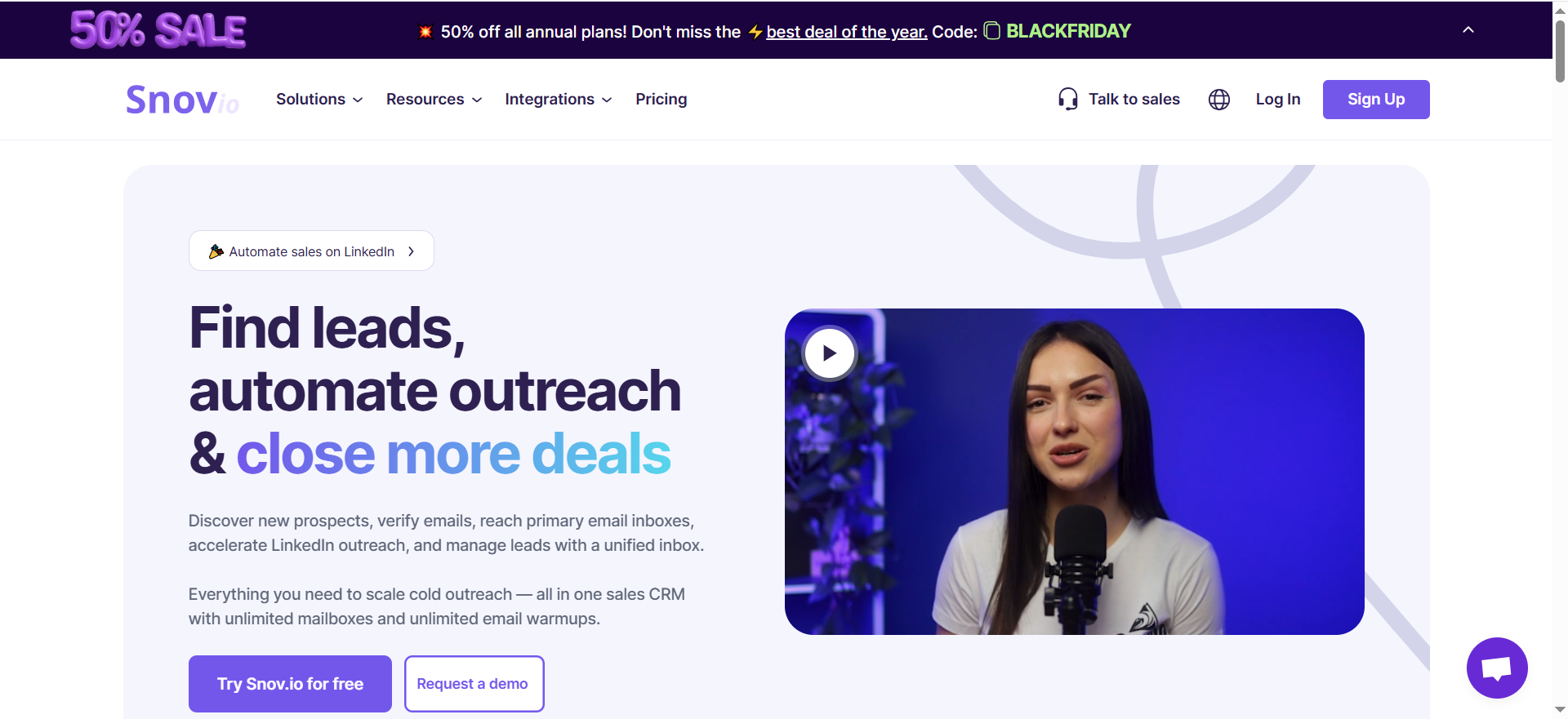
Snov combines email finding, email verification, and drip campaigns in a single platform. The Chrome extension, called LI Prospect Finder, collects prospect emails in real time as you browse LinkedIn. Beyond the extension, Snov offers Bulk Domain Search (find all emails at a company domain) and Database Search (search by job title, location, and industry across Snov's contact database).
The Email Verifier runs separately and claims 98%+ accuracy on verification. Every action in the platform costs 1 credit: finding a prospect, verifying an email, or viewing a company profile.
Why teams use it
Snov appeals to teams that want to consolidate their prospecting stack. Instead of paying for an email finder, a separate verification service, and an outreach tool, Snov bundles all three. The drip campaign feature lets you build multi-step email sequences with triggers and conditions directly from the same dashboard where you found the leads.
The 25% discount on annual billing also makes it accessible for startups and small teams watching their spend.
What it is good for
- Teams that want email finding + verification + outreach in one tool
- Prospecting workflows that start on LinkedIn and end with a drip sequence
- Domain-level prospecting where you need every email at a target company
- Budget-conscious teams that want to avoid paying for 3 separate tools
When it is a good fit
Snov works best for teams that run cold email campaigns and want to go from lead discovery to first email sent without leaving the platform. If you currently use one tool to find emails, another to verify them, and a third to send sequences, Snov can replace all three.
It is also a strong fit for solo founders and small sales teams where the 50-credit free tier and the $39/month entry point make the economics work on a tight budget.
When it is not a good fit
Real-world find rates for Snov's email discovery sit between 20-40% depending on the dataset. If you are prospecting in niche industries or targeting roles where business emails are not widely indexed, you may hit lower match rates than dedicated email finders like Skrapp or Wiza.
Teams that already have a mature outreach tool (Outreach, Salesloft, Apollo) and just need an email finder will find Snov's campaign features redundant. The 1-credit-per-action model also means verification eats into your email finding budget, which can surprise teams that verify every contact before sending.
How to use it
- Install the LI Prospect Finder Chrome extension.
- Open LinkedIn or Sales Navigator and run a search for your target prospects.
- The extension adds a Snov overlay that lets you collect emails from search results or individual profiles.
- Collected leads appear in your Snov dashboard.
- Run verification on the list (1 credit per email verified).
- Build a drip campaign and add verified leads to the sequence.
For domain-level prospecting, use the Bulk Domain Search in the web app to pull all available emails from a company domain.
Key capabilities
- LI Prospect Finder Chrome extension for real-time LinkedIn collection
- Bulk Domain Search and Database Search
- Email Verifier with 98%+ accuracy
- Drip campaign builder with triggers and conditions
- 1 credit per action (find, verify, or view)
- Integrations with major CRMs and outreach tools
- 25% savings on annual billing
| Plan | Monthly Price | Credits |
|---|---|---|
| Free | $0 | 50/mo |
| Starter | $39/mo | 1,000 |
| Pro | $99/mo | 5,000 |
| Higher tiers | Custom | Available on request |
Free tier?
Yes. 50 credits per month. Enough for a quick test but tight for regular prospecting given that finding + verifying a single lead costs 2 credits.
Downsides / limitations
- Real-world email find rates range from 20-40%, which is lower than some competitors
- The 1-credit-per-action model means verification doubles your effective cost per lead
- The drip campaign feature, while useful, is less sophisticated than dedicated outreach platforms
- The free tier (50 credits) is the smallest among the tools in this list
- LinkedIn data collection depends on your LinkedIn session remaining active
3. Voila Norbert
What it does
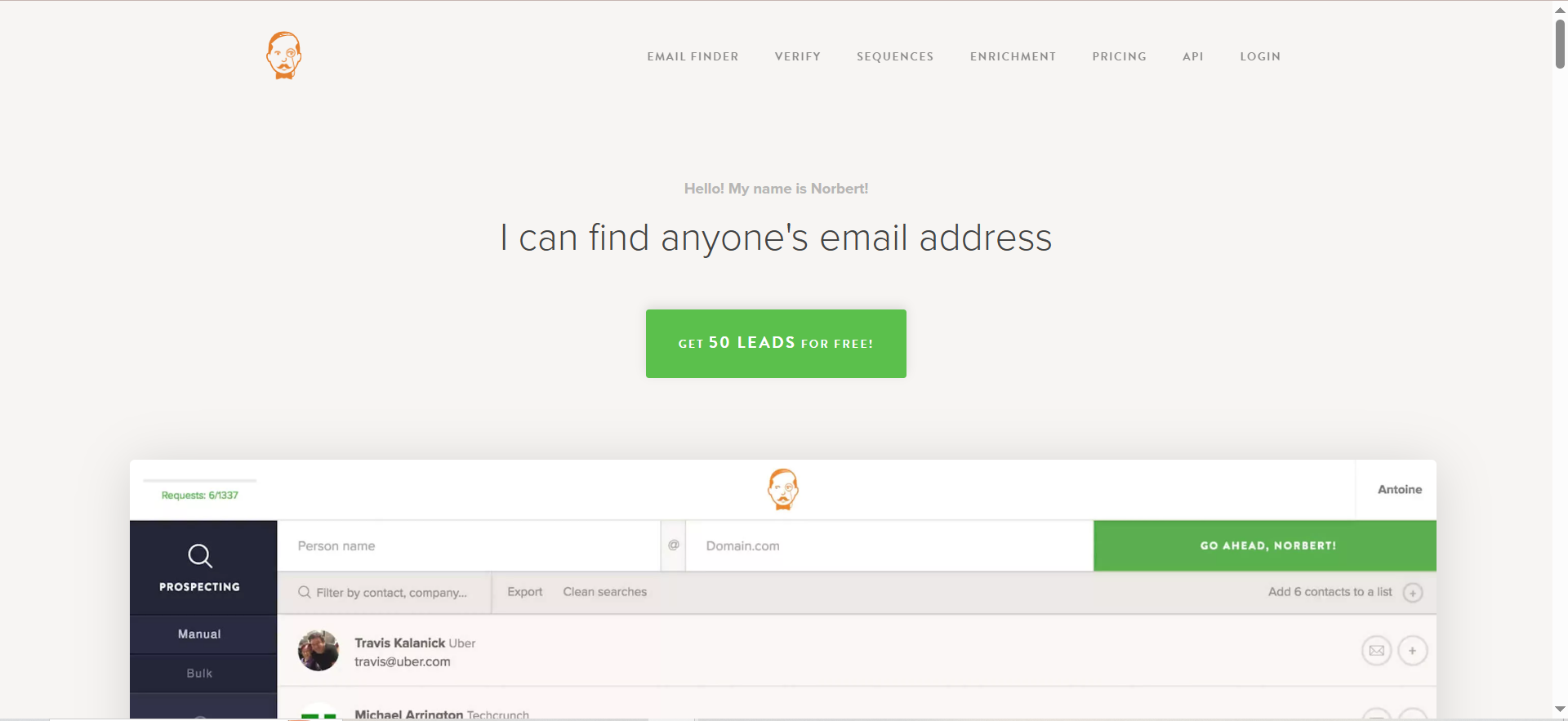
Voila Norbert is an email finder and verification platform with a Chrome extension that works across multiple websites. Unlike tools that only support LinkedIn, Norbert's extension adds a search button on profile pages across LinkedIn, AngelList, Crunchbase, and Buzzsumo. Enter a name and domain, and it returns the most likely business email.
Beyond finding emails, Norbert offers enrichment services (appending job titles, company data, and social profiles to your contacts) and automated email sequences with open and click tracking.
Why teams use it
Teams pick Voila Norbert when their prospecting happens across multiple platforms, not just LinkedIn. The extension's support for AngelList and Crunchbase makes it useful for teams targeting startups, investors, or tech companies where those platforms are primary research tools.
The unlimited team members policy on all paid plans also makes it attractive for growing teams. You do not pay per seat, which keeps costs predictable as headcount increases.
What it is good for
- Multi-platform prospecting across LinkedIn, AngelList, Crunchbase, and Buzzsumo
- Teams that want enrichment data (job titles, company info) alongside email addresses
- Organizations that need unlimited seats without per-user pricing
- Workflows that combine email finding with light outreach sequences
When it is a good fit
Voila Norbert fits teams that research prospects on multiple platforms and want a single extension that works across all of them. It is also a good fit for agencies or larger sales teams where per-seat pricing would make other tools expensive.
If your process involves finding an email, enriching the contact record, and then running a short outreach sequence, Norbert handles all three steps.
When it is not a good fit
The free trial is a one-time 50 searches, not a recurring monthly free tier. Once those 50 searches are used, you must upgrade to a paid plan. Teams that want ongoing free access for light prospecting should look at Skrapp or Wiza instead.
Norbert also lacks the deep LinkedIn-specific features (Sales Navigator integration, bulk LinkedIn search extraction) that tools like Skrapp and Wiza offer. If LinkedIn is your primary prospecting channel, a LinkedIn-first tool may deliver better results.
How to use it
- Install the Voila Norbert Chrome extension.
- Navigate to a profile on LinkedIn, AngelList, Crunchbase, or Buzzsumo.
- The extension adds a search button to the profile page.
- Click the button. Norbert searches for the contact's business email.
- Save the lead to a custom list, export it, or add it directly to an outreach sequence within Norbert.
For bulk lookups, upload a CSV of names and domains to the web app, and Norbert processes them with API-level speed.
Key capabilities
- Chrome extension with support for LinkedIn, AngelList, Crunchbase, and Buzzsumo
- Email finding with up to 98% success rate
- Contact enrichment (job titles, company data, social profiles)
- Automated email sequences with open and click tracking
- Bulk search and API access included on all plans
- Unlimited team members on all paid plans
- Export to CSV or custom lead lists
| Plan | Monthly Price | Annual Price | Leads/mo |
|---|---|---|---|
| Valet | $49/mo | $39/mo | 1,000 |
| Butler | $99/mo | $79/mo | 5,000 |
| Advisor | $249/mo | $199/mo | 15,000 |
| Counselor | $499/mo | $399/mo | 50,000 |
Free tier?
No recurring free tier. Norbert offers 50 free searches as a one-time trial when you sign up. After that, the entry-level plan starts at $49/month (or $39/month on annual billing).
Downsides / limitations
- No recurring free tier (50 searches is a one-time trial)
- LinkedIn integration is less deep than tools built specifically for Sales Navigator
- Enrichment and sequences add value but may overlap with existing tools in your stack
- Pricing climbs quickly at higher volumes ($499/month for 50,000 leads)
- The extension works best on supported platforms; general website email discovery is more limited
4. AeroLeads
What it does
AeroLeads is a Chrome extension that finds verified business emails and phone numbers from LinkedIn, Sales Navigator, and its own database of 750M+ business profiles. The extension lets you add up to 2,500 prospects from a LinkedIn or Sales Navigator search with a single click, pulling emails and phone numbers in bulk.
Beyond contact discovery, AeroLeads includes lead qualification filters, sales pipeline management features, and data export in CSV and Excel formats. It also has a built-in email verification step to reduce bounce rates before you send.
Why teams use it
Teams choose AeroLeads when they need both emails and phone numbers from the same tool. Many email finder extensions only return emails, forcing you to use a separate tool for direct dials. AeroLeads surfaces both in a single lookup, which saves time for teams that run multi-channel outreach (email + cold calling).
The 750M+ profile database also means you can find contacts outside LinkedIn, using AeroLeads' own search by company, title, and location.
What it is good for
- Teams that need both verified emails and phone numbers
- Bulk prospecting from LinkedIn and Sales Navigator (up to 2,500 prospects per batch)
- Organizations that want lead qualification and pipeline management in the same tool
- Reps who prospect across LinkedIn and AeroLeads' own database
When it is a good fit
AeroLeads is a good fit for sales teams running combined email and phone outreach. If your SDRs send a cold email and then follow up with a phone call, having both data points from the same source eliminates a step in the workflow.
It also works for teams doing high-volume prospecting. The ability to add 2,500 prospects from a single Sales Navigator search means you can build large lists quickly without manually clicking through individual profiles.
The 14-day money-back guarantee lowers the risk of trying the paid plans.
When it is not a good fit
AeroLeads does not include built-in email sequences or drip campaigns. You will need a separate outreach tool to send emails after extracting contacts.
The free trial is limited to 10 credits, which is barely enough to evaluate the tool. Teams that want a meaningful free tier for ongoing light prospecting should look elsewhere. The pricing also scales differently than competitors: add-on credits start at $0.020 per credit for the first 5,000, dropping to $0.010 at volume, which can add up quickly on top of the base subscription.
How to use it
- Install the AeroLeads Chrome extension.
- Open LinkedIn or Sales Navigator and search for your target audience.
- Click the AeroLeads button to add prospects from search results. You can select up to 2,500 at once.
- AeroLeads pulls verified emails and phone numbers for each contact.
- Review, filter, and qualify leads in the AeroLeads dashboard.
- Export to CSV/Excel or push to your CRM.
Key capabilities
- Chrome extension for one-click email and phone number discovery
- 750M+ business profiles database
- Bulk prospect addition (up to 2,500 from LinkedIn/Sales Navigator)
- Built-in email verification
- Lead qualification filters and sales pipeline management
- Data export to CSV and Excel
- CRM integration support
- 14-day money-back guarantee
| Plan | Monthly Price | Details |
|---|---|---|
| Free Trial | $0 | 10 credits |
| Take Off | $49/mo | Standard tier |
| Climb | $149/mo | Mid-tier |
| Cruise | $499/mo | High-volume tier |
| Enterprise | Custom | Custom pricing |
Add-on credits: $0.020/credit for first 5,000, dropping to $0.010/credit at higher volumes.
Free tier?
No meaningful free tier. The free trial gives you 10 credits, which is only enough to test basic functionality. For ongoing use, paid plans start at $49/month.
Downsides / limitations
- The free trial (10 credits) is the smallest in this comparison
- No built-in drip campaigns or email sequences
- Add-on credit pricing can make high-volume prospecting expensive on top of the base plan
- The interface and pipeline management features add complexity that simpler tools avoid
- Phone number accuracy can vary depending on the region and industry
5. Wiza
What it does
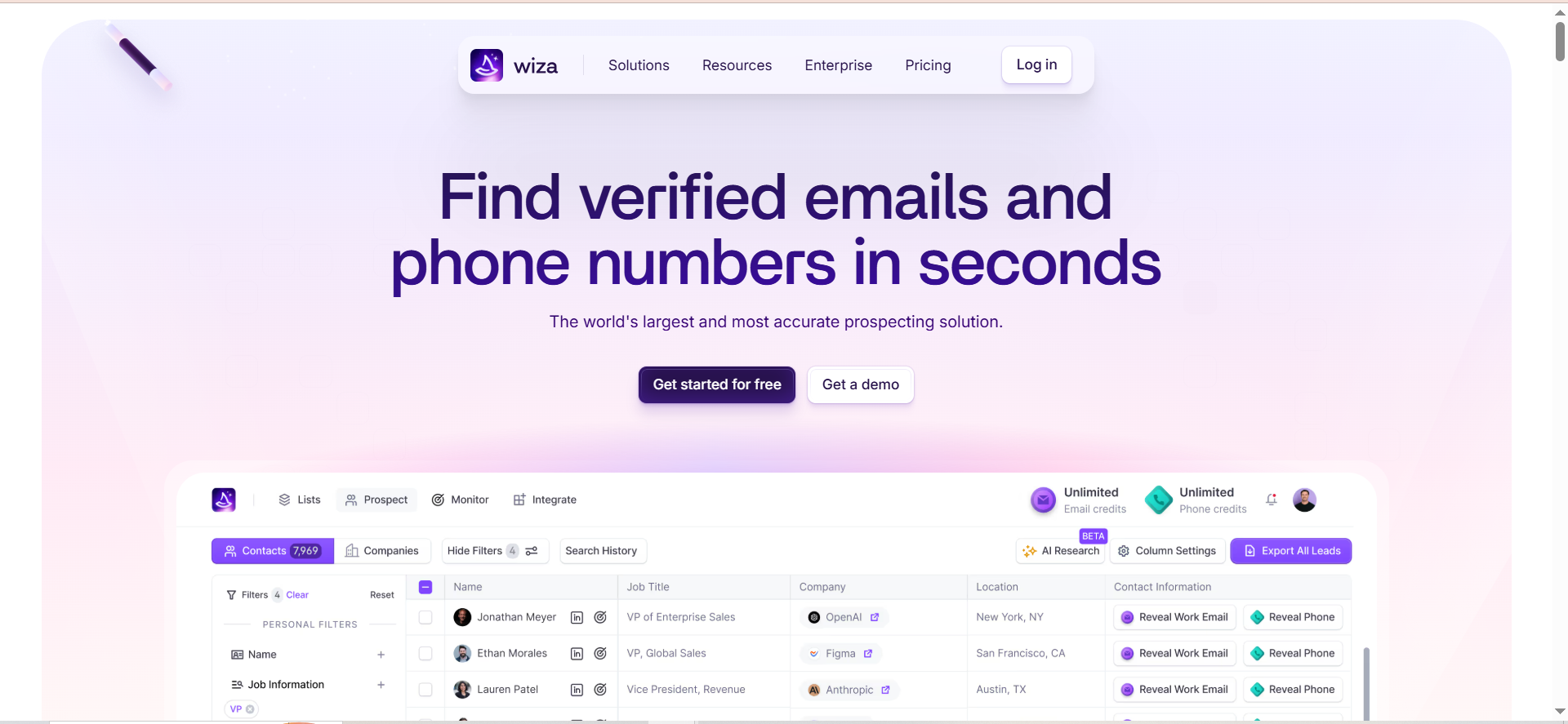
Wiza extracts verified emails and phone numbers from LinkedIn and Sales Navigator search results. It taps into a database of 850M+ contact profiles, delivering up to 40 data points per record. The claimed verification accuracy is up to 99%, which is the highest among the tools in this list.
A standout feature is Wiza Monitor, which tracks decision-makers for job changes. When a prospect switches companies, Wiza alerts you so you can time your outreach to the transition window when buyers are most open to new tools.
Wiza integrates natively with Salesforce, HubSpot, Pipedrive, Outreach, Salesloft, and Zapier, making it straightforward to push contacts into existing workflows.
Why teams use it
Teams choose Wiza for its verification accuracy and the depth of data it returns. Where other extensions give you a name and email, Wiza provides up to 40 data points including job title, company size, location, and direct phone numbers. That depth reduces the manual research needed before sending a personalized email.
Wiza Monitor is also a differentiator. Job change alerts give sales teams a natural reason to reach out, which improves response rates compared to cold emails sent without a trigger event.
What it is good for
- Teams that prioritize email accuracy above all else (up to 99% verified)
- Organizations using LinkedIn Sales Navigator as their primary prospecting channel
- Sales teams that want job change alerts for timely outreach
- Workflows that push contacts directly into Salesforce, HubSpot, Outreach, or Salesloft
When it is a good fit
Wiza is the right pick for sales teams that live in LinkedIn Sales Navigator and need the highest possible email accuracy. If your outreach depends on reaching the right inbox the first time (low tolerance for bounces), Wiza's verification pipeline is the most rigorous option here.
It is also a strong fit for teams already running Outreach or Salesloft. The native integrations mean you can go from LinkedIn search to sequenced outreach without manual CSV exports or Zapier workarounds.
When it is not a good fit
Wiza requires an active LinkedIn Sales Navigator subscription to work effectively. If your team uses free LinkedIn or LinkedIn Premium (not Sales Navigator), Wiza's core value drops significantly. That means the real cost of using Wiza is $49-$199/month for Wiza plus the Sales Navigator subscription, which can price out smaller teams.
Wiza also does not include built-in email sequences. It finds and verifies contacts, but you need a separate tool to send outreach.
How to use it
- Install the Wiza Chrome extension.
- Open LinkedIn Sales Navigator and run a lead search.
- Select prospects from the search results. Wiza supports bulk selection from the results page.
- Click the Wiza button to extract verified emails and phone numbers.
- Review results in the Wiza dashboard (up to 40 data points per contact).
- Export as CSV or push directly to your CRM or outreach tool.
- Set up Wiza Monitor on key accounts to get alerts when decision-makers change jobs.
Key capabilities
- Chrome extension for LinkedIn and Sales Navigator email/phone extraction
- 850M+ contact profiles with up to 40 data points per record
- Up to 99% verified email accuracy
- Wiza Monitor for job change tracking
- Bulk selection from search results
- Native integrations: Salesforce, HubSpot, Pipedrive, Outreach, Salesloft, Zapier
- CSV download for offline use
| Plan | Monthly Price | Annual Price | Details |
|---|---|---|---|
| Free | $0 | — | 20 emails + 5 phones/mo |
| Starter | $49/mo | — | 100 emails + 100 phones/mo |
| $99/mo | $83/mo | 500 emails/mo (unlimited on annual) | |
| Email + Phone | $199/mo | $166/mo | 500 each/mo (unlimited on annual) |
Free tier?
Yes. 20 emails and 5 phone numbers per month at no cost. This is enough to test accuracy on your target audience but not enough for regular prospecting.
Downsides / limitations
- Requires an active LinkedIn Sales Navigator subscription (additional cost)
- No built-in email sequences or drip campaigns
- The free tier (20 emails) is functional but limited for ongoing use
- Pricing for unlimited plans ($99-$199/month) is on the higher end
- Prospecting is tied to LinkedIn; no support for other platforms like Crunchbase or AngelList
What Is an Email Finder Chrome Extension and How Does It Work?
An email finder Chrome extension is a lightweight browser add-on that surfaces verified professional email addresses while you browse the web. Once installed, it activates on pages like LinkedIn profiles, company websites, and professional directories. When you land on a profile, you click the extension icon, and it runs a lookup against one or more data sources to find the person's business email.
The underlying technology works in layers. First, the tool predicts likely email formats based on the company's domain (for example, [email protected]). Then it cross-references that prediction against a database of known business emails, public records, and previously verified contacts. Finally, it runs a real-time verification step that pings the mail server to confirm the address exists and accepts incoming messages.
Most extensions integrate directly into LinkedIn's interface, adding a button or overlay to profile pages and search results. Some tools go further and support bulk extraction, where you select multiple profiles from a Sales Navigator search and extract all their emails in a single batch. The results are typically stored in a dashboard within the tool, where you can organize contacts into lists, export them as CSV files, or push them directly to your CRM.
The quality of the output depends on the tool's data sources, the freshness of its database, and the rigor of its verification process. Extensions that only predict email patterns without verifying them produce higher bounce rates. The best tools run multi-step verification that catches invalid addresses, catch-all domains, and role-based emails before they reach your list.
Are Email Finder Chrome Extensions Accurate?
Accuracy is the single most important differentiator between email finder Chrome extensions. The tools in this guide claim accuracy rates between 97% and 99% for verified results, but those numbers require context.
Claimed accuracy rates usually measure the percentage of emails that pass the tool's own verification process. That is not the same as deliverability. An email can pass verification and still bounce if the mailbox is full, the account has been deactivated since the last check, or the company uses a catch-all server that accepts all incoming mail regardless of whether the specific address exists.
In real-world use, accuracy depends on three factors. First, the industry you are targeting. Well-indexed industries (SaaS, tech, consulting) have higher match rates because more professionals in those fields have their business emails in public databases. Second, the seniority of the contact. C-suite and VP-level emails are often more guarded and harder to find than mid-level roles. Third, the freshness of the data. A tool that updates its database weekly will outperform one that refreshes quarterly.
The practical approach is to test each tool on a sample of 50 to 100 contacts from your actual target market before committing to a paid plan. Compare the match rate (how many emails the tool finds), the verification rate (how many of those pass verification), and the actual deliverability (how many land in the inbox when you send).
Tools that offer fair credit policies, where you are not charged for invalid or unknown results, reduce the financial risk of lower-than-expected accuracy.
Are Email Finder Chrome Extensions Legal and GDPR Compliant?
The legality of email finder tools depends on what data they collect, how they collect it, and how you use the results. In most jurisdictions, collecting publicly available business contact information is legal. However, regulations like GDPR in the European Union, CCPA in California, and similar frameworks add requirements around consent, transparency, and data subject rights.
Under GDPR, the most common legal basis for B2B email prospecting is legitimate interest. This means you can process a business contact's email if you have a genuine reason to reach out (such as selling a relevant product to their company) and the processing does not override their privacy rights. However, legitimate interest is not a blank check. You must still provide an opt-out mechanism in every email, respond to data access and deletion requests within the required timeframe, and document your legitimate interest assessment.
CCPA operates differently. It gives California residents the right to know what personal information businesses collect about them and the right to request deletion. If you are prospecting contacts in California, you need to honor those requests.
Most reputable email finder tools include data processing agreements and claim compliance with major privacy frameworks. However, the responsibility for lawful use falls on you, the user. Your outreach emails must include an unsubscribe option, your data handling practices must be documented, and you should only process business emails (not personal addresses) unless you have explicit consent.
Consult legal counsel if you target contacts in regulated industries (healthcare, finance) or heavily regulated regions, as additional rules may apply.
Can Email Finder Extensions Work Without LinkedIn Sales Navigator?
Yes, most email finder Chrome extensions work without Sales Navigator. Skrapp, Snov, Voila Norbert, and AeroLeads all function on standard free LinkedIn profiles. You can visit any public LinkedIn profile, click the extension, and get a result.
However, Sales Navigator unlocks features that improve the prospecting workflow. Sales Navigator provides advanced search filters (company size, revenue, headcount growth, years in role) that let you build more targeted prospect lists. When paired with extensions that support bulk extraction, you can select dozens of profiles from a filtered search and pull emails for all of them at once. On free LinkedIn, you are limited to basic search and individual profile lookups.
Wiza is the exception in this list. It is designed specifically for Sales Navigator and requires an active subscription to deliver its full value. The extension extracts data from Sales Navigator search results, and its bulk selection feature depends on the Sales Navigator interface. While Wiza technically works on free LinkedIn, the experience is limited enough that it is not practical without the paid LinkedIn tier.
For teams that do not use Sales Navigator, Skrapp and Snov offer the best balance of free LinkedIn compatibility and feature depth. Both tools let you find emails from standard profiles and run bulk operations through their web apps without requiring Sales Navigator at all.
The bottom line: Sales Navigator is not required for email finding, but it significantly improves targeting and efficiency. If your team already has Sales Navigator, choose a tool that maximizes that investment. If not, there are several strong options that work well on free LinkedIn.
Free vs Paid Email Finder Chrome Extensions: What Is the Difference?
The gap between free and paid tiers comes down to volume, features, and workflow integration.
Free tiers give you a fixed number of credits or searches per month. In this guide, that ranges from 10 credits (AeroLeads trial) to 100 credits per month (Skrapp). Free tiers are designed for testing. They let you evaluate accuracy, check compatibility with your workflow, and confirm that the tool finds emails in your target market. They are not designed for sustained prospecting.
Paid plans unlock several capabilities that free tiers restrict. Bulk search is the most important. Free users typically find emails one profile at a time, while paid users can select hundreds of profiles from a search result and extract all their emails in a single operation. For teams doing outbound at scale, this is the difference between spending 10 minutes building a list and spending two hours.
CRM integrations are another paid-tier feature. Free plans usually limit you to CSV exports, while paid plans push contacts directly to Salesforce, HubSpot, Pipedrive, or your outreach tool. That direct connection eliminates manual data entry and keeps your CRM updated in real time.
Some tools gate verification behind paid plans or charge extra credits for it. Snov's 1-credit-per-action model means free users burn through their 50 credits twice as fast if they verify every email they find. Skrapp includes verification in the finding process on all tiers, including free.
Additional paid-tier features vary by tool. Snov unlocks drip campaigns. Voila Norbert includes enrichment. Wiza offers job change monitoring through Wiza Monitor. None of these are available on free plans.
For most teams, the decision point is clear. Start on a free tier to test accuracy and fit. Once you are finding more than a few contacts per day, upgrade to the tier that matches your volume.
How Do You Verify Emails Found by Chrome Extensions?
Email verification confirms that an address exists, is active, and can receive mail. Sending to unverified emails risks bounces, which damage your sender reputation and can get your domain blacklisted by email service providers.
Some email finder Chrome extensions include verification as part of the finding process. Skrapp runs a 5-step verification pipeline (syntax check, domain validation, mailbox confirmation, catch-all detection, and role-based identification) before returning any result. Snov offers a separate Email Verifier within the same platform. AeroLeads verifies during extraction. Wiza claims up to 99% verification accuracy on exported contacts.
When your tool does not verify automatically, or when you want a second check, use a dedicated email verification service. These services accept a list of email addresses (usually via CSV upload or API) and return a status for each: valid, invalid, risky, or unknown. Risky emails include catch-all addresses (domains that accept mail to any address, making it impossible to confirm a specific mailbox exists) and disposable addresses.
The verification process works by connecting to the recipient's mail server and running an SMTP handshake. The verifier checks whether the domain has valid MX records, whether the server responds, and whether it confirms the specific mailbox. This happens without sending an actual email.
Best practice is to verify every email before sending, even if your finder tool claims high accuracy. Email addresses decay over time as people change jobs, and a contact that was valid last month may bounce today. Running verification immediately before a campaign launch gives you the freshest results.
For high-volume teams, look for tools with API-level verification so you can build verification into your workflow automatically rather than running manual CSV checks.
Which Email Finder Chrome Extension Is Best for LinkedIn Prospecting?
The answer depends on your LinkedIn tier and what you need beyond email addresses.
For teams on free LinkedIn, Skrapp is the top pick. It works reliably on standard LinkedIn profiles, offers high verification accuracy, and the free tier gives you 50 credits per month. The workflow is straightforward: visit a profile, click the extension, get a verified email. No Sales Navigator required.
For teams on LinkedIn Sales Navigator, Wiza delivers the most value. It is purpose-built for Sales Navigator, supports bulk extraction from search results, provides up to 40 data points per contact, and claims 99% email verification accuracy. The job change monitoring feature (Wiza Monitor) also turns Sales Navigator into an intent signal tool, alerting you when prospects switch roles.
For teams that want LinkedIn prospecting plus built-in outreach, Snov is the most practical option. Its LI Prospect Finder extension collects emails from LinkedIn, and the same platform lets you build drip sequences, set triggers, and track opens and clicks. No need for a separate outreach tool.
AeroLeads adds phone numbers to the mix. If your playbook calls for email followed by a phone call, AeroLeads' ability to surface both from a single LinkedIn search makes it more efficient than running two separate tools.
Voila Norbert is the weaker LinkedIn pick in this list. It supports LinkedIn but also spreads its coverage across AngelList, Crunchbase, and other platforms. If LinkedIn is your primary prospecting channel, a LinkedIn-first tool will typically deliver better match rates and deeper integration.
How Many Free Credits Do Email Finder Extensions Typically Offer?
Free credit allocations vary widely across email finder Chrome extensions. Here is what the five tools in this guide offer.
Skrapp and Snov are tied for the largest recurring free tier at 50 credits per month. With Skrapp, each credit covers one email lookup, and unused credits roll over to the next month on paid plans. This gives solo reps enough room for light prospecting or testing the tool across multiple target segments.
Snov offers 50 credits per month on its free plan. Because Snov charges 1 credit per action (finding an email, verifying it, or viewing a company profile), those 50 credits translate to roughly 25 fully verified contacts per month. The credit model means your effective volume is lower than the headline number suggests.
Wiza provides 20 email lookups and 5 phone number lookups per month at no cost. This is functional for quick tests but not sufficient for ongoing prospecting. It does give you enough volume to evaluate accuracy on your specific target market.
AeroLeads offers just 10 credits as a one-time free trial. This is the smallest allocation in the group and is only enough to confirm the extension installs correctly and returns results.
Voila Norbert provides 50 free searches, but it is a one-time trial rather than a recurring monthly allocation. Once those 50 searches are used, you must move to a paid plan. There is no ongoing free tier.
For a meaningful evaluation of any tool, aim for at least 50 lookups across your actual target accounts. Test on a mix of industries, company sizes, and seniority levels to get a realistic picture of match rates and accuracy before committing to a paid plan.
Do Email Finder Extensions Work on Websites Other Than LinkedIn?
Yes, several email finder Chrome extensions work beyond LinkedIn, though the depth of support varies significantly.
Voila Norbert has the broadest multi-platform coverage in this list. Its extension adds a search button on profile pages across LinkedIn, AngelList, Crunchbase, and Buzzsumo. This makes it practical for teams that research prospects on startup databases and media platforms rather than relying solely on LinkedIn.
AeroLeads supports prospecting from its own database of 750M+ business profiles in addition to LinkedIn. You can search by company name, job title, and location within the AeroLeads platform, independent of any social network. This is useful for teams targeting contacts who do not have active LinkedIn profiles or who operate in industries where LinkedIn adoption is lower.
Snov offers Domain Search and Database Search features that work entirely outside LinkedIn. Domain Search pulls all available email addresses from a company domain, which is helpful when you know the target company but not the specific person. Database Search lets you filter contacts by job title, industry, and geography across Snov's own dataset.
Skrapp is primarily LinkedIn-focused. Its Chrome extension is optimized for LinkedIn profiles and Sales Navigator. While it offers a web app with company search capabilities, the extension itself is designed around the LinkedIn workflow.
Wiza is the most LinkedIn-dependent tool in this group. It is built specifically for Sales Navigator search results and does not support prospecting on other platforms through its extension.
If your prospecting happens across multiple platforms, Voila Norbert and AeroLeads give you the most flexibility. If LinkedIn is your primary channel, Skrapp and Wiza are more focused and typically deliver better results within that specific workflow.
What Should You Look for When Choosing an Email Finder Chrome Extension?
Choosing the right email finder Chrome extension comes down to matching the tool's strengths to your team's workflow. There are four primary criteria and several secondary factors that should guide the decision.
Accuracy is the first filter. Look for tools that verify emails as part of the finding process rather than returning unverified predictions. Verification should include mailbox confirmation (not just syntax and domain checks). Tools that offer fair credit policies, where invalid results do not cost credits, reduce the financial risk of lower match rates.
Integration depth is the second filter. The extension should push contacts directly into your CRM (Salesforce, HubSpot, Pipedrive) and ideally into your outreach tool (Outreach, Salesloft). Manual CSV exports add friction and increase the chance of data errors. If the tool does not integrate natively, check whether it supports Zapier or has an API you can build against.
Pricing model is the third filter. Credit-based pricing requires you to forecast usage accurately. Unlimited plans simplify budgeting but cost more per month. Pay attention to what counts as a credit. If verification costs a separate credit (like Snov's model), your effective cost per verified contact is higher than the headline pricing suggests.
Platform coverage is the fourth filter. If you prospect exclusively on LinkedIn, choose a LinkedIn-first tool like Skrapp or Wiza. If you prospect across LinkedIn, company websites, and professional directories, consider Voila Norbert or AeroLeads for broader coverage.
Secondary factors include free tier generosity (test before you buy), team pricing (per-seat vs. unlimited members), data depth (email only vs. email plus phone plus enrichment), bulk extraction capabilities, and whether the tool includes outreach features that would replace a separate tool in your stack.
Start with a free tier or trial, test on 50 to 100 contacts from your actual target market, and compare match rates before committing.



