

TL;DR
Hunter.io set the standard for domain-based email finding, but it is not the only option and it is not the best fit for every team. If you have hit Hunter's credit limits, need phone numbers alongside emails, want built-in outreach sequences, or simply need higher match rates outside English-speaking markets, there are strong alternatives worth evaluating. This guide compares five Hunter.io alternatives across email lookup accuracy, verification, pricing structure, bulk processing, and outreach support. Each tool is broken down by what it does well, where it falls short, and the type of team it fits best. The goal is to give you enough context to build a shortlist in one sitting rather than spending a week on free trials.
Best Hunter Alternatives for Email Finding (Quick Comparison)
| Tool | Best For | Starting Price | Free Plan |
|---|---|---|---|
| Snov.io | Teams that need finding + outreach in one platform | $39/mo (1,000 credits) | Yes (50 credits) |
| Skrapp.io | LinkedIn-heavy prospecting with CRM sync | $29/mo annual (2,000 credits) | Yes (50 credits) |
| Findymail | Teams that refuse to pay for unverified results | $49/mo (1,000 credits) | Yes (10 credits) |
| Anymail Finder | Budget-conscious teams wanting verified-only billing | $29/mo (400 credits) | Trial (100 credits, 14 days) |
| Prospeo | Chrome-first prospecting from LinkedIn and websites | $39/mo (1,000 credits) | Yes (75 credits/mo) |
For reference, Hunter.io starts at $34/mo for 500 searches and 1,000 verifications on the Starter plan. Its free plan gives you 25 searches and 50 verifications per month. Hunter does not include phone numbers, does not offer A/B testing in sequences, and reports match rates in the 35-45% range. Those are the gaps these alternatives aim to fill.
Tool #1: Snov
What It Does
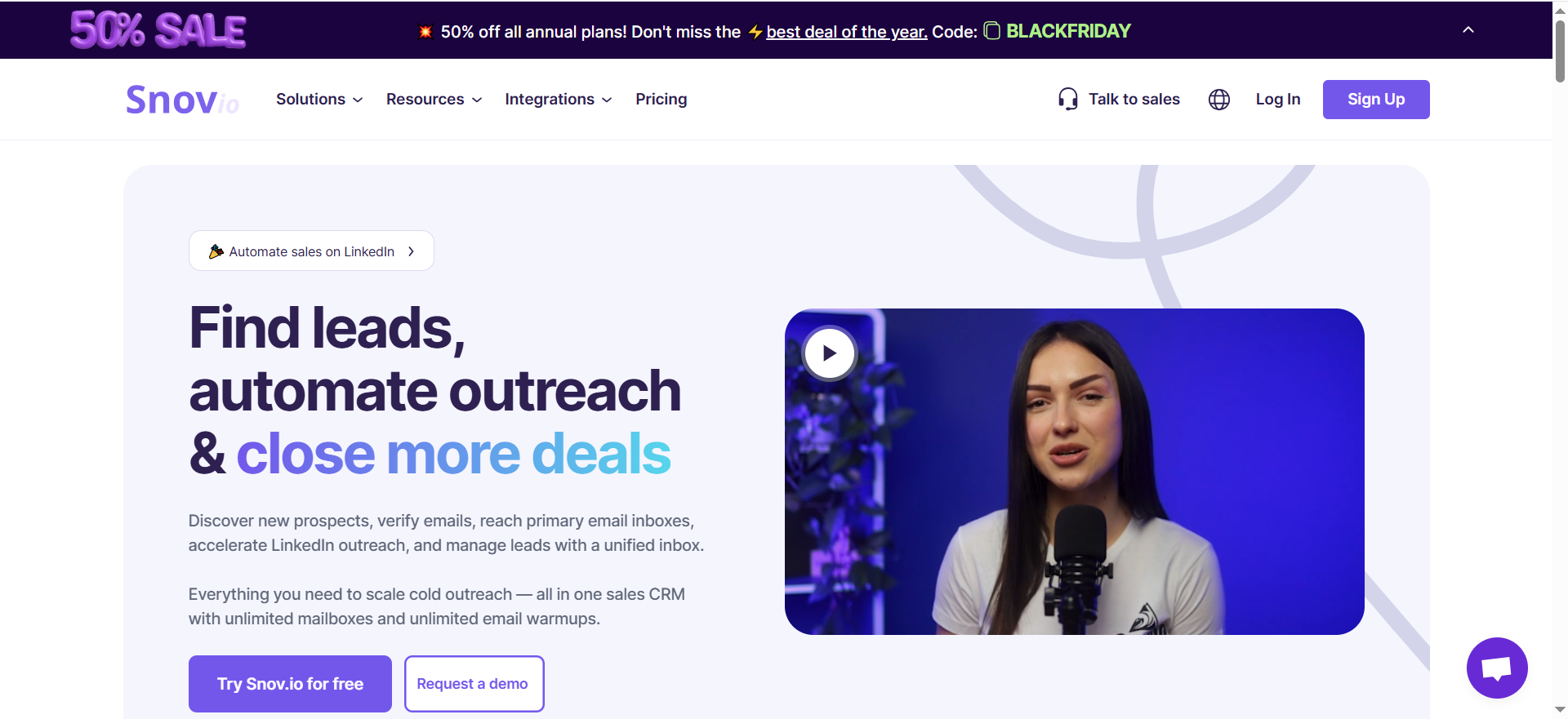
Snov.io is an email finding and sales engagement platform that combines contact discovery, multi-step email verification, drip campaigns, and a built-in CRM. It pulls from a database of over 50 million company profiles and lets you search by 15 different filters including job title, industry, company size, and location. Beyond finding emails, Snov.io handles the outreach side with automated email sequences, A/B testing, and email warm-up — features Hunter.io does not offer natively.
Why Teams Use It
Most teams land on Snov.io because they want to consolidate their email finding and outreach stack into a single tool. Instead of paying for Hunter.io to find emails, a separate tool for sequences, and another for warm-up, Snov.io bundles all three. The built-in CRM with deal pipelines means smaller teams can skip HubSpot or Pipedrive entirely during early-stage prospecting. The 7-tier email verification system is another draw — it goes beyond simple syntax checks to validate mailbox existence, catch-all detection, and more.
What It Is Good For
Snov.io excels at multi-step outbound workflows where you need to find contacts, verify them, and run automated email sequences from the same platform. The drip campaign builder supports triggers, delays, and A/B testing on subject lines and email bodies. Email warm-up helps new domains build sender reputation before launching campaigns. The Chrome extension works on LinkedIn, company websites, and search results to pull emails in real time.
When It Is a Good Fit
Snov.io fits teams that are running outbound email campaigns and want one platform for the full workflow — find, verify, warm up, send, and track. It is particularly strong for SDR teams at B2B SaaS companies in the 10-50 person range who do not want to manage four separate subscriptions. If your team does A/B testing on outreach sequences, Snov.io delivers that where Hunter.io cannot.
When It Is Not a Good Fit
The shared credit pool is the biggest friction point. Email finding, verification, and search all draw from the same credit balance. A team that runs heavy verification alongside prospecting can burn through credits fast. LinkedIn automation is available but costs an extra $69/mo per account slot, which adds up quickly for teams with multiple reps. If you only need email lookup without outreach tools, Snov.io's bundled pricing may feel like paying for features you will not use.
How to Use It
Start with the Chrome extension to find emails while browsing LinkedIn or company websites. Use the email finder with filters to build targeted lists by industry, title, or company size. Run found emails through the 7-tier verifier before adding them to a drip campaign. Set up email warm-up on new sending domains at least two weeks before launching sequences. Use the built-in CRM to track deal stages without switching to a separate tool.
Key Capabilities
- Email finder with 50M+ company profiles and 15 search filters
- 7-tier email verification (syntax, domain, MX records, SMTP, catch-all detection)
- Drip campaigns with A/B testing on subject lines and bodies
- Email warm-up for sender reputation building
- Built-in CRM with deal pipelines and task management
- Chrome extension for LinkedIn, websites, and search results
- LinkedIn automation (add-on at $69/mo per slot)
- REST API for custom integrations
- Integrations with HubSpot, Salesforce, Pipedrive, Zapier, and others
Pricing
Snov.io uses a credit-based model with a shared pool across all features. Plans shown at monthly billing rates.
| Plan | Monthly Price | Credits | Key Inclusions |
|---|---|---|---|
| Trial | Free | 50 | Limited access to all features |
| Starter | $39/mo | 1,000 | Email finder, verifier, drip campaigns, 3 warm-up slots |
| Pro S | $99/mo | 5,000 | Unlimited warm-ups, A/B testing, all features |
| Pro M | $189/mo | 20,000 | Unlimited warm-ups, A/B testing, all features |
| Pro L | $369/mo | 50,000 | Unlimited warm-ups, A/B testing, all features |
| Custom Ultra | Custom | 200,000+ | Dedicated support, custom limits |
Annual billing saves 25%. All paid plans include email warm-up and the Chrome extension.
Free Tier
The trial plan gives 50 credits with access to all features. There is no time limit listed, but the credit allotment is low enough that most teams will need to upgrade within a few days of active use.
Downsides and Limitations
- Shared credit pool means finding, verifying, and searching all consume the same credits — heavy users burn through allotments faster than expected
- LinkedIn automation costs an additional $69/mo per account slot on top of plan pricing
- The free tier is extremely limited at 50 credits
- Verification accuracy of 98-99% is a vendor claim and real-world results may vary depending on the domain mix
- The platform can feel overwhelming for teams that only need basic email lookup
Tool #2: Skrapp
What It Does
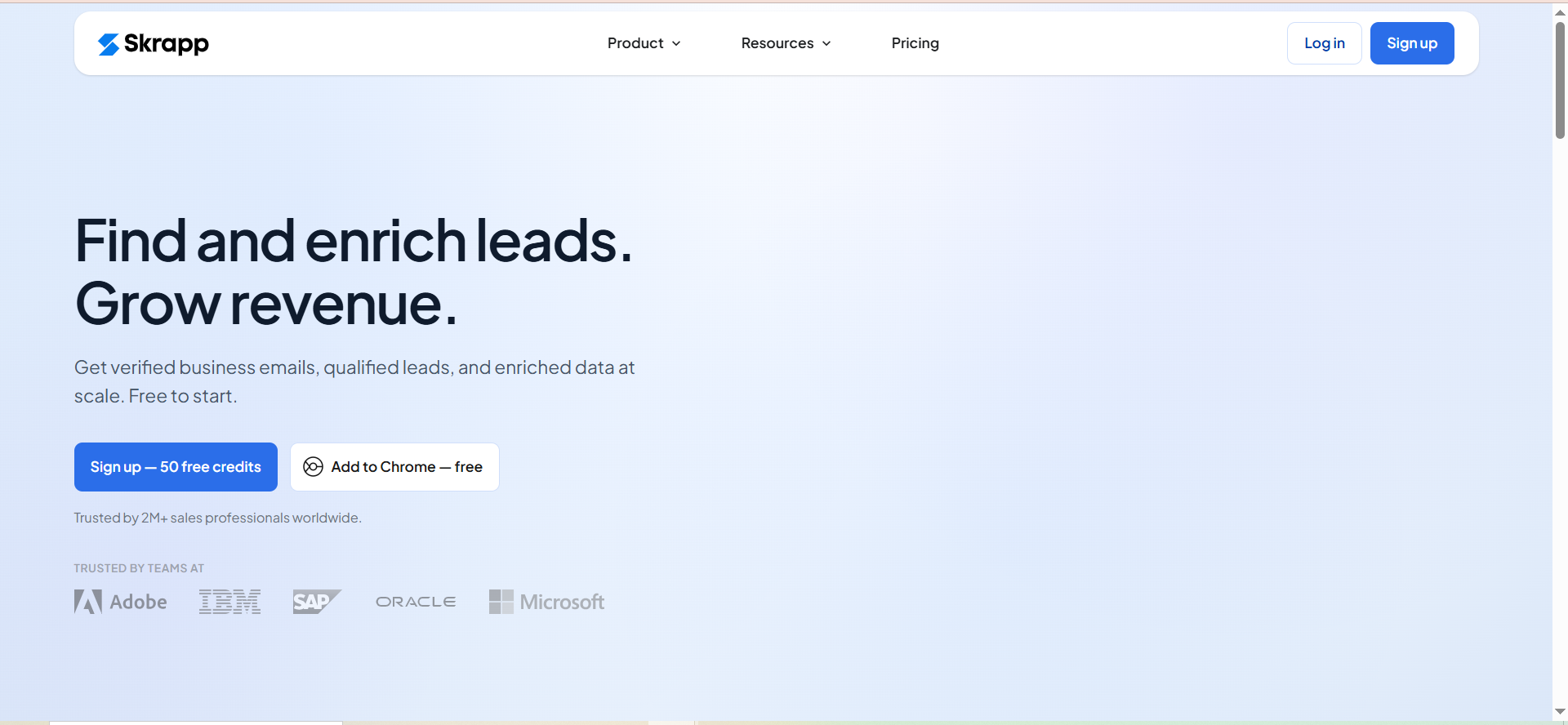
Skrapp.io is an email finder and lead enrichment tool built around LinkedIn prospecting and a searchable database of over 150 million professional profiles. It finds business email addresses through its Chrome extension (primarily on LinkedIn), a bulk email finder that accepts CSV uploads, and a lead search database with filters for role, industry, location, and company size. Skrapp also includes email verification and CRM syncing with HubSpot and Salesforce.
Why Teams Use It
Teams choose Skrapp.io when LinkedIn is their primary prospecting channel. The Chrome extension is purpose-built for pulling emails from LinkedIn profiles and Sales Navigator search results. The 150M+ professional database gives it reach for role-based searches when you know the job title and industry but not the specific person. Credit rollover on paid plans is a meaningful differentiator — unused credits carry forward instead of expiring at the end of each billing cycle.
What It Is Good For
Skrapp.io is strongest at LinkedIn-to-email workflows. If your SDRs spend most of their prospecting time on LinkedIn, Skrapp's Chrome extension turns profile views into actionable email addresses. The bulk finder handles CSV uploads well for list enrichment tasks. AI-powered enrichment adds context to found contacts. The lead search database works as a standalone prospecting tool when you need to build lists by title, industry, or geography without starting from LinkedIn.
When It Is a Good Fit
Skrapp.io fits teams that prospect primarily through LinkedIn and need a straightforward tool for converting profiles into verified email addresses. It works well for companies with 2-15 users who need CRM sync with HubSpot or Salesforce. The credit rollover makes it attractive for teams with variable prospecting volumes — quiet months do not waste your budget. Enterprise teams get up to 50,000 credits and 15 user seats at the top tier.
When It Is Not a Good Fit
Skrapp.io does not include outreach sequences, email warm-up, or campaign automation. If you need to send emails from the same platform where you find them, you will need a separate tool. The 97% verification accuracy is solid but not market-leading. Skrapp's database, while large at 150M+ profiles, may have thinner coverage in non-English-speaking markets. Teams that need phone numbers alongside emails will not find them here.
How to Use It
Install the Chrome extension and use it while browsing LinkedIn profiles or running Sales Navigator searches to find email addresses in real time. For list building, use the lead search database with filters for job title, industry, company size, and location. Upload existing CSV lists to the bulk finder for enrichment. Run found emails through the verification tool before outreach. Sync verified contacts to HubSpot or Salesforce through the native integrations.
Key Capabilities
- LinkedIn Chrome extension for real-time email finding on profiles and search results
- Lead search database with 150M+ professional profiles
- Bulk email finder with CSV upload support
- Email verification with 97% accuracy claimed
- AI-powered lead enrichment
- CRM sync with HubSpot and Salesforce
- Role, industry, location, and company size filters
- Credit rollover on paid plans
- Up to 15 user seats on Enterprise plans
Pricing
Skrapp.io uses email credits with rollover on unused credits.
| Plan | Monthly Price | Email Credits | Users |
|---|---|---|---|
| Free | $0 | 50 | 1 |
| Paid (entry) | $30/mo | Varies by plan | Varies |
| Enterprise | $262/mo | 50,000 | 15 |
All paid plans include credit rollover, CRM integrations, and access to the full lead search database.
Free Tier
The free plan provides 50 email credits per month for a single user. It includes access to the Chrome extension and basic email finding. This is enough to test the tool on a handful of prospects but not sufficient for regular prospecting.
Downsides and Limitations
- No built-in outreach sequences or email campaigns — you need a separate tool for sending
- No email warm-up functionality
- No phone number data
- Database coverage may be thinner outside major English-speaking markets
- The lead search database, while large, does not match the scale of dedicated data providers like ZoomInfo or Apollo
- AI enrichment quality can vary depending on the profile and available public data
Tool #3: Findymail
What It Does
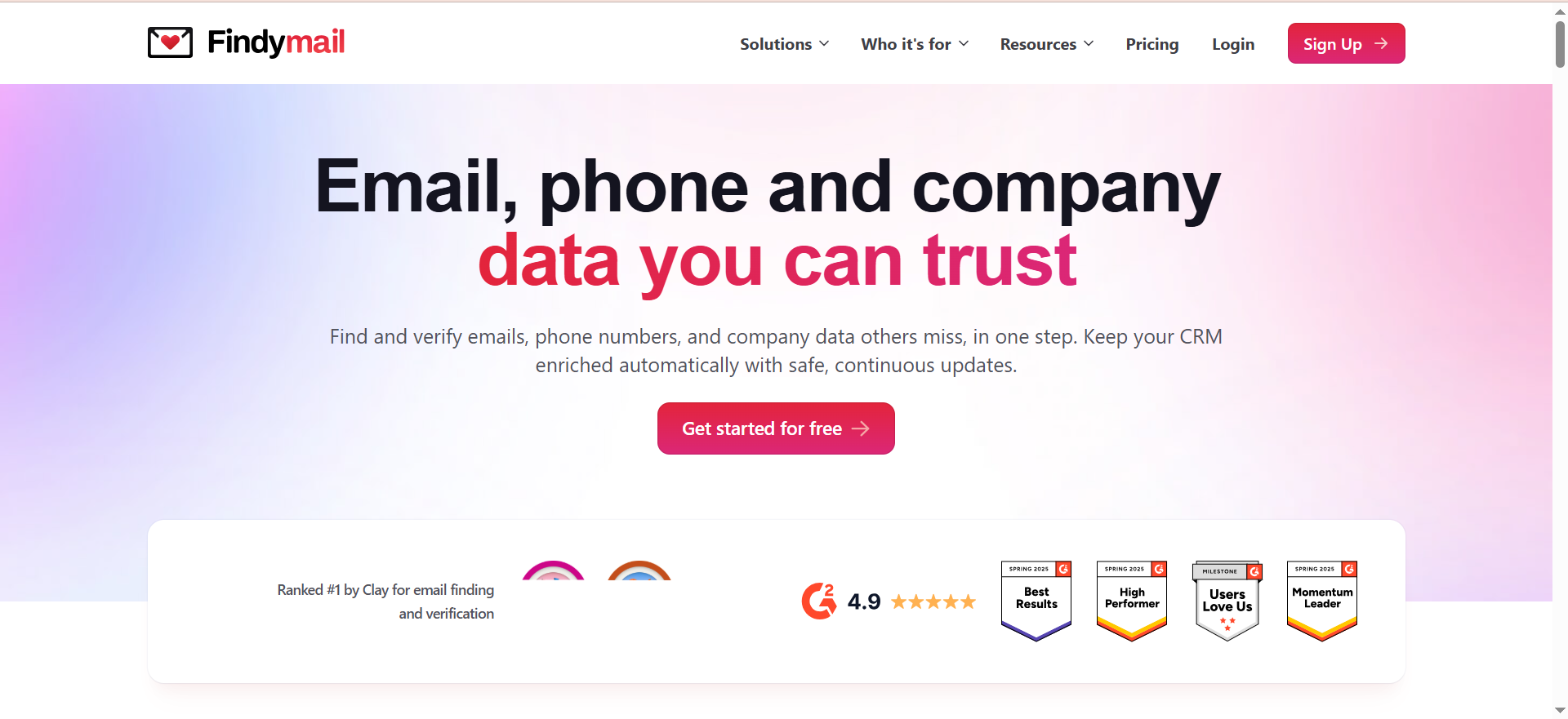
Findymail is an email finding and verification platform that differentiates itself with a pay-per-verified model — you only spend credits when Findymail returns a verified, deliverable email address. It guarantees 95%+ deliverability and claims bounce rates under 5%. Beyond email finding, Findymail offers Intellimatch (an AI-powered lead finder where you describe your target in plain language), Signals (which monitors the web for intent signals like job changes and funding rounds), CRM enrichment, and API access.
Why Teams Use It
The pay-per-verified model is the primary reason teams choose Findymail. With most email finders, you spend credits whether the result is valid or not. Findymail flips that — if it cannot verify the email, you do not pay. For teams running large-volume prospecting where match rates vary by industry and region, this eliminates the risk of burning credits on bad data. The 95%+ deliverability guarantee gives outbound teams confidence that their sender reputation will not take a hit from high bounce rates.
What It Is Good For
Findymail is built for teams that prioritize data quality over data volume. The verification-first approach means every email you get is pre-validated. Intellimatch lets you describe your ideal customer in natural language rather than configuring complex filter sets — useful for founders and small teams who know their buyer but are not expert at building Boolean searches. The Signals feature adds a layer of intent data by tracking job changes, funding events, and company growth signals.
When It Is a Good Fit
Findymail fits teams that have been burned by low match rates or high bounce rates from other tools. If your outbound campaigns are hitting 8-12% bounce rates and damaging sender reputation, Findymail's verification guarantee solves that directly. It is a strong choice for growth-stage SaaS companies running 5,000-25,000 email lookups per month who want predictable credit consumption. The Intellimatch feature makes it accessible for founders who prospect without dedicated SDRs.
When It Is Not a Good Fit
Findymail offers only 10 free credits to test, which makes thorough evaluation difficult before committing. The entry price of $49/mo for 1,000 credits is higher than Hunter.io's Starter plan or Snov.io's Starter. There are no built-in outreach sequences or email campaigns — it is purely a finding and verification tool. Phone numbers are available but cost 10 credits each, which adds up quickly if you need multi-channel contact data. Teams that want an all-in-one outbound platform will still need additional tools.
How to Use It
Use the Chrome extension to find emails while browsing LinkedIn profiles or company websites. Try Intellimatch by describing your ideal customer in plain language — for example, "VP of Marketing at Series B SaaS companies in the US with 50-200 employees" — and let the AI build your list. Set up Signals to monitor target accounts for buying triggers like leadership changes or funding announcements. Use the API for bulk enrichment in your existing workflows. Upload CSV files for batch processing.
Key Capabilities
- Pay-per-verified email model — no credit charge for unverified results
- 95%+ deliverability guarantee with bounce rates under 5%
- Intellimatch AI lead finder (natural language target descriptions)
- Signals intent monitoring (job changes, funding, growth triggers)
- Chrome extension for LinkedIn and web prospecting
- CRM enrichment for existing contact databases
- Bulk processing via CSV upload
- REST API for custom integrations
- Phone number finding (10 credits per number)
Pricing
Findymail charges only for verified results. Phone numbers cost 10 credits each. Annual billing saves roughly 17% (advertised as 2 months free). Unused credits roll over up to 2x your monthly allowance.
| Plan | Monthly Price | Credits |
|---|---|---|
| Starter | $49/mo | 1,000 |
| Scaling | $99/mo | 5,000 |
| Business | $249/mo | 25,000 |
| Scale 50K | $549/mo | 50,000 |
| Scale 100K | $849/mo | 100,000 |
| Enterprise | Custom | Custom |
Free Tier
Findymail does not offer a free plan. There is no free trial publicly listed. You need to commit to the $49/mo Starter plan to begin using the tool.
Downsides and Limitations
- No free plan or free trial makes it difficult to evaluate before purchasing
- Higher entry price than several competitors ($49/mo vs $34-39/mo for Hunter.io or Snov.io)
- No outreach sequences, email campaigns, or warm-up features
- Phone numbers at 10 credits each can become expensive at scale
- Intellimatch and Signals are newer features with less track record than established alternatives
- No built-in CRM — you need to export or integrate with external tools
Tool #4: Anymail Finder
What It Does
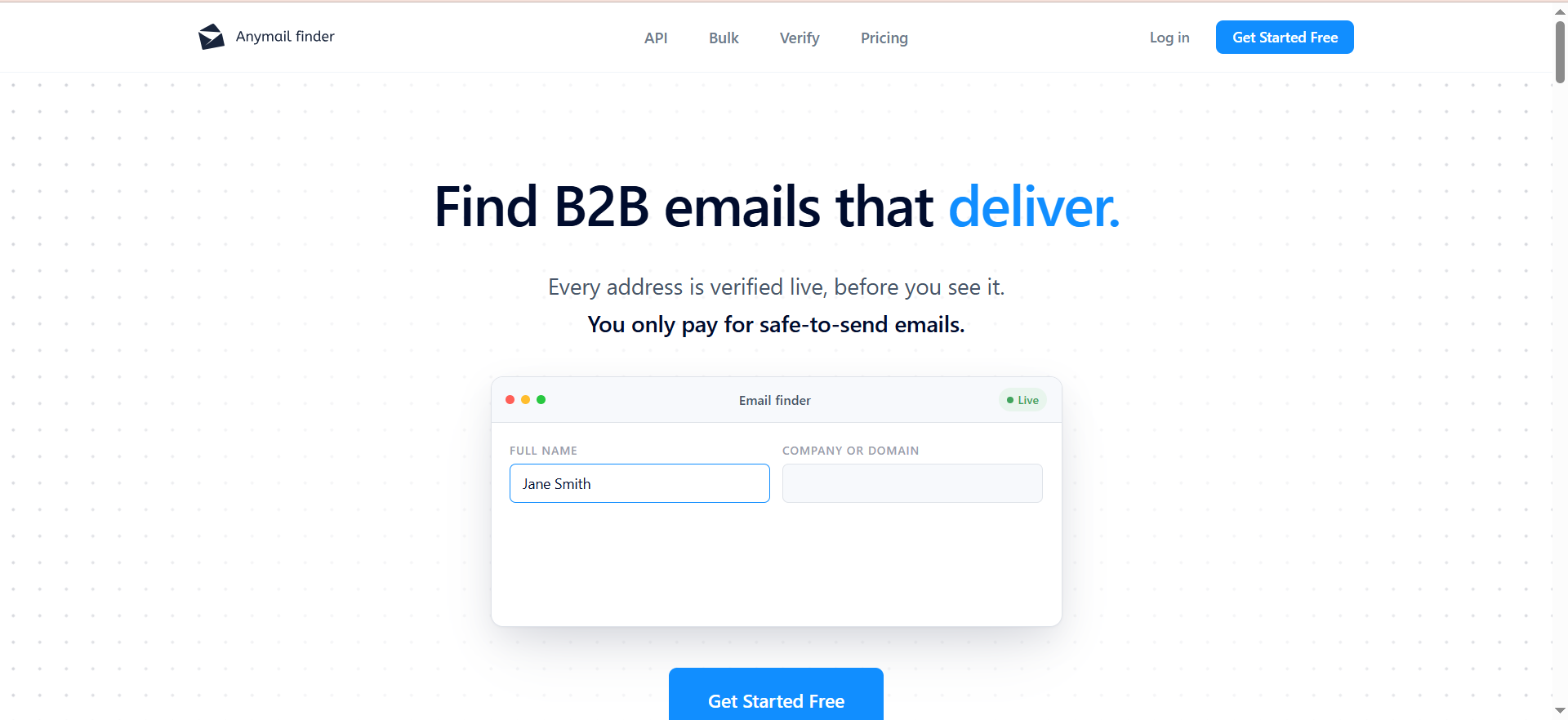
Anymail Finder is an email finding tool that uses a combination of web scraping and server-level validation to discover and verify business email addresses. Like Findymail, it only charges credits for verified emails — unverified results do not count against your balance. It claims a 97%+ delivery rate on verified results. The tool supports individual lookups, bulk email finding through CSV uploads, a LinkedIn Chrome extension, and REST API access for developers.
Why Teams Use It
Teams choose Anymail Finder for two reasons: the verified-only billing model and the straightforward, no-frills approach. Where tools like Snov.io bundle CRM, sequences, and warm-up into a single platform, Anymail Finder stays focused on one thing — finding verified email addresses reliably. The web scraping approach means it discovers emails from sources beyond standard databases, which can surface addresses that other tools miss. The pricing starts at $29/mo, making it one of the most affordable options with verified-only billing.
What It Is Good For
Anymail Finder works well for targeted email finding where you have a specific list of people or companies and need their email addresses. The bulk finder handles CSV enrichment efficiently — upload a spreadsheet of names and company domains and get back verified emails. The REST API makes it easy to integrate into custom prospecting workflows, CRM enrichment pipelines, or marketing automation platforms. The web scraping methodology can find emails that database-only tools miss, particularly for smaller companies or niche roles.
When It Is a Good Fit
Anymail Finder fits budget-conscious teams that want verified email data without paying for features they will not use. If your workflow already includes a separate outreach tool, CRM, and verification service, Anymail Finder replaces the finding and verification layers at a lower cost than most competitors. It is a good match for early-stage startups, freelancers, and small agencies that need reliable email data on a tight budget. The 33% annual discount makes it even more cost-effective for committed users.
When It Is Not a Good Fit
Anymail Finder does not include outreach sequences, email campaigns, CRM functionality, or intent data. It is a pure email finding tool. If you want a platform that handles the full prospecting-to-outreach workflow, you will need to pair it with other tools. The database is smaller than competitors like Snov.io or Prospeo, which means match rates on large bulk lists may be lower. The free trial is limited to 100 credits that expire after 14 days — that is a tight window for evaluation. There is no LinkedIn automation or lead search database for building lists from scratch.
How to Use It
Install the Chrome extension to find emails while browsing LinkedIn profiles. For bulk enrichment, prepare a CSV file with first name, last name, and company domain, then upload it to the bulk finder. Use the REST API to integrate Anymail Finder into your existing prospecting or CRM workflows. All results are pre-verified — if the tool cannot verify an email, it will not return a result or charge a credit.
Key Capabilities
- Verified-only billing — credits only consumed for verified emails
- Web scraping + server-level validation for email discovery
- 97%+ delivery rate on verified results
- Bulk email finder with CSV upload
- LinkedIn Chrome extension
- REST API for custom integrations
- Individual email lookups by name and domain
- 33% discount on annual billing
Pricing
Anymail Finder charges only for verified email results.
| Plan | Monthly Price | Credits |
|---|---|---|
| Entry | $29/mo | 400 |
| Mid-tier | Scales with usage | Scales to 10,000 |
| Top tier | $199/mo | 10,000 |
Annual billing saves 33% across all plans.
Free Tier
Anymail Finder offers a free trial with 100 credits that expire after 14 days. There is no ongoing free plan. Once the trial expires, you need to subscribe to a paid plan to continue using the tool.
Downsides and Limitations
- No outreach sequences, email campaigns, or warm-up features
- No built-in CRM or deal tracking
- No phone number data
- No lead search database — you need to know who you are looking for already
- The 14-day trial window is short for thorough evaluation
- Match rates on bulk lists can be lower than database-heavy competitors
- No intent data or signal monitoring
- Limited integrations compared to larger platforms
Tool #5: Prospeo
What It Does
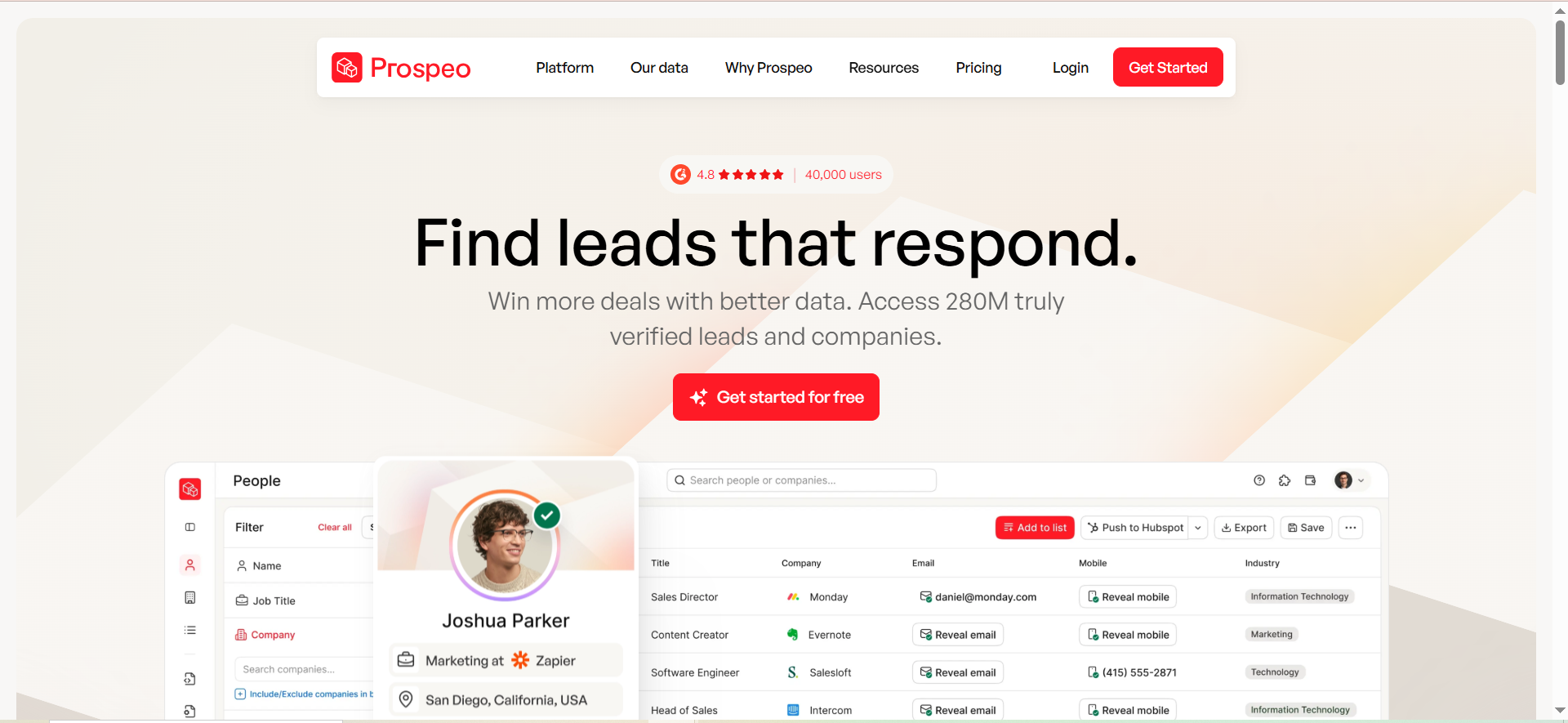
Prospeo is an email finding and verification platform with a strong Chrome extension that has over 40,000 users and a 4.8-star rating. It maintains a database of 143 million verified emails across more than 300 million B2B profiles. The tool covers individual email lookups, bulk processing, email verification, and API access. Phone numbers are available at 10 credits per number. Prospeo positions itself as a high-accuracy tool with a 98% accuracy rate on verified results.
Why Teams Use It
The Chrome extension is Prospeo's biggest draw. With 40,000+ active users and strong reviews, it is one of the most popular browser-based email finding tools on the market. Teams that prospect directly from LinkedIn, company websites, or search results use the extension to find emails without leaving their browser. The 143M verified email database gives it solid coverage for common B2B roles, and the 98% accuracy claim makes it competitive with verification-focused tools like Findymail.
What It Is Good For
Prospeo is strongest for Chrome-first prospecting workflows. If your SDRs spend most of their day in a browser — scanning LinkedIn, researching companies, and pulling contact information — Prospeo's extension makes that workflow fast. The free plan with 75 email credits and 100 Chrome extension credits per month is generous enough for light prospecting or evaluation. The API supports custom integrations for teams that want to build Prospeo into their existing tech stack.
When It Is a Good Fit
Prospeo fits teams that want a reliable Chrome extension for daily prospecting with a solid free tier to start. It works well for individual contributors and small teams (1-5 SDRs) who prospect manually rather than running automated bulk campaigns. The pricing scales reasonably from $39/mo to $369/mo, covering teams from solo founders to mid-size sales organizations. If your primary use case is finding emails one at a time while browsing the web, Prospeo's extension is hard to beat.
When It Is Not a Good Fit
Prospeo has a documented weakness with bulk operations. Users have reported match rates as low as 4.5% on Sales Navigator imports, and credits are consumed on every row regardless of whether an email is found for some operations. This makes it a poor choice for teams that rely on bulk list enrichment. There are no outreach sequences, email campaigns, or warm-up features. Phone numbers at 10 credits each add cost for multi-channel outreach. The database of 143M emails, while substantial, is smaller than some competitors.
How to Use It
Install the Chrome extension from the Chrome Web Store. Use it to find emails while browsing LinkedIn profiles, company websites, or any web page with professional contact information. For bulk processing, upload CSV files through the web interface. Use the verification tool to clean existing email lists. Access the API for custom integrations with your CRM or prospecting workflow.
Key Capabilities
- Chrome extension with 40,000+ users and 4.8-star rating
- 143M verified emails across 300M+ B2B profiles
- 98% email accuracy rate claimed
- Individual and bulk email finding
- Email verification
- Phone number finding (10 credits per number)
- REST API access
- CSV upload for bulk processing
- Free plan with monthly credit renewal
Pricing
Prospeo uses a credit-based model with phone numbers at 10 credits each.
| Plan | Monthly Price | Credits |
|---|---|---|
| Free | $0 | 75 email + 100 extension credits/mo |
| Starter | $39/mo | 1,000 |
| Growth | $99/mo | 5,000 |
| Pro | $199/mo | 20,000 |
| Business | $369/mo | 50,000 |
Free Tier
Prospeo offers one of the more generous free plans in this category — 75 email credits and 100 Chrome extension credits per month, with no listed expiration. This is enough to evaluate the tool over several weeks of light prospecting.
Downsides and Limitations
- Bulk match rates can be very low — reports of 4.5% on Sales Navigator imports
- Credits may be consumed on every row during some bulk operations regardless of outcome
- No outreach sequences, email campaigns, or warm-up features
- No built-in CRM
- Phone numbers cost 10 credits each
- Database of 143M emails is smaller than some competitors
- No intent data or signal monitoring
- Limited integrations compared to all-in-one platforms like Snov.io
How Do Email Finder Tools Work?
Email finder tools use a combination of techniques to discover business email addresses associated with a person or company domain. The most common method is pattern matching: the tool identifies the email format a company uses (such as [email protected] or [email protected]) and then generates the most likely address for a given contact. Tools like Anymail Finder go further by adding web scraping, crawling publicly available sources like company websites, press releases, and professional directories to surface addresses that pattern matching alone would miss.
Once a candidate email is generated, the tool validates it through a multi-step process. This typically starts with syntax checks, moves to DNS and MX record lookups to confirm the domain accepts email, and then uses SMTP-level pinging to verify whether the specific mailbox exists on the server. Snov.io, for instance, runs a 7-tier verification pipeline that includes catch-all detection on top of standard validation steps.
Some tools maintain large pre-built databases of verified contacts. Skrapp.io draws from over 150 million professional profiles, while Prospeo maintains 143 million verified emails. These databases accelerate lookups because the tool can return a cached, previously verified result instead of running the full discovery process each time. The trade-off is that database-sourced emails can go stale as people change jobs, which is why verification at the point of use still matters.
What Is Email Verification and Why Does It Matter?
Email verification is the process of confirming that an email address is valid, active, and capable of receiving messages before you send to it. It matters because sending emails to invalid addresses directly damages your sender reputation. Internet service providers and email platforms track bounce rates, and once your domain crosses roughly a 5% bounce threshold, your emails start landing in spam folders rather than inboxes, even for recipients who want to hear from you.
The verification process runs through several checks in sequence. First, it validates the email format and syntax. Then it confirms the domain exists and has active MX records configured to receive email. The critical step is SMTP validation, where the tool pings the recipient mail server to check whether the specific mailbox is active. Advanced verifiers like Snov.io add layers for catch-all domain detection, disposable email identification, and role-based address flagging (addresses like info@ or sales@ that are not tied to a specific person).
For outbound sales teams, verification is not optional. A campaign sent to 10,000 unverified addresses might bounce on 800-1,200 of them, triggering spam filters that throttle or block your entire sending domain. Tools like Findymail build verification into the core model by guaranteeing 95%+ deliverability and only charging credits for verified results. Anymail Finder takes the same approach with its 97%+ delivery rate claim. Whether you verify through your email finder or a standalone service, doing it before every campaign protects your domain and keeps your outreach reaching real inboxes.
How to Choose an Email Finder Tool for Your Team
Start by defining your actual workflow rather than comparing feature lists. Ask three questions: Where does your team find prospects? How many contacts do you need per month? And do you need outreach capabilities in the same platform?
If your team prospects primarily on LinkedIn, tools with strong Chrome extensions matter most. Prospeo and Skrapp.io are built around this workflow. If your team builds lists from scratch using filters like job title, industry, and company size, you need a tool with a searchable database. Snov.io offers 50 million company profiles with 15 search filters for this purpose.
Volume determines pricing. A solo founder doing 200 lookups per month can use Prospeo's free plan (75 email credits monthly) or Skrapp.io's free tier (50 credits). A team of five SDRs doing 5,000 lookups per month needs to compare Snov.io's Pro plan at $99/month against Findymail's Scaling plan at $99/month. Pay attention to credit models: shared-pool pricing like Snov.io's means verification and searches consume the same credits as finding, which can burn through your allocation faster than expected.
If your team wants one platform for finding, verifying, warming up, and sending, Snov.io is the only option on this list that covers the full workflow. If you prefer best-of-breed tools, pair a focused finder like Anymail Finder or Findymail with a dedicated outreach platform. Finally, evaluate the billing model. Teams with unpredictable match rates benefit from pay-per-verified pricing (Findymail and Anymail Finder), while teams with consistent volumes can get better per-credit rates on traditional models.
Is Hunter Still Worth It in 2026?
Hunter.io remains a solid tool for domain-based email search and basic verification, but its value depends on what you need it to do. Its Starter plan costs $34/month for 500 searches and 1,000 verifications. For straightforward use cases where you have a company domain and need to find associated email addresses, Hunter.io does the job reliably.
The gaps are clear, though. Hunter.io reports match rates in the 35-45% range, which means more than half of your lookups may not return a result. It does not include phone numbers, does not offer A/B testing in sequences, and its outreach features are basic compared to purpose-built engagement platforms. The free plan gives just 25 searches and 50 verifications per month, which is barely enough for a few hours of prospecting.
Where Hunter.io still holds up is in its domain search capability, its clean API, and its reputation as a reliable, long-established tool. For developers building email lookup into custom workflows, Hunter.io's API is well-documented and stable. For marketing teams that do light prospecting alongside content outreach, its simplicity is an advantage rather than a limitation.
If you are running high-volume outbound campaigns, need verified-only billing, want built-in drip campaigns, or require phone numbers alongside emails, the alternatives have moved ahead. Snov.io offers more features at a comparable price. Findymail and Anymail Finder protect your budget with pay-per-verified models. But if your needs are straightforward and you value simplicity, Hunter.io is still a functional choice rather than an outdated one.
What Is the Difference Between Email Finder and Email Verifier?
An email finder and an email verifier solve different problems, even though many tools bundle both functions together. An email finder discovers email addresses you do not already have. You give it a person's name and company (or just a domain), and it returns the most likely email address. An email verifier takes an address you already have and confirms whether it is valid, active, and safe to send to.
The finder uses techniques like pattern prediction, database lookups, and web scraping to generate candidate addresses. For example, if you enter "Sarah Chen" and "acme.com," the finder might determine that Acme uses a firstname.lastname format and return [email protected]. The verifier then checks that specific address against DNS records, MX configurations, and the SMTP server to confirm the mailbox exists.
In practice, most modern tools combine both functions. Snov.io runs its 7-tier verification automatically on found emails. Findymail and Anymail Finder take it further by only returning results that pass verification, so finding and verifying happen as a single step. Prospeo and Skrapp.io also include verification alongside their finding capabilities.
The distinction matters when evaluating pricing. Some tools charge separate credits for finding and verifying. Others, like Snov.io, draw from a shared credit pool for both activities. If you already have a list of email addresses from a conference, a CRM export, or a purchased database, you only need verification. If you are building a prospect list from scratch, you need both. Knowing which function you actually need prevents you from paying for capabilities you will not use.
How Accurate Are Email Finder Tools?
Accuracy claims from email finder vendors range from 95% to 99%, but real-world results depend on several variables that vendor marketing does not always disclose. The accuracy you experience will vary based on your target industry, the seniority of contacts you are searching for, the geographic region, and the size of the companies in your list.
Among the tools reviewed in our Hunter.io alternatives guide, Snov.io claims 98-99% accuracy on its 7-tier verification, Skrapp.io claims 97%, Findymail guarantees 95%+ deliverability with bounce rates under 5%, Anymail Finder claims 97%+ delivery rates, and Prospeo claims 98%. These numbers refer to verified results specifically. Match rates, meaning the percentage of lookups that return any result at all, are a different metric and tend to be lower. Hunter.io, for comparison, reports match rates of 35-45%.
Several factors drag down accuracy in practice. Job changes are the biggest culprit: a verified email becomes invalid the day someone leaves a company, and databases can take weeks or months to reflect that change. Smaller companies and niche industries tend to have thinner coverage in any database. Catch-all domains (which accept email sent to any address at that domain) can cause false positives because the server will accept the email even if no one reads it.
The practical advice is to verify immediately before sending, even if the email was verified when you found it weeks earlier. Run your lists through verification the same day you launch a campaign. Treat vendor accuracy claims as best-case scenarios and plan for 2-5% bounce rates as a realistic baseline even with strong verification in place.
Can Email Finder Tools Find Personal Emails?
Most B2B email finder tools are designed to find business email addresses, not personal ones. Tools like Snov.io, Skrapp.io, Findymail, Anymail Finder, and Prospeo focus on professional addresses tied to company domains. When you search for a contact, these tools return addresses at their employer's domain (like [email protected]), not their Gmail, Outlook, or Yahoo addresses.
There are good reasons for this focus. Business email addresses are more appropriate for professional outreach and are easier to discover through pattern matching against company domains. Personal email addresses are scattered across dozens of free email providers with no predictable pattern, making them far harder to find systematically. More importantly, sending unsolicited outreach to personal email addresses raises significant compliance concerns under regulations like GDPR, CAN-SPAM, and CASL.
Some tools may occasionally return personal addresses if those addresses appear in professional contexts. For example, a freelancer or solo consultant who uses a Gmail address as their primary business contact might appear in a tool's database. However, this is incidental rather than a core capability.
If your use case genuinely requires personal email addresses, such as recruiting or reaching founders who operate without a company domain, you will likely need to supplement email finder tools with manual research, LinkedIn outreach, or specialized people-search services. For standard B2B sales prospecting, business email addresses are both the practical and compliant choice. Focus your tool selection on the accuracy and coverage of professional email discovery rather than personal email capabilities.
What Integrations Should an Email Finder Have?
At minimum, an email finder should connect to your CRM and your outreach tool. Skrapp.io syncs directly with HubSpot and Salesforce. Snov.io connects to HubSpot, Salesforce, and Pipedrive, plus it includes its own built-in CRM. Zapier or Make integrations serve as a bridge for unsupported CRMs.
A Chrome extension is effectively an integration with your browser-based workflow. Prospeo's extension (40,000+ users) and Skrapp.io's extension are built specifically for LinkedIn prospecting. API access matters for teams with custom workflows — Snov.io, Findymail, Anymail Finder, and Prospeo all offer REST APIs.
How Much Should You Pay for an Email Finder Tool?
At the entry level, Anymail Finder starts at $29/month for 400 verified credits, Snov.io at $39/month for 1,000 credits, Hunter.io at $34/month for 500 searches, Prospeo at $39/month for 1,000 credits, and Findymail at $49/month for 1,000 credits.
Pay-per-verified tools like Findymail and Anymail Finder only charge credits when they return a verified email. Traditional credit models charge for every attempt regardless of outcome. For teams doing under 500 lookups per month, free plans may be sufficient. Mid-volume teams should budget $30-100/month. High-volume operations will spend $200-500/month or more. Always calculate your cost per verified contact rather than your cost per credit.
Email Finder Tools for Sales Teams vs Recruiters
Sales teams typically prospect by company and role, need high volume, and require CRM and outreach integration. Snov.io handles the full pipeline from finding to drip campaigns. Findymail's pay-per-verified model appeals to sales teams concerned about wasting credits.
Recruiters prospect by person and skill set, often starting from LinkedIn profiles. Volume is typically lower but accuracy requirements are higher. Skrapp.io and Prospeo are strong choices for recruiters because their Chrome extensions are optimized for LinkedIn-to-email workflows. Sales teams should prioritize bulk processing speed, while recruiters should prioritize single-lookup accuracy and LinkedIn compatibility.
How to Verify Email Addresses in Bulk
Export your list as a CSV file with email addresses in a single column. Upload to your verification tool. Snov.io's bulk verifier processes lists through its 7-tier validation system. Findymail and Anymail Finder verify at the point of finding, so emails from those tools are already verified. For lists sourced from other channels, a dedicated verification pass is essential.
After processing, remove all invalid addresses. Treat catch-all results with caution. Verify your list as close to send time as possible — within 24-48 hours of launch. If your list exceeds 10,000 contacts, run verification in batches to spot quality issues early.
What Is a Catch-All Email Domain?
A catch-all email domain accepts messages sent to any address at that domain, regardless of whether the specific mailbox exists. This creates a challenge for verification tools because the server always responds positively, making it impossible to confirm whether the address belongs to a real person.
Most verification tools, including Snov.io's 7-tier system, flag catch-all addresses with a separate status. Findymail and Anymail Finder handle catch-all results differently from confirmed valid addresses. For outbound campaigns, treat catch-all results as a middle tier and cap them at 15-20% of any given campaign to maintain engagement metrics.
Do Email Finders Work With LinkedIn Sales Navigator?
Most modern email finder tools include Chrome extensions that work alongside LinkedIn Sales Navigator. Skrapp.io's extension is purpose-built for LinkedIn and Sales Navigator. Prospeo's extension works on LinkedIn profiles and search results. Snov.io's extension functions across LinkedIn, company websites, and Google search results.
However, LinkedIn actively limits automated data extraction. Extensions that pull too aggressively can trigger account restrictions. Prospeo has reported match rates as low as 4.5% on Sales Navigator bulk imports. The most effective workflow is to use Sales Navigator for targeted searches, then use the Chrome extension for individual qualified prospects rather than bulk-scraping entire search lists.
GDPR Compliance and Email Finder Tools
GDPR does not ban cold email outreach to business contacts, but it imposes conditions. The most commonly cited legal basis for B2B cold email is "legitimate interest" under Article 6(1)(f). Your obligations include providing a clear way to opt out, honoring opt-out requests promptly, maintaining records of where you obtained each contact's data, and being transparent about data usage.
Evaluate whether your chosen tool stores contact data on servers within the EU or under adequate data protection agreements. Check whether the tool lets you delete individual records to comply with right-to-erasure requests. Review data processing agreements and privacy policies before signing up. Work with legal counsel to confirm your specific outreach workflow complies with GDPR and applicable local regulations.



