

If you’re a founder or small team, you can absolutely start prospecting with a free (or mostly free) stack,” and the same mindset applies to a CEO-level content plan for SaaS. The easiest “all-in-one” starting point is Apollo’s free plan for basic lead lists, plus Hunter for email verification, HubSpot CRM to track deals, and a trial like Instantly if you want to test sequencing. If you want more flexibility and AI-driven enrichment, use Clay’s free tier to stitch together lightweight enrichment and personalization,” and you can track downstream impact with AI visibility citation tracking.
📋 Get Listed / Advertisement
We update this guide monthly; if you want your tool featured, contact us: [email protected].
Best Free AI Prospecting Tools (Quick Comparison)
| Tool | Best for | Main limitation on free |
|---|---|---|
| Apollo (Free) | Lead lists + basic outbound workflow | Limited credits/exports/features |
| Hunter | Finding + verifying emails | Limited searches/verifications |
| Clay (Free) | AI enrichment + workflow building | Limited credits + setup learning curve |
| HubSpot CRM (Free) | Pipeline + activity tracking | Automation/reporting is limited |
| Instantly (Trial) | Testing cold email sequences quickly | Not a long-term free option |
📋 Get Listed / Advertisement
We update this guide monthly; if you want your tool featured, contact us: [email protected].
1. Apollo
What it does
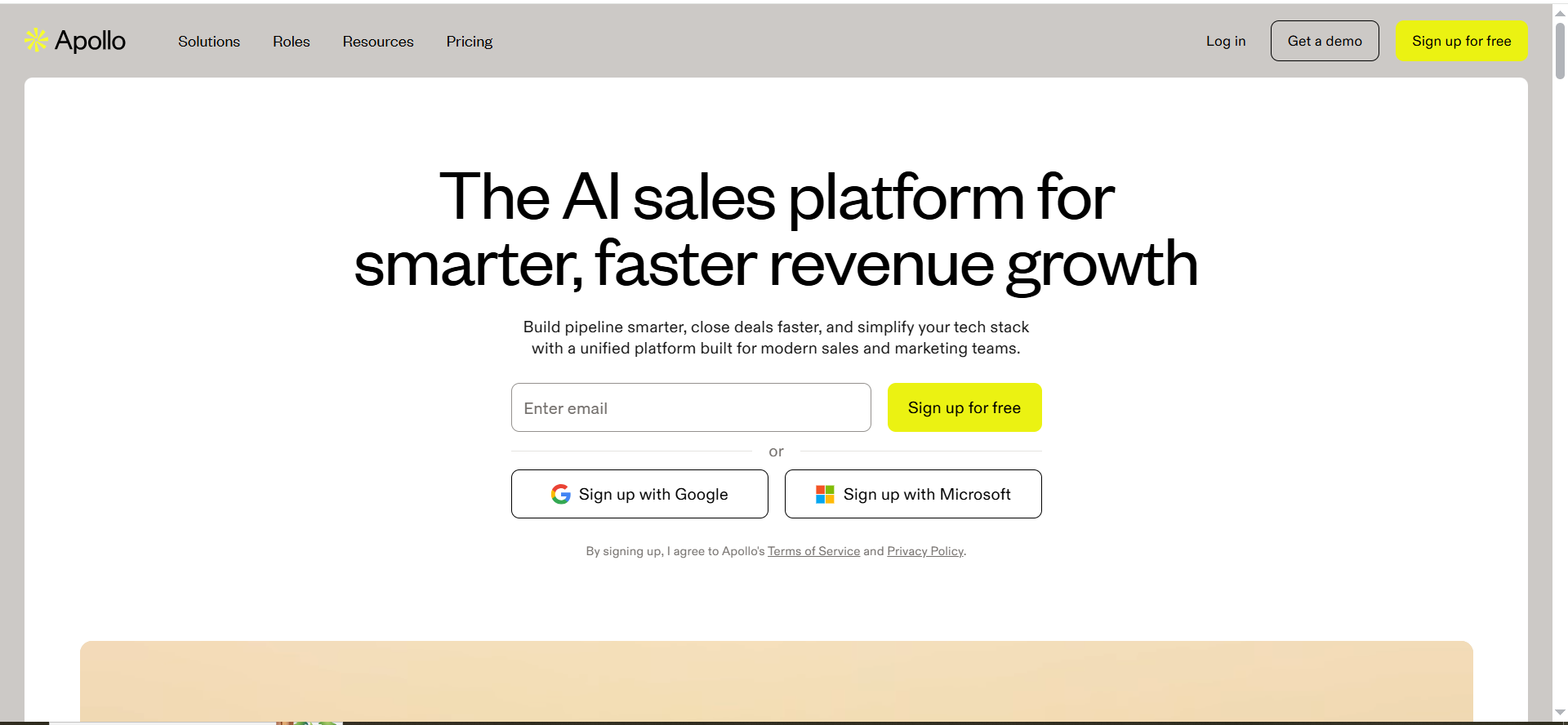
Apollo is best known as a prospecting database and outbound platform in one. In plain English: it helps you build lead lists (by company size, titles, industry, tech, etc.), find contact details, and kick off outreach from a single place.
Why teams use it
For budget prospecting, Apollo often becomes the “default” starting point because it reduces the number of tools you need on day one, which is the same reason teams like clear roundups of SEO tools for SaaS.
What it’s good for
- Building your first 200 to 1,000 leads list fast
- Creating a basic ICP filter (industry, role, company size)
- Getting early signal on whether your messaging converts
- Lightweight outbound when you don’t want a complicated stack
When it’s a good fit
Apollo is a good fit if:
- You’re early-stage and need speed more than perfect data
- You want an “okay” lead list quickly to start learning
- You prefer one tool that can do multiple jobs
When it’s not a good fit
Apollo is not ideal if:
- Your niche is extremely specific (you may need custom data sources)
- You need very high deliverability and strict verification for every email
- You want deep enrichment workflows (multi-source, multi-step logic)
How to use it
- Define a simple ICP filter: industry + role + company size.
- Pull 200–500 leads and spot-check quality (titles, relevance, geography) using a simple checklist approach like this content audit checklist for B2B SaaS.
- Export a small test batch (even 50 is enough to start) and keep the process consistent with a lightweight how to perform a content audit cadence.
- Verify emails for your test batch (use Hunter for verification).
- Send small daily volumes first and track replies, not opens, and if you want a structured way to report trends over time, borrow ideas from SEO rank tracking software.
Key capabilities
- Lead search and filtering
- Contact and company records
- Basic list building and exports
- Outbound basics (depending on plan features)
Pricing
Apollo’s pricing page lists an Unlimited plan at $119 per user per month (minimum 3 users), billed annually; other plan pricing isn’t clearly shown publicly on that page.
Free tier?
Apollo offers a free-forever Starter plan, and it also offers trial plans.
Downsides / limitations
- Free credits run out quickly if you export large lists
- Data quality can vary by region/industry
- You’ll still want verification and deliverability discipline outside of Apollo, and if you’re building a broader stack, our best AI SEO tools roundup is a useful reference point.
2. Hunter
What it does
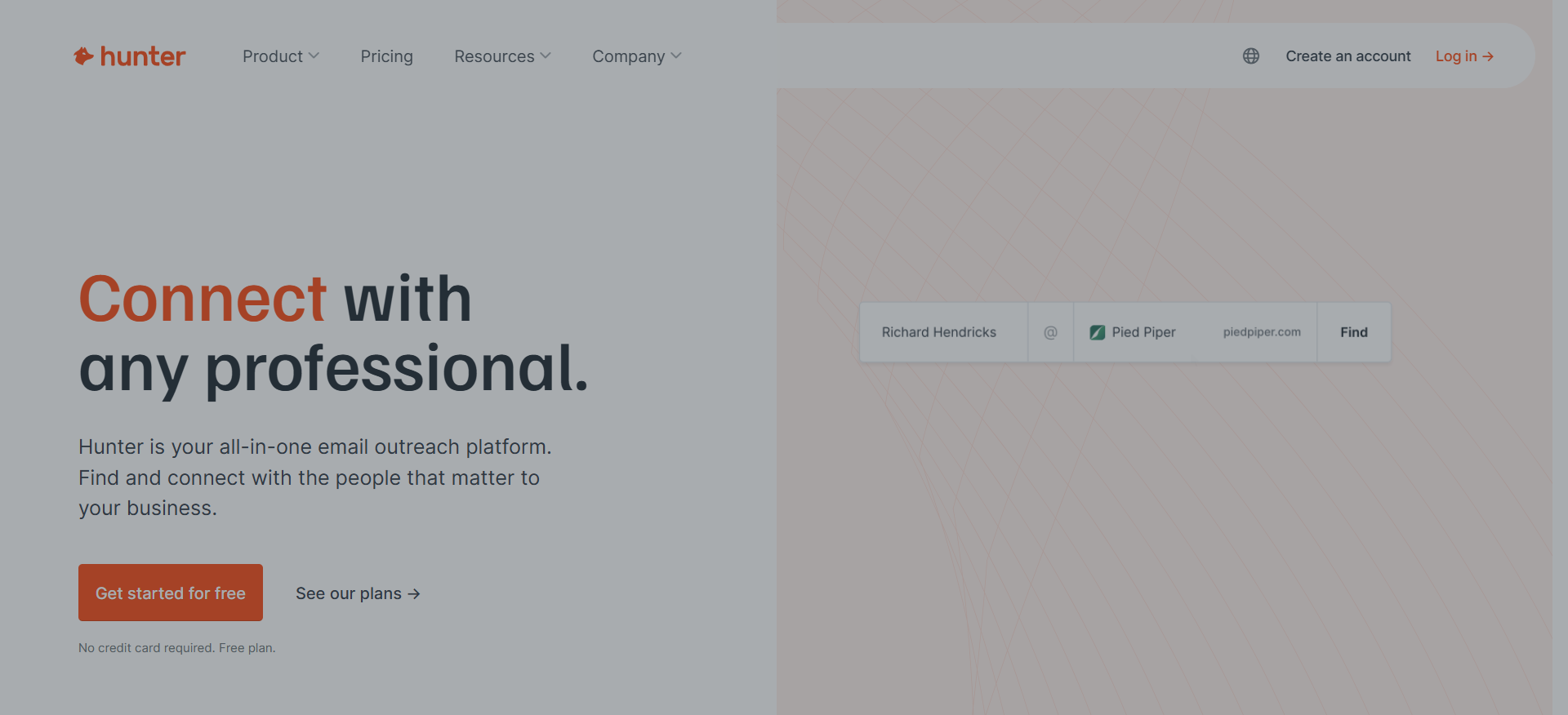
Hunter helps you find emails associated with a domain and verify whether an email is likely deliverable. It’s especially useful when you’re assembling lists from LinkedIn or websites and need to turn “names + companies” into real inboxes.
Why teams use it
Deliverability is the fastest way to waste time in outbound, so treat your messaging like content and use a clear AI content marketing toolkit. Hunter is popular because it gives you a simple way to sanity-check emails before you send, which helps protect your domain reputation. If verification is a focus, you may also like these phone verification tools.
What it’s good for
- Verifying emails before a cold email test
- Domain-based prospecting (finding patterns like [email protected])
- Cleaning up lists so you don’t bounce immediately
When it’s a good fit
Hunter is a good fit if:
- You’re sourcing leads from LinkedIn/manual research
- You need verification more than “database scale”
- You’re doing a careful, low-volume outbound approach
When it’s not a good fit
Hunter is not ideal if:
- You need a full database of contacts (it’s not that)
- You want multi-source enrichment and intent signals
- You need phone numbers and deeper contact profiles
How to use it
- Start with a list of companies you want to target.
- Use domain search to understand the email pattern.
- Generate likely emails for specific prospects.
- Run verification before sending.
- Keep a “do not email” list for risky or unverifiable addresses.This also helps you stay aligned with your privacy policy.
Key capabilities
- Domain search
- Email finder
- Email verification
- Chrome extension (often used for lightweight prospecting)
Pricing
Hunter’s pricing starts at $49/month on the Starter plan (monthly billing).
Free tier?
Hunter does offer a free tier ($0), and it also has paid upgrades.
Downsides / limitations
- You can’t replace a full data provider with Hunter alone
- You’ll still need a sourcing method (LinkedIn, Apollo, websites, etc.)
- Free limits mean you should prioritize high-quality targets, not mass blasts,” which lines up with why E-E-A-T still matters even after major search changes.
3. Clay
What it does
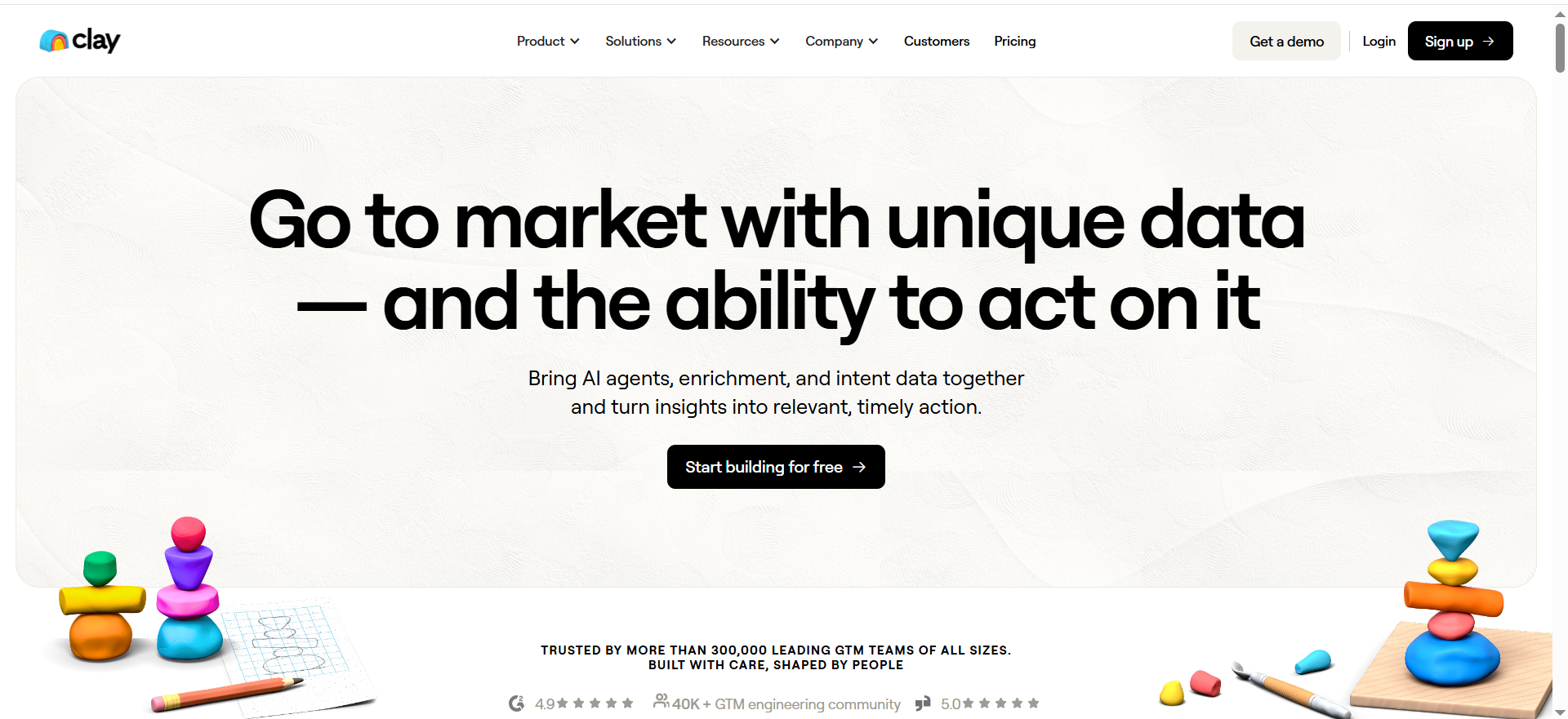
Clay is a workflow tool for lead enrichment and personalization. Think of it like: “connect data sources + add AI steps + output a clean list.” It can help you enrich leads with firmographics, find contacts, add LinkedIn context, and generate personalized snippets.
Why teams use it
Clay shines when you want to do more than “spray and pray,” which is a practical example of what AI in marketing looks like day to day. Even with a free tier, it’s useful for building a smaller, higher-quality list with meaningful personalization.
What it’s good for
- Multi-step enrichment (company + person + context)
- AI-assisted personalization at scale (but still targeted)
- Turning messy inputs into a structured prospect list
- Creating repeatable list-building workflows
When it’s a good fit
Clay is a good fit if:
- You’d rather contact 50 highly relevant prospects than 500 generic ones
- You want to automate research steps (job titles, recent posts, tech stack)
- You don’t mind a learning curve for better output quality
When it’s not a good fit
Clay is not ideal if:
- You need a plug-and-play list tool with zero setup
- You want a pure CRM (it’s not)
- You’re not ready to think in workflows (steps, logic, inputs/outputs)
How to use it
- Start with a seed list (companies or LinkedIn URLs).
- Enrich companies (industry, size, tech, hiring signals).
- Find the right roles (titles that match your ICP).
- Add an AI step to generate a 1–2 sentence personalization note.
- Export to HubSpot (or a CSV) and run a small outbound test.
Key capabilities
- Enrichment workflows
- AI-assisted research and personalization steps
- Data connectors (varies by plan and integrations)
- Outputs designed for sequencing/CRM
Pricing
Clay’s paid plans start at $149/month.
Free tier?
Clay does offer a free plan, and it also offers a 14-day free trial.
Downsides / limitations
- Setup time is real: expect to spend an hour learning the basics
- Free credits are easy to burn if your workflow is inefficient
- You still need a sequencing layer if you want automated follow-ups
4. HubSpot CRM
What it does
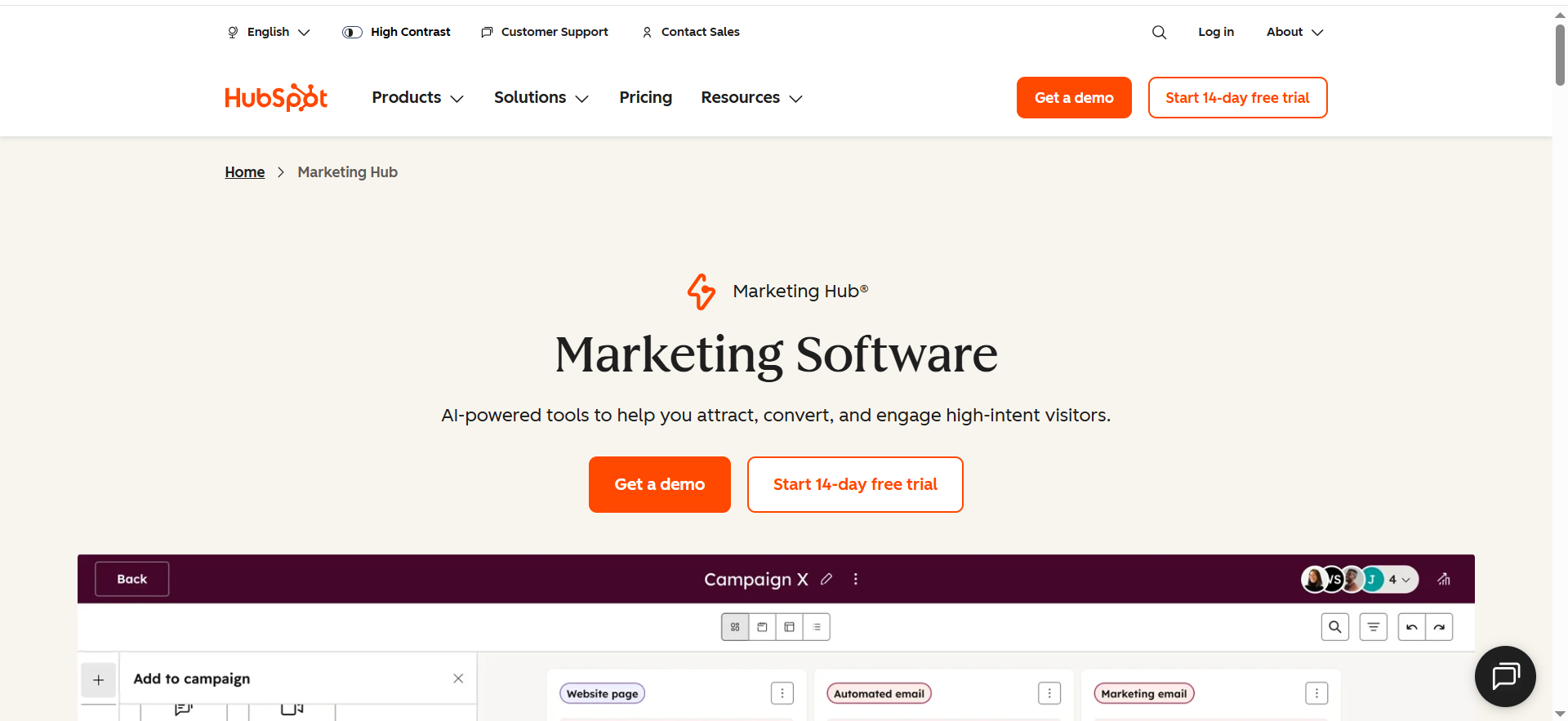
HubSpot’s free CRM is the easiest way to track prospects, conversations, and pipeline without building your own spreadsheet system. Even if your outbound stack is scrappy, you still need one “source of truth” for what happened and what to do next.
Why teams use it
Most early outbound fails because follow-up is inconsistent, and the same compounding effect shows up in evergreen content visibility in AI search. A free CRM fixes that. It also helps you learn what’s working: which segments reply, which messages convert, and where deals get stuck,” especially if you benchmark against AI marketing stats.
What it’s good for
- Tracking leads from first touch to meeting booked
- Logging outreach activity (even manually)
- Basic pipeline stages (New lead → Contacted → Replied → Meeting → Opportunity)
- Keeping notes so you don’t re-send awkward “just bumping this” messages
When it’s a good fit
HubSpot free is a good fit if:
- You want a real pipeline without paying
- You have a small team and need shared visibility
- You want to build good habits early (stages, next steps, notes)
When it’s not a good fit
HubSpot free is not ideal if:
- You want heavy automation across many workflows
- You need advanced reporting dashboards out of the gate
- Your process is extremely custom and you hate CRMs
How to use it
- Create 4–6 pipeline stages you’ll actually use.
- Import prospects (from Apollo/Clay CSV export).
- Track only a few key fields at first: ICP segment, source, last touch, next step.
- Create a simple daily routine: “move deals + write next steps” in 10 minutes.” (Try this as a lightweight lifecycle content strategy habit.)
Key capabilities
- Contact + company records
- Pipeline stages and deal tracking
- Notes and task reminders
- Basic reporting (limited)
Pricing
HubSpot’s entry-level paid bundle is listed with a limited-time offer starting at $9/month or $15/month per seat (Starter Customer Platform).
Free tier?
HubSpot CRM does offer a free tier, and it’s described as free forever.
Downsides / limitations
- Some automation and advanced features require upgrades
- Reporting can feel limited once you’re running multiple motions
- If you don’t maintain it, it becomes “another place where data goes to die”
5. Instantly
What it does
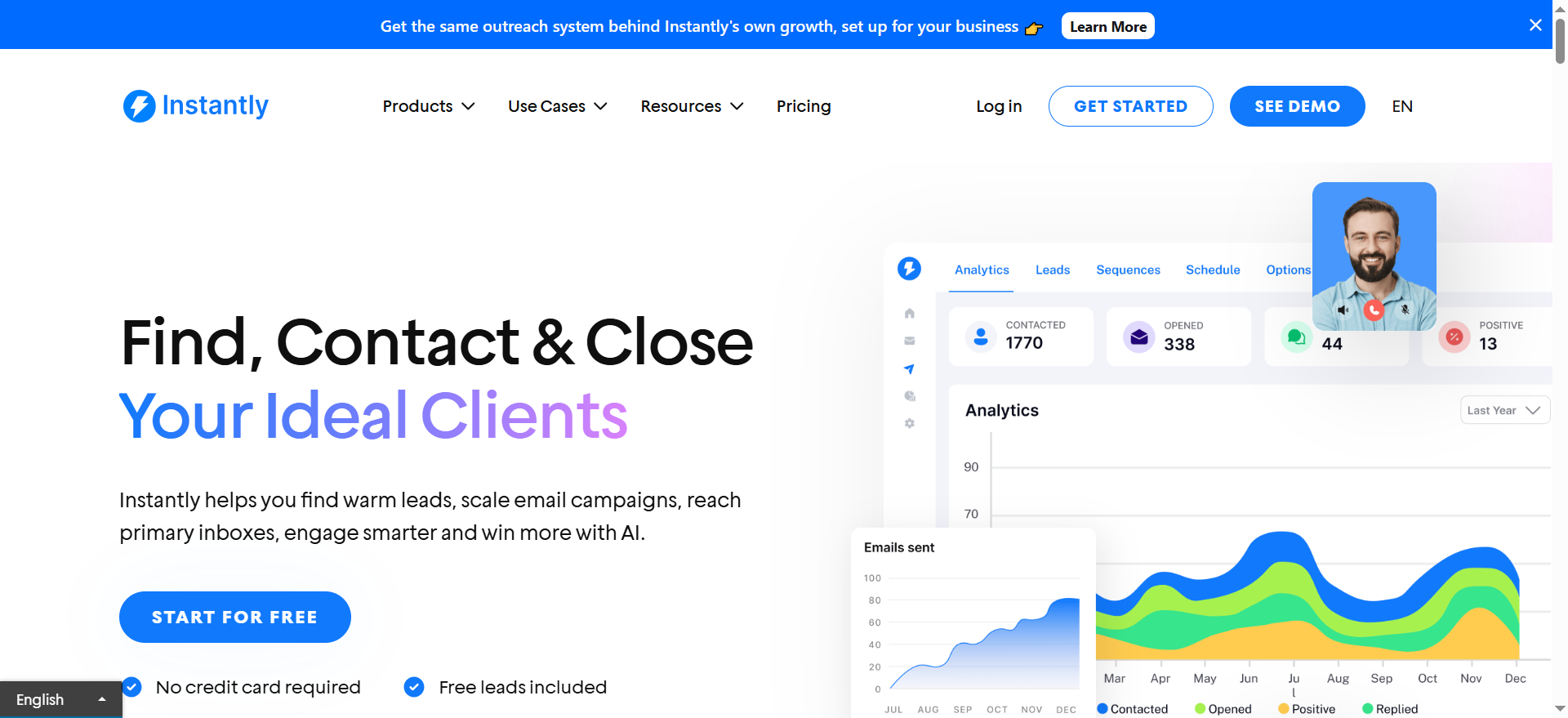
Instantly is primarily used for cold email sequencing: sending an initial email plus automated follow-ups based on timing rules. It’s included here because a free trial can be enough to validate whether cold email works for your ICP and offer.
Why teams use it
Sequencing matters because follow-up is where a lot of replies happen, and if inbound visibility is also a goal, compare options in Google AI Overviews tracking tools. A trial lets you test sequencing without committing to a full annual plan when you’re still learning,” which is the same “test before you scale” approach as blog vs paid ads.
What it’s good for
- Testing cold email sequences quickly
- Running a small campaign (carefully) to validate messaging
- Organizing follow-ups without manual effort
When it’s a good fit
Instantly is a good fit if:
- You already have a small verified list (50–200 prospects)
- You want to test “sequence vs manual follow-up”
- You understand that deliverability is a process, not a button
When it’s not a good fit
Instantly is not ideal if:
- You don’t have verified emails yet
- You plan to blast thousands of contacts immediately
- You don’t have time to set up sending domains properly
How to use it
- Start with one sending domain (or a careful setup) and low daily volume if you’re running outreach as a small business.
- Import only verified contacts.
- Use a simple sequence: Email 1 → Follow-up 1 (2–3 days) → Follow-up 2 (3–5 days), powered by marketing automation.
- Keep personalization minimal but real (one line that proves relevance) by using lightweight personalization marketing tools.
- Track replies in HubSpot so learnings don’t get lost.
Key capabilities
- Sequencing and follow-up automation
- Campaign organization
- Inbox management features (varies)
Pricing
Instantly’s pricing starts at $30/month (Growth plan).
Free tier?
Instantly doesn’t offer a free tier, but it does offer a free 14-day trial.
Downsides / limitations
- Not a data tool: you must bring your list
- Trial pressure can cause teams to rush and send too much too soon, so it helps to pressure-test expectations against B2B SaaS content benchmarks.
- You still need strong deliverability practices (verification, volumes, targeting)
How to choose the right free prospecting stack
Your goal isn’t to build the “perfect” tech stack, so use this as a lightweight starting point before you invest in a bigger AI marketing stack. If you can answer these four questions in 7–10 days, you’re ahead of most teams, and it’s usually a sign you’re ready to talk to a SaaS SEO agency about scaling what’s working.
- ICP clarity: Which segment responds best (industry + role + size)?
- Message clarity: Which pain point gets the most “tell me more” replies?
- Channel clarity: Is email viable, or do you need LinkedIn + email + calls?
- Economics: How much time does it take to generate one qualified conversation?” is worth comparing against typical SaaS ROI timelines.
A good free stack should cover four jobs:
- Sourcing (who to contact)
- Verification/enrichment (how to reach them + context)
- Outreach (how you message + follow up)
- Tracking (what happened + next steps)
Using the topic sheet angle, the focus here is a freemium and budget-friendly outbound stack for founders and small teams, with lightweight enrichment and sequencing. (From the uploaded blog plan.)
Common mistakes (and how to avoid them)
Mistake 1: Treating free plans like production systems
Free plans are for learning. If you’re spending more time fighting limits than talking to prospects, it’s time to either simplify the workflow or upgrade one piece.
Mistake 2: Going too broad too early
“Anyone in SaaS” is not an ICP. Start narrow, learn, then expand, and if you later want to scale pages and comparisons systematically, programmatic SEO can help you do it without losing quality.
A practical narrow ICP looks like:
- Industry: SaaS
- Size: 11–200 employees
- Role: Head of Growth / RevOps / Sales Ops
- Trigger: hiring SDRs, launching outbound, or scaling pipeline, and you can browse more tags to stay consistent.
Mistake 3: Over-personalizing with AI
AI personalization fails when it’s:
- Too generic (“Love what you’re building!”)
- Too long
- Too confident about facts that are wrong
Keep it simple:
- One relevant observation
- One reason you’re reaching out
- One clear next step, which is the same approach we recommend for structuring AEO content.
Mistake 4: Not having a “reply handling” plan
You don’t need a fancy system, and if you want a structured way to evaluate partners and processes, use our B2B SaaS SEO agency scorecard.
- Positive reply → propose times
- “Not now” → set a reminder
- “Not a fit” → ask one question to learn why
- Referral reply → thank them and follow up quickly
Mistake 5: Chasing opens and vanity metrics
Track replies and meetings, not just open rates, and if you’re building an AI-driven growth stack alongside outbound, this roundup on LLMs for business growth can help. With privacy changes, opens are noisy anyway, so if you need cleaner measurement, start with AI visibility metrics.
What are the best free AI prospecting tools for startups?
If you’re a startup (especially pre-Series A), the best “free AI prospecting tools” are the ones that let you do four jobs without paying: source leads, find/verify contact info, personalize outreach, and track follow-ups, which mirrors the goal of strong SaaS content marketing that turns attention into pipeline. You don’t need a perfect tool. You need a stack that gets you to real conversations fast.
Here’s a practical shortlist (based on what startups typically need most):
1) Apollo (Free) for lead sourcing (fastest path to a usable list)
Apollo is usually the quickest way to build a first list by role, company size, industry, and geo. It helps you get out of spreadsheet limbo and into “testing messaging” mode.
2) Hunter for email finding + verification (protect your deliverability)
Even if your list is great, unverified emails can wreck deliverability and waste outreach volume. Hunter is a strong “budget insurance policy” for your domain reputation.
3) Clay (Free) for enrichment + AI personalization (quality over volume)
Clay is what you use when you want to avoid generic outreach and instead add context (company description, role signals, tech stack clues, hiring signals), which is the same kind of practical AI application we cover in AI marketing use cases.
4) HubSpot CRM (Free) for pipeline discipline
Outreach fails when follow-up is inconsistent, so if you’re building your process around fast conversions, CRO for product-led content is a useful next step. A free CRM is how you keep track of replies, next steps, and deal stages without relying on memory.
5) Instantly (Trial) for quick sequencing tests
Not a forever-free option, but a trial can be enough to test whether sequence-based follow-ups increase replies vs manual sending, especially if you’re testing your wider digital marketing motion.
If you want the simplest startup stack:
Apollo (list) → Hunter (verify) → HubSpot (track) → (optional) Instantly trial (sequence)
If you want the highest-quality “small list” approach:
Clay (enrich + personalize) → Hunter (verify) → HubSpot (track)
Which prospecting tools have a real free plan vs a short trial?
A lot of tools advertise “free,” but they mean different things, so it helps to benchmark what you’re building against clear pricing expectations before you upgrade. The fastest way to avoid frustration is to separate tools into:
Tools with a real free plan (ongoing, but limited)
These tools usually cap credits, searches, exports, or automation features, but you can keep using them month to month,” similar to choosing a realistic SaaS publishing frequency you can sustain.
- HubSpot CRM: True free CRM and pipeline tracking for a long time, especially for small teams.
- Hunter: Typically offers ongoing free limits for searches/verifications.
- Apollo: Often has an ongoing free plan, but with strict monthly credit/export limits.
- Clay: Usually has a free tier with credits (or a limited free plan), but it’s designed for small runs and testing workflows.
Tools that are mostly trial-based (good for validation, not for long-term “free”)
- Instantly (Trial): Great for testing sequencing and follow-up automation, but not something you can rely on as an ongoing free platform.
A quick rule of thumb
- Real free plan = you can build habits and repeat the workflow each month (even if limits are tight), which is the same mindset you want when comparing any platform buyer guide.
- Trial = you can validate results fast, but you’ll need a replacement or upgrade if it works, so it helps to sanity-check tools against an AI visibility platform showdown.
If you’re building a sustainable, free-first workflow, anchor it on HubSpot + one sourcing method + one verification method, and if you want help pressure-testing the workflow, you can book a call.
How do I enrich leads without paying for ZoomInfo?
You can enrich leads without ZoomInfo, but you have to change your mindset: instead of buying “everything about everyone,” you build a lean enrichment process that gets you only what you need to send relevant outreach.
Here’s a practical enrichment workflow that works well on a budget:
Step 1: Start with a clean base list (don’t enrich junk)
Pick one of these starting points:
- Apollo (Free): pull an initial list by role + company filters
- LinkedIn/manual research: build a list of names + company domains
- Company websites/job boards: especially useful in niche industries
Minimum fields to start:
- First name, last name
- Company name
- Company domain
- Role/title
- LinkedIn URL (optional but helpful)
Step 2: Add the “must-have” enrichment (lightweight but high impact)
Instead of chasing 50 data points, enrich only what improves targeting and messaging, then organize results by business function.
Company-level enrichment
- Company size (range)
- Industry/category
- Location/regions served
- Tech hints (what they likely use, or at least their tech posture)
- Trigger signals (hiring, new product, expansion, funding, job postings) are easiest to spot with solid marketing research tools.
Person-level enrichment
- Role seniority (decision maker vs influencer)
- Team context (who they likely work with)
- A single “hook” (recent post, role responsibility, hiring signal, relevant initiative)
Step 3: Use Clay (Free) to automate enrichment steps
Clay can take your base list and help you:
- enrich company basics
- add context from public sources
- generate a short personalization snippet using AI
- output a ready-to-send sheet/CSV
If you don’t want Clay, you can still do this manually, but it’s slower, so a lightweight agile workflow playbook helps you stay consistent.
Step 4: Find and verify emails with Hunter
Once you have the right people:
- use domain patterns to generate emails
- verify before sending
This is the step that saves you from high bounce rates, and if you want to go deeper on how to get referenced by AI systems, see our guide on getting cited in AI answers.
Step 5: Enrichment “good enough” checklist
Before you email, make sure you have:
- The right role (matches your ICP)
- A verified email (or a safe, low-risk address)
- One relevant reason you’re reaching out (your hook)
- A clear next step (what you want them to do)
Important: You don’t need ZoomInfo-level depth to book meetings. You need relevance + accuracy + follow-up consistency.
What should I upgrade first when free tools stop working?
When free tools hit limits, most teams upgrade the wrong thing,” so it helps to pressure-test spending using a Series A SaaS content budget style framework. The right upgrade depends on what’s actually blocking you.
Here’s a simple way to decide:
Upgrade #1: The biggest bottleneck to running weekly experiments
Ask: “What prevents me from running consistent outreach every week?”
Common bottlenecks:
1) You can’t get enough good leads
Upgrade first: lead data / sourcing
If Apollo’s free limits are too tight or list quality is inconsistent, upgrading your sourcing layer is usually the first paid move that increases throughput.
2) You’re losing deliverability or getting too many bounces
Upgrade first: verification + deliverability tooling.
If your bounce rate is creeping up or emails aren’t landing, upgrading verification (and being more selective) is more important than buying more leads.
3) You can’t personalize at scale without spending hours
Upgrade first: enrichment/personalization workflow
If you’ve proven the ICP is right but personalization is the limiting factor, upgrading Clay credits or adding a better enrichment source pays off.
4) Your follow-up is inconsistent and replies slip through the cracks
Upgrade first: sequencing or inbox management
If you’re doing manual follow-ups and things are dropping, a sequencer becomes the most impactful upgrade.
5) You can’t measure what’s working
Upgrade first: tracking + reporting (lightly)
If you can’t tie replies or meetings back to ICP and message versions without tracking, it helps to standardize on a simple AI search visibility measurement model early. Sometimes that means upgrading CRM features, but often it just means improving your process first.
The most common “smart upgrade path” for startups
- Sourcing/data (more + better leads)
- Verification/deliverability (protect the channel)
- Sequencing (follow-up consistency)
- Enrichment/personalization (better conversion at scale)
- CRM automation/reporting (once volume justifies it)
A quick decision rule
Upgrade the tool that saves you the most of either:
- time per qualified conversation, or
- wasted sends to bad leads
FAQs
Are free AI prospecting tools actually good enough to book meetings?
Which matters more: lead quality or personalization?
What’s the minimum setup I need before sending cold emails?
Should I use a sequencer trial or send manually?
How do I know when to upgrade from free tools?
What’s the best free tool for founders specifically?
Can I prospect without a database like Apollo?
📋 Get Listed / Advertisement
We update this guide monthly; if you want your tool featured, contact us: [email protected].


