

TL:DR
Most early-stage founders and growth leads hit the same wall: you know who you want to reach, but you do not have their email addresses. Scraping LinkedIn manually is slow. Guessing formats and hoping for the best leads to bounces that tank your sender reputation before your outbound engine ever gets moving.
Email finder tools solve that specific problem. They take a name and a company (or a LinkedIn URL, or a domain) and return a verified business email you can actually send to. The five tools in this guide were chosen because they fit how startups actually operate — lean budgets, small teams, fast experimentation cycles, and zero tolerance for tools that sit unused after the first week.
If you are short on time: Anymail Finder is the safest bet for startups that want to pay only for verified results, Snov.io is the strongest pick if you need an all-in-one outbound platform, and Emailchaser is worth a look if you want unlimited sending accounts bundled with your finder. The rest of this guide breaks down each tool in detail so you can match the right one to your workflow.
Best Email Finder Tools for Startups (Quick Comparison)
| Feature | Snov.io | Skrapp | Emailchaser | Anymail Finder | GetEmail |
|---|---|---|---|---|---|
| Starting Price | $39/mo | $30/mo | $47/mo | $29/mo | $58.80/mo |
| Free Credits | 50 | 50 | 7-day trial | 100 | 10 (free plan) |
| Credits Included | 1,000 | Varies by plan | Unlimited emails | 400–100,000 | 300 |
| Pay-Per-Verified Only | No | No | No (per-verification fee) | Yes | No |
| Built-In Email Outreach | Yes | No | Yes | No | No |
| LinkedIn Chrome Extension | Yes (+$69/mo for automation) | Yes | No | Yes | Yes |
| Email Verification | Yes (uses credits) | Yes (built-in) | Yes (double verification) | Yes (live, pre-billing) | Yes |
| Credit Rollover | No | Yes | N/A | Yes (no cap while subscribed) | No |
| CRM Integration | Built-in CRM | HubSpot, Salesforce | Built-in CRM | API only | Salesforce, HubSpot |
| Best For | All-in-one outbound | LinkedIn-first prospecting | Cold email at scale | Budget-conscious accuracy | Quick one-off lookups |
1. Snov.io
What It Does
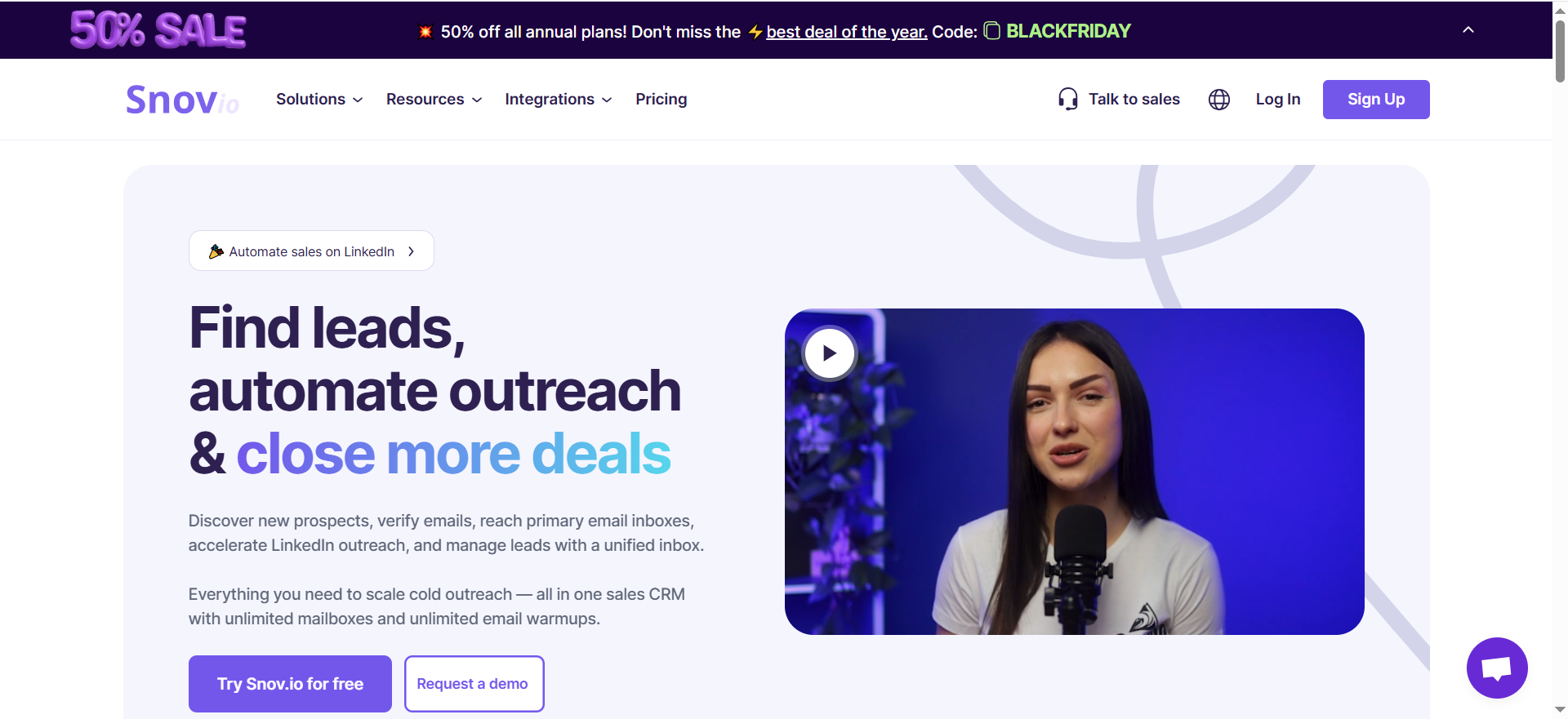
Snov.io is a full-stack sales engagement platform that combines email finding, email verification, cold email campaigns, a built-in CRM, and optional LinkedIn automation. It searches a database of over 50 million company profiles using 15 filters including job title, location, industry, and company size, then returns pre-verified email addresses you can push directly into drip campaigns without leaving the platform.
Why Teams Use It
Startups that want a single subscription covering prospecting through outreach gravitate toward Snov.io because it eliminates the need to stitch together separate finder, verifier, and sending tools. The platform handles the full workflow from contact discovery to multi-step email sequences with A/B testing, which means fewer logins, fewer integrations to maintain, and a shorter ramp-up time for new hires.
What It's Good For
Snov.io works well when your startup is running structured outbound campaigns and you need to move quickly from building a list to sending sequences. The built-in drip campaign engine supports A/B testing, automatic follow-ups, and email warm-up — features that would otherwise require separate subscriptions to tools like Lemlist or Instantly. If your growth lead is also doing the prospecting, having everything in one tab saves real time.
When It's a Good Fit
Snov.io fits startups that have committed to cold email as a primary growth channel and want to consolidate their stack. It is especially useful if you are at the stage where one or two people handle the entire outbound process and you need a tool that scales from 1,000 to 100,000 credits as the team grows. The tiered Pro plans (S through Ultra) let you step up without switching platforms.
When It's Not a Good Fit
If you only need email finding and verification without outreach features, you are paying for capabilities you will not use. The credit system also has a catch: finding an email costs credits, and verifying that same email costs additional credits, which roughly doubles your effective cost per verified contact. Startups watching every dollar may find better value in tools that charge only for verified results. LinkedIn automation is a separate $69 per month add-on per account, which pushes the total cost higher than it first appears.
How to Use It
Sign up for the free plan (50 credits) to test the finder against your target accounts. Upload a small CSV of names and domains, or use the Chrome extension on LinkedIn profiles. Once you confirm the data quality meets your needs, move to the Starter plan and build your first drip campaign directly inside Snov.io. Connect your sending mailbox, enable warm-up, and launch a sequence without needing a separate sending tool.
Key Capabilities
Snov.io's core capabilities include an email finder with 15 search filters across a 50M+ company database, a 7-tier email verification system, drip campaigns with A/B testing and automatic follow-ups, email warm-up tools for deliverability protection, a built-in CRM with deal pipelines, bulk email finding from CSV uploads, a Chrome extension for LinkedIn and web prospecting, and technology checker for identifying a company's tech stack.
Pricing
Snov.io's Starter plan costs $39 per month and includes 1,000 credits with 5,000 email recipients. The Pro plans scale from $99 per month for Pro S (5,000 credits) to $738 per month for Pro Ultra (100,000 credits), with Pro M at $189 per month and Pro L at $369 per month. Annual billing saves 25 percent, and 3-month billing saves 5 percent. LinkedIn automation adds $69 per month per account on top of any plan.
Free Tier?
Yes. Snov.io offers a free plan with 50 credits for email finding and verification. It is enough to test the finder on a handful of prospects, but not enough for any real campaign volume.
Downsides / Limitations
Credits are shared between finding and verifying, so your effective cost per usable email is higher than the headline number suggests. LinkedIn automation is an expensive add-on at $69 per month per slot, not included in any base plan. The free plan is very limited at 50 credits. Unused credits do not roll over on the Starter plan, so you lose what you do not use each month.
2. Skrapp
What It Does
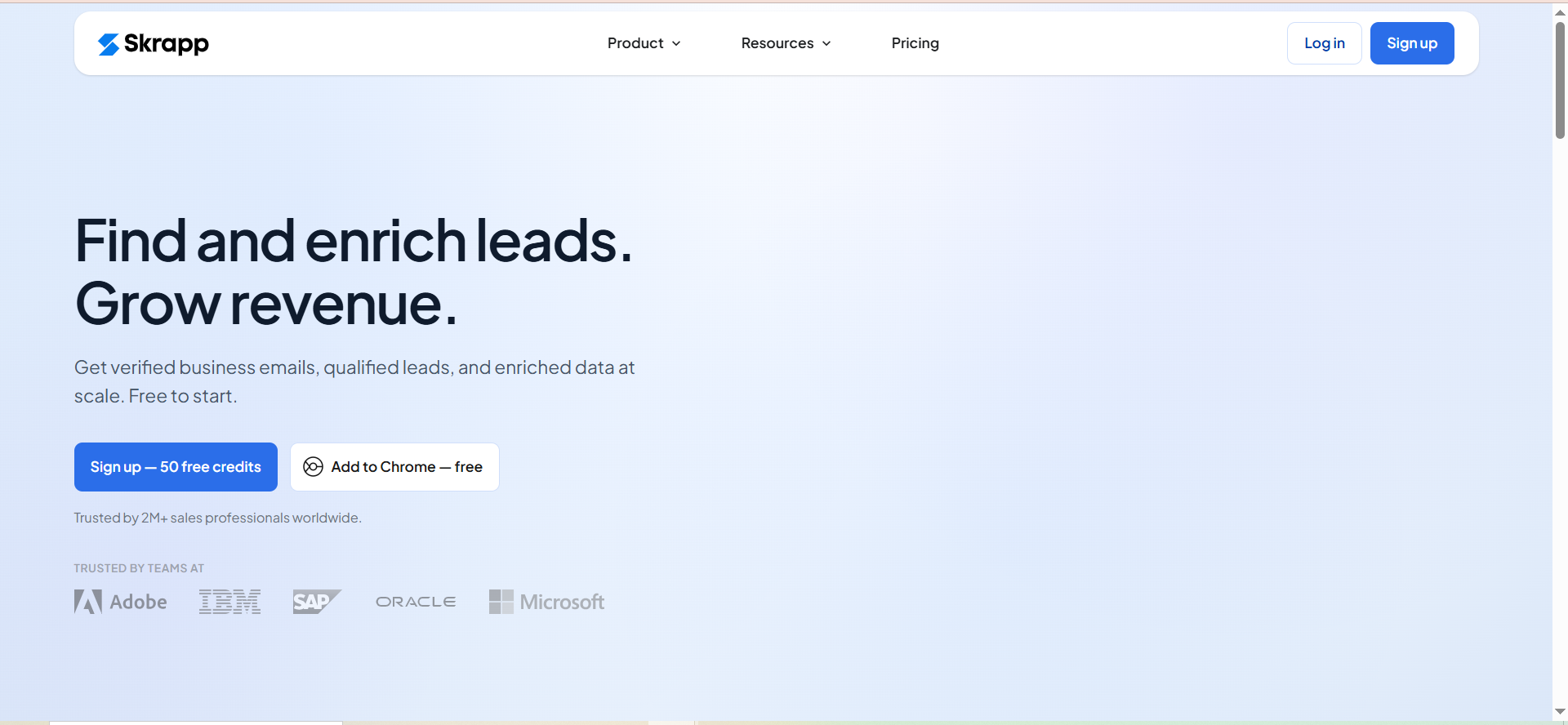
Skrapp is a B2B lead generation platform that finds and verifies professional email addresses. It searches a database of over 200 million contacts and offers a LinkedIn Chrome extension that pulls email addresses directly from LinkedIn profiles and company pages while you browse. The platform also includes bulk email finding via CSV upload, a lead search database with filters for role, industry, and location, and built-in email verification.
Why Teams Use It
Startups that do most of their prospecting on LinkedIn find Skrapp practical because the Chrome extension turns browsing into list building without switching tabs. The free plan with 50 credits lets you test the tool before spending anything, and the credit rollover on paid plans means you do not lose unused credits at the end of the month — a feature that matters when your outreach volume is inconsistent in the early months.
What It's Good For
Skrapp is strongest when your prospecting workflow starts on LinkedIn. If your typical process is browsing profiles, identifying decision makers, and then needing their email to reach out, the Chrome extension handles that transition smoothly. The bulk finder is also useful for startups that already have a list of names and domains from events, webinars, or partnerships and need to enrich that list with verified emails quickly.
When It's a Good Fit
Skrapp fits startups where LinkedIn is the primary discovery channel and the team needs a straightforward tool that does email finding and verification without the complexity of a full outreach suite. It works well for founders or growth leads who want to find contacts, export them to a CSV or push them to HubSpot or Salesforce, and then handle outreach through a separate sending tool they already use.
When It's Not a Good Fit
Skrapp does not include built-in email sending or campaign management. If you want an all-in-one platform that handles everything from finding to sending, you will need to pair it with a separate outreach tool. The platform is also less useful if your prospecting does not involve LinkedIn — the core value proposition is the Chrome extension integration, and without that, you are mostly using the lead search database, which is comparable to other tools at similar price points.
How to Use It
Install the Chrome extension and navigate to LinkedIn. When you find a prospect's profile, click the extension to extract their verified email. For larger batches, use the bulk finder: prepare a CSV with first names, last names, and company domains, then upload it to Skrapp's dashboard. The platform processes the list and returns verified emails you can export or push directly to your CRM.
Key Capabilities
Skrapp's core capabilities include an email finder by name and domain, a LinkedIn Chrome extension for in-browser email extraction, a bulk email finder via CSV upload, a lead search database with 200M+ contacts, built-in email verification, CRM sync with HubSpot and Salesforce, company search for finding prospects by organization, and credit rollover on paid plans.
Pricing
Skrapp's paid plans start at $30 per month with a credit-based structure where each credit covers one email find or one verification. The Enterprise plan starts at $262 per month for 50,000 credits and 15 users, and includes API integration, SSO, accelerated support, and a dedicated account manager. Unused credits roll over to the next month on all paid plans.
Free Tier?
Yes. Skrapp offers a free plan with 50 email credits that includes access to the email finder, email verifier, and Chrome extension. No credit card required to start.
Downsides / Limitations
No built-in email outreach or campaign management — you will need a separate sending tool. The platform's main advantage is LinkedIn integration, so if your prospecting does not center on LinkedIn, the value drops. The lead search database, while large, sometimes returns outdated contacts depending on the industry and region.
3. Emailchaser
What It Does
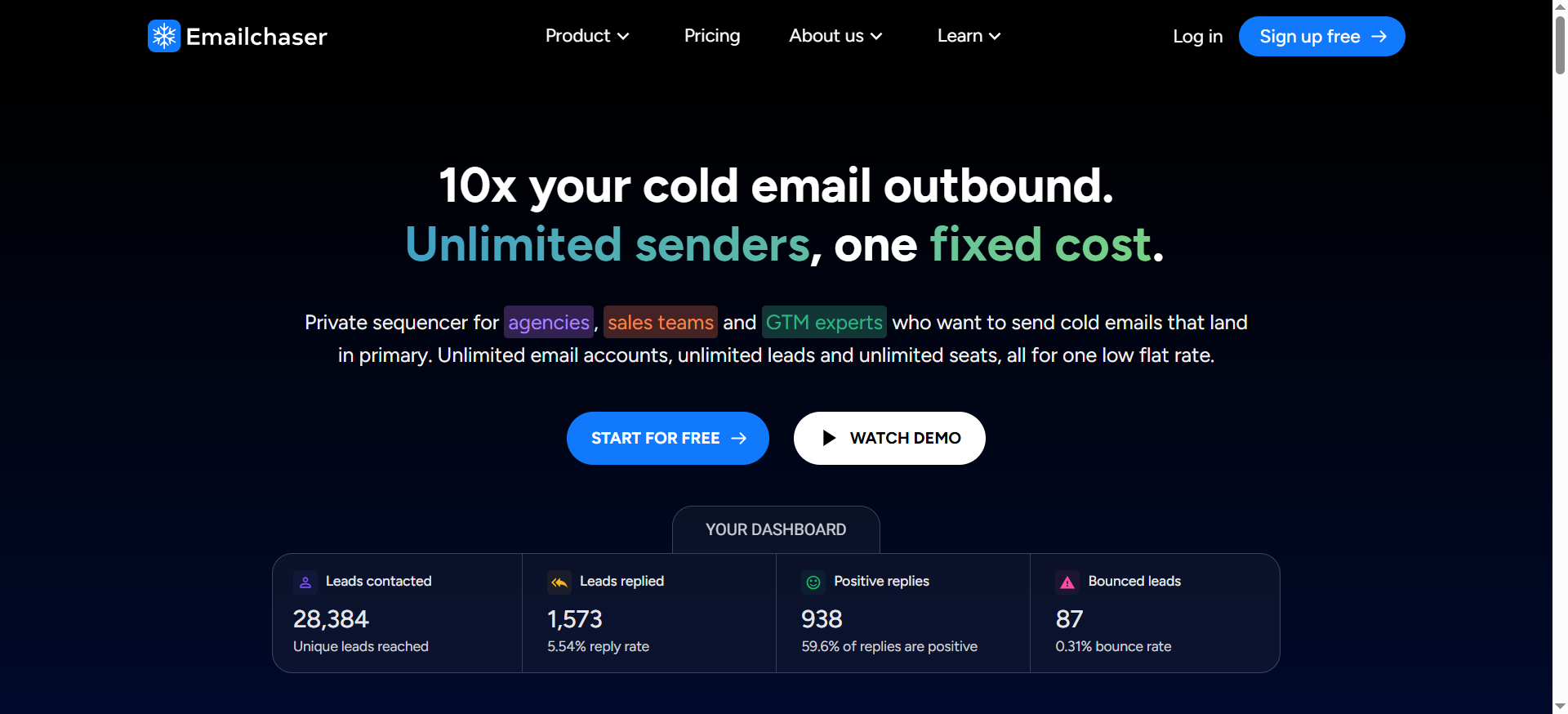
Emailchaser is an all-in-one cold email platform that bundles lead finding, email verification, campaign sending, and a CRM into a single tool. Its Lead Finder feature searches for company contacts and verifies them using a double-verification system that checks emails twice before adding them to your list. The platform also includes inbox rotation, AI spintax for message variation, and a master inbox that consolidates replies from all connected sending accounts.
Why Teams Use It
Startups that want to run cold email campaigns at scale without managing multiple subscriptions choose Emailchaser because it packs finding, verifying, and sending into one place with a flat monthly fee. The Professional plan removes limits on sending accounts, which means you can add as many domains as you need for inbox rotation without per-seat charges — a significant cost advantage for teams scaling outreach across multiple domains.
What It's Good For
Emailchaser shines when your startup is ready to scale cold email volume and needs unlimited sending accounts without per-account fees. The double verification system is a practical advantage: it automatically removes invalid emails before they enter your campaigns, which protects deliverability without requiring a separate verification step. The Lead Finder has tested at a 91 percent find rate in independent reviews, which is among the highest in this category.
When It's a Good Fit
Emailchaser fits startups that have already validated cold email as a channel and need to scale sending volume. If you are connecting multiple sending accounts for inbox rotation and want a single platform that handles the entire workflow from finding contacts to managing replies, the Professional plan at $297 per month is worth evaluating against the cost of buying separate finder and sending tools.
When It's Not a Good Fit
If you only need email finding without outreach capabilities, the bundled features add complexity you will not use. The platform also does not have a LinkedIn Chrome extension, so if your prospecting workflow starts on LinkedIn profiles, you will need to use a separate tool to identify prospects before searching for their emails in Emailchaser. The Starter plan limits you to one sender account, which may not be enough if you plan to scale quickly.
How to Use It
Start the 7-day free trial and use the Lead Finder to search for contacts at your target companies. The system automatically verifies found emails using double verification before adding them to your lead list. Connect your sending email accounts, set up inbox rotation, write your sequence using the AI spintax feature for variations, and launch your campaign. Replies from all accounts funnel into the master inbox.
Key Capabilities
Emailchaser's core capabilities include a Lead Finder with 91 percent find rate, double email verification that runs automatically, unlimited email sending on all plans, inbox rotation across multiple accounts (unlimited on Professional), AI spintax for message personalization, a master inbox for centralized reply management, a built-in sales CRM, and a 7-day free trial for both plans.
Pricing
Emailchaser's Starter plan costs $47 per month (after a $1 first-month promotional rate) and includes 1 sender account, unlimited active leads, unlimited emails, the Lead Finder, and the CRM. The Professional plan costs $297 per month and unlocks unlimited sender accounts for inbox rotation at scale. Both plans charge $0.0017 per verification when using the Lead Finder to extract emails.
Free Tier?
No permanent free plan, but both plans include a 7-day free trial with access to all features. This is enough time to test the Lead Finder against your target list and run a small campaign.
Downsides / Limitations
No LinkedIn Chrome extension, which means your prospecting workflow cannot start directly from LinkedIn profiles. The Starter plan's single-account limit may feel restrictive if you are already scaling outreach. The per-verification charge ($0.0017) is small but adds up at high volumes — though it remains cheaper than most credit-based alternatives.
4. Anymail Finder
What It Does
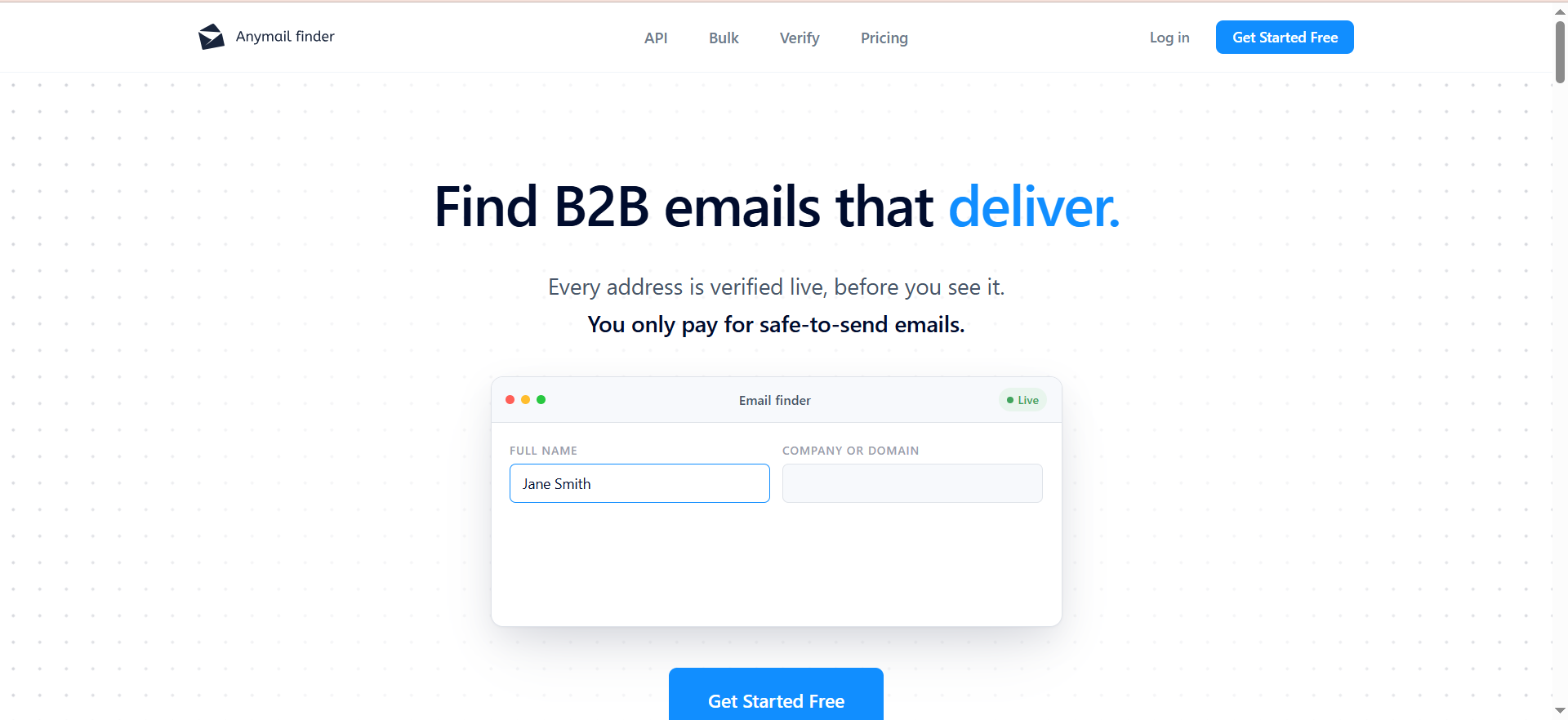
Anymail Finder is an email discovery tool that finds and verifies business email addresses using a combination of web searches and live server validation. The key differentiator is its billing model: you only pay for emails that are verified as deliverable, and searches that return risky or not-found results do not consume credits. Every email is validated in real time before it counts against your balance, and the platform claims a 97 percent or higher delivery rate on verified results.
Why Teams Use It
Startups on tight budgets choose Anymail Finder because the pay-per-verified model eliminates the risk of burning credits on bad data. When every dollar counts, knowing that a credit is only consumed when the tool is confident the email will deliver changes the economics of prospecting. You can run speculative searches against long lists without worrying about wasting your allocation on misses.
What It's Good For
Anymail Finder is strongest when you care more about data quality than platform features. If your workflow is finding verified emails and exporting them to a separate outreach tool or CRM, this tool does that specific job well and charges fairly for it. The bulk finder handles large lists, the Chrome extension works on LinkedIn profiles, and the API lets you integrate email finding into custom workflows or internal tools.
When It's a Good Fit
Anymail Finder fits startups that need clean email data without paying for outreach features they do not use. It works especially well for teams that already have a sending tool (like Instantly, Lemlist, or Smartlead) and just need a reliable source of verified emails to feed into that system. Unused credits roll over while you are subscribed with no cap, which is a bonus for startups with inconsistent prospecting volumes.
When It's Not a Good Fit
If you want an all-in-one platform with built-in campaigns, sequences, and a CRM, Anymail Finder is not that. It is a focused tool: it finds and verifies emails, and that is it. You will need separate tools for outreach, follow-ups, and pipeline management. The tool also does not offer a free ongoing plan — you get 100 credits during a trial period, and then you need to choose a paid plan.
How to Use It
Sign up for the free trial (100 verified credits, 14 days). Search by name and domain, company, decision-maker role, or LinkedIn URL. For larger batches, upload a CSV with your prospect list and let the bulk finder process it. Every result that comes back verified is ready to use. Export to CSV or use the API to push results into your outreach tool. Only verified results count as credits.
Key Capabilities
Anymail Finder's core capabilities include verified email discovery with 97%+ claimed delivery rate, a pay-per-verified billing model where risky and not-found results are free, a bulk email finder for CSV uploads, a LinkedIn Chrome extension, a REST API for workflow automation, credit rollover with no cap while subscribed, search by name, domain, company, role, or LinkedIn URL, and a 100-credit free trial valid for 14 days.
Pricing
Anymail Finder's plans start at $29 per month for 400 credits and scale up to $199 per month for 10,000 credits, with higher-volume plans available up to 100,000 credits per month and custom enterprise pricing beyond that. Annual billing saves 33 percent. The key pricing advantage is that you only pay for verified emails — failed lookups and risky results do not consume credits.
Free Tier?
No permanent free plan. The trial gives you 100 verified credits valid for 14 days. Card authorization (for $1, automatically refunded) is required at signup to prevent abuse, but you are not charged during the trial.
Downsides / Limitations
No built-in outreach, campaigns, or CRM — this is purely a finding and verification tool. The free trial requires card verification at signup, which adds friction. The platform has a smaller feature set compared to all-in-one tools, which means you will need to pair it with other software for a complete outbound workflow.
5. GetEmail
What It Does
GetEmail is an email finder tool that locates professional email addresses using a combination of big data analysis and machine learning algorithms. It offers single lookups, a Chrome extension for browser-based searches (including LinkedIn), and a bulk finder via CSV upload. The platform also integrates with CRMs including Salesforce and HubSpot, and outreach tools like Outreach and SalesLoft.
Why Teams Use It
GetEmail appeals to users who need quick, individual email lookups with a straightforward interface and broad CRM integrations. The Chrome extension makes it easy to grab an email while browsing LinkedIn or a company website without switching to a separate dashboard. For startups that already use Salesforce or HubSpot, the direct CRM integrations reduce the manual steps between finding a contact and adding them to the pipeline.
What It's Good For
GetEmail is best suited for one-off or small-batch lookups where you need a quick email for a specific person. The Chrome extension is the most convenient path: visit a LinkedIn profile or a company website, click the extension, and get a result. If your prospecting is more ad hoc than systematic — checking a few contacts per day rather than building large lists — the workflow is fast and simple.
When It's a Good Fit
GetEmail fits startups where outbound prospecting is occasional rather than a core growth channel. If you need to look up a handful of emails per week for partnership outreach, investor research, or one-off sales conversations, the tool handles that without the complexity of a full-featured platform. The integrations with Salesforce, HubSpot, Outreach, and SalesLoft make it easy to slot into an existing stack.
When It's Not a Good Fit
The pricing structure makes GetEmail less attractive for high-volume prospecting. The Basic plan costs $58.80 per month for only 300 credits — the highest per-credit cost among the tools in this guide. Credits are consumed per lookup attempt regardless of whether an email is found or whether the result is accurate, which means your effective cost per usable email can be significantly higher than the headline price. Unused credits do not roll over, so you lose whatever you do not use each month.
How to Use It
Sign up for the free plan to get 10 credits and test the tool. Install the Chrome extension and navigate to a LinkedIn profile or company website, then click the extension to look up an email. For batch lookups, prepare a CSV with names and domains and use the bulk finder in the dashboard. Results can be exported or pushed to connected CRMs. Check results against your verifier before sending — user reviews suggest accuracy may not match the claimed 95 percent.
Key Capabilities
GetEmail's core capabilities include single email lookup by name and domain, a Chrome extension for LinkedIn and web-based lookups, bulk email finding via CSV upload, integrations with Salesforce, HubSpot, Outreach, SalesLoft, Marketo, and SendGrid, catch-all server detection, domain verification checks, and data import/export functionality.
Pricing
GetEmail's Basic plan costs $58.80 per month for 300 credits. Higher-tier plans include Standard at $118.80 per month for 1,000 credits, Premium at $178.80 per month for 2,000 credits, and Ultra at $478.80 per month for 10,000 credits. Every lookup consumes one credit whether an email is found or not — with one exception: the Chrome extension refunds credits when no email is found. Unused credits do not roll over.
Free Tier?
Yes. GetEmail offers a free plan with 10 credits per month that includes access to the email finder, email verifier, Chrome extensions, LinkedIn prospect finder, integrations, and API. No credit card required to sign up.
Downsides / Limitations
The highest per-credit cost among the five tools reviewed here. Credits are consumed per attempt, not per verified result, which inflates the real cost. No credit rollover means unused credits expire monthly. User reviews on multiple platforms flag accuracy as inconsistent — the claimed 95 percent find rate does not always hold up in practice. No built-in outreach or campaign tools.
How Do Email Finder Tools Work?
Email finder tools use a combination of methods to locate business email addresses. The most common approach starts with pattern matching: most companies use a standard email format like [email protected] or [email protected], and the tool guesses the pattern based on known formats for that domain. Once a candidate email is generated, the tool verifies it by pinging the mail server (SMTP verification) to check whether the address exists without actually sending an email.
More advanced tools layer in web crawling — a shift from traditional prospecting methods — where they scan publicly available sources — company websites, press releases, social media profiles, conference speaker lists, and published content — to find email addresses that have been shared publicly. Some tools also maintain proprietary databases built from opt-in data partnerships, which provide a larger pool of pre-verified contacts to search.
The accuracy of any email finder depends on how recently the data was refreshed and whether the tool performs real-time verification or relies on cached results. Tools that verify in real time (like Anymail Finder) tend to have higher delivery rates but slower lookup speeds, while tools that rely on database lookups (like Snov.io or Skrapp) return results faster but may include emails that have gone stale since the last refresh.
For startups, the practical takeaway is this: no email finder is 100 percent accurate, and you should always run results through a verification step before sending. The difference between tools is how much of that verification they handle for you and how they charge for it.
Are Email Finder Tools Legal for Startups?
Email finder tools are legal to use in most jurisdictions, but how you use the data they return determines whether you stay compliant. The tools themselves simply find publicly available or professionally listed email addresses — they do not hack inboxes or access private data.
Under GDPR (which applies if you are emailing anyone in the EU), you need a legitimate interest basis for cold outreach, and you must include an easy opt-out mechanism in every email. CAN-SPAM in the United States requires a physical mailing address, a clear unsubscribe option, and accurate sender information, but it does not prohibit unsolicited commercial email. Canada's CASL is stricter and generally requires prior consent before sending commercial emails, with limited exceptions for B2B context.
The practical guidance for startups: use email finder tools to discover professional email addresses for genuine business outreach, include an unsubscribe link in every message, honor opt-outs immediately, and avoid sending to personal email addresses. If you are targeting prospects in the EU, keep your outreach relevant and be prepared to explain your legitimate interest if asked.
What Is a Good Email Find Rate for B2B Prospecting?
A find rate between 70 and 90 percent is considered strong for most B2B email finder tools. This means that out of 100 searches (where you provide a name and company), the tool returns an email address for 70 to 90 of them. Anything above 85 percent is excellent, and anything below 60 percent suggests the tool may not have sufficient coverage for your target market.
However, find rate alone is misleading. You also need to look at accuracy — the percentage of found emails that are actually deliverable. A tool can have a 95 percent find rate but deliver only 70 percent of those emails successfully, which means your effective rate is closer to 66 percent. The combination of both metrics gives you the real picture.
Among the tools in this guide, Emailchaser's Lead Finder has tested at a 91 percent find rate, and Anymail Finder claims 97 percent or higher delivery on verified results. Snov.io and Skrapp report accuracy in the 91 to 92 percent range on found emails. GetEmail claims 95 percent accuracy but user reviews suggest real-world results may be lower.
For startups, the actionable benchmark is this: aim for a tool that finds emails for at least 75 percent of your searches and delivers at least 90 percent of those found emails. If your bounce rate after using a finder consistently exceeds 5 percent, the tool's verification is not doing its job.
How Many Free Credits Do Email Finder Tools Give?
Free credit allocations vary significantly across tools, and the differences matter for startups that want to test before committing budget.
Snov.io and Skrapp both offer 50 free credits on their free plans with no time limit. This is enough to test the finder against a small batch of target prospects and verify that the data quality meets your standards before upgrading to a paid plan.
Anymail Finder offers 100 verified credits during a 14-day trial. Since you only consume credits on verified results, those 100 credits go further than 100 credits on a tool that charges per attempt. However, the trial period means you need to test quickly.
Emailchaser does not offer a free credit allocation but provides a 7-day free trial with access to all features on both plans. This gives you time to test the Lead Finder and run a small campaign, but you need to cancel before the trial ends if you do not want to be charged.
GetEmail offers a free plan with 10 credits per month that renew on each billing cycle. While 10 credits is not enough for serious list building, it does let you test the tool's accuracy on a handful of prospects before deciding whether to upgrade.
For startups evaluating tools, the recommendation is to use the free tiers on Snov.io and Skrapp first (since they have no expiration), then test Anymail Finder's trial for comparison. This gives you data points across three tools without spending anything.
Email Finder vs Email Verifier — What Is the Difference?
An email finder and an email verifier do related but distinct jobs, and confusing the two can lead to wasted budget or deliverability problems.
An email finder takes input (typically a person's name and their company domain) and returns an email address. It discovers contacts you did not previously have. The output is a new email address you can use for outreach.
An email verifier takes an email address you already have and checks whether it is deliverable. It does not find new contacts — it validates existing ones. Verification typically involves syntax checks, domain validation, and SMTP ping to confirm the mailbox exists and is accepting mail.
Many tools bundle both functions. Snov.io, for example, includes both finding and verification but charges credits for each step separately. Skrapp includes verification as part of the finding process. Anymail Finder verifies every result in real time before billing you, effectively combining both steps into one.
For startups, the distinction matters because you may already have a list of emails from events, partnerships, or inbound leads that just need verification, and you do not need a finder for that. If you need both functions, tools that include verification in the finding step (like Anymail Finder or Emailchaser with its double verification) simplify the workflow and can save money compared to tools that charge separately for each action.
How to Evaluate Email Finder Accuracy Before Buying
Do not trust self-reported accuracy claims. Every email finder tool claims 90 percent or higher accuracy, and the real-world numbers often tell a different story. Here is a practical evaluation process you can run before committing to a paid plan.
Start by building a test list of 20 to 30 contacts where you already know the correct email address. Use your existing customer list, people you have corresponded with, or colleagues at known companies. Run these names through the tool and compare the results against the known-good emails. This gives you a ground-truth accuracy measurement specific to your industry and target market.
Next, check the find rate by running a list of 50 prospects where you do not know the email. Count how many return a result. Then take those results and run them through a separate verification tool (like NeverBounce, ZeroBounce, or MillionVerifier) to check how many are actually valid. This two-step test reveals both the find rate and the real-world accuracy independently.
Pay attention to how the tool handles catch-all domains. Many corporate domains accept all incoming email regardless of whether the specific mailbox exists. Some tools flag these as risky or catch-all, while others mark them as verified. A tool that counts catch-all results as verified will show higher accuracy numbers that do not reflect actual deliverability.
Finally, compare the results across two or three tools using the same test list. The free tiers and trials covered in this guide give you enough credits to run this comparison without spending money.
Can You Use Email Finder Tools with LinkedIn?
Yes, and for most startup prospecting workflows, the LinkedIn integration is one of the most important features to evaluate in any sales prospecting workflow.
Snov.io, Skrapp, Anymail Finder, and GetEmail all offer Chrome extensions that work on LinkedIn. The typical workflow is straightforward: browse to a LinkedIn profile, click the extension icon, and the tool returns the person's verified email address (if available). Some extensions also work on LinkedIn Sales Navigator and company pages.
Skrapp's Chrome extension is particularly built around the LinkedIn use case. It extracts emails directly from LinkedIn profiles and company pages while you browse, which makes it the most natural fit if your prospecting workflow starts and ends on LinkedIn.
Snov.io's Chrome extension works on LinkedIn as well, but full LinkedIn automation (connection requests, InMail, profile views) requires a separate $69 per month add-on. The base extension handles email finding only.
Emailchaser is the exception in this list — it does not offer a LinkedIn Chrome extension. If LinkedIn is central to your prospecting workflow, you would need to identify prospects on LinkedIn first and then search for their emails in Emailchaser's Lead Finder using their name and company.
One practical note: LinkedIn periodically updates its platform in ways that can temporarily break Chrome extensions. Check recent user reviews and the tool's changelog before relying heavily on the LinkedIn integration.
What Integrations Should a Startup Look for in an Email Finder?
The integrations that matter depend on your existing stack, but for most early-stage startups, three categories cover the essentials.
CRM integration is the highest priority. If you use HubSpot or Salesforce, look for tools that push found contacts directly into your CRM without a CSV export step. Skrapp and GetEmail both offer direct HubSpot and Salesforce integrations. Snov.io has its own built-in CRM, which can be an advantage if you do not have one yet, but adds friction if you are already committed to an external CRM.
Outreach tool integration matters if you use a dedicated sending platform. If you run campaigns through Instantly, Lemlist, Smartlead, or Outreach, you need your email finder to export clean CSVs that your sending tool can import. Most tools in this guide support CSV export, which is the universal connector. Anymail Finder's API is also useful for custom integrations if your team has engineering resources.
Zapier or Make (Integromat) compatibility is worth checking if you want to automate workflows without code. For example, you could set up a Zap that automatically finds an email when a new lead is added to a Google Sheet and pushes the result into your CRM. Snov.io and Skrapp both support Zapier integrations.
For most startups, CSV export plus one direct CRM integration covers 90 percent of needs. Do not over-optimize for integrations you might use someday — pick the tool that delivers the best emails and connect it to your stack with the simplest path available.
How to Reduce Bounce Rates When Using Email Finder Tools
High bounce rates damage your sender reputation and can get your domain blacklisted, which is especially devastating for startups that only have one or two sending domains. Here are the practical steps to keep bounces under 3 percent.
Always verify before sending, even if the finder tool claims built-in verification. Run your list through a dedicated verification service (NeverBounce, ZeroBounce, MillionVerifier, or Bouncer) as a second layer of validation. This catches emails that were valid when the finder cached them but have since been deactivated.
Remove catch-all domain results or flag them for manual review. Catch-all domains accept all incoming mail, which means verification tools cannot confirm whether a specific mailbox exists. Sending to catch-all addresses is a gamble — some will deliver, some will bounce, and you cannot predict which.
Start with small batches. When using a new email finder tool, send to 50 to 100 contacts first and monitor the bounce rate before scaling up. If the rate exceeds 3 percent, investigate whether the tool's data quality is the issue or whether your target segment has a high proportion of catch-all or outdated domains.
Clean your list regularly. Email addresses go stale as people change jobs. If you are prospecting from a list built more than 30 days ago, re-verify before sending. Most verification tools offer bulk re-verification at low per-email costs.
Use tools that verify in real time. Anymail Finder and Emailchaser (with double verification) both validate emails before or during the finding process, which reduces the need for a separate verification step and tends to produce cleaner results out of the box.
Best Practices for Cold Email Outreach After Finding Emails
Finding the email is step one. What you do with it determines whether outbound actually generates pipeline for your startup.
Warm up your sending domain before launching campaigns. New domains and mailboxes need 2 to 4 weeks of gradual sending increases to build a positive reputation with email providers. Tools like Snov.io and Emailchaser include warm-up features, or you can use dedicated warm-up services.
Personalize beyond the first name. At minimum, reference the prospect's company, their role, and something specific about their situation — a recent funding round, a product launch, a hiring pattern, or a technology they use. Generic templates that only swap the first name get ignored.
Keep initial emails short — 3 to 5 sentences. The first email's job is to earn a reply, not close a deal. State why you are reaching out, show that you understand their situation, and make the ask small (a 15-minute call, a quick question, feedback on an idea).
Follow up 3 to 4 times over 10 to 14 days. Most replies come on the second or third follow-up, not the first email. Each follow-up should add new context or value, not just ask if they saw your last message.
Track bounce rates, open rates, and reply rates by tool. If the emails from one finder consistently bounce more or get fewer replies, that is a data quality signal worth acting on. Switch tools or adjust your targeting.


