
Choose B2B data enrichment tools by the job, not by a ranking. Apollo fits teams that want enrichment and engagement in one place, Cognism fits regulated EMEA outreach, ZoomInfo fits contracted datasets at volume, Lusha fits small teams starting on a free tier, and Clay fits teams stacking several providers.
This holds when you need standalone contact and company data that works across CRMs and sales tools, and you can trial two tools against your own records this quarter.
Most of these vendors publish no list prices and every accuracy figure on their pages is self-reported, so a shortlist is only a starting point until you test it on your own data.
Most enrichment roundups are written by the vendors they rank. If your own product needs comparison pages that earn trust the same way, our SaaS content marketing team builds them.
📋 Get Listed / Advertise
We update this guide monthly. Want your tool featured? Contact: [email protected].
B2B Data Enrichment Tools At A Glance
Five tools, five jobs. Find the row that matches your problem and start your trial there.
| Tool | Best For | Pricing As Published | Main Limit |
|---|---|---|---|
| Apollo | Enrichment and outreach in one place | Free, Basic, Professional and Custom plans, with paid prices on request | Every seat on an account sits on the same plan |
| Cognism | Compliance-focused EMEA data | Standard and Pro plans on a tailored quote, five seats included | Mobile data and intent data come only on Pro |
| ZoomInfo | Contracted datasets at volume | Custom packages by use case, pricing on request | No entry price or plan contents published |
| Lusha | Small teams starting on a free tier | Free plan with up to 40 credits a month, paid pricing on request | Teams larger than 5 users go through sales |
| Clay | Stacking several providers in one workflow | Pricing on request | Needs a workflow built around it, so it is not a one-click lookup |
Finding people you have never contacted is a different job from filling gaps in records you already hold, and our guide to tools for finding B2B contact information covers that side.
1. Apollo: Best For Enrichment And Outreach In One Place
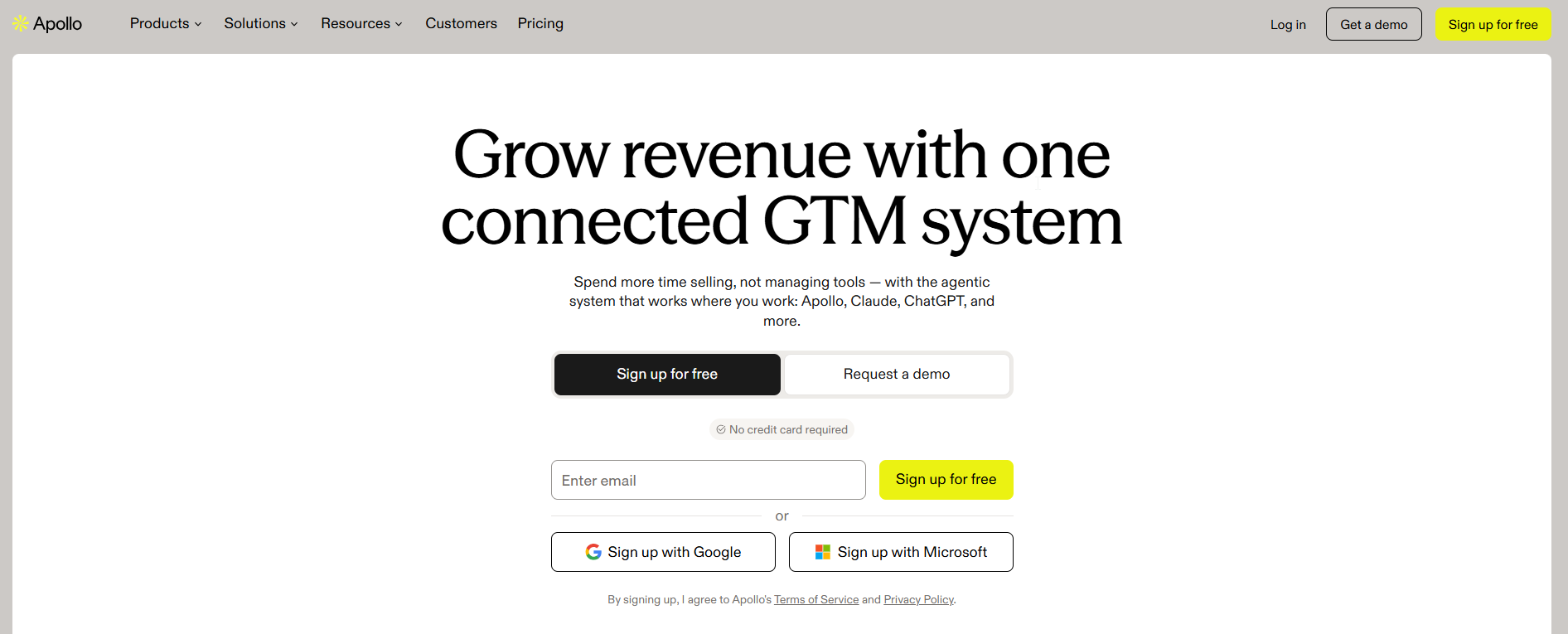
Apollo suits teams that want to fill CRM gaps and run outreach in the same tool. Apollo's enrichment page positions the product around enriching and engaging from one place, and that framing is the whole pitch.
It is built for a sales team that does its own prospecting and would rather not pay for a data tool and an outreach tool that never quite agree. If your reps already live in a sequencing workflow, our guide to email finder tools for sales teams shows where Apollo sits among the alternatives.
| Plan | Price | Billing Basis | What It Includes |
|---|---|---|---|
| Free | Free | Not applicable | Contents listed on the vendor page |
| Basic | Pricing on request | Monthly or annual | Contents listed on the vendor page |
| Professional | Pricing on request | Monthly or annual | Contents listed on the vendor page |
| Custom | Pricing on request | See the vendor page | Contents listed on the vendor page |
Apollo's pricing page lists the four plans above. Billing is monthly or annual, and annual is paid upfront at a discount. Credits are pooled across the team, and all seats on an account are on the same plan.
Strengths:
- One place for data and outreach: Apollo positions enrichment and engagement in one place, so you work in one tool instead of two.
- Pooled credits: A rep who burns through credits does not stall while a colleague's allowance sits unused.
- A free plan to start: You can run a first test on your own records before anyone signs a contract.
- Annual discount: Teams that commit for the year pay less than teams billed monthly.
Trade-offs:
- One plan per account: Because every seat shares a plan, you cannot give power users a higher tier and leave occasional users on a lower one.
- Paid prices need a conversation: You cannot build a budget from the page alone.
- Bundled means less focused: A tool built to do enrichment and engagement together is rarely the deepest option for either job.
Key capabilities:
- Contact and company enrichment on existing records
- Four plan tiers from Free to Custom
- Credits shared across the whole team
- Monthly or annual billing
Good fit:
- Sales teams that prospect and enrich in the same workflow
- Teams that want a free plan for a first test
- Buyers who prefer fewer tools in the stack
Not a fit:
- Teams that need enrichment fed into a warehouse on a contract
- Teams that must give different seats different plans
- Buyers who need a published price before they talk to anyone
The limitation that matters most is that Apollo's paid prices sit behind a sales conversation, so budget approval waits on a quote.
2. Cognism: Best For Compliance-Focused EMEA Data
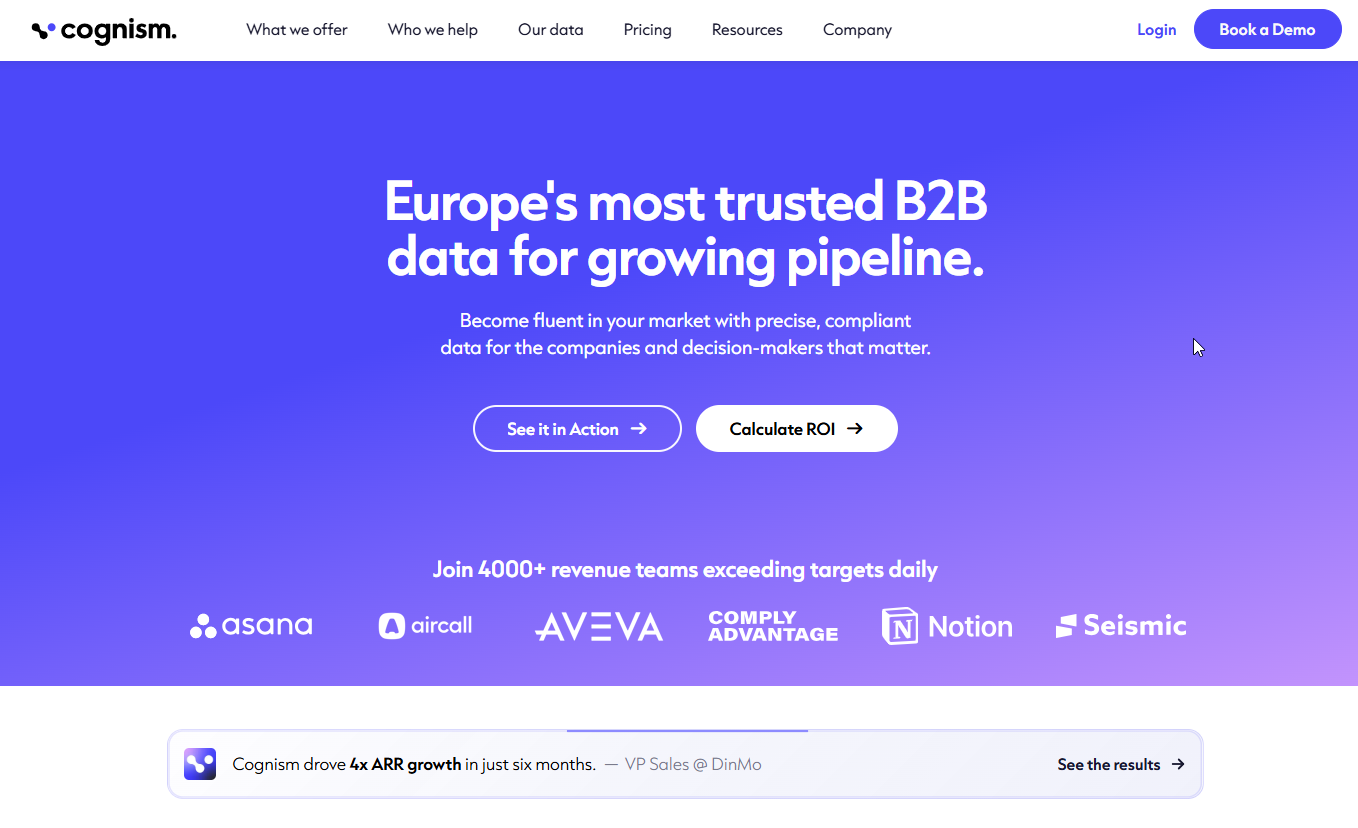
Cognism is the pick when your outreach runs into regulated European markets and your buyers care how the data was sourced. Tool choice is usually framed by segment, and regulated EMEA markets point to compliance-focused data. That is a segment pick, not a measured coverage figure, so test it on your own EMEA records before you believe it.
It is built for teams that want contact data with filters for firmographics and technographics, plus the option to keep CRM records enriched over time.
| Plan | Price | Billing Basis | What It Includes |
|---|---|---|---|
| Standard | Pricing on request | Tailored quote | 5 seats, B2B contact data, MCP and API access, firmographic, technographic and signal filters, CSV enrichment |
| Pro | Pricing on request | Tailored quote | Everything in Standard plus mobile data, on-demand mobile verification and intent data |
| CRM Enrichment | Pricing on request | Add-on or standalone | Keeps CRM records enriched and maintained |
Cognism's pricing page shows two plans, Standard and Pro, each with 5 seats and sold on a tailored quote. Pro is the one that adds mobile data, on-demand mobile verification and intent data.
On refresh, Cognism says a contact enriched once is kept up to date, and credits are used again only when key details change. That is a vendor claim from its own page, so check it against your records after a quarter of use. Intent data on Pro comes from Bombora Company Surge, with up to 12 topics drawn from 11,000+.
Strengths:
- Compliance focus: Cognism is positioned for regulated EMEA markets, though its pricing page publishes no coverage figure by country.
- CRM Enrichment as its own product: You can buy it as an add-on or standalone, so enrichment does not force a full prospecting licence.
- Filters beyond the basics: Firmographic, technographic and signal filters sit in the base plan.
- Reuse of enriched contacts: Credits are used again only when key details change, according to the vendor.
Trade-offs:
- Quote-only pricing: Both plans are sold on a tailored quote, so you compare nothing until you have spoken to sales.
- Mobile and intent are Pro only: If phone numbers matter, Standard will not be enough.
- Seats are fixed at five: Both plans include 5 seats, which fits a small team and says nothing about larger ones.
Key capabilities:
- B2B contact data with MCP and API access
- Firmographic, technographic and signal filters
- CSV enrichment on both plans
- Mobile data and on-demand verification on Pro
- Bombora-sourced intent data on Pro
- CRM Enrichment as an add-on or standalone
Good fit:
- Teams selling into regulated EMEA markets
- Buyers who want enrichment kept current inside the CRM
- Teams that need phone data and are willing to pay for the higher plan
Not a fit:
- Teams that want a free plan to start
- Buyers who need a public price to approve a purchase
- Teams outside EMEA with no compliance pressure
The limitation that matters most is that the regional strength is a positioning point, and the vendor page publishes no coverage figure by country.
3. ZoomInfo: Best For Contracted Datasets At Volume
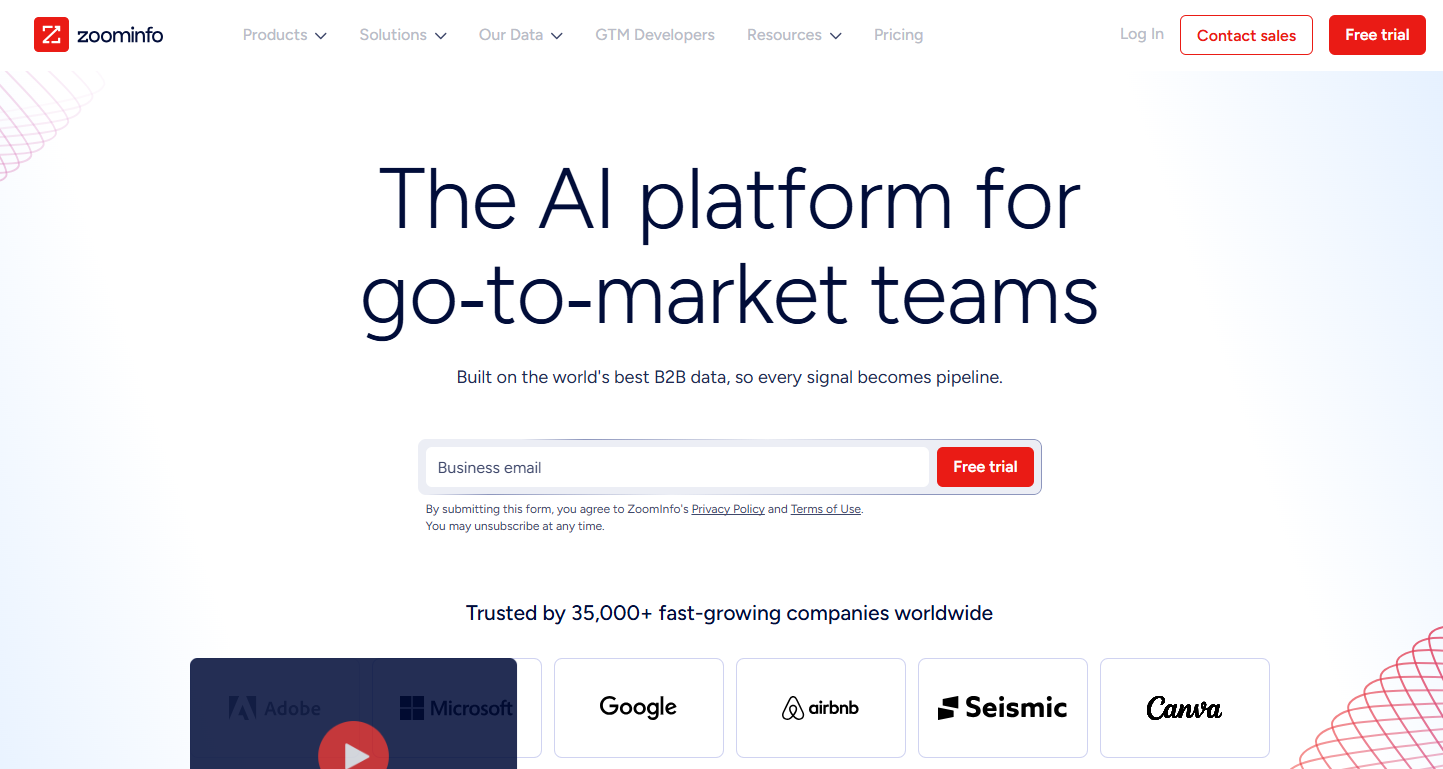
ZoomInfo is the choice when enrichment is a data supply contract, not a seat licence. ZoomInfo's pricing page sells custom packages by use case, and that tells you who it is for.
It is built for large teams, data teams and operations leads who want records delivered into a warehouse or called through an API at volume, and who are used to negotiating a contract to get there.
| Package | Price | Billing Basis | What It Includes |
|---|---|---|---|
| Custom package by use case | Pricing on request | Contract | Contents on request |
| API, MCP and CLI | Pricing on request | Usage, not seats | Programmatic access |
| Warehouse data delivery | Pricing on request | Contracted per dataset | Dataset delivered to your warehouse |
The same page says API, MCP and CLI access is priced on usage, not seats, and that warehouse data delivery is contracted per dataset. It publishes no entry price and no plan contents, so every number in this table's price column is a number you get from a salesperson.
Strengths:
- Usage pricing for programmatic access: A pipeline that calls the API pays for what it uses, not for logins nobody needs.
- Warehouse delivery: Data arrives in the system your analysts already query, per dataset, instead of through a screen.
- Packages built around a use case: You are not forced into a generic tier that includes things you will not touch.
Trade-offs:
- No published entry price: A small team cannot tell whether it can afford ZoomInfo without a call.
- No published plan contents: You cannot compare what is in a package against another vendor's tier before you talk to sales.
- Contract mechanics: Per-dataset contracts suit steady volume and punish teams that are still figuring out what they need.
Key capabilities:
- Custom packages scoped to a use case
- API, MCP and CLI access priced on usage
- Warehouse data delivery contracted per dataset
Good fit:
- Larger teams with a defined volume need
- Data and operations teams that load enrichment into a warehouse
- Buyers who are comfortable negotiating a contract
Not a fit:
- Small teams testing enrichment for the first time
- Buyers who need to see a price before a call
- Teams that want to start on a free plan
The limitation that matters most is that nothing about price or package contents is public, so you cannot shortlist ZoomInfo on cost until you have taken a call.
4. Lusha: Best For Small Teams Starting On A Free Tier
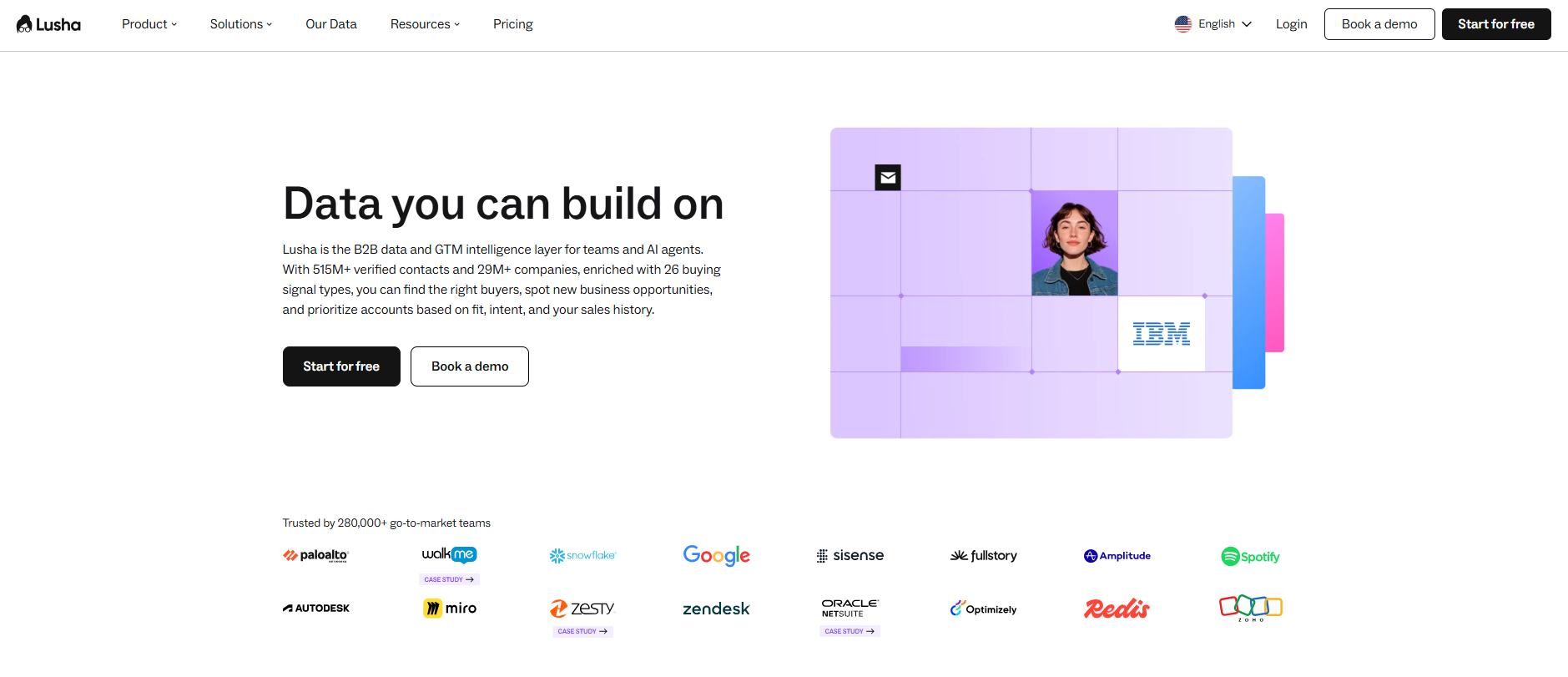
Lusha is the easiest tool on this list to try with no budget. Lusha's pricing page gives the Free plan up to 40 credits a month, with a browser extension and CRM integrations.
It is built for a founder, a small sales team or a RevOps lead who wants to test enrichment on real records before asking anyone to spend. If your biggest gap is missing emails, our guide to B2B email finder tools compares the field.
| Plan | Price | Billing Basis | What It Includes |
|---|---|---|---|
| Free | Free | Not applicable | Up to 40 credits a month, browser extension and CRM integrations |
| Starter | Pricing on request | See the vendor page | Contents listed on the vendor page |
| Pro | Pricing on request | See the vendor page | Contents listed on the vendor page |
| Premium | Pricing on request | See the vendor page | Contents listed on the vendor page |
| Scale | Pricing on request | See the vendor page | Contents listed on the vendor page |
Lusha charges 1 credit per verified email and 5 credits per phone number. That makes the free plan's 40 credits worth 40 verified emails or 8 phone numbers a month. Teams larger than 5 users go through sales. Annual credits reset at the end of the cycle, while monthly credits roll over up to 2x the limit.
Strengths:
- A real free plan: Forty credits a month is enough to test a few dozen records without a procurement request.
- Simple credit math: One credit for an email and five for a phone number let you price a test before you run it.
- Five named plans: Free, Starter, Pro, Premium and Scale give a clear path as a team grows.
- Rollover on monthly credits: Unused monthly credits roll over up to 2x the limit, so a slow month is not wasted.
Trade-offs:
- Phone numbers cost five times an email: A phone-heavy workflow burns the free allowance fast.
- Annual credits do not roll over: They reset at the end of the cycle, so a yearly plan rewards steady use.
- Teams over five users leave self-serve: Growth means a sales conversation.
Key capabilities:
- Verified email and phone lookups priced in credits
- Browser extension on the Free plan
- CRM integrations on the Free plan
- Five plan tiers from Free to Scale
Good fit:
- Founders and small teams running a first enrichment test
- Teams that want to know the cost of a test before they start
- Buyers who prefer to prove value on a free plan
Not a fit:
- Teams of more than five users who want self-serve buying
- Phone-first workflows that need volume on a small allowance
- Buyers who need paid prices published on the page
The limitation that matters most is that a free plan of 40 credits proves the tool works on a handful of records and says nothing about how it performs across a full CRM.
5. Clay: Best For Stacking Several Providers
Clay is a different kind of tool from the other four. It is an enrichment orchestration layer that runs several data providers in one workflow, which is why it suits teams that find one provider leaves gaps.
Where the others sell you a database, Clay sells you a way to combine databases. The idea behind it is waterfall enrichment, which runs several providers in sequence so a later provider fills fields an earlier one left empty. Teams that have already trialled one provider and still see empty fields are the audience.
| Plan | Price | Billing Basis | What It Includes |
|---|---|---|---|
| All plans | Pricing on request | See the vendor page | Plan contents listed on the vendor page |
Read Clay's own pricing page for current plans and limits. This guide states no Clay price, because only the vendor's page should set one.
Strengths:
- Several providers in one workflow: You are not locked to a single database's gaps.
- A fit for the stacking job: If your trial shows empty fields, Clay is built for the next step.
- Provider-agnostic: It runs several data providers in one workflow.
Trade-offs:
- Workflow to build and maintain: Orchestration means someone owns the setup.
- Not a single database: You still need providers behind it, and you pay for them in whatever way each one charges.
- Pricing needs checking at source: This guide has no verified figure for Clay.
Key capabilities:
- Orchestration of several data providers in one workflow
- Sequenced lookups that fill fields earlier providers left empty
Good fit:
- Teams whose first provider leaves the fields they need empty
- Operations people who are comfortable building and owning a workflow
- Buyers who want several providers behind one workflow
Not a fit:
- Teams that want one login and one invoice for data
- Anyone looking for a quick single-provider lookup
- Teams with nobody to maintain the workflow
The limitation that matters most is that Clay adds a layer of setup on top of the providers it runs, so it pays off only after a single provider has failed your trial.
📋 Get Listed / Advertise
We update this guide monthly. Want your tool featured? Contact: [email protected].
What B2B Data Enrichment Is And What It Is Not
B2B data enrichment is the process of adding missing or updated contact, firmographic, technographic and intent fields to records you already hold in your CRM and marketing tools. A record that arrives with a name and an email leaves with a job title, a company size, an industry and, where the vendor has it, a phone number.
The fields it fills fall into four types.
- Contact data: Job title, work email, direct phone and other details about the person.
- Firmographic data: Company size, industry, location and other facts about the business.
- Technographic data: The tools and technology a company uses.
- Intent data: Signals that an account is researching a topic.
Enrichment is not cleansing. Cleansing fixes or removes bad data that is already in your records, while enrichment adds new data. You usually need both, and a clean file enriches better than a messy one. If you are still deciding where your data should come from, our guide to the top B2B data providers compares the sources behind enrichment.
The benefit is practical. Reps stop researching by hand, routing rules have fields to work with, and campaigns can target on fields that used to be blank. You do not need a number to see that a record with a job title and a company size is easier to act on than one with neither.
How To Choose A Tool By Enrichment Job
Pick the job first, then the tool. The table maps each job to the class of tool that does it and the shortlisted tool that fits.
| Job | Tool Class | Shortlisted Tool | Why |
|---|---|---|---|
| Contact coverage for a sales team | Prospecting and enrichment platform | Apollo, with Lusha for a small team | Apollo enriches and engages in one place, and Lusha lets a small team prove coverage on a free plan |
| Firmographic accuracy | Any standalone provider | Test two from the shortlist | Every accuracy figure on a vendor page is self-reported, so your own sample decides this one |
| CRM write-back and upkeep | Provider with a CRM enrichment product | Cognism | Cognism sells CRM Enrichment as an add-on or standalone to keep records enriched |
| Compliance and region | Compliance-focused data | Cognism | Regulated EMEA markets point to compliance-focused data |
| Volume delivery | Contracted dataset supplier | ZoomInfo | ZoomInfo contracts warehouse delivery per dataset and prices API access on usage |
| Stacking providers | Orchestration layer | Clay | Clay runs several providers in one workflow so later ones fill earlier gaps |
Contact coverage is the job most buyers actually have. If that is yours, start with our guide to tools for finding company contacts alongside this list.
There is no honest pick for firmographic accuracy. A vendor page cannot settle it, and neither can a roundup. Only a sample of your own records can, which is why the trial section below matters more than the table above.
Native or standalone: Native CRM enrichment works inside one CRM, while standalone tools work across CRMs and sales tools. If you run one CRM and your team never leaves it, native may be enough. If you have several tools, or you may change CRM, a standalone tool follows your data wherever it goes. Every tool in this guide is standalone.
Account research is a separate need from record enrichment. If you also need to size up target accounts before you contact anyone, read our guide to B2B sales intelligence tools.
How We Compared These Tools
This comparison reads each vendor's own published pricing and product pages. It is not a hands-on accuracy test, and it does not claim to be one. Where a vendor publishes no price, the table says "Pricing on request" and nothing more.
Here is what each tool was judged on.
- Data types covered: Whether the tool fills contact, firmographic, technographic or intent fields.
- CRM write-back: Whether and how enriched fields reach your CRM, because a good record in the wrong place helps nobody.
- Pricing transparency: What the vendor publishes, since a budget cannot be built from a page that shows no figure.
- Compliance posture: What the vendor's own page says about sourcing and handling, with no claim added on top.
- Region: Whether the vendor is positioned for a region, and whether it publishes coverage there.
- Refresh behaviour: Whether and how the tool keeps a record current after the first enrichment.
Accuracy figures on vendor pages are self-reported, so none is used to rank a tool here. That is also why the guide ends in a test you run yourself.
Roundups like this one are usually written by the vendors they rank, or by people paid by them. We build comparison pages like this for SaaS companies through our SaaS content marketing programme, and we think a buyer deserves to see the method on the page.
Why Enriched Data Decays And How Often To Refresh It
Contact data decays about 2.1 percent a month, which comes to about 22.5 percent a year, according to Apollo's guide to measuring enriched data. People change jobs, companies change size and domains change hands, and your CRM does not hear about it.
Work it out on your own database.
- Your record count: 10,000 records.
- Yearly decay at 22.5 percent: About 2,250 records go stale in a year.
- Monthly decay at 2.1 percent: About 210 records go stale each month.
Those are the records your reps email next quarter, and our guide on clean contact data for outbound covers what that costs in practice.
The same Apollo guide suggests staleness limits of 90 days for email and 180 days for firmographic data. Those are a useful default, not a law.
A sensible rhythm is to re-enrich emails every quarter, firmographic fields twice a year, and any list you are about to use for a large campaign before you send it. Records on active deals deserve a refresh when the deal moves a stage. Adjust the rhythm to how fast your market moves and how much a bounce costs you.
How To Trial Two Tools On Your Own CRM Records
This is the gap every other roundup skips. Vendors claim 95 percent or higher accuracy, while independent testing shows most B2B data providers average about 50 percent. You will not know which side your data falls on until you test two tools on the same records.
- Pull a sample of your own records. Take 100 to 500 records into a sandbox and review them field by field before anything reaches the CRM. Use a mix of titles, company sizes and regions that matches your real database.
- Size the sample to your database. A sample of 500 records gives 95 percent confidence with a plus or minus 5 percent margin for databases under 20,000 records, according to the same source. Below 100 records, one bad batch can mislead you.
- Run both candidates on the same file. Same records, same day, same fields requested. Change nothing between runs.
- Check email bounce. Verify the emails each tool returns. Under 1 percent bounce is excellent, 1 to 2 percent is acceptable, 2 to 5 percent is concerning and over 5 percent is disqualifying.
- Check job title and company domain. Apollo's guide sets field-level acceptance thresholds of business email bounce below 1 percent, job title match above 90 percent and company domain match above 95 percent.
- Test phone numbers on 50 to 100 numbers. The industry average connect rate is 3 to 5 percent, and a quality target is 8 to 12 percent.
- Spot-check against LinkedIn. Compare at least 50 records. A discrepancy of over 10 percent means the data is unreliable for personalisation.
- Decide on your numbers. Pick the tool that clears the pass marks on the fields you use. If neither clears them, the answer is a second provider or a different tool.
The thresholds, all in one place.
| Check | Sample Size | Pass Mark |
|---|---|---|
| Email bounce | Every email returned | Under 1 percent, up to 2 percent acceptable |
| Job title match | Your 100 to 500 records | Above 90 percent |
| Company domain match | Your 100 to 500 records | Above 95 percent |
| Phone connect | 50 to 100 numbers | 8 to 12 percent target |
| LinkedIn spot check | At least 50 records | Under 10 percent discrepancy |
If the trial shows you are missing contacts rather than missing fields, you need a different tool. Our guide to contact discovery tools is the next step.
Once the trial gives you clean data, the next problem is getting buyers to find you. Our GEO and SEO growth programme covers the reporting and content work that follows.
Compliance And Regional Coverage Checks
Most vendor pages do not publish coverage by region, so you have to ask. Put these four questions to any vendor before you sign.
- Where is the data sourced? Ask for the sources in writing, not a general statement.
- What lawful basis does the vendor rely on? The answer should be specific to the regions where you will use the data.
- How are opt-outs honoured? Ask how a removal request is handled and how fast it reaches your records.
- Is the database weighted to the US or the EU? Test it on your own records from that region.
A vendor's positioning is a hint, not evidence. Cognism is positioned for regulated EMEA markets, and the other tools here say little about region on their pages. Take what each page says and no more. The trial settles coverage far better than any claim.
When One Provider Is Not Enough
Waterfall enrichment runs several providers in sequence so a later provider fills fields an earlier one left empty. It pays off when a single provider leaves the fields you need empty after your trial, and not before.
Do not start there. Start with one provider, measure the gaps, and add a second only if the gaps cost you something. A waterfall adds cost and setup, and a gap that does not matter does not deserve either.
The choice between native and standalone enrichment sits next to this one. Native tools work inside one CRM, while a standalone tool or a stack of them follows your data across tools. If your question is whether artificial intelligence changes any of this, our guide to AI lead enrichment tools takes that angle.
FAQs
What Is An Example Of Data Enrichment?
What Is The Difference Between Data Enrichment And Data Enhancement?
What Is The Difference Between Data Enrichment And Data Cleansing?
How Often Should CRM Records Be Re-Enriched?
How Many Records Should I Test Before Choosing A Provider?
What Email Bounce Rate Is Acceptable From An Enriched List?
Is B2B Data Enrichment Compliant With GDPR?
Do I Need More Than One Enrichment Provider?
What Are The Benefits Of Data Enrichment For Sales And Marketing Teams?
Are Free Enrichment Plans Enough To Start?
If you want a second opinion on which two tools to trial against your CRM, book a thirty-minute call. One of the founders takes it, and you leave with a short list.