

If you want a clean, repeatable “brief → draft → optimize → approve” system, the fastest path is to standardize on one home base for briefs + assets, one work manager for assignments and approvals, and one optimizer that writers actually use while drafting. That’s why the most copy-able “agency-grade” setup looks like:
- Notion for briefs, SOPs, content hubs, and living documentation (your single source of truth).
- Asana for assignments, approvals, dependencies, and keeping production moving.
- Airtable for editorial calendars, production tracking, and structured content databases at scale.
- Surfer for in-draft on-page optimization, collaboration, and content updates tied to SERP changes.
- Frase for research briefs + content optimization + AI-search visibility workflows in one platform.
📋 Get Listed / Advertisement
We update this guide monthly. Want your tool featured? Contact us: [email protected]
Best 5 Tools for SEO Content Collaboration & Workflow (Quick Comparison)
| Tool | Best for | Workflow stage | Starting price (annual billing, where shown) |
|---|---|---|---|
| Notion | Central knowledge base + briefs + docs | Brief + docs + handoff | Free; Plus $10/user/mo; Business $20/user/mo |
| Asana | Tasks, dependencies, approvals, reporting | Assign → approve → ship | Personal $0; Starter $10.99/user/mo; Advanced $24.99/user/mo |
| Airtable | Editorial calendar + pipeline + databases | Plan + track + report | Free; Team $20/user/mo; Business $45/user/mo |
| Surfer | On-page optimization + content updating | Optimize while drafting | Standard $99/mo (yearly) |
| Frase | Research briefs + optimize + AI visibility | Research → optimize → monitor | Starter $39/mo; Professional $103/mo (annual) |
📋 Get Listed / Advertisement
We update this guide monthly. Want your tool featured? Contact us: [email protected]
1. Notion
What it does
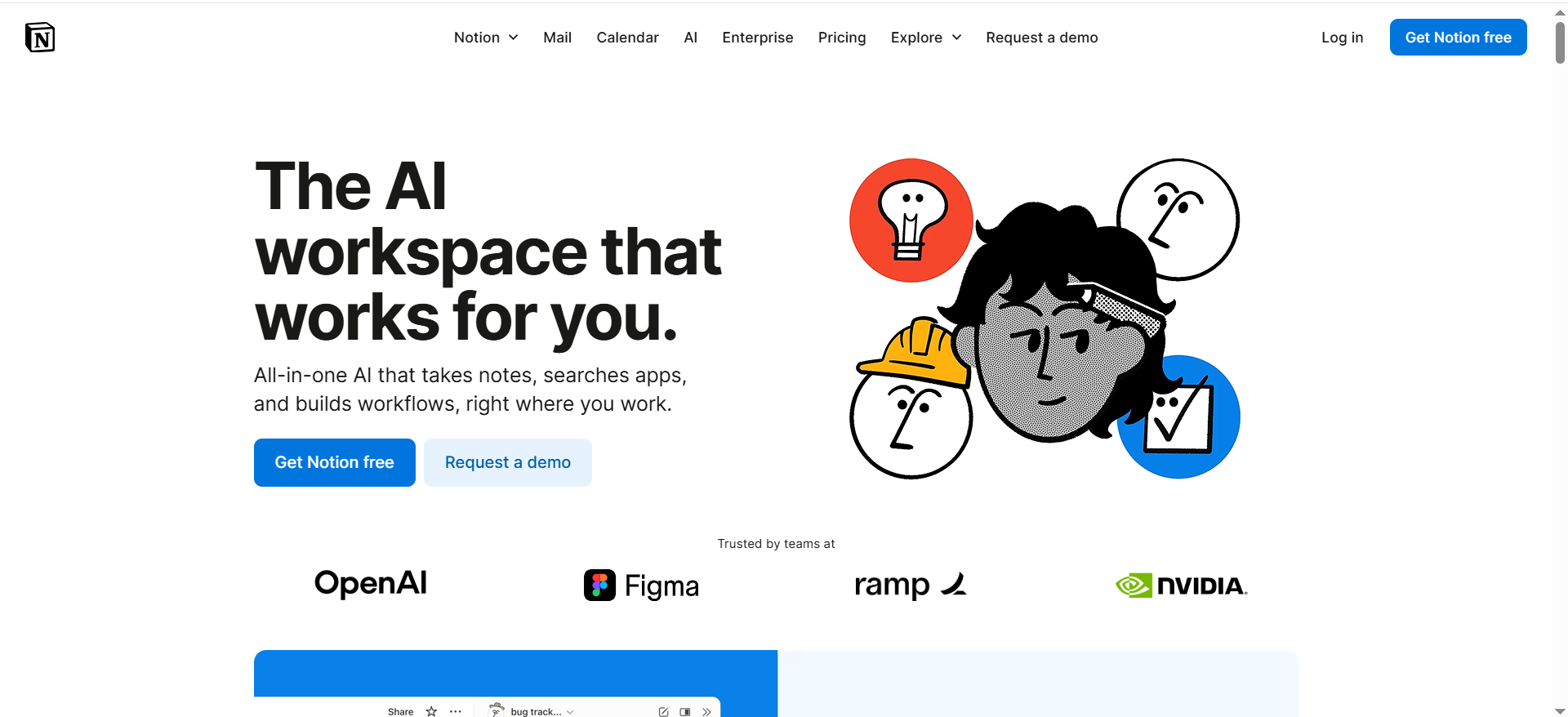
Notion is your team’s content home base: a place to store briefs, outlines, drafts, SOPs, competitor notes, keyword research, SME input, internal linking maps, and “what good looks like” examples, organized in a way writers and stakeholders will actually use.
Why teams use it
Because SEO collaboration fails most often at the handoff points:
- Strategy → writer (brief clarity)
- Writer → reviewer (what changed and why)
- Reviewer → SEO/editor (what’s left to do)
- Published → team (what worked, what didn’t)
Notion reduces that chaos by making the “source of truth” searchable, linkable, and template-driven.
What it’s good for
- Brief templates that ensure writers start with the same inputs every time
- “Living” content libraries (topic clusters, internal link targets, canonical rules)
- Centralizing SME feedback in one place
- Maintaining a shared definition of done (QA checklists, gates, examples)
When it’s a good fit
- You want one place for briefs + docs + knowledge (instead of 15 Docs in 8 folders)
- Your workflow needs repeatable templates
- You have cross-functional reviewers and want fewer status meetings
When it’s not a good fit
- You need heavy-duty resource management / complex approval routing (Asana is stronger there)
- Your team refuses to move away from “everything lives in Google Docs” (you can still link Docs, but adoption matters)
How to use it
- Create a “Content OS” workspace with three top-level areas:
- Strategy & Research (topics, clusters, SERP notes)
- Production (briefs, drafts, review queues)
- Performance & Updates (refresh log, results, learnings)
- Turn your best brief into a template with required fields:
- Search intent, primary angle, target reader, examples, internal links, CTA placement
- Add a versioning rule: every meaningful revision gets a short “change note” (what changed, why, based on what evidence).
- Create a handoff block at the bottom of each brief:
- “Ready for writer” → “Ready for editor” → “Ready for approval” → “Ready to publish”
This mirrors the SOP mindset of modular content + scannable structure and reduces rewrite cycles.
Key capabilities
- Databases for content pipelines
- Page history (helps with versioning)
- Permissions + share links (good for stakeholder reviews)
- Integrate increasingly “AI workspace” features, depending on plan)
Pricing
Notion’s pricing starts at $10 per member per month (Plus).
Free tier?
Notion offers a free tier (Free plan).
Downsides / limitations
- Not a full approvals engine by itself (you’ll still want a task system for routing)
- If you don’t enforce templates, Notion can become a “pretty mess”
- Without clear ownership, pages sprawl and people lose trust in the system
2. Asana
What it does
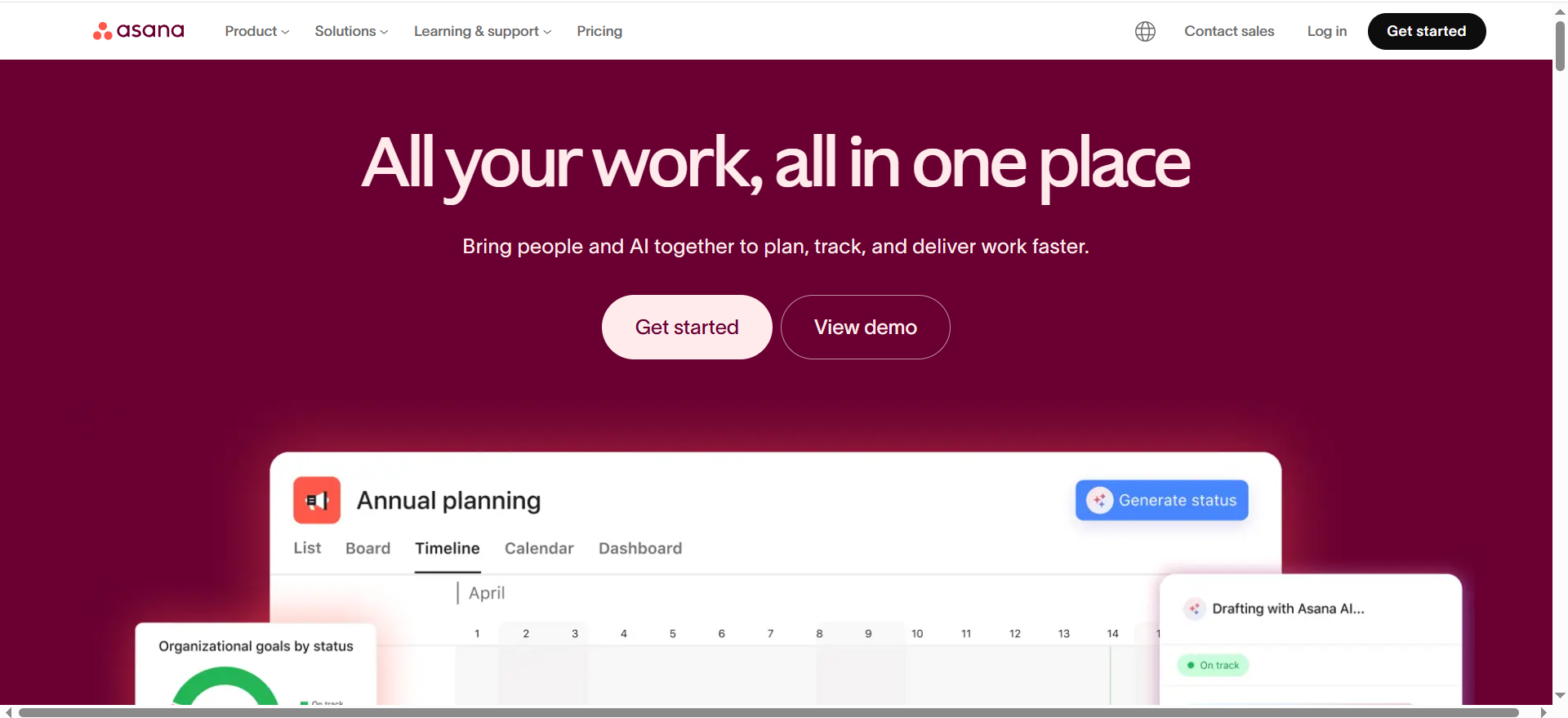
Asana is the production engine: assignments, dependencies, approvals, timelines, and visibility across all work in flight.
Why teams use it
SEO teams ship content through multiple steps and stakeholders. The moment you scale beyond “one writer, one editor,” you need:
- Clear ownership
- Due dates
- Dependencies
- A single approval queue
- Reporting on bottlenecks
That’s Asana’s core strength.
What it’s good for
- Editorial calendars (especially with Timeline / Gantt views)
- Approval workflows (especially when multiple reviewers are involved)
- Standard operating procedures turned into repeatable task templates
- Cross-team collaboration (content ↔ product ↔ legal ↔ design)
When it’s a good fit
- You publish consistently (weekly+), with multiple people touching each piece
- You need to see workload and deadlines clearly
- You want approvals to be explicit (not “I left a comment somewhere”)
When it’s not a good fit
- You want a database-first content system (Airtable is better for structured content inventories)
- You want the writing and docs to live inside the tool (Notion is better as a content home base)
How to use it
Set up one project called SEO Content Production with sections like:
- Backlog
- Brief ready
- Drafting
- Optimization
- Review
- Approval
- Scheduled / Published
- Refresh queue
Then create a task template that includes:
- Link to Notion brief (or Doc)
- SEO checklist subtasks
- Approver(s) and due dates
- Required assets (images, tables)
Key capabilities
Asana’s pricing page highlights:
- Starter includes Timeline and Gantt view (useful for editorial planning), workflow builder, dashboards, and unlimited automations.
- Advanced adds approvals, proofing, and portfolio-level visibility.
Pricing
Asana’s pricing starts at $10.99 per user per month (Starter) when billed annually.
Free tier?
Asana offers a free tier (Personal plan).
Downsides / limitations
- It’s easy to over-complicate your workflow (too many custom fields, too many statuses)
- Asana doesn’t replace a content knowledge base; it routes work, it doesn’t store “why we do it this way”
3. Airtable
What it does
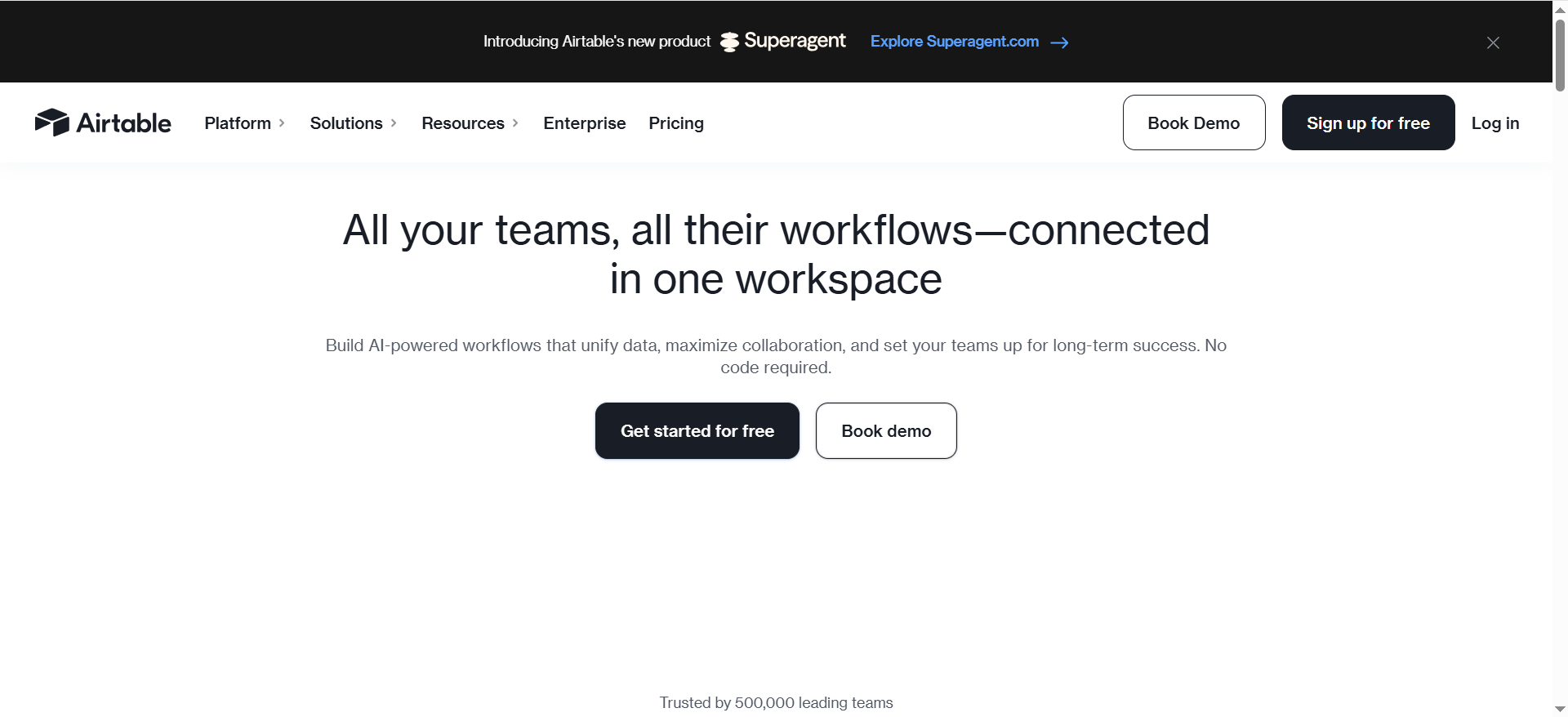
Airtable is your structured content database: editorial calendars, content inventories, production pipelines, and reporting, especially when you want to slice and filter content like data.
Why teams use it
When content becomes a system, you need structure:
- What’s the topic cluster?
- What’s the target keyword?
- What’s the internal link hub?
- What’s the status?
- Who owns it?
- When does it need a refresh?
- What’s the post-publish performance?
Airtable shines for exactly that.
What it’s good for
- Editorial calendars that don’t break when you scale
- Content inventories and refresh programs
- Managing multiple content types (blog, landing pages, templates, programmatic pages)
- Performance feedback loops tied to records (not scattered dashboards)
When it’s a good fit
- You have many pages (or plan to) and need a system of record
- You want dashboards and filtered views by team, topic, cluster, or stage
- You need consistent metadata across content (great for governance)
When it’s not a good fit
- Your team struggles with “database thinking” (Notion is often easier to adopt)
- You want a more opinionated task/approval engine (Asana is better there)
How to use it
Create one base with tables like:
- Topics / Clusters
- Content Pieces (each article as a record)
- Briefs (linked to content pieces)
- Authors / SMEs
- Assets (tables, screenshots, templates)
- Refresh Log
Then define views:
- “This week’s drafting”
- “Needs optimization”
- “In approval”
- “Refresh due in 30 days”
Key capabilities
Airtable’s pricing page clarifies:
- A free plan is available at no cost.
- The team is $20/user/month billed annually.
- Business is $45/user/month billed annually (Enterprise Scale is custom).
It also explains seat billing logic (helpful for planning who needs edit permissions).
Pricing
Airtable’s pricing starts at $20 per seat per month (Team) when billed annually.
Free tier?
Airtable offers a free tier (Free plan).
Downsides / limitations
- Can become “spreadsheet theater” if you don’t connect it to real production habits
- The best Airtable setups require a bit of upfront design (fields, linked records, views)
4. Surfer

What it does
Surfer is a content optimization layer: writers draft while Surfer guides on-page improvements (coverage, structure, and optimization), and teams can manage updates as SERPs evolve.
Why teams use it
Because collaboration isn’t only about tasks, it’s also about shared quality standards. The fastest teams reduce editorial debates by agreeing on:
- what “good coverage” looks like
- what “on-page complete” looks like
- which optimizations are required vs optional
Optimization tools turn subjective feedback into checklists and signals.
What it’s good for
- In-draft optimization (writers see what to improve as they write)
- Standardizing content structure across multiple writers
- Reducing review cycles caused by missed basics (headings, topical coverage, etc.)
When it’s a good fit
- You have multiple writers and want consistent on-page outcomes
- You need a workflow that includes optimize before approval
- You want a tool that explicitly positions itself around AI search visibility too (Surfer’s pricing page messaging emphasizes AI search)
When it’s not a good fit
- You need deeper “research brief” automation and integrated brief creation (Frase can be stronger there)
- Your team doesn’t want another tool in the writing loop (adoption matters more than features)
How to use it
- Treat Surfer as a required gate before approval:
- “Draft complete” → “Optimization complete” → “Editor review” → “Approval”
- Maintain a house rule: “No publish until optimization checklist is green enough for your standards.”
Key capabilities
Surfer’s pricing page highlights items like:
- “Team Collaboration”
- “1-click Content Optimization”
- AI visibility prompt tracking depending on plan tiers
Pricing
Surfer’s pricing starts at $99 per month (Standard) when billed yearly.
Free tier?
Surfer doesn’t offer a free tier for its paid platform, but it does offer free tools and promotes a “risk-free for 7 days” option.
Downsides / limitations
- Optimization scoring can encourage “write to the tool” if editors don’t enforce quality and originality
- Not a full workflow manager, pair it with Notion/Asana/Airtable
5. Frase
What it does
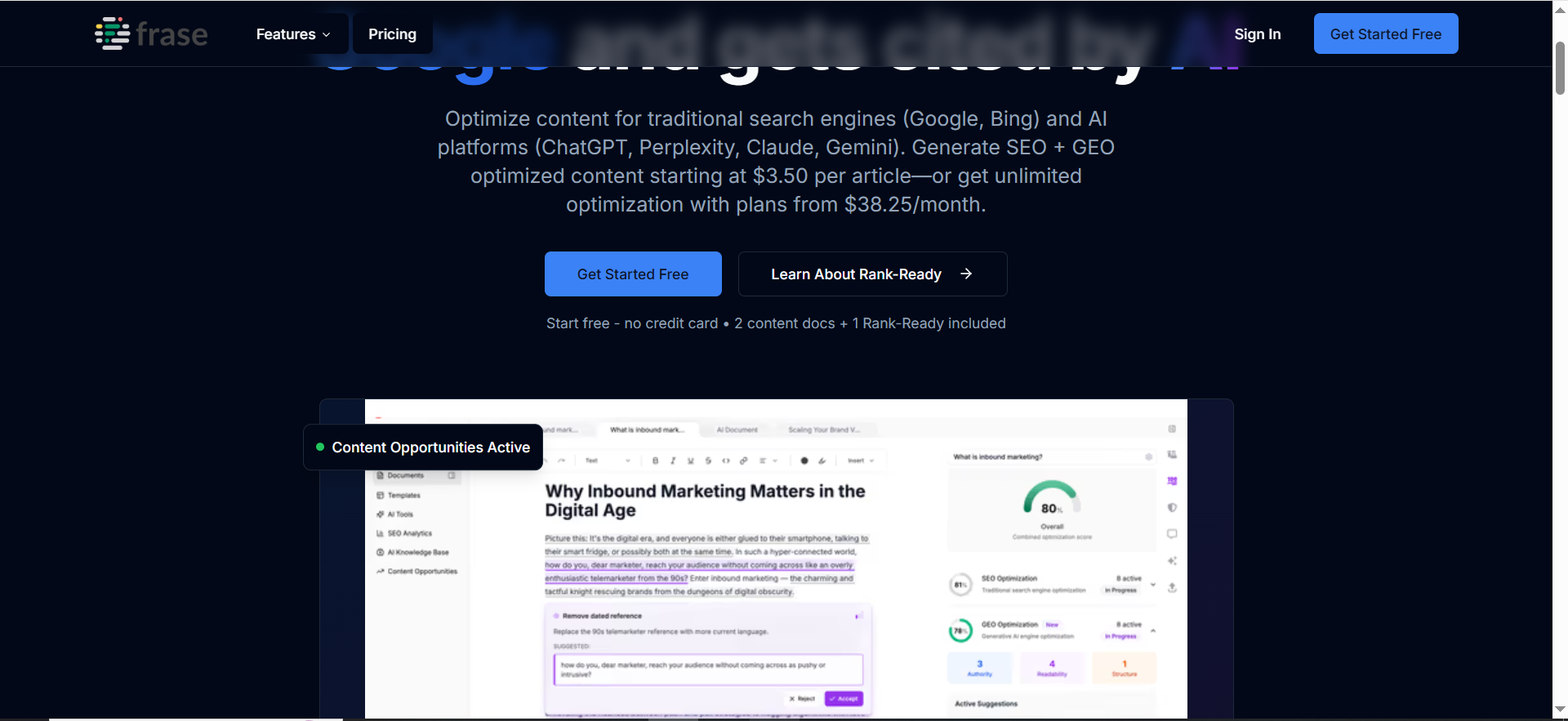
Frase positions itself as an end-to-end platform for research → brief → optimize → publish → monitor, including optimization for both Google SEO and AI search visibility.
Why teams use it
Because the hardest part of SEO content collaboration is aligning on:
- what to write
- how to structure it
- how to make it competitive
- and what to update later
Frase emphasizes combining strategic intelligence, briefs, optimization, and monitoring in one place.
What it’s good for
- Faster research + brief creation (less manual SERP digging)
- Writer-friendly optimization guidance
- A workflow that also considers AI search / GEO outcomes
When it’s a good fit
- You want to compress tools (research + optimization + monitoring)
- Your team needs “briefs that don’t suck” and a clearer path from strategy to draft
- You want a platform explicitly mentioning AI visibility tracking and prompts in plan details
When it’s not a good fit
- You already have strong research/briefing and only need optimization (Surfer may suffice)
- You need a pure task/approval engine (you’ll still want Asana or a similar tool)
How to use it
- Standardize a brief workflow:
- Create a new document for the target query/topic
- Generate/assemble a research-backed outline
- Write with optimization scoring visible
- Export to your publishing system or hand off for final approvals
- Keep a “monitor and improve” cadence: check performance and update content regularly (this is where collaboration often breaks, Frase tries to systematize it).
Key capabilities
On the pricing page, Frase describes plan-level inclusions like:
- “team collaboration” positioning (Professional: “Scale your content with team collaboration”)
- content calendar and internal linking suggestions on Professional
- AI Search Visibility platform tracking and prompt/visibility limits by plan
Pricing
Frase’s pricing starts at $39 per month (Starter) when billed annually.
Free tier?
Frase doesn’t offer a free tier, but it does offer a 7-day free trial with no credit card required.
Downsides / limitations
- Any all-in-one platform risks “we use 30% of it” unless you commit to the process
- Plan limits (articles/month, prompts/month, etc.) can matter for high-volume teams, model your throughput before picking a tier
The “Brief → Draft → Optimize → Approve” workflow blueprint
Your planning sheet’s ideal angle is exactly right: the biggest collaboration win is not “better brainstorming.” It’s a workflow people can execute without meetings.
Below is a blueprint you can copy whether you’re in-house or agency-side.
Roles and handoffs
A lightweight, realistic set of owners:
- SEO strategist / editor owns: topic selection, search intent, structure requirements, internal link plan
- Writer owns: draft quality, clarity, first-pass completeness
- Optimizer (can be the editor) owns: on-page optimization gate (Surfer/Frase)
- Approver(s) own: brand, product accuracy, legal constraints
- Publisher owns: CMS formatting + metadata + final QA
- Analyst/SEO owns: post-publish feedback and refresh triggers
The SOP emphasizes using a semantic outline + fan-out coverage, and building modular content so each section stands alone and is easy to update.
Versioning and approval rules that prevent chaos
Adopt three simple rules:
- One canonical draft location.
- The draft lives in one place (Doc/Notion page), and every task links to it.
- Two-stage review: content review, then optimization review.
- This prevents the common “SEO reviewer fights the editor fights the writer” loop.
- Every approval must mean something.
- Approvals should be a discrete status (“Approved to publish”)—not “left comments.”
This is consistent with the SOP’s emphasis on scannable, and explicit gates.
Performance feedback loop (what happens after publish)
Most teams stop collaborating once a post is live. That’s a mistake.
Create a repeating “post-publish” checklist:
- 7 days: indexing check, obvious CTA/copy issues
- 30 days: early performance review (impressions, clicks, engagement)
- 90 days: update pass (refresh sections, add missing subtopics, improve internal linking)
Your tool stack supports this:
- Airtable: “refresh due” views
- Notion: update logs and change notes
- Surfer/Frase: optimization / visibility
How to choose the right stack
Think in workflow layers, not “best tool overall.”
Layer 1: Your home base (briefs, knowledge, templates)
Pick Notion if you want the easiest adoption path for templates + briefs + documentation.
Pick Airtable if you’re running content like a database and care about structured reporting.
Layer 2: Your production engine (tasks, approvals, routing)
Pick Asana if you need routing, approvals, and operational visibility across teams.
Layer 3: Your optimization gate (quality standardization)
Pick Surfer if you want a dedicated optimization tool that fits into a multi-writer process.
Pick Frase if you want briefs + optimization + monitoring in one platform and you’re optimizing for AI search visibility too.
Practical “best-fit” recommendations
- Small team (1–3 people): Notion + Frase
- Growing team (4–10 people): Notion + Asana + Surfer
- High-volume team / agency: Airtable + Asana + Surfer (plus Notion for SOPs and templates)
- AI visibility-forward team: Notion + Frase (and optionally Surfer as a second opinion)
What’s the best workflow for SEO content from brief to publish?
A reliable SEO workflow isn’t “write → publish.” It’s a repeatable system that moves a piece of content through clear stages, with specific owners, and quality gates that prevent rework.
Here’s a practical, high-performing workflow most teams can adopt quickly:
1) Strategy + topic selection
Owner: SEO lead / content strategist
Outputs:
- Primary keyword + intent
- Target audience + funnel stage
- Angle (what makes this page different/better)
- Success metric (rank for X, capture Y conversions, support Z product use case)
Gate: Topic approved and prioritized (it’s worth writing).
2) Build the brief (the “source of truth”)
Owner: SEO strategist / editor
Outputs:
- Search intent summary (what the searcher needs)
- Recommended structure (H2/H3 outline)
- Internal linking plan (what to link to + where)
- Competitor/benchmark notes
- Required sections, examples, and CTA placement
Gate: Brief is complete and “writer-ready” (no missing inputs).
3) Draft (writing + collaboration)
Owner: Writer
Outputs:
- Draft aligned to intent + outline
- Sources/examples included where needed
- Natural internal linking placeholders included
Gate: Draft is complete enough to review (not “half-done”).
4) Optimize (SEO + structure gate)
Owner: SEO editor / optimizer (sometimes the editor)
Outputs:
- Metadata (title/meta description)
- Heading structure cleaned up
- Internal links confirmed
- Optimization tool checks applied (Surfer/Frase/etc.) without sacrificing readability
Gate: “Optimization complete” status + checklist passed.
5) Editorial + SME review
Owner: Editor + SME (if needed)
Outputs:
- Clarity, accuracy, voice
- Product and claims verified
- Brand alignment
Gate: Editor approves + SMEs sign off (if required).
6) Final QA + publish
Owner: Publisher / content ops
Outputs:
- CMS formatting, images, tables, schema (if needed)
- Links tested, metadata confirmed
- Final on-page QA
Gate: “Approved to publish” → scheduled or published.
7) Post-publish feedback loop
Owner: SEO lead / analyst
Outputs:
- Early indexing + technical checks
- Performance readout at 30/60/90 days
- Refresh triggers (declining rankings, content gaps, SERP shifts)
Gate: Update plan created if performance stalls.
Why this works: Each stage has an owner, a deliverable, and a gate. That’s what keeps collaboration smooth and prevents endless revisions.
How do you collaborate on SEO briefs without endless Slack threads?
Slack is great for fast communication, but terrible as a long-term system of record. The fix isn’t “stop using Slack.” The fix is: Slack is for coordination, not content decisions.
Here’s how to collaborate on briefs without the chaos:
1) Use one canonical brief location
Choose a “home base” (Notion, Google Doc, or Airtable record).Rule: Every conversation links back to the brief.
If someone asks a question in Slack, answer it, and then update the brief so the answer is preserved.
2) Add “brief completeness” fields
A strong brief reduces questions. Build a template that forces clarity:
- Audience + problem
- Search intent + expected outcome
- Angle / differentiation
- Must-have sections
- Internal links + references
- CTA guidance
When the template is complete, Slack questions drop dramatically.
3) Replace Slack debates with structured comments
Instead of “what do you think?” threads:
- Ask stakeholders to comment in the brief directly.
- Require comments to be tagged as:
- Blocker (must fix)
- Suggestion (nice to have)
- Question (needs clarification)
This prevents “opinions” from derailing the process.
4) Timebox stakeholder input
The fastest teams set expectations:
- SME review window: 24–48 hours
- After that, silence = approval (unless high-stakes compliance)
5) Use Slack only for alerts + routing
Example Slack message format:
“Brief ready for review: [link]. Please add comments by Thursday 3pm. Only blockers will be addressed after that.”
This keeps Slack short, directional, and accountable.
How do you prevent “SEO checklist misses” (internal links, headings, metadata)?
Most SEO “misses” happen for one reason: the team relies on memory. The solution is to replace memory with gates and templates.
Here’s the system that works:
1) Build a “Definition of Done” checklist (one page)
Include the most commonly missed items:
- H1 present, matches intent
- H2/H3 structure is logical and scannable
- Meta title + meta description written
- Internal links added (X minimum, including 1–2 priority pages)
- External sources linked when needed
- CTA included and aligned to page intent
- Images/alt text complete (if applicable)
- Final read-through for clarity and uniqueness
2) Place the checklist inside the workflow, not in a separate doc
Best options:
- Asana task template (subtasks)
- Notion checklist in the draft page
- Airtable checkbox fields
Rule: Content can’t move to “Approval” until the checklist is complete.
3) Add “required internal links” directly in the brief
Don’t leave linking to the end. In the brief include:
- Link targets (URLs or page titles)
- Suggested anchor text ideas
- Where they should appear (which section)
This makes internal links intentional, not an afterthought.
4) Use optimization tools as a gate (not as the strategy)
Surfer/Frase can help flag coverage gaps, but the checklist should still require:
- Human-reviewed structure
- Natural readability
- Brand voice consistency
5) QA in the CMS
A lot of misses happen during publish:
- headings get changed
- metadata isn’t copied
- links break
- formatting ruins readability
Make CMS QA a required final step before “Published.”
Can SEO optimization tools fit into collaboration workflows (not just scoring)?
Yes, if you treat optimization tools as a workflow stage, not a vanity score.
Here’s how to do it properly:
1) Put optimization between drafting and editorial approval
Correct order:
Draft → Optimize → Edit → Approve → Publish
If you optimize after approvals, you create rework. If you optimize before the editor sees it, you reduce editorial back-and-forth.
2) Use tools to standardize expectations across writers
In multi-writer environments, optimization tools help align on:
- topical coverage expectations
- structural completeness
- missing subtopics
This makes collaboration smoother because the editor isn’t the only person enforcing standards.
3) Define “tool targets” as ranges, not absolutes
Instead of “hit 90+ score,” use:
- minimum threshold + human judgment
- “must include” topics/sections
- “do not do” rules (keyword stuffing, unnatural headings)
4) Capture optimization decisions in the change log
Add a small “Optimization Notes” block:
- What was added?
- What was removed?
- Any trade-offs made for readability?
This gives reviewers context and reduces argument cycles.
5) Use tools for refresh workflows too
Optimization tools are especially useful post-publish:
- track SERP shifts
- identify content gaps
- prioritize updates
That turns your workflow into a system, not a one-time publishing event.
What should be in a high-performing SEO brief?
A high-performing brief makes the draft easy to write and hard to misunderstand. It answers the writer’s questions before they ask them.
Here’s what a strong SEO brief includes:
1) Search intent (the “why” behind the query)
- What the searcher is trying to achieve
- What “success” looks like for them
- What level of expertise they have (beginner vs advanced)
2) Target audience + context
- Who is this for?
- What do they already know?
- What problems are they trying to solve?
3) Primary keyword + supporting topics
Not just keywords, topics and subtopics:
- core question to answer
- related questions worth covering
- exclusions (what not to include)
4) Angle / differentiation
This is the #1 thing that separates generic content from winning content:
- What’s new here?
- What’s uniquely helpful?
- What’s the framework, examples, or perspective competitors lack?
5) Recommended outline (H2/H3)
Give writers structure:
- H2s aligned to intent
- required sections
- suggested tables, checklists, examples
6) Internal linking plan
- Required pages to link to
- Suggested anchors
- Where links should be placed (by section)
7) CTA guidance
- Primary CTA (what action should the reader take?)
- Where CTAs should appear (top/mid/end)
- Any product positioning rules
8) Quality bar + “definition of done”
- formatting rules (scannability, bullets, short paragraphs)
- required checklist completion
- approval expectations
If your brief includes all of the above, collaboration becomes dramatically easier because the writer is never guessing.
How do you build an “agency-grade” SEO production workflow in-house?
“Agency-grade” doesn’t mean complicated. It means the workflow is:
- repeatable
- measurable
- scalable across multiple writers
- resilient to stakeholder bottlenecks
Here’s the in-house version:
1) Create a production pipeline with clear statuses
Example:Backlog → Brief Ready → Drafting → Optimize → Review → Approval → Scheduled/Published → Refresh Queue
2) Standardize templates (brief + draft + QA)
The biggest difference between amateur and pro workflows is repeatability.Templates to standardize:
- SEO brief template
- Draft structure template (intro, H2 pattern, CTA blocks)
- QA checklist
3) Separate “content quality” from “workflow movement”
Agencies run faster because:
- workflow is managed by ops
- quality is managed by editors/strategists
Don’t let writers chase stakeholders for approvals. Route approvals through the system.
4) Build a shared asset library
Agencies reuse assets:
- approved stats + citations
- brand messaging blocks
- product screenshots/templates
- internal linking playbooks
Keep these in Notion or a central doc hub.
5) Add a refresh program from day one
Agency-grade SEO includes lifecycle management:
- define refresh intervals (30/90/180 days)
- track updates in a log
- assign ownership for updates, not just new posts
6) Track throughput + rework like a production system
If you don’t measure cycle time and revision loops, you don’t know what’s breaking.
How do you measure workflow health (cycle time, bottlenecks, rework)?
Workflow health metrics are what keep production from silently falling apart. You don’t need a complex dashboard, just a few consistent measures.
Here are the ones that matter most:
1) Cycle time (start → publish)
Definition: Time from “Brief Ready” to “Published.”
Why it matters: Shows how fast you ship and whether the workflow is improving.
Track by content type if possible (blog posts vs landing pages).
2) Time in review (draft → approval)
Definition: Time content spent waiting on reviewers/SMEs.
Why it matters: Most content delays happen here.
If review time is high, you need:
- fewer reviewers
- timeboxed SLAs
- clearer “what feedback is allowed” rules
3) Revision loops (rework count)
Definition: How many times the draft goes back to the writer after review.
Why it matters: High revision loops = unclear briefs, unclear standards, or too_attachy stakeholders.
Goal: reduce loops by improving briefs and checklists.
4) Bottleneck stage identification
Track where content sits the longest:
- Drafting
- Optimization
- Review
- Approval
- Publishing
Your “slowest stage” is where you should invest improvements first.
5) Publish cadence consistency
It’s not just about volume; it’s about consistency.
- planned posts/week
- shipped posts/week
- variance (how often you miss)
Consistency is often a better operational metric than raw volume.
6) QA pass rate (optional but powerful)
Definition: % of drafts that pass the checklist on first submission.
Why it matters: It’s a direct measure of brief quality + writer enablement.
FAQs
What’s the biggest bottleneck in SEO content collaboration?
How do we handle versioning without slowing down?
What if we already write everything in Google Docs?
Do content optimization tools replace editors?
Which tool is best for approvals?
Which tool is best if we want AI visibility / GEO baked in?
How many fan-out questions should we cover per post?
📋 Get Listed / Advertisement
We update this guide monthly. Want your tool featured? Contact us: [email protected].


