

Programmatic SEO (pSEO) is one of the highest-leverage growth plays in search, when your market has repeatable query patterns (e.g., “X vs Y”, “best {category} in {city}”, “pricing for {tool}”, “templates for {use case}”, “{integration} alternatives”) and you can support those patterns with structured data + strong templates.
But pSEO is also one of the fastest ways to destroy trust with Google (and users) if you publish thousands of near-identical pages, let indexing run wild, or skip QA. In 2026, the win isn’t “pages at scale.” The win is safe pSEO: templates + QA + indexing control + monitoring, so every page earns its place in the index and contributes real demand capture (and conversions).
TL;DR: If you want a reliable pSEO engine, start with this 5-tool stack:
- Best for building + publishing pSEO pages: Webflow (CMS + API + AI)
- Best for structured data + workflow ownership: Airtable (AI-enabled ops)
- Best for pushing database → CMS at scale: Whalesync (two-way sync for pSEO)
- Best for automating generation + QA pipelines: Make (AI + orchestration)
- Best for crawling + finding pSEO technical issues fast: Screaming Frog (audits + index hygiene)
📋 Get Listed / Advertisement
We update this guide monthly. Want your tool featured? Contact us: [email protected].
Tools for Programmatic SEO at Scale (Quick Comparison)
| Tool | Best for pSEO | Where “AI” shows up | Watch-outs |
|---|---|---|---|
| Webflow | Publishing programmatic pages with strong design + CMS | AI Assistant; AI support for building/optimizing; API-driven CMS operations | CMS limits; scaling workflows; indexing control requires discipline |
| Airtable | Source-of-truth database + content ops workflows | AI-enabled workflows for ops/content tasks; automation support | Governance needed (fields, permissions, versioning) |
| Whalesync | Two-way sync from Airtable/Sheets → Webflow CMS | “AI” advantage is operational reliability at scale (reduces human error via sync) | Sync rules + field mapping must be designed carefully |
| Make | Automation glue: generate, enrich, QA, publish, alert | AI + agentic workflow orchestration; app integrations across the stack | Can be hard to debug without standards; error handling is non-negotiable |
| Screaming Frog | Technical QA: duplication, canonicals, thin patterns, 404s | Pattern detection at scale via crawling; automation via exports/connected workflows | Crawl config matters; output can be misread without clear QA rules |
1. Webflow
What it does
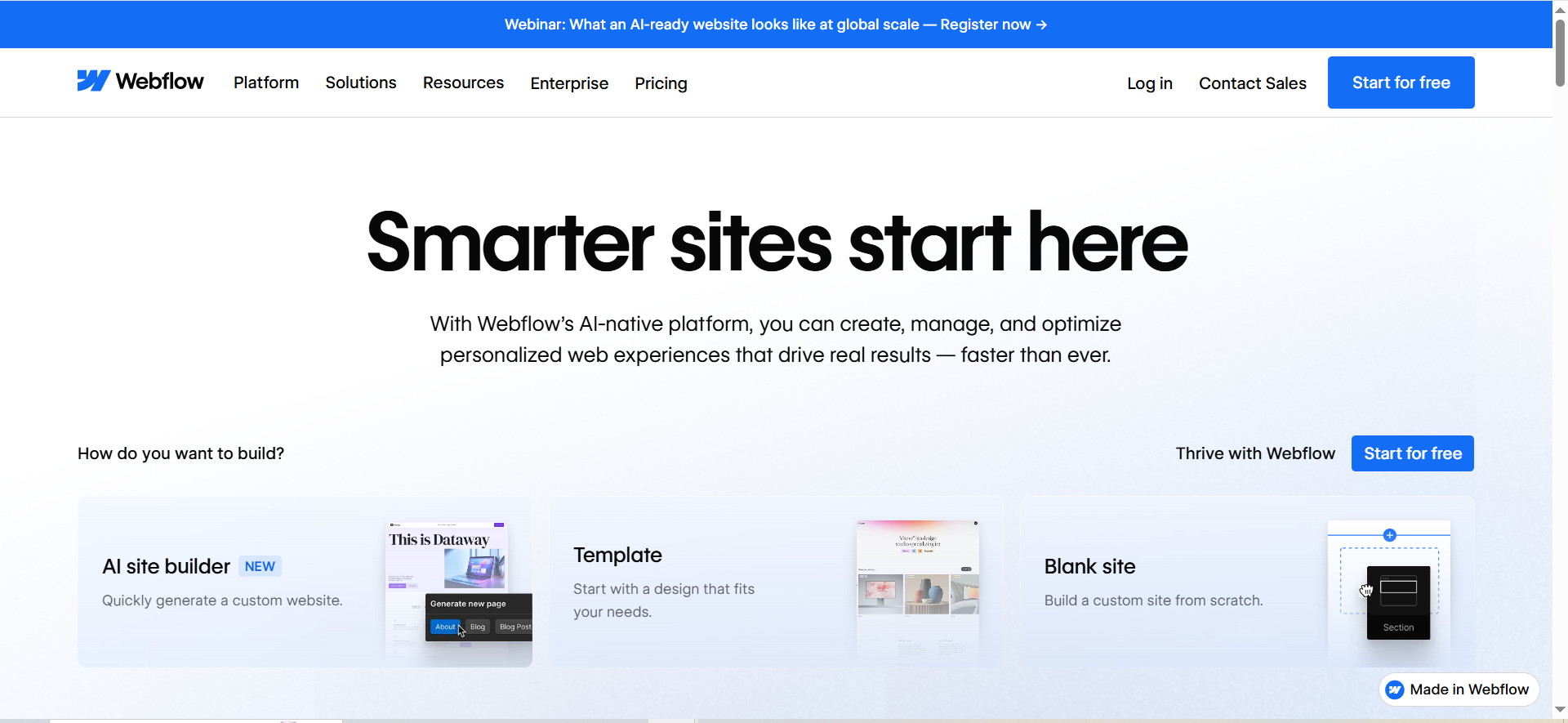
Webflow is your publishing layer, where pSEO pages actually go live. For pSEO, what matters isn’t “can it build pretty pages?” but: Can it publish and manage thousands of CMS-driven pages with repeatable templates and reliable operations? Webflow’s CMS + developer APIs support programmatic content workflows, including creating and managing CMS items via API.
Why teams use it
Because Webflow lets growth teams ship quickly without a full engineering backlog, and still gives technical teams the hooks (APIs) to automate content operations. Webflow also continues expanding AI capabilities (e.g., AI Assistant and Webflow AI features geared toward building and optimization).
What it’s good for
- Landing page-style pSEO where design and conversion matter (not just “directory pages”)
- CMS-driven programmatic collections: comparison pages, integration pages, use-case pages
- Teams that want a hybrid: no-code publishing + automated CMS operations (API/sync)
When it’s a good fit
- You’re a B2B SaaS and want pSEO that looks and feels like your product (not a templated farm)
- You want marketing-owned iteration speed with technical guardrails
- You plan to use a database/sync tool as your content source-of-truth
When it’s not a good fit
- You need highly custom server-side rendering logic or deep programmatic routing rules that don’t map cleanly to Webflow’s model
- You want “generate 1M pages overnight” without thinking through indexability and QA (Webflow won’t save you from strategy)
How to use it for pSEO
A practical Webflow pSEO setup looks like this:
- Create a CMS Collection for each page type (e.g., “Integrations”, “Alternatives”, “Locations”, “Templates”).
- Design a single reusable template per page type with modules:
- hero (unique promise + primary keyword)
- summary box (key facts)
- body modules (structured sections)
- internal links module (“related pages”)
- FAQ module (conditional, only where relevant)
- Publish pages via:
- CSV import for early MVP (small batches), or
- CMS API for scale, especially bulk operations (this reduces operational pain when managing large content sets).
- Keep a strict “indexing gate”: pages are created as drafts or shipped as no index until they pass QA (more on this later).
Key capabilities
- CMS API to programmatically create/manage/publish content
- Bulk CMS operations (useful for scale and rate limiting concerns)
- AI Assistant / Webflow AI for building, copy help, and optimization workflows
Pricing
Webflow’s paid Site plans start at $14/month (billed yearly).
Free tier?
Webflow offers a free Starter plan.
Downsides / limitations
- If your team doesn’t define template rules, Webflow can become a “CMS junk drawer.”
- Programmatic publishing is only half the battle, you still need index strategy, QA, and monitoring.
2. Airtable
What it does
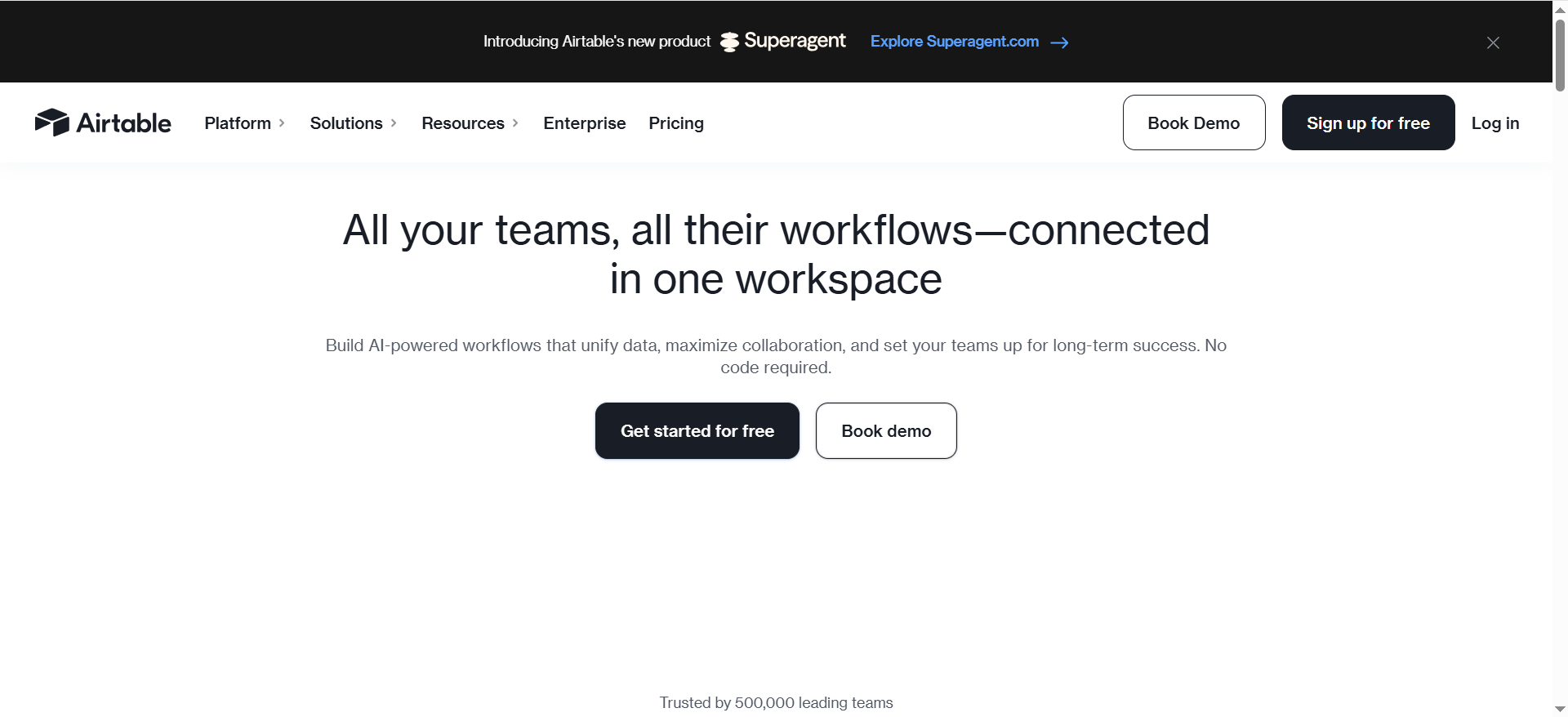
Airtable is the structured data hub for pSEO. It’s where you store the entities and attributes that power your templates: product specs, integration metadata, locations, categories, use cases, pricing notes, and narrative inputs (like “best for”, “who it’s not for”, “decision rules”).
Airtable positions itself as an AI-enabled platform for building AI workflows/apps, which matters for pSEO because the bottleneck isn’t storage, it’s ops (triage, enrichment, QA, approvals, and refresh cycles).
Why teams use it
- It’s flexible enough for marketing to own, but structured enough for engineers/ops to trust
- It becomes the “single source of truth” that feeds:
- Webflow CMS
- automation (Make)
- QA pipelines
- reporting cohorts (“page groups”)
What it’s good for
- Building normalized tables (e.g., Tools, Categories, Integrations, Locations)
- Managing editorial rules and “safe pSEO” QA statuses (draft → QA → ready → indexed)
- Enrichment workflows: adding missing fields, validation, change logs
When it’s a good fit
- You’re running pSEO as a system, not a one-time content dump
- You need permissions, reviews, and clear ownership across teams
When it’s not a good fit
- You want purely engineering-owned infrastructure and will never let marketing touch data
- You don’t have the discipline to define fields, naming conventions, and validation rules
How to use it for pSEO
Set up Airtable as a pSEO “production database”:
Core tables (minimum viable):
- Pages (one record per URL you plan to publish)
- Entities (the “things” pages are about: tools, products, cities, integrations, etc.)
- Modules (reusable copy blocks and logic flags)
- QA (status, checks, reviewer, notes, last updated)
Key fields on Pages:
- URL slug (generated)
- Primary keyword
- Page type (template)
- Entity links (relationships)
- Copy inputs (short summary, key differentiator, constraints)
- Schema fields (FAQ, Product attributes, etc.)
- Indexing flag (index/noindex) + canonical target
- QA status + last QA date + “risk flags”
Then use AI carefully:
- AI can draft summaries or extract attributes from docs, but you must constrain outputs to fields and validation rules, especially if you’re scaling with AI content workflows.
- Treat AI as a “junior data assistant,” not the final publisher, then validate outcomes with AI visibility metrics
Key capabilities
- AI-enabled workflows positioning (useful for automating ops tasks around data and content)
Pricing
Airtable’s pricing starts at $20/user/month for its Team plan (billed annually), and Enterprise Scale pricing is custom/quote-based.
Free tier?
Airtable offers a Free plan.
Downsides / limitations
- Without governance, Airtable bases sprawl and fields drift.
- “Flexible” can become “inconsistent” unless you define rules early.
3. Whalesync
What it does
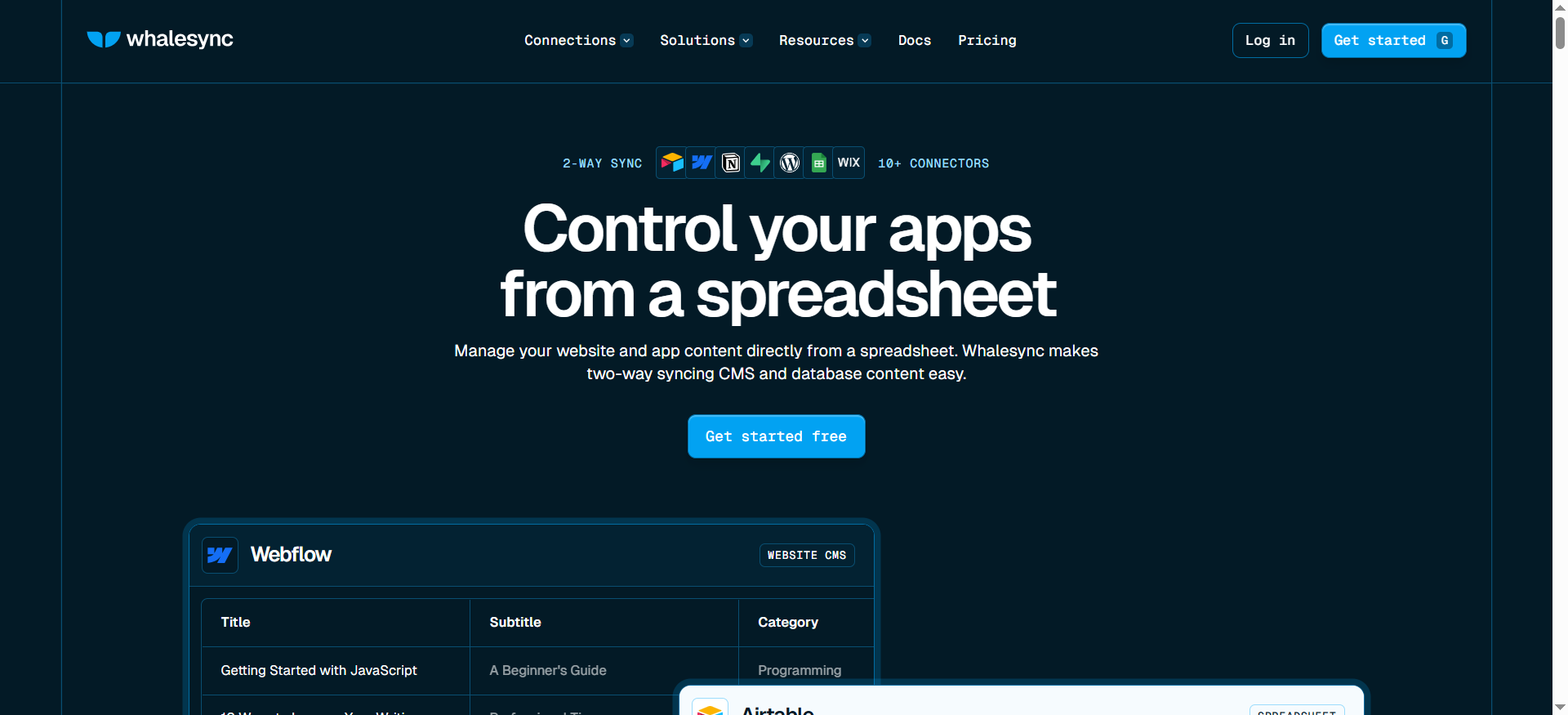
Whalesync is the bridge that keeps your database (like Airtable) and your CMS (like Webflow) in sync, often with two-way syncing. That matters for pSEO because manual CMS updates become impossible once you hit thousands of pages.
Whalesync explicitly positions itself around syncing Airtable ↔ Webflow and highlights programmatic SEO use cases (managing thousands of Webflow pages from a spreadsheet-like system).
Why teams use it
- Removes the “CSV import forever” pain
- Prevents human error (wrong field, wrong slug, wrong template mapping)
- Makes updates and refresh cycles realistic (which is a huge part of “safe pSEO”).
What it’s good for
- Webflow CMS collections controlled from Airtable
- Publishing and updating thousands of items reliably
- Enabling content ops to manage changes without touching Webflow directly
When it’s a good fit
- You chose Webflow as your publishing layer and Airtable/Sheets as your source of truth
- You want your pSEO machine to be maintainable (not a one-off migration)
When it’s not a good fit
- You want to build a fully custom pipeline via Webflow API and already have engineering bandwidth
- Your data model is unstable (you’re still changing fields weekly)
How to use it for pSEO
Design your sync around stable, future-proof fields:
- Define a canonical ID for each page record (never reuse it).
- Map fields that should be owned by Airtable (e.g., slug, title, facts, modules).
- Decide what Webflow can own (usually: design, layout, and maybe a small set of editorial overrides).
- Build a “promotion” flow:
- New record in Airtable → sync to Webflow as draft/noindex
- QA passes → flip the index flag → publish
Key capabilities
- Two-way sync positioning and Webflow integration details
- Programmatic SEO use case page
Pricing
Whalesync’s pricing starts at $5/month.
Free tier?
Whalesync doesn’t offer a free tier, but it does offer a 2-week free trial.
Downsides / limitations
- Field mapping mistakes can propagate fast (this is why QA and staging matter).
- You still need a clear indexing gate, syncing content doesn’t make it index-worthy.
4. Make
What it does
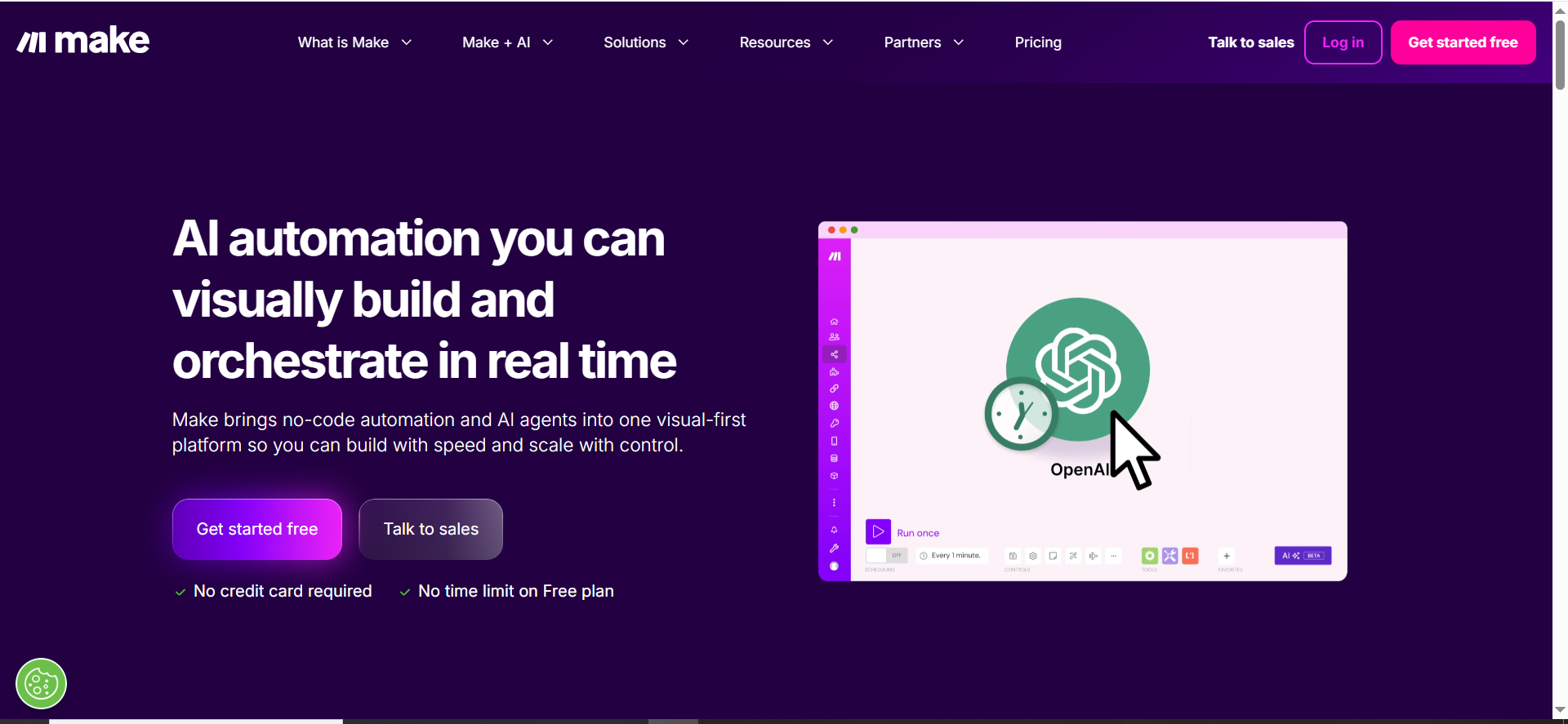
Make is the automation orchestrator, the glue that turns pSEO from “content upload” into a repeatable production system. It positions itself as a platform to build and orchestrate AI/agentic workflows and integrate across many apps.
Why teams use it
pSEO at scale involves dozens of recurring tasks:
- generating variations
- enriching missing data
- running QA checks
- sending approvals
- publishing batches
- alerting on crawl/index issues
- scheduling refreshes
Make lets you create visible, modular workflows that non-engineers can understand, while still supporting robust logic.
What it’s good for
- Automating page creation from Airtable to Webflow (directly or via Whalesync triggers)
- Routing QA tasks (Slack/email) when certain thresholds are hit
- Enriching data using AI calls (with strict schemas)
- Monitoring: run weekly checks, pull key metrics, trigger alerts
When it’s a good fit
- You want scalable workflows without building a custom internal tool
- You have a process owner who can maintain automations (and document them)
When it’s not a good fit
- You need highly specialized code pipelines and already have a platform team
- You’re not willing to implement error handling (Make workflows can fail silently if you don’t design them well)
How to use it for pSEO
A “safe pSEO” Make architecture typically includes:
Scenario 1: Generation + enrichment
- Trigger: new page record created in Airtable
- Steps:
- validate required fields
- call AI to draft a constrained summary (JSON schema)
- run duplication checks vs existing pages
- set QA status = “Needs review”
Scenario 2: Publish gate
- Trigger: QA status flips to “Approved”
- Steps:
- push updates to Webflow/Whalesync
- publish (or schedule publish)
- set index flag only when required checks pass
Scenario 3: Monitoring + alerting
- Trigger: daily/weekly schedule
- Steps:
- crawl sample set
- check index coverage deltas
- alert when anomalies occur (404 spikes, canonical chaos, thin-page clusters)
Key capabilities
- Make’s positioning around AI automation and orchestration
- Pricing exists and varies; validate current plan limits before scaling jobs.
Pricing
Make’s paid plans start at $9/month.
Free tier
Make offers a free plan (up to 1,000 credits per month).
Downsides / limitations
- The hardest part is not building scenarios, it’s maintaining them.
- You need logging, retries, and fallbacks for every “publish at scale” workflow.
5. Screaming Frog
What it does
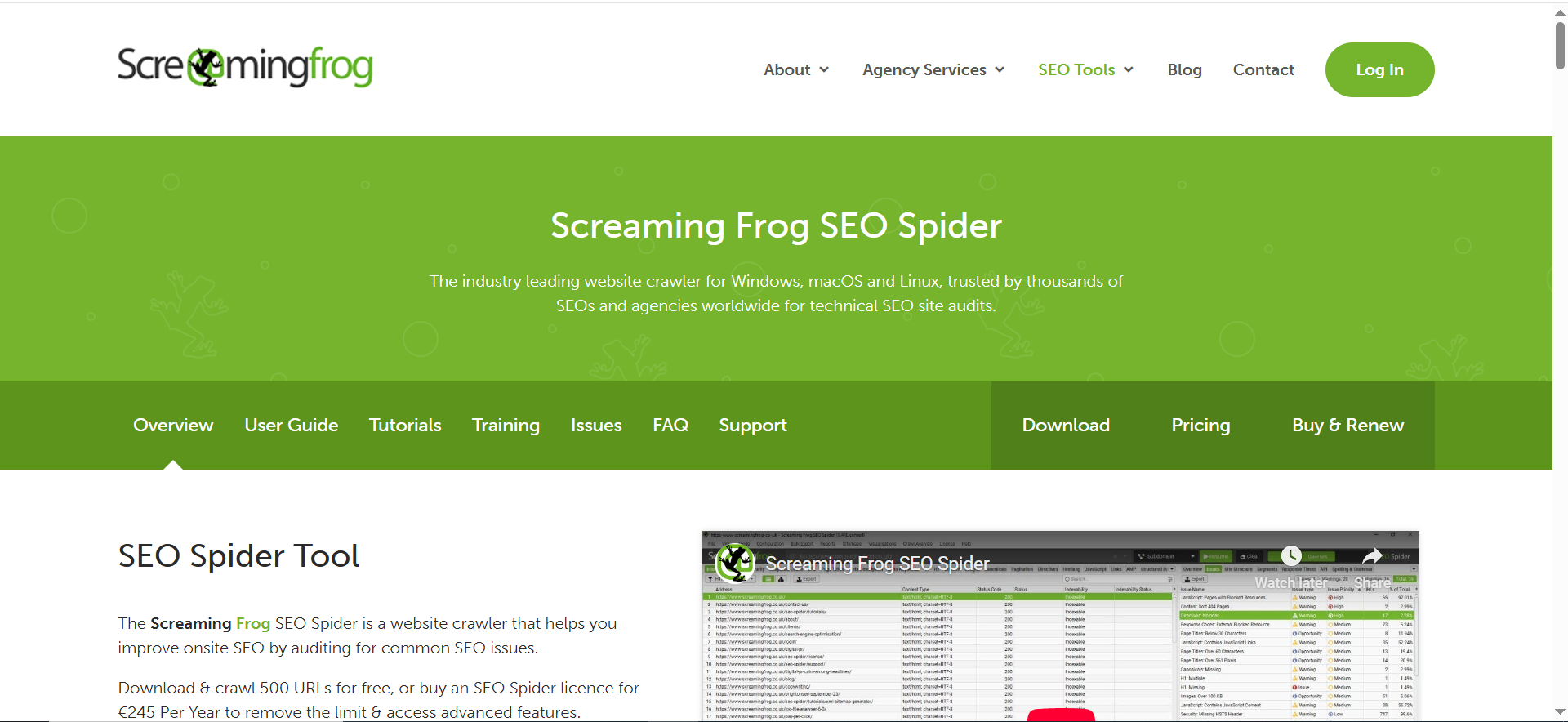
Screaming Frog SEO Spider is your technical truth serum for pSEO. It crawls your site and surfaces issues that become catastrophic at scale: duplication footprints, canonicals misfiring, indexable parameter URLs, broken internal linking patterns, and thin clusters.
Screaming Frog also continues adding capabilities (including API-related improvements/modes in recent versions) that can make large-scale audits more efficient.
Why teams use it
Because pSEO failures are usually technical and systemic, and you need a crawler that can show patterns fast.
What it’s good for
- Pre-launch audits of template outputs
- Finding “near-duplicate” problems (title patterns, H1 patterns, meta duplication)
- Checking canonicals, no index directives, redirect chains
- Spotting crawl traps (facets, pagination, parameters)
When it’s a good fit
- Always, if you’re doing pSEO seriously
- Especially if you’re publishing new page cohorts weekly/monthly
When it’s not a good fit
- If you’re expecting it to replace Search Console (it won’t)
- If you never configure it and just run default crawls (you’ll miss the patterns that matter)
How to use it for pSEO
Run Screaming Frog as a release gate:
- Crawl staging or a no index version of templates
- Export:
- pages with duplicated titles/meta
- pages under a word-count threshold (or with missing modules)
- canonical mismatches
- indexability issues
- Create rules: “If >X% of cohort fails, block indexing for the cohort.”
Key capabilities
- Core crawler + auditing value
- Free crawl limit and paid license pricing info (useful when estimating tooling costs)
- Recent product updates indicate ongoing investment (useful for teams relying on the tool long-term).
Pricing
Screaming Frog’s SEO Spider paid license costs £199 per year.
Free tier
Screaming Frog offers a free version that crawls up to 500 URLs per crawl.
Downsides / limitations
- Crawling huge sites requires configuration and sometimes segmentation (don’t DOS your own infrastructure).
- Outputs require interpretation, build a standard “pSEO audit template” so teams act consistently.
What “safe pSEO” means in 2026 (and why most pSEO fails)
A decade ago, pSEO wins were often about volume. In 2026, the winners behave more like product teams than content teams:
Safe pSEO = page generation + templating + QA + indexing monitoring + analytics (exactly the categories your tool stack must cover). Those categories matter because Google (and users) are increasingly sensitive to:
- thin pages that don’t satisfy intent
- duplicated page structures with minimal unique value
- index bloat that wastes crawl budget
- “template footprints” that scream “auto-generated” without differentiation
Industry definitions reflect the shift toward automation + templates for large volumes of pages, but sustainable success depends on quality controls and monitoring.
If you’re trying to position The Rank Masters as a “safe pSEO” authority, your differentiator isn’t “we can publish 10,000 pages.” It’s: we can publish 10,000 pages that deserve to exist, and prove it with QA, indexing discipline, and measurable outcomes.
The pSEO pipeline at scale (data → pages → QA → indexing → monitoring)
Here’s the core architecture that keeps pSEO from turning into spam:
1) Data model (structured inputs)
Start with structured inputs, not prompts. Your database should contain:
- the entity (tool/city/category/etc.)
- attributes (price range, integrations, features, specs)
- relationships (tool ↔ integration, category ↔ subcategory, city ↔ neighborhood)
- editorial constraints (what we will/won’t claim; sources; freshness date)
- module flags (include FAQ? include “alternatives”? include “how to”?)
This is why Airtable is so often the hub.
2) Template system (modules + decision rules)
Your template shouldn’t be “one long page.” It should be a set of modules that appear conditionally.
Example module library (use across templates):
- Summary box (“In 30 seconds”)
- Primary use cases (2–5)
- Comparison table (entity vs peers)
- How it works (process steps)
- Constraints (“When it’s not a fit”)
- Implementation notes
- FAQ (conditional)
A modular system reduces duplication footprints because pages vary in structure based on available data.
3) QA gate (before indexing)
This is where most pSEO fails. Teams publish first, regret later.
A real QA gate checks:
- duplication thresholds (title/H1/meta/body similarity)
- missing required fields/modules
- schema validity
- internal link sanity (no orphan cohorts)
- canonical correctness
- index/noindex rules applied properly
4) Indexing control (release strategy)
Indexing should be a switch, not an assumption. Use:
- staged cohorts (launch 100 → validate → launch 500 → validate → scale)
- No index for “draft cohorts”
- canonicalization rules that prevent near-duplicates competing
5) Monitoring + iteration
pSEO is not “set and forget.” You need:
- indexing coverage monitoring (cohort-level)
- crawl issue monitoring (404s, canonicals, soft 404 patterns)
- performance by template + cohort (not just by URL)
- refresh cadence (stale data becomes thin content over time)
This is why “Screaming Frog + automation + dashboards” is a required part of the stack.
AI in pSEO: where it helps (and where it can hurt)
AI is incredibly useful in pSEO, but only when you constrain it.
High-leverage AI uses (safe)
- Enrichment: turning messy notes into structured fields
- Summaries: writing a short, factual “what it is” from approved inputs
- Variation drafting: drafting alternative phrasing after you’ve locked facts
- QA assistance: flagging potential thin sections, missing modules, or unnatural repetition
- Internal linking suggestions: proposing related pages based on entity relationships
Webflow and Make explicitly market AI assistance for building and automation, and Airtable positions itself around AI-enabled workflows, so the opportunity is real.
Risky AI uses (unsafe)
- Letting AI invent “facts” (pricing, availability, legal claims)
- Publishing AI text at scale without:
- source constraints
- editorial review
- duplication controls
- Auto-generating thousands of pages from the same prompt template (mass footprint)
Rule of thumb: AI can write sentences; your system must provide the truth.
Indexing control: crawl budget, canonicals, and no index strategy
The “scale” part of pSEO can blow up your crawl budget and index quality if you don’t control it.
A practical indexing strategy for pSEO
Phase 1: Prototype (10–50 pages)
- Publish and index only the strongest pages
- Validate template quality and conversion
Phase 2: Cohort launch (100–500 pages)
- Publish the cohort but keep many as noindex initially
- Index only the subset that passes QA thresholds
- Monitor Search Console coverage and crawl stats
Phase 3: Scale (500–10,000+)
- Index cohorts gradually
- Remove or consolidate losers
- Maintain a strict “index quality bar”
Canonicals: the silent pSEO killer
At scale, small canonical mistakes create massive problems:
- duplicates cannibalize
- “wrong canonical” points everything to a parent page
- parameter pages become indexable clones
Use Screaming Frog to identify canonical anomalies and patterns quickly.
QA checklist for page-scale launches (copy/paste)
Use this as your “do not index unless…” gate:
Content + intent QA
- Page answers the query in the first screen
- At least 2–3 modules are genuinely unique to this entity
- No hallucinated facts (pricing/features verified or omitted)
- FAQ is relevant, not filler
Duplication QA
- Titles not duplicated across cohort
- H1 structure varies appropriately
- Meta descriptions not boilerplate across thousands of pages
- Body similarity below your threshold (set a measurable rule)
Technical QA
- Canonical correct
- Index/noindex correct
- Schema valid
- Internal links present (not orphaned)
- No crawl traps (facets/parameters/pagination managed)
Operational QA
- Each page has an owner and last-reviewed date
- Refresh cadence defined (30/60/90 days depending on volatility)
- Monitoring alerts configured (404 spikes, coverage drops, duplication spikes)
Measurement: dashboards, cohorts, and “page groups”
Most teams measure pSEO wrong by obsessing over individual URLs. At scale, measure by:
- Template type (integration pages vs alternatives vs locations)
- Cohort (launch batch A vs batch B)
- Entity group (category cluster, country cluster, industry cluster)
The minimum dashboard set
- Index coverage by cohort (indexed / excluded / errors)
- Organic clicks & impressions by template type
- Conversions by template type (don’t wait for last-click only)
- Crawl health: 404 rate, redirect chains, canonical conflicts
- Content decay: pages losing impressions over 30–90 days
This is where “Screaming Frog + automation + dashboards” is a required part of the stack.
Common pitfalls (aka why pSEO gets labeled “spam”)
- Publishing everything as indexable
- Index bloat is the fastest way to tank trust.
- Near-duplicate pages with swapped nouns
- If the only unique value is the entity name, you’re building a footprint.
- AI-generated text without constraints
- Even if it reads okay, the system-level signals can still scream “mass-produced.”
- No refresh plan
- Stale pages decay into thin pages.
- No conversion intent
- pSEO traffic that doesn’t convert becomes a vanity metric and a cost center.
What is programmatic SEO (pSEO) and how is it different from “regular” SEO?
Programmatic SEO (pSEO) is a way to create many search-targeted pages using a template + structured data, rather than writing each page manually. The classic pSEO pattern looks like:
- You have a repeatable query format (e.g., “Best {category} in {city}”, “{tool} alternatives”, “{integration} for {platform}”, “{feature} software for {industry}”).
- You have a dataset that maps cleanly to that format (cities, tools, integrations, industries, features, pricing tiers).
- You generate pages by combining that structured data with a modular page template.
“Regular” SEO is typically page-by-page: you pick one keyword cluster, write one high-quality page, build links, improve UX, and iterate. It scales with people and editorial capacity.
pSEO scales with systems: your bottlenecks become data quality, templating logic, indexing control, and QA, not writing speed.
A simple mental model:
- Regular SEO = craftsmanship at the page level
- pSEO = product engineering for content at the system level
The best pSEO programs work like product teams: they ship a template, run QA, measure performance by cohort, and iterate.
What makes pSEO “spammy” vs “safe” in 2026?
In 2026, “spammy pSEO” is less about how pages are created and more about what users experience and what search engines observe at scale.
What makes pSEO spammy
Spammy pSEO usually has these traits:
- Low unique value per page
- If the only thing changing on each page is the keyword token (city/tool/feature name), the page feels interchangeable.
- Template footprint is too obvious
- Same layout, same headings, same FAQ, same intro paragraph with nouns swapped.
- Index bloat (everything is indexable by default)
- Thousands of pages get indexed even if:
- they don’t get impressions
- they don’t satisfy intent
- they are near-duplicates
- Unverified AI content
- AI-generated text at scale often introduces:
- factual errors
- vague filler
- repetitive phrasing
- “confident nonsense”
- No freshness plan
- If pages become stale, they effectively turn into thin content over time.
What makes pSEO safe
Safe pSEO is built around quality gates and index control:
- Every page earns indexability (default no index until it passes checks)
- Templates are modular (sections appear conditionally based on data)
- Each page includes unique, query-satisfying value above the fold
- You measure and prune (keep winners, consolidate losers)
- You maintain pages via refresh cycles (monthly/quarterly depending on volatility)
Safe pSEO is not “publish more.” It’s “publish only what deserves to exist.”
How do you QA pSEO pages automatically (thin content checks, duplication, templated footprint)?
“Automated QA is what turns pSEO from a risky content blast into a sustainable engine. The goal isn’t perfection; the goal is to catch systemic failures before indexing.
1) Build a QA scoring model (per page and per cohort)
Create a score or pass/fail gate with checks like:
Thin content checks
- Minimum word count per module (not just total words)
- Required sections present (e.g., “summary”, “key facts”, “use cases”)
- Detect “empty template” sections (headings with little text)
Duplication checks
- Duplicate titles/meta across cohort
- Duplicate H1 patterns
- Similarity score across page bodies (e.g., cosine similarity, shingling, or even simpler: repeated n-gram thresholds)
- Overuse of identical intros/outros
Templated footprint checks
- Same heading structure on 95%+ of pages (too uniform)
- FAQ identical across pages
- Same “recommended tools” block across every page without entity-specific variation
2) Automate the QA flow using your stack
A practical workflow:
- Source of truth: Airtable “Pages” table
- Automation engine: Make
- Publishing: Webflow (or Webflow + Whalesync)
- Audit crawler: Screaming Frog
Example automated pipeline:
- New page record created → status = Draft
- Generation/enrichment runs → status = Needs QA
- QA checks run:
- required fields validation
- duplication signals (title/meta/body patterns)
- internal link presence
- canonical/noindex rules
- If pass → status = Approved → publish (still no index if cohort launch)
- If fail → status = Fix Required → send to reviewer with error notes
3) Do QA at two levels: page + cohort
Page-level QA catches obvious bad pages. Cohort-level QA catches systemic failures:
- “Our template is too repetitive”
- “All pages are missing the same module”
- “Canonicals are broken across the entire batch”
Cohort rule example (practical):
- If >10% of cohort fails duplication checks → block indexing for the cohort
- If >3% have canonical conflicts → block indexing and fix template rules
4) Add a “no index until approved” release gate
This is the most important automation rule:
- publish for preview + internal validation
- only flip to index when checks pass AND the cohort shows stability
How do you measure pSEO success (groups/cohorts, template-level performance, conversion)?
If you measure pSEO URL-by-URL, you’ll drown. The winning teams measure pSEO like a product rollout.
Measure by cohorts (launch batches)
A cohort is a batch of pages shipped together:
- Cohort A: first 50 integration pages
- Cohort B: next 200 alternatives pages
- Cohort C: 500 location pages
Cohort KPIs:
- % indexed (and time-to-index)
- impressions growth rate
- clicks per indexed page
- % of pages with zero impressions after X days
- error rate (404, canonical conflicts, soft 404 signals)
Measure by template type
pSEO templates behave differently:
- alternatives pages might convert well but index slowly
- location pages may index quickly but convert less
- integration pages may perform best on mid-funnel queries
Template KPIs:
- impressions/clicks per 100 pages
- average CTR
- average position distribution
- conversions per 1,000 sessions
- assisted conversions (don’t rely only on last-click)
Measure conversion like a revenue team (not just traffic)
pSEO isn’t a vanity traffic play. Track:
- signups/demo requests by template type
- pipeline attribution (where possible)
- micro-conversions (newsletter, template download, product click)
- “conversion efficiency” per cohort (conversions / indexed pages)
A simple pSEO scorecard
Each cohort gets a monthly score:
- Index coverage: ✅ / ⚠️ / ❌
- Traffic traction: ✅ / ⚠️ / ❌
- Conversion efficiency: ✅ / ⚠️ / ❌
- Technical health: ✅ / ⚠️ / ❌
- Content uniqueness: ✅ / ⚠️ / ❌
This forces operational discipline: scale only cohorts that score green.
Should you use AI to write pSEO pages? If yes, what guardrails are required?
Yes, AI can help a lot in pSEO, but only with constraints.
Where AI is genuinely helpful
- Drafting short summaries from approved facts
- Creating phrasing variation (so pages don’t sound identical)
- Extracting structured attributes from documents
- Generating FAQs only when questions are truly unique to the entity
- Flagging thin sections and repetition during QA
How do you build internal links for pSEO pages without creating a crawl trap?
Internal linking is one of the biggest pSEO multipliers, and one of the biggest crawl risks.
The danger: infinite crawl loops
pSEO pages often create:
- faceted navigation traps
- endless pagination
- “related pages” modules that link to everything
- parameter URLs created by filters
Search bots can waste crawl budgets on low-value variations, and you dilute authority across too many URLs.
What’s the fastest “MVP pSEO” stack for a Growth-stage B2B SaaS?
If you need speed without chaos, build an MVP stack that enforces structure.
MVP stack (fast + safe)
- Airtable: dataset + QA statuses + approvals
- Webflow: publishing layer + CMS templates
- Whalesync: sync Airtable → Webflow CMS
- Make: automation (generation, QA routing, alerts)
- Screaming Frog: crawl audits and pattern detection
MVP execution plan (2–4 weeks)
Week 1:
- define page types (1–2 templates max)
- build Airtable data model
- create Webflow CMS + template
Week 2:
- sync pipeline (Whalesync)
- QA fields and automation in Make
- generate/publish 20–50 pages as no index
Week 3:
- run crawl audits (Screaming Frog)
- fix duplication/technical issues
- index only top-performing subset
Week 4:
- cohort launch of 100–200 pages
- monitor indexing and performance
- iterate template modules
The MVP goal is not “1,000 pages.” The MVP goal is “a template that performs and a pipeline that doesn’t break.”
What does “safe pSEO” look like as a service offering?
If you’re offering pSEO as a service (or building it internally), “safe pSEO” should be packaged as a system, not just content creation.
The “safe pSEO” service framework
Phase 1: Strategy + opportunity mapping
- identify repeatable query patterns
- validate demand vs competition
- define page types and cohort roadmap
Phase 2: Data model + content architecture
- build the structured dataset
- define required fields and validations
- design modular templates and decision rules
Phase 3: Build + automation
- set up CMS + templates
- set up sync and automation workflows
- implement QA gates and index control rules
Phase 4: Launch (cohort-based indexing)
- publish cohort as no index
- run QA audits and technical checks
- index only winners first, then expand
Phase 5: Monitoring + iteration
- template-level performance reporting
- cohort-based pruning and consolidation
- refresh cycles + content updates
- ongoing technical audits
Deliverables that make the offering “safe”
- pSEO data model (Airtable base)
- template system (modules + rules)
- QA checklist + automated scoring
- indexing strategy + cohort roadmap
- monthly monitoring report by cohort/template
- refresh plan (what updates, how often, why)
Positioning tip:
“Safe pSEO” is about protecting the brand and the domain while scaling demand capture. If you communicate that clearly, you differentiate from anyone selling “10,000 pages fast.”
FAQs
What is programmatic SEO (pSEO), in plain English?
Is pSEO “allowed,” or will Google penalize it automatically?
What’s the fastest “safe pSEO” stack for a Growth-stage B2B SaaS?
How many pages should we launch first?
Should we use AI to write the full content of every pSEO page?
How do we keep pSEO pages from becoming stale?
📋 Get Listed / Advertisement
We update this guide monthly. Want your tool featured? Contact us: [email protected].


