

The best appointment schedulers and booking apps help B2B teams remove friction from lead capture, speed up meeting booking, and route prospects to the right rep faster, which is exactly the kind of conversion problem covered in AI visibility tracking tools SEO services. Calendly is the best all-around option for most teams, Chili Piper is ideal for advanced inbound routing and sales handoffs, HubSpot Meetings works best for teams already using HubSpot, SavvyCal is great for founder-led and relationship-driven scheduling, and YouCanBook.me is a strong pick for flexible, customizable booking pages. The right tool depends on whether your main goal is simple scheduling, CRM alignment, or maximizing demo conversion.
If your team loses momentum between form fill and booked meeting, the problem is rarely demand alone, because friction here can quietly hurt the same outcomes discussed in SaaS blog ROI timeline. It is often scheduling friction.The best appointment schedulers and booking apps help you remove back-and-forth emails, let buyers self-serve, and route the right meeting to the right person faster, which aligns closely with what TRM covers across its broader Insights library.
For most teams, Calendly is the easiest all-around choice, Chili Piper is the strongest option for complex B2B routing, HubSpot Meetings is the obvious pick for teams already living in HubSpot, SavvyCal is a clean fit for founder-led or relationship-first selling, and YouCanBook.me works well for teams that want flexibility without enterprise complexity for different partner fits.
In this guide, we compare the top tools for conversion efficiency, calendar routing, automation, and CRM fit, alongside a buying framework to help you choose the right tool for your funnel and broader CRO and product-led content strategy.
📋 Get Listed / Advertisement
We update this guide monthly. Want your tool featured? Contact: [email protected].
Best Appointment Schedulers and Booking Apps
| Tool | Best for | Core strength | Watch-outs |
|---|---|---|---|
| Calendly | Most teams that want fast deployment | Easy booking links, workflows, routing forms, broad integrations | Advanced revenue routing can still require more setup or higher plans |
| Chili Piper | B2B sales teams with complex inbound routing | Real-time qualification, routing, handoff, Salesforce-centric workflows | Best value comes when you have a structured sales process and volume |
| HubSpot Meetings | Teams already using HubSpot CRM | Native CRM tie-in, free entry point, simple scheduling | Less specialized than revenue routing tools for advanced inbound logic |
| SavvyCal | Founder-led sales, partnerships, high-touch scheduling | Recipient-friendly experience, meeting polls, polished UX | Not built for heavy-duty enterprise lead routing |
| YouCanBook.me | Small teams needing flexible, customizable booking pages | Customization, reminders, booking pages, broad integrations | Less purpose-built for B2B sales routing than Chili Piper |
The market splits into three camps, which is also a useful way to think about how TRM organizes content across its broader categories. First, there are general-purpose schedulers like Calendly, SavvyCal, and YouCanBook.me. Second, there are CRM-native scheduling tools like HubSpot Meetings, which work best when your pipeline already runs on a single platform. Third, there are revenue-routing platforms like Chili Piper, where the goal is not just to book time but to convert inbound demand into qualified pipeline as quickly as possible. Calendly offers routing forms, automated reminders, and scheduling workflows; HubSpot promotes its free scheduler with CRM and calendar sync; Chili Piper positions itself around routing, scheduling, and chat in one demand conversion platform; SavvyCal emphasizes recipient-friendly scheduling and meeting polls; and YouCanBook.me focuses on customizable booking pages and integrations.
If your main problem is general scheduling friction, choose a simple scheduler. If your main problem is lead-to-meeting conversion, choose a routing-first tool and pair it with a clear lifecycle content strategy.
📋 Get Listed / Advertisement
We update this guide monthly. Want your tool featured? Contact: [email protected].
1.Calendly
What it does
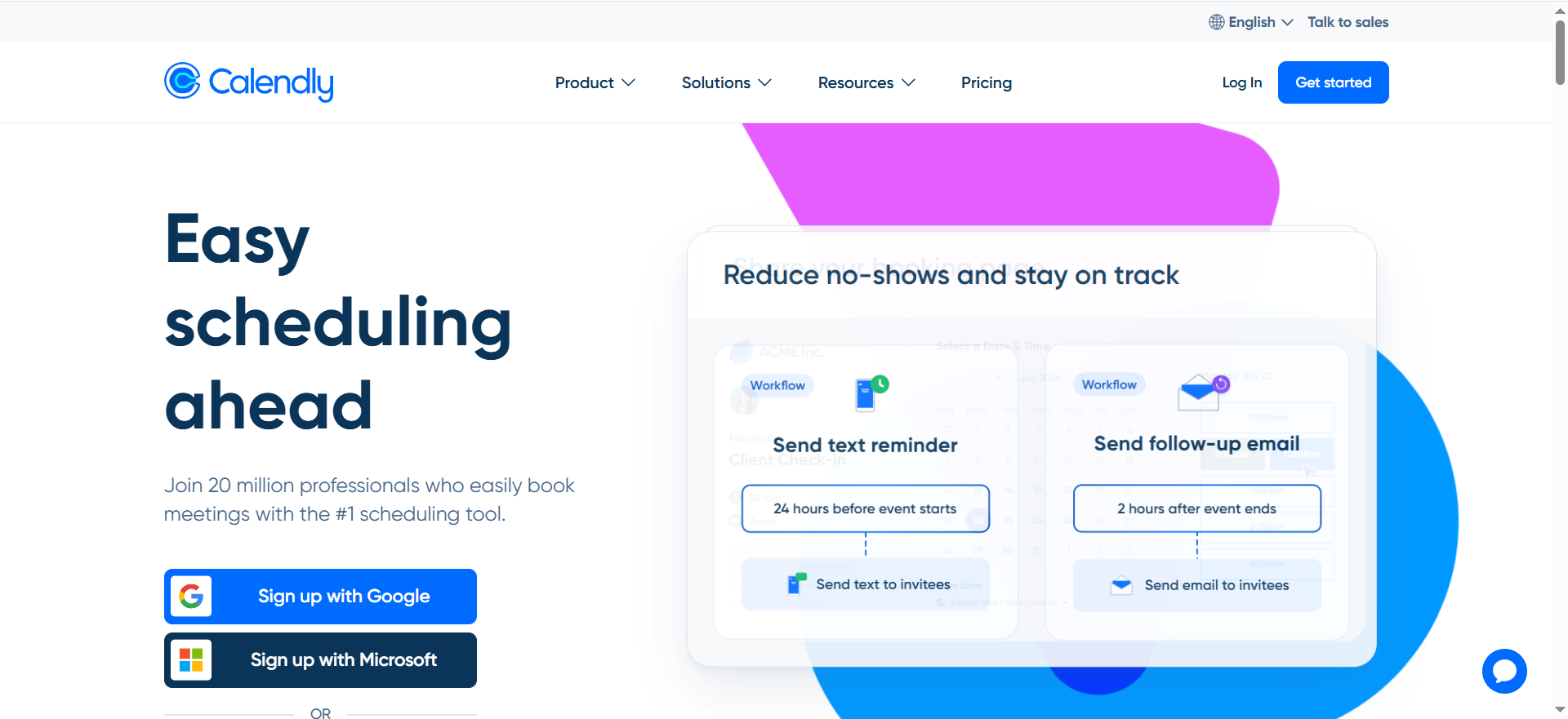
Calendly is the mainstream choice in scheduling software because it solves the core problem quickly, which makes it a useful fit for teams also evaluating best SEO automation tools. You create booking links, connect calendars, set availability, and let prospects or customers book time without manual back-and-forth. Beyond basic links, Calendly also offers workflows for reminders and follow-ups, plus routing forms that can steer visitors to the right booking path based on their answers, which is relevant for teams comparing best site audit tools.
Why teams use it
Teams use Calendly because it is easy to roll out, easy to understand, and familiar to prospects, which matters when you are trying to improve SaaS blogs that drive organic leads and conversions. The best booking app is often the one your reps will actually adopt and your buyers will complete without confusion, which is why SaaS blog worth it matters when evaluating conversion-focused content and tools.
Calendly reduces friction fast, supports a wide range of meeting types, and offers integrations that help it fit into modern go-to-market workflows, much like the tooling choices covered in best marketing analytics tools. It also supports Salesforce integration on higher plans, where scheduled meetings can create or update leads, contacts, or opportunities.
What it’s good for
Calendly is strong for:
- Self-serve demo booking
- SDR and AE calendars
- Customer success and onboarding calls
- Consulting and service booking
- Teams that want reminders and simple routing without buying a specialized revenue platform
For many companies, Calendly is the default answer because it handles most scheduling use cases well enough.
When it’s a good fit
Calendly is a good fit when your team wants fast time to value. If you need a booking page this week, want minimal training, and care about broad compatibility with the rest of your stack, it is a safe choice for teams also thinking about SaaS SEO agency support. It is also a strong fit for mid-market teams that want some routing logic without fully redesigning their inbound process.
When it’s not a good fit
Calendly is less compelling when your booking flow needs deep qualification, account ownership logic, territory-based routing, or multi-stage handoffs that depend on CRM rules. It can support some of that, but if lead routing is revenue-critical, you may end up stitching together workarounds.
How to use it
A practical setup for B2B teams looks like this:
- Create separate booking links for demo, discovery, customer calls, and internal handoff.
- Connect Google or Microsoft calendars for each rep.
- Use routing forms to segment by company size, use case, or region.
- Add reminder workflows to reduce no-shows.
- Push scheduled meetings into CRM and reporting workflows.
That basic structure gets you most of the benefit without turning the tool into a systems project.
Key capabilities
Calendly’s most useful capabilities for sales teams are booking links, calendar sync, routing forms, reminders, follow-up workflows, embeds, and major integrations. Its routing product is specifically built to qualify visitors and direct them to the correct booking page based on submission data, while workflows can trigger messages before and after meetings.
Pricing
Calendly’s paid pricing starts at $10 per seat per month on the Standard plan when billed yearly. Its Enterprise plan is custom-priced and starts at $15,000 per year.
Free tier
Calendly does offer a free tier. It also offers a free trial for some paid plans.
Downsides / limitations
Calendly’s biggest weakness is not usability. It is the ceiling. Once scheduling becomes deeply tied to qualification, pipeline ownership, SLAs, and territory logic, the product can feel like a scheduler being stretched into a routing engine. That is where some teams graduate to Chili Piper or keep Calendly for simpler motions while handling routing elsewhere.
2. Chili Piper
What it does
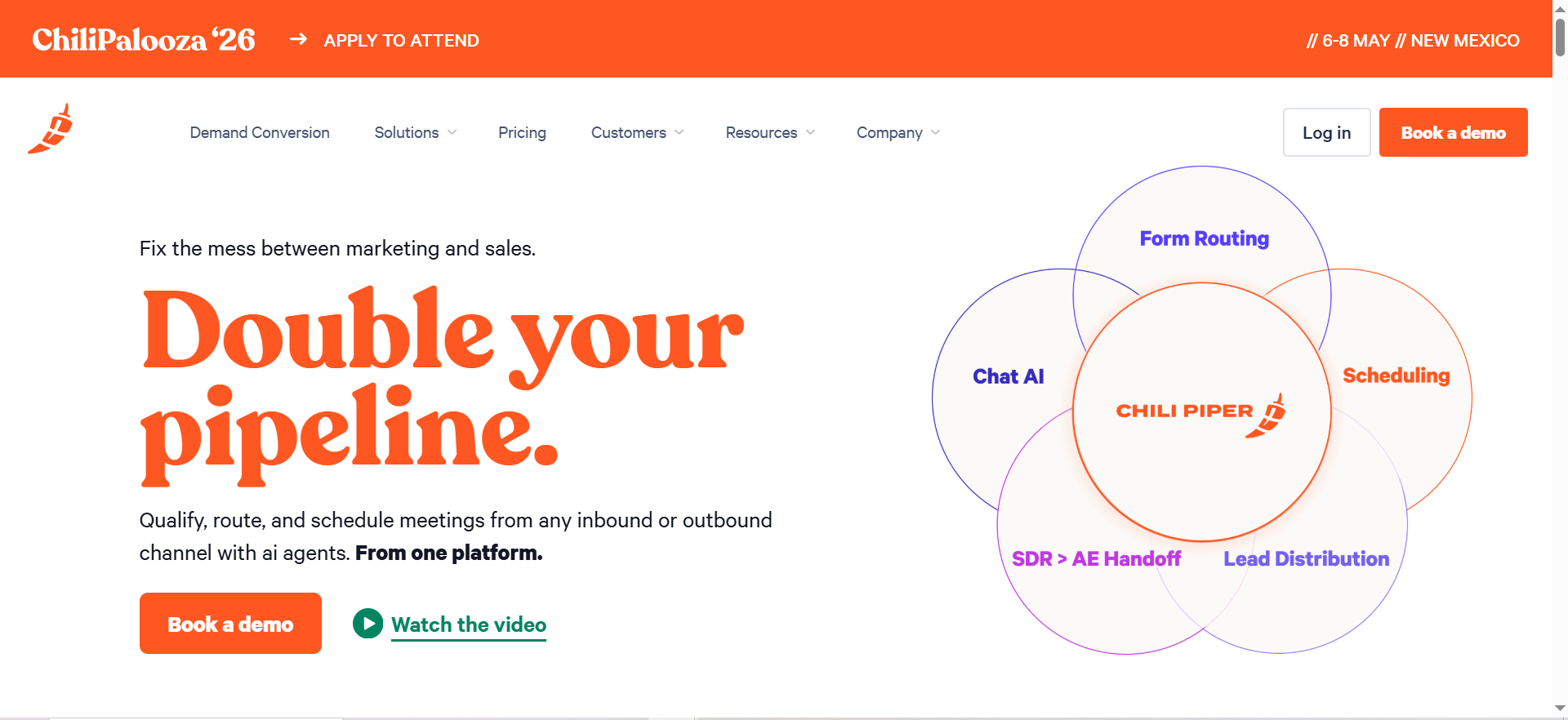
Chili Piper is built for revenue teams that care less about generic scheduling and more about conversion speed. The company positions itself as a demand conversion platform that combines chat, routing, and scheduling, with products designed for real-time qualification and instant meeting booking from forms and inbound flows.
Why teams use it
Teams choose Chili Piper when “book a meeting” is not the whole job. They need to decide whether a lead is qualified, determine who should own the conversation, route based on territory or account rules, and reduce lag between intent and booked pipeline. That is Chili Piper’s lane. It is especially strong for B2B SaaS teams with SDR/AE handoffs, multiple segments, or inbound volume that needs orchestration, not just calendar links. Its pricing page also highlights instant scheduling, Salesforce integration, and workflow setup as key product value.
What it’s good for
Chili Piper is good for:
- High-intent inbound demo forms
- Real-time lead qualification and routing
- Round-robin scheduling
- SDR-to-AE handoffs
- Salesforce-led go-to-market teams
- Enterprise revenue operations that need routing logic and speed-to-lead
If your marketing team is spending heavily to generate demo requests, the cost of poor routing is usually higher than the cost of the tool, especially when compared with the tradeoffs in blog vs paid ads as a SaaS growth channel.
When it’s a good fit
Chili Piper is a strong fit when your funnel includes multiple sales teams, territory rules, account ownership logic, or SLAs that need to be enforced. It also fits teams that want to book a meeting the moment a qualified lead completes a form, rather than sending a follow-up email and hoping it gets answered.
When it’s not a good fit
Chili Piper is overkill for solo operators, very small teams, or businesses that just need appointment scheduling. If you do not have a structured B2B sales process, the tool’s power can feel like complexity rather than leverage.
How to use it
A common revenue workflow looks like this, and teams building similar systems often also compare best AI tools for marketing automation.
- Add Chili Piper to your high-intent inbound forms.
- Use qualification logic based on fields like company size, region, or segment.
- Route qualified leads to the correct rep or round-robin pool.
- Allow instant booking on the thank-you step.
- Sync outcomes to Salesforce and report on conversion by source, rep, and segment.
The key is to treat Chili Piper as part of your funnel design, not just your calendar layer, especially if you are also working on an AI search visibility strategy for B2B SaaS.
Key capabilities
Chili Piper’s standout capabilities include form concierge flows, routing logic, rep assignment, handoff automation, scheduling, chat-driven booking, and tight Salesforce alignment, which makes it relevant for teams also comparing best AI tools for CRO. The company explicitly markets routing, scheduling, and qualification from webforms, plus handoff workflows across teams.
Pricing
Chili Piper’s pricing starts at $30 per user per month for Concierge when using Salesforce, plus a platform fee starting at $150 per month. Pricing varies by CRM and usage, and some packages are effectively custom based on products and inbound lead volume.
Free tier
Chili Piper doesn’t offer a free tier. It does offer a demo, and some products are quote-based.
Downsides / limitations
Its biggest limitation is that it assumes process maturity. If your form strategy, routing logic, CRM hygiene, or ownership rules are messy, Chili Piper will not magically simplify them. It will expose them. That can still be useful, but it means adoption often requires RevOps involvement and a clearer operating model than a plug-and-play scheduler.
3. HubSpot Meetings
What it does
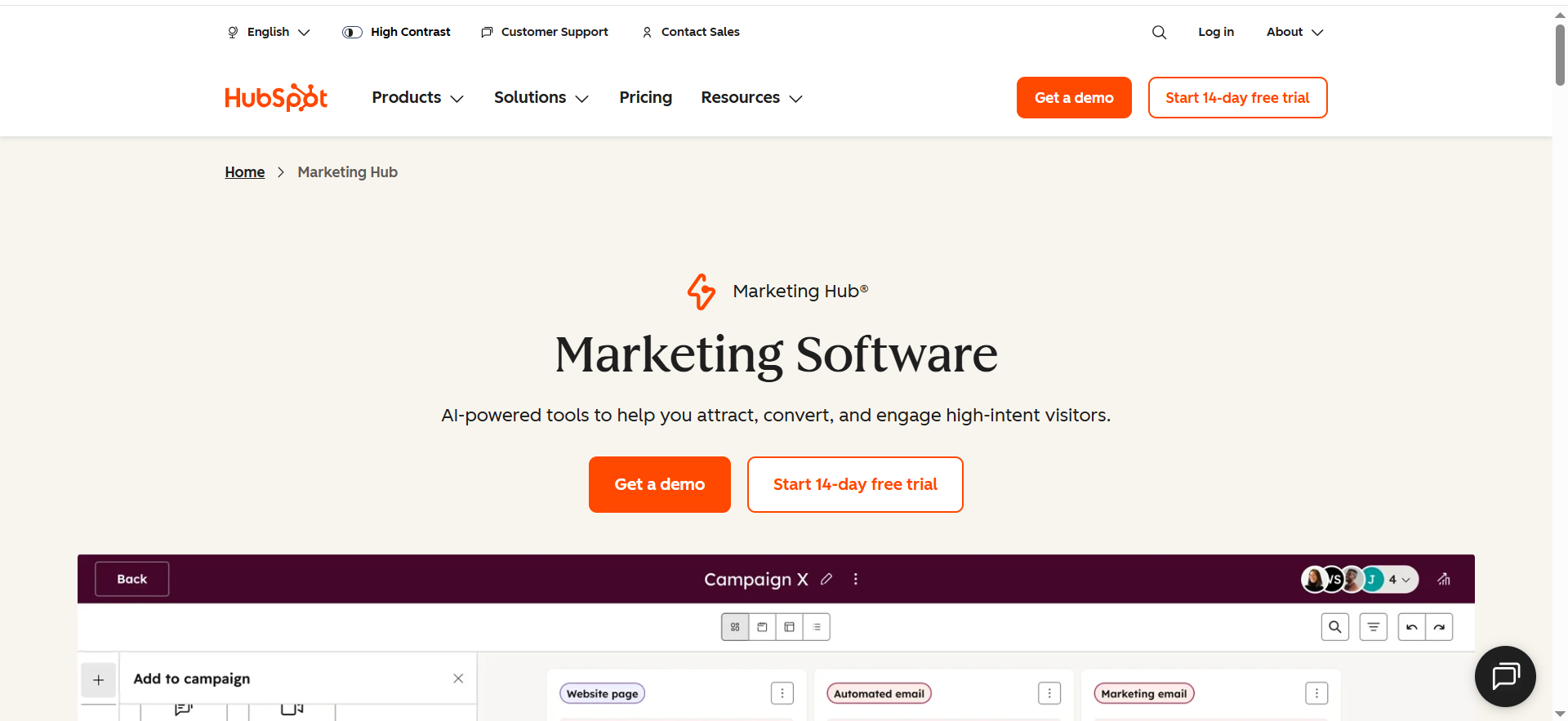
HubSpot Meetings is HubSpot’s meeting scheduler, designed to eliminate back-and-forth scheduling while tying activity directly into HubSpot’s CRM, which lines up well with stronger reporting dashboards for AI visibility. The product page highlights direct booking links, calendar sync, embeddable scheduling, and AI support for prep and follow-up inside the broader Sales Hub ecosystem.
Why teams use it
Teams use HubSpot Meetings because it is native, which reduces tool sprawl, simplifies reporting, and makes it easier for smaller teams to keep their stack manageable alongside a broader SaaS content marketing program. That reduces tool sprawl, simplifies reporting, and makes it easier for smaller teams to keep their stack manageable.
What it’s good for
HubSpot Meetings is best for:
- Teams already running on HubSpot CRM
- Small and mid-sized B2B teams
- Free or low-friction scheduler adoption
- Embedding booking links into website pages, outbound emails, and workflows
- Keeping scheduled activity connected to CRM records automatically
When it’s a good fit
This is a good fit when your company is already committed to HubSpot and your routing needs are moderate. If you want simplicity, native CRM context, and a low barrier to deployment, HubSpot Meetings is one of the strongest choices for teams building around practical AI marketing use cases.
When it’s not a good fit
If you need sophisticated qualification and handoff workflows across multiple reps, regions, or product lines, HubSpot Meetings may feel limited compared with routing-first tools. It is also less compelling if you are not already invested in the HubSpot ecosystem.
How to use it
A solid setup is:
- Connect rep calendars.
- Create individual and round-robin links.
- Embed scheduling on high-intent pages.
- Pair booking links with lifecycle stages and follow-up automation in HubSpot.
- Use records and reporting to see which sources produce meetings that actually convert.
The advantage is not only booking. It is closed-loop visibility.
Key capabilities
HubSpot’s scheduler includes shareable links, embeddable widgets, group meeting links, calendar integrations, and native CRM connectivity. HubSpot also states that the free scheduler connects to Google and Office 365 calendars and that premium Sales Hub features extend the scheduling workflow with more automation and AI support.
Pricing
HubSpot Meetings has a free version, and paid Sales Hub pricing starts at $20 per seat per month at standard list pricing. HubSpot is currently showing some promotional pricing on certain pages, so paid pricing can vary by offer and billing term.
Free tier
HubSpot Meetings does offer a free tier. HubSpot also offers a demo for its broader platform and premium sales products.
Downsides / limitations
HubSpot Meetings are best when you accept the logic of HubSpot. That is a strength and a limitation. If you want a best-of-breed routing engine, a more specialized product may outperform it. If you want independence from a single CRM ecosystem, the native advantage fades.
4. SavvyCal
What it does
SavvyCal is a scheduling tool with a more personal, recipient-friendly feel than many enterprise-first schedulers. It is best known for making scheduling less awkward, partly through features like meeting polls and the ability to overlay your availability on someone else’s schedule. Its official pricing pages highlight unlimited calendars and links, team scheduling, and a free tier centered around meeting polls and flexible calendar sharing.
Why teams use it
Teams use SavvyCal because it feels polished and considerate.That matters in founder sales, partnerships, recruiting, and relationship-led GTM, where the scheduling experience is part of the brand experience and connects naturally to Series A SaaS content marketing budget planning. It is a strong choice when you care about reducing friction without making the interaction feel robotic.
What it’s good for
SavvyCal is especially good for:
- Founder-led sales
- Partnerships and business development
- High-touch B2B meetings
- Teams that prefer a cleaner UX over heavy process logic
- Scheduling scenarios where polls and flexibility matter
When it’s a good fit
SavvyCal is a good fit for small teams and individuals who want better meeting coordination than a plain booking link. It also fits companies that want team scheduling without immediately stepping into enterprise-grade RevOps tooling.
When it’s not a good fit
It is not the strongest fit for teams that need deep territory rules, SDR/AE handoff logic, or inbound qualification workflows tied tightly to CRM ownership. That is not really the product’s promise.
How to use it
The best way to use SavvyCal is to lean into the experience:
- Create polished booking links for core call types.
- Use meeting polls when multiple stakeholders are involved.
- Share availability in a way that gives recipients flexibility.
- Keep the flow simple and fast.
- Pair it with CRM automation externally if needed.
Key capabilities
SavvyCal highlights unlimited calendars, unlimited links, team scheduling, meeting polls, and availability overlays. The product’s positioning is less about routing complexity and more about a smoother coordination experience.
Pricing
SavvyCal’s paid pricing starts at $12 per user per month on the Basic plan. Higher-tier plans are available, with Premium listed at $20 per user per month.
Free tier
SavvyCal does offer a free tier. It also offers a 30-day money-back guarantee, but the official pricing page emphasizes the free plan rather than a separate free trial.
Downsides / limitations
SavvyCal’s main limitation is strategic, not usability-related, and teams with more complex evaluation needs may also end up comparing broader best enterprise SEO tools before finalizing their stack. If your revenue motion depends on qualification, segmentation, and routing before the meeting is booked, you will likely need more than SavvyCal alone.
5. YouCanBook.me
What it does
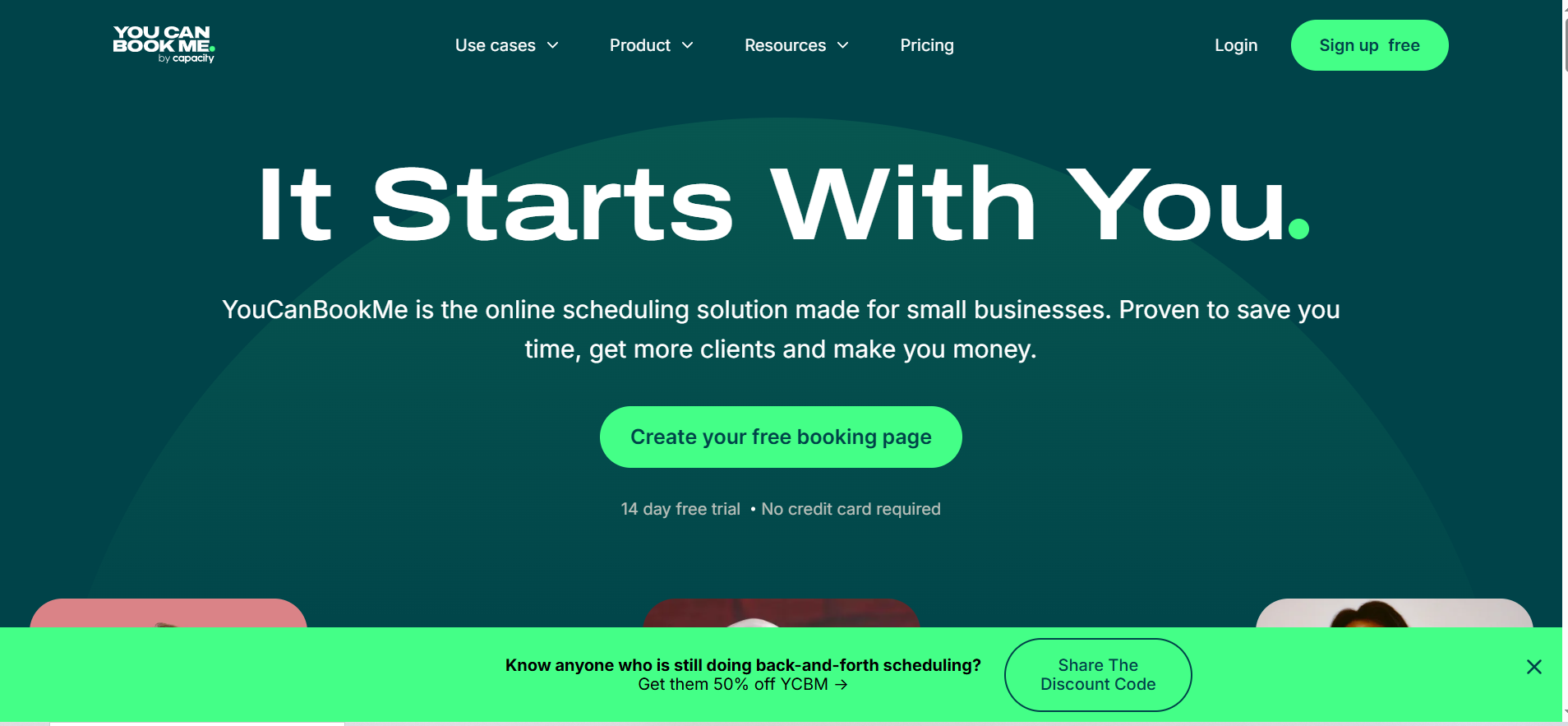
YouCanBook.me is a long-standing scheduling platform focused on customizable booking pages, appointment management, reminders, and integrations. The company positions YouCanBook.me as a tool for small businesses and teams that want a flexible scheduling layer without a lot of unnecessary overhead, which makes it a natural fit for readers exploring free resources before investing in new tools.
Its official site and integration pages emphasize customization, calendar connections, reminders, and app integrations across CRMs, payments, analytics, video, and automation tools.
Why teams use it
Teams use YouCanBook.me because it gives them control. Some schedulers feel opinionated. YouCanBook.me appeals to users who want to shape the booking page, notification flow, and setup around how their business works, much like teams that prioritize a structured content audit checklist for B2B SaaS. For customer-facing service workflows, coaching, consulting, or simple B2B scheduling, that flexibility is appealing.
What it’s good for
YouCanBook.me is a strong option for:
- Small businesses and lean teams
- Booking pages that need more customization
- Appointment reminders and confirmations
- Teams that want broad integrations
- Mixed scheduling use cases beyond pure sales demos
When it’s a good fit
It is a good fit when you need a flexible booking tool and care more about customization than complex lead routing. It also works well when your team spans different scheduling scenarios rather than a single rigid B2B demo funnel.
When it’s not a good fit
It is less ideal for sophisticated B2B routing, territory-based sales assignment, or enterprise revenue operations. If those are the buying criteria, Chili Piper is more likely to fit.
How to use it
A practical use case is:
- Build branded booking pages for different call types.
- Add reminder emails and SMS where useful.
- Connect calendars and video tools.
- Tie form data into CRM or automation platforms through integrations.
- Optimize around show rates and booking completion.
Key capabilities
YouCanBook.me offers booking pages, calendar connections, integrations, reminders, and team scheduling options. The official site also highlights integrations with HubSpot, Zoom, Stripe, Google Analytics, Zapier, and more, which makes it flexible for operators who want to connect scheduling to the rest of their stack without rebuilding everything.
Pricing
YouCanBook.me’s paid pricing is not clearly publicly listed in text on its pricing page, so the starting paid price is unclear from the official page. Its official pricing page shows paid plans and billing options, but the displayed text available publicly is inconsistent, so the safest summary is that pricing is not clearly publicly listed; contact sales or start a trial for current plan pricing.
Free tier
YouCanBook.me does offer a free tier. It also offers a 14-day free trial for paid plans.
Downsides / limitations
The biggest limitation is that YouCanBook.me is a scheduler first, not a sales routing platform first. That is perfectly fine for many businesses. But if your goal is to maximize qualified pipeline from inbound demand, its flexibility may not offset the lack of deeper routing logic.
What makes a booking app good for B2B sales teams
Most software roundups evaluate schedulers as calendar tools, but in B2B sales you should evaluate them as funnel tools within the broader set of business functions. That is incomplete. In B2B sales, you should evaluate booking tools as funnel tools, not just calendar tools, which is the same mindset behind how to perform a content audit before making conversion decisions.
A good appointment scheduler for B2B should do five things well, which is the same practical mindset behind how content engineers drive AI search visibility.
1. Reduce time-to-book
Every extra step between intent and confirmed meeting hurts conversion. Good scheduling software makes the path short, obvious, and easy on mobile.
2. Route to the right rep
A booked meeting with the wrong person is not really a win. Routing by territory, account owner, segment, or use case matters once your team grows past a handful of reps.
3. Sync with CRM and reporting
If bookings happen outside your CRM, you lose context and reporting accuracy, which is why teams often also evaluate best website traffic analysis tools alongside scheduling software. Native or reliable integration matters because meetings are not just events, and teams that want cleaner reporting often benefit from a SaaS content audit fix sprint approach to conversion bottlenecks.
4. Lower no-shows
Reminder workflows, confirmations, follow-up messages, and timezone clarity help protect the meeting once it is booked.
5. Match your operating model
A founder doing ten meetings a week does not need the same tool as a sales organization handling hundreds of inbound requests with SLAs and ownership rules.
That last point is where many buying decisions go wrong, and it often overlaps with the kind of cleanup covered in a content pruning guide for SaaS.
Appointment scheduler vs booking app vs lead routing tool
These terms sound interchangeable, but they are not.
An appointment scheduler is the broad category. It lets people choose times based on your availability.
A booking app usually refers to the same idea, often with a stronger focus on front-end experience, reminders, and customization.
A lead routing tool goes one layer deeper. It decides who the meeting should go to before the booking is confirmed.
Calendly, SavvyCal, and YouCanBook.me are primarily scheduling tools with some workflow extensions. HubSpot Meetings is a scheduler with CRM context built in. Chili Piper is closer to a routing and conversion platform that includes scheduling as part of the system. That difference is why the “best” tool depends on your funnel design, not just your calendar preferences.
How to choose the right tool for your funnel
Here is the simplest buying framework.
Choose Calendly if:
You want a reliable, broadly adopted scheduler that works for most teams and is easy to launch.
Choose Chili Piper if:
You need real inbound routing, qualification, and speed-to-lead improvements tied to revenue operations.
Choose HubSpot Meetings if:
You already run on HubSpot and want scheduling, CRM visibility, and automation in one ecosystem.
Choose SavvyCal if:
You value a polished scheduling experience and your motion is more relationship-led than routing-heavy.
Choose YouCanBook.me if:
You want flexible booking pages and broad utility without buying enterprise complexity.
Another useful way to decide is to ask one question: Is the job to schedule, or is the job to convert? If the answer is convert, route first. If the answer is scheduled, simplify first.
📋 Get Listed / Advertisement
We update this guide monthly. Want your tool featured? Contact: [email protected].
Common mistakes teams make when choosing scheduling software
Mistake 1: Buying for features instead of funnel fit
A long feature list can hide the fact that the tool does not solve your actual bottleneck, which is also why teams sometimes bring in a content audit consultant before making stack decisions. If your problem is missed handoff and slow lead response, the right answer is not necessarily the prettiest booking page.
Mistake 2: Ignoring CRM implications
If a booking app cannot reliably connect to your CRM or if the integration sits behind a higher plan than expected, reporting and ownership get messy fast.
Mistake 3: Treating all meetings the same
Discovery calls, demos, onboarding sessions, and partner calls should not always use the same booking logic. High-intent forms deserve more intentional routing.
Mistake 4: Forgetting no-show reduction
Booking is not the finish line, and teams that want better follow-through often look at AI content auditing software alongside scheduling and conversion workflows. Confirmation pages, reminders, and pre-meeting context often create more impact than design tweaks.
Mistake 5: Overbuying too early
Startups often buy enterprise complexity they do not need. At the same time, larger teams sometimes keep a lightweight scheduler long after they need serious routing. The right choice depends on stage, volume, and process maturity.
Which appointment schedulers include lead routing?
Not all appointment schedulers include true lead routing. Many tools let users book time, but fewer can qualify, assign, and direct leads based on business rules before the meeting is confirmed.
Among the tools covered in this guide, Chili Piper is the strongest option for lead routing. It is built specifically for revenue teams that need to qualify inbound leads, assign them based on territory or ownership, and let qualified prospects book instantly with the right rep. This makes it especially useful for B2B SaaS teams with multiple reps, segments, or handoff workflows.
Calendly also includes routing features through its routing forms. These let teams collect information from prospects and send them to the right booking page or rep based on their answers. For many mid-sized teams, this is enough to improve booking efficiency without adopting a more complex routing platform.
HubSpot Meetings can support basic routing if your workflows already live inside HubSpot, especially when paired with CRM properties, team assignments, and round-robin links. However, it is still more of a scheduling tool than a dedicated routing engine.
If lead qualification and rep assignment are central to your sales process, the best fit is usually Chili Piper. If you just need light routing on top of standard scheduling, Calendly is often enough.
Which booking apps work best with Salesforce?
If Salesforce is the center of your sales process, your booking tool should do more than sync calendars. It should support lead ownership, rep assignment, contact updates, and reporting without creating messy handoffs.
The strongest option here is Chili Piper. It is built with Salesforce-heavy sales teams in mind and works especially well when your inbound workflow depends on qualification rules, territory logic, account matching, and fast lead-to-meeting conversion. It is a strong fit for teams that want scheduling tightly tied to revenue operations.
Calendly also works well with Salesforce, especially for teams that want a simpler self-serve scheduling setup with CRM integration on higher plans. It is a good choice if your need is mostly around booking meetings and syncing that activity into Salesforce, rather than managing complex routing logic.
For teams with straightforward booking needs, Calendly may be enough. For teams that rely on Salesforce for structured lead routing and rep assignment, Chili Piper is usually the better fit.
A simple way to think about it is this: if Salesforce is mainly your system of record, Calendly can work well. If Salesforce is driving how leads are qualified and distributed, Chili Piper is the stronger choice.
Which scheduling software is best for HubSpot users?
For teams already using HubSpot CRM, HubSpot Meetings is usually the best scheduling software to start with. The biggest advantage is that it keeps your scheduling workflow inside the same platform as your contacts, lifecycle stages, automation, and reporting.
That native connection matters. When someone books a meeting, the activity can tie directly to the CRM record, which makes follow-up cleaner and reporting easier. It also helps reduce tool sprawl, which is especially useful for startups and growth-stage teams trying to keep their stack simple.
Calendly can still be a strong alternative for HubSpot users who prefer its scheduling experience or need broader standalone scheduling flexibility. But if your team is already committed to HubSpot, the native simplicity of HubSpot Meetings is hard to ignore.
The best choice depends on your workflow maturity. If you want basic scheduling with strong CRM alignment, HubSpot Meetings is the best fit. If you want a more independent scheduling layer that works across a wider stack, Calendly may be worth considering.
For most HubSpot users, though, starting with HubSpot Meetings is the most practical move.
What is the best booking app for round-robin scheduling?
The best booking app for round-robin scheduling depends on how simple or advanced your team’s needs are.
If you need straightforward round-robin meeting distribution across a team, Calendly is one of the best options. It is easy to set up, widely adopted, and works well for sales teams that want to distribute meetings evenly without building a complicated system around it.
If your team needs round-robin scheduling as part of a more advanced qualification and routing flow, Chili Piper is the stronger option. It can assign meetings based on more than simple availability, using logic like territory, ownership, account matching, and lead qualification. That makes it a better fit for teams where round-robin distribution is only one part of a bigger inbound conversion workflow.
HubSpot Meetings can also support round-robin scheduling for teams operating inside HubSpot, especially for smaller or mid-sized teams that want a native setup without adding another tool.
So the answer comes down to complexity:
- Choose Calendly for simple and reliable round-robin scheduling
- Choose Chili Piper for round-robin plus advanced routing logic
- Choose HubSpot Meetings if your scheduling workflow already lives in HubSpot
For most teams, Calendly is the easiest starting point. For revenue teams with stricter assignment logic, Chili Piper is usually the better long-term solution.
Which scheduler is best for solo operators or small teams?
For solo operators and small teams, the best scheduler is usually the one that is easy to launch, affordable, and simple enough to manage without dedicated operations support.
Calendly is the strongest all-around choice for most solo users and small teams. It is easy to set up, familiar to buyers, and offers enough flexibility for discovery calls, consultations, demos, and customer meetings. The free plan also makes it accessible for early-stage businesses, especially teams still figuring out how many blog posts SaaS companies need for traffic.
SavvyCal is another excellent option for solo operators, especially those who care about a polished and more personal scheduling experience. It works particularly well for founder-led sales, consulting, partnerships, and high-touch relationship building.
YouCanBook.me is also worth considering for small teams that want more customization in their booking pages and reminder flows. It is flexible and practical, especially for businesses juggling different appointment types.
If you are a solo founder or small team, there is usually no need to start with a complex routing platform. In most cases:
- Choose Calendly for simplicity and broad utility
- Choose SavvyCal for a more polished and personal experience
- Choose YouCanBook.me if customization matters most
The main goal at this stage is to remove friction and make booking easy, not to build an enterprise-grade routing system before you need one.
How should B2B SaaS teams choose a booking app?
B2B SaaS teams should choose a booking app based on funnel needs, not just scheduling features. The real question is not “Which tool has the nicest booking page?” It is “What part of our revenue process needs the most help?”
If your main problem is basic scheduling friction, a simple tool like Calendly is often the best fit. It helps prospects book faster, reduces back-and-forth emails, and works well for most standard sales motions.
If your team already runs on HubSpot, then HubSpot Meetings is usually the smartest option because it keeps scheduling inside your CRM and makes reporting, automation, and follow-up easier, much like choosing the right B2B SaaS SEO agency depends on system fit.
If your challenge is routing demo requests by segment, territory, account ownership, or qualification criteria, then Chili Piper is the better choice for teams thinking seriously about tooling and stack decisions.
For smaller B2B SaaS teams or founder-led motions, SavvyCal and YouCanBook.me can also make sense if the priority is a better scheduling experience rather than full revenue routing.
A practical decision framework looks like this:
- Choose Calendly if you need a reliable general-purpose scheduler
- Choose HubSpot Meetings if HubSpot is already your source of truth
- Choose Chili Piper if routing and qualification are central to conversion
- Choose SavvyCal if your motion is relationship-led and experience matters
- Choose YouCanBook.me if you want flexibility and customization without heavy complexity
For B2B SaaS teams, the best booking app is the one that matches how leads move through your funnel, which is also why B2B SaaS content benchmarks matter when choosing tools that support conversion. If the job is simply to let prospects pick a time, choose a lightweight scheduler. If the job is to get the right lead to the right rep as fast as possible, choose a routing-first platform.
FAQs
What is the best appointment scheduler overall?
What is the best booking app for B2B sales teams?
Which scheduler is best for teams already using HubSpot?
Which booking tool is best for Salesforce-based routing?
Do free scheduling tools work for small teams?
What features matter most in a booking app?
Is Calendly enough for most teams?
What is the difference between a scheduler and a routing platform?
Final takeaway
The best appointment schedulers and booking apps are not all solving the same problem.
If you want a safe default, choose Calendly. If you want to maximize qualified pipeline from inbound demand, choose Chili Piper. If your stack is already centered on HubSpot, choose HubSpot Meetings. If your motion is personal, founder-led, or experience-driven, choose SavvyCal. If you want flexible booking pages for a wide range of use cases, choose YouCanBook.me.
For B2B teams, scheduling should not be treated like admin software, and teams evaluating tools seriously will usually compare options against overall pricing and expected conversion impact. The faster you connect intent to the right conversation, the more value every lead source can produce.
📋 Get Listed / Advertisement
We update this guide monthly. Want your tool featured? Contact: [email protected].


