

International SEO and localization used to be two separate projects: “SEO will handle hreflang” and “Localization will translate the UI.” In 2026, that split breaks down fast, because global growth teams ship content and product changes weekly, SERPs vary by location and language, and AI answer surfaces (AI Overviews, AI-mode experiences, and answer engines) can cite different sources depending on the user’s locale.
This guide is built for commercial investigation intent (you want tool recommendations quickly) and uses the angle: international SEO for AI answers (locale citations), meaning you’re not only trying to rank in Google per country, you’re also trying to become the cited source in AI answers per locale.
- If you need the fastest way to launch a multilingual marketing site and keep SEO signals clean: start with Weglot (site translation layer + multilingual SEO helpers).
- If you need a “real” localization workflow for product + app strings + teams: choose Lokalise (TMS + integrations + automation).
- If you need an international SEO command center (keyword research, audits, competitive intel, and multi-location tracking): use Semrush.
- If you want cost-effective, verifiable, location-specific rank tracking (including AI Overviews visibility features): use Keyword.com.
- If you want a simpler all-in-one SEO tool that highlights AI visibility features (like AI Overviews / ChatGPT citation tracking) plus rank tracking: try Morningscore.
📋 Get Listed / Advertisement
We update this guide monthly. Want your tool featured? Contact: [email protected].
Best 5 Tools for International SEO & Localization (Quick Comparison)
| Tool | Best for | Key capabilities (international workflow) | Pricing signal (check site for latest) |
|---|---|---|---|
| Weglot | Fast multilingual marketing sites | Auto + human editing, multilingual site routing, SEO support like hreflang in supported setups | Pricing page lists tiered plans |
| Lokalise | Product localization + teams | TMS workflows, integrations (e.g., dev + design tools), processed-word based billing details | Plans listed incl. Free/Explorer/Growth/Advanced |
| Semrush | International SEO operating system | Site Audit (incl. international SEO areas), Position Tracking across locations/languages/search engines | Official pricing page |
| Keyword.com | Precise, scalable rank tracking | Daily/weekly rank tracking, location-level tracking, mentions AI Overviews + SERP history | Pricing page shows free tier + scalable plans |
| Morningscore | Simpler SEO suite + AI visibility | Rank tracker + SEO checks; pricing page lists AI OatGPT citation tracker | Pricing/features listed on site |
1. Weglot
What it does
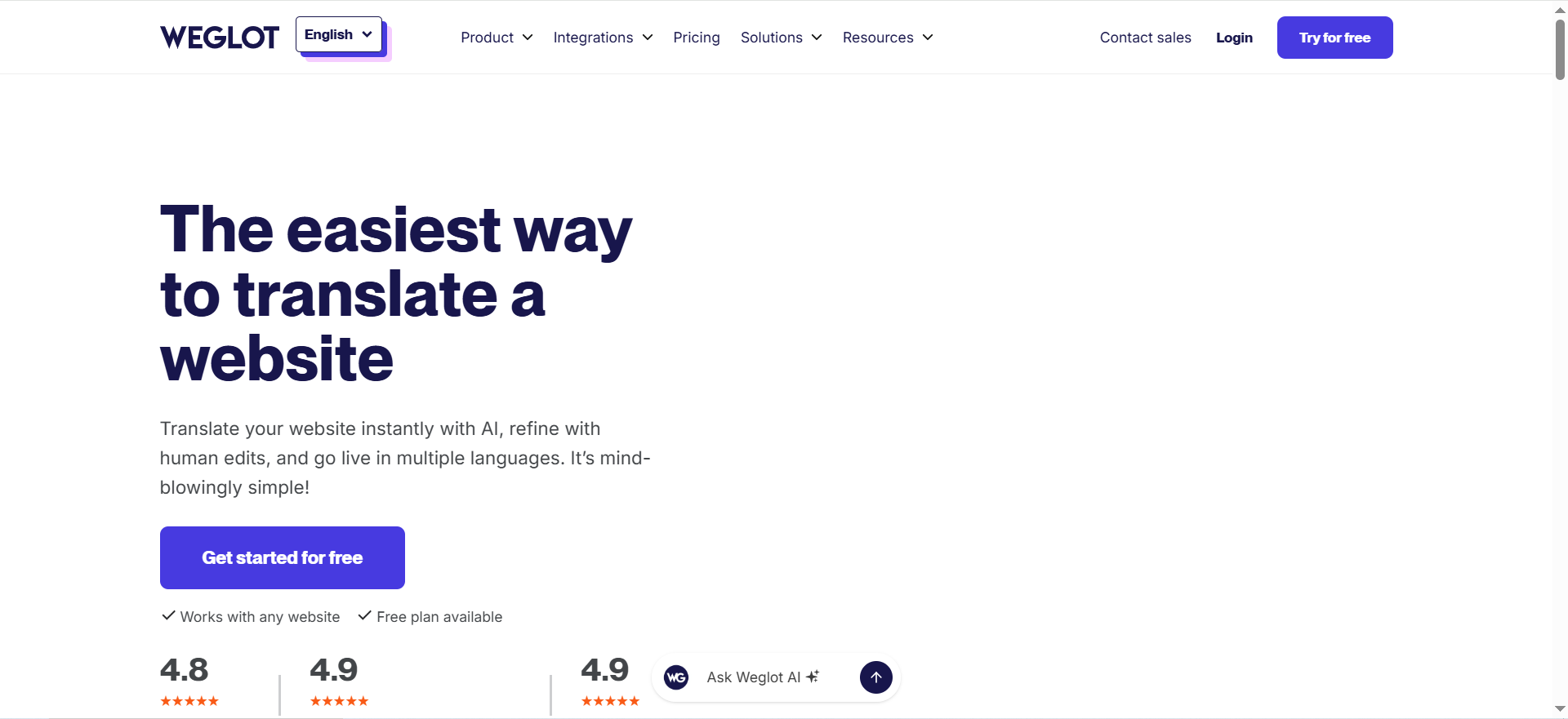
This is a website translation solution positioned around speed: translate a website quickly, refine with edits, and publish multilingual versions.
Why teams use it
Because international expansion often starts as a marketing problem (“we need French/German pages live next month”) before it becomes a full localization program. A website translation layer is often the fastest bridge.
What it’s good for
- Multilingual marketing sites and landing pages
- Teams that want fast launch + the ability to refine translations over time
- Getting to “good enough to test demand” in new regions
When it’s a good fit
- You need multilingual URLs live quickly
- You want a workflow that supports automated translation plus human edits
When it’s not a good fit
- You’re primarily localizing product UI strings with complex dev workflows (you’ll likely want a TMS)
- You need highly bespoke enterprise localization governance (glossary enforcement across many systems)
How to use it in an international SEO workflow
A practical rollout:
- Launch 1–2 new locales as a pilot (e.g., French + German).
- Make sure URL structure matches your SEO plan (subfolder/subdomain) and that technical signals are emitted properly.
- Set up translation QA: glossary, brand terms, “do not translate” list.
- Build a monthly refresh cadence: top pages updated first, then long-tail.
Key capabilities to look for
- Ability to manage translations with human editing
- Publishing localized pages in a way that search engines can crawl
- International SEO helpers (like hreflang support in specific setups, per vendor guidance)
Pricing
Weglot’s paid pricing starts at $17/month.
Free tier?
Weglot offers a free tier, and it also offers a 14-day free trial.
Downsides / limitations
- As with many “website translation layers,” you still need a real localization process if product localization is the goal (approvals, dev integrations, string management).
- International SEO success still depends on your architecture and QA, no tool magically fixes hreflang strategy.
2. Lokalise
What it does
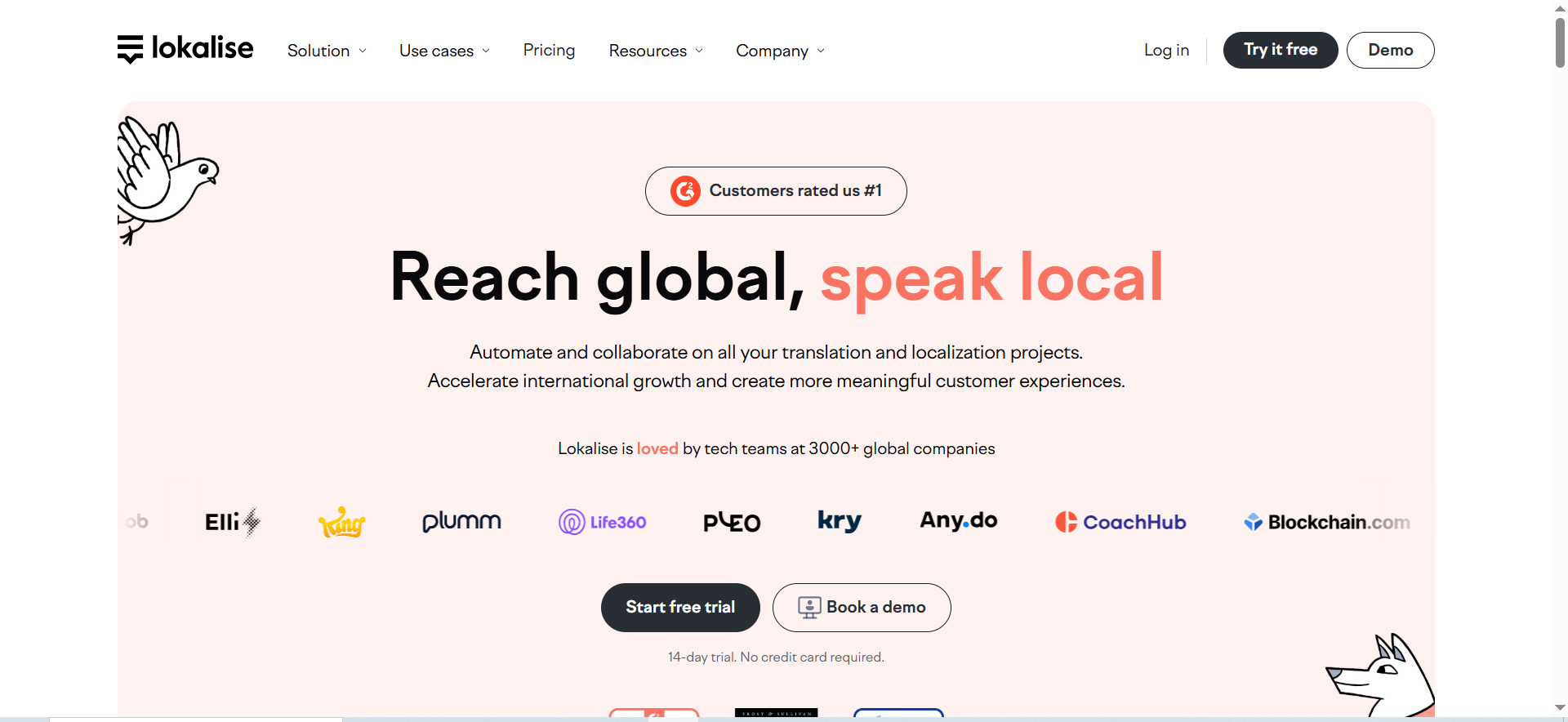
A continuous localization / translation management platform designed to integrate into product development workflows (and broader content workflows).
Why teams use it
Because scaling localization is mostly a workflow problem:
- Who translates what?
- Who approves?
- What happens when copy changes every week?
- How do developers and designers stay aligned?
A localization platform helps you industrialize that process.
What it’s good for
- Product/app localization (strings, UI content)
- Teams that need approvals, roles, automation, and integrations
- Managing translators, glossary, consistency, and throughput
When it’s a good fit
- You’re shipping product updates frequently
- You want localization embedded into dev tooling (common integration patterns include dev and design tools)
When it’s not a good fit
- If your only requirement is “translate 20 landing pages quickly,” a simpler website translation layer may be faster.
How to use it in an international SEO + localization workflow
Think of your workflow like a supply chain:
- Source: English copy (product + marketing)
- Transform: localization (translation + adaptation)
- Publish: CMS/product deployment
- Signal: hreflang/canonicals/sitemaps
- Measure: rankings + conversions
A TMS lives mostly in the “transform” layer, but it affects everything else because it dictates speed and consistency.
Key capabilities
- Workflow automation (requests → translation → review → publish)
- Integrations (so you don’t copy/paste strings or content)
Pricing
Lokalise’s paid pricing starts at $144/month, and Enterprise pricing is available by quote.
Free tier?
Lokalise offers a free tier, and it also offers a free trial.
Downsides / limitations
- A TMS doesn’t replace international SEO tooling, you still need SEO audits, rank tracking, and SERP monitoring per locale.
- Cost can rise with volume and automation needs (especially when you go multi-product).
3. Semrush
What it does
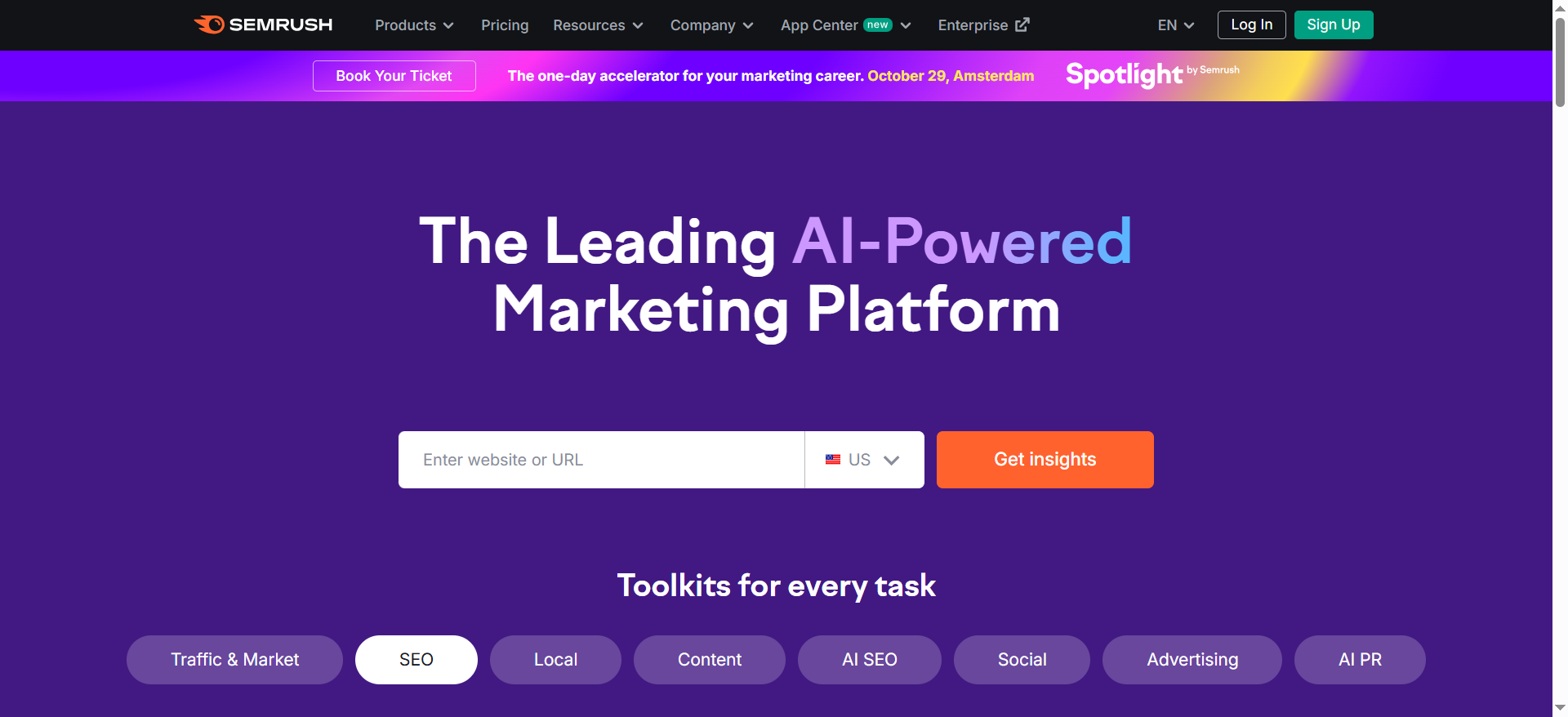
A broad SEO/visibility platform that covers research, audits, and tracking, useful as the “SEO control plane” for multi-country setups.
Why teams use it
International SEO isn’t one task, if you’re coordinating multiple markets, a dedicated SaaS SEO agency can help standardize execution and reporting. You’re coordinating:
- technical audits (including international SEO checks),
- keyword discovery and competitive research,
- rank tracking across locations and languages,
- and stakeholder reporting.
Having these in one place reduces workflow fragmentation, especially if your team already uses a broader set of SEO tools.
What it’s good for
- International SEO audits at scale
- Multi-location rank tracking and competitor comparison
- Ongoing monitoring and reporting across markets
When it’s a good fit
- You have multiple markets and need standardized reporting
- You need granular targeting: location, language, device
- You want tracking that explicitly supports multiple search engines/experiences (as described in product docs)
When it’s not a good fit
- If you only need lightweight rank checks for a small keyword set, a dedicated rank tracker may be cheaper and simpler than a full suite of cheap SEO tools.
How to use it in an international workflow
A practical setup:
- Create separate projects per locale (or a structured foldering approach) so reports don’t blend markets. Semrush has guidance on organizing international monitoring.
- Run Site Audit per locale variant (subfolder/subdomain/ccTLD) to catch technical inconsistencies. The Site Audit overview notes that you can jump into reports including “international SEO.”
- Validate hreflang coverage: Semrush has described hreflang checks in its Site Audit updates and documentation.
- Set up Position Tracking for each priority country (and language if needed). Docs describe location targeting (down to zip in some cases) and configuration options.
- Report monthly by market: visibility trend, top wins/losses, pages to refresh, and technical backlog.
Key capabilities
- Position Tracking supports targeting by location and language and is designed for ongoing monitoring.
- Site Audit surfaces technical issues, and Semrush references international SEO reporting areas and hreflang checks in its materials.
Pricing
Semrush’s SEO Toolkit paid pricing starts at $139.95/month.
Free tier?
Semrush offers a free tier (a free account with limited usage), and it also offers a 7-day free trial.
Downsides / limitations
- Like most suites, it can be more than you need if your primary pain is “track 500 keywords in 10 countries.”
- International SEO still requires localization and QA discipline; the suite won’t fix inconsistent translations or bad architecture choices.
4. Keyword.com
What it does
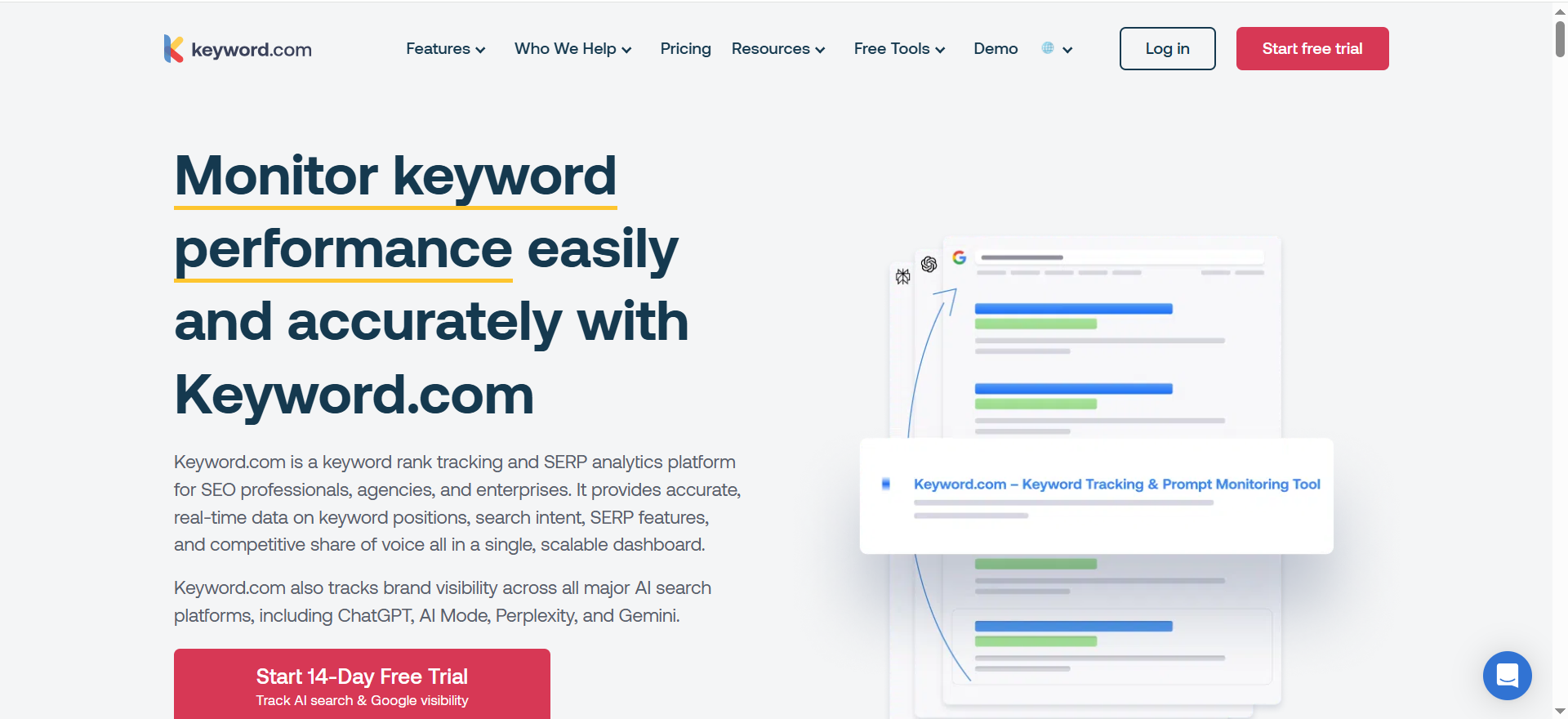
A rank tracking product focused on accurate, flexible SERP tracking with location targeting and scalable keyword volumes.
Why teams use it
International SEO measurement fails when:
- you don’t trust the data,
- you can’t segment by locale,
- or you can’t scale tracking without buying an entire suite.
Dedicated rank trackers can be the cleanest solution.
What it’s good for
- Country-level (and finer-grained) rank tracking
- Daily/weekly monitoring that scales
- Reporting where stakeholders want keyword ranking reports “show me the SERP
When it’s a good fit
- You’re running many markets and want a tracking-first solution
- You want flexible tracking cadence and scalable plans
When it’s not a good fit
- If you need deep technical auditing, keyword discovery, and competitive intelligence in one interface, you may still want a suite.
How to use it in an international workflow
- Build a keyword set per locale (don’t reuse English).
- Track per country and, when needed; per city/ZIP for strategic regions. Keyword.com describes location tracking capability (including ZIP-code-level local results).
- Create a weekly “market pulse” report: top movers, pages to refresh, new SERP features.
Key capabilities
- Location-based tracking and flexible update frequencies are described in product pages.
- Keyword.com also references AI Overviews and SERP history in its positioning, useful when your workflow includes AI visibility monitoring.
Pricing
Keyword.com’s paid pricing starts at $3/month, and Enterprise pricing is available by quote.
Free tier?
Keyword.com offers a free tier, and it also offers a 14-day free trial.
Downsides / limitations
- You’ll likely pair this with other tools for audits, hreflang validation, or localization workflow management.
- Like all trackers, “what you track” matters: garbage keyword sets lead to garbage conclusions.
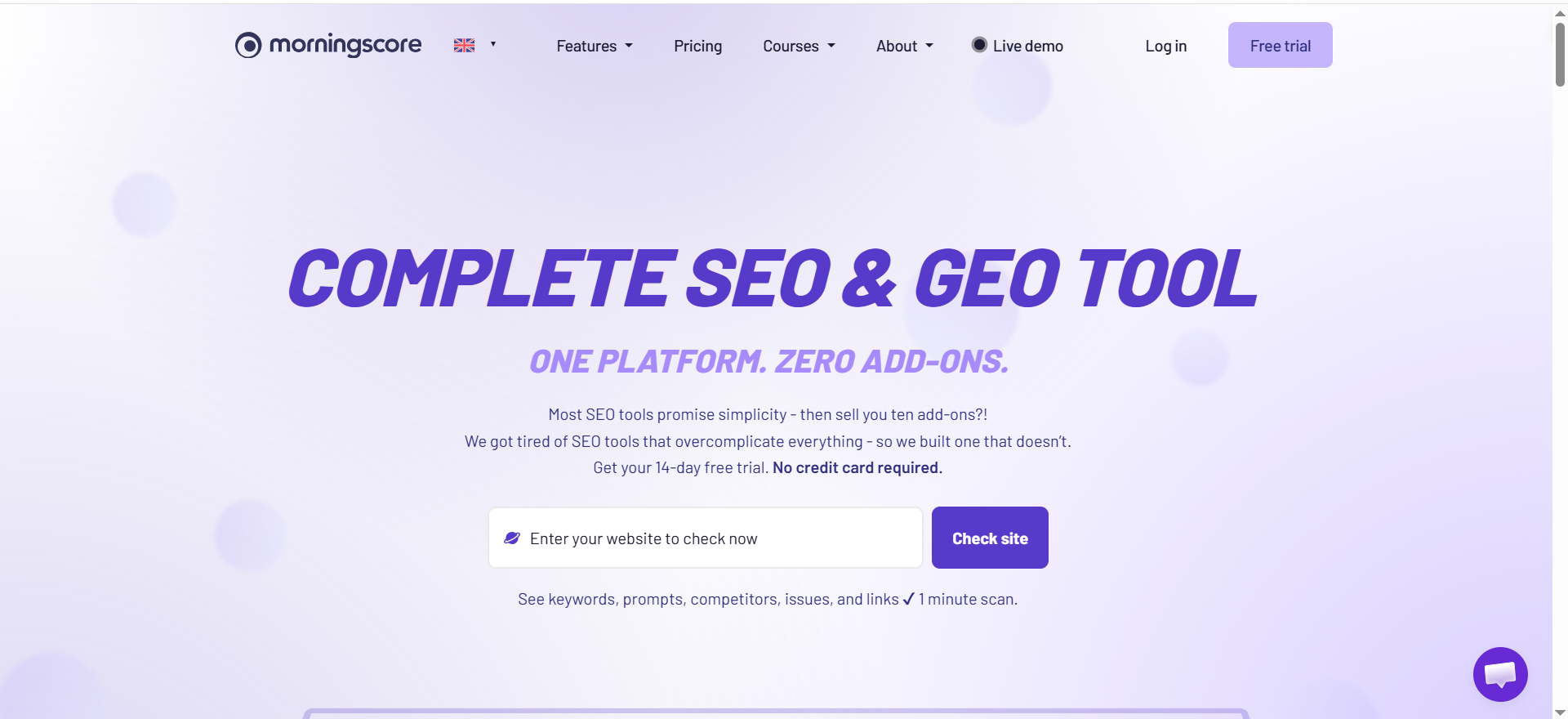
5. Morningscore
What it does
An SEO tool positioned around clarity and usability (including rank tracking and broader SEO checks). It’s also notable because its pricing/features page lists AI visibility-related features like an AI Overviews tracker and a ChatGPT citation tracker.
Why teams use it
International programs often involve many stakeholders who don’t want to live inside complex SEO tooling. A simpler tool can improve adoption and cadence.
What it’s good for
- Rank tracking plus a broader “SEO health” approach
- Teams who want straightforward workflows and reporting
- Light-weight monitoring across markets (especially early-stage internationalization)
When it’s a good fit
- You’re a small-to-mid team launching new markets and you need a manageable system
- You care about AI visibility features being part of the tracking story
When it’s not a good fit
- If you need deep enterprise localization governance or high-end international competitive intelligence, you may want more specialized tooling.
How to use it in an international workflow
- Set up rank tracking per market and monitor trendlines.
- Use site checks to catch obvious issues as you add new locales.
- Layer in a translation/TMS tool if localization volume grows.
Key capabilities
- The rank tracker page emphasizes daily tracking and local rank tracking, plus mentions Google Search Console integration.
- The pricing/features page lists AI Overviews tracker and ChatGPT citation tracker.
Pricing
Morningscore’s pricing starts at $69/month.
Free tier?
Morningscore doesn’t list a free tier, but it does offer a 14-day free trial.
Downsides / limitations
- As you scale markets, you may outgrow “simple” reporting and need more segmentation, QA automation, and dedicated localization workflows.
What “international SEO + localization workflow” really means in 2026
Here’s the simple way to think about it:
The 5 moving parts you must connect
- Translation & localization production
- Creating localized content that’s actually native (not just English copied into another language). This includes terminology, tone, product naming, UI constraints, and compliance.
- International SEO architecture
- How you structure locales (subfolders, subdomains, ccTLDs) and how you signal language/region targeting.
- Technical signals
- Hreflang, canonicals, localized sitemaps, consistent internal linking, and “one language per page” hygiene.
- Measurement & rank tracking by locale
- You need visibility into different SERPs: countries, languages, sometimes down to city/ZIP for high-value markets. Tools explicitly support location targeting and multilingual campaigns.
- QA & monitoring
- Pre-launch checks (broken hreflang, wrong canonicals, no index mistakes, partial translations) plus ongoing drift checks as you ship new pages and strings.
The new wrinkle: “International SEO for AI answers (locale citations)”
Traditional international SEO was mostly: “rank in Google in Germany and France.” Now it also includes: “when a German user asks an AI surface the same question, do we get cited, or does a local competitor?” Some SEO platforms increasingly talk about tracking across “AI-powered search engines” and AI experiences, and some tools list AI Overviews or AI citation tracking as features.
That means your workflow can’t stop at translation and hreflang, you also need consistent entity naming, local proof points, and monitoring in each locale.
The workflow blueprint (from one language to 20+)
This is the playbook I recommend if you want a system that scales.
Step 1 — Choose your locale architecture (don’t overthink it, but choose intentionally)
Common patterns:
- Subfolders (example.com/fr/, example.com/de/)
- Subdomains (fr.example.com)
- ccTLDs (example.fr, example.de)
Google differentiates multilingual vs multi-regional setups and provides guidance for targeting users in different countries/languages.
Practical guidance:
- If you’re a growth-stage SaaS: subfolders are often the fastest to operate (shared authority, easier analytics).
- If you’re heavily regulated or truly region-specific: ccTLDs can make sense, but cost and complexity go up.
Step 2 — Decide: “website translation layer” vs “TMS-driven localization”
Two valid approaches:
A) Website translation layer (fastest path to multilingual marketing)
You plug in a tool that translates pages, lets you edit translations, and publishes localized URLs. Great for marketing sites and landing pages.
B) TMS-driven localization (product + content ops at scale)
You manage strings, workflows, translators, approvals, glossary, and integrations with dev/design. Better when localization touches product UI, help docs, emails, and marketing.
In practice, many teams run both:
- Website translation layer for marketing pages
- TMS for product/app strings and shared terminology
Step 3 — Nail the technical signals (hreflang + language hygiene)
If you mess this up, you can “successfully” translate your site… and still show the wrong page to the wrong audience.
Core hreflang rules worth remembering:
- You must specify alternate language/region versions correctly, and include each version (including self-references) when using certain hreflang methods.
- Use standardized language and region codes (ISO language codes + optional ISO region codes).
- Keep pages single-language where possible; mixing languages on the same page can make language recognition harder.
Validation tip:
Use technical QA tooling (site crawlers, audits, and linting checks) to catch “pages missing hreflang” and related errors. Some SEO suites explicitly note hreflang checks in Site Audit capabilities.
Step 4 — Do local keyword research (don’t translate keywords)
The #1 mistake in international SEO: translating English keywords directly.
Better approach:
- Start with the job-to-be-done and local SERP intent.
- Build a local seed list (native speakers or local teams help).
- Map keywords to localized pages (not the other way around).
- Track per country + language (because “same language” can still have different intent) and align it to SEO reporting by market.
Step 5 — Track rankings by country (and sometimes ZIP/city)
Your reporting should answer:
- “How are we performing in Germany vs Austria (same language, different market)?”
- “Are we improving in France on commercial queries?”
- “Do we rank in major cities where the pipeline comes from?”
Tools in this space commonly support location targeting (country/state/city/ZIP) and language selection for tracking.
Step 6 — QA & monitoring (make “drift” visible)
Build QA into two phases and support it with SEO automation so checks don’t rely on memory.
Pre-release QA (before pushing a locale live):
- Correct URL routing (no infinite redirects)
- hreflang present, reciprocal, and consistent
- canonicals correct (no locale pages canonicalizing to English by mistake)
- indexability (no accidental no index)
- core templates translated (menus, footer, legal)
- key conversion paths tested in-language
Continuous QA (weekly/monthly):
- New pages missing hreflang
- Missing translations / fallback language spikes
- Broken internal links in localized sections
- Drops in rank per locale after releases
Choosing the right stack (3 proven combinations)
Stack A — “Fast multilingual marketing launch”
- Weglot (translate + publish marketing pages)
- Semrush (audit + international SEO monitoring)
- Keyword.com (granular locale rank tracking)
Best for: Growth teams validating demand in new markets quickly.
Stack B — “Product localization at scale”
- Lokalise (TMS + workflows + integrations)
- Semrush (international SEO control plane)
- Keyword.com or Morningscore (tracking, depending on complexity)
Best for: SaaS shipping weekly, with multiple teams touching copy.
Stack C — “Lean team, maximize adoption”
- Weglot (if marketing translation is the main need)
- Morningscore (simpler tracking + SEO health + AI visibility feature set)
Best for: Small teams that need something everyone will actually use.
Common failure modes (and how to avoid them)
1) “We translated everything, but rankings didn’t move”
Usually caused by one of these:
- Wrong architecture choice (or inconsistent URL patterns)
- No localized keyword research (you translated keywords instead of researching)
- Weak internal linking to new locale sections
- Local competitors have stronger authority and content depth
Fix: treat each locale as its own mini SEO strategy, not a translation project.
2) Hreflang exists, but it’s broken
Hreflang is easy to get almost-right and still fail:
- wrong codes,
- missing self-references,
- missing reciprocal links,
- or pages missing annotations.
Use standardized codes and validate using technical guidance and auditing.
3) Mixed-language pages confuse relevance
Google has long recommended keeping pages single-language and avoiding side-by-side translations where possible.
Fix: one language per URL; switch languages via navigation, not inline blocks.
4) Your “AI answers” visibility diverges by locale
You rank in the UK, but not in Canada; you get cited in English, but not in German.
Fix: localize entities and proof points:
- local case studies,
- local stats,
- local regulatory notes,
- local comparisons (competitors differ by market).
And monitor AI visibility features where available in your stack.
How do I track rankings by country, city, or ZIP code?
If you’re doing international SEO “for real,” you need three layers of rank tracking, because each one answers a different question:
1) Country-level tracking
Use this when: you want a reliable market pulse (Germany vs. France vs. UAE).
Setup pattern:
- Build a keyword set per locale (don’t reuse English lists).
- Track per country + language (when the tool supports it).
- Segment reporting by: brand vs non-brand, page type (pricing, category, blog), and intent (problem-aware vs solution-aware).
Many teams use platforms like Semrush because its Position Tracking configuration explicitly supports selecting a country/state/city/zip/postal code as the location for campaigns.
2) City-level tracking
Use this when: your business concentrates revenue in specific metro areas (e.g., London, Toronto, Dubai), or you’re targeting “near me” / local-intent queries.
Setup pattern:
- Create a dedicated campaign per priority city (or add city targets if your tool allows multiple targets).
- Keep city campaigns smaller (only the keywords that truly have local variation).
Semrush’s docs explicitly describe setting campaigns at city level and toggling between local vs national volume.
3) ZIP/postal-code tracking
Use this when: you need verifiable local SERPs (agencies, franchises, “local pack” heavy queries, or investor-grade reporting).
Tools like Keyword.com position ZIP-level tracking as a core feature and provide SERP snapshots/verification.
Practical “minimum viable” tracking plan (that scales)
- Phase 1 (first 30 days): 1 country campaign per new market + 1 city campaign for your top city.
- Phase 2: add 3–5 cities where revenue is concentrated.
- Phase 3: add ZIP/postal where local SERPs vary drastically (high-value areas only).
Don’t skip this: set tracking on mobile + desktop for at least your commercial keywords, mobile SERPs can differ materially from desktop.
How can I monitor AI Overviews and AI answers by locale?
AI answer surfaces can change by country, language, and even city, so monitoring needs to be location-aware.
What you’re actually monitoring
You want to know, for each locale:
- Does this keyword trigger an AI Overview / AI answer?
- If yes, are we mentioned or cited?
- If yes, which URL is being used (and is it the correct locale URL)?
- How stable is it over time? (
Some rank tracking products now explicitly market AI Overview tracking with locale specificity and SERP snapshots for verification. For example, Keyword.com has an “AI Overview Tracker” page describing verifiable AI Overview data down to city and ZIP code, including HTML snapshot access.
A simple monitoring workflow (weekly, per locale)
A) Pick “AI-sensitive” keywords per market
- Prioritize informational + comparison keywords (these often trigger summaries).
- Include “best,” “vs,” “alternatives,” and “how to” queries in each language.
B) Track AI presence + ownership
- Track whether an AI Overview appears.
- Track whether your brand appears.
- Track whether your localized URL appears (not the English one).
C) Add manual spot-checks
Even with tracking tools, it’s smart to manually review 10–20 “money keywords” per locale per month, AI answers are dynamic, and context matters.
Why locale monitoring matters more in 2026
Google continues evolving AI Overviews into more conversational experiences (follow-up questions from the overview), which increases volatility and makes ongoing monitoring more important than one-time audits.
How do I measure international SEO performance when SERPs differ by region/language?
You measure international SEO correctly when you stop asking:
“Did organic traffic go up?”…and start asking:
“Did the right locale page win the right locale SERP for the right intent?”
Here’s a measurement framework that works even when SERPs are wildly different.
1) Use Search Console to measure market-level search performance
In Google Search Console’s Performance report, you can view and segment results by country (and other dimensions), which makes it your baseline for “market reality.”
Minimum segmentation you should have:
- Country
- Query (localized)
- Page (localized URLs)
- Device
Key metric interpretation tip:Average position across countries can be misleading, focus on country-filtered views for decisions.
2) Pair Search Console + analytics for “value,” not just clicks
Search Console tells you what happened in Google results. Analytics tells you what happened after the click.
For GA4, international analysis typically relies on properly configured geographic dimensions (country, language, city) and aligning them to your international SEO objectives.
Track per locale:
- Organic sessions and engaged sessions
- Conversion rate by locale landing page group
- Assisted conversions (especially for sales-led)
3) Build a “locale scorecard”
Per market (country + language), report:
- Demand capture: impressions + clicks (Search Console)
- Visibility: share of top 3 / top 10 for your tracked keyword set (rank tracker)
- Relevance: % of clicks landing on correct locale pages (avoid English pages stealing clicks)
- Quality: conversion rate and lead quality by locale (GA4/CRM)
- Technical health: hreflang/canonical/indexing errors (audit)
4) Use unified dashboards for repeatable reporting
Google explicitly documents combining Search Console + Analytics data in Looker Studio for monitoring and troubleshooting SEO metrics together.
The most common measurement mistake
Comparing countries to each other as if they’re the same market.
Instead, compare:
- Each country vs its own baseline (MoM/YoY),
- Against local competitors,
- And against your own market maturity stage (new market vs established market).
How do I structure a localization workflow for product-led SaaS vs sales-led SaaS?
Localization isn’t just translation, it’s how your GTM motion ships meaning into new markets. Product-led growth (PLG) and sales-led growth (SLG) have different constraints, so their workflows should look different.
First: the GTM reality
- In sales-led, the sales team is the primary driver of acquisition and revenue, typically with higher-touch processes and longer cycles.
- In product-led, the product experience drives acquisition and conversion, so friction in onboarding/activation matters more.
(And most modern SaaS ends up hybrid, product-led + sales assist.)
A) Product-led SaaS localization workflow
Goal: reduce friction across the self-serve journey.
What to localize first (in order):
- Signup, onboarding, activation, key in-app actions
- Pricing/packaging screens and upgrade moments
- In-product help, tooltips, empty states
- Core lifecycle emails (verification, onboarding, upgrade nudges)
- Only then: long-form marketing expansion
Operating model:
- Localization is part of the product release cycle.
- Strong glossary/term governance (brand terms, feature names, UI constraints).
- Short review loops (native review + functional QA).
- Frequent incremental releases.
Definition of done for PLG locales:
- Localized onboarding path converts
- Localized upgrade path converts
- Support burden doesn’t spike
B) Sales-led SaaS localization workflow
Goal: support pipeline creation and close deals in target regions.
What to localize first (in order):
- High-intent landing pages (industry, use case, “solutions” pages)
- Sales enablement: decks, one-pagers, case studies
- Pricing framing (even if pricing is “contact sales,” the narrative matters)
- Help docs for onboarding / implementation
- Product UI localization (often phased, unless deals demand it)
Operating model:
- Localization requests flow from sales/region leads (“we need X to close Y”).
- Strong approval layers (legal/compliance often heavier).
- More emphasis on local proof (case studies, regulatory notes, procurement expectations).
Definition of done for SLG locales:
- Local pages generate qualified leads
- Sales cycle friction decreases
- Close rate improves in-region
The hybrid workflow that works for most SaaS
- PLG workflow for product + onboarding
- SLG workflow for sales content + proof assets
- Shared glossary + brand rules across both
What’s the fastest “MVP internationalization” approach that still scales?
The fastest scalable approach is: launch fewer locales, fewer pages, with a real technical foundation, then iterate.
The “MVP i18n” strategy (90-day plan)
Phase 0 (Week 1–2): Decide structure + rules
- Pick the URL structure (subfolder/subdomain/ccTLD) and stick to it.
- Define locale codes (language + optional region).
- Define “do not translate” terms (brand/product features).Google’s international SEO guidance emphasizes planning for multi-regional/multilingual setups deliberately.
Phase 1 (Week 3–6): Launch a high-intent slice
Launch:
- 10–20 pages max
- Only the pages that map to commercial intent:
- pricing
- core solution pages
- top competitor comparisons
- top “jobs-to-be-done” pages
Phase 2 (Week 7–10): Add measurement + QA
- Search Console: performance by country (baseline)
- Rank tracking: country + top city (optional)
- AI visibility tracking for 20–50 high-value keywords per locale
Phase 3 (Week 11–13): Scale what works
- Expand page sets only after you see:
- indexing stability
- early ranking traction
- conversions that don’t collapse in-language
The “fast but scalable” rule of thumb
Don’t scale locales until you can reliably do these three things:
- Publish localized pages with consistent URL patterns + technical signals
- Measure performance by country and by localized page group
- QA continuously so new releases don’t break hreflang, canonicals, or indexability
What to avoid (even in MVP)
- Launching 8 languages at once
- Translating 200 blog posts before validating demand
- Treating keyword translation as keyword research
- Letting English pages rank in local SERPs because your locale pages are technically weak or poorly linked
If you want, I can also expand each H2 with a “step-by-step checklist + tool mapping” (which tool does what in the workflow) so these sections can be dropped directly into the 3,000+ word article
FAQs
Do I need hreflang if I use subfolders?
What language/region codes should I use in hreflang?
Should I translate keywords directly from English?
How do I track rankings per country (and sometimes city/ZIP)?
How do I QA an international rollout without slowing launches?
What’s the fastest way to launch international pages responsibly?
What’s the difference between localization and translation (for SEO)?
Can AI Overviews / AI answers differ by locale?
Should I keep navigation and UI elements in one language per page?
Which tool should I buy first?
📋 Get Listed / Advertisement
We update this guide monthly. Want your tool featured? Contact: [email protected].


