

If you’re an agency, the “best AI visibility tool” isn’t the one with the fanciest screenshots, it’s the one that makes reporting painless: exports that don’t break, dashboards your client can understand, and a workflow your team can run every month without heroics.The five tools worth shortlisting for client-ready AI visibility reporting are OtterlyAI, Peec, Profound, Conductor, and Akii (each has a different reporting strength). This guide starts with a quick comparison table, then goes deep on how agencies should structure AI visibility KPIs, dashboards, and monthly reports.
📋 Get Listed / Advertisement
We update this guide monthly. Want your tool featured? Contact: [email protected].
Best AI Visibility Tools with Client-Ready Reporting (Quick Comparison)
| Tool | Best for | Reporting strengths | Watch-outs |
|---|---|---|---|
| Peec | Agencies that live in dashboards | CSV exports, Looker Studio connector, API-friendly workflows | Some advanced coverage/tiers may be gated by plan (varies) |
| OtterlyAI | “Set it up fast” client monitoring + templated reporting | Built-in brand reporting concepts + agency-focused guidance | Export behavior differs by report type; check what’s exportable in your plan |
| Profound | Enterprise-style insights + narrative analysis | Deep answer snapshots, citations insights, “what AI is saying” analysis | Pricing/packaging may skew enterprise; confirm export/BI needs in sales process |
| Conductor | Enterprise clients who demand governance + BI integration | Strong BI story (Looker Studio connector via API), integrated SEO + AEO reporting | Enterprise motion; implementation overhead can be higher |
| Akii | Agencies that want a simple “visibility score” + competitive tracking | Clear visibility/trust-gap positioning; multi-model tracking narrative | Validate exact export/automation options for your reporting stack |
How to Choose an AI Visibility Tool for Agency Reporting
The 7 reporting capabilities agencies actually need
When clients say “Can you report on AI visibility?”, what they usually mean is:
- Multi-client separation: workspaces, permissions, clean account structure.
- Exportability: CSV at minimum; ideally API + scheduled pipelines.
- Dashboard delivery: Looker Studio, BI connectors, or shareable views that don’t require a paid seat for every client user.
- Annotations: “We launched X on Jan 12” / “PR hit landed” / “new landing pages” → visible on trend charts.
- KPI clarity: metrics that map to outcomes (“share of voice”, “citations”, “top prompts won/lost”), not just raw logs.
- Reproducibility + QA: a way to rerun prompts, spot-check outputs, and defend the data.
- Actionability: turning insights into work: content briefs, citation gap plans, authority building, internal linking.
The KPI set clients will understand (and renew on)
Most exec stakeholders don’t want 40 charts. They want a scorecard that answers:
- Are we showing up more often? (Visibility / Share of Voice)
- Are we being referenced as a source? (Citations / linked mentions)
- Are we being recommended? (Recommendation rate, top-3 presence)
- Are we winning vs competitors? (Competitive deltas)
- Why did it change? (Narrative + citation sources)
A practical agency scorecard usually includes:
- AI Visibility / Share of Voice: % of tracked prompts where the brand appears in answers (Share of Voice).
- Citation rate: % of tracked prompts where the brand’s domain (or assets) are cited/linked (AI answers citation playbook).
- Prominence: “mentioned early” vs “buried” (position-style proxy).
- Sentiment / framing: positive/neutral/negative context in answers.
- Top winning / losing prompt clusters: where momentum is building or collapsing.
(You’ll see a full copy/paste template later.)
“Agency mode” workflow: prompts → insights → deck
A repeatable monthly reporting cycle looks like this:
- Prompt set governance (you control the prompts, not the client)
- Core category prompts (commercial investigation)
- Competitor comparison prompts
- “Best X for Y” prompts
- Problem/solution prompts (top-of-funnel)
- Run cadence
- Daily/weekly for top prompts
- Weekly/biweekly for long-tail clusters
- Monthly deep-dive reruns for narrative review
- Data QA
- Spot-check top movers
- Confirm prompt wording didn’t drift
- Validate citation sources
- Reporting layer
- Export / API → dashboard
- Add annotations (launches, PR, site changes)
- Write the “why” narrative + action plan
1. OtterlyAI
What it does
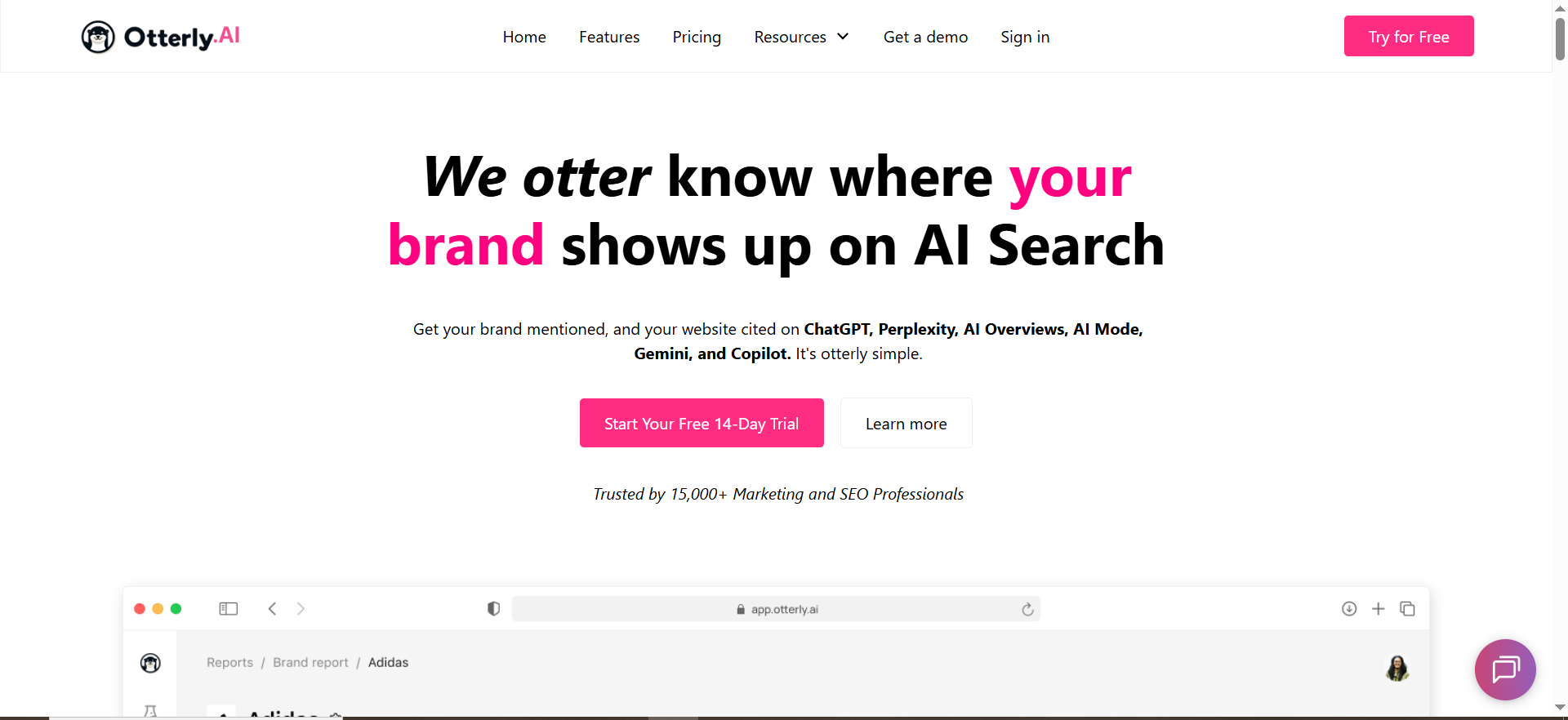
OtterlyAI positions itself around AI search visibility monitoring with reporting concepts like brand reports and insights dashboards geared toward tracking presence across AI search experiences.
Why agencies use it
Agencies pick OtterlyAI when they want a fast setup and a structured reporting concept they can operationalize quickly, especially if they’re building an “AI visibility reporting” productized service.
Reporting, dashboards, and exports
OtterlyAI has dedicated documentation around Reporting & Dashboards and automated client report generation concepts.
However, export functionality can be nuanced by report type, for example, OtterlyAI’s help content notes limits on exporting certain brand report data (at least at one point), while also describing other export/reporting workflows.
Agency takeaway: If OtterlyAI is your collection layer, confirm:
- Which datasets export cleanly (prompts, mentions, citations, etc.)
- Whether exports cover the exact KPIs you sell to clients
- Whether your preferred delivery method is built-in vs BI dashboards
When it’s a good fit
- You want a straightforward reporting workflow so you can teach junior team members fast.
- You need automated, recurring reporting for many small-to-mid clients.
- You’re okay with a “tool-first” reporting format (and optional BI layer).
When it’s not a good fit
- Your clients demand full BI flexibility and you must guarantee export coverage for every metric.
- You run complex segmentation (regions, business units, product lines) and need deep customization.
How to use it for monthly client reporting
- Create a workspace/account structure per client (avoid cross-client contamination).
- Maintain a core prompt set (20–50 prompts) that stays stable month-over-month.
- Layer in campaign prompts (launches, PR, new pages) and tag them.
- Each month, pull:
- Top movers (visibility up/down)
- Citation source changes (new domains appearing)
- Competitor deltas (who replaced you in answers)
- Turn that into:
- 1-page scorecard
- 3–5 insight pages
- 1-page action plan
Pricing
OtterlyAI’s pricing starts at $29/month (Lite plan).
Free tier
OtterlyAI doesn’t list a free tier, but it does offer a free trial (it mentions a 14-day free trial).
Downsides / limitations
- Export capabilities may vary by report type; validate early so your reporting promise matches reality.
- Like many AI visibility tools, it’s still on you to translate “visibility movement” into “what we should do next.”
2. Peec
What it does
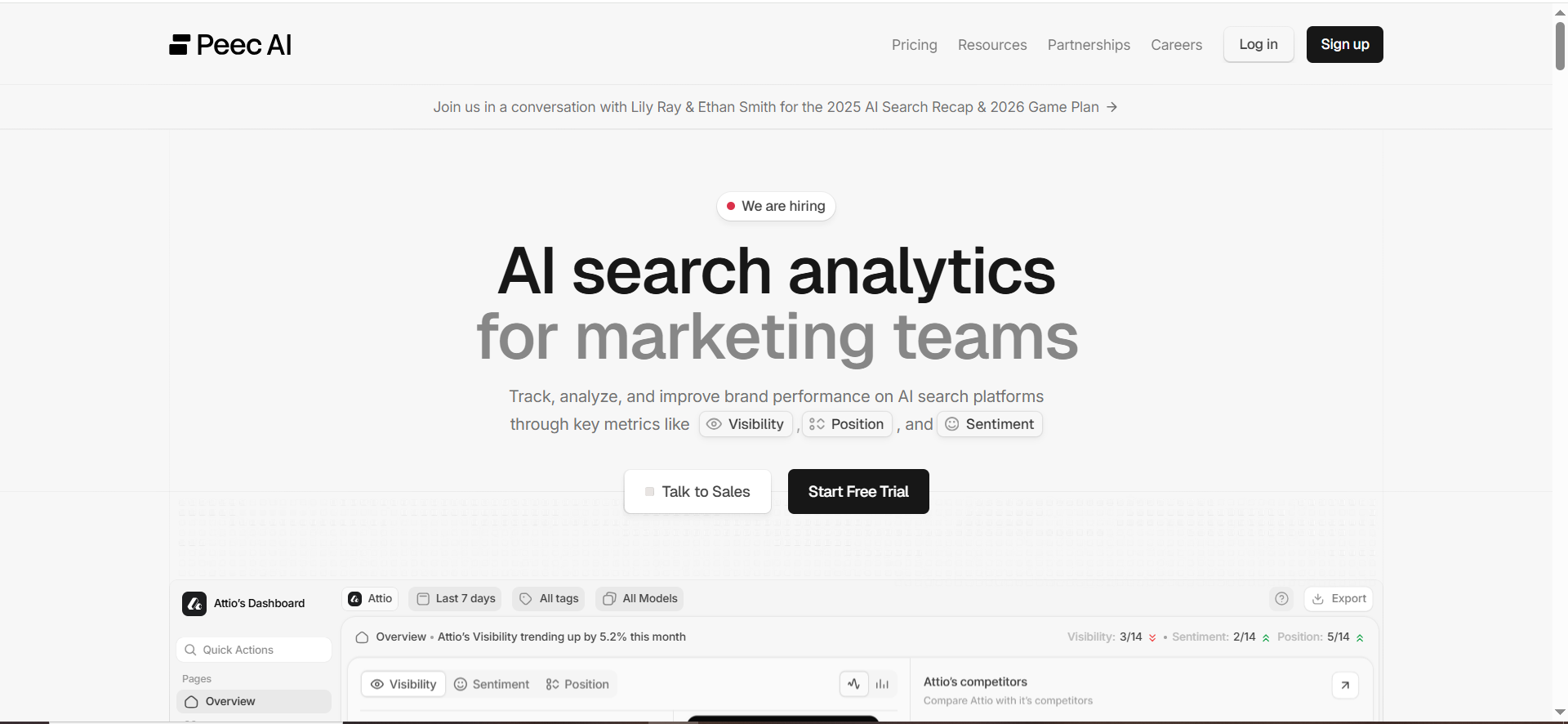
Peec positions itself as AI search analytics for marketing teams, focusing on tracking AI visibility and making that data usable across reporting workflows.
Why agencies use it
Peec is popular with agencies because it’s built with reporting plumbing in mind: exports, dashboards, and ways to share insights without rebuilding everything from scratch each month (best tools for agencies).
Reporting, dashboards, and exports
Peec explicitly calls out:
- CSV exports (“export clean .csv files in seconds”)
- Looker Studio connector for dashboards
- API access to automate reporting and fit into your stack
That combination is basically the agency holy trinity: extract → model → present.
When it’s a good fit
- You want client-ready dashboards in Looker Studio (or your BI of choice).
- You run many clients and need a consistent exportable dataset.
- You want to build a “reporting product” with reusable templates.
When it’s not a good fit
- Your clients require an all-in-one enterprise platform that also orchestrates content workflows and governance (you may prefer Conductor in those cases).
- You need certain AI engines/models and they’re gated to specific tiers (confirm current coverage in your plan).
How to use it for monthly client reporting
A simple Peec-driven workflow:
- Create a standard Looker Studio template once (per vertical if needed):
- Executive KPI scorecard
- Trend charts (30/90 days)
- Prompt cluster drill-down
- Citation sources table
- Competitor comparison page
- Each month:
- Refresh data (daily/weekly cadence behind the scenes)
- Add 5–10 annotations
- Export a PDF snapshot for “board-ready” delivery (optional), while keeping the dashboard live.
- Maintain a “wins & losses” section:
- Prompts gained (you displaced competitor)
- Prompts lost (competitor displaced you)
- Citations gained (new sources referencing you)
Pricing
Peec’s pricing starts at €89/month (Starter plan).
Free tier
Peec doesn’t clearly list a permanent free tier, but it does offer a free trial (no credit card required).
Downsides / limitations
- As with all dashboard-heavy approaches: if your prompt taxonomy is messy, your reporting will be messy. The tool won’t save you from governance, only make governance easier.
📋 Get Listed / Advertisement
We update this guide monthly. Want your tool featured? Contact: [email protected]
3. Profound

What it does
Profound markets itself around optimizing brand visibility in AI search by tracking mentions, analyzing AI responses, and uncovering citations/sources influencing those answers.
Why agencies use it
Agencies choose Profound when they need executive-friendly narrative insights, not just raw metrics, especially for enterprise clients who ask, “What is AI saying about our brand and category?”
Reporting, dashboards, and exports
Public materials emphasize dashboards and insight exploration (answer snapshots, citation patterns, prompt trends).
Third-party reviews also describe how teams use these insights to understand narratives and sources.
Agency takeaway: Profound can be strong for “insight storytelling”, the qualitative layer that turns numbers into an executive narrative.
When it’s a good fit
- Your clients care about brand narrative, positioning, and trust in AI answers.
- You need deep visibility into what the model actually said (snapshots) and how it changes over time.
- You’re working with larger clients who value richer analysis over pure automation.
When it’s not a good fit
- You want the cheapest “export → Looker” pipeline and don’t need qualitative depth.
- Your entire offer is commoditized monthly reporting; you might prefer Peec.
How to use it for monthly client reporting
Structure your monthly deliverable like this:
- Scorecard page (quant)
- Narrative page (qual)
- “How AI describes you now” vs last month
- “Where competitors are being recommended instead”
- Citation influence page
- Top domains shaping answers
- Gaps: sources that cite competitors but not you
- Action plan (content + authority + product messaging).
Pricing
Profound’s pricing starts at $99 per month.
Free tier
Profound doesn’t list a free tier, but it does offer demos (and access is by application)
Downsides / limitations
- If your client mainly wants “a dashboard and a PDF,” Profound may be heavier than needed.
- Ensure your delivery layer (exports/BI) matches what your team has promised.
4. Conductor

What it does
Conductor positions itself as an enterprise AEO platform to help brands get found in AI search across systems like ChatGPT, Perplexity, Google, and more.
Why agencies use it
Conductor shines when your SEO agency serves enterprise clients who demand: governance, integrations, and a single platform story across SEO + AI search.
Reporting, dashboards, and exports
Conductor has a clear BI integration path via Looker Studio using Conductor datasets and API access, with documentation on how to connect and build dashboards.
This is ideal for agencies that must deliver reporting into an existing enterprise reporting ecosystem.
When it’s a good fit
- Your client already uses enterprise BI and wants AI search visibility in the same dashboards as SEO, pipeline, and revenue.
- You need an enterprise-friendly partner for procurement/security processes.
- You want integrated workflows rather than stitching multiple tools together.
When it’s not a good fit
- Smaller clients who mainly want a lightweight monthly report.
- Agencies that want “self-serve, no-demo” onboarding.
How to use it for monthly client reporting
- Connect Conductor datasets into Looker Studio.
- Build a combined dashboard:
- AI visibility KPIs
- SEO performance context
- Content releases and annotations
- Add an “insights memo” monthly:
- 3 wins
- 3 losses
- 3 priorities next month
- Tie AI visibility work to enterprise priorities: brand safety, category leadership, demand creation, and risk reduction.
Pricing
Conductor’s pricing is not publicly listed; plans are quote-based and vary by configuration.
Free tier
Conductor doesn’t list a free tier, but it does offer a free trial (no credit card needed).
Downsides / limitations
- Implementation overhead can be higher than lightweight tools.
- If your agency doesn’t have strong ops, BI flexibility can become a time sink.
5. Akii
What it does
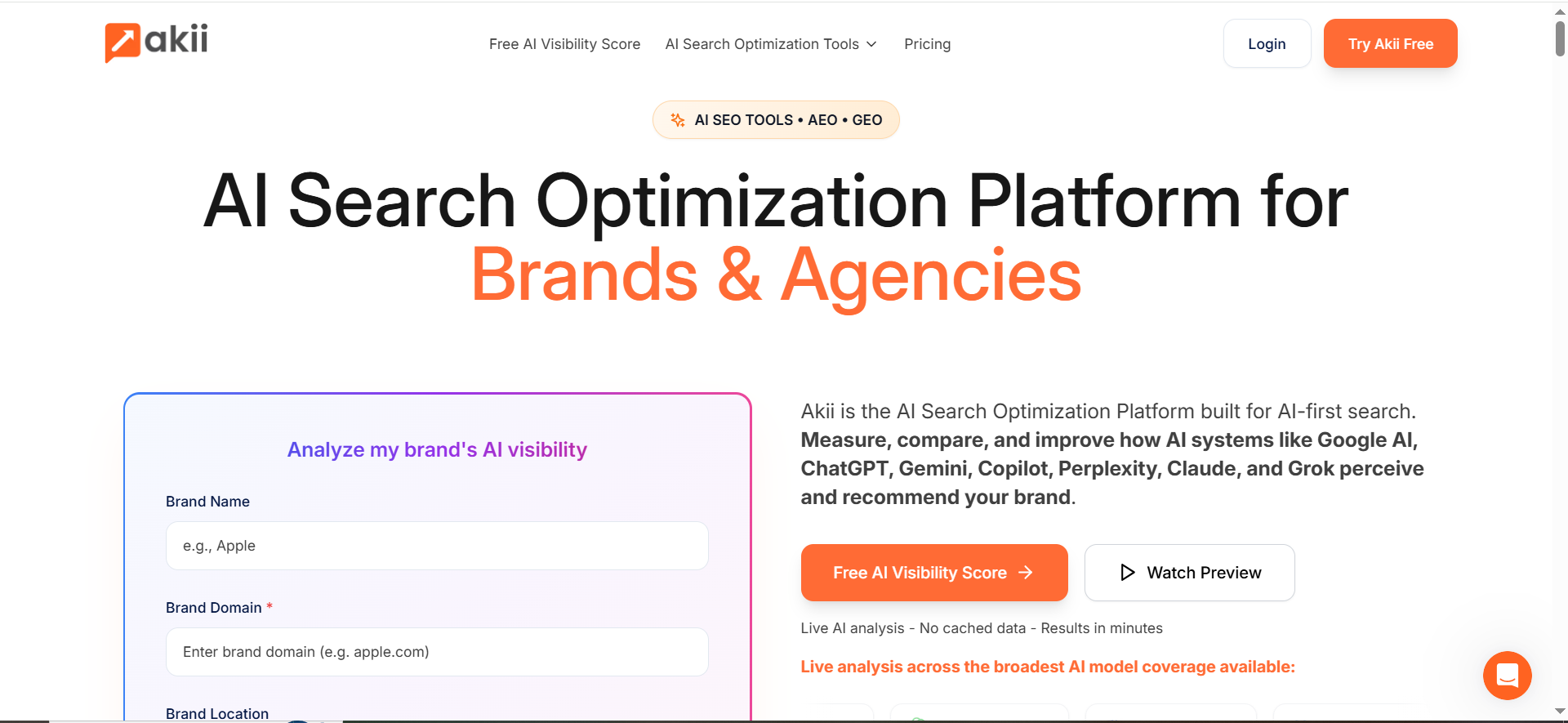
Akii describes itself as an AI search optimization platform for brands and agencies, focusing on tracking how brands are cited/recommended across major AI models and identifying visibility/trust gaps.
Why agencies use it
Akii is compelling for agencies because it supports a simple story clients love:“Here’s your AI Visibility Score, here’s what’s blocking recommendations, here’s the plan.”
That’s a clean narrative for renewals and expansion.
Reporting, dashboards, and exports
Akii’s public messaging emphasizes real-time tracking across major AI models and visibility gaps.
For agencies, the key is verifying how that data is delivered (exports, scheduled reporting, connectors) based on the plan you choose.
When it’s a good fit
- You need a simple, repeatable KPI that clients can rally around.
- You sell strategic “visibility + trust + narrative” work (not just dashboards).
- You want competitive tracking stories (“AI recommends them, not you”).
When it’s not a good fit
- Your reporting requires heavy automation into BI tools and strict export schemas (confirm first).
- You need a mature enterprise governance layer.
How to use it for monthly client reporting
- Track a stable prompt set + competitor set.
- Each month:
- Report score movement
- Break down drivers (model/platform/topic clusters)
- Provide 5–10 prioritized actions
- Tie actions to deliverables:
- citation gap content
- PR/source building
- landing page upgrades
- product positioning updates
Pricing
Akii’s pricing starts at $49/month (Starter plan).
Free tier
Akii doesn’t list a free tier on its pricing page, but it does offer a 14-day free trial with full access.
Downsides / limitations
- Like all “score” approaches: clients will ask “what changed and why?”, so you still need narrative evidence and action plans.
The Client-Ready AI Visibility Report Template (Copy/Paste)
You asked for “client-ready reporting.” Here’s a template you can paste into a doc, Notion page, or slide deck and run every month.
1) Executive Summary (one page)
Reporting period: [Month YYYY]
Client: [Client Name]
What changed this month (3 bullets):
- Visibility: ↑/↓ [X%] driven by [topic cluster / engine]
- Citations: ↑/↓ [X%] with new sources including [domain examples]
- Competitive: [Competitor] gained on [cluster]; we gained on [cluster]
So what? (plain English):
Explain why the change matters to pipeline/brand leadership.
Next month’s priorities (3 bullets):
- Priority #1: [action] → expected KPI impact
- Priority #2: [action] → expected KPI impact
- Priority #3: [action] → expected KPI impact
2) KPI Scorecard (put this near the top)
| KPI | Definition (client-friendly) | Target | Current | MoM | Notes |
|---|---|---|---|---|---|
| AI Visibility (SoV) | % of tracked prompts where the brand appears in answers | 35% | 28% | 4% | Growth in “best tools” cluster |
| Citation Rate | % of prompts where client domain/assets are cited/linked | 18% | 12% | 2% | New citations from [domain] |
| Recommendation Rate | % of prompts where brand is explicitly recommended/top choice | 10% | 7% | 1% | Stronger in [use case] prompts |
| Prominence | Mentions early in answer vs late (proxy for importance) | ↑ | Medium | ↑ | Improved in Perplexity |
| Negative Framing | % prompts with negative sentiment/concerns | ↓ | 6% | -1% | Resolved pricing confusion |
Tip: Don’t over-report. 5–8 KPIs is plenty.
3) Insights Pages (the “why”)
A) Engine breakdown
- ChatGPT: [what changed, examples]
- Perplexity: [what changed, examples]
- Google AI experiences: [what changed, examples]
B) Prompt cluster performance
List your top 5 clusters (e.g., “best [category] software”, “alternatives”, “pricing”, “implementation”, “vs competitor”).
C) Citation sources & influence
- Top domains shaping answers this month
- New domains added
- Domains lost
- “Citation gap” list: domains citing competitors but not you
4) Action Plan + Owners (this is where agencies win renewals)
| Action | Why it matters | Owner | Due date | Expected KPI impact |
|---|---|---|---|---|
| Create “Best X for Y” landing page | Wins commercial prompts and earns citations | Agency | [date] | #ERROR! |
| PR/source outreach to authority sites. | Increase citation rate + authority | Client + Agency | [date] | #ERROR! |
| Update product messaging FAQ | Reduce negative framing in answers | Client | [date] | -2% negative |
How do agencies track brand mentions in ChatGPT and Perplexity?
Build a “prompt set” (not just keyword tracking
AI visibility tracking starts with prompts, the exact questions prospects ask (and that your client cares about) (AI search visibility strategy). Your agency should maintain a stable, version-controlled prompt list broken into clusters:
- Commercial investigation: “best [category]”, “top [category] tools”, “alternatives to [competitor]”
- Comparison: “[brand] vs [competitor]”, “is [brand] worth it”
- Implementation: “how to implement [category]”, “setup checklist”
- Trust/risk: “is [brand] secure”, “SOC2”, “pricing”, “reviews”
- Use-case prompts: “best [category] for [industry/team size]”
Then track: (1) mention, (2) recommendation, (3) citation/link separately, because they mean different things for clients and reporting (visibility vs attribution).
Choose your tracking method: manual, semi-automated, or tool-based
Manual (baseline QA):
- Run the same prompts monthly in ChatGPT + Perplexity.
- Record: output text, whether the brand is mentioned, whether it’s recommended, and whether the client domain is cited.
- Useful for: small clients, sanity checks, QA on tool data.
Semi-automated (agency spreadsheet + repeatable workflow):
- Keep a prompt sheet + scoring columns.
- Assign a run cadence (weekly for top prompts; monthly for long-tail clusters).
- Add an “evidence hook” (screenshots / copied excerpts) for the top movers so you can defend changes in the monthly report.
Tool-based (scale + trends):
Tools like OtterlyAI explicitly market automated tracking across ChatGPT and Perplexity, including capturing brand mentions and citations.
The main benefit is trend signal at scale (hundreds of prompts, multiple engines, continuous monitoring).
What to report (client-ready KPIs)
For each engine (ChatGPT, Perplexity), report:
- Mention rate: % prompts where brand appears
- Recommendation rate: % prompts where brand is recommended/top choice
- Citation rate: % prompts citing client domain/asset
- Competitive displacement: prompts gained/lost vs top 3 competitors
- Narrative notes: “AI describes you as…” (1–2 bullets)
Perplexity tends to make citation/source tracking more obvious (because it emphasizes sources), so agencies often lead with citation movement + competitor deltas in Perplexity reporting.
Why agencies love Looker Studio for AI visibility
Looker Studio is built for shareable, interactive client dashboards and supports connectors that turn external datasets into reportable data sources.
Agency benefit: you can templatize dashboards (one per vertical) and roll out “client-ready reporting” with far less manual slide work.
Practical setup (agency mode)
- Pick a dashboard standard: 1-page exec scorecard + trends + prompt cluster drill-down
- Normalize fields (so every client dashboard uses the same schema):
- client_name, engine, prompt_cluster, prompt_text, mention, recommended, cited_domain, competitor_present, run_date
- Handle Looker limits: some connectors/workflows have row/volume constraints, plan aggregations (daily/weekly rollups) and extract tables if needed.
- Deliver two outputs:
- Live dashboard link (ongoing visibility)
- Monthly PDF export snapshot (board-ready)
How do you separate multi-client data (workspaces, permissions, white label)?
The non-negotiable: client isolation by workspace + dataset
For agencies, “multi-client separation” is less about convenience and more about risk.
A strong setup includes:
- One workspace/account per client
- One dataset per client in your BI layer (or strict row-level access controls)
- Unique API keys / connectors per client (where possible)
- No shared prompt libraries by default unless you have governance in place
Permissions model
Use role-based access like:
- Admin (agency ops): billing, connectors, global settings
- Analyst (agency): prompt edits, tags, exports
- Viewer (client): dashboard/report access only (no prompt editing)
If the tool can’t enforce permissions well, put the “source of truth” in Looker Studio/BI and give clients view-only dashboards there.
White label: what “counts” in real client reporting
Most agencies over-focus on white labeling the tool UI. Clients usually care more that:
- the report looks like their business reality,
- KPIs are consistent month-to-month,
- and insights translate into actions.
If you do want white label, prioritize:
- White-labeled PDF exports (logo, domain, template)
- White-labeled dashboards (Looker Studio template with client branding)
- Custom domain links (nice-to-have)
How do you annotate events (launches, PR hits, new pages) inside reports?
Why annotations matter
AI visibility KPIs move for reasons clients don’t remember. Annotations let you connect cause → effect:
- “New landing page published” → citations increase
- “PR mention on authority site” → recommendation rate improves
- “Pricing page updated” → negative framing drops
The agency annotation system (fast + repeatable)
Create a simple “Events” log with:
- Date
- Event type (Launch / PR / Content / Tech / Messaging)
- What changed
- URLs involved
- Expected KPI impact (citations, mentions, recommendations)
- Owner (client vs agency)
Then display it in reports:
- On the main trend chart (monthly view)
- In a “What changed this month” section (executive summary)
Where to place annotations (best practice)
- Dashboard layer: use annotation markers on trend charts when possible
- Monthly PDF/deck: include an “Event timeline” box next to KPI trends
- Insight pages: when you cite a change, reference the annotation ID (“Event #7”)
This is exactly the kind of “evidence hook” TRM’s SOP wants you to build into content so it’s easy to defend claims and update monthly.
What’s the best tool for enterprise clients that demand SOC2 / governance?
What enterprise clients usually mean by “SOC2 / governance”
They’re asking for:
- SOC 2 (often Type II), or at least a clear audit/security posture
- SSO (SAML/OIDC), role-based access controls
- Data retention controls, backups, and access logs
- Vendor security documentation (trust center, policies)
SOC 2 is a standard focused on how service organizations manage customer data and controls, often used as a procurement gate for SaaS vendors.
Best fit from the shortlist: Conductor or Profound (depending on the client)
Conductor (strong enterprise integration posture):
- Conductor has a dedicated security portal describing compliance/security practices and certifications (including ISO standards).
- Conductor’s security policy references SOC 2 Type II attestation efforts (verify latest status during procurement).
- Strong if your enterprise client wants AI visibility inside existing BI + governance workflows (Looker Studio connector support helps).
Profound (explicit SOC 2 Type II messaging):
- Profound publicly states SOC 2 Type II compliance on its enterprise page and has published a SOC 2 Type 2 certification announcement.
- Strong when the client needs “what AI is saying” insights + enterprise security posture.
Agency recommendation (clean rule):
- If the enterprise buyer is security/IT-first + wants BI integrations → Conductor
- If the buyer is brand/communications-first + wants narrative/citation analysis with SOC2 comfort → Profound
Can I automate client reports (scheduled delivery)?
Yes, aim for “automate the plumbing, not the story”
Automation works best when you split reporting into two layers (SEO automation tools)
Layer 1: Automated data + dashboards
- Tool runs prompts on a schedule
- Data exports/connector refreshes automatically
- Looker Studio dashboard updates without manual work
Layer 2: Human narrative (15–45 minutes/month/client)
- “What changed and why”
- Top wins/losses vs competitors
- Action plan + priorities
What automation looks like in tools
OtterlyAI, for example, promotes fully automated weekly reporting as part of its monitoring positioning.
If you’re building on Looker Studio, automation can be done via connectors and scheduled data refresh (depending on your connector/data source approach).
Agency automation checklist
To make scheduled reporting actually work at scale:
- Standardize your prompt taxonomy (stable clusters)
- Standardize KPI schema (same fields for every client)
- Automate refresh (connector/API/export → dataset)
- Schedule delivery:
- Live dashboard link always available
- Monthly PDF snapshot sent on a fixed day
- Add an annotation habit (events log is updated weekly)
- QA guardrail:
- Spot-check top movers each cycle
- Flag “model behavior drift” vs true brand movement
If you want, I can also convert each of these H2s into “drop-in modules” that match your existing tool sections (same voice, same formatting, same CTA placement).
FAQs
What does “client-ready reporting” mean for AI visibility tools?
Can I put AI visibility data into Looker Studio?
What KPIs should I include in an AI visibility report?
Why do “mentions” and “citations” both matter?
Use a stable “core prompt set” (20–50 prompts) and add seasonal/campaign prompts separately. Report on clusters, not individual prompts, clients understand “we’re winning pricing prompts” better than “Prompt #37 moves.”
Do these tools replace traditional SEO reporting?
Which tool is best if I need exports + dashboards above all else?
Which tool is best for enterprise clients with strict reporting expectations?
📋 Get Listed / Advertisement
We update this guide monthly. Want your tool featured? Contact: [email protected].


