
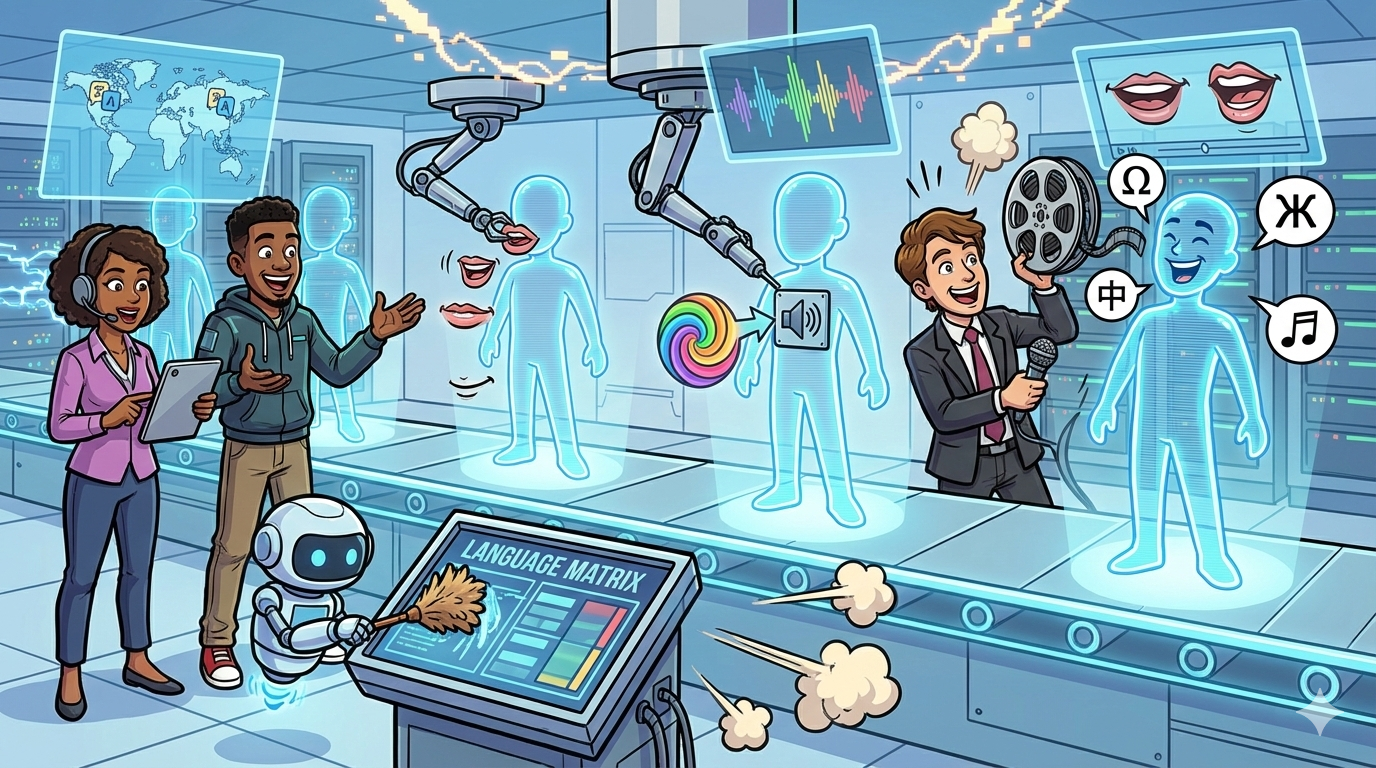
If you’re a multilingual marketing team trying to scale localized video fast, start with HeyGen or Synthesia for end-to-end avatar video creation, and then align distribution with your broader content marketing strategy. Add Rask AI when your workflow is “take an existing video and localize it into many languages.” Use D-ID when you need lightweight talking-head generation, and use ElevenLabs when voice quality and voice style control are your highest priority (especially for dubbing pipelines).
📋 Get Listed / Advertisement
We update this guide monthly. Want your tool featured? Contact: [email protected].
Best 5 AI Avatar Tools for Multilingual Marketing (Quick Comparison)
| Tool | Best for | Multilingual strengths | Notes |
|---|---|---|---|
| HeyGen | Scalable marketing videos with avatars | Dubbing + lip sync + avatar workflows | Strong “create + localize” loop |
| Synthesia | Enterprise-friendly avatar video | Team workflows, brand consistency | Great for repeatable templates |
| D-ID | Quick talking-head videos | Fast generation, simple use | Often used for lightweight needs |
| Rask AI | Localizing existing videos | Dubbing + translation workflows | Ideal for “many languages” scale |
| ElevenLabs | Highest-priority voice quality | Voice generation + dubbing pipelines | Pair with avatar/video tools |
📋 Get Listed / Advertisement
We update this guide monthly. Want your tool featured? Contact: [email protected].
1.HeyGen
What it does
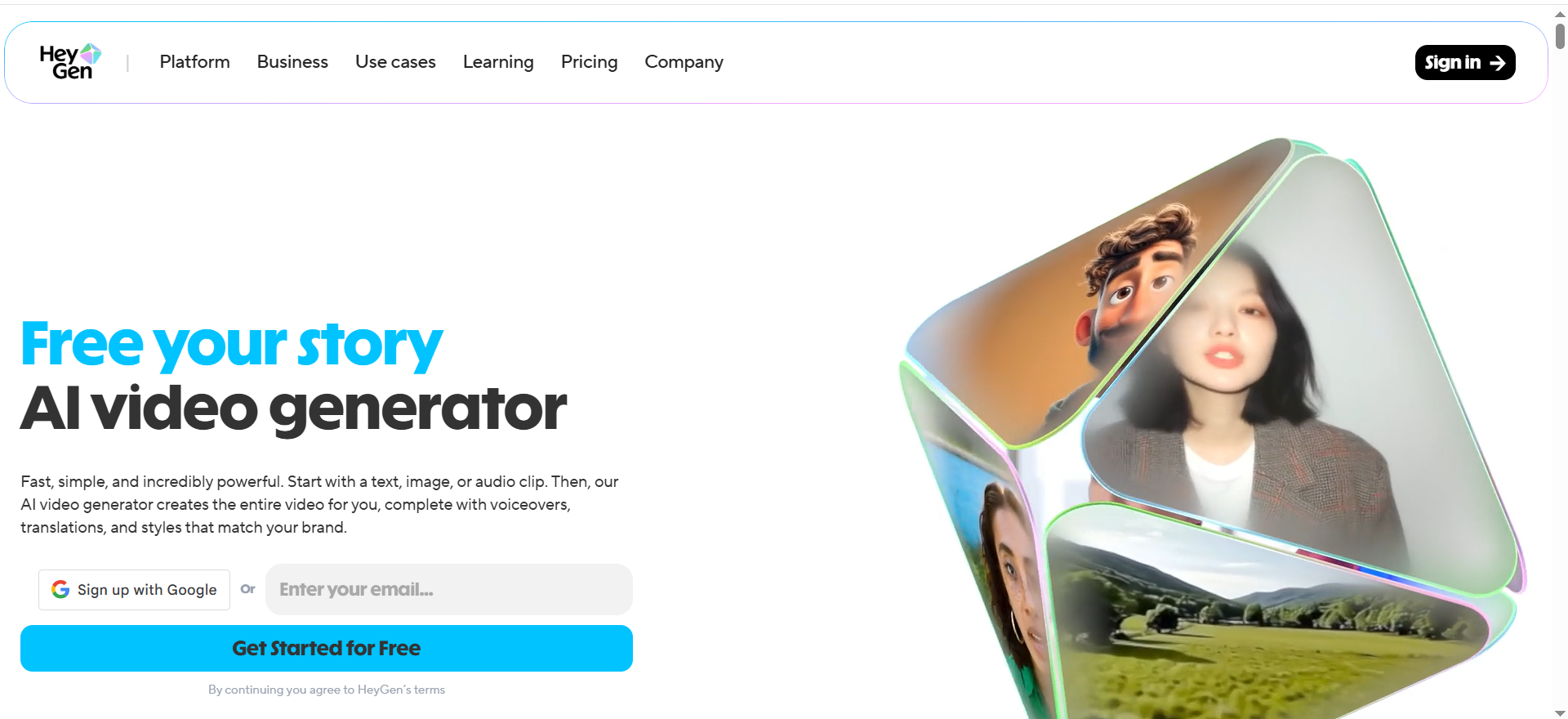
HeyGen helps teams create avatar-led videos and localize them across languages with AI dubbing and lip-sync workflows, aiming to reduce time spent on reshoots and manual localization.
Why teams use it
“Marketing teams use HeyGen to produce more variants (languages, regions, audiences) without booking talent for every iteration.”
What it’s good for
- Paid social variants across regions
- Landing page/product explainer videos
- Sales enablement snippets localized by segment
When it’s a good fit
Choose HeyGen if you need a single platform that supports both creation and localization, and you expect ongoing monthly content production.
When it’s not a good fit
If you only need voice dubbing for existing content and don’t need avatars, a dubbing-first workflow may be simpler.
How to use it
- Start with a master script + brand glossary
- Create the base avatar video in your source language
- Generate localized versions and run pronunciation QA
- Export, then test performance by region.
Key capabilities
- Avatar-led video generation
- Dubbing and localization workflows
- Repeatable templates for scaled production
Downsides / limitations
- Localization QA still matters, especially for product terms
- Teams may need a reviewer loop for regional accuracy
2. Synthesia
What it does
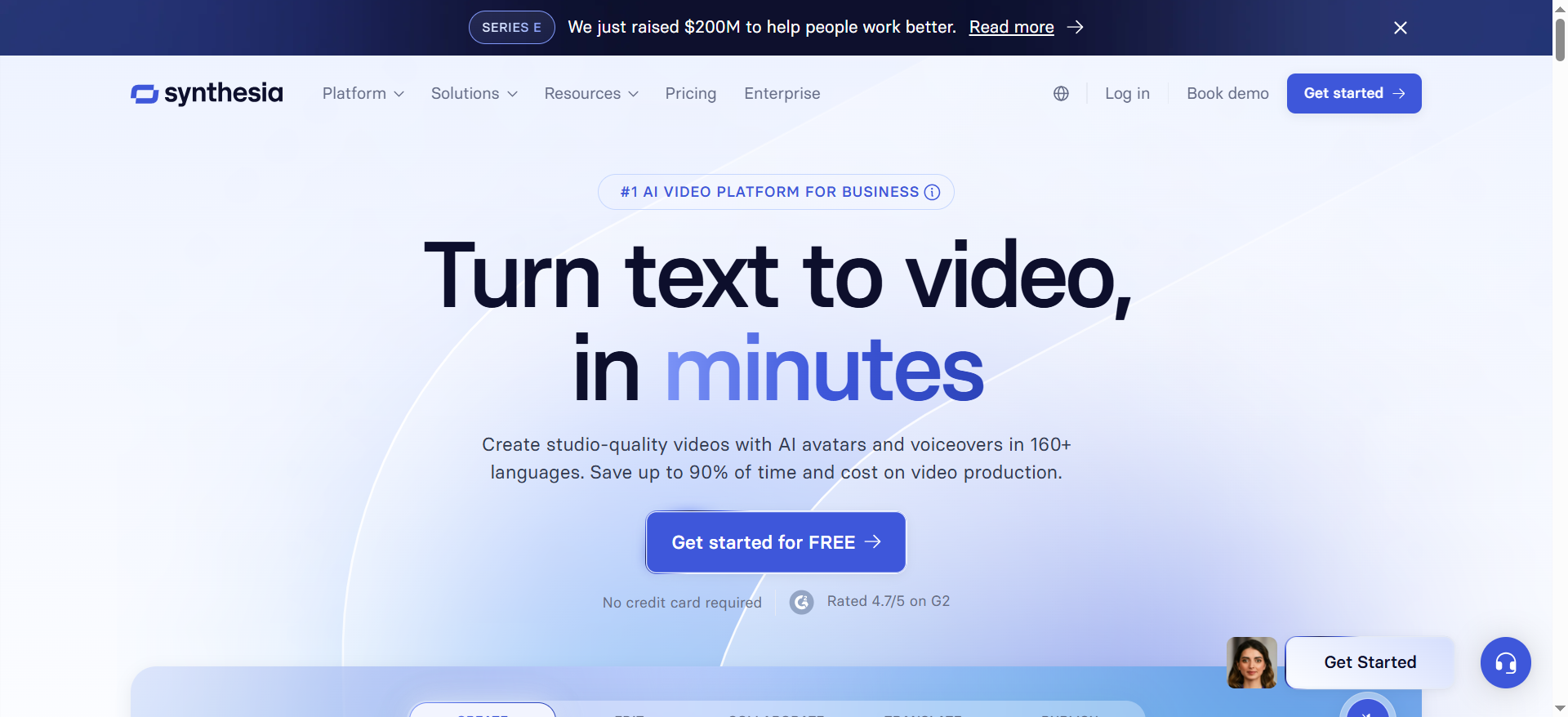
Synthesia focuses on avatar video creation for business content, with an emphasis on consistency, templates, and team collaboration.
Why teams use it
It’s commonly used when the workflow requires repeatability: “make a video like this every month” in multiple languages or variations, similar to building a lifecycle content engine
What it’s good for
- Product walkthroughs and onboarding videos
- Internal training and enablement
- Consistent brand videos across regions
When it’s a good fit
Choose Synthesia when you need an enterprise-ready workflow with reusable templates and brand alignment.
When it’s not a good fit
If your primary goal is dubbing existing live-action content at scale, you may want a dubbing-first tool in the pipeline.
How to use it
- Create a template with brand elements (intro/outro, lower thirds) using reusable templates
- Produce the master version
- Duplicate into regions, translate scripts, run QA
- Publish and track performance across markets
Key capabilities
- Avatar video with template-driven scaling
- Workflow patterns that support teams and consistency
- Strong fit for documentation-style videos
Downsides / limitations
- Marketing-style “high emotion” ads may require extra creative iterations
- Best results still rely on strong scripts and structured templates, tighten drafts with content optimization tools.
3. D-ID
What it does
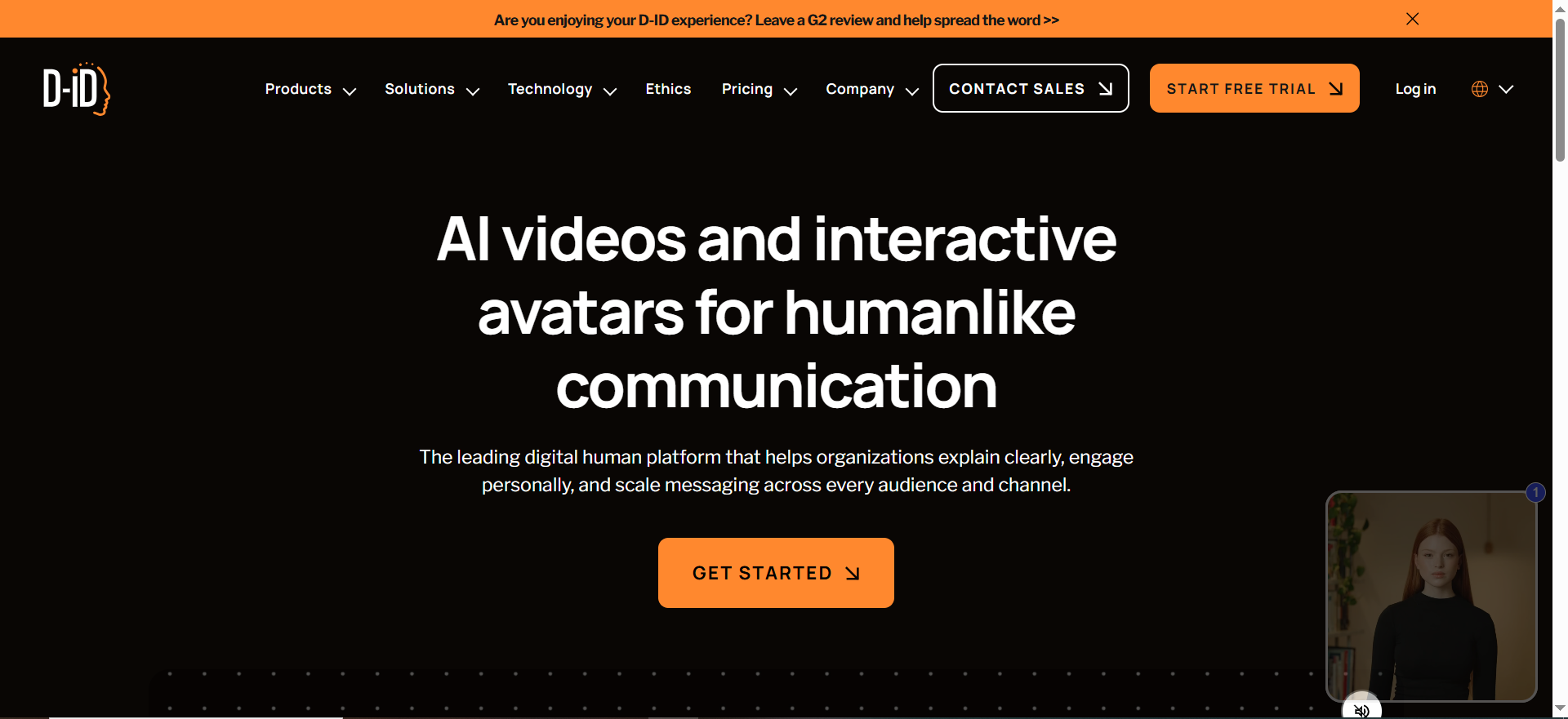
D-ID generates talking-head style videos quickly, often used for simple announcements, short explainers, or fast iterations, especially for social media content
Why teams use it
It’s useful when speed matters and the output doesn’t need complex scene editing.
What it’s good for
- Quick announcements
- Simple talking-head explainers
- Rapid prototype content
When it’s a good fit
Choose D-ID when you want a lightweight workflow and your content can be delivered as a presenter-style video.
When it’s not a good fit
If you need deeper localization workflows (multi-step approvals, many-language scaling, formal templates), you may outgrow it.
How to use it
- Write a short script with clear pronunciation notes using SEO copywriting best practices
- Generate the talking-head video
- Review for pacing and pronunciation
- Export and deploy
Key capabilities
- Fast talking-head generation
- Low setup friction for simple videos
Downsides / limitations
- Limited flexibility vs full “studio” style tools
- Localization at scale may require added process layers
4. Rask AI
What it does
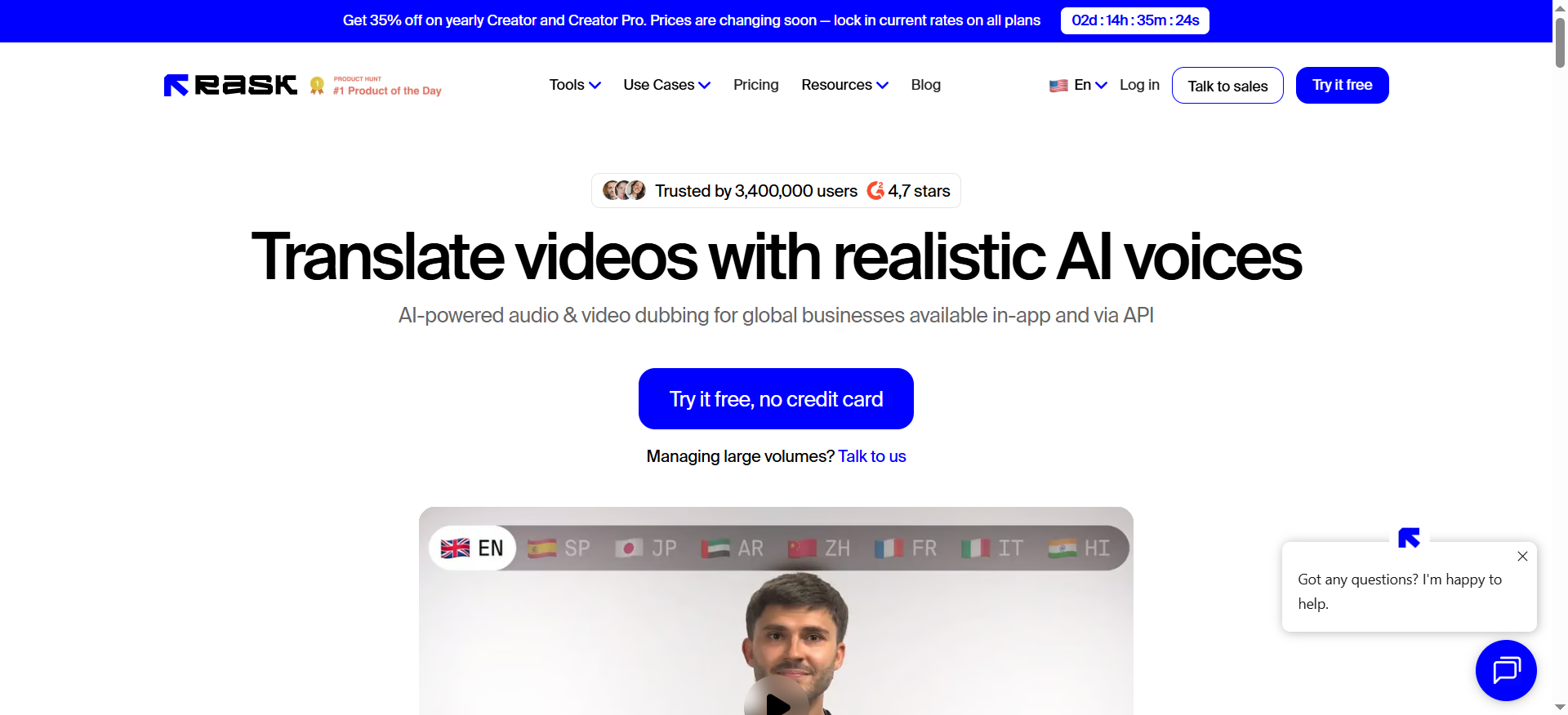
Rask AI is typically used to translate and dub existing videos, making it a fit when you already have a content library and need multi-language rollout, especially after a content audit.
Why teams use it
It’s purpose-built for localization workflows: “we have videos already, ship them in 10 languages.”
What it’s good for
- Localizing webinar clips into multiple markets
- Translating YouTube/video libraries
- Scaling existing assets into regional variants
When it’s a good fit
Pick Rask AI when your inputs are mostly finished videos and the goal is multi-language distribution.
When it’s not a good fit
If your strategy is to create avatar-first videos from scratch, you may want a creation-first platform.
How to use it
- Upload the video and generate a transcript
- Translate with a glossary + terminology list
- Dub, then run QA for pronunciation and timing
- Export and distribute per region
Key capabilities
- Localization workflows for existing video
- Translation + dubbing pipeline patterns
- Strong for library-scale updates
Downsides / limitations
- QA is critical for brand terms and technical topics, use a consistent approval checklist
- Some videos require manual tweaks for best timing
5. ElevenLabs
What it does
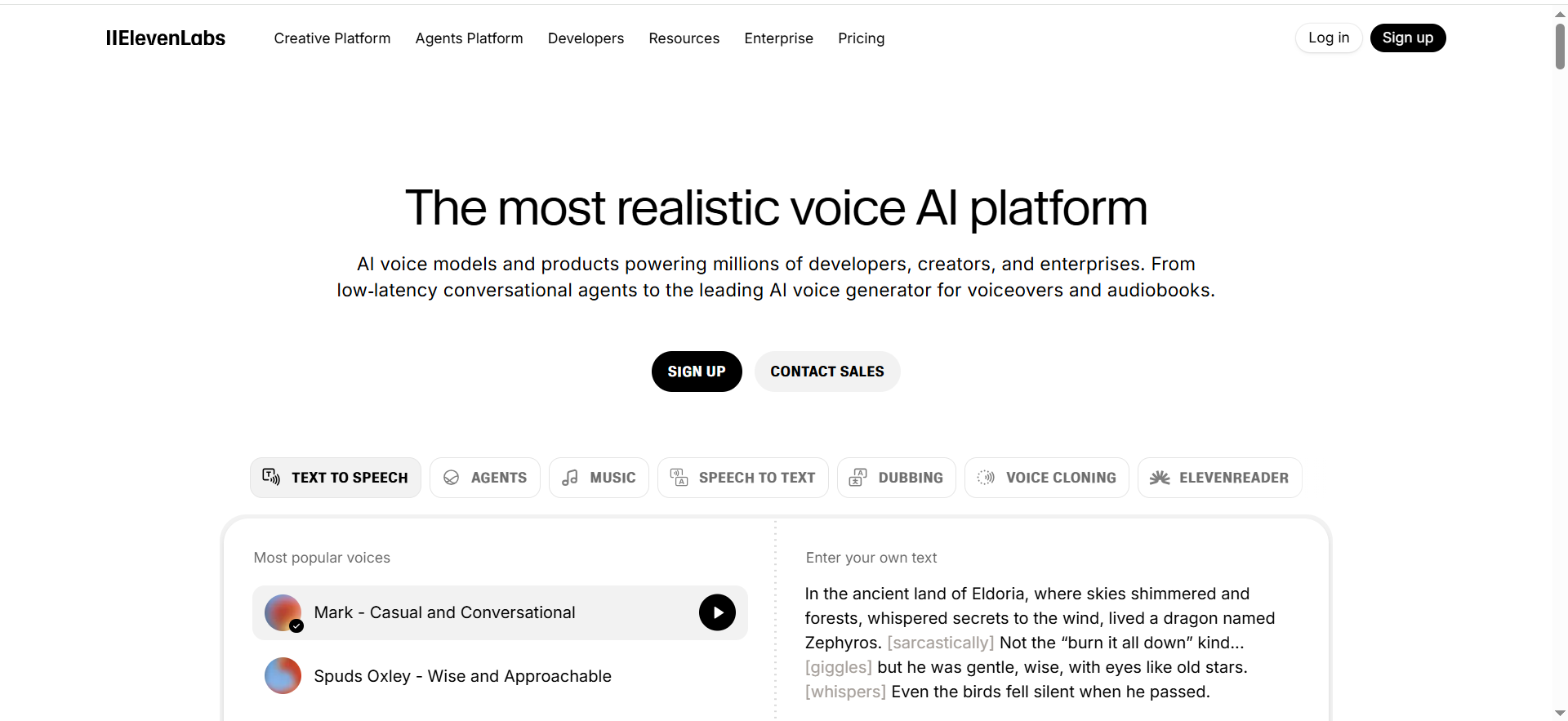
ElevenLabs focuses on AI voice generation and voice-driven workflows. Many teams use it as the “voice layer” in a localization pipeline.
Why teams use it
When voice quality matters most, ads, founder voiceover, high-polish explainers; teams start here and then connect it to video tools.
What it’s good for
- High-quality voiceovers for marketing
- Voice style consistency across campaigns
- Dubbing pipelines that prioritize realism
When it’s a good fit
Choose ElevenLabs when you need strong voice quality, controllable delivery, and flexible voice workflows.
When it’s not a good fit
If you want one platform that also manages avatar video end-to-end, you’ll likely pair ElevenLabs with another tool.
How to use it
- Build a voice approach (standard voice vs cloned voice)
- Generate voiceovers for each locale
- Run pronunciation QA + regional review
- Sync into your editing/production workflow
Key capabilities
- Voice generation with style control
- Flexible pipeline integration across tools
- Useful for consistent brand voice
Downsides / limitations
- Not a complete avatar platform by itself
- Requires workflow design for video syncing
How to Choose an AI Avatar + Dubbing Tool (Decision Framework)
Start with your use case
- Creating new avatar videos from scratch: prioritize HeyGen or Synthesia
- Localizing an existing library: prioritize Rask AI, especially if you’re actively managing a large content inventory with a content pruning workflow.
- Fast presenter videos: consider D-ID
- Highest voice quality needs: prioritize ElevenLabs (then pair with a video tool)
Quality checks that matter
- Voice naturalness (emotion, pacing, pauses)
- Pronunciation for product names and acronyms
- Lip-sync alignment (watch closeups)
- Consistency across languages (brand voice)
Workflow needs
- Templates and brand kits
- Team roles/approvals
- Versioning by region (US/UK, LATAM, DACH, etc.)
- Output formats for paid social and landing pages
Compliance & risk
- Ensure you have consent/rights to any likeness or voice use, review your privacy policy
- Add internal guidelines for disclosure and brand safety
- Maintain an audit trail for approvals and localization QA
FAQs
Which AI avatar tool has the best lip sync for dubbed languages?
What’s the difference between AI avatars and dubbing-only tools?
How do you maintain brand voice across 10+ languages?
Can AI dubbing match speaker emotion and pacing for ads?
What legal/compliance issues matter for AI avatars?
What’s the fastest workflow for translating and approving localized videos?
📋 Get Listed / Advertisement
We update this guide monthly. Want your tool featured? Contact: [email protected]


