
Pick Amazon SES if you send transactional email from your own code and want the lowest bill. Pick Postmark if you want transactional and broadcast streams kept apart on a monthly plan. Pick Brevo if campaigns are most of your volume. Mailgun is the middle option for developer teams.
This holds when you are replacing SendGrid on a sending domain you control and can edit DNS for. The split between transactional and campaign volume decides the pick before price does.
Free tiers, plan prices and limits change, so confirm each figure on the vendor's page before you commit, and test a transactional send and a campaign send before moving traffic.
If you publish pages like this for your own product, TRM writes comparison and alternatives pages built to be cited. Read how the SaaS content marketing work runs.
📋 Get Listed / Advertise
We update this guide monthly. Want your tool featured? Contact: [email protected].
SendGrid Alternatives At A Glance
Most lists of SendGrid replacements read like a brochure. This one sorts four tools by what you actually send, then tells you who should skip each one. Start with the table, then read the profile for any row that fits.
| Tool | Best for | Sending pattern | Entry price | Free tier | Pick if |
|---|---|---|---|---|---|
| Amazon SES | Low-cost transactional sending from code | Transactional from code, with marketing sending priced the same way | From $0.10 per 1,000 emails | Up to $200 in AWS credits for 6 months | Amazon SES fits if you send from your own code and want the lowest bill |
| Postmark | Separating transactional and broadcast streams | Transactional and broadcast streams | Basic at $15.00 a month for 10,000 emails | 100 emails a month | Postmark fits if you want the two streams kept apart on a monthly plan |
| Mailgun | Developer teams that want deliverability tooling | Developer-led sending | Basic from $15 a month for 10,000 emails | 100 emails a day | Mailgun fits if your team builds on an API and wants deliverability tools |
| Brevo | Teams whose volume is mostly campaigns | Campaigns, with basic transactional sending | Pricing on request | Confirm on Brevo's pricing page | Brevo fits if most of your volume is marketing campaigns |
The Rank Masters publishes this guide and sells SEO and content, not email infrastructure. It has no stake in which of these tools wins.
1. Amazon SES: Best For Low-Cost Transactional Sending From Code
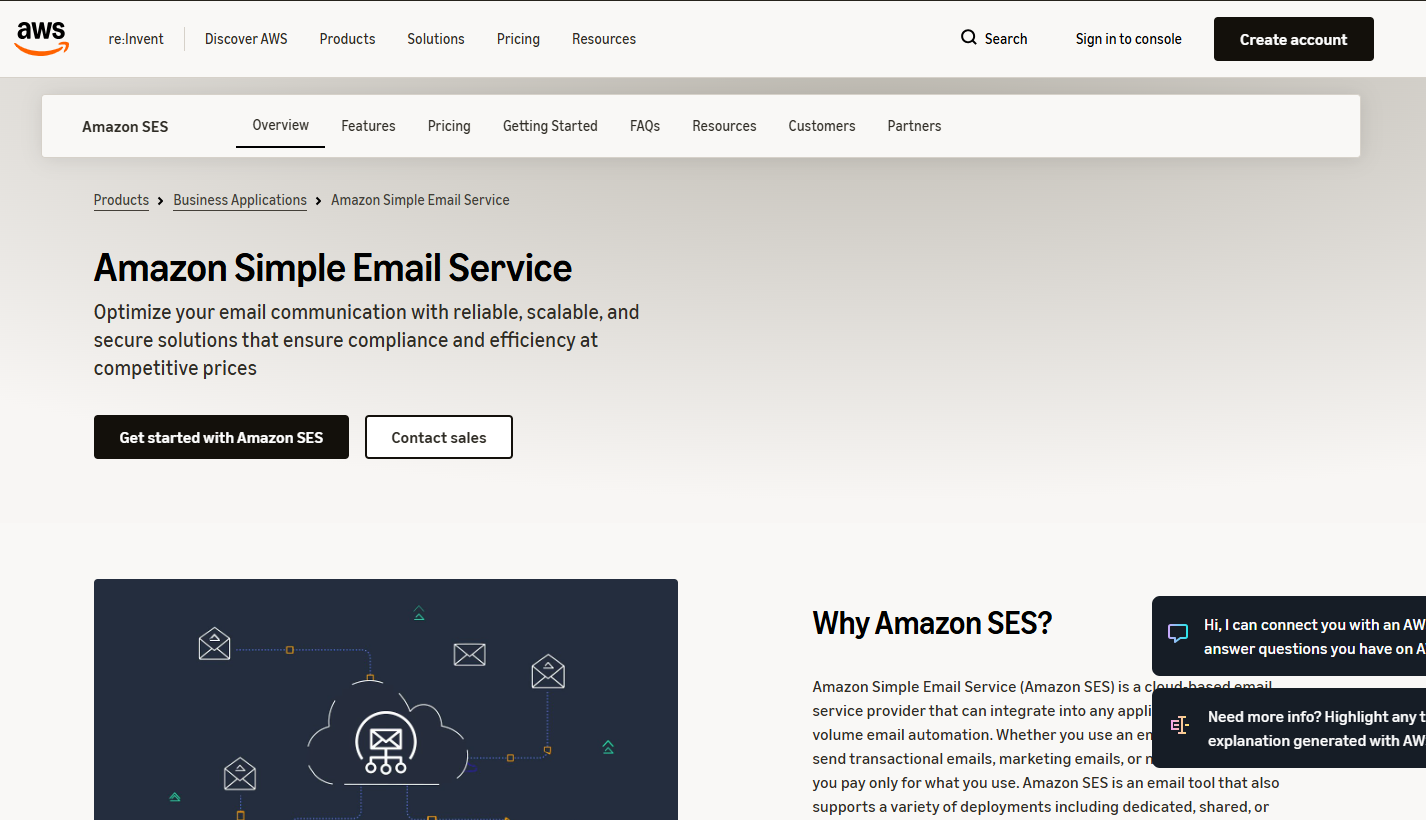
Amazon SES is the best fit for low-cost transactional sending from code. Amazon SES's pricing page lists outbound email from $0.10 per 1,000 emails with no minimum fees. Skip it if you want a campaign builder and a support team to hold your hand.
What it does: Amazon SES is a pay-as-you-go sending service. Your code calls it and it delivers the mail. Amazon SES's landing page names automating transactional messages and globally delivering marketing emails as its use cases, and its pricing does not separate transactional from marketing sending.
Who it is for: Engineering teams that already send from their own application and want the cheapest verified per-email rate in this list. If a developer owns your email, SES is the first tool to price.
| Plan | Price | Billing basis | What it includes |
|---|---|---|---|
| A la carte | From $0.10 | Per 1,000 emails | Outbound email with no minimum fees |
| Essentials | $0.16 | Per 1,000 emails, first 10M a month | Outbound email |
| Pro | $0.22 plus $105 a month | Per 1,000 emails, fixed fee per account per region | Outbound email |
| Enterprise | $0.23 plus $500 a month | Per 1,000 emails, fixed fee per account per region | Outbound email |
SES prices sending, attachment data, dedicated IPs and fixed plan fees separately, so the bill needs arithmetic. Amazon SES's pricing page puts attachment data at $0.12 per GB, with possible EC2 transfer charges on top. Standard dedicated IPs cost $24.95 a month per IP. Managed dedicated IPs cost $15 a month per account plus $0.08 per 1,000 emails in the 0 to 10 million tier.
Free tier: Amazon SES offers up to $200 in AWS Free Tier credits for 6 months on its pricing page. The credits expire 12 months after issue.
Strengths:
- Lowest verified rate: At $0.10 per 1,000 emails, no other tool here has a lower published figure.
- No minimum fees: The a la carte tier has none, so a quiet month costs close to nothing.
- One service for both patterns: The pricing does not split transactional from marketing sending.
- Dedicated IP choice: You can pick Standard or Managed dedicated IPs when volume justifies one.
Trade-offs:
- Billed in pieces: Attachment data, dedicated IPs and fixed fees all sit outside the per-1,000 rate.
- Fixed fees on higher plans: Pro and Enterprise add $105 and $500 a month per account per region.
- Built for builders: A team without a developer will find it harder to set up than the other three.
Key capabilities:
- Outbound sending: Per-1,000 pricing across four plan levels.
- Dedicated IPs: Standard and Managed options with their own monthly fees.
- Attachment support: Priced per GB.
Good fit:
- A developer team sending receipts, resets and alerts from code.
- A cost-led team that will read a pricing page to the last line.
Not a fit:
- A marketer who wants to build and send campaigns without a developer.
- A team that cannot absorb a bill with several separate line items.
Biggest limitation: The price per email is the lowest here, but the work of assembling the rest sits with you.
2. Postmark: Best For Separating Transactional And Broadcast Streams
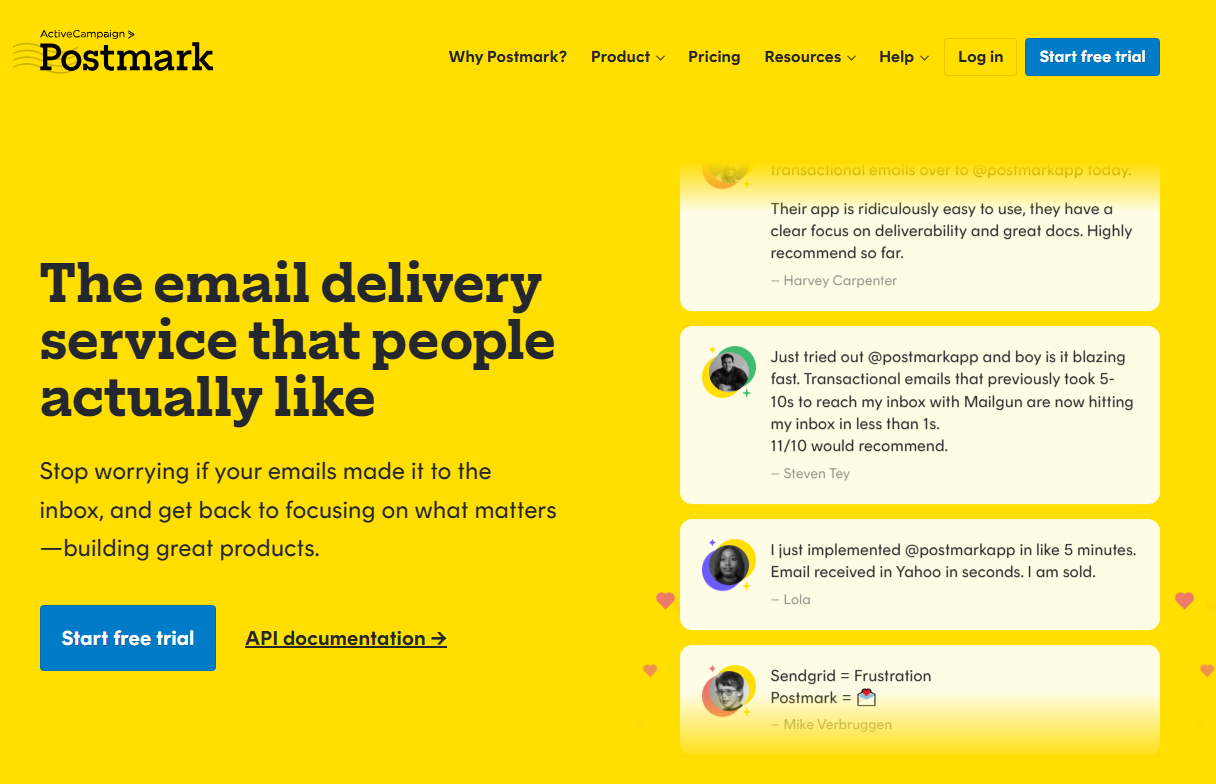
Postmark is the best fit when you want transactional and broadcast mail kept apart. Postmark's pricing page lists a free plan of 100 emails a month and a Basic plan at $15.00 a month from 10,000 emails. Skip it if your volume is very large, because per-1,000 overage adds up fast.
What it does: Postmark sells email sending on monthly plans. Postmark's pricing page lists transactional and marketing, bulk or broadcast message streams, with stream limits that vary by plan. That separation is the reason to pick it.
Who it is for: Teams that send product email and the occasional broadcast, and want one stream to stay clean when the other misbehaves. If a bad campaign should never slow a password reset, this is the shape you want.
This profile stays at the pricing page and the message streams it lists. Check Postmark's own site for anything beyond that.
| Plan | Price | Billing basis | What it includes |
|---|---|---|---|
| Free | $0.00 a month | 100 emails a month, no overage | Entry volume for testing |
| Basic | $15.00 a month | From 10,000 emails a month | Overage $1.80 per 1,000 extra emails |
| Pro | $16.50 a month | From 10,000 emails a month | Overage $1.30 per 1,000 extra emails |
| Platform | $18.00 a month | From 10,000 emails a month | Overage $1.20 per 1,000 extra emails |
Free tier: Postmark's free plan gives you 100 emails a month with no overage.
Strengths:
- Built-in stream split: Transactional and broadcast streams are part of the plan, not something you assemble.
- Predictable plans: Each paid tier is a flat monthly price from 10,000 emails.
- Declining overage: The rate per 1,000 extra emails falls from Basic to Platform.
- No overage on free: The free plan stops at 100 emails rather than billing you past it.
Trade-offs:
- Overage at scale: At $1.20 to $1.80 per 1,000 extra emails, high volume costs more than SES's lowest rate.
- Small free tier: 100 emails a month covers a test, not a launch.
- Stream limits by plan: The pricing page lists per-plan stream limits, so read them before you pick a tier.
Key capabilities:
- Transactional stream: For mail fired by one person's action.
- Broadcast stream: For marketing and bulk sends.
- Three paid tiers: Basic, Pro and Platform with different overage rates.
Good fit:
- A small product team that wants resets and newsletters on separate streams.
- A team that prefers a monthly plan to a bill built from line items.
Not a fit:
- A sender at very large volume, where overage adds up.
- A team that needs a full campaign platform with audience tooling.
Biggest limitation: Overage pricing makes Postmark a poor pick once monthly volume climbs well past your plan.
3. Mailgun: Best For Developer Teams That Want Deliverability Tooling
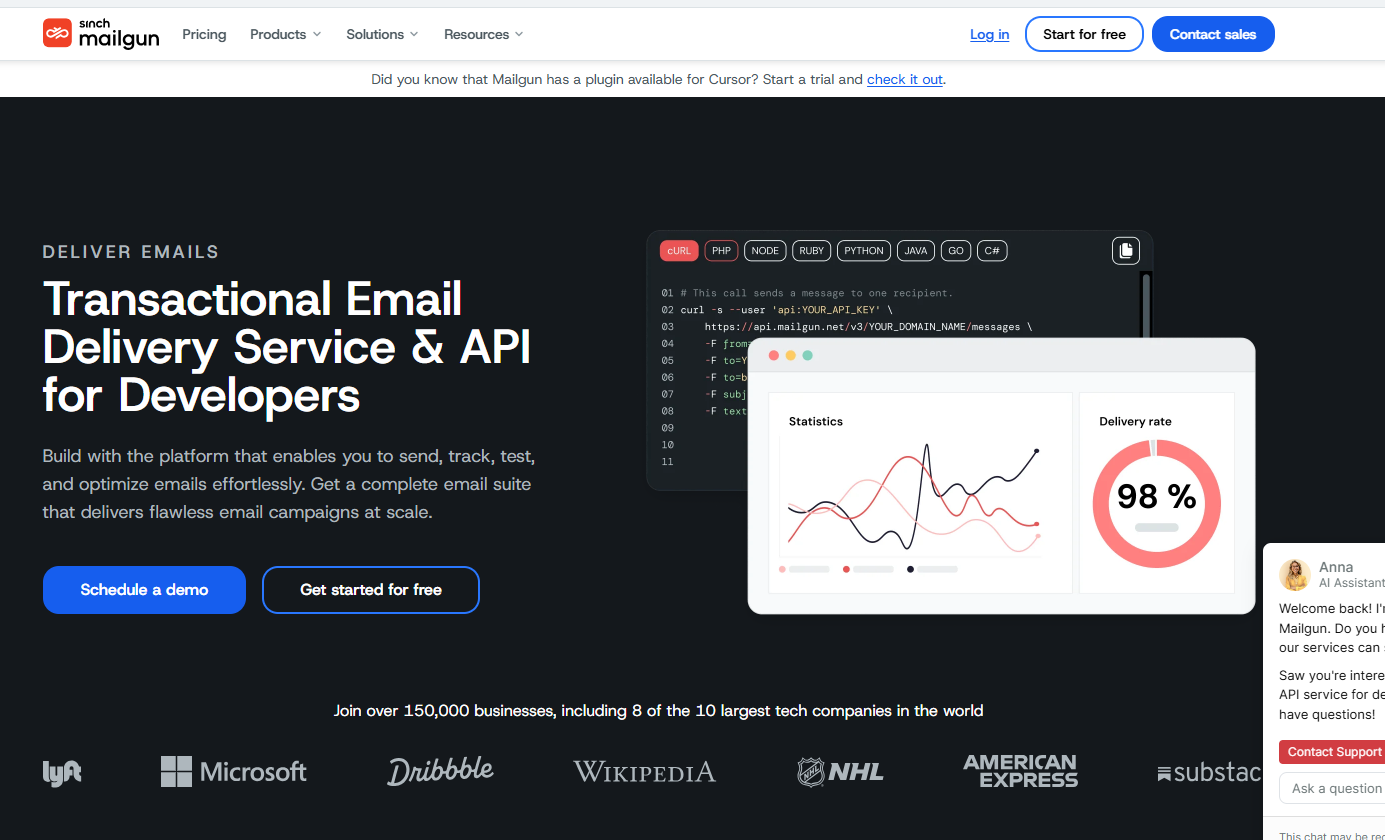
Mailgun is the best fit for developer teams that want deliverability tooling around an API. Mailgun's pricing page puts the Foundation plan at $35 a month for 50,000 emails after one free month. Skip it if you want a plain, flat monthly bill with no tier decisions.
What it does: Mailgun is an email sending service with plans that scale from a free tier to enterprise quotes. Mailgun's features page lists inbox placement testing, AI deliverability insights and list validation. It also lists ESP throttling reduction for large senders at 500,000 emails a month and above.
Who it is for: Developer teams that want to see what happens to their mail after it leaves. Mailgun's pricing page does not split plans by transactional versus marketing sending, so one account covers both.
| Plan | Price | Billing basis | What it includes |
|---|---|---|---|
| Free | $0 | 100 emails a day | Entry volume |
| Basic | From $15 a month | 10,000 emails a month | Extra emails from $1.80 per 1,000 |
| Foundation | $35 a month after 1 free month | 50,000 emails a month | Unlimited users, extra emails from $1.30 per 1,000 |
| Scale | $90 a month after 1 free month | 100,000 emails a month | Unlimited users, extra emails from $1.10 per 1,000 |
| Enterprise | By quote | Custom | Custom |
Free tier: Mailgun's free plan allows 100 emails a day.
Strengths:
- A day-based free plan: 100 a day is more room to test than a monthly cap of the same number.
- Unlimited users: Foundation and Scale include them, so the team does not pay per seat.
- Falling overage: Extra emails drop from $1.80 to $1.10 per 1,000 up the tiers.
- Deliverability tooling: Inbox placement testing and list validation sit on the features page.
Trade-offs:
- Tier jumps: Going from Basic's 10,000 to Foundation's 50,000 is a step, not a slope.
- Log retention: Email logs are kept for up to 30 days, so older questions go unanswered.
- Cost above SES: Foundation at $35 for 50,000 emails is well above SES's $5 for the same volume.
Key capabilities:
- Inbox placement testing: To see where your mail lands.
- AI deliverability insights: Listed on the features page.
- List validation: To clean addresses before a send.
- Log retention: Up to 30 days.
Good fit:
- A developer team that wants to debug deliverability itself.
- A team at 50,000 to 100,000 emails a month that wants unlimited users.
Not a fit:
- A team that wants the lowest possible per-email cost.
- A team that needs a campaign builder for marketers.
Biggest limitation: You pay more than SES for the same volume, and the extra value only shows if you use the deliverability tools.
4. Brevo: Best For Teams Whose Volume Is Mostly Campaigns
Brevo is the best fit for teams whose volume is mostly campaigns, because a platform built around campaigns matches how that reader actually sends. Skip it if you only send transactional mail through an API and never run a campaign.
What it does: Brevo is a campaign-centred email platform that also handles transactional mail. Vendor comparison pages say every SendGrid alternative covers basic transactional sending, so the real question is which tool handles the other half of your volume.
Who it is for: Marketing-led teams that send newsletters and promotions far more often than receipts. If campaigns are most of your volume, start here and check whether the transactional side meets your needs.
| Plan | Price | Billing basis | What it includes |
|---|---|---|---|
| Current plans | Pricing on request | Pricing on request | Pricing on request |
Confirm Brevo's current plans on its pricing page before choosing.
Free tier: Confirm any free tier on Brevo's own pricing page before you rely on it.
Strengths:
- Campaign focus: The product is built around the sending pattern most marketers have.
- One account for both patterns: Campaigns and basic transactional sending can live together.
- A better fit for marketers: The other three lean toward developers.
Trade-offs:
- No price here: This page does not carry a Brevo figure, so you must check the vendor's page yourself.
- Less developer-first: A team that wants an API and nothing else gets less from a campaign platform.
- Transactional depth to confirm: Test a transactional send before you move traffic.
Key capabilities:
- Campaign sending: The core job of the platform.
- Basic transactional sending: Covered, as vendor comparison pages say of every alternative.
Good fit:
- A marketing team where campaigns are most of the volume.
- A team that wants one account for both patterns and will test the transactional side first.
Not a fit:
- An API-only sender with no campaigns.
- A buyer who needs a verified price before shortlisting.
If your list is mostly campaigns, read our guide to the best email marketing platforms for a comparison by list size. If you want automation beyond sending, our list of AI tools for marketing automation covers that.
Biggest limitation: This page cannot give you a Brevo price, so the cost check is yours to do.
📋 Get Listed / Advertise
We update this guide monthly. Want your tool featured? Contact: [email protected].
How To Choose: Match The Replacement To Your Sending Pattern
Price is usually the biggest factor when choosing an email platform, and the right choice depends on whether your sending is transactional, marketing or both. So decide the pattern first and the price second. Three branches cover almost every reader.
- If most of your email is transactional from code, pick Amazon SES when price forces the switch, because it has the lowest verified rate here at $0.10 per 1,000 emails. Pick Mailgun instead when you also want deliverability tooling around the API.
- If most of your email is marketing campaigns, pick Brevo, because the constraint is campaign tooling and a campaign-centred platform covers it. Our list of email marketing software for B2B SaaS widens the shortlist for SaaS teams, and our guide to email blast tools covers broadcast sending.
- If you have a real mix of both, pick Postmark when stream separation is the constraint, because its transactional and broadcast streams keep the two patterns apart on one monthly plan.
Keeping marketing and transactional mail on separate sending setups is a common recommendation. You can also split the move. Keep SendGrid for one pattern and move the other, for example campaigns stay and transactional goes to Amazon SES or Postmark. Every listed alternative covers basic transactional sending, so a split costs you little in capability.
Choosing a tool is the easy half. Getting your own comparison pages to rank and get cited is the slow half. The GEO + SEO Growth Programme covers strategy, content and AI-visibility reporting in one monthly plan.
Cost And Free Tiers At 50,000 Emails A Month
Pick a volume and price every tool at it. Here the volume is 50,000 emails a month. Substitute your own number before you decide, because the order changes as volume moves.
| Tool | Monthly cost at 50,000 emails | What is excluded | Free tier |
|---|---|---|---|
| Amazon SES | $5 | Attachment data, dedicated IPs and fixed fees | Up to $200 in AWS credits for 6 months |
| Mailgun | $35 on the Foundation plan | Extra emails above 50,000 | 100 emails a day |
| Postmark | Price it on the pricing-page calculator | Overage depends on the plan | 100 emails a month |
| SendGrid | About $19.95, as stated by Moosend | Higher plans carry key deliverability features, per Moosend | Check SendGrid's own pricing page |
| Brevo | Pricing on request | Pricing on request | Confirm on Brevo's pricing page |
The Amazon SES arithmetic is short.
- Volume: 50,000 emails is 50 blocks of 1,000.
- Rate: $0.10 per 1,000 emails.
- Total: 50 x $0.10 = $5 before attachment data, dedicated IPs and fixed fees.
Amazon SES's pricing page carries that rate. Mailgun's pricing page lists the Foundation plan at $35 a month for 50,000 emails. For SendGrid, Moosend states an entry price of about $19.95 a month for 50K emails as of March 2026, with key deliverability features on pricier plans. That is a competitor's figure, so read SendGrid's own page before you lean on it. Postmark's pricing page has the plans and overage rates, but this page shows no 50,000 figure for Postmark, so run your volume through its calculator.
The takeaway is plain. Amazon SES is the cheapest verified row at $5 for 50,000 emails, and Mailgun's Foundation plan at $35 a month is the other verified figure.
On free tiers, Postmark gives you 100 emails a month, Mailgun gives you 100 emails a day, and Amazon SES gives you up to $200 in AWS credits for 6 months. Those are three different shapes of free. A monthly cap runs out first, a daily cap resets, and a credit pool runs out whenever your spend uses it up. If you sell online, our pick for an email marketing tool for Shopify is a better starting point than any sending API.
How To Migrate From SendGrid Without Losing Deliverability
A migration goes wrong when you cut over before the new provider can sign your mail. Publish DKIM, DMARC, bounce and tracking DNS records before sending, and edit the existing SPF record rather than add a second one. Follow the steps in order.
- Audit what SendGrid sends today. List every transactional and campaign stream, because you cannot move what you have not counted.
- Publish DKIM, DMARC, bounce and tracking records before the first send, because the new provider cannot sign mail until they exist.
- Edit your existing SPF record to add the new provider. Do not publish a second SPF record, because one record has to cover every sender.
- Choose a shared pool or a dedicated IP. A shared pool carries the provider's existing sending history, while a new dedicated IP needs a warm-up period.
- Warm up any dedicated IP and ramp volume gradually. Send small first and grow, because a cold IP with a sudden load looks like a spammer. Use the new provider's own guidance for the schedule, since no single ramp figure applies to everyone.
- Run a transactional send and a campaign send in a sandbox or test stream before cutover, because the two patterns can fail in different ways.
- Move traffic in stages and keep SendGrid live until the new setup is clean, so a problem has a fallback.
After cutover, watch inbox placement and bounces. Our list of email deliverability tools covers monitoring, and our guide to email tracking tools covers opens and bounces.
Transactional Email Vs Marketing Email: What The Difference Means For Your Switch
Transactional email is sent in response to one person's specific action, such as a password reset or a receipt. Marketing or lifecycle email is sent to groups of people based on behaviour or a schedule, such as a welcome series or a promotion.
The difference decides your replacement because many vendors sell the two on separate plans, and a sender's mix sets which plan shape fits. A product with mostly receipts and resets wants a sending service. A business with mostly promotions wants a campaign platform. Lifecycle messaging is the automation side of that split, and our list of email automation tools for scalability covers it.
📋 Get Listed / Advertise
We update this guide monthly. Want your tool featured? Contact: [email protected].
How We Chose These SendGrid Alternatives
The Rank Masters publishes this page and sells SEO and content, not email infrastructure. It has no affiliate link to any tool here, and our Revenue Content service is the kind of work that produces comparison pages like this one. Five criteria sorted the list.
- Sending pattern coverage: Does the tool cover transactional mail from code, campaigns, or both. Judged from what each vendor's pages describe.
- Price model: How the tool charges, whether per 1,000 emails, by monthly plan or by quote. Judged from the vendor's pricing page.
- Free tier: What you get before paying, and how long it lasts. Judged from the vendor's pricing page.
- Deliverability tooling: What the vendor offers to help mail reach the inbox. Judged from the vendor's features page where one was read.
- Vendor-published pricing: Whether a price is on the vendor's own page. Judged by reading that page.
The pricing and plan figures come from vendor pricing pages. Other tools were left out because their pricing was not checked, and the list is four tools instead of five for that reason.
FAQs
Do I Need A Separate Tool To Send Campaigns?
Should Marketing And Transactional Email Run On Separate Sending Setups?
Can I Keep SendGrid For Marketing And Move Only Transactional Email?
Which SendGrid Alternative Is Cheapest At 50,000 Emails A Month?
Which Alternatives Have A Free Tier, And How Long Does It Last?
Do I Need A Dedicated IP, And What Does It Cost On Amazon SES?
Do I Have To Change DNS Records When I Switch Email Providers?
Should I Add A Second SPF Record For The New Provider?
How Long Does IP Warm-Up Take?
Is A Shared IP Pool Safer Than A New Dedicated IP When I Switch?
If you want a second opinion on your content plan, book a free 30-minute call. One of the founders takes it, and you leave knowing what we would fix first.