
For most single-brand marketers running paid search, CallRail is the safest call tracking software. Agencies managing many clients should start with WhatConverts, and teams with few calls and a tight budget should start with Nimbata. Ringba suits pay-per-call buyers and Invoca suits enterprise teams. Pick by lead model first, because feature lists barely separate these tools.
This holds when your calls come from paid search, local listings or a website, and you need to see which campaign and keyword produced each call.
If you sell calls to buyers or run an enterprise contact centre, the Ringba and Invoca picks replace it, and every price here needs a check against the vendor page before you buy.
If your phone leads still arrive without a source, our GEO + SEO Growth Programme includes the measurement setup that ties organic and paid traffic to the leads it produced. See how the programme works.
📋 Get Listed / Advertise
We update this guide monthly. Want your tool featured? Contact: [email protected].
Call Tracking Software At A Glance
Lead model decides the pick, so the table below is sorted by who you are, not by feature count. Every price is the entry plan on the vendor pricing page.
| Tool | Best For | Entry Price (Vendor Pricing Page) | Free Trial Or Free Tier | Agency Fit | Standout Capability |
|---|---|---|---|---|---|
| CallRail | Single-brand paid search teams | $50 a month (Lead Tracking) | 14-day free trial | Secondary fit | Transcripts, keyword analysis and sentiment on Lead Conversion plans |
| WhatConverts | Agencies running many clients | $30 a month (Call Tracking), agency plans from $500 a month | 14-day free trial on every plan | Unlimited-account plans | Multi-click attribution on Elite |
| Nimbata | Low call volume on a tight budget | $0 plus usage (Entry) | Entry plan at $0 plus usage | Agency plan at $120 a month plus usage | AI tagging and scoring from Pro |
| Ringba | Pay-per-call and call routing | $147 a month (Business) | Not listed in our review | White Label on Professional | Ring Trees and predictive routing on Professional |
| Invoca | Enterprise teams with offline conversion needs | Pricing on request | Not listed in our review | Quote needed | Offline conversion import on Pro |
1. CallRail: Best For Single-Brand Paid Search Teams
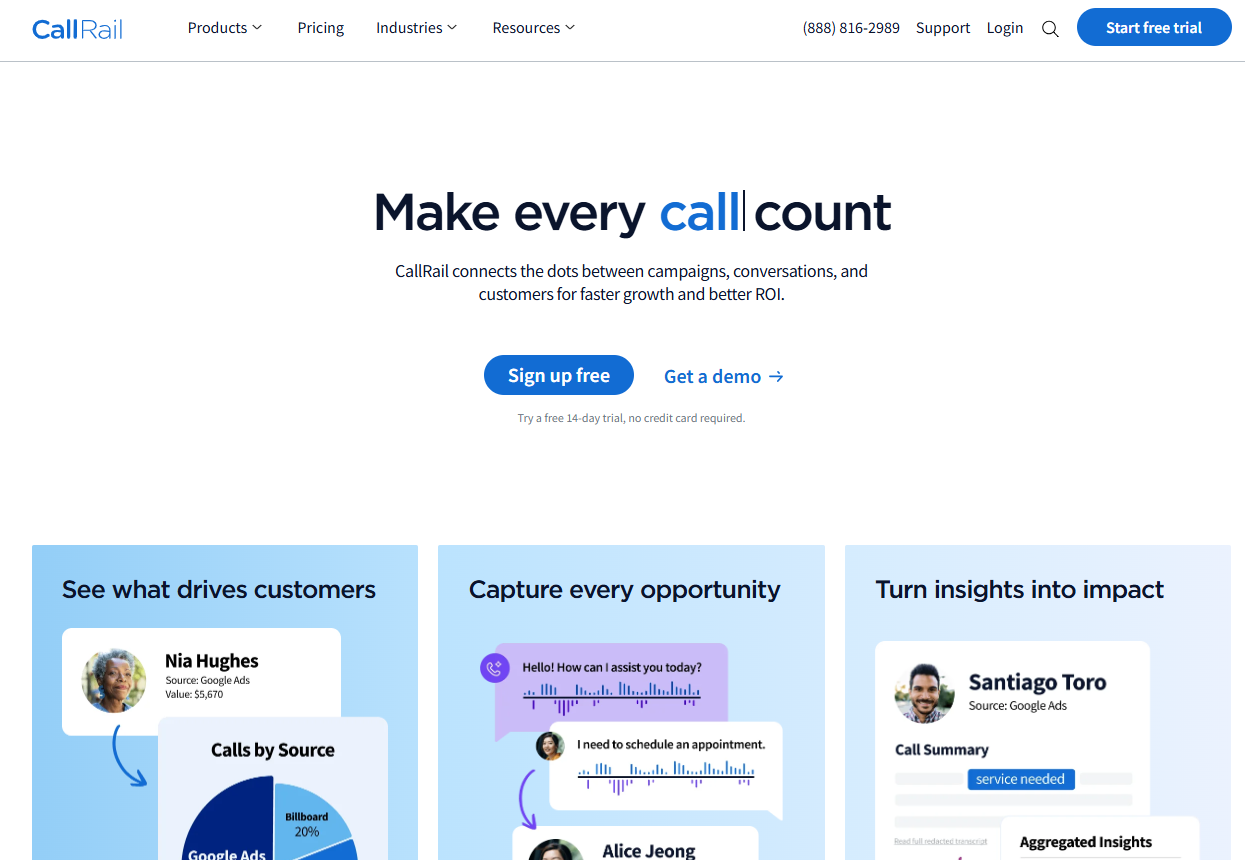
CallRail is the safest default for a single brand that buys paid search and needs to know which keywords make the phone ring. Its Lead Tracking plan is $50 a month on the vendor pricing page, and the plans step up from there as you add call review and form tracking.
What it does: CallRail assigns tracking numbers to your marketing sources, records which source produced each call and reports the result by campaign. The higher plans add a layer of call analysis on top, so you can read what callers said instead of only counting that they called.
Who it is for: A marketing manager at one company, spending on paid search and local listings, who wants call data next to ad data. If you also run a stack of PPC software, our guide to AI tools for PPC marketing covers the tooling around the call data.
Pricing: CallRail publishes four plans, plus an add-on, and bills additional usage on top of the monthly price.
| Plan | Price | Billing Basis | What It Includes |
|---|---|---|---|
| Lead Tracking | $50 a month | Monthly, plus usage | 5 local numbers, 250 local minutes and 25 SMS |
| Lead Tracking Complete | $95 a month | Monthly, plus usage | Lead Tracking plus form tracking and multi-touch CPL reporting |
| Lead Conversion | $150 a month | Monthly, plus usage | Call transcripts, keyword analysis, sentiment and conversion tagging |
| Lead Conversion Complete | $195 a month | Monthly, plus usage | Lead Conversion plus form tracking and multi-touch CPL reporting |
| AI Voice Assistant (add-on) | From $95 a month | Monthly, needs a Lead Tracking plan | Add-on to a Lead Tracking plan |
Yearly billing saves up to 10% on CallRail's pricing page. The same page quotes $50 for entry, while the homepage says plans start at $55, so use the pricing page figure.
Free trial: CallRail offers a 14-day free trial with no credit card on its homepage.
Strengths:
- Call review on Lead Conversion: Transcripts, keyword analysis, sentiment and conversion tagging let you judge the quality of a call, not just its source.
- Clear step-up path: Four published tiers mean you can start at $50 and move to $95, $150 or $195 only when a specific need appears.
- Form tracking on Complete plans: Web form leads and phone leads can sit in the same report.
- Trial without a card: The 14-day trial lets you test number placement on your own site before you pay.
Trade-offs:
- Small entry allowance: The $50 plan includes only 5 local numbers, 250 local minutes and 25 SMS, and usage beyond that is billed on top.
- Features sit behind price: Call analysis starts at $150 and form tracking at $95, so the $50 plan is a source report and little more.
- Add-on cost: The AI Voice Assistant starts from $95 a month and needs a Lead Tracking plan underneath it.
- Two quoted entry prices: The homepage and the pricing page disagree by $5, which is a small thing, but check the invoice.
Key Capabilities:
- Call and text message tracking with local numbers
- Call transcripts on Lead Conversion plans
- Keyword analysis, sentiment and conversion tagging on Lead Conversion plans
- Form tracking and multi-touch CPL reporting on Complete plans
- AI Voice Assistant as a paid add-on
Good Fit:
- A single brand buying paid search that wants calls reported by campaign and keyword
- A team that will read call transcripts to judge lead quality
- A buyer who wants a plan ladder it can climb one rung at a time
Not A Fit:
- An agency that needs unlimited client accounts under one contract, who should look at WhatConverts
- A team that wants a $0 starting point, who should look at Nimbata
- Anyone who cannot forecast monthly minutes, because usage is billed on top of the plan
Biggest limitation: The entry plan covers 5 local numbers and 250 minutes, so a busy site outgrows it quickly and the real monthly bill depends on usage.
2. WhatConverts: Best For Agencies Running Many Clients
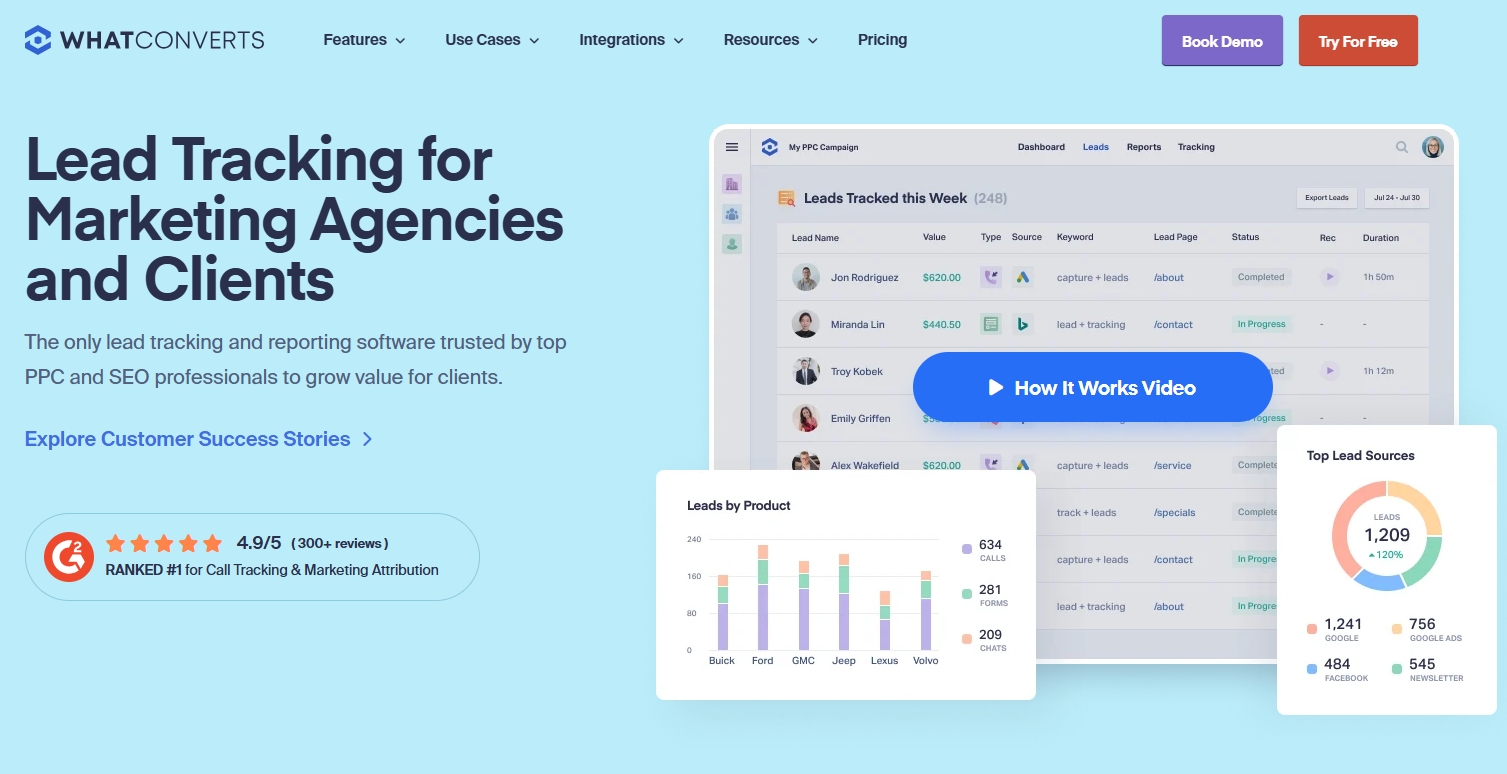
WhatConverts is the pick when you manage several client accounts and want one tool for all of them. Its single-account plans run from $30 to $160 a month and its unlimited-account agency plans run from $500 to $1,250 a month, all on the vendor pricing page.
What it does: WhatConverts tracks calls and other lead types, and ties each one to the source that produced it. The higher plans add call flows, a report builder, customer journey views and multi-click attribution.
Who it is for: Agencies, multi-location businesses and any team that reports to more than one stakeholder. A single brand with a handful of calls will pay for tiers it does not use.
Pricing: The page splits plans into single-account and unlimited-account (agency) tiers.
| Plan | Price | Billing Basis | What It Includes |
|---|---|---|---|
| Call Tracking (single account) | $30 a month | Monthly | Entry single-account tier |
| Plus (single account) | $60 a month | Monthly | Single account |
| Pro (single account) | $100 a month | Monthly | Call flows, report builder and HIPAA compliance |
| Elite (single account) | $160 a month | Monthly | Pro features plus customer journey and multi-click attribution |
| Plus (unlimited accounts) | $500 a month | Monthly | Unlimited accounts, up to 1,908 call leads and a $250 usage credit |
| Pro (unlimited accounts) | $800 a month | Monthly | Unlimited accounts |
| Elite (unlimited accounts) | $1,250 a month | Monthly | Unlimited accounts |
Every plan carries a 14-day free trial, per WhatConverts' pricing page. The $500 agency plan includes a $250 usage credit, which is how WhatConverts handles included usage, a dollar credit rather than a fixed block of minutes.
Strengths:
- Unlimited accounts: The agency plans remove the per-client plan juggling that single-account tools force on you.
- HIPAA from Pro: Healthcare clients have a compliance option at $100 a month on a single account.
- Attribution depth on Elite: Customer journey and multi-click attribution show more than the last source before the call.
- Report builder on Pro: You can build the client report inside the tool.
Trade-offs:
- Agency entry price: The cheapest unlimited-account plan is $500 a month, which only makes sense across several clients.
- Credit-based usage: A dollar credit is harder to translate into calls than a published minute allowance, so model your volume first.
- Features climb the ladder: HIPAA and the report builder start at Pro, and attribution depth starts at Elite.
- Billing detail missing: The figures we reviewed name no currency and show no annual billing prices.
Key Capabilities:
- Call tracking with call flows on Pro and above
- Report builder on Pro and above
- HIPAA compliance on Pro and above
- Customer journey and multi-click attribution on Elite
- Unlimited accounts on the agency plans
Good Fit:
- An agency running paid search or SEO for several clients
- A multi-location business that wants each location reported separately
- A healthcare marketer who needs a plan that lists HIPAA compliance
Not A Fit:
- A single brand with a handful of calls that does not need agency tiers
- A buyer who wants a fixed minute allowance spelled out in the plan
Biggest limitation: The pricing page leaves out the currency and annual billing prices, so confirm both before you budget a year.
3. Nimbata: Best For Low Call Volume On A Tight Budget
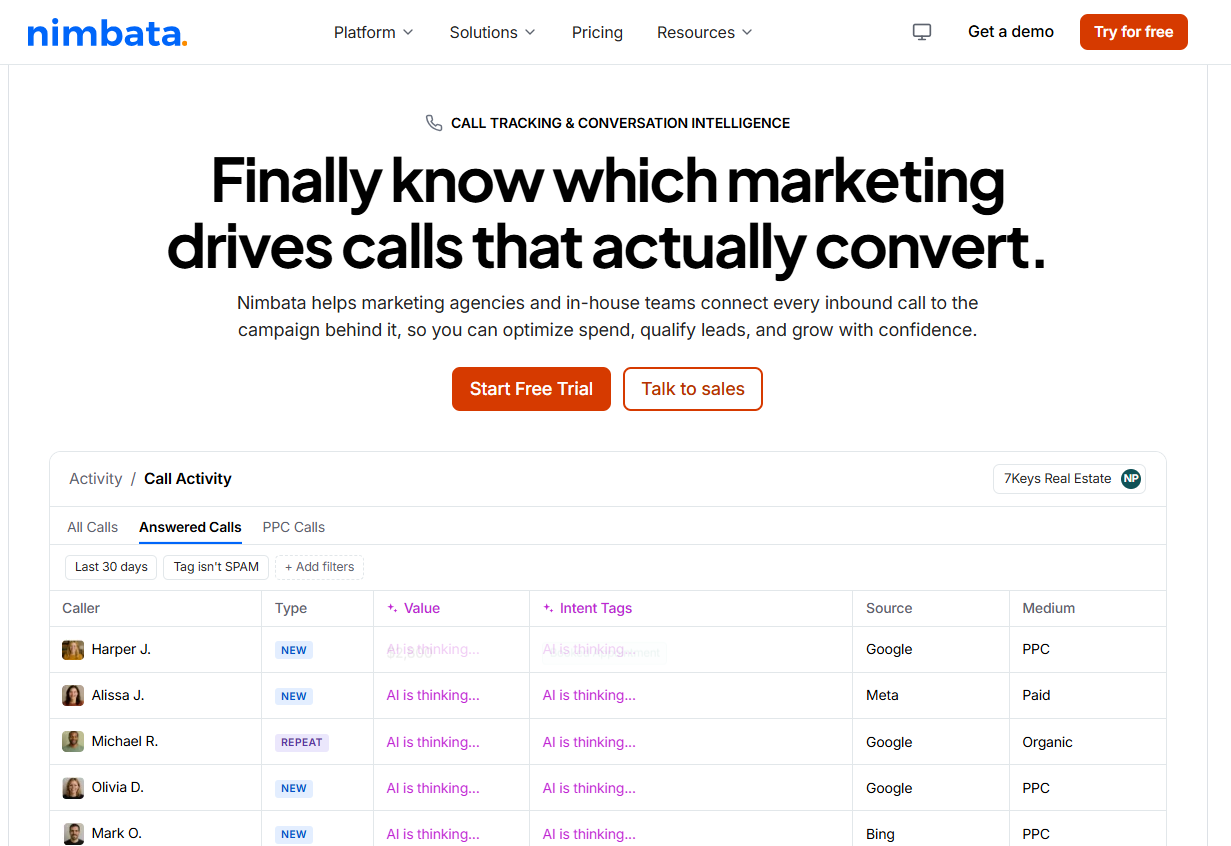
Nimbata is the starting point when calls are few and the budget is thin. Its Entry plan is $0 plus usage on the vendor pricing page, which means you can set up tracking before you commit money.
What it does: Nimbata tracks calls by source and, from the Pro plan, adds AI tagging and scoring plus Google Ads and GA4 connections. Every plan charges for usage per answered call on top of the monthly price.
Who it is for: Small teams, local businesses and early-stage campaigns where a few dozen calls a month decide whether a channel works. For the wider low-cost stack around it, see our guide to AI marketing tools for small business.
Pricing: Four plans, each priced per month with usage added per answered call.
| Plan | Price | Billing Basis | What It Includes |
|---|---|---|---|
| Entry | $0 plus usage | Per answered call | 1 seat and 1 project |
| Pro | $35 a month plus usage | Monthly, plus per answered call | 4 seats, 2 projects, AI tagging and scoring, Google Ads and GA4 |
| Marketing | $80 a month plus usage | Monthly, plus per answered call | 25 seats, 5 projects, form tracking and CRM integrations |
| Agency | $120 a month plus usage | Monthly, plus per answered call | Unlimited seats and projects, Salesforce, API and webhooks |
Transcription is $0.02 a minute on paid plans and extra seats are $5 a month, both from Nimbata's pricing page.
Strengths:
- A real $0 start: The Entry plan costs nothing until calls arrive.
- AI scoring from Pro: Tagging and scoring at $35 a month is the cheapest route to lead quality data in this list.
- Agency plan at $120: Unlimited seats and projects, plus Salesforce, API and webhooks, cost far less than the agency tiers elsewhere.
- Cheap transcription: $0.02 a minute is the lowest transcription rate among the tools with a published one here.
Trade-offs:
- Usage is open-ended: Every plan charges per answered call, and the rate is not published on the page.
- Entry plan is thin: One seat and one project is enough to prove the idea and little more.
- Integrations climb the ladder: CRM integrations start at Marketing and Salesforce and API at Agency.
- Billing basis unclear: The page does not say which prices are annual and which are monthly.
Key Capabilities:
- Call tracking by source with usage billed per answered call
- AI tagging and scoring from Pro
- Google Ads and GA4 integrations on Pro
- Form tracking and CRM integrations on Marketing
- Salesforce, API and webhooks on Agency
Good Fit:
- A small team with low call volume that wants to prove a channel before spending
- A buyer who wants AI lead scoring at a low monthly price
- A small agency that needs unlimited projects at $120 a month plus usage
Not A Fit:
- Anyone who cannot estimate usage charges, because the per-call rate is not published
- A team that needs predictable all-in monthly pricing
Biggest limitation: The per-call usage rate is not published and the page does not say which prices are annual, so the real bill is only clear after a trial month.
4. Ringba: Best For Pay-Per-Call And Call Routing
Ringba is built for people who buy, sell or route calls. Its Business plan is $147 a month on the vendor pricing page, several times the entry price of the budget tools, and that gap is the cost of routing features most marketers never use.
What it does: Ringba tracks calls and, on Professional, routes them with Ring Trees and predictive routing. Enterprise adds real-time bidding and ping/post call trading.
Who it is for: Publishers, lead sellers and call buyers who monetise or distribute calls. A local service business that only wants a source report is paying for the wrong product.
Pricing: Two published plans, one unpublished.
| Plan | Price | Billing Basis | What It Includes |
|---|---|---|---|
| Business | $147 a month | Monthly, plus usage | Local tracking at $0.055 a minute, transcription at $0.04 a minute, recording at $0.01 a minute |
| Professional | $297 a month | Monthly, plus usage | White Label, Ring Trees, Predictive Routing and Revenue Recovery |
| Enterprise | Pricing on request | Not published | Real-time bidding and ping/post call trading |
According to Ringba's pricing FAQ, there are no contracts or setup fees.
Strengths:
- Routing depth: Ring Trees and predictive routing on Professional decide where each call goes, which source reports alone cannot do.
- Published usage rates: Local tracking at $0.055 a minute, transcription at $0.04 and recording at $0.01 let you model cost before you sign up.
- White Label on Professional: Resellers can put their own brand on the platform.
- No contracts or setup fees: You can start without a long commitment.
Trade-offs:
- High entry price: At $147 a month, Business costs about three times CallRail's $50 plan.
- Usage adds up: Minutes of tracking, transcription and recording are each billed separately.
- Best features cost more: Ring Trees and predictive routing start at $297 a month, and Enterprise is unpublished.
- Wrong shape for source reports: Most of the product serves routing and monetisation.
Key Capabilities:
- Local call tracking at $0.055 a minute
- Transcription at $0.04 a minute and recording at $0.01 a minute
- Ring Trees, Predictive Routing and Revenue Recovery on Professional
- White Label on Professional
- Real-time bidding and ping/post call trading on Enterprise
Good Fit:
- A publisher or lead seller who routes and monetises calls
- A call buyer who needs to distribute calls across destinations
- A reseller who wants White Label
Not A Fit:
- A local service business that only wants source reports
- A buyer who needs the lowest possible monthly price
Biggest limitation: The $147 entry price is several times the budget tools, so you only get your money back if you use the routing.
5. Invoca: Best For Enterprise Teams With Offline Conversion Needs
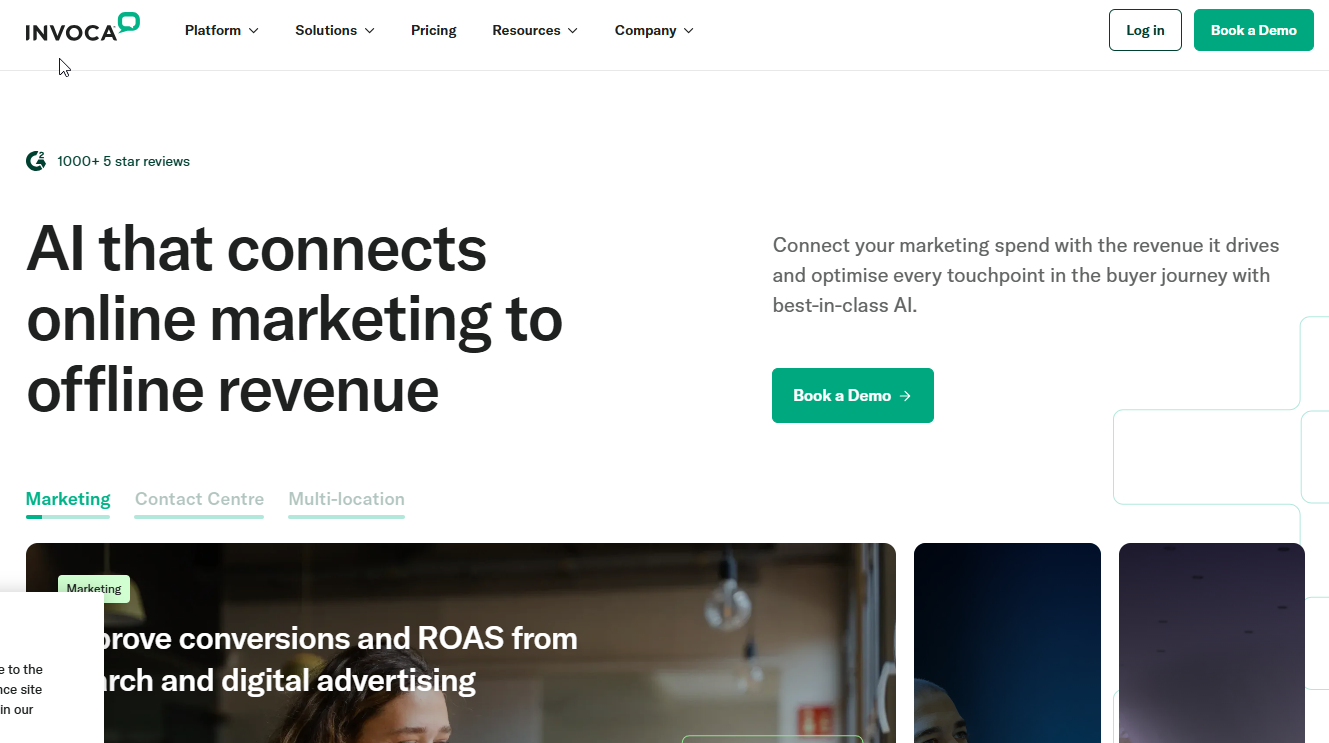
Invoca's pricing page shows "Get Your Quote" on every plan, so there is no price to compare until a salesperson answers. That is the first fact to know, because it means you cannot line it up against the other four.
What it does: Invoca's Pro plan lists dynamic number call tracking, call recording, offline conversion import and no-code ad integrations. Elite adds predictive routing and SIP integration.
Who it is for: Large teams with long sales cycles or multi-location call programmes, where a phone call is the start of a deal that closes weeks later and the result has to flow back to the ad platform.
Pricing: Pricing on request.
| Plan | Price | What The Page Lists |
|---|---|---|
| Pro | Pricing on request | Dynamic number call tracking, call recording, offline conversion import and no-code ad integrations |
| Elite | Pricing on request | Predictive routing and SIP integration |
Both plans say "Get Your Quote" on Invoca's pricing page.
Strengths:
- Offline conversion import on Pro: You can send the eventual sale back, so the ad platform learns from deals and not only from calls.
- No-code ad integrations: Connecting ad platforms does not need a developer on the Pro plan.
- Predictive routing on Elite: Large call programmes can steer callers to the right destination.
- SIP integration on Elite: Contact-centre teams get a telephony connection point.
Trade-offs:
- Quote button instead of a price: Every plan on the pricing page says "Get Your Quote", so you need a quote before you can compare cost.
- Enterprise shape: The feature list assumes a programme large enough to justify a sales conversation.
- Top features need Elite: Predictive routing and SIP integration are not on Pro.
Key Capabilities:
- Dynamic number call tracking
- Call recording
- Offline conversion import
- No-code ad integrations
- Predictive routing and SIP integration on Elite
Good Fit:
- A large team with a sales cycle that runs from call to closed deal
- A multi-location business running a structured call programme
Not A Fit:
- A budget buyer who needs to see a price first
- A small team with a few calls a month
Biggest limitation: Every plan sits behind a quote button, so you need a quote before you can compare Invoca with anything else on this page.
📋 Get Listed / Advertise
We update this guide monthly. Want your tool featured? Contact: [email protected].
What Call Tracking Software Is And How Number Pools Work
Call tracking software shows which marketing campaign or channel each incoming call came from. Marketing and agency teams use it to measure campaign return, because a phone call is a lead that ordinary web analytics cannot see.
The mechanism is simple. Each source gets a phone number, so a call to the number on your Google Ads landing page is a different record from a call to the number on your local listing. That is the static version, and it suits print, listings and offline campaigns where you control a fixed number.
The website version is dynamic number insertion. A script on your site swaps the phone number shown to each visitor for one drawn from a set, and the set is the pool. A call to that number can be matched back to the visit that produced it, including the campaign, keyword and landing page. If you also want to identify the visitors who never pick up the phone, read our guide to website visitor identification software.
Here are the terms you will meet in every vendor's documentation.
- Call tracking software: Shows which campaign or channel each incoming call came from.
- Tracking number: A phone number assigned to one marketing source so that calls to it are attributed to that source.
- Dynamic number pool: A set of numbers from which each visitor session is given one, so a call can be matched back to the visit that produced it.
- Dynamic number insertion: The website script that shows each visitor a number from the pool.
- Static number: A fixed tracking number used for print, listings and offline sources.
A pool needs more numbers when expected call volume rises and when more sources are tracked at once. Size it for the busiest period you expect, not the average day, because a pool that runs short cannot match every call to its visit.
How To Choose Call Tracking Software By Lead Model
Feature counts barely separate these five tools. What separates them is how you get leads. Use the rule below, then check the three sizing questions.
- If you run a single brand on paid search, pick CallRail, because the $50 Lead Tracking plan gives you source reporting and the Lead Conversion tier adds call review when you need it.
- If you are an agency or run multi-location accounts, pick WhatConverts, because the unlimited-account plans start at $500 a month and cover every client.
- If you take fewer than a few dozen calls a month, pick Nimbata, because the Entry plan is $0 plus usage.
- If you sell or route calls, pick Ringba, because Ring Trees and predictive routing start at $297 a month on Professional.
- If you are an enterprise team with offline conversions, pick Invoca, because offline conversion import is listed on the Pro plan and the price comes by quote.
| Situation | Pick | Why | Number To Check |
|---|---|---|---|
| Single brand on paid search | CallRail | Plan ladder with call review on Lead Conversion | $50 a month entry |
| Agency or multi-location | WhatConverts | Unlimited-account plans | $500 a month entry |
| Low call volume, tight budget | Nimbata | Pay only for answered calls | $0 plus usage |
| Selling or routing calls | Ringba | Ring Trees and predictive routing | $297 a month for Professional |
| Enterprise with offline conversions | Invoca | Offline conversion import | Pricing on request |
Agencies can also pair the tool with wider tooling, and our guide to AI marketing tools for agencies covers that side.
Three questions then narrow the shortlist.
- Call volume now and in twelve months: Count the calls you take today and the calls you expect after a campaign scales. Volume drives minutes, usage charges and the size of your number pool, and a tool that is cheap at 30 calls can be expensive at 600.
- Channel fit: Paid search and a website suit dynamic number insertion. Local listings, print and offline work use static numbers. Outbound sales calls need a different workflow from inbound lead calls, so check the tool handles the one you run.
- Revenue attribution: If you need calls tied to closed revenue, you need multi-click attribution (WhatConverts Elite) or offline conversion import (Invoca Pro). If a source report is enough, the cheaper plans do the job.
Industry fit is a judgement call. Home services and legal teams usually care about source and call quality, so a plan with call review earns its price. Healthcare accounts should start with plans that list HIPAA, such as WhatConverts from Pro, and then confirm the rest with their compliance team.
Here is a worked example with illustrative numbers. Swap in your own.
- Monthly ad spend: $3,000 across two campaigns
- Campaign A: $2,000 for 40 calls, which is $50 per call
- Campaign B: $1,000 for 40 calls, which is $25 per call
- Blended view without tracking: $3,000 for 80 calls, which is $37.50 per call
- Tool cost on CallRail Lead Tracking: $50 a month, which is under 2% of the ad spend
Without call tracking you see the blended $37.50 and keep both campaigns. With it you see that Campaign A costs twice as much per call and move budget. The tool pays for itself the first time that decision changes.
Once you pick a tool, the next gap is the callers who found you through ChatGPT or Perplexity and still show up as direct traffic, so tagging them is your next step after setup. Our Generative Engine Optimization service covers how to get cited there and how to measure it.
What Call Tracking Software Costs
AVOXI's cost guide puts basic call tracking plans at roughly $30 to $100 a month, with higher tiers running above $1,000 a month. CallRail, WhatConverts and Nimbata sit at or below that range, and Ringba's $147 Business plan sits above it.
| Tool | Entry Plan | Entry Price | Usage Model |
|---|---|---|---|
| CallRail | Lead Tracking | $50 a month | 250 local minutes included, usage billed on top |
| WhatConverts | Call Tracking | $30 a month | Monthly dollar credit on agency plans |
| Nimbata | Entry | $0 plus usage | Charged per answered call |
| Ringba | Business | $147 a month | Per-minute rates for tracking, transcription and recording |
Entry prices come straight from the vendors, with CallRail's $50, WhatConverts' $30, Nimbata's $0 plus usage and Ringba's $147 a month all taken from their own pricing pages. Invoca is left out of the table because its plans carry no price to compare.
A competitor's price tabulation is a useful cross-check. WhatConverts' pricing blog lists CallTrackingMetrics Lite at $79 a month and its Enterprise tier at $1,999 a month. That is a rival's tabulation, so check CallTrackingMetrics' own page before you rely on it.
The usage model matters as much as the sticker price. CallRail publishes included minutes, WhatConverts gives a monthly dollar credit and Nimbata charges per answered call. Three tools with similar headline prices can produce three different invoices at the same call volume.
What pushes the bill up:
- Phone numbers: The number and type of numbers, local or toll-free, change the monthly cost.
- Minutes: Higher monthly call minutes mean higher usage charges.
- Accounts: More client accounts push you toward agency tiers.
- Other lead types: Tracking forms and chats on top of calls costs more.
- AI features: Scoring, transcription and voice assistants are usually extras.
- Add-ons: White label and HIPAA options raise the price.
- Integrations: CRM and API access often sits on higher plans.
If you want measurement run for you rather than bought as a tool, our growth programme is the ongoing option. If your budget also has to cover email, our guide to email tracking tools covers the other low-cost tracking layer.
How We Evaluated These Call Tracking Tools
The five picks rest on vendor pages read for pricing and capabilities, not on hands-on lab testing. We read each vendor's own pricing page and compared what it publishes against the same criteria.
- Source accuracy and number pooling: The tool records each call's source, date, time, duration and caller type, and gives each visitor session a number from a pool.
- Ad-platform integrations: The tool connects to Google Ads and Google Analytics, so calls appear next to campaign data.
- Recording and transcription: The tool can record audio for quality assurance and turn it into text.
- Reporting by campaign and keyword: The tool shows calls at campaign and keyword level, not only by channel.
- Pricing transparency: The vendor publishes plans, included usage and add-ons, or says plainly that it does not.
- Agency or multi-account support: The tool handles several clients or locations without separate contracts.
- Compliance options: The tool lists options such as HIPAA for regulated accounts.
Where a vendor's page shows no price, we write "Pricing on request" and do not fill the gap with a guess.
Connecting Calls To Keywords, Revenue And Client Reports
A tracked call is only useful when it changes a decision. These steps take you from tagged calls to budget moves.
- Tie calls to campaigns and keywords by connecting your ad account. Nimbata's Pro plan lists Google Ads and GA4 integrations, and CallRail's Lead Conversion plans add keyword analysis.
- Score lead quality from the call itself. Nimbata Pro adds AI tagging and scoring, and CallRail Lead Conversion adds call transcripts, sentiment and conversion tagging.
- Push the sale back to the ad platform. Invoca Pro lists offline conversion import, which sends closed deals back so the platform learns from revenue.
- Add multi-touch or revenue attribution where you need it. WhatConverts Elite lists customer journey and multi-click attribution, and CallRail's Complete plans add multi-touch CPL reporting.
- Send one report per client from the call data. WhatConverts Pro includes a report builder, so an agency can produce a client report without leaving the tool.
Call tracking tells you which keywords produce calls; Semrush shows how those same keywords rank and which competitors hold the positions you are missing, so you can decide where to spend the next content or ad dollar.
If you need revenue attribution beyond calls, read our comparison of the best marketing attribution software. It pairs well with our guide on how to measure SEO success beyond vanity metrics, which ties reporting to revenue. For the ranking side of call-by-keyword data, see SEO rank tracking software.
One more source to tag. Callers who arrive from AI answers can look like direct traffic until you tag them. Our Answer Engine Optimization work covers how to earn those citations and how to measure what they send.
Setting Up Call Tracking And Handling Recording Consent
Setup takes an afternoon if you decide the sources first.
- Choose the sources to track, such as paid search, local listings, print and your website.
- Buy or port numbers, using local numbers where your customers expect them.
- Add the website script for dynamic number insertion, so each visitor session gets a number from the pool.
- Set call flows and recording, deciding where each number rings and what gets recorded.
- Connect ad platforms and your CRM, so calls land next to campaign and lead data.
- Run test calls from each source and confirm every one appears in the right report.
Consent depends on where you are. Recording rules vary by country and by state, so the rule that applies depends on where the caller and your business are located. Tell callers that calls may be recorded, with a short message at the start of the call. Healthcare accounts should start with plans that list HIPAA compliance, such as WhatConverts from Pro, and then confirm the rest with their compliance team. This guide gives no legal figures, because the rules differ by place. Ask a lawyer before you turn recording on.
FAQs
How Much Does Call Tracking Software Cost Per Month?
Can Call Tracking Software Track Google Ads Calls?
Can Call Tracking Software Measure Lead Quality?
Can Call Tracking Software Connect Phone Leads To Revenue?
Is Call Tracking Software Only Useful For High Call Volume?
How Many Tracking Numbers Do I Need?
Do I Need Caller Consent To Record Calls?
Is There A Free Call Tracking Plan?
What Is The Best Call Tracking Software For Selling Leads By The Call?
What Is The Difference Between Dynamic Number Insertion And A Number Pool?
If you want a second opinion on your shortlist, book a thirty-minute call. One of the founders takes it, and you leave knowing which tracking setup we would test first.
📑 Disclosure!
Some links in this article are affiliate links. If you sign up through them, The Rank Masters may earn a commission at no additional cost to you. This does not influence which tools we recommend or what we say about them.