

Most people leaving ConvertKit (Kit) should pick by how they earn, not by feature count. MailerLite suits small lists and digital products, Beehiiv suits paid newsletters, GetResponse suits courses and webinars, and Brevo or Moosend suit infrequent senders. If you sit under 10,000 subscribers and run no automations, staying on Kit's free plan costs nothing.
This holds for creators, newsletter operators and small online businesses sending mainly to their own list, where the monthly bill climbs with every subscriber band.
Prices come from each vendor's own page and move often, so check the page before you commit, and expect to rebuild forms and automations by hand whichever platform you choose.
If the newsletter feeds a SaaS or service business and you want the pages around it to bring in subscribers, our SaaS content marketing work covers listicles, comparison pages and editorial calendars. It is a separate job from choosing a platform, so read on first.
📋 Get Listed / Advertise
We update this guide monthly. Want your tool featured? Contact: [email protected].
Best ConvertKit (Kit) Alternatives At A Glance
The picks below are vendor-neutral and ordered by fit, not by rank. Every price comes from the vendor's own page, and Kit is shown as the baseline, not as a pick.
| Tool | Best For | Free Plan Limit | First Paid Price | Billing Basis | Paid Newsletters Or Products |
|---|---|---|---|---|---|
| Kit (baseline) | Creators already set up | 10,000 subscribers, no visual automations or sequences | Creator $39 a month at 1,000 subscribers | Subscriber count | Yes, with a 3.5% plus 30 cent fee per sale |
| MailerLite | Small lists and digital products | 250 subscribers, 2,500 emails a month | Comfort from $12 a month | Subscriber count | Paid newsletters on Comfort and Power, 5 digital products on Comfort |
| Beehiiv | Paid newsletters and audience growth | 2,500 subscribers, unlimited sends | Lite $49 a month, yearly billing | Subscriber caps | Paid subscriptions from Lite |
| Brevo | Pricing by email volume | 300 emails a day after approval | Starter $9 a month from 5,000 emails | Emails sent a month | Not covered in this guide |
| GetResponse | Courses and webinars | 500 contacts, 2,500 newsletters a month | Starter $19 a month at 1,000 subscribers | Subscriber count | Premium newsletters and course creator on Creator |
| Moosend | Occasional senders | None, 30-day trial only | Pricing on request | Contacts, or pay-as-you-go credits | Not covered in this guide |
Kit's free plan is the generous one on paper. The alternatives win on automation limits, selling tools or how they count what you pay for.
1. MailerLite: Best For Small Lists And Selling Digital Products
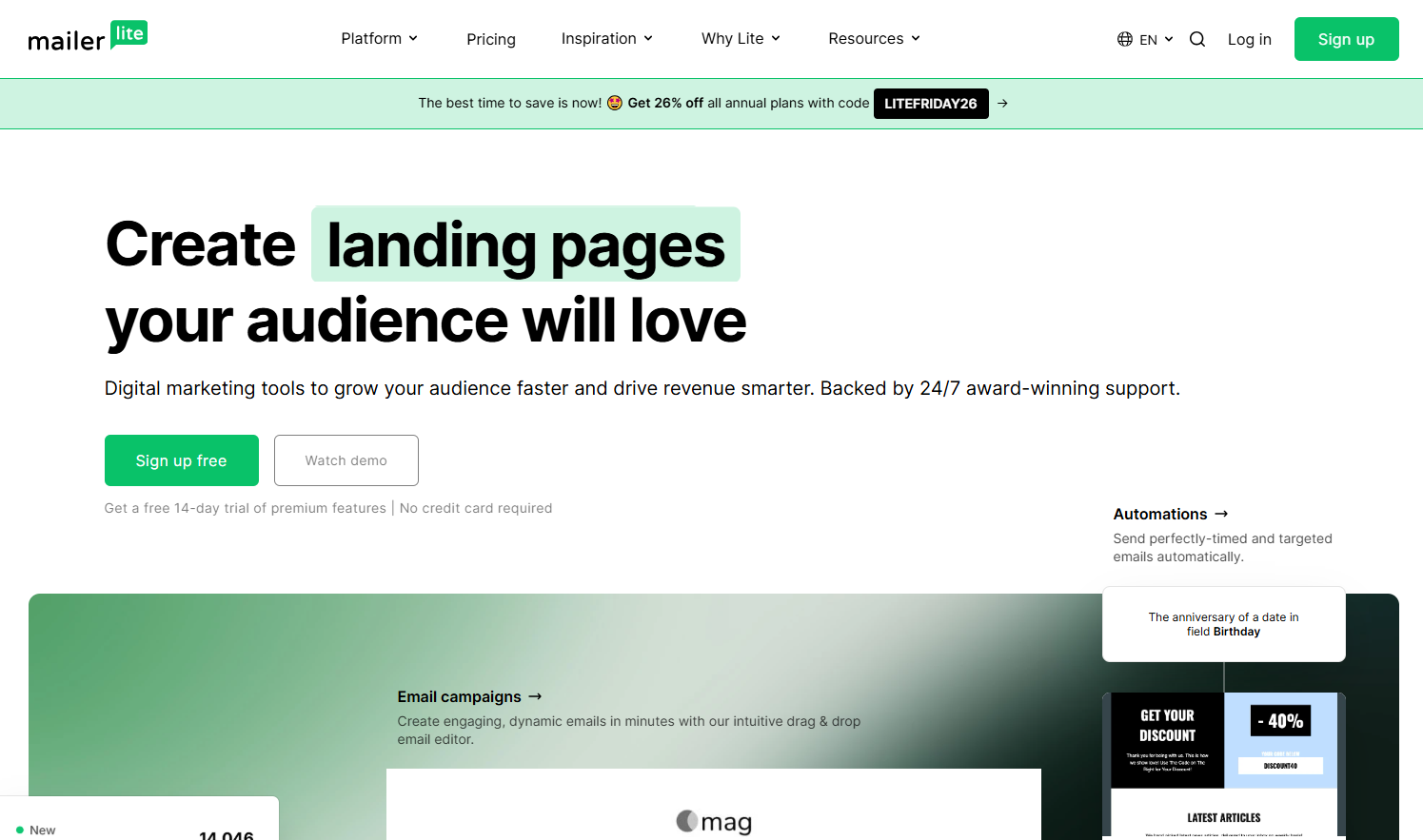
MailerLite is a low-cost email platform that puts newsletters, automations, forms, landing pages and digital product sales in one account. If your list is small and you sell something cheap, it is the first plan to price.
It is built for creators who want to start free, add automation early and sell a download or a paid newsletter without bolting on a second tool. The free plan is far smaller than Kit's, so it is a fit for a list that has not yet found its first thousand readers.
| Plan | Price | Billing | What It Includes |
|---|---|---|---|
| Free | $0 | Free | Up to 250 subscribers, 2,500 monthly emails, 2 seats, 3 active automations, 1 landing page, 1 website |
| Comfort | From $12 a month | Monthly, yearly is 10% off | 50 automations, 3 seats, 10 forms, 10 sites, 5 digital products |
| Power | From $25 a month | Monthly, yearly is 10% off | Up to 200,000 subscribers, unlimited emails under fair use, unlimited seats |
| Enterprise | Custom | Custom | Dedicated IP |
MailerLite's pricing page gives Comfort from $12 a month and Power from $25 a month, with a free plan capped at 250 subscribers and 2,500 monthly emails. Kit's free plan runs to 10,000 subscribers, so the cap is the thing to weigh first.
Strengths:
- Low entry price: Comfort starts at $12 a month, well under Kit's $39.
- Automation on the free plan: Three active automations cost nothing.
- Testing included: A/B testing is listed on every plan, Free included.
- Selling built in: Paid newsletter subscriptions sit on Comfort and Power.
Trade-offs:
- Small free cap: 250 subscribers disappears fast next to Kit's 10,000.
- Thin free plan: One landing page and one website is enough to start and not much more.
- No published subscriber-by-subscriber bill: The pricing FAQ gives starting prices, so confirm your own tier on the page.
Key capabilities:
- Automations, with 3 active on Free and 50 on Comfort
- Forms, landing pages and websites
- Digital product sales from Comfort
- Paid newsletter subscriptions from Comfort
Good fit:
- Creators under a few thousand subscribers who want automation without paying Kit's $39
- Anyone selling a handful of digital products from the same account
Not a fit:
- Senders already past 250 subscribers who only need a free plan
- Teams that need a ready-made importer from Kit
The limitation that matters most is the move itself. MailerLite's features page lists a Mailchimp importer as its only import method, so a switch from Kit goes through a CSV.
2. Beehiiv: Best For Paid Newsletters And Audience Growth
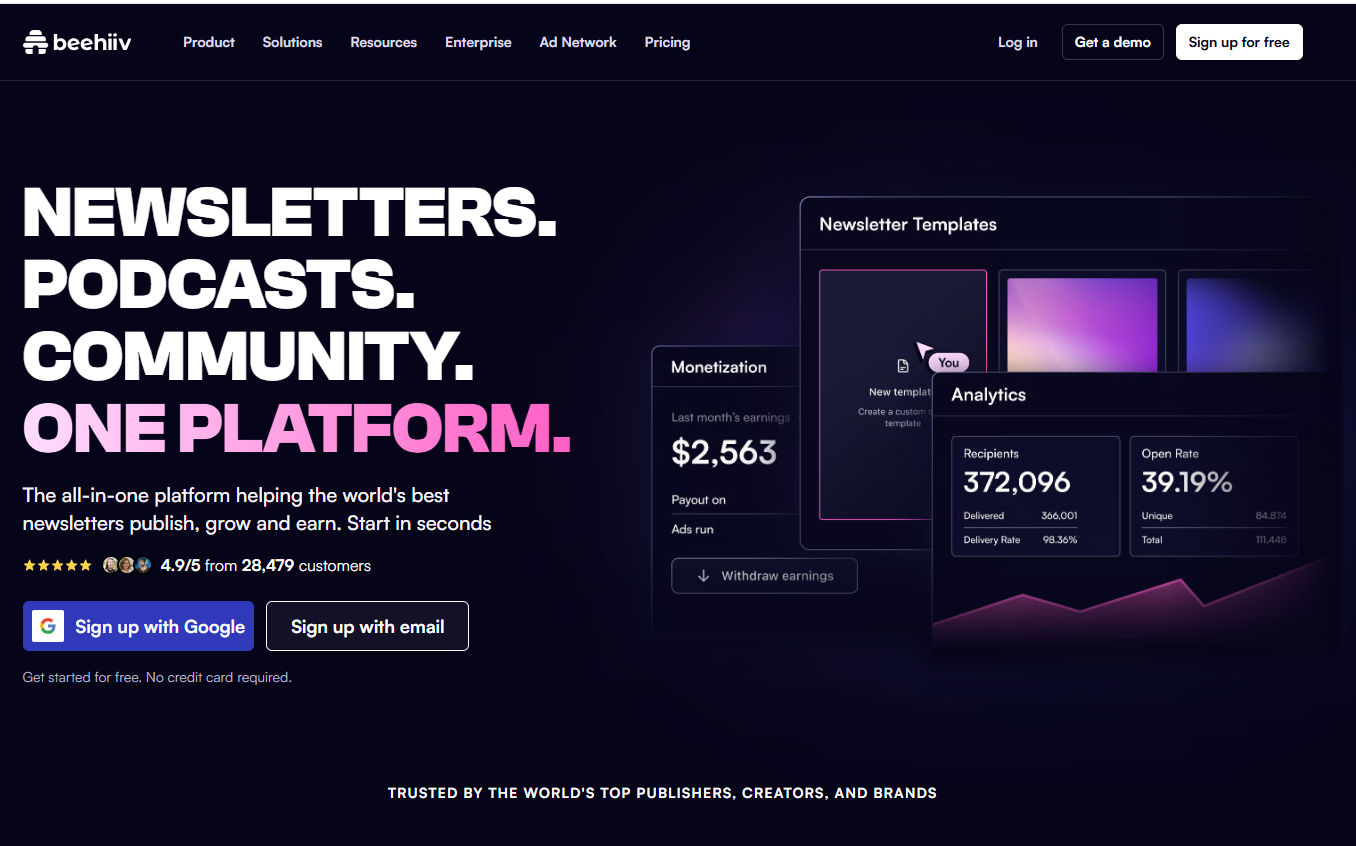
Beehiiv is a newsletter platform built around growing and monetising an audience. It treats the newsletter as the product, with paid subscriptions, ads and referral tools sitting next to the editor.
It fits writers who plan to charge for the newsletter or run several titles. Its free plan is larger than MailerLite's and smaller than Kit's.
| Plan | Price | Billing | What It Includes |
|---|---|---|---|
| Free | $0 | Free | Up to 2,500 subscribers, 1 seat, unlimited email sends, templates, landing pages, API and integrations |
| Lite | $49 a month | Yearly billing | Up to 100,000 subscribers, 2 seats, paid subscriptions, ad monetisation, automations, audience polls, A/B testing |
| Pro | $95 a month | Yearly billing | Up to 250,000 subscribers, 10 seats, branding removal, advanced analytics, webhooks, AI credits, priority support |
| Enterprise | Custom | Custom | Custom terms |
Beehiiv's pricing page puts Lite at $49 a month on yearly billing, and Lite is the first plan with paid subscriptions. The free plan covers up to 2,500 subscribers, so the paid tier is the one to price if you plan to charge readers.
Strengths:
- Free to 2,500 subscribers: Unlimited sends, with templates and landing pages included.
- Monetisation tools: Paid subscriptions and ad monetisation arrive with Lite.
- Growth tools: Beehiiv's features page lists referral programmes, recommendations, pop-ups and email gates.
- Several newsletters: One workspace can hold more than one newsletter.
Trade-offs:
- Paid subscriptions are not free: You need Lite to charge readers.
- Priced on yearly billing: The Lite and Pro prices on the page are yearly-billed prices, so check the monthly rate before you commit.
- No published limits on some features: The features page gives no numbers for the number of newsletters in a workspace, so confirm the limit before committing.
Key capabilities:
- Paid subscriptions and ad monetisation
- Referral programmes and recommendations
- Pop-ups and email gates
- Automations, polls and A/B testing from Lite
Good fit:
- Writers launching a paid newsletter
- Operators who run more than one title and want one login
Not a fit:
- Senders who want to stay on a free plan past 2,500 subscribers
The limitation that matters most is billing. The prices on the page are yearly-billed prices, so confirm what you pay each month before you commit.
3. Brevo: Best For Pricing By Email Volume Instead Of Contacts
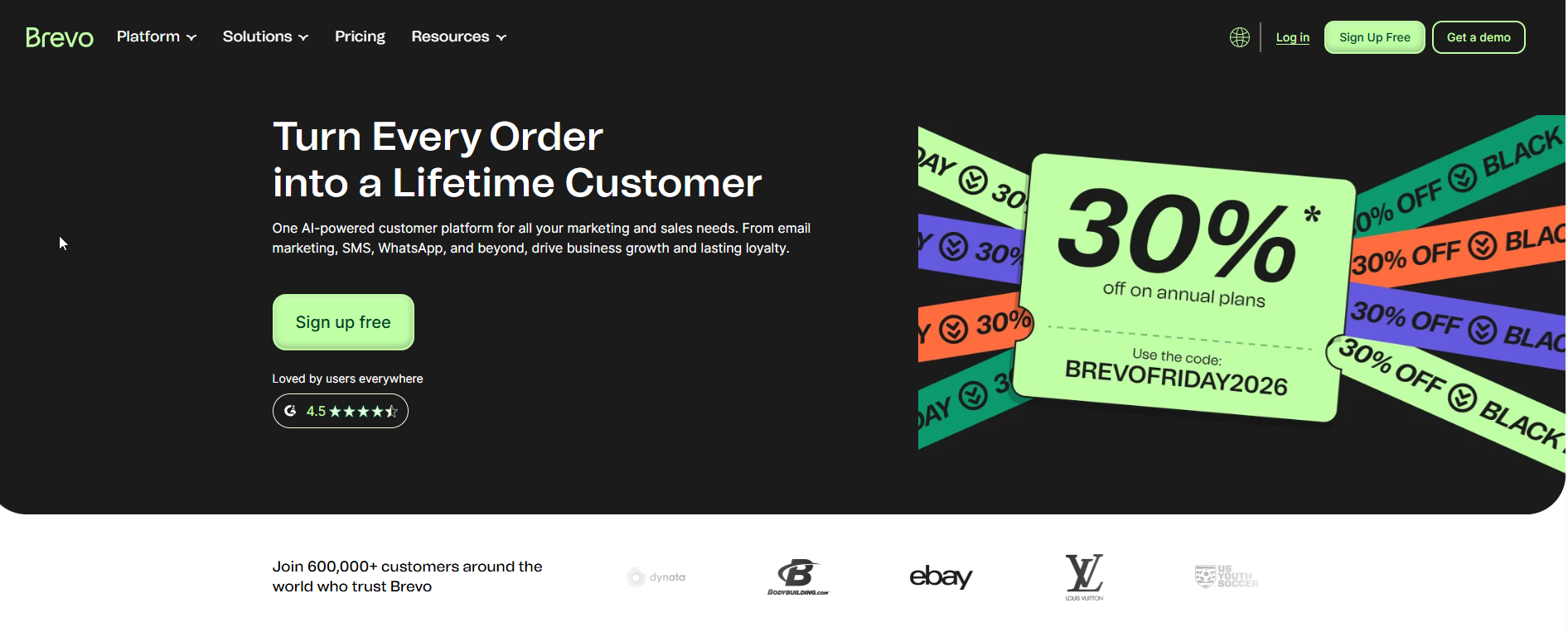
Brevo prices by emails sent in a month, not by how many contacts sit in the list. That changes the maths for a large list that gets mailed rarely.
It fits low-frequency senders who keep a big list warm with a few campaigns a month. It is less natural for a creator who mails daily.
| Plan | Price | Billing | What It Includes |
|---|---|---|---|
| Free | $0 | Free | 1 seat, up to 300 emails a day after account approval |
| Starter | $9 a month ($97 a year) | Monthly email volume, from 5,000 emails | Entry plan, pricing rises with email volume |
| Standard | $18 a month ($194 a year) | Monthly email volume | Unlimited marketing automation, A/B testing, advanced reporting, 1 landing page |
| Professional | From $499 a month ($5,389 a year) | Monthly email volume, from 150,000 emails | 10 seats, phone support |
| Enterprise | Custom | Custom | Multi-account management, dedicated IP |
Brevo's pricing page bills by monthly email volume from Starter upward, with Starter at $9 a month from 5,000 emails and Standard at $18 a month. Per-contact pricing bills on the size of the list whether or not each contact is emailed. Per-email pricing bills on what you send.
A list of 1,000 subscribers mailed four times a month sends 4,000 emails, which sits inside the 5,000-email Starter entry volume. On a per-contact plan the same list is billed for all 1,000 contacts however rarely you write.
Strengths:
- Bills on sends: A big, rarely mailed list can cost less than on a per-contact plan.
- Cheap entry: Starter is $9 a month.
- Unlimited automation from Standard: At $18 a month.
- Free plan exists: Up to 300 emails a day once the account is approved.
Trade-offs:
- Daily cap on Free: 300 emails a day is at most 9,000 in a 30-day month.
- Automation is gated: Unlimited automation only starts at Standard.
- Steep top tier: Professional starts at $499 a month.
Key capabilities:
- Marketing automation, unlimited from Standard
- A/B testing and advanced reporting from Standard
- Landing page on Standard
- Multi-account management on Enterprise
Good fit:
- Senders with a large list who mail a few times a month
- Teams that want predictable bills tied to volume
Not a fit:
- Daily newsletter writers whose send volume climbs fast
- Anyone who needs the free plan to cover a large list
The limitation that matters most is the daily cap on Free. A list of more than 300 subscribers mailed in one send will hit the 300-a-day ceiling before the send finishes.
4. GetResponse: Best For Creators Selling Courses And Webinars
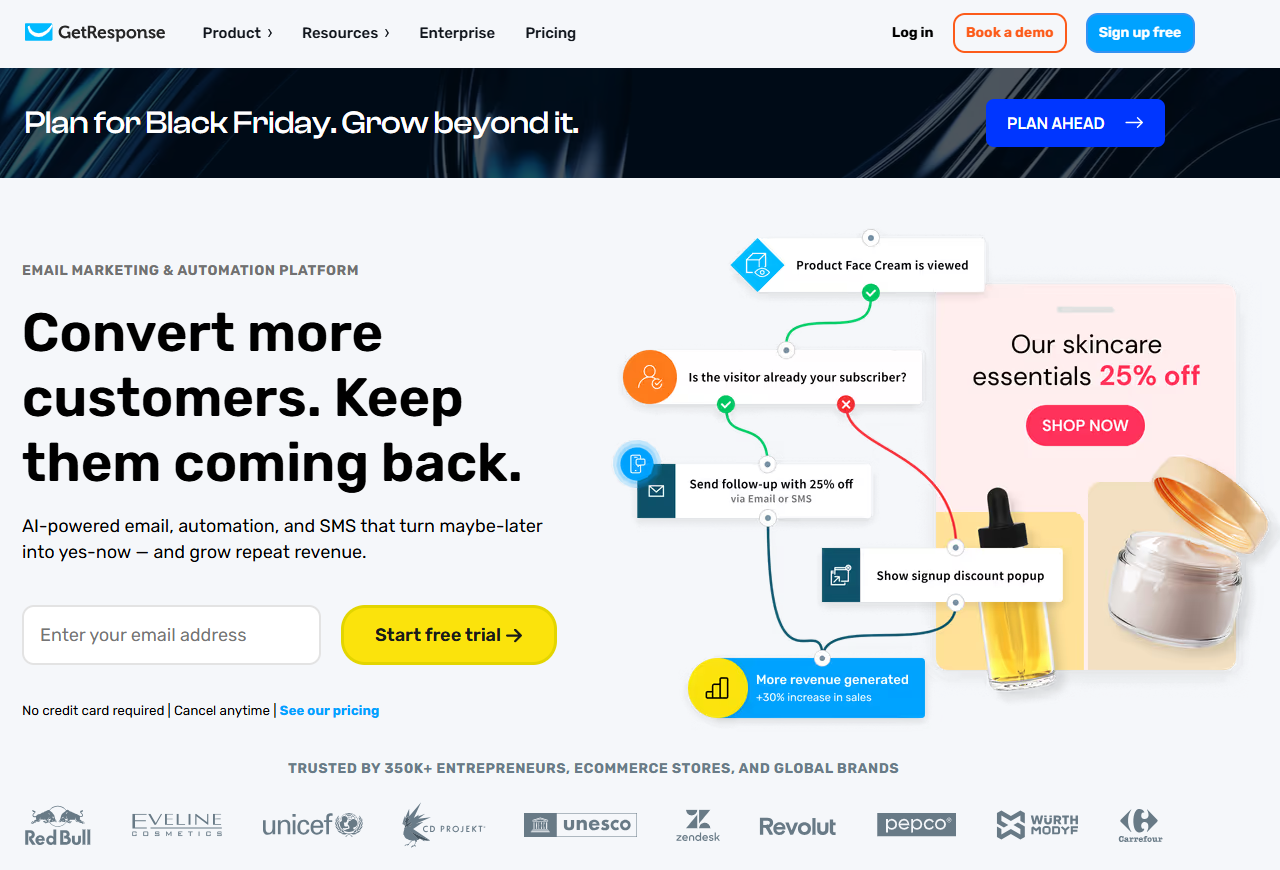
GetResponse is an email platform that adds webinars, funnels and a course builder on top of the usual sending tools. It is the heavier option on this list.
It fits creators whose list exists to sell a course or run a live event. If you only send a newsletter, you will pay for tools you do not use.
| Plan | Price | Billing | What It Includes |
|---|---|---|---|
| Free | $0 | Free | 2,500 newsletters a month, list of up to 500 contacts |
| Starter | $19 a month, or $15.58 a month annual | Subscriber tier, shown at 1,000 | Unlimited sends, welcome series, 1 automation workflow, landing pages, forms and popups, 3 seats |
| Marketer | $59 a month, or $48.38 a month annual | Subscriber tier, shown at 1,000 | Unlimited automations and sales funnels |
| Creator | $69 a month, or $56.58 a month annual | Subscriber tier, shown at 1,000 | Webinars, website builder, course creator, premium newsletters |
| Enterprise | Custom | Custom | Custom terms |
GetResponse's pricing page puts Creator at $69 a month, or $56.58 a month on annual billing, at the 1,000-subscriber tier. Creator adds webinars, a course creator and premium newsletters.
GetResponse's features page lists a free plan of 2,500 newsletters a month for up to 500 contacts, and a 14-day free trial on premium features.
Strengths:
- Selling tools in one plan: Creator carries webinars, a course creator and premium newsletters.
- Unlimited automations from Marketer: At $59 a month.
- Free plan and trial: 500 contacts free, plus a 14-day trial of the premium features.
- Seats: Starter includes 3 seats.
Trade-offs:
- Starter is thin on automation: It includes 1 automation workflow.
- The selling tools cost more: Creator is $69 a month on monthly billing at 1,000 subscribers.
- Smaller free plan than Kit: 500 contacts against 10,000.
Key capabilities:
- Webinars, website builder and course creator on Creator
- Sales funnels and unlimited automations on Marketer
- Landing pages, forms and popups on Starter
Good fit:
- Course creators and webinar hosts
- Operators who want funnels and email in one account
Not a fit:
- Newsletter-only writers who will never use webinars
- Anyone who needs more than one automation on the cheapest plan
The limitation that matters most is the price of the selling tools. Everything a course seller wants sits on the $69 Creator plan.
5. Moosend: Best For Occasional Senders Paying Per Email
Moosend is an email platform with a trial instead of a free plan, and a pay-as-you-go option for people who send rarely. Less is published about it than about the others, so this profile is shorter.
It fits a sender who mails rarely and does not want a monthly subscription for a list that sits idle.
| Plan | Price | Billing | What It Includes |
|---|---|---|---|
| Trial | $0 for 30 days, no card | Trial | Free trial, no card needed |
| Pro | Pricing on request | Contact tiers from 500 to 1,000,000, with discounts for biannual and annual billing | Pricing on request |
| Moosend+ | Custom | Custom | Custom terms |
| Enterprise | Custom | Custom | Custom terms |
| Pay as you go | $350 for 350,000 credits | Email credits that never expire | Packs of 500,000 ($500), 750,000 ($750) and 1,000,000 ($1,000) |
Moosend's pricing page sells pay-as-you-go email credits at $350 for 350,000, which is $1 per 1,000 emails, and the credits never expire. Pro is Pricing on request.
Strengths:
- Credits never expire: You pay for sends, not for a month.
- Clear rate: $1 per 1,000 emails on the 350,000 pack.
- No-card trial: 30 days to test it.
- Support: Email and live chat, 24 hours a day on five days a week.
Trade-offs:
- No free plan: Only a trial.
- No stated Pro entry price: You have to ask.
- Large credit packs: The smallest pack listed is $350.
Key capabilities:
- Pay-as-you-go email credits
- Pro tiers from 500 to 1,000,000 contacts
- Email and live chat support
Good fit:
- Low-frequency senders who want to pay per email
- Anyone who wants to test a platform for 30 days without a card
Not a fit:
- Writers who need a free plan to run a small list
- Anyone who needs to see a Pro price before they talk to anyone
The limitation that matters most is that the Pro price is not published, so you cannot work out a monthly bill from the page alone.
📋 Get Listed / Advertise
We update this guide monthly. Want your tool featured? Contact: [email protected].
How We Chose These Kit Alternatives
Switching platforms means rebuilding forms and automations by hand, so the list is held to a short set of tests. This is the same reason-first method as matched to why you are leaving, applied to email.
- Replaces Kit: The tool has to cover newsletters, lead magnets or creator selling.
- Vendor-read prices: Every price and limit is read from the vendor's own page, never from a review aggregator.
- Readable pricing: Tools whose pricing could not be read cleanly are left out. Mailchimp is not listed because its own pages disagree on the free-plan limit.
- Fit, not rank: The order is by fit for a sender type, not a league table.
What Kit Costs And Why People Leave
Kit is the baseline, so price it properly before you leave it. Kit's pricing page shows a free plan for up to 10,000 subscribers without visual automations or automated sequences, Creator at $39 a month and Pro at $79 a month at the 1,000-subscriber tier.
Kit also charges 3.5% plus 30 cents on every paid digital product, subscription or tip, including card processing. That fee is small on a big sale and heavy on a small one.
| Order Value | Fee At 3.5% Plus 30 Cents | Fee As A Share Of The Sale |
|---|---|---|
| $5 subscription | $0.475 | 9.5% |
| $10 digital product | $0.65 | 6.5% |
So the reasons people switch come down to what the figures show. The free plan stops short of automation, the paid tiers start at $39, and the per-sale fee bites hardest on low-priced products. Before you move, run the same order through the new platform's processing fee, because processing fees elsewhere are not covered here. It is the same habit as checking cost per unit before you change any tool.
Pick By List Size And How You Earn
Pick by how you earn first and list size second. A paid newsletter, a course and a free lead magnet need different things, and the plan that is cheapest for one is wrong for the others.
| Sender Type | Pick | Runner-Up | Figure That Decides It |
|---|---|---|---|
| Free lead magnet, under 250 subscribers | MailerLite | Beehiiv | MailerLite Free allows 250 subscribers and 3 active automations |
| No automations, under 10,000 subscribers | Stay on Kit | None on a free plan at this size | Kit Free covers up to 10,000 subscribers |
| Paid newsletter | Beehiiv | MailerLite | Beehiiv Lite is $49 a month on yearly billing, MailerLite Comfort is from $12 |
| Course or webinar seller | GetResponse | MailerLite | GetResponse Creator is $69 a month and carries webinars and a course creator |
| Digital product seller | MailerLite | GetResponse | MailerLite Comfort includes 5 digital products |
| Occasional sender on a big list | Brevo | Moosend | Brevo bills on emails sent, Moosend credits cost $1 per 1,000 emails |
| Several newsletters | Beehiiv | None confirmed | Beehiiv lists several newsletters in one workspace, with no number stated |
Now run the check with your own numbers. Monthly sends equal subscribers multiplied by emails sent per subscriber per month. A list of 250 subscribers sent 10 emails each is 2,500 sends, which is exactly MailerLite's free monthly email limit. Brevo's free limit of 300 emails a day is at most 9,000 emails in a 30-day month. If your number lands above the limit, price the next plan, not the free one.
For the multi-brand row, Beehiiv runs several newsletters in one workspace, but the features page does not publish a number, so confirm the limit before committing. If you are weighing a wider field than Kit's rivals, see our guide to the best newsletter platforms, and if paid readers are the goal, our Substack alternatives guide covers that route. Our alternatives split by job guide shows the same job-first way of choosing on a different tool. And if the list earns through enquiry or sales pages, the pages that feed it matter as much as the platform, which is what revenue content for decision-stage pages is for.
Choosing the platform decides where the list lives, not how it grows. If you want a team to build the search and AI-answer pages that bring subscribers in, the GEO + SEO Growth Programme covers strategy, content and a monthly AI Visibility Report, with a founder on the monthly call.
How To Move From Kit Without Losing Subscribers
The shape of the work is the same going out as coming in. Subscribers move by CSV with field mapping, and only some platforms, such as Mailchimp and Drip, have dedicated importers. Forms and landing pages are recreated from templates, automations are rebuilt, usually from scratch, and tags are not listed as something that migrates.
- Export your subscriber list from Kit as a CSV, with tags written out as a column.
- Map the fields on import so names, emails and custom fields land in the right place.
- Import a small segment first and send to it, so you see how the new platform behaves before the whole list moves.
- Recreate forms and landing pages from the new platform's templates and swap the embeds on your website.
- Rebuild each automation by hand, and check the imported tags against your export.
- Keep the old account live until the pilot works.
Expect a CSV route into MailerLite, because its features page lists only a Mailchimp importer. When you rebuild the welcome emails, AI writing tools for SaaS can draft the first pass. Landing page URLs and redirects change on migration too, so plan them with technical SEO and AI readiness in mind.
One more point matters. A new platform does not fix deliverability caused by list quality or sending habits, so test with a small segment before you move the whole list.
When Staying On Kit Is The Better Call
If your list is under 10,000 subscribers and you need no visual automations or sequences, Kit's free plan costs nothing, and no alternative here beats that price. If your only complaint is the 3.5% plus 30 cents fee on a small number of sales, work the fee on your real order values before you pay for a migration. A $10 product costs $0.65 in fees, so ten sales a month is $6.50.
The switching cost is real. Forms and automations are rebuilt by hand, and that time is a price too. For a similar rule on when to hold still, see when to stay put.
FAQs
What Is The Best ConvertKit Alternative For A Small List?
Is Kit's Free Plan Enough For A Newsletter?
Does Kit Charge A Fee On Paid Newsletters And Digital Products?
Which Alternatives Let Me Sell Paid Subscriptions?
Will I Lose Subscribers When I Switch From Kit?
Do Automations And Forms Carry Over When I Leave Kit?
Will Moving To A New Platform Improve My Deliverability?
Should I Pay Per Contact Or Per Email Sent?
Can I Run More Than One Newsletter From One Account?
If you want a second opinion on the platform choice, or on how the list should grow once you have moved, book a free thirty-minute call. A founder takes it, and you leave knowing the first thing we would fix.