
Do not buy a rank tracker because its homepage says AI. The word covers three separate measurements, which are whether Google's AI Overview cites you, whether ChatGPT, Gemini or Perplexity name your brand for a given prompt, and which sources those answers cite. SE Ranking, AccuRanker, Nightwatch, seoMonitor and Keyword.com each cover a different mix.
This applies if you already track classic positions and want one workflow. A team that needs only AI answer visibility, with no keyword positions, is better served by a dedicated AI visibility platform.
Prices and limits come from vendor pages and change often. Vendors also count prompts, credits and checks in different units, so compare tools on your own prompt list rather than on headline allowances.
If you would rather have someone set up AI answer tracking for your category than compare five tools, our generative engine optimization team does this for SaaS companies. Start there if the tools below feel like the second step.
📋 Get Listed / Advertise
We update this guide monthly. Want your tool featured? Contact: [email protected].
Best AI Rank Tracking & SERP Monitoring Tools At A Glance
| Tool | AI Overview Presence | Prompt-Level LLM Answers | Citations | Classic Rank Refresh | Entry Price | Best For |
|---|---|---|---|---|---|---|
| SE Ranking | Covered | Covered (25 prompts daily, 5 engines, Core plan) | Covered (AIO Research, SE Visible) | Daily | $103.20 per month on annual billing, $129 monthly (Core) | Classic ranks plus AI Overviews in one plan |
| AccuRanker | Covered (AccuLLM) | Covered (AccuLLM) | Covered (cited sources) | Real-time claimed, no interval stated | EUR 224 per month (Professional) | Large keyword sets with a prompt layer |
| Nightwatch | Covered | Covered (AI Visibility Score, Share of Voice) | Covered (Citation Count) | Daily by default | EUR 79 per month (Starter) | Whole-page SERP monitoring with LLM metrics |
| seoMonitor | Covered, daily | Covered, weekly | Covered for AI Overviews, not stated for LLMs | Daily on primary device, weekly on secondary | EUR 79 per month (Starter) | Agency reporting with weekly LLM checks |
| Keyword.com | Separate AI plan | Separate AI plan | Stated in vendor FAQ | Daily, weekly or on demand | $3 per month annual, $4 monthly (classic); $7.83 annual (AI plan) | Low-cost tracking with an AI add-on |
Read the table left to right. If a cell says separate plan or not stated, price that gap in before you compare totals.
1. SE Ranking: Best For Classic Ranks Plus AI Overviews In One Plan
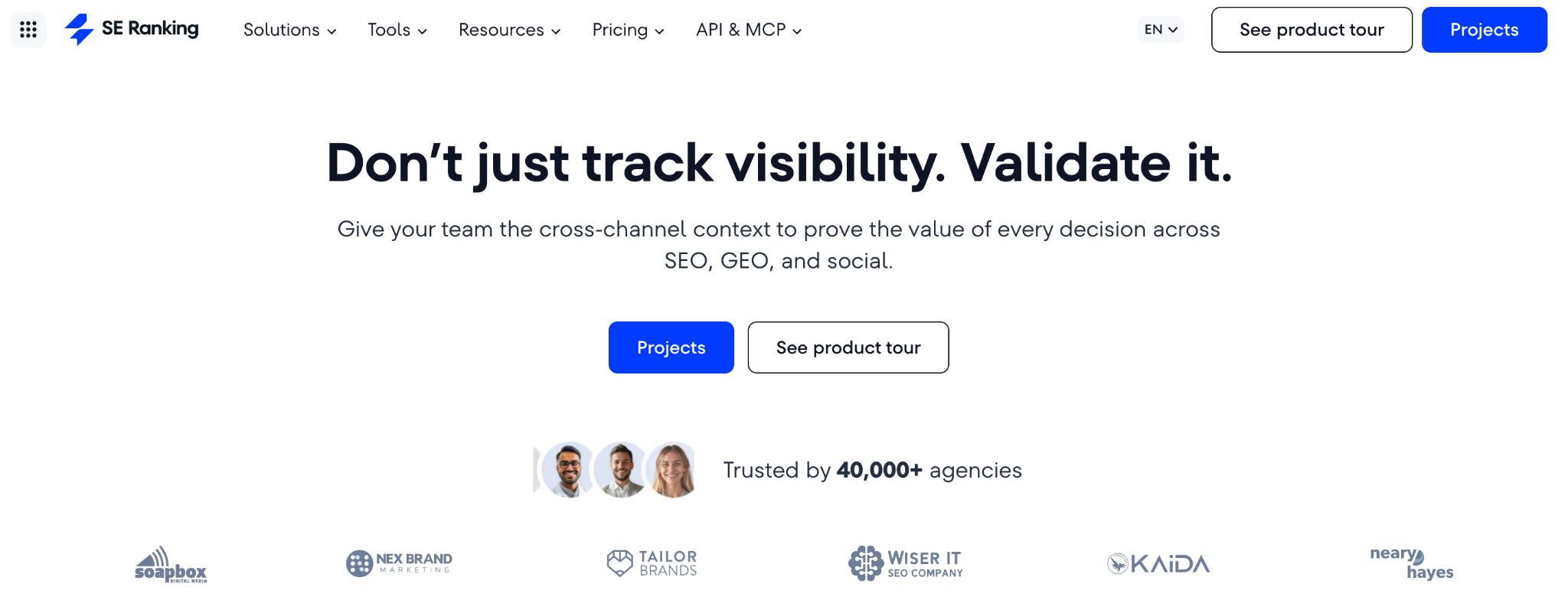
SE Ranking covers classic positions, Google AI Overviews and prompt-level AI answers from one login. Its Core plan includes the rank tracker plus AI Visibility, which checks 25 prompts daily across five AI engines.
The rank tracker itself is the older half of the product. SE Ranking checks daily positions across the top 100 on Google, Bing, Yahoo and YouTube, tracks desktop and mobile separately, works by country, city, region or ZIP, and flags 35+ SERP features. It suits in-house SEO teams and agencies that want one tool for ranks and the AI layer, and that will put up with a platform rather than a light checker.
The AI layer maps onto all three measurements. For AI Overview presence, SE Ranking's AI Overviews tracker shows whether you appear and where you rank within the overview, with historical tracking across markets. For prompt-level answers, AI Visibility in Core runs your prompts daily. For citations, the same page describes AIO Research, which shows how often a domain is cited or mentioned in AI Overviews. Beyond Google, SE Visible is a standalone AI visibility platform tracking visibility, brand mentions, citations and sentiment across ChatGPT, Gemini, Perplexity, AI Mode and AI Overviews.
Pricing:
| Plan | Price | Billing Basis | What It Includes |
|---|---|---|---|
| Core | $103.20 per month | Annual billing ($129 per month if paid monthly) | 10 projects, 2,000 keywords tracked daily, AI Visibility with 25 prompts daily across 5 AI engines |
| Growth | $223.20 per month | As listed on the pricing page | Allowances listed on the pricing page |
| Enterprise | Not published | Quote | Not published |
| AI Visibility listing | From $71 per month | As listed on the pricing page | 75, 200 or 1,000 prompt tiers |
SE Ranking's pricing page lists those figures. There is a 14-day free trial, and API and MCP access are included on every plan.
Strengths:
- Classic ranks, SERP features and AI Overview presence sit in one project.
- AI Visibility is included in Core, so you do not buy the AI layer separately to start.
- API and MCP come with every plan, which matters if you build your own dashboards.
- Up to 20 competitor sites per project, so competitor overlays need no extra tool.
Trade-Offs:
- Core caps AI Visibility at 25 prompts daily, which is enough to test and thin for a large prompt set.
- Deep AI answer tracking across engines pushes you toward SE Visible, a second product.
- Enterprise pricing is not published.
- Deleting a search engine or region permanently removes its ranking history, so set projects up deliberately.
Key Capabilities:
- Daily top-100 positions on four search engines, desktop and mobile separately.
- Location tracking down to ZIP code.
- AI Overview presence and position within the overview.
- API and MCP on every plan.
Good Fit:
- In-house SEO teams that want ranks and AI Overview presence without stitching two vendors together.
- Agencies tracking several sites that need API access on a mid-priced plan.
Not A Fit:
- Anyone who wants a light position checker and nothing else.
- Teams that need thousands of daily prompts from day one.
The limitation that matters most is the prompt allowance, because 25 daily prompts on Core is a starting point and not a monitoring program.
2. AccuRanker: Best For Large Keyword Sets With A Prompt Layer
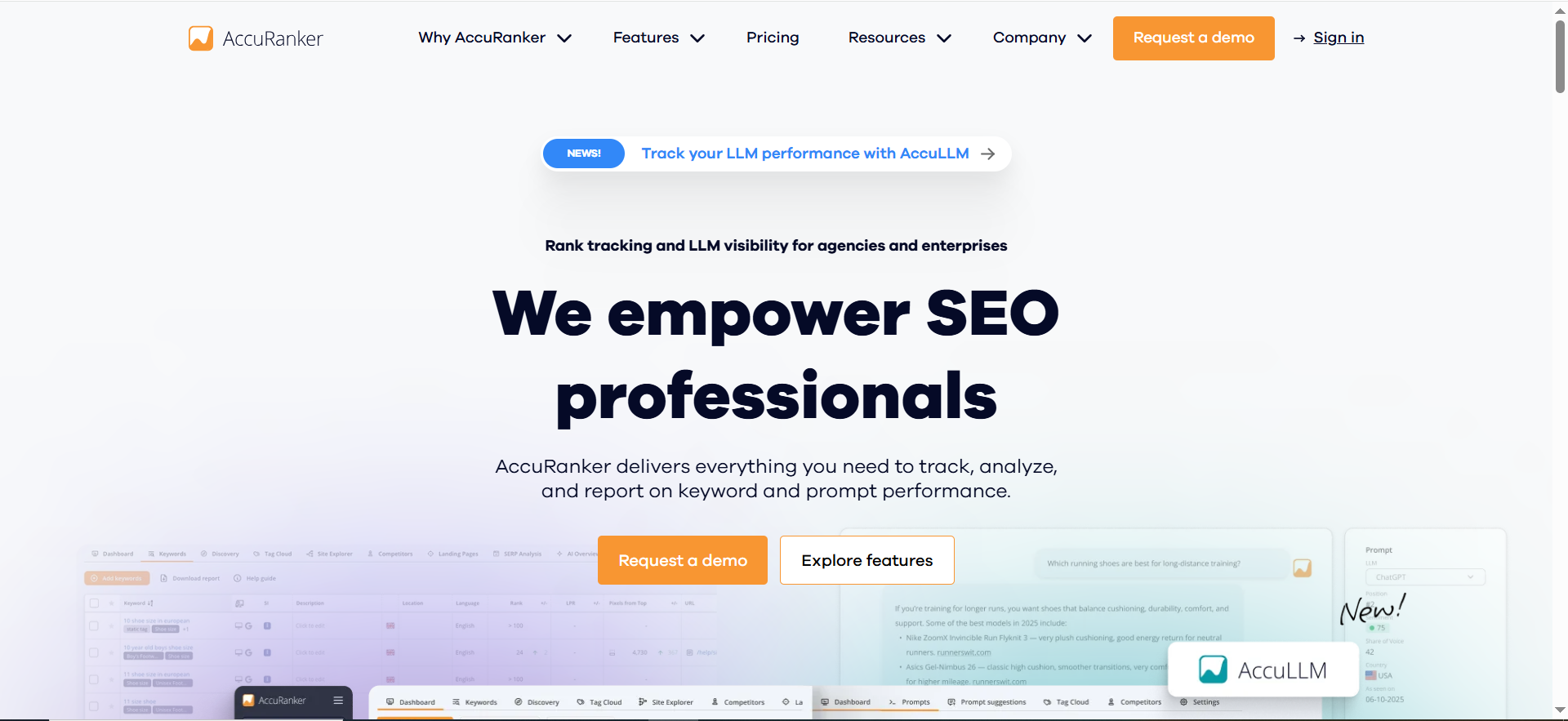
AccuRanker's AccuLLM tracks prompts on ChatGPT, Perplexity, AI Overviews and AI Mode, with sentiment and cited sources. The pricing page describes it alongside a classic rank tracker built for large keyword counts.
That makes AccuRanker the pick when keyword volume is the main constraint. It suits agencies and in-house teams running thousands of keywords across many sites, and it suits anyone who wants a prompt layer attached to a fast tracker rather than a platform built around AI answers.
Mapping it to the three measurements is straightforward. AI Overview presence and AI Mode come through AccuLLM. Prompt-level answers on ChatGPT and Perplexity come through the same product. Citations show up as the cited sources AccuLLM reports against each prompt. The homepage repeats the engine list and claims unlimited users, domains and API calls.
Pricing:
| Plan | Price | Billing Basis | What It Includes |
|---|---|---|---|
| Professional | EUR 224 per month | Per month as listed | 2,000 to 5,000 keywords, daily updates |
| Expert | EUR 764 per month | Per month as listed | 10,000 to 25,000 keywords, Looker Studio, unlimited read API |
| Enterprise | By quote | Quote | Custom |
These figures come from AccuRanker's pricing page, which shows euros per month. It also claims real-time updates without stating an interval, so ask the vendor what real-time means before you rely on it for alerts.
Strengths:
- Keyword allowances scale into the tens of thousands on the Expert plan.
- One product covers AI Overviews, AI Mode, ChatGPT and Perplexity prompts.
- Sentiment and cited sources are reported per prompt.
- Looker Studio and a read API are on the Expert plan.
Trade-Offs:
- Euro pricing is listed per month, which makes budgeting harder to compare against vendors that quote annual rates.
- No refresh interval is stated, only a real-time claim.
- The read API sits on Expert, which is a large step up from Professional.
- Enterprise is by quote only.
Key Capabilities:
- AccuLLM prompt tracking with sentiment and cited sources.
- Daily updates on Professional.
- Looker Studio connection on Expert.
- Unlimited users and domains, as the vendor's homepage claims.
Good Fit:
- Agencies and in-house teams tracking many thousands of keywords.
- Teams that want to attach a prompt layer to an existing tracker.
Not A Fit:
- Small teams with a few hundred keywords, who would pay for scale they do not use.
- Buyers who need annual pricing confirmed before a conversation.
The limitation that matters most is the missing refresh interval, because real-time is a claim and not a schedule you can plan reports around.
3. Nightwatch: Best For Whole-Page SERP Monitoring With LLM Metrics
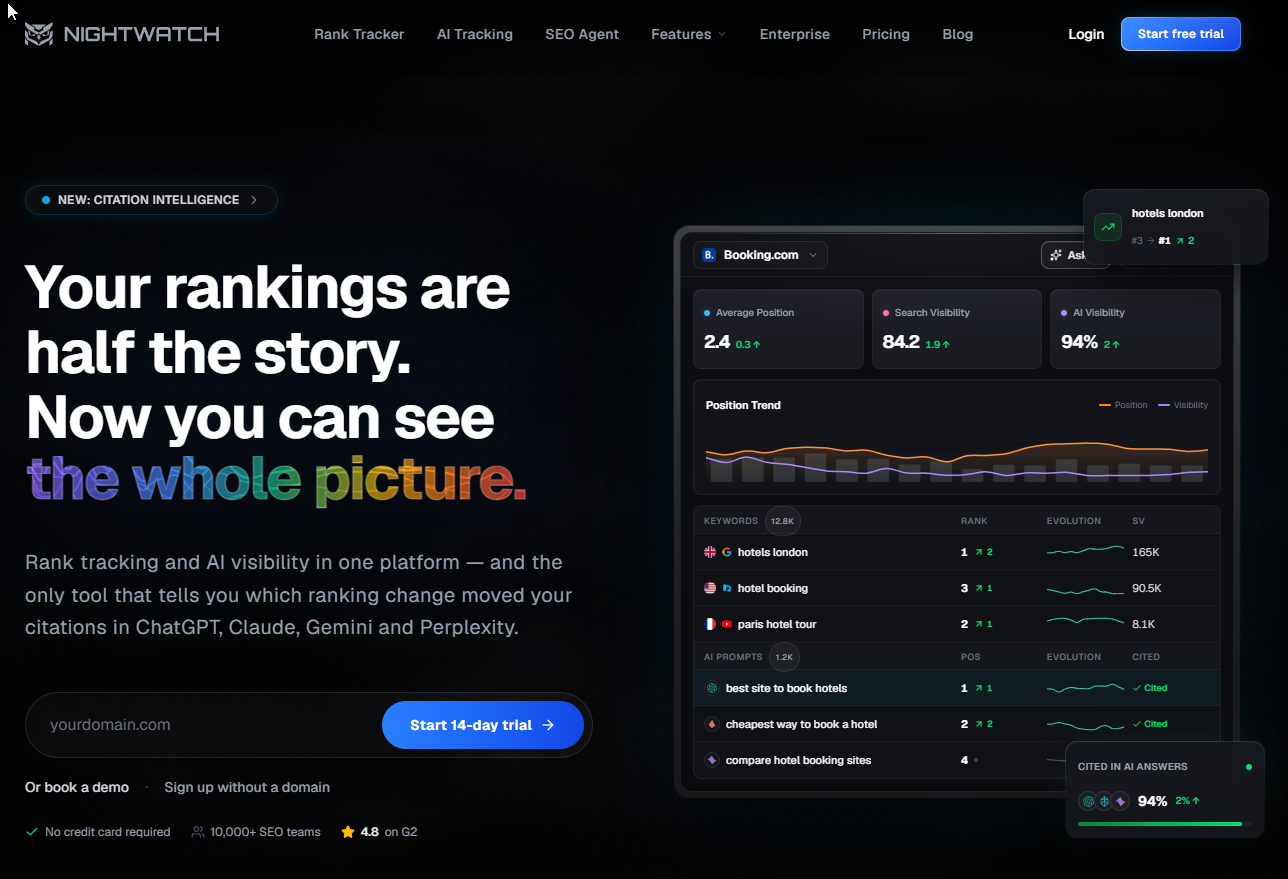
Nightwatch stores the full result page for every check and reports three LLM metrics, AI Visibility Score, Share of Voice and Citation Count. Its pricing page puts API and MCP access on all plans.
The full-page scope is the point. Nightwatch tracks the whole result page, including featured snippets, knowledge panels, local packs and AI Overviews, and it stores the raw HTML of each check. Rank tracking is daily by default with an on-demand refresh. That makes it a good fit for teams who want to know what the SERP looked like on the day a position moved, not just where they ranked.
On the three measurements, AI Overview presence comes from the whole-page capture. Prompt-level answers cover ChatGPT, Claude, Gemini and Perplexity. Citations arrive as the Citation Count metric. The homepage also describes a Looker Studio connector.
Pricing:
| Plan | Price | Billing Basis | What It Includes |
|---|---|---|---|
| Starter | EUR 79 per month | Per month as listed | 500 keywords, 50 AI prompts |
| Professional | EUR 159 per month | Per month as listed | 2,500 keywords, 150 AI prompts |
| Agency | EUR 399 per month | Per month as listed | 7,500 keywords, 500 AI prompts |
| Enterprise | Custom | Quote | Custom |
The page also shows yearly savings figures, but they do not reconcile with the monthly prices, so this guide gives monthly prices only. Check the annual number on Nightwatch's pricing page before you commit.
Strengths:
- Raw HTML per check gives you evidence when a position or a feature changes.
- Three named LLM metrics on one dashboard.
- REST API and MCP on every plan, including Starter.
- Daily tracking by default with on-demand refresh.
Trade-Offs:
- Starter allows 50 AI prompts, which is a small test set.
- Annual pricing does not reconcile on the page.
- Enterprise is custom.
- The whole-page capture is more than a team that only wants a position number will use.
Key Capabilities:
- Snippets, knowledge panels, local packs and AI Overviews tracked per check.
- AI Visibility Score, Share of Voice and Citation Count.
- ChatGPT, Claude, Gemini and Perplexity coverage.
- Looker Studio connector.
Good Fit:
- SEO managers who investigate SERP changes and need the page as it appeared.
- Teams that want API and MCP access without moving up a plan.
Not A Fit:
- Buyers who want the lowest possible entry price for classic ranks only.
- Teams that need very large keyword counts on a self-serve plan.
The limitation that matters most is the prompt allowance on the lower plans, because 50 prompts leaves little room to track more than a handful of topics.
4. SeoMonitor: Best For Agency Reporting With Weekly LLM Checks
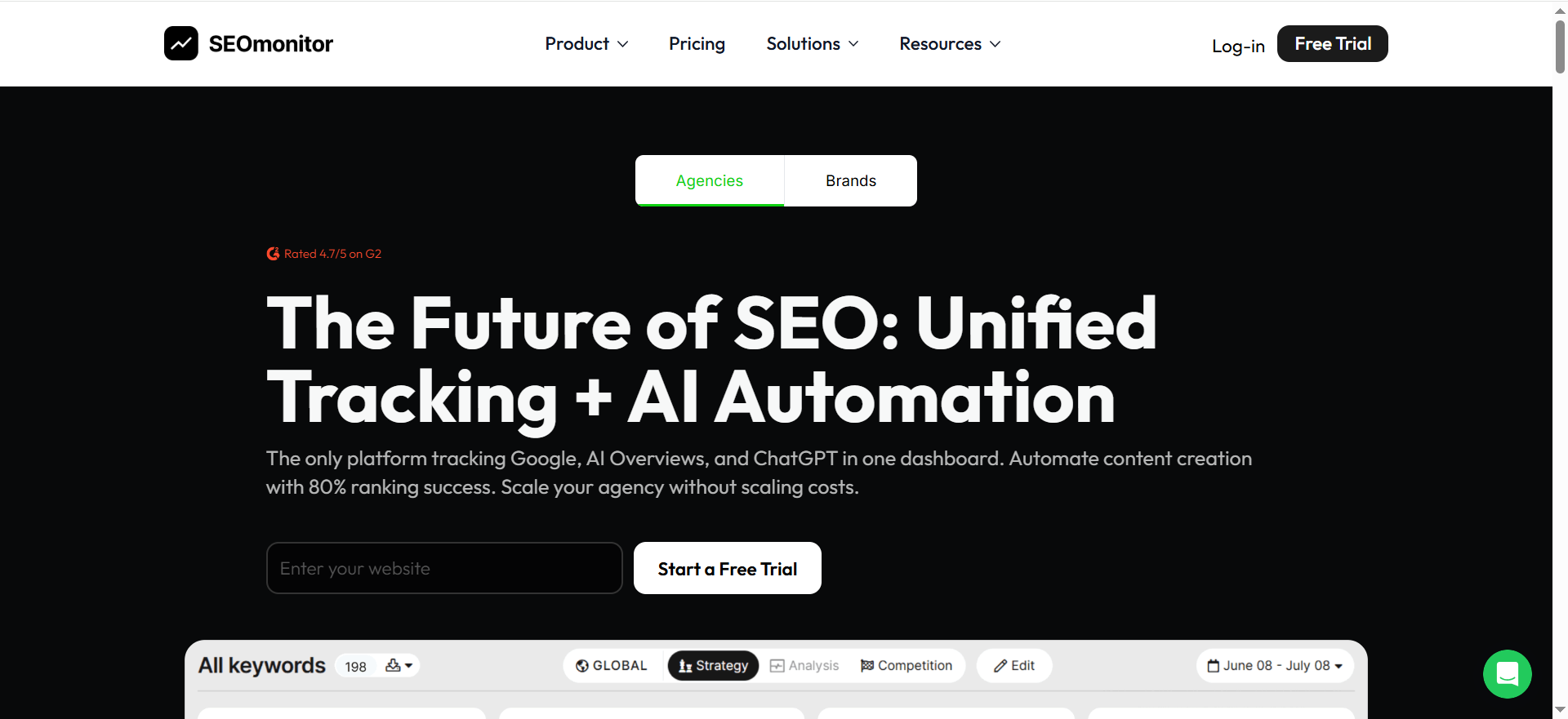
seoMonitor checks AI Overviews daily and ChatGPT, Claude, Gemini and Perplexity weekly. The pricing page lists top-100 rankings daily on the primary device and weekly on the secondary device.
That split matters. Daily AI Overview brand detection on the primary device returns mentions and citations, so you see presence and sources for the Google layer every day. The LLM layer is observed weekly, so it shows direction rather than day-by-day movement. For an agency reporting monthly, that is usually enough. For a team reacting to daily changes in AI answers, it is not.
The Pro plan includes unlimited websites, which fits agency work across many client sites. The homepage repeats the daily AI Overview and weekly LLM pattern and puts API and MCP in Pro.
Pricing:
| Plan | Price | Billing Basis | What It Includes |
|---|---|---|---|
| Starter | EUR 79 per month | Per month as listed | 500 keywords, 1 website, AI tracking weekly on one LLM, MCP and Looker Studio, no API |
| Pro | EUR 299 per month | Per month as listed | 3,000 keywords, unlimited websites, 1,000 AI units, API, MCP, Looker Studio |
These come from seoMonitor's pricing page, where the Starter plan costs EUR 79 per month. Starter limits AI tracking to weekly checks on one LLM and has no API. If you need more than one LLM or any API access, you are buying Pro.
Strengths:
- Daily AI Overview brand detection with mentions and citations.
- Unlimited websites on Pro, which suits multi-client reporting.
- Looker Studio and MCP on both plans.
- Four LLMs observed on the plans that cover them.
Trade-Offs:
- LLM observation is weekly, so a single answer change can sit unseen for days.
- Starter covers one LLM and has no API.
- The secondary device is tracked weekly, not daily.
- AI usage is counted in units, which are harder to compare with other vendors' prompt counts.
Key Capabilities:
- Top-100 rankings daily on the primary device.
- Daily AI Overview brand detection.
- Weekly ChatGPT, Claude, Gemini and Perplexity observation.
- API on Pro.
Good Fit:
- Agencies reporting on many sites, where Pro's unlimited websites matter.
- Teams happy with a weekly view of LLM answers and a daily view of AI Overviews.
Not A Fit:
- Teams that need daily LLM checks.
- Buyers who need an API on a plan below Pro.
The limitation that matters most is the weekly LLM cadence, which makes this a reporting tool for AI answers and not an alerting tool.
5. Keyword.com: Best For Low-Cost Tracking With An AI Add-On
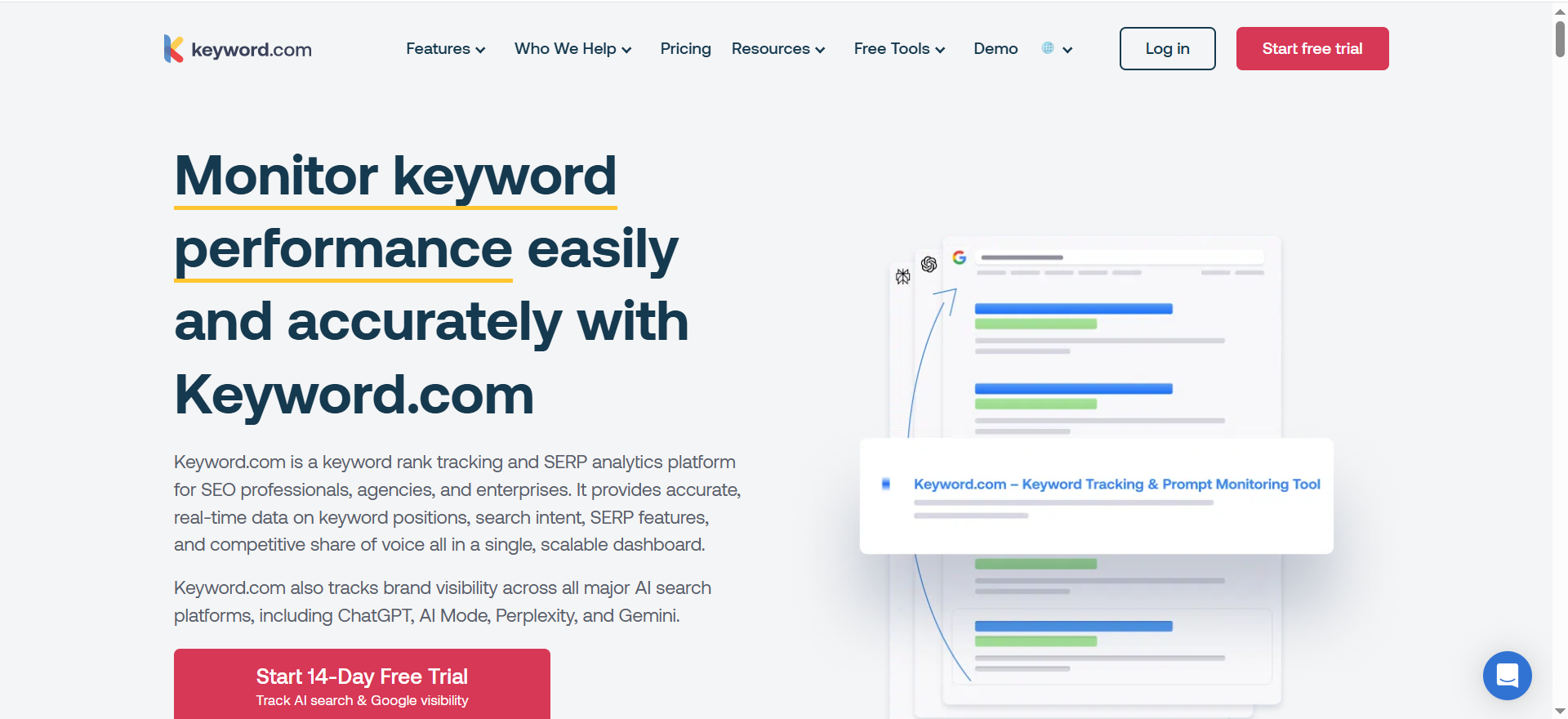
Keyword.com prices classic tracking and AI tracking separately. Its pricing page lists Search Visibility from $3 per month on annual billing ($4 monthly) and a distinct AI Visibility plan.
The Search Visibility plan covers 50 to 500 keywords on Google only. The AI Visibility plan covers ChatGPT, AI Mode, AI Overview, Gemini and Copilot, and Copilot is the one engine here that no other vendor page in this guide names. A 360 Visibility plan bundles Google tracking with the AI engines. Rank updates run daily, weekly or on demand, and the vendor's FAQ says it monitors mentions, citations and presence.
That makes Keyword.com the budget route. It suits small teams who want classic ranks cheaply and an AI layer they can switch on later, and it suits anyone who wants to test AI tracking without a large commitment.
Pricing:
| Plan | Price | Billing Basis | What It Includes |
|---|---|---|---|
| Search Visibility | From $3 per month | Annual billing ($4 per month if paid monthly) | 50 to 500 keywords, Google only |
| AI Visibility | $7.83 per month | Annual billing ($9.80 per month if paid monthly) | ChatGPT, AI Mode, AI Overview, Gemini and Copilot |
| 360 Visibility | $26 per month | Annual billing ($33 per month if paid monthly) | Google plus AI |
| Custom | From $490 | Quote | Custom |
All figures are from Keyword.com's pricing page. The page lists no free plan. It offers a 14-day trial with 100 keywords and 20 credits, so the older claim that Keyword.com has a free tier is wrong.
Strengths:
- The lowest entry price of the five tools for classic tracking.
- An AI engine list that includes Copilot.
- Daily, weekly or on-demand updates, so you pay for the frequency you need.
- A bundled plan that joins Google and AI tracking.
Trade-Offs:
- Classic tracking is Google only.
- The AI layer is a separate plan, so total cost is two prices.
- The trial is capped at 100 keywords and 20 credits.
- Custom pricing starts at $490.
Key Capabilities:
- Google SERP tracking from $3 per month on annual billing.
- AI Visibility across five engines.
- Mentions, citations and presence monitoring, per the vendor's FAQ.
- Daily, weekly or on-demand rank updates.
Good Fit:
- Small teams that need low-cost classic tracking now and AI tracking later.
- Anyone testing AI tracking on a small budget.
Not A Fit:
- Teams that need Bing, Yahoo or YouTube tracking in the same plan.
- Buyers who want a single price covering everything.
The limitation that matters most is that classic and AI tracking are priced separately, so the entry price understates what you will pay for both.
📋 Get Listed / Advertise
We update this guide monthly. Want your tool featured? Contact: [email protected].
The Three Things Vendors Call AI Tracking
Vendors use AI tracking for three different measurements, and the tool you need depends on which one you care about. AI Overview presence is whether Google shows an overview for a keyword and whether your site is in it. Prompt-level LLM answers are whether a model such as ChatGPT, Gemini or Perplexity names your brand for a given prompt, measured over repeated runs. Citations are the URLs an answer lists as its sources.
Buyers mix these up because all three get sold under one label. Superlines' roundup found that tools with an AI Overview layer sell it in different ways, included in a base plan, as a selectable engine or as a paid add-on, with allowance units that differ between vendors. A feature called AI tracking on one pricing page can mean a different measurement on the next.
| Tool | AI Overview Presence | Prompt-Level Answers | Citations |
|---|---|---|---|
| SE Ranking | Rank tracker shows presence and position inside the overview | AI Visibility, 25 prompts daily on Core | AIO Research and SE Visible |
| AccuRanker | AccuLLM | AccuLLM on ChatGPT, Perplexity and AI Mode | Cited sources per prompt |
| Nightwatch | Whole-page capture | ChatGPT, Claude, Gemini, Perplexity | Citation Count |
| seoMonitor | Daily brand detection with mentions and citations | Weekly observation of four LLMs | Covered for AI Overviews |
| Keyword.com | AI Visibility plan | AI Visibility plan | Stated in vendor FAQ |
A single AI answer is a noisy snapshot, so a ranking in ChatGPT is not a stable position. You need repeated runs across many prompts to get a visibility percentage. Google's own layer moves too. Ahrefs found that AI Overview content changed 70 percent of the time for the same query in November and December 2025, as reported by a secondary digest. A tool that checks once and reports a position is reporting one sample.
Those two facts decide how you read any dashboard. Treat prompt-level numbers as percentages over repeated runs, and treat AI Overview presence as something that changes underneath you. If you want the deeper treatment of the prompt layer, see our guide to ChatGPT answer monitoring tools, and for engines beyond ChatGPT, Copilot and Gemini answer monitoring. If you would rather work on getting cited in those overviews than on measuring them, that is answer engine optimization.
Citations, Mentions And Recommendations Are Not The Same Number
A citation, a mention and a recommendation are three separate outcomes, and tools report them with very different clarity. A citation is a URL in the answer's source list. A mention is your brand named in the answer text. A recommendation is the answer putting your brand forward as the thing to choose.
- Citation: Your page appears as a source, whether or not your brand is named.
- Mention: Your brand name appears in the answer text.
- Recommendation: The answer points the reader to your brand as a choice.
The gap between them is large. AirOps found in March 2026 that 15 percent of the pages ChatGPT retrieved appeared as citations in the final answer, as reported by a secondary digest. Most of what a model reads never reaches the citation list. A URL can also be cited without the brand being named, which, in research from Seer Interactive summarised in the same digest, means citation counts can rise while competitors win the recommendations.
This is why a rising citation chart can mislead you. You can be a source on a page and still lose the buyer's shortlist. Moving from cited to recommended is a content and positioning problem, and it is the kind of generative engine optimization work that follows measurement.
So pick the metric before you pick the tool. If your goal is sources, buy citation reporting. If your goal is shortlists, buy mention and sentiment reporting. If your goal is Google traffic, buy AI Overview presence.
Rank Tracking Vs SERP Monitoring Vs SERP Feature Tracking
Rank tracking records your position over time. SERP feature tracking records which features trigger on a keyword, such as snippets, local packs or video, and who owns them. SERP monitoring adds change detection and alerts on top, so you hear when positions, features or layouts move.
AI Overviews sit in all three. In rank tracking, an AI Overview shifts what a position is worth, and some trackers show where your site ranks inside the overview. In feature tracking, the overview is another feature that triggers on some keywords and not others. In SERP monitoring, a new AI Overview trigger on a keyword you own is exactly the sort of change an alert should catch.
The practical split is simple. Rank tracking tells you where you are. Feature tracking tells you what surrounds you. Monitoring tells you what changed and when. Most tools in this list do the first two and sell the third as alerts, so check which one you are actually buying.
Alerts, Change Detection And The SERP Features Worth Watching
Alerts earn their keep only if each one prompts a specific action. Start with four rules and tune them after a month.
- Segment drop: Fire when a keyword segment loses ground across several keywords at once. Action is to check whether a page changed or a competitor moved in.
- Feature loss: Fire when you lose a snippet or local pack you held. Action is to compare the page against the new owner.
- Competitor surge: Fire when a competitor gains across a cluster. Action is to review their page and ours for the same intent.
- New AI Overview trigger: Fire when an overview appears on a keyword where it did not before. Action is to check whether you are cited and add the keyword to the prompt test.
Apply a volatility rule so alerts do not turn into noise. Ignore day-to-day swings, use weekly rolling averages, and act only on moves that persist for five or more days.
Which tools expose alerts is not something the vendor pages in this guide state, so build the rules independent of tool and check the alerting settings during a trial. One practical help is that Nightwatch stores the raw HTML of each check, so you can look at what the page held when a rule fired.
The features worth watching:
- Featured snippet, which often takes the first click.
- People Also Ask, which can fill the first screen.
- Local pack, for any keyword with local intent.
- Video results.
- Shopping results, for commercial queries.
- Sitelinks, which matter for branded searches.
- AI Overviews, which you track alongside the rest.
Once the rules run reliably, much of the follow-up can be automated. Our guide to SEO automation tools covers alerting and reporting automation.
How To Choose: A Decision Rule By Team Size And Reporting Need
Pick by the situation you are in. Each line below ends in a named tool or tells you to leave this list.
- Agency reporting: If you report on many client sites, choose seoMonitor's Pro plan, because it includes unlimited websites, an API and Looker Studio.
- In-house SaaS team: If you want classic ranks, AI Overview presence and a prompt allowance in one plan, choose SE Ranking's Core plan, because it includes 2,000 daily keywords and 25 daily AI prompts.
- Small budget: If you need classic tracking cheaply and may add AI later, choose Keyword.com, because classic tracking and the AI plan are priced separately on its pricing page and you can add the second when you need it.
- Very large keyword sets: If you track many thousands of keywords, choose AccuRanker's Expert plan, because it covers 10,000 to 25,000 keywords and a prompt layer.
- Investigating SERP changes: If you need to see the whole page as it looked on the day of a move, choose Nightwatch, because it stores the raw HTML of each check.
- AI answers only: If you do not track classic positions and want only AI visibility, leave this list for a dedicated platform, and see our guide to tools for monitoring 1,000+ prompts.
- No AI layer needed: If you want general rank tracking and no AI features, read our guide to the best SEO rank tracking software instead.
If your team already runs keyword research and site audits in Semrush, start with its Position Tracking tool, because it keeps ranking data next to the research it came from.
For the wider stack, our guide to the best AI SEO tools covers what sits around a tracker, and the list of cheap SEO tools helps if budget decides the question.
If you want the tracking, the weekly review and the fixes owned by one team, the GEO + SEO Growth Programme covers all three. We set up the tracker, run the review and ship the changes it points to.
How Often Should A Rank Tracker Refresh?
Check classic ranks daily on revenue pages, and check AI Overviews daily too. Weekly is fine for long-tail pages and for LLM answers, but only if each weekly number comes from repeated runs rather than a single sample. The reason is volatility. Ahrefs found that AI Overview content changed 70 percent of the time for the same query, as reported by a secondary digest, so a weekly AI Overview check can miss most of what happened between checks.
Cadences below come from each vendor's own pages.
- SE Ranking: Daily positions across the top 100.
- Nightwatch: Daily by default, with on-demand refresh.
- seoMonitor: Daily on the primary device and weekly on the secondary, per seoMonitor's pricing page, with AI Overviews daily and LLMs weekly.
- Keyword.com: Daily, weekly or on demand.
- AccuRanker: Real-time updates claimed, with no interval stated.
The takeaway is that seoMonitor's weekly LLM cadence suits reporting and not alerting, and AccuRanker's real-time claim needs a question to the vendor. Daily is the safe default where you can afford it, and a trial will show you whether the numbers move enough day to day to justify the cost.
Location, Device And API Setup For Dashboards
A keyword can be third on desktop in one city and eleventh on mobile nationally at the same time. Set up location and device before you read any chart.
- Choose your markets. Pick one or two core countries first, then regions or cities only where local intent matters.
- Set your devices. Track mobile and desktop separately for your highest-value pages.
- Assign keyword sets to the right location. Use city-level tracking for local-intent keywords and national tracking for the rest.
- Limit segmentation early. Start with one or two markets and two devices, then expand once the workflow is stable.
- Report with the split visible. Never show an overall average rank without mobile against desktop and primary against secondary market.
If you build dashboards, ask what the API returns. You want ranks by date, filters for device, location and tags, and SERP feature presence. Then check which plan includes it. SE Ranking includes API and MCP on every plan, Nightwatch offers a REST API and MCP on all plans, seoMonitor includes an API in Pro and not in Starter, and AccuRanker lists an unlimited read API from the Expert plan.
How To Test A Tool On Your Own Prompts Before You Buy
Headline allowances will not tell you which tool measures your category well. A short test will. The method below needs two or three shortlisted trials and about a week.
- Build the list. Take 25 keywords and 25 prompts from your own revenue pages. Record the page each one should lead to. Our guide on how to map keywords to prompts helps here.
- Load the same list into each trial. Use identical wording in every tool. Record the date and the engine.
- Record three results separately. For each prompt note whether an AI Overview appears and you are in it, whether the brand is mentioned, and whether your URL is cited.
- Repeat on a second day. A single AI answer is a noisy snapshot, so compare day one with day two and note how many results changed.
- Compare the tools to each other. Where two tools disagree on the same prompt, run the prompt by hand and see which one matches.
- Check the cost per result. Record how many prompts, credits or units each run used, because vendors count in different units.
The number 25 is not arbitrary. SE Ranking's Core plan includes 25 prompts daily, so a 25-prompt list fits its allowance, and it offers a 14-day free trial. Keyword.com's trial gives 100 keywords and 20 credits, so check how many credits one prompt run uses before you load the list.
| Prompt | Tool | AI Overview Present | Brand Mentioned | URL Cited | Day 1 Result | Day 2 Result |
|---|---|---|---|---|---|---|
| Best CRM for agencies | Tool A | Fill in | Fill in | Fill in | Fill in | Fill in |
| Best CRM for agencies | Tool B | Fill in | Fill in | Fill in | Fill in | Fill in |
| Your next prompt | Tool A | Fill in | Fill in | Fill in | Fill in | Fill in |
Pick the tool whose results you can reproduce by hand, not the one with the biggest dashboard.
What To Report To Leadership
Leadership reads four things, which are visibility trend by segment, AI Overview and mention share, clicks from Search Console, and conversions. Skip individual keyword moves unless they sit on a revenue page. If you track AI share formally, our guide to AI share of voice tools covers how.
To turn a ranking change into revenue, run this calculation on your own Search Console baseline.
- Find your baseline CTR by position. Use your own Search Console data, not an industry curve.
- Estimate incremental clicks. (New CTR minus old CTR) times impressions.
- Convert clicks to conversions. Incremental clicks times your landing page conversion rate.
- Convert conversions to revenue. Conversions times close rate times ACV for B2B, or times ARPA for PLG.
A worked example with illustrative numbers makes it concrete.
- Impressions: 10,000 per month on a keyword cluster.
- CTR change: 3 percent to 5 percent, which gives 200 incremental clicks.
- Conversion rate: 2 percent, which gives 4 conversions.
- Close rate and ACV: 25 percent and $20,000, which gives 1 closed deal and $20,000 in revenue.
These are assumptions for the example, not benchmarks. The model will not be perfect, and it still gives leadership a number that is better than a rank delta.
FAQs
How Do I Know A Tool Is Tracking Google AI Mode And Not AI Overviews?
Does Google AI Mode Have Rankings Like Classic Search?
Does ChatGPT Tracking Need Different Prompts Than Google AI Overviews?
Is Gemini Tracking Worth Prioritising Right Now?
Which AI Platforms Should I Monitor First?
How Do I Track Ranking In LLMs Without Wasting Budget?
What Is The Difference Between AI Search Monitoring And Traditional SEO Tools?
Can Google Search Console Replace An AI Overview Tracker?
How Many Prompts And Keywords Should I Track To Start?
Do I Need Two Tools, One For Classic Ranks And One For AI Answers?
If you have a shortlist and want a second opinion, book a thirty-minute call. One of the founders takes it, and you leave knowing which tool we would trial first and what to track in it.
📑 Disclosure!
Some links in this article are affiliate links. If you sign up through them, The Rank Masters may earn a commission at no additional cost to you. This does not influence which tools we recommend or what we say about them.