

ChatGPT answers shift, sometimes subtly (a different source link), sometimes dramatically (your competitor becomes the #1 recommendation). If you’re responsible for pipeline, brand, or organic growth, that volatility is now a real risk… and a real opportunity.
The best tools for ChatGPT answer monitoring do three things reliably: (1) run your priority prompts on a schedule, (2) detect whether you’re mentioned/cited and where, and (3) show what changed over time (diffs + history). In this guide, the strongest all-around picks are OtterlyAI for straightforward monitoring across AI search surfaces , Akii for broad model coverage + competitive analysis claims and Profound for brand visibility + citation insight workflows. If you mainly want lightweight monitoring on a budget, PromptMonitor is positioned as an affordable visibility tracker while RankPrompt emphasizes prompt-level monitoring + citations + competitor tracking.
📋 Get Listed / Advertisement
We update this guide monthly. Want your tool featured? Contact us at [email protected].
Best AI Visibility Tools for ChatGPT Answer Monitoring (Quick Comparison)
| Tool | Best for | Standout capability | Starting price / model |
|---|---|---|---|
| OtterlyAI | Fast, practical monitoring setups | Tracks prompts across multiple AI search surfaces; focuses on mentions/citations | From $29/mo (tiered prompt-based pricing cited by reviewers) |
| Promptmonitor | Budget-friendly monitoring | Positioned as tracking visibility across major AI platforms + mentions | Listed at $29/mo on a tool directory) |
| Profound | Brand visibility + response/citation analysis | Tracks AI visibility + “Uncover Citations” positioning | Pricing varies; some comparisons list plans starting ~$99/mo |
| Akii | Broad AI-engine coverage + competitor intel | Tracks visibility across Google AI, ChatGPT, Perplexity, Copilot (and more per site) | “Start tracking free” messaging (pricing not fully public on homepage) |
| RankPrompt | Prompt-level monitoring + citations | Real-time monitoring across ChatGPT/Perplexity/AI Overviews + citation analysis | Pricing listed on G2: Starter $29/mo (credits model) |
📋 Get Listed / Advertisement
We update this guide monthly. Want your tool featured? Contact us at [email protected].
▶️ Explore
1.OtterlyAI
What it does
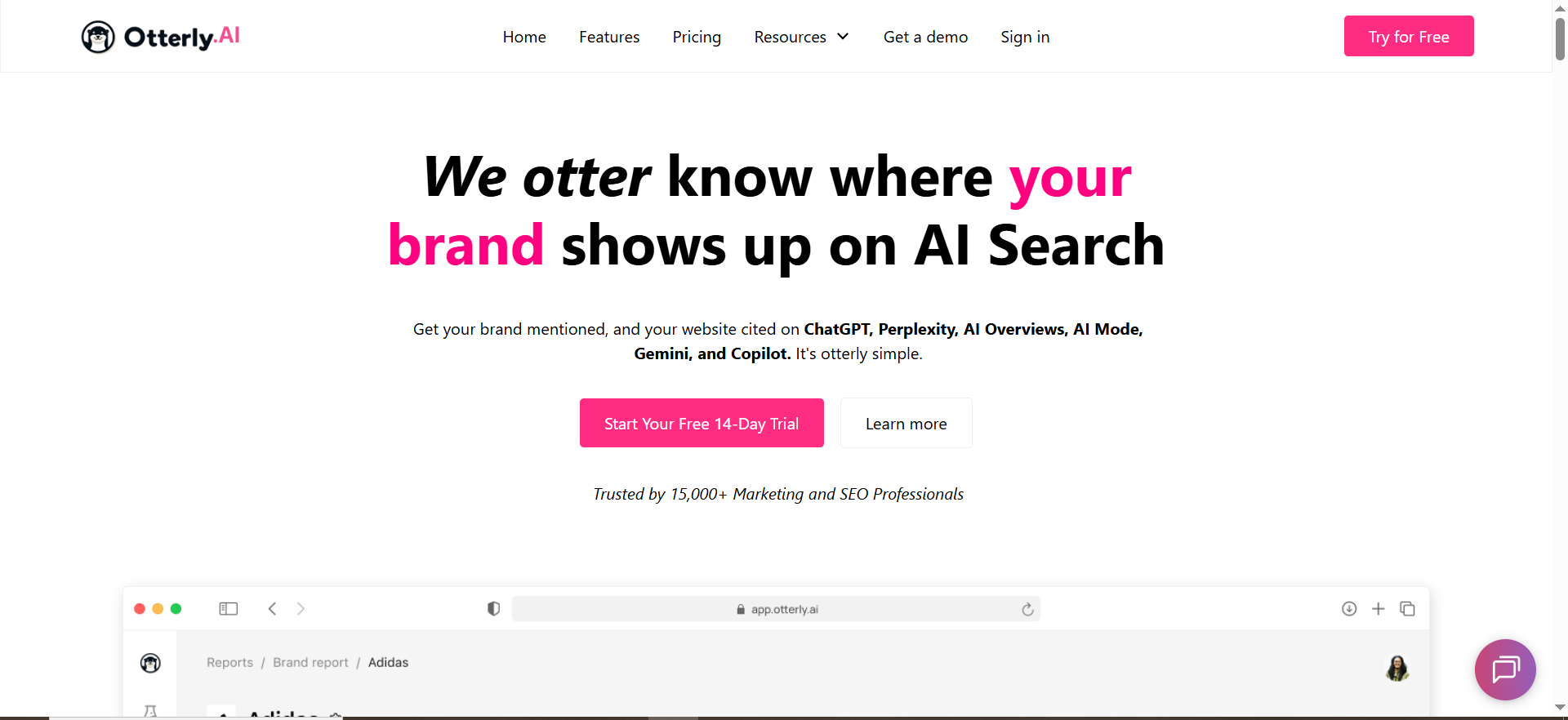
OtterlyAI positions itself as an AI search monitoring tool that runs prompts against AI search/answer surfaces and analyzes outputs for mentions, citations, and related signals.
Why teams use it
Teams pick OtterlyAI when they want a clear “monitoring-first” without building their own prompt-running system. It’s also commonly discussed as a straightforward option for foundational monitoring.
What it’s good for
- Baseline monitoring: “Are we showing up at all for our money prompts?”
- Citation spotting: identifying which pages/domains appear when you are mentioned
- Routine reporting for marketing/SEO: visibility trends, prompt-level results
When it’s a good fit
- You need to stand up monitoring quickly (e.g., a leadership request: “Are we in ChatGPT answers?”), so book a call and ship a baseline fast.
- You’re an agency building an AI visibility reporting offer and want repeatable workflows
When it’s not a good fit
- You want deep enterprise governance features (SSO, audit logs, strict data controls) as table stakes
- You need highly customized BI pipelines and APIs
How to use it
- Create a prompt set (start with 25): product category prompts, comparison prompts, “best X for Y,” integrations, pricing, and “alternatives.”
- Tag prompts by intent (awareness vs consideration vs decision).
- Run daily for 2–4 weeks to establish a baseline.
- When you see volatility, check: mention presence, citation domains, and competitor displacement (who replaced you).
OtterlyAI describes a workflow where an AI visibility tracker runs prompts across systems like ChatGPT and analyzes responses for mentions/citations.
Key capabilities
- Scheduled prompt runs
- Mention detection (brand + product + domain variants)
- Citation/source visibility
- Prompt library management (tags, folders, owners)
Pricing
OtterlyAI’s Lite plan starts at $29/month. The next tiers are Standard at $189/month and Premium at $489/month.
Free tier?
OtterlyAI doesn’t offer a permanent free tier, but it does offer a free trial.
Downsides / limitations
- Prompt-based pricing means costs can climb as your monitoring program grows, so align budgets early with your pricing plan.
- Like all tools in this category: results are sensitive to prompt phrasing and model changes (you’ll need a volatility playbook—covered later).
2. Promptmonitor
What it does
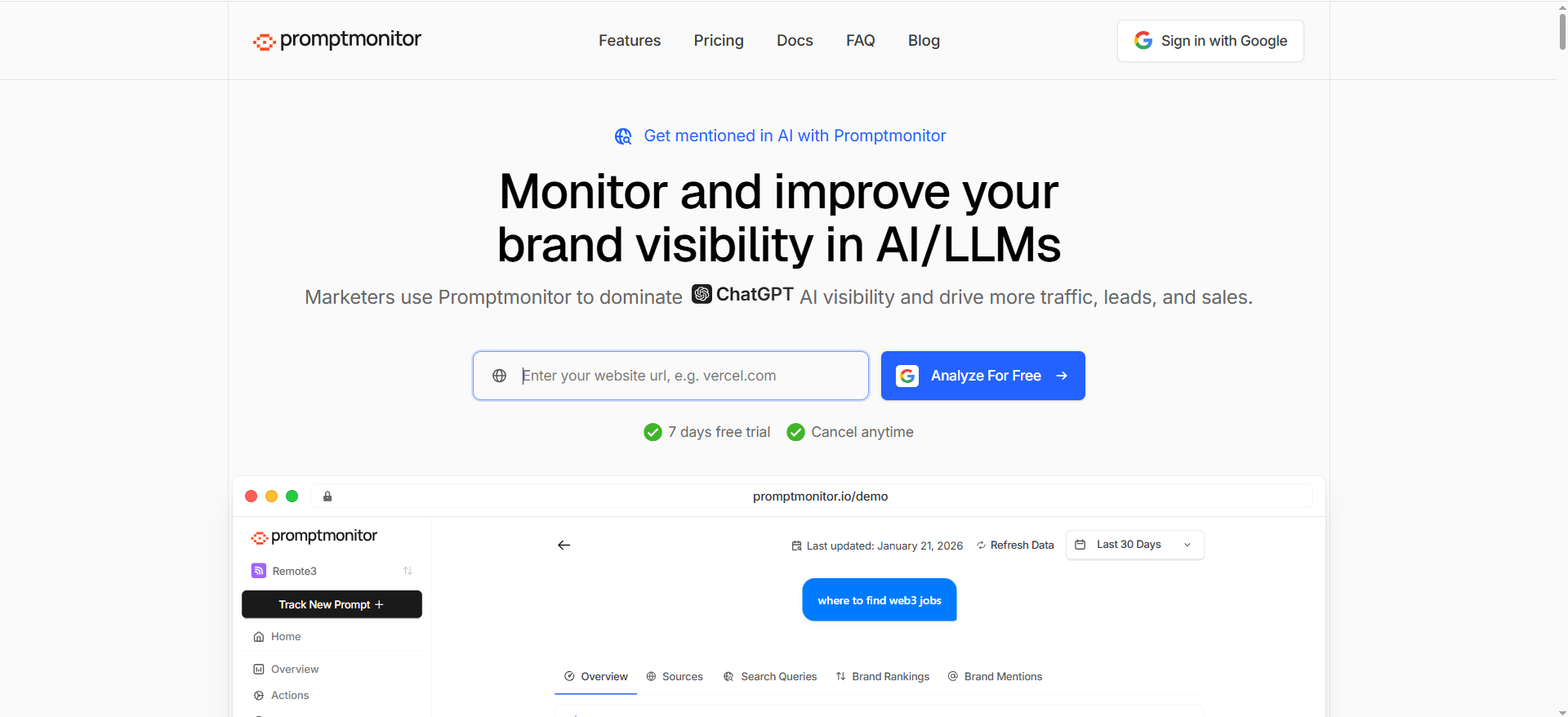
Promptmonitor is described as a tool that monitors brand visibility across AI/LLM platforms like ChatGPT and focuses on analyzing mentions and visibility signals.
Why teams use it
It’s often considered when teams want lightweight monitoring without paying enterprise pricing.
What it’s good for
- A “starter” monitoring motion: a small set of high-intent prompts
- Simple visibility checks (presence/mentions)
When it’s a good fit
- You’re a small team and need budget-friendly tracking
- You want to prove the value of monitoring before scaling up
When it’s not a good fit
- You need advanced reporting, governance, or complex integrations
- You want robust multi-model coverage and deep citation intelligence (verify what’s included)
How to use it
- Start with 10–25 prompts that map to the pipeline: “best,” “top,” “alternatives,” “vs,” “pricing,” and “integrations.”
- Add brand variants (company name, product name, domain, and common misspellings).
- Run consistently (daily or weekly) so you can separate real movement from one-off noise.
Key capabilities
Based on tool directory descriptions: visibility tracking and brand monitoring across AI platforms.
Pricing
Prompt Monitor’s pricing starts at $49/month for the Pro plan.
Free tier?
Prompt Monitor offers a free tier ($0/month).
Downsides / limitations
- Tool directories can lag real pricing/features, treat this as a shortlist item you validate, not gospel.
- For exec-ready programs, you’ll likely outgrow basic tracking and want stronger diffing, citation context, and workflow features.
3. Profound

What it does
Profound positions itself around tracking AI visibility, analyzing what AI is saying about your brand, and uncovering citations, which is exactly what you need for ChatGPT answer monitoring beyond “did we show up?”
Why teams use it
Because monitoring isn’t just presence, it’s narrative. Profound leans into understanding how you’re described and what sources shape those answers.
What it’s good for
- Brand presence tracking (frequency/coverage)
- Answer analysis (what themes show up)
- Citation visibility (which sources drive answers)
When it’s a good fit
- You’re moving from “visibility checks” to brand + demand strategy
- You want to connect monitoring to content priorities: what topics and prompts matter most
When it’s not a good fit
- If you need ultra-transparent self-serve pricing only (Profound often appears in “request a demo” conversations)
- If you want a minimal “just run my prompts cheaply” tool
How to use it
- Build a prompt set by intent clusters: category, use-case, comparison, integration, pricing, and alternatives.
- Track not only mention/citation, but also message alignment (does ChatGPT describe your product correctly?).
- Create an action queue: when the answer changes, decide if it’s a content fix, a PR/listing fix, or a product messaging fix, then run a content audit fix sprint where needed.
Key capabilities
Profound explicitly calls out: tracking presence, analyzing responses, and uncovering citations.
Pricing
Profound’s pricing starts at $99/month. Enterprise pricing is custom.
Free tier?
Profound doesn’t advertise a permanent free tier, but it does offer a “try for free” option and demos.
Downsides / limitations
- If pricing and packaging are not transparent, procurement can take longer.
- You still need a strong prompt methodology; the tool won’t save you from a bad prompt set.
4. Akii
What it does
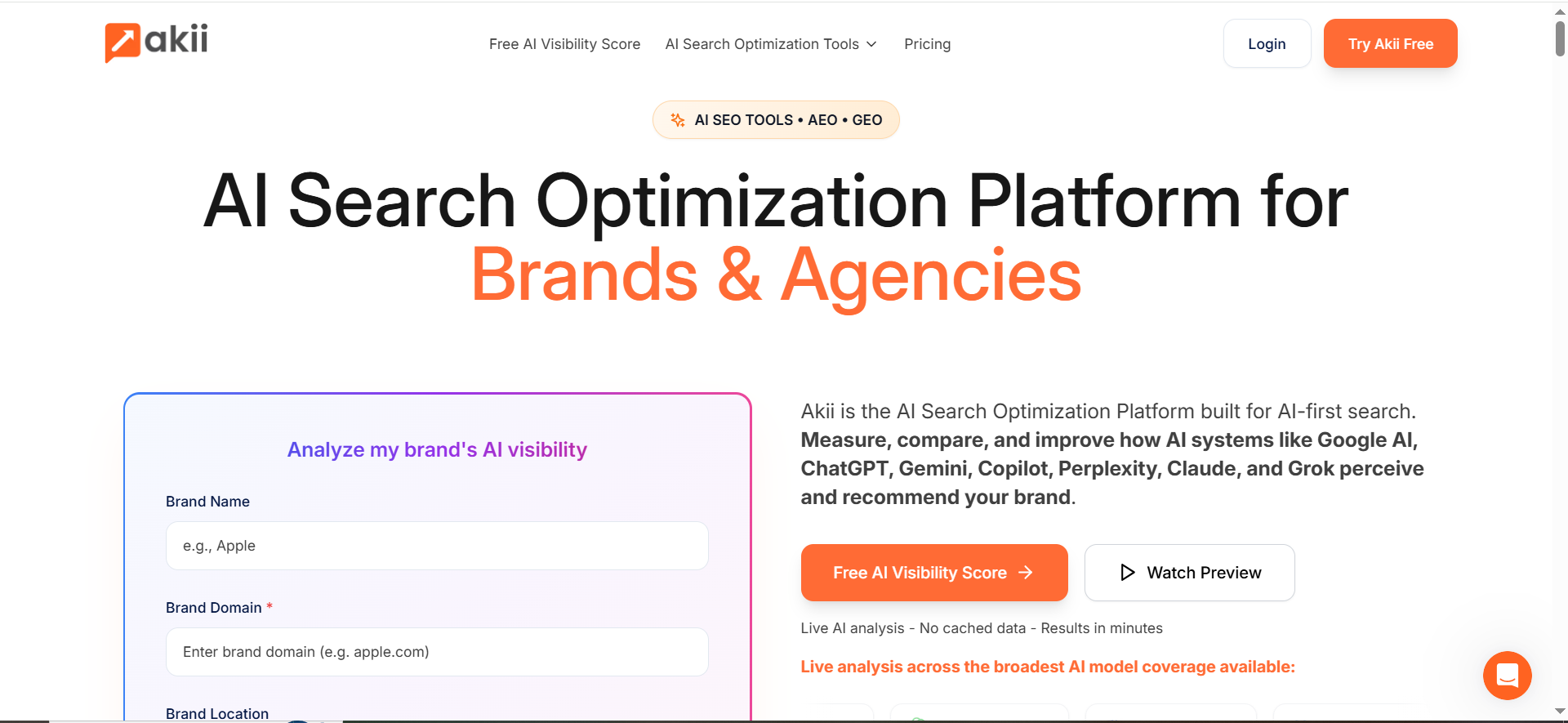
Akii positions itself as an AI search tracker to monitor how often AI models mention, recommend, or cite your brand. It explicitly references tracking across Google AI, ChatGPT, Perplexity, and Copilot on its site.
Why teams use it
Because “ChatGPT answer monitoring” becomes far more useful when you can say:
- “We improved in ChatGPT but dropped in Google AI Overviews.”
- “Competitor X is being recommended across multiple engines, not just one.”
Akii’s positioning emphasizes cross-engine coverage and competitor intelligence.
What it’s good for
- Broad engine coverage (helpful when leadership asks about AI visibility broadly, not just ChatGPT)
- Competitor comparison and “who gets recommended instead” style insights
When it’s a good fit
- You want monitoring that supports category leadership reporting (visibility vs competitors)
- You’re running an agency program and need repeatable competitor benchmarking
When it’s not a good fit
- You only care about ChatGPT and want a hyper-focused ChatGPT-only workflow
- You require fully transparent pricing and packaging (Akii emphasizes “start free,” but the full plan structure may require a deeper look).
How to use it
- Start with a core prompt pack (25–50 prompts) for your highest-converting product category.
- Add competitor sets that reflect real buying decisions (not just your SEO SERP competitors).
- Track weekly trends, then drill into prompts where (a) you disappeared, (b) citations changed, or (c) competitors gained prominence, using solid marketing research to guide priorities.
Key capabilities
Akii states it can track visibility trends and competitor tracking, and it calls out multi-engine coverage.
Pricing
Akii’s Starter plan starts at $49/month. Higher tiers include Premium at $99/month, Growth at $499/month, and Agency at $1,999/month.
Free tier?
Akii doesn’t offer a permanent free tier, but it does offer a 14-day free trial.
Downsides / limitations
- As with all tools, you’ll need to normalize noise (prompt phrasing, model updates, and context windows).
- If you want a simple “set prompts and forget” motion, competitor + multi-engine depth can be more than you need at first.
5. RankPrompt
What it does
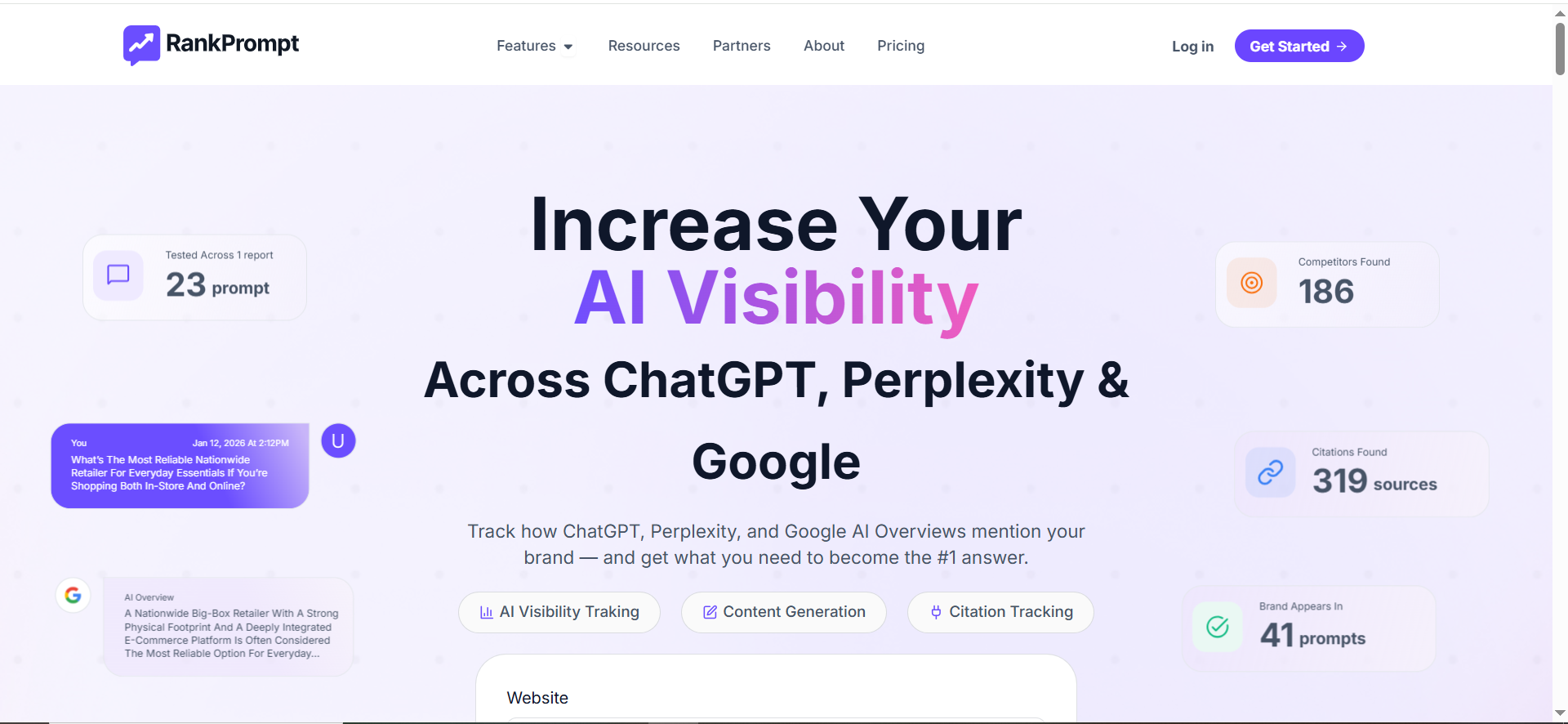
RankPrompt emphasizes tracking visibility across ChatGPT, Perplexity, and Google AI Overviews, plus competitor tracking and citation analysis.
Why teams use it
RankPrompt’s pitch is direct: AI monitoring + competitor insight + citation analysis in one place, and it shows prompt-level reporting concepts in its product pages.
What it’s good for
- Prompt-level monitoring (visibility by prompt, by platform)
- Competitor displacement tracking (“who AI recommends instead of you”)
- Citation/source visibility (which domains appear when you’re mentioned)
When it’s a good fit
- You want monitoring plus clear competitive narratives for stakeholders
- You’re building an “AEO/AI visibility” program and need reporting artifacts that are easy to share
When it’s not a good fit
- You need extensive enterprise controls and custom governance across many brands
- You prefer a flat “prompts only” pricing model instead of credits-based packaging
How to use it
- Set up a “money prompt pack” (25–100 prompts).
- Run weekly scheduled reports for stakeholders.
- Use citation insights to create a source acquisition plan: which review sites, directories, or comparison pages appear most frequently for your category.
RankPrompt highlights scheduled reporting and citation analysis workflows.
Key capabilities
- Real-time monitoring across ChatGPT/Perplexity/AI Overviews
- Competitor tracking
- Citation analysis + source lists
Pricing
RankPrompt’s Starter plan is $49/month. Higher tiers include Pro at $89/month and Agency at $149/month.
Free tier?
RankPrompt doesn’t offer a free tier, but all plans include a 7-day free trial.
Downsides / limitations
- Credits models can make forecasting harder if prompt volume spikes.
- You still need a robust prompt taxonomy; otherwise, competitor insights won’t map cleanly to funnel priorities.
What “ChatGPT Answer Monitoring” actually means
“ChatGPT answer monitoring” is the systematic testing of what ChatGPT outputs for a defined set of prompts, then tracking how those outputs change over time. One straightforward definition of AI prompt monitoring is the “systematic testing and analysis” of what models like ChatGPT respond to specific prompts.
In practice, you’re monitoring four layers:
- Presence: Are you mentioned at all?
- Prominence: Are you a top recommendation or a footnote?
- Citations/sources: Which domains does ChatGPT “trust” in your category?
- Stability: What changed since last run (diffs + history), and did competitors displace you?
Many tools do this by automatically sending prompt queries to AI systems (ChatGPT and others) and analyzing responses for mentions and citations.
The baseline framework: “ChatGPT outputs shift, build a baseline”
The most useful “unique angle” for this topic is simple: don’t chase single screenshots, build a baseline.
Your baseline is a repeatable prompt set + a consistent run schedule that produces a trendline (not anecdotes).
A good baseline answers:
- What % of our high-intent prompts include us?
- Which competitors appear most often when we don’t?
- Which sources show up repeatedly when ChatGPT answers our category questions?
- Which prompts are volatile vs stable?
Once you have baseline data, you can create an action loop:
Monitor → Diagnose → Fix → Validate → Report
What to track (metrics that don’t lie)
Here are the metrics that make monitoring executive-ready (and prevent “randomness” arguments):
1) Visibility rate (presence)
- % of prompts where your brand appears
- Track by prompt cluster (category vs alternatives vs integrations)
2) Competitor displacement
- When you disappear, who appears instead (and for which prompt types)
3) Citation share (sources that drive answers)
- Which domains are being referenced when your category is explained
- This is where monitoring turns into an actionable source acquisition plan (PR, listings, partnerships, updating pages that should be cited)
4) Answer diff signals (what changed)
- Did the ranking/order of recommendations change?
- Did the cited sources change?
- Did messaging about your product change (pricing, positioning, features)?
5) Data quality checks (avoid false positives)
- Brand name disambiguation (are you confused with another entity?)
- “Mention quality” (are you recommended or merely referenced?)
How to set up 25 prompts in ~15 minutes
If you do nothing else from this guide, do this. It’s the quickest path to a real baseline.
Step 1: Create a 5-bucket prompt taxonomy
- Category prompts (top-of-funnel): “best [category] tools for [persona]”
- Use-case prompts: “how to [solve problem] with [category]”
- Comparison prompts: “[you] vs [competitor] for [use case]”
- Alternatives prompts: “[competitor] alternatives”
- Integration prompts: “[your product] + [integration]” / “best [category] with [integration]”
Step 2: Write 5 prompts per bucket (25 total)
Keep prompts conversational. Avoid “SEO keyword lists.” Your goal is to mimic real questions buyers ask AI.
Step 3: Add brand detection rules
Include:
- Brand name
- Product name
- Domain
- Common misspellings
- Parent company (if relevant)
Step 4: Choose a run schedule
- Daily if you’re in a competitive category or shipping frequent messaging changes
- Weekly if you’re building a program from scratch and want a stable trendline
Step 5: Add a “change triage” rule
When something changes, label it:
- Content gap (we’re missing a page AI would cite)
- Credibility gap (competitors are cited from stronger domains)
- Messaging gap (our positioning is unclear or inconsistent)
- Entity gap (AI confuses us with another brand / wrong facts show up)
How to choose the right tool (decision guide)
Use this quick decision filter:
If you want the fastest path to “monitoring that works”
Choose OtterlyAI (strong monitoring-focused positioning).
If you want broad engine coverage + competitive intelligence
Choose Akii (explicit multi-engine coverage claims + competitor framing).
If you want brand narrative + citation insight as a core workflow
Choose Profound (presence + response analysis + citations).
If you want a lightweight, budget-oriented tracker to start
Shortlist Promptmonitor (directory-listed as $29/mo for visibility & tracking).
If you want prompt-level monitoring + competitor + citations with a credits model
Shortlist RankPrompt.
Common pitfalls (and how to avoid false alarms)
Pitfall 1: Treating one run like truth
AI outputs vary, so your baseline should be trendlines and repeated runs, not screenshots.
Pitfall 2: Not controlling prompt phrasing
Run prompt variants (“same intent, different wording”) so you can see what’s stable vs noisy.
Pitfall 3: Forgetting “what changed” is more valuable than “where we rank”
The real win is being able to say:
- “We lost visibility because citations shifted to competitor sources.”
- “We gained visibility after updating our comparison page + earning a new listing.”
Pitfall 4: No action loop
Monitoring without an action plan becomes a dashboard nobody checks, so tie alerts to actions like content refresh, source outreach, and messaging fixes.
What is ChatGPT answer monitoring and why do answers change?
ChatGPT answer monitoring is the practice of running a consistent set of prompts on a schedule, saving the full outputs, and tracking how results change over time, especially around:
- Brand mentions (are we included?)
- Recommendation position (are we #1 or buried?)
- Competitor inclusion (who’s mentioned instead?)
- Citations/sources (which domains are referenced and why?)
- Narrative accuracy (is ChatGPT describing us correctly?)
It’s basically “rank tracking,” but for answers, not blue links.
Why answers change (even when you did nothing)
ChatGPT outputs can shift for reasons that have nothing to do with your website changing:
- Model updates
- Providers frequently update models. Even small tuning changes can shift which brands are recommended or how they’re framed.
- Retrieval changes (when browsing/citations are involved)
- If the system pulls from the web, changes in what it can access or how it chooses sources can change the answer.
- Source ecosystem changes
- Your category’s web “consensus” shifts when:
- competitors publish new comparison pages
- new listicles appear
- review sites update rankings
- big publications mention a tool
- directory pages gain prominence
- Your category’s web “consensus” shifts when:
- Prompt sensitivity
- Tiny prompt edits can produce different outcomes:
- “best tools” vs “top tools”
- “for startups” vs “for enterprise”
- “cheap” vs “affordable”
- adding constraints (SOC2, GDPR, API) changes the candidate set
- Tiny prompt edits can produce different outcomes:
- Non-determinism / sampling variance
- LLMs can produce slightly different wording and ordering on different runs, especially when temperature/parameters vary behind the scenes.
- Personalization / context effects
- Some environments incorporate user context (location, prior conversation, account state). That can change the “same” prompt.
The key takeaway
A single check is a screenshot. Monitoring is a trendline. Your goal is to separate:
- real movement (competitor displacement, source shifts, narrative changes)from
- noise (minor rephrases, mild ranking shuffles)
That’s why the baseline matters: repeated runs, controlled prompt set, and stable measurement rules.
How do AI visibility tools track ChatGPT mentions and citations?
Most AI visibility tools follow a pipeline that looks like this:
1) Prompt execution (querying)
They run your saved prompt set on a schedule (daily/weekly), usually across:
- ChatGPT (or ChatGPT-like interfaces via API/simulations)
- other AI surfaces (Perplexity, Copilot, AI Overviews, etc.)
Best practice: Tools should let you run the same prompt across multiple engines so you can compare visibility by surface.
2) Response capture (storage + history)
They store:
- the full answer text
- timestamps
- which engine/model was used
- metadata (region/language, sometimes)
This enables:
- response history
- “diff” views (what changed between runs)
- auditability for stakeholders
3) Entity detection (mentions)
They scan the output for:
- brand name
- product names
- domain names
- known synonyms and misspellings
- sometimes: knowledge graph/entity resolution (to reduce false positives)
Pro tip: The best setups include a “brand dictionary” so “Acme AI,” “Acme,” and “acme.com” all count as one entity.
4) Citation extraction (sources)
If the answer includes citations/links, tools extract:
- domains
- specific URLs (when available)
- frequency across prompts
- association (which citation appears in which prompt category)
This is where monitoring becomes actionable: citations tell you where AI is learning its story about your category.
5) Scoring + metrics
Tools turn raw answers into metrics like:
- visibility rate (% prompts where you appear)
- share of voice / share of answer (how often you’re included vs competitors)
- rank/order (position of mention)
- citation share (how often your domain or target sources appear)
- sentiment / narrative alignment (varies)
6) Alerts + reporting
Good tools let you:
- alert on meaningful change (e.g., “lost mention on 5 high-intent prompts”)
- create exec summaries (weekly/monthly)
- export to Sheets/BI
What to validate during evaluation
When you trial a tool, ask these specific questions:
- Does it store full answers and show diffs? (Without this, you can’t diagnose.)
- Can it distinguish “recommended” vs “mentioned”? (A mention is not a win if it’s “avoid X.”)
- Does it track citations reliably? (Some surfaces don’t always show links.)
- Can it tag prompts by funnel stage and topic? (Otherwise reporting becomes messy.)
- Does it support prompt variants? (To reduce noise.)
How do I detect when ChatGPT starts recommending competitors instead of us?
This is the most valuable outcome of answer monitoring: early detection of competitive displacement.
Define “competitor recommendation” clearly
Don’t treat any competitor's mention as a problem. Track these separately:
- Competitive inclusion
- The competitor is listed, but you are still included.
- Competitive displacement
- A competitor appears and you disappear.
- Competitive outranking
- You’re included, but the competitor is consistently above you.
- Narrative displacement
- You’re mentioned, but the reason to choose you is replaced by a competitor’s positioning.
Set up three detection layers
Layer A: Presence + position
Track for each prompt:
- Are we present? (Y/N)
- Are we in the top group? (Top 3 / Top 5)
- Where are competitors positioned relative to us?
Trigger rules (examples):
- “We disappear on any ‘alternatives’ prompt”
- “We drop from Top 3 to outside Top 5 on high-intent prompts”
- “Competitor X appears in Top 3 on 3+ prompts in a cluster”
Layer B: Prompt cluster movement
Monitor movement by cluster, not just by prompt:
- “best [category] for [persona]” cluster
- “pricing” cluster
- “integrations” cluster
- “alternatives” cluster
This helps you detect a pattern: displacement often starts in one cluster (like “enterprise” or “compliance”) and spreads.
Layer C: Citation/source shift
Competitor displacement frequently correlates with citations changing:
- a new “Best tools” listicle appears
- a directory page starts ranking competitor higher
- a publication mentions competitor as the leader
So create triggers like:
- “New citation domain appears in the cluster”
- “Old citation domains disappear”
- “Competitor is increasingly associated with high-authority citation domains”
Reduce false alarms
Before sounding the alarm, check:
- Did the tool run the same model/version as last time?
- Was the prompt unchanged?
- Is the competitor displacement consistent across multiple runs or just one?
- Did only wording change, while recommendations stayed stable?
Quick diagnosis checklist when displacement is real
If you are actually being replaced, the usual causes are:
- Category confusion: AI thinks you’re in a different category
- Messaging mismatch: your positioning isn’t clear (“what are you best at?”)
- Weak third-party validation: competitor is featured more often on credible sources
- Missing comparison content: competitor owns “X vs Y” pages and alternatives pages
- Entity issues: inconsistent product naming, weak structured signals, outdated pages
What should I do when answers change (playbook)?
Treat changes like incidents: detect → triage → diagnose → act → validate → report.
Step 1: Classify the change (triage)
When an alert triggers, label it as one of these:
- Mention loss: you disappeared entirely
- Position drop: you’re still there but ranked lower
- Competitor gain: a competitor entered or moved up
- Citation shift: new domains/URLs are cited
- Narrative drift: messaging about you changed (wrong facts, wrong positioning)
This prevents panic and speeds up diagnosis.
Step 2: Measure impact (how serious is it?)
Score impact using a simple rubric:
- Prompt intent: decision > consideration > awareness
- Prompt volume importance: is this a “money prompt” that maps to pipeline?
- Breadth: is it one prompt or a cluster pattern?
- Persistence: did it repeat across 2–3 runs?
If it’s high-intent + cluster-wide + persistent, treat it as priority.
Step 3: Diagnose the root cause
Use a 5-question diagnostic:
- Did the prompt change?
- Did the model/engine change?
- Did citations change? If yes, which new sources appeared?
- Did competitors publish or earn new coverage? (listicles, PR, directories)
- Is the answer incorrect about us? (entity/messaging problem)
Step 4: Choose the fix type (the “3C” framework)
Most fixes fall into three categories:
A) Content fix (on-site)
Use when AI is missing or misunderstanding key info:
- Publish / improve “Best for” landing pages (persona + use case)
- Create “X vs Y” and “Alternatives” pages (balanced, credible, not spammy)
- Update feature, pricing, integration pages for clarity and freshness
- Improve internal linking so the story is consistent
B) Credibility fix (off-site / sources)
Use when citations and third-party sources favor competitors:
- Target the citation domains showing up in answers (directories, review sites, publications)
- Get included/updated on “best tools” lists that appear repeatedly
- Increase consistent brand mentions across trusted sites (PR, partnerships, guest content)
- Update profiles on major listings where AI likely pulls facts
C) Clarity fix (entity + messaging)
Use when answers contain wrong info or confusion:
- Standardize product naming everywhere (site, docs, profiles)
- Ensure consistent descriptions across about pages, product pages, schema, listings
- Fix outdated pages that contradict current positioning
- Clarify category: “We are a [category] platform for [use case], not [adjacent category].”
Step 5: Validate (close the loop)
After making changes:
- Re-run the affected prompt cluster weekly to keep evergreen visibility stable.
- Look for: regained presence, improved position, and/or citations shifting toward your targets
- Document the change and outcome (this becomes your internal playbook library)
Step 6: Report outcomes (make it leadership-friendly)
Don’t report “the answer changed.” Report:
- What changed (mention/position/citation)
- Why (best hypothesis)
- What you did (content/credibility/clarity)
- Result (trendline movement over 2–4 weeks)
What KPIs should I report to leadership from ChatGPT monitoring?
Leadership doesn’t want prompts; they want risk, opportunity, and movement tied to pipeline and brand, so frame updates like a CEO-ready view.
Here are the KPIs that work in exec reporting:
1) AI Visibility Rate (core KPI)
% of priority prompts where your brand appears
Report it:
- overall
- by funnel stage (Awareness / Consideration / Decision)
- by prompt cluster (Category / Alternatives / Comparisons / Integrations)
Why it works: it’s simple, directional, and comparable over time.
2) High-Intent Coverage (money prompt coverage)
% of decision-stage prompts where you appear in Top 3/Top 5 recommendations
Why it works: ties directly to buyer decision moments.
3) Competitive Displacement Rate
% of prompts where a competitor appears and you do not
Also show:
- top “replacement competitors”
- clusters where displacement is rising
Why it works: it frames monitoring as competitive defense.
4) Share of Answer / Share of Voice (AI)
If your tool supports it, track:
- how often you’re included compared to top competitors (prompt-level share)
Why it works: execs understand share-of-voice.
5) Citation Share and Citation Quality
Which domains are cited most often in your category promptsand how often:
- your domain is cited
- competitor domains are cited
- high-authority third-party domains cite you vs competitors
Why it works: it turns AI visibility into a concrete plan (“we need presence on these 10 sources”).
6) Narrative Accuracy Score (optional but powerful)
A qualitative score tracked monthly:
- Does AI describe your category, differentiators, and ICP correctly?
- Does it mention your best use cases?
- Are there recurring factual errors?
Why it works: protects positioning and reduces brand risk.
7) Volatility Index (so leadership trusts the data)
A measure of “how noisy is this environment?”
- % prompts with meaningful change week-over-week
- helps explain why you need baselines and repeated runs
8) Actions Taken + Outcomes (the KPI leadership remembers)
This is the “proof” slide:
- actions completed (content updates, listings secured, PR wins)
- prompts/clusters impacted
- visibility movement after changes
If you show only dashboards, monitoring feels like a cost. If you show actions → outcomes, it becomes a growth lever.
Executive dashboard structure (simple and effective)
Report monthly in 5 blocks:
- Visibility rate trend (overall + decision-stage)
- Biggest movers (wins/losses)
- Top competitor threats (displacement)
- Citation opportunities (top sources to win)
- Action plan + what changed since last month
If you want, paste your prompt set (or your prompt categories), and I’ll map them into a clean exec KPI dashboard format.
FAQs
How often should I monitor ChatGPT answers?
How many prompts do I need for meaningful monitoring?
What’s the difference between a “mention” and a “citation”?
Why do ChatGPT answers change even if we didn’t change anything?
Can these tools track competitors being recommended instead of us?
What should I do when a key answer changes?
📋 Get Listed / Advertisement
We update this guide monthly. Want your tool featured? Contact us at [email protected].


