

Pick the B2B data API by the workflow you are building, not by the biggest database. For write-time enrichment inside a pipeline, BlitzAPI's flat monthly plans and published request limits are the easiest to plan around. ZoomInfo and Cognism suit teams that need documented delivery methods and larger contracts.
That holds when you control the pipeline code and can send 200 to 500 of your own records through each shortlisted API before committing.
Every coverage and accuracy figure in this list comes from the vendors themselves, so the sample test in this guide is the deciding evidence, not any vendor's headline number.
If you also want to know whether ChatGPT and Perplexity name your own product when buyers ask this same question, the AI Search Visibility service tracks that against your competitors.
📋 Get Listed / Advertise
We update this guide monthly. Want your tool featured? Contact: [email protected].
B2B Data APIs At A Glance
The selection rule is workflow first. ZoomInfo, Cognism, BlitzAPI and Demandbase are the four vendors below, each judged on what its own pages publish. BlitzAPI is a featured vendor in this list, and its position at number 3 is a placement, so read its section with the same scepticism you bring to the others.
| Vendor | Best-Fit Workflow | Data Returned | Delivery Or Access | Published Rate Limit | Entry Price |
|---|---|---|---|---|---|
| ZoomInfo | Search-then-enrich at scale | Company and contact records | API with credits and entitlements | 25, 30 and 35 requests per second, tier not stated | Pricing on request |
| Cognism | Real-time, webhook and warehouse delivery | Contact and company data | Real-time API, webhooks, cloud or warehouse delivery, MCP | Up to 1,000 requests per minute on the contact API | Pricing on request |
| BlitzAPI | Flat-priced, high-throughput lookups | Companies, people, emails, phones, job postings | One API key, MCP server, typed SDKs | 10 requests per second per endpoint on Start, 25 on Scale | $99 per month |
| Demandbase | Company matching and account signals | Company lookup, verified contacts, news signals | Data, Enrich, Insights and related APIs | Not published | Pricing on request |
Only BlitzAPI publishes plan prices. The other three publish none, and the table says so plainly rather than filling the cell with a guess.
1. ZoomInfo: Best For Large Teams Running Search-Then-Enrich Workflows
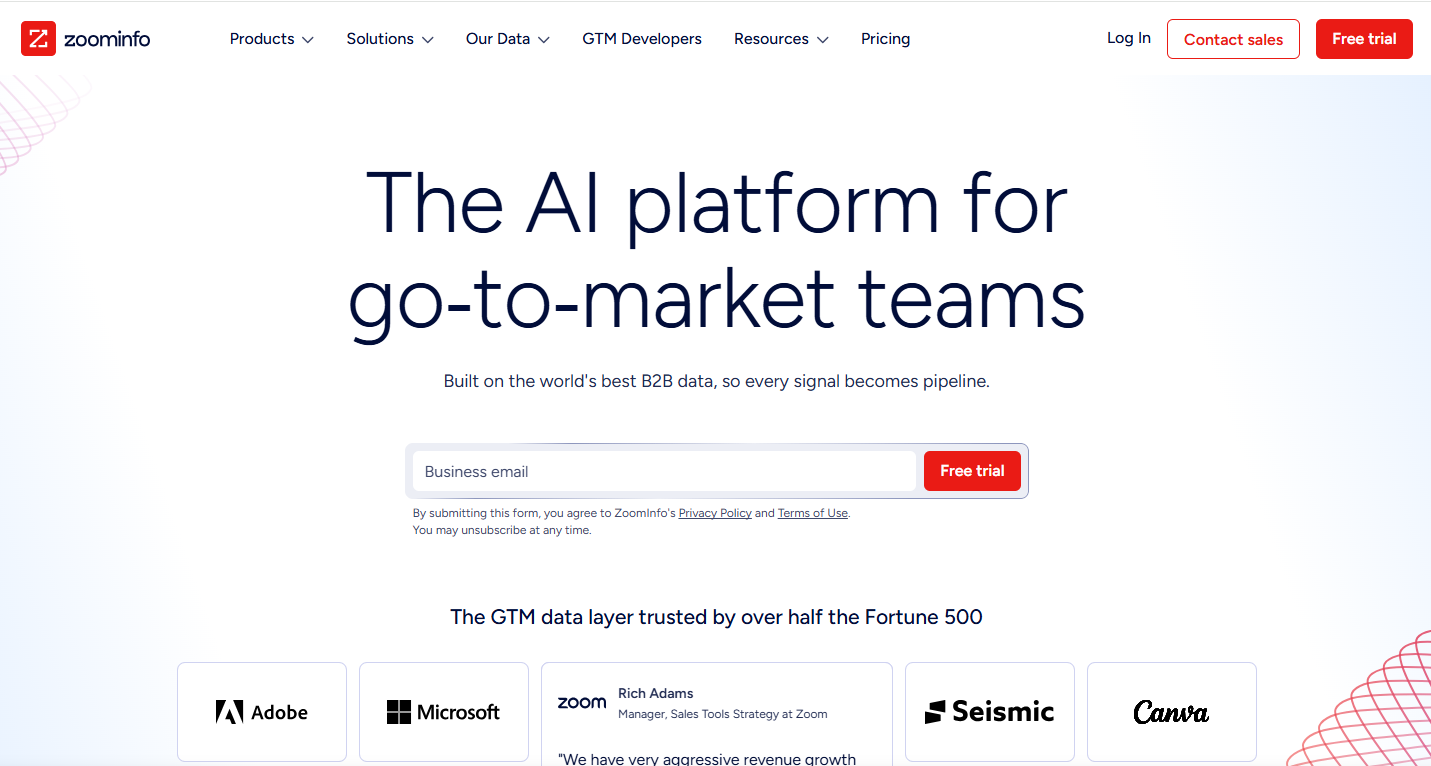
ZoomInfo's API suits large teams that search its database first and enrich only the records they intend to use. The limit that matters most is that API access is not named as a feature on any ZoomInfo plan.
ZoomInfo is for revenue operations and GTM engineering teams already inside a ZoomInfo contract, or ready to negotiate one, who want to call the data from their own code. It is a poor starting point if you need a price before you talk to anyone.
| Plan | Price | Billing Basis | What It Includes |
|---|---|---|---|
| Professional | Pricing on request | Credit package | Predetermined monthly credits, one credit per export |
| Copilot Advanced | Pricing on request | Credit package | Predetermined monthly credits, one credit per export |
| Copilot Enterprise | Pricing on request | Credit package | Predetermined monthly credits, custom integrations mentioned |
ZoomInfo's pricing page lists Professional, Copilot Advanced and Copilot Enterprise with no prices. Packages include a predetermined number of monthly credits, and API access is not listed as a feature on any plan. Custom integrations are mentioned on Copilot Enterprise.
ZoomInfo's API documentation gives rate limits of 25, 30 and 35 requests per second. It does not say which tier each figure applies to, so you cannot plan around a number until a sales call confirms yours.
Strengths:
- Documented workflow. The documentation tells you to search before you enrich, so you spend credits only on records you have already chosen.
- Published rate limits. Three request-per-second figures are in the docs. Of the four vendors here, only Demandbase publishes no limit.
- Lookup values. The documentation says lookup values reduce bad calls.
Trade-offs:
- No prices. The pricing page lists plans with no figures, so budgeting starts with a sales conversation.
- API access unlisted. No plan on the pricing page names API access as a feature.
- Credits and entitlements. Credits are tied to enrichment and entitlements apply to every call, so check what your contract covers.
Key capabilities:
- Search endpoints that find records before you enrich them.
- Enrichment calls that consume credits.
- Lookup values that reduce bad calls.
- Entitlements checked on every request.
Good fit:
- Large teams that already hold, or will negotiate, a ZoomInfo contract.
- Engineers building a two-step search then enrich pipeline.
Not a fit:
- Teams that need a published price before a first call.
- Teams that need API access named on the plan they buy.
The limitation that matters most is that API access and plan prices are both absent from the pricing page, so ZoomInfo is the hardest vendor here to cost before you commit.
2. Cognism: Best For Teams Needing Real-Time, Webhook And Warehouse Delivery
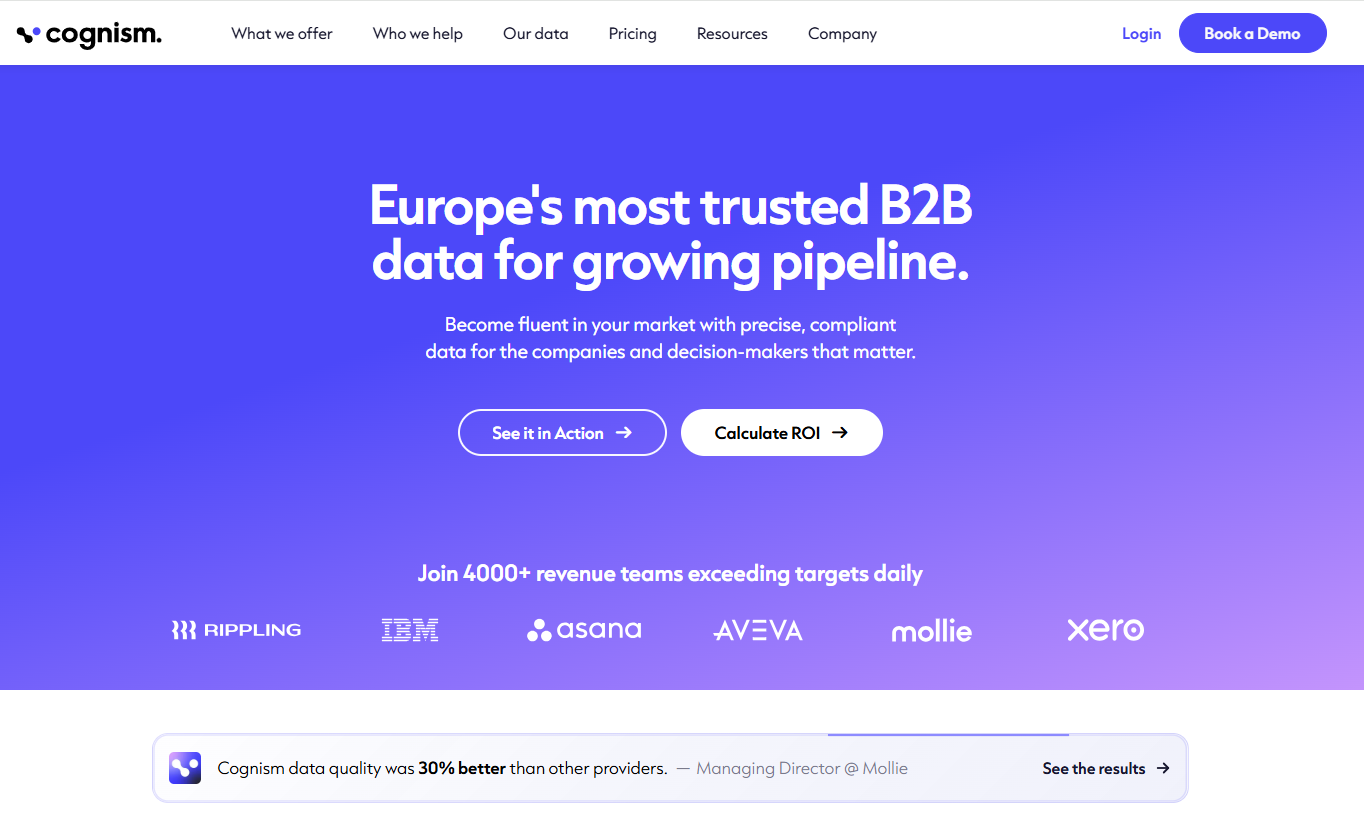
Cognism delivers data four ways. Those are real-time API calls, webhooks with continuous refresh, cloud or warehouse delivery, and MCP and agentic access, as described on Cognism's B2B data API page. The main trade-off is a 5-seat minimum and quote-only pricing.
Cognism is for teams that want contact and company data pushed into their own systems on a schedule or on an event, not only pulled on demand. It fits a data team that owns a warehouse as much as a sales team that owns a CRM.
| Plan | Price | Billing Basis | What It Includes |
|---|---|---|---|
| Standard | Pricing on request | Per seat, 5-seat minimum, credits | Contact and company data, signal-based list filters, CSV export and enrichment, MCP and API access |
| Pro | Pricing on request | Per seat, 5-seat minimum, credits | Standard plus mobile data, on-demand mobile verification, buying-intent prioritisation |
| CRM Enrichment | Pricing on request | Add-on | Enrichment of CRM records |
Cognism's pricing page shows Standard and Pro as per-seat plans with credits, one credit per revealed contact, and a 5-seat minimum on both. MCP and API access is listed on Standard and Pro and marked as new. Plan prices are on quote, and the page states no API rate limit.
The rate limit comes from a different page. Cognism's contact data API page says the contact API supports up to 1,000 requests per minute with pagination. Divide by 60 and that is about 17 requests per second, which is the figure to compare against the other vendors.
Strengths:
- Four delivery methods. Real-time calls, webhooks, warehouse delivery and MCP cover most pipeline shapes without a custom export job.
- Continuous refresh. Webhooks and continuous refresh let records update in your system without a polling script.
- API on the mid plans. MCP and API access sits on Standard as well as Pro, so you do not need the top plan to start.
Trade-offs:
- Seat minimum. Standard and Pro both need at least five seats, which is a poor match for one engineer running a pipeline.
- No prices. Plan prices are on quote only.
- Rate limit on a different page. The pricing page gives no limit, so you have to read two pages to see what you are buying.
Key capabilities:
- Real-time API calls on contact data.
- Webhooks and continuous refresh.
- Cloud or warehouse delivery.
- MCP and agentic access, marked new on the pricing page.
- Signal-based list filters on Standard.
Good fit:
- Data and RevOps teams that want records delivered to a warehouse or CRM on a schedule.
- Teams that already plan to buy five or more seats for sales users.
Not a fit:
- A solo engineer who needs API access alone.
- Anyone who needs a published price and a fixed rate limit up front.
The limitation that matters most is the 5-seat minimum on the plans that carry API access, which prices out small build teams.
3. BlitzAPI: Best For Flat-Priced, High-Throughput Lookups
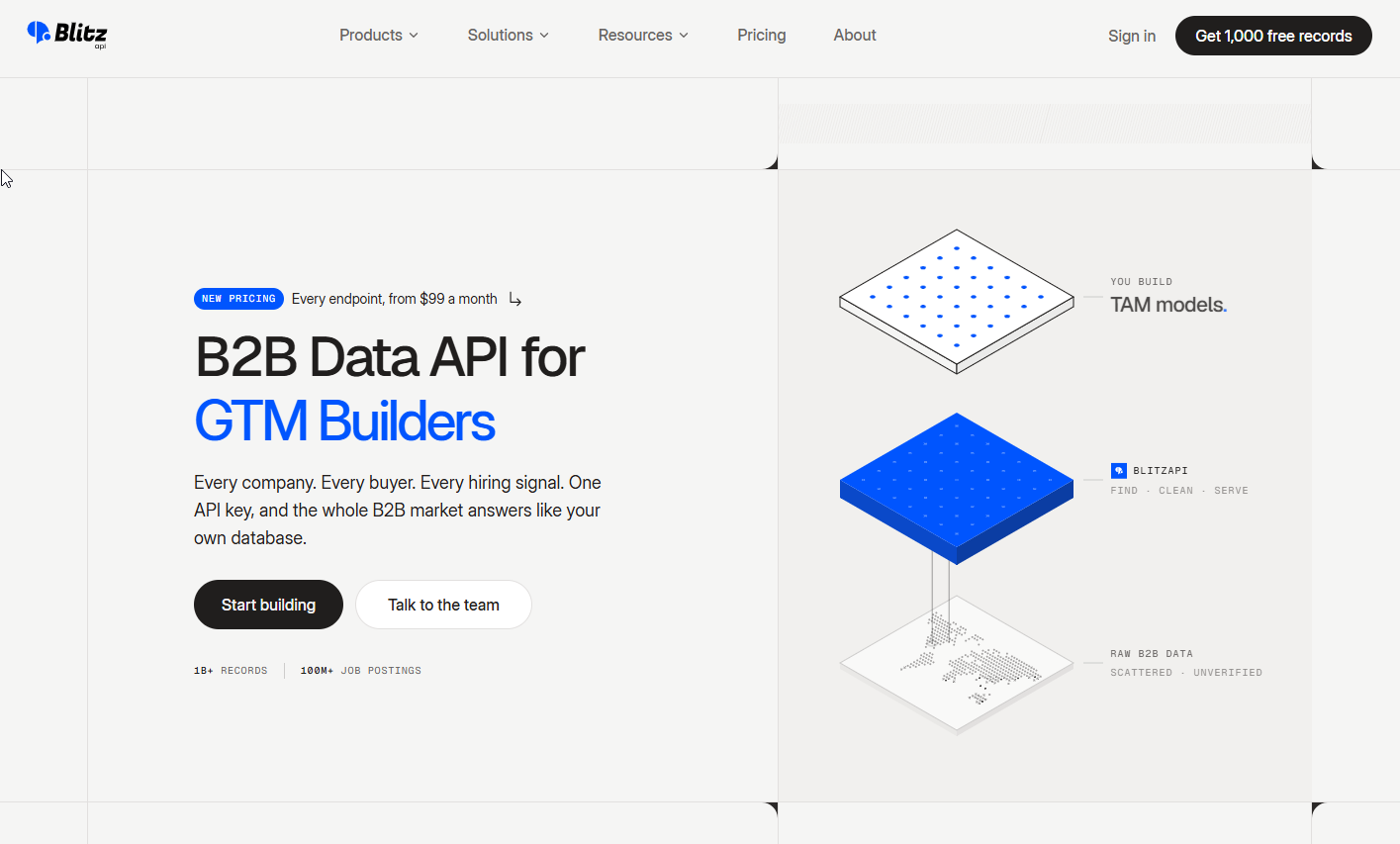
BlitzAPI returns companies, people, emails, phones and job postings through one API key, and it charges flat monthly plans set by speed and fair use, not by seat. Its homepage states those data types and links an API Reference.
BlitzAPI is for builders who want to cost a pipeline before they talk to a salesperson. It is the only vendor in this list with a fully published plan table. It is a featured vendor, and every coverage figure below is the vendor's own.
| Plan | Price | Billing Basis | What It Includes |
|---|---|---|---|
| Start | $99 per month | Flat monthly | 10 requests per second per endpoint, 200,000 records per month fair use, basic support |
| Scale | $499 per month | Flat monthly | 25 requests per second per endpoint, 5,000,000 records per month fair use, priority support |
| Build Your Infra | $999+ per month, final price scoped on a call | Flat monthly | Custom rate limits, fair use, SLA, DPA |
| Blitz Embedded | From $2,000 per month | Annual agreement | Starting price only |
BlitzAPI's pricing page lists all four plans. Pricing is flat monthly by speed and fair use, not by seat. Build Your Infra and Blitz Embedded are published only as starting figures, so their final cost is not public.
The same page describes a trial of 1,000 free records with no card required. Phone endpoints are excluded from the trial, so you cannot test phone coverage for free.
BlitzAPI's homepage also states coverage of 1B+ records and 100M+ job postings, up to 50,000 records in a single query, and verified emails re-checked at least every 30 days. It offers an MCP server, skills and typed SDKs. It publishes a vendor-run accuracy benchmark on 2,000 profiles dated 13 November 2026, in which BlitzAPI is one of the providers measured. No result figure is quoted here, because a vendor-run test is a reason to ask questions, not proof.
Strengths:
- Published plan table. Four plans with prices or starting prices are on the pricing page.
- Per-second limits stated. 10 requests per second per endpoint on Start and 25 on Scale.
- Large single query. Up to 50,000 records in one query suits bulk list building.
- Stated refresh policy. Verified emails are re-checked at least every 30 days.
Trade-offs:
- Partial pricing. Build Your Infra and Blitz Embedded are published only as starting figures.
- Phone endpoints excluded from the trial. You need a paid plan to test phone data.
- Vendor-stated coverage. The 1B+ record and 100M+ job posting figures are the vendor's own and are unaudited.
Key capabilities:
- Companies, people, emails, phones and job postings behind one API key.
- Per-endpoint rate limits of 10 or 25 requests per second.
- Fair use of 200,000 or 5,000,000 records per month on the two self-serve plans.
- MCP server, skills and typed SDKs.
Good fit:
- Engineers who want a flat monthly cost and a stated request limit.
- Teams running bulk lookups or high-volume enrichment from code.
Not a fit:
- Teams that need the data inside a point-and-click interface.
- Buyers who need audited accuracy figures before they start.
The limitation that matters most is that every coverage figure is vendor-stated, so the 1,000-record trial on your own sample has to do the proving.
4. Demandbase: Best For Account-Based Teams Needing Company Matching And Signals
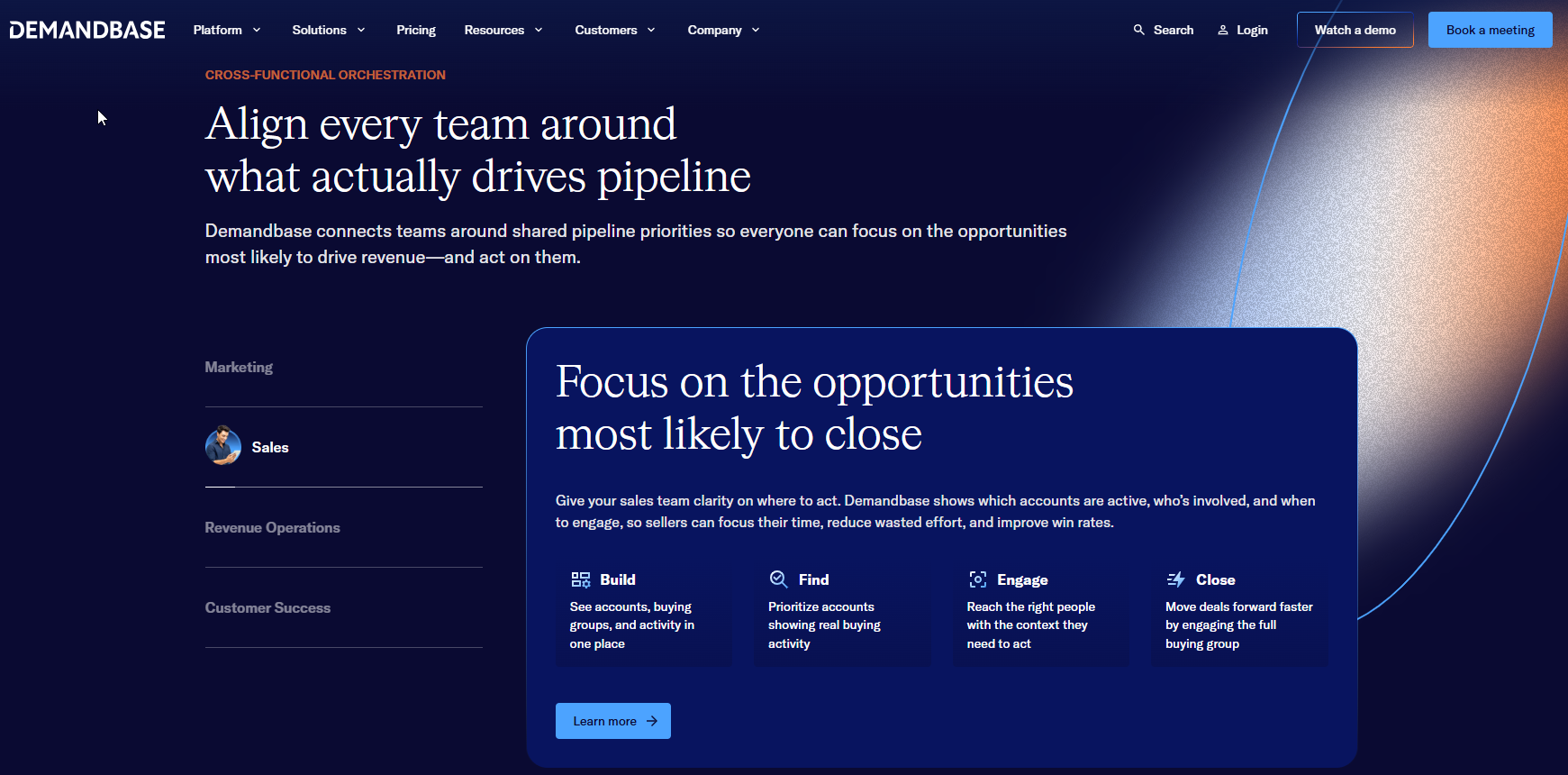
Demandbase lists company lookup, verified contact search, automatic record enrichment, cleanup of messy or incomplete data, account news signals and change alerts as API capabilities on its API integration page. It is the weakest-documented option here for builders.
Demandbase is for account-based marketing and sales teams that already use the platform and want the same account data and signals in their own systems. Its pricing page describes a platform fee plus a per-user fee and does not mention an API.
| Plan | Price | Billing Basis | What It Includes |
|---|---|---|---|
| Platform | Pricing on request | Platform fee plus flat per-user fee, custom quote | Platform access, API not shown on any priced offering |
Demandbase's pricing page describes a platform fee plus a flat per-user fee on a custom quote. The page does not mention an API, so API access is not shown on any priced offering.
Its product pages list a Data API, Enrich API, Insights API, Subscription API, Company Matcher API and Company Autocomplete API. Coverage is stated as millions of businesses and 80+ data points, which is vendor-stated and unquantified.
Strengths:
- Matching and autocomplete. Company Matcher and Company Autocomplete APIs are named, which helps when your records have messy company names.
- Signals. Account news signals and change alerts are listed capabilities.
- Cleanup. Cleanup of messy or incomplete data is a listed capability.
Trade-offs:
- API not on the pricing page. The pricing page does not mention an API.
- Unquantified coverage. Millions of businesses and 80+ data points tells you little about your own market.
- Thin builder documentation. This is the weakest-documented tool here for someone writing code.
Key capabilities:
- Company lookup and verified contact search.
- Automatic record enrichment.
- Account news signals and change alerts.
- Company matching and autocomplete.
Good fit:
- Account-based teams already on the Demandbase platform.
- Workflows that depend on change alerts or news signals on accounts.
Not a fit:
- Engineers who want to read a rate limit and a price before a first call.
- Teams that need contact data without a platform contract.
The limitation that matters most is that the pricing page does not mention an API at all, so you cannot tell what API access costs without asking.
📋 Get Listed / Advertise
We update this guide monthly. Want your tool featured? Contact: [email protected].
How To Pick A B2B Data API By GTM Workflow
The way to choose is by the job in front of you. What follows is the author's reasoning, built from what the vendors publish, and it is a rule for shortlisting, not a ranking.
A typical automated sequence is lead capture, then a company enrichment call right after form submission, then scoring, routing and CRM sync. These are the steps in order.
- Capture the lead from the form and store the raw fields.
- Call the enrichment API with the email domain or company name.
- Write the returned fields onto the lead record.
- Score the lead against your fit rules.
- Route it to the right owner and sync it to the CRM.
Each step has a different failure mode. Step 2 fails on rate limits and entitlements, step 3 fails on field mapping, and step 5 fails when two systems disagree about who owns the record. Choose the API that fails least on the step your pipeline is weakest at.
Write-Time Enrichment
Write-time enrichment is decided by per-second limits, because a single-record call runs the moment a form is submitted. BlitzAPI publishes 10 or 25 requests per second per endpoint, and ZoomInfo's documentation gives 25, 30 and 35 requests per second without naming tiers. Cognism's roughly 17 requests per second sits above BlitzAPI's Start limit and below ZoomInfo's lowest figure.
Bulk List Building
Bulk list building is decided by records per month, single-query size and credit cost. BlitzAPI's 50,000 records in a single query and 200,000 or 5,000,000 monthly fair use are the clearest published numbers here. Cognism and ZoomInfo both bill through credits, which makes cost per record depend on your contract.
Signal-Triggered Lookups
Signal-triggered lookups are decided by webhooks, change alerts and news signals. Cognism lists webhooks and continuous refresh, and Demandbase lists account news signals and change alerts. If a record changing should start a workflow in your system, those two are the ones to test first.
| Workflow | Deciding Feature | Fitting Vendors |
|---|---|---|
| Write-time enrichment | Per-second rate limit | BlitzAPI, ZoomInfo, Cognism |
| Bulk list building | Records per month and single-query size | BlitzAPI, Cognism, ZoomInfo |
| Signal-triggered lookups | Webhooks, change alerts, news signals | Cognism, Demandbase |
The orchestration layer you pick sits next to the API choice, and these Clay alternatives are worth a look before you hard-code anything. If you would rather have a UI than write calls, B2B sales intelligence tools cover the signal-triggered case, and company research tools for prospecting cover account research without code. If you sell data tools yourself, generative engine optimization is how you get named when buyers ask an AI assistant to shortlist APIs like these.
If you sell into the same buyers and want your own comparison and buying-intent pages built and measured, the GEO + SEO Growth Programme covers it. A founder runs the monthly call, so you talk to the people doing the work.
What Is A B2B Data API?
A B2B data API is a programmatic interface to a provider's company and contact database that returns structured firmographic and contact data. You send a request with a domain, name or filter, and the API returns fields you can write into your own systems.
The data comes in three kinds. Contact data covers names, emails and phones. Company data covers firmographics such as size and industry. Signals cover events such as job postings, news and changes to a record.
Delivery methods include real-time calls, webhook subscriptions, warehouse sharing and MCP servers for agents. A contact data API returns people only, and an enrichment API fills gaps in records you already hold. A B2B data API usually does both and adds search. An MCP server is a way for an AI agent to call the same data, not a different dataset.
This guide covers APIs you call from code. Point-and-click databases with no API and enrichment-only waterfall tools are out of scope. If that is what you need, read our guides to the best B2B data enrichment tools, the tools for finding B2B contact information and B2B email finder tools.
How To Compare B2B Data APIs: Criteria And Rate Limits
Most of the top results for these searches are written by the vendors who sell the product. That is why each criterion below is checked against the vendor's own pages, and why a wider comparison of top B2B data providers is a useful second read. Where the gap is decision-stage comparison content, our Revenue Content service builds it.
Common evaluation factors for a provider are freshness, API architecture, coverage versus measured accuracy, pricing model and support. Eight criteria are worth scoring.
- Data fields returned. Check that the exact fields you need are in the response, not just in the marketing copy.
- Delivery method. Real-time calls, webhooks, warehouse delivery or MCP.
- Rate limits. Requests per second, and whether the limit is per endpoint or overall.
- Verification and refresh. How often records are re-checked.
- Compliance. GDPR and CCPA handling, data provenance and a DPA.
- Pricing model. Flat plan, credits, seats or platform fee.
- Record matching. How the API resolves a company name or domain to one record.
- Support. What each plan includes.
Weight the criteria by workflow. A write-time pipeline cares most about rate limits and matching. A bulk list builder cares most about pricing model and single-query size. A signal-driven workflow cares most about delivery method and refresh. Scoring all eight equally hides the one that decides your outcome, so pick your top two before you open a vendor page.
Here is every published rate limit converted to requests per second.
| Vendor | Published Figure | Requests Per Second | Where It Was Published |
|---|---|---|---|
| ZoomInfo | 25, 30 and 35 requests per second | 25, 30 and 35 | API documentation, tier not stated |
| Cognism | Up to 1,000 requests per minute | About 17 | Contact data API page |
| BlitzAPI Start | 10 requests per second per endpoint | 10 per endpoint | Pricing page |
| BlitzAPI Scale | 25 requests per second per endpoint | 25 per endpoint | Pricing page |
| Demandbase | Not published | Not published | None |
The conversion is 1,000 requests per minute divided by 60 seconds, which is about 17 requests per second. For scale, 25 requests per second is 1,500 requests per minute, and 10 requests per second is 600 per minute. Take an illustrative burst of 20 requests in one second, assuming one request per form submission. That fits inside BlitzAPI Scale at 25 per second and ZoomInfo's lowest figure of 25, but it exceeds BlitzAPI Start at 10 and Cognism at about 17. A nightly job that pushes 100,000 records through one endpoint at 10 requests per second needs 10,000 seconds, which is nearly three hours, so bulk work is where the limit bites. These figures are not like for like. BlitzAPI's limits apply per endpoint, Cognism's is a single contact API figure, and ZoomInfo does not say which tier its numbers belong to. A limit is also only one factor, and a vendor that publishes none, like Demandbase, may still be the right choice for a low-volume account workflow.
What B2B Data APIs Cost And How Pricing Models Differ
One of the four vendors here publishes plan prices. BlitzAPI lists Start at $99 per month and Scale at $499 per month on its pricing page, and ZoomInfo, Cognism and Demandbase publish none.
The four pricing models differ in what you are actually buying.
| Vendor | Pricing Model | Published Figures |
|---|---|---|
| BlitzAPI | Flat monthly plans priced by speed and fair use | $99, $499, $999+ and $2,000+ per month |
| ZoomInfo | Licence count plus credits | None |
| Cognism | Per-seat plans with credits, 5-seat minimum | None |
| Demandbase | Platform fee plus flat per-user fee | None |
The cost-per-record method works the same way for every model. Take the monthly cost, divide by the records you will actually use, and compare vendors on that number.
The worked example uses BlitzAPI's published figures and assumes you use the full fair-use allowance, which you may not. Start costs $99 per month for 200,000 records, so $99 divided by 200,000 is about $0.0005 per record. Scale costs $499 for 5,000,000 records, so $499 divided by 5,000,000 is about $0.0001 per record. Those are ceilings on volume, not guarantees. If you only use 20,000 records a month, Start costs $99 divided by 20,000, or about $0.005 per record.
Seat-based and licence-based models flip the arithmetic. A per-seat plan with credits gets cheaper per record as more of the credits are used, but you pay for the seats whether or not they are busy. A platform fee plus per-user fee is closest to buying software with an API attached. Flat monthly plans are the easiest to model because the ceiling is stated, and the risk is paying for volume you never reach.
For the other three, ask for a quote at your volume, then run the same division. Use the vendor's own quote, not a third-party estimate.
Build Vs Buy: When A B2B Data API Earns Its Place
Buy unless the fields you need are narrow and public. Building means scraping, maintaining and verifying the data, and most teams cannot staff all three.
Maintenance is the hidden cost. Crustdata, a vendor in this market, cites a Forbes figure that 70.3 percent of B2B data becomes outdated within a year. It is a vendor-cited number, so use it as a reason to price in upkeep, not as a measurement of your own database.
There is also an opportunity cost. An engineer who spends a sprint on a scraper is not shipping the routing logic that turns data into pipeline. The vendor is selling you that sprint back, plus the verification work behind it. Price the API against engineer time, not against the empty space where a free script might go.
Building makes sense when you need a handful of public fields, such as a company homepage or a headline, and you can tolerate gaps. It stops making sense the moment you need verified emails or phones, because verification is where the work piles up.
Data Freshness, Accuracy And Compliance Checks
Ask each vendor how often records are re-verified, then test the answer on your own sample. BlitzAPI's statement that verified emails are re-checked at least every 30 days is an example of a refresh policy you can hold a vendor to.
Poor data has a price. Apollo's page cites Gartner for an average cost of 12.9 million US dollars per year to organisations from poor data quality. It is a vendor-cited figure, so read it as a reason to care, not as a forecast for your business. For the effect on outbound results, see our piece on clean contact data.
Vendor-run benchmarks, including BlitzAPI's test on 2,000 profiles dated 13 November 2026, are inputs to ask about, not proof. Put these questions to every vendor.
- How often is each record re-verified?
- How is an email marked as verified?
- Where does the data come from?
- Which GDPR and CCPA obligations does the vendor take on?
- Will you sign a DPA?
- Can you test on your own sample before paying?
How To Test A Shortlist On Your Own Records
A field-level test on your own records is the way to settle coverage claims. Take 200 to 500 records from your CRM and send the same set to each shortlisted API.
- Export 200 to 500 records and remove any that you already know are wrong.
- Send the identical set to each API and record the match rate.
- Measure the fill rate for each field you need.
- Calculate the cost per usable record.
- Compare the vendors on all three numbers together.
The worked example below uses illustrative numbers only. Suppose you send 300 records, and an API matches 240 of them. The match rate is 240 divided by 300, or 80 percent. Of the matches, 180 return a verified email, so the email fill rate on matched records is 180 divided by 240, or 75 percent. If the test costs 30 dollars in credits, the cost per usable record is 30 divided by 180, or about $0.17.
A few habits keep the test honest. Send the identical records to every vendor on the same day, so freshness does not skew the comparison. Include the awkward records, such as small companies, non-US contacts and people with common names, because those are where match rates fall. Keep a record of which fields each vendor returned empty, because an empty field and a wrong field cost you differently. A wrong email bounces and hurts your sender reputation, while an empty one only costs you a lookup.
Run the same arithmetic for each vendor, and the winner is the one with the lowest cost per usable record on the fields you need, not the one with the biggest headline database.
End by trialling BlitzAPI on the same sample, using its 1,000 free records. Phone endpoints are excluded from the trial. If you want a no-code route to the same test, our guide to CRM data enrichment tools covers the options.
FAQs
Is A B2B Data API The Same As A Contact Data API Or An Enrichment API?
How Is A B2B Data API Different From An MCP Server?
What Does A B2B Data API Typically Cost?
Can A B2B Data API Replace The Data In My CRM?
What Do GDPR, CCPA And Other Privacy Laws Mean For B2B Data APIs?
What Rate Limit Should I Expect From A B2B Data API?
Is There A Free Tier Or Trial For B2B Data APIs?
How Many Records Should I Use To Test An API?
How Often Does B2B Data Go Out Of Date?
Should I Call One API Or Several In A Waterfall?
If you want a second opinion on your own enrichment shortlist or your content plan, book a thirty-minute call. One of the founders takes it, and you leave knowing what we would fix first.