

Most stores should pick a recommendation engine by platform and purchase data first, and by feature list last. A Shopify store with modest order volume gets more from Rebuy's self-serve packages than from an enterprise suite, while a large multi-platform retailer is better placed with Nosto or Dynamic Yield's sales-led setups.
That holds when the store is live on a mainstream platform and has some purchase history. With a brand-new catalogue and no orders, start with catalogue-based recommendation types that need no shopper events.
Three of the five engines publish no price, so the cost comparison here rests on how each vendor charges, not on totals you can add up. Prices, platform lists and trial terms were read from each vendor's own pages on 28 October 2026.
If you want your store's products to appear when shoppers ask AI assistants what to buy, our SaaS content marketing service shows how we build comparison pages that readers and AI answers can trust.
📋 Get Listed / Advertise
We update this guide monthly. Want your tool featured? Contact: [email protected].
Product Recommendation Engines At A Glance
Five engines made the shortlist, and what separates them is how each one charges and which platforms it names on its own pages.
| Engine | Best for | Platforms named on vendor page | How it charges | Entry price | Free trial or free tier |
|---|---|---|---|---|---|
| Rebuy | Shopify stores selling through cart and post-purchase offers | Shopify (Checkout Extensions are Shopify Plus only) | Monthly Shopify orders | $25 a month for one package | 14-day free trial on packages |
| Clerk.io | Stores that want usage-based pricing across search, email and recommendations | Ask the vendor | Monthly fee by usage tier plus a per-1,000 rate | Pricing on request | Ask the vendor |
| Nosto | Merchandising-led stores on major commerce platforms | Shopify Plus, Shopify, Salesforce Commerce Cloud, Shopware, Adobe Commerce, BigCommerce | Base fee plus store-volume fee plus modules | Pricing on request | No self-serve trial, proof of concept for qualified merchants |
| Algolia Recommend | Developer-led teams that want metered pricing | Ask the vendor | Monthly recommendation requests | Free plan, then $0.60 per extra 1,000 requests on Grow | Free plan with 5,000 requests a month |
| Dynamic Yield | Enterprise teams buying through sales | None named on the product page | Sold through a demo or sales contact | Pricing on request | Demo |
Every price above comes from the vendor's own page, such as Rebuy's pricing page and Algolia's pricing page. Where a vendor publishes no price, the table says so and leaves it there.
1. Rebuy: Best For Shopify Stores Selling Through Cart And Post-Purchase Offers
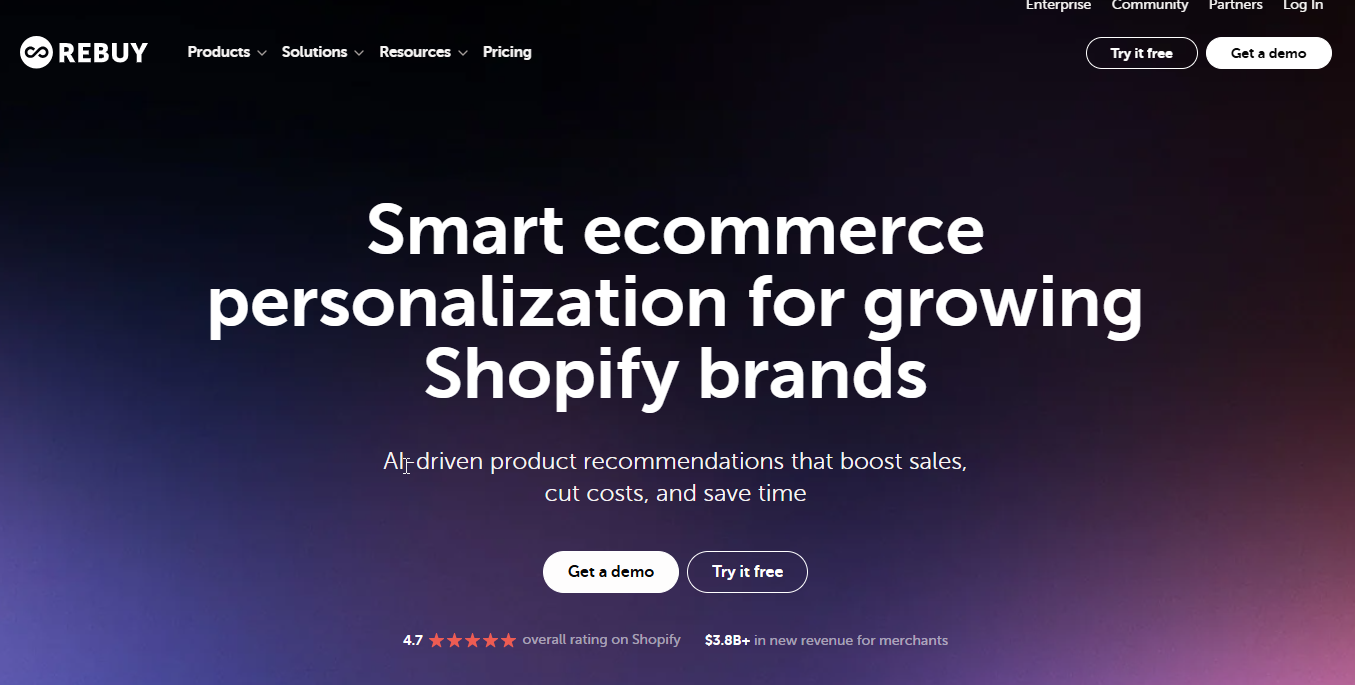
Rebuy is the pick for a Shopify store that wants recommendations inside the cart and after checkout, and wants to start small. Rebuy packages start from $25 a month for one package, priced by monthly Shopify orders, which means the bill follows your sales instead of your catalogue size.
It sells four packages. Cart and Merchandising, Checkout and Post-Purchase, Search and Collections, and Flows and A/B Testing. Smart Cart gives you AI-powered recommendations in a slide-out cart, and the Monetize option is free and earns revenue from post-purchase and thank-you page offers.
Who is it for? A Shopify merchant with a marketing or growth person who will tune offers weekly. Rebuy is built around selling more into an order that is already happening, so it suits stores where average order value is the lever, not stores trying to fix discovery on category pages.
| Plan | Price | Billing basis | What it includes |
|---|---|---|---|
| Single package | From $25 a month | Monthly Shopify orders | One of the four packages |
| Two packages | 10% bundle discount | Monthly Shopify orders | Any two packages |
| Three packages | 20% bundle discount | Monthly Shopify orders | Any three packages |
| All four packages | 30% bundle discount | Monthly Shopify orders | All four packages |
| Platform One | $534 a month billed monthly, Talk to sales shown | Monthly | All packages, Premium Support, dedicated Customer Success Manager |
| Premium Support alone | $499 a month | Monthly | Premium Support |
| Monetize option | Free | Revenue from offers | Post-purchase and thank-you page offers |
The pricing calculator on Rebuy's pricing page covers 250 to 50,000 orders a month, and annual billing saves 10 percent. Currency shows as a $ sign with no code. The page lists a 14-day free trial for packages, although the Platform One text mentions 30 days, so confirm which applies before you sign up. Refund requests are accepted within 60 days of billing.
Strengths
- Order-based pricing: A store with 250 orders a month is not paying for the traffic of a store with 50,000.
- Cart and post-purchase focus: The Smart Cart and the post-purchase offers sit where a shopper has already decided to buy.
- Modular buying: You can start with one package and add others, with bundle discounts of 10, 20 and 30 percent.
- Free Monetize option: Offers on the thank-you page can pay for themselves.
Trade-offs
- Shopify-centred: Pricing is built on Shopify orders, so a store on another platform should not assume the same model applies.
- Plus-only checkout work: Checkout Extensions are listed as Shopify Plus exclusive.
- Inconsistent trial wording: The page says 14 days for packages and 30 days in the Platform One text.
- Cost climbs with growth: The order-based basis that helps a small store gets pricier as order volume rises.
Key capabilities
- AI-powered recommendations in a slide-out cart through Smart Cart.
- Post-purchase and thank-you page offers.
- Search and collections tools.
- Flows and A/B testing for offers.
Good fit
- A Shopify store with modest order volume that wants cart and post-purchase offers first.
- A team that wants to buy one package and grow into others.
Not a fit
- A store on a platform other than Shopify.
- A team that needs recommendations in email as its main use case, since Rebuy's packages are built around cart, checkout and offers.
The limitation that matters most is platform scope. Rebuy prices by Shopify orders and reserves its checkout tooling for Shopify Plus, so it only makes sense if you are already on Shopify.
2. Clerk.io: Best For Stores That Want Usage-Based Pricing Across Search, Email And Recommendations
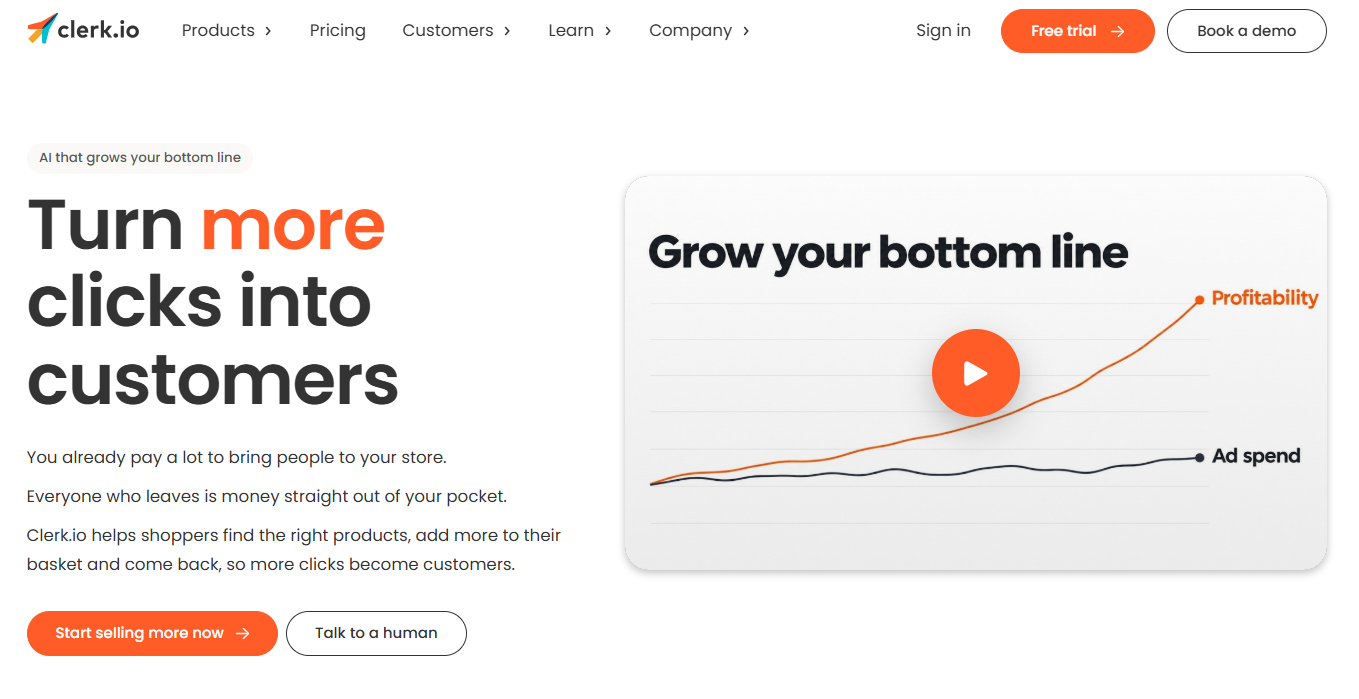
Clerk.io is the engine for a store that wants one vendor across search, recommendations and email and prefers to pay for what it uses. Clerk.io prices each product (Search, Recommendations, Chat, Email and Audience) as a monthly fee by usage tier plus a per-1,000 rate. The Recommendations tiers run up to 10,000,000 recommendations a month, and contracts can be monthly, quarterly, half-yearly or yearly, with discounts for longer terms.
That structure rewards a store that knows its own volumes. If you can estimate how many recommendations your pages will serve in a month, you can pick a tier and see where you sit. If you cannot, ask Clerk.io for a volume estimate based on your traffic before signing a long contract.
Who is it for? A store with a marketing team that wants the on-site and email side of recommendations handled together, and that would rather size a tier than negotiate an enterprise quote. B2B and Enterprise plans are quoted after a demo request.
The amounts shown on the vendor page are placeholders, so this page states no figure for Clerk.io. The table below shows the structure only.
| Module | Billing basis | Top usage tier | Price |
|---|---|---|---|
| Search | Monthly fee by usage tier plus per-1,000 rate | Tiered | Pricing on request |
| Recommendations | Monthly fee by usage tier plus per-1,000 rate | Up to 10,000,000 recommendations a month | Pricing on request |
| Chat | Monthly fee by usage tier plus per-1,000 rate | Tiered | Pricing on request |
| Monthly fee by usage tier plus per-1,000 rate | Tiered | Pricing on request | |
| Audience | Monthly fee by usage tier plus per-1,000 rate | Tiered | Pricing on request |
| B2B and Enterprise | Quoted after a demo request | Not applicable | Pricing on request |
Strengths
- Pay for usage: Each module is billed on its own usage tier, so you do not pay for modules you skip.
- High ceiling: The Recommendations tiers go up to 10,000,000 recommendations a month.
- Flexible terms: Monthly, quarterly, half-yearly or yearly contracts, with discounts for longer ones.
- One vendor for several jobs: Search, email and recommendations sit on the same pricing model.
Trade-offs
- No published amounts: The plan amounts on the vendor page are placeholders, so you cannot budget before talking to the vendor.
- Platform support unclear: Check the supported platform list with Clerk.io before you commit.
- Usage forecasting: A usage-based bill needs a usage estimate, and a wrong one means a wrong tier.
Key capabilities
- A Recommendations module with usage tiers up to 10,000,000 recommendations a month.
- A separate Email module on the same pricing model.
- Search and chat modules that can be added.
- An Audience module for segment-based work.
Good fit
- A store that wants recommendations and email from one vendor.
- A team comfortable choosing a usage tier from its own traffic numbers.
Not a fit
- A buyer who needs a price on a public page before a first call.
- A store that needs a named platform integration confirmed in writing before any demo.
The limitation that matters most is the lack of a usable public price. You will talk to Clerk.io before you can budget, which is fine for a team with time and awkward for one comparing five engines in an afternoon.
3. Nosto: Best For Merchandising-Led Stores On Major Commerce Platforms
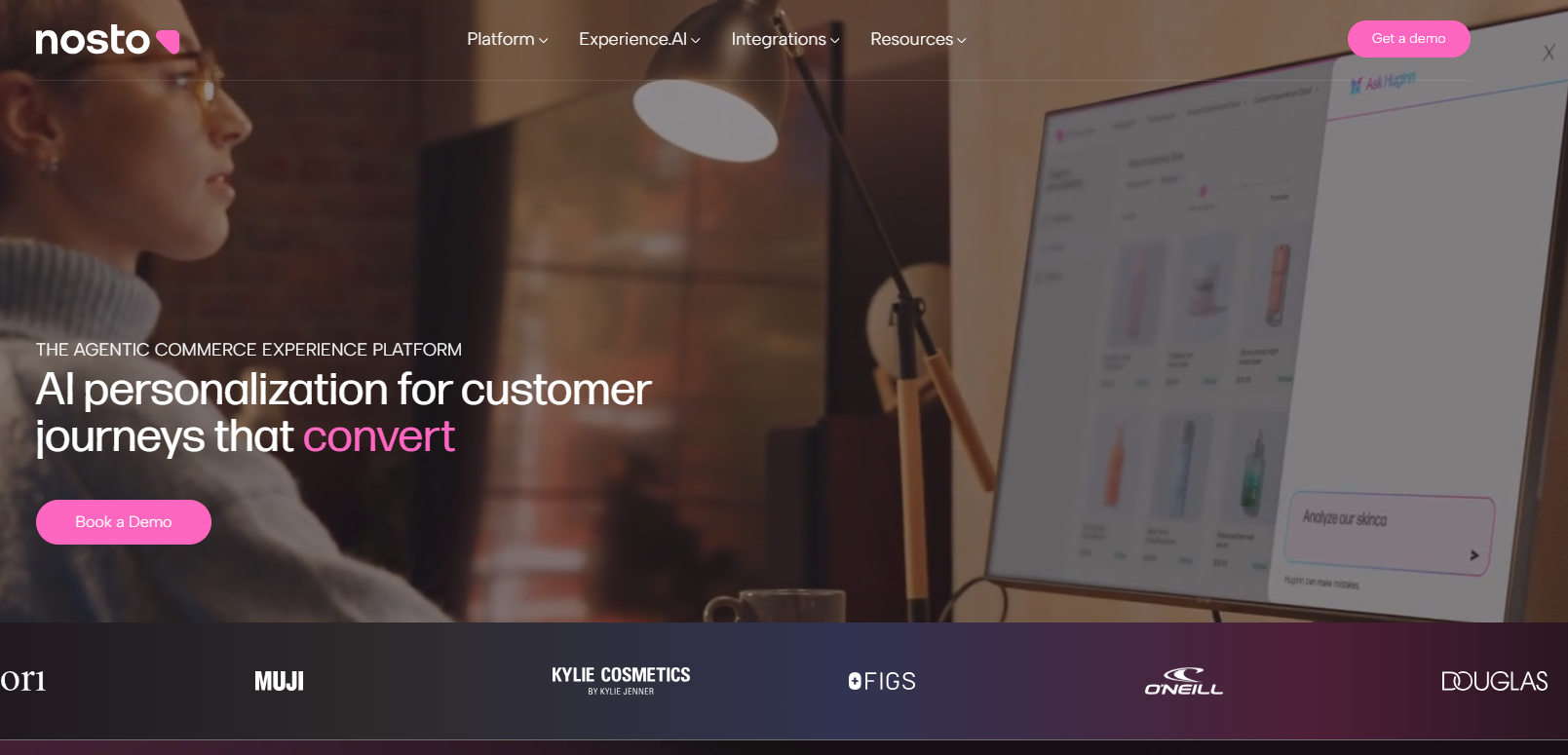
Nosto is the choice for a store where merchandisers, not developers, run the front end, and where the platform is one of the big names. Nosto's home page lists Shopify Plus, Shopify, Salesforce Commerce Cloud, Shopware, Adobe Commerce and BigCommerce.
Nosto's pricing page describes two suites. The Product Experience Cloud includes Personalized Search, Category Merchandising, Product Recommendations, Post-Purchase Upsell, Dynamic Bundles and Personalized Emails. The Content Experience Cloud includes A/B Testing and Optimization, Content Personalization, Behavioral Pop-Ups and Shoppable UGC. AI capabilities are included in every module at no extra cost.
Who is it for? A mid-size or large retailer with a merchandising team that wants control over category pages, bundles and email from one tool. It is a sales-led purchase, so expect a conversation before a login.
Nosto publishes no prices. Cost is a base platform fee plus a fixed fee set by store volume (GMV and traffic), plus the modules you choose and the support level. There is no standard self-service free trial, although qualified merchants may join a proof of concept on their own store data.
| Cost component | How it is set | Price |
|---|---|---|
| Base platform fee | Fixed | Pricing on request |
| Store-volume fee | GMV and traffic | Pricing on request |
| Modules | Product Experience Cloud and Content Experience Cloud choices | Pricing on request |
| Support level | Tier chosen | Pricing on request |
| Enterprise add-on | 99.99 percent uptime SLA, dedicated infrastructure, 24/7 proactive monitoring | Pricing on request |
Strengths
- Broad module list: Search, merchandising, recommendations, post-purchase upsell, bundles and email sit in one suite.
- Platform coverage: Six commerce platforms are named on the home page.
- AI included: AI capabilities come in every module at no extra cost.
- Enterprise options: A 99.99 percent uptime SLA, dedicated infrastructure and 24/7 monitoring are available as an add-on.
Trade-offs
- No public price: The cost depends on base fee, store volume and modules, none of which is published.
- No self-serve trial: Only qualified merchants get a proof of concept.
- Sales-led process: You buy through a conversation, not a sign-up form.
- Volume-linked fee: The store-volume fee grows with GMV and traffic.
Key capabilities
- Product Recommendations and Post-Purchase Upsell.
- Dynamic Bundles and Category Merchandising.
- Personalized Emails and Personalized Search.
- A/B testing, behavioural pop-ups and shoppable UGC in the Content Experience Cloud.
Good fit
- A retailer on one of the six listed platforms with a merchandising team.
- A store that wants on-site and email personalisation under one contract.
Not a fit
- A small store that wants to try the product this afternoon.
- A team that needs a published price to approve a budget.
The limitation that matters most is access. Without a self-serve trial or a public price, you cannot learn much about Nosto until you have spent time with its sales team.
4. Algolia Recommend: Best For Developer-Led Teams That Want Metered Pricing
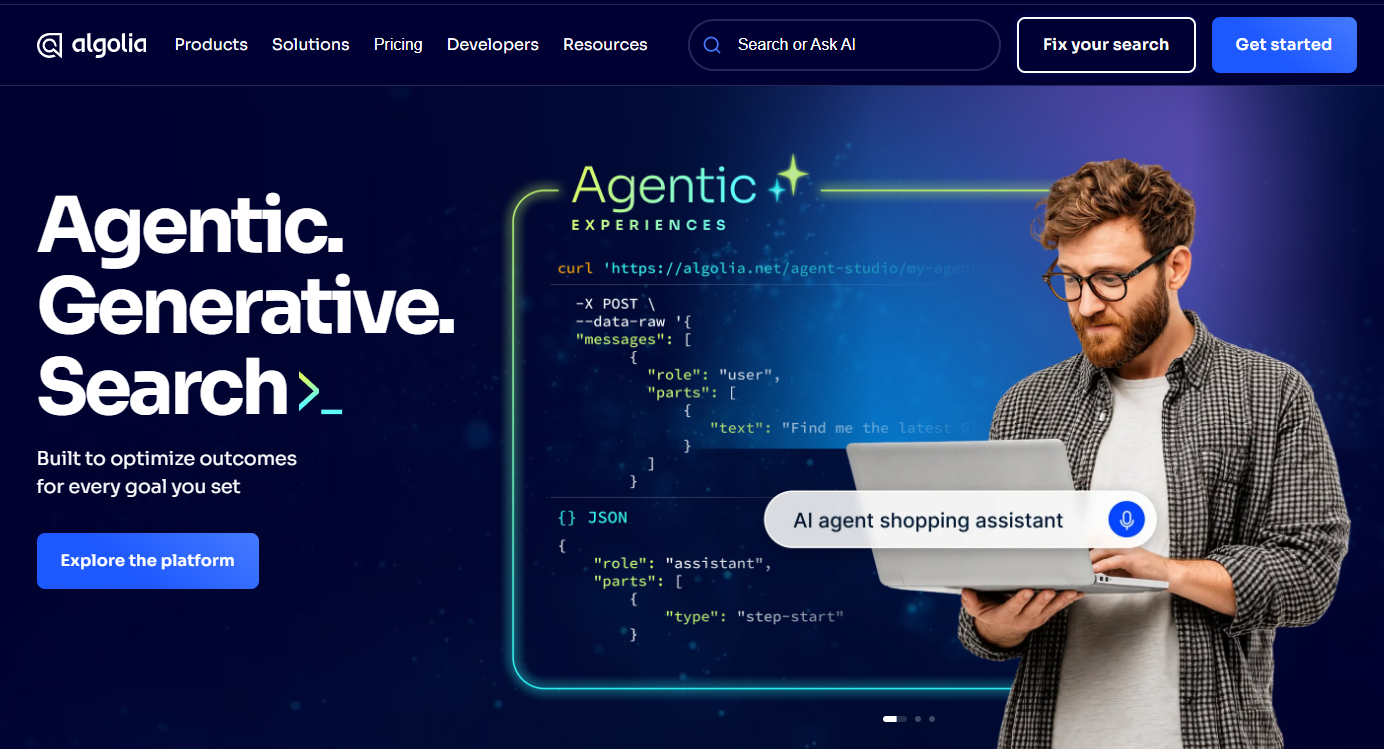
Algolia Recommend is the engine for a team with developers and a clear idea of its traffic. Algolia meters Recommend by monthly recommendation requests. The Free plan includes 5,000 requests a month, Grow includes 10,000 a month and then charges $0.60 per additional 1,000, and Elevate is quoted on an annual contract with volume discounts. Grow Plus lists the same figures as Grow. The $ sign appears without a currency code.
One conflict is worth flagging. The free plan terms page says 10,000, while the pricing grid says 5,000. This page uses the 5,000 on the pricing grid.
Who is it for? A product team that wants recommendation endpoints it can wire into its own front end, and that is happy to pay by request volume. It is the least hand-held option on the list.
The recommendation types are trending items, trending facets, related products, frequently bought together and looking-similar. The subscriber must also implement the Insights API, which means your engineers send the event data the models need.
| Plan | Included requests | Price basis |
|---|---|---|
| Free | 5,000 a month | Free |
| Grow | 10,000 a month | $0.60 per additional 1,000 requests |
| Grow Plus | 10,000 a month | $0.60 per additional 1,000 requests |
| Elevate | Quoted | Annual contract with volume discounts, pricing on request |
The next section on cost works through an example with the Grow rate, so you can swap in your own request count.
Strengths
- A real free plan: 5,000 requests a month costs nothing, which is enough to test an integration.
- Transparent overage: $0.60 per additional 1,000 requests on Grow is easy to model.
- Clear recommendation types: Trending items, trending facets, related products, frequently bought together and looking-similar.
- Volume discounts: Elevate is quoted with volume discounts on an annual contract.
Trade-offs
- Engineering work: The Insights API must be implemented by the subscriber.
- Metered bills: A traffic spike raises the invoice.
- Quote needed at the top: Elevate is priced on request.
- Conflicting free allowance: The pricing grid and the free plan terms disagree on 5,000 versus 10,000 requests.
Key capabilities
- Related products and frequently bought together.
- Trending items and trending facets.
- Looking-similar recommendations.
- Request-based metering you can forecast.
Good fit
- A developer-led team that wants to build its own storefront experience.
- A small store that wants to start on a free plan and pay only as volume grows.
Not a fit
- A merchandising team with no engineering support.
- A buyer who wants a visual interface to manage offers.
The limitation that matters most is the implementation burden. Recommendations only work once your team has sent the events through the Insights API, so the real cost includes engineering time.
5. Dynamic Yield: Best For Enterprise Teams Buying Through Sales

Dynamic Yield is the enterprise option, and it is now presented on a Mastercard-hosted page. That page publishes no plan or price and directs visitors to a demo or sales contact. It names no commerce platform.
The page lists recommendations that "algorithmically predict customers' interests", plus testing, segmentation, targeting, journey orchestration and search. That is a wider scope than a recommendation widget, which is the point. You buy a personalisation platform and use the recommendation part of it.
The page also makes its own claim, "80m+ personalized sessions delivered daily". That is the vendor's number about its own platform and nothing here checks it.
Who is it for? A large organisation with a dedicated personalisation or experimentation team, a procurement process and the patience for a sales cycle. A store looking for a shortlist pick to switch on this week should look at the other four.
| Item | Detail |
|---|---|
| Plans | None published |
| Price | Pricing on request |
| How to buy | Demo or sales contact |
| Scope listed | Recommendations, testing, segmentation, targeting, journey orchestration, search |
| Commerce platform named | None |
Strengths
- Broad scope: Recommendations sit alongside testing, segmentation, targeting, journey orchestration and search.
- Enterprise positioning: The product is sold through a demo and a sales conversation.
- Large-scale claim: The vendor says it delivers 80m+ personalized sessions daily, which is its own figure.
Trade-offs
- No public price: Neither plans nor amounts are on the page.
- No platform named: You have to ask which commerce platforms are supported.
- Hosted on another brand's page: Mastercard now hosts the product page, so check what that means for contract and support.
- Wide scope: You pay for a platform when you may only need recommendations.
Key capabilities
- Recommendations that predict customers' interests.
- Testing and segmentation.
- Targeting and journey orchestration.
- Search.
Good fit
- An enterprise team that wants recommendations as one part of a personalisation programme.
- A buyer that expects a sales-led evaluation.
Not a fit
- A small or mid-size store that needs a published price.
- A team that wants a self-serve trial.
The limitation that matters most is opacity. With no price, no named platform and no trial, you learn nothing about fit until you book a demo.
📋 Get Listed / Advertise
We update this guide monthly. Want your tool featured? Contact: [email protected].
What A Product Recommendation Engine Does And How It Works
A product recommendation engine uses shopper behaviour and product data to choose which products to show a visitor, whether on a product page, in the cart, after checkout or in an email. The goal is to put the next relevant item in front of a shopper without making them search for it.
Three filtering approaches sit under most engines.
- Collaborative filtering: It relies entirely on historical user-item data, so it needs shoppers who have already clicked or bought.
- Content-based filtering: It builds profiles from item features, so it avoids cold start for new items.
- Hybrid: It combines the two, so one covers the gaps of the other.
Cold start is the problem of recommending to new visitors or new products with no history. It is the reason a new store should begin with recommendation types that do not depend on shopper events, and the reason older stores get better results sooner.
Engines also differ in how fast they learn from new behaviour. Ask every vendor how often its models refresh and whether a shopper's click changes the next page they see. The answer tells you more than the feature list.
Recommendations are one piece of a wider category. If you also need testing, content personalisation and segmentation, read our guide to ecommerce personalization software, which covers the wider category that recommendations sit inside.
How To Choose A Product Recommendation Engine
The right engine is the one that matches your platform, your data and how you want to be billed. Work through these questions in order, and stop when one of them removes engines from the list.
- Which platform are you on? Rebuy prices by Shopify orders and keeps Checkout Extensions for Shopify Plus. Nosto names Shopify Plus, Shopify, Salesforce Commerce Cloud, Shopware, Adobe Commerce and BigCommerce. Dynamic Yield names no platform on its product page, and the pages for Clerk.io and Algolia Recommend need a call or a docs check before you assume support.
- Do you have purchase history? A store with orders can use behavioural types from any of the five. A store with none should favour catalogue-based types, and should read the next section before paying for anything.
- How do you want to be charged? Rebuy bills on monthly Shopify orders, Clerk.io on usage tiers, Algolia Recommend on monthly requests, and Nosto on a base fee plus store volume plus modules. Dynamic Yield is quote-only.
- What is your order volume? Rebuy's calculator covers 250 to 50,000 orders a month, which fits a small or growing Shopify store. At higher volumes, Nosto and Dynamic Yield are built around sales conversations, and the store-volume fee at Nosto is set by GMV and traffic.
- How big is your catalogue? Catalogue size changes how much work the engine has to do and how often your team has to curate. Count your active products and your new arrivals each month, and ask each vendor how its engine handles both. No vendor page in this comparison gives a catalogue threshold, so take the question to a demo. Meanwhile, match the engine to the work your catalogue creates. A large, fast-changing catalogue needs category merchandising, and Nosto lists Category Merchandising in its Product Experience Cloud. A catalogue with heavy cart activity suits Rebuy, which sells Cart and Merchandising as a package. Algolia Recommend works only once your own events reach it through the Insights API, so a catalogue with thin event data gives it little to learn from.
- Who runs it day to day? Algolia Recommend assumes developers. Rebuy and Nosto assume a growth or merchandising person. Dynamic Yield assumes a team.
| Question | Points to |
|---|---|
| Shopify store, modest orders | Rebuy |
| Needs recommendations and email from one vendor | Clerk.io, Nosto |
| Developers on staff, forecastable traffic | Algolia Recommend |
| Merchandising team on a major platform | Nosto |
| Enterprise personalisation programme | Dynamic Yield |
| Wants a free start | Algolia Recommend, Rebuy Monetize |
If your needs stretch past recommendations into on-page testing and content, the shortlist in our roundup of website personalization tools covers what this page leaves out.
Once the shortlist is down to two, the next question is whether shoppers find the store at all. The GEO + SEO Growth Programme covers the organic and AI-search side that no recommendation widget can fix.
How Much Purchase Data You Need Before An Engine Works
Purchase-based recommendation types need the most data, and catalogue-based types need none. Adobe Commerce documentation, updated 20 October 2026, says behavioural recommendation types need a training period before they work well, purchase-based types need the most data, and catalogue-only types such as similar items do not depend on shopper events.
A model cannot recommend what shoppers buy together if nobody has bought anything together yet.
Before you buy, check these in your own store.
- Order count: How many orders did you take in the last 90 days?
- Repeat buyers: How many customers have bought more than once?
- Event tracking: Are product views, add-to-cart and purchase events already collected?
- Catalogue churn: How many products are new each month?
- Identity: Can you recognise a returning visitor?
The last point matters more than people expect. If recommendations depend on knowing who is returning, your visitor data has to be good. Our guide to website visitor identification software covers tools that help with that.
If most of those answers are small numbers, start with similar-item or trending recommendations from the engines that offer them, such as the trending and looking-similar types on Algolia Recommend. Then move to purchase-based types when the orders arrive.
Native Widgets, A Dedicated App Or Building Your Own
You have three options, and each carries a cost.
| Option | Suits this store | Cost it carries |
|---|---|---|
| Native platform widget | A small store that wants something working with no vendor contract | Limited control over what is shown and how it is tuned |
| Dedicated app or engine | A store that wants tested models and a vendor to call | A monthly bill and a vendor relationship |
| Build your own | A store with data scientists and engineers to spare | Engineering time, data work and ongoing maintenance |
No SKU count decides this for you. The better question is how much engineering time you have, how much data you collect and what your platform allows. A team of two cannot maintain a custom model. A team of fifteen engineers with a data scientist might.
Even when you buy, your team owes work. Algolia Recommend requires the subscriber to implement the Insights API, so a vendor does not remove engineering from the plan. It moves it.
Building also moves your work outside recommendations. Search and recommendations share signals, and the line between them keeps moving. For context on where recommendation work ends and search work begins, see how AI search differs from classic SEO.
What Product Recommendation Engines Cost
Five engines use five pricing models, which is why a single comparison table of totals does not exist.
| Engine | What drives the bill | Price published |
|---|---|---|
| Rebuy | Monthly Shopify orders and packages chosen | From $25 a month, Platform One $534 a month |
| Clerk.io | Usage tier per module plus per-1,000 rate | Pricing on request |
| Nosto | Base fee, store volume and modules | Pricing on request |
| Algolia Recommend | Monthly recommendation requests | Free plan, $0.60 per extra 1,000 on Grow |
| Dynamic Yield | Quoted after a demo | Pricing on request |
Clerk.io, Nosto and Dynamic Yield need a quote. Rebuy and Algolia publish enough to calculate a bill. Algolia's pricing page gives the Grow rate, so here is a worked example with every input labelled.
- Monthly recommendation requests: 100,000
- Included on Grow: 10,000
- Requests billed as overage: 100,000 minus 10,000 is 90,000
- Overage rate: $0.60 per additional 1,000 requests
- Overage cost: 90 x $0.60 = $54
That $54 is the overage only. Add your Grow plan fee from Algolia's pricing page, and replace 100,000 with your own monthly request count.
A small store can start free. Algolia's Free plan includes 5,000 requests a month, and Rebuy has a free Monetize option.
Where To Place Recommendations: Product Page, Cart, Checkout And Email
Each placement does a different job, so choose them before you choose an engine.
- Product page: Show alternatives and complements, so a shopper who does not want this item sees a close match, and one who does sees what goes with it.
- Cart: Show add-ons, small items that are easy to say yes to.
- Checkout and post-purchase: Show offers after the decision is made, when the shopper has already committed.
- Email: Bring a shopper back with products based on what they viewed or bought.
The vendor pages tie these to specific capabilities.
| Placement | Purpose | Engines that name it on their vendor page |
|---|---|---|
| Product page | Alternatives and complements | Algolia Recommend (related products, frequently bought together, looking-similar, trending items) |
| Cart | Add-ons | Rebuy (Smart Cart slide-out cart) |
| Checkout and post-purchase | Offers after the order | Rebuy (Checkout and Post-Purchase package), Nosto (Post-Purchase Upsell) |
| Bring shoppers back | Nosto (Personalized Emails), Clerk.io (Email module) |
Notice that no single engine names every placement. If you want one vendor across site and email, Nosto and Clerk.io both list an email product, so the answer to "can one engine run recommendations on site and in email?" is yes, with those two.
What The Evidence Says About Revenue Impact
The evidence is thinner than vendors suggest, and most of it is secondhand. Here are the two data points worth using, with their limits.
Reported by Practical Ecommerce in January 2018, a 2017 Salesforce study of about 150 million shopping sessions found that clicks on product recommendations accounted for 26 percent of revenue. The same report says recommendation clicks converted 4.6 times as often as sessions without a click, and average order value was 10.3 percent higher.
The limits are plain. No baseline rates were given, the original Salesforce report was not located, and a session that clicks a recommendation is already a more engaged session. The figures show that recommendation clickers buy more, not that recommendations caused it.
| Figure | Reported by | Year | Limit |
|---|---|---|---|
| 26 percent of revenue from recommendation clicks | Practical Ecommerce, on a Salesforce study of about 150 million sessions | 2017 study, reported 2018 | No baseline, original report not located |
| About 20 percent of US retail sales driven by AI and agents, about $262 billion | Salesforce | 2025 holiday report | Covers AI broadly, not recommendations alone |
Salesforce's 2025 holiday shopping report says AI and agents drove about 20 percent of US retail sales and attributes about $262 billion of revenue to them, through personalised recommendations and deeper engagement. That number is broader than recommendation engines.
Neither figure tells you what an engine will do for your store. A trial on your own traffic does, which is why the trial section below exists.
The second figure also points somewhere else. If AI is steering that much shopping, your products need to show up in AI answers as well as on your own pages. Our guide to how AI answers pick their sources explains how shops get cited, and the roundup of AI search engines names where shoppers now look for products. For tooling, see our list of answer engine optimization tools. If you want help being cited, our Generative Engine Optimization service does that work.
How To Trial Two Engines Before You Commit
A fair trial takes a few weeks and one clear metric. Here is the method.
- Pick two engines from the shortlist. Choose by platform and billing, for example Rebuy and Algolia Recommend for a Shopify store with developers, or Nosto and Clerk.io for a merchandising team.
- Check the trial terms first. Rebuy lists a 14-day free trial for packages, Nosto offers a proof of concept to qualified merchants, and the others go through a demo or a free plan.
- Choose the placements. Test the same placement on both engines, such as the product page, so the comparison is like for like.
- Split traffic evenly. Send half of eligible sessions to each engine, or run them on matched time periods.
- Run through a full training period. Behavioural types need time to learn, so ending a test early favours the engine that needs less data.
- Measure revenue per session and average order value. These two numbers show whether the engine adds money, not only clicks.
Pick the engine that wins on revenue per session at the placement you care about most. If it ties, choose the cheaper bill.
If you also want to know whether your shop shows up in AI answers while you test, a set of AI visibility tools can track it. For category pages that need to win those answers, our Answer Engine Optimization service is the place to start.
FAQs
What Is The Difference Between Collaborative And Content-Based Filtering?
Can A Small Store Use A Recommendation Engine For Free?
Do I Need Shopify Plus To Use A Recommendation Engine?
How Long Before A Recommendation Engine Starts Working?
Is There A Free Trial For These Engines?
Should I Build A Recommendation Engine In-House?
What Should I Ask A Vendor In A Demo?
Are Product Recommendations A Privacy Risk?
Can One Engine Run Recommendations On Site And In Email?
If you run a store and want your products to earn a place in AI shopping answers, book a thirty-minute call. One of the founders takes it, and you leave knowing what we would fix first.