
Buy the category that matches your bottleneck, not the longest feature list. Teams that cannot see what reps say on calls need post-call analysis such as Gong or Avoma. Teams whose reps freeze on objections need roleplay practice. Teams selling by phone with a Salesforce stack can add live guidance through Revenue.io.
This applies to B2B teams of roughly 10 to 100 reps choosing a first tool. The rule further down narrows the choice by call volume and by whether the team sells by phone or in meetings.
The limit is the evidence. A 2026 trial reported on Whatfix's page found an AI coach did not beat a no-coaching control, so none of these tools replaces a manager who actually coaches.
If you market software in a category like this one, TRM writes decision-stage comparison pages that buyers read before they talk to sales. See how Revenue Content works.
📋 Get Listed / Advertise
We update this guide monthly. Want your tool featured? Contact: [email protected].
AI Sales Coaching Software At A Glance
Gong and Avoma cover post-call analysis, Revenue.io covers live-call guidance, Whatfix Mirror and Highspot cover roleplay practice, and only Avoma publishes a per-seat coaching price.
| Tool | Coaching Type | Best For | Plans | Published Price | Seat Limits |
|---|---|---|---|---|---|
| Gong | Post-call analysis | Teams that cannot see what happens on calls | Licence per user plus platform fee | Pricing On Request | Not published |
| Avoma | Post-call analysis | Small teams adding call scoring | Startup, Organization, Enterprise, plus Conversation Intelligence add-on | $19 to $39 per seat per month, plus $29 to $35 for the add-on | Startup up to 25 paid seats, Organization up to 100, Enterprise 10 minimum |
| Revenue.io | Live-call guidance | Phone-led Salesforce teams | Activate, Engage, Orchestrate | Pricing On Request | Seat-based, custom quote |
| Whatfix Mirror | Roleplay practice | Teams drilling skills before live calls | Mirror Standard | Pricing On Request | Flat fee plus user licences |
| Highspot | Roleplay inside an enablement platform | Teams that want coaching and content in one place | Good, Better, Best | Pricing On Request | Not published |
The rows run by coaching type. They are not a ranking.
1. Gong: Best For Post-Call Analysis
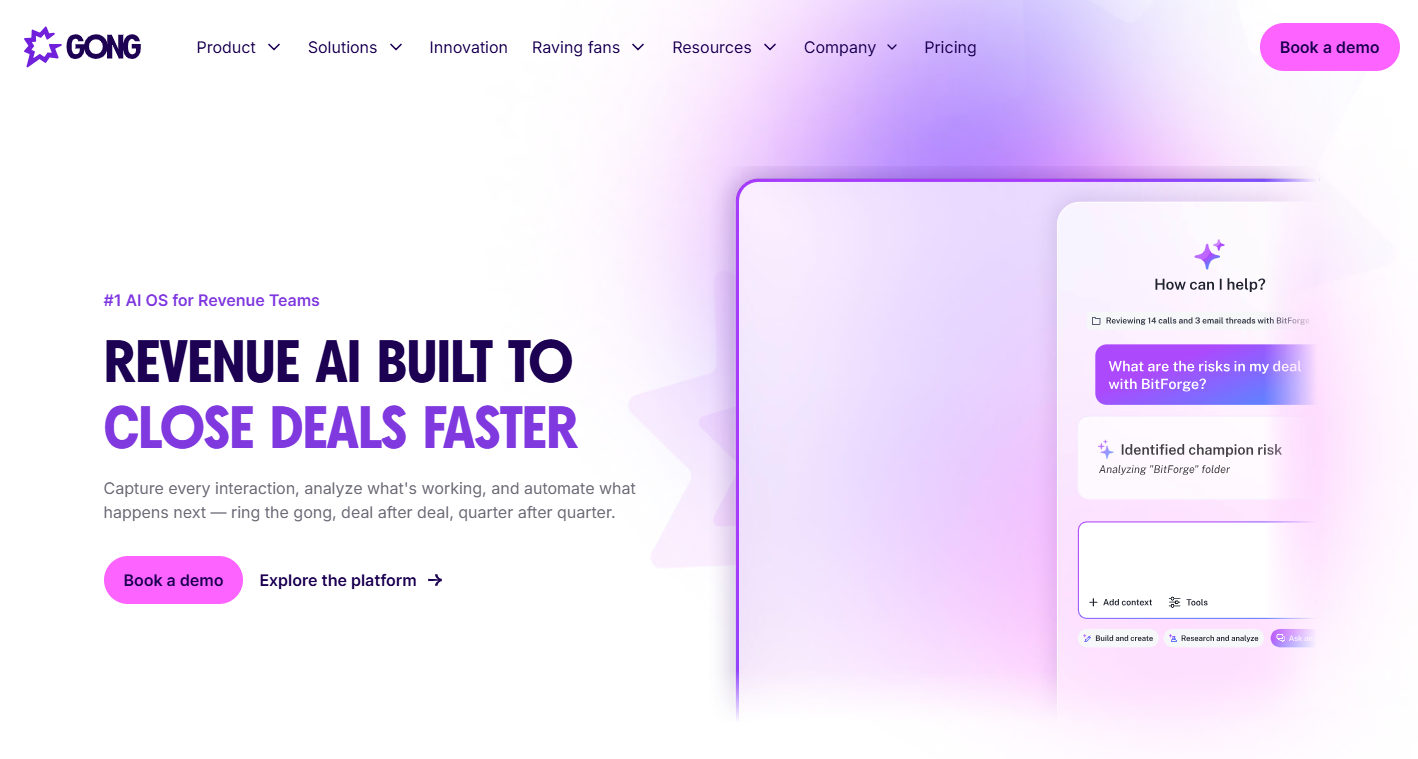
Gong suits teams whose bottleneck is not knowing what happens on calls. It sits in the post-call analysis lane, which is its own category, often called conversation intelligence. The job in that lane is simple to state. Record the calls, analyse them, and show managers where to listen.
That makes Gong a fit for a sales manager with too many reps and too few hours. If you cannot say which reps handle pricing objections well and which ones dodge them, you have a visibility problem before you have a coaching problem. Call analysis fixes visibility first.
Pricing
Gong's pricing page says licences are priced per user, with a platform fee based on the number of users. It publishes no entry price, no seat minimum and no plan contents, so budgeting means getting a quote.
| Plan | Price | Billing Basis | Includes |
|---|---|---|---|
| Gong licence | Pricing On Request | Per user, plus a platform fee based on user count | Confirm on the demo |
Ask each vendor, Gong included, whether a trial is available and how long it runs.
Strengths
- Sits in the call analysis lane, the category built around what reps actually say on recorded calls.
- Addresses the diagnosis bottleneck directly, which is the right first problem for teams with no view of their calls.
- Pricing basis is stated plainly on the vendor page, so you know the quote will scale with the number of users.
Trade-Offs
- No entry price is published, so you cannot compare it with Avoma without a sales conversation.
- The platform fee rises with user count, so a larger team pays more on two axes.
- Analysis tells you what happened. It does not rehearse the fix with the rep.
Key Capabilities To Confirm On The Demo
- Does it score calls against your own methodology, such as MEDDIC or BANT?
- Does it measure talk-to-listen ratio, question rate and next-step commitment out of the box?
- Does feedback return to the rep, or does it stay in a manager dashboard?
- Does it integrate natively with your dialer and CRM?
Good Fit
- Sales managers who cannot listen to a meaningful share of calls by hand.
- Teams that need a diagnosis before they spend on training or practice.
Not A Fit
- Teams whose reps already know the process and need to rehearse it.
- Buyers who need a published price before a first call with sales.
The limitation that matters most is the missing price and plan detail, which makes a fair comparison depend on a demo.
2. Avoma: Best For Small Teams Adding Call Scoring
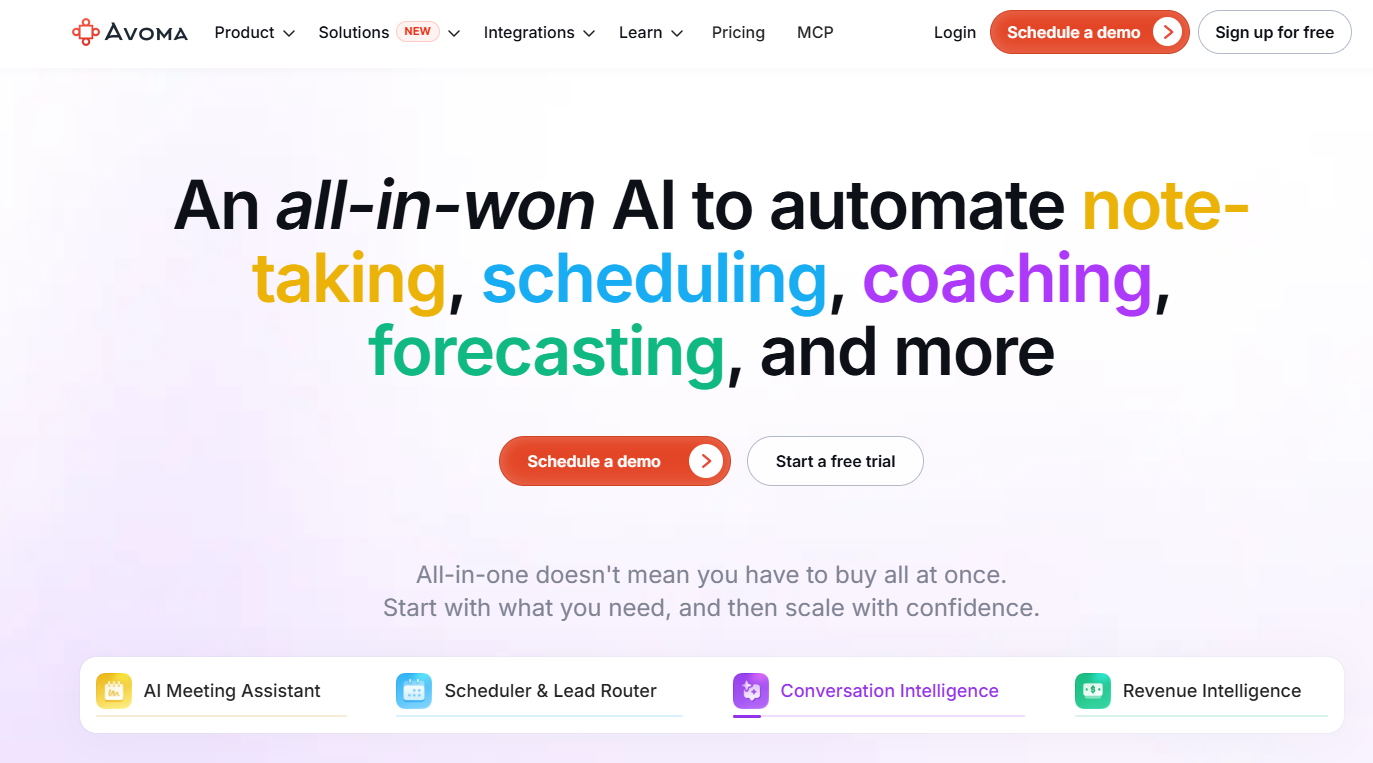
Avoma is the only tool of the five that publishes a coaching price, and that alone makes it easy to model. It sits in the post-call analysis lane, like Gong, but its pricing is laid out per seat with clear seat limits.
It is built for teams that want call scoring without a long procurement cycle. A sales manager with 10 to 25 reps can read the Startup tier and the add-on and know the monthly bill before booking a demo.
Pricing
Avoma's pricing page puts AI coaching and call scoring in a Conversation Intelligence add-on at $29 per seat per month on annual billing, or $35 monthly, on top of the plan. The coaching feature is an add-on, not part of the base price.
| Plan | Price Per Seat Per Month | Billing Basis | Seat Limits |
|---|---|---|---|
| Startup | $19 annual, $29 monthly | Per seat | Up to 25 paid seats |
| Organization | $29 annual, $39 monthly | Per seat | Up to 100 paid seats |
| Enterprise | $39 annual, monthly price not clear on the page | Per seat | Minimum of 10 paid seats |
| Conversation Intelligence add-on | $29 annual, $35 monthly | Per seat | Carries AI coaching and call scoring |
Here is the cost in practice. Ten reps on Startup with annual billing and the add-on is ($19 + $29) times 10, which is $480 a month. That is an illustration with the published list prices, so swap in your own seat count.
Strengths
- Prices are published for every plan and for the coaching add-on, which makes budgeting straightforward.
- Seat limits are stated, so you know when a team outgrows a tier.
- Startup annual billing keeps the base seat cost low for small teams.
Trade-Offs
- AI coaching and call scoring cost extra on every seat that needs them.
- Monthly billing is $10 more per seat on Startup than annual billing, before the add-on.
- Enterprise carries a minimum of 10 paid seats, so it does not suit very small teams.
Key Capabilities
- AI coaching and call scoring, sold in the Conversation Intelligence add-on.
- Per-seat plans with defined seat ceilings at 25 and 100 paid seats.
- Annual and monthly billing options on every priced line.
Good Fit
- Teams of roughly 10 to 25 reps that want call scoring at a known price.
- Managers who need to show finance a per-seat number before committing.
Not A Fit
- Teams whose main problem is rehearsal rather than review. The roleplay tools below fit that better.
- Buyers who need the Enterprise monthly price before deciding, because the page does not make it clear.
The limitation that matters most is that Enterprise monthly pricing is unclear on the page, so large teams still need a quote.
3. Revenue.io: Best For Live Guidance On Phone-Led Salesforce Teams
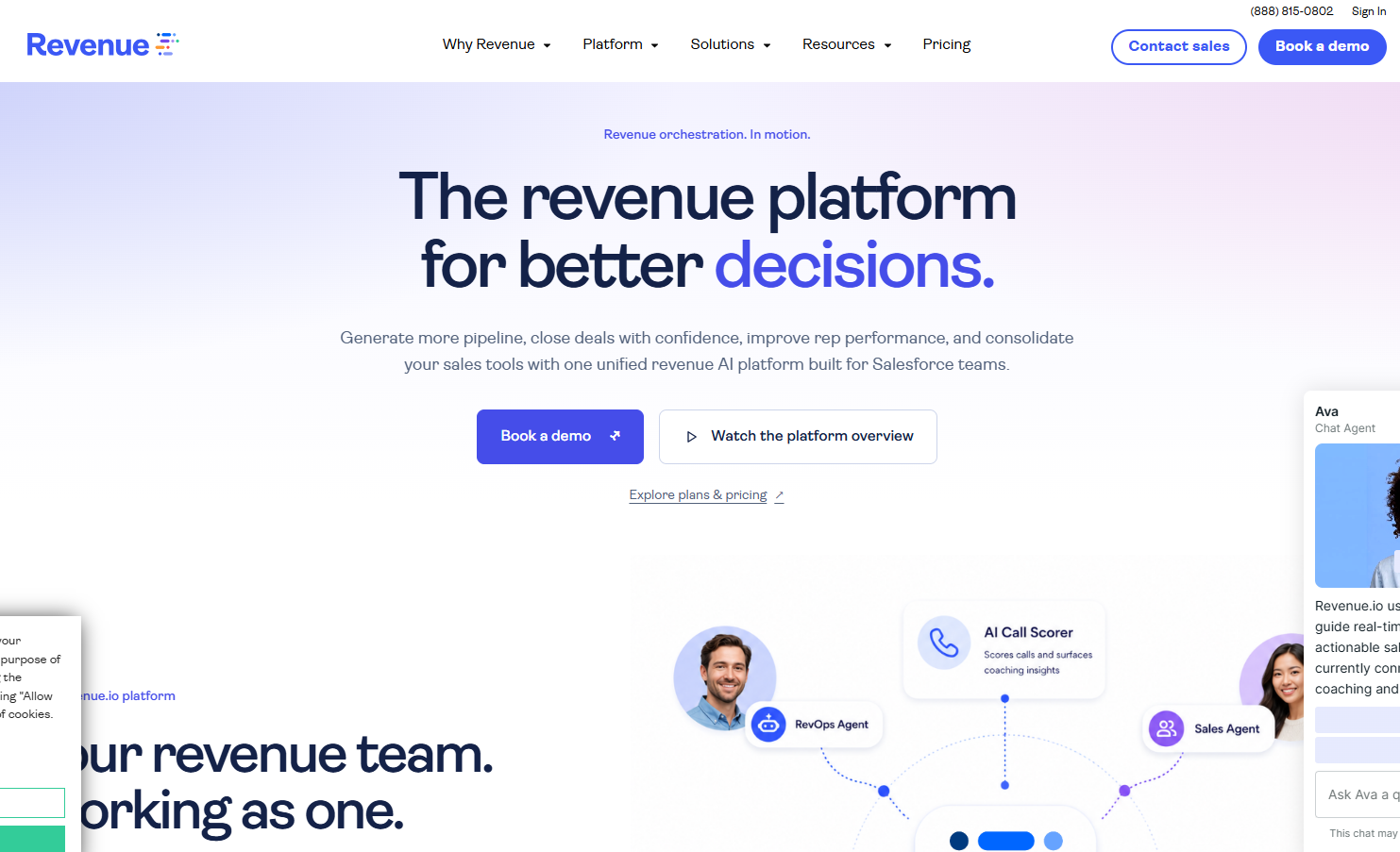
Revenue.io is the live-guidance pick. Most coaching tools act after the call. Revenue.io acts during it, which matters if your reps sell by phone and the moment of the objection is the moment you want to help.
Real-time guidance is on Activate and above, while AI scorecards and AI coaching feedback are on Orchestrate, so the plan a team needs depends on which coaching type it wants. A team that only wants live prompts does not need the top plan. A team that wants scored calls does.
Pricing
Revenue.io's pricing page lists three plans, all seat-based and quoted after a demo. It publishes no prices.
| Plan | Price | Billing Basis | Includes |
|---|---|---|---|
| Activate | Pricing On Request | Seat-based, custom quote after a demo | Salesforce-native dialer, real-time guidance, live listen and whisper, video meeting coaching |
| Engage | Pricing On Request | Seat-based, custom quote after a demo | Playbooks, multichannel sequences, automatic call transcription and analysis, sentiment and talk metrics |
| Orchestrate | Pricing On Request | Seat-based, custom quote after a demo | AI scorecards, AI coaching feedback, Deal Health Scores, AI conversation agents |
Strengths
- Live listen and whisper let a manager help during a call, not only after it.
- Real-time guidance starts at the entry plan, so live coaching does not need the top tier.
- The dialer is Salesforce-native, which suits teams that already run on Salesforce.
Trade-Offs
- All three plans are custom quotes, so there is no published price to model.
- Scorecards and AI coaching feedback sit on Orchestrate, the highest plan.
- The product bundles dialing, sequences and coaching, which is more than a team that only wants coaching may need.
Key Capabilities
- Real-time guidance, live listen and whisper, and video meeting coaching on Activate.
- Automatic call transcription, sentiment and talk metrics on Engage.
- AI scorecards, AI coaching feedback and Deal Health Scores on Orchestrate.
Good Fit
- Phone-led teams on Salesforce that want to coach during calls.
- Managers who want live listen and whisper for new reps.
Not A Fit
- Teams outside the Salesforce stack, because the dialer is Salesforce-native.
- Teams that sell mostly in in-person meetings.
The limitation that matters most is that in-person meeting capture is not listed as a standard feature on the page, so meeting-led teams should ask before buying.
4. Whatfix Mirror: Best For Roleplay Practice
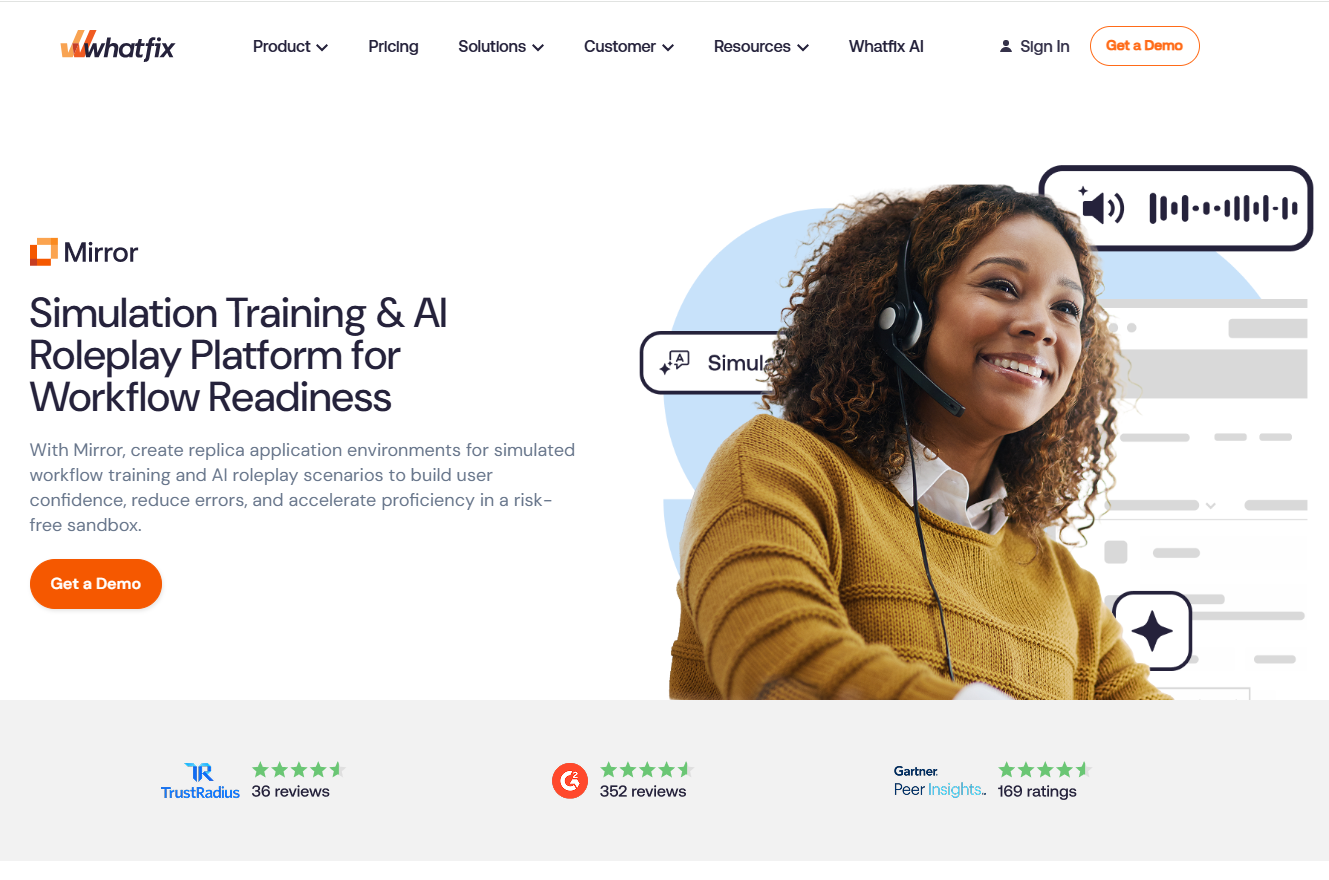
Mirror Standard includes AI roleplay and assessment mode on a flat fee plus user licences, and it practises skills rather than analysing live calls. That makes it the practice engine. Reps rehearse the conversation before it counts.
Whatfix also publishes a competing list of AI sales coaching tools that ranks Mirror first. This entry is judged on the same criteria as the other four.
Roleplay is the right buy when reps know the process and fumble it. The cold-call opener, the pricing objection and the discovery question are all drillable. Mirror lets a team rehearse them against an AI counterpart and score the result.
Pricing
Whatfix's pricing page describes a flat fee plus user licence fees for Mirror. It publishes no price. The page does not mention AI sales coaching, so judge Mirror as a practice tool, not as a call-analysis tool.
| Plan | Price | Billing Basis | Includes |
|---|---|---|---|
| Mirror Standard | Pricing On Request | Flat fee plus user licence fees | System simulation, AI roleplay, contextual guidance, analytics, assessment mode, SCORM export, unlimited author licences, SSO |
Strengths
- AI roleplay and assessment mode are included in Mirror Standard.
- Unlimited author licences mean more than one person can build scenarios without extra cost.
- SSO and SCORM export fit teams that already run training through a learning system.
Trade-Offs
- The flat fee applies on top of per-user licences, so the entry cost is not obvious.
- It does not analyse live calls, so it cannot tell you what reps said last Tuesday.
- The pricing page never mentions AI sales coaching, so the sales-specific fit needs confirming.
Key Capabilities
- AI roleplay and assessment mode for scored practice.
- System simulation and contextual guidance.
- Analytics on practice results.
Good Fit
- Teams with a clear skill gap to drill, such as discovery or objection handling.
- High-volume SDR-style teams that rehearse cold calls.
Not A Fit
- Teams whose first problem is that nobody knows what happens on calls.
- Buyers who want live in-call prompts.
The limitation that matters most is that Mirror practises skills but does not analyse real calls, so it pairs with a call-analysis tool rather than replacing one.
5. Highspot: Best For Roleplay Inside An Enablement Platform
Practice with AI feedback and role play starts at the Better tier, and meeting intelligence and coaching analytics start at the Best tier. The coaching a team wants decides the tier it pays for.
Highspot is a sales enablement platform first, with content, Sales Plays and Digital Sales Rooms at the base. Coaching features sit on top. That suits a team that wants content and practice in one place. It is the wrong shape for a team that only wants coaching.
Pricing
Highspot's pricing page lists three tiers and no prices.
| Plan | Price | Billing Basis | Includes |
|---|---|---|---|
| Good | Pricing On Request | By quote | Content, Sales Plays, Digital Sales Rooms, AI knowledge checks, CRM integration, scorecards |
| Better | Pricing On Request | By quote | Adds training authoring, adaptive learning, practice with AI feedback and role play |
| Best | Pricing On Request | By quote | Adds Delivery and Meeting Intelligence with AI feedback on meetings, role play for coaching, rep and team analytics for coaching |
Strengths
- Content, practice and meeting feedback sit in one platform.
- Role play starts at Better, so full meeting intelligence is not needed for rehearsal.
- Scorecards are included from the Good tier.
Trade-Offs
- No tier has a published price.
- Meeting Intelligence and coaching analytics are only on the Best tier.
- The platform covers more than a coaching-only buyer needs, and pays for it.
Key Capabilities
- Practice with AI feedback and role play from the Better tier.
- Adaptive learning and training authoring from the Better tier.
- AI feedback on meetings, plus rep and team coaching analytics, on the Best tier.
Good Fit
- Enablement teams that want content and practice in one tool.
- Meeting-led sellers who want AI feedback on meetings.
Not A Fit
- Teams that only want call scoring.
- Small teams without an enablement function to run a platform.
The limitation that matters most is scope. Highspot is a broader platform than a team that only wants coaching needs.
📋 Get Listed / Advertise
We update this guide monthly. Want your tool featured? Contact: [email protected].
How We Chose These Five Tools
A tool qualifies if it coaches reps or managers through call analysis, roleplay or in-call guidance. Out of scope are human coaching methodology, generic sales training courses, AI sales email writers, outreach and prospecting tools, and content libraries without coaching.
AI sales email writers solve a different problem from coaching, and Growth Tribune keeps a comparison of AI sales email writing tools if that is the purchase you are weighing. If your problem is a different stage of the funnel, our list of best AI sales tools by sales stage is the broader starting point. For outbound, see AI tools for outbound prospecting.
Pricing comes from each vendor's own pricing page. Where a page publishes no price, this guide says Pricing On Request and nothing more. The five tools are grouped by coaching type and not ranked.
If you sell one of these tools, the same buyers read decision-stage pages before they book a demo. TRM works on SaaS content marketing, including listicles and comparison pages, and on AI search visibility, which covers mentions and citations in ChatGPT, Perplexity, Gemini and Google AI Overviews.
The Three Kinds Of AI Sales Coaching Software
AI sales coaching software uses AI to review, rehearse or guide sales conversations so reps improve. Three kinds exist, and they differ in when they act.
- Post-call analysis: Records and scores sales calls to coach on what reps said, acting after the call.
- Roleplay practice: Lets reps rehearse against an AI buyer, often built from real calls, to coach on skills, acting between calls.
- Live-call guidance: Prompts reps with next steps and answers while the conversation is happening, acting during the call.
Post-call analysis is the most common starting point. Call analysis typically measures talk-to-listen ratio, question rate, filler word frequency, next-step commitment rate and how competitor mentions are handled. Some phone systems include a slice of this. Aircall's pricing page lists talk-to-listen ratios, sentiment analysis and AI call summaries on its Professional plan at $50 per licence per month, while its $30 Essentials plan does not include them. That is a phone system with analytics, not a coaching platform.
Roleplay is different. Roleplay is the practice engine and coaching is the system around it. Few roleplay tools include the coaching system, so a readiness platform is a different purchase from a rehearsal tool. If you just need reps to drill the opener, standalone roleplay can do the job.
Live guidance is the rarest of the three. Call recording does not automatically include live guidance, because they are separate capabilities. A tool that records and transcribes can sit silent until the call ends.
If you landed here wanting outbound tools, read our guide to AI prospecting software instead. If you want software that does the rep's work rather than coaching the rep, see AI sales agents that do the work.
Which Kind To Buy First: A Rule By Bottleneck, Call Volume And Selling Style
This rule is TRM's editorial judgement. No source cited in this guide publishes a team-size or call-volume threshold, so treat the steps as a reasoned default and not a research finding. Start with the bottleneck.
- You cannot see what happens on calls. Diagnosis is the gap, so buy post-call analysis first.
- Reps know the process but fumble it. Skill is the gap, so buy roleplay practice.
- Knowledge transfer and execution both lag. The gap is a loop, so buy a closed-loop platform that combines content, practice and feedback.
- Your reps sell by phone on Salesforce. Add live-call guidance once the first problem is handled.
Then layer on selling style. Phone-led teams can use live guidance, and our guide to AI cold calling software covers that motion. Meeting-led teams lean on post-call analysis and roleplay. Standalone roleplay can be enough for high-volume B2B teams such as SDRs drilling cold calls and discovery, and our list of AI SDR agents covers the neighbouring tool type. A coaching platform with roleplay included suits regulated field forces with launches and certifications.
The same logic of picking by sales motion applies to AI sales assistants picked by sales motion.
Here is the call volume case, with illustrative inputs. Replace them with your own.
- Reps: 10
- Calls per rep per week: 20
- Minutes per call: 30
- Total call time per week: 100 hours
- Manager time to review 10 percent by hand: 10 hours per week
Ten hours a week is a quarter of a full-time job spent listening, and it covers only a tenth of the calls. That is the case for call analysis. The arithmetic is simple and checkable. The threshold you draw from it is judgement.
If you would rather hand the content and AI search work behind pages like this to a team that has done it before, the GEO + SEO Growth Programme is where that starts. One programme covers the ongoing work instead of separate retainers.
What To Look For Before You Shortlist
Seven questions sort a real tool from a demo reel. Put all seven to every vendor, and ask to see the answer, not hear it.
- Does it coach live, or only review recordings? Ask for a live call demo, and check which plan carries the live feature.
- Can roleplay be built from real calls? Ask the vendor to turn one of your own recordings into a practice scenario.
- Is there a feedback loop back to the rep? Ask to see what the rep receives and when, not only what the manager sees.
- Does it integrate natively with your dialer and CRM? Ask to see the integration running on your stack, not a logo on a slide.
- Does it enforce your sales methodology? Most vendor pages do not mention MEDDIC or BANT, so ask whether scoring can follow your framework.
- Does it serve both reps and managers? Ask for the rep view and the manager view, side by side.
- What happens to the data? Ask where recordings and transcripts are stored, who can see them, and what the vendor does with them.
Data quality caps all of this. A coaching tool that reads a CRM full of blank fields and stale stages will coach on bad inputs. Clean the fields before you blame the software.
What The Evidence Does And Does Not Show
The evidence for AI sales coaching is thinner than the vendor pages suggest. Two data points are worth knowing.
In a May 2026 release, Gartner reported that 31 percent of 227 chief sales officers cite difficulty proving the ROI of AI-driven tools as a top 2026 challenge, as relayed by Quantified. If you cannot prove the return, you will struggle to renew.
The second point cuts harder. A 2026 trial of 114 employees, reported on Whatfix's page, found human coaches improved every primary outcome while the AI coach did not beat a no-coaching control on any. The original trial was not checked, so this is a second-hand report of one trial. It is still the main reason to keep a human coach in the loop.
Vendor pages quote large percentage lifts in win rate and ramp time. This guide leaves them out, because none of them comes with a source you can check.
What you can do is measure the right thing. Measure readiness, not activity. Track proficiency, message adherence, time to readiness and certification pass rates. Counting roleplays completed tells you the tool is used. It does not tell you reps are better.
How To Trial A Tool Before You Commit
A two-to-four-week trial settles most of the doubt. Run it like this.
- Pick one kind. Use the rule above and commit to a single coaching type.
- Shortlist two or three tools. Stay inside the chosen kind so you compare like with like.
- Book the trial or demo. Ask each vendor whether a trial is available and how long it runs.
- Load real calls and a real objection. Use your own recordings, not the vendor's sample data.
- Set the readiness measures first. Write down proficiency, message adherence and time to readiness before the trial starts.
- Compare against a baseline. Record the same measures for the weeks before the trial.
- Decide with the manager and two reps. The people who will use it should have a vote.
Rolling It Out Without Sidelining Your Managers
AI coaching changes what a manager reviews, not whether a manager coaches. The trial result above is the reason. A tool can find the calls worth a manager's time, but a human still has to have the conversation.
Adoption comes from reps seeing it help, not from mandates. Start with one workflow. Pick the objection that costs you the most deals, run it through the tool for a month, and show the reps their own before-and-after. One concrete first-month action beats a company-wide launch.
Data quality sets the ceiling. If CRM fields are blank or stale, the coaching sits on weak inputs, so fix that first. Our guide to AI lead enrichment tools covers the clean-up.
Keep the managers in the loop. Give them the review queue and let them decide which calls to coach on. That keeps the human coach the trial says you need.
FAQs
Does AI Sales Coaching Replace A Human Sales Manager?
Can An AI Score Prove That A Call Was Compliant?
Does Call Recording Automatically Include Live Guidance?
Where Should A Team Start If It Has Never Used AI Coaching?
Is AI Roleplay Software The Same Thing As AI Sales Coaching Software?
Is There A Minimum Team Size Or Call Volume For AI Sales Coaching To Make Sense?
Which Behaviours Do These Tools Measure On A Sales Call?
How Do I Measure Whether AI Coaching Is Working?
What Does AI Sales Coaching Software Cost?
If you want a second opinion on your content or AI search plan, book a free thirty-minute call. One of the founders takes it, and you leave knowing what we would fix first.