
Mailchimp is the better pick for most small businesses, because its free plan covers up to 250 contacts and, in dreamlit's September 2026 comparison, its Standard plan costs $20 a month at 500 contacts against $35 a month for Constant Contact Standard. Constant Contact earns its higher price when you want phone support or event tools.
The pick shifts with your list size and your most common email task. Below about 5,000 contacts Mailchimp is cheaper on the price points we could verify, and newsletter-and-events senders who want phone help tend to favour Constant Contact.
The 500 and 5,000 contact prices come from a dated third-party comparison, and the figures for other list sizes are not verified. Check both pricing pages for your own list size before you pay.
If you run a software company and want comparison pages like this one to rank and get cited, our SaaS content marketing team builds them around the exact question a buyer types. See how that work is set up.
📋 Get Listed / Advertise
We update this guide monthly. Want your tool featured? Contact: [email protected].
Constant Contact Vs Mailchimp At A Glance
The figures below come from the two vendors' own pages, and the sections that follow repeat them. A table like this is built to be lifted whole into an AI answer, which is the idea behind answer engine optimization.
| Tool | Best For | Free Plan | Paid Plans | Automation | SMS | Support |
|---|---|---|---|---|---|---|
| 1. Constant Contact | Phone support and event-driven newsletters | None, trial only | Lite $12, Standard $35, Premium $80 a month billed monthly. Multi-Account on request | 1 template on Lite, 3 on Standard, unlimited on Premium | From $10 a month for up to 500 messages | Self-service, live chat and phone |
| 2. Mailchimp | Free starts and triggered automation flows | Free, 250 contacts, no flows | Essentials $13, Standard $20, Premium $350 a month on the 12-month rate | Up to 4 flow steps on Essentials, up to 200 on Standard or higher | Add-on on Standard or higher, approved program needed | Phone and priority support on Premium |
On price, Constant Contact Standard is $35 a month billed monthly and Mailchimp Standard is $20 a month on its 12-month rate, so the two entry prices are not quoted on the same billing basis and the contact count behind each one changes the bill.
1. Constant Contact: Best For Phone Support And Event-Driven Newsletters
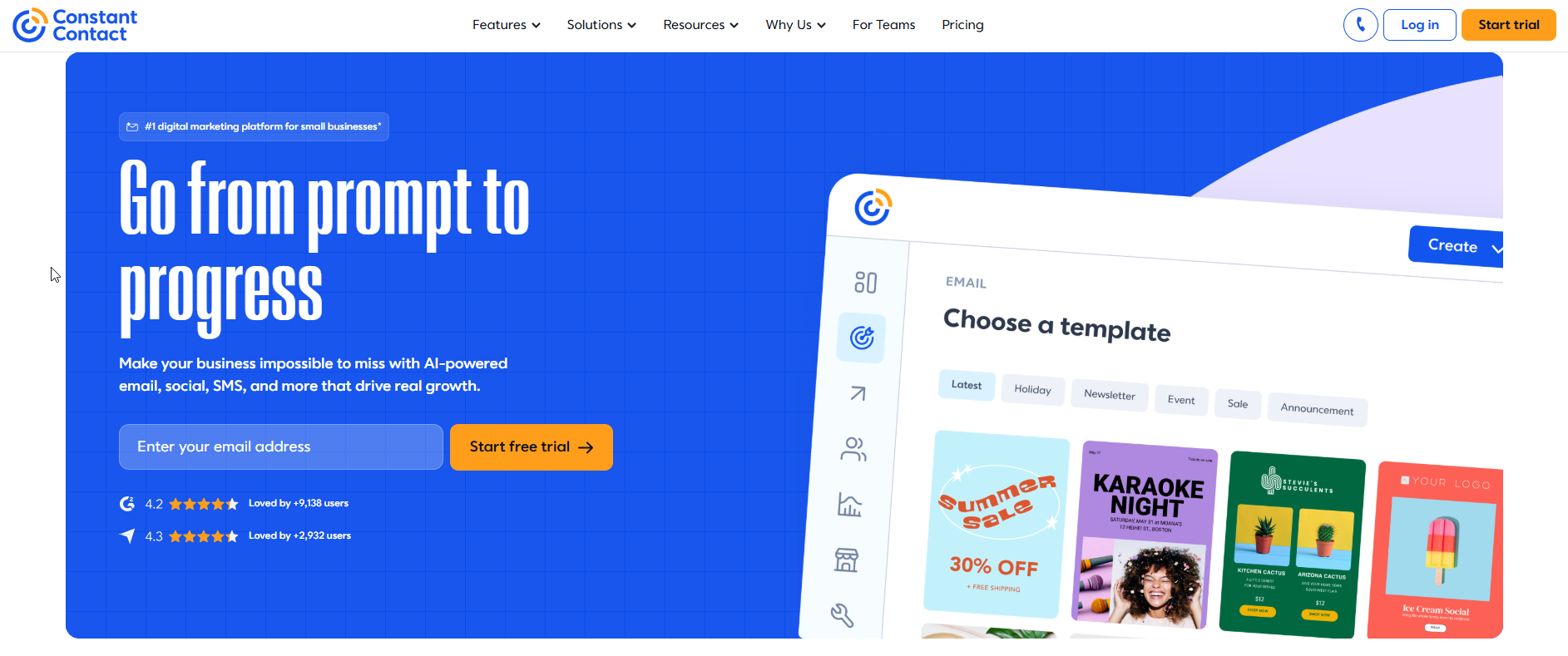
Constant Contact fits small businesses that want a newsletter and campaign tool with live chat and phone support behind it, starting at $12 a month on Lite billed monthly. It is a paid-only product, so you are buying it for the help and the event-friendly sending, not for a free start.
What it does: Constant Contact sends email campaigns and automations, and it adds SMS as a paid extra. Its plans scale by users, automation templates, custom segments and a send allowance that is a multiple of your contact count.
Who it is for: Owners and one-person marketing teams who send newsletters, announcements and event invitations on a schedule and want a person to call when something breaks. It is less suited to a list you want to run free for a while.
| Plan | Monthly-Billed Price | 12-Month Prepay Price | What It Includes |
|---|---|---|---|
| Lite | $12 a month | $10.20 a month | 1 user, 1 automation template, 1 custom segment, sends 10x contacts, drag-and-drop editor, AI copy generator. No scheduling, no subject-line testing |
| Standard | $35 a month | $29.75 a month | 3 users, 3 automation templates plus AI campaign builder and resend to non-openers, 10 custom segments, sends 12x contacts, scheduling, subject-line A/B testing |
| Premium | $80 a month | $68 a month | Unlimited users, templates and segments, custom automations, ecommerce templates, auto-send welcome emails, dynamic content, sends 24x contacts |
| Multi-Account | Pricing on request | Pricing on request | For teams with 5 or more accounts |
These figures come from Constant Contact's pricing page, which says the price depends on contact count and send volume. Prepaying 12 months saves up to 15 percent, and sends over the plan allowance cost $0.002 each. Run your own list size through its selector to see the price.
Free tier: None among the plans on the pricing page. Check the page for the current trial length, because the figure is not stated there.
Strengths:
- Support you can phone: Constant Contact's comparison page lists self-service, live chat and phone support.
- Builder from the cheapest plan: Lite already includes the drag-and-drop editor and the AI copy generator.
- Segments that scale with the plan: One custom segment on Lite, ten on Standard and unlimited on Premium.
- Ecommerce triggers listed: The automation page names abandoned cart, upsell or cross-sell, browse reminder, post-purchase review and coupon triggers.
- Send allowance that grows with the list: Each plan sends a fixed multiple of your contacts, from 10x to 24x.
Trade-offs:
- No free plan: You pay from the first contact.
- A thin Lite plan: One automation template, one segment, no scheduling and no subject-line testing.
- Price depends on list size: Your real price appears in the selector, so check it for your contact count.
- Overage is metered: Sends over the allowance are charged at $0.002 each.
- Automation is listed by tier: The pricing page splits templates and welcome-email features across plans, so read the tier before you buy.
Key capabilities:
- Welcome, thank-you and birthday series, plus behaviour-based tagging.
- A custom automation path builder with branches, promoted with a Premium 30-day free trial.
- SMS from $10 a month for up to 500 messages on Lite and Standard, with 500 messages included in Premium.
- Resend to non-openers and an AI campaign builder on Standard.
- Dynamic content on Premium.
Good fit:
- Newsletter and events senders who want phone help.
- Small teams that value a support line over a free tier.
- Stores that want ecommerce triggers and are ready for Premium.
Not a fit:
- Anyone with a list under 250 contacts who needs no automation.
- Senders who want to start at $0 and upgrade only when they have to.
- Teams that need a firm price before they sign up, because the price for your list size comes from the selector.
The limitation that matters most is that Lite is too thin for anything beyond one simple automation, so the realistic starting plan for most senders is Standard.
2. Mailchimp: Best For Free Starts And Triggered Automation Flows
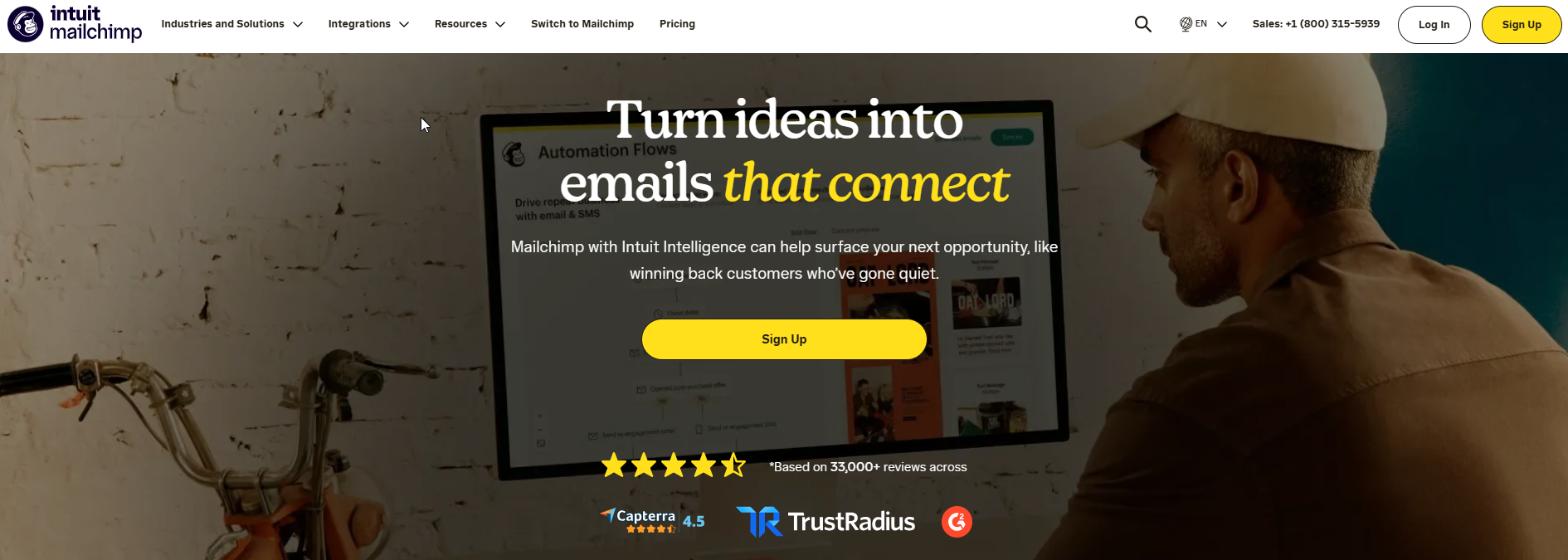
Mailchimp fits small businesses that want to start free and grow into triggered flows, because Mailchimp Free costs $0 for up to 250 contacts and Standard is $20 a month on the 12-month rate. It is the cheaper entry on every price point we could verify, though the free plan has no automation flows at all.
What it does: Mailchimp sends email campaigns and runs automation flows, with plan limits on seats, audiences, flow steps and monthly emails. Its paid plans come with a 14-day free trial.
Who it is for: Founders and small teams with a growing list who want to test email at no cost, then add welcome series and triggered flows without a big jump in price. It is a weaker choice if you want a phone line on a small budget.
| Plan | Price On 12-Month Rate | What It Includes |
|---|---|---|
| Free | $0 a month | 250 contacts, up to 500 emails a month or 250 a day, 1 seat, 1 audience, no automation flows, limited pre-built templates |
| Essentials | $13 a month | 3 seats, up to 4 flow steps, 3 audiences, no generative AI |
| Standard | $20 a month | 5 seats, up to 200 flow steps, 6,000 emails a month cap, generative AI, webhook action |
| Premium | $350 a month | Unlimited users, up to 200 flows with enhanced automations, 150,000 emails a month cap, predictive segmentation, A/B testing, phone and priority support |
These figures come from Mailchimp's pricing page and are the 12-month rate. The page shows a contact selector and routes Premium annual pricing through sales. New customers at 10,000 or more contacts can get 15 percent off the first 12 months.
Free tier: Yes, Mailchimp Free at $0 for 250 contacts. Paid plans have a 14-day free trial.
Strengths:
- A real free plan: 250 contacts at $0 is enough to test a newsletter before you pay.
- Flow steps scale sharply: Up to 4 on Essentials and up to 200 on Standard or higher.
- Triggers and branching on Standard: Up to 3 triggers per flow, conditional splits with up to 5 conditions and a percentage split.
- Generative AI from Standard: Included on the plan, and absent from Essentials.
- Low entry price for automation: Standard at $20 a month on the 12-month rate.
Trade-offs:
- No automation on Free: The free plan has no flows.
- Essentials is limited: Up to 4 flow steps and no generative AI.
- Price depends on list size: Above 500 contacts, read the figure from the selector.
- Premium jumps to $350 a month: That is the plan that carries phone and priority support.
- Triggers are not retroactive: They only catch events after the flow is activated, and an active flow must be paused before you edit it.
Key capabilities:
- Flows with up to 3 triggers on Standard or higher and up to 5 filters per trigger.
- Conditional split with up to 5 conditions and percentage split on Standard or higher.
- Wait-for-trigger steps, up to 10 per flow.
- SMS actions as an add-on on Standard or higher, which need an approved SMS program.
- Predictive segmentation and A/B testing on Premium.
Good fit:
- Senders with under 250 contacts who need a free list.
- Small businesses that want triggered flows at a low monthly price.
- Teams that will stay on Standard and never need phone support.
Not a fit:
- Teams that need phone help on a small plan.
- Anyone who wants a fixed price before checking the selector for their list size.
- Lists with many unsubscribed contacts, unless you archive them first, because the limitation below explains how they are billed.
The limitation that matters most is billing. Mailchimp bills unsubscribed contacts until they are archived, so a list full of unsubscribes can price you into a higher band than your active audience justifies.
📋 Get Listed / Advertise
We update this guide monthly. Want your tool featured? Contact: [email protected].
Constant Contact Vs Mailchimp Pricing By List Size
Mailchimp is cheaper at every list size we can price, and the gap narrows as the list grows. Constant Contact has no free plan, so Mailchimp wins outright below 250 contacts.
The vendor pages give you the entry points. Mailchimp's pricing page lists Free at $0, Essentials at $13 and Standard at $20 a month on the 12-month rate. Constant Contact's pricing page lists Lite at $12, Standard at $35 and Premium at $80 a month billed monthly. The list-size prices below come from a third party.
In dreamlit's comparison, checked September 2026, Constant Contact Standard costs $35 a month against $20 for Mailchimp Standard at 500 contacts. At 5,000 contacts the same comparison puts Mailchimp Standard at $100 a month and Constant Contact Standard at $110.
| List Size | Mailchimp | Constant Contact | Status |
|---|---|---|---|
| Up to 250 contacts | Free plan at $0 | No free plan | Vendor pages |
| 500 contacts | Standard $20 a month | Standard $35 a month | Third-party price, September 2026 |
| 2,500 contacts | Not verified | Not verified | No reliable price |
| 5,000 contacts | Standard $100 a month | Standard $110 a month | Third-party price, September 2026 |
| 10,000 contacts and above | Not verified | Not verified | Read both selectors |
Two bands are blank on purpose. One third-party calculator contradicts itself on the 2,500-contact price for Mailchimp Standard, and no source gives a verified price at 10,000 contacts for either tool. Open the contact selector on each pricing page and read the number there instead of trusting a blog.
Discounts: Mailchimp offers 15 percent off the first 12 months for new customers at 10,000 or more contacts. Constant Contact says prepaying 12 months saves up to 15 percent. They are different offers, so price both before you compare totals.
Worked example: Redo this with your own list size. The arithmetic below assumes both third-party figures are monthly charges.
- At 500 contacts: $35 minus $20 is $15 a month, which is $180 over twelve months in Mailchimp's favour.
- At 5,000 contacts: $110 minus $100 is $10 a month, which is $120 over twelve months.
- At your list size: Set the selector on both pages, write down the monthly figure and its billing basis, then subtract.
Two costs sit outside the headline price. Constant Contact charges $0.002 per send over the plan allowance. Mailchimp bills unsubscribed contacts until you archive them, so clean the list before you read the selector.
Which One To Pick At Your List Size
Pick Mailchimp for most lists under 5,000 contacts, and let your workflow decide above that. The reason is price, because the cheaper tool on every band we can verify is Mailchimp.
| List Size | Pick | Why |
|---|---|---|
| Under 250 contacts, no automation | Mailchimp Free | It costs $0 and covers up to 250 contacts, while Constant Contact has no free plan |
| Around 500 contacts | Mailchimp Standard | It is $20 a month against $35 for Constant Contact Standard in the dated comparison |
| Around 5,000 contacts | Either, by workflow | The gap is $100 against $110 a month, so the email task decides |
| 10,000 contacts and above | Run both quotes | No verified price exists for either tool, so read both selectors and apply the first-year discounts |
Under 250 contacts and no automation: Pick Mailchimp Free. It costs $0 for up to 250 contacts, but it sends up to 500 emails a month or 250 a day and has no automation flows. If you need even one welcome email sent automatically, you are on a paid plan already.
Around 500 contacts: Pick Mailchimp Standard on price. The dated comparison has it at $20 a month against $35, and Standard carries up to 200 flow steps.
Around 5,000 contacts: The tools are close to parity on price, so the workflow decides. A $10 monthly gap is small enough that phone help or an events feature can outweigh it.
10,000 contacts and above: Get both quotes. No source we trust gives a price for this band, and the first-year discounts from each vendor change the result.
When two tools are this close, the tiebreaker is your most common email task. Newsletters and events point to Constant Contact, triggered flows and sales tracking point to Mailchimp, and if you are still tied, price decides.
If your list fits neither tool well, pick a platform by list size from the wider guide and come back with a shortlist.
If you would rather have a team own the search and AI-visibility side of your own site, the GEO + SEO Growth Programme covers it month to month. Read what is included and decide whether it fits.
Automation Compared: Welcome Series And Ecommerce Triggers
Mailchimp allows more flow steps, Constant Contact sells automation as templates by plan, and neither is a clean win. The real question is which automation you cannot live without, so this section works two examples through both tools.
Constant Contact: On its pricing page, Lite includes 1 automation template, Standard includes 3 automation templates plus an AI campaign builder and resend to non-openers, and Premium includes unlimited templates, custom automations, ecommerce templates and auto-send welcome emails. Its automation page lists welcome, thank-you and birthday series and ecommerce triggers for abandoned cart, upsell or cross-sell, browse reminder, post-purchase review and coupon. It also describes a custom automation path builder with branches.
Mailchimp: On its help page for flows, flow steps top out at 4 on Essentials and 200 on Standard or higher. Flows allow up to 3 triggers on Standard or higher and up to 5 filters per trigger. A conditional split takes up to 5 conditions, a percentage split is on Standard or higher, and wait-for-trigger steps run up to 10 per flow. Mailchimp Free has no automation flows.
| Capability | Constant Contact | Mailchimp |
|---|---|---|
| Lowest plan with automation | Lite, 1 template | Essentials, up to 4 flow steps |
| Mid plan | Standard, 3 templates | Standard, up to 200 flow steps |
| Top plan | Premium, unlimited templates and custom automations | Premium, up to 200 flows with enhanced automations |
| Triggers | Welcome, thank-you, birthday, ecommerce | Up to 3 per flow on Standard or higher |
| Branching | Custom path builder with branches | Conditional split up to 5 conditions, percentage split on Standard or higher |
One conflict is worth flagging. The pricing page lists ecommerce templates and auto-send welcome emails under Premium, while the automation page lists welcome series and ecommerce triggers without naming a plan. The automation page also states no automation, step or contact limits for any plan. It does not say whether the path builder with branches is Premium only. Read the plan comparison on the pricing page before you assume a feature is on Standard.
Worked example, a welcome series: A welcome series is a short run of emails sent after someone joins your list. On Mailchimp you need a paid plan, because Free has no flows. Essentials allows up to 4 flow steps, so count your emails and waits before you commit, and Standard allows up to 200. On Constant Contact, Lite includes 1 automation template and Standard includes 3. Premium lists auto-send welcome emails. For one simple welcome series with no other automation, Mailchimp Essentials at $13 a month or Constant Contact Lite at $12 a month both work on paper, so choose on which editor you prefer.
Worked example, an abandoned-cart trigger: An abandoned-cart email goes to a shopper who left items in a basket. Constant Contact names abandoned cart among its ecommerce triggers, and the pricing page puts ecommerce templates in Premium at $80 a month billed monthly. For Mailchimp, the flow page covers trigger limits rather than naming a cart trigger, so open the flow builder and confirm your store's cart event is there before you pay. If you run a store, compare the email marketing tools for Shopify too.
Mailchimp has two traps. Triggers only catch events after the flow is activated, so a flow does not reach people who triggered it earlier. An active flow also has to be paused before you edit it. Plan edits for a quiet hour.
If you outgrow either tool's limits, the next step is email automation tools for scalability.
Templates, Email Editor And Ease Of Use
On the builder, both tools give you the basics from the entry paid plan. The differences are the AI features and the template library on the free tier.
Constant Contact: Lite at $12 a month already includes a drag-and-drop editor and an AI copy generator, according to its pricing page. Standard adds an AI campaign builder and scheduling. Lite has no scheduling, which is a real annoyance if you write a week of emails on Sunday.
Mailchimp: Free comes with limited pre-built templates, per its pricing page. Essentials has no generative AI, and Standard includes it. If you want AI help with copy, the cheapest Mailchimp plan that has it is Standard at $20 a month on the 12-month rate.
Ease of use is the claim every comparison makes and few can back. The only source we found that ranks Constant Contact as simpler is from 2020, so we do not rank either tool on it. Both give you a trial or a free plan, so test the editor with a real email before you pay for a year.
What to do: Build the same newsletter in each tool. Time how long it takes to get from a blank page to a test send, and note whether you needed help.
Reporting, Segmentation And A/B Testing
Segmentation is where Constant Contact's plan ladder is clearest. Its pricing page gives Lite 1 custom segment, Standard 10 and Premium unlimited. Subject-line A/B testing starts on Standard, and Lite has none.
Mailchimp puts the advanced end of this on its top plan. Its pricing page lists predictive segmentation and A/B testing on Premium at $350 a month on the 12-month rate. A small business that wants to test subject lines can do it on Constant Contact Standard at $35 a month billed monthly.
| Capability | Constant Contact | Mailchimp |
|---|---|---|
| Custom segments | Lite 1, Standard 10, Premium unlimited | Predictive segmentation on Premium |
| Subject-line testing | Standard and above | A/B testing on Premium |
| A/B testing | Subject lines from Standard | Premium |
| Source | Constant Contact pricing page | Mailchimp pricing page |
What Premium adds to Constant Contact's testing is not clear from the plan comparison, so check it if testing is why you are paying for the top tier. We leave out reporting depth claims, because the only ones we found come from old sources.
If reporting is the real reason you are shopping, a sending tool may not be the answer. Compare email tracking tools built for deeper reporting than either option offers.
Integrations, SMS And Customer Support
SMS: Constant Contact's SMS starts at $10 a month for up to 500 messages on Lite and Standard, and Premium includes 500 messages. Mailchimp's SMS actions are a Standard-or-higher add-on, and they need an approved SMS program. Constant Contact gives you a price to plan around. Mailchimp gives you a condition to clear first.
Support: Constant Contact's own comparison page lists self-service, live chat and phone support. Mailchimp's pricing page ties phone and priority support to Premium. If a phone line matters and your budget sits below $350 a month, that settles the support question in Constant Contact's favour.
Integrations: Do not trust any integration count, because sources conflict and we state none. The use-case split in HubSpot's comparison, which uses data from 2020, sends Shopify, Eventbrite and MINDBODY users to Constant Contact and reporting-and-automation buyers to Mailchimp at a lower price. Treat that as a hint to check your own stack, not a ruling. Open each tool's integration directory and search for the apps you run today.
| Item | Constant Contact | Mailchimp |
|---|---|---|
| SMS price | From $10 a month for up to 500 messages | Add-on on Standard or higher |
| SMS condition | Included at 500 messages on Premium | Approved SMS program needed |
| Support channels | Self-service, live chat, phone | Phone and priority support on Premium |
If email is one channel among several, look at email and social media integration tools before you commit to either.
Deliverability, Free Plans And AI Features
Deliverability: There is no current like-for-like test of both tools, and the only figure we can give is old. In deliverability tests from January 2019 to February 2020, Constant Contact averaged 88 to 90.4 percent in HubSpot's comparison. That is dated data, and it says nothing about Mailchimp or about today. Deliverability depends on your sender reputation and list hygiene more than on the logo on the tool, so test it outside the sending tool with email deliverability tools.
Free plans: Mailchimp has one and Constant Contact does not. Mailchimp Free costs $0 for up to 250 contacts, with up to 500 emails a month or 250 a day, one seat and one audience. HubSpot's comparison says Constant Contact has no free plan and offers a trial. Trial length is not stated on its pricing page, so check the page rather than a blog for the number of days.
AI features: Constant Contact puts an AI copy generator on Lite and an AI campaign builder on Standard. Mailchimp includes generative AI from Standard and leaves it out of Essentials, per its pricing page. At the cheapest paid tier, Constant Contact Lite at $12 a month billed monthly has AI copy and Mailchimp Essentials at $13 on the 12-month rate does not.
If AI writing is the feature you care about, a dedicated tool may do more than either platform's built-in generator. See AI email writing tools.
How To Switch Between Constant Contact And Mailchimp
Switching is mostly a list move and an automation rebuild. These steps work in either direction, and none of them depends on a vendor import feature we have not verified.
- Check the billing first. Look at whether you prepaid 12 months on Constant Contact, since prepaying saves up to 15 percent but ties you in. Confirm the date you can cancel without losing the prepaid balance.
- Archive the dead weight. On Mailchimp, archive unsubscribed contacts before you export, because Mailchimp bills unsubscribed contacts until they are archived, according to dreamlit. Confirm the contact count on the pricing selector drops.
- Export the list. Export contacts with their tags and segment membership as a file. Open it and confirm the email column, the opt-in status and the tags are all there.
- Start the new tool's trial. Mailchimp paid plans have a 14-day free trial. Constant Contact's trial length is on its pricing page, so read it and put the end date in your calendar.
- Import and tag. Upload the file to the new tool, rebuild your segments, and confirm a test segment returns the same count as the old one.
- Recreate your templates. Rebuild your two or three most used emails in the new editor and send a test to yourself.
- Rebuild each automation by hand. Automations are rebuilt, not moved. On Mailchimp, triggers only catch events after the flow is activated, so switch the new flow on before you turn the old one off, then check the first live send.
- Cancel last. Keep the old account until the new one has sent a full campaign, then cancel and confirm the billing stops.
Which Tool Fits Which Business
There is no single winner here, only a match between your business and each tool's plan ladder. Each line below stands alone.
- New list under 250 contacts: If you are starting a new list, choose Mailchimp Free, because it costs $0 for up to 250 contacts and Constant Contact has no free plan.
- Newsletter or events business: If you run a newsletter or events business and want phone help, choose Constant Contact, because its comparison page lists phone and live chat and dreamlit's tiebreaker points newsletters and events that way.
- Ecommerce store: If you run a store, choose by the platform you sell on and the abandoned-cart trigger you need, because Constant Contact names ecommerce triggers and puts ecommerce templates in Premium, while Mailchimp triggered flows start on Standard.
- Service business with a small list: If you are a service business with a few hundred contacts, choose Mailchimp Standard at $20 a month on the 12-month rate, because the dated 500-contact comparison has it $15 below Constant Contact Standard.
- Team that needs phone help: If your team wants to call someone, choose Constant Contact, because Mailchimp ties phone support to its $350 Premium plan.
- A welcome series only: If you need one welcome series and nothing else, choose Mailchimp Essentials if your series fits in 4 flow steps, or Constant Contact Lite if one automation template covers it.
HubSpot's comparison splits the use cases the same way, with a Shopify, Eventbrite or MINDBODY skew toward Constant Contact, but its data is from 2020, so check the integrations yourself.
If you only send occasional announcements and do not need full automation, a lighter tool may do the job. Compare email blast tools before you pay for a full platform.
Next action: Open both pricing pages, set the contact selector to your list size, and write down the monthly price and the billing basis for each. Then start the trial of the tool whose plan holds the one automation you cannot do without. If you sell software and want to appear in answers like this one, our generative engine optimization work is where to start.
FAQs
Is Constant Contact Good For Beginners?
Is Mailchimp The Same As Constant Contact?
Does Constant Contact Or Mailchimp Include SMS?
Which Offers Better Customer Support?
Is It Easy To Migrate From One Platform To The Other?
How Do I Migrate From Mailchimp To Constant Contact?
Do Mailchimp And Constant Contact Have A Free Plan?
Does Mailchimp Charge For Unsubscribed Contacts?
Does Constant Contact Charge When I Go Over My Send Limit?
If you want a second pair of eyes on your content plan, book a thirty-minute call. One of the founders takes it, and you leave knowing what we would fix first.