
TL;DR
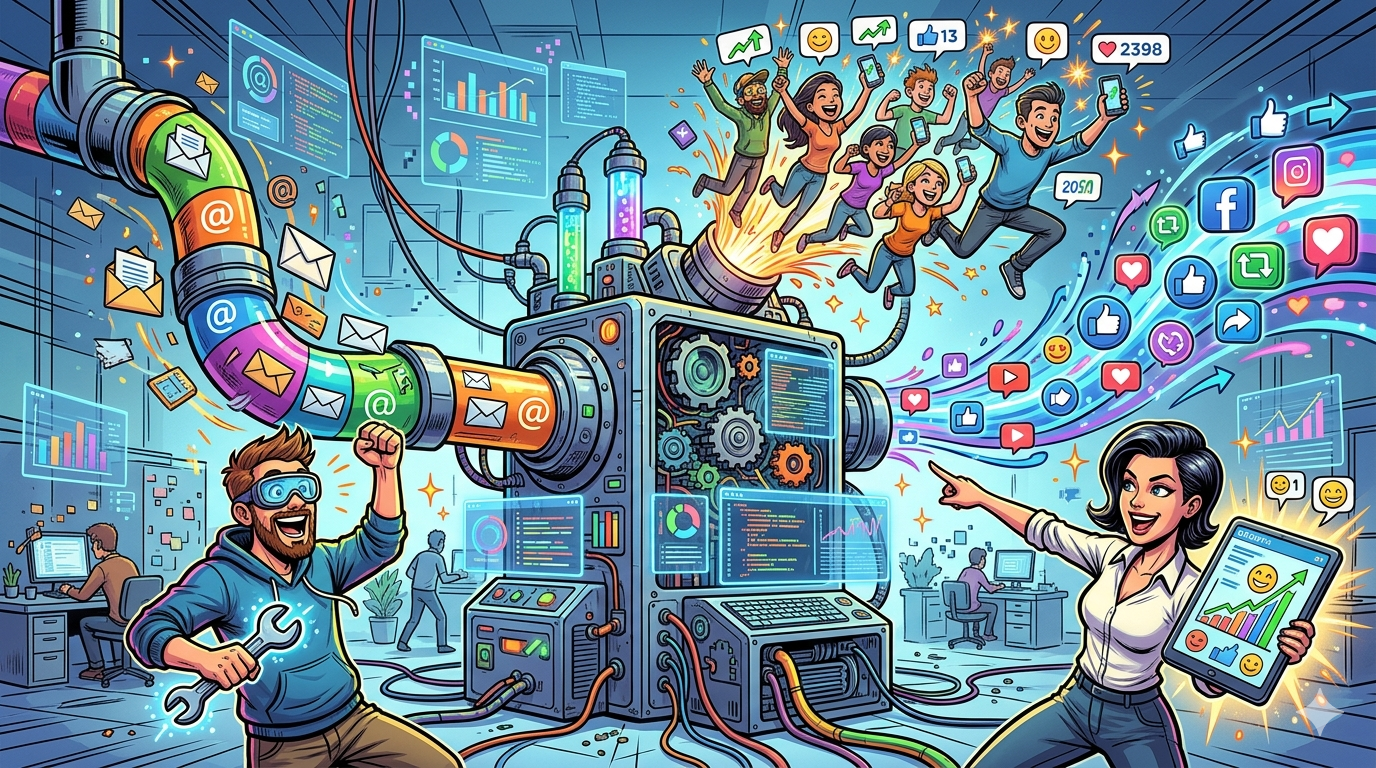
Most marketing teams run email and social media as separate operations with separate dashboards, separate calendars, and separate data. That fragmentation creates blind spots — you cannot retarget an email subscriber on Instagram, you cannot sync a social lead into a drip sequence without a manual CSV export, and your reporting never tells the full story. The tools in this guide solve that problem by connecting email campaigns and social media workflows inside a single platform, so your data flows in both directions and your messaging stays consistent across channels.
If you need the short answer: HubSpot is the strongest all-in-one option for teams that want native social scheduling, ad audience syncing, and email automation under one roof, but its social features only unlock at $890 per month. Brevo is the budget pick if your priority is email volume without contact-based pricing. Mailchimp works well for small teams that want simple social posting alongside email. Omnisend is purpose-built for ecommerce brands that need Facebook and Google ad retargeting tied directly to shopping behavior. ActiveCampaign is the automation-first choice for teams that want to push email segments into Facebook Custom Audiences through workflow triggers.
This guide breaks down each tool's social media integration capabilities, email marketing features, pricing, and real limitations so you can match the right platform to your team's actual workflow.
Best Tools for Email and Social Media Integration (Quick Comparison)
| Feature | HubSpot | Brevo | Mailchimp | Omnisend | ActiveCampaign |
|---|---|---|---|---|---|
| Starting Price | $20/mo (email); $890/mo (social) | Free (300 emails/day); $9/mo Starter | Free (250 contacts); $13/mo Essentials | Free (250 contacts); $16/mo Standard | $15/mo (1,000 contacts) |
| Social Media Posting | Native scheduling (Facebook, Instagram, LinkedIn, X, YouTube, Pinterest) | Limited — primarily social ads | Social posting and scheduling included | Facebook and Google ad sync only | No native social posting |
| Ad Audience Sync | Facebook, Google, LinkedIn ad audiences | Facebook Ads integration | Facebook, Instagram, Google retargeting ads | Facebook Custom Audiences, Google Customer Match | Facebook Custom Audiences via automation |
| Email Automation | Advanced multi-step workflows | Multi-channel automation (email, SMS, WhatsApp) | Basic to advanced depending on plan | Pre-built ecommerce workflows | Industry-leading automation builder |
| Best For | Mid-market teams wanting everything in one CRM | Budget-conscious teams with large contact lists | Small businesses wanting simplicity | Ecommerce brands on Shopify/WooCommerce | Automation-heavy B2B teams |
1. HubSpot
What It Does
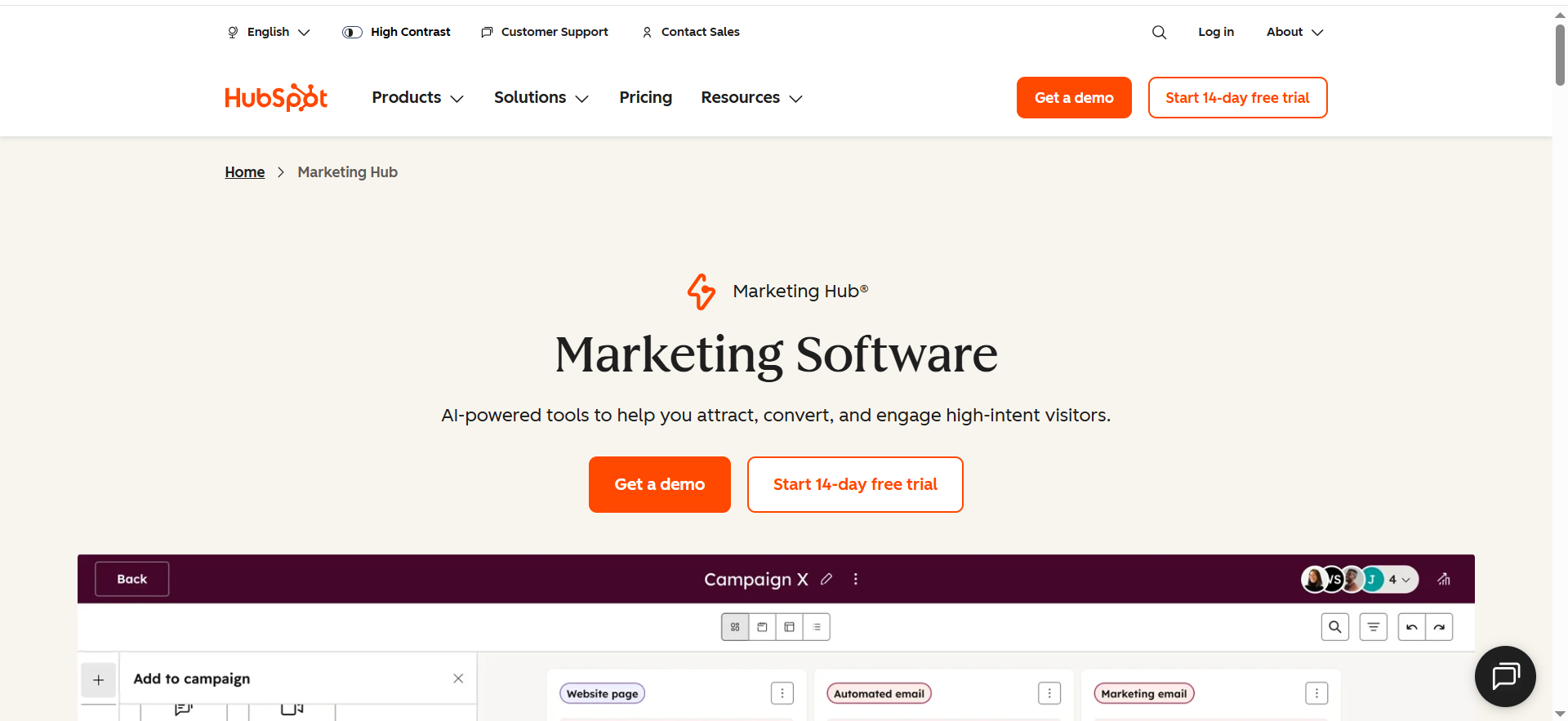
HubSpot Marketing Hub combines email marketing, social media management, ad tracking, landing pages, and CRM in a single platform. The social media module lets you schedule posts across Facebook, Instagram, LinkedIn, X (Twitter), YouTube, and Pinterest directly from the marketing dashboard, while the email tool handles campaign creation, A/B testing, and list segmentation. Both channels feed data back into the same CRM, meaning every contact record shows email engagement alongside social interactions.
Why Teams Use It
The main draw is that HubSpot eliminates the need for separate social scheduling tools. Marketing teams that already use HubSpot for CRM or sales get social media management included in their Professional plan without bolting on a third-party tool like Hootsuite or Buffer. The unified reporting dashboard shows how social posts drive email signups and how email campaigns drive social engagement, which is difficult to replicate when tools are disconnected.
What It Is Good For
HubSpot excels when your team needs a single source of truth for contact data across email and social. The ad audience syncing feature lets you push email segments directly into Facebook, Google, and LinkedIn ad audiences without exporting CSVs. The social inbox consolidates mentions, comments, and messages from connected platforms, so your team can respond without switching tabs. The email editor is drag-and-drop with smart content blocks that personalize based on CRM data.
When It Is a Good Fit
HubSpot is a strong fit for B2B SaaS companies and growth-stage startups that already use or plan to use HubSpot CRM. If your team has three or more people touching both email and social campaigns and you want attribution reporting that connects the dots between channels, the Professional plan justifies its cost. It is also well-suited for teams running LinkedIn-heavy strategies alongside email nurture sequences.
When It Is Not a Good Fit
HubSpot is not ideal if you only need email marketing. The social features are locked behind the $890 per month Professional plan, and you cannot purchase them separately. Solo marketers or early-stage startups with tight budgets will find the pricing difficult to justify. If your social strategy is TikTok-first or Threads-first, HubSpot does not support those platforms yet. Teams that need deep social listening or influencer management will still need a dedicated tool.
How to Use It
Start by connecting your social accounts in the Marketing Hub settings. Use the social publishing calendar to schedule posts alongside email campaigns so your messaging aligns. Set up smart lists in the CRM to segment contacts by engagement type — for example, contacts who opened an email and clicked a social ad. Use the ads tool to sync those lists to Facebook or LinkedIn for retargeting. Monitor performance through the campaigns tool, which groups emails, social posts, and ads under a single campaign for unified reporting.
Key Capabilities
HubSpot's key capabilities for email and social media integration include native social post scheduling across six platforms, ad audience syncing with Facebook, Google, and LinkedIn, a social inbox for centralized engagement, smart content personalization in emails based on CRM data, campaign attribution reporting that ties social interactions to email conversions, A/B testing for email subject lines and content, blog and landing page integration with social sharing, and workflow automation that triggers emails based on social ad interactions.
Pricing
HubSpot Marketing Hub pricing starts at $20 per month for the Starter plan, which includes email marketing, forms, and basic automation for 1,000 marketing contacts. The Professional plan starts at $890 per month with three included seats and 2,000 marketing contacts, and this is the minimum tier required for social media management features. There is also a one-time onboarding fee of $3,000 for Professional. Enterprise pricing starts at $3,600 per month. Additional marketing contacts are charged in increments.
Free Tier
Yes. HubSpot offers a free CRM with basic email marketing (up to 2,000 emails per month), forms, and limited reporting. However, the free tier does not include social media management, ad audience syncing, or advanced automation. You get the CRM foundation but not the email-social integration that makes HubSpot distinctive.
Downsides and Limitations
The biggest limitation is cost. Social media features require Professional at $890 per month minimum, which is a steep entry point for teams that may not need the full Marketing Hub suite. The social tool does not support TikTok, Threads, or Bluesky. Social listening is basic compared to dedicated tools like Brandwatch or Sprout Social. The email sending limit is tied to your marketing contact tier at a 5x multiplier, which can become restrictive for high-volume senders. The onboarding fee adds $3,000 upfront. Contact-based pricing means costs scale quickly as your database grows.
2. Brevo
What It Does
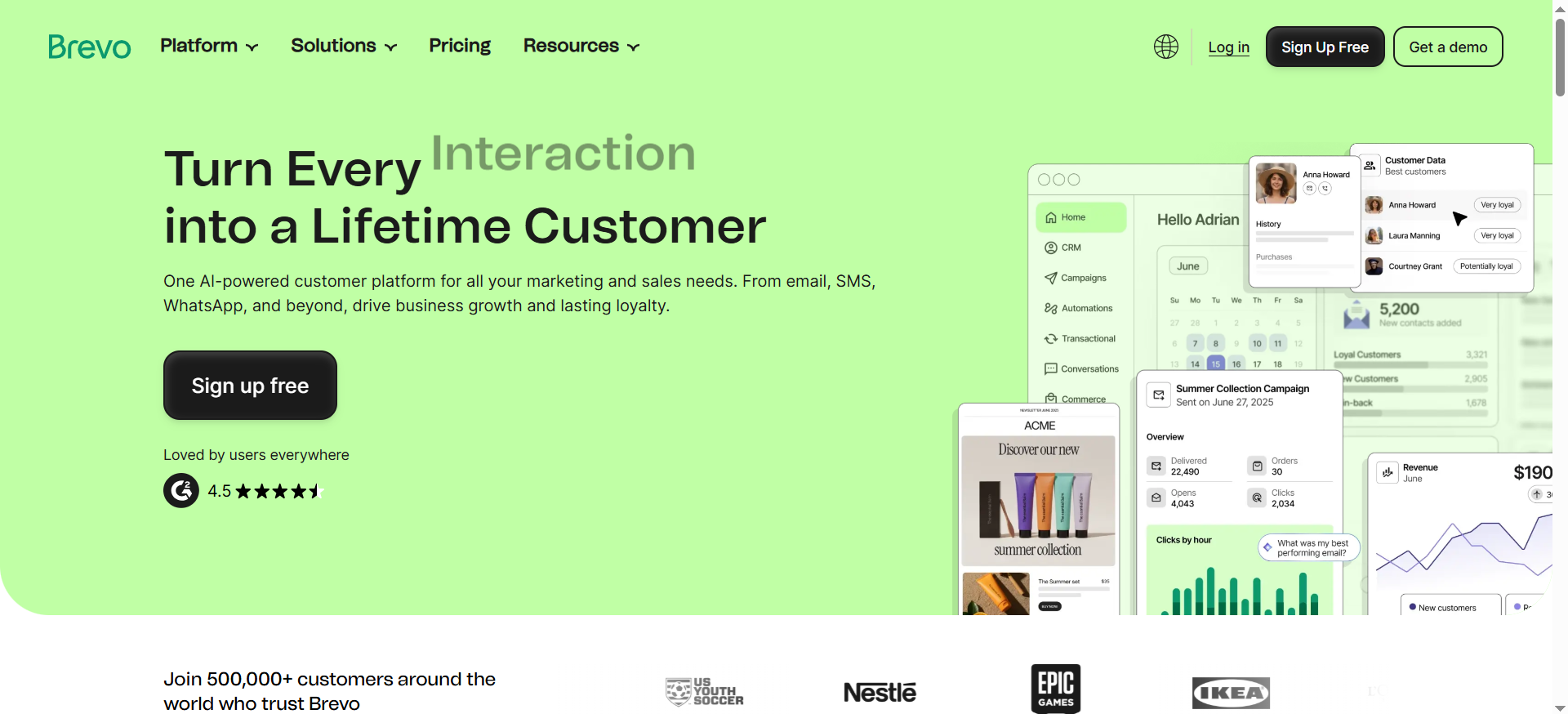
Brevo (formerly Sendinblue) is a multi-channel marketing platform that handles email campaigns, SMS, WhatsApp messaging, and chat from a single dashboard. On the social media side, Brevo integrates with Facebook Ads to let you create retargeting audiences from your email lists and run ads directly tied to your contact segments. The platform is built around volume-based pricing rather than contact-based pricing, so you pay for emails sent rather than contacts stored.
Why Teams Use It
Teams choose Brevo primarily because of its pricing model. Unlike most competitors that charge based on contact list size, Brevo charges based on email volume instead, with generous contact limits — up to 100,000 contacts on the free plan. This makes it especially attractive for businesses with large databases but moderate sending frequencies. The Facebook Ads integration adds a social retargeting layer without requiring a separate ad management tool.
What It Is Good For
Brevo is strong for teams that need affordable multi-channel communication. The automation workflow editor supports complex logic branches, A/B testing of entire paths, and cross-channel triggers that can send emails and WhatsApp messages based on user behavior. The Facebook Ads integration lets you sync email segments to create Custom Audiences for retargeting, which bridges the gap between email engagement and social ad targeting. The transactional email infrastructure is also robust, making Brevo a good pick for SaaS companies that need both marketing and transactional messaging.
When It Is a Good Fit
Brevo fits well for small to mid-sized businesses with large contact lists that want to avoid contact-based pricing surprises. If your social media integration needs are limited to Facebook ad retargeting from email segments — rather than full social scheduling — Brevo covers that at a fraction of HubSpot's cost. It is also a good fit for teams that use WhatsApp as a communication channel alongside email, particularly in European and APAC markets.
When It Is Not a Good Fit
Brevo is not the right choice if you need native social media scheduling, publishing, or a social inbox. It does not compete with HubSpot or Mailchimp on social content management — the social integration is primarily about ad audience syncing rather than organic social posting. Teams that need advanced CRM features will find Brevo's CRM basic compared to HubSpot or ActiveCampaign. The email editor, while functional, has fewer design options than Mailchimp.
How to Use It
Set up your email campaigns using the drag-and-drop editor and build segments based on contact behavior or attributes. Connect your Facebook Ads account through the integrations menu to sync contact segments as Custom Audiences. Use the automation workflow builder to create sequences that trigger emails, SMS, or WhatsApp messages based on engagement events. For retargeting, build a segment of contacts who opened but did not convert from an email campaign, then push that segment to Facebook Ads for a follow-up social touchpoint.
Key Capabilities
Brevo offers generous contact storage with volume-based email pricing, a drag-and-drop email editor with AI content generation, multi-channel automation across email, SMS, and WhatsApp, Facebook Ads audience syncing for retargeting, transactional email support with dedicated IP options, advanced segmentation with behavioral and demographic filters, A/B testing for email campaigns and automation paths, and real-time analytics with heat maps for email engagement tracking.
Pricing
Brevo uses volume-based pricing. The Free plan allows 300 emails per day with up to 100,000 contacts. The Starter plan starts at $9 per month for higher sending limits. The Standard plan starts at $18 per month and adds marketing automation, A/B testing, and advanced statistics. Higher tiers include a Professional plan for high-volume senders and an Enterprise plan with custom pricing, dedicated account management, and priority support. Removing the Brevo branding logo from emails costs an additional $9 per month add-on.
Free Tier
Yes. Brevo's free plan includes up to 100,000 contacts, up to 300 emails per day, the email editor, and basic segmentation. It does not include automation workflows, A/B testing, or Facebook Ads integration. The free tier is genuinely useful for getting started, though the daily sending cap limits it for active campaigns.
Downsides and Limitations
Brevo's social media capabilities are narrow — it covers Facebook Ads retargeting but does not offer organic social posting, scheduling, or a social inbox. The email editor has fewer templates and design flexibility than Mailchimp. The free plan includes Brevo branding on all emails. The CRM is functional but shallow compared to HubSpot or ActiveCampaign. Customer support quality varies by plan tier, with faster response times locked behind higher-priced plans. The platform can feel fragmented when you need features that span multiple Brevo product lines like Marketing Platform, Sales Platform, and Conversations.
3. Mailchimp
What It Does
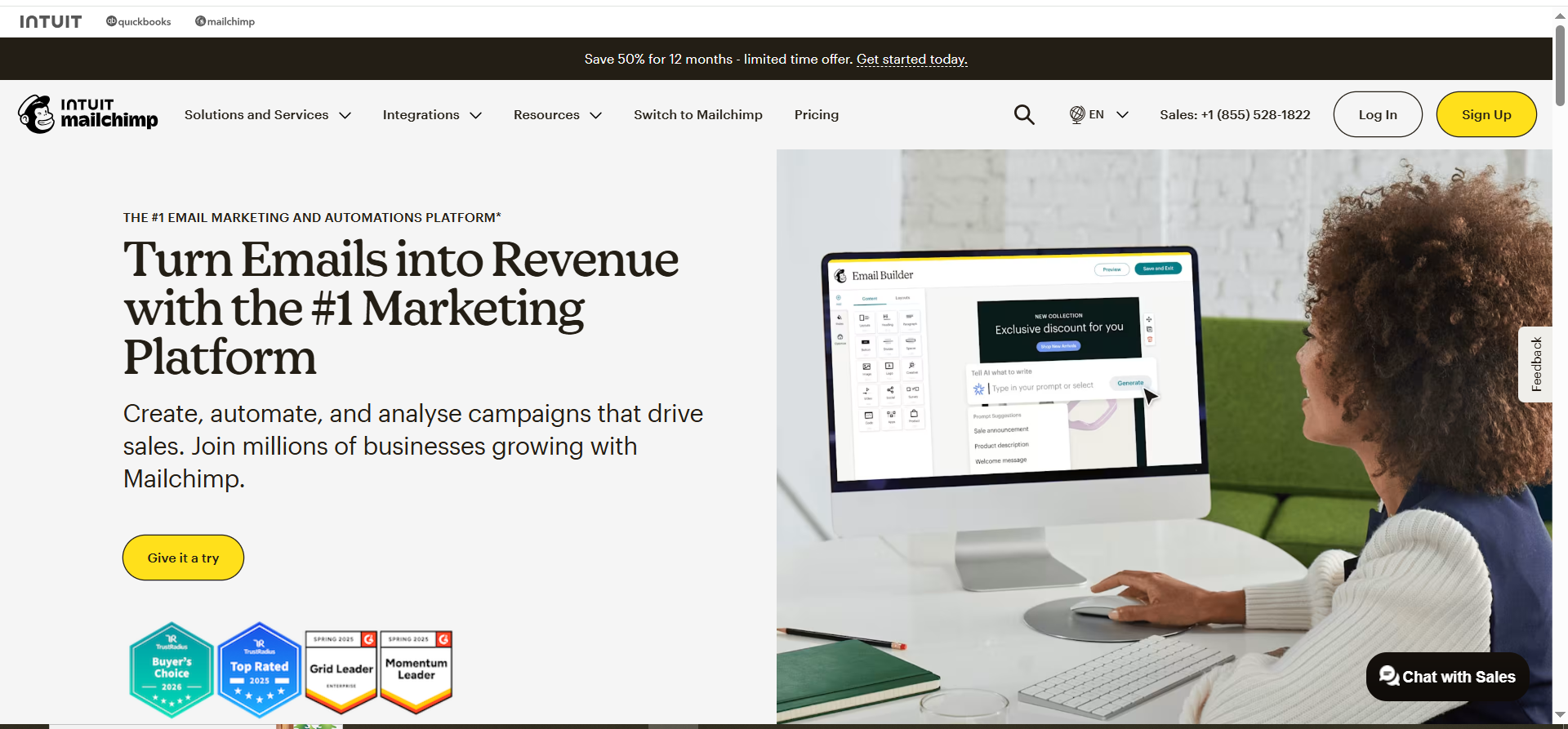
Mailchimp is an email marketing platform with built-in social media posting, ad management, and audience tools. You can create and schedule social posts for Facebook, Instagram, and X directly from the Mailchimp dashboard, run retargeting ads on Facebook and Instagram, and connect your social audiences to your email subscriber lists. The platform also includes a website builder, landing pages, and basic CRM features, positioning it as an all-in-one marketing hub for small businesses.
Why Teams Use It
Mailchimp has one of the most intuitive interfaces in email marketing, and the social media posting feature removes the need for a separate scheduling tool for small teams. The audience dashboard shows a combined view of email subscribers and social followers, making it easier to spot overlap and target cross-channel campaigns. For small businesses and solo marketers, Mailchimp's simplicity and brand recognition make it a natural starting point.
What It Is Good For
Mailchimp is well-suited for small businesses that want to manage email campaigns and basic social posting from one place without learning a complex platform. The social posting tool lets you draft, schedule, and publish posts to Facebook, Instagram, and X with the same content calendar you use for emails. The retargeting ads feature lets you create Facebook and Instagram ad campaigns targeting people who have visited your website or interacted with your emails. The content studio stores images, files, and brand assets in one library accessible for both email and social content.
When It Is a Good Fit
Mailchimp is a good fit for small teams, freelancers, and early-stage startups that need email marketing with light social media management included. If your social strategy is primarily Facebook and Instagram — and you want to schedule posts, run retargeting ads, and manage your email list in the same tool — Mailchimp handles that cleanly. It is also well-suited for content creators and small ecommerce stores that want simple audience segmentation without deep automation complexity.
When It Is Not a Good Fit
Mailchimp is not ideal for teams that need advanced automation, deep CRM, or social features beyond basic posting. The automation builder is limited compared to ActiveCampaign or HubSpot. Social scheduling does not include LinkedIn, Pinterest, or YouTube — a significant gap for B2B teams. Pricing scales steeply as your contact list grows, and recent price increases have made it less competitive for mid-sized lists. If you need advanced social listening, influencer tracking, or multi-platform ad management, Mailchimp will not cover those needs.
How to Use It
Connect your Facebook, Instagram, and X accounts in the Integrations section. Use the Create menu to build a social post alongside your email campaign, selecting the platforms and scheduling the publish time. For retargeting, navigate to the Ads section and create a Facebook or Instagram retargeting campaign using your Mailchimp audience data. Use tags and segments to organize contacts by engagement — for example, creating a segment of email openers who also clicked a social ad — and target that segment in your next campaign.
Key Capabilities
Mailchimp's email and social media integration features include social media post creation and scheduling for Facebook, Instagram, and X, Facebook and Instagram retargeting ad campaigns, an audience dashboard combining email and social data, a content studio for shared assets across channels, pre-built email templates with social sharing buttons, basic automation with triggers for email and ad engagement, landing page builder with social tracking, and postcards (physical mail) as an additional marketing channel.
Pricing
Mailchimp's pricing starts with a Free plan for up to 250 contacts and 500 email sends per month. The Essentials plan starts at $13 per month and includes email scheduling, A/B testing, and basic automation. The Standard plan starts at $20 per month and adds advanced segmentation, behavioral targeting, and the content optimizer. The Premium plan starts at $350 per month for advanced multivariate testing, comparative reporting, and phone support. Pricing scales based on contact count — at 10,000 contacts, the Standard plan costs approximately $135 per month. Note that Mailchimp raised prices in April 2026, with legacy plan users seeing 11 to 13 percent increases on average.
Free Tier
Yes. Mailchimp's free plan covers 250 contacts, 500 email sends per month, basic templates, and the content studio. Social posting is available on the free tier with limited features. The free plan includes Mailchimp branding and has limited support. It is functional for solo operators testing the platform but restrictive for active marketing.
Downsides and Limitations
Mailchimp's social media features are basic compared to dedicated social tools. Social scheduling only supports Facebook, Instagram, and X — no LinkedIn, Pinterest, TikTok, or YouTube. The automation builder lacks the depth and flexibility of ActiveCampaign or HubSpot. Pricing becomes expensive at scale, particularly with recent price increases. The free plan is increasingly restrictive with only 250 contacts. Some advanced features like comparative reporting and multivariate testing are locked behind the $350 per month Premium plan. The platform charges separately for transactional emails and SMS, adding hidden costs.
4. Omnisend
What It Does
Omnisend is an email and SMS marketing platform built specifically for ecommerce businesses. Its social media integration focuses on ad audience syncing rather than organic posting — you can automatically sync customer segments to Facebook Custom Audiences and Google Customer Match to run retargeting campaigns that respond to real-time shopping behavior. The platform connects natively with Shopify, WooCommerce, BigCommerce, and other ecommerce platforms, pulling purchase and browsing data directly into your marketing workflows.
Why Teams Use It
Ecommerce teams choose Omnisend because it connects email, SMS, push notifications, and social ad retargeting into a single workflow driven by shopping behavior. When a customer abandons a cart, Omnisend can simultaneously trigger an abandonment email, an SMS reminder, and add that customer to a Facebook retargeting audience — all from one automation. The direct ecommerce platform integrations mean product data, order history, and browsing behavior are available as segmentation criteria without manual imports.
What It Is Good For
Omnisend is purpose-built for ecommerce marketing workflows that span email and paid social. The Facebook Custom Audiences sync automatically moves customers in and out of ad audiences based on their behavior — if someone abandons a cart, they enter the retargeting audience, and when they purchase, they are automatically removed to avoid wasted ad spend. Google Customer Match works similarly, pushing segments to Google Search, Shopping, Gmail, and YouTube ads. The pre-built automation workflows for cart abandonment, welcome series, order confirmation, and win-back campaigns include cross-channel steps out of the box.
When It Is a Good Fit
Omnisend is a strong fit for ecommerce brands on Shopify or WooCommerce that want email, SMS, and social ad retargeting managed from one platform without cobbling together multiple tools. If your primary social media integration need is syncing customer segments to Facebook and Google ad audiences based on purchase behavior, Omnisend handles this more elegantly than general-purpose email tools. It is also well-suited for DTC brands running high-volume email campaigns alongside retargeting ads.
When It Is Not a Good Fit
Omnisend is not the right tool if you are not in ecommerce. The entire platform is designed around shopping workflows, product feeds, and transactional triggers that do not translate to B2B SaaS, media, or service businesses. It does not offer social media post scheduling, social inbox management, or organic social features — the social integration is exclusively about paid ad audience syncing. Teams that need LinkedIn integration, social content calendars, or social listening will need a separate tool.
How to Use It
Connect your ecommerce store through the one-click integration for Shopify, WooCommerce, or BigCommerce. Link your Facebook Ads and Google Ads accounts in the Integrations section. Build customer segments based on purchase history, browsing behavior, or email engagement — for example, customers who bought in the last 30 days or subscribers who opened three or more emails. Enable the Facebook Custom Audiences sync for those segments so they update automatically as customers move in and out. Build automation workflows that combine email, SMS, and push notifications with ad audience triggers for a true omnichannel flow.
Key Capabilities
Omnisend's key capabilities for email and social media integration include automatic Facebook Custom Audiences syncing based on dynamic customer segments, Google Customer Match integration for ads across Search, Shopping, Gmail, and YouTube, pre-built ecommerce automation workflows with cross-channel steps, real-time segment updates that add and remove customers from ad audiences based on behavior, native Shopify, WooCommerce, and BigCommerce integrations, SMS and push notification channels alongside email, product recommendation blocks in emails pulled from store data, and over 200 pre-built integrations.
Pricing
Omnisend's Standard plan starts at $16 per month for 500 contacts and 6,000 emails per month, plus $1 of SMS credits. The Pro plan starts at $59 per month for 500 contacts and includes unlimited emails and push notifications, with SMS credits equal to your monthly subscription value. Facebook and Google ad audience syncing is included on all plans, including the free tier. Pricing scales based on contact count, and costs increase at higher tiers.
Free Tier
Yes. Omnisend's free plan covers up to 250 reachable contacts, 500 emails per month, and 60 SMS messages. It includes pre-built automation workflows, sign-up forms, and the Facebook Custom Audiences sync feature. The free tier is limited in email volume but includes the social ad integration that makes Omnisend distinctive, making it genuinely useful for testing the platform with a small audience.
Downsides and Limitations
Omnisend is exclusively designed for ecommerce, so non-ecommerce businesses will find it poorly suited. There is no organic social media posting, scheduling, or social inbox. The social integration is limited to Facebook and Google ad audience syncing — no LinkedIn, X, Pinterest, or TikTok ad integrations. The email template library is smaller than Mailchimp's. Pricing scales as contacts grow, and the platform does not offer unlimited contacts on any plan. Advanced reporting and analytics are locked behind higher-priced tiers. The CRM is minimal compared to HubSpot or ActiveCampaign.
5. ActiveCampaign
What It Does
ActiveCampaign is a marketing automation platform that combines email marketing, CRM, and sales automation with social media ad audience integrations. The social integration centers on its Facebook Custom Audiences connection, which lets you use ActiveCampaign's automation builder to add and remove contacts from Facebook ad audiences based on workflow triggers, form submissions, email engagement, deal stage changes, and virtually any other event tracked in the CRM.
Why Teams Use It
Teams choose ActiveCampaign for its automation builder, which is widely considered the most powerful in the email marketing category. The ability to trigger Facebook Custom Audience additions and removals from within automation workflows means your social retargeting responds to real CRM events — not just static list syncs. For B2B teams running account-based marketing, the combination of CRM pipeline stages, email sequences, and Facebook audience targeting creates a coordinated multi-channel approach that few competitors match at this price point.
What It Is Good For
ActiveCampaign is strongest when your email-to-social integration needs are automation-driven. You can build workflows where a contact who fills out a form is segmented based on their responses, added to a targeted email sequence, and simultaneously pushed into a Facebook Custom Audience for ad retargeting — all without manual intervention. The CRM integration means you can trigger audience changes based on deal stages, lead scores, or sales activities. This makes it especially powerful for B2B companies with longer sales cycles where nurture sequences and retargeting need to stay synchronized.
When It Is a Good Fit
ActiveCampaign is a strong fit for B2B SaaS companies, agencies, and service businesses that prioritize marketing automation and want their Facebook ad targeting tied to CRM and email behavior. If your team runs complex drip campaigns with conditional logic and you want those same conditions to control who sees your Facebook ads, ActiveCampaign is the most capable option under $100 per month. It is also well-suited for teams that need CRM and email marketing in the same tool without paying HubSpot Professional pricing.
When It Is Not a Good Fit
ActiveCampaign does not include social media post scheduling, social content management, or a social inbox. The social integration is limited to Facebook Custom Audiences — there is no native Google Ads, LinkedIn Ads, or X Ads integration built into the platform. Teams that need to schedule organic social posts alongside email campaigns will need a separate tool. The interface has a steeper learning curve than Mailchimp, and the sheer number of features can overwhelm small teams that only need basic email marketing.
How to Use It
Navigate to Settings and then Integrations to connect your Facebook Ads account. In the Automations section, add a Facebook Custom Audiences action step to any workflow. For example, build an automation where new subscribers are added to a "Prospects" Custom Audience and when they make a purchase, a subsequent automation step removes them from that audience and adds them to a "Customers" audience. Use form responses, tags, lead scores, or deal stage changes as triggers to control audience membership dynamically. Combine this with conditional email sequences for a coordinated email-plus-social retargeting flow.
Key Capabilities
ActiveCampaign's key capabilities for email and social media integration include Facebook Custom Audiences integration triggered from automation workflows, a visual automation builder with conditional logic, branching, and wait steps, CRM with deal pipeline management and lead scoring, dynamic audience management based on form responses, tags, or deal stages, site tracking and event tracking for behavioral triggers, 900-plus integrations including Facebook Lead Ads for syncing leads to the CRM, machine learning features like predictive sending and win probability, and split testing within automations.
Pricing
ActiveCampaign's Starter plan begins at $15 per month for 1,000 contacts and includes email marketing and basic automation. The Plus plan costs $49 per month and adds CRM, landing pages, and Facebook Custom Audiences integration. The Pro plan costs $79 per month and includes predictive sending, split automations, and attribution reporting. Enterprise starts at $145 per month with custom reporting and dedicated support. All pricing scales with contact count. The Facebook Custom Audiences integration requires the Plus plan or higher.
Free Tier
No. ActiveCampaign does not offer a permanent free plan. There is a 14-day free trial available that gives access to most features, but you need a paid subscription to continue using the platform. This is a notable difference from HubSpot, Brevo, Mailchimp, and Omnisend, all of which offer free tiers.
Downsides and Limitations
ActiveCampaign has no organic social media features — no post scheduling, no social inbox, and no content calendar. The social integration is limited to Facebook Custom Audiences and requires the Plus plan at $49 per month minimum. There is no native Google Ads, LinkedIn Ads, or Pinterest Ads integration. The platform has a steeper learning curve than Mailchimp or Brevo. Contact-based pricing means costs increase as your list grows. The email template library is functional but not as visually polished as Mailchimp's. There is no free plan, only a 14-day trial.
Why Email and Social Media Integration Matters for Marketing Teams
Running email and social media as separate silos creates three problems that directly impact marketing performance. First, your audience data stays fragmented. A subscriber who engages heavily with your emails might never see a reinforcing message on social media because the two systems do not share data. Second, attribution becomes guesswork. If a lead converts after receiving three emails and seeing two social ads, disconnected tools cannot tell you which touchpoints contributed. Third, manual syncing wastes time. Exporting email lists, uploading them to ad platforms, and keeping segments current across tools adds hours of repetitive work every week.
Integration solves these problems by creating a two-way data flow between your email platform and social channels. When a contact opens an email, that behavior can automatically adjust their social ad targeting. When someone clicks a social ad and fills out a form, they enter an email sequence without manual input. The result is more relevant messaging, better attribution, and less time spent on data management.
How to Choose the Right Email and Social Media Integration Tool
Choosing the right tool comes down to matching your actual integration needs to each platform's strengths. Start by identifying what "email and social media integration" means for your specific workflow. If you need organic social post scheduling alongside email campaigns, your options are HubSpot and Mailchimp. If your integration need is primarily syncing email segments to social ad audiences for retargeting, Brevo, Omnisend, and ActiveCampaign all handle that differently.
Consider your budget constraints honestly. HubSpot offers the deepest integration but costs $890 per month for social features. Brevo gives you the most contacts for the least money. Mailchimp strikes a middle ground for small teams. Omnisend only makes sense for ecommerce. ActiveCampaign offers the best automation-to-social connection at a mid-range price point. Think about which channels you actually use — if LinkedIn is critical for your B2B strategy, only HubSpot supports it natively. If Facebook retargeting from email segments is your priority, Omnisend and ActiveCampaign both do this well at lower price points than HubSpot.
What Is the Difference Between Native Social Media Integration and Third-Party Connectors
Native social media integration means the email platform has built-in features for social media — scheduling posts, syncing ad audiences, or managing social conversations directly within the platform without external tools. HubSpot and Mailchimp offer native social posting. Omnisend and ActiveCampaign offer native ad audience syncing.
Third-party connectors are tools like Zapier, Make, or native integrations that connect your email platform to a separate social media tool. For example, you could use Zapier to push ActiveCampaign contacts to a Hootsuite audience or sync Brevo email events to a Buffer workflow. These connectors add flexibility but introduce additional costs, potential failure points, and data latency. If your integration needs are straightforward — like syncing email segments to Facebook ads — native integration is almost always more reliable and easier to maintain than a connector-based workaround.
Can You Manage Email and Social Media From One Platform
Yes, but with significant caveats depending on the platform. HubSpot Professional comes closest to a true all-in-one experience, offering email campaigns, social post scheduling, social inbox, ad management, and CRM in one tool — but it costs $890 per month minimum. Mailchimp offers email and social posting together at a much lower price but with more limited social capabilities. The remaining tools — Brevo, Omnisend, and ActiveCampaign — handle email and social ad audience syncing but do not offer organic social posting or content management.
The practical reality is that most teams still use a dedicated social media management tool like Hootsuite, Buffer, or Sprout Social alongside their email platform, and use the email platform's ad audience syncing to bridge the two channels for retargeting purposes. If managing both from one platform is a hard requirement, HubSpot Professional is the only option in this comparison that fully delivers on that promise.
What Does Email and Social Media Integration Cost in 2026
The cost ranges dramatically based on what you need. At the low end, Brevo's free plan gives you up to 100,000 contacts with basic email and no social features, and Omnisend's free plan includes Facebook ad audience syncing for up to 250 contacts. At the mid-range, Mailchimp Standard at $20 per month gets you email plus basic social posting, and ActiveCampaign Plus at $49 per month gets you email automation plus Facebook Custom Audiences. At the high end, HubSpot Professional at $890 per month (plus a $3,000 onboarding fee) gets you the full suite with native social scheduling, ad management, and CRM.
The hidden cost driver across all these platforms is contact count. Every platform except Brevo charges based on contacts, and prices can double or triple as your list grows from 1,000 to 10,000 to 50,000 contacts. Factor in the cost of a separate social media scheduling tool if your email platform does not include one — that adds $30 to $100 per month for tools like Buffer or Hootsuite.
Which Tool Is Best for Ecommerce Email and Social Media Integration
Omnisend is the clear winner for ecommerce. It is the only platform in this comparison built specifically for online stores, with native integrations for Shopify, WooCommerce, and BigCommerce that pull product data, order history, and browsing behavior directly into marketing workflows. The Facebook Custom Audiences and Google Customer Match syncing responds to real-time shopping behavior — cart abandoners are automatically added to retargeting audiences and removed when they purchase, preventing wasted ad spend.
Mailchimp is a reasonable second choice for small ecommerce stores that want simpler functionality with social posting included. HubSpot works for ecommerce teams that also need CRM and are willing to pay the premium. Brevo and ActiveCampaign can serve ecommerce teams but lack the deep product-level integrations and shopping behavior triggers that make Omnisend purpose-built for the use case.
Which Tool Is Best for B2B Email and Social Media Integration
ActiveCampaign and HubSpot are the two strongest options for B2B teams, but they serve different budgets and needs. ActiveCampaign's automation builder lets you tie Facebook ad targeting to CRM deal stages, lead scores, and email engagement, which is ideal for account-based marketing at a mid-range price point starting at $49 per month. HubSpot offers everything ActiveCampaign does plus native LinkedIn ad integration, social post scheduling, and a social inbox — but at $890 per month minimum for those features.
For B2B teams on a tight budget, ActiveCampaign Plus at $49 per month delivers the most automation depth per dollar with Facebook Custom Audiences integration. For B2B teams that need LinkedIn natively and want one platform for everything, HubSpot Professional is worth the investment if the budget allows. Mailchimp and Brevo can work for simple B2B email needs but lack the CRM depth and automation sophistication that longer B2B sales cycles demand.
How to Sync Email Lists With Social Media Ad Audiences
The syncing process varies by platform but follows a similar pattern. In HubSpot, navigate to the Ads tool, connect your Facebook, Google, or LinkedIn ad account, and select which contact lists or smart lists to sync as ad audiences. HubSpot keeps these synced automatically as contacts enter or leave the list.
In ActiveCampaign, connect your Facebook Ads account in Settings, then add a Custom Audiences action step in your automation workflows. Contacts are added or removed based on workflow triggers like form submissions, tag changes, or deal stage updates.
In Omnisend, link your Facebook Ads and Google Ads accounts, then enable audience syncing for your customer segments. Segments update dynamically based on ecommerce behavior, so your ad audiences always reflect current shopping activity.
In Mailchimp, go to the Ads section, connect your Facebook account, and create a retargeting campaign using your Mailchimp audience data. Brevo similarly lets you sync email segments to Facebook Custom Audiences through its ads integration.
The key difference is whether the sync is static (a one-time list upload) or dynamic (automatically updating as contacts change). HubSpot, ActiveCampaign, and Omnisend offer dynamic syncing. Mailchimp and Brevo support dynamic syncing but with fewer behavioral triggers.
Do Free Plans Include Social Media Integration Features
It depends on the platform and what you mean by social media integration. Omnisend's free plan includes Facebook Custom Audiences syncing for up to 250 contacts, making it the most generous free option for ad audience integration. Mailchimp's free plan includes basic social posting to Facebook, Instagram, and X. HubSpot's free CRM includes basic email but no social media features. Brevo's free plan does not include social ad integration. ActiveCampaign does not offer a free plan at all.
If you need social ad audience syncing on a free plan, Omnisend is your only real option. If you need social posting on a free plan, Mailchimp covers that with basic functionality. For any meaningful email and social media integration beyond these basics, expect to pay for a mid-tier plan.



